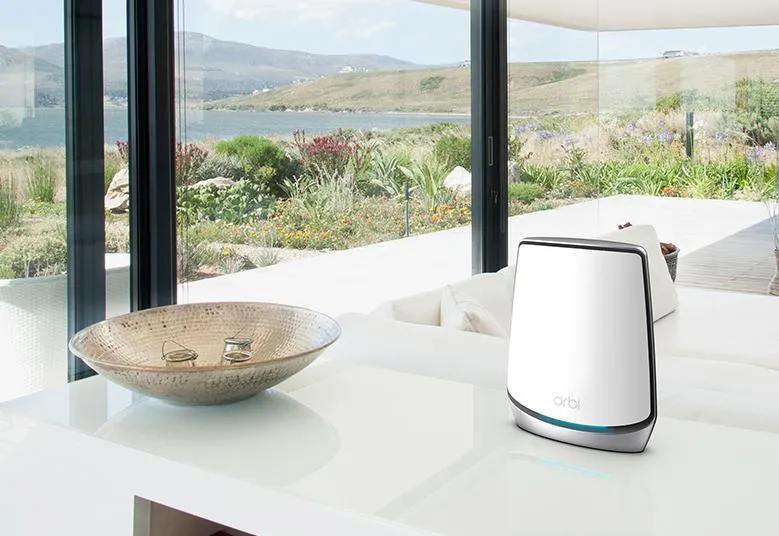
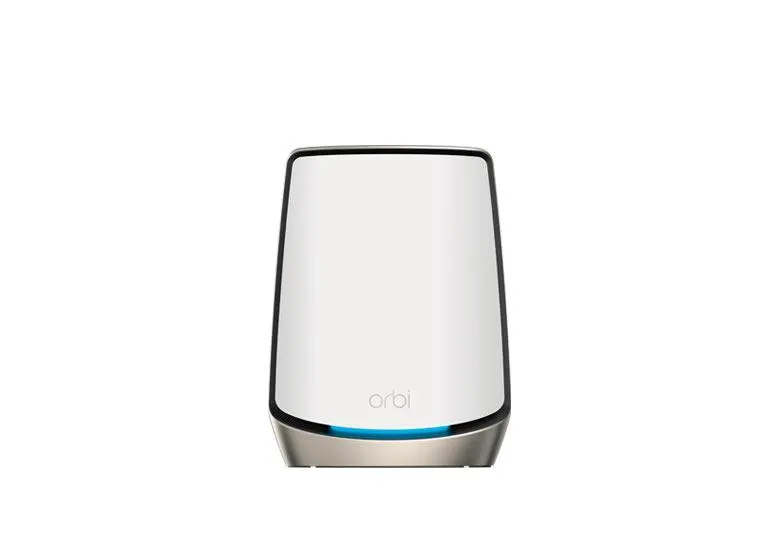
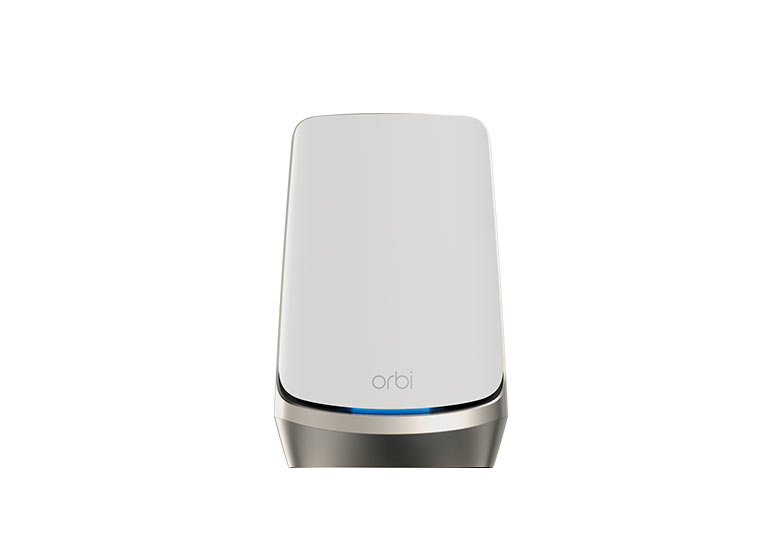
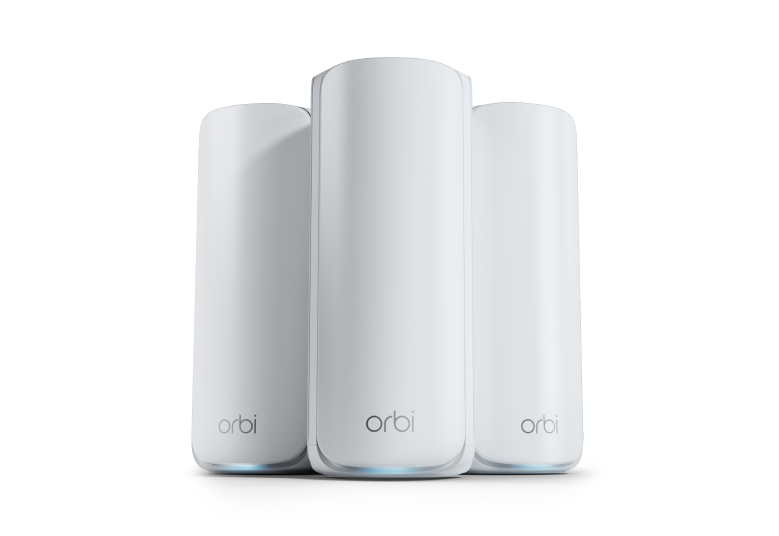
The Netgear Orbi 770 is a strong contender for a home that needs several access points, Wi-Fi 7 compatibility and multi-gigabit wired connections. Rather than replacing one weak router with another, mesh puts a main router and satellites in useful positions around the home. The RBE773 package contains an RBE771 router and two RBE770 satellites; the satellite sold separately extends a compatible system and is not a standalone internet router.
Its appeal is straightforward: tri-band operation, 2.5 Gbps ports and a compact vertical design offer a useful upgrade path without requiring the most expensive Orbi model. Whether that upgrade is worthwhile depends on your existing clients, broadband speed, cable routes and local price.
Tri-Band Wi-Fi 7 and Regional Specifications
The 770 has 2.4 GHz, 5 GHz and 6 GHz radios. Older devices can continue using compatible lower bands; a device needs Wi-Fi 6E or Wi-Fi 7 support to use 6 GHz. Wi-Fi 7 introduces capabilities such as Multi-Link Operation, but a client also needs compatible hardware, drivers and operating-system support to use them.
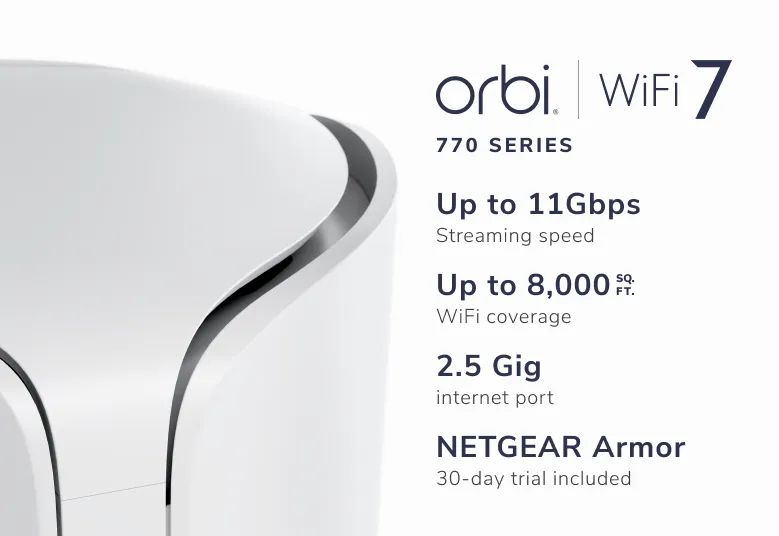
BE11000 is an aggregate advertised wireless signal-rate class, not an 11 Gbps internet connection or a measured download speed. NETGEAR's US RBE773 page advertises up to 11 Gbps. Its EU/AP/CA specification sheet advertises 9.3 Gbps and a different coverage claim. Check the regional SKU and documents supplied with the exact unit rather than applying a US headline to every market.
The June 2024 RBE771/RBE770 manual lists maximum radio rates of 688 Mbps, 4,320 Mbps and 5,760 Mbps. It describes a 240 MHz 5 GHz configuration and 320 MHz on 6 GHz. That does not make every laptop capable of those rates: clients and country rules limit available channels, bandwidth and modulation. The current sheets describe 2x2 radios on each band, so neither a 4x4 5 GHz claim nor a ten-stream assumption is appropriate for this specification summary.
The additional 6 GHz spectrum can offer less competition from older Wi-Fi equipment, but is not interference-free. Walls, other 6 GHz systems and local power rules still matter. A wide channel is useful only when both ends can use it with a sufficiently good signal. Read more about MLO and how it works.
2.5G Multi-Gigabit Wired Networking
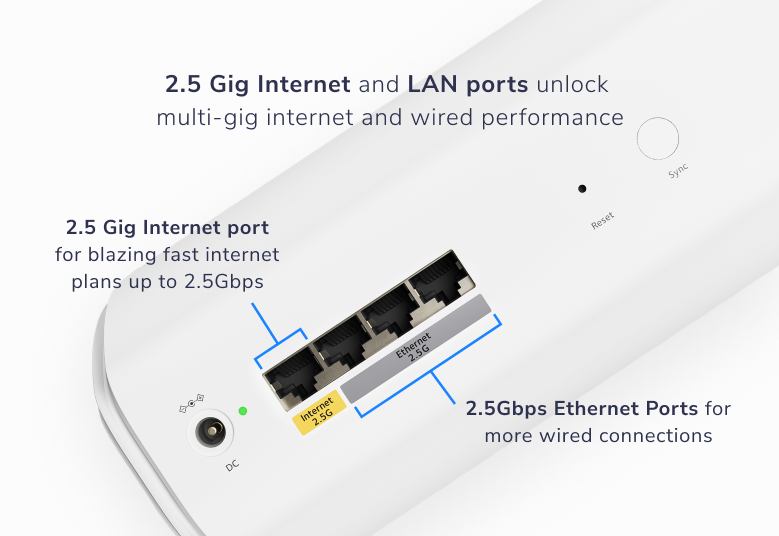
The router provides one 2.5 Gbps internet port and three 2.5 Gbps LAN ports; each satellite has two 2.5 Gbps LAN ports. This is confirmed by the manual and the rear-port graphic. A satellite backhaul cable consumes one of its ports, leaving one for a local wired device. Count connections before deciding whether an additional switch is needed.
A 2.5 Gbps internet port requires a compatible modem or ONT connection and service plan to deliver multi-gigabit internet access. It does not replace a DSL modem or cellular gateway. Local transfers between a computer and NAS can benefit independently of internet speed, provided their adapters, intervening switches and storage can keep up.
Ethernet backhaul avoids using wireless airtime for the inter-node hop, but does not guarantee a specific wireless result. A cable or switch negotiating at 1 Gbps remains a bottleneck. Check the actual negotiated link speed instead of assuming every cable path is multi-gigabit.
Technical Specifications Overview
The following describes the RBE771 router and RBE770 satellites in the RBE773 package. Regional wireless ratings should be checked separately.
| Item | Published specification |
|---|---|
| Wireless bands | 2.4 GHz, 5 GHz and 6 GHz; Wi-Fi 7 |
| US package rating | Up to 11 Gbps aggregate signal rate; up to 8,000 sq ft for the three-pack |
| EU/AP/CA sheet | Up to 9.3 Gbps; up to 540 m², subject to regional conditions |
| Router ports | One 2.5G WAN and three 2.5G LAN |
| Satellite ports | Two 2.5G LAN per satellite |
| Backhaul | Shared 5/6 GHz wireless backhaul with MLO capability; Ethernet option |
| Published client capacity | Up to 100 connected devices; not a guarantee of simultaneous full-rate transfers |
Coverage figures are planning estimates. Building materials, node placement and client radios affect whether a particular room gets a reliable connection. A three-pack can be excessive for a smaller home, while thick walls can require more careful positioning than the area figure suggests.
Evaluating Performance in Your Home
Use a repeatable comparison rather than judging the system by its wireless class. First test near the main router, then at each satellite and in the rooms where you work or stream. Record the client model, band, backhaul type and whether other users are transferring data. An internet speed test includes your ISP and test-server path; a local file transfer assesses a different path.
If you use a local throughput tool such as iperf3, the wired server's adapter and switch must be fast enough for the result you want to assess. Compare both directions and responsiveness during a transfer. Keep actual measurements with the setup details so that a future firmware or placement change can be evaluated fairly.
NETGEAR Armor and Wi-Fi Network Options
NETGEAR advertises Armor powered by Bitdefender as an optional subscription with a trial. Check the current local terms and renewal price rather than assuming permanent inclusion. Security services supplement supported firmware, strong passwords and device updates; they do not guarantee that every threat will be blocked.
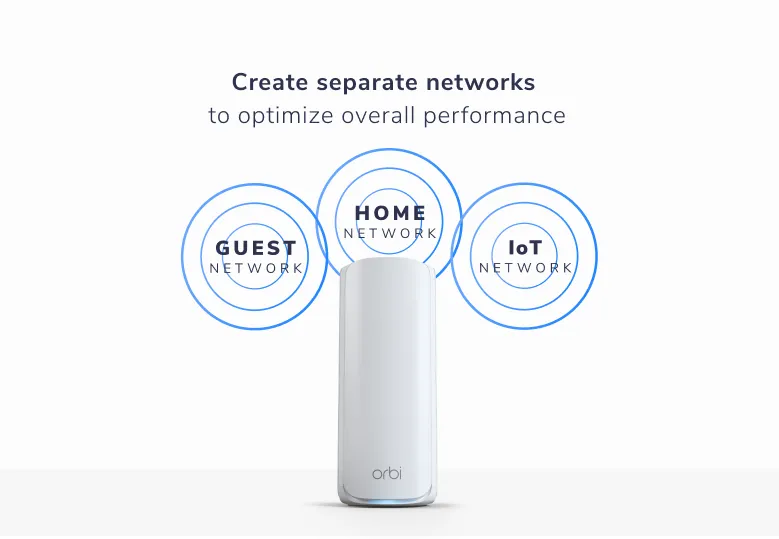
The manual describes separate main, guest and IoT names and selectable lower-frequency bands for the IoT network. This can help pair an older smart device without changing the main network. A separate IoT SSID does not by itself prove a separate subnet or firewall boundary. Verify communication between networks on your actual firmware before relying on isolation for a NAS or hypervisor. Read why WPA3 matters, and use the strongest security mode your devices support.
Using Orbi Behind an Existing Router
If your ISP gateway or homelab firewall already handles routing, AP mode can avoid adding a second layer of routing. In the RBE771 manual, connect the Orbi internet port to the existing router's LAN, then open the local Orbi interface and select ADVANCED > Advanced > Router / AP Mode. Choose AP mode and the documented address-assignment option before applying.
Allow a maintenance window: the management address changes and your browser session disconnects. Find the new address in the upstream router's client list if needed. The upstream router then supplies routing and DHCP; router-dependent Orbi services may be unavailable in AP mode. Bridging to one LAN does not create per-SSID VLAN segmentation automatically. Check the installed firmware's options before making a security design depend on them.
Placement, Power and Maintenance
Use the supplied adapters and keep vents unobstructed. These are indoor devices, so a sheltered outdoor socket does not make an Orbi node an outdoor access point. Position wireless satellites where they still receive a useful connection to the main system, rather than at the centre of a dead zone.
For an energy budget, measure your actual units at the wall under the conditions you care about. Adapter ratings are maximum supply capabilities, not idle consumption. Keep a configuration backup and check router and satellite firmware together when investigating a problem.
Guest Access and Household Management
Set a protected guest network for visitors and test the access behaviour you require. Do not assume every guest or parental-control feature has the same availability in router and AP modes. App functions and paid services can also differ with firmware, region and subscription. Check these requirements before choosing the product, especially if time schedules or remote management are part of the purchase decision.
Final Verdict and Buyer Guidance
The Orbi 770 remains an appealing upgrade for larger homes, smart-home users and home offices that can make use of its tri-band radios and multi-gigabit connections. Its strengths are more useful when compatible clients, well-placed satellites and a suitable backhaul path are already part of the plan. For a small home with modest internet service, the price premium may be difficult to justify.
Compare the exact local package and current service costs, including any Armor subscription, with alternatives. Think about your next client upgrade, but buy for capabilities you can use rather than a promise of unlimited future compatibility. Visit the official Orbi 770 page and the regional documentation before ordering.