We use optional analytics cookies to understand how readers use TechDecode. Accept enables analytics; Deny keeps it off. You can change your choice at any time. Advertising choices are handled separately by Google's consent message.
Functional Always active
Essential site operation and storage of your consent choice. These cannot be switched off here.
Preferences Theme setting
Your selected light or dark theme is saved when you use the theme selector.
Allow Google Analytics to measure visits and site usage.
Marketing Managed by Google
Use Google's certified consent message to review advertising purposes and vendors.
A smart home is just one of the amazing things that can be controlled and built with your own homelab. Let's take a look at a privacy-first install built for your smart home control.
When it comes to managing our plants and gardens, we have looked at the self-hosted service called Plant-it before. Today we look at an alternative: HortusFox.
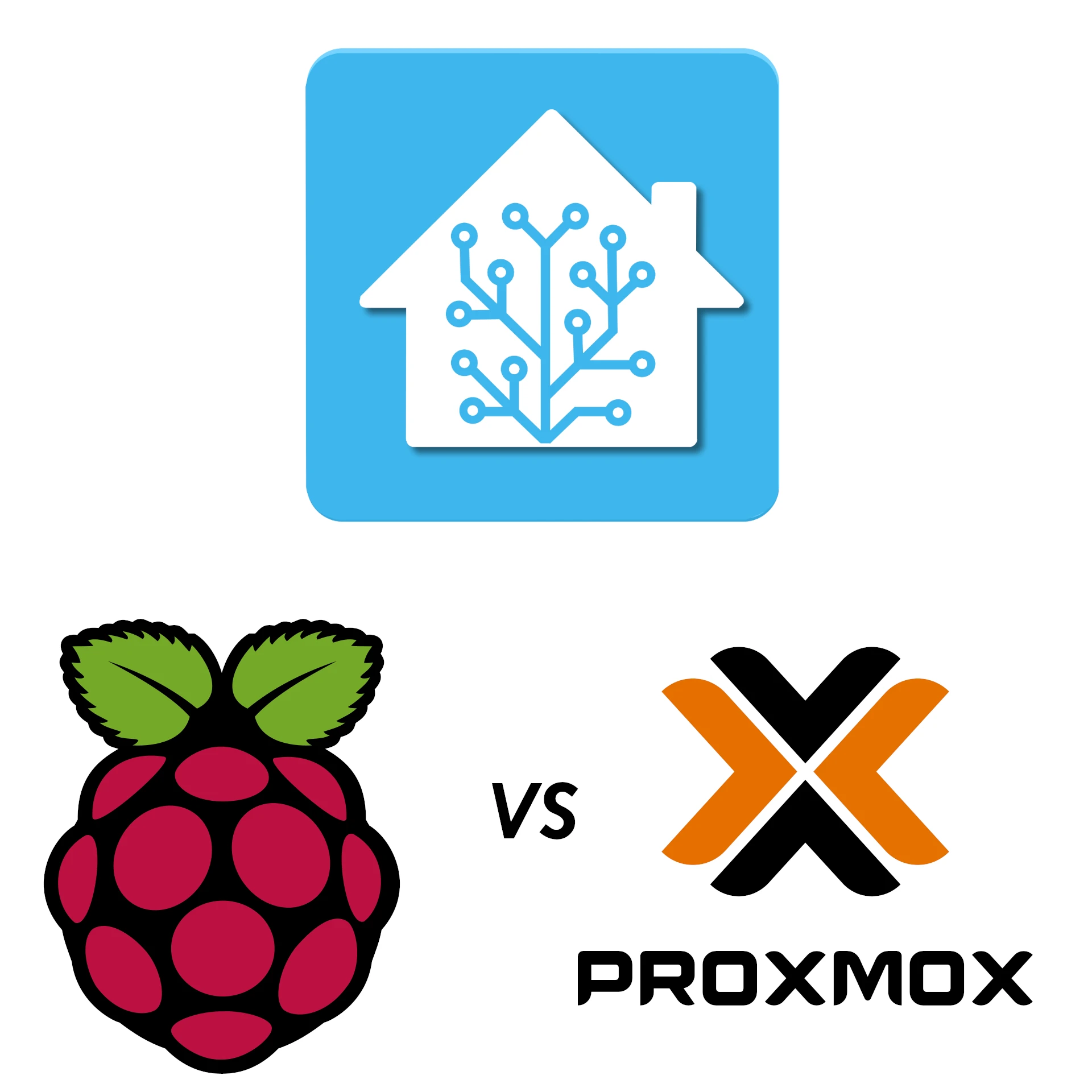
Running Home Assistant in your homelab is a must for most self-hosters. But should you run it in your Proxmox instance or on your Raspberry Pi? Let's take a look at a detailed comparison between the two options.
We all need some music in our life - be it from purchased music albums or internet radio. Lyrion will fulfill this requirement in your homelab setup with ease.
Learn Node-RED’s visual flows, how it complements Home Assistant and n8n, and the message, security, persistence and testing basics for dependable automation.
Plan a Frigate recorder with a verified camera stream, authenticated access, current recording settings, deliberate detection tuning and tested footage recovery.
What Home Assistant’s Matter certification covers, how controllers and Thread border routers differ, and how to verify a supported device on your network.
Choose a compatible PiSugar battery module, check its power limits, install the correct manager and verify graceful shutdown and recovery for a portable Raspberry Pi project.
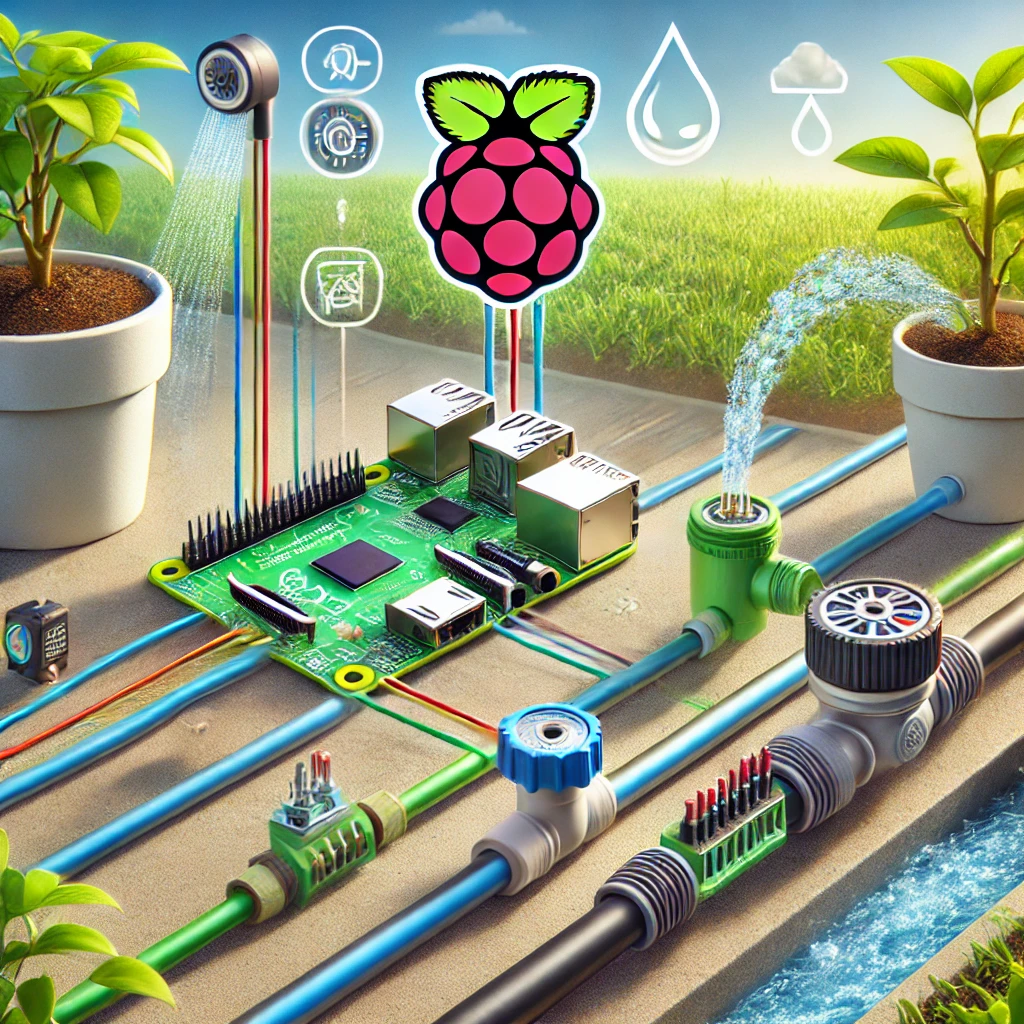
Build an attended irrigation prototype with compatible GPIO control and DC power, verify one bounded pulse, measure water flow and plan sensor and restart behaviour.
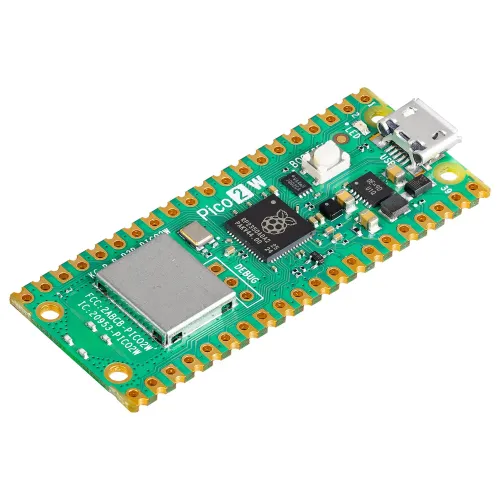
Understand Pico 2 W’s Wi-Fi 4 and Bluetooth features, current ESPHome support, firmware choices and practical power, antenna and project-planning limits.
Running Home Assistant on a Raspberry Pi is an affordable and flexible way to set up a smart home hub. Whether you’re a tech enthusiast or a beginner, this guide will walk you through the process.
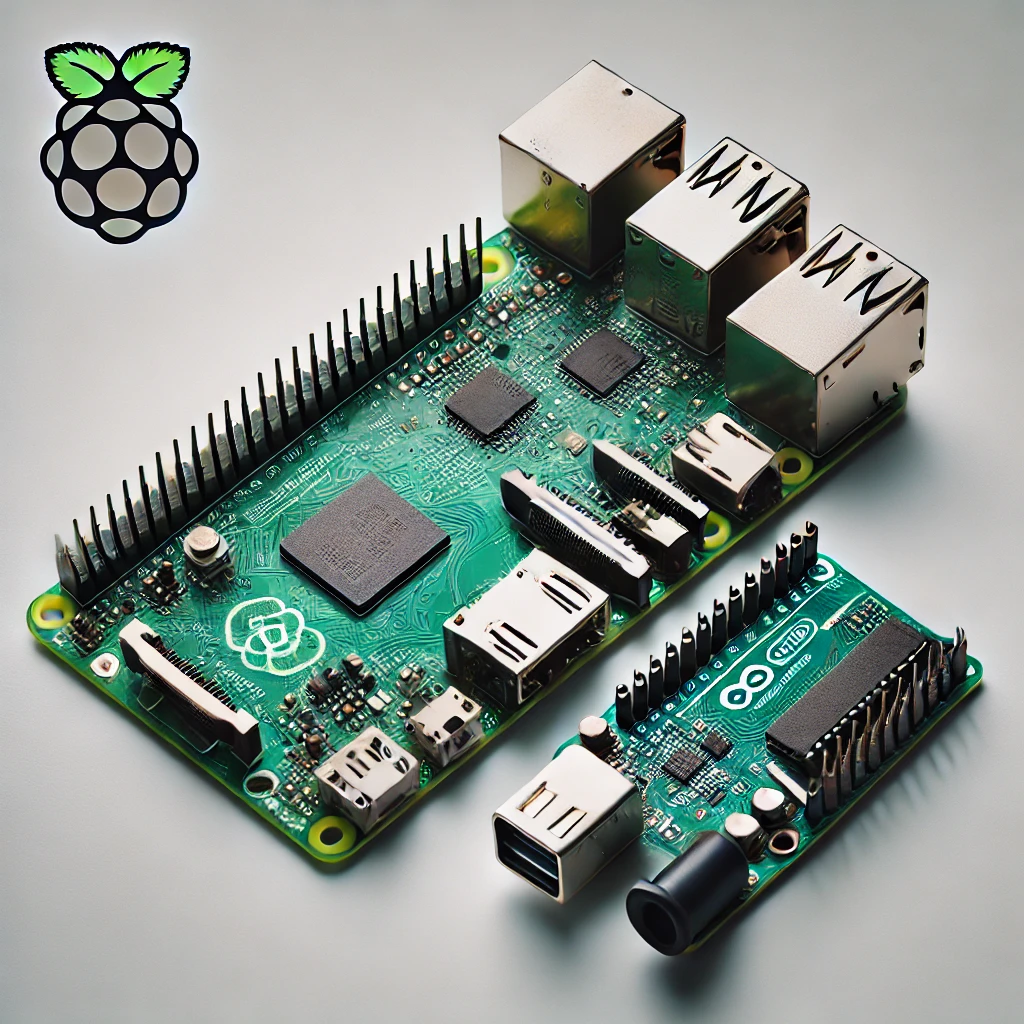
Compare Raspberry Pi computers and Arduino microcontrollers through specific board examples, sensors, timing, power and beginner-friendly project choices.
Build a Raspberry Pi DAKboard display using DAKOS or a browser, with current plan limits, private URLs, readable layouts and verified restart and sleep behaviour.
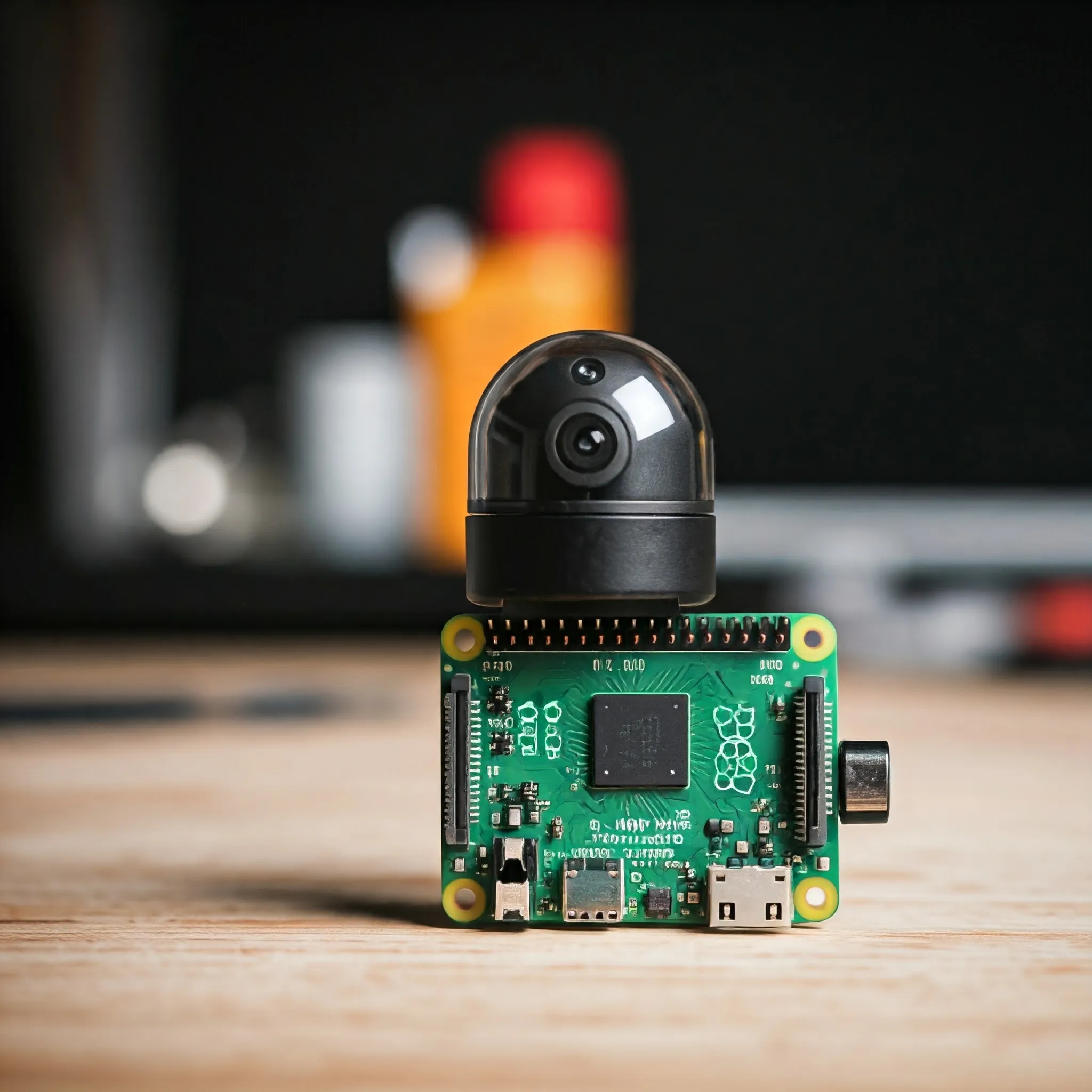
Choose a Raspberry Pi camera for stills, motion or monitoring, with clear lens, NoIR and cable guidance, modern capture commands and third-party driver caveats.
Guest Wi-Fi explained: separate visitor passwords, router and AP isolation settings, safe sharing, and practical checks that guests cannot reach your private devices.
Understand PoE standards, source-versus-device power, active and passive compatibility, and switch budgets before powering cameras, access points or phones.
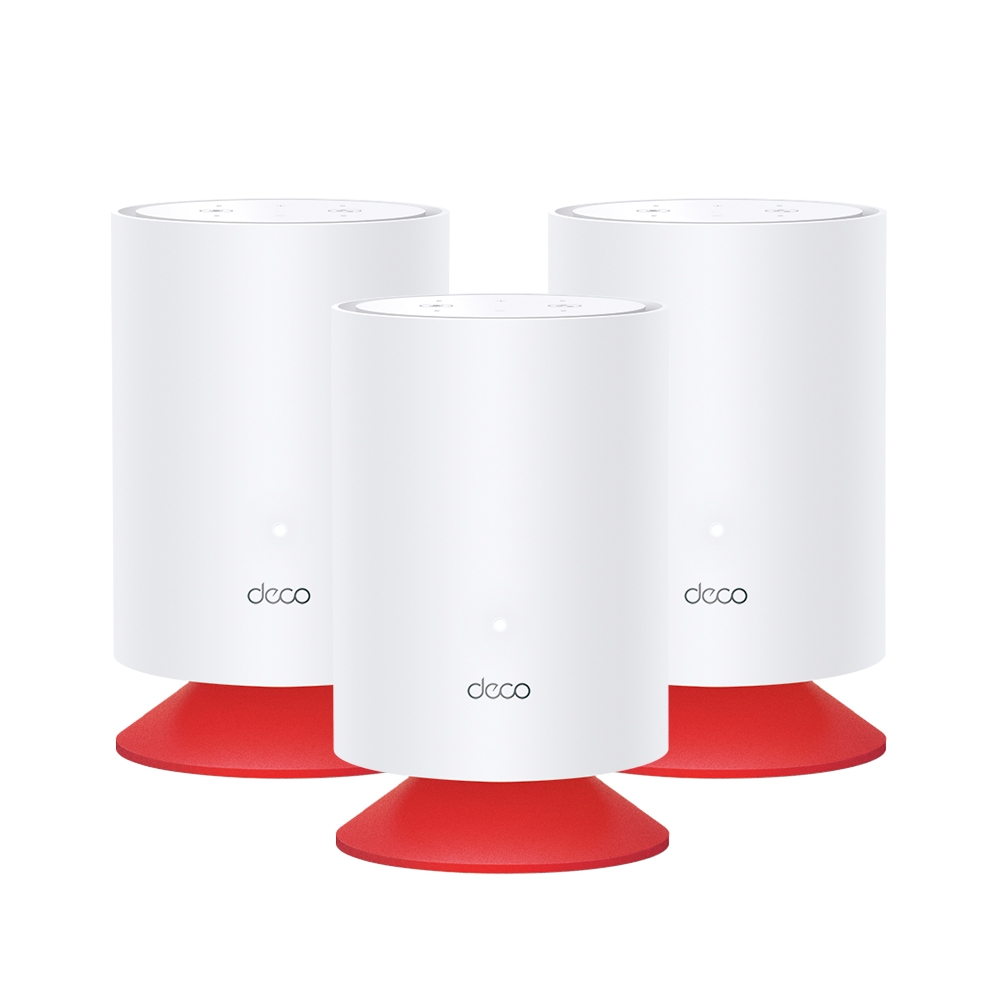
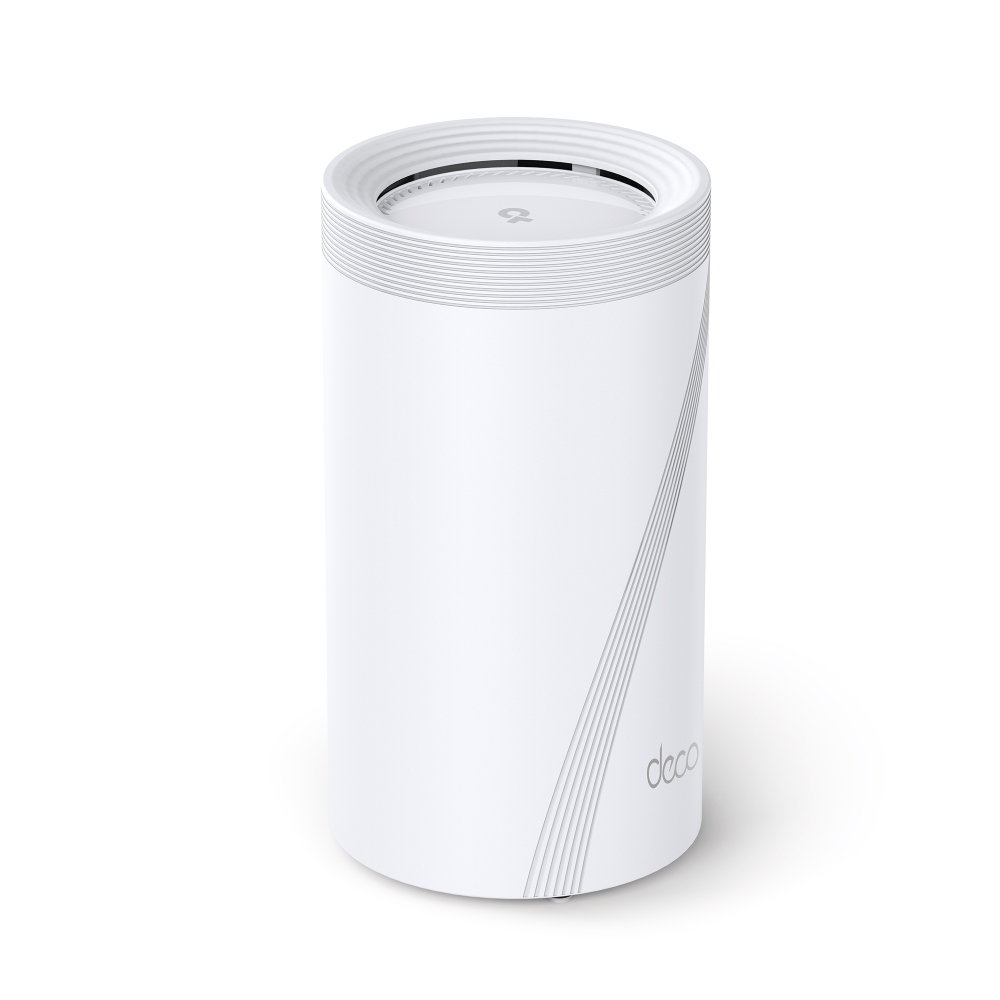
Explore Deco Voice X20’s combined Wi-Fi 6 mesh and Alexa speaker, with accurate hardware, separate account linking, privacy controls and placement checks.
Understand port forwarding, public-IP and CGNAT limits, stable LAN addresses, precise rules, external testing and service-specific security for a home network.
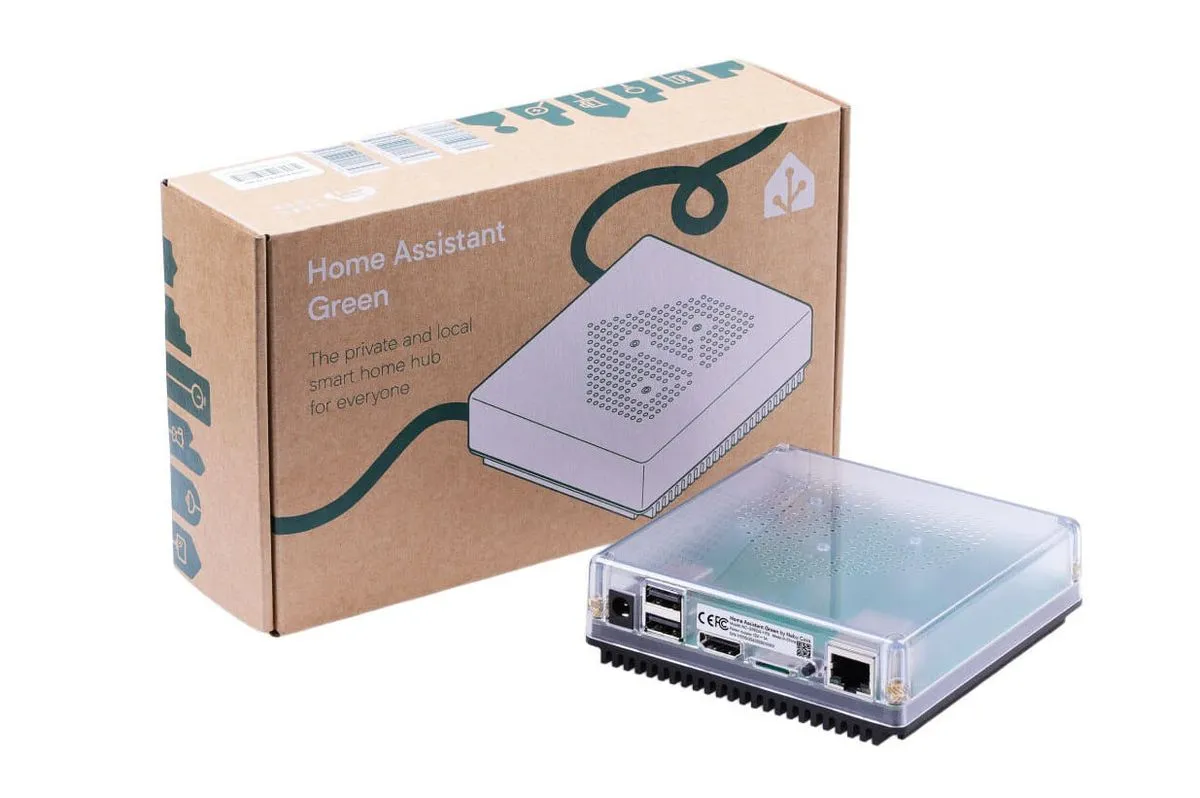
Home Assistant Green offers a simple dedicated hub. Check its hardware limits, radio options, local and cloud integrations, voice processing and backup needs.