HardwareHomelab
Intel N150 vs Intel N100: Choosing a Mini-PC or Homelab Server
Compare Intel N150 and N100 specifications, memory and expansion limits, power, video acceleration and complete mini-PC choices for a home server.
Compare Intel N150 and N100 specifications, memory and expansion limits, power, video acceleration and complete mini-PC choices for a home server.

Calculate model weights and KV-cache memory, then plan context, concurrency and CPU or GPU placement using a verified Qwen3 example.
Explore the Archer 8 Ultra BN800: Wi-Fi 8 hardware, multigigabit ports, launch features, firmware promises and practical reasons to upgrade—or wait.
A comprehensive technical guide to the D-Link Eagle Pro AI Wi-Fi 6 ecosystem: exploring AI Wi-Fi, Mesh, and Traffic Optimizers, dual-band speeds, backhaul performance, and practical home network configuration.
A comprehensive guide to D-Link’s iconic DIR router lineup: tracing the evolution from classic dual-band AC workhorses (DIR-842) to modern multi-stream Wi-Fi 6 powerhouses (DIR-X5460), comparing standalone vs mesh, and sharing practical network configuration.

A clear guide to qubits, measurements, quantum hardware and algorithms, with practical learning options and an accurate explanation of post-quantum security.
Understand Secure Boot startup trust checks, firmware keys, certificate maintenance and recovery planning before changing settings.
A smart home is just one of the amazing things that can be controlled and built with your own homelab. Let's take a look at a privacy-first install built for your smart home control.
Build a Kodi home theatre with suitable playback hardware, organised media, supported server add-ons, shared-library choices and reliable maintenance.
Running Home Assistant in your homelab is a must for most self-hosters. But should you run it in your Proxmox instance or on your Raspberry Pi? Let's take a look at a detailed comparison between the two options.

We all need some music in our life - be it from purchased music albums or internet radio. Lyrion will fulfill this requirement in your homelab setup with ease.

Understand CPU undervolting, supported AMD and Intel controls, stability testing and fair energy measurements without relying on universal settings or promised gains.
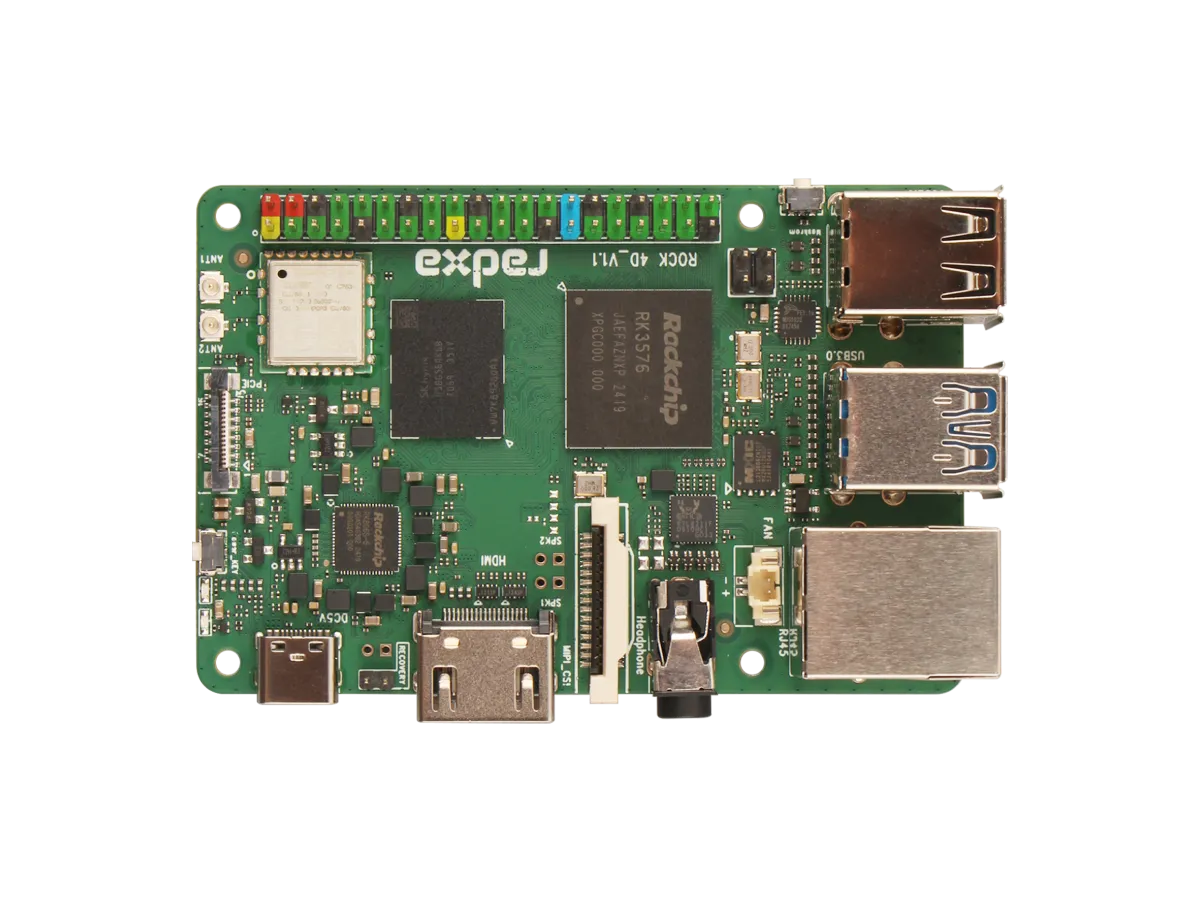
Explore ROCK 4D hardware, RKNN software requirements, storage and display limits, and practical project choices versus Raspberry Pi 5 with Hailo.

Review the May 2025 Raspberry Pi OS desktop changes, understand the later Trixie release, and check versions, compatibility and backups before migrating.
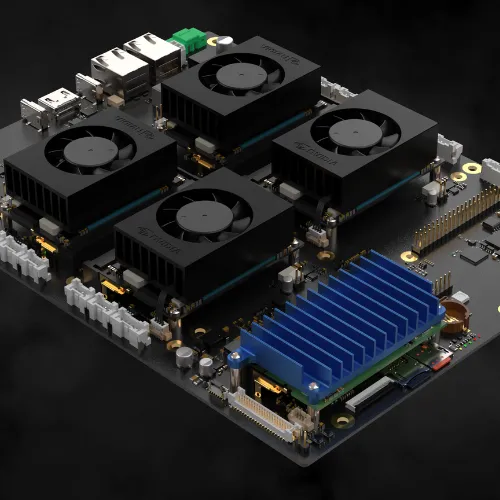
Explore the Cerebro modular cluster concept, its advertised compute-module support and the practical availability, compatibility, storage, cooling and recovery checks a build needs.
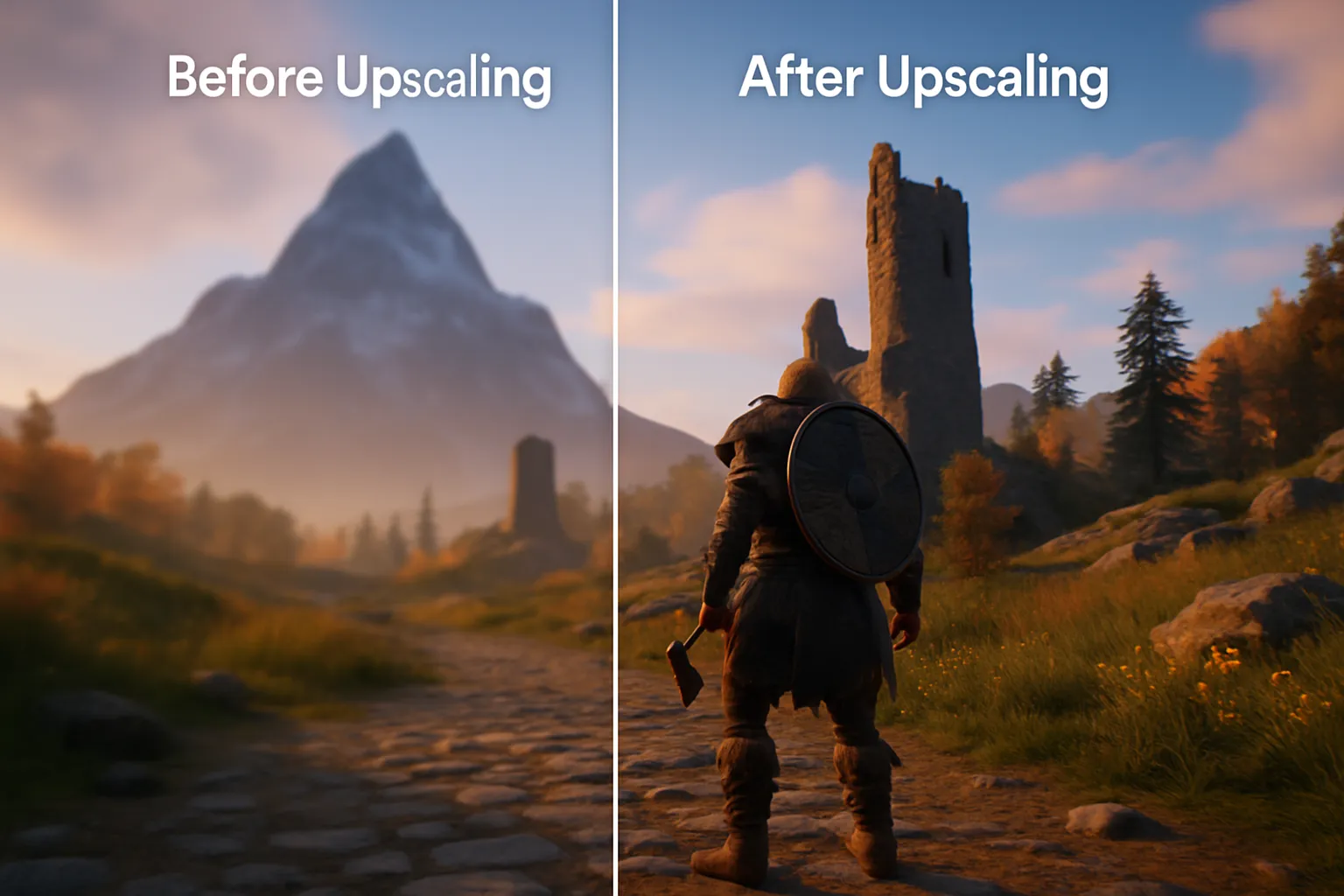
Learn how DLSS, FSR and XeSS reconstruct games, check feature-specific GPU compatibility and compare quality, frame generation and latency.
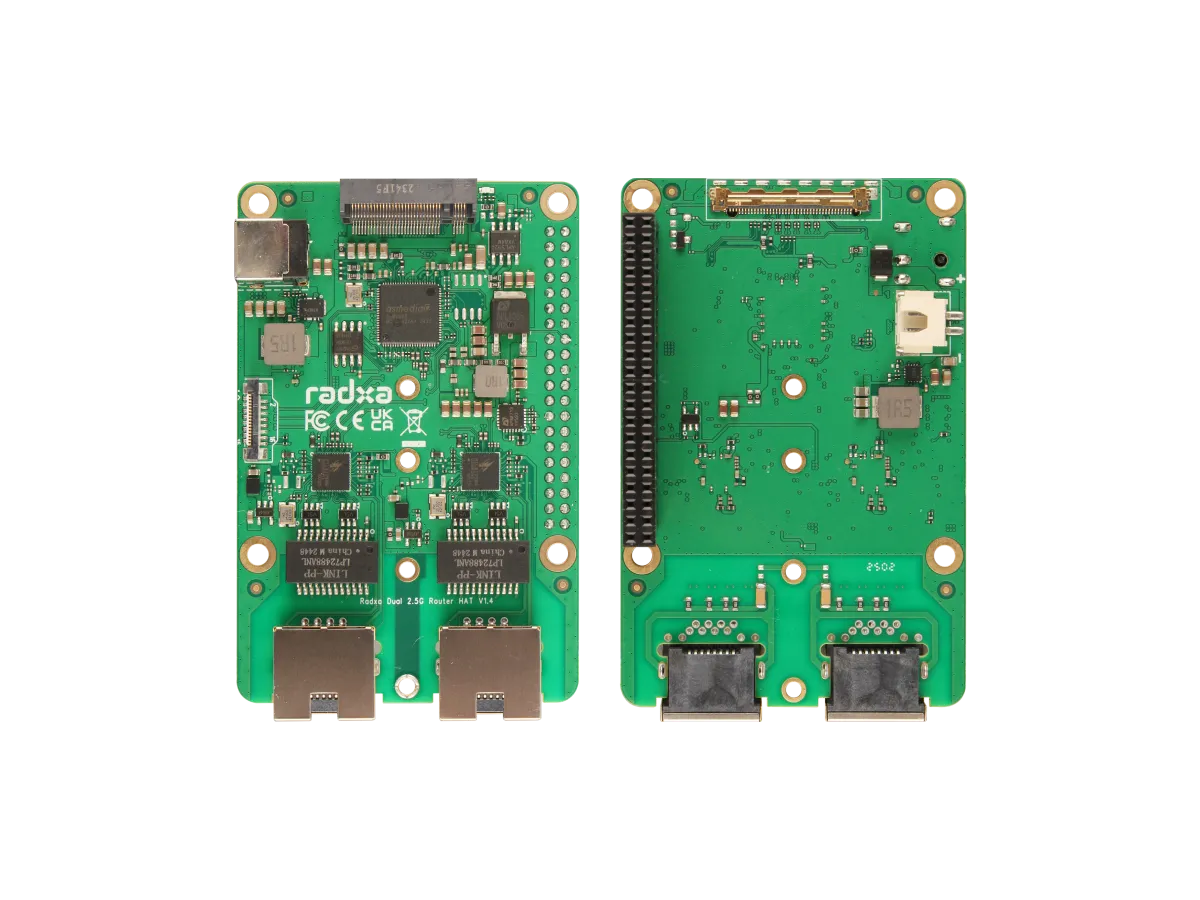
Understand the Radxa Router HAT’s dual 2.5G ports, NVMe slot, shared PCIe limits, supported boards, software choices and power requirements.

Firsthand homelab lessons on starting small, power and budgets, documentation, backups and household dependencies, with practical checks for new self-hosters.
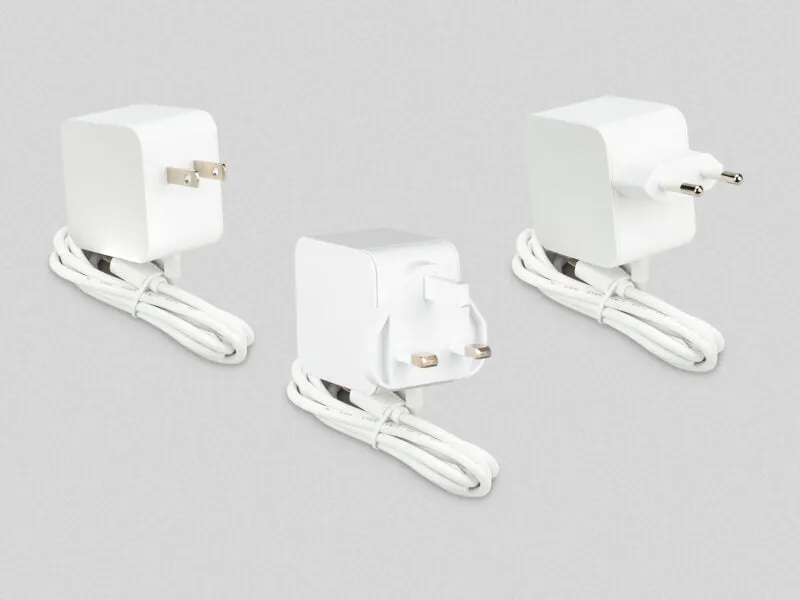
Check the Raspberry Pi 45 W supply’s USB-PD profiles, its 25.5 W Pi mode, peripheral limits, laptop compatibility and differences from the 27 W model.
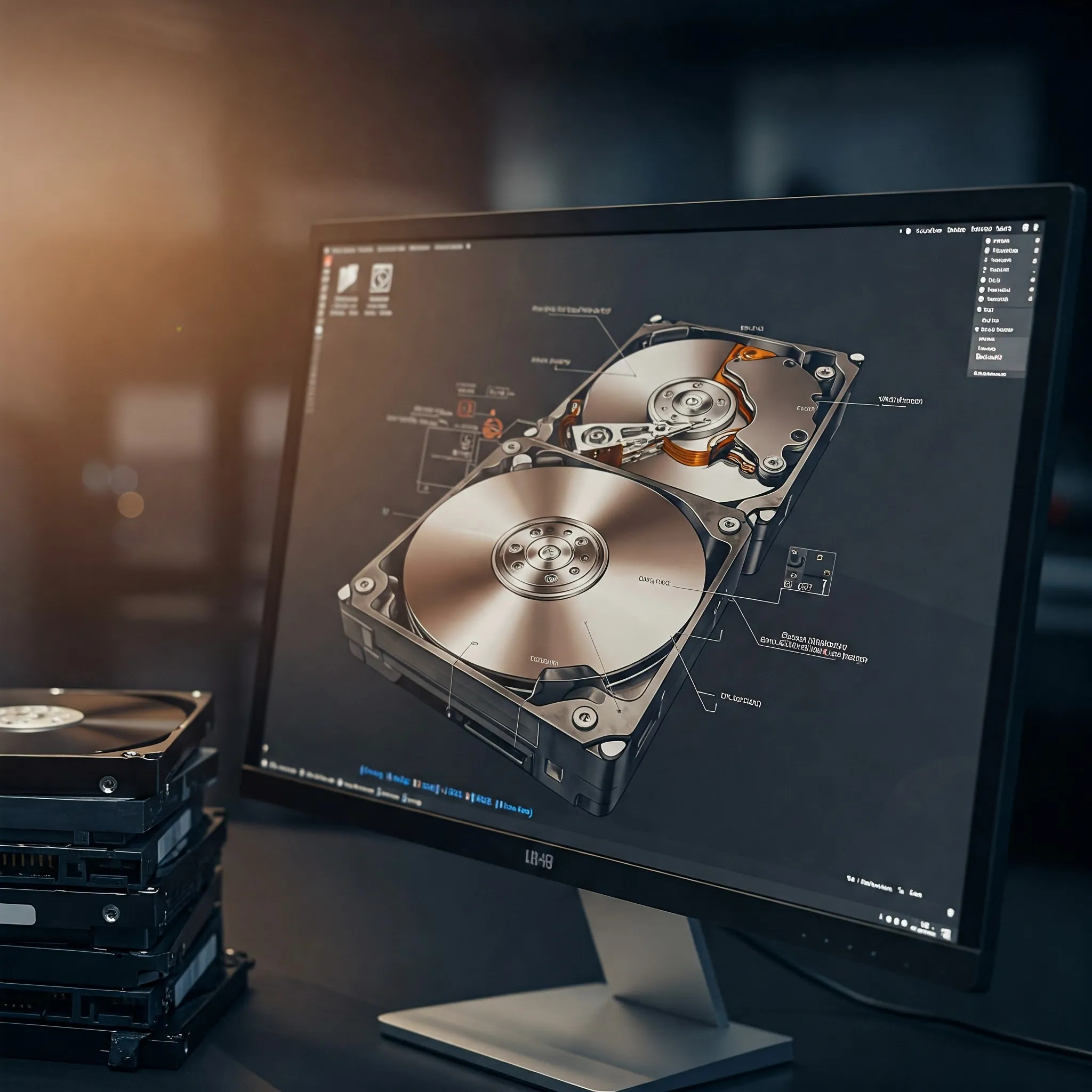
Compare hardware RAID, Linux MD and OpenZFS: capacity, cache safety, integrity checks, controller recovery and why redundancy still needs separate backups.
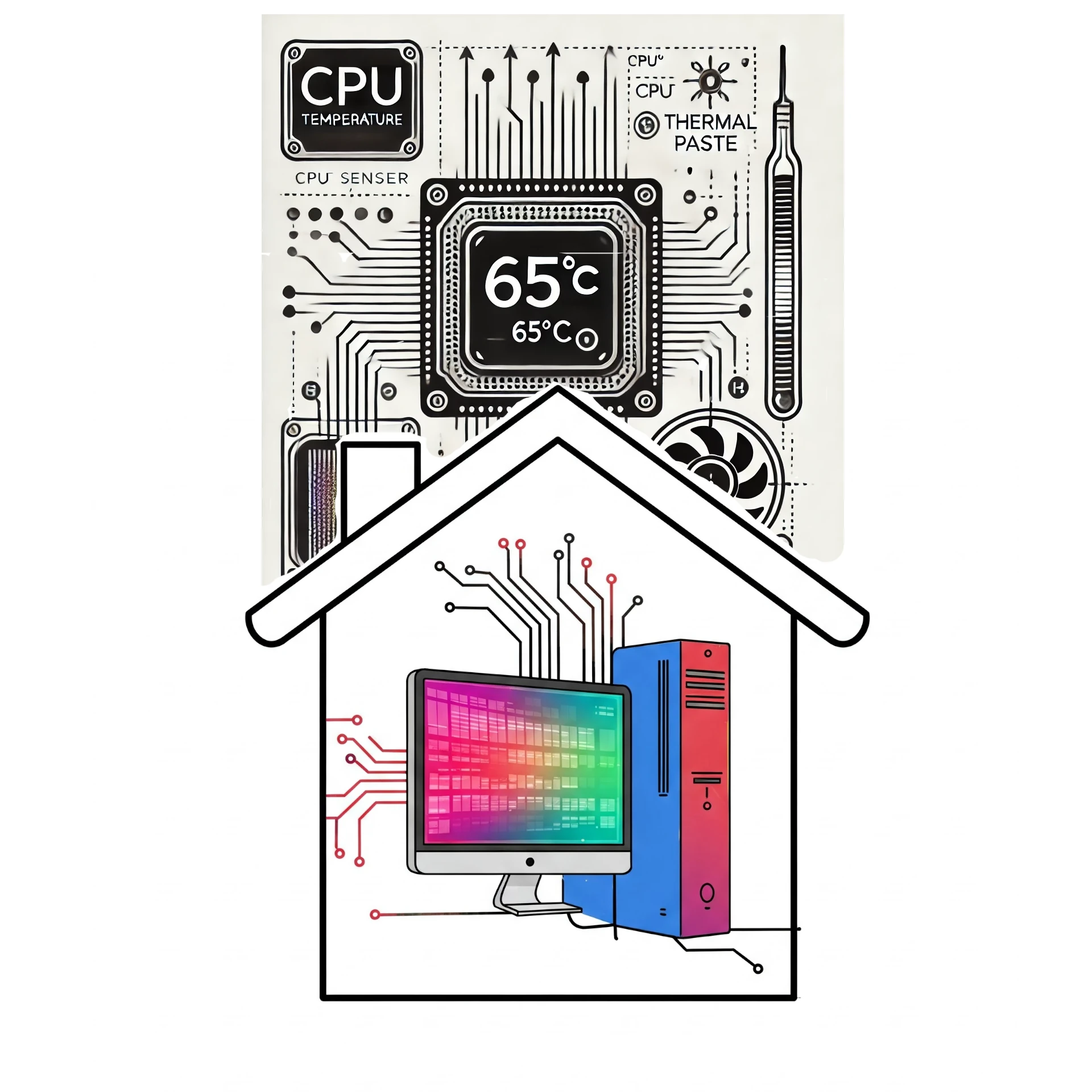
Now that we have our homelab hardware sorted and Proxmox installed, it is not a bad idea to keep an eye on CPU temperature seeing as we will probably (hopefully) keep the machine powered on 24/7.

When getting ready to set up your home lab for better security management, taking control of your data or just hosting your own apps, the first thing you need to look at is getting a host machine up and running. We look at the hardware we are going to be using for this series.
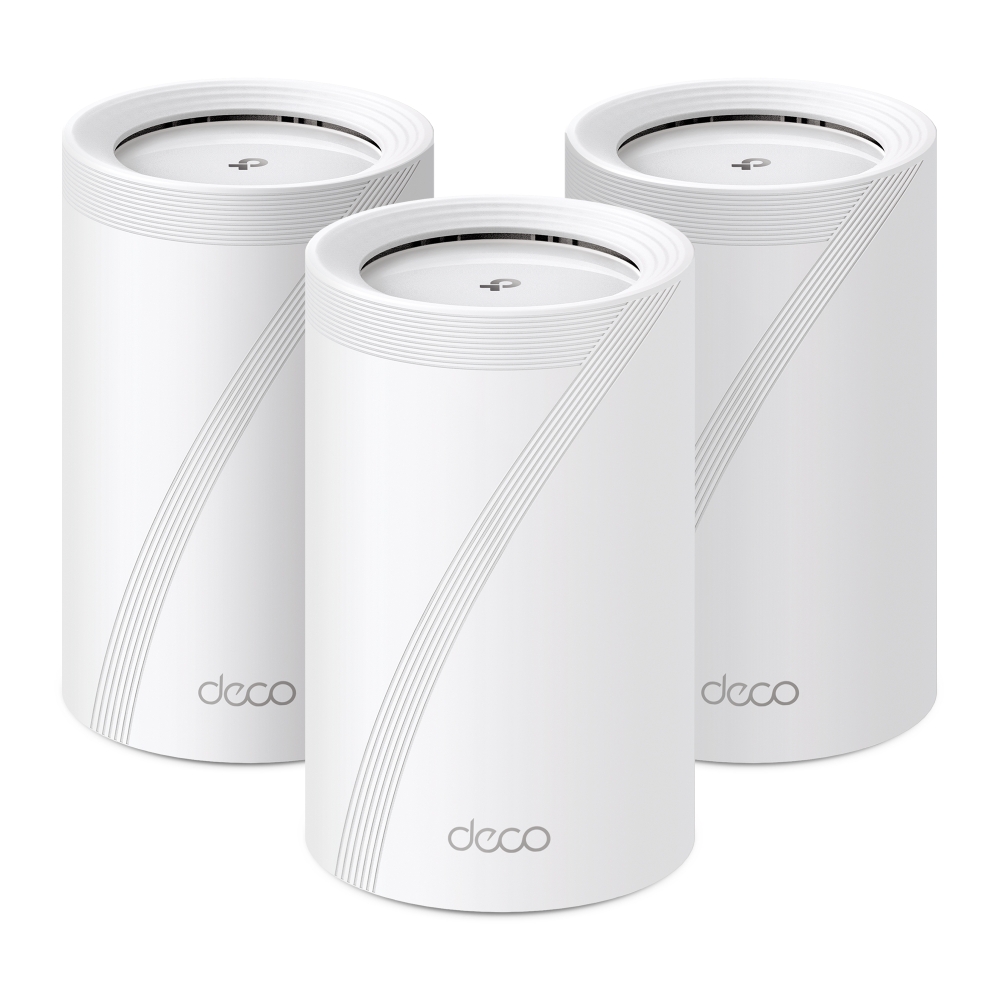
Our month with the BE9300 v1 Deco BE65: original unboxing photos, local 6 GHz speed screenshots, wired backhaul, app controls and the practical limits we found.

Wi-Fi 7 explained: 320 MHz channels, 4096-QAM, MLO modes and puncturing, with the client, software and network limits that determine a useful upgrade.
Interpret SSD health and endurance readings, check TRIM and maintenance correctly, and plan monitoring, backups and replacement without treating a health score as a guarantee.
Host Mumble on a Raspberry Pi with release-aware Debian configuration, private account setup, audio and ACL checks, certificate identity and recoverable database backups.
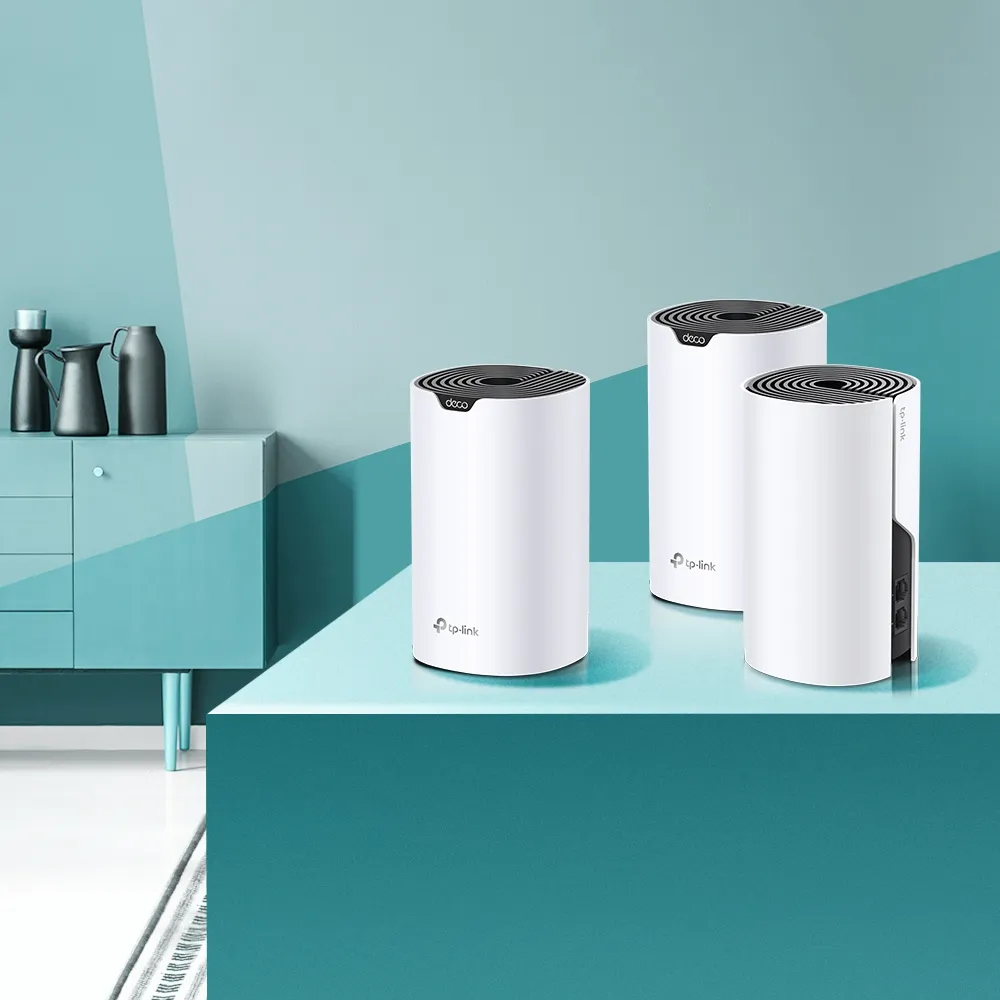
Understand the AC1200 Deco S4, its regional revisions, two Gigabit ports, original coverage claims, backhaul planning and budget buying tradeoffs.

Understand channel widths, overlap, DFS and regional 6 GHz availability, then use repeatable client tests to improve Wi-Fi and mesh performance.

Understand Qualcomm laptop chips, Windows on Arm compatibility, optional cellular connectivity, battery trade-offs and development requirements before buying.
Compare redundant PSUs, UPS backup and separate feeds for home computers and network nodes, with capacity, compatibility, runtime and shutdown checks.
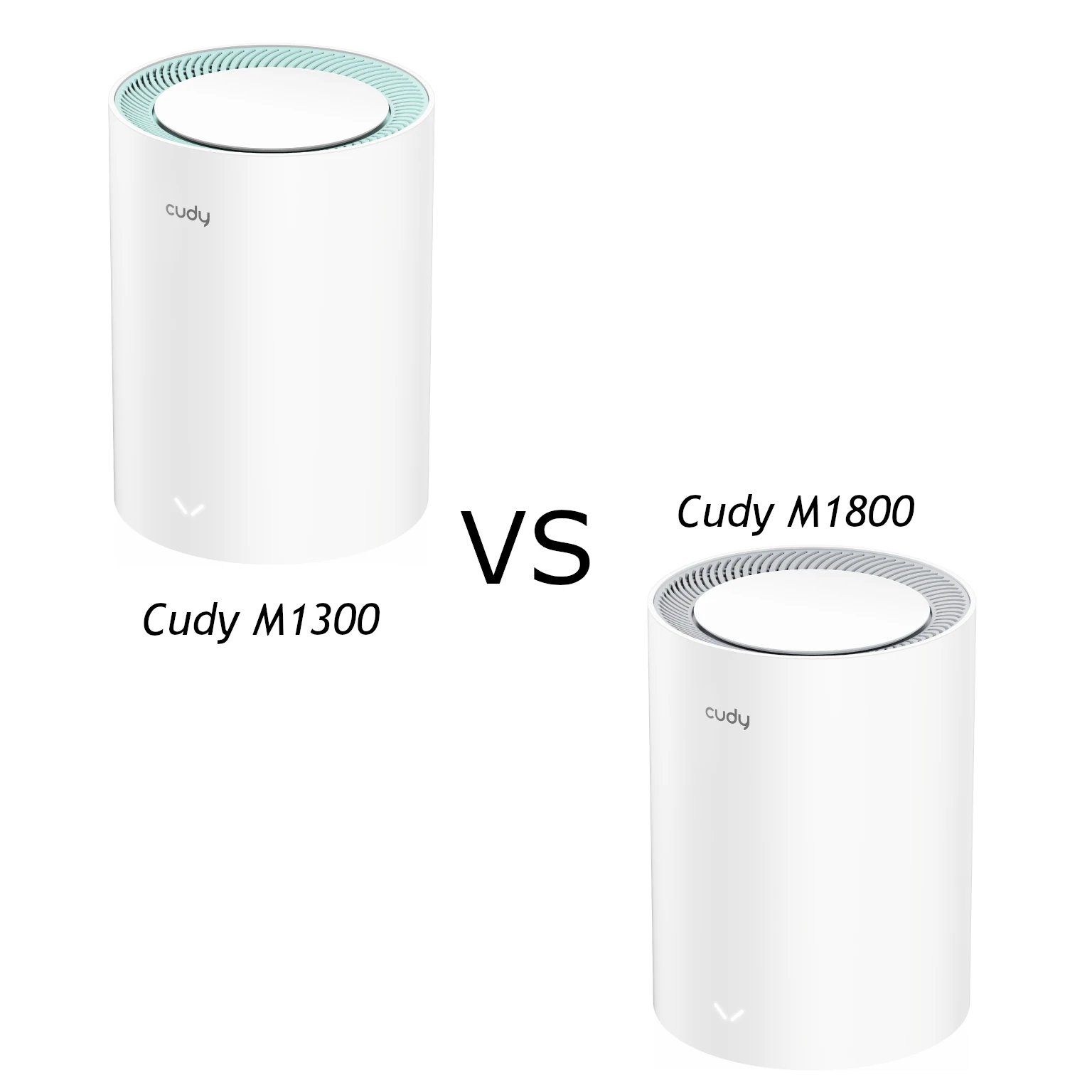
Compare the exact V2 models: M1300 AC1200 Wi-Fi 5 versus M1800 AX1800 Wi-Fi 6, with Gigabit ports, client recommendations, mesh planning and support checks.
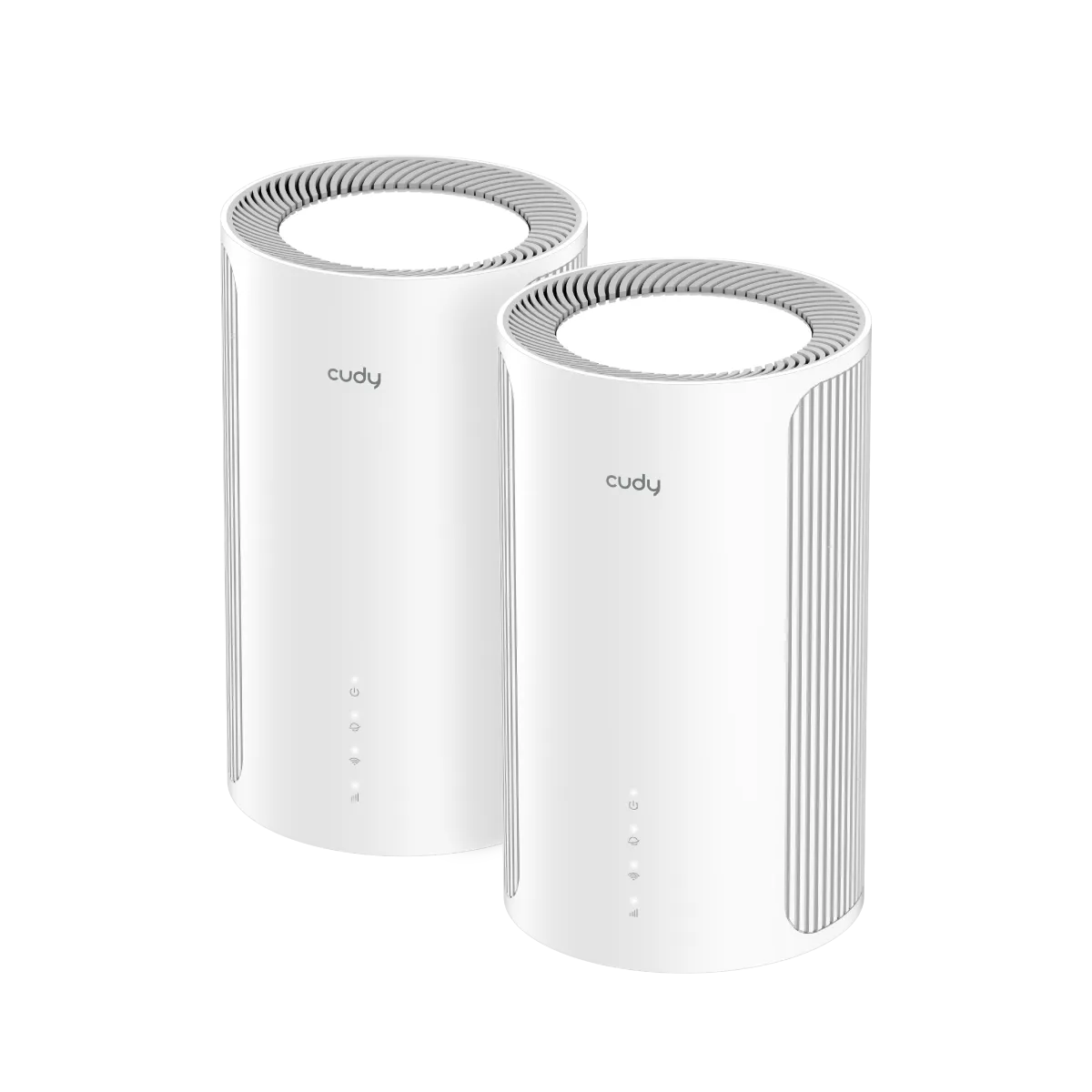
A value-focused look at Cudy M6500 1.0, including its dual-band Wi-Fi 7 limits, single 2.5 GbE port, placement, client compatibility and useful buying checks.
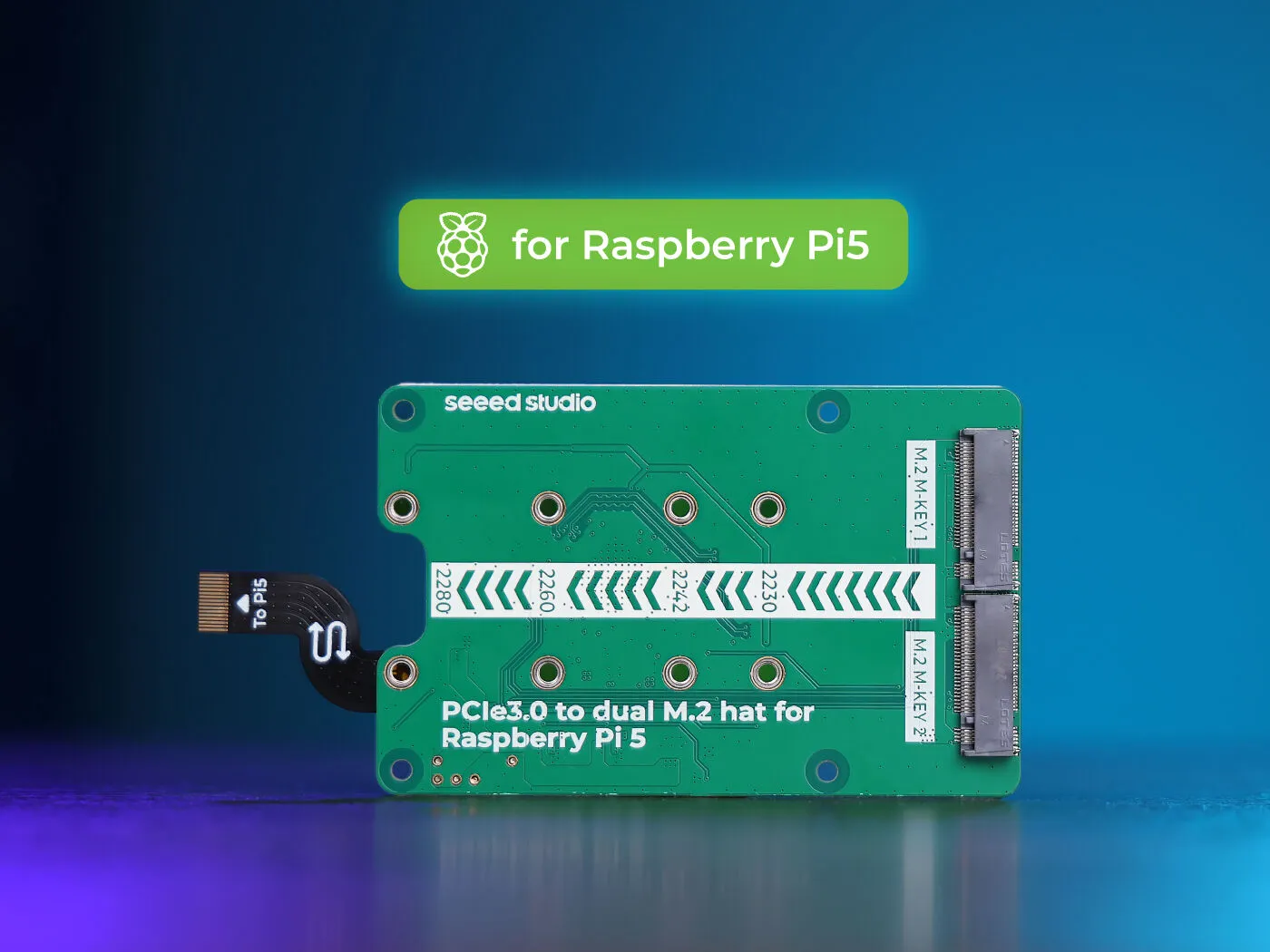
Explore Seeed’s ASM2806 dual-M.2 Pi 5 board for NVMe storage and supported AI modules, with shared bandwidth, compatibility, power and recovery considerations.

Understand Tuya’s platform role and check the exact device’s cloud, Zigbee, local Wi-Fi or Matter support before planning home automation.
Understand Wi-Fi 6E client support, regional 6 GHz spectrum, security and mesh backhaul before choosing between Wi-Fi 6E and Wi-Fi 7.
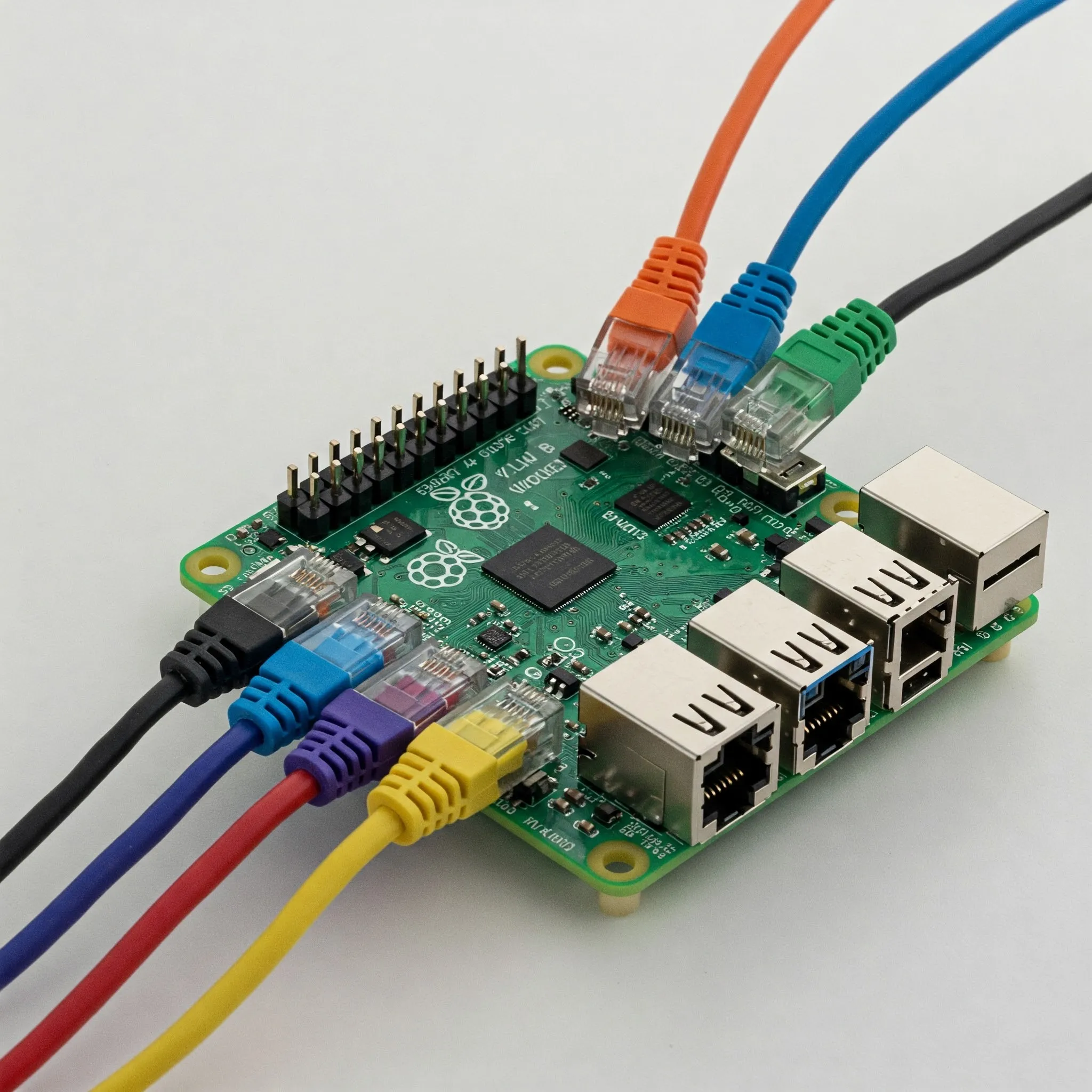
Plan a Raspberry Pi OpenWrt gateway with correct image and LAN setup, separate WAN/LAN paths, DNS and IPv6 checks, staged policy tests and recoverable upgrades.

Understand Cat8's 25/40GBASE-T channel limits, shielded construction, connector variants and certification before deciding whether your home network needs it.

Compare gateway appliances and host firewalls by traffic path, rule capabilities, cost and recovery needs, with practical Windows and container exposure checks.
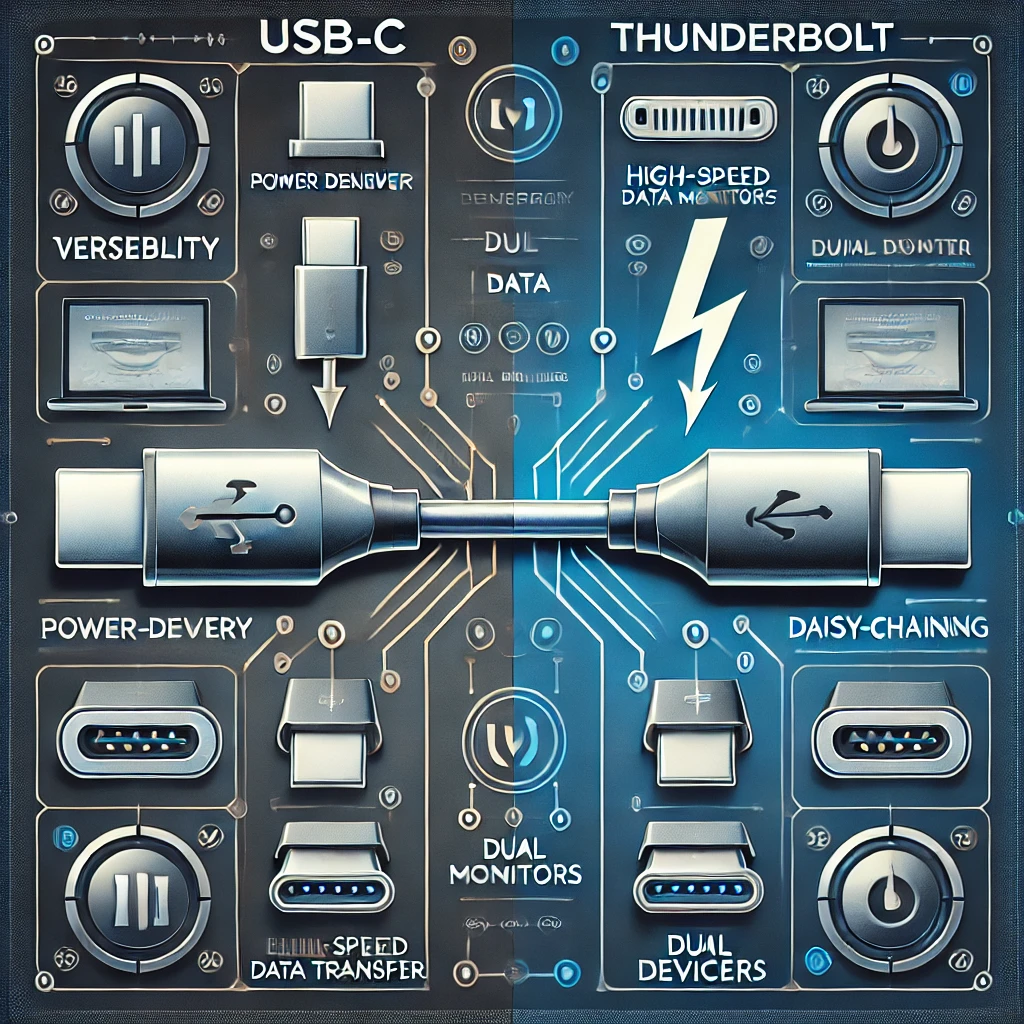
Understand which USB-C and Thunderbolt connections work together, with clear data-rate, charging, display, dock and cable compatibility checks.

Choose a compatible PiSugar battery module, check its power limits, install the correct manager and verify graceful shutdown and recovery for a portable Raspberry Pi project.

Explore the developing 802.11bn standard, its conditional reliability targets, access-point coordination and practical checks before a Wi-Fi 8 upgrade.

Build an attended irrigation prototype with compatible GPIO control and DC power, verify one bounded pulse, measure water flow and plan sensor and restart behaviour.
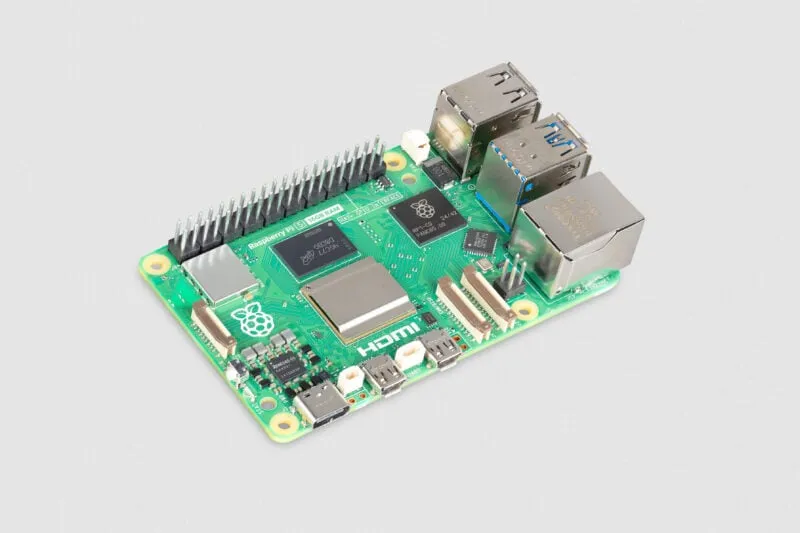
What the 16GB Raspberry Pi 5 changes: memory-heavy desktop and AI projects, accelerator limits, container planning and the complete system cost.
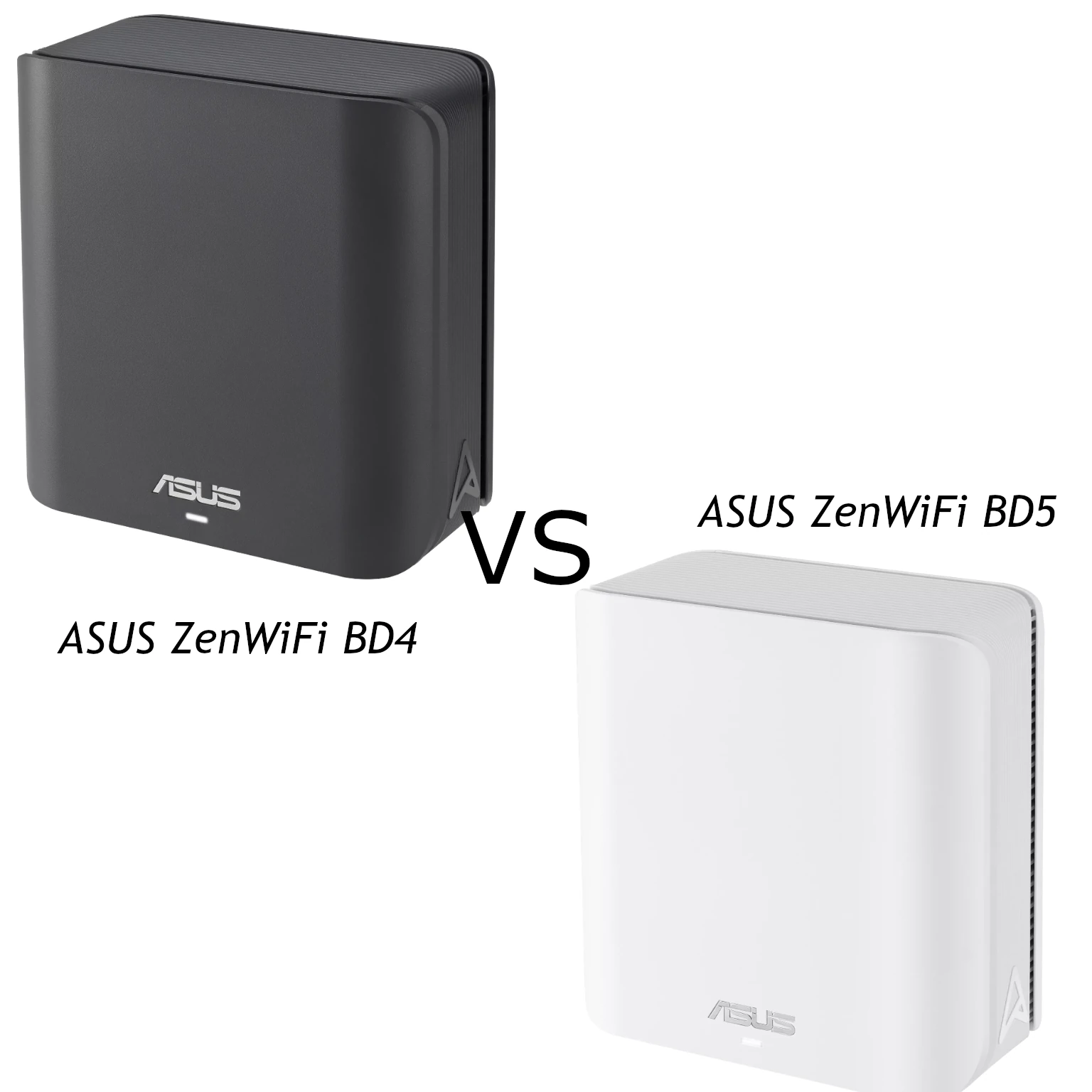
Compare ASUS ZenWiFi BD4 and BD5 radios, regional channel widths, two 2.5 Gbps ports and AiMesh/MLO limits to choose a practical Wi-Fi 7 mesh pack.

Explore Raspberry Pi OPNsense community builds, official support limits, compatible network interfaces and a reversible lab workflow before considering a home-router deployment.
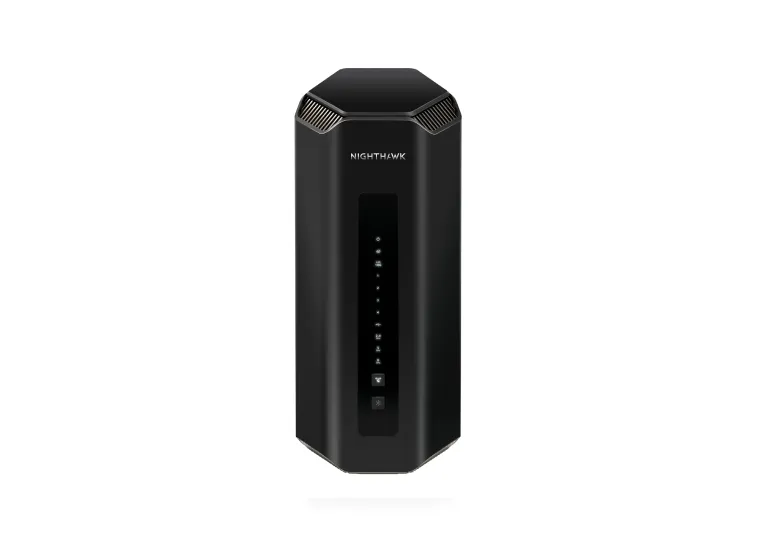
Explore the RS700S’s tri-band Wi-Fi 7 and 10G ports, distinguish supported aggregation from ISP bonding, and assess client, coverage, VPN and subscription requirements.

Compare multiple monitors with one ultrawide by usable resolution, desk fit, connections, window management, sharing, colour and practical comfort checks.
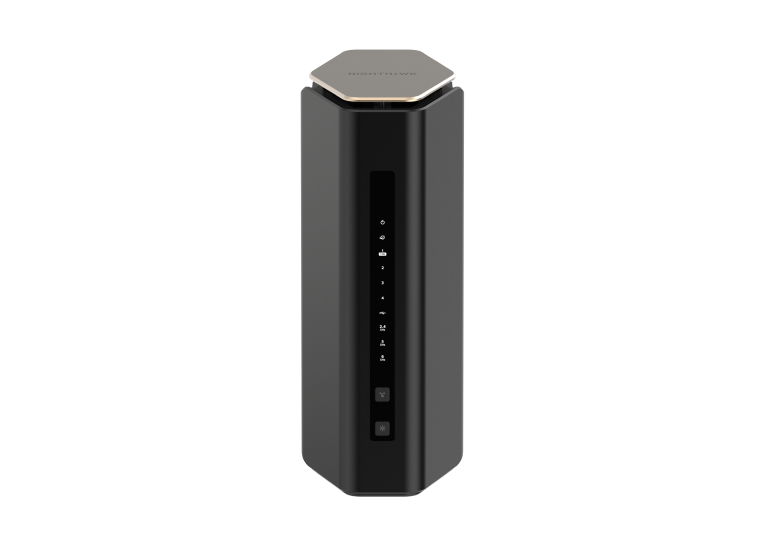
Understand the Nighthawk RS600’s tri-band Wi-Fi 7, 10G WAN and LAN ports, Gigabit connections, client requirements, security options and practical homelab limits.
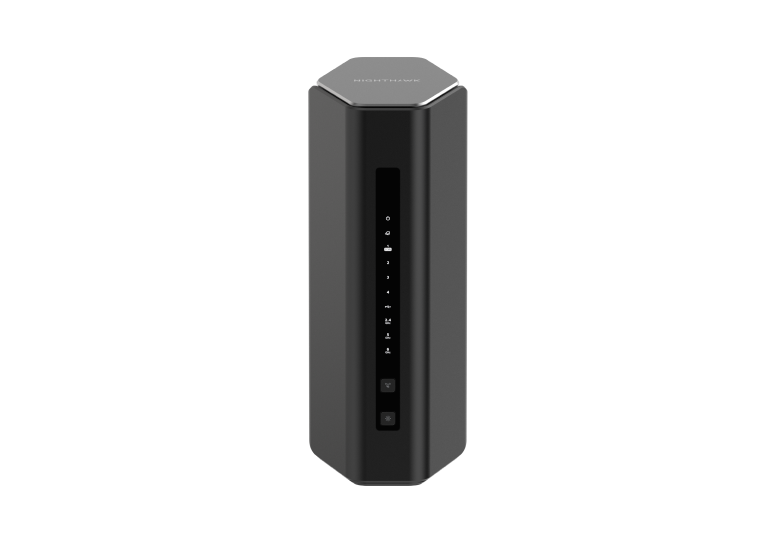
The Nighthawk RS500 offers tri-band Wi-Fi 7, but its 2.5 GbE port layout deserves a close look. Compare client support, gaming latency, coverage and the RS300 trade-off.
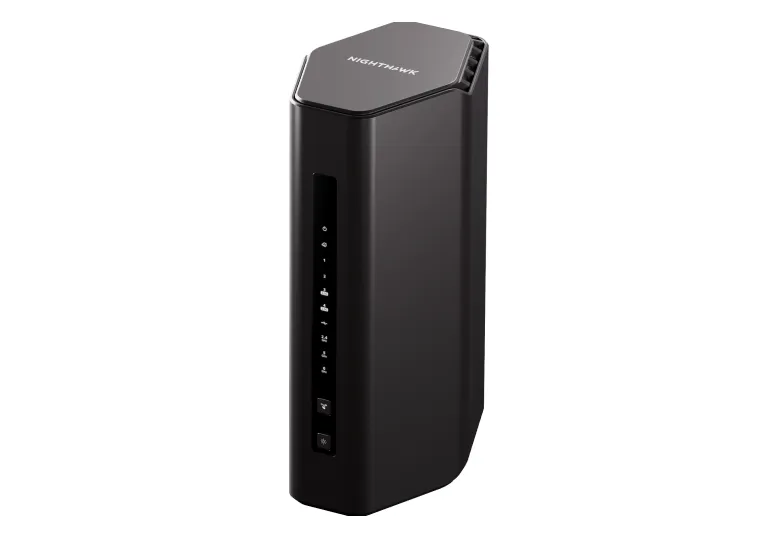
Explore the RS300 radios, two 2.5 GbE LAN connections, client and firmware limits, regional coverage claims and practical checks before upgrading.
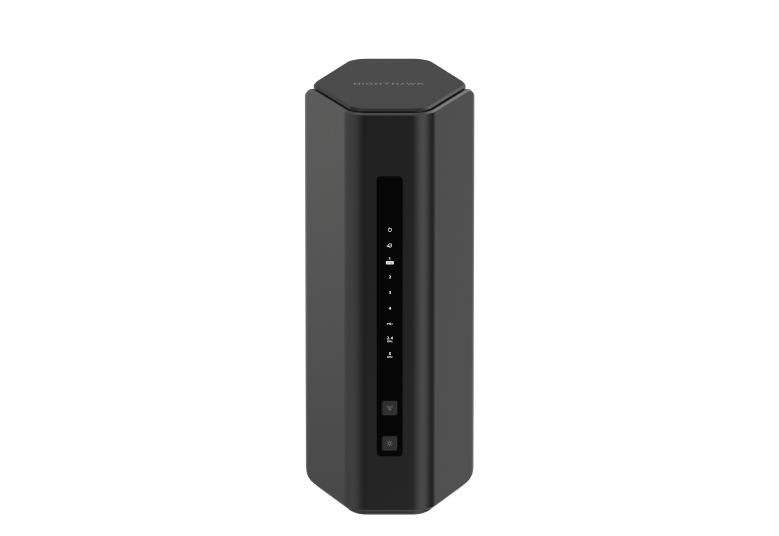
The dual-band RS200 offers separate 2.5Gbps WAN and LAN ports. Check its wireless limits, MLO documentation, coverage and optional security services.

Explore Radxa SBC choices, ROCK 5B versus 5B+ differences, storage and software support, AI limitations, smaller ZERO boards and the x86 X4.
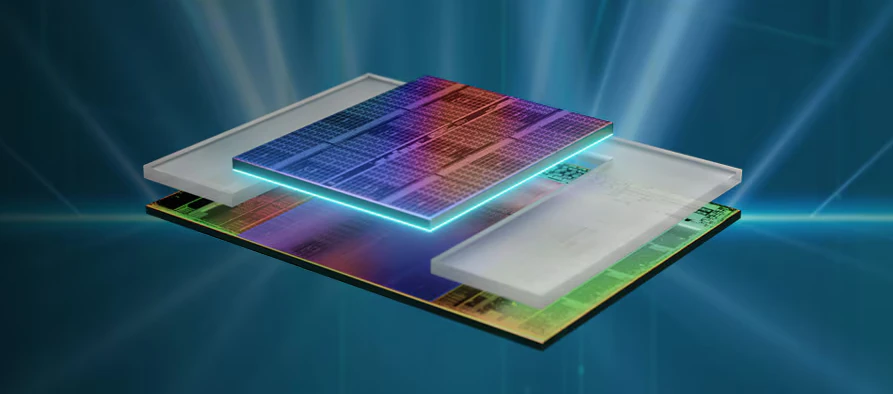
Learn how AMD stacks cache, how the 5800X3D, 7000 X3D and newer cache-under-cores designs differ, and which workloads may benefit.
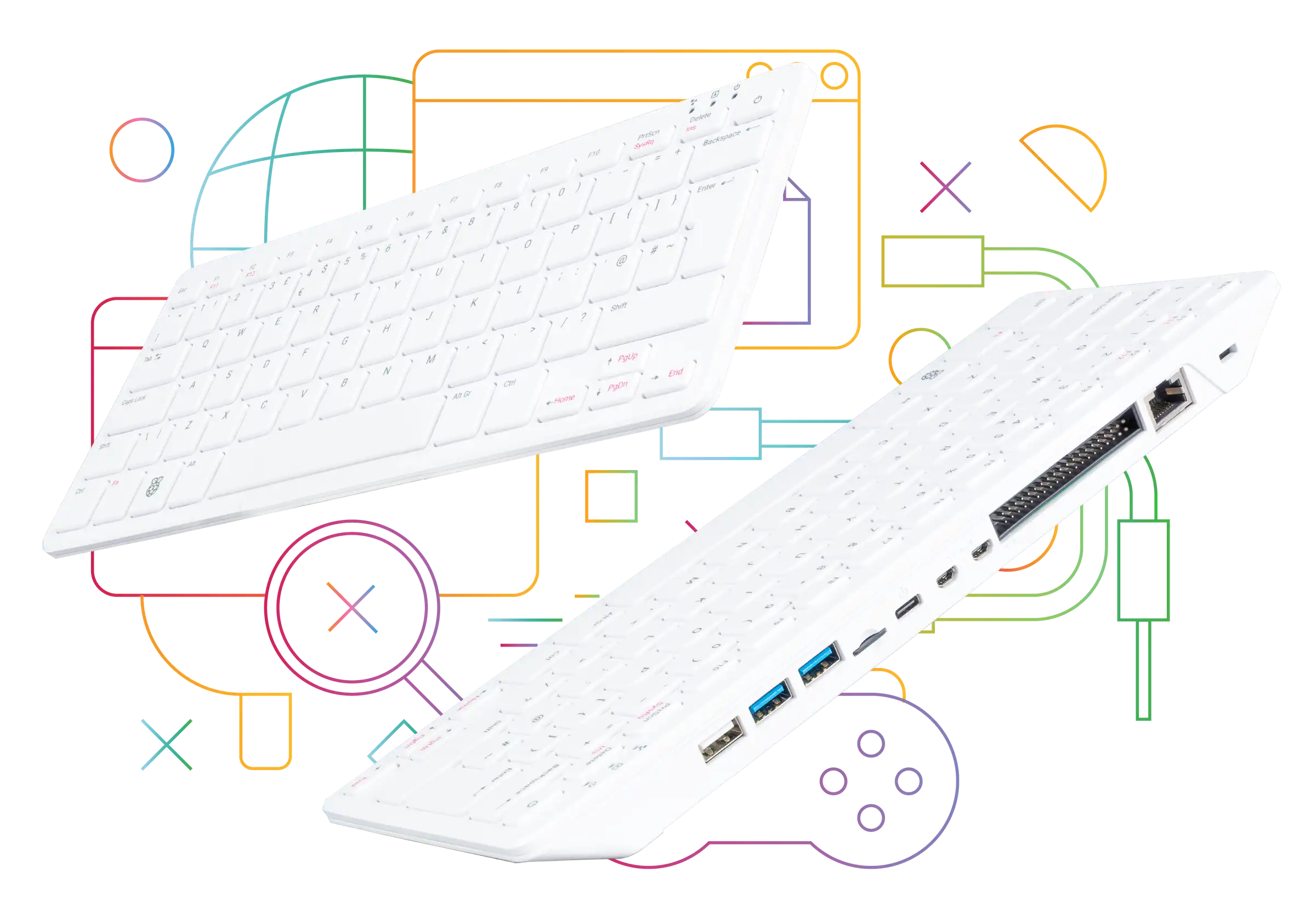
Explore the standard 8 GB Pi 500’s keyboard design, passive cooling, ports and setup needs, with clear differences from Pi 500+ and practical expansion limits.

Ever wondered why devices like NAS systems, mini PCs, or even some motherboards come with multiple Ethernet ports? Link Aggregation, often called port bonding or teaming, is a powerful network feature designed to improve speed, redundancy, and overall reliability in certain devices and setups.

Plan an umbrelOS Raspberry Pi installation with the current Pi 5 boot path, a distinct microSD alternative, app requirements and recoverable encrypted backups.

Understand SAN versus NAS and local storage, when network block storage is useful, and why multi-host access needs careful coordination and recovery planning.
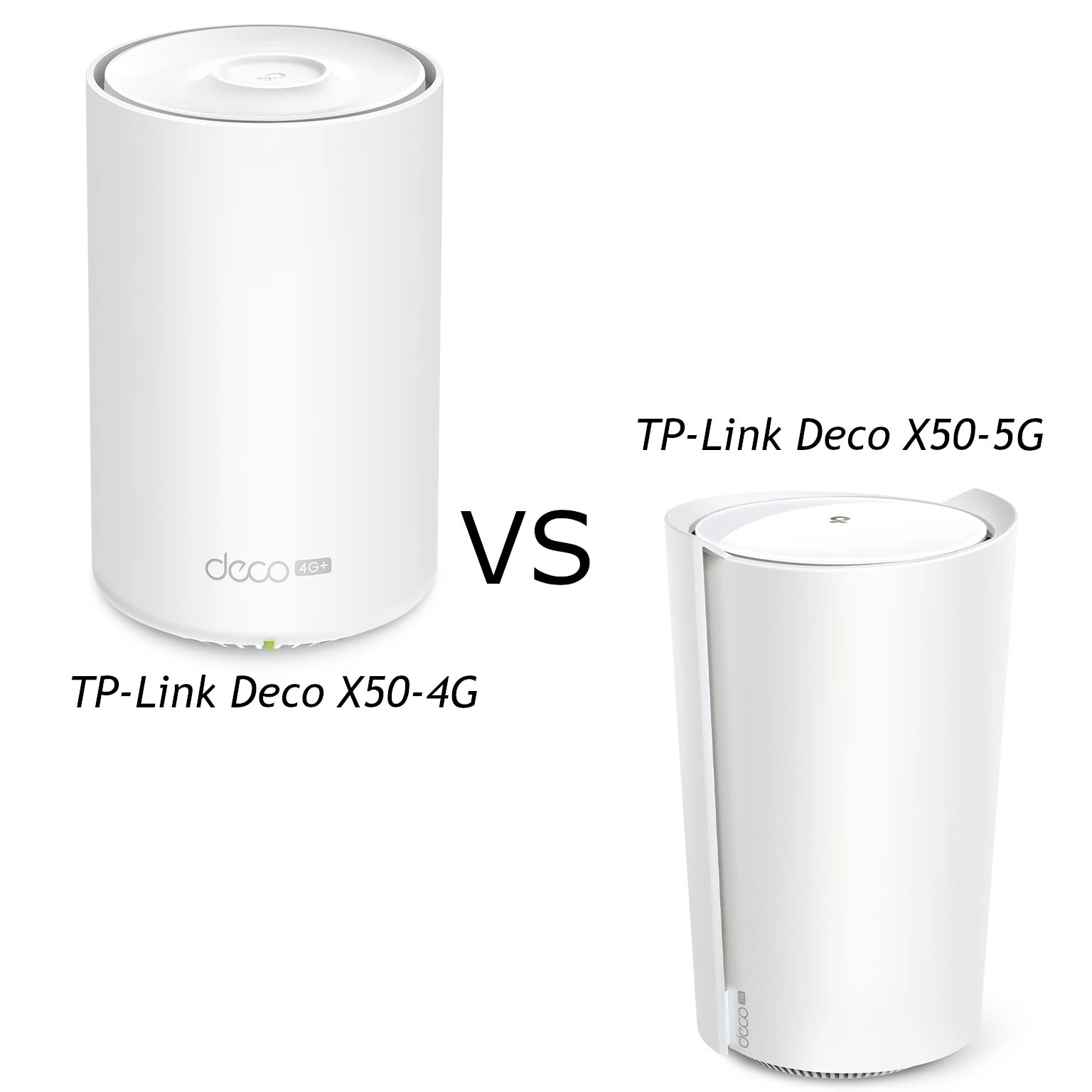
Compare Deco X50-5G hardware revisions with the X50-4G, including modem ratings, wired ports, antenna compatibility and practical cellular backup checks.
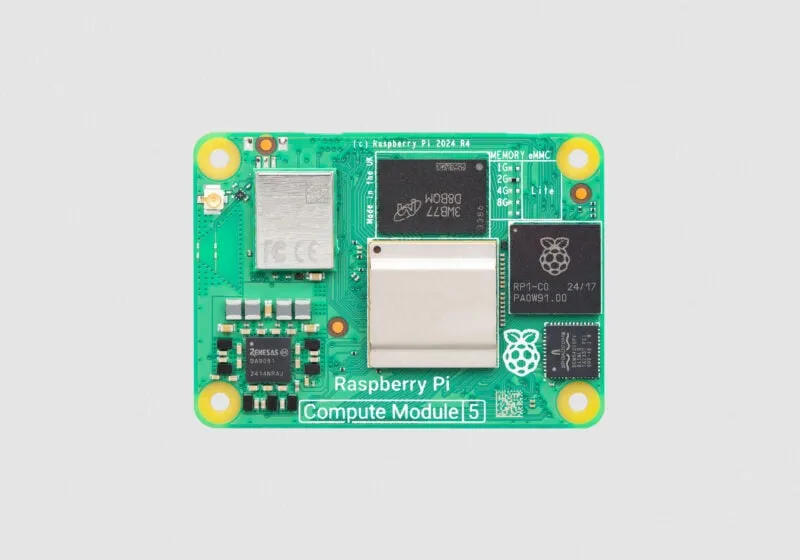
Choose a Compute Module 5 and carrier for your project, with current memory/storage options, CM4 compatibility, eMMC setup, expansion limits and case fit explained.
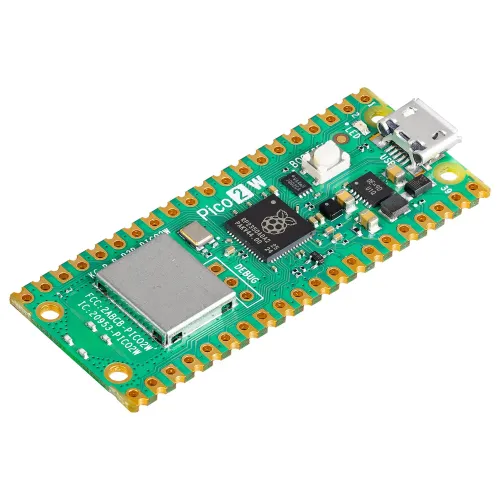
Understand Pico 2 W’s Wi-Fi 4 and Bluetooth features, current ESPHome support, firmware choices and practical power, antenna and project-planning limits.
Running Home Assistant on a Raspberry Pi is an affordable and flexible way to set up a smart home hub. Whether you’re a tech enthusiast or a beginner, this guide will walk you through the process.
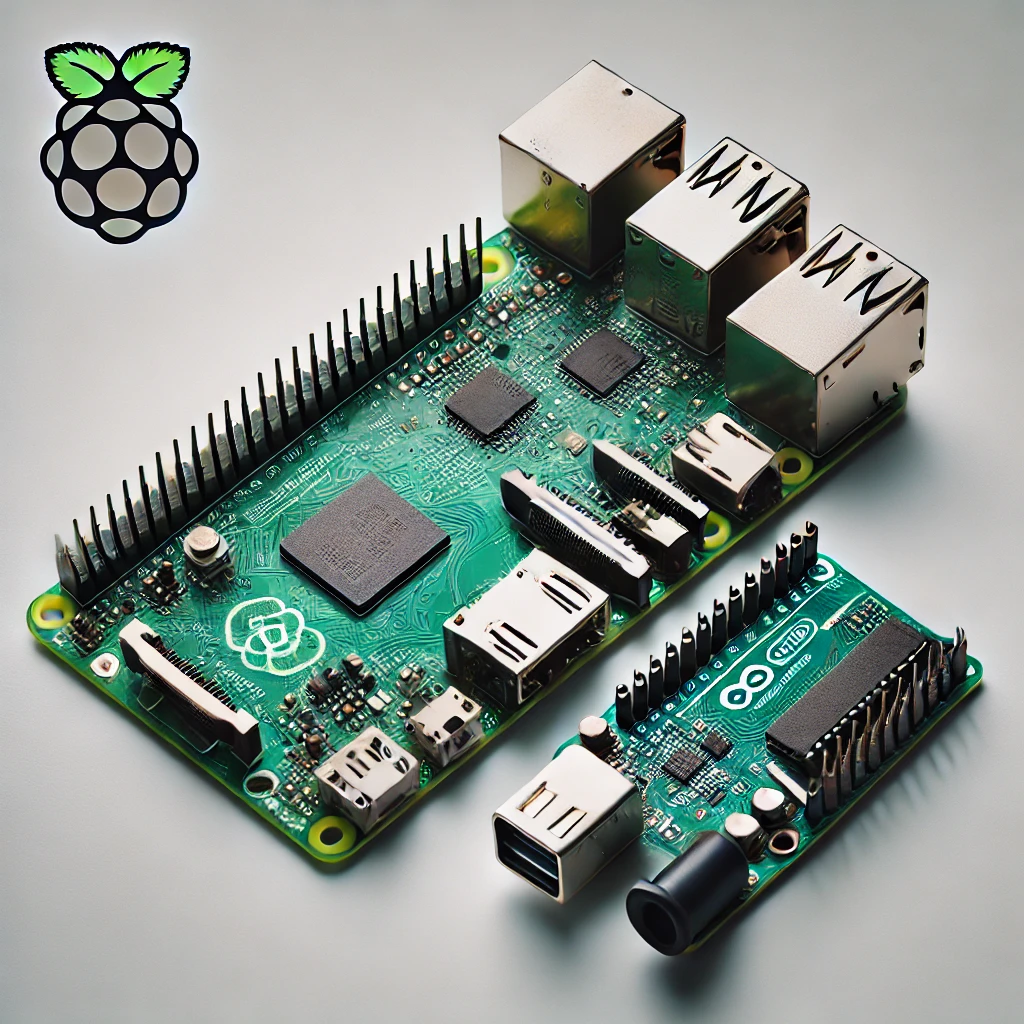
Compare Raspberry Pi computers and Arduino microcontrollers through specific board examples, sensors, timing, power and beginner-friendly project choices.
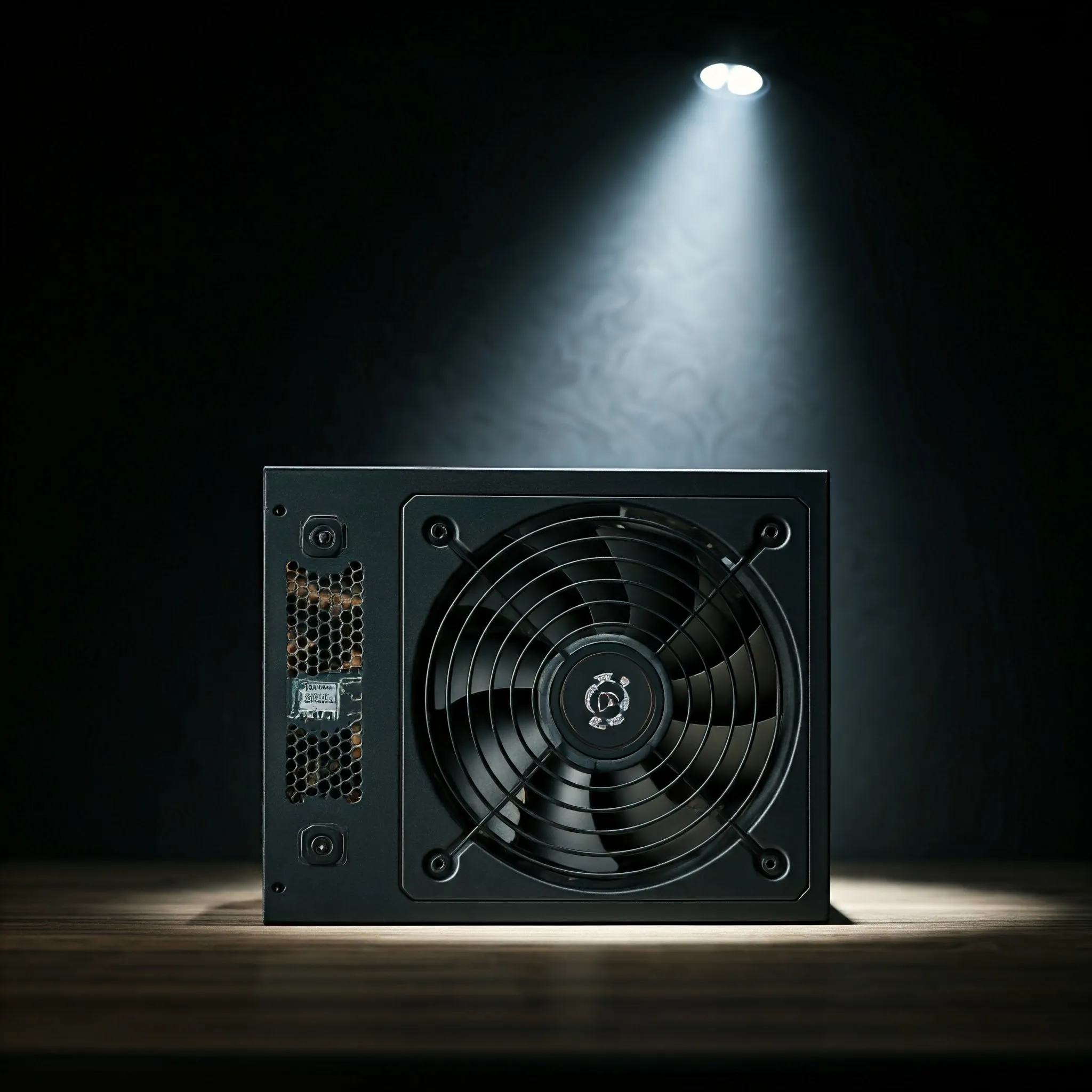
Choose a PC power supply by output capacity, rail limits, physical fit, compatible cables, efficiency evidence and practical support, with verified historical examples.
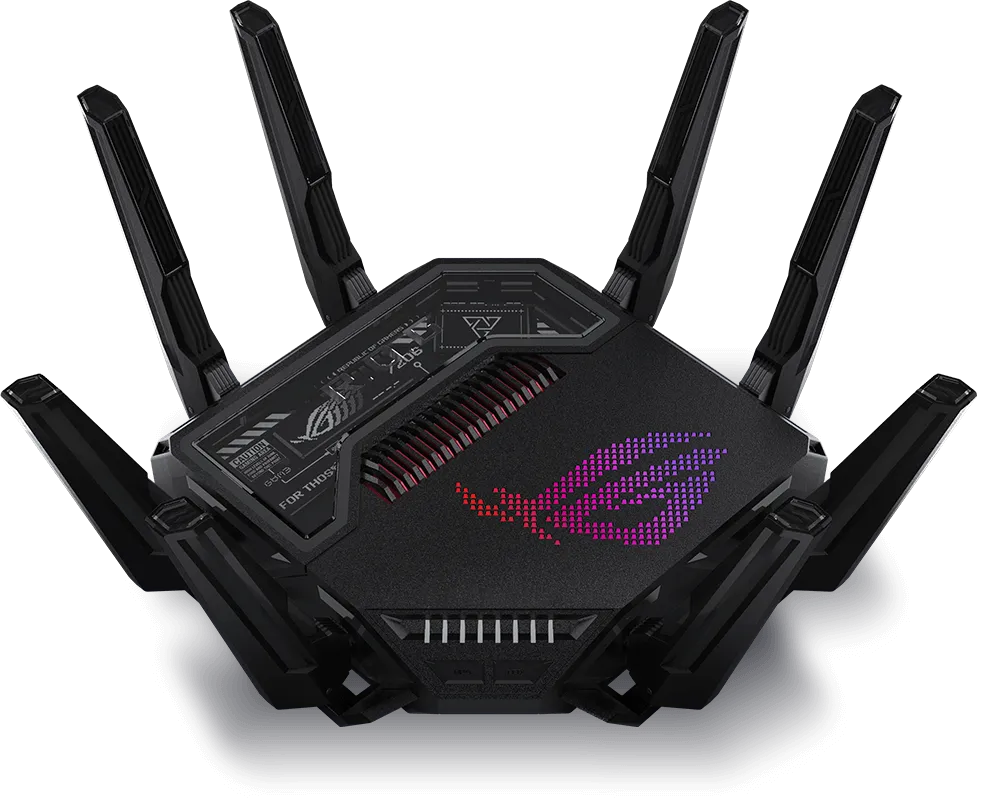
Explore the ASUS GT-BE25000’s four Wi-Fi radios, seven Ethernet ports, AiMesh, gaming and VPN controls, with practical checks for your home network.
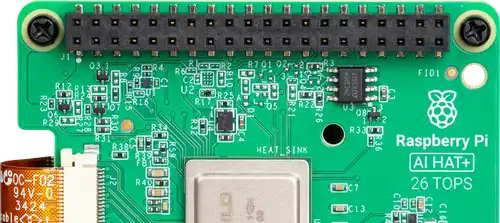
Compare the Raspberry Pi AI HAT+ 13 and 26 TOPS models, install supported Hailo software and check a camera pipeline before choosing an AI project.
Learn how GPUs handle graphics, AI and video workloads, with practical advice on integrated versus discrete graphics, memory, software support and system compatibility.
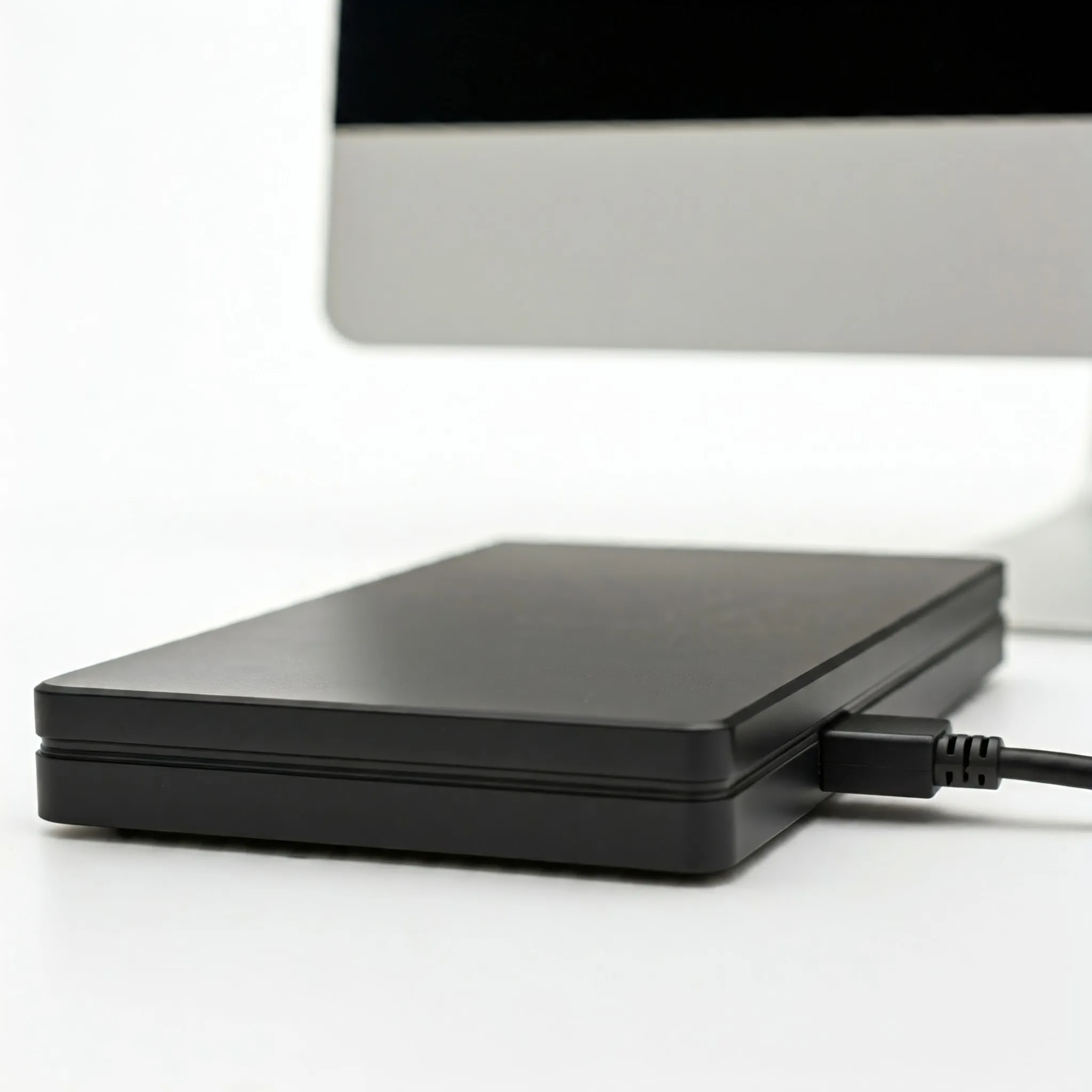
Understand DAS versus NAS, choose a compatible storage connection, plan RAID and usable capacity, and protect files with practical recovery and backup checks.
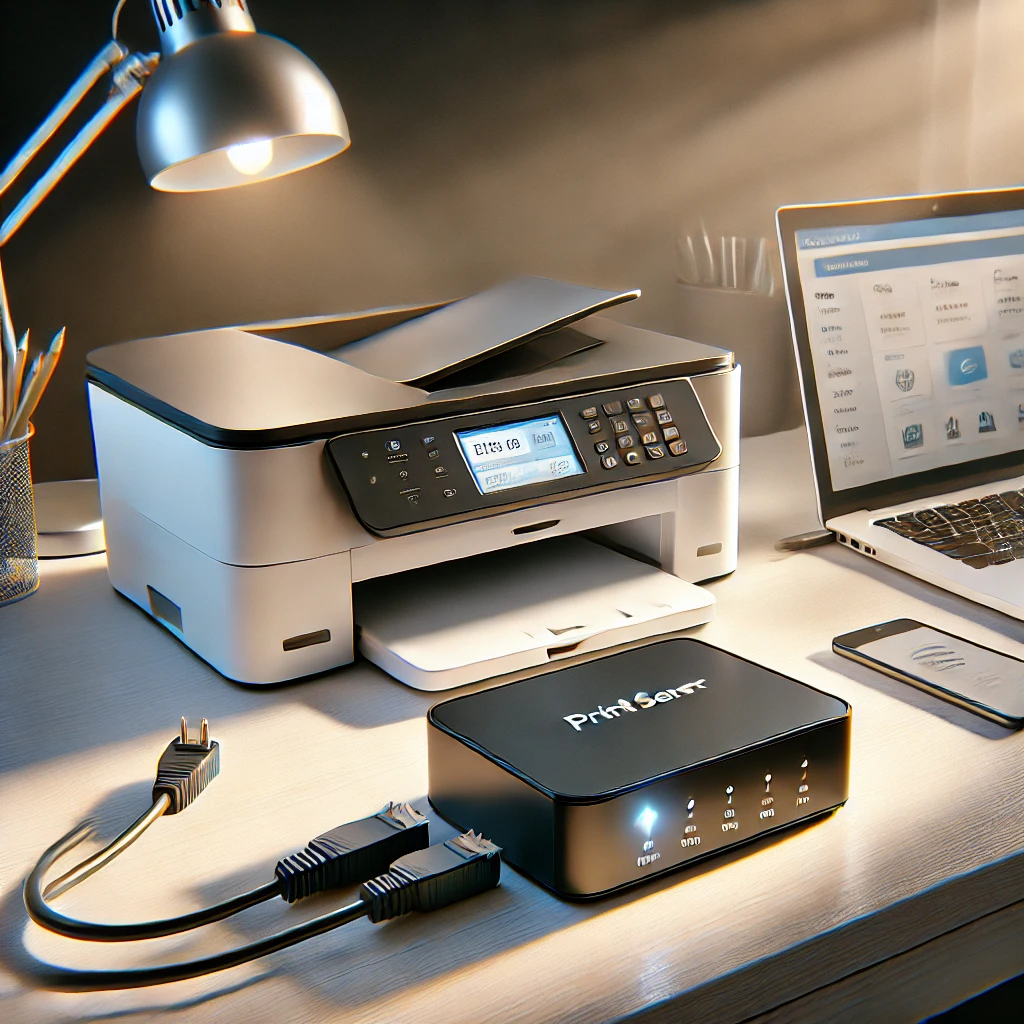
Learn when a print server helps, how printer compatibility and CUPS sharing work, and how to diagnose discovery, queues and mobile-printing problems.
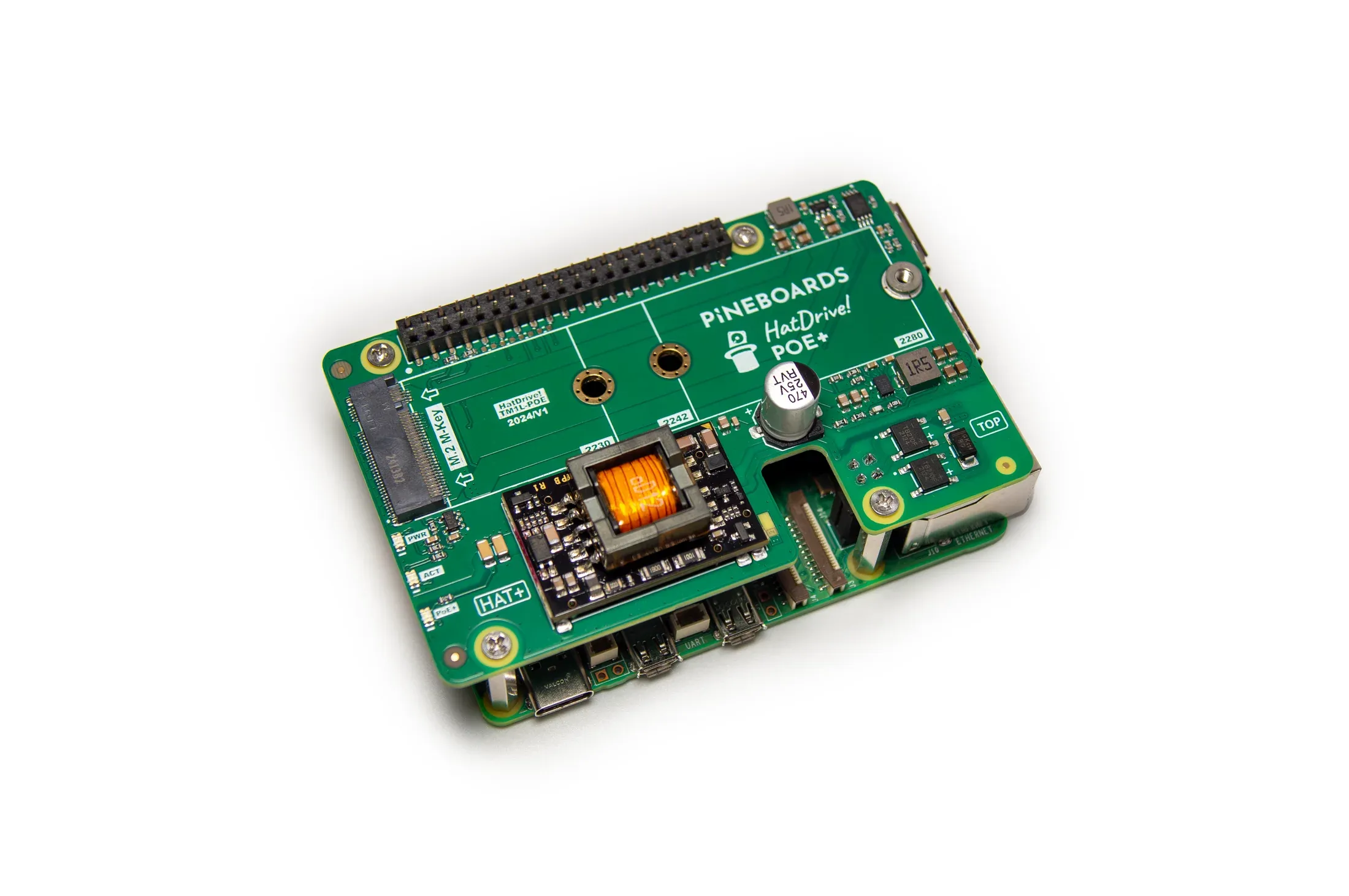
Pineboards HatDrive! PoE+ combines Ethernet power and NVMe storage for Raspberry Pi 5. Check supported drive sizes, switch budget, assembly, cooling and boot requirements.
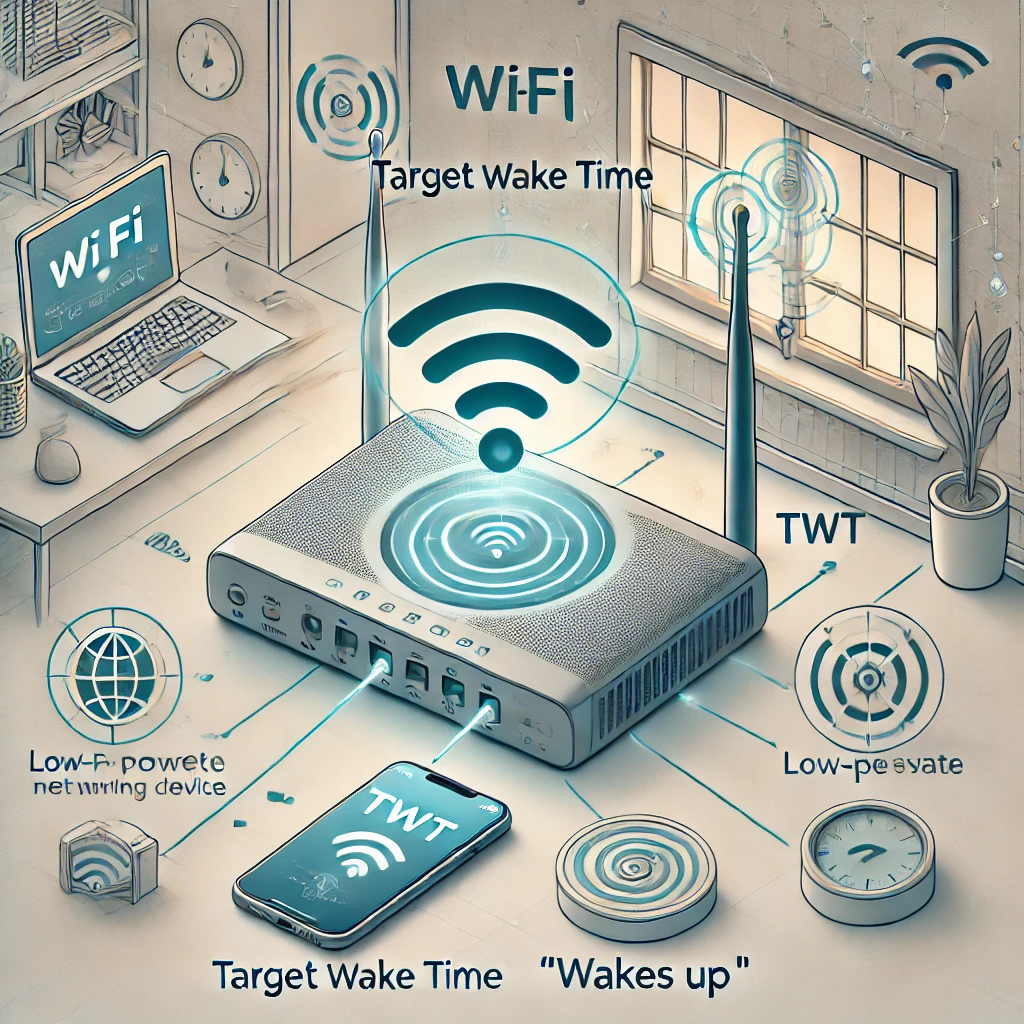
How Target Wake Time coordinates sleep and traffic, which devices can use it, and why battery savings depend on the implementation.

Run Jellyfin on a Raspberry Pi with Docker, understand direct play and transcoding limits, and plan reliable media storage and backups.
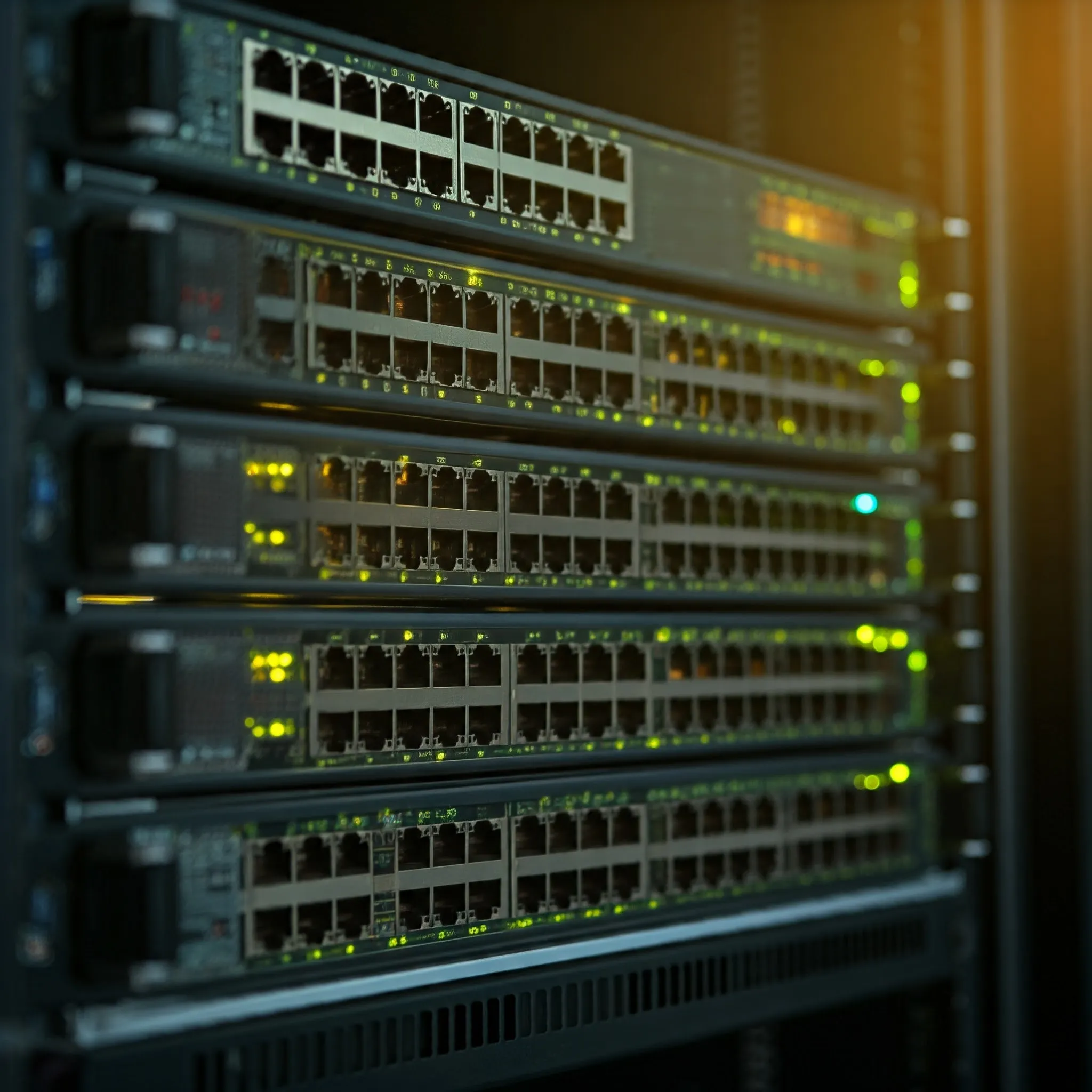
Understand switch forwarding, managed features, PoE budgets, port speeds and SFP uplinks when planning a wired home or office network.
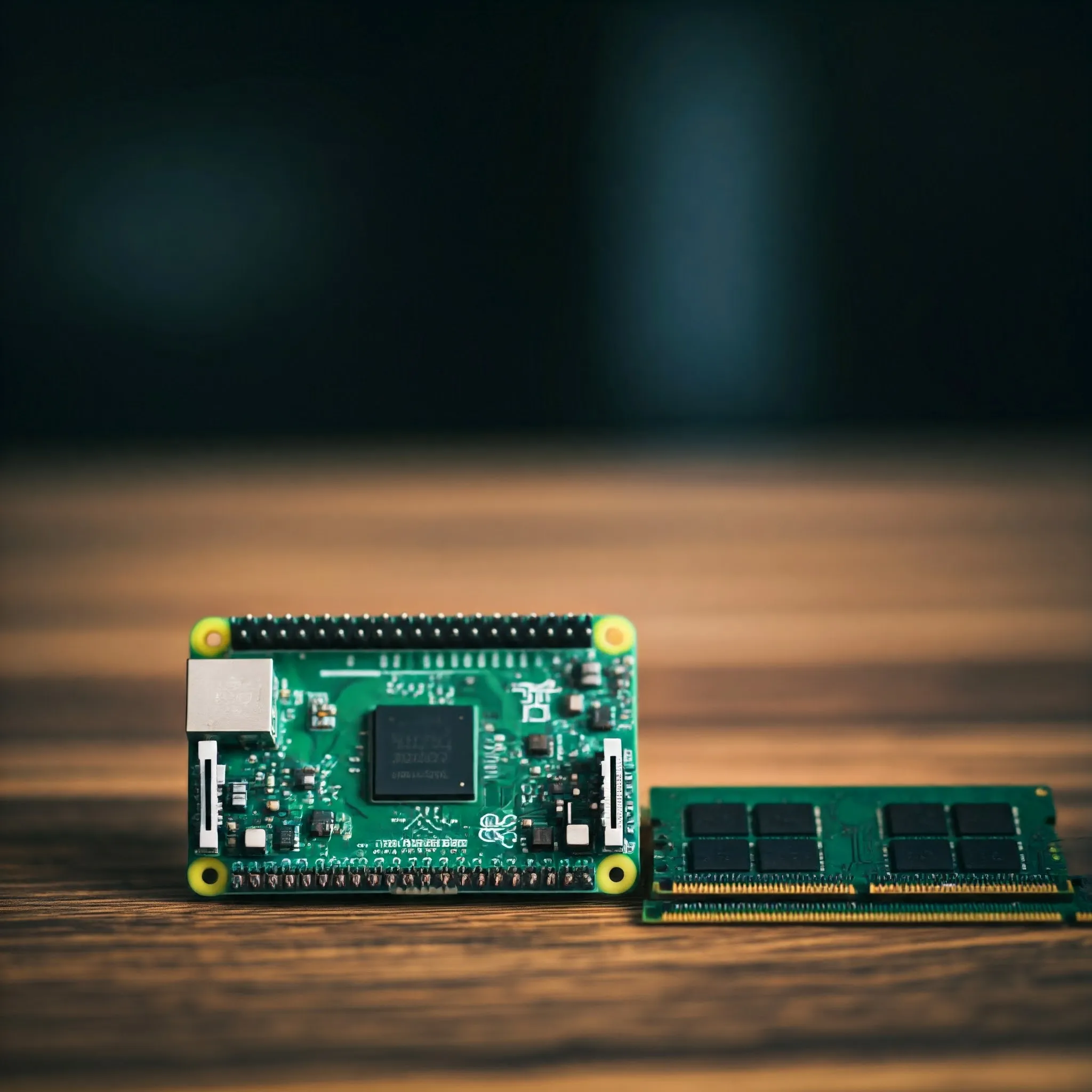
Choose Pi 4 or Pi 5 RAM using real application requirements, current capacity options, useful memory checks and the limits of zram, swap and AI acceleration.
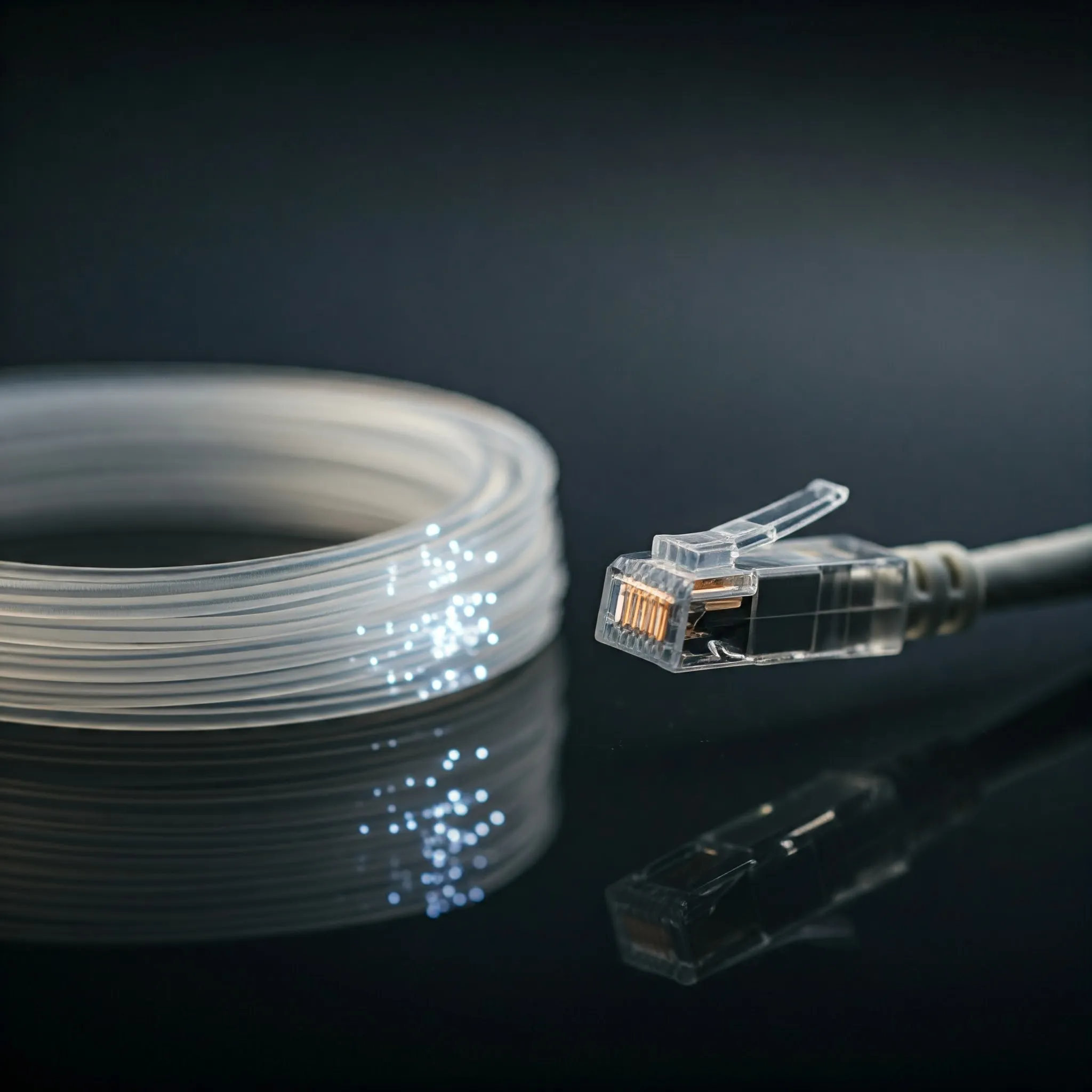
Compare fibre and copper, understand OM and OS grades, match UPC/APC connectors and optics, and verify a reliable link at the required speed and distance.
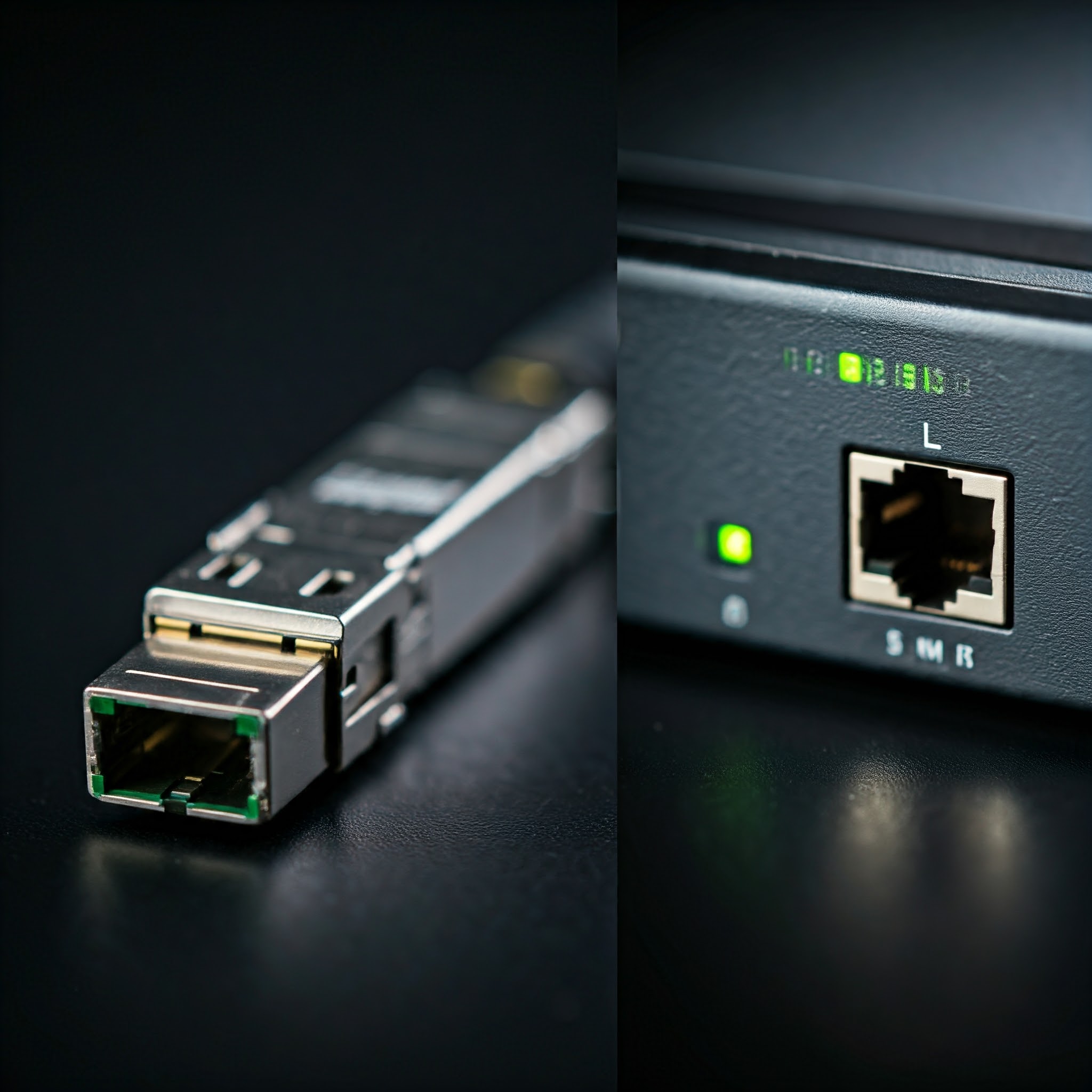
Understand SFP, SFP+, QSFP and SFP-DD, then choose compatible optics or DAC cables by host support, distance, fiber type, power and cooling.
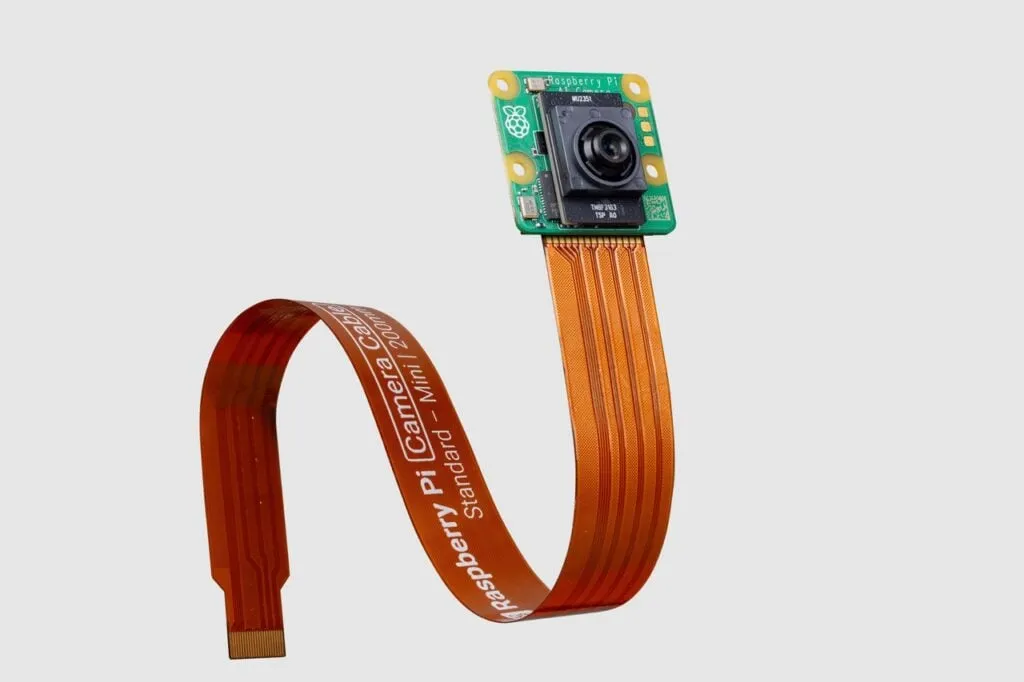
Explore the IMX500 AI Camera, its supported setup and official detection demos, then evaluate focus, false alerts, model compatibility and useful events in your own scene.

Build a Raspberry Pi DAKboard display using DAKOS or a browser, with current plan limits, private URLs, readable layouts and verified restart and sleep behaviour.
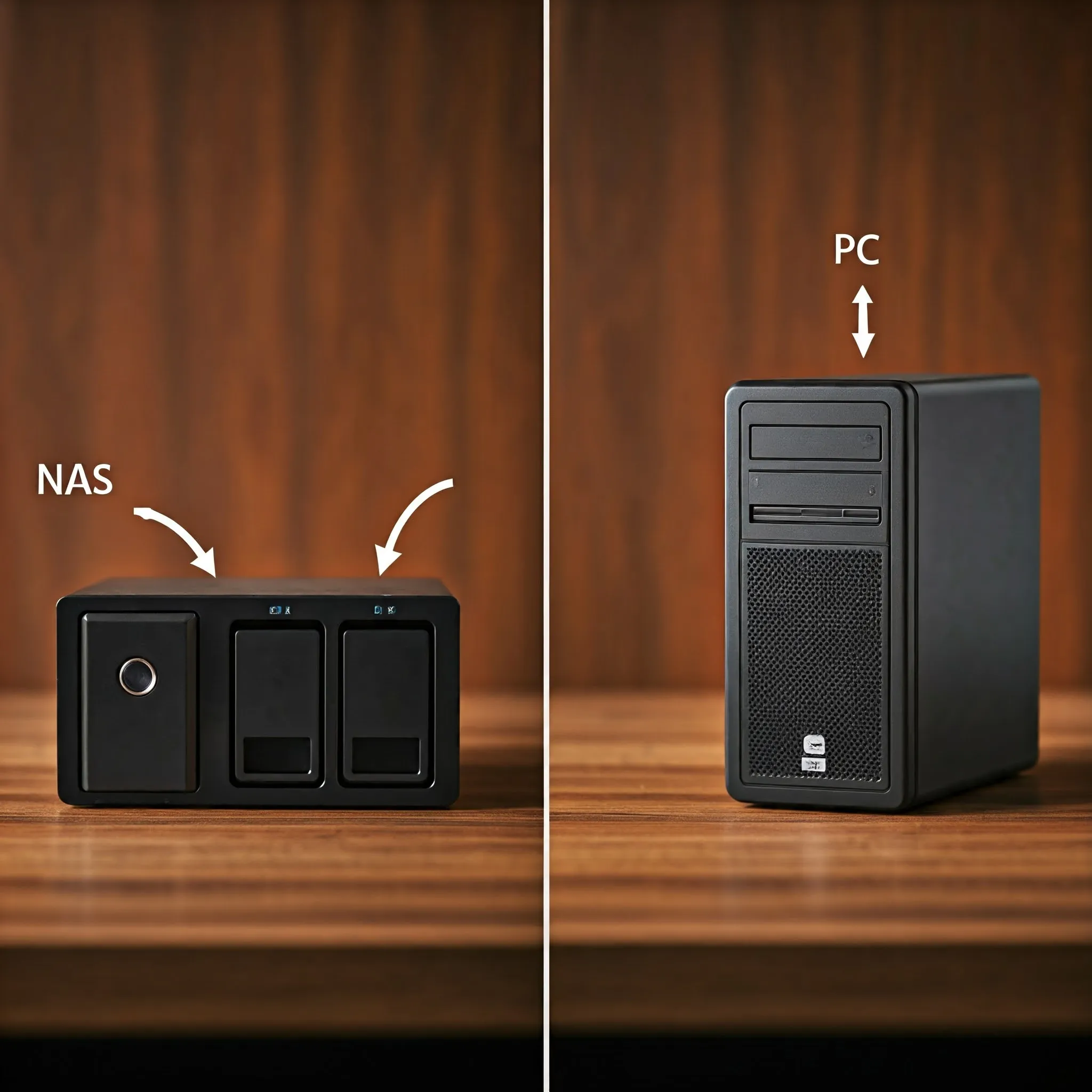
Compare a NAS appliance with a DIY storage PC by workload, hardware, measured costs, backups and the ability to recover your data.
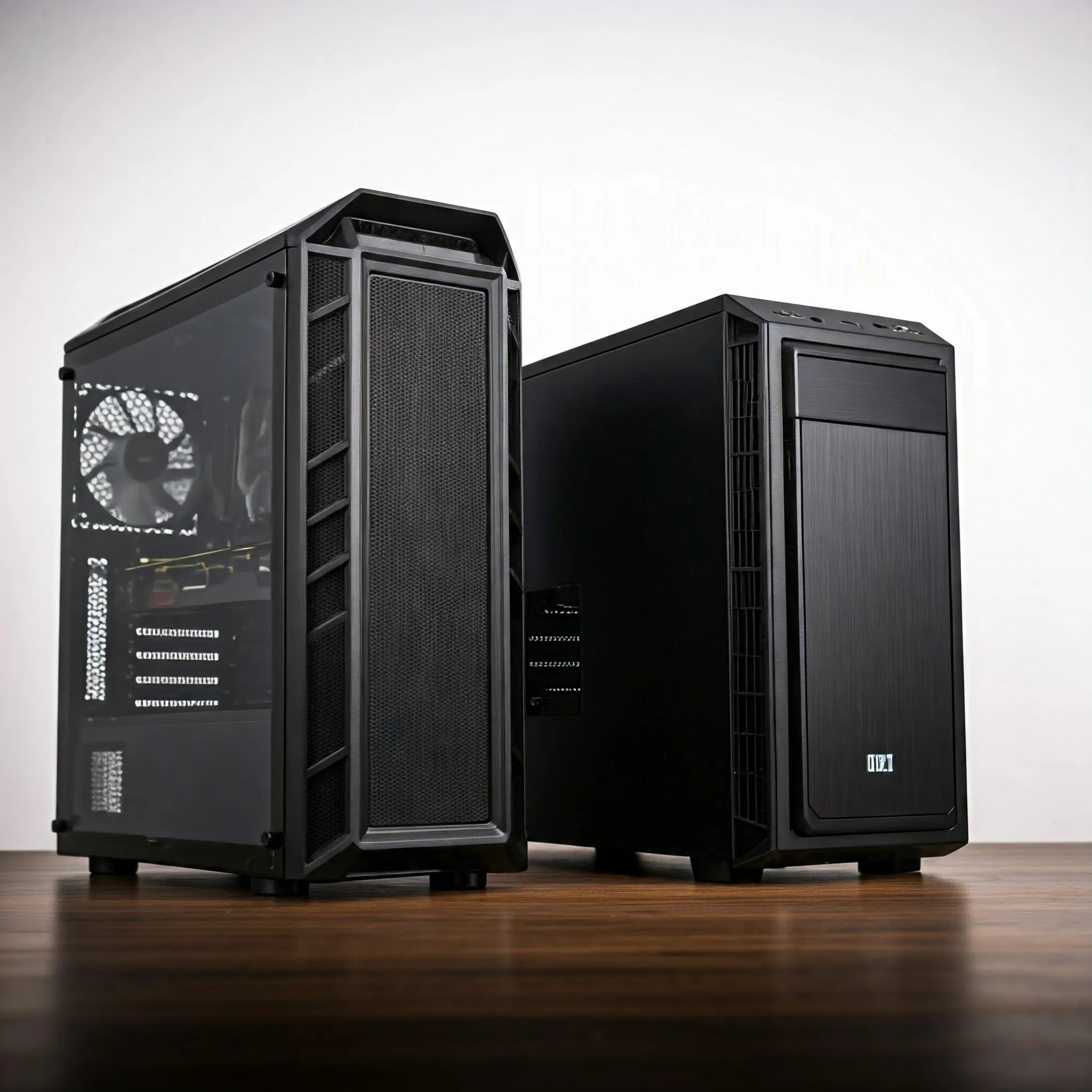
Choose a PC case by motherboard format, mounting, expansion, simultaneous component clearances, PSU fit and practical cooling, with original size illustrations.
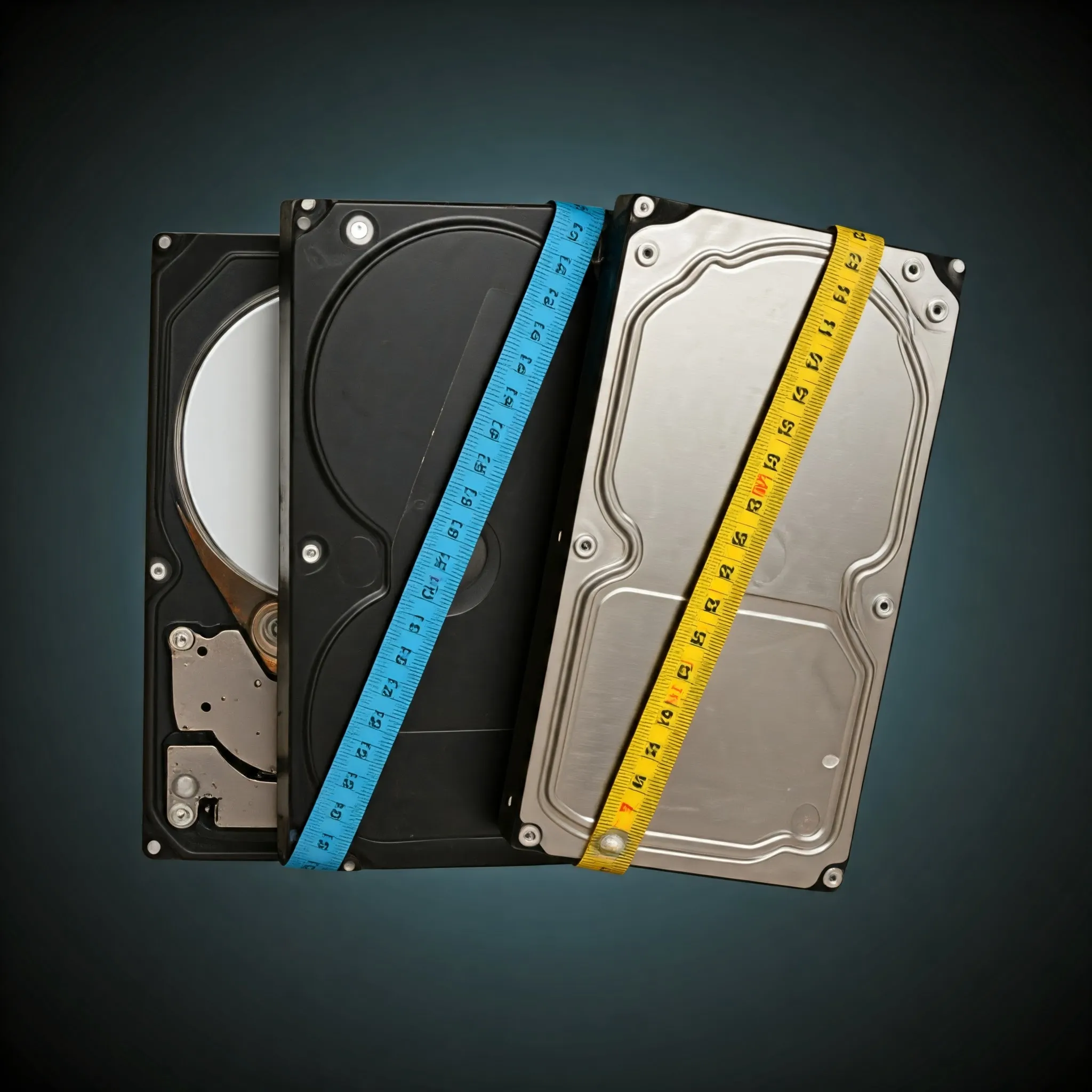
Compare hard-drive workloads and check exact models, CMR/SMR recording, recovery behaviour, workload ratings and warranty before buying.

Separate Wi-Fi link rates from actual throughput, then check placement, power saving, mesh backhaul and channel changes with repeatable comparisons.
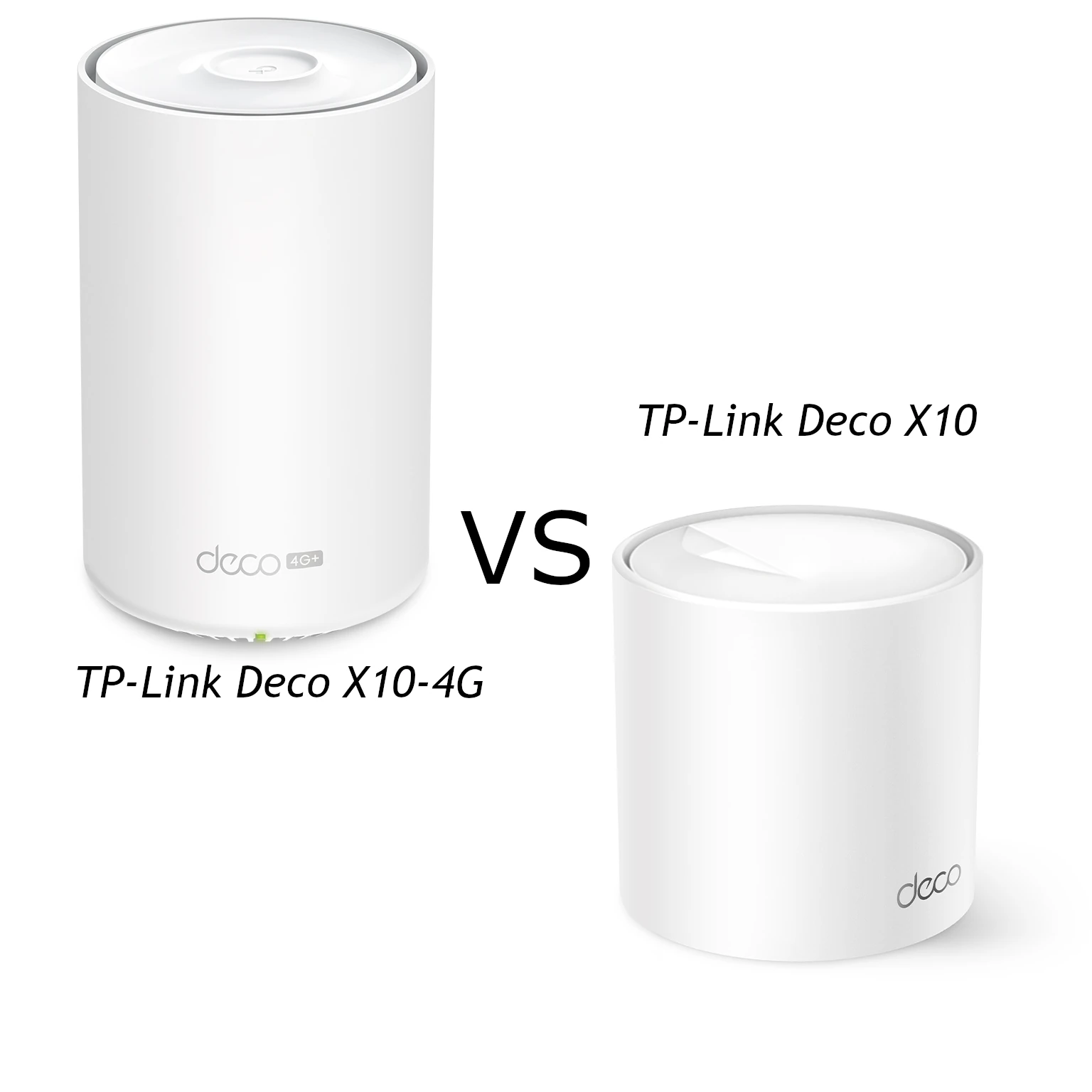
Compare Deco X10 and X10-4G Wi-Fi, Ethernet ports and cellular access, with practical advice on carriers, backup settings, placement and power requirements.
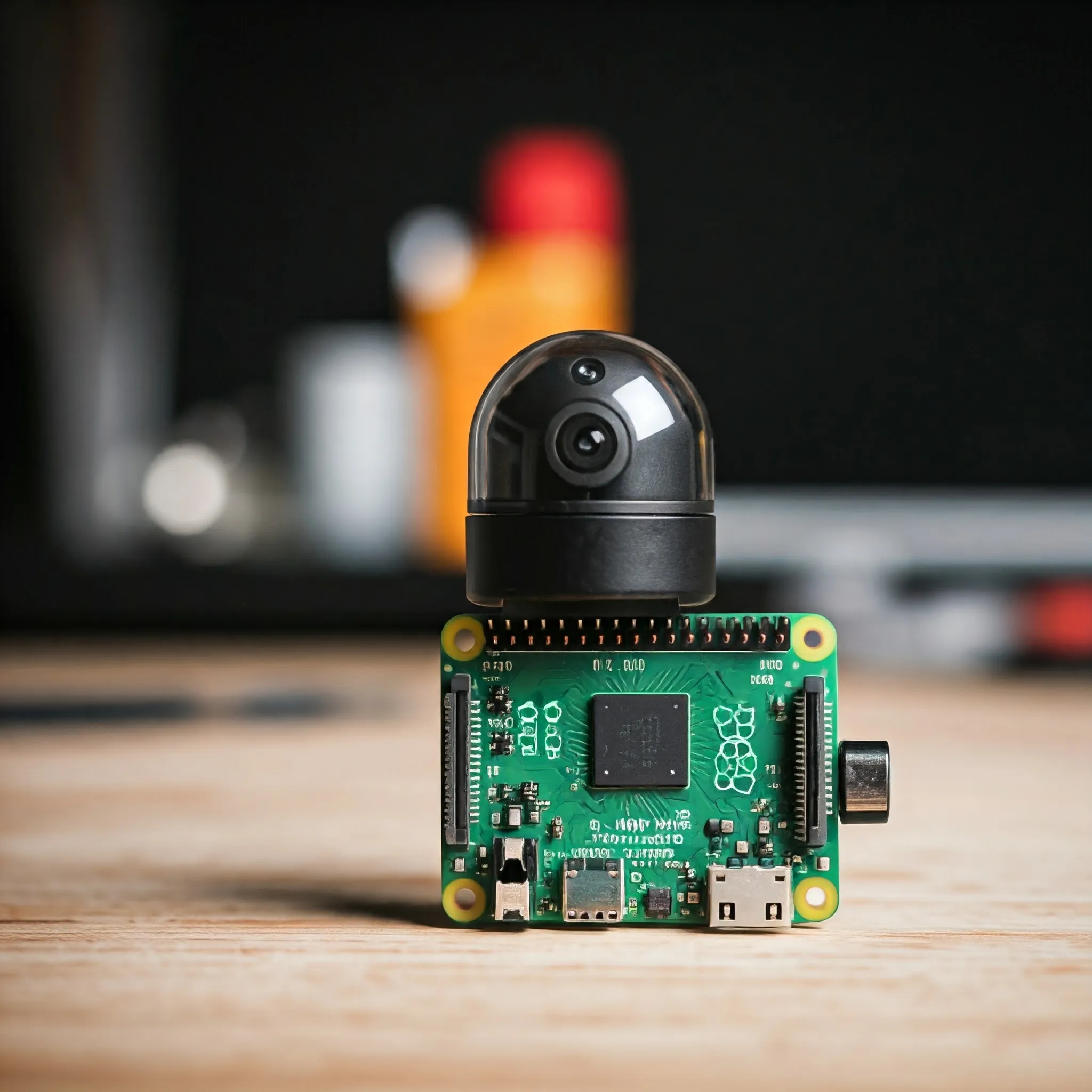
Choose a Raspberry Pi camera for stills, motion or monitoring, with clear lens, NoIR and cable guidance, modern capture commands and third-party driver caveats.
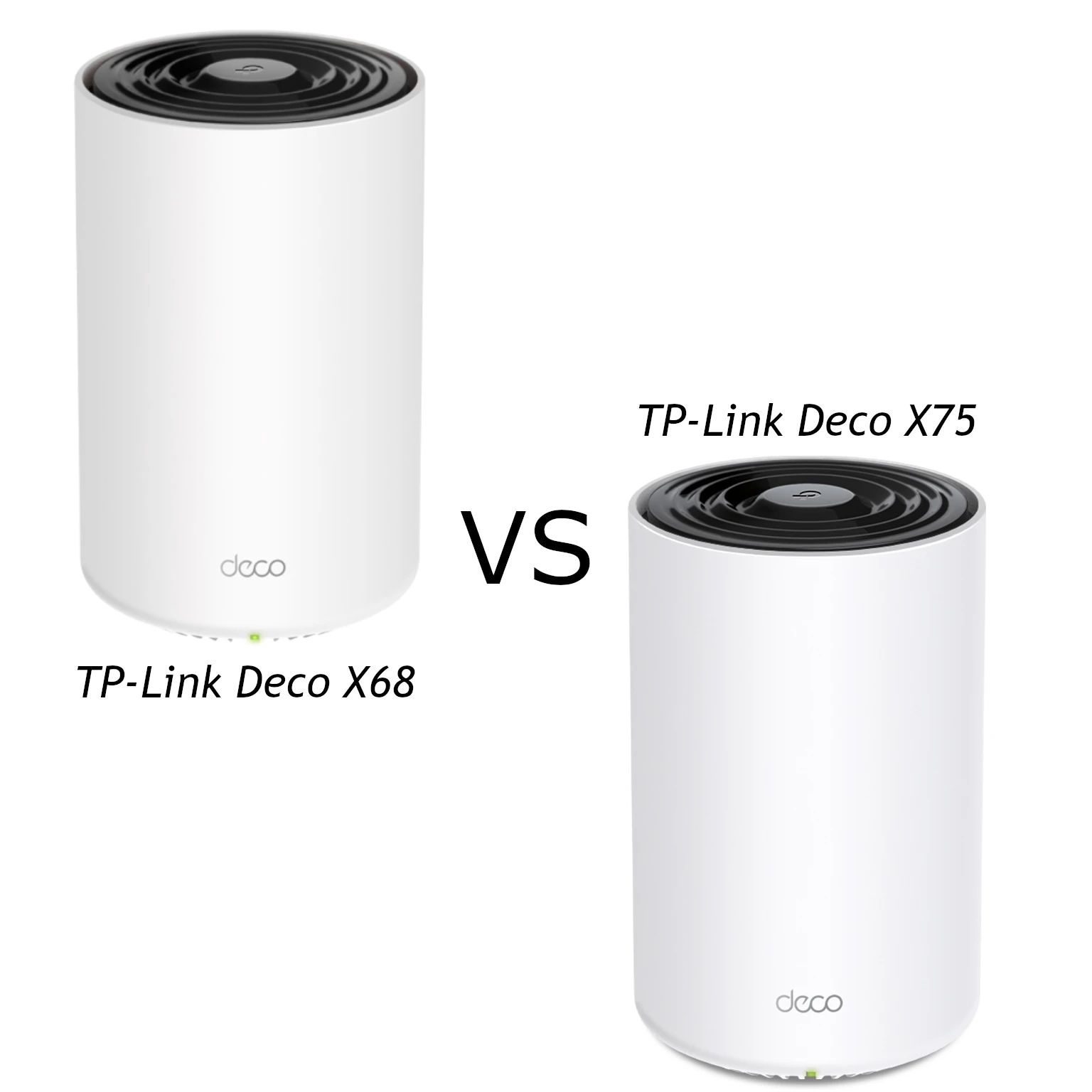
Compare the X68’s AX3600 radios and two Gigabit ports with the X75’s AX5400 HE160 radios and three ports, with practical mesh and support checks.
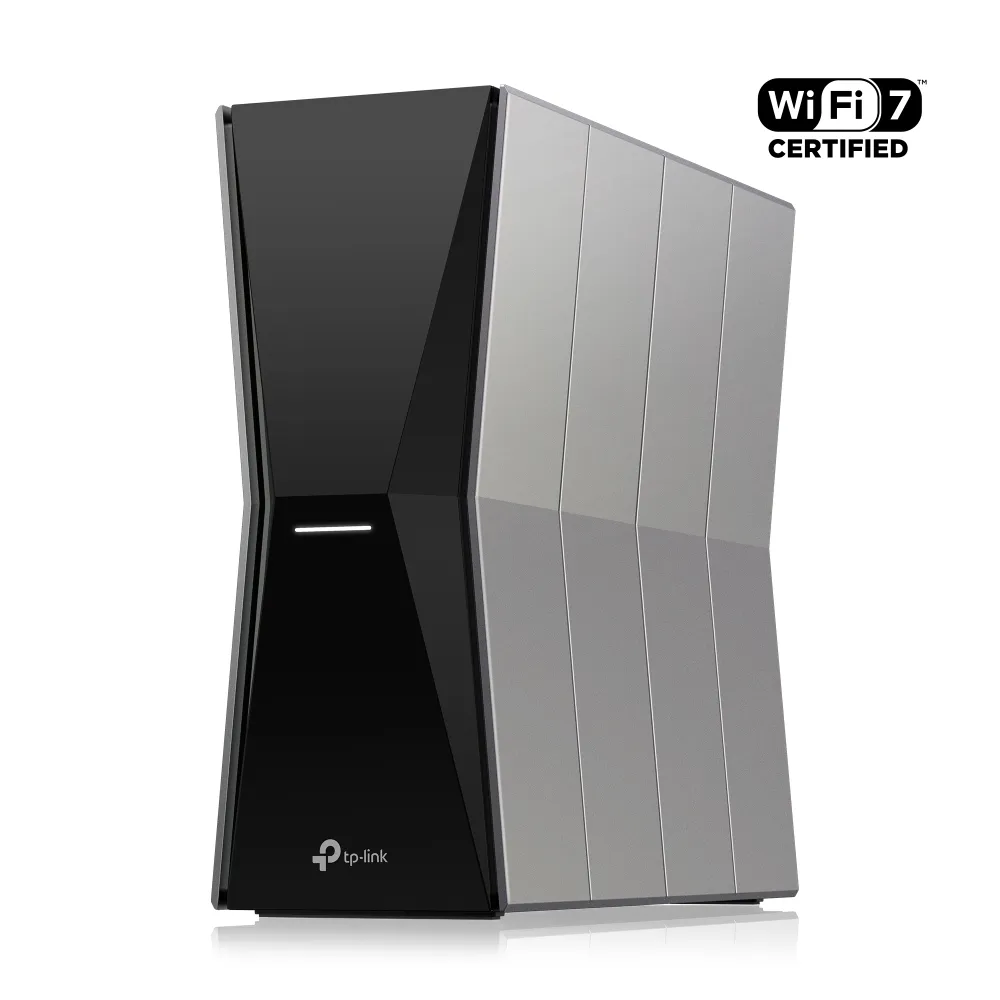
Explore the Archer BE805 Wi-Fi 7 radios, dual 10 Gbps ports, USB and VPN features, with practical checks for client compatibility, firmware and coverage expansion.
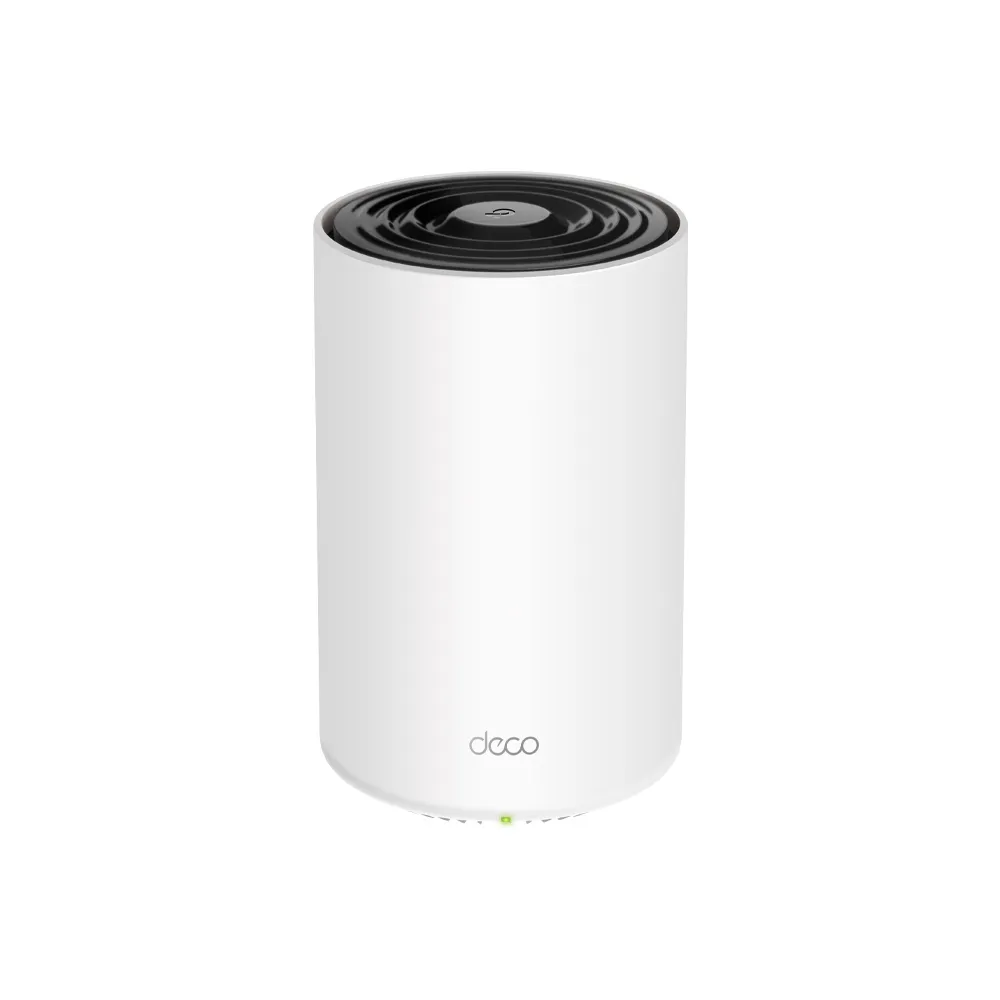
Understand the Deco X68’s three radios, Gigabit ports, changing backhaul descriptions and setup choices before choosing a mesh pack for your home.

Use FreedomBox on a supported Raspberry Pi to manage private home services, with realistic setup, remote access, storage and backup expectations.
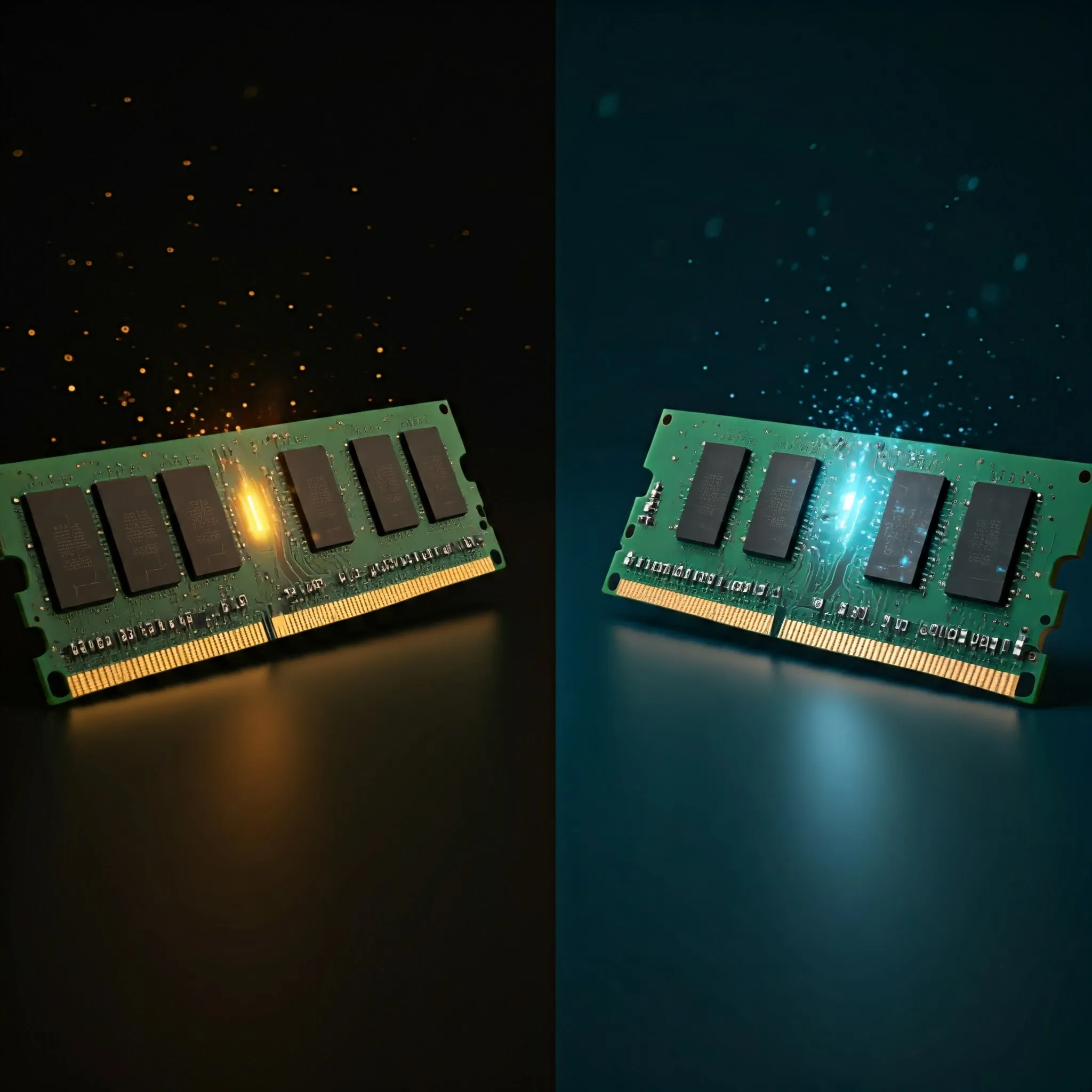
Understand RAM clock frequency, MT/s, CAS delay and bandwidth, then check capacity, compatibility and memory profiles before choosing a stable upgrade.
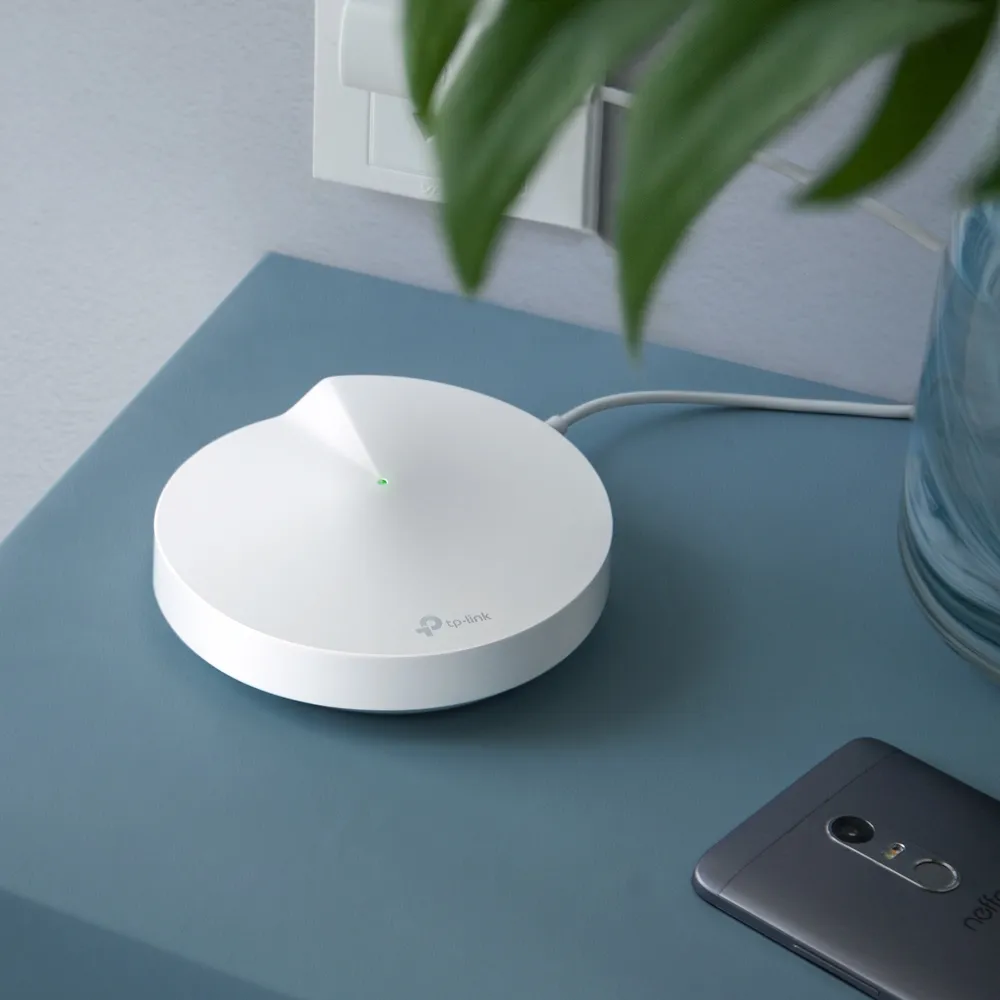
How Deco P7 combines Wi-Fi 5 with AV600 powerline, where it can help, adapter and compatibility limits, troubleshooting and current buying considerations.
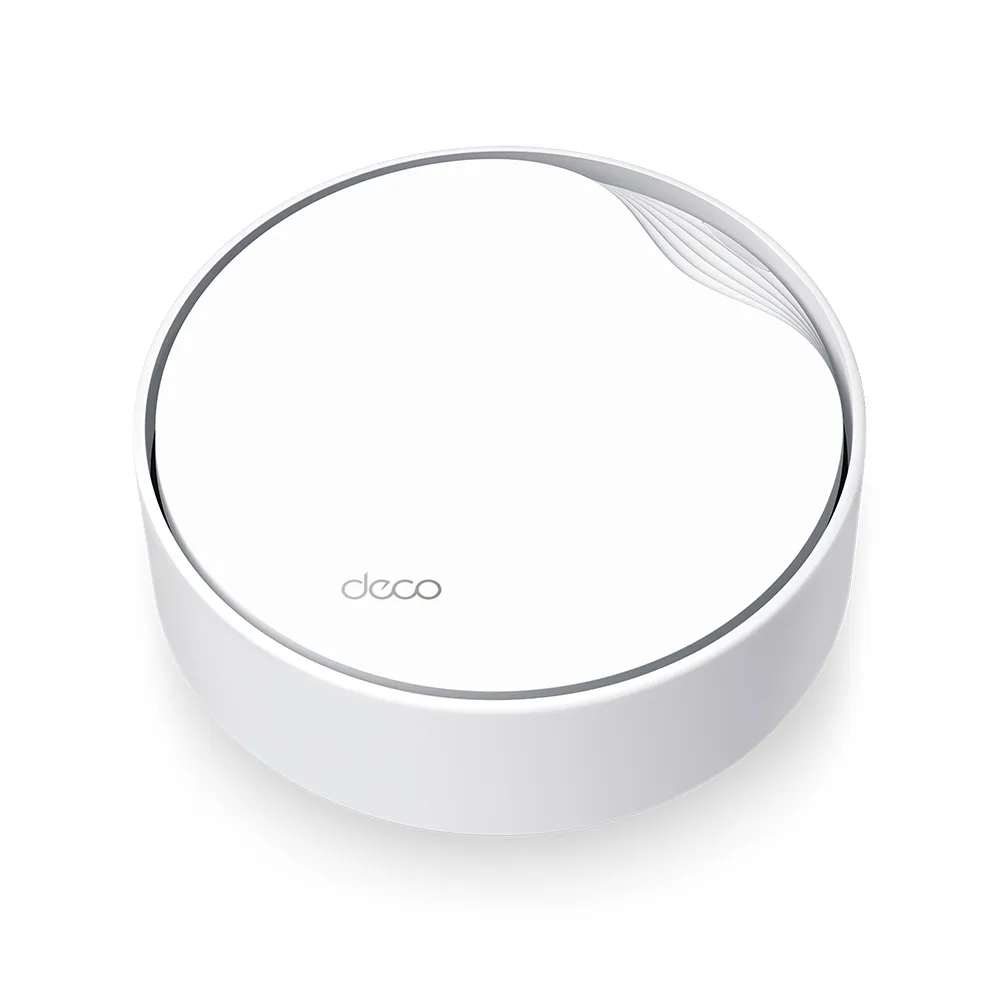
Plan a Deco X50-PoE installation with verified hardware revisions, PoE power requirements, mounting choices, wiring rules and realistic Wi-Fi 6 expectations.
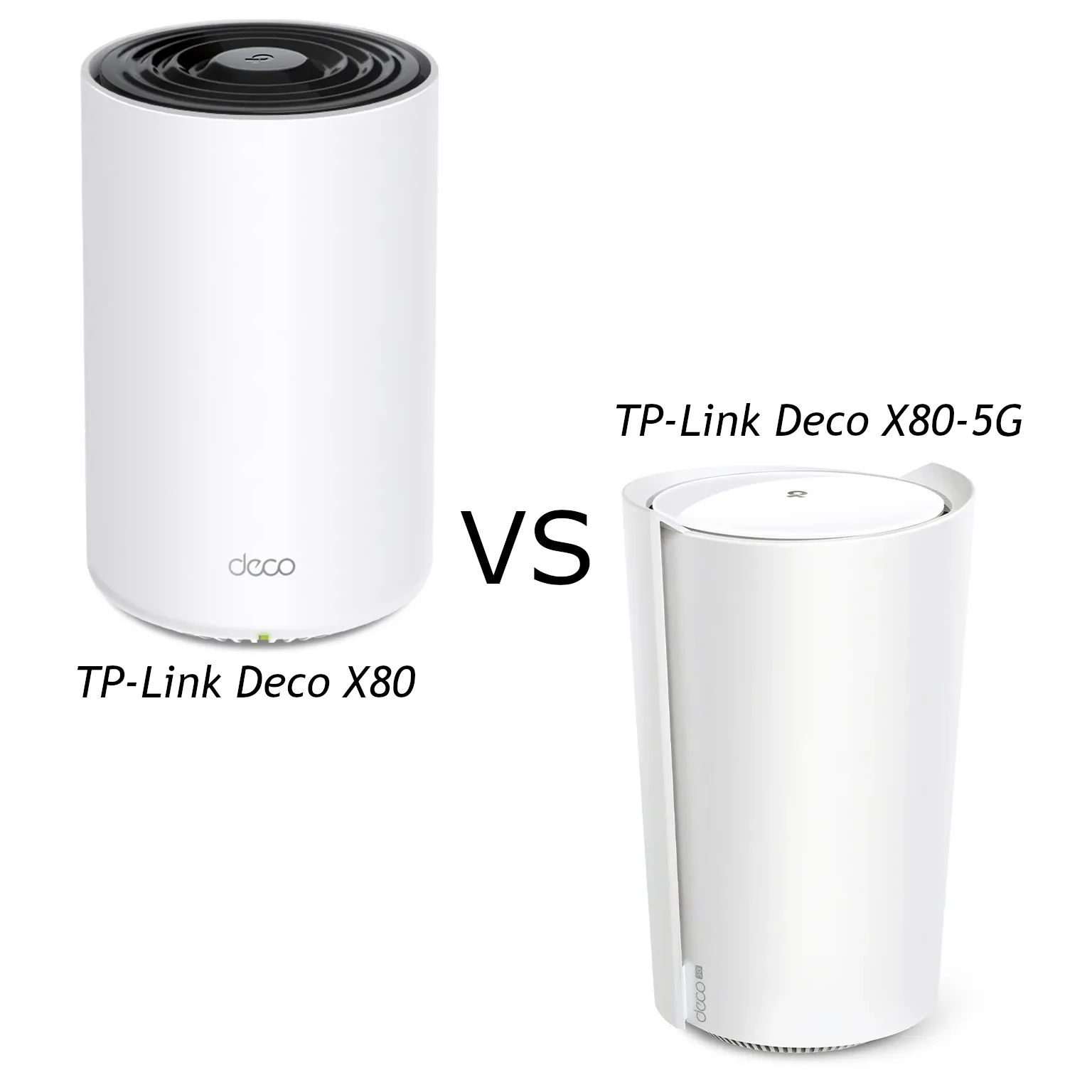
Compare Deco X80 and X80-5G radio claims, Ethernet ports, carrier requirements, supported cellular backup and total cost before choosing a mesh gateway.
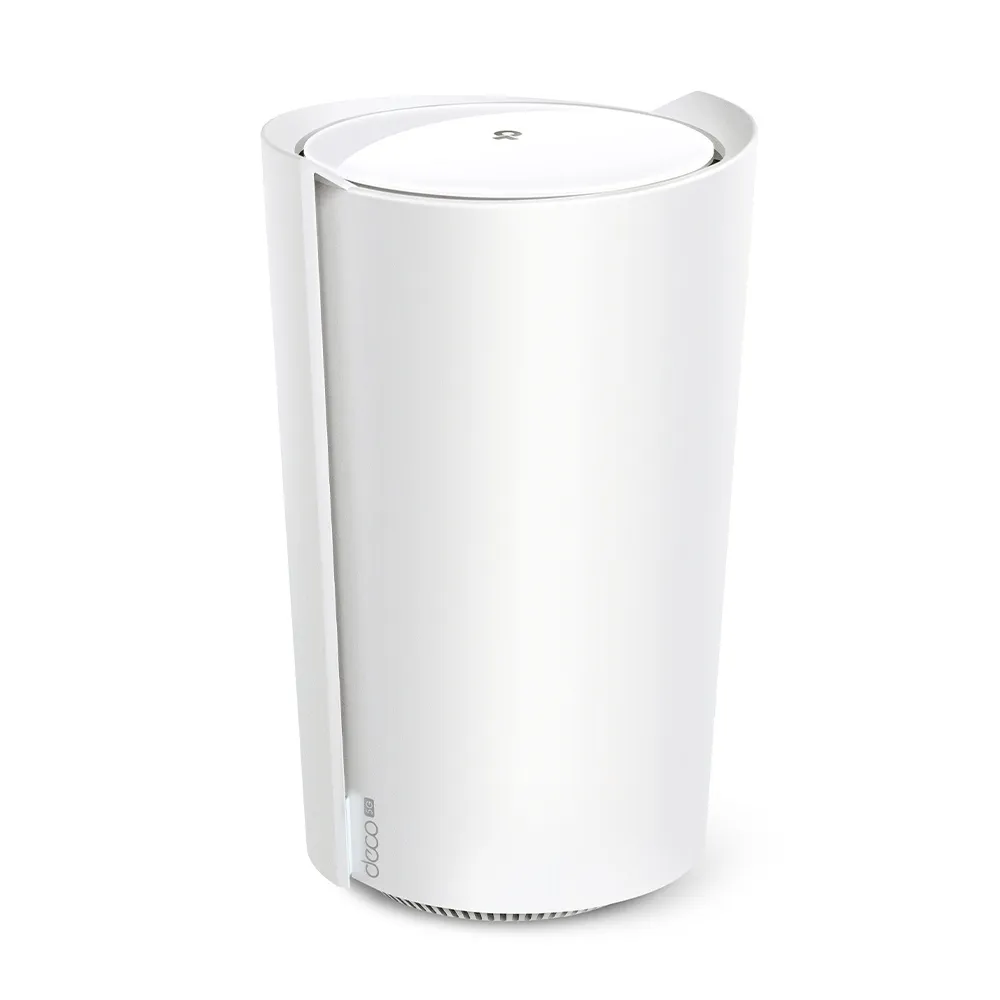
A practical look at the X80-5G’s AX6000 Wi-Fi, two Ethernet ports, SIM broadband, carrier-dependent voice, backup behaviour and external antenna checks.

Choose computer headphones by driver design, tuning, sensitivity, enclosure, connections and comfort, with practical microphone, amplifier and listening checks.
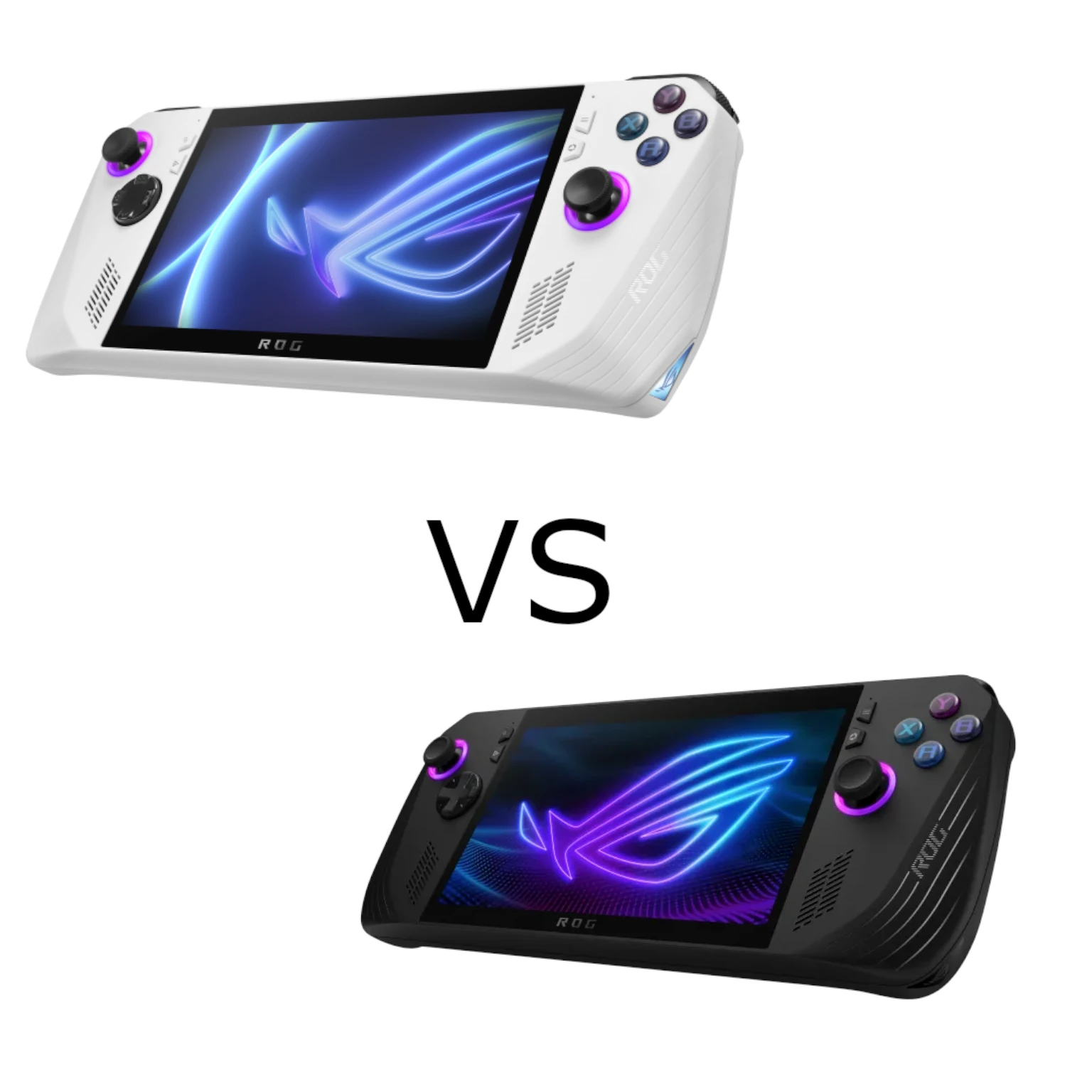
Compare the original ROG Ally and 2024 Ally X, including Z1 variants, memory, battery capacity, SSD formats, ports and practical gaming needs.

Understand beamforming, channel feedback and antenna patterns, compare explicit and implicit methods, and check what can improve your Wi-Fi connection.
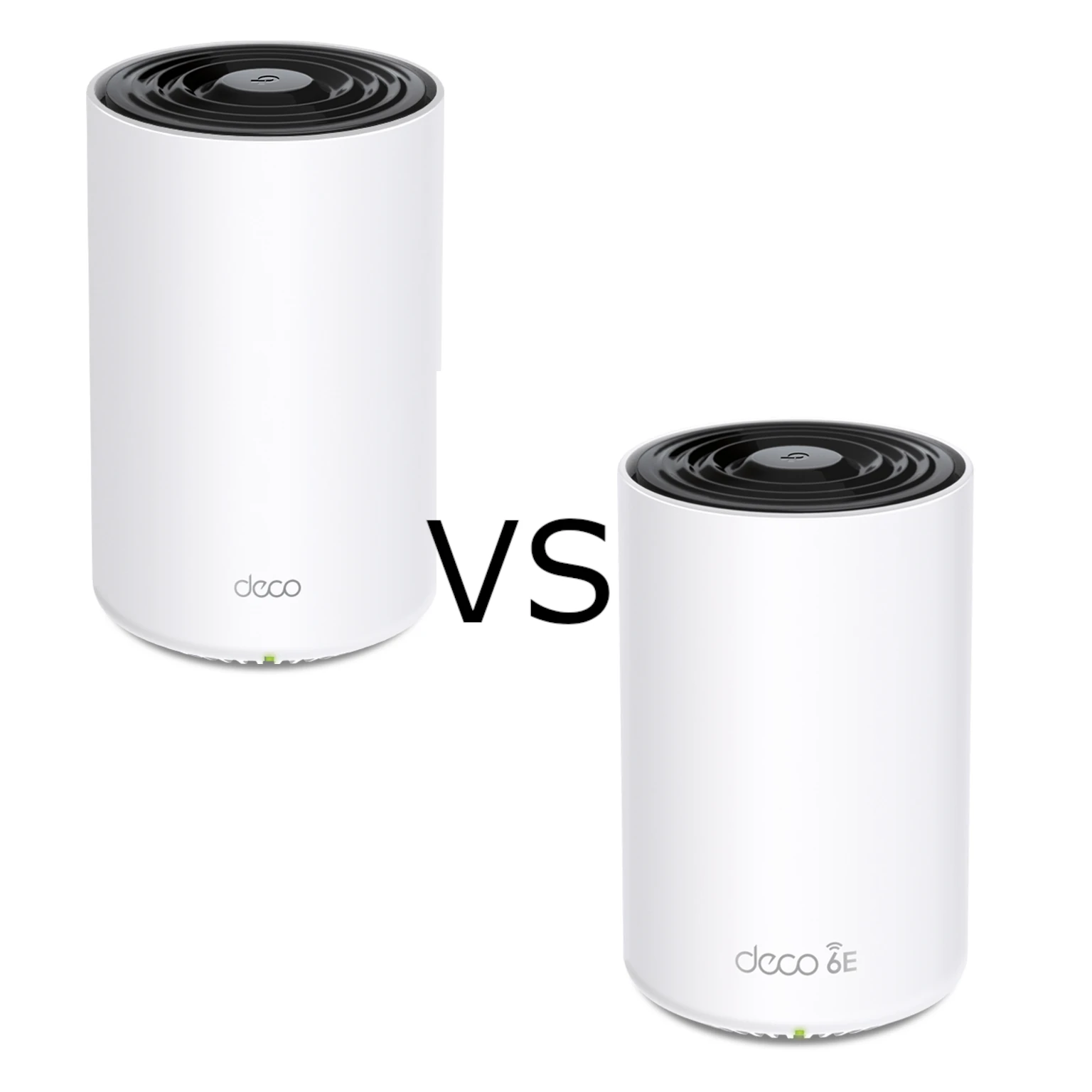
Compare X75 and XE75 radio bands, Gigabit limits, usable 6 GHz, backhaul options and the practical conditions behind the buying choice.
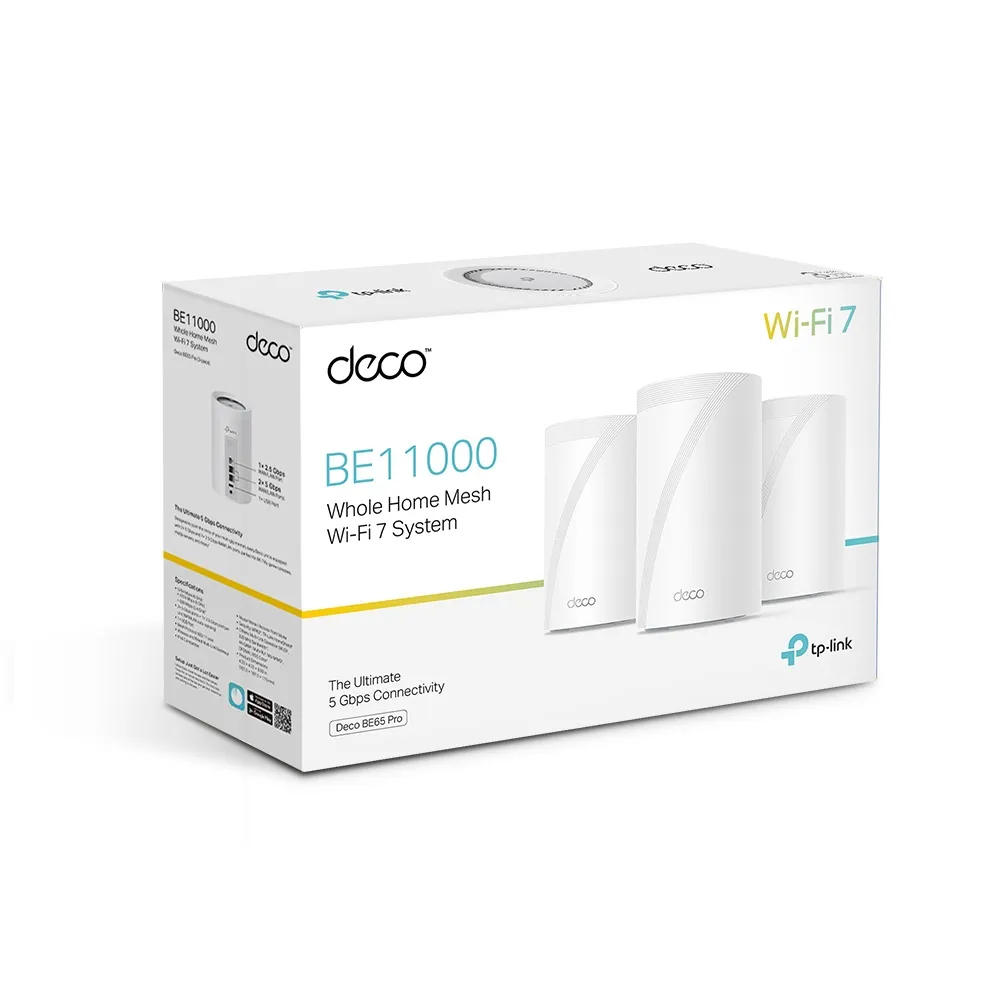
Explore BE65 Pro radio differences by region, its dual 5 Gbps and 2.5 Gbps ports, mesh placement, USB storage and the practical tradeoffs for a demanding home.
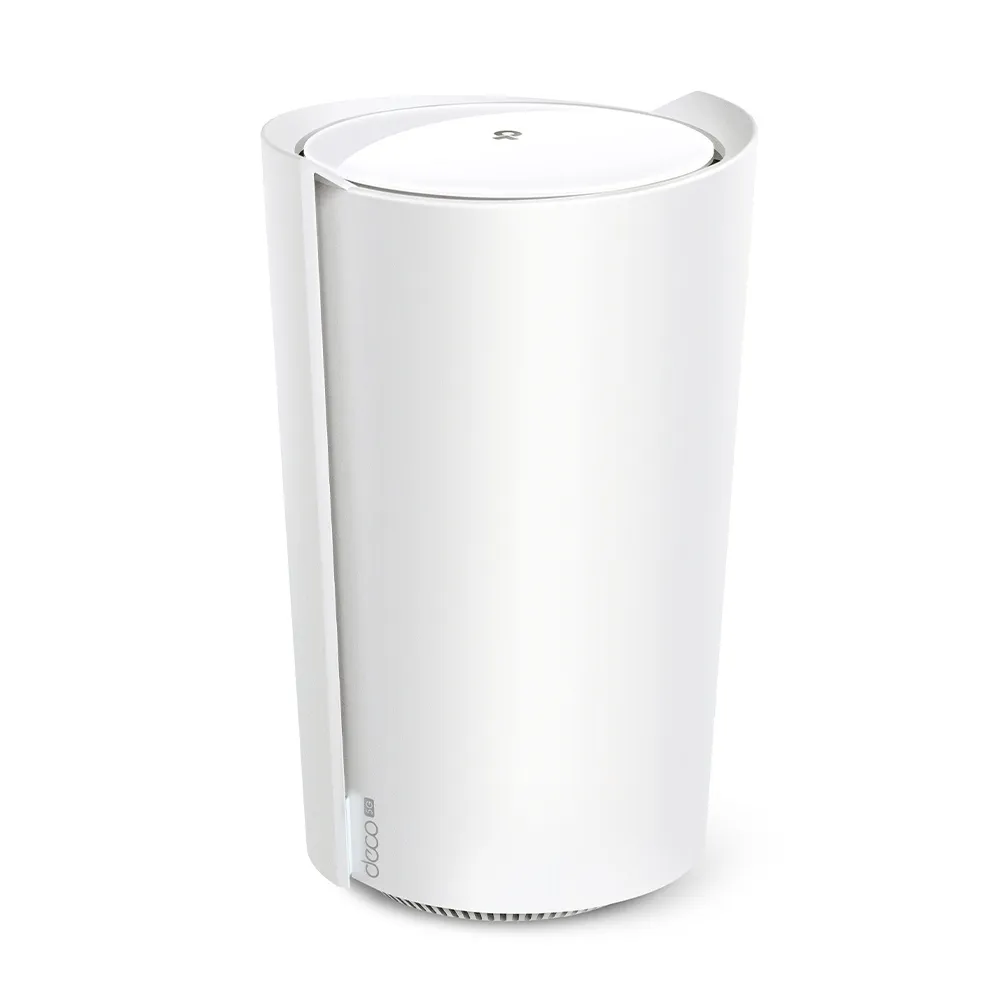
Assess the X50-5G’s Wi-Fi 6 mesh, cellular plans and reception, 2.5G port, backup settings, antenna revisions and the difference between AP and bridge modes.
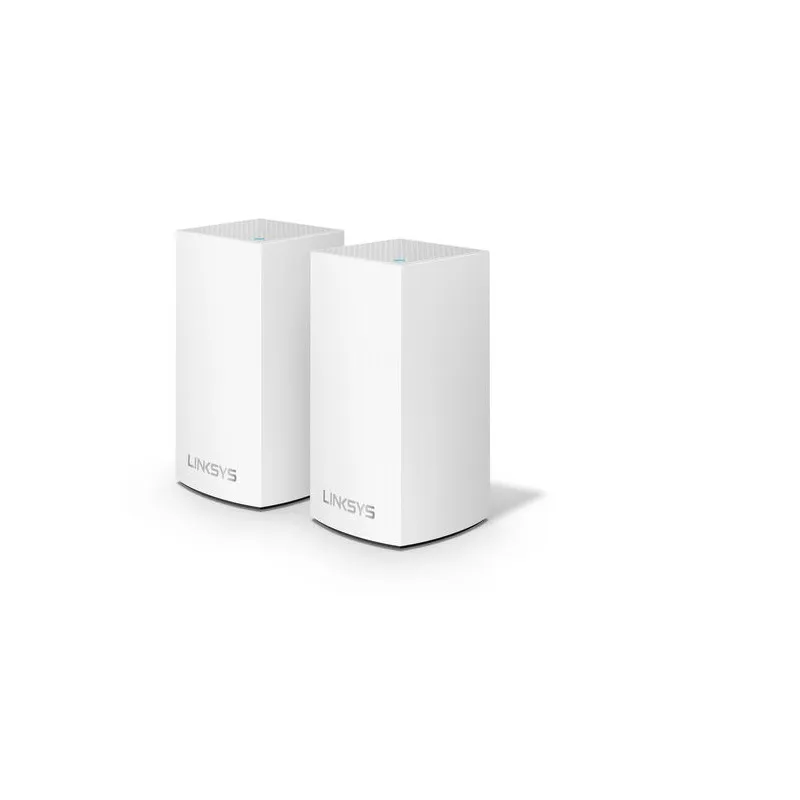
Linksys WHW0102 explained: two AC1300 Wi-Fi 5 nodes, Gigabit backhaul, bridge-mode limits, current local management and practical buying checks.
Choose NAS drives by workload, usable capacity, network limits and endurance, and understand the different risks of SSD pools, caches, SLOG and special devices.
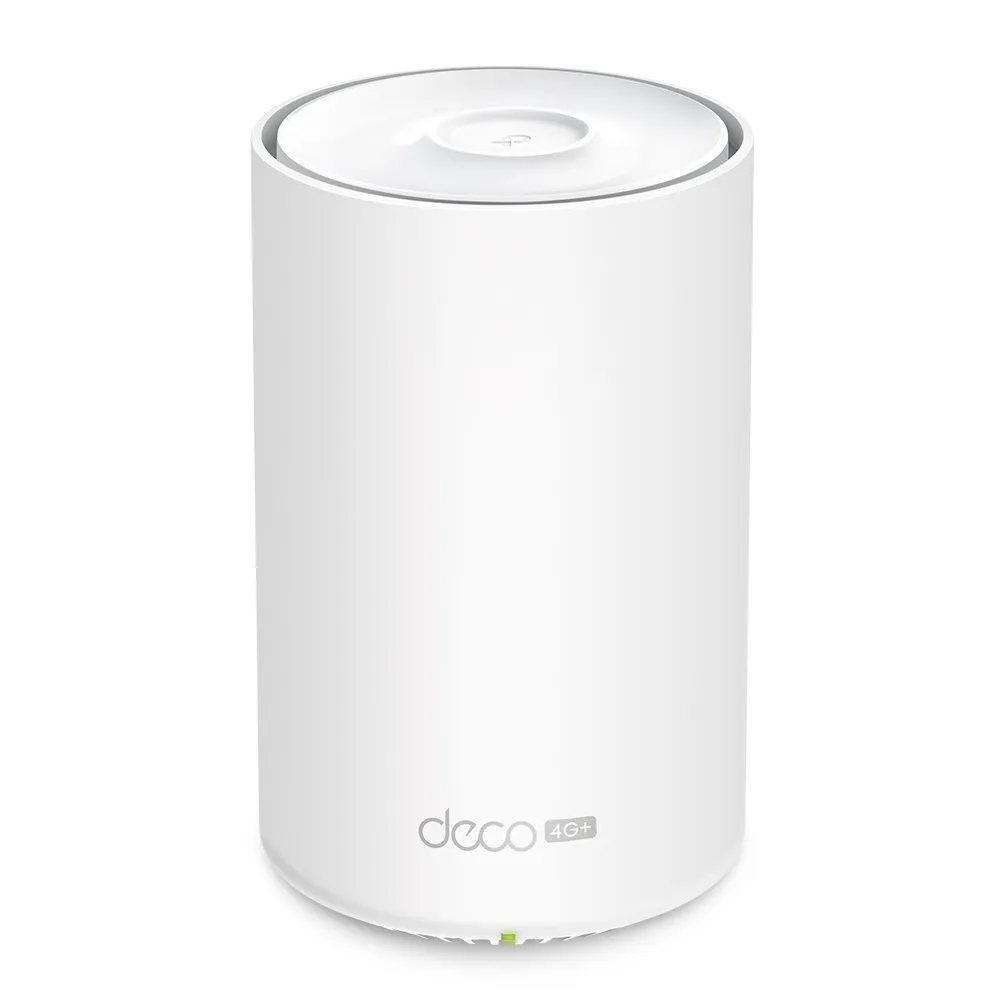
Deco X10-4G explained: LTE Cat6, AX1500 Wi-Fi, three Gigabit ports, SMB antenna adapters, backup verification and mobile data considerations.
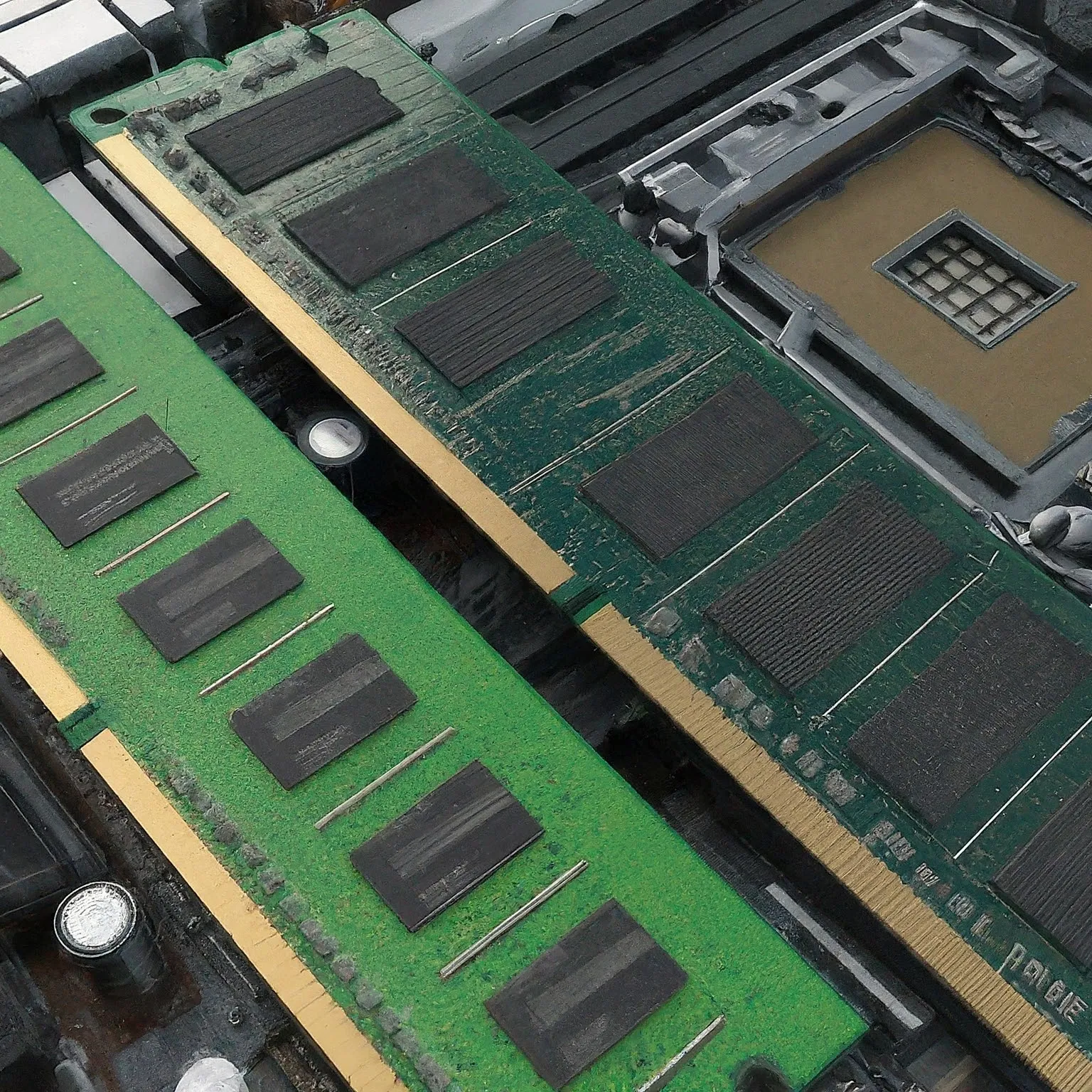
Compare DDR3, DDR4 and DDR5 RAM by compatibility, capacity, MT/s, CAS delay, module type and ECC, with practical profile and stability checks.

Understand Netgear’s routers, mesh systems and switches, distinguish current products from Arlo and ReadyNAS history, and assess backhaul, management, security and support.

Explore Cudy’s value-focused networking range, compare exact mesh and cellular models, and check firmware, VPN, port, support and remote-access requirements.
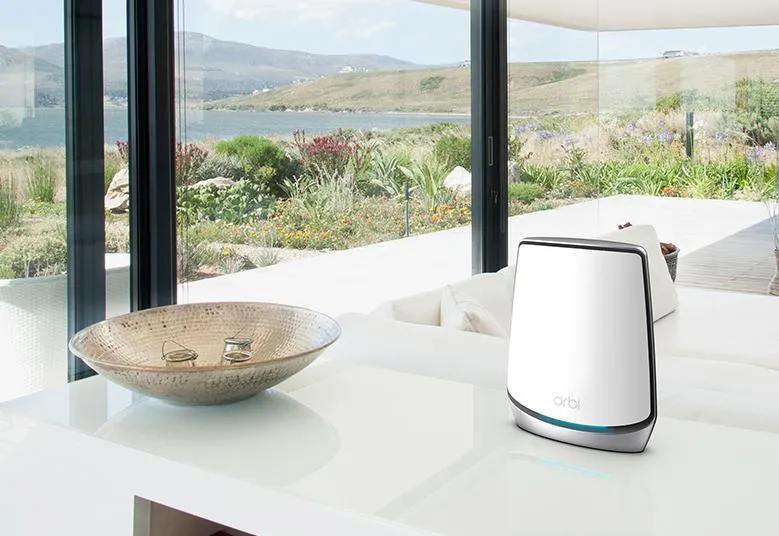
Understand the Orbi 850 router and satellite ports, dedicated backhaul, placement and security settings before choosing or expanding an AX6000 mesh kit.
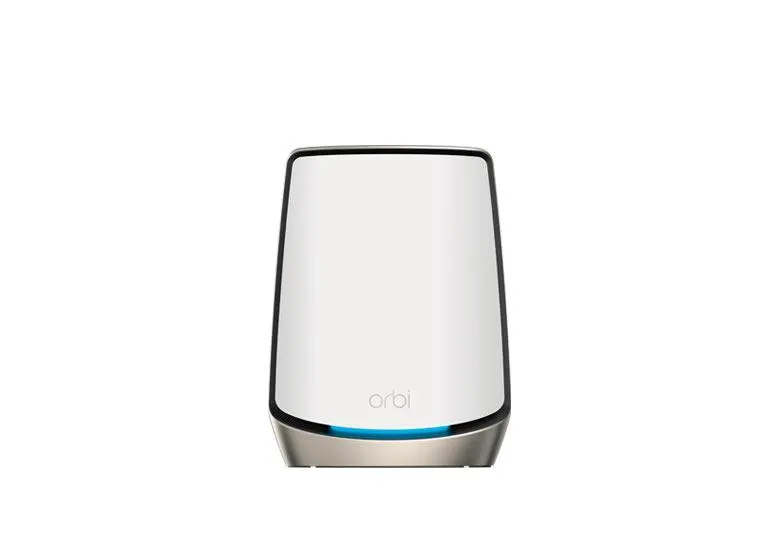
Understand Orbi 860’s dedicated Wi-Fi 6 backhaul, 10G WAN versus Gigabit LAN limits, pack choices and practical large-home deployment tradeoffs.

Understand Ubiquiti product families, UniFi gateways and hosts, PoE, VLAN planning, self-hosting requirements, optional subscriptions and wireless tuning.
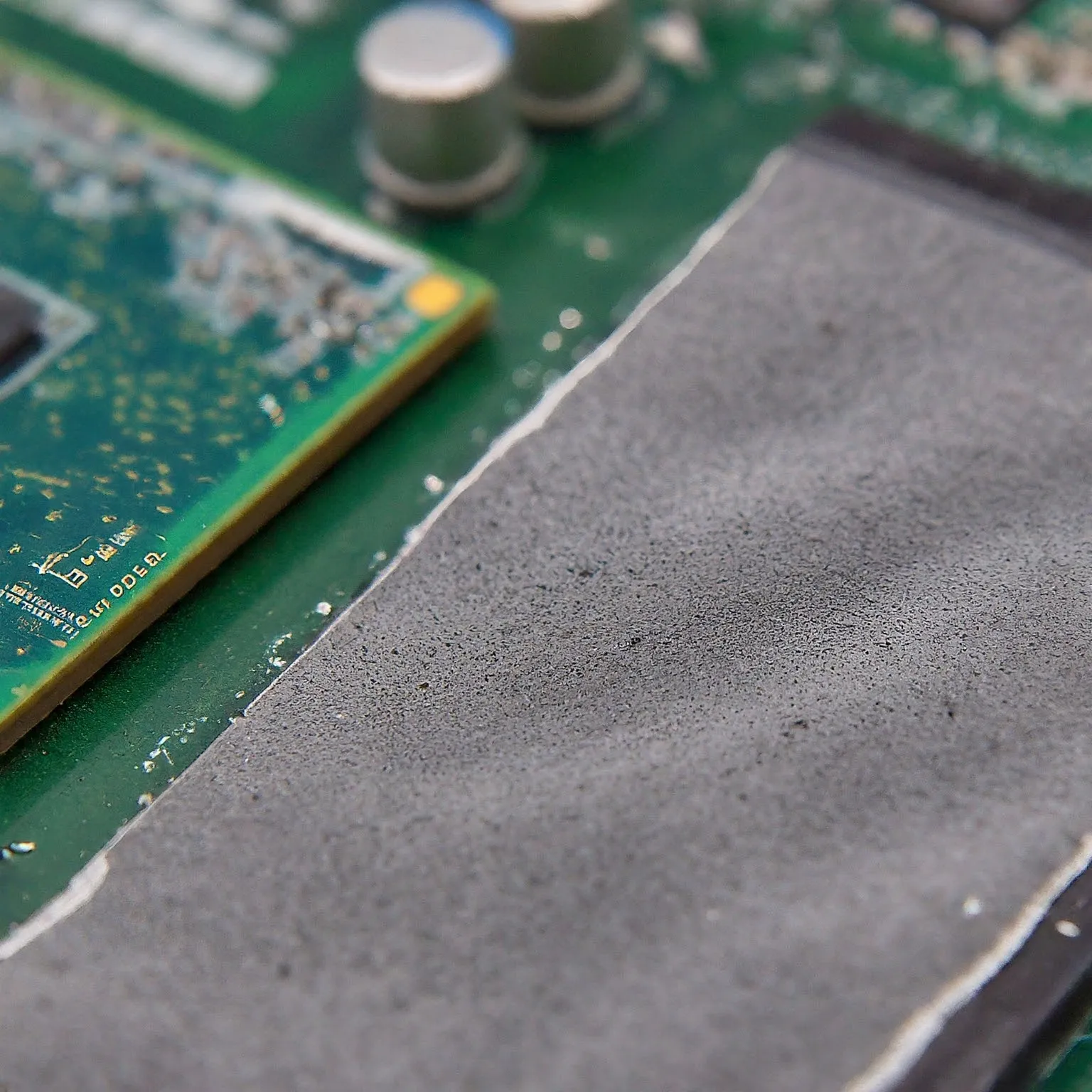
Choose thermal pads by gap, thickness, compression and electrical properties. Learn how ordinary pads differ from paste, phase-change sheets and graphene.
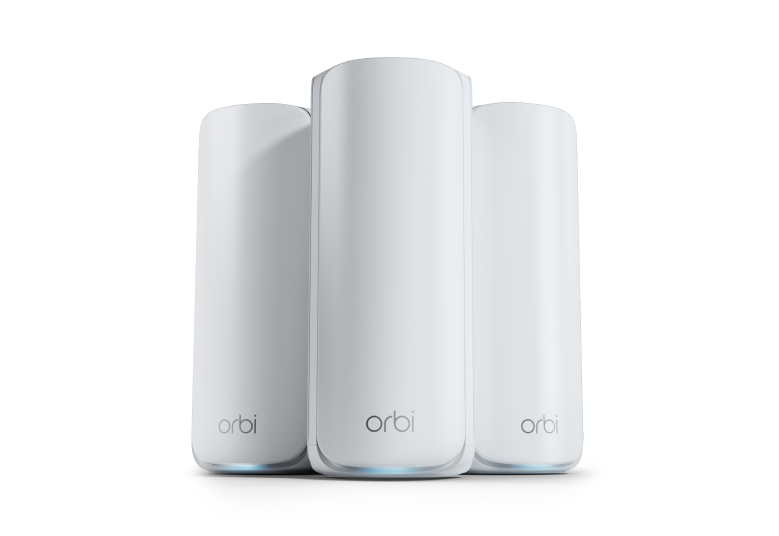
Explore the Orbi 770’s regional Wi-Fi 7 ratings, 2.5G ports, shared and wired backhaul, client compatibility, security options and placement considerations.
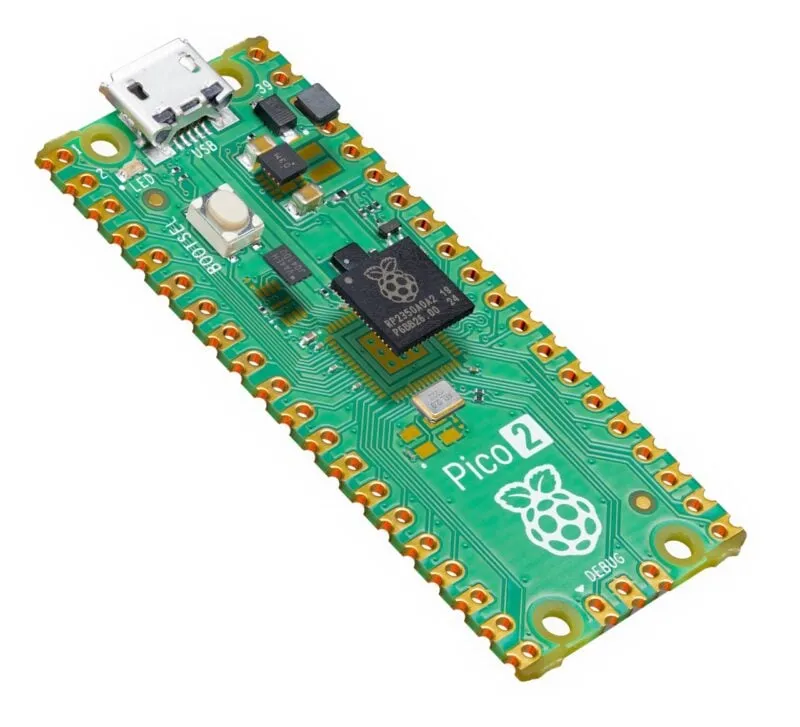
Explore Pico 2’s processor choices, extra memory, PIO and firmware support, with practical power planning and important RP2350 revision and security caveats.
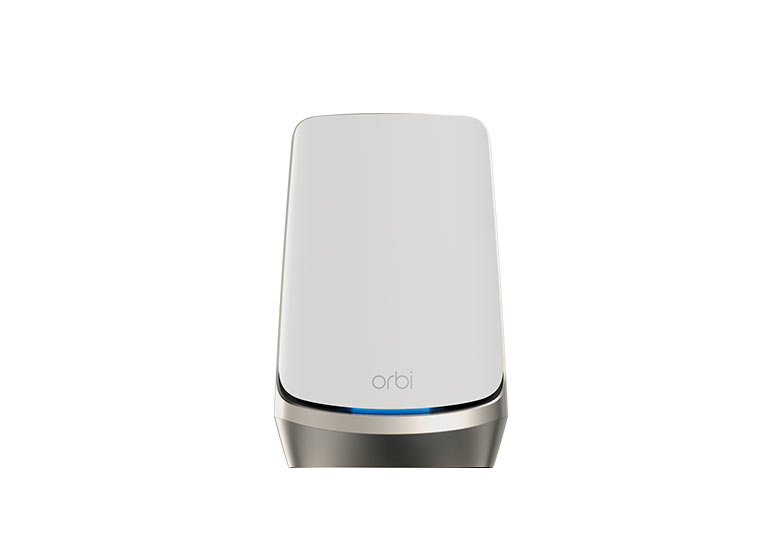
Explore Orbi 960’s quad-band Wi-Fi 6E, exact Ethernet ports, dedicated backhaul, 6GHz limits and premium-price tradeoffs for a larger home.
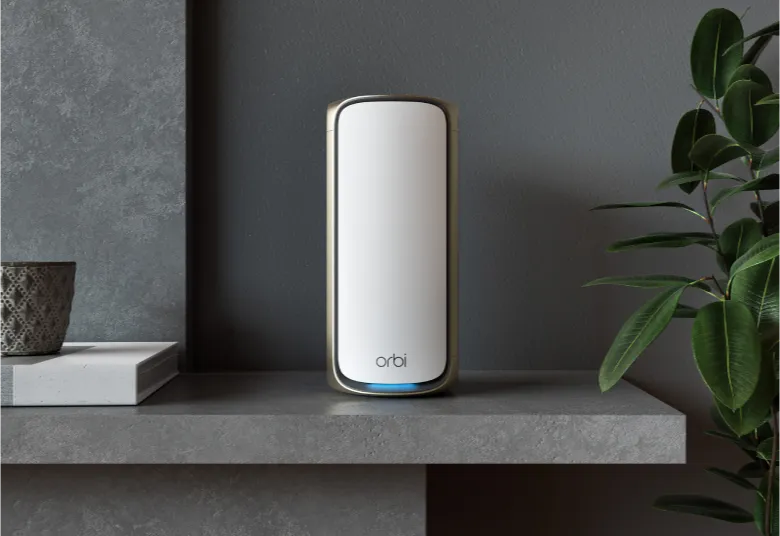
Explore Orbi 970 quad-band Wi-Fi 7, verified router and satellite ports, enhanced backhaul, IoT network limits, AP mode and premium buying considerations.
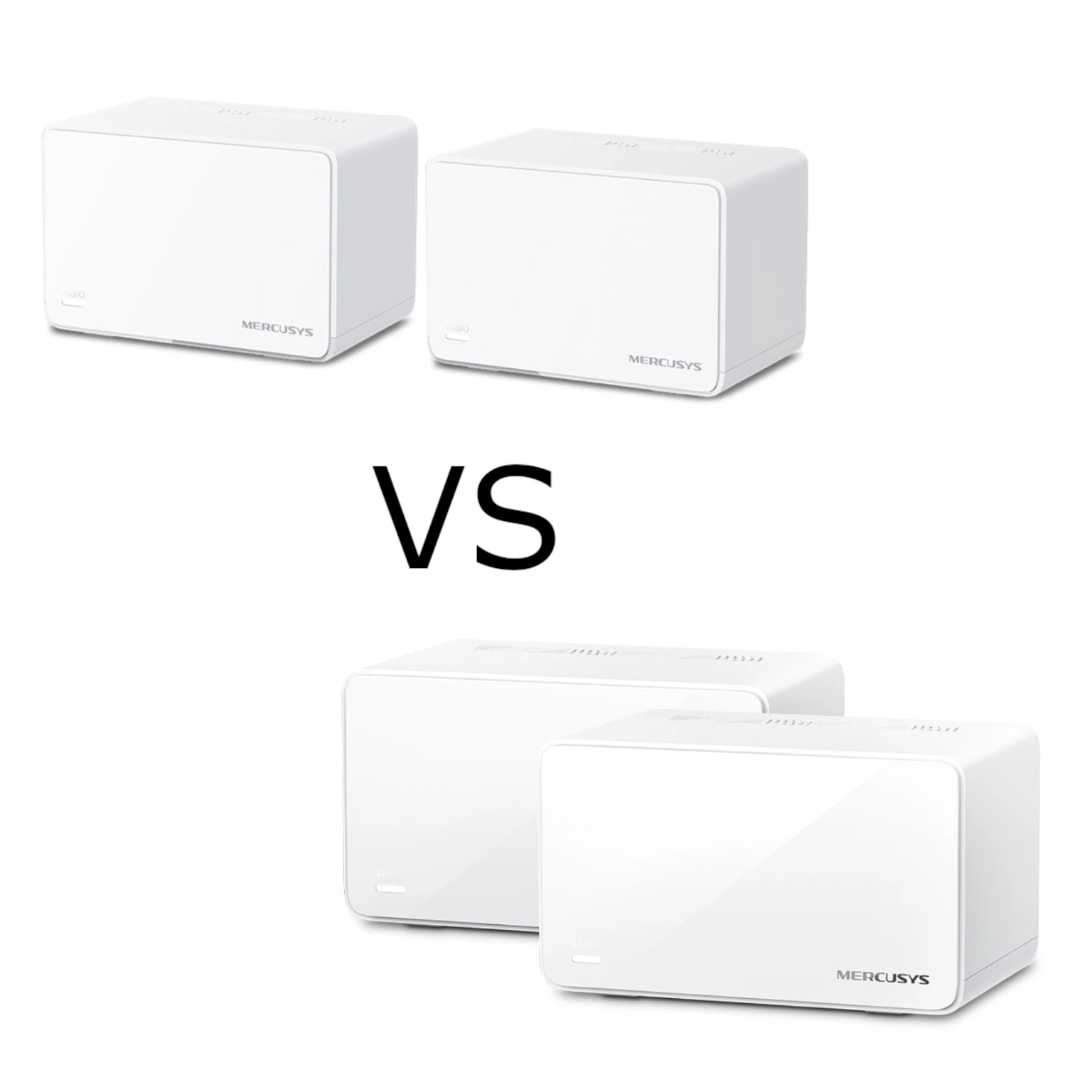
Compare Halo H80X and H90X Wi-Fi 6 mesh: radio ratings, Gigabit versus one 2.5G port, pack coverage, backhaul limits, support and practical buying choices.

Compare five mesh Wi-Fi brands by model features, port layout, backhaul, management and total cost, with practical checks for your home and devices.
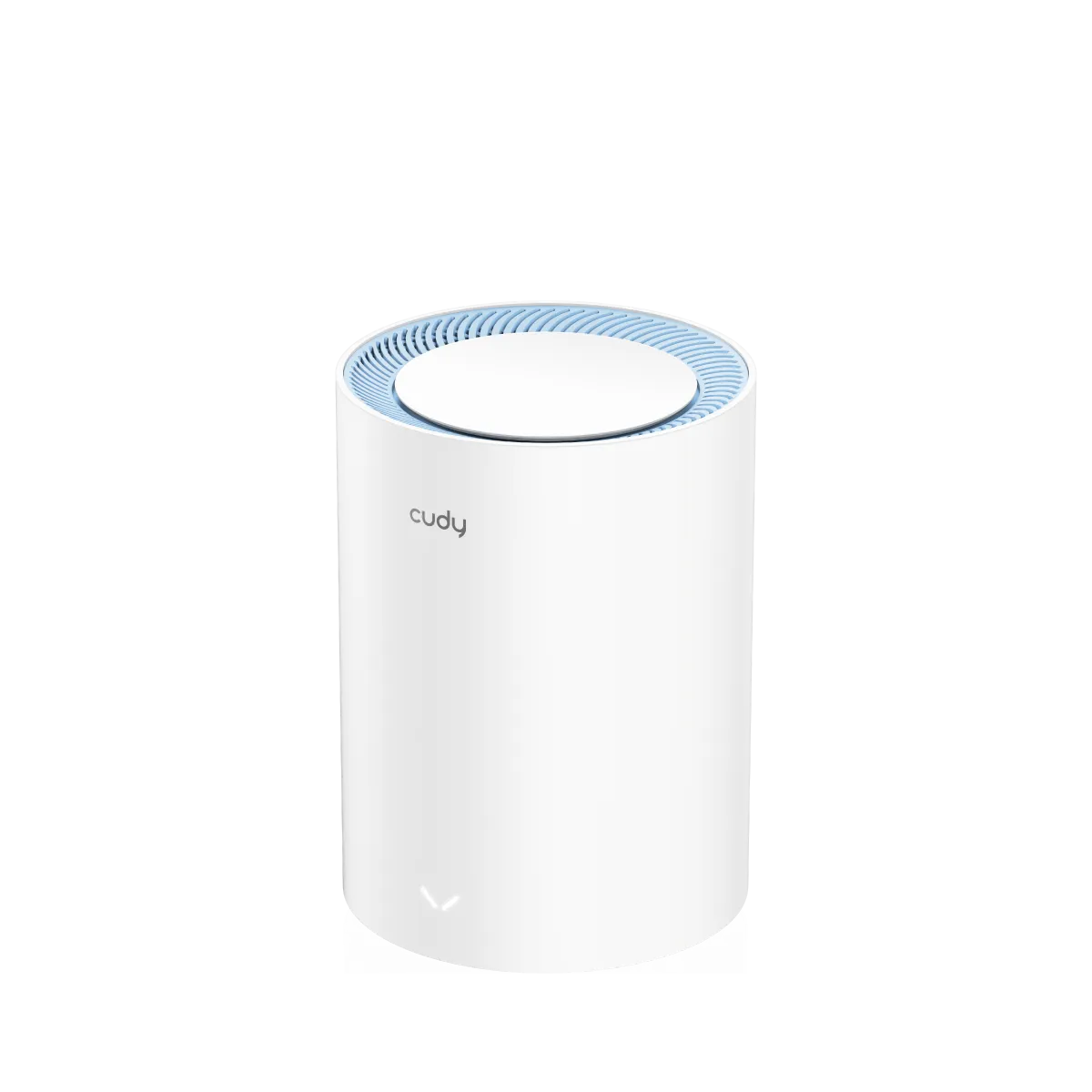
Cudy M1200 explained: the 100 Mbps Ethernet limitation, Wi-Fi 5 mesh coverage, revision and firmware checks, and why we are cautious about buying it as an upgrade.
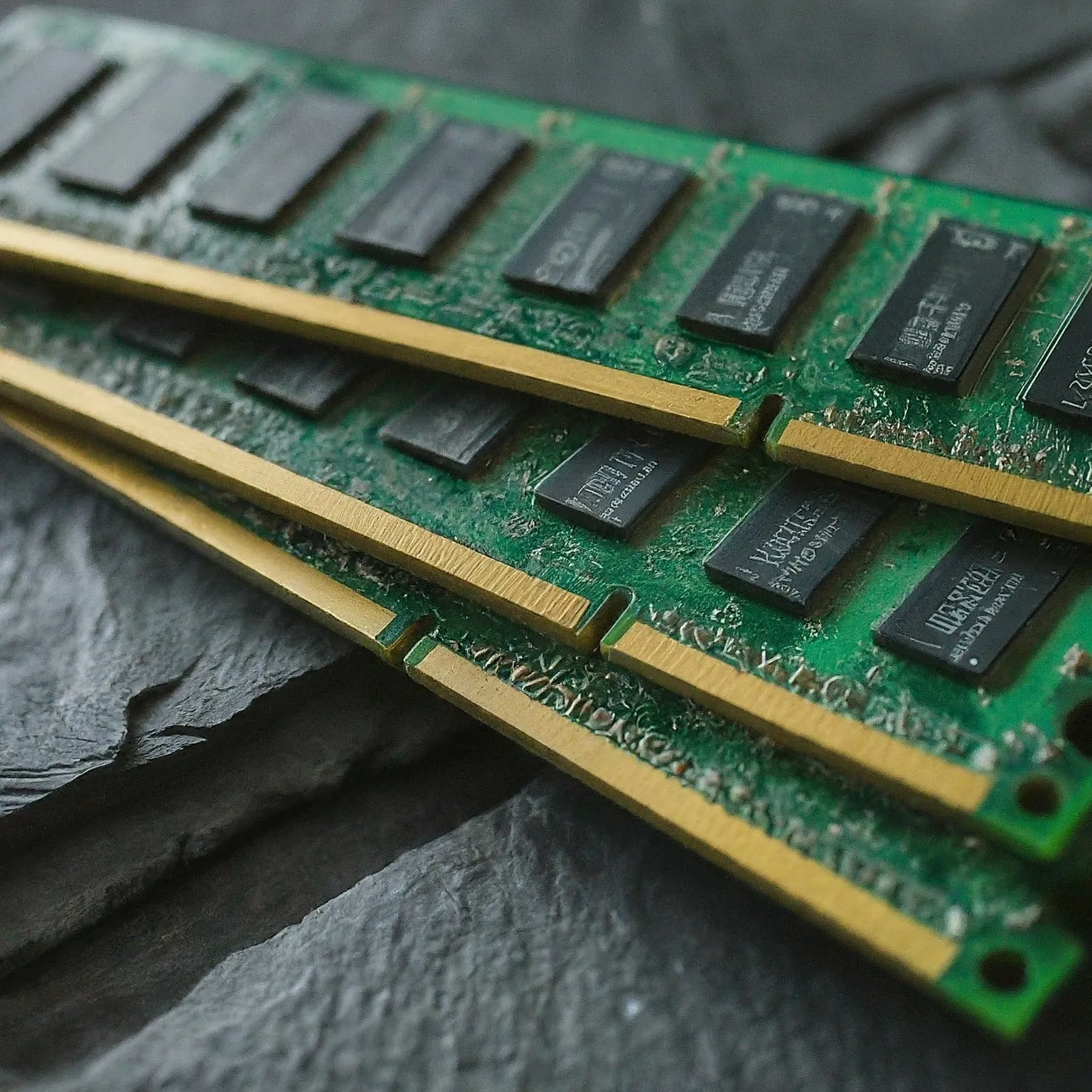
A practical RAM guide covering capacity, DDR4/DDR5 compatibility, MT/s and latency, ECC, memory profiles and how to assess a useful upgrade.
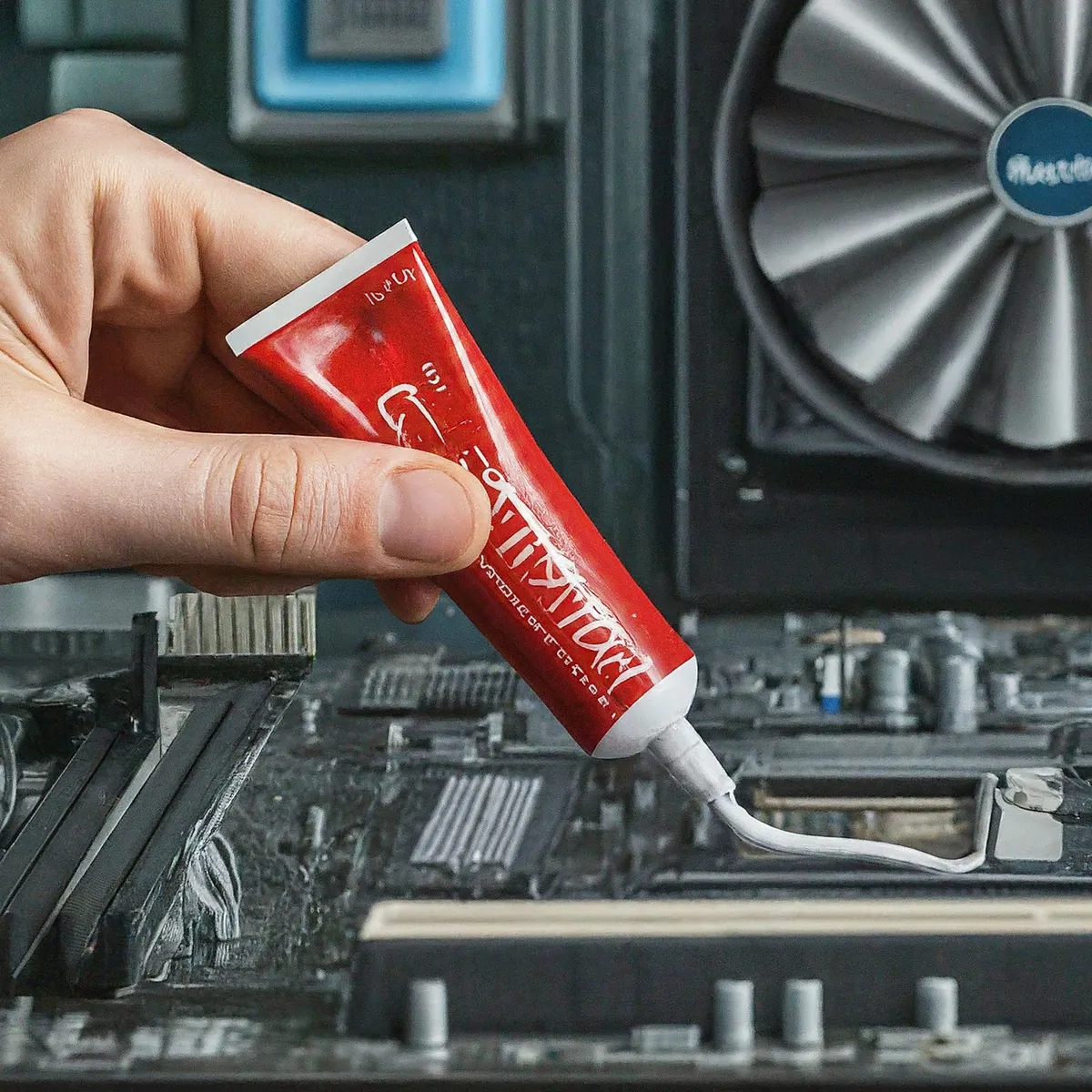
Choose thermal paste by interface and compatibility, with verified examples, electrical risks, pad differences, application guidance and realistic maintenance.
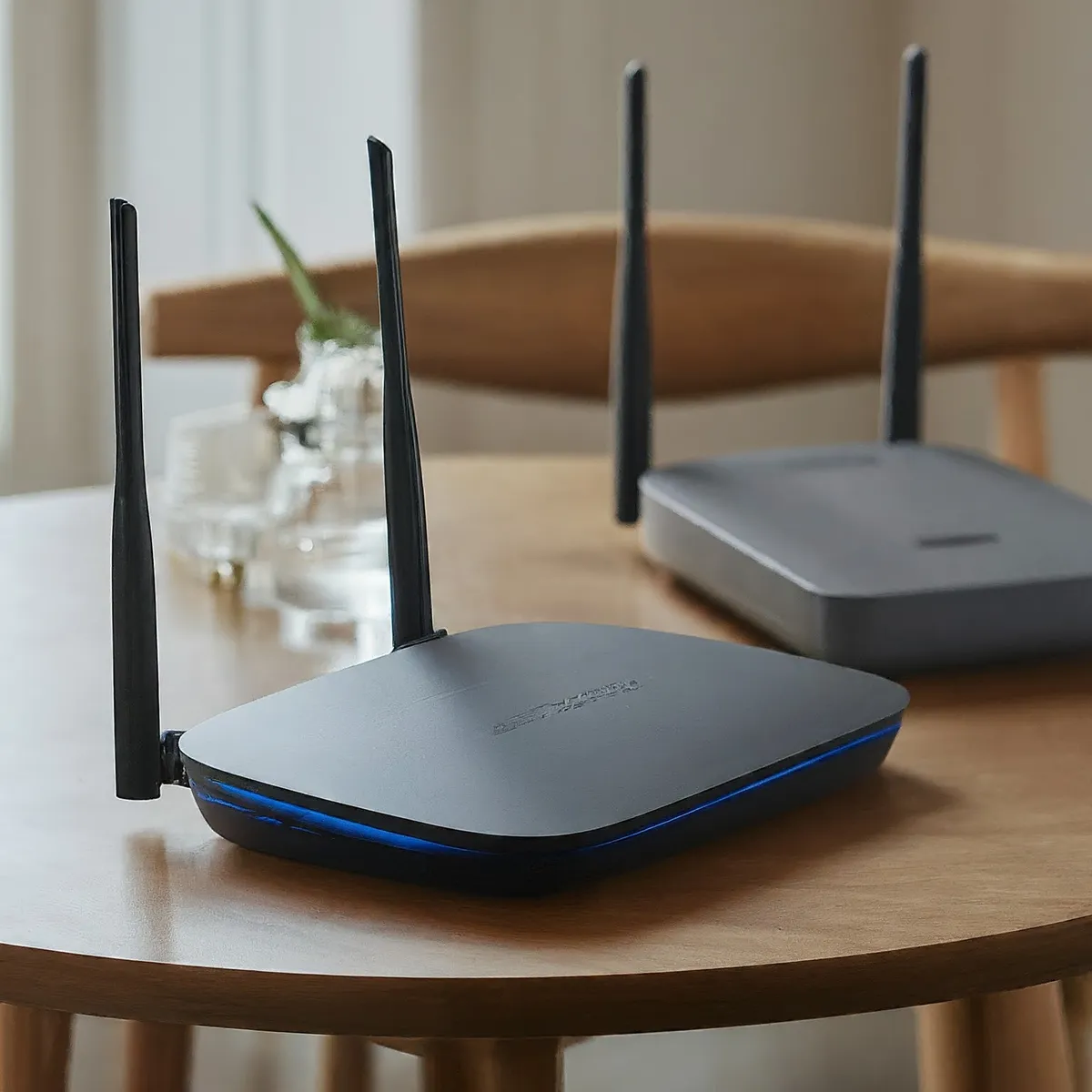
Compare Wi-Fi 5 and Wi-Fi 6 by client link rates, OFDMA, MU-MIMO, BSS coloring, power saving, bands and the bottlenecks that matter at home.
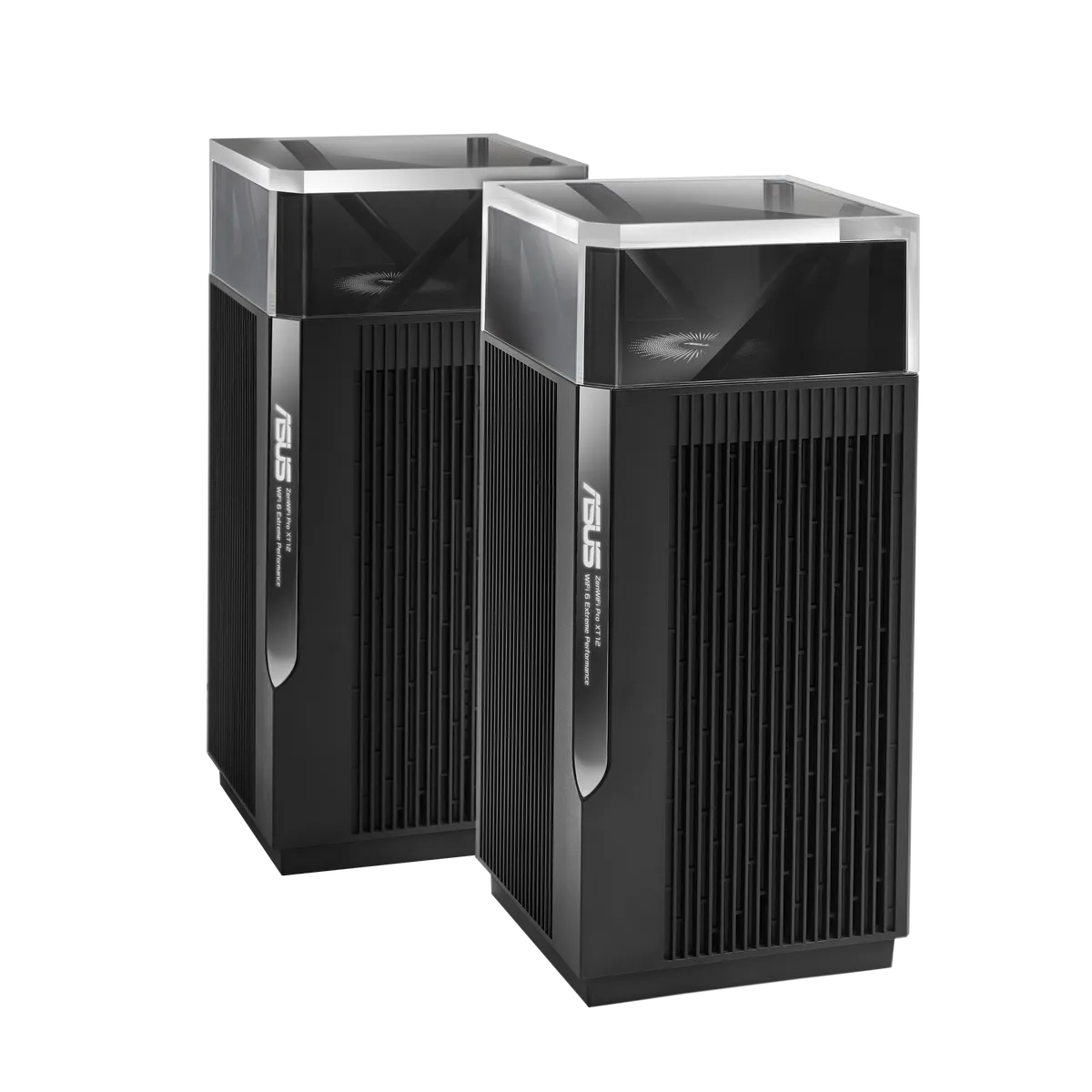
Explore XT12 dual 5 GHz radios, backhaul choices, named 2.5G WAN/LAN ports, regional DFS and UNII-4 limits, software and practical buying considerations.
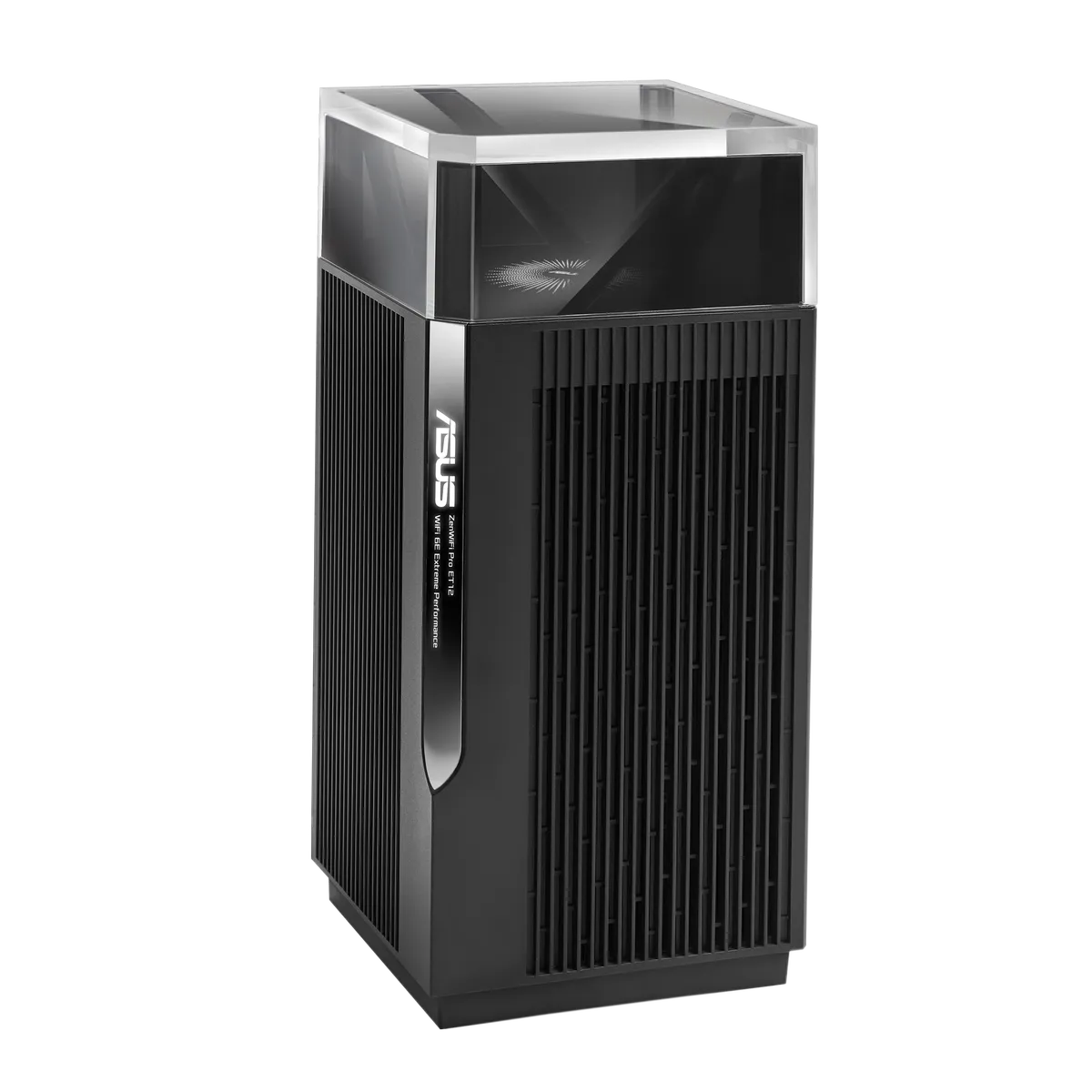
Explore the ET12’s tri-band Wi-Fi 6E, 2.5G port roles, wired and wireless backhaul, firmware-dependent controls and practical buying considerations.
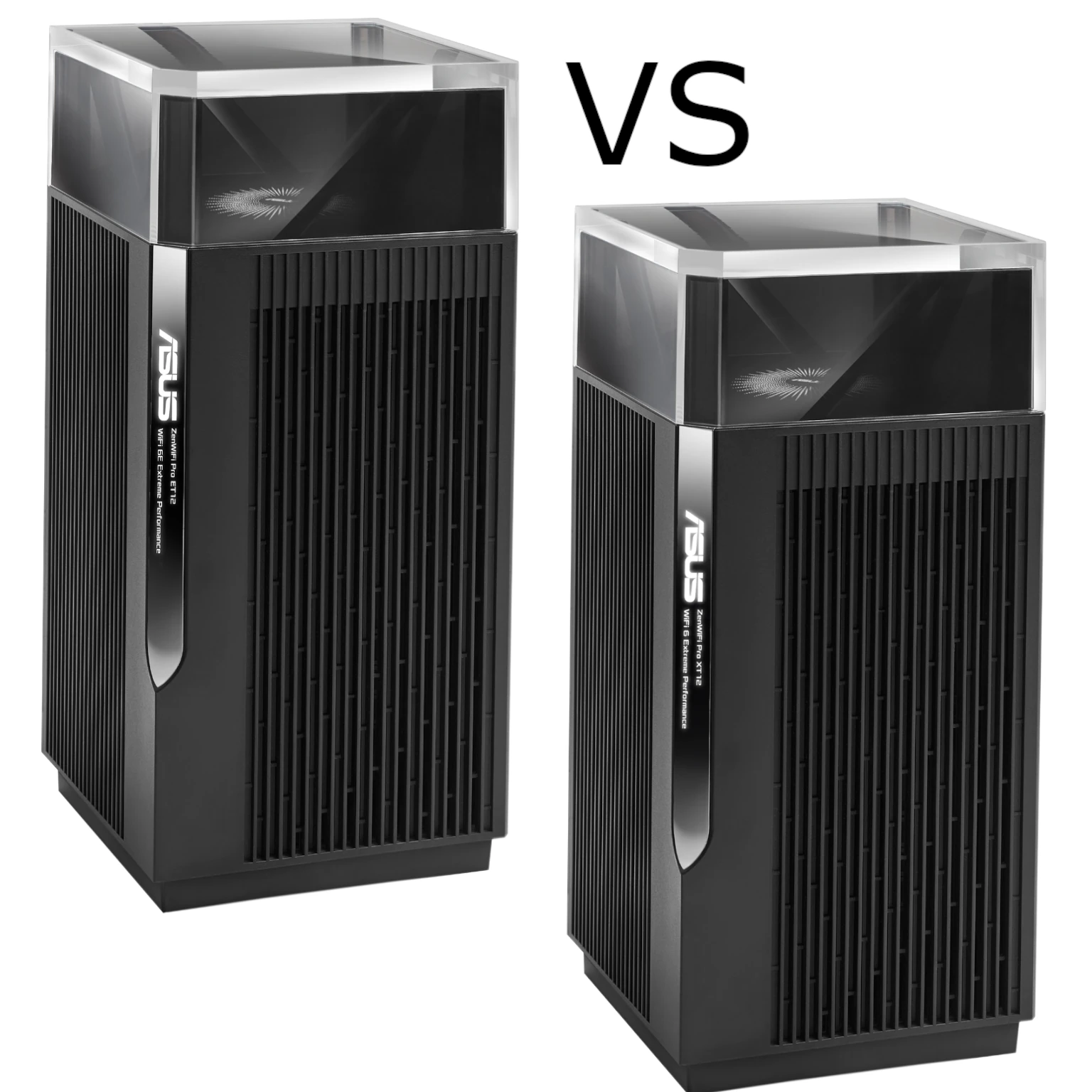
Compare the ET12’s Wi-Fi 6E bands with the XT12’s dual 5GHz design, their shared 2.5Gbps ports, backhaul choices and practical buying priorities.
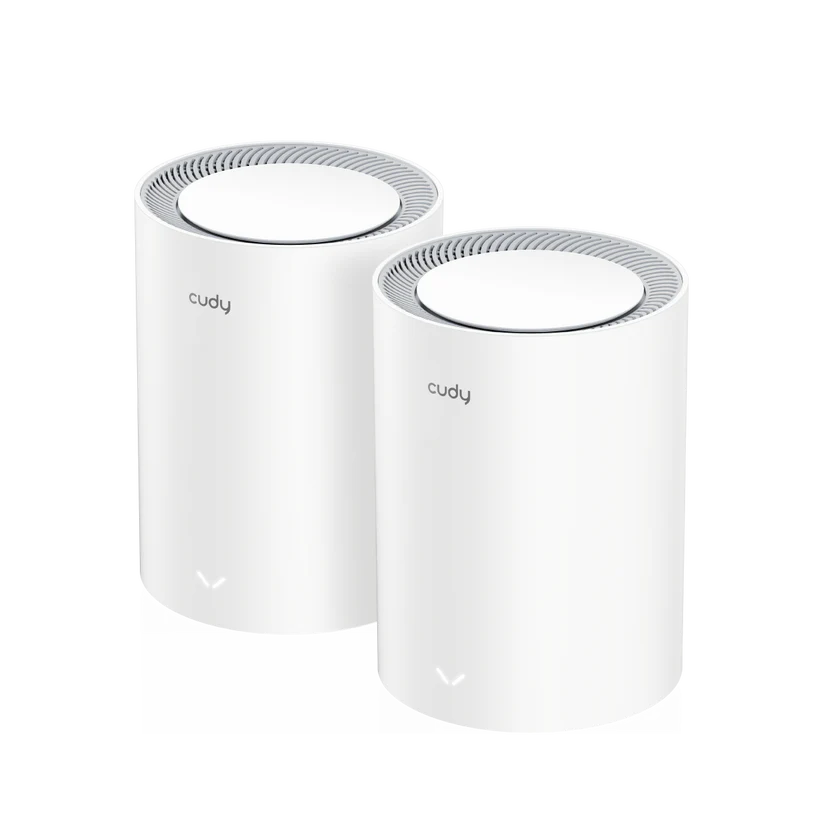
Understand the Cudy M3600 1.0: dual-band Wi-Fi 7, Gigabit ports, MLO limits, backhaul placement, verified features and practical buying checks.
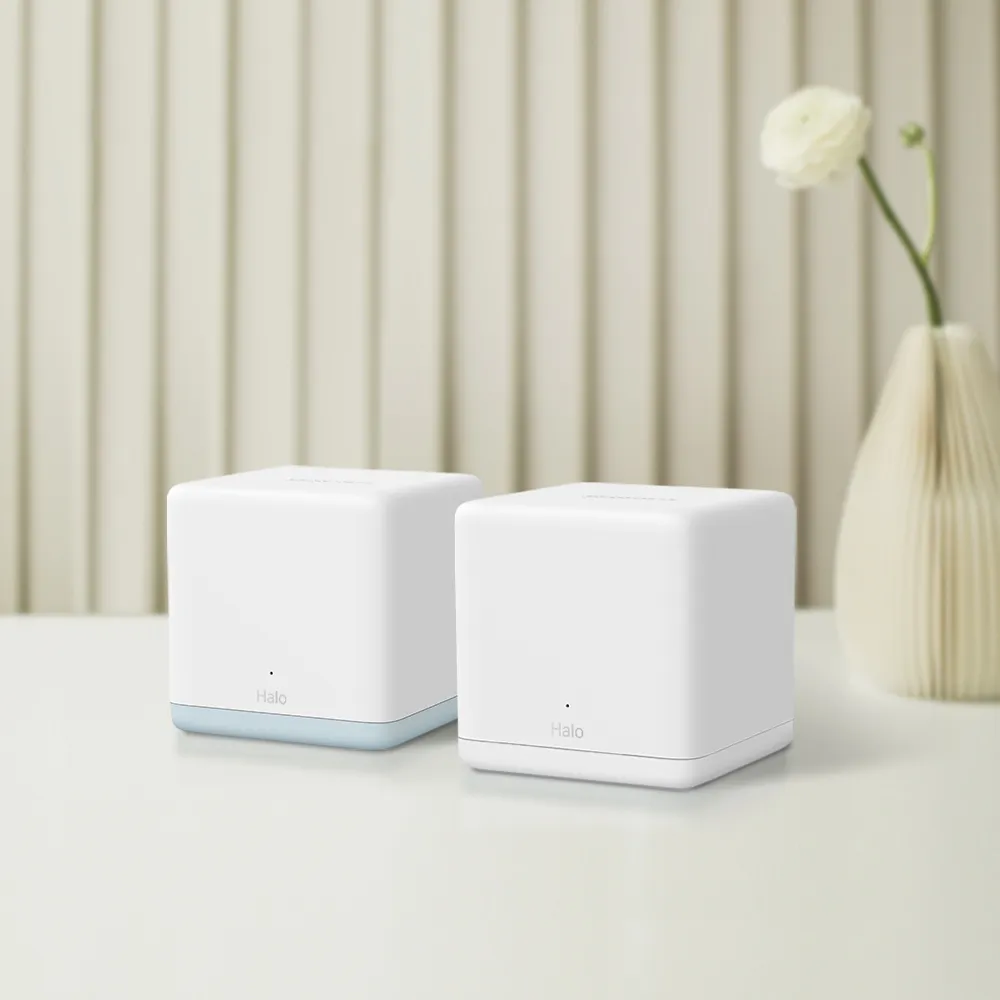
Check the H32G’s Gigabit H30G main unit, 100Mbps H30 satellites, AC1200 Wi-Fi limits and wired-backhaul tradeoffs before buying.

Mercusys Halo H50G explained: AC1900 Wi-Fi 5, three Gigabit ports, coverage planning, Ethernet backhaul and firmware checks for a budget mesh.
Diagnose Wi-Fi noise, busy channels and weak coverage with practical tests for microwaves, Bluetooth, USB 3 devices, physical obstacles and mesh placement.
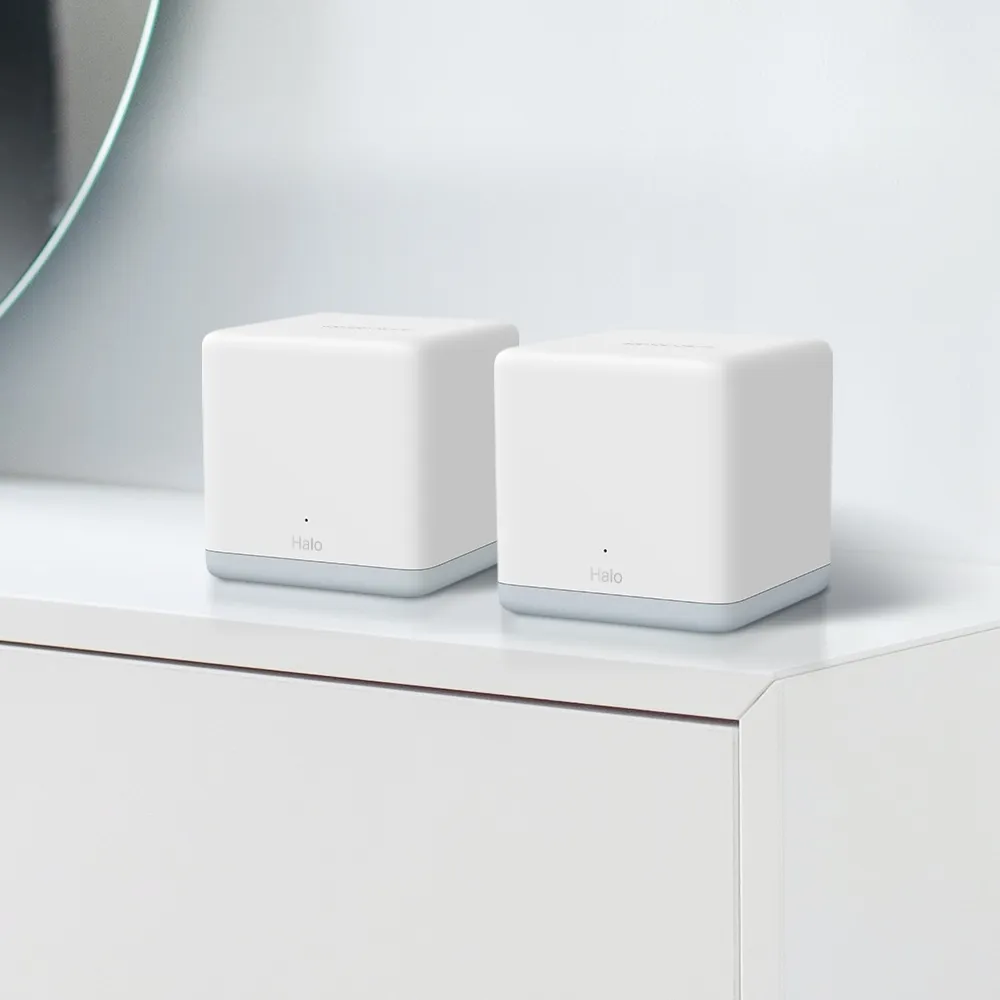
Halo H30 explained: dual-band AC1200, 100Mbps ports, pack-specific coverage claims, backhaul planning, roaming checks and regional support status.

Improve mesh Wi-Fi with practical placement, compatibility, backhaul, roaming and security checks, then measure changes from the same client.
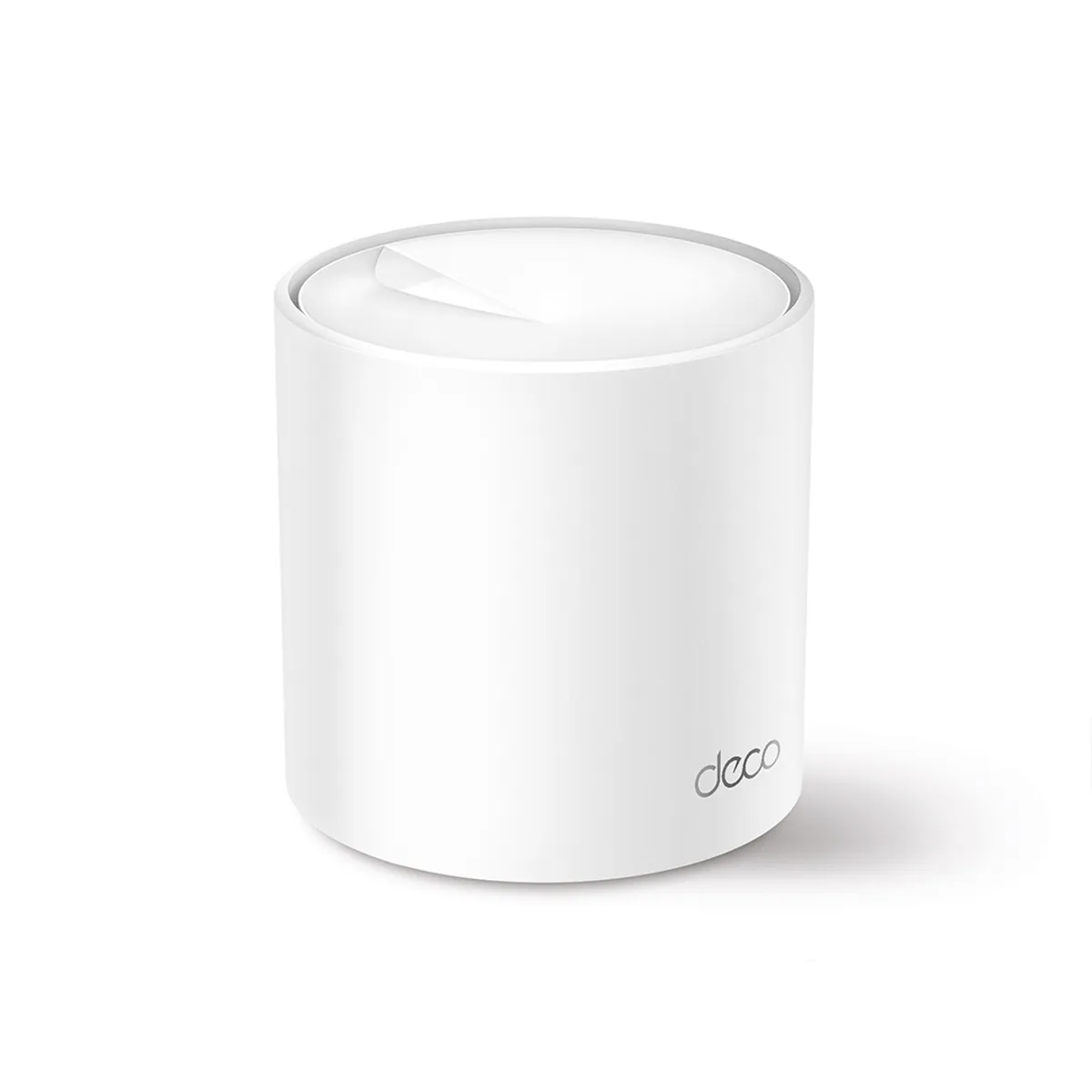
Deco X50 explained: AX3000 Wi-Fi 6, revision differences, three Gigabit ports, pack-size coverage, backhaul planning and HomeShield tradeoffs.
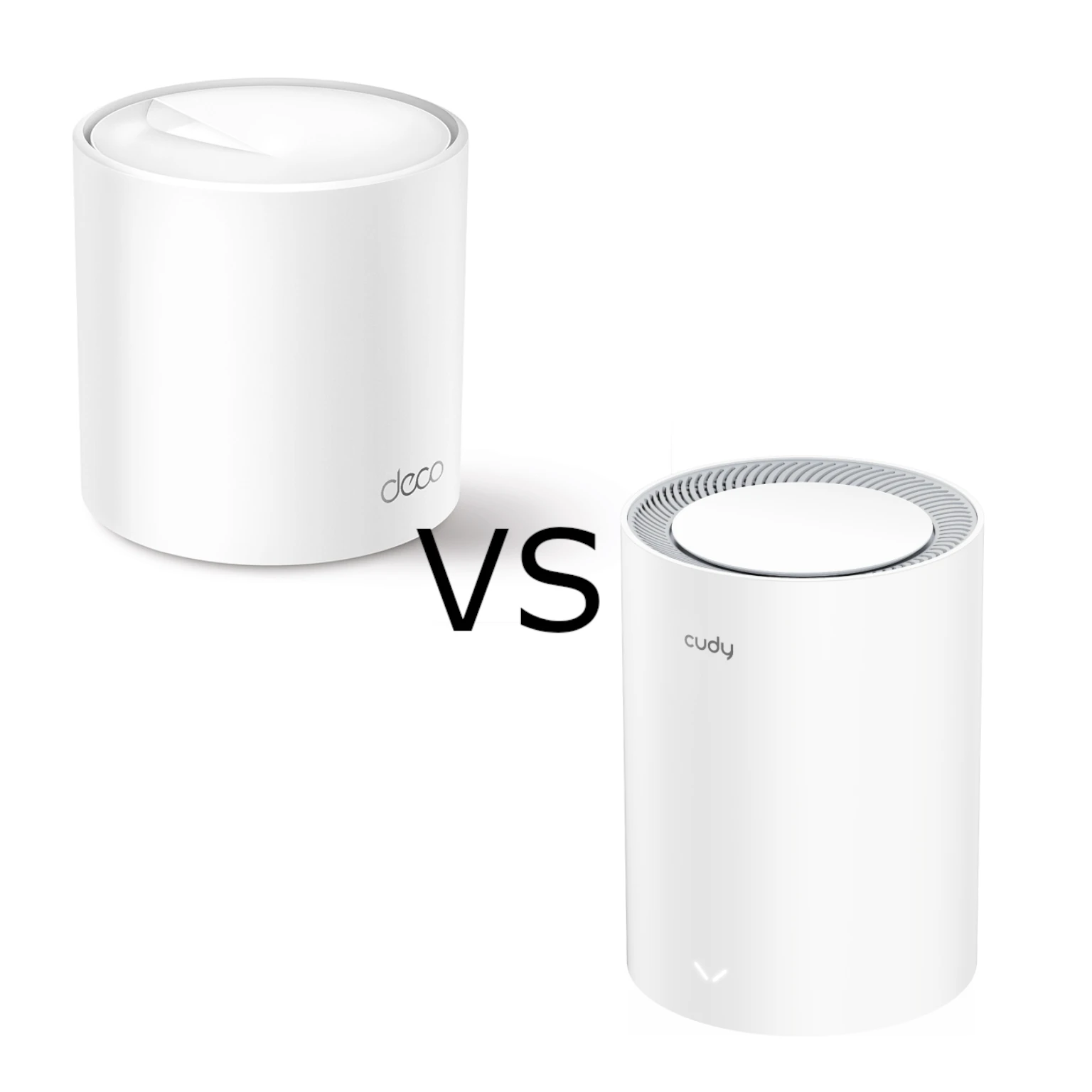
Compare ordinary Deco X50 with Cudy M3000 2.0: AX3000 radio limits, three Gigabit ports versus 2.5G WAN, backhaul, household controls and buying trade-offs.
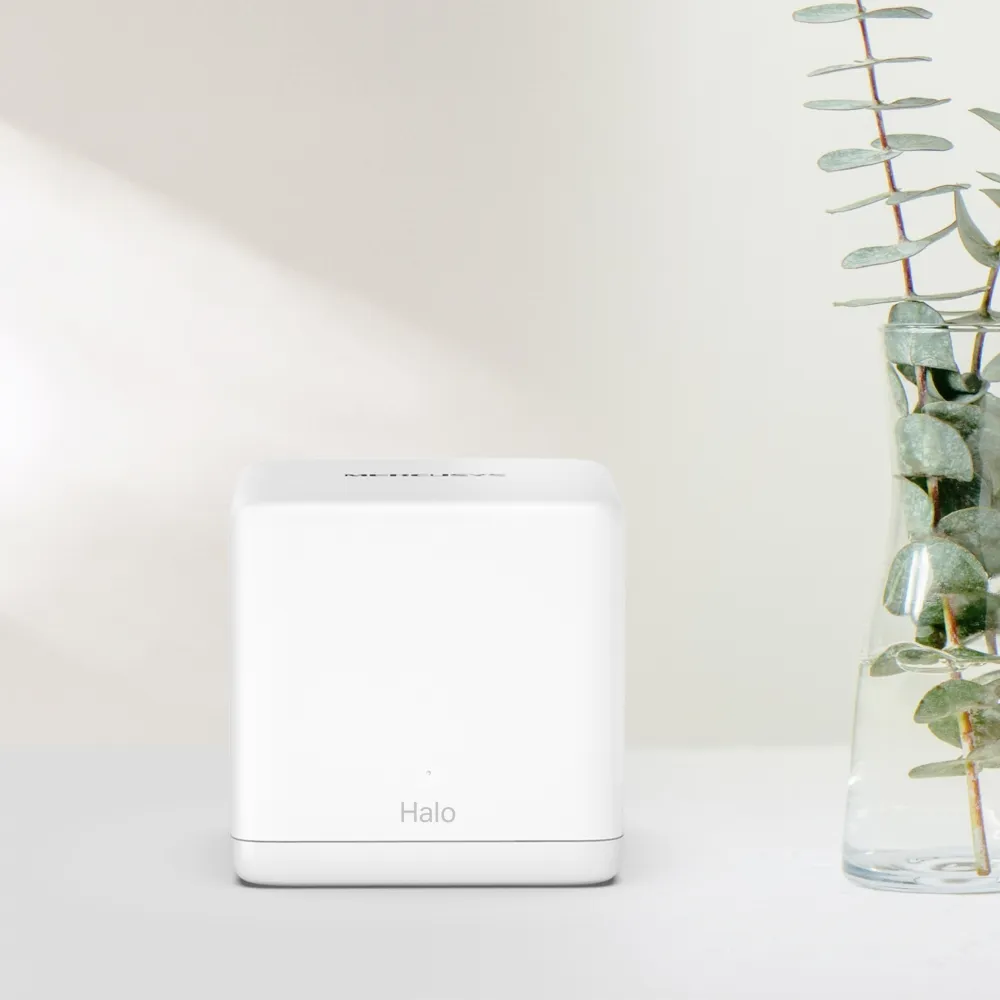
Understand the H60X’s AX1500 radios, different H60XR and H60XS ports, pack coverage and setup choices before buying a budget mesh system.
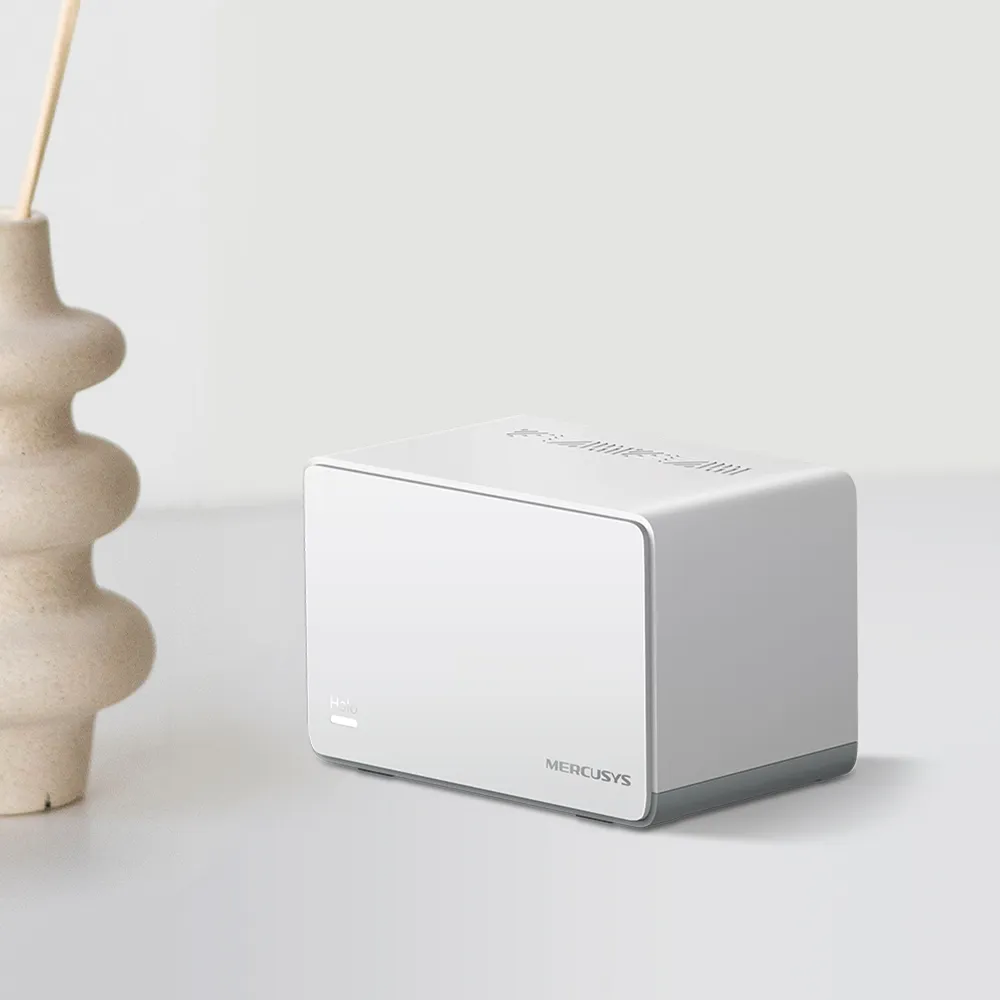
Understand the Halo H70X’s AX1800 speeds, Gigabit ports, wired backhaul, coverage limits and router or access-point setup before buying.
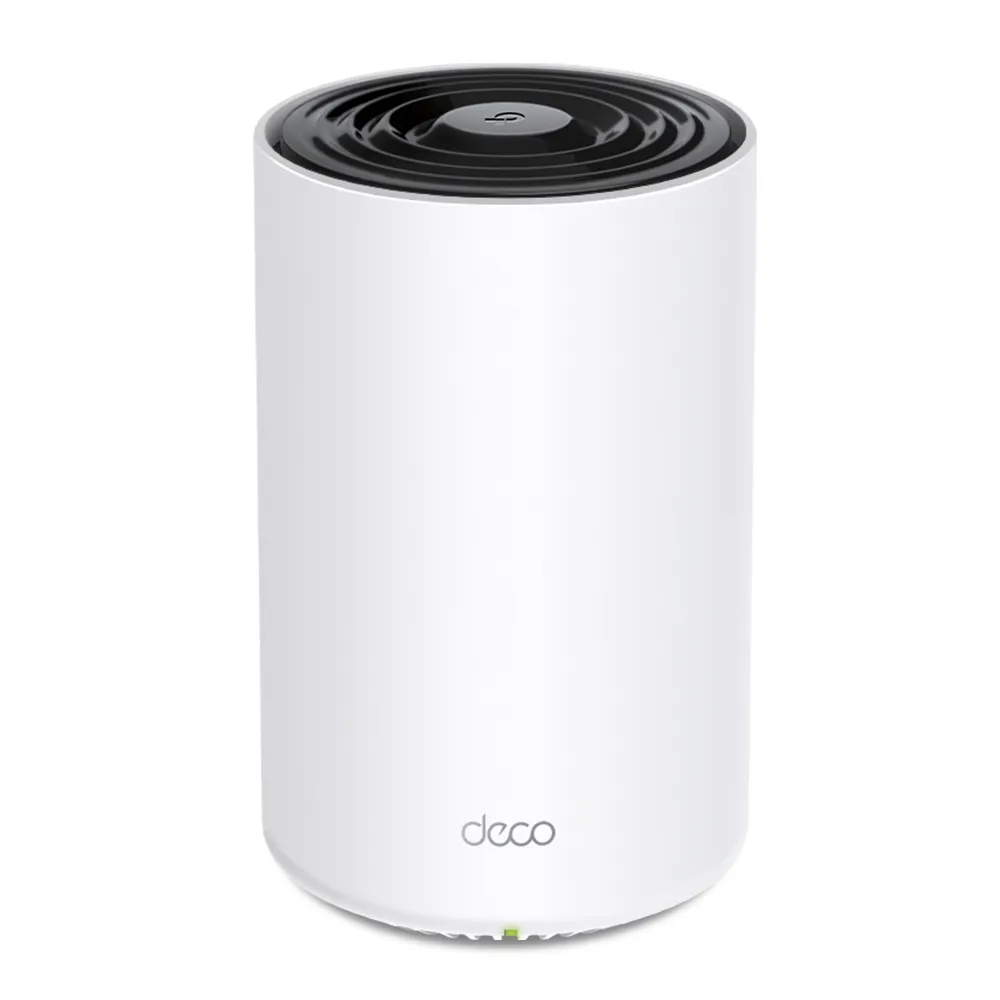
Explore the Deco X80’s eight-stream Wi-Fi 6 radios, one fast Ethernet port per unit, backhaul layouts and buying tradeoffs for a busy home.
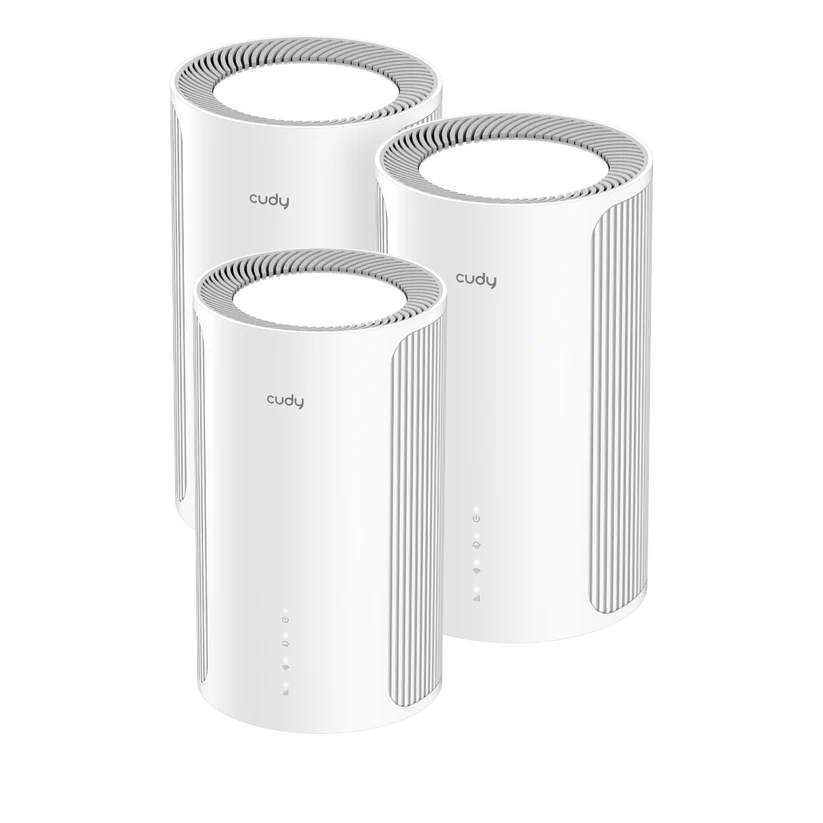
Cudy M11000 1.0 explained: tri-band Wi-Fi 7, four 2.5GbE ports, client and backhaul limits, firmware features and practical buying checks.
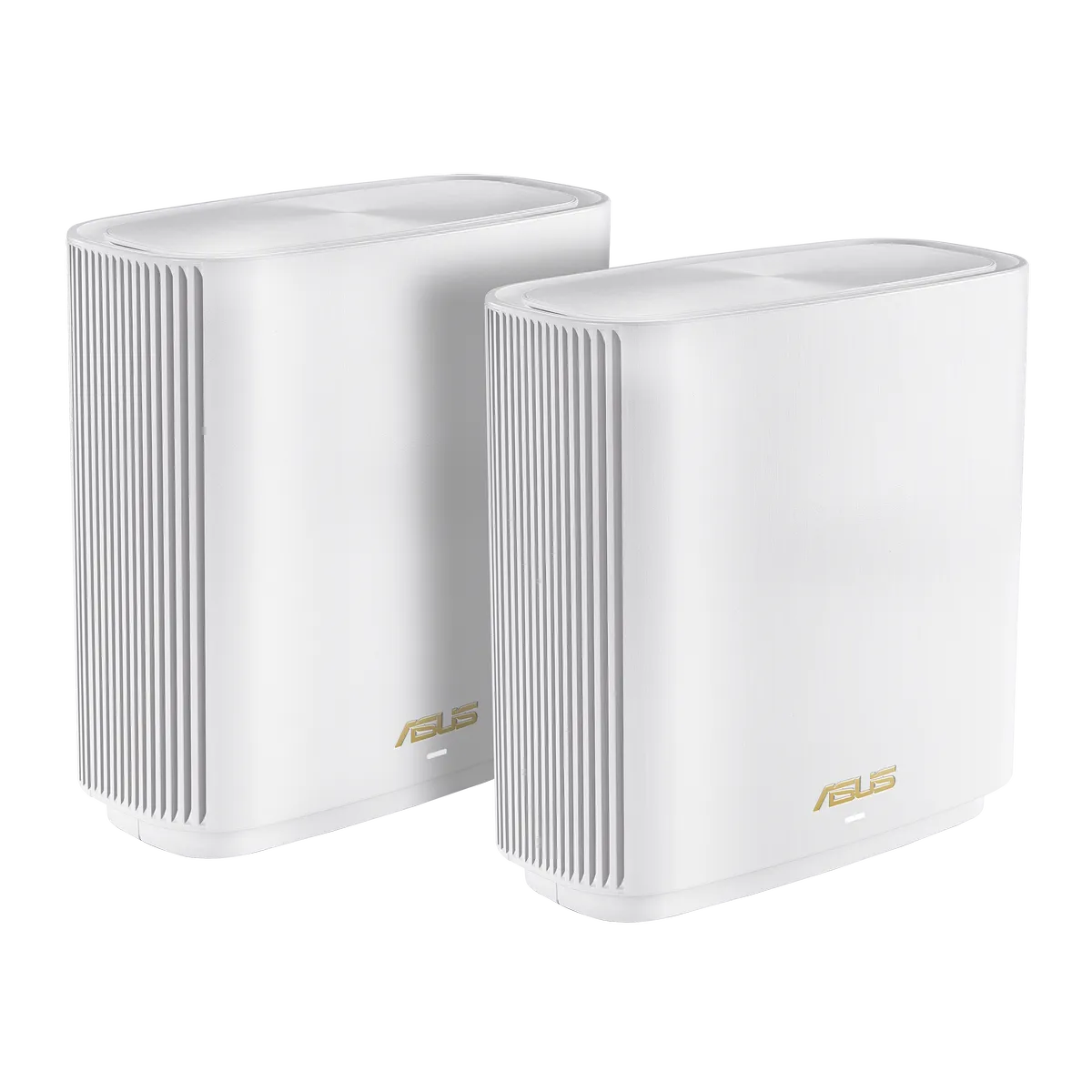
XT9 explained: AX7800 radios, optional dedicated backhaul, the single 2.5Gbps port, AiMesh compatibility and practical VPN and storage checks.
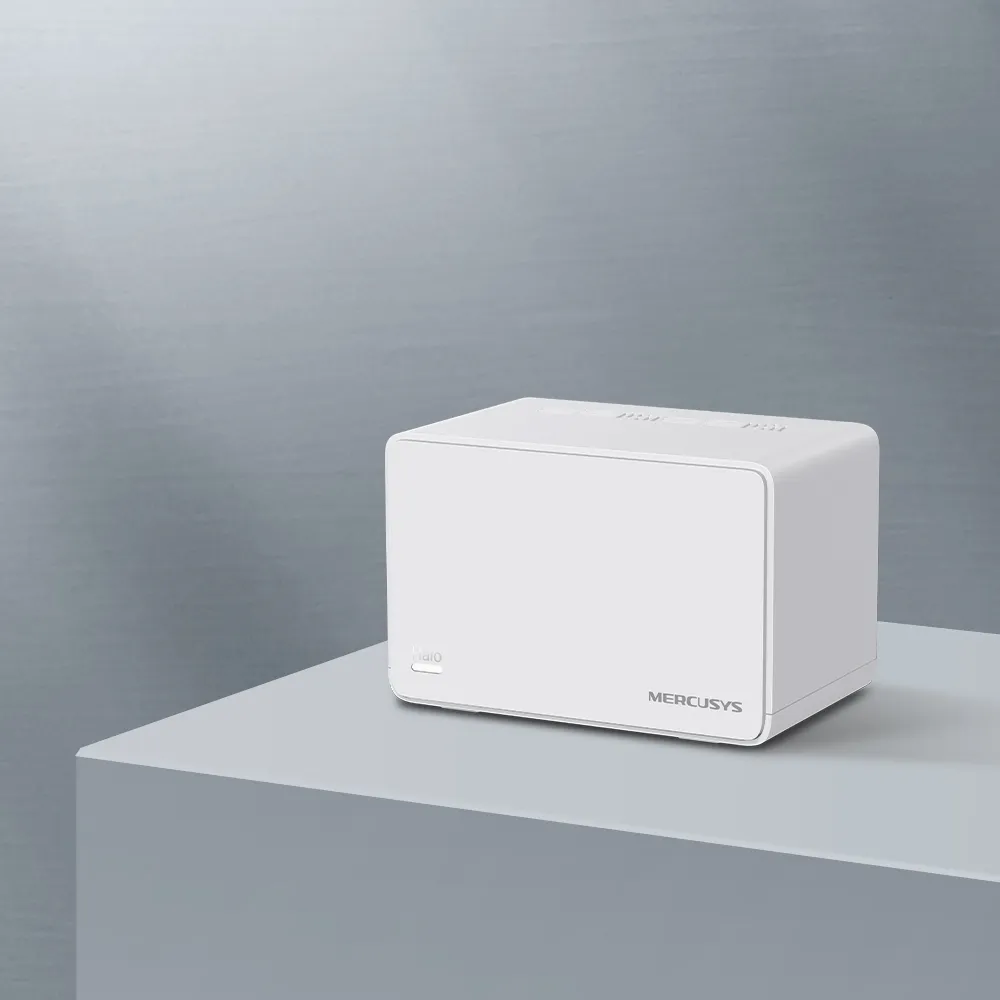
Explore the Halo H80X’s AX3000 radios, three Gigabit ports, documented V1 status lights, backhaul setup and practical checks for affordable home coverage.
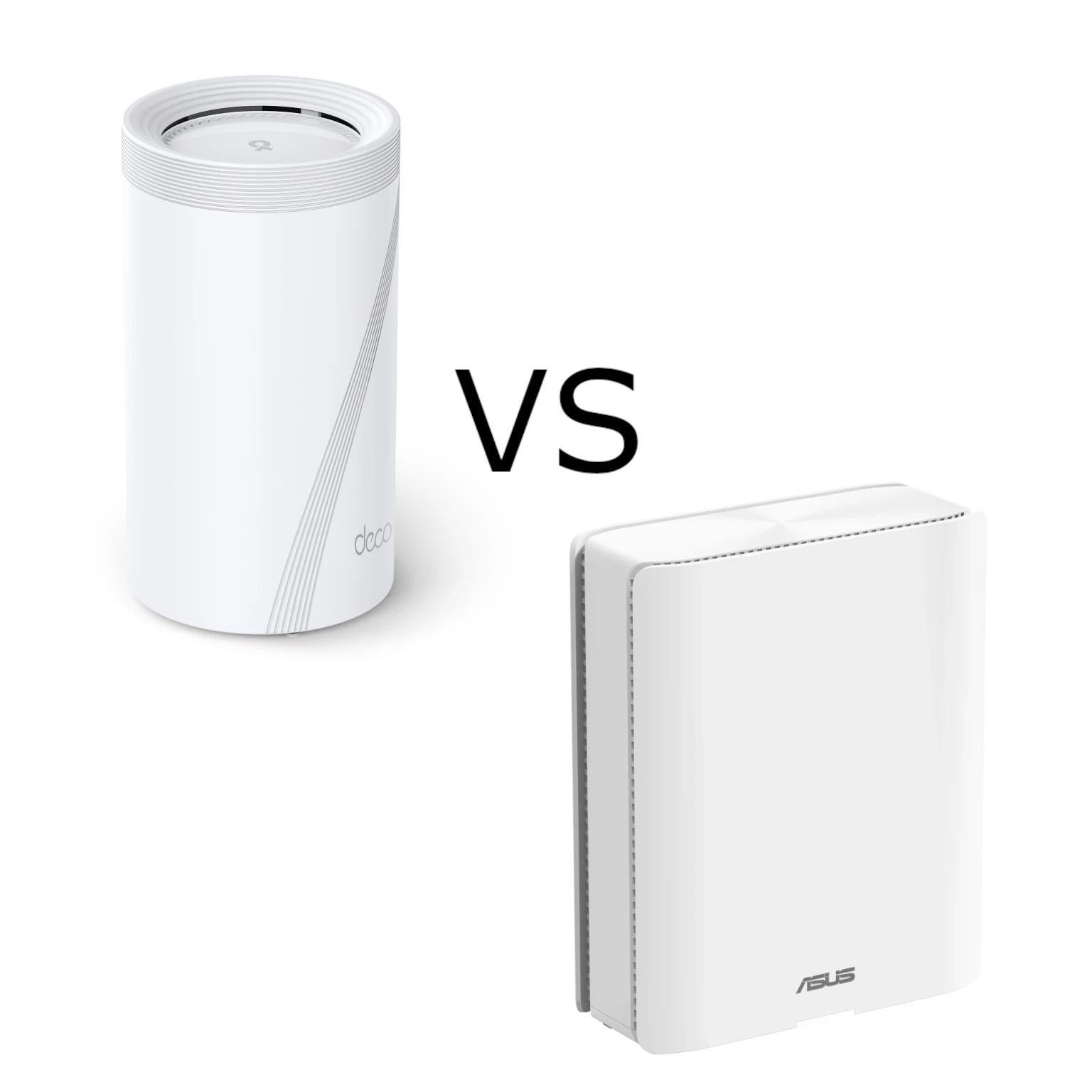
Compare Deco BE95 and ZenWiFi BQ16 Pro radio ratings, actual Ethernet ports, backhaul choices and management features, with practical advice for choosing a premium mesh system.
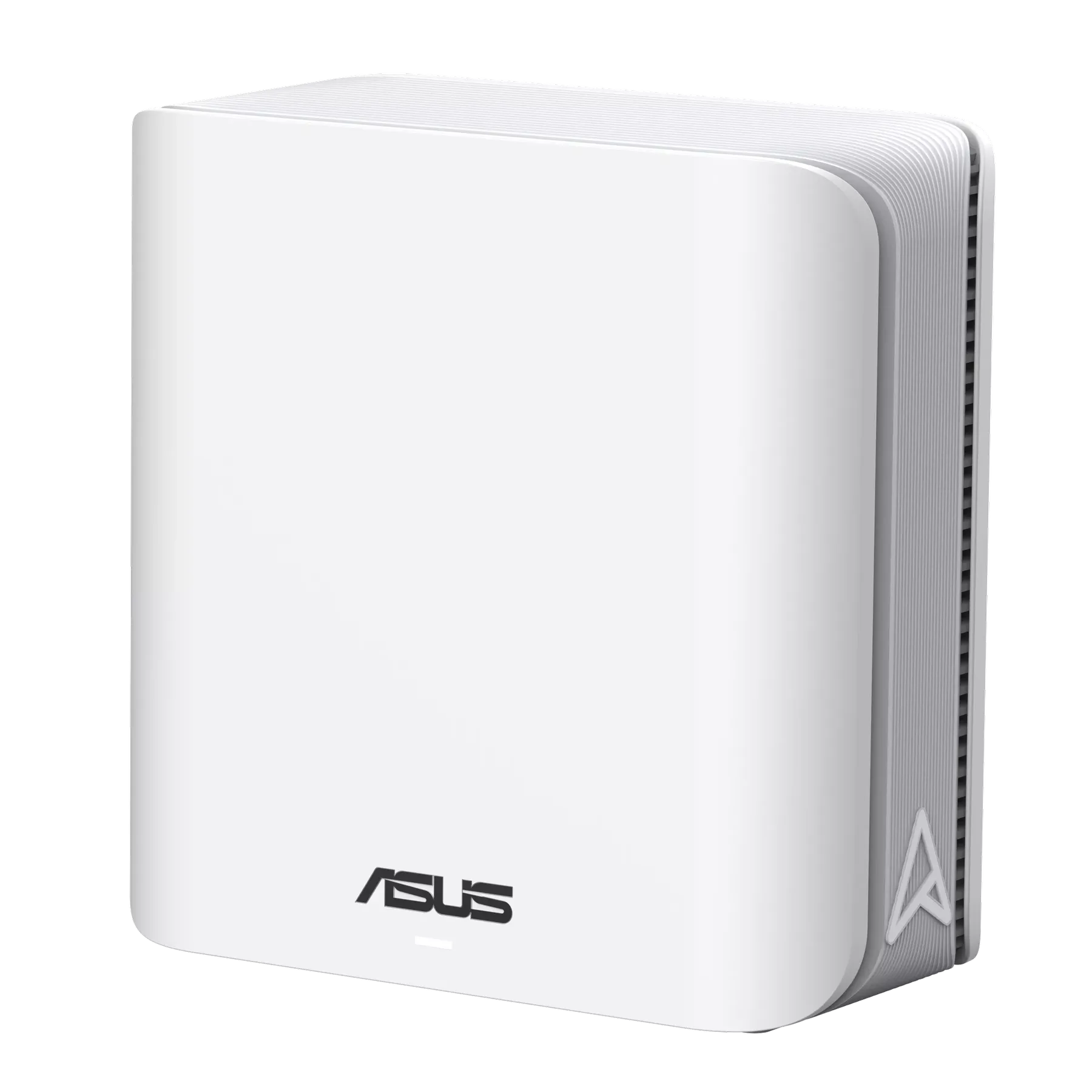
Understand ASUS ZenWiFi BD4 dual-band Wi-Fi 7, two 2.5 Gigabit ports, AiMesh and MLO limits, placement, security controls and practical buying checks.
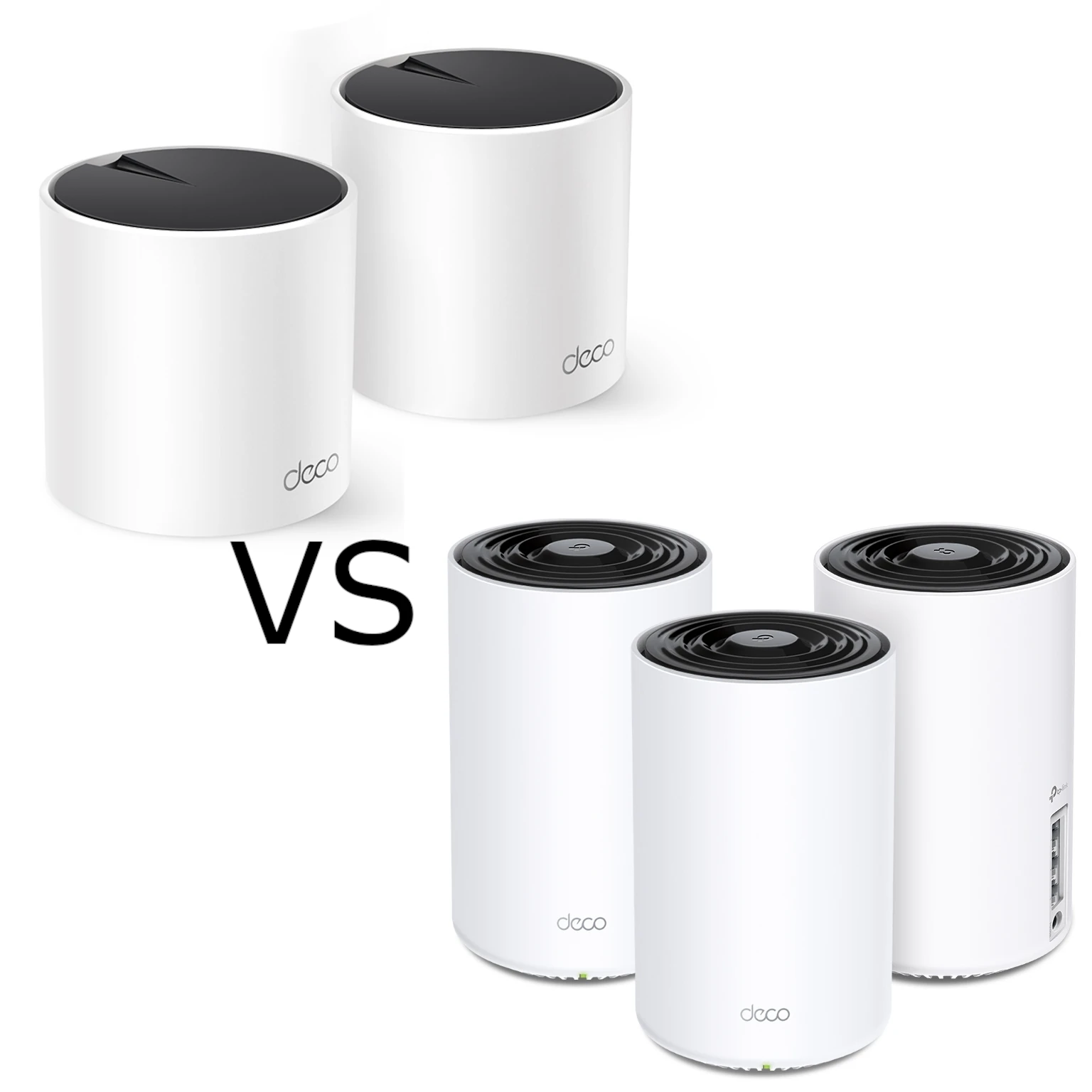
Compare the Wi-Fi 6 Deco X55 and X75 by their actual radio bands, Gigabit ports, wired or wireless backhaul, pack size and household needs.
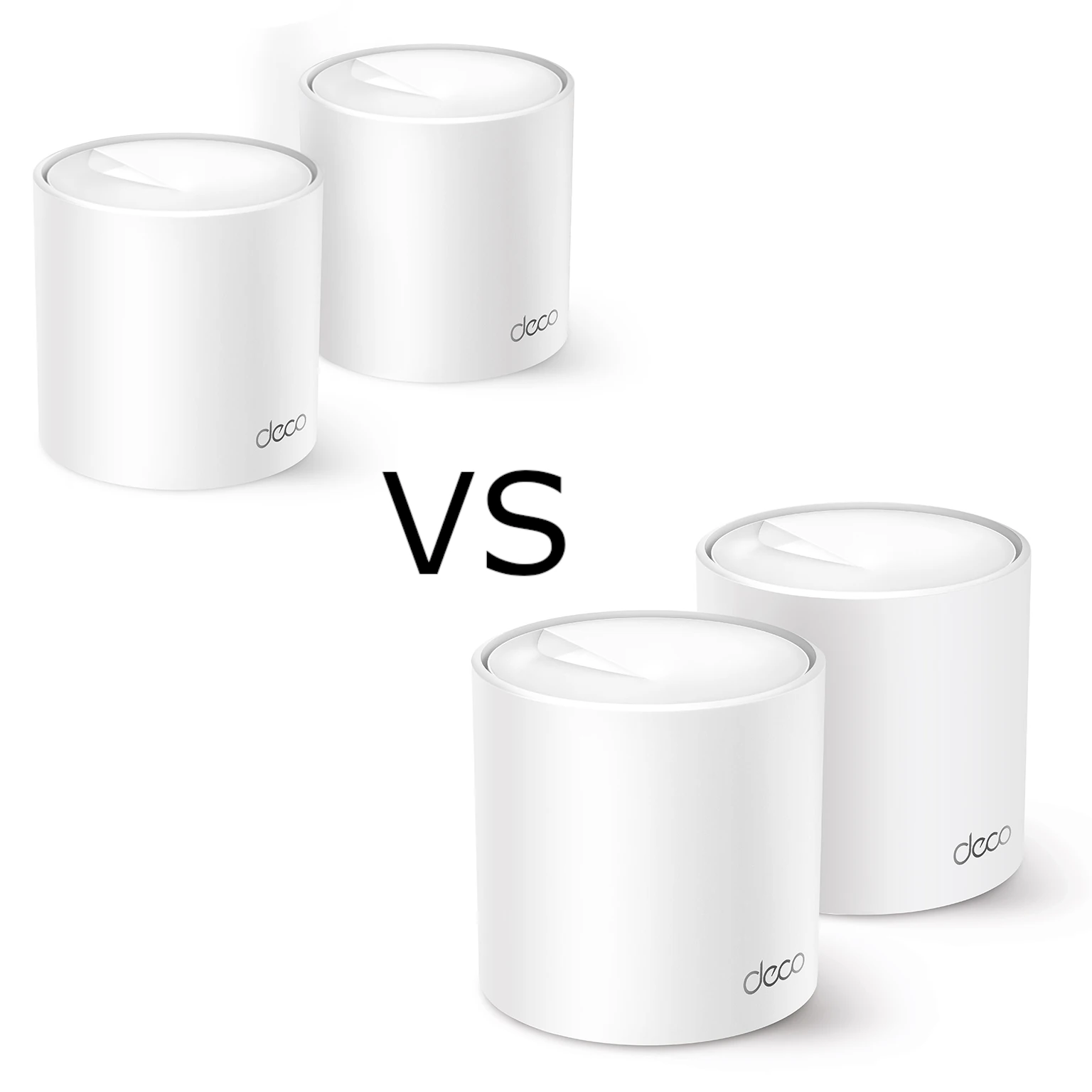
Compare Deco X10 and X50 radio standards, channel/client support, port budgets, hardware revisions and backhaul choices to decide which mesh pack suits your home.
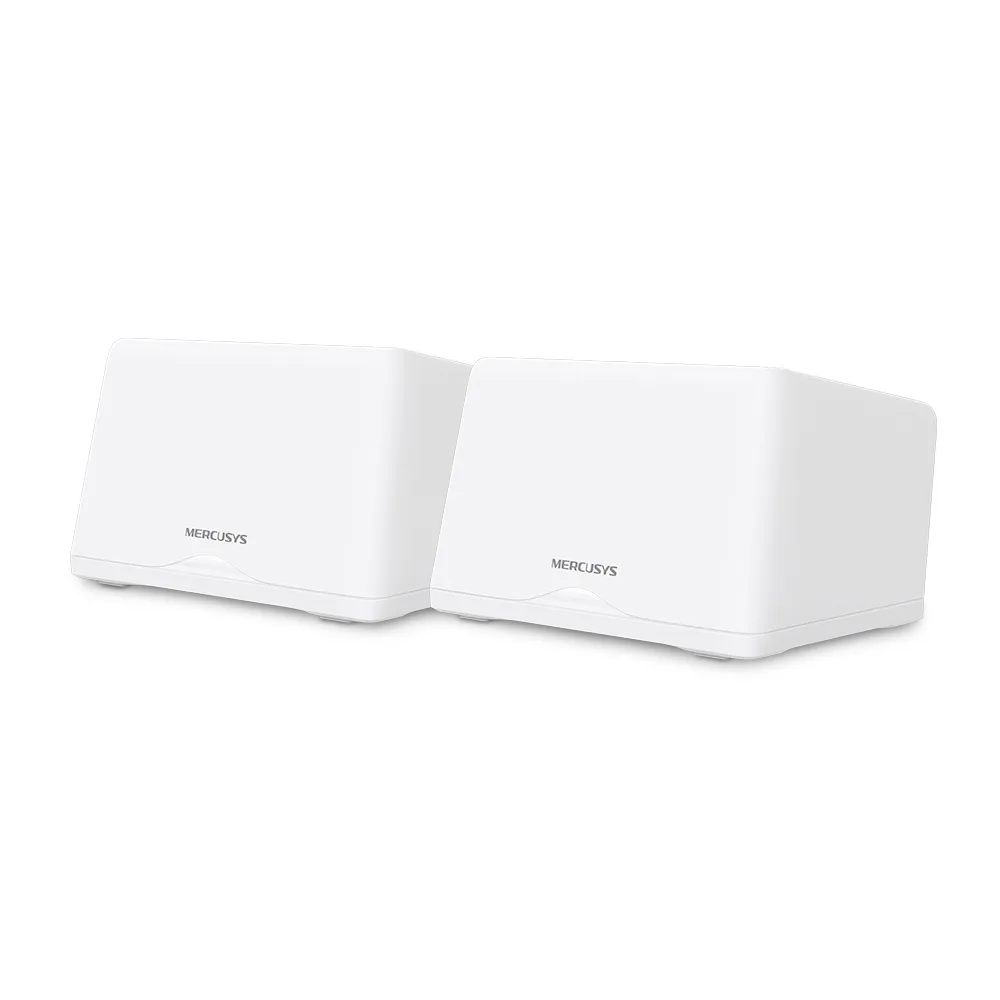
Compare Halo H47BE revisions, three 2.5 Gbps ports, client requirements and backhaul choices, with practical guidance for choosing and placing a mesh pack.
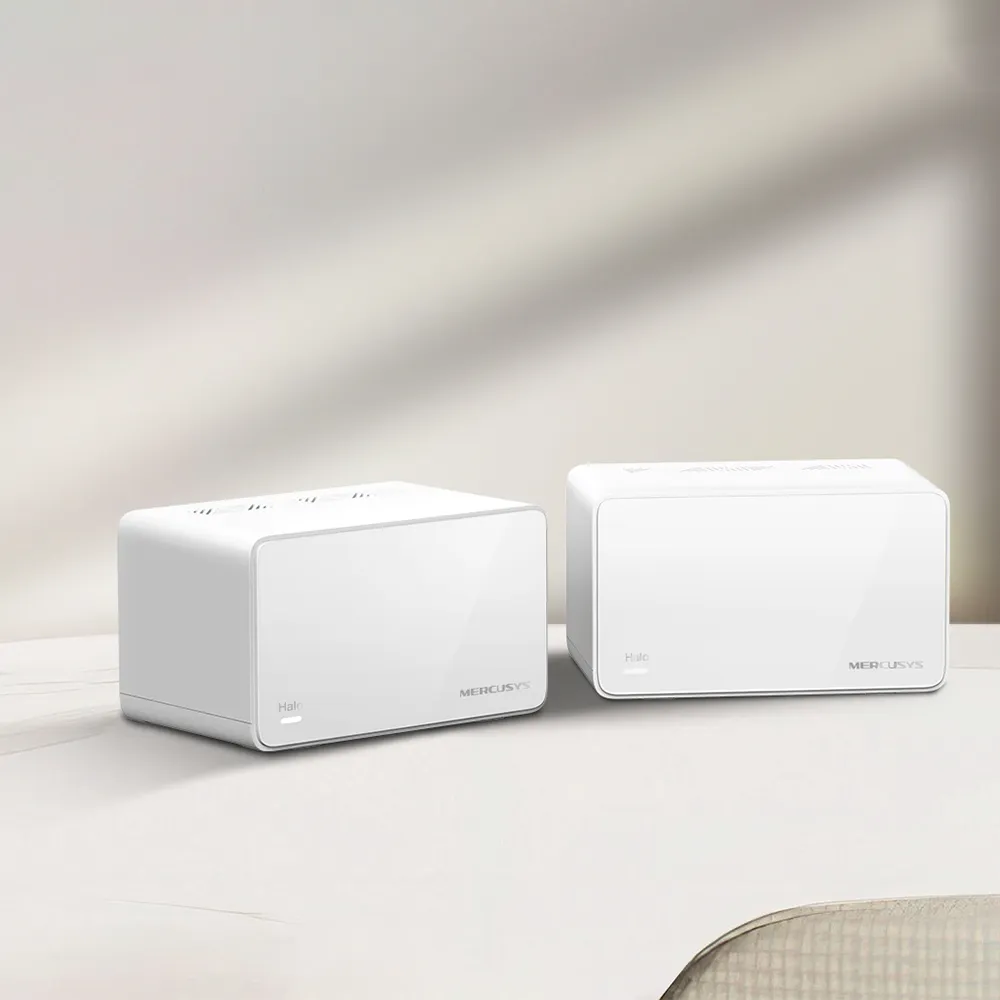
Plan the Mercusys Halo H90X around its AX6000 radios, single 2.5 Gbps port, backhaul topology, AP-mode limits and compatible expansion.
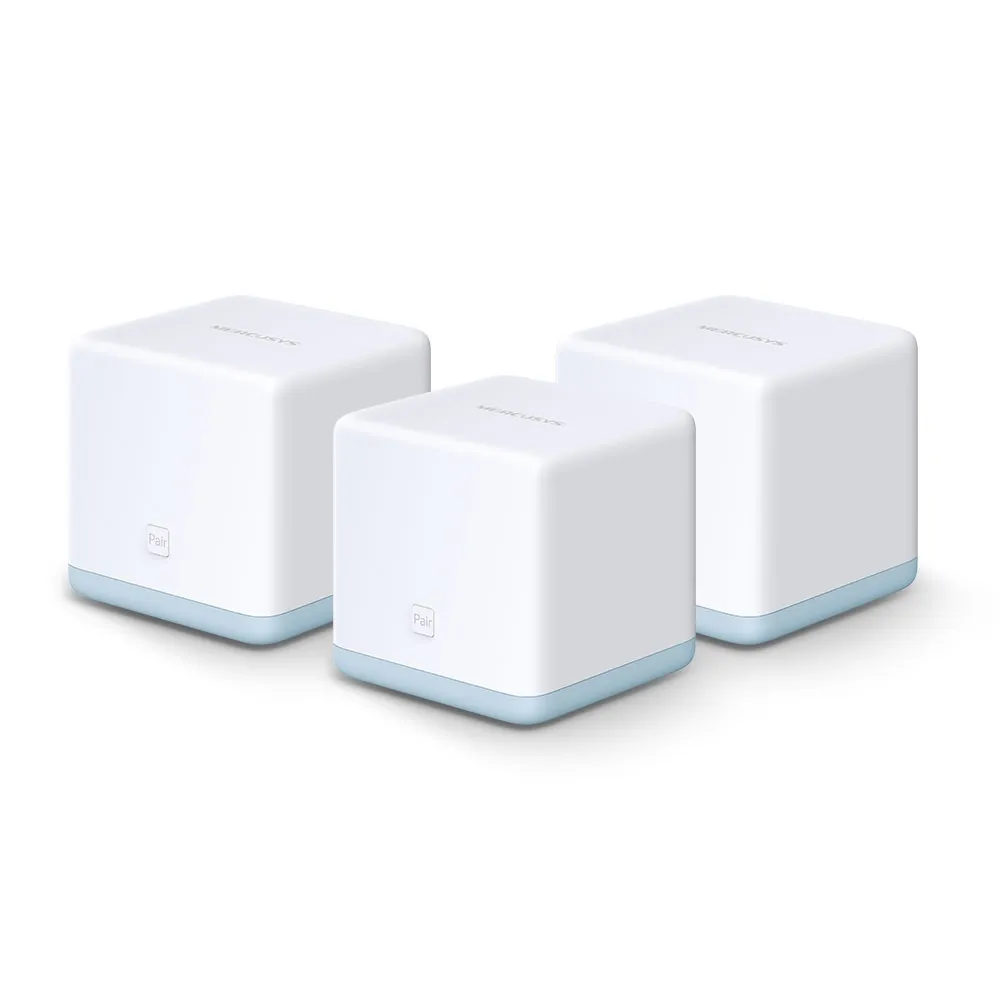
Understand Halo S12’s budget mesh appeal, 100 Mbps port limit, browser setup, S-series compatibility and realistic placement and upgrade trade-offs.
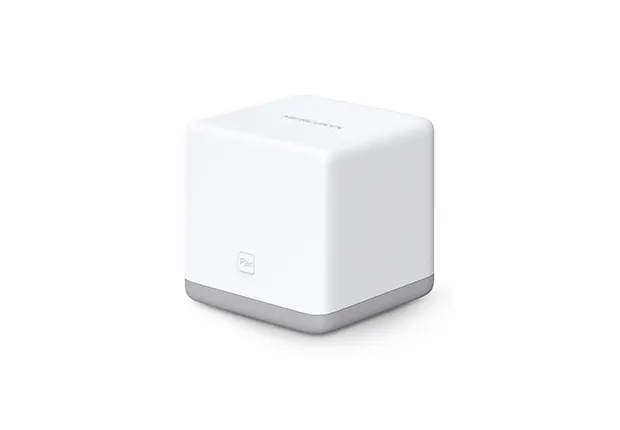
Check Halo S3 single-band Wi-Fi, 100 Mbps ports, browser setup, security and expansion limits before buying or reusing this older mesh kit.
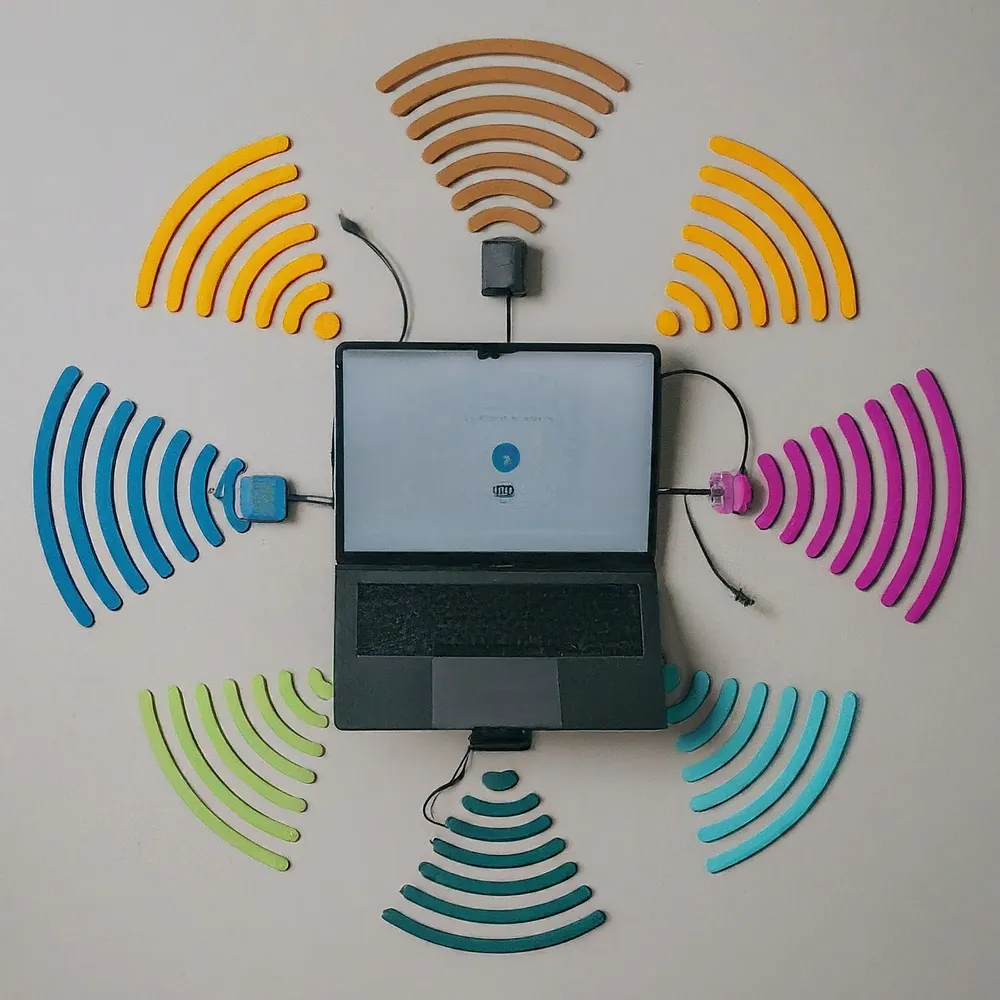
Understand MLO’s multiple-link modes, client versus mesh paths, compatible bands and security, Windows support and practical ways to verify a benefit.
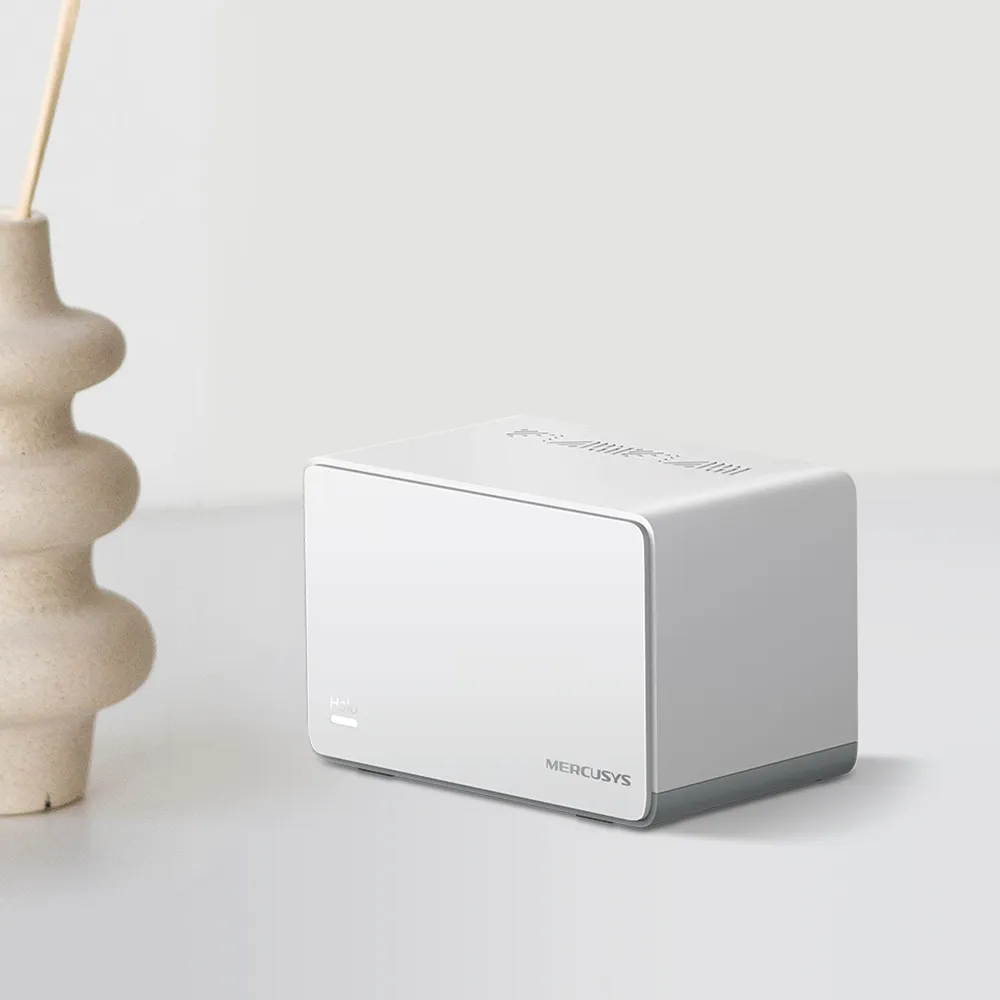
Explore H70X’s AX1800 radios, three Gigabit ports, conditional coverage, wired backhaul, WPA3 and the app features lost in access point mode.
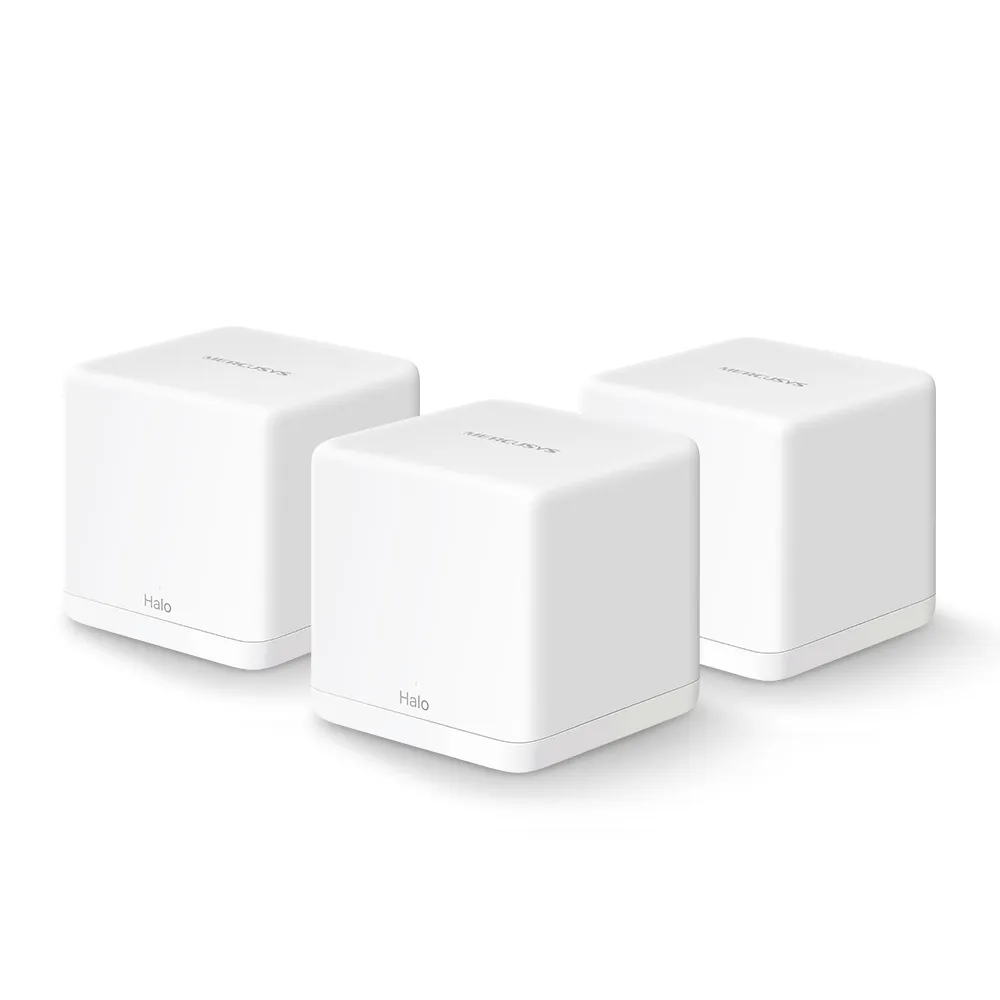
Understand the Halo H30G radios, Gigabit ports, backhaul, security limits and expansion options before choosing an affordable mesh kit.
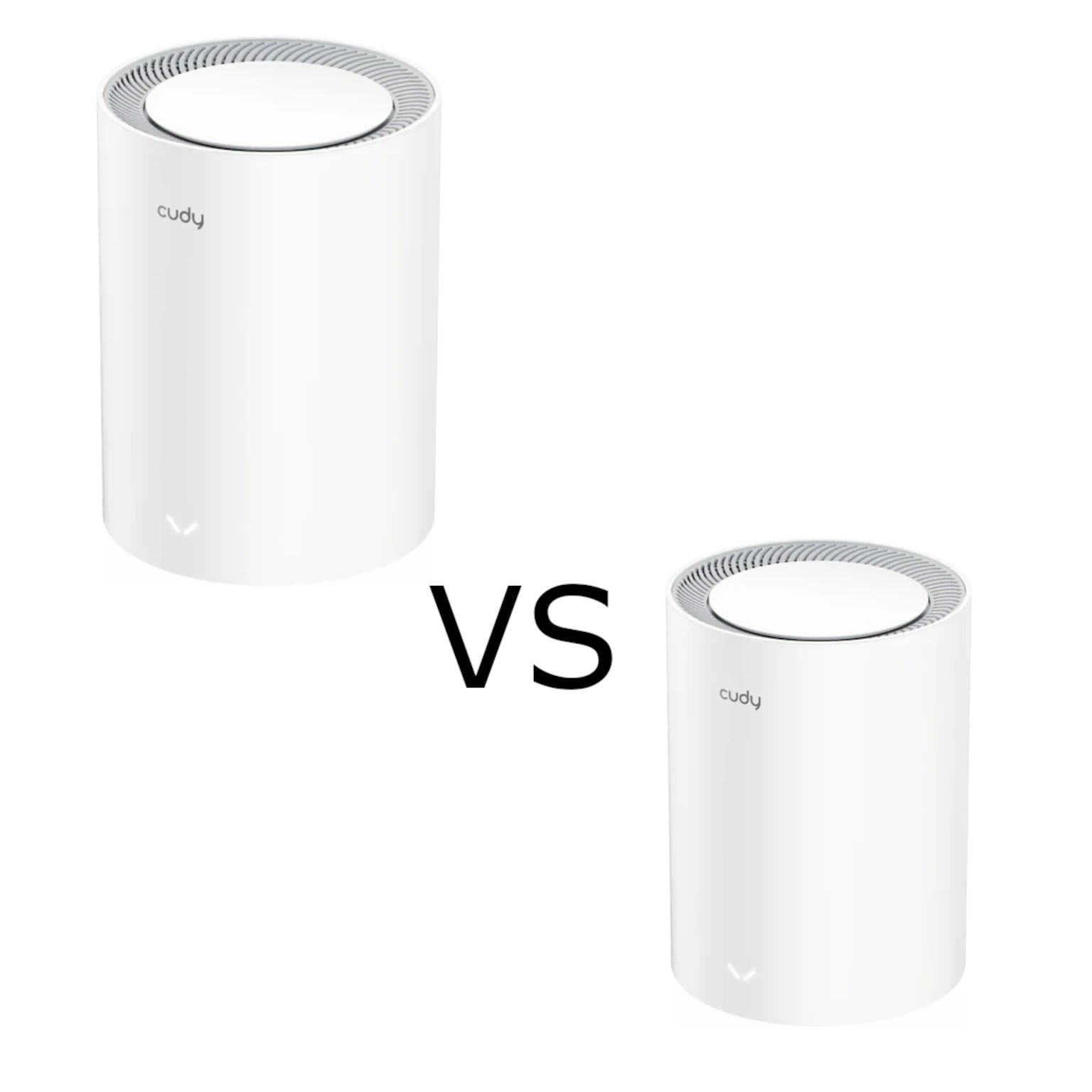
Compare Cudy M1800 and M3000 mesh kits by hardware revision, client capability, wired bottlenecks, placement, stock software and total cost.
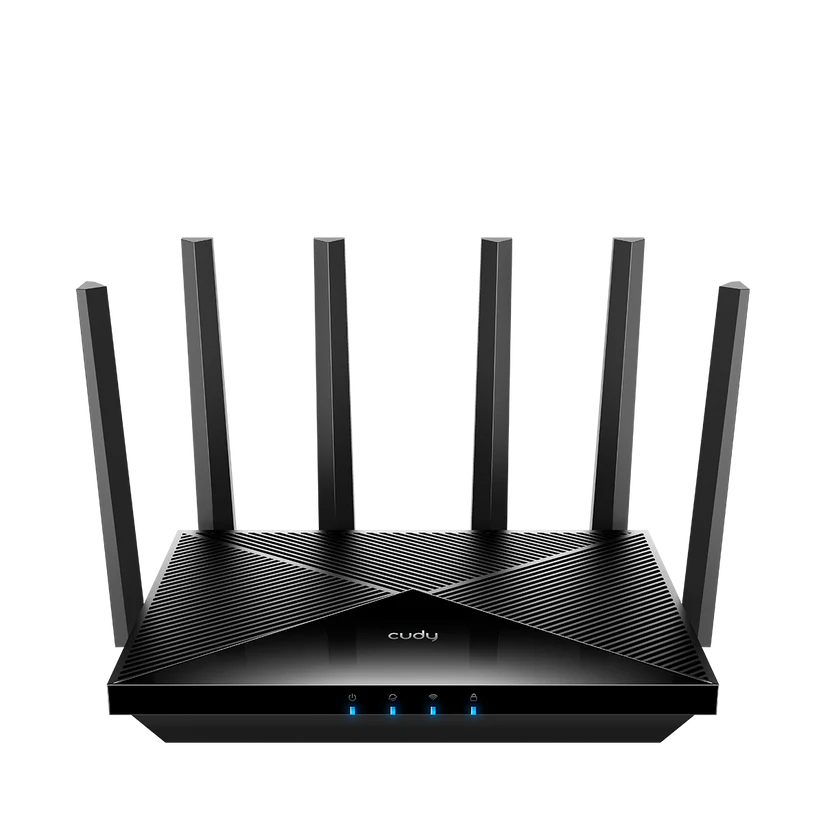
Check the Cudy WR11000 radios, four 2.5G ports, compatible mesh links, software modes and VPN needs before planning a home network upgrade.
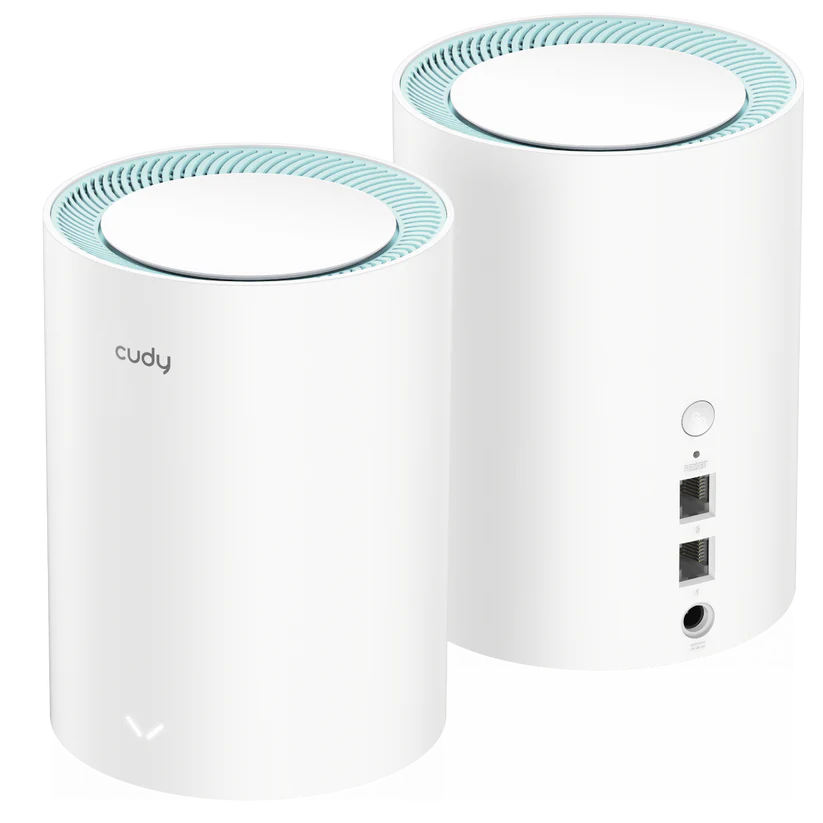
Plan a Cudy M1300 mesh around hardware revision, Gigabit ports, placement, operating mode and maintenance, with realistic coverage and performance expectations.
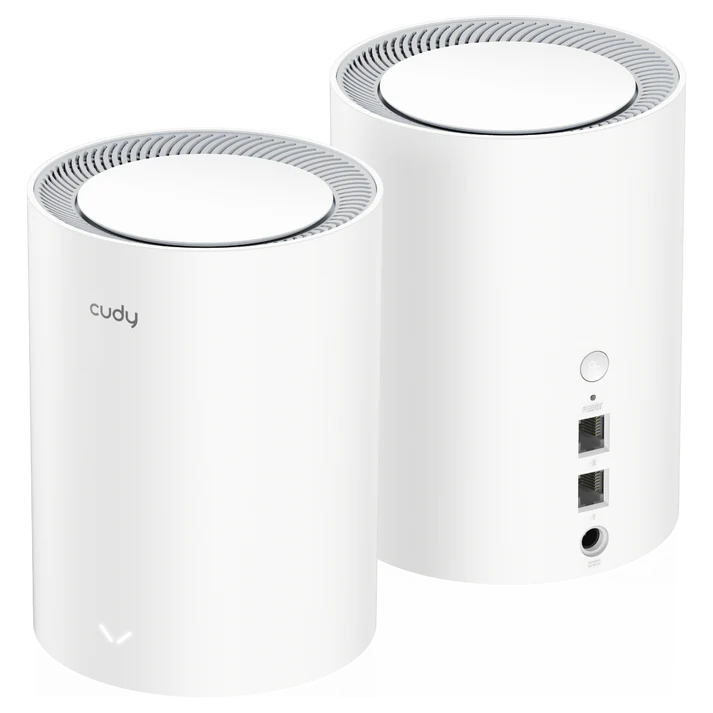
Check M1800 2.0’s AX1800 radios, Gigabit ports, current coverage guidance, local management, VPN functions and Phase-Out purchasing considerations.
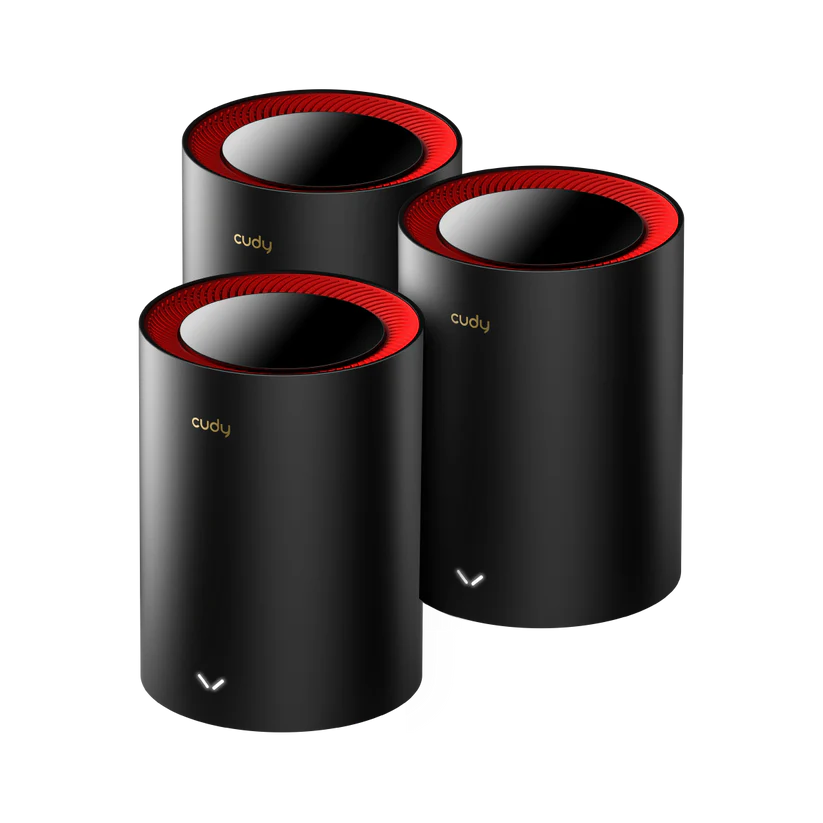
Cudy M3000 V1/V2 specifications, coverage context and the 2.5 GbE WAN/Gigabit LAN tradeoff, with practical setup, client, backhaul and maintenance advice.
Learn how MU-MIMO shares Wi-Fi capacity, how it differs from OFDMA, and which client, radio and network limits matter before upgrading.

Explore the Deco X50-DSL’s integrated modem, Wi-Fi 6 mesh and Gigabit ports, with ISP setup checks, backhaul guidance and realistic upgrade limits.

Compare the XE75 and XE75 Pro’s shared Wi-Fi 6E specifications, single-port trade-offs, backhaul choices and security settings before paying for multi-gigabit Ethernet.

How OFDMA schedules Wi-Fi traffic, what resource units do, and how to check whether it can improve a busy home network.

Compare Deco X50 and the different X60 revisions, with verified radio classes, port counts, client and backhaul limits, security services and buying advice.

Compare Steam Deck LCD and OLED, check game compatibility, and plan battery, storage, offline play and docking around your own Steam library.
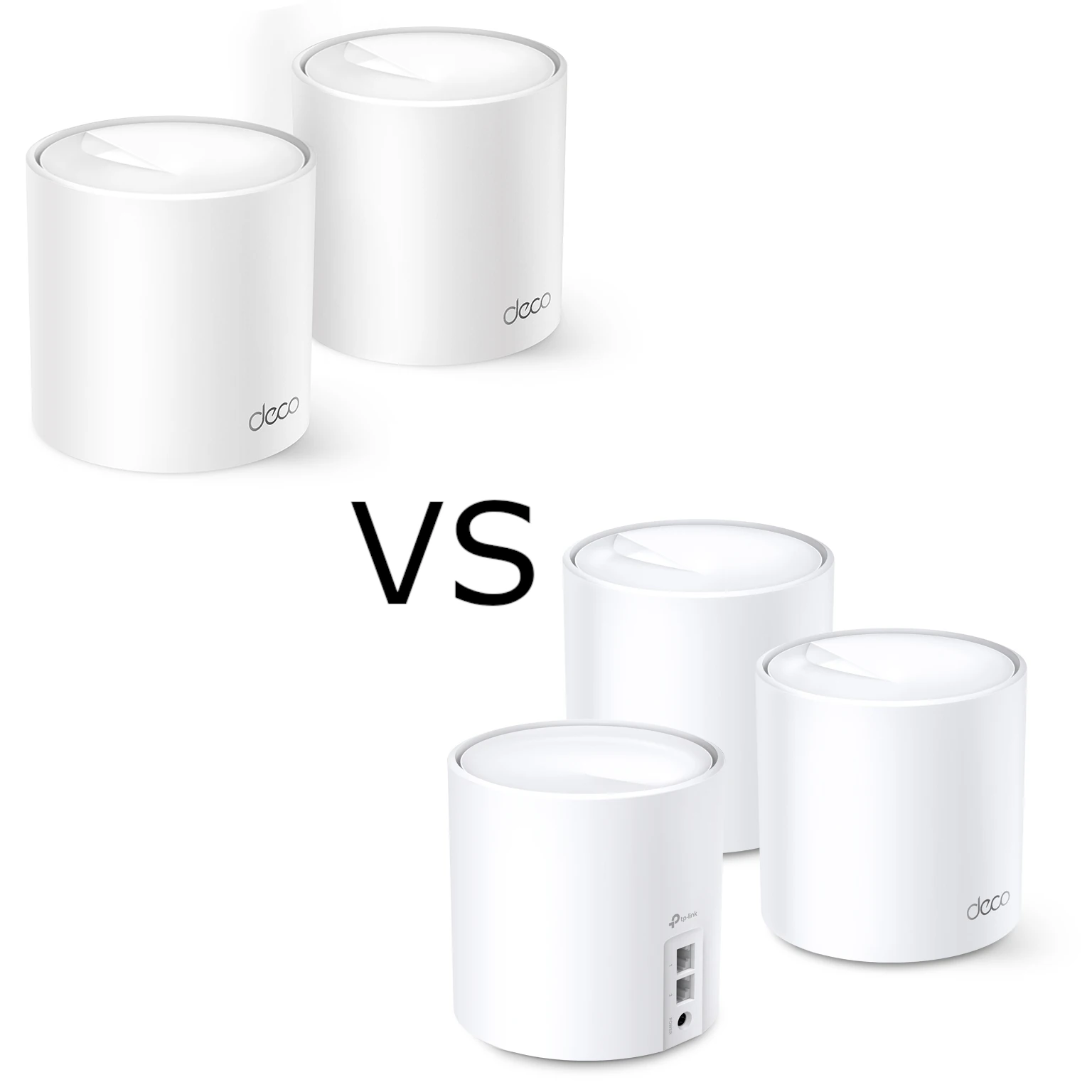
Compare Deco X10 and X20 radio standards, Gigabit ports, smart-device compatibility, backhaul and software limits while preserving our Wi-Fi 6 perspective.
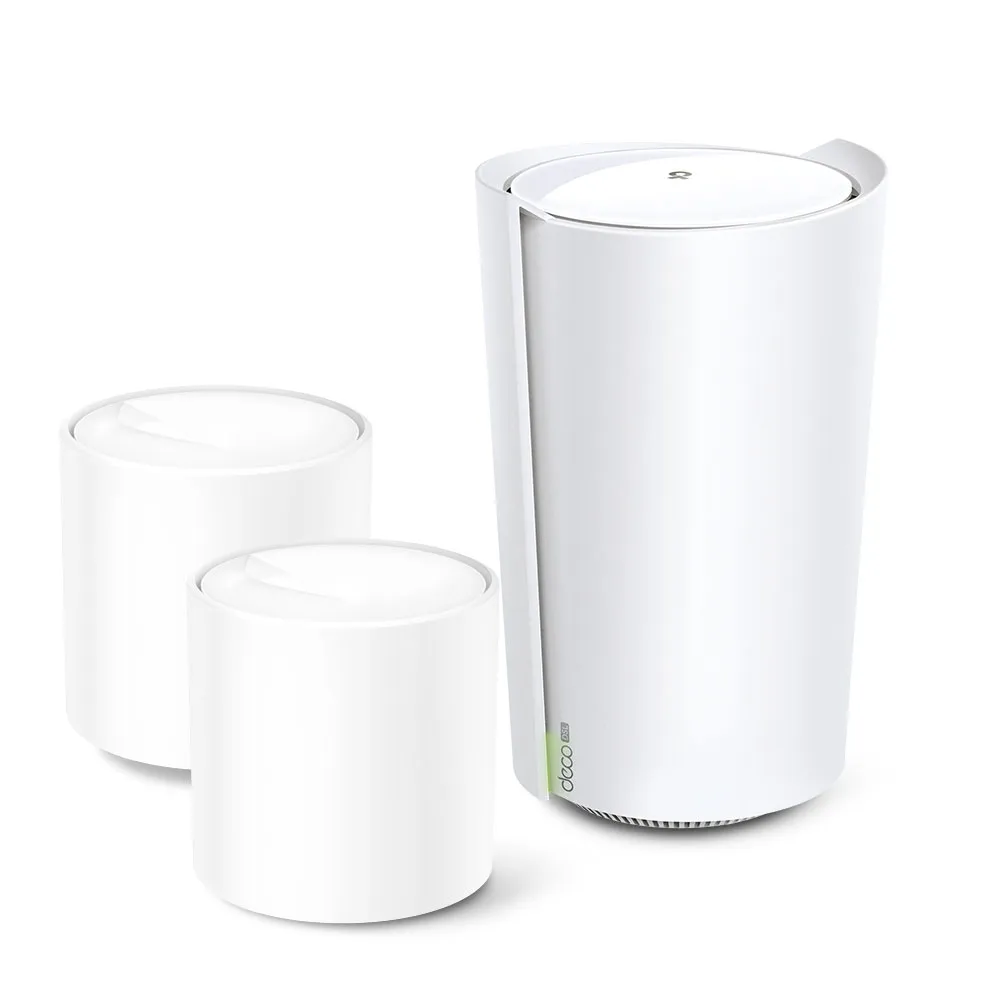
Check Deco X73-DSL modem compatibility, gateway and satellite ports, telephone service, backhaul and operating modes before planning a DSL mesh network.
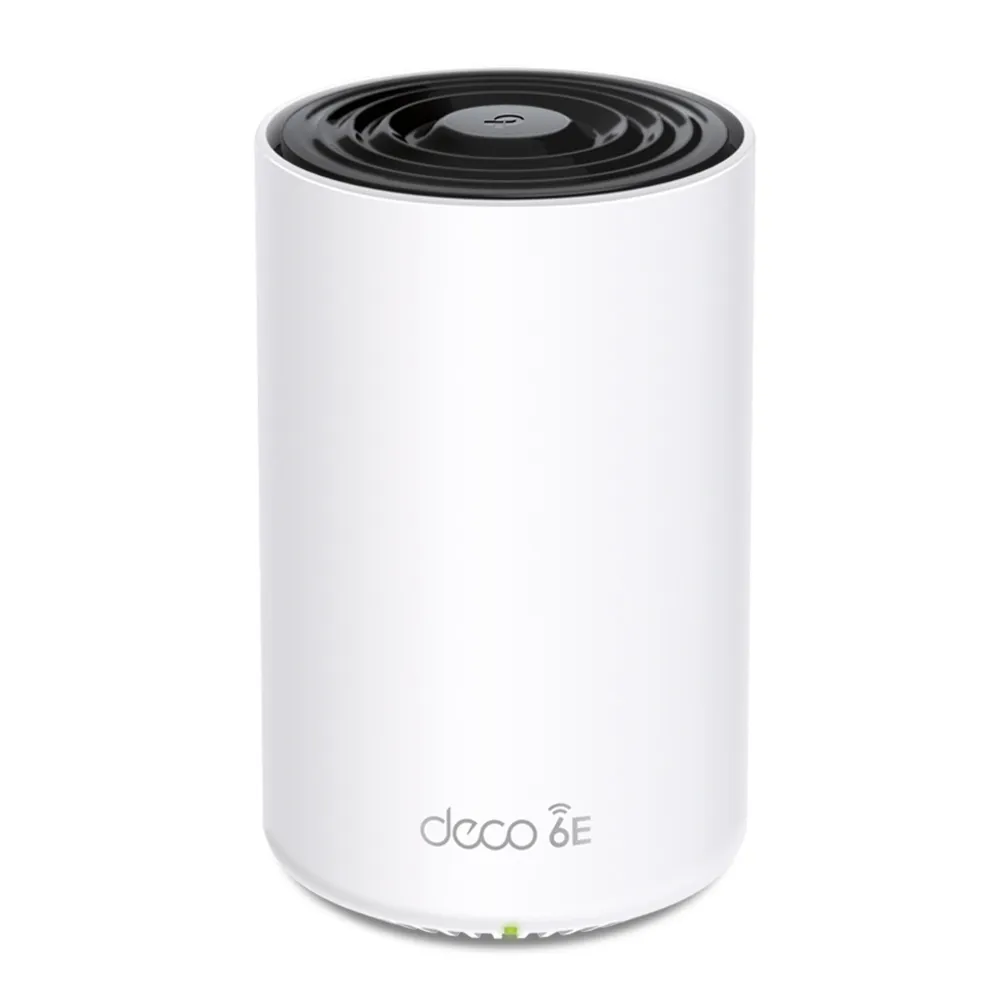
Understand Deco XE75 Pro Wi-Fi 6E, its difference from XE75, the single 2.5 GbE port tradeoff, 6 GHz settings and practical mesh setup checks.

Compare TKL and full-size keyboards by numpad use, mouse space, layout, portability and desk comfort, with practical checks before buying.
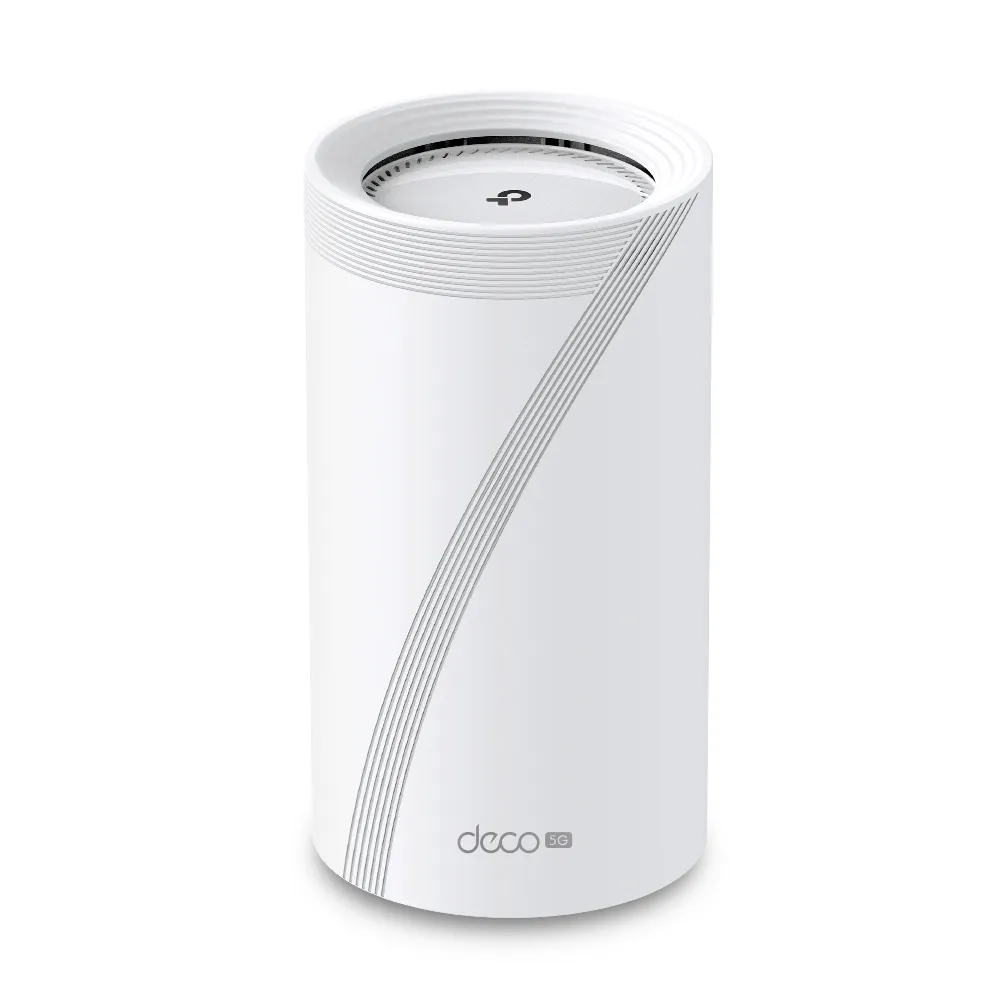
A practical guide to Deco BE65-5G cellular internet and backup, with EU V1/V2 differences, antenna checks, mesh placement, port limits and realistic buying advice.
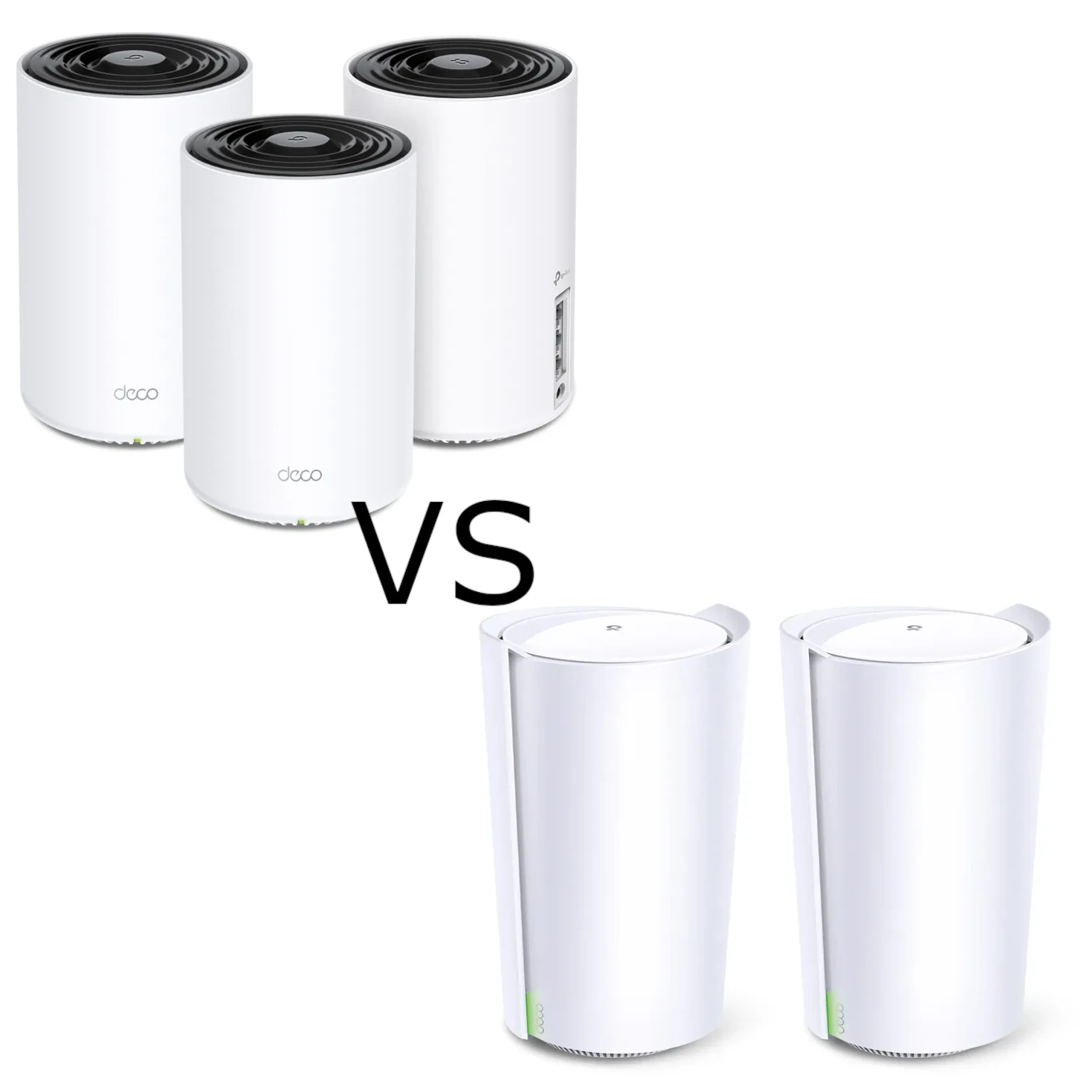
Compare the tri-band X75 and X90 through verified radios, streams, wired-port limits, useful backhaul choices and support checks.
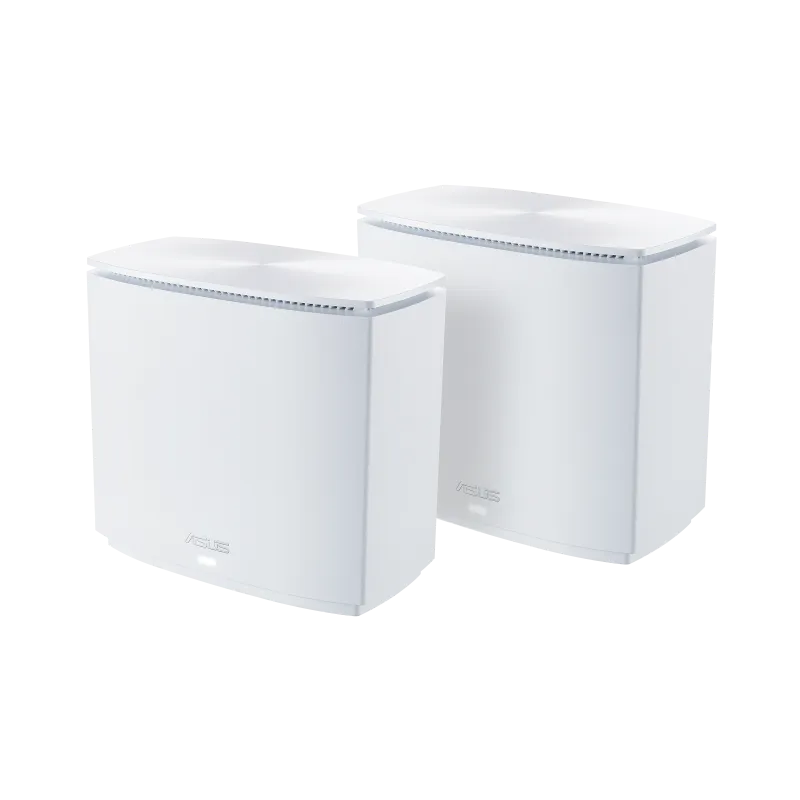
Understand the XC5’s AX3000 Wi-Fi 6, MoCA 2.5 coax backhaul, Gigabit ports and the wiring checks needed before buying.
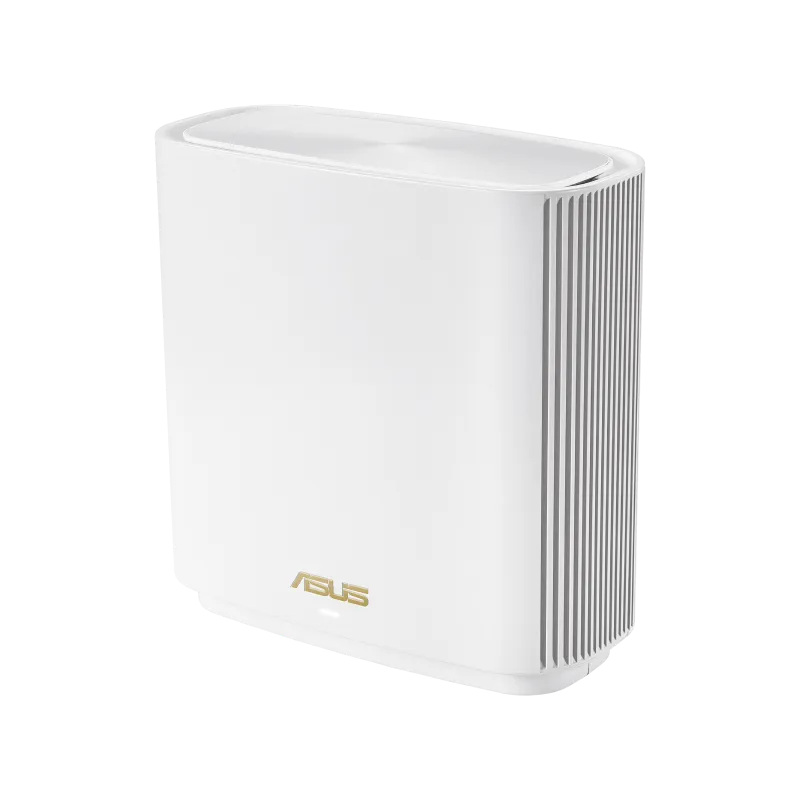
Understand the ASUS ZenWiFi ET9 radios, Gigabit LAN limits, backhaul options, client compatibility and placement before choosing a mesh pack.
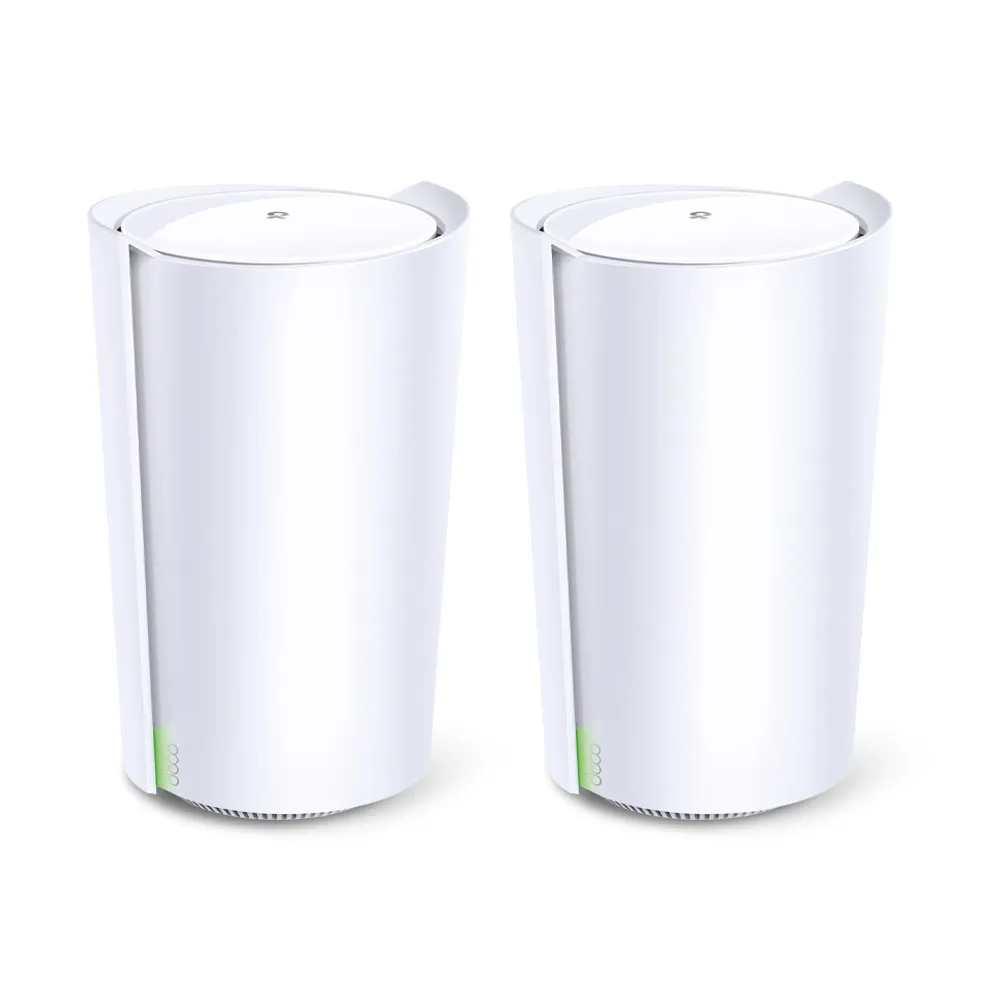
Explore X90’s AX6600 radios, smart antennas, single 2.5 Gbps port, wired backhaul and the regional lifecycle checks that matter before buying.
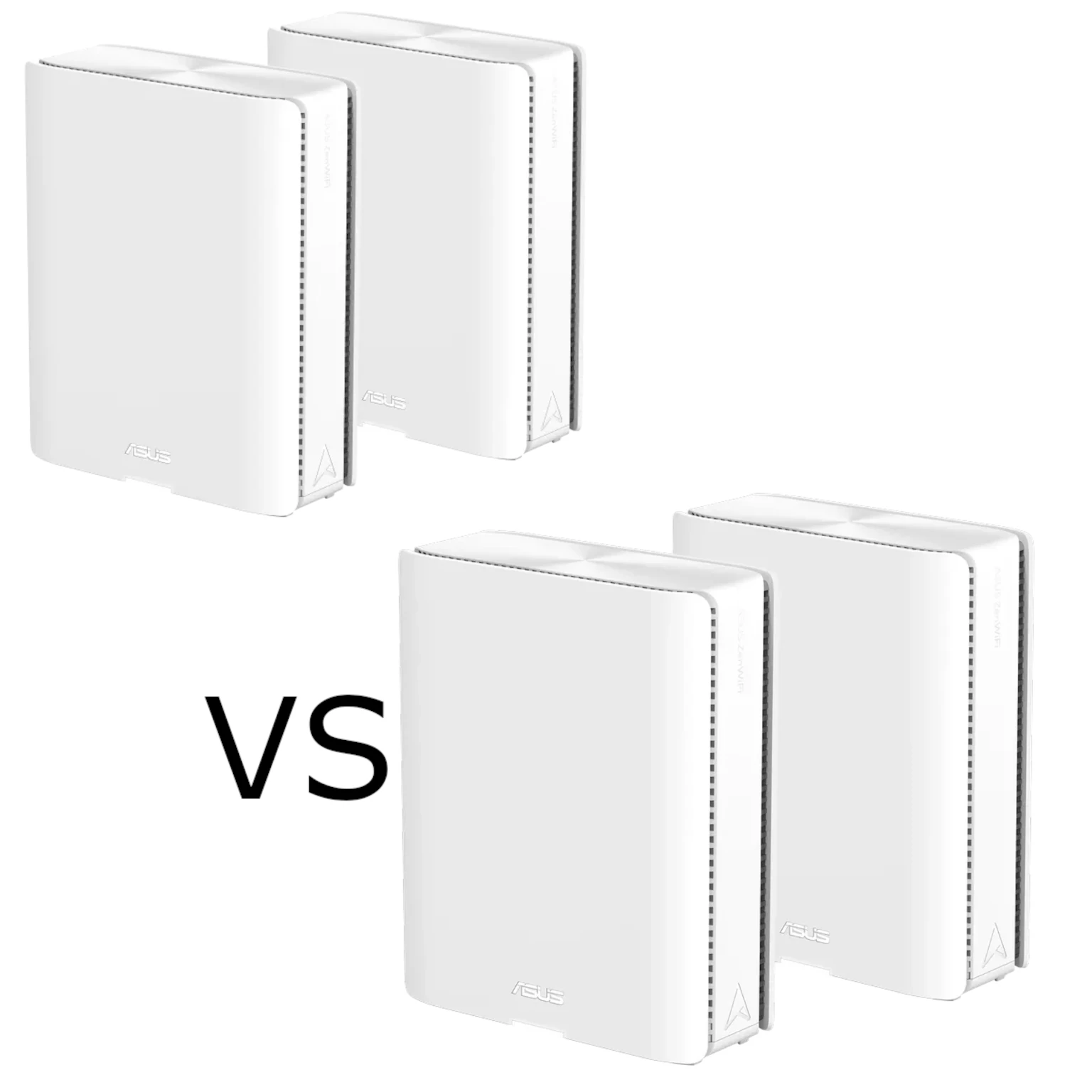
Both BQ16 models have quad-band Wi-Fi 7 and dual 10G ports. Compare their 5 GHz versus 6 GHz radio allocation, backhaul, clients and local value.
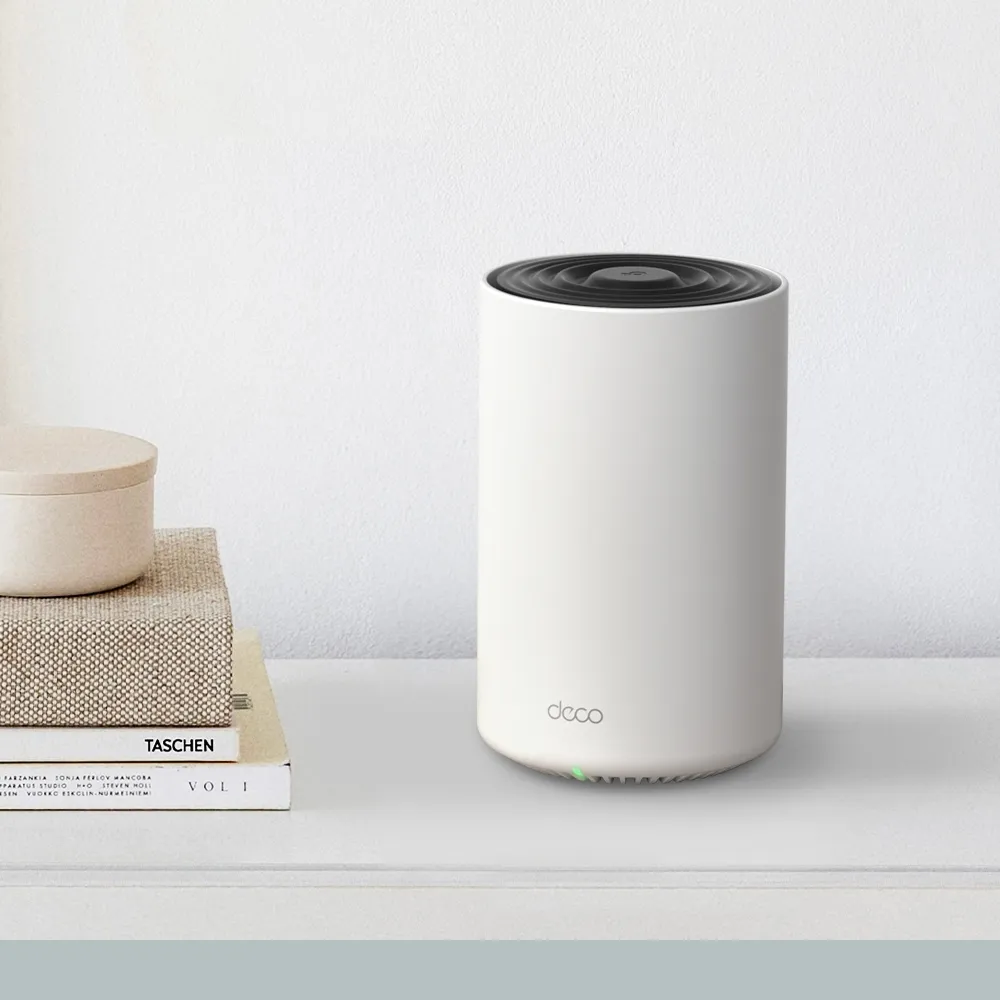
Explore Deco X75 radio and coverage claims, three Gigabit ports, backhaul, HomeShield terms and practical checks for a larger or busy household.
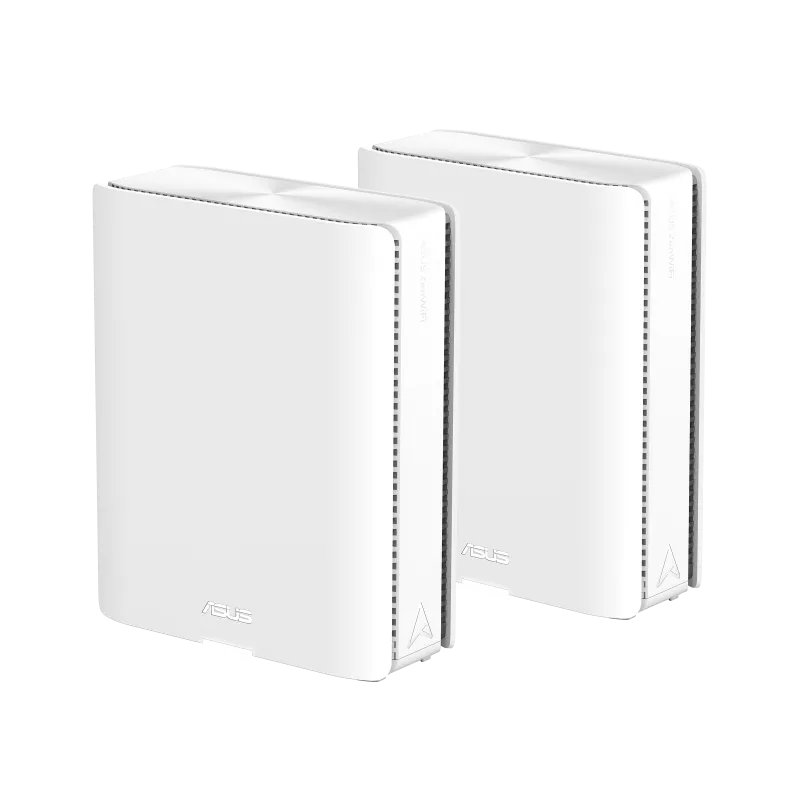
Understand the BQ16 Pro’s two 6 GHz radios, dual 10GbE ports, MLO/backhaul limits, network profiles and USB backup considerations before choosing a premium mesh pack.
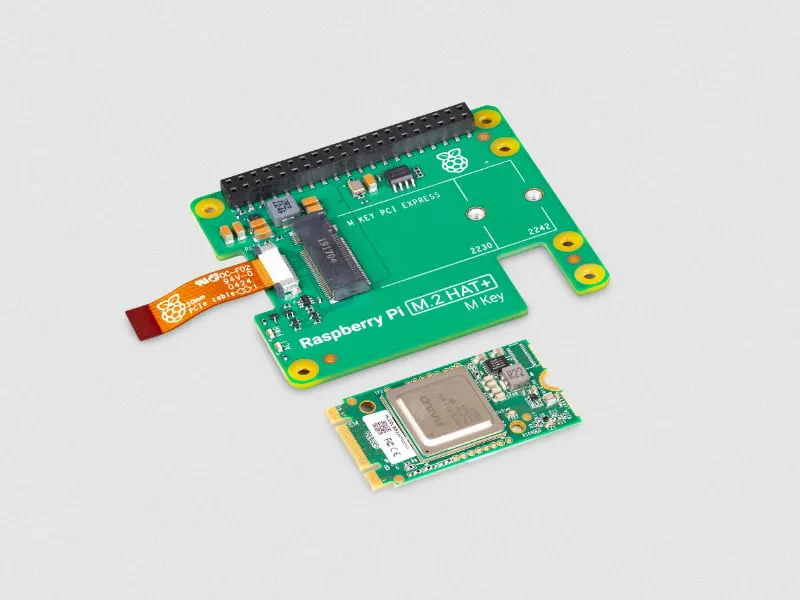
Understand the original 13 TOPS Hailo-8L AI Kit, its current availability, supported Raspberry Pi software setup and realistic computer-vision project limits.
Use a Raspberry Pi as a focused writing and planning workstation: choose suitable hardware, verify Linux apps and file compatibility, and keep a simple work routine.
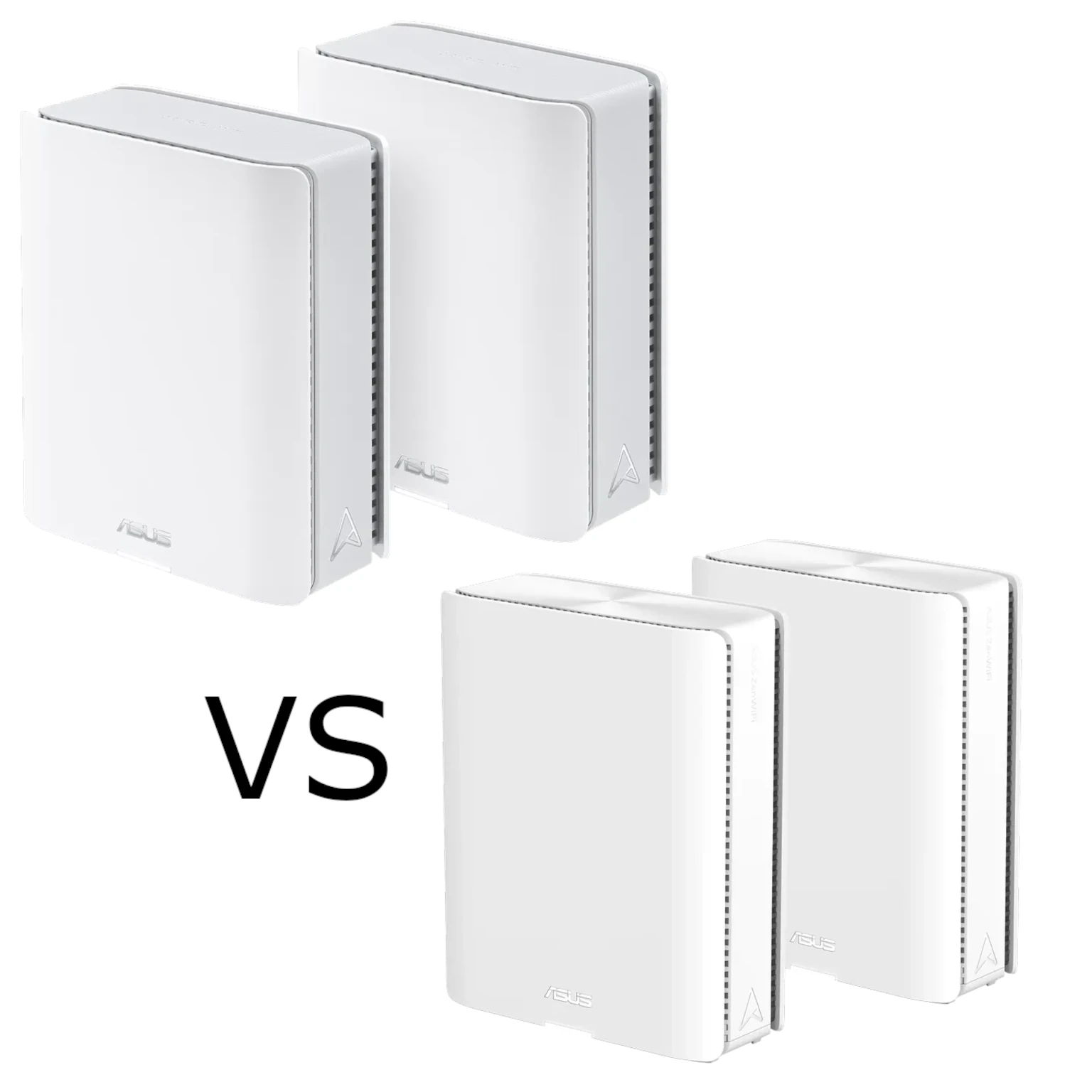
Compare ASUS ZenWiFi BT10 and BQ16 radios, port counts and backhaul limits to decide which Wi-Fi 7 mesh kit suits your home and budget.
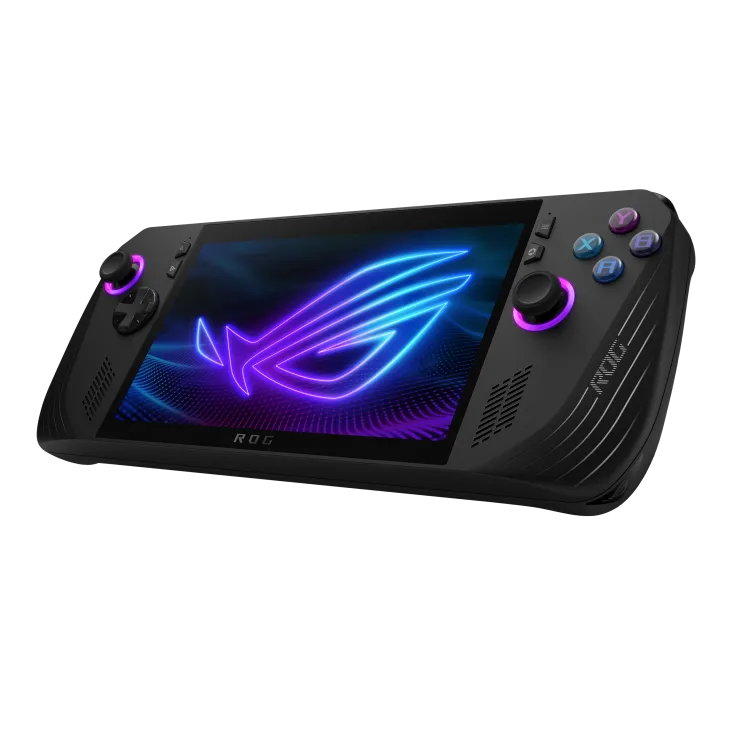
Explore the 2024 ROG Ally X’s battery, shared memory, storage and USB-C changes, with practical limits and buying checks for portable PC gaming.
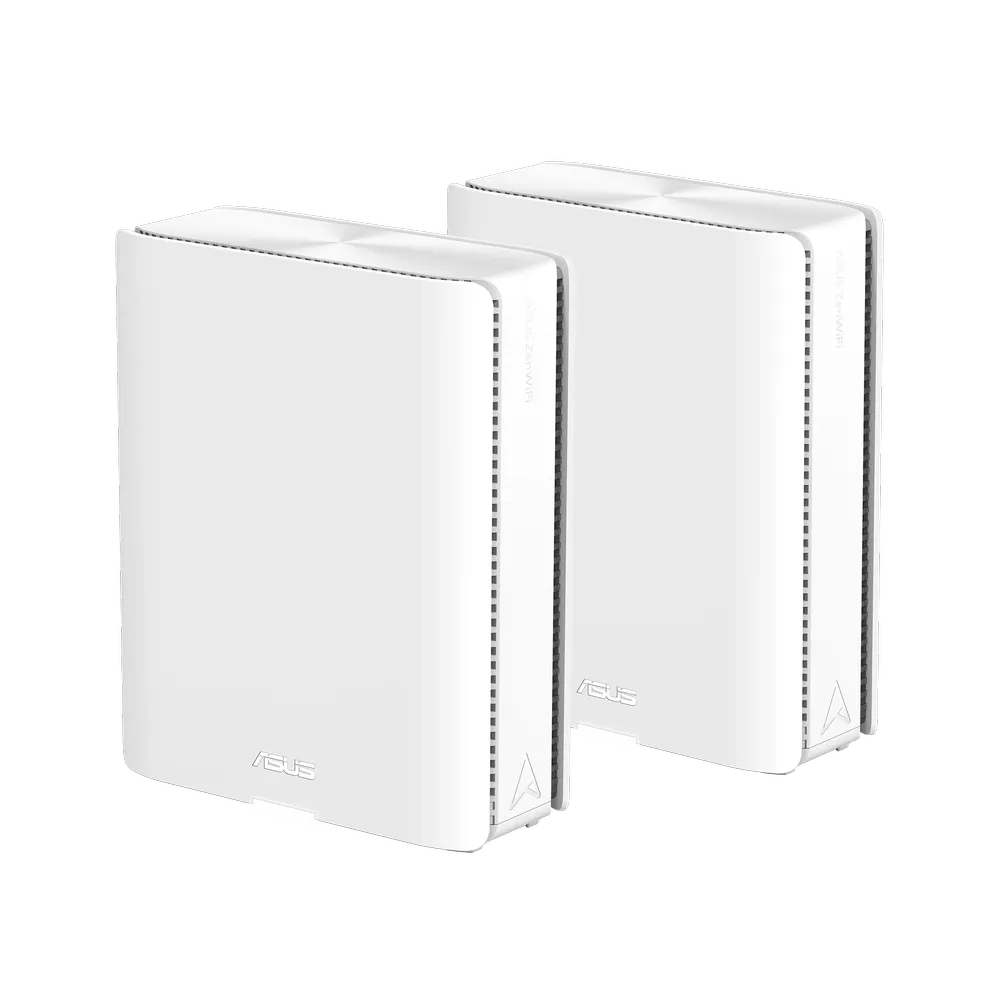
Understand the ASUS ZenWiFi BQ16's quad-band radios, dual 10G ports, backhaul choices and BQ16 Pro differences before planning a Wi-Fi 7 mesh.
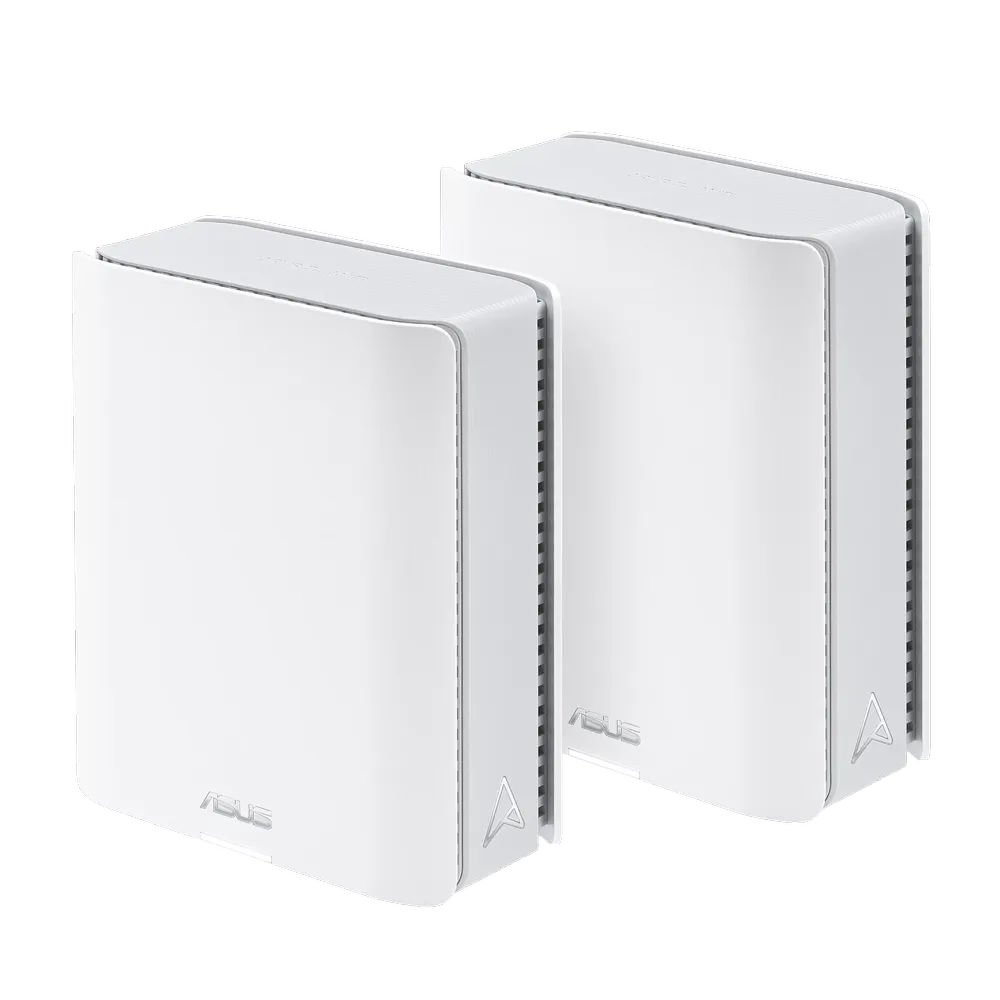
Explore the ASUS ZenWiFi BT10’s Wi-Fi 7 radios, dual 10G ports, AiMesh backhaul and smart-home network settings before choosing a premium mesh system.
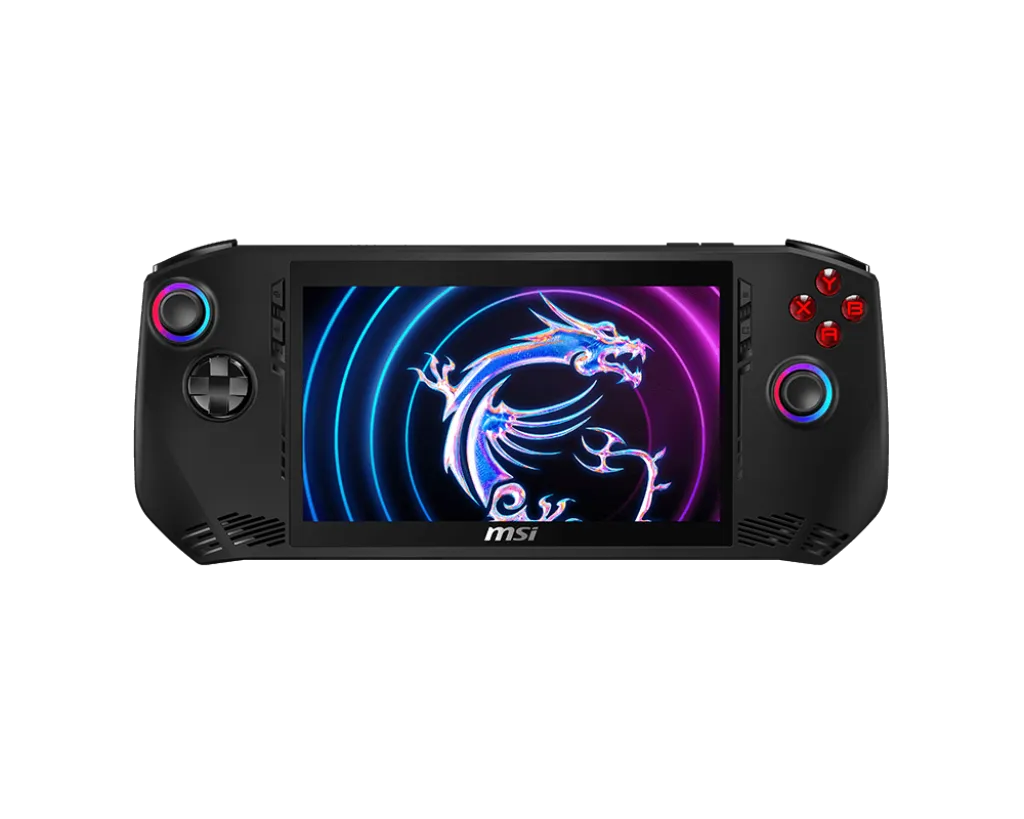
Explore MSI Claw A1M features, verified Core Ultra 5/7 specifications and practical checks for games, charging, software updates and battery use.
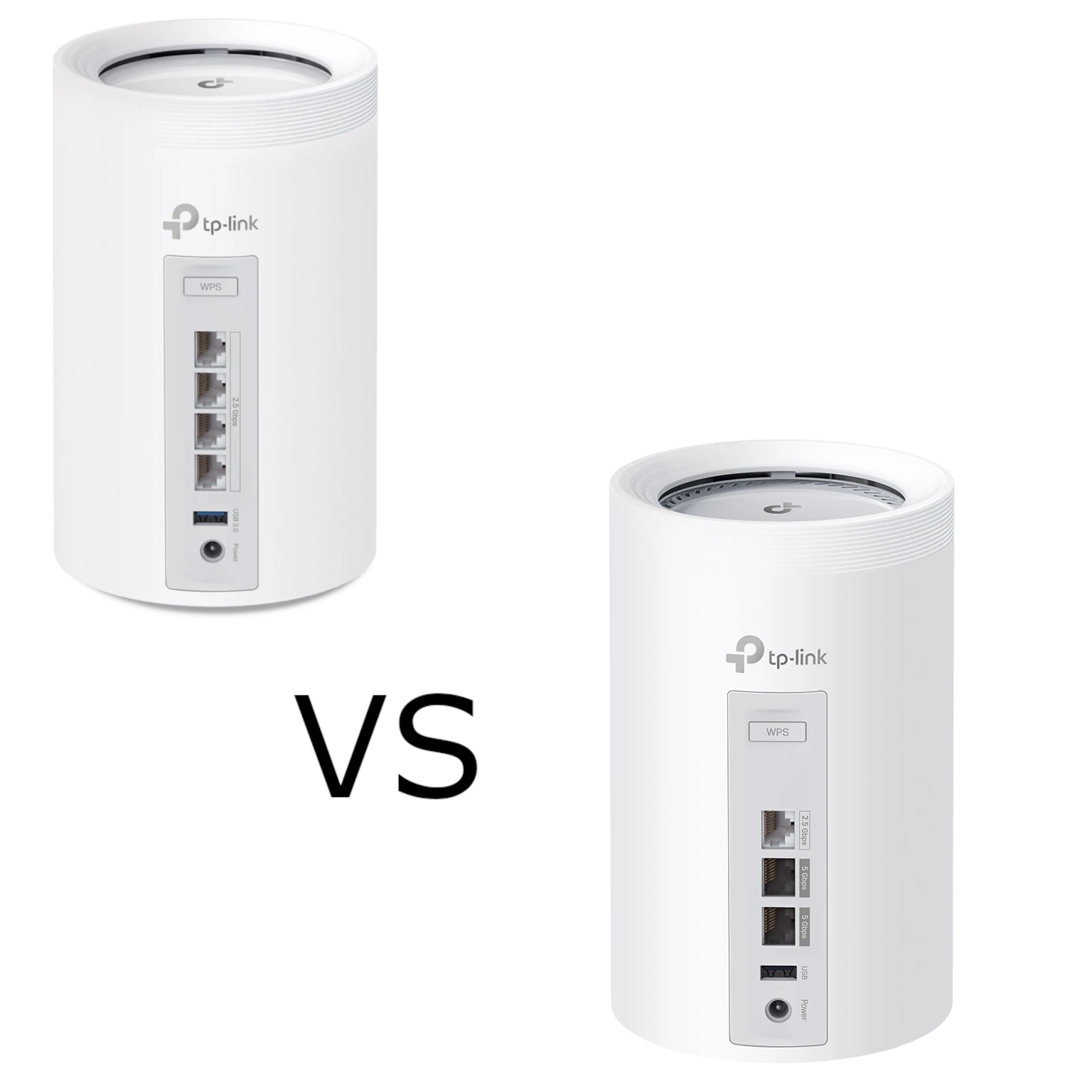
Compare BE65 and BE65 Pro by their actual regional radio profiles, four 2.5 Gbps versus three mixed-speed ports, backhaul design and household needs.
Compare CPU air coolers, AIOs and custom loops by compatibility, performance, noise and maintenance. Understand TDP-rating limits and pump-specific radiator orientation.

Set up Pi-hole on a supported Raspberry Pi, verify client DNS, and understand the limits of domain-based ad blocking.
Understand wireless, Ethernet and hybrid mesh backhaul, including placement, port bottlenecks, vendor wiring rules and a practical troubleshooting method.
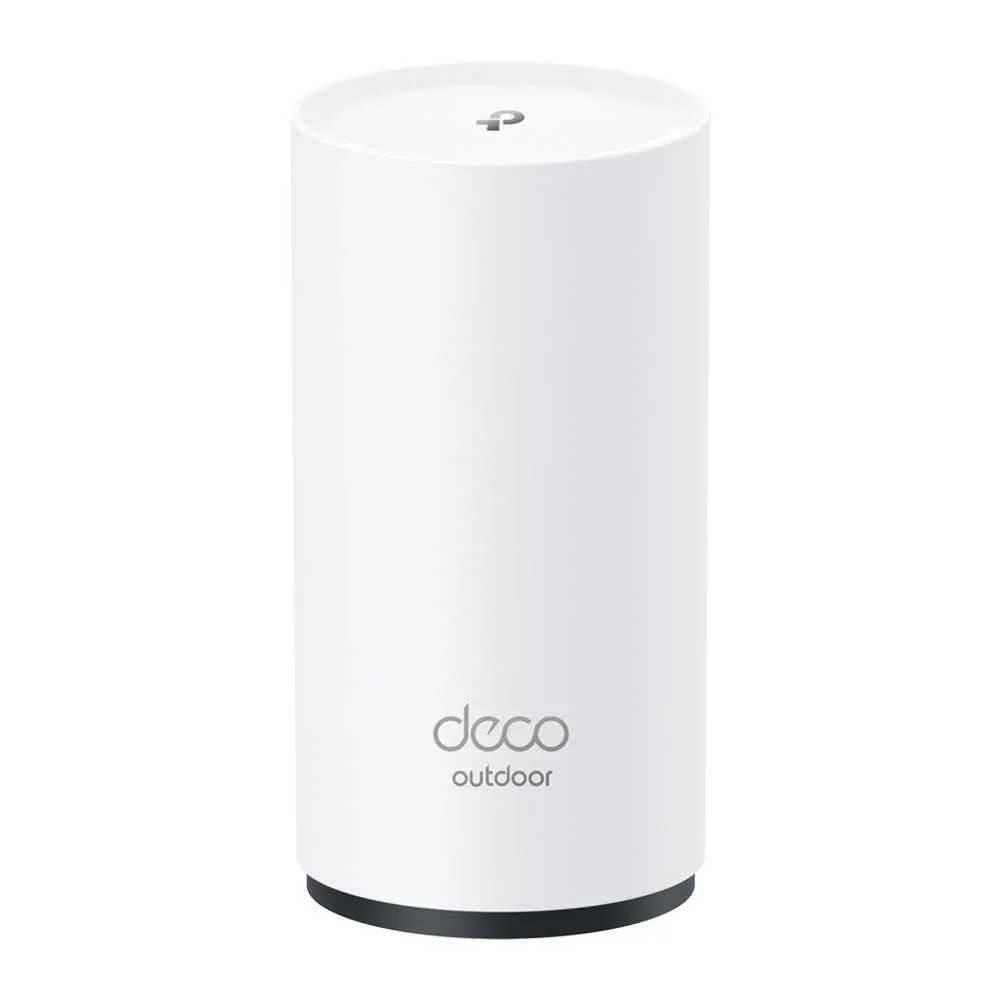
Explore the X50-Outdoor’s Wi-Fi 6 radios, gigabit ports and outdoor enclosure, with practical PoE, backhaul, mounting and compatibility considerations.
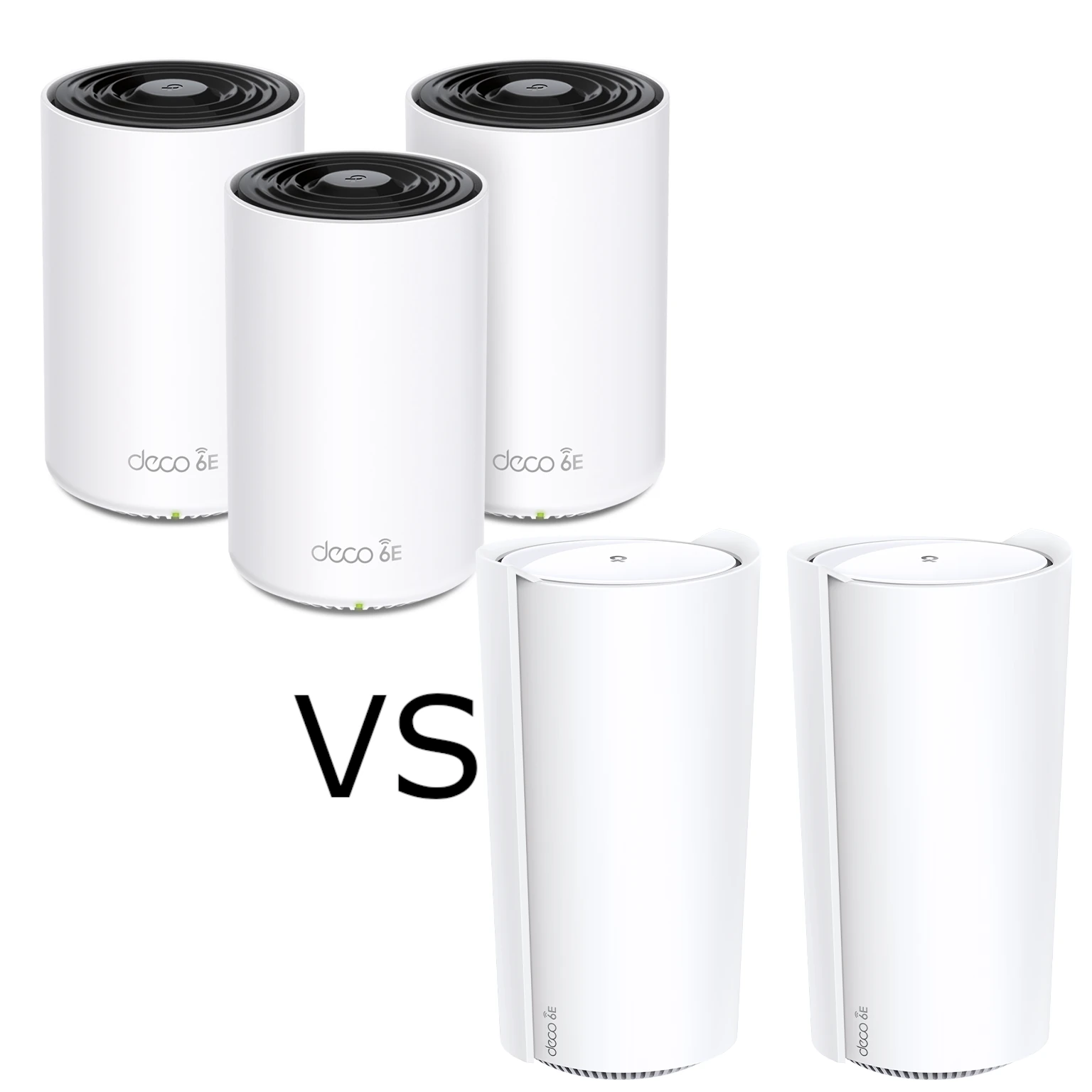
Compare XE75 and XE200 radio resources, usable Ethernet ports and pack sizes. Understand the XE200’s single 10G-port tradeoff and test the actual home network path.
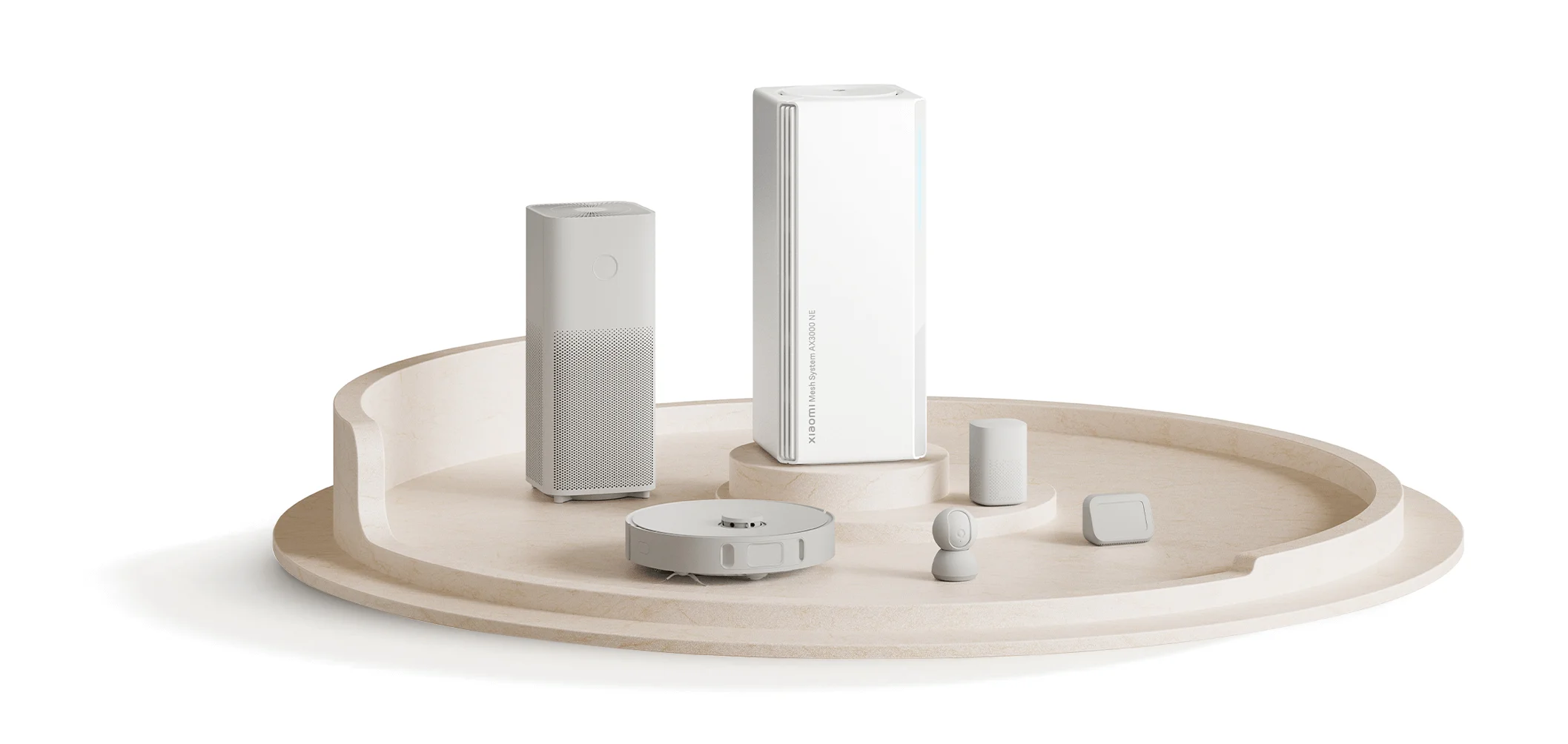
Understand the AX3000 NE’s Gigabit ports, backhaul and kit pairing, plus the limits of NFC, aggregation and Xiaomi device password syncing before upgrading.
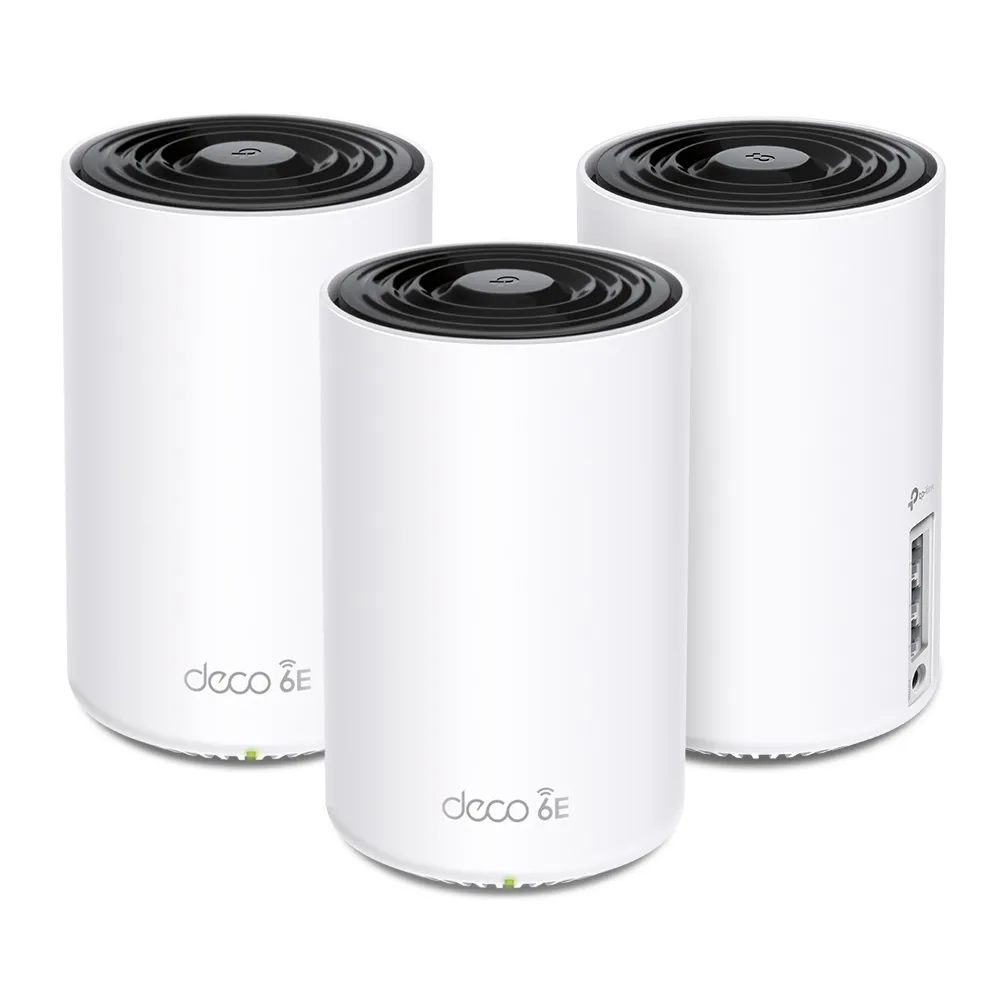
Explore the Deco XE75’s tri-band Wi-Fi 6E specifications, backhaul choices and port limits, with practical checks before buying.
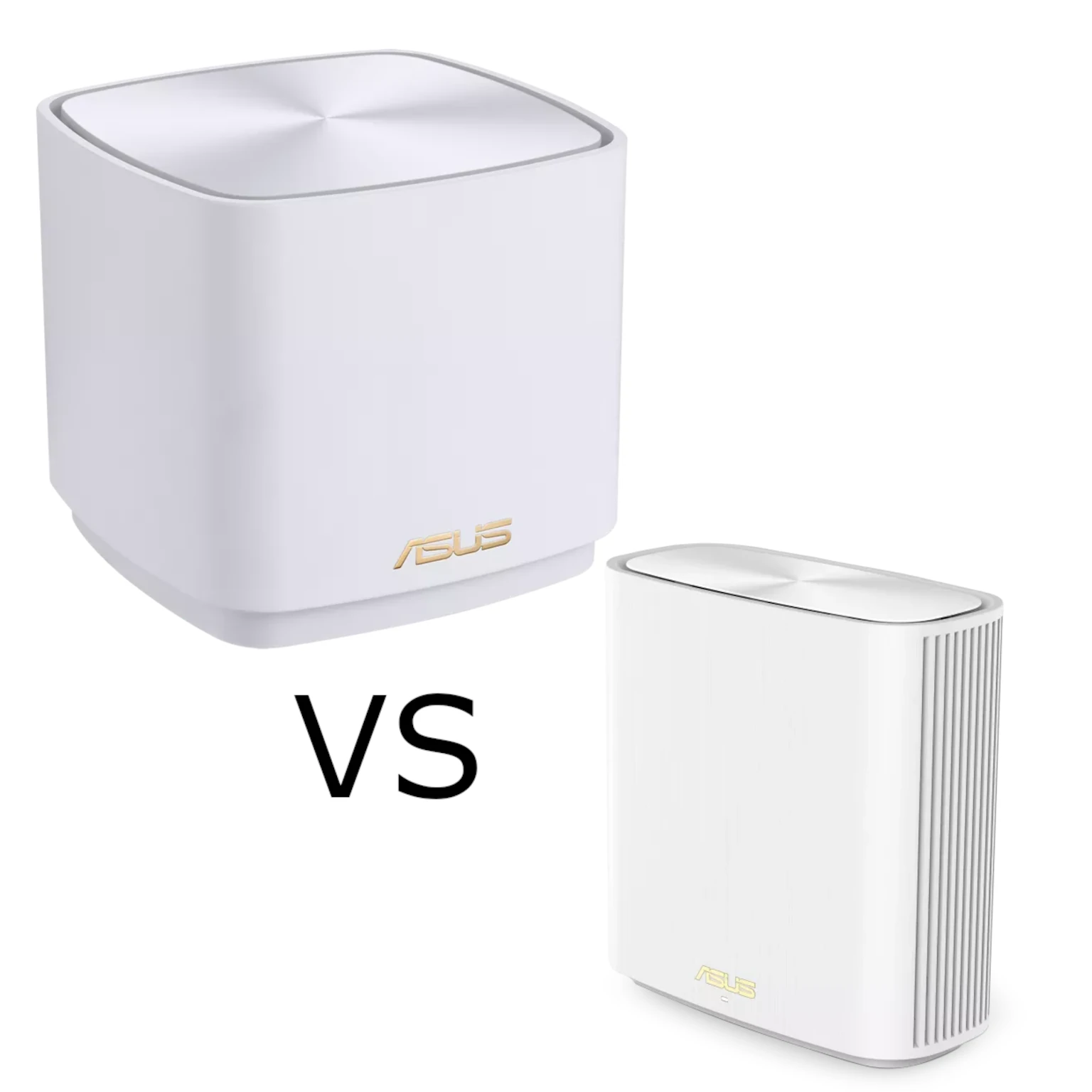
Compare ASUS ZenWiFi XD5 and XD6 radios, Ethernet ports, AiProtection, VPN support and backhaul to choose the right Wi-Fi 6 mesh for your home.
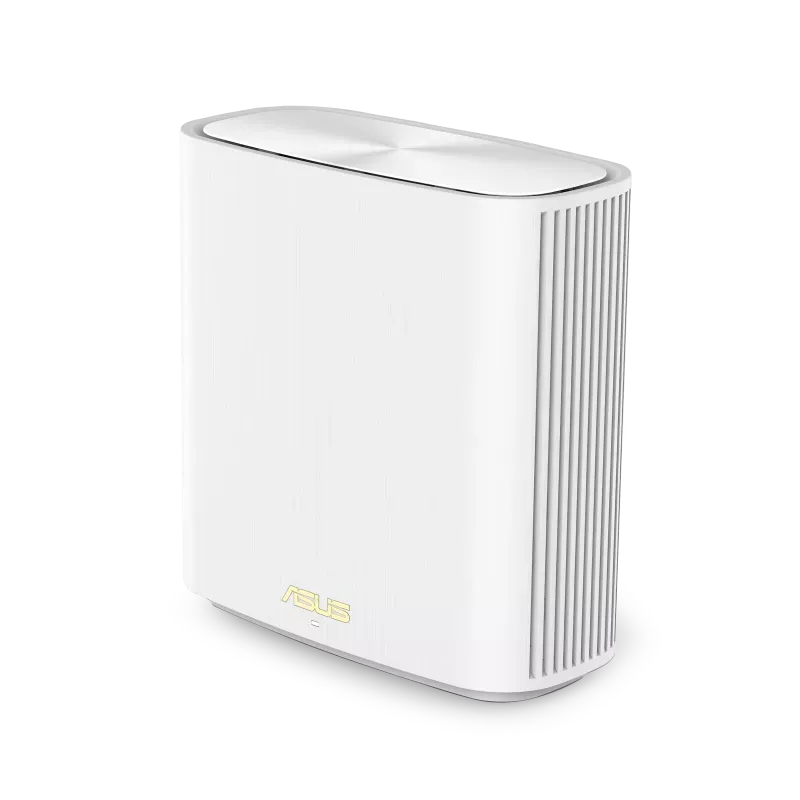
Explore the XD6’s AX5400 radios, Gigabit ports and AiMesh backhaul, with clear XD6S differences and practical coverage, firmware and client checks.
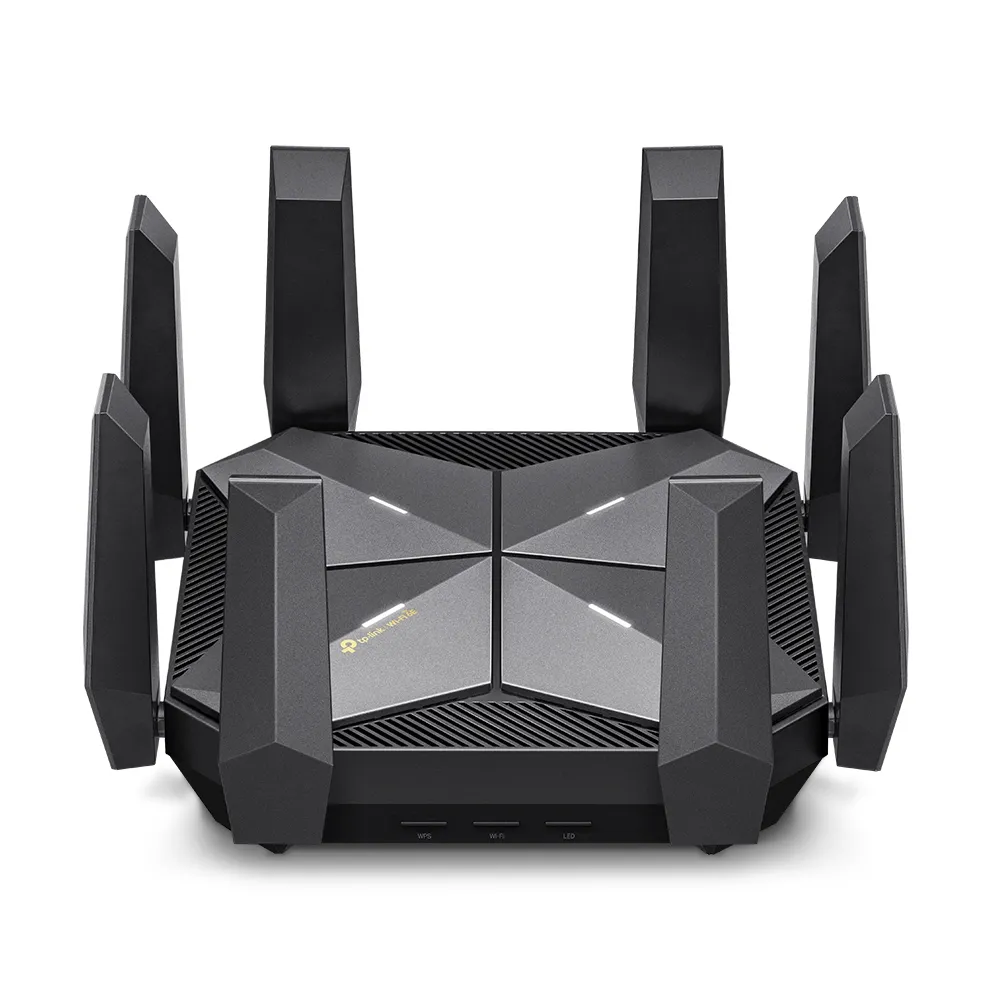
Explore the Archer AXE300’s four radios, dual 10 Gbps connections, regional 6 GHz limits and firmware compatibility to decide whether its premium hardware fits your home.
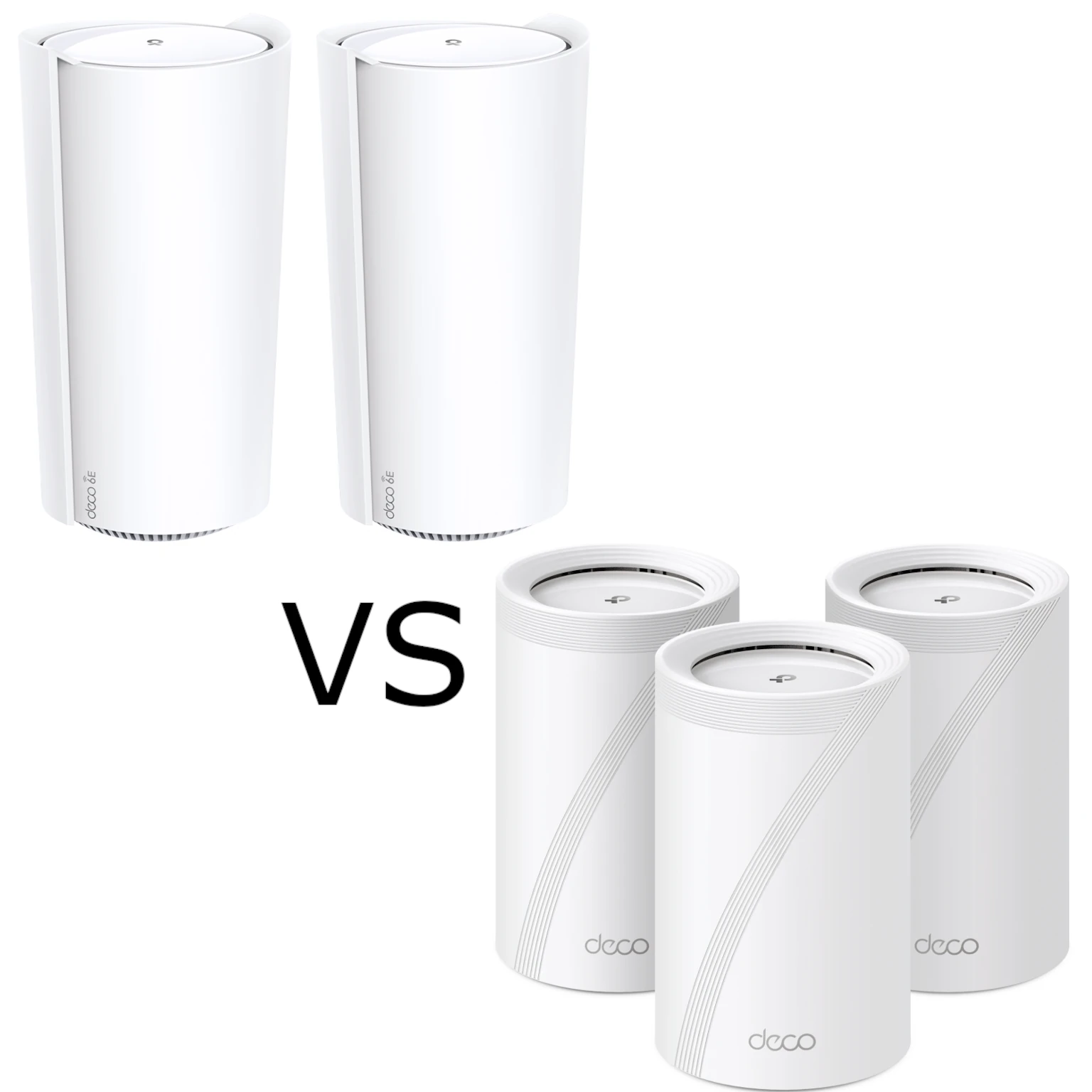
Compare Deco XE200 and BE65 radio capabilities, regional versions, Ethernet ports and mesh backhaul. Choose using your clients, topology, support and local price.
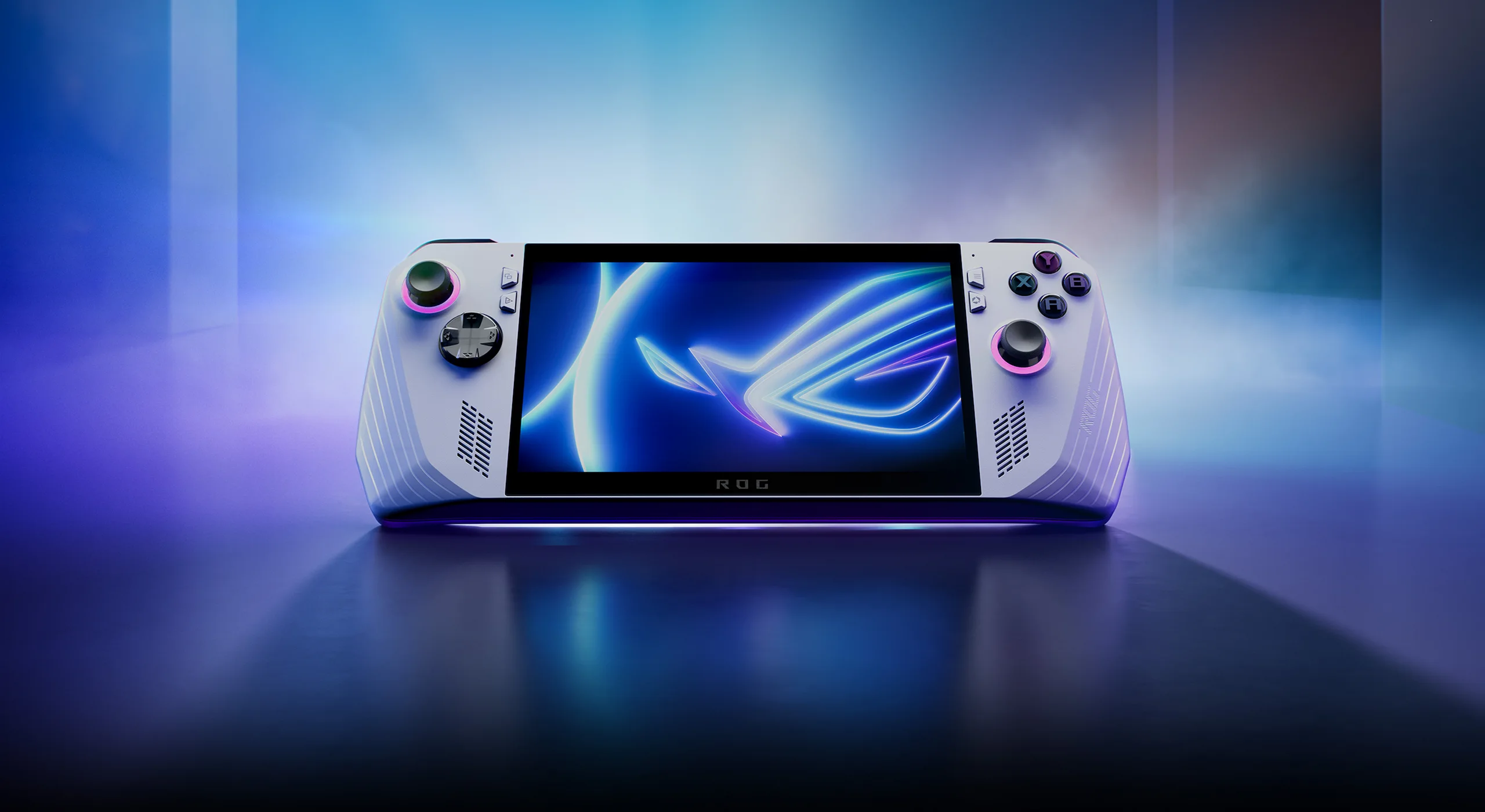
Compare the original ROG Ally Z1 and Z1 Extreme hardware, read the ASUS benchmark charts in context, and plan game settings, battery use and buying checks.
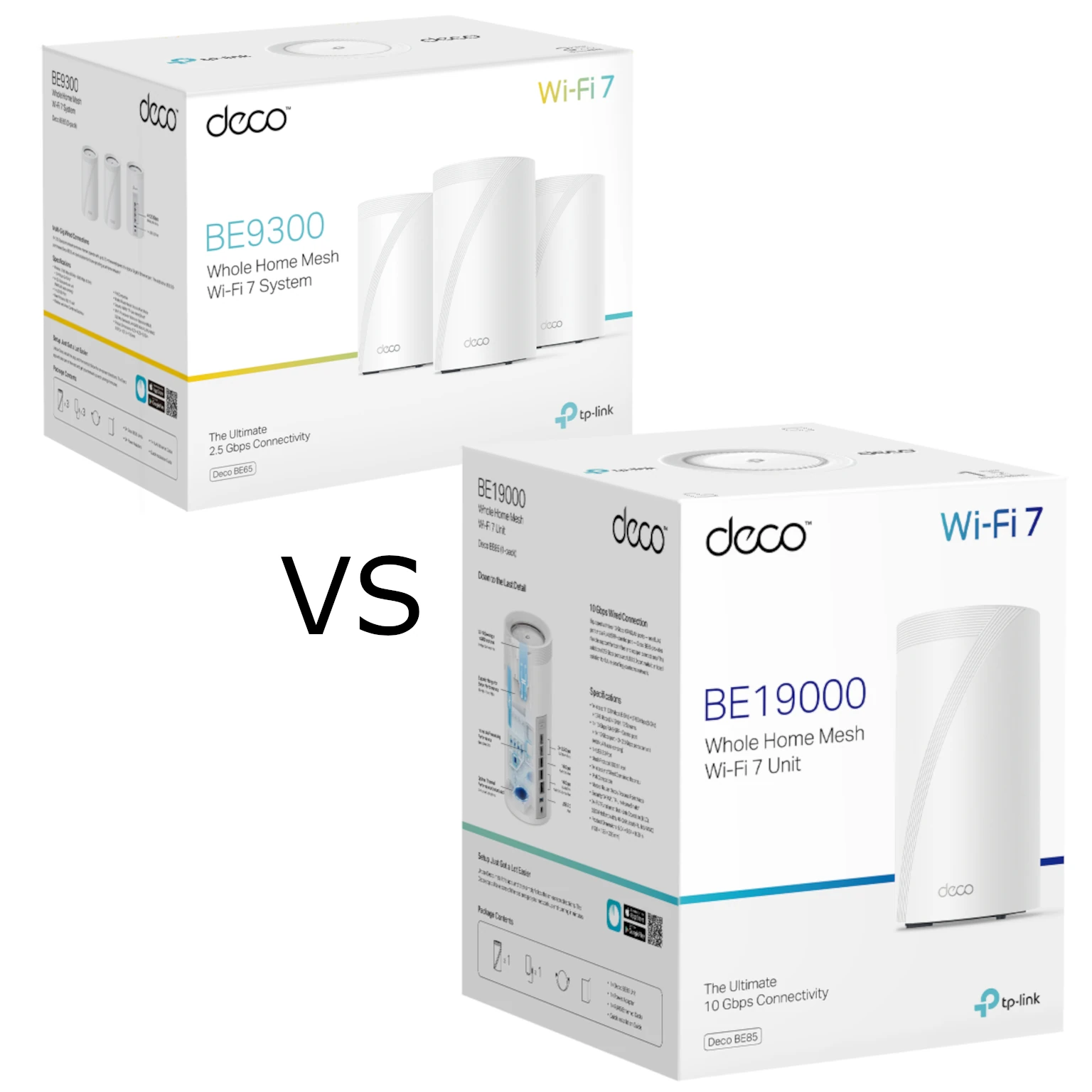
Compare Deco BE65 and BE85 radio variants, Ethernet ports and backhaul needs to decide when the more expensive Wi-Fi 7 mesh kit is worth buying.
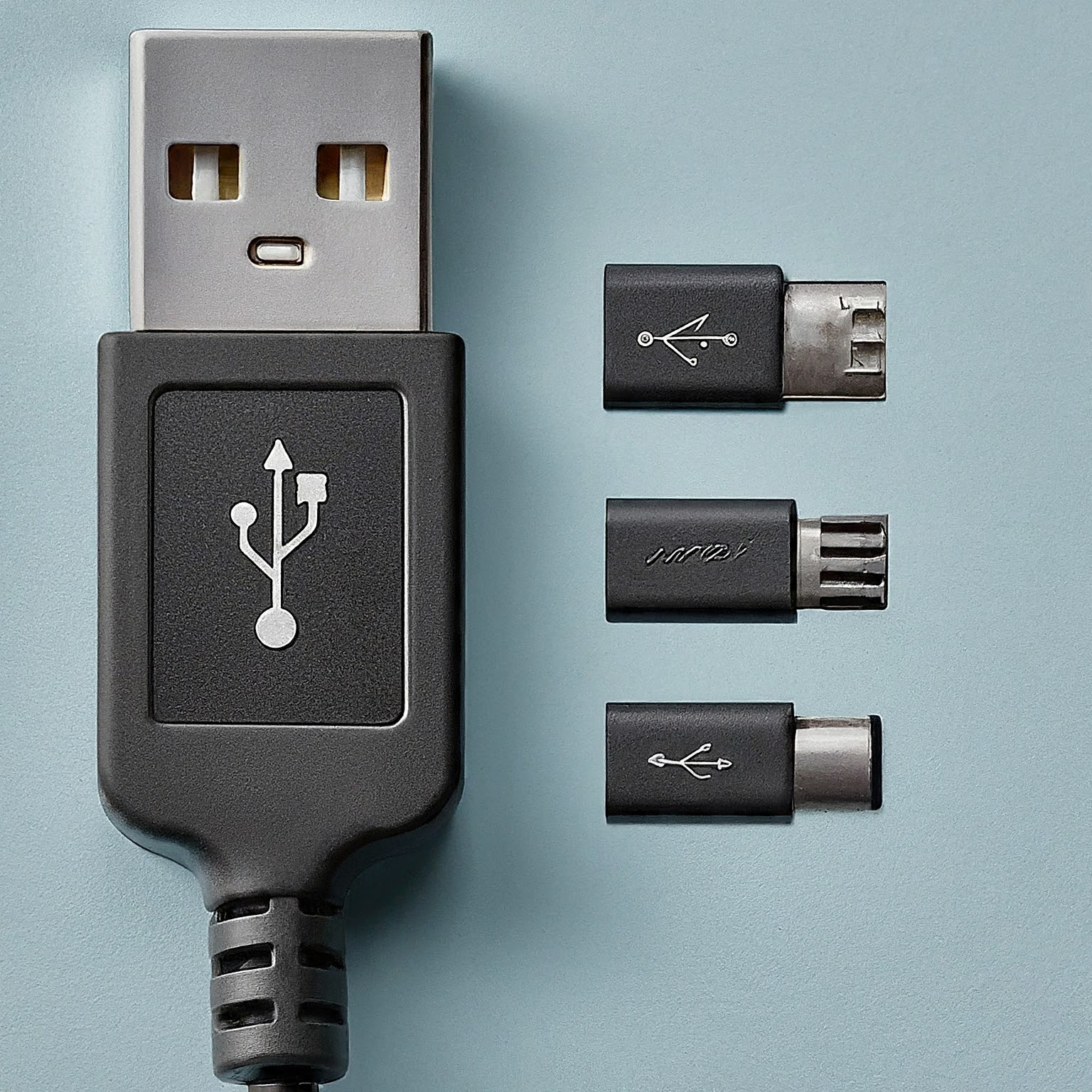
Decode USB version names, real transfer limits, USB-C connectors, charging power and display support before choosing a cable, drive or dock.
Separate copper versus CCA material from solid versus stranded construction, then check cable specifications, PoE requirements and the complete channel.
Build a Raspberry Pi NAS with OpenMediaVault: choose compatible hardware, install the matching OS, create SMB shares and check power, permissions and backups.

Explore the original ROG Ally RC71L: Z1 Extreme hardware, display, power profiles, storage expansion and practical checks for portable Windows gaming.

Assess the ROG Rapture GT6’s tri-band Wi-Fi 6 radios, regional backhaul options, wired-port limits, gaming features and practical fit for a busy home.
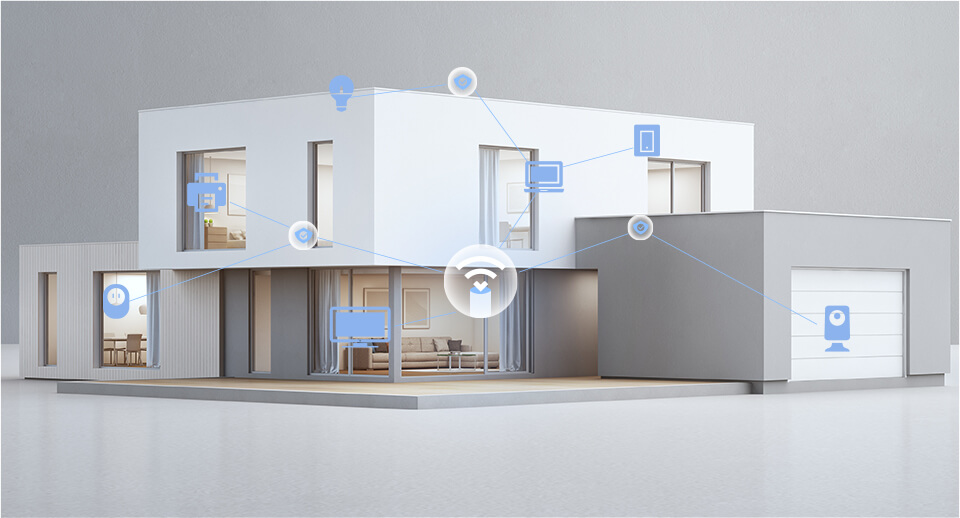
Compare TP-Link HomeShield security and parental-control plans, Router/AP limits, household profiles and report examples before choosing a supported subscription.

Use Raspberry Pi Connect for browser-based desktop or shell access, with accurate OS requirements, account linking, diagnostics and unattended reboot checks.
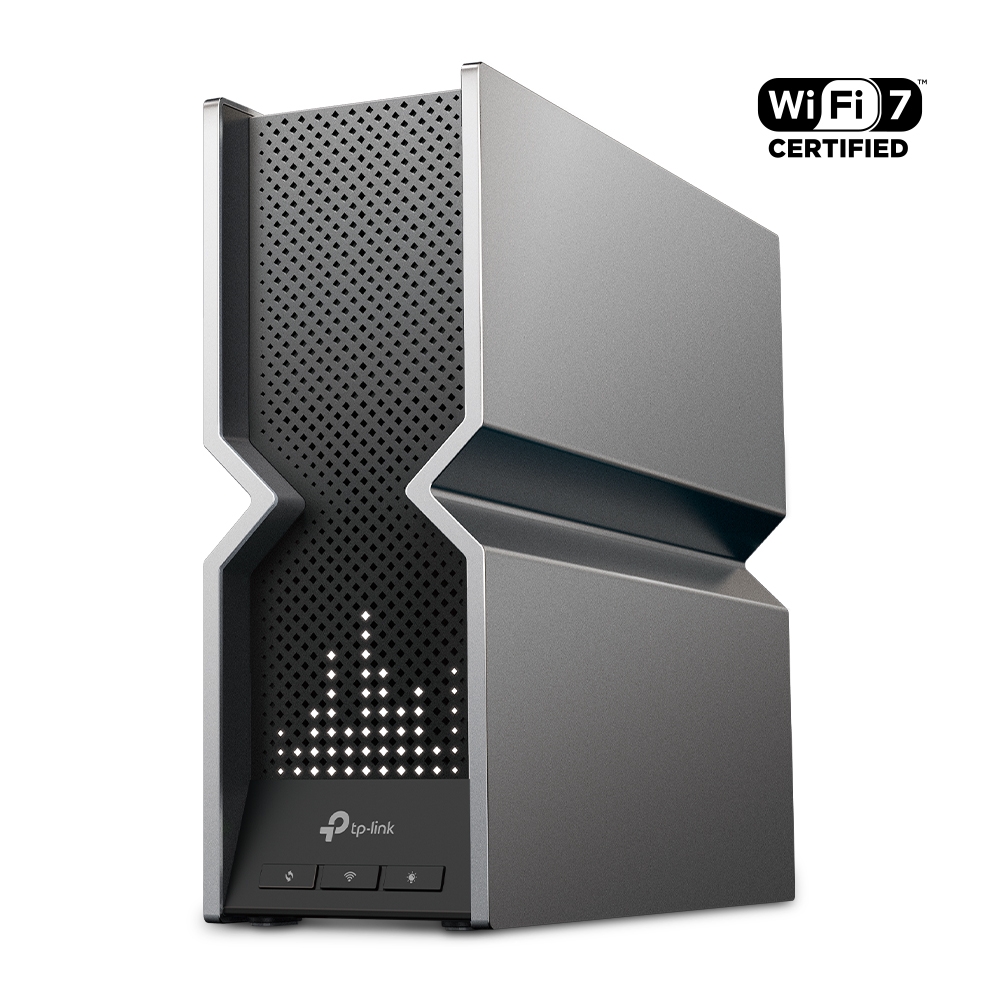
Understand the Archer BE800’s Wi-Fi 7 radios, 10G combo port, EasyMesh compatibility and practical limits before planning an upgrade.
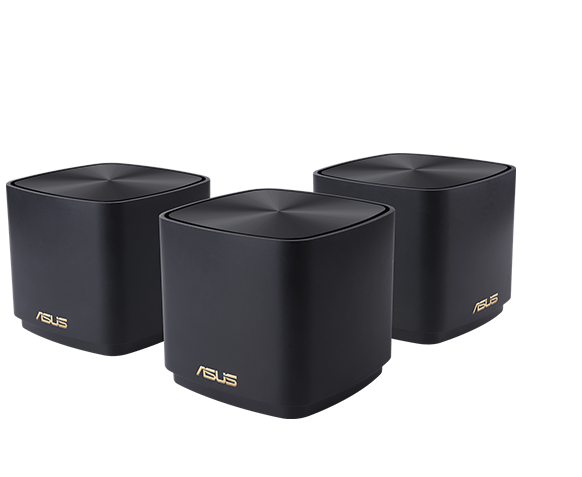
Compare ASUS ZenWiFi XD4 and XD5 radio rates, Gigabit ports, pack coverage, AiMesh compatibility and wired or wireless backhaul before choosing a mesh system.
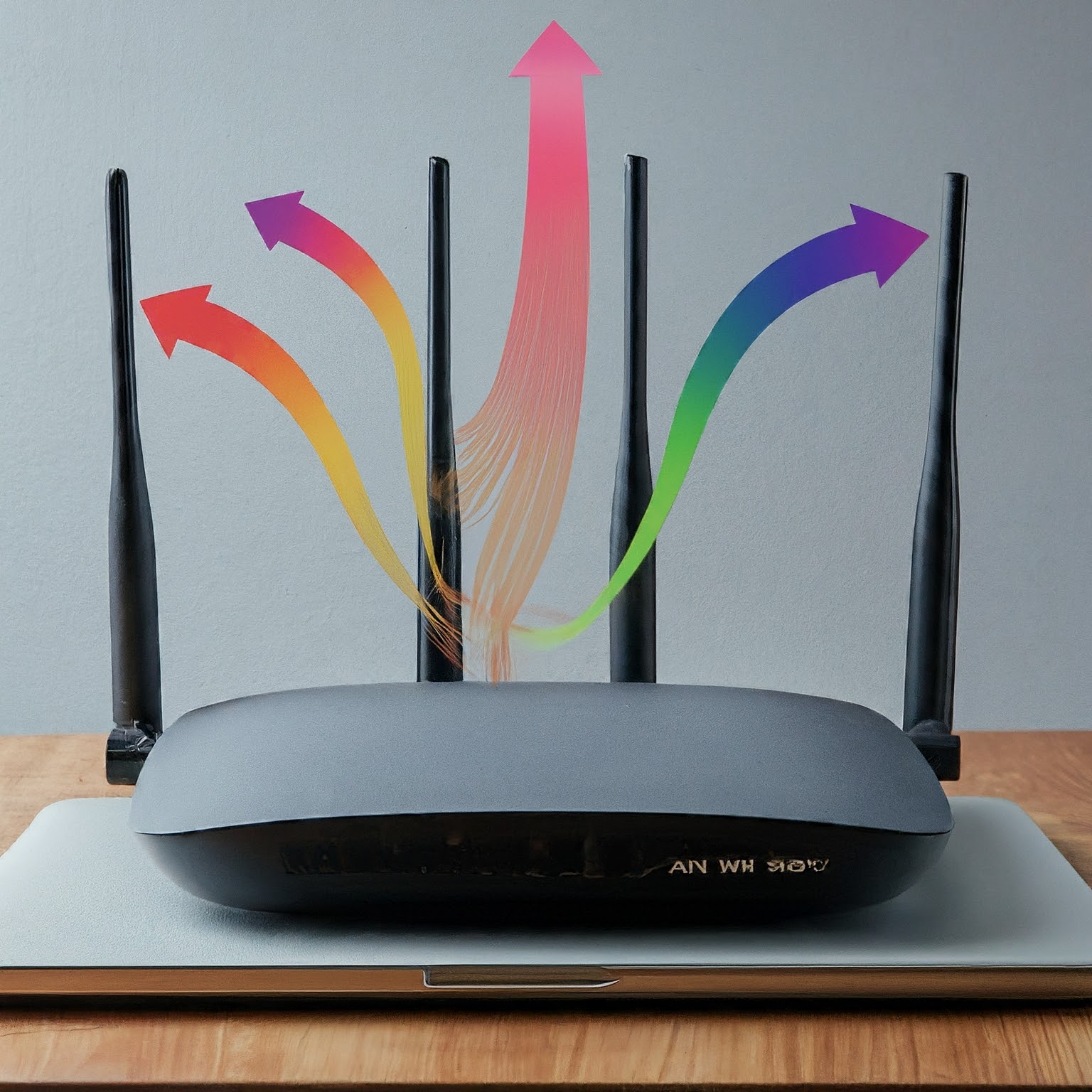
Understand MIMO spatial streams, 2x2 and 4x4 radio specifications, client limits and MU-MIMO. Learn why antennas and peak link rates alone do not predict usable Wi-Fi speed.
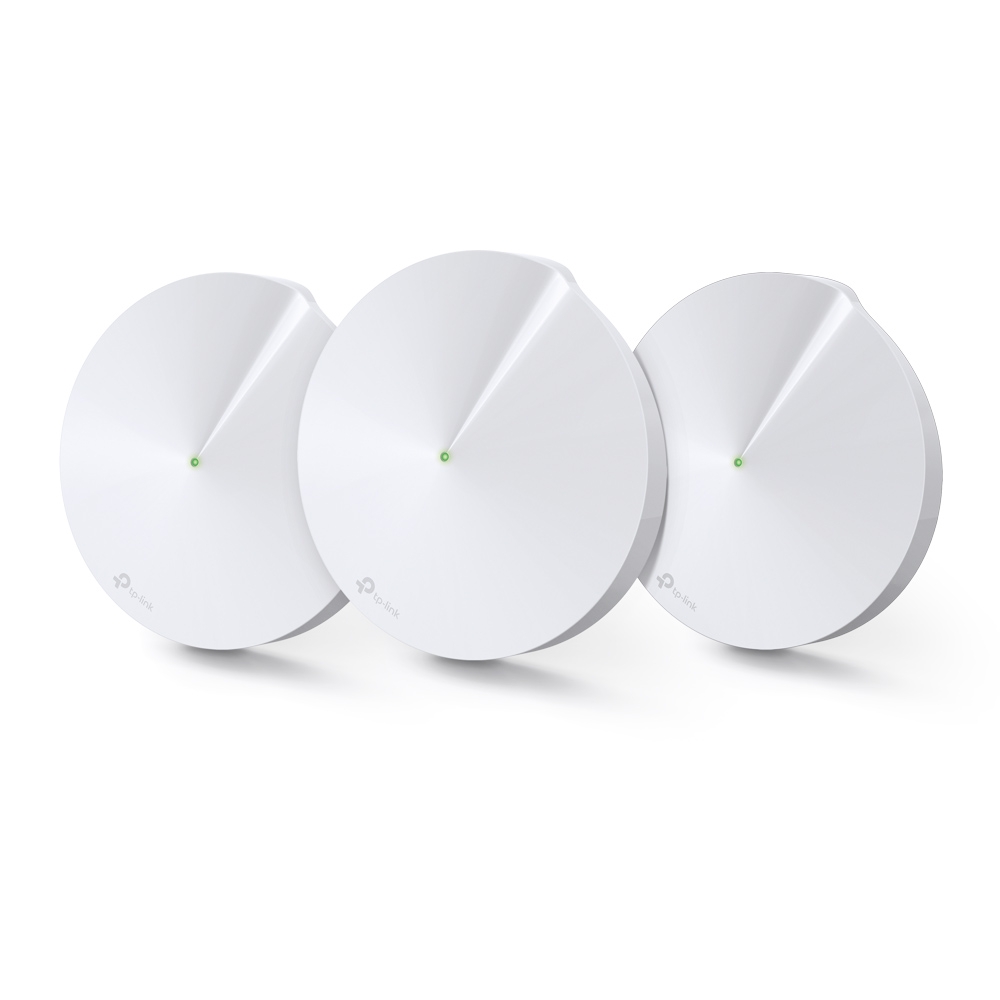
Explore the Deco M9 Plus’s tri-band Wi-Fi, Gigabit ports and smart-home hub, with practical compatibility, backhaul and support checks.
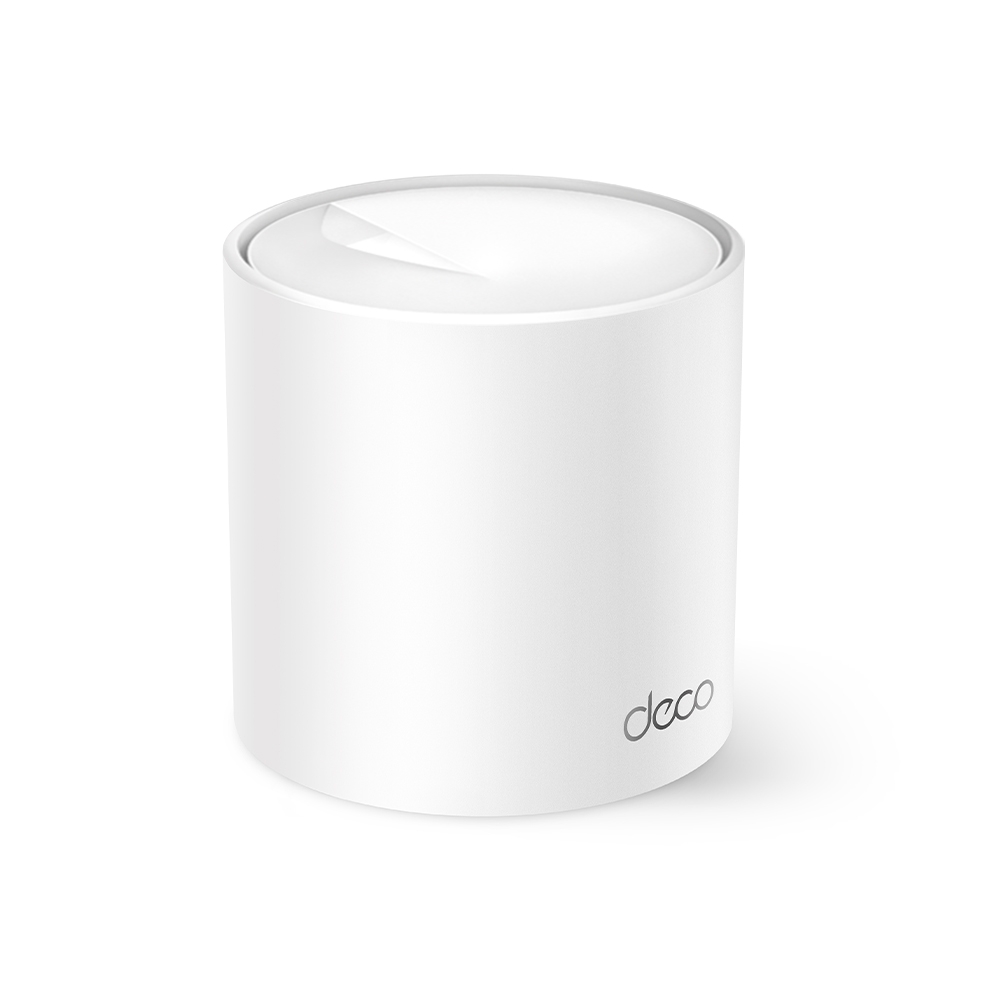
Why the Deco X10 remains an appealing budget mesh option, with verified radio rates, port limits and practical coverage/backhaul checks.
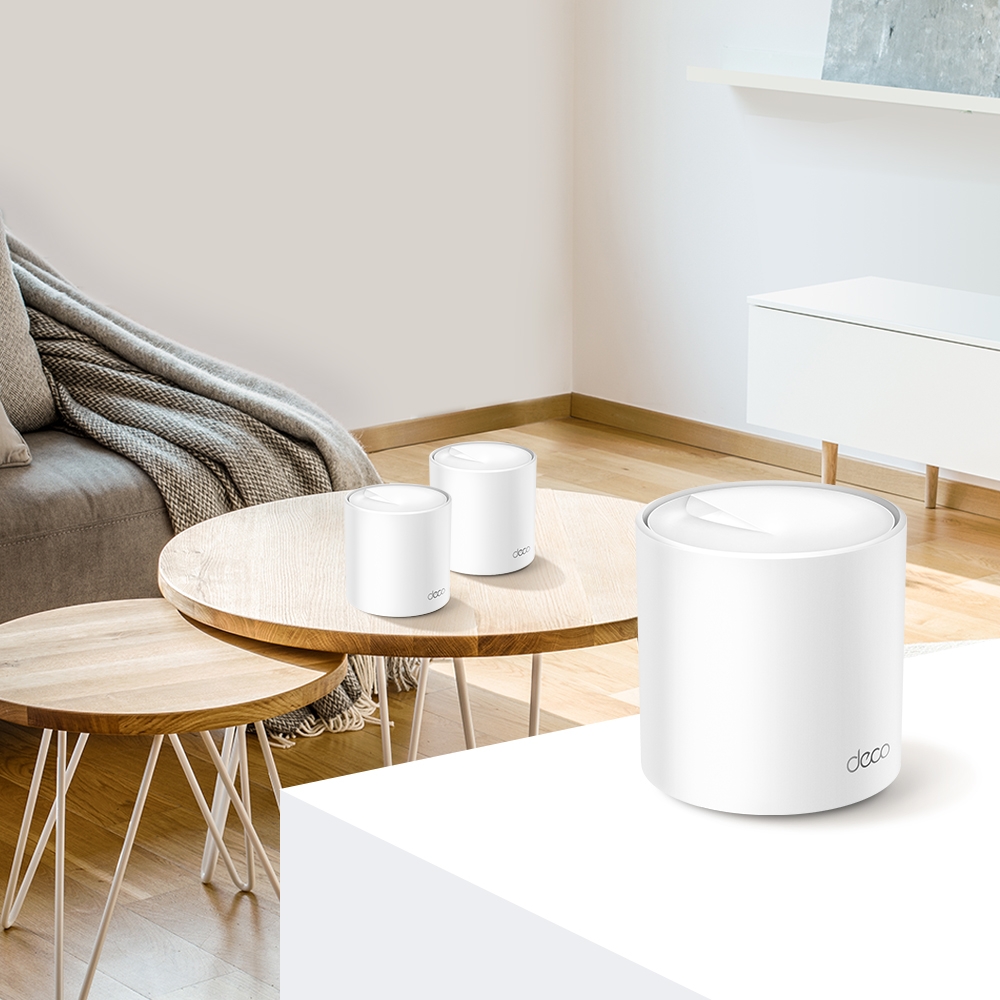
Compare Deco X55 ports with the AX5400 X60’s wireless capacity, check hardware revisions and plan backhaul around the actual home layout.
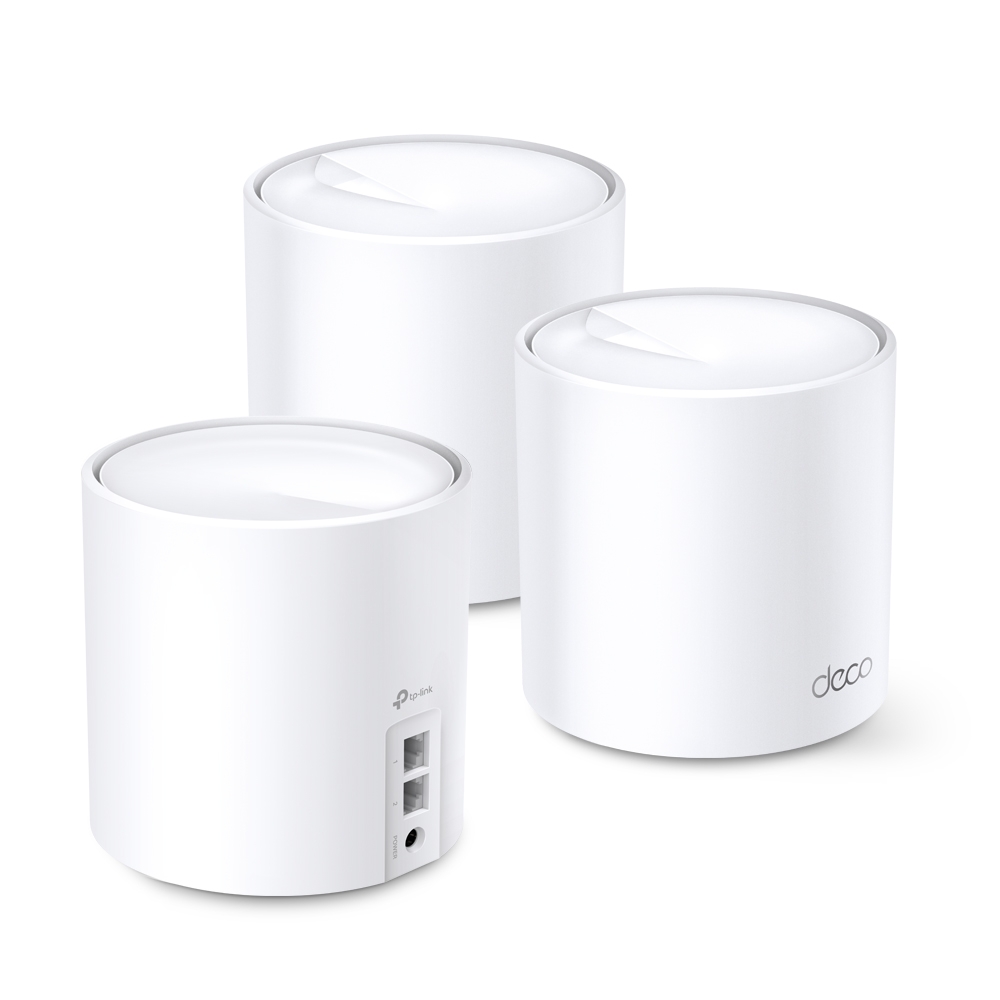
Understand the Deco X60’s regional hardware variants, Wi-Fi 6 radios, Gigabit ports and backhaul limits before choosing a mesh kit for your home.
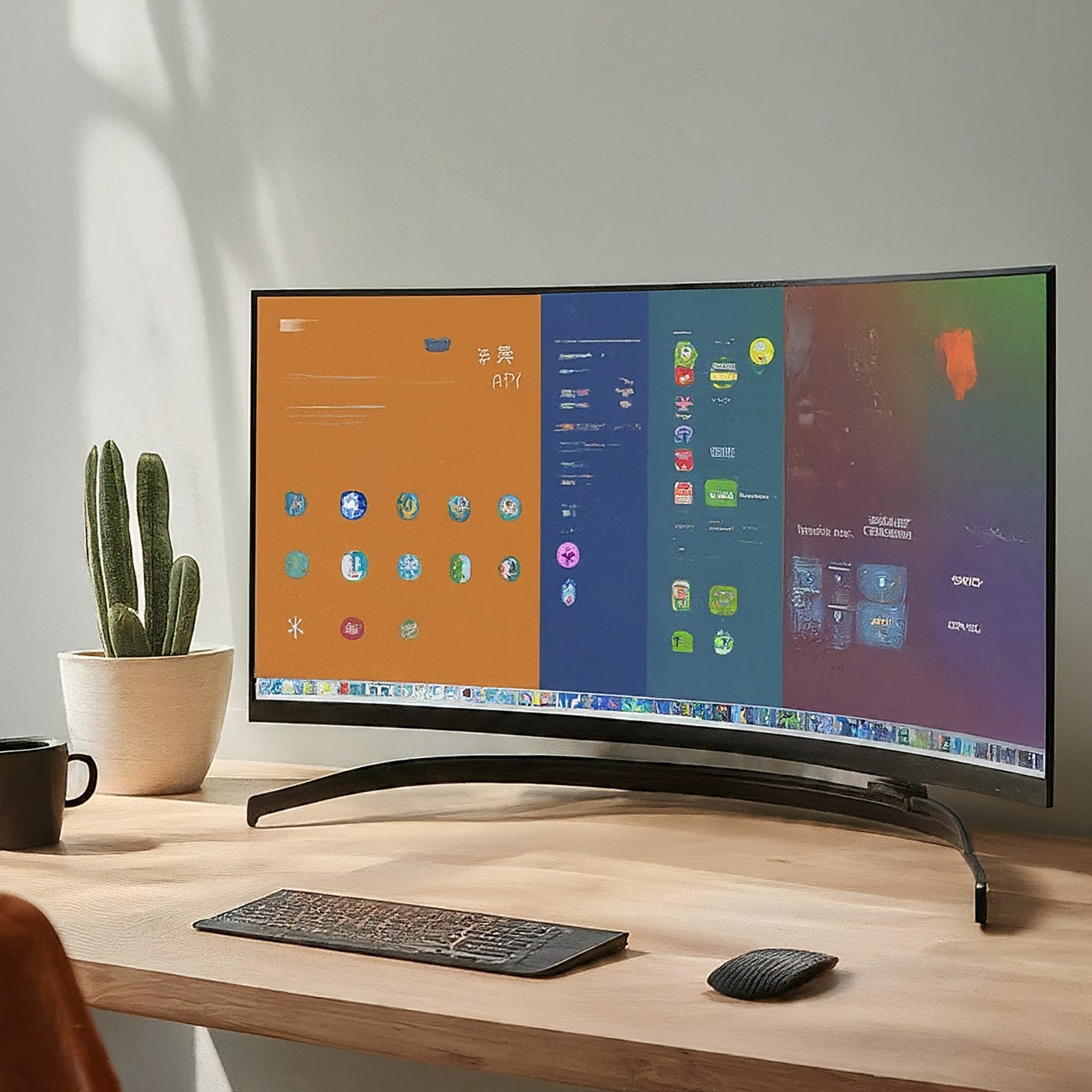
Compare widescreen and ultrawide monitors using resolution, scaling, games, sharing, connectivity and desk fit, with clear pixel-count and mounting checks.
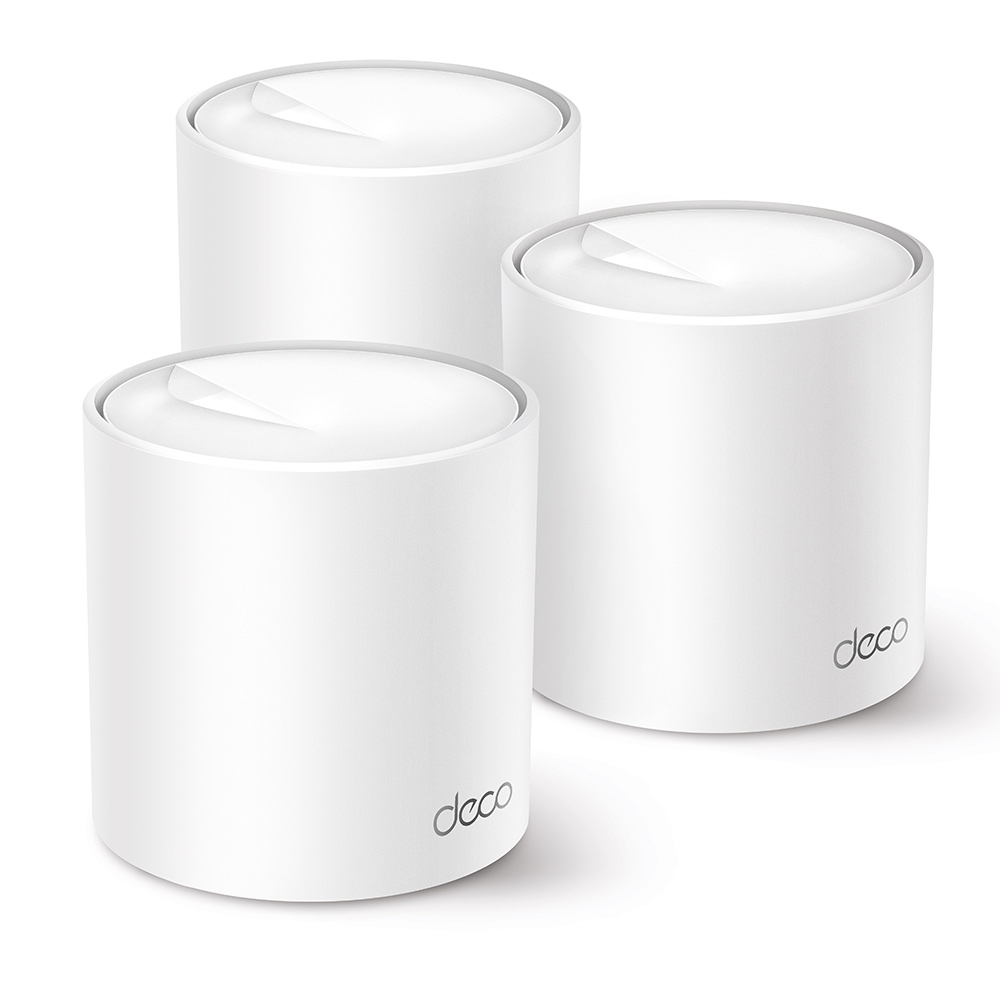
Compare the standard X20 and X50 by verified radio rates, usable Gigabit ports, client and backhaul limits, and a fair home test before upgrading.
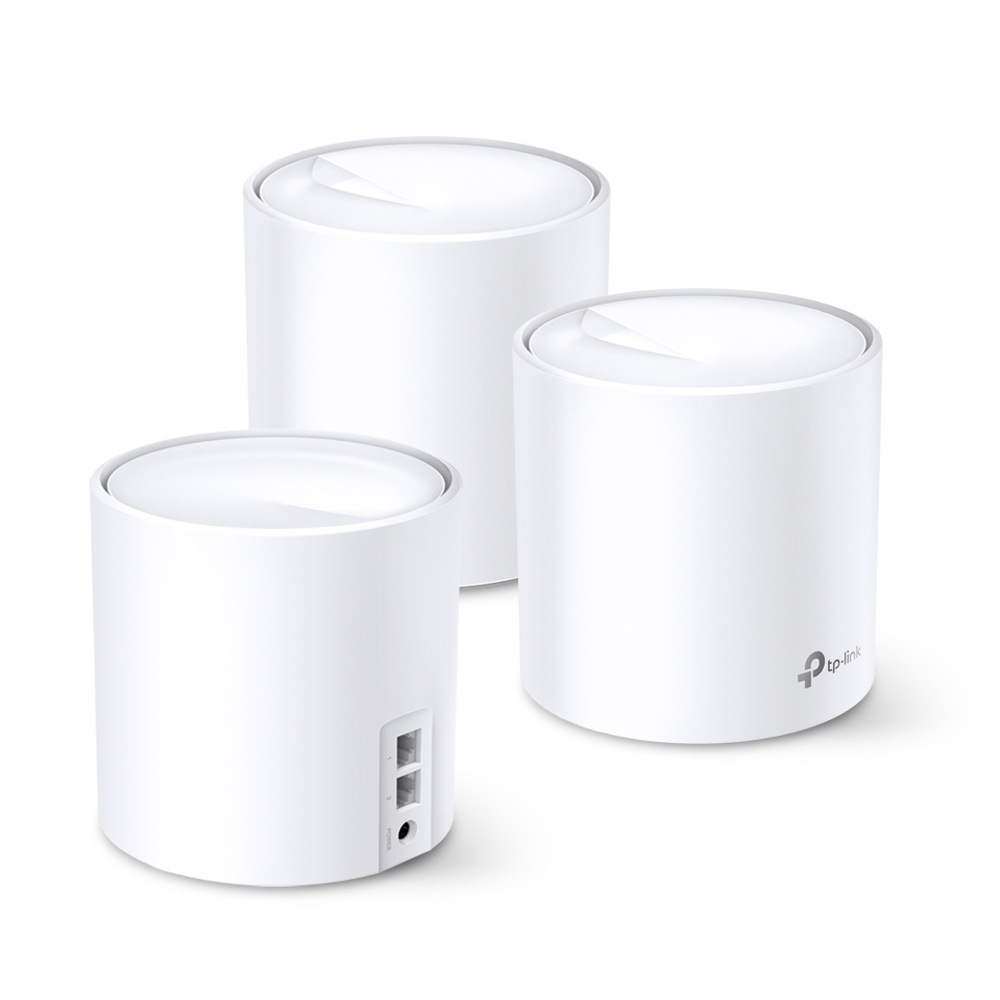
The Deco X20’s entry-level value, actual AX1800 specifications, hardware-revision differences and practical backhaul, coverage and roaming checks.

Understand OLED self-emission, WOLED and QD-OLED tradeoffs, text and brightness behavior, burn-in care and model-specific warranty checks.
Learn how IPS monitors work and compare color accuracy, gamut, contrast, glow and motion performance when choosing a display.
Understand VA contrast, dark motion trails, viewing-angle changes and HDR limits, then check the specific monitor’s settings and behaviour before buying.

Compare VA, IPS and OLED using contrast, motion, HDR, text clarity and care requirements. Understand model differences and the author’s original panel preferences.
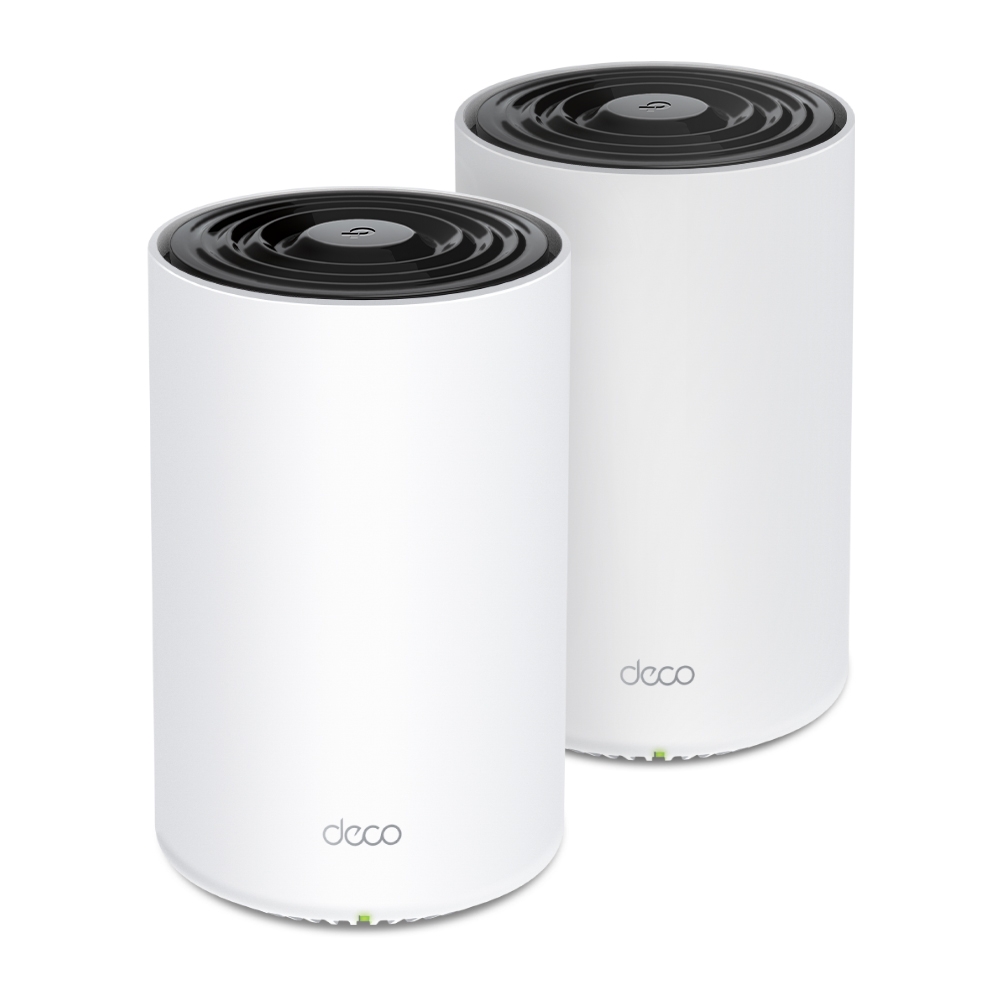
Check whether the PX50’s powerline backhaul helps your home, understand P9 and adapter compatibility, and verify outlets, app status and actual transfer limits.
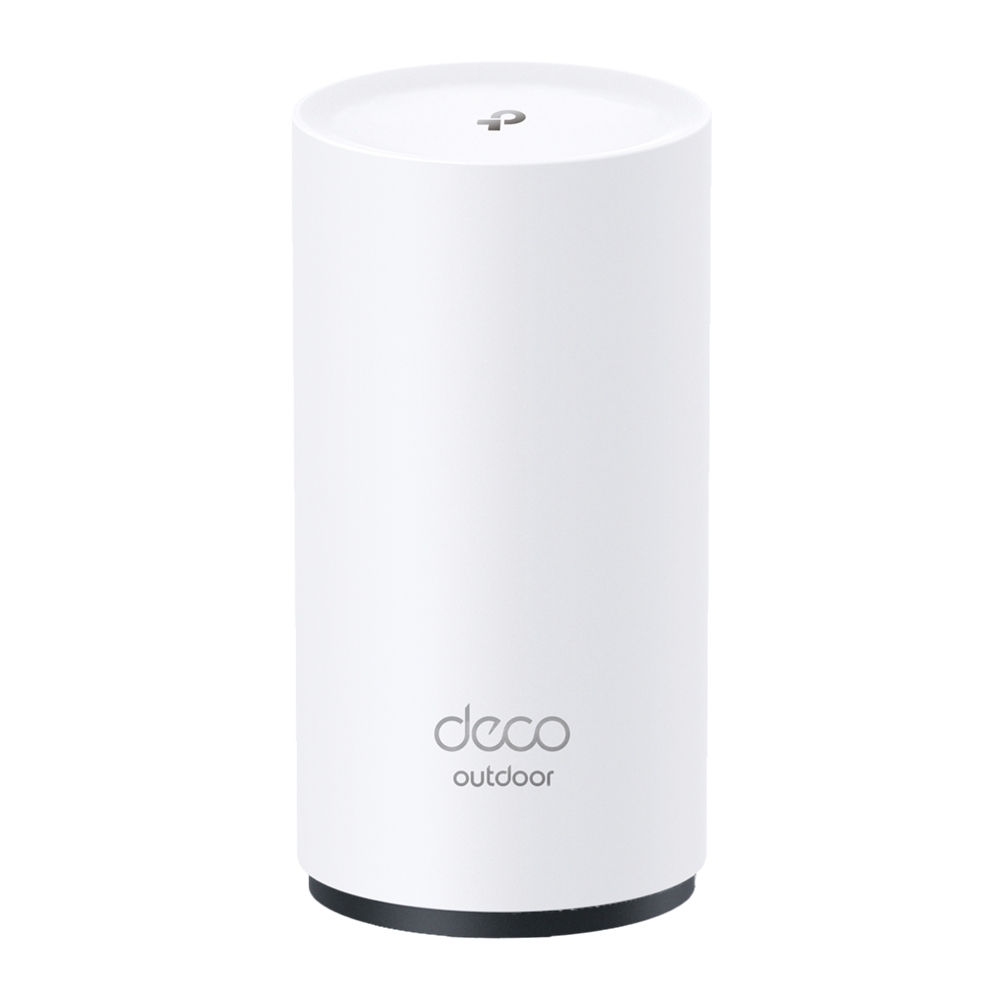
Explore the BE25-Outdoor’s regional Wi-Fi specifications, PoE/AC power and IP65 enclosure, with practical sealing, mounting and backhaul checks.
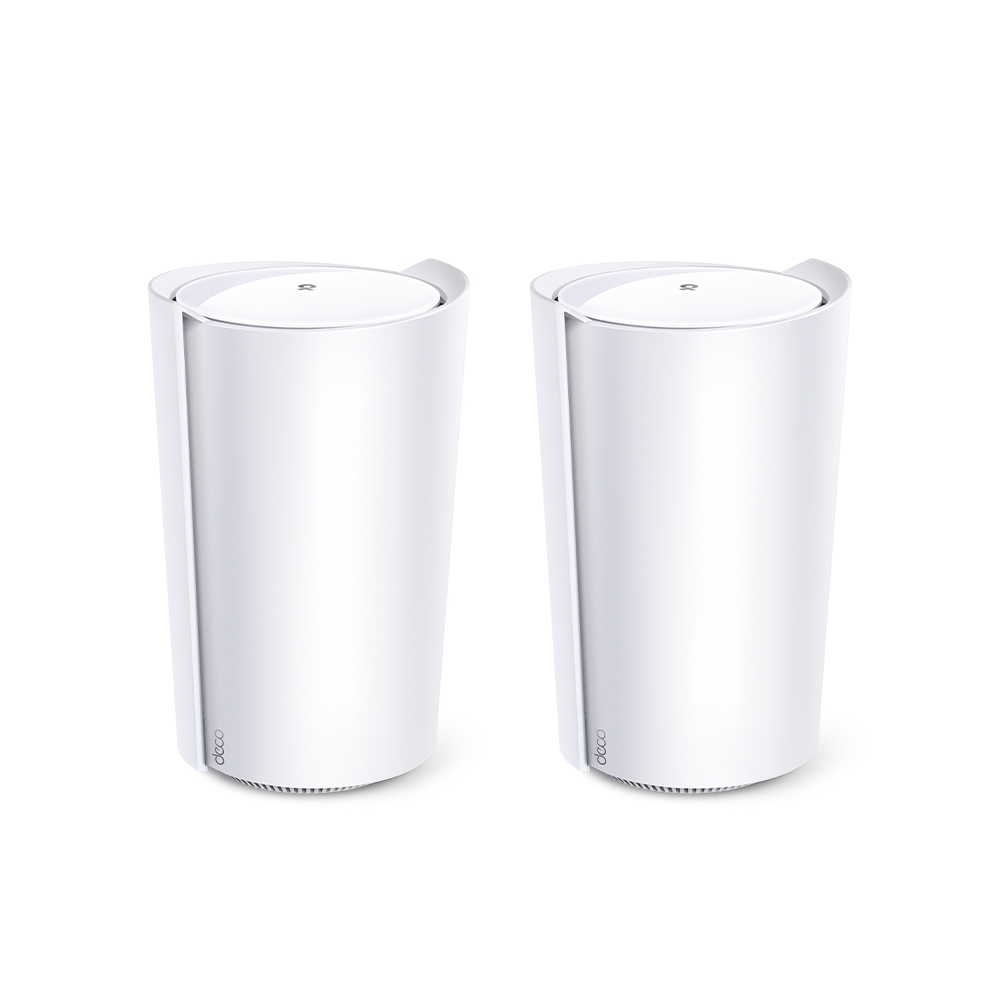
Assess the Deco X95’s AX7800 tri-band design, extra 5 GHz backhaul resources, actual dimensions, single 2.5 Gbps port and realistic home-network tradeoffs.

Understand Wi-Fi 6E’s extra 6GHz spectrum, regional limits, compatible devices, security requirements and mesh benefits before deciding to upgrade.

Understand PoE standards, source-versus-device power, active and passive compatibility, and switch budgets before powering cameras, access points or phones.
Understand repeater airtime tradeoffs, placement, real port/mode examples, wired AP reuse and how to compare coverage options without fixed performance guarantees.
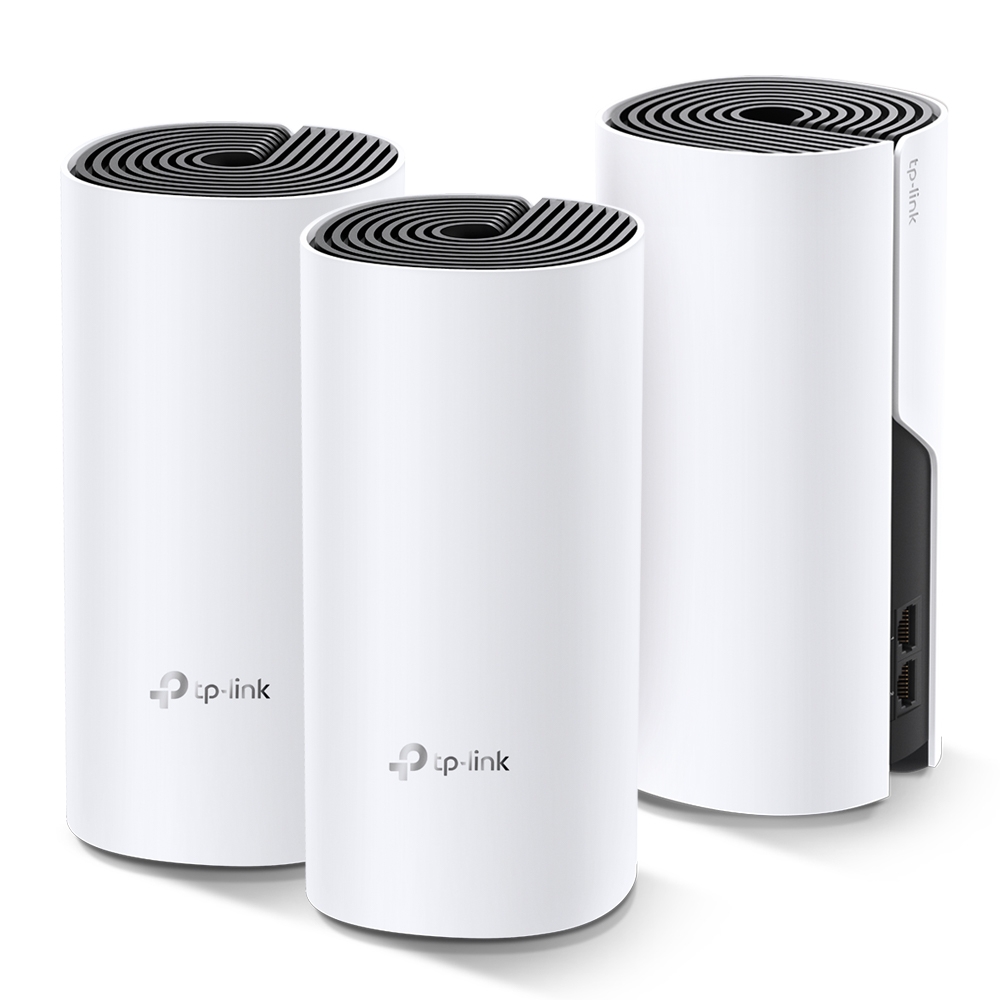
Explore the TP-Link Deco M4 as a budget mesh option, with accurate band rates, Ethernet backhaul, hardware-version checks and practical coverage tests.
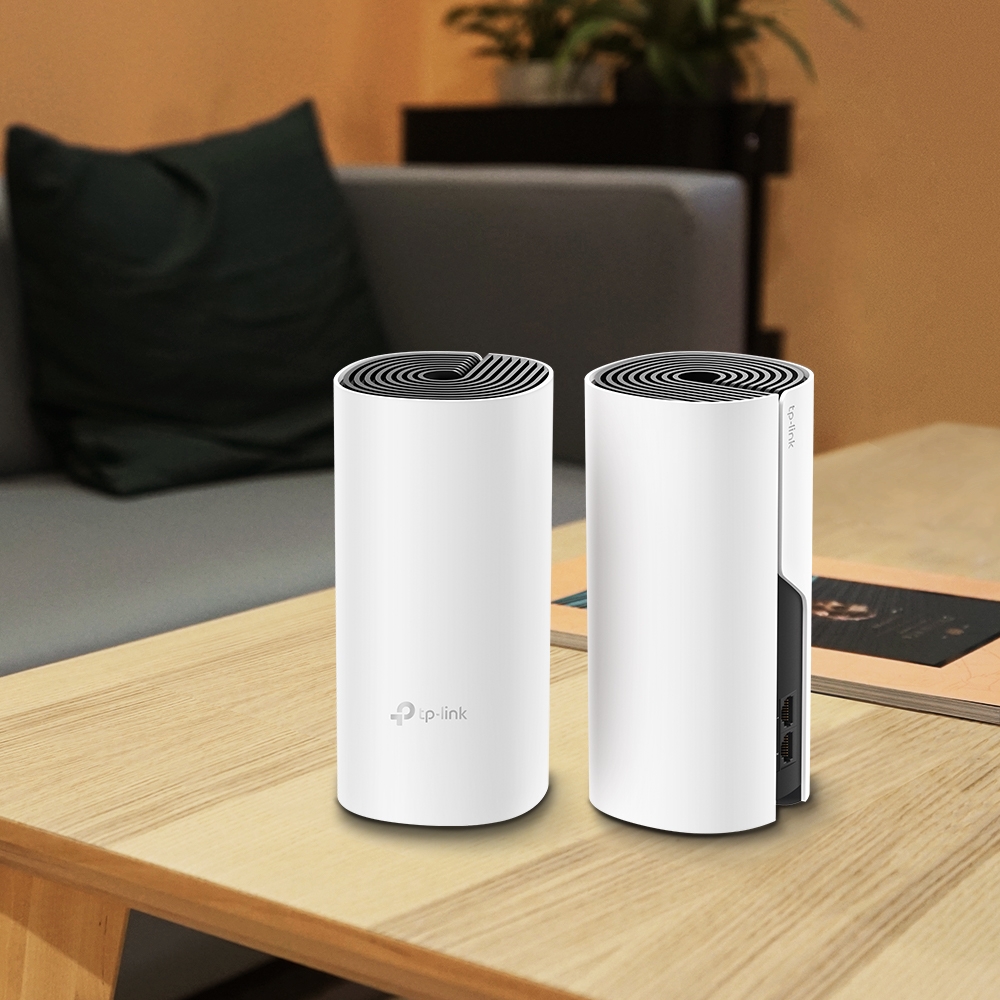
Deco E4 and M4 share an AC1200 radio class, but their Ethernet ports differ. Trace the actual bottleneck and plan a measured mixed-node upgrade.
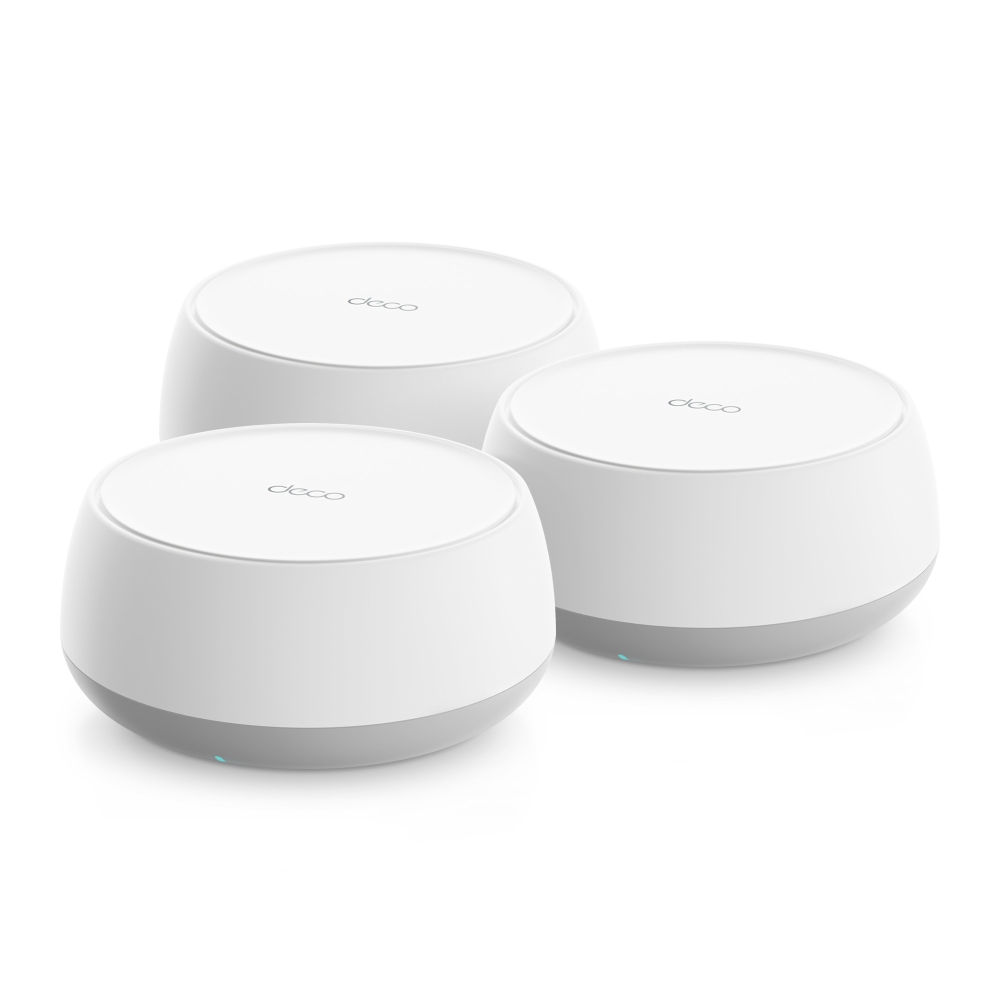
Plan a Deco BE65-PoE installation with the correct regional radio rates, two 5 Gbps ports, compatible PoE power and verified Ethernet backhaul.
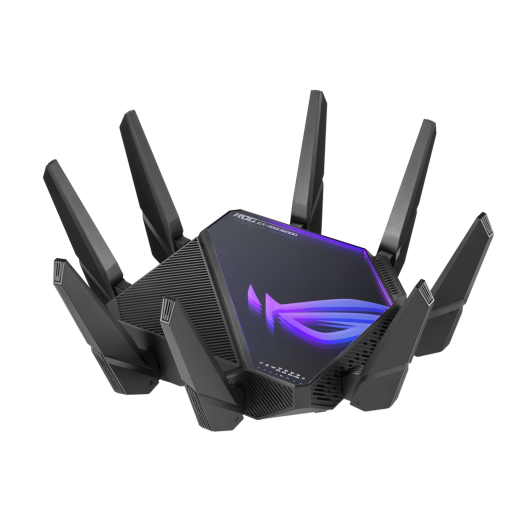
Understand the GT-AXE16000’s four radios, WAN/LAN port assignments and AiMesh options, then check the actual paths for NAS transfers, gaming and VR.
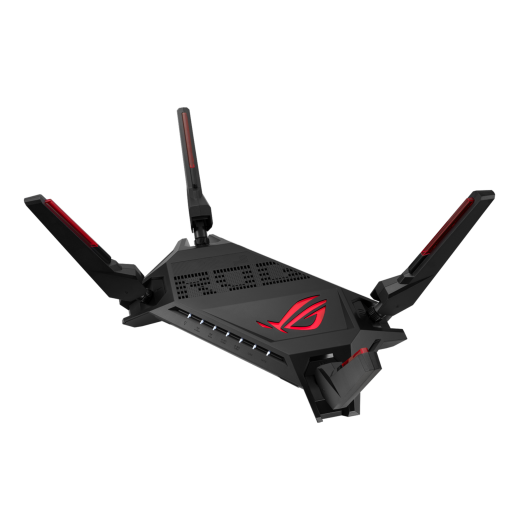
Assess the GT-AX6000’s dual 2.5GbE ports, Wi-Fi 6 radios and AiMesh options. Separate local congestion from internet latency with repeatable gaming connection checks.
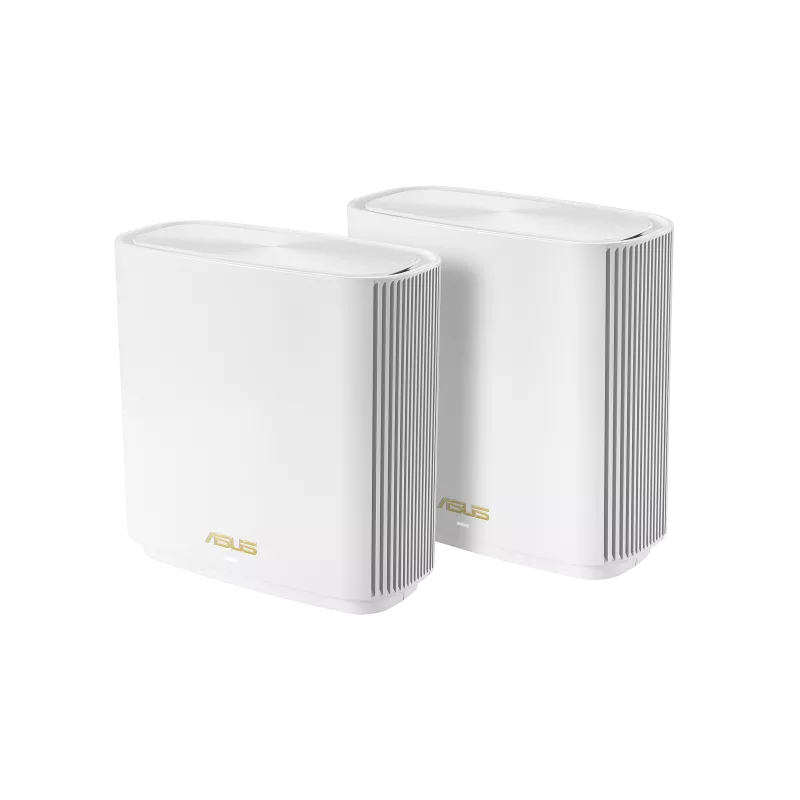
Explore the ASUS ZenWiFi XT8’s tri-band radios, AiMesh expansion, configurable backhaul and real port limits, with practical placement and compatibility checks.
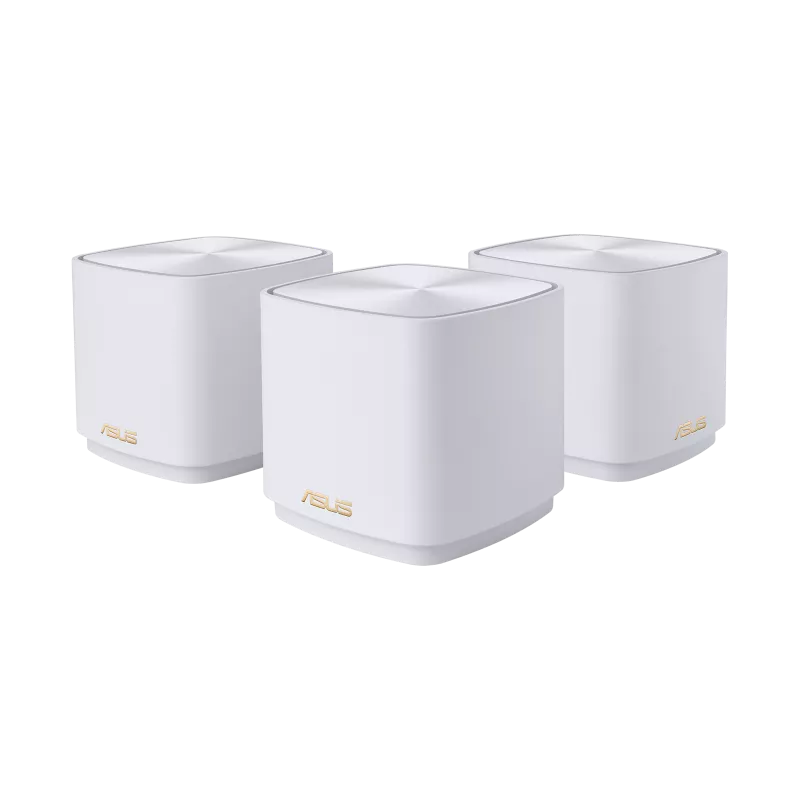
Check the XD5’s AX3000 radios, two Gigabit ports and pack coverage, with practical advice on AiMesh backhaul, firmware, security and VPN features.
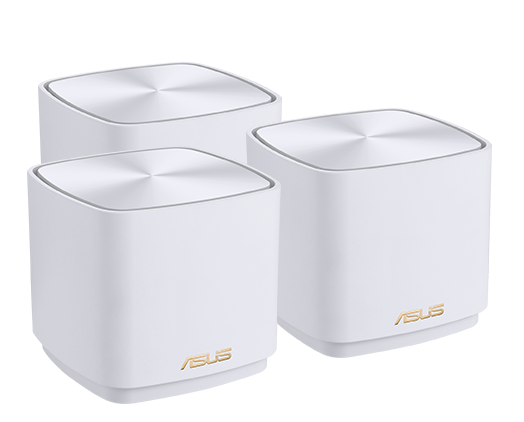
Understand the original XD4 mesh kit’s radio rates, router and node ports, shared backhaul and differences from XD4 Plus and XD5 before choosing a home layout.
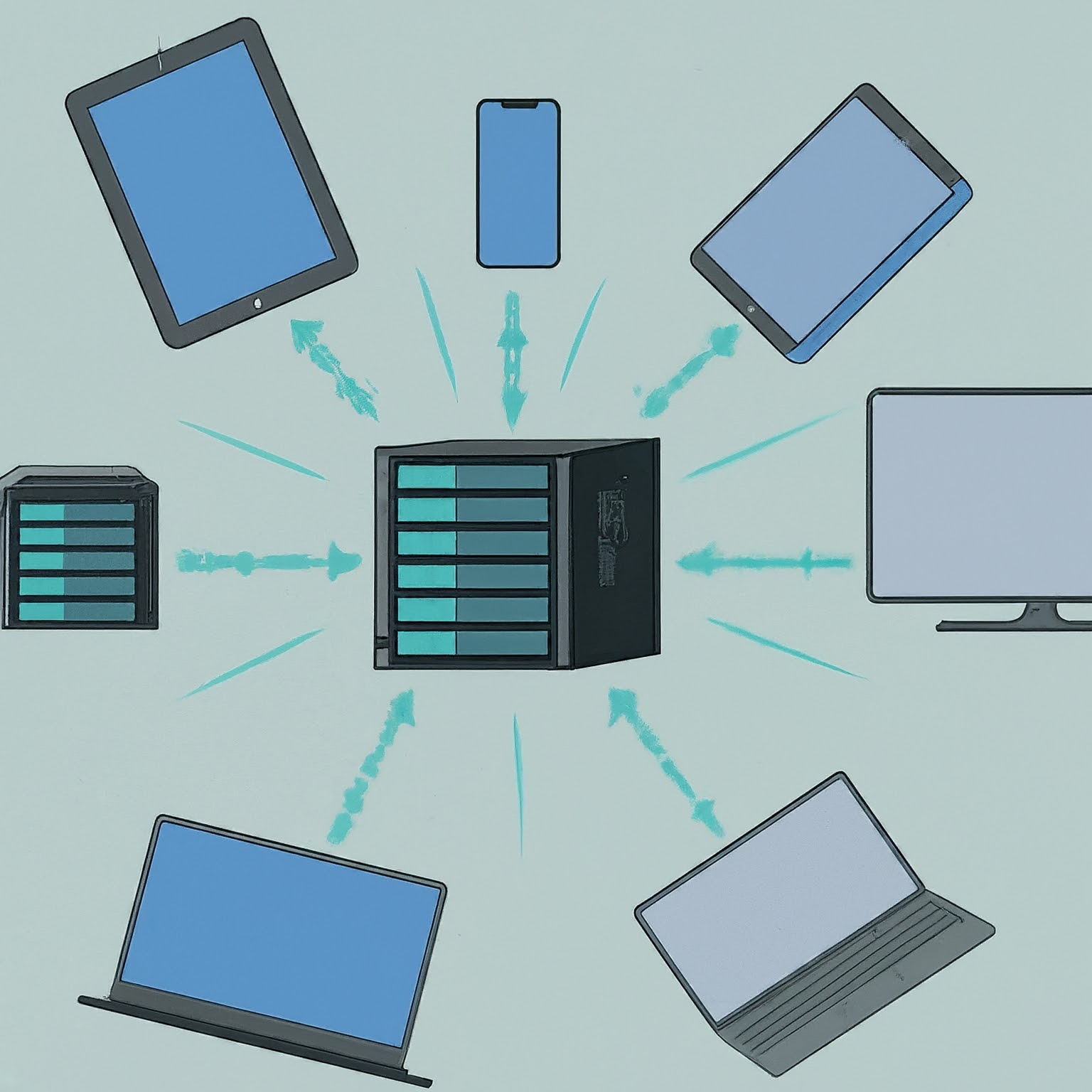
Plan a NAS around sharing, permissions, drive layouts and expansion, then protect it with independent backups and a tested restore process.
Understand RAID levels, usable capacity, failure tolerance and rebuild planning, with clear distinctions between redundancy, ZFS checksums and backups.
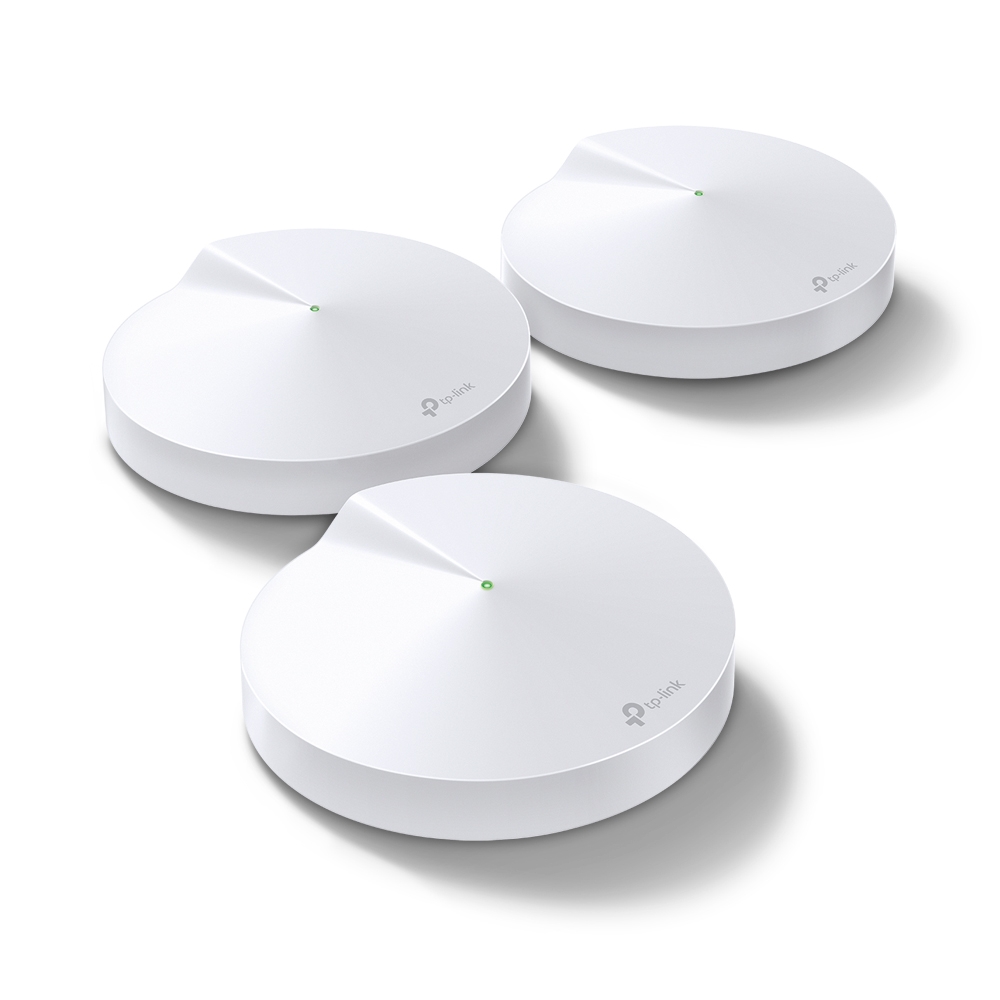
The Deco M5’s coverage strengths, hardware limits, updated HomeCare service context and practical checks for backhaul, roaming and mixed mesh units.
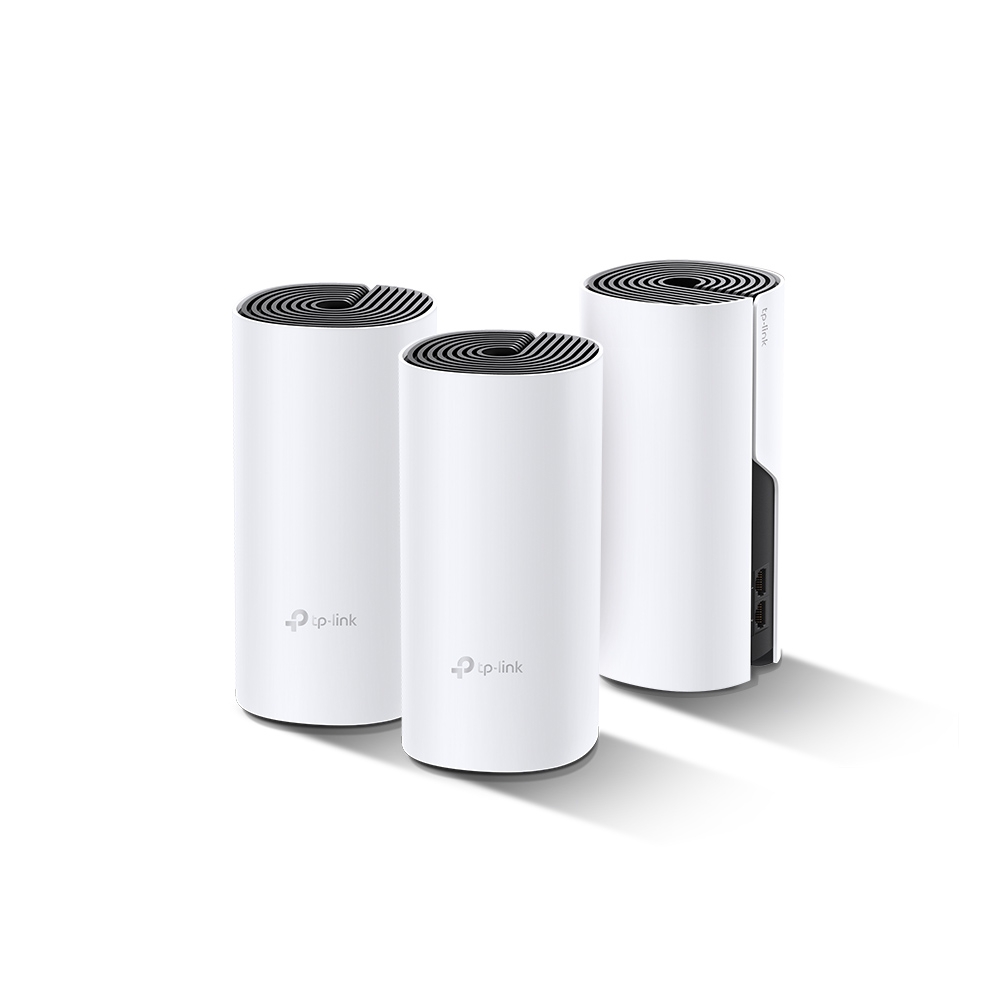
The Deco P9 combines Wi-Fi and powerline backhaul. Check its main-unit requirements, compatible Deco models, wiring conditions and performance in your rooms.
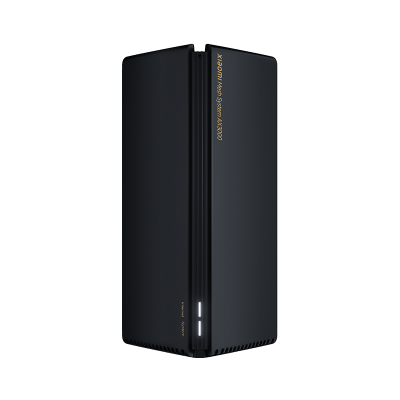
Check the original AX3000’s ports and radio limits, use its own pairing instructions, and compare coverage and backhaul without borrowing AX3000 NE features.
Understand routing, switching, Wi-Fi, DHCP and DNS roles, then distinguish NAT from firewall protection and diagnose the part of your home network that needs attention.
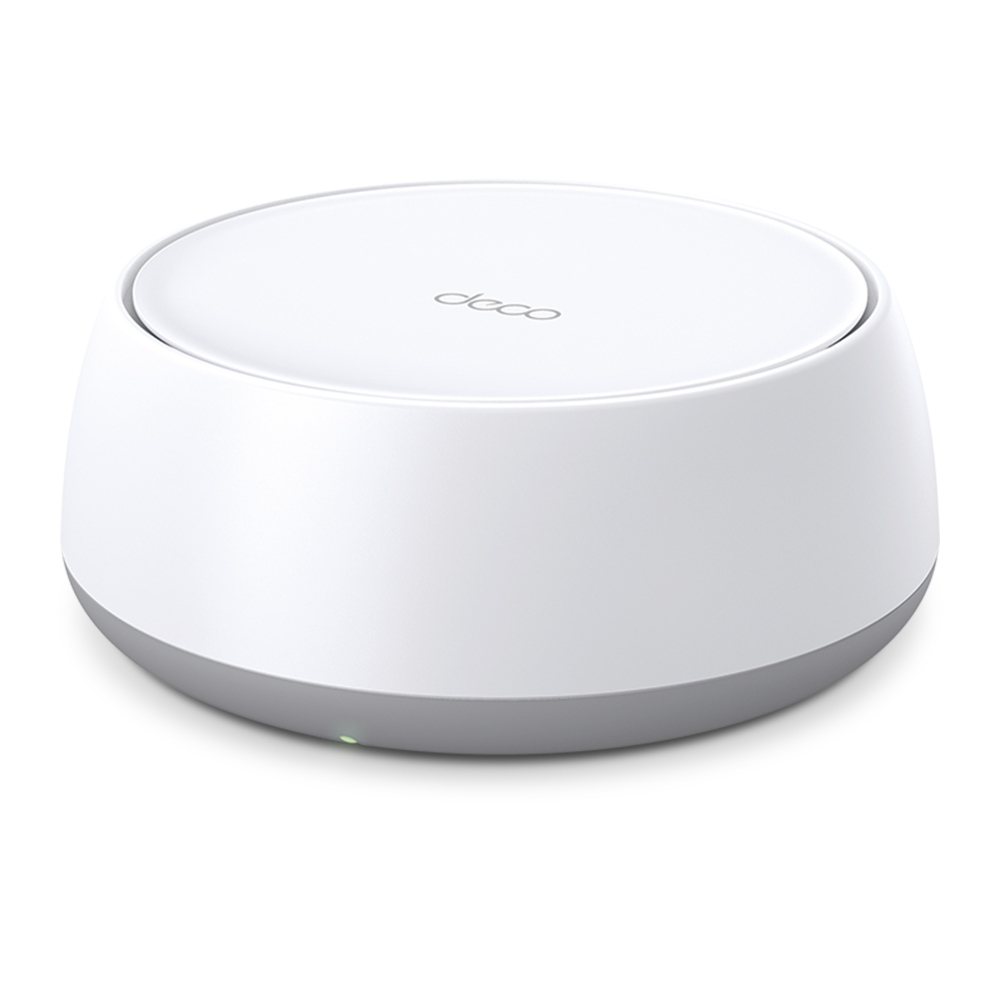
Compare BE25 regional ratings, its two 2.5G ports and dual-band Wi-Fi 7 limits, then plan placement, backhaul and client checks before upgrading.
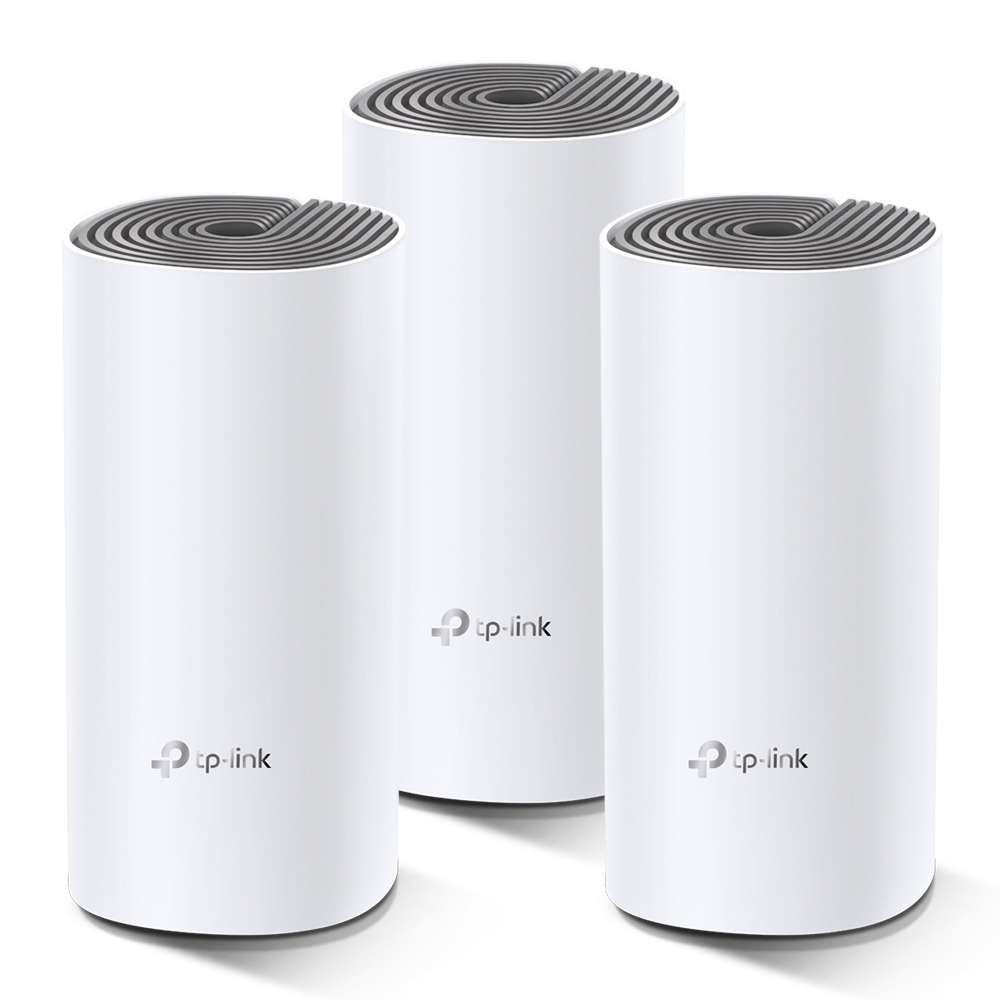
See when the E4’s Fast Ethernet ports matter, how to reuse it with a faster main Deco, and how to test coverage and backhaul before buying more units.
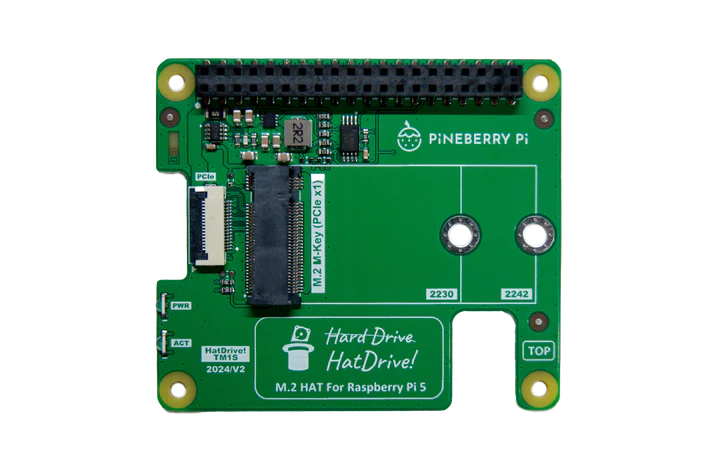
Choose a compatible NVMe adapter, check power and cooling, verify detection and boot with recovery media. Keep Gen3 optional and measure your own workload.
Choose HDD, SATA SSD or NVMe by compatibility, workload and capacity. Understand benchmark limits, recording technology, endurance and recoverable storage.
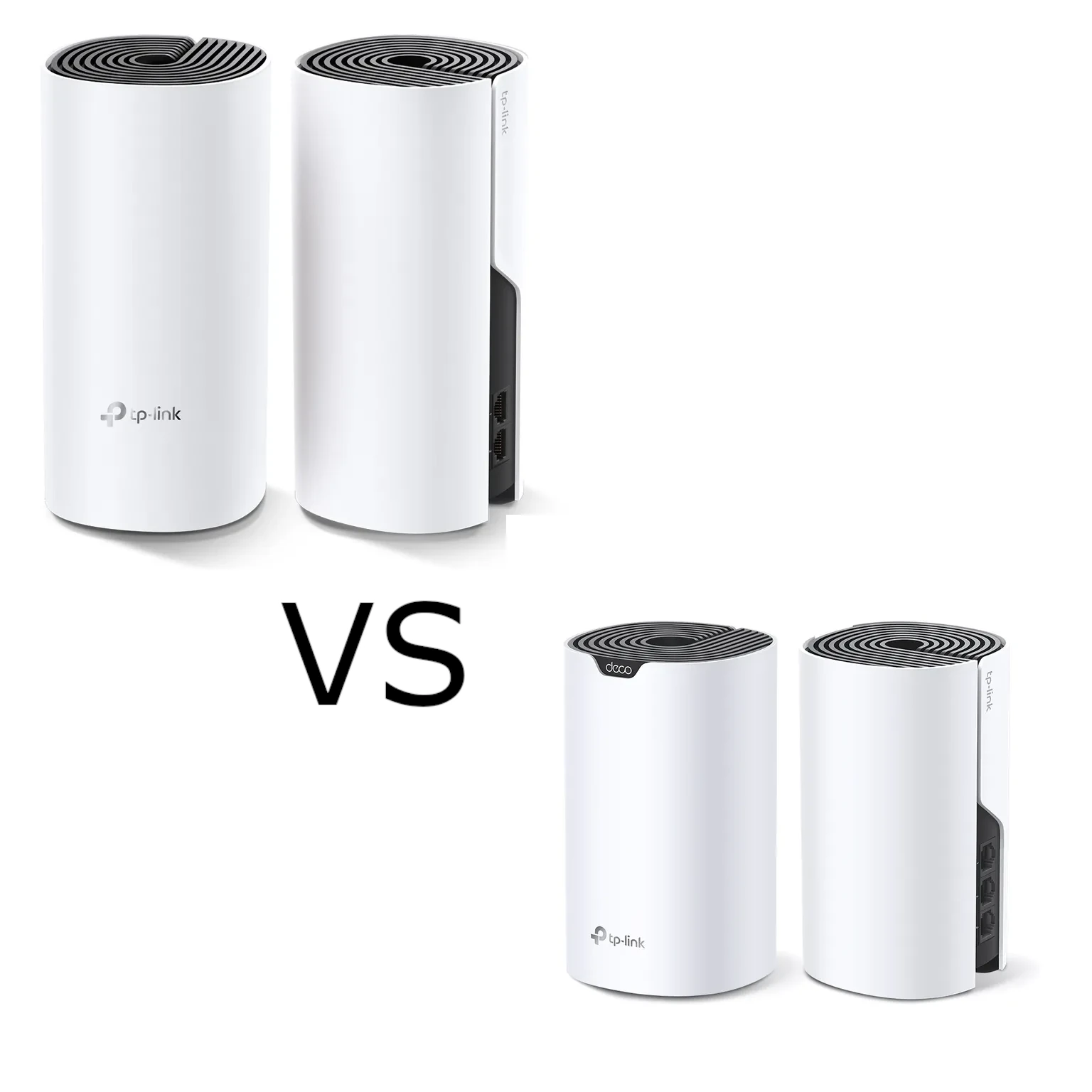
Compare Deco M4 and S7 by radio capacity, client stream limits and usable Gigabit ports. Test backhaul and equivalent pack layouts before choosing an upgrade.
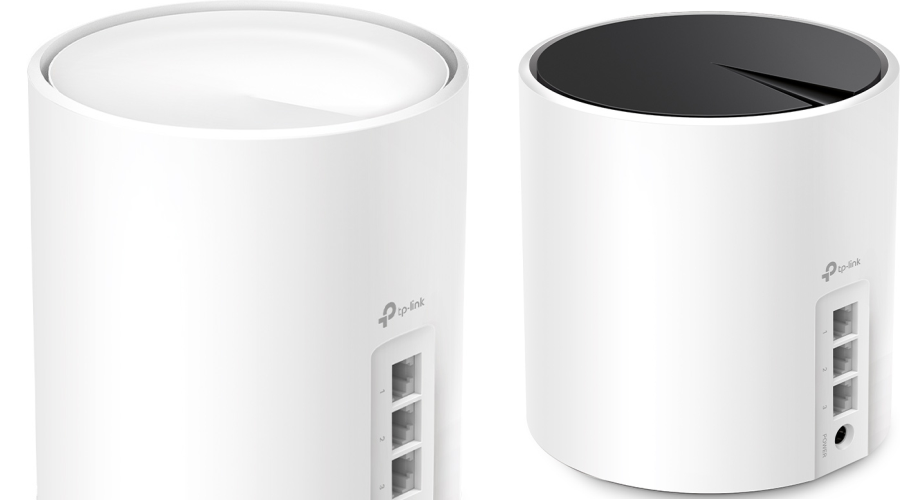
Compare the standard Deco X50 and X55 by AX3000 rates, Gigabit ports, hardware revision, pack size and actual features, including the separate X50-PoE.
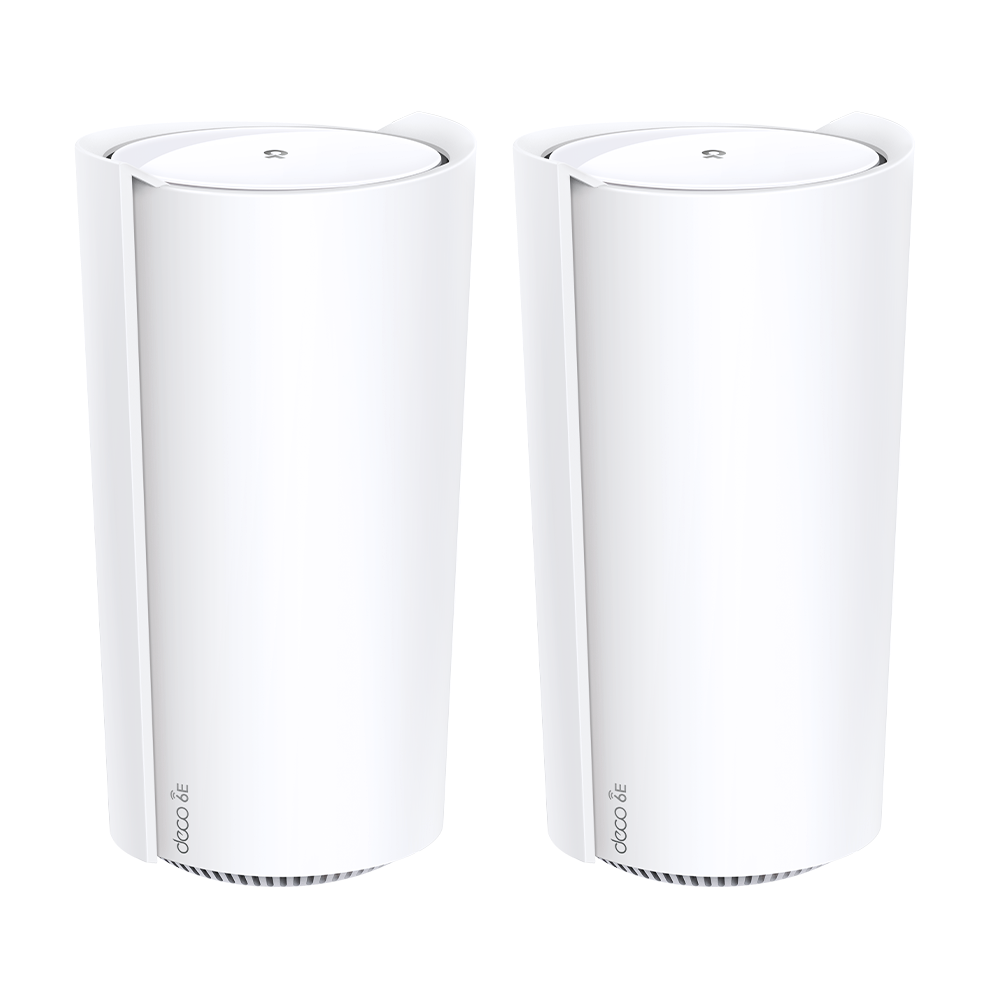
Understand the Deco XE200’s 16-stream radios, single 10GbE port, router/AP modes and support status. Use repeatable placement checks before choosing a mesh upgrade.
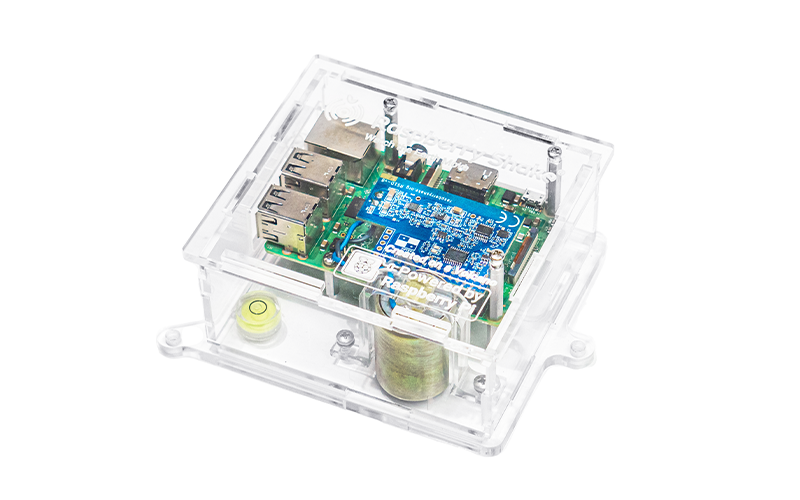
Choose a Raspberry Shake sensor, establish a quiet-site baseline and interpret observations with other stations. Includes the live map and optional local alert limits.
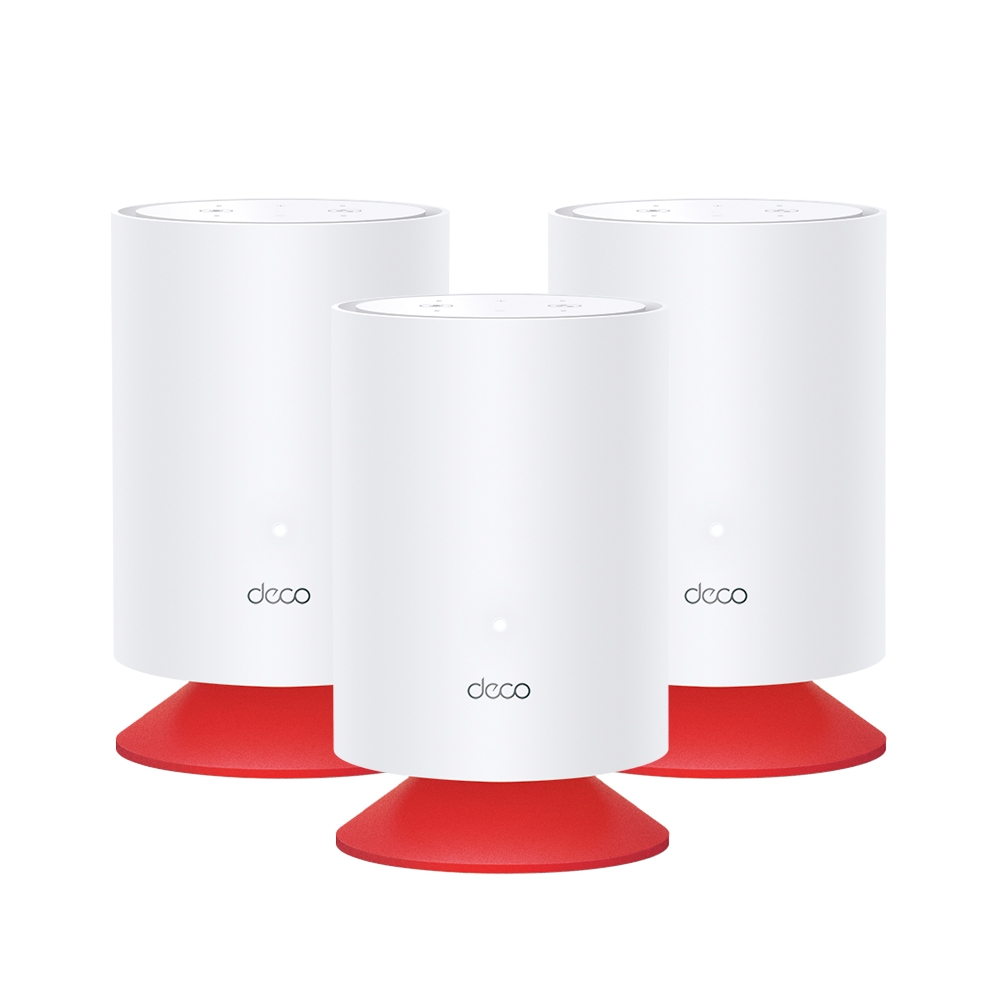
Explore Deco Voice X20’s combined Wi-Fi 6 mesh and Alexa speaker, with accurate hardware, separate account linking, privacy controls and placement checks.
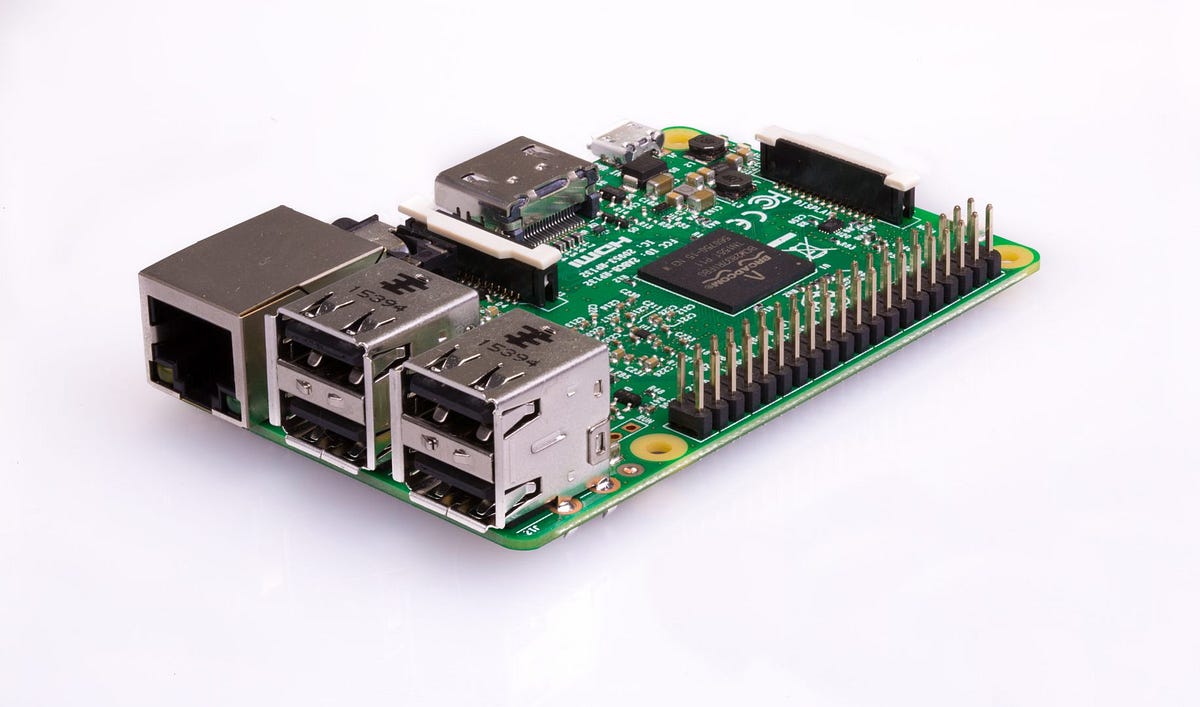
Plan a Raspberry Pi media server around player and server roles, playback limits, storage mounts, power and a recoverable backup.

Install RetroPie on a compatible Raspberry Pi image, set up controllers, transfer games and BIOS files, and understand manual installation and run-ahead limits.

Compare Deco BE65, BE75, BE85 and BE95 radio profiles, regional differences, multi-gigabit ports and backhaul to choose a mesh that fits your home.
The Deco BE65 combines Wi-Fi 7 mesh and four 2.5GbE ports. Check regional specifications, setup requirements and performance in your own home.
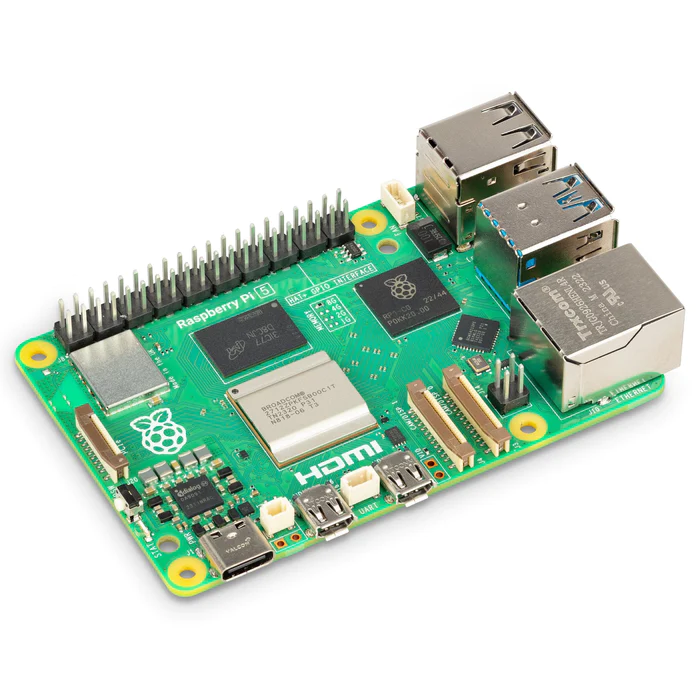
Plan a Raspberry Pi 5 project with current memory/graphics specifications, realistic I/O, correct power profiles, cooling, supported OS and a complete parts list.
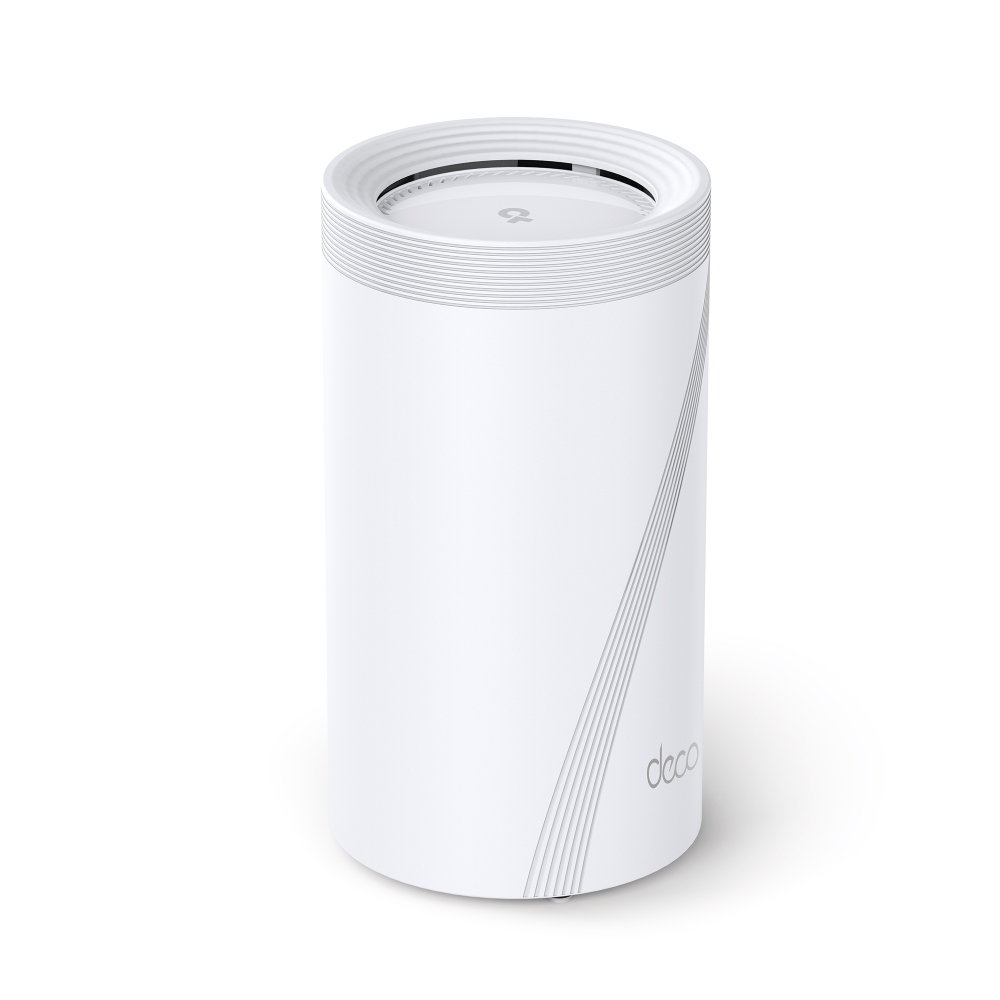
Assess the Deco BE95’s quad-band radios, multi-gigabit ports, backhaul choices and client requirements before planning a home mesh upgrade.
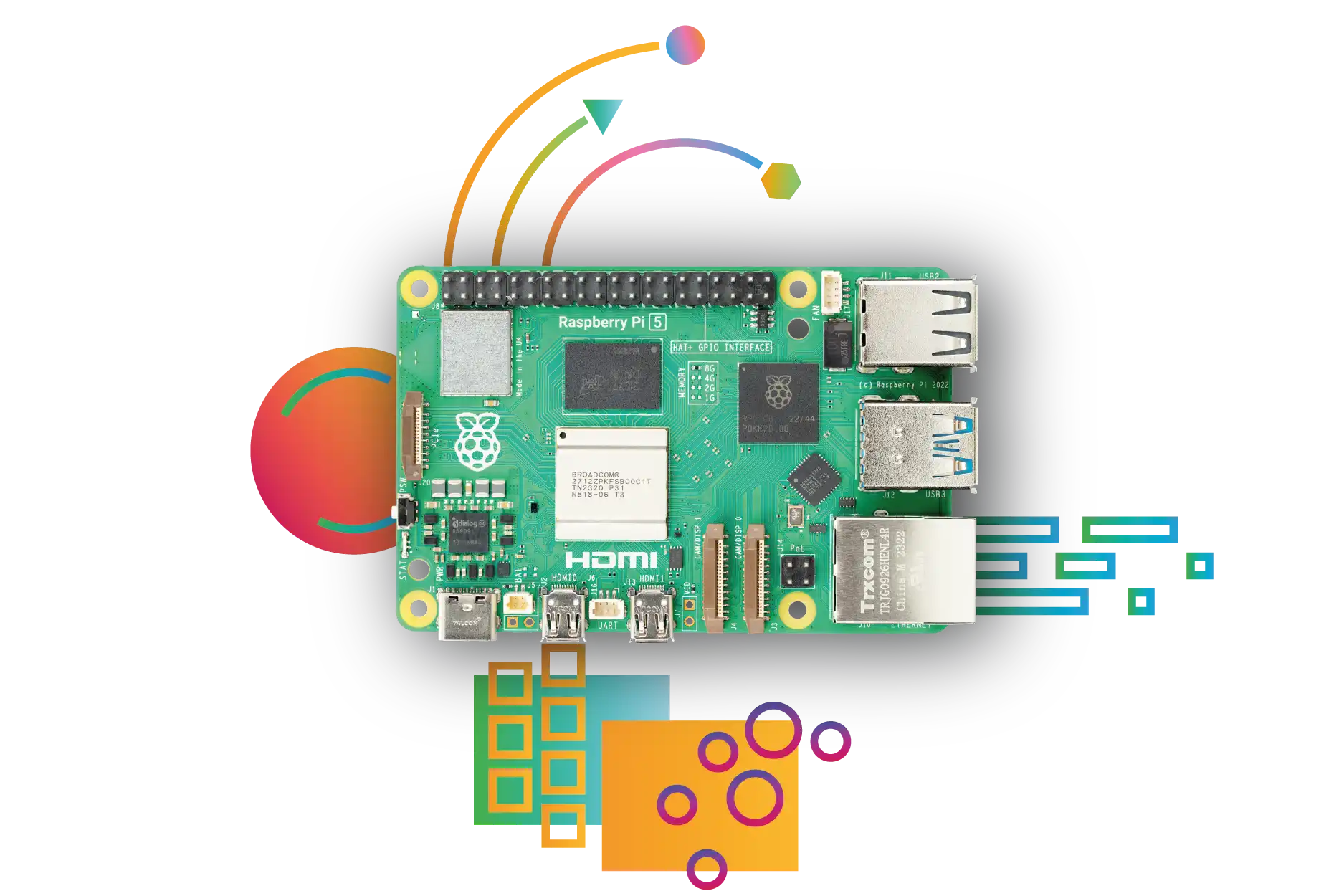
Compare Raspberry Pi 4 and Pi 5 memory, graphics, storage, power and accessory compatibility, with practical guidance on choosing the right complete build.
Assess whether Wi-Fi 6 addresses your network’s limits. Compare client support, airtime features, coverage, backhaul and the author’s experience-based recommendation for new installations.
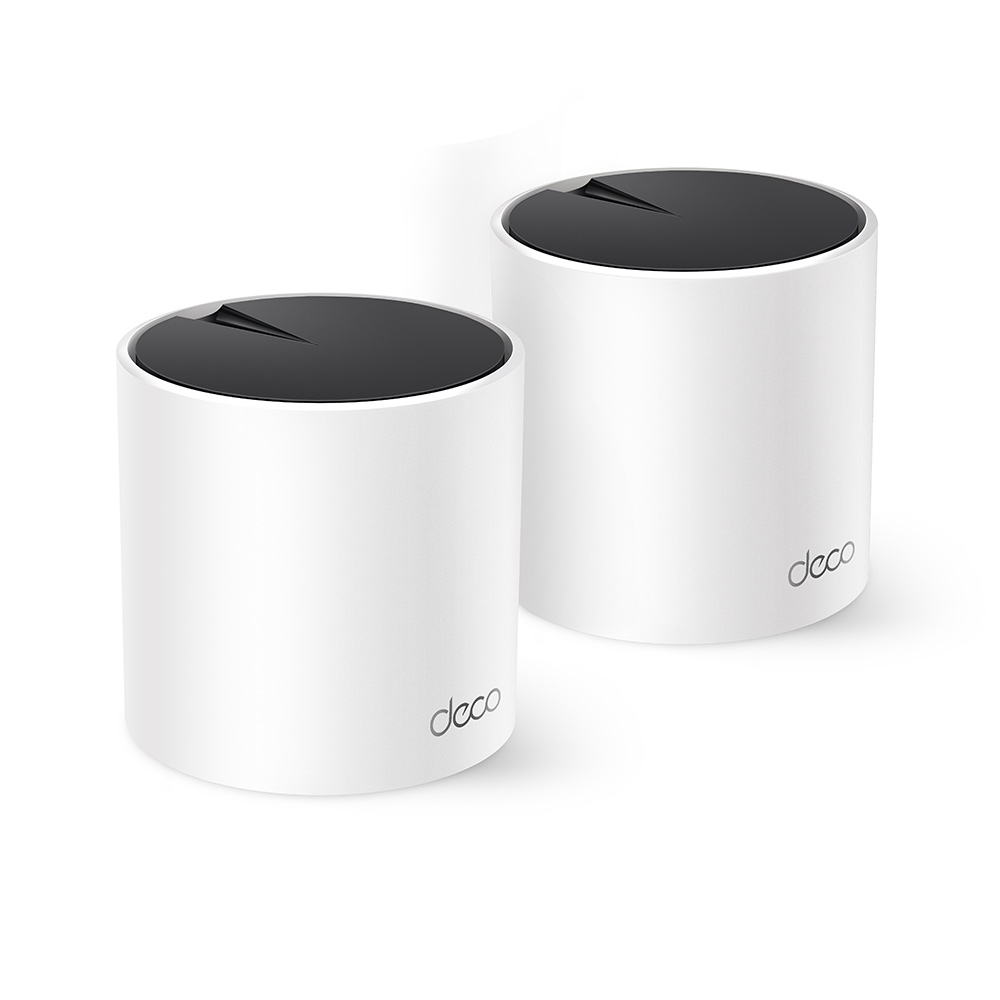
Why the Deco X55 remains a strong value candidate: AX3000 Wi-Fi 6, three Gigabit ports, revision differences, backhaul planning and realistic HomeShield expectations.
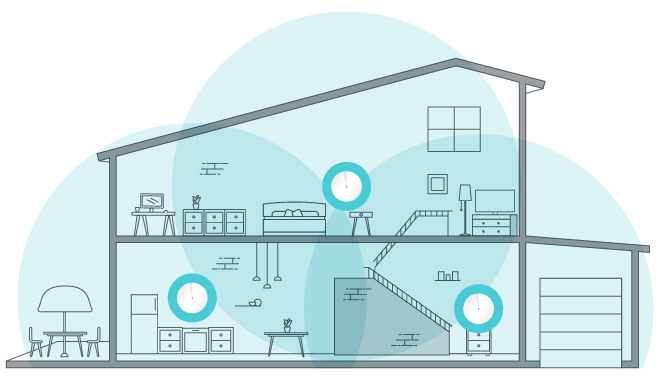
Set up Deco with the right ISP connection and operation mode, place satellites, check client compatibility and verify Ethernet backhaul without assuming universal app settings.
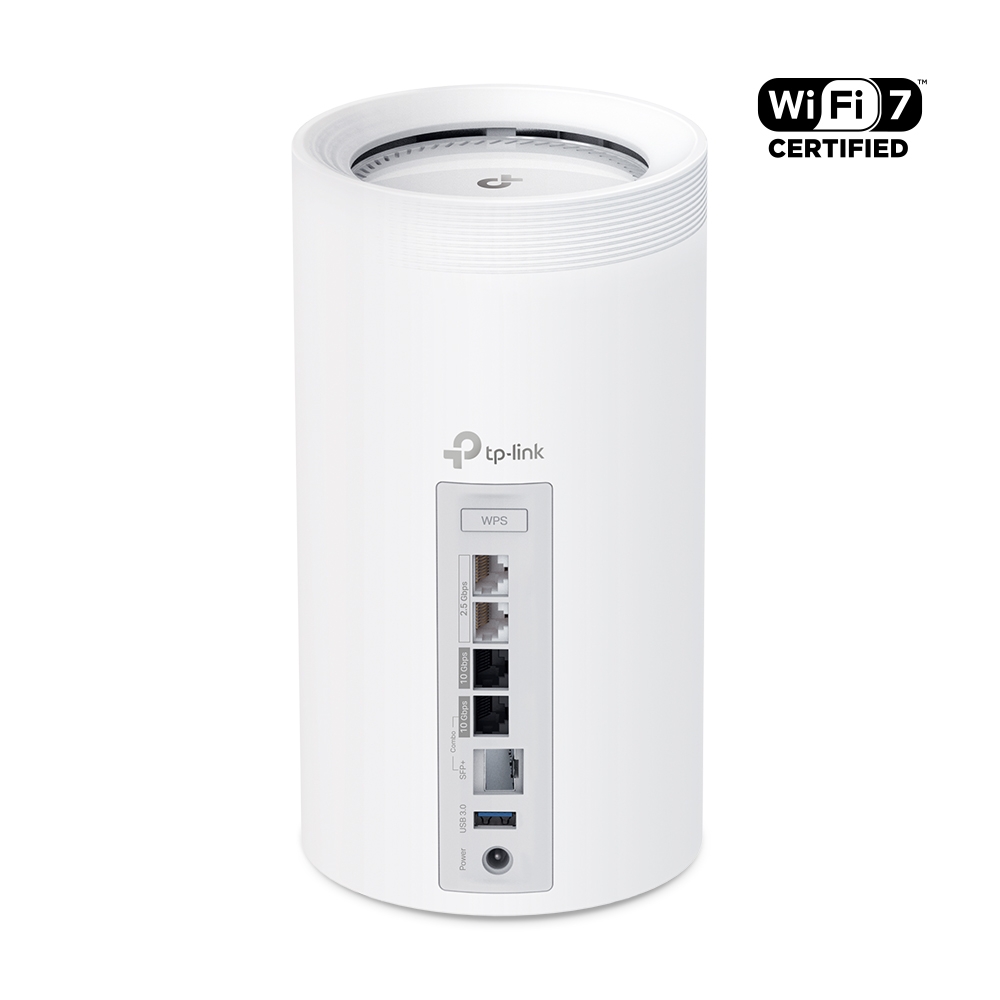
Explore Deco BE85 regional radio profiles, dual 10G interfaces, backhaul, USB sharing and security settings, with a practical comparison to the BE75.

Choose a desktop, laptop or mini PC by workload, mobility, exact specifications, upgrade options and the complete workspace cost.
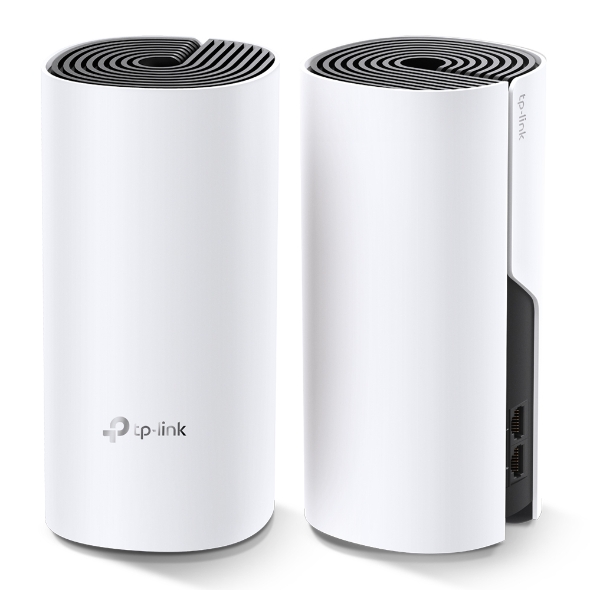
The Deco M4’s budget strengths, Gigabit ports and real coverage limits, with backhaul, placement and practical checks for a smaller home.

Choose wired or wireless headphones around fit, devices, microphone use and delay, with accurate Bluetooth-codec and hybrid wired-mode checks.
Compare wired USB, wireless receivers and Bluetooth keyboards and mice, with practical checks for comfort, responsiveness, batteries and compatibility.
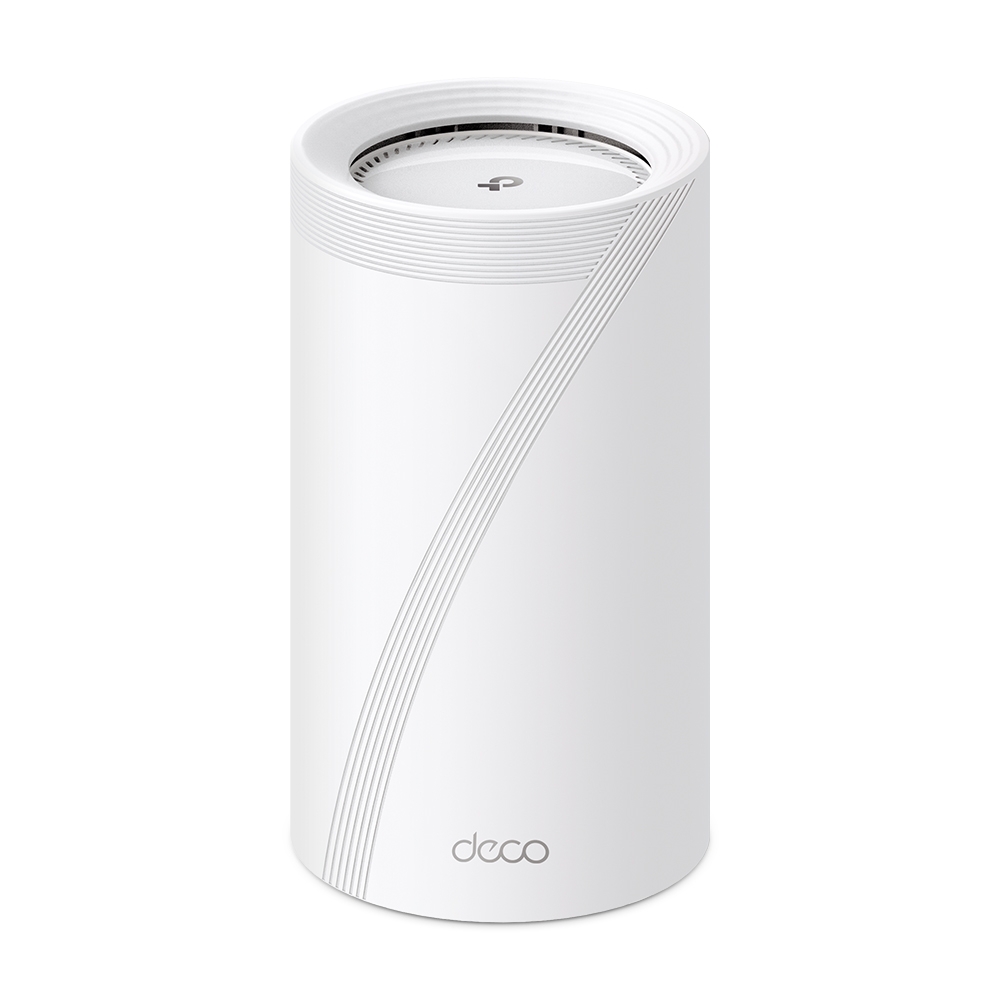
Explore Deco BE75 radio rates, manufacturer test conditions, its single 10Gbps combo connection, combined backhaul and HomeShield considerations.
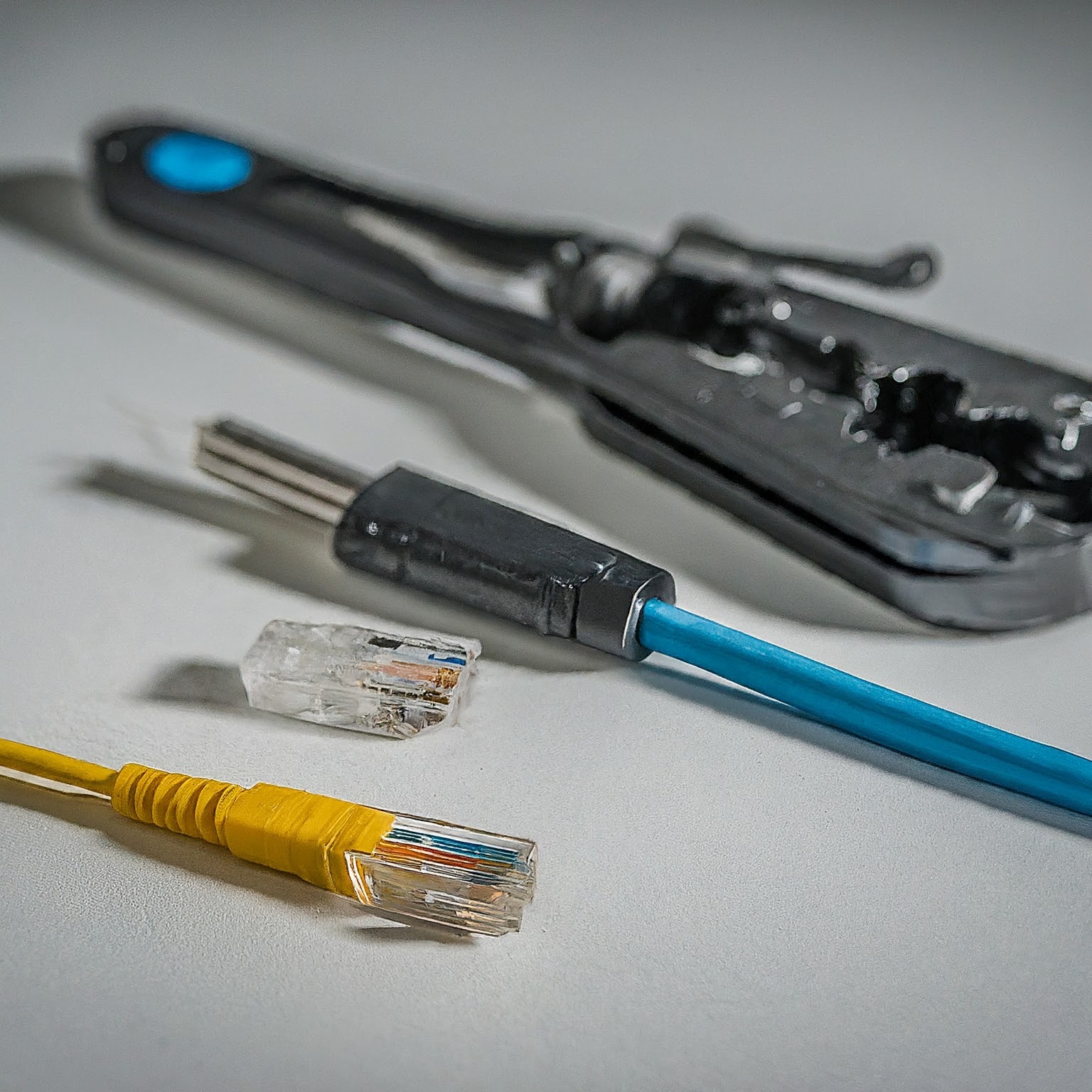
Choose Cat5e, Cat6, Cat6A, fibre or DAC for your home network, with practical guidance on channel length, T568A/B wiring, jacket ratings and cable testing.

Compare fibre, cable, DSL, fixed wireless and satellite using upload speed, loaded latency, installation, availability and the total cost of a real offer.
Understand 3G, 4G, LTE and 5G, compare cellular coverage and router compatibility, and test a home or backup connection before choosing a plan.

Choose 1GbE, 2.5GbE, 5GbE or 10GbE by checking cable reach, compatible ports and the actual bottlenecks in your local network.

Compare Ethernet, Wi-Fi and mesh for your home using practical bottleneck, coverage, cost and compatibility checks, including existing-coax options.
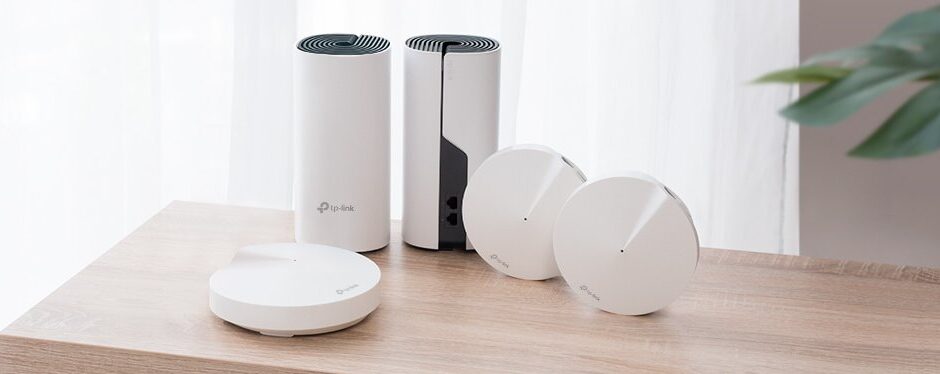
Compare Deco M4, X55 and BE75 by verified radios, ports, clients and backhaul. A household planning checklist replaces assumed coverage and invented speed benchmarks.
Plan and set up a home mesh network with practical advice on routing mode, node placement, Ethernet backhaul, model compatibility and verification.

Understand mesh Wi-Fi coverage, roaming and backhaul, then place and test nodes using practical checks for your home and devices.

Compare mesh kits, reused routers and managed access points while checking placement, backhaul, roaming and the complete cost for your home.

Extend home Wi-Fi with a clear access-point topology, model-specific spare-router setup, realistic roaming, sensible channel planning and client verification.
Compare shared and separate SSIDs on older dual-band routers, with accurate roaming, Smart Connect, IoT setup and practical band-selection tests.
Understand Wi-Fi frequency bands, channel widths and generations, then compare 2.4, 5 and 6 GHz using practical client, coverage and router-setting checks.
Compare AMD x86 CPUs with Arm-based designs through software compatibility, actual power needs, memory and upgrades, virtualization and buying priorities.
Compare AMD and Intel by workload, exact processor features, motherboard compatibility, media acceleration and total platform cost.

Understand Arduino boards, sketches and beginner projects, with exact voltage differences, practical setup, realistic battery guidance and Cloud versus local automation choices.
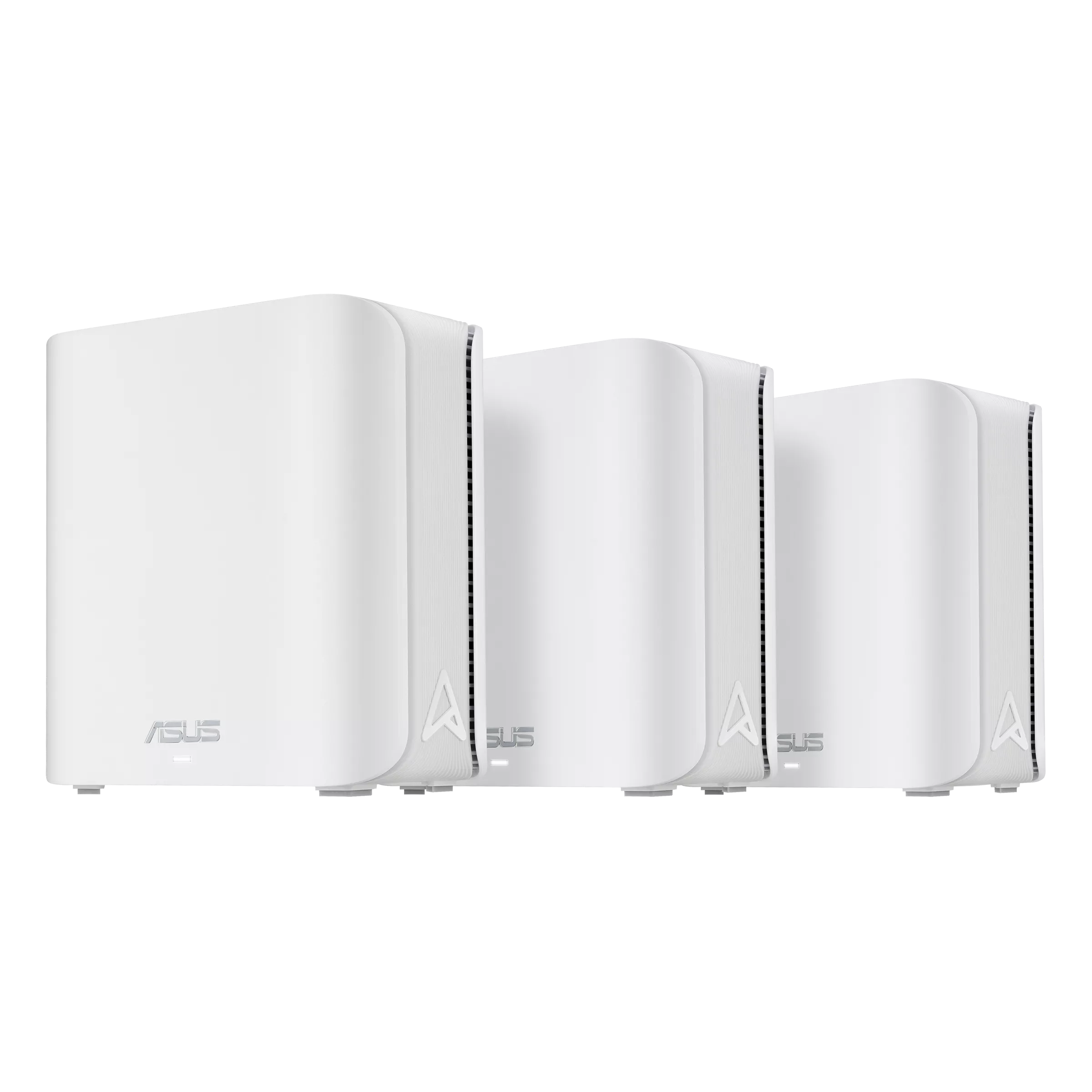
ASUS ZenWiFi BD5 explained: dual-band BE5000, country-dependent bandwidth, two 2.5 Gigabit ports, AiMesh, household controls and practical upgrade decisions.
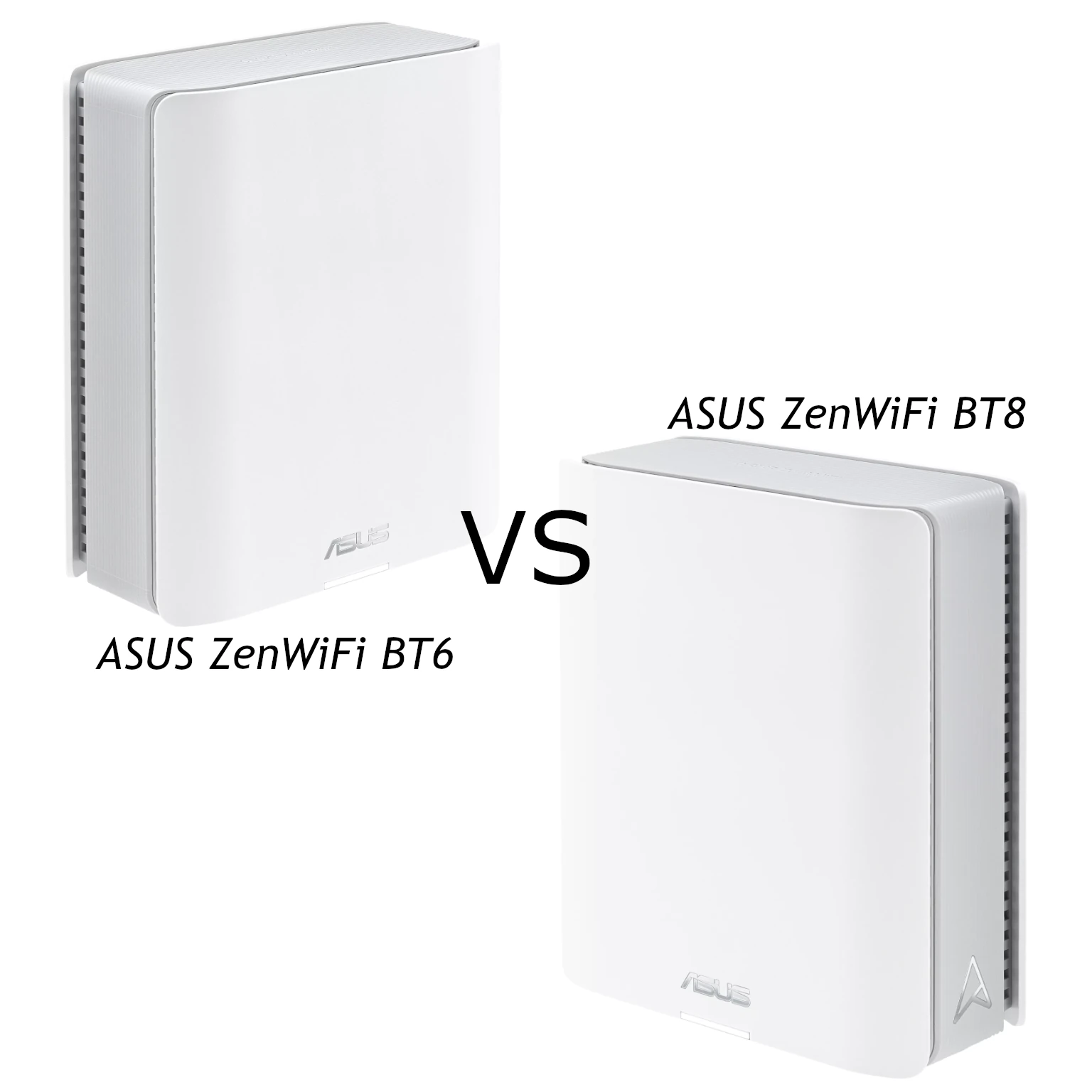
Both ZenWiFi BT6 and BT8 offer tri-band Wi-Fi 7. Compare their radio capacity, 2.5Gbps port limits, AiMesh conditions and value for your network.
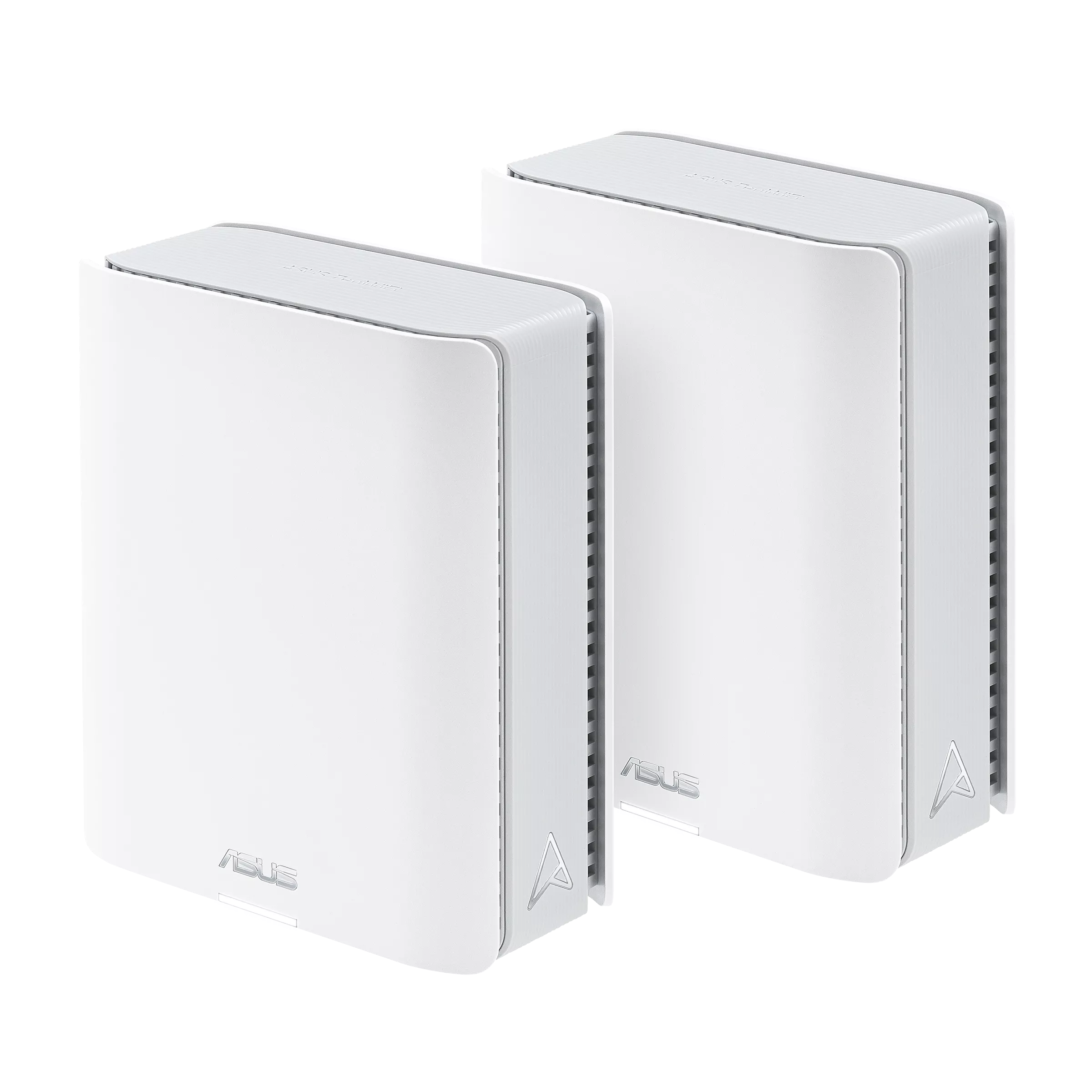
ASUS ZenWiFi BT6 explained: tri-band BE9400 Wi-Fi 7, 6 GHz, one 2.5G port, AiMesh/MLO compatibility and practical backhaul and buying considerations.
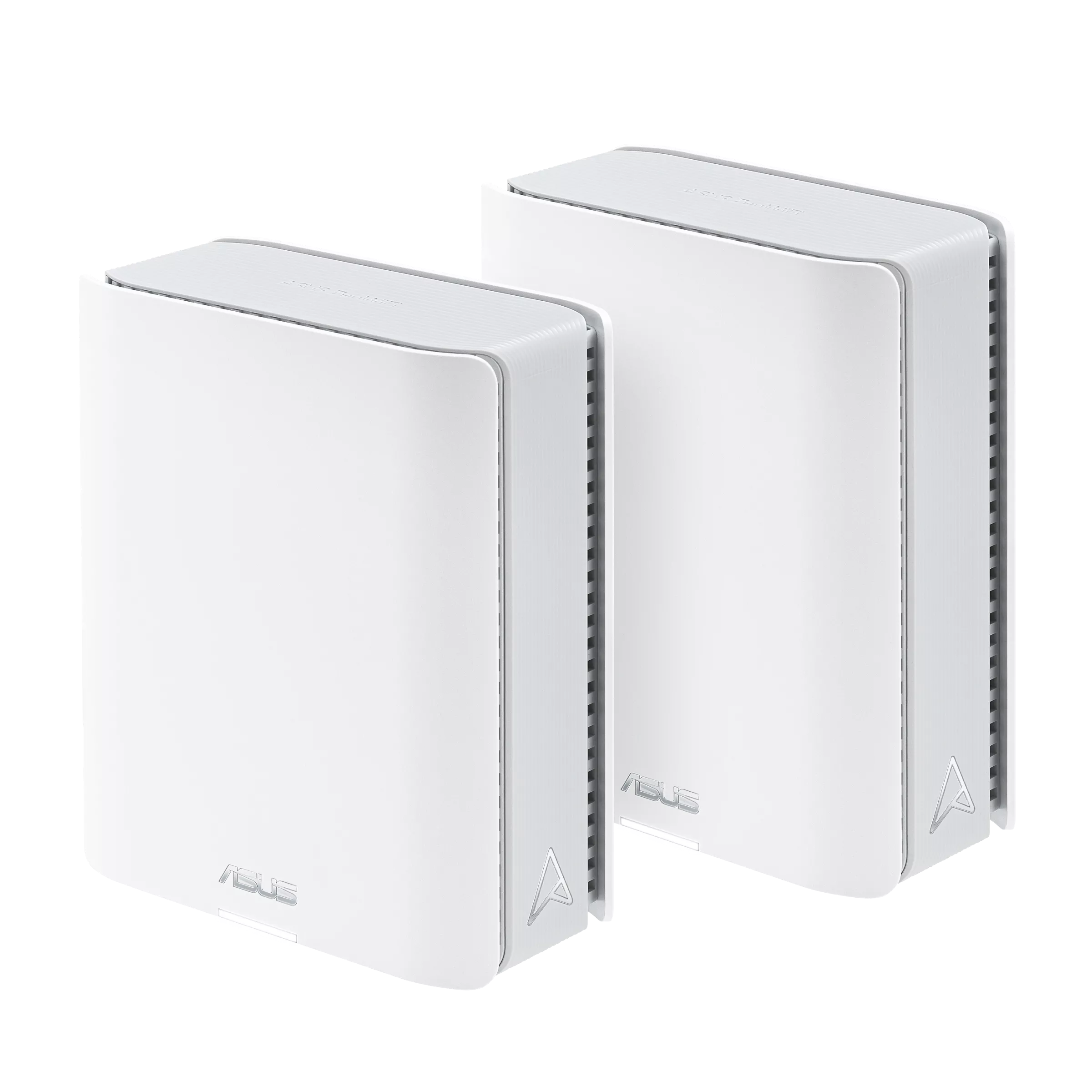
Check ZenWiFi BT8’s tri-band Wi-Fi 7 radios, dual 2.5G ports, MLO compatibility and ASUSWRT controls before choosing a premium mesh system.
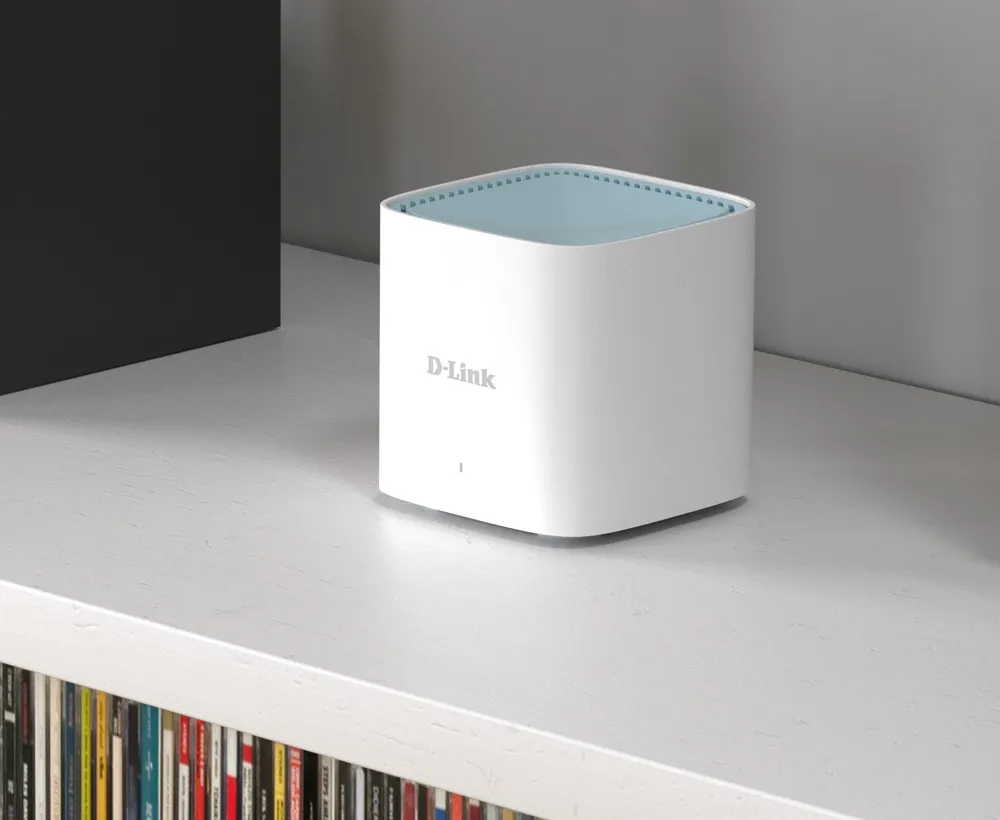
A practical M15 guide covering AX1500 radio limits, wired mesh chains, bridge mode, guest isolation and the costs of an affordable Wi-Fi upgrade.
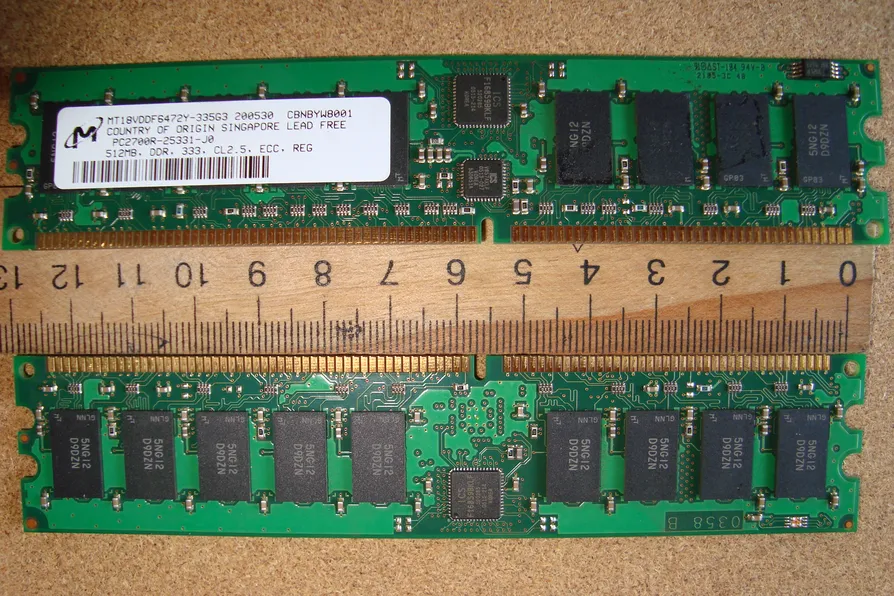
Understand what ECC memory can correct, how it differs from DDR5 on-die ECC, and how to verify platform support and monitor a NAS or homelab.

Choose a HiFiBerry DAC, digital interface or amplifier for your Raspberry Pi, with model-specific speaker, power, driver and software checks.
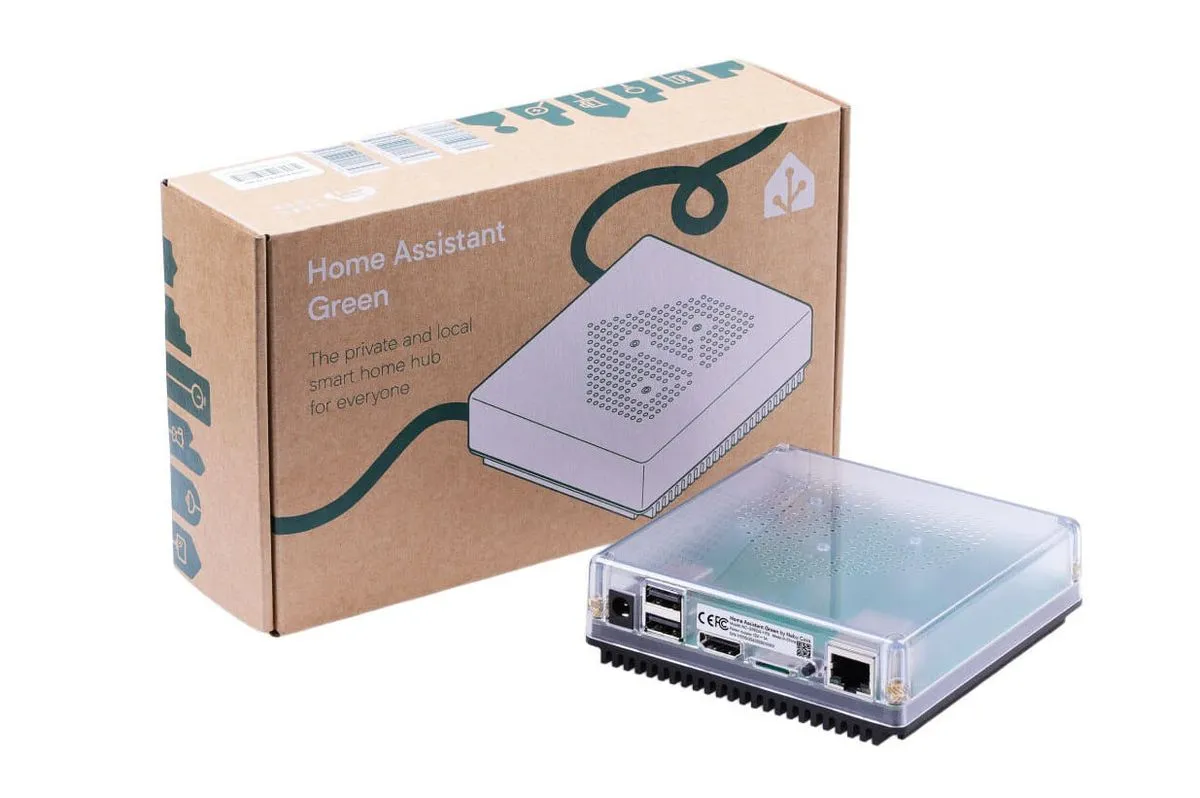
Home Assistant Green offers a simple dedicated hub. Check its hardware limits, radio options, local and cloud integrations, voice processing and backup needs.
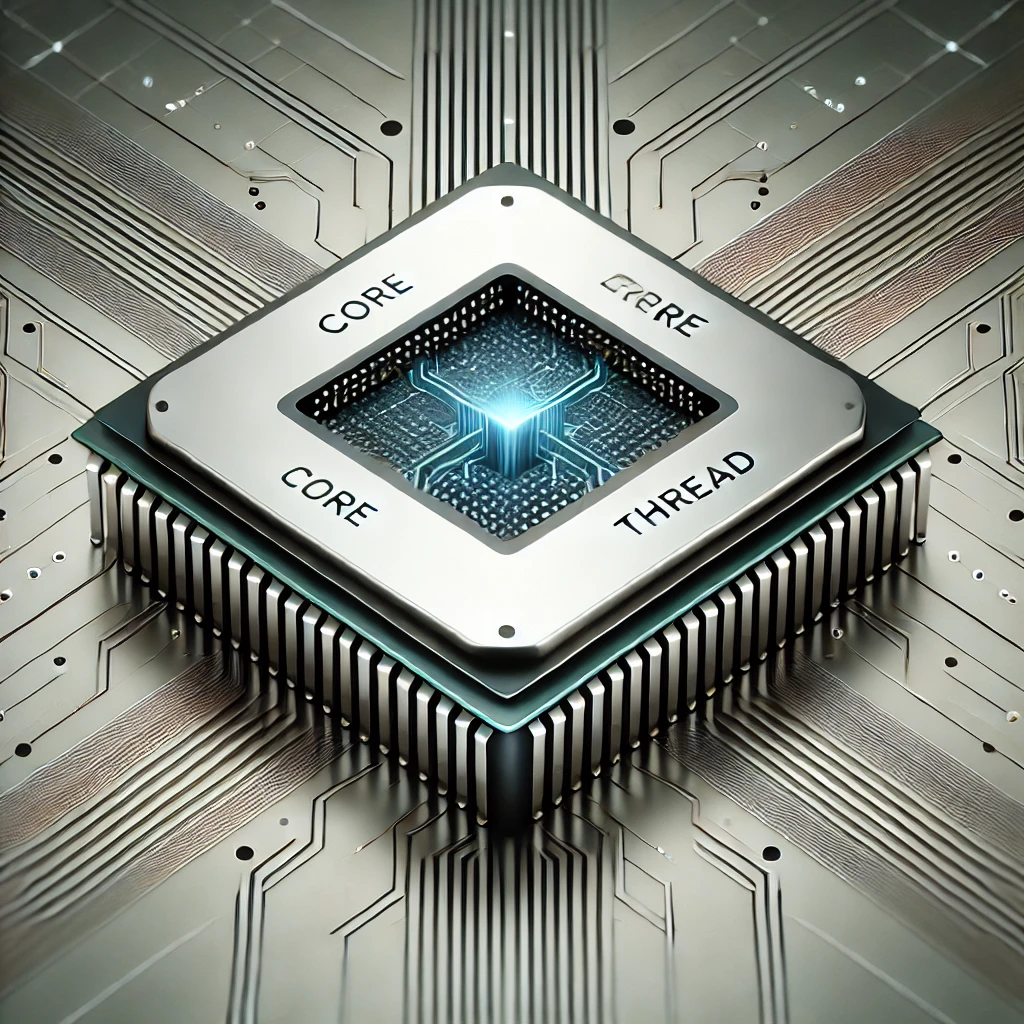
What CPU core and thread counts mean, where SMT can help, how Arrow Lake desktop differs, and how to assess workload, scheduling and security tradeoffs.
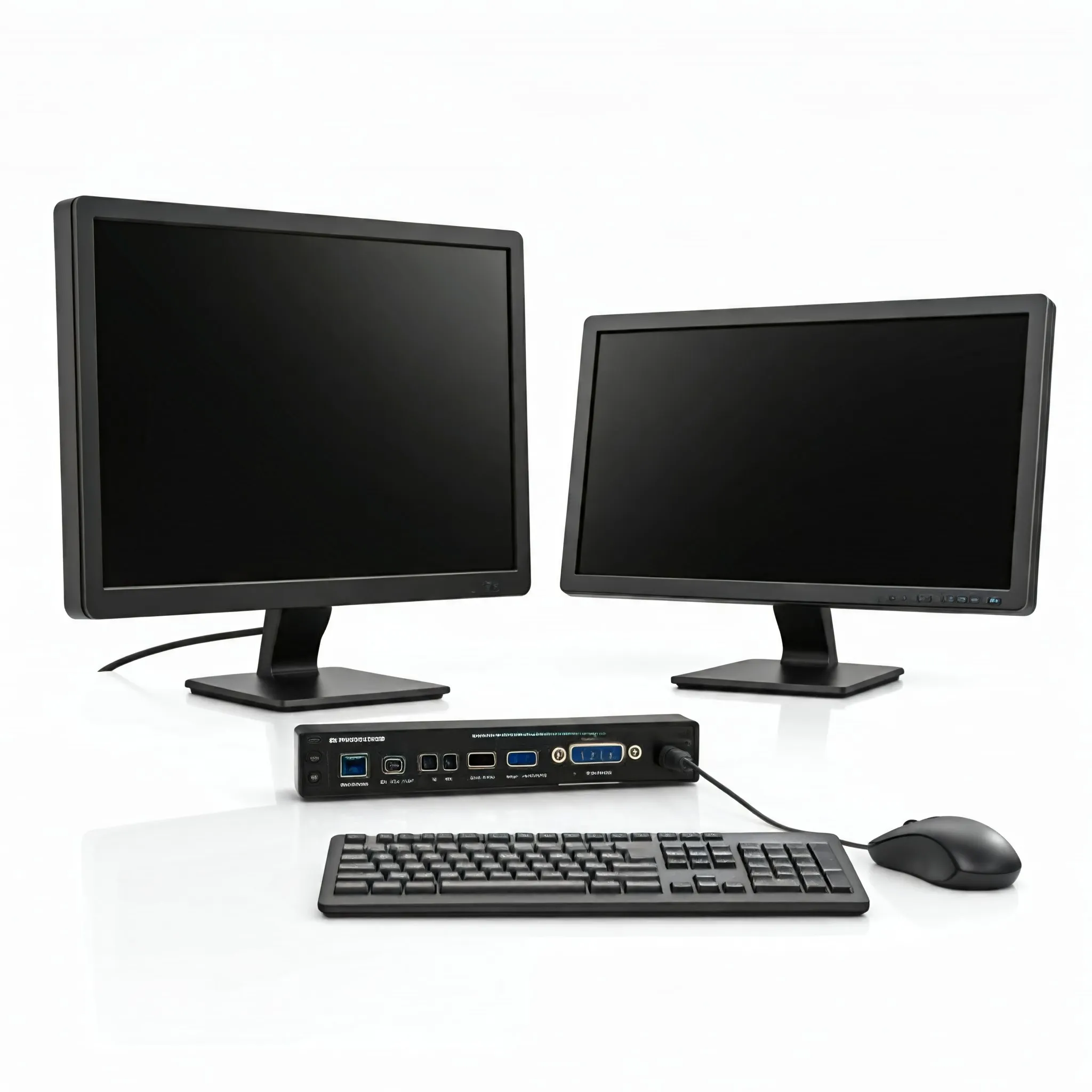
How to choose a KVM for shared displays and peripherals, with practical checks for video modes, USB compatibility, software sharing and remote server access.
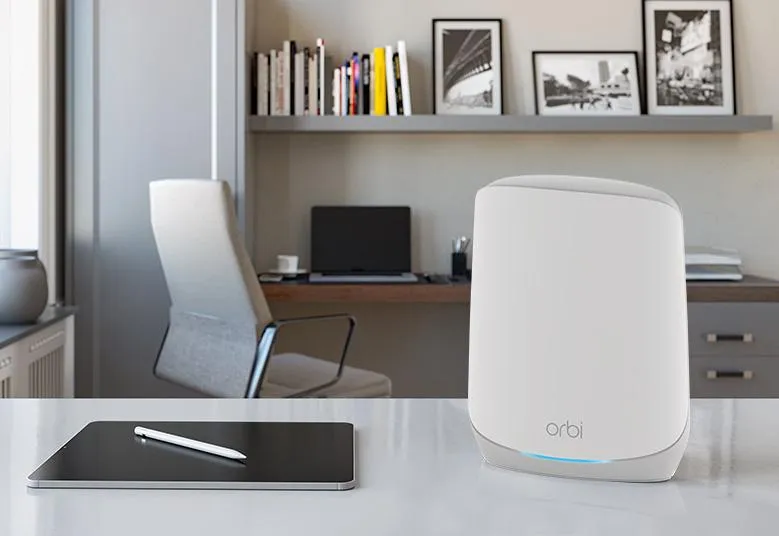
Understand Orbi 760 backhaul, Gigabit ports, placement, security subscriptions and client limits to judge whether a discounted Wi-Fi 6 kit suits your home.
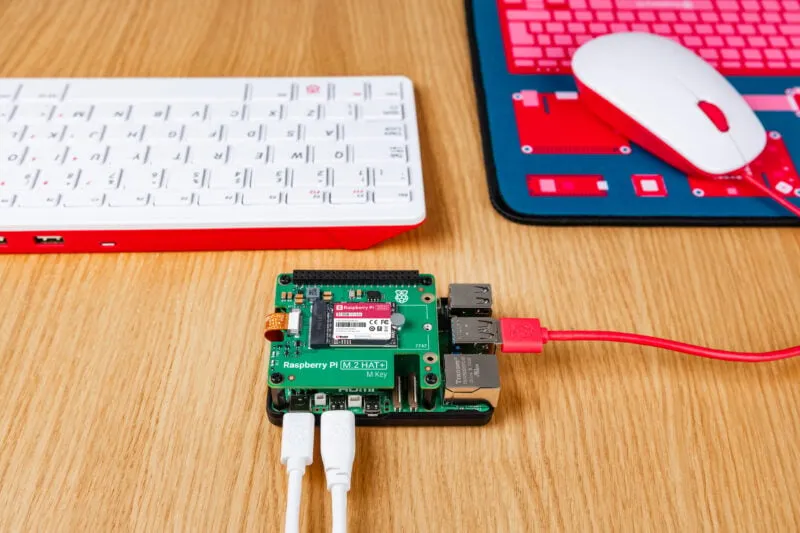
Compare official Raspberry Pi SSD capacities and HAT options, with accurate NVMe fit, boot preparation, PCIe Gen 3 limits, cooling and recovery considerations for Pi 5.
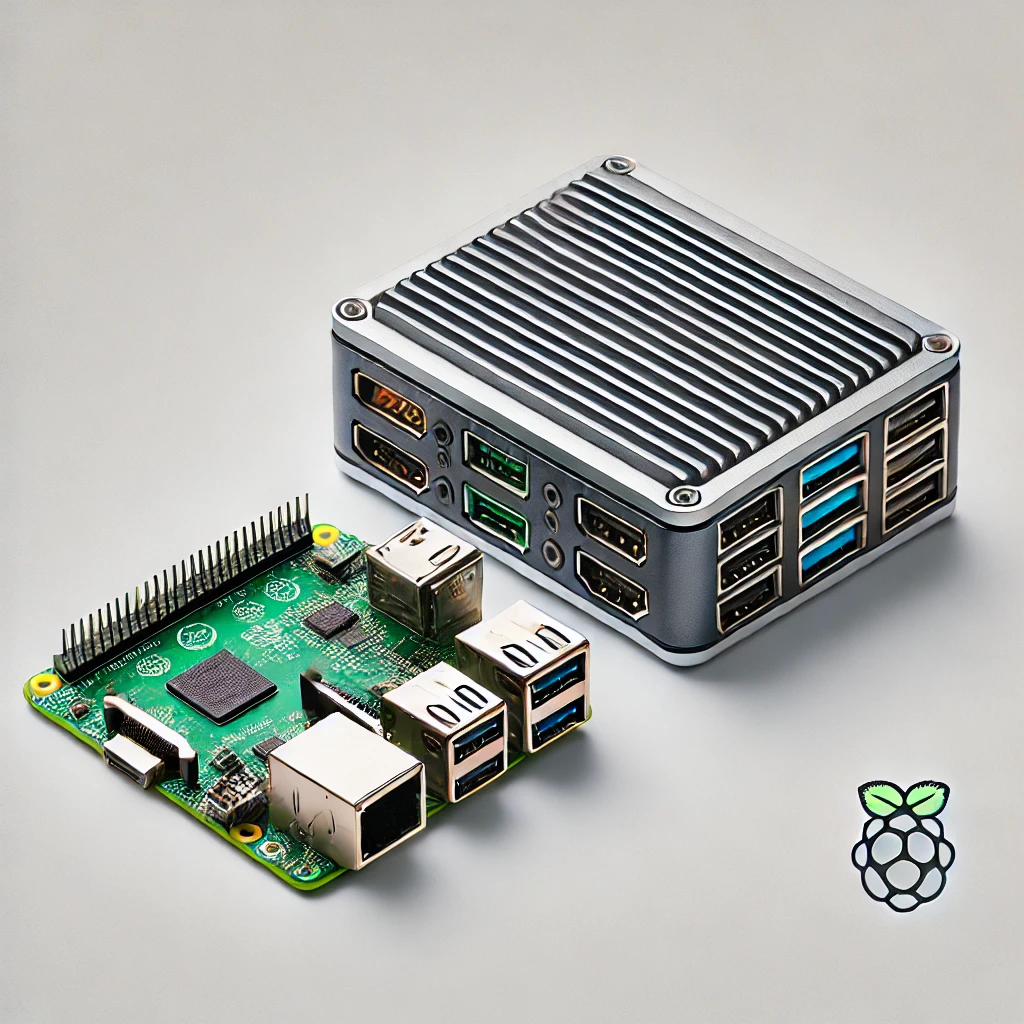
Choose an SBC or mini PC by software support, GPIO, complete cost, memory and storage limits, cooling, virtualization and media-server needs.
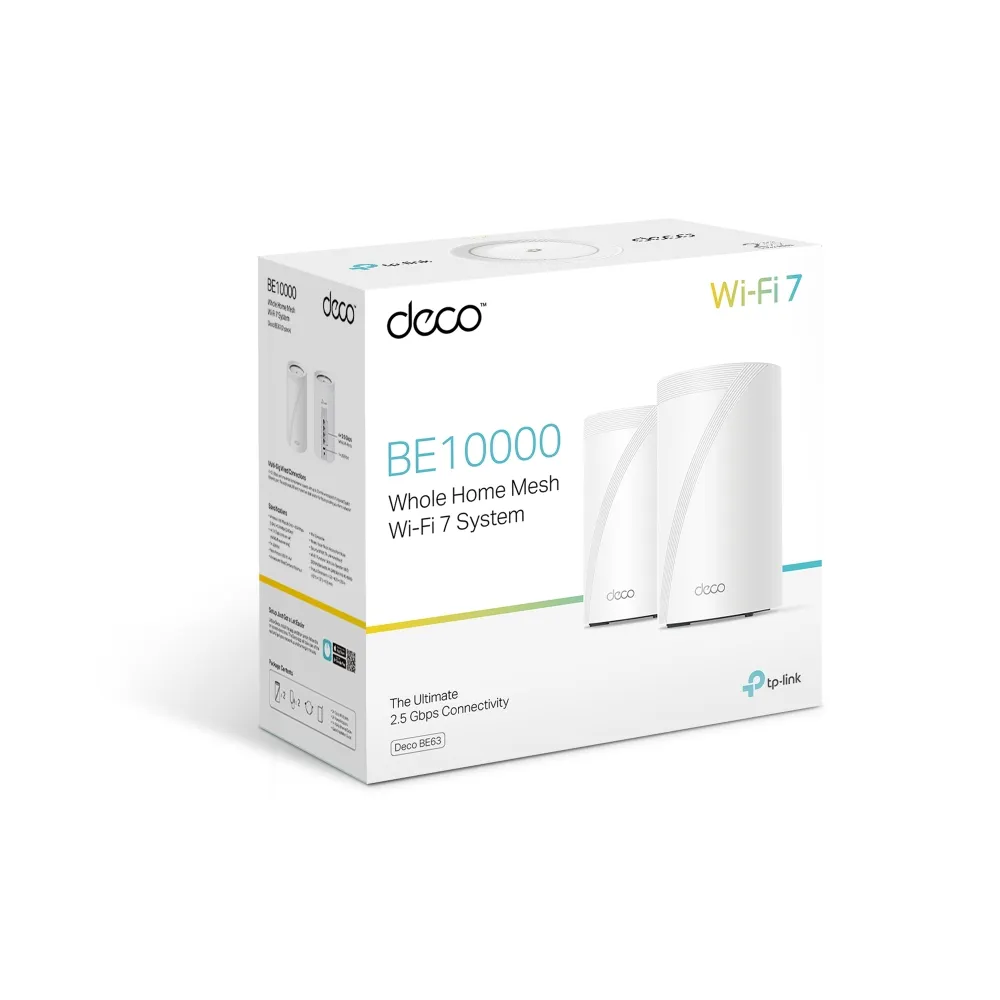
Deco BE63 explained: verified BE10000 rates, four 2.5Gbps ports, combined backhaul, USB backup caveats and its value beside regional BE65 alternatives.
Compare Deco BE65 and BE65-5G by regional radio version, wired ports, SIM broadband, enabled mobile backup, antenna placement and complete setup cost.
Check the X50-4G’s Cat6 LTE, AX3000 Wi-Fi, three Gigabit ports, SMB antenna adapters, kit contents and practical mobile-backup limitations.
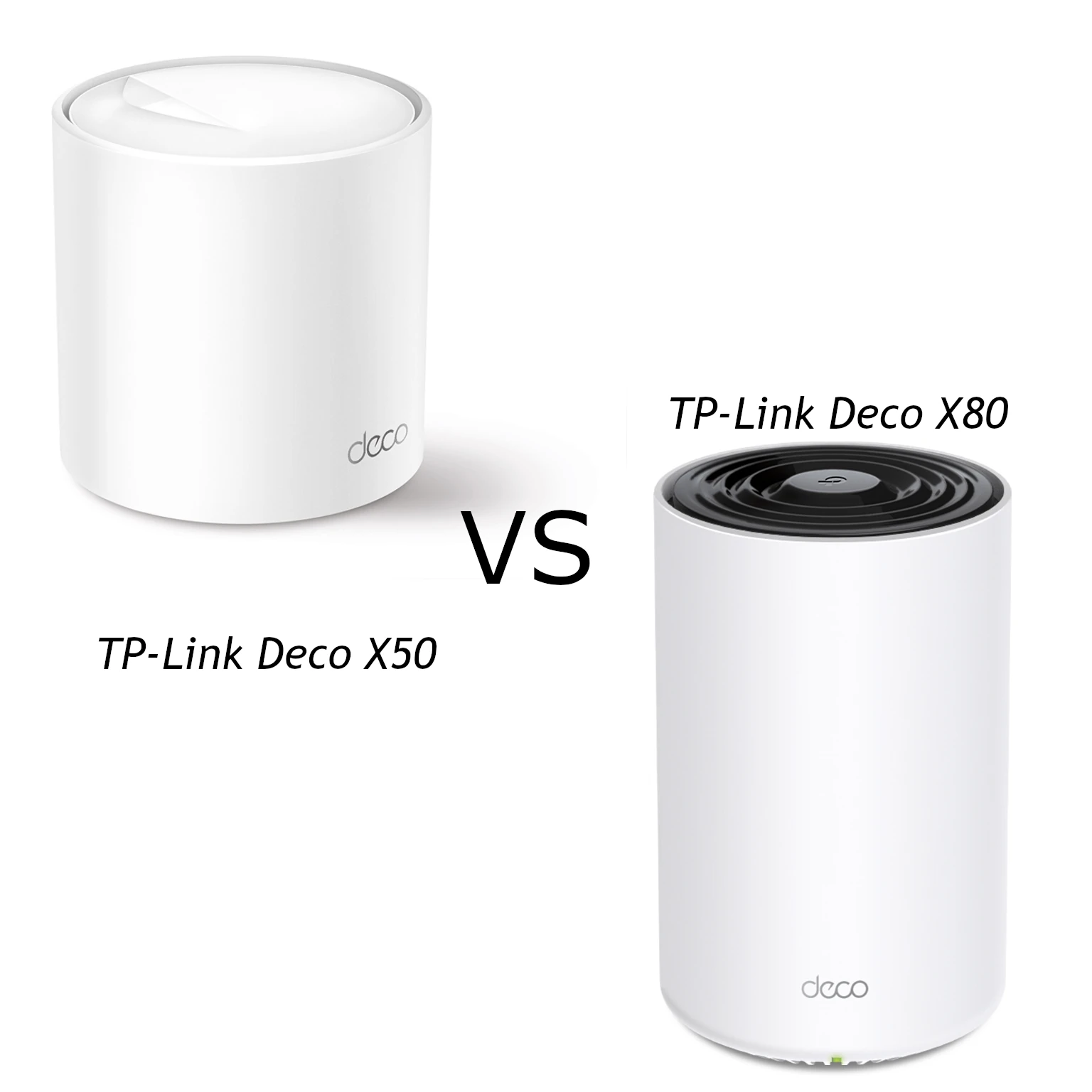
Compare the X50 and X80’s Wi-Fi 6 radios, actual Ethernet port roles, backhaul and client limits, with practical guidance for choosing the right mesh layout.
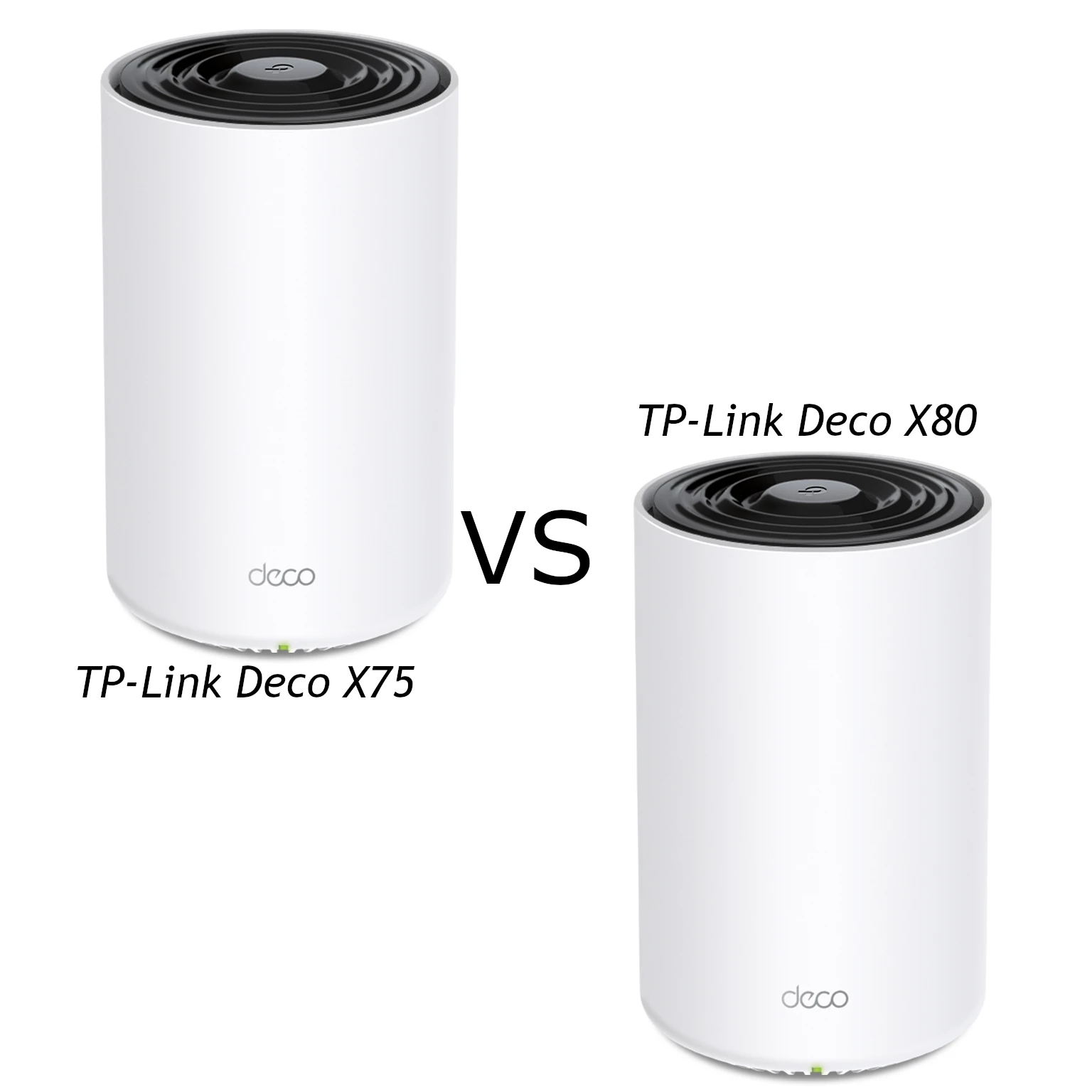
Compare Deco X75 tri-band Wi-Fi 6 with X80 dual-band AX6000: verified specifications, single-port 2.5GbE limits, coverage and practical backhaul advice.
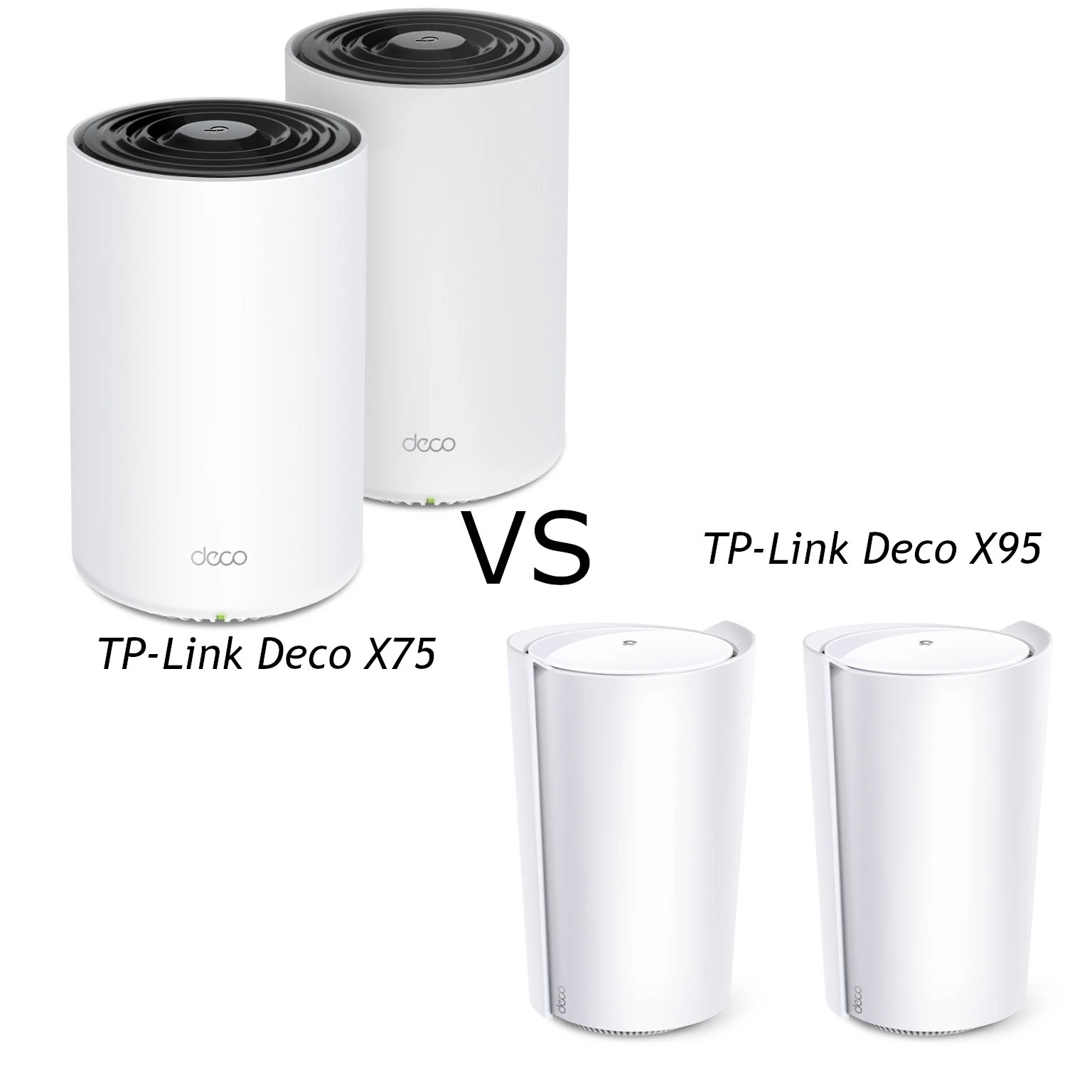
Compare X75 and X95 radio capacity, antennas, pack coverage and wired ports, including the limits of X95’s single 2.5 Gigabit connection and practical mesh placement.
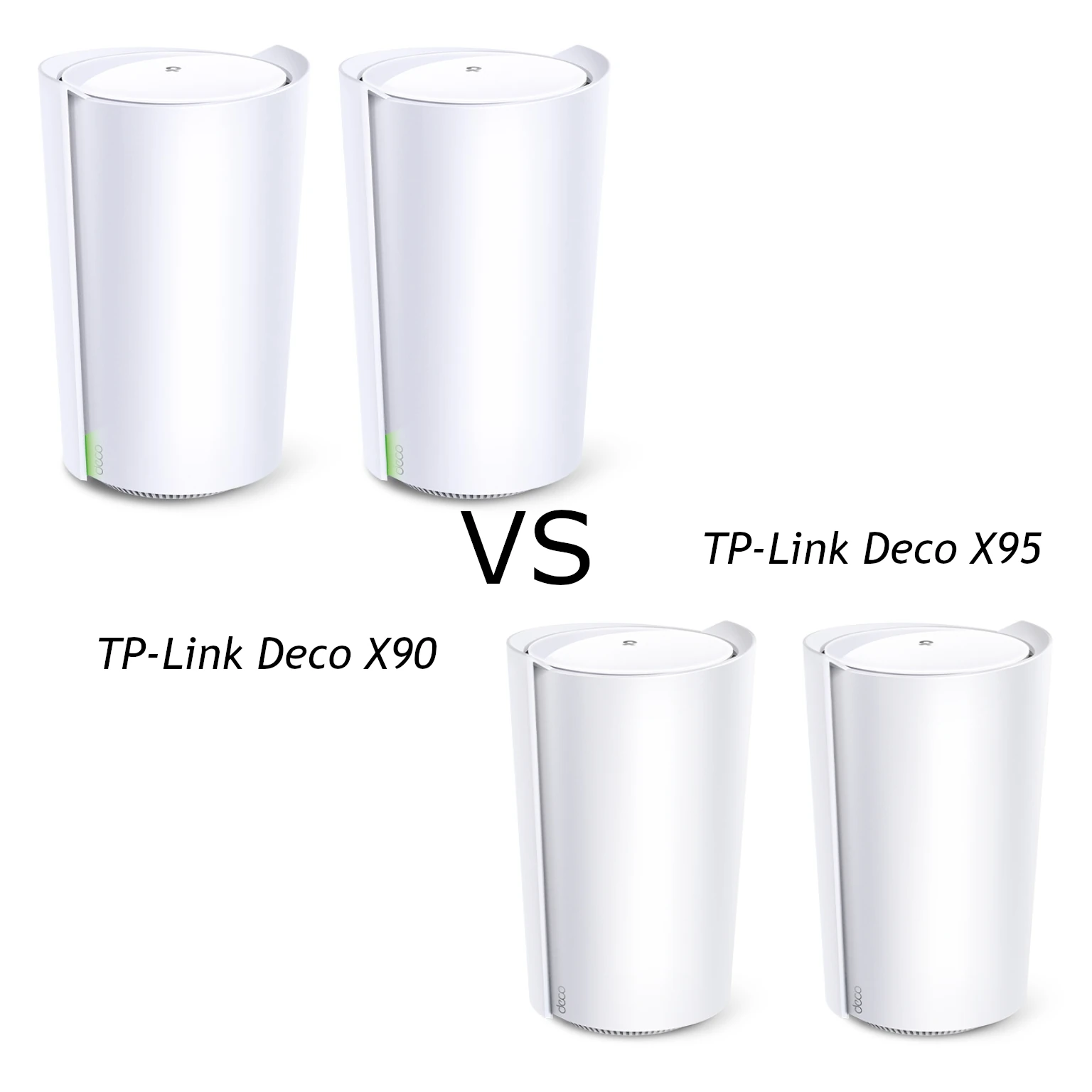
Compare the Deco X90 and X95 radio rates, Ethernet ports and mesh backhaul, with practical advice on placement, client support and choosing an older Wi-Fi 6 kit.
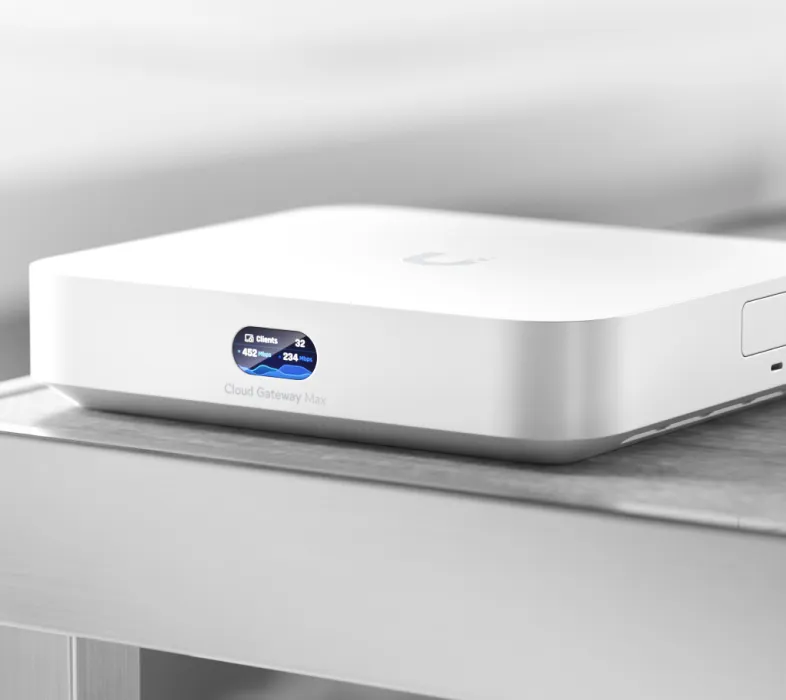
Understand UniFi Cloud Gateway models, local and remote management, ports, security, VPN, recording and recovery before planning a home or small-business network.
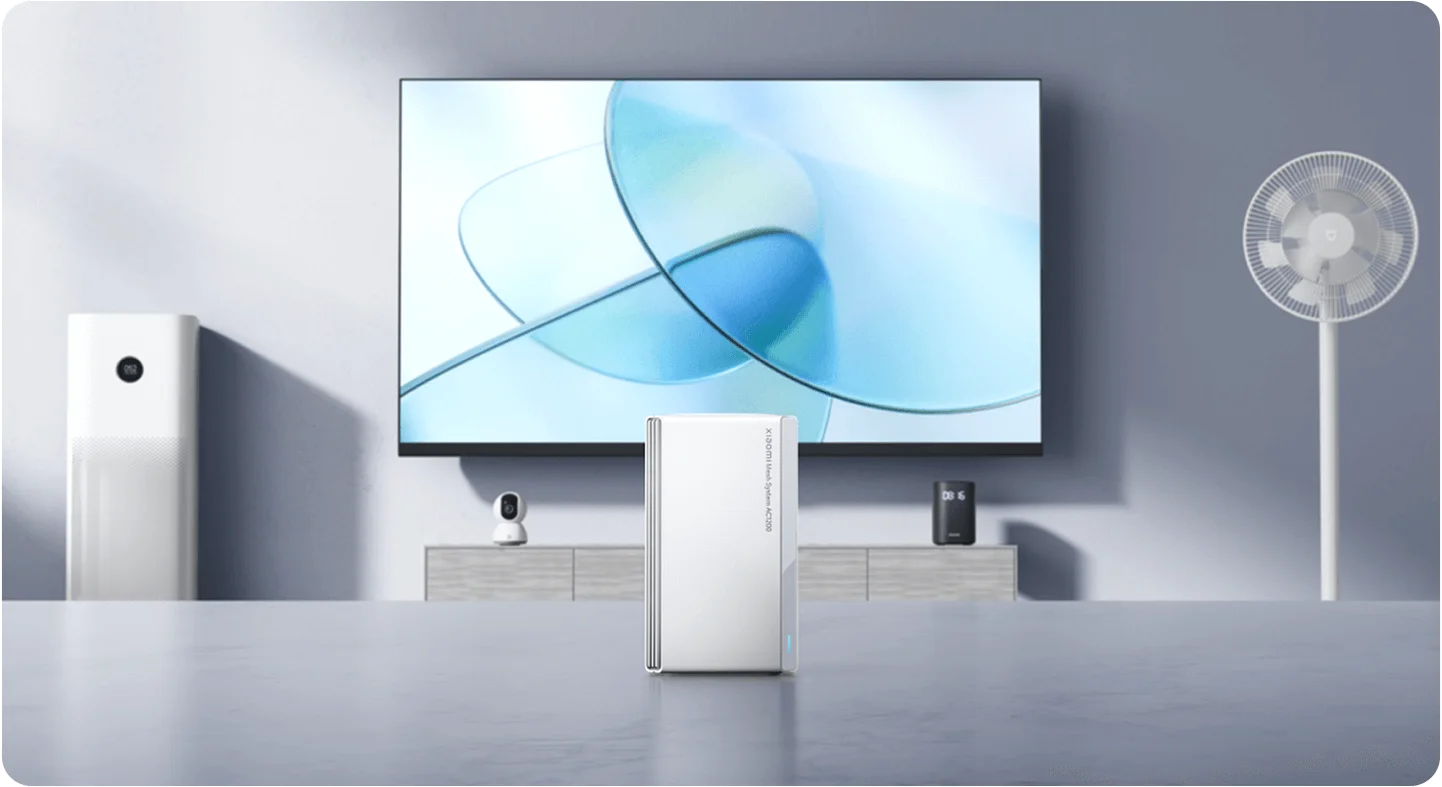
A practical AC1200 guide covering Gigabit ports, kit coverage, Xiaomi app setup, wired backhaul and the difference between mesh-node and client counts.