NetworksHardware
TP-Link Archer 8 Ultra: Wi-Fi 8, Specs and Upgrade Decisions
Explore the Archer 8 Ultra BN800: Wi-Fi 8 hardware, multigigabit ports, launch features, firmware promises and practical reasons to upgrade—or wait.
Explore the Archer 8 Ultra BN800: Wi-Fi 8 hardware, multigigabit ports, launch features, firmware promises and practical reasons to upgrade—or wait.
A comprehensive technical guide to the D-Link Eagle Pro AI Wi-Fi 6 ecosystem: exploring AI Wi-Fi, Mesh, and Traffic Optimizers, dual-band speeds, backhaul performance, and practical home network configuration.
A comprehensive guide to D-Link’s iconic DIR router lineup: tracing the evolution from classic dual-band AC workhorses (DIR-842) to modern multi-stream Wi-Fi 6 powerhouses (DIR-X5460), comparing standalone vs mesh, and sharing practical network configuration.

Use Reconya to understand your homelab inventory, with current native setup, discovery limits, privacy options and practical verification.
Understand WireGuard peer keys and routing for homelab access, then plan LAN forwarding, DNS, full tunnels and the trade-off between self-hosting and Tailscale.

Explore BillionMail mailboxes and campaigns, residential delivery limits, sender authentication, SMTP relays and the real maintenance costs of self-hosted email.
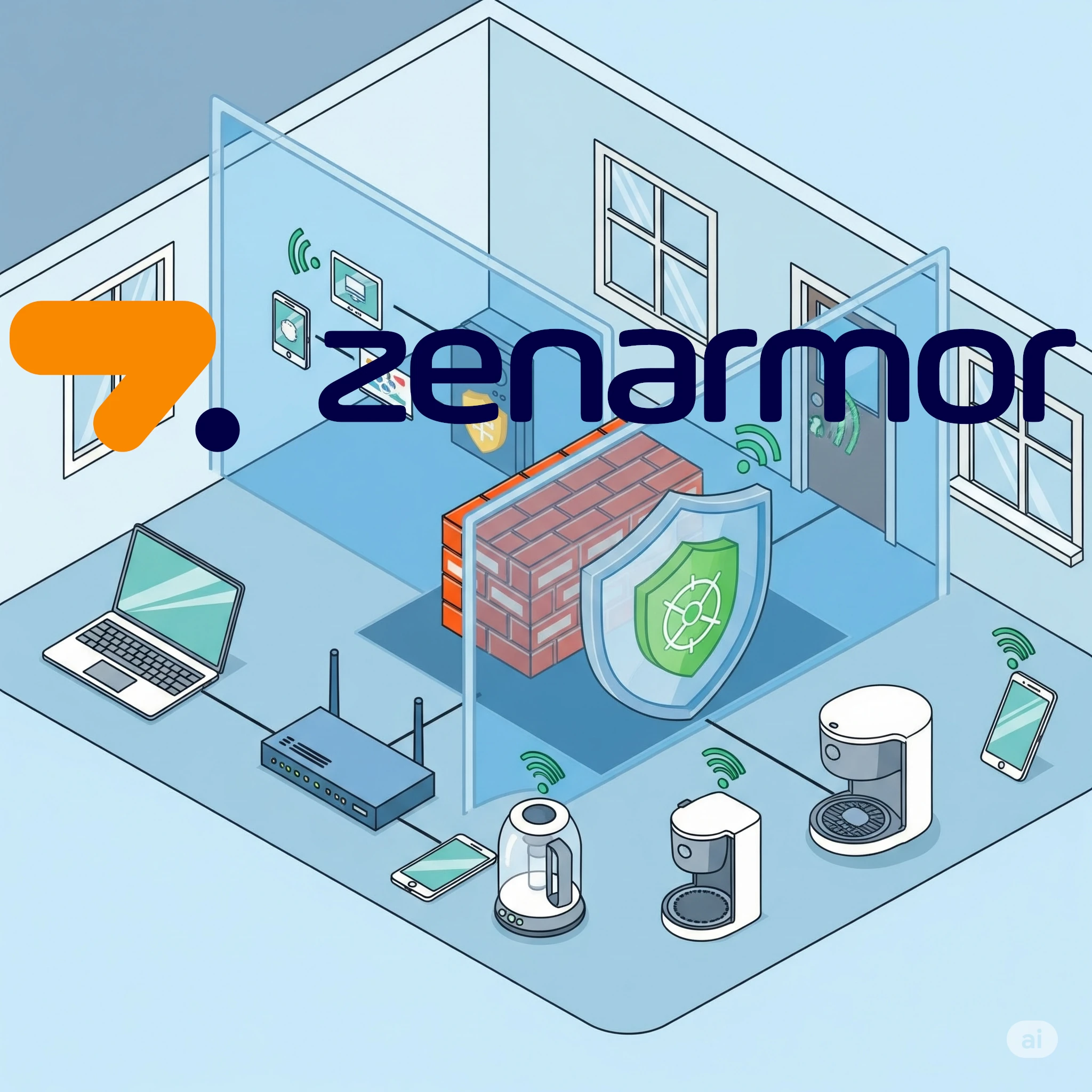
Is Zenarmor worth paying for in a homelab? Compare its Free Edition and subscriptions with firewall packages, and check reporting, TLS inspection, NIC compatibility and maintenance.

Explore pfSense CE and Plus, firewall and VPN capabilities, and the hardware, virtualization and recovery checks that matter for a homelab gateway.
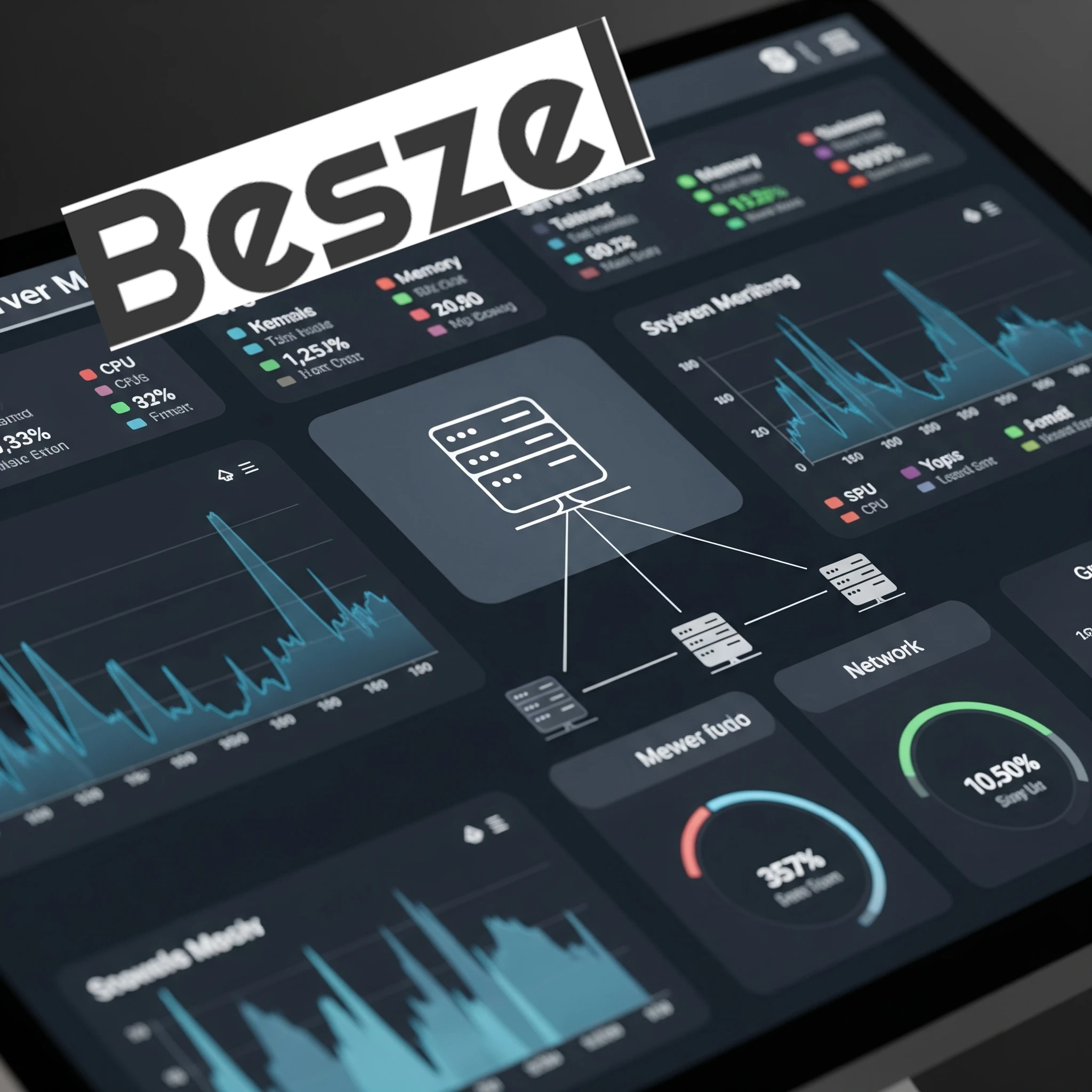
Compare Beszel’s hub and agents with Prometheus and Grafana, then plan connections, permissions, alerts and recoverable monitoring data.

Understand what DoH, DoT and DoQ protect, which resolver receives your queries, and how to preserve local DNS and verify the encrypted connection.
Now that we have successfully installed a VM with Turnkey Linux's Nextcloud , we can get it set up. While the helper scripts simplified the process, the installation itself presented...

Now that Immich is running in a separate LXC with a load of space, let's start using it by setting up a reverse proxy and access rules.
Let's add a reverse proxy so that we can access Plant-it when we are not connected to our home network and secure it with SSL

Does a homelab with Tailscale/Headscale still need OPNsense? Compare gateway and overlay roles, segmentation, virtualisation, wireless management and recovery work.
The last part of our Headscale installation - getting exit nodes set up and routes activated to be able to access network resources
Follow the Android Headscale registration screenshots using the techdecode example, with separate compatibility notes and peer, subnet and exit-node checks.
Once Headscale is installed, there is quite a bit of intricate setup and config to complete before we will be able to connect to our VPN. Let's get it sorted and set up so we can start using our VPN.
Install Headscale in Proxmox using the demonstrated helper workflow, with separate explanations of coordination, reachability, policy and recovery.
Having a domain name for our homelab will enable us to give a unique subdomain address for each of our services that we want to expose to the world wide web. We can also secure this with SSL certificates.
Choose and register a domain for your homelab, compare renewal costs and DNS tools, secure the account, and understand private service names and DNS-01 certificates.
We need to take a step back to explain how to access our local-only services via the secure channel provided by a VPN. This is quick, easy and one of the most secure ways to access our home network services.
Follow the ntfy HTTPS screenshots, update browser and phone subscriptions, and optionally configure Web Push, iOS delivery and renewal checks.
Follow the demonstrated NGINX and HTTP notification test, then continue to authentication and HTTPS, with optional proxy tuning and troubleshooting.
Set up the OpenVPN server on a TP-Link Deco using our BE65 walkthrough, then check client imports, remote access, DDNS and upstream NAT.
We can finally start securing our sites with the help of Let's Encrypt free certificates. In this article we will generate a certificate for our WordPress site after getting our NGINX VM ready to install certificates
Now that we have a dedicated VM up and running, it is time for us to install and set up NGINX on the newly created VM. This adds extra isolation and increases security.

What Home Assistant’s Matter certification covers, how controllers and Thread border routers differ, and how to verify a supported device on your network.
Now that we can access our network from the outside, we configure an NGINX reverse proxy to safely route external traffic to our internal WordPress server, laying the foundation for a secure, accessible online presence.
Connect a homelab service to a domain with Dynamic DNS, understand port forwarding, and plan safe access when your public IP address changes.
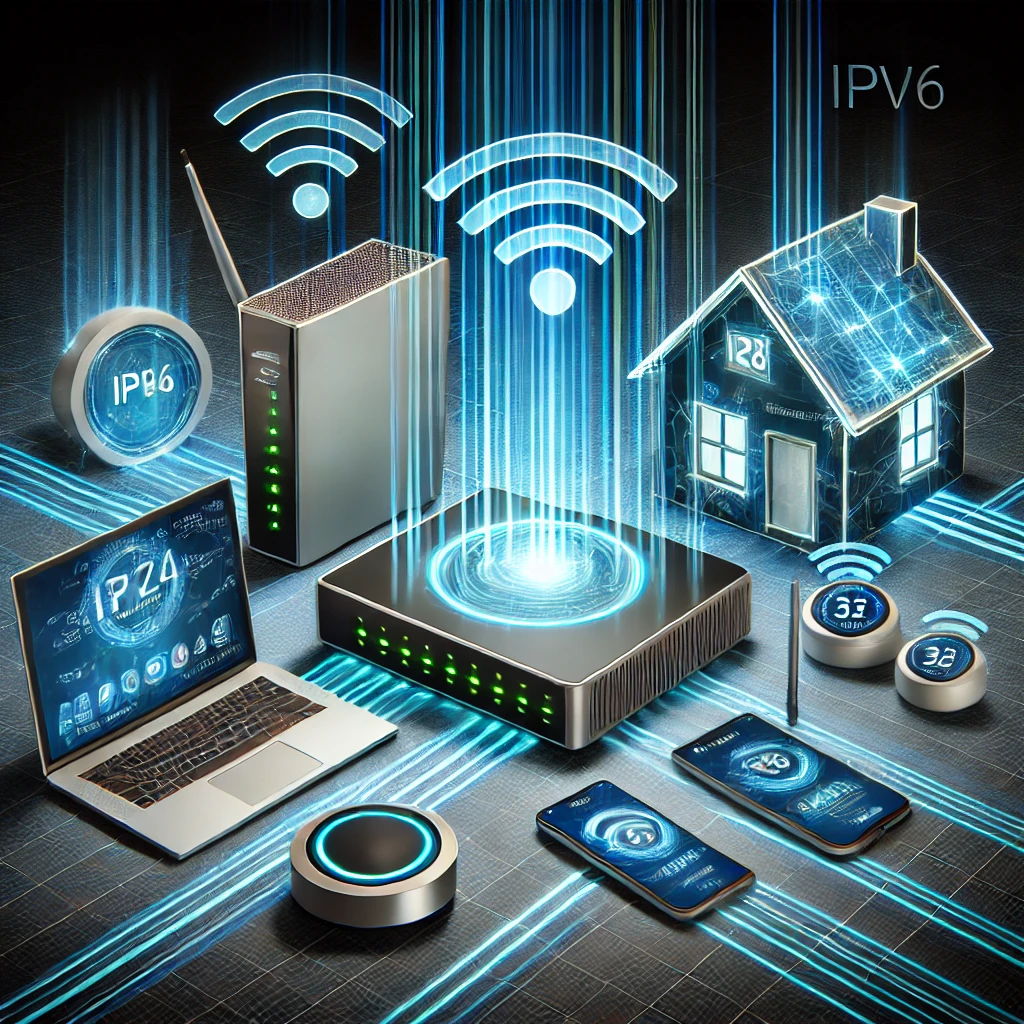
Diagnose local DNS on a dual-stack home network: resolver advertisements, private names, IPv6 records and practical configuration trade-offs.

Troubleshoot .local and mDNS conflicts, choose an internal DNS namespace, and understand the separate scope of Windows LLMNR policy and registry steps.
Now that we have a DNS server, what about accessing our Proxmox server? Currently we still have to to 192.168.1.2:8006 to access Proxmox (your IP address may be different). How about we change that to something easier to remember, like proxmox.local?
One of the first (if not the first) apps you can self host (run in your homelab) will probably be your own personal DNS server. Today we will look at running our own DNS server and how to set it up for the entire network

Understand evil twin hotspots, the limits of PMF and HTTPS, and how to check a self-hosted VPN for full-tunnel routing, DNS and connection failures.
A beginner’s guide to Technitium DNS: local naming, filtering, recursive and encrypted forwarding, a private Docker setup, client testing and dependable backups.

Wi-Fi 7 explained: 320 MHz channels, 4096-QAM, MLO modes and puncturing, with the client, software and network limits that determine a useful upgrade.

Monitor homelab service availability with Uptime Kuma, choose meaningful checks, verify alerts and plan a persistent Docker installation and safe upgrades.

Understand channel widths, overlap, DFS and regional 6 GHz availability, then use repeatable client tests to improve Wi-Fi and mesh performance.

Manage Docker with Portainer’s web interface, including current CE installation, first-run setup, agents, Compose stacks and the backups your applications still need.
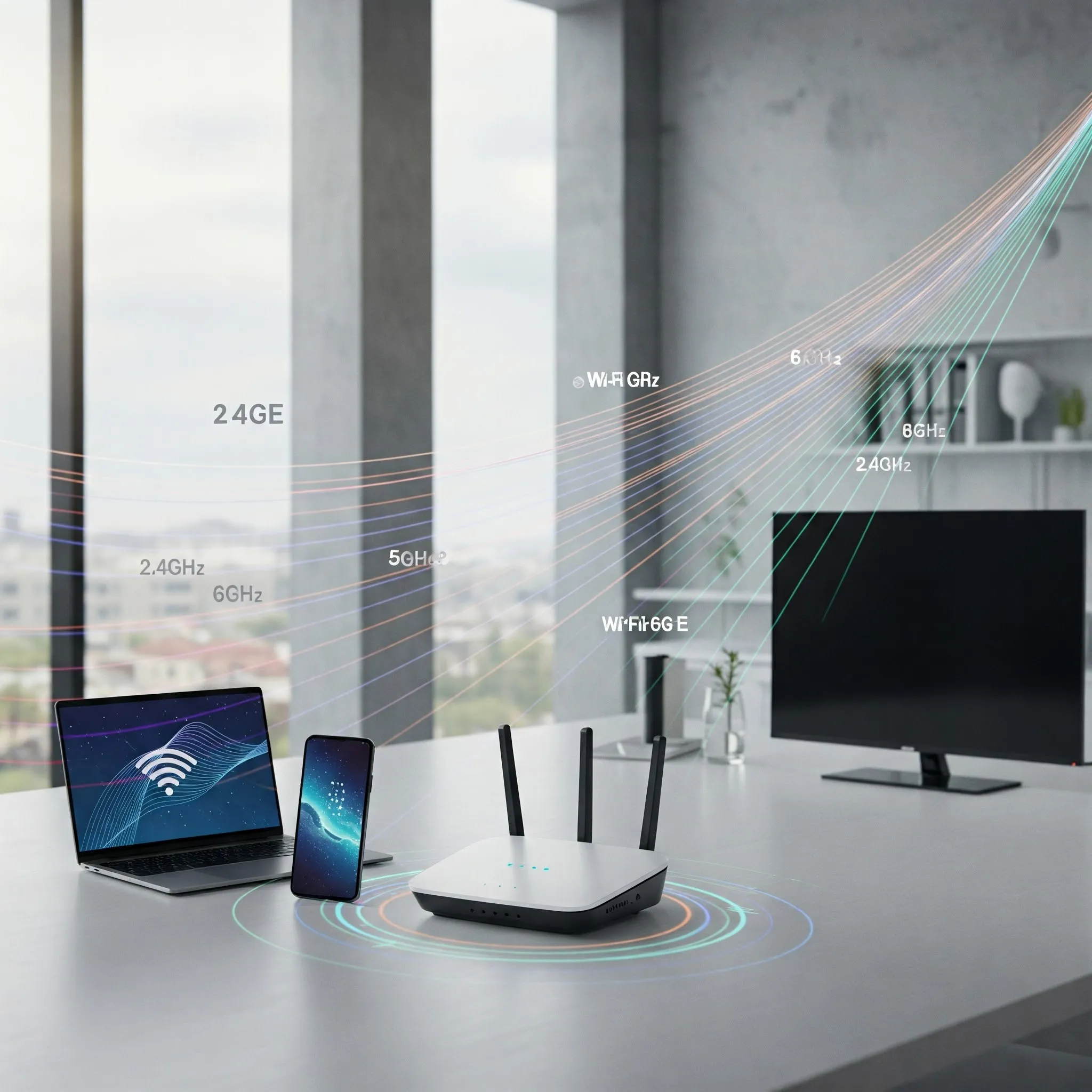
Understand Wi-Fi 6E client support, regional 6 GHz spectrum, security and mesh backhaul before choosing between Wi-Fi 6E and Wi-Fi 7.
Use Nagios Core for practical home-network checks, with clearer alert behaviour, a private container example and configuration verification.

Compare internet-facing research honeypots with internal detection canaries, and learn how to plan isolation, test alerts and investigate unexpected activity.
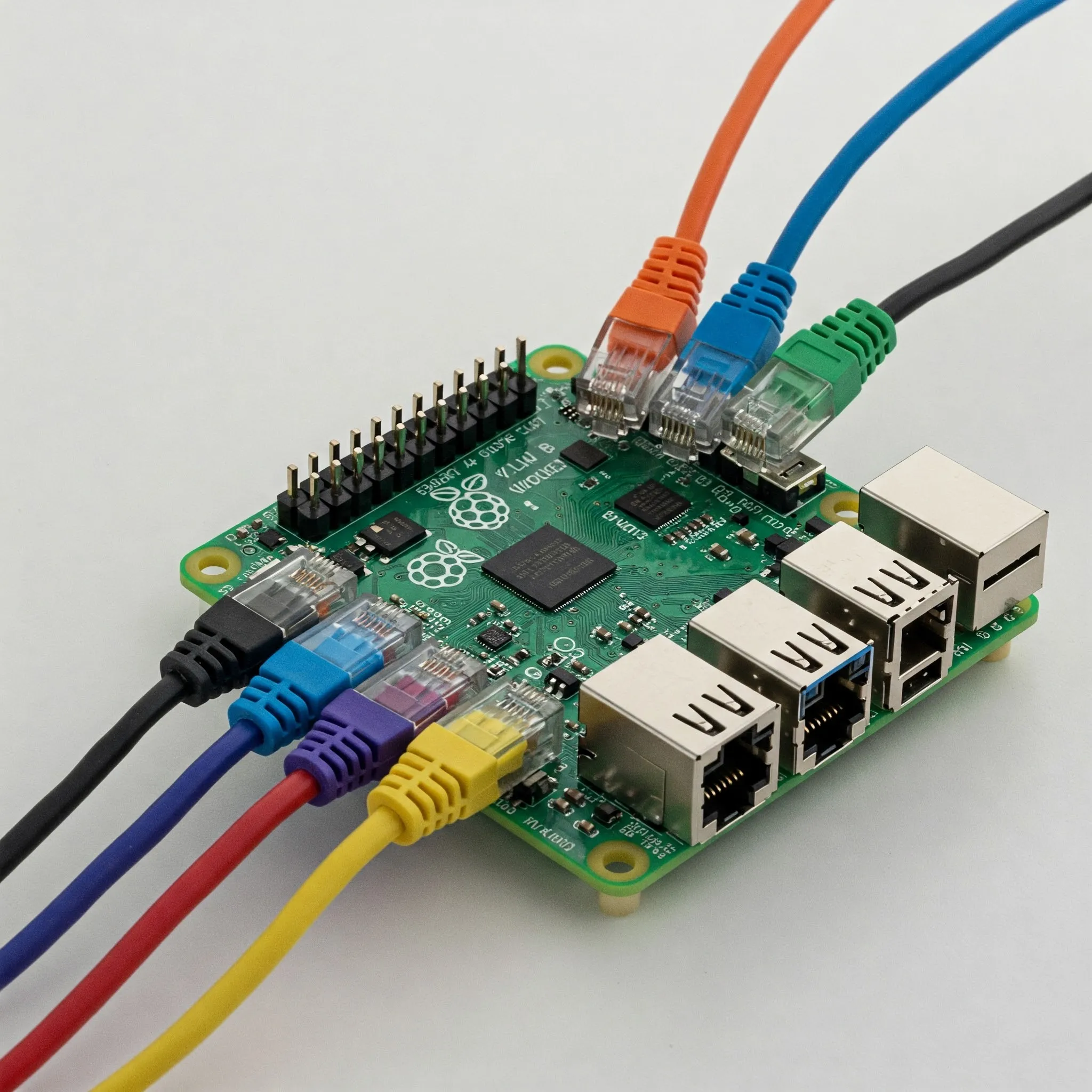
Plan a Raspberry Pi OpenWrt gateway with correct image and LAN setup, separate WAN/LAN paths, DNS and IPv6 checks, staged policy tests and recoverable upgrades.

Understand Cat8's 25/40GBASE-T channel limits, shielded construction, connector variants and certification before deciding whether your home network needs it.
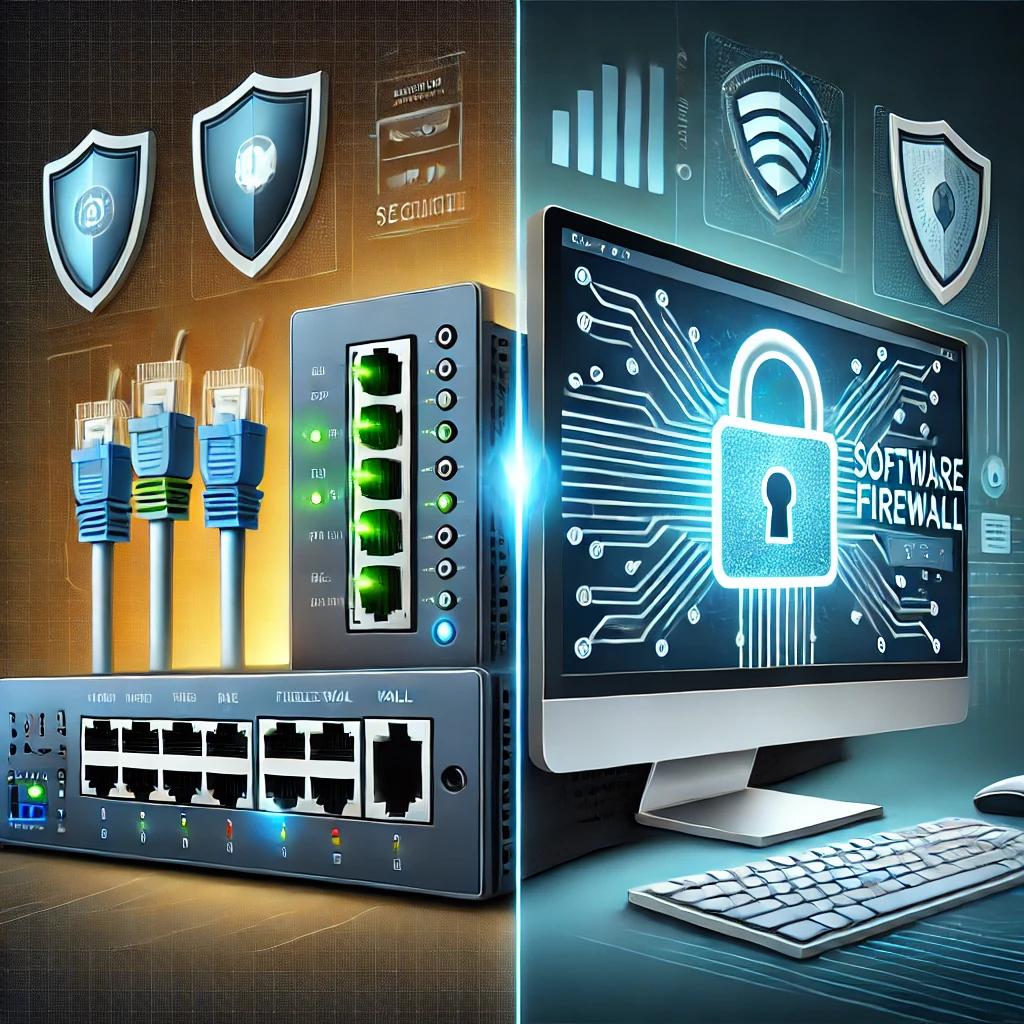
Compare gateway appliances and host firewalls by traffic path, rule capabilities, cost and recovery needs, with practical Windows and container exposure checks.

Understand Watchtower’s archived status, check Docker compatibility, select containers deliberately and plan verification and recovery before updates.
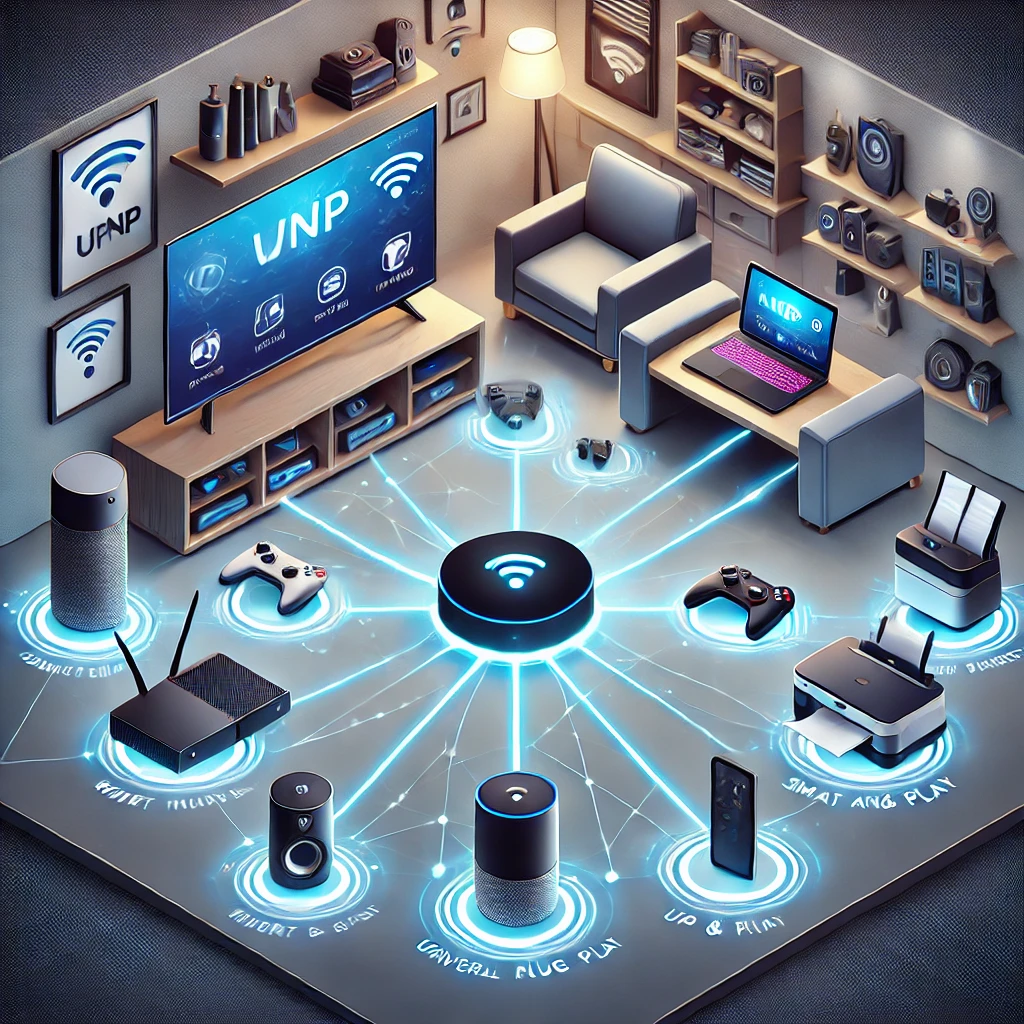
Understand UPnP discovery versus router port mapping, security tradeoffs, scoped firewall controls and practical checks for your home network.

Plan a reachable Headscale coordinator, use a version-matched configuration and private container setup, and verify client registration, policy, DNS and recovery.

Explore the developing 802.11bn standard, its conditional reliability targets, access-point coordination and practical checks before a Wi-Fi 8 upgrade.

Explore Raspberry Pi OPNsense community builds, official support limits, compatible network interfaces and a reversible lab workflow before considering a home-router deployment.

Choose a supported YunoHost installation, configure domains and user access, understand app-specific SSO, and test backups before depending on the service.

Compare NFS and SMB for home clients, verify identity and permissions, test Linux mounts and handle NAS outages before making shares persistent.
Explore OPNsense firewall rules, VPNs, multi-WAN, Suricata and traffic shaping, with practical hardware, maintenance and recovery checks for a home network.
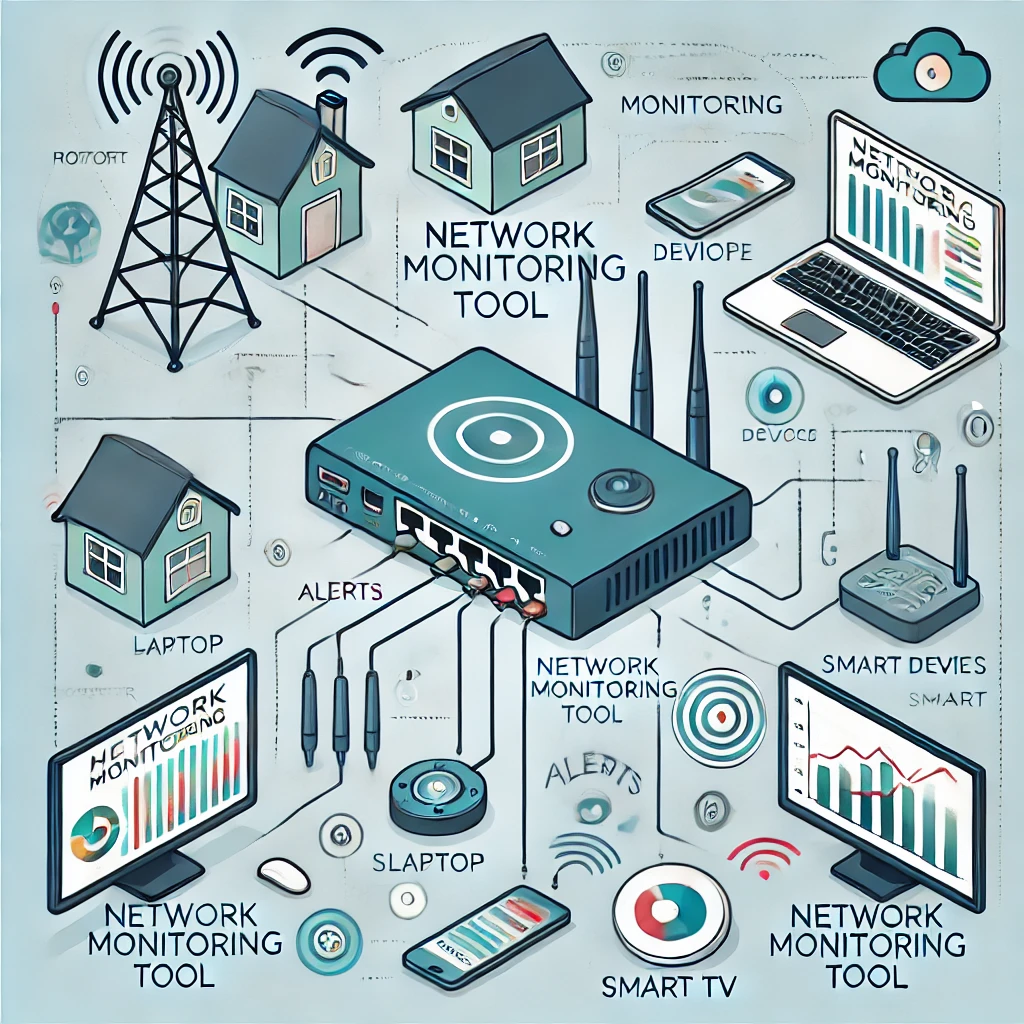
The original recommendation on home network monitoring, plus practical ways to choose a targeted availability check and interpret device discovery, traffic and privacy limits.
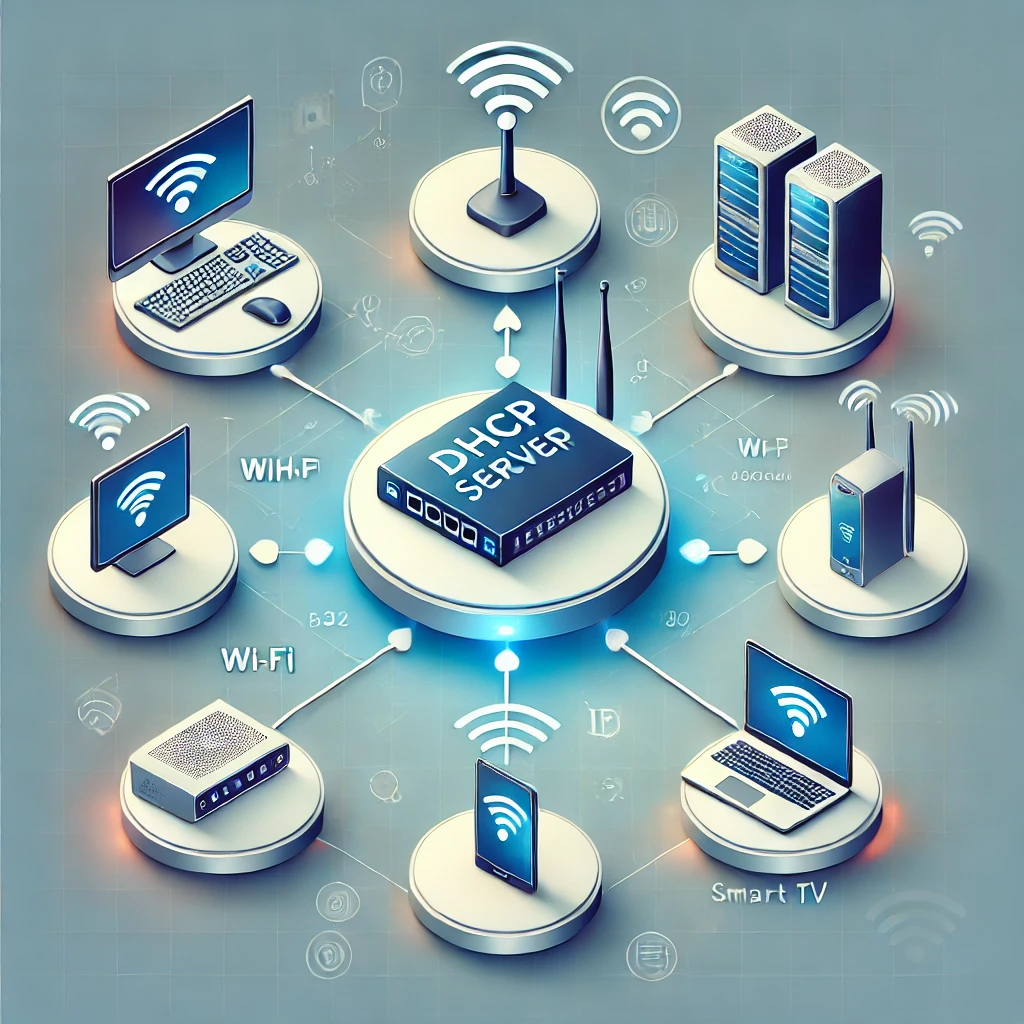
Plan a home DHCP server with maintained software, a clear address pool, lease-aware cutover, client verification and a practical rollback procedure.
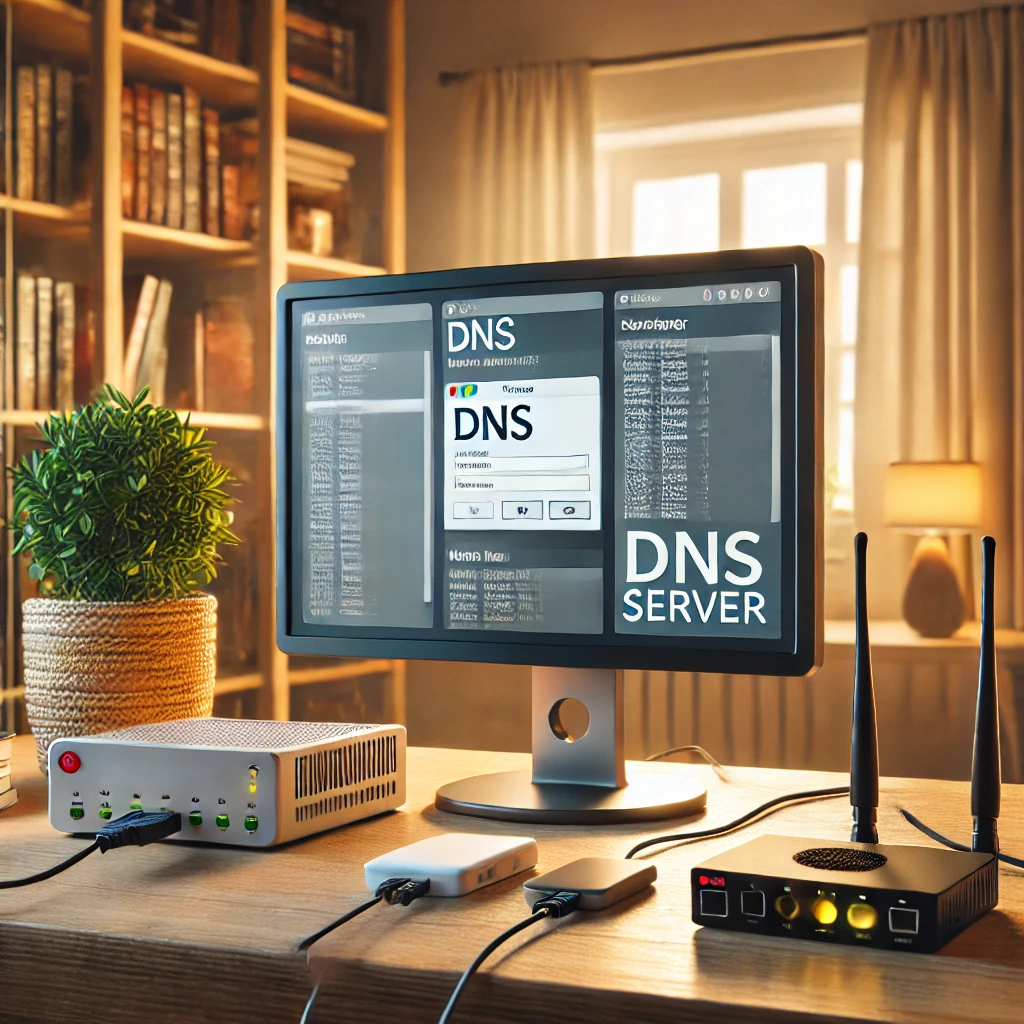
Plan dependable home DNS with local names, filtering, forwarding or recursion, consistent redundant resolvers and verified IPv4/IPv6 client settings.

Improve home-router, Wi-Fi, account and IoT security with eight practical steps, correct encrypted-DNS setup and recoverable IPv4/IPv6 isolation checks.

Ever wondered why devices like NAS systems, mini PCs, or even some motherboards come with multiple Ethernet ports? Link Aggregation, often called port bonding or teaming, is a powerful network feature designed to improve speed, redundancy, and overall reliability in certain devices and setups.
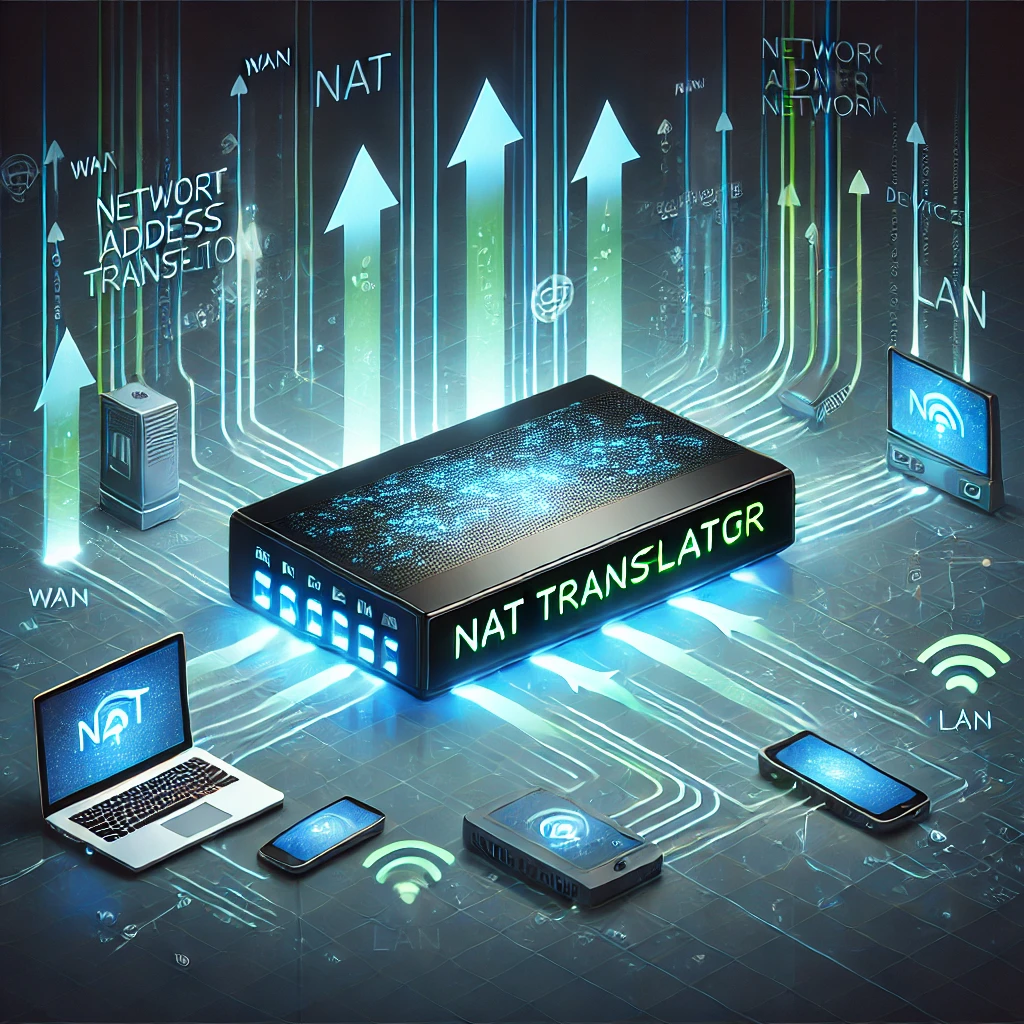
Understand NAT address and port mappings, distinguish firewall protection from translation, and troubleshoot double NAT, CGNAT and homelab access.
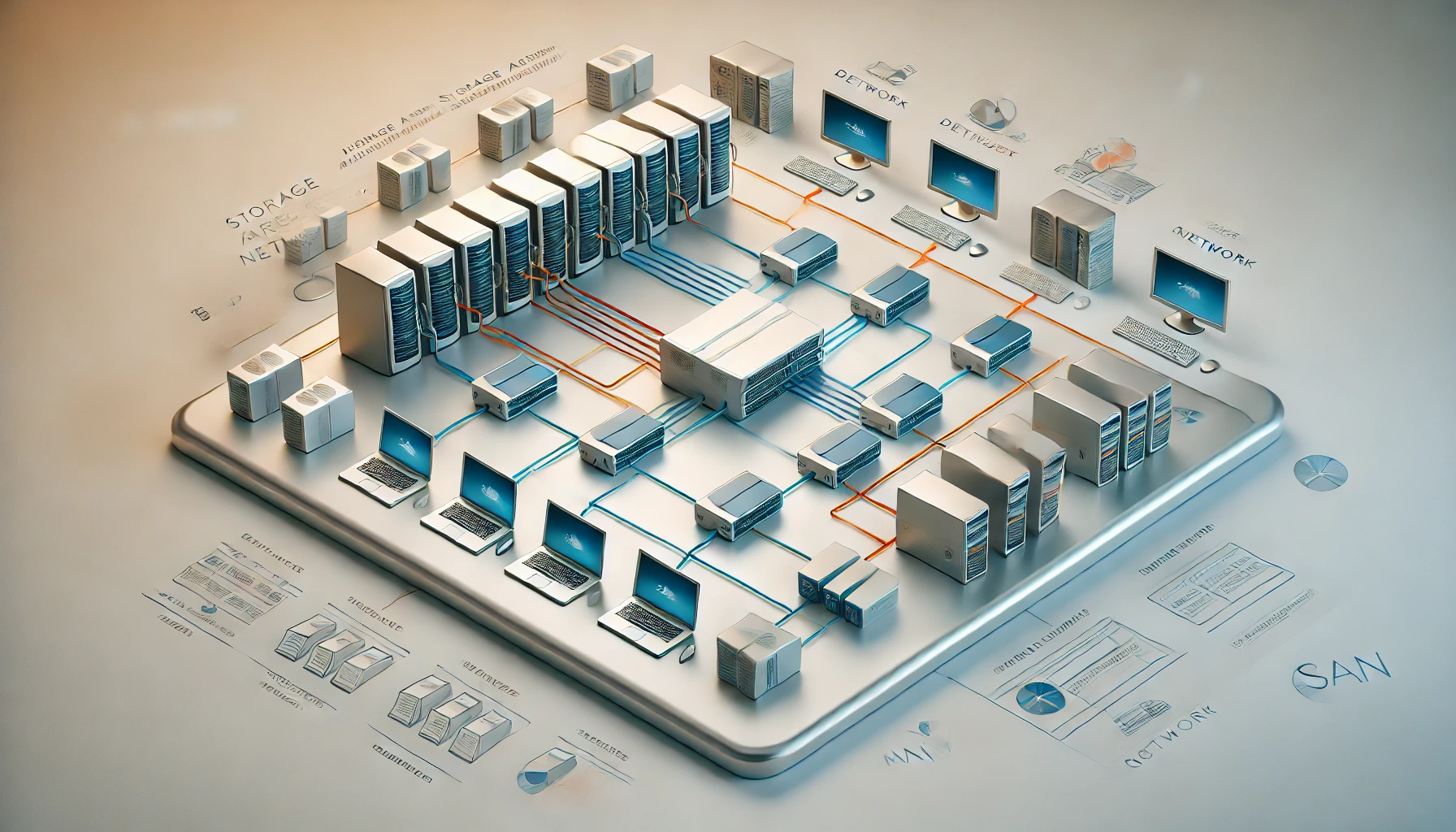
Understand SAN versus NAS and local storage, when network block storage is useful, and why multi-host access needs careful coordination and recovery planning.

Connect home Prometheus to Grafana Cloud with outbound remote write, validate credentials and metrics, and plan retention, privacy, cost and outage alerts.

Install Grafana, connect the correct Prometheus endpoint, build a verified CPU panel and diagnose empty dashboards while preserving both services’ data.

Set up Prometheus on Windows, Linux or Docker, verify exporter targets, and plan alert delivery, persistent storage and recovery.

Install Windows exporter or Linux node_exporter, preserve host visibility, protect endpoints and verify that Prometheus scrapes the intended machine.

Choose Home Assistant Cloud, a VPN or an HTTPS proxy; check current HTTP settings, precise proxy trust, DDNS, certificates, app access and recovery.
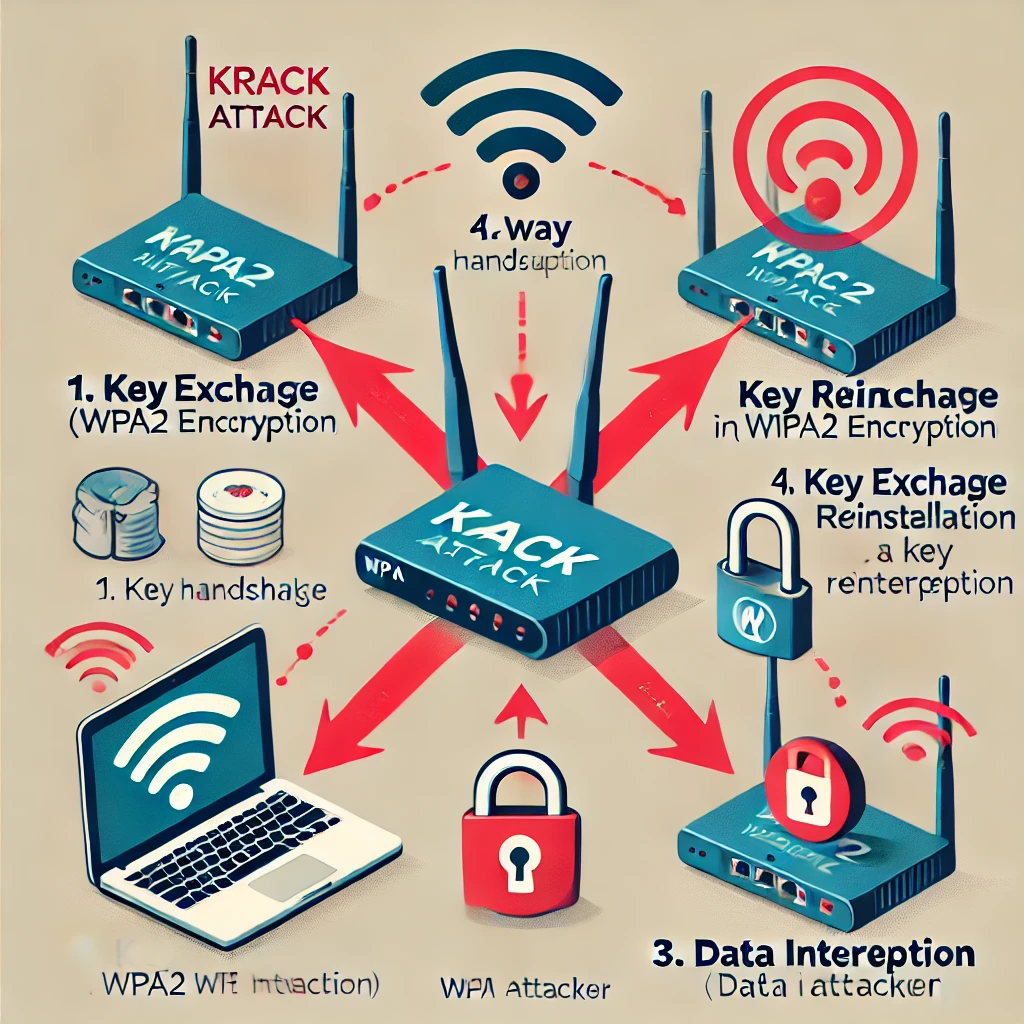
Understand KRACK’s key-reinstallation flaw, why both clients and access points need updates, and why WPA3 does not replace careful implementation and maintenance.

A plain-language guide to Bluetooth versus Wi-Fi, Classic and Low Energy, audio compatibility, version features, sensor use and pairing privacy.
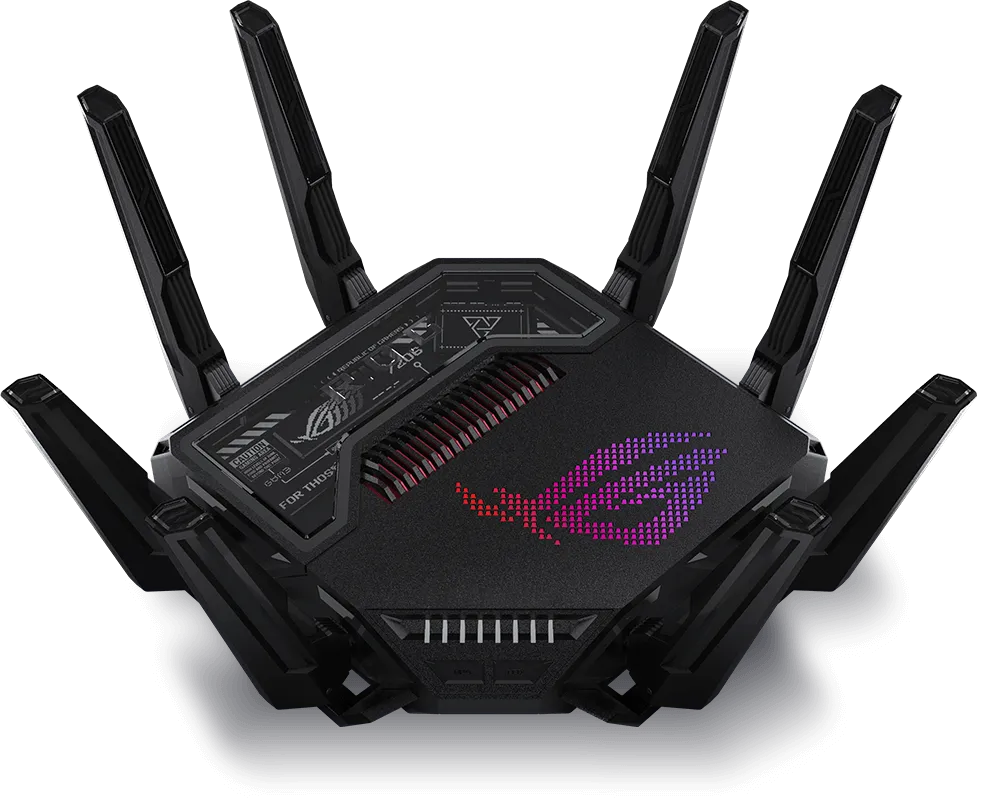
Explore the ASUS GT-BE25000’s four Wi-Fi radios, seven Ethernet ports, AiMesh, gaming and VPN controls, with practical checks for your home network.
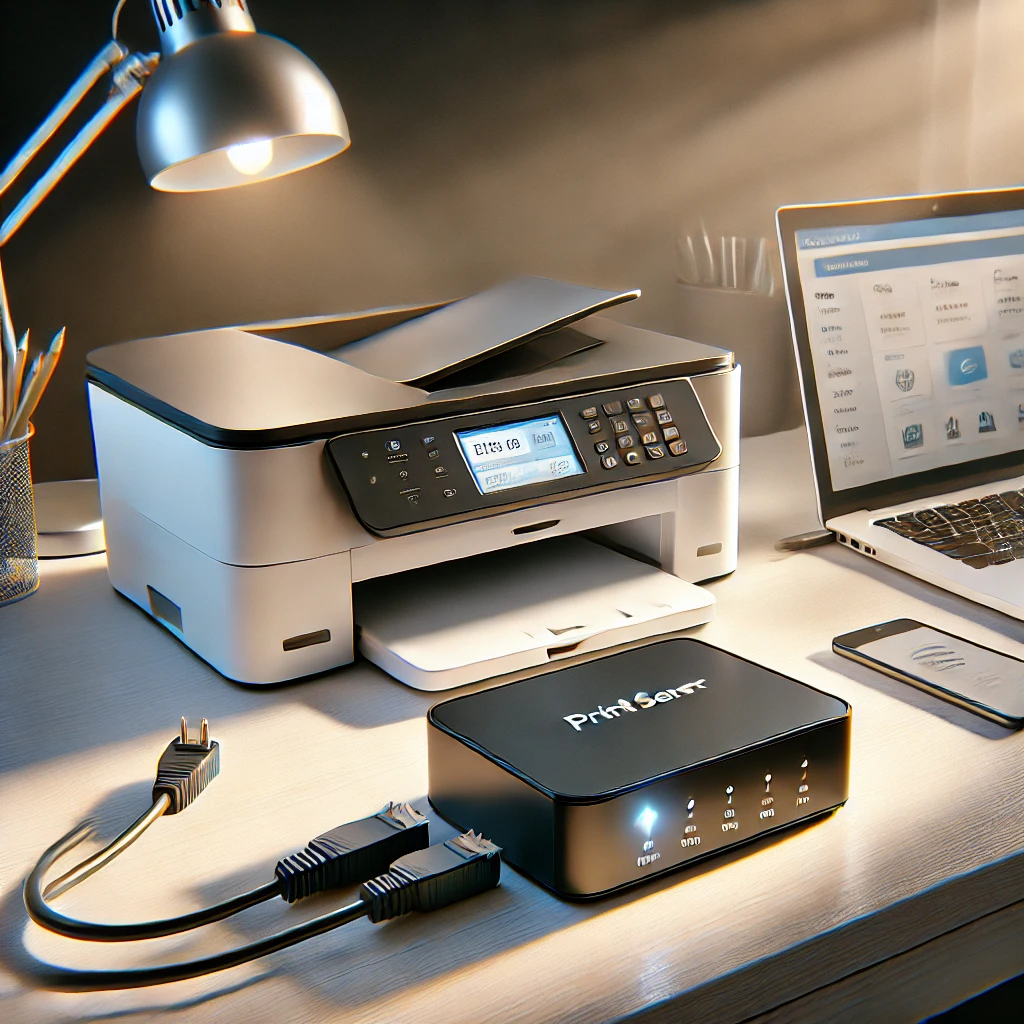
Learn when a print server helps, how printer compatibility and CUPS sharing work, and how to diagnose discovery, queues and mobile-printing problems.
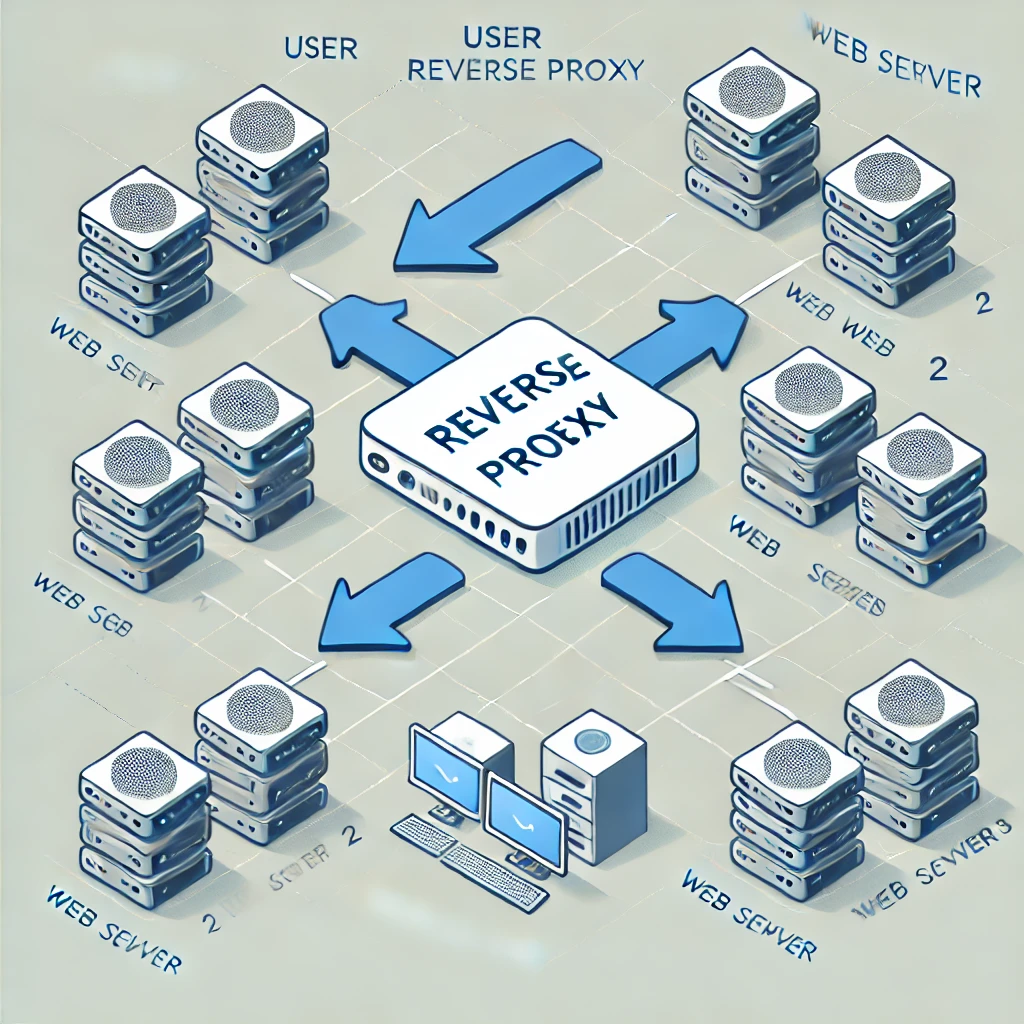
A reverse proxy is a server that sits between your website's servers and the internet. It acts as an intermediary, receiving incoming requests and forwarding them to the appropriate server.
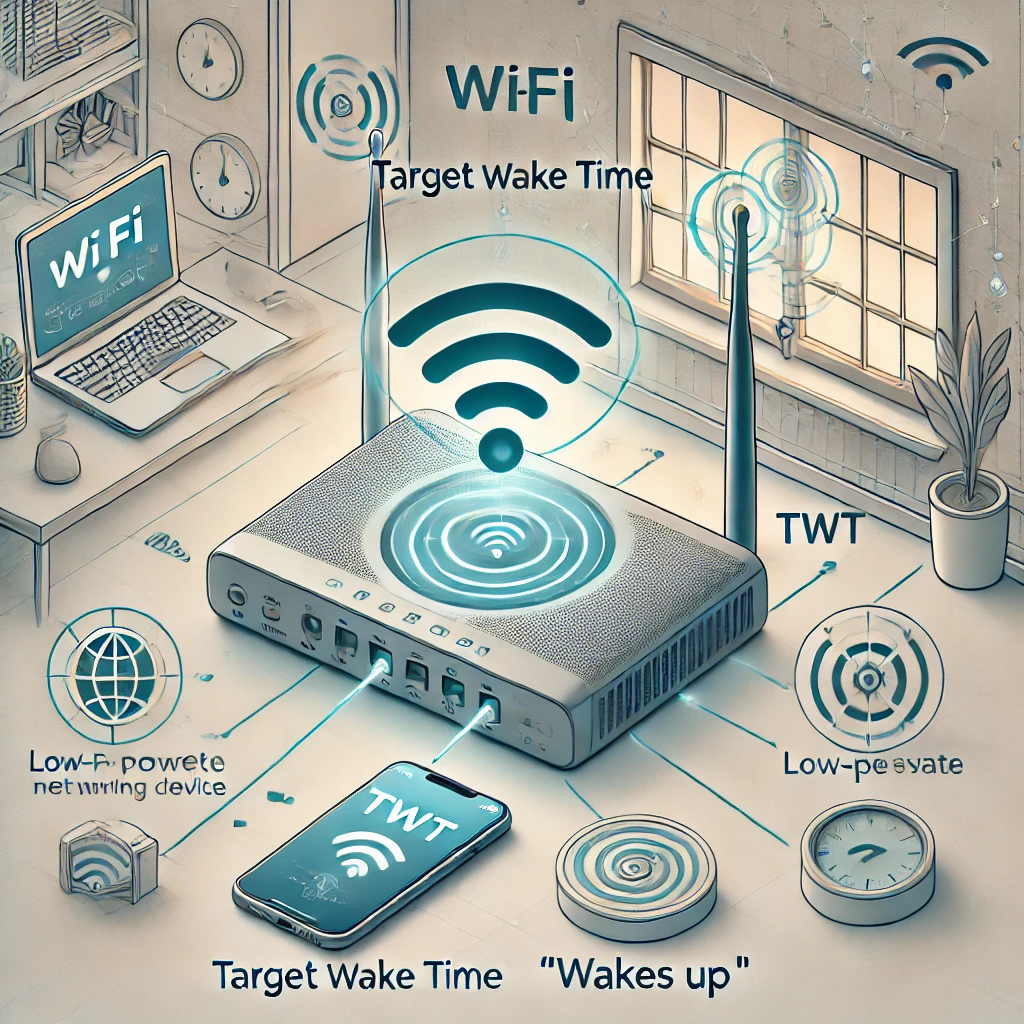
How Target Wake Time coordinates sleep and traffic, which devices can use it, and why battery savings depend on the implementation.
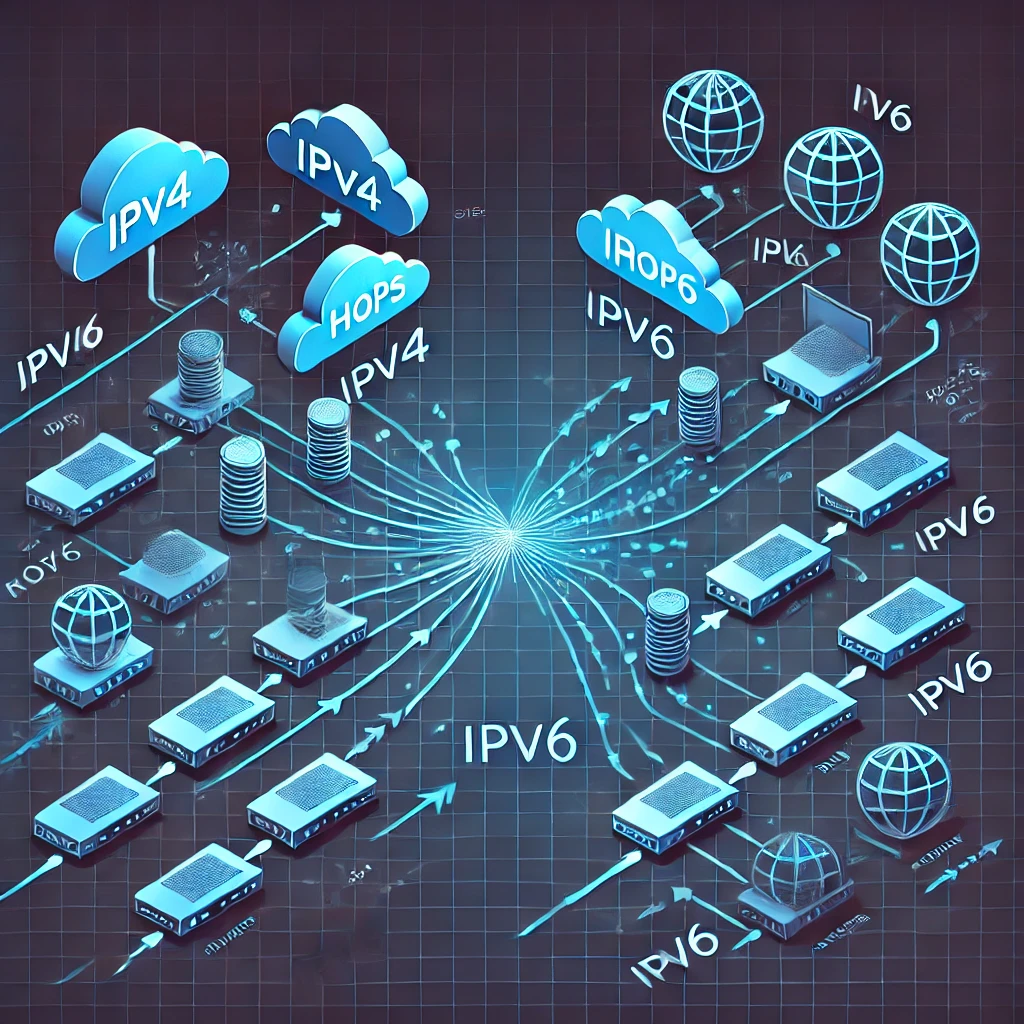
Compare IPv4 and IPv6 addressing, scopes, DHCP and SLAAC, temporary addresses, dual-stack routing and the firewall checks each protocol needs.
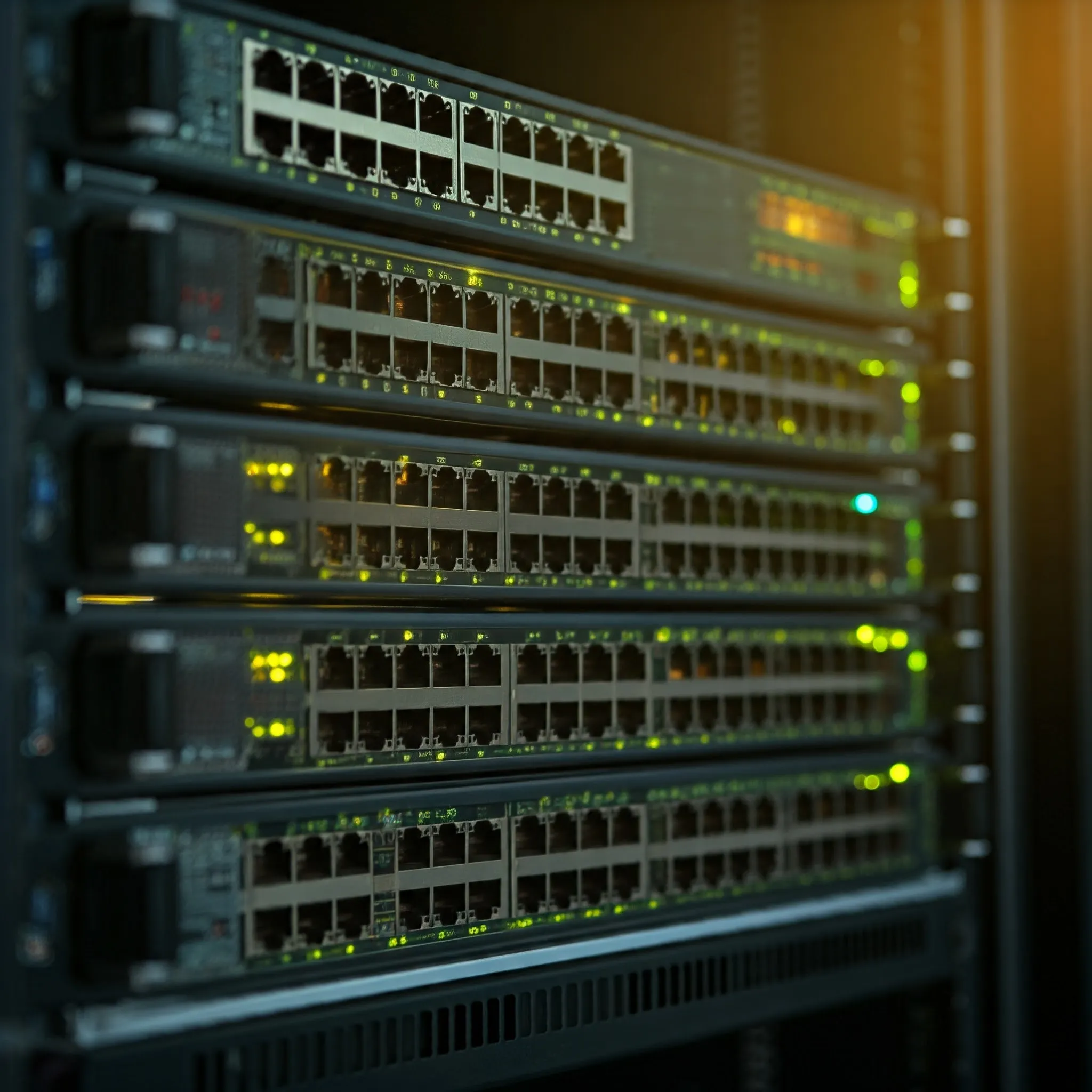
Understand switch forwarding, managed features, PoE budgets, port speeds and SFP uplinks when planning a wired home or office network.
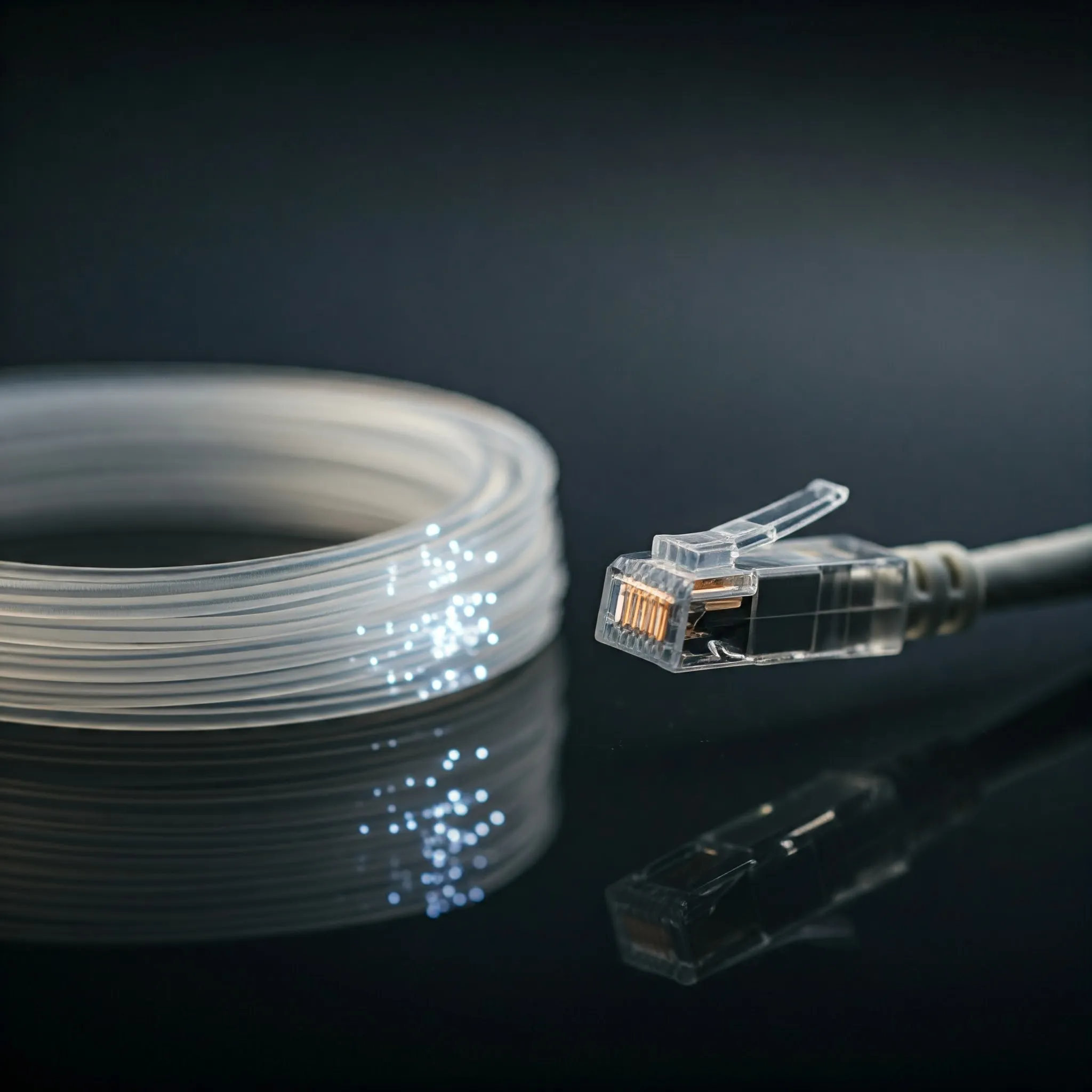
Compare fibre and copper, understand OM and OS grades, match UPC/APC connectors and optics, and verify a reliable link at the required speed and distance.
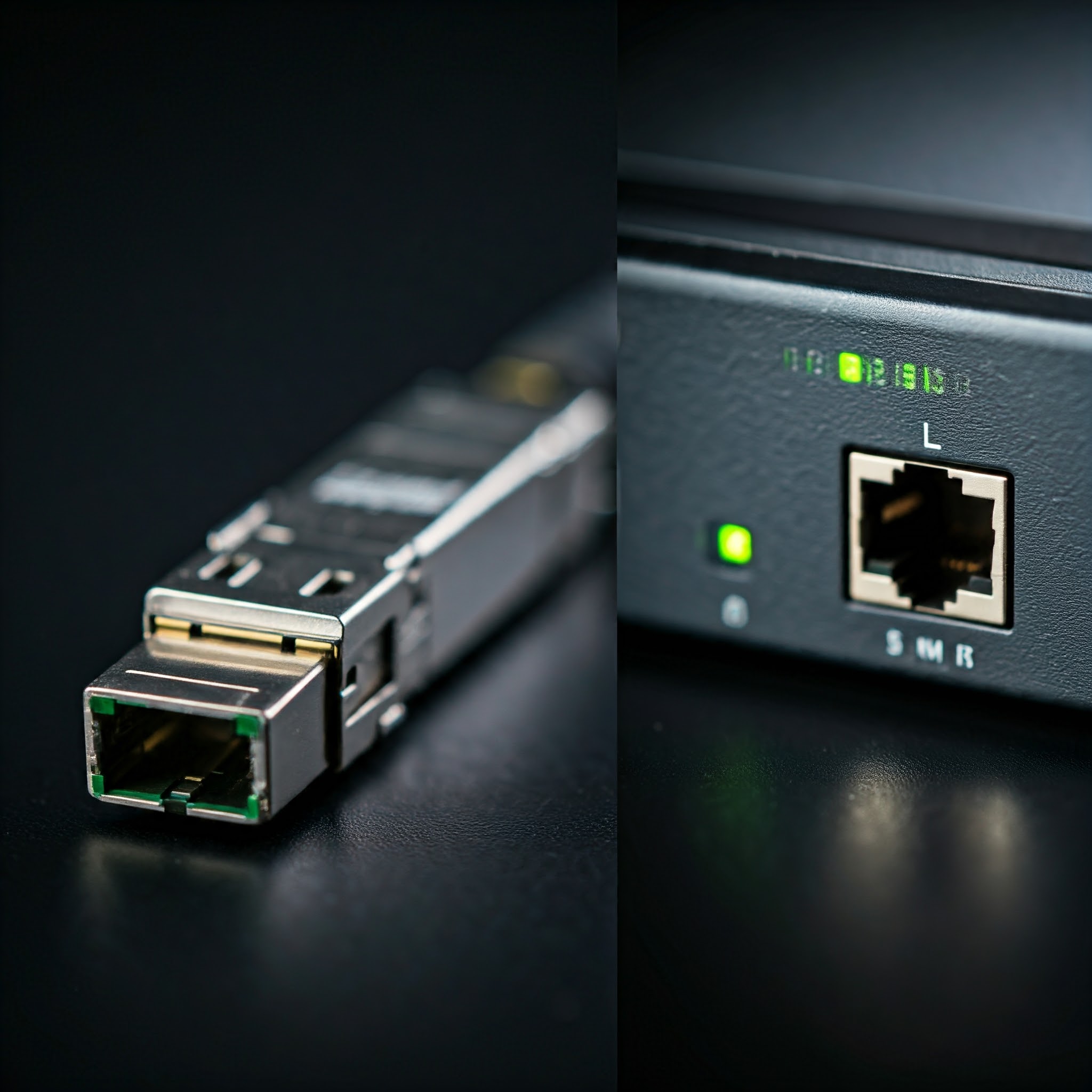
Understand SFP, SFP+, QSFP and SFP-DD, then choose compatible optics or DAC cables by host support, distance, fiber type, power and cooling.
Ever wanted to share folders seamlessly between Linux servers, Windows 11 PCs, and macOS machines across your home network? Learn how Samba (SMB3) works, how to configure /etc/samba/smb.conf securely, and how to avoid common permission pitfalls.
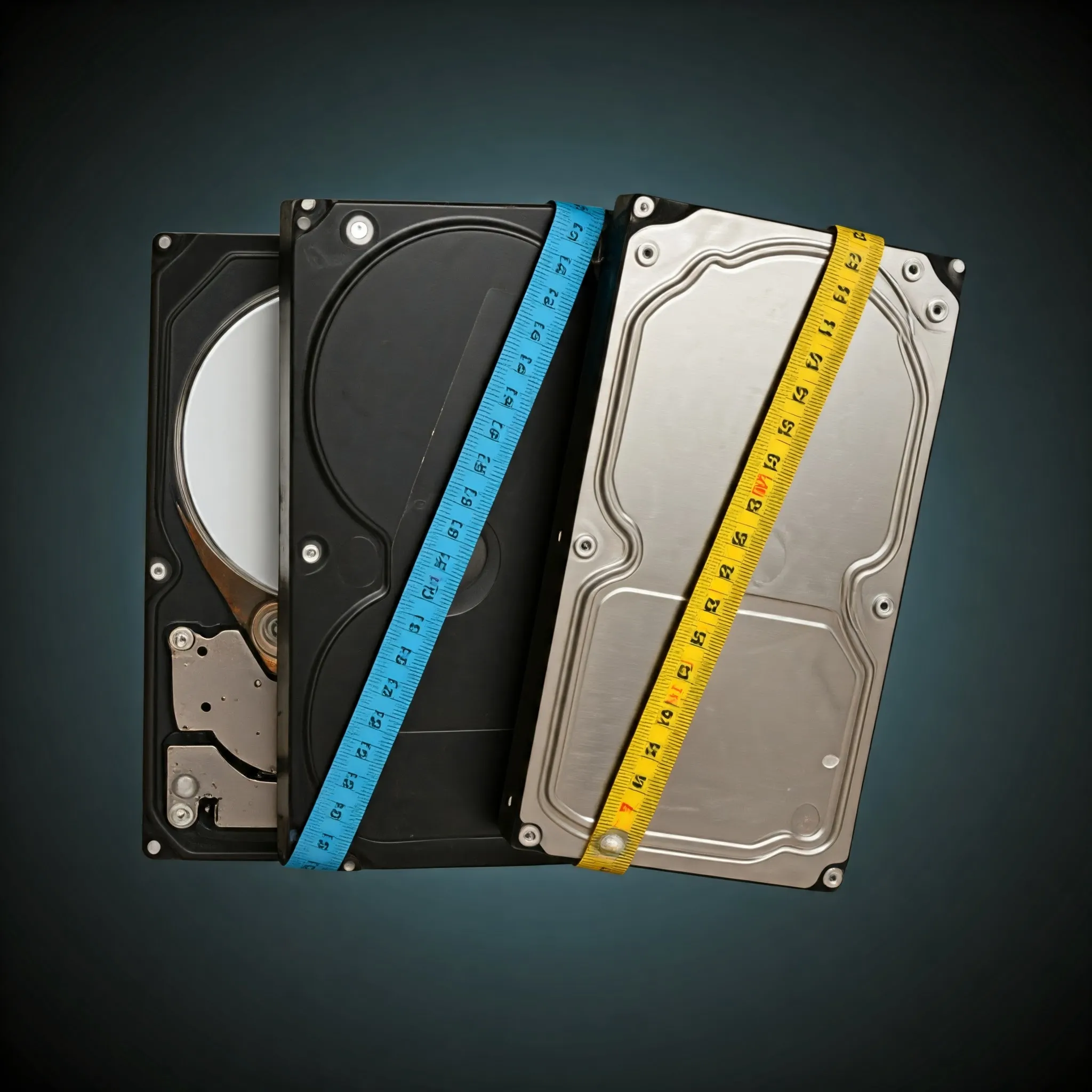
Compare hard-drive workloads and check exact models, CMR/SMR recording, recovery behaviour, workload ratings and warranty before buying.

Separate Wi-Fi link rates from actual throughput, then check placement, power saving, mesh backhaul and channel changes with repeatable comparisons.

Understand modern TLS, HTTPS connection checks, certificate validation and wildcard coverage, plus renewal and configuration basics for your own site.

Understand beamforming, channel feedback and antenna patterns, compare explicit and implicit methods, and check what can improve your Wi-Fi connection.

Explore Linksys’s history and current ownership, Velop mesh compatibility, local management, cloud changes and practical model-specific buying checks.
Understand TP-Link’s home, business and smart-home product families, mesh compatibility, controller choices and model-specific checks before building your network.

Explore Mercusys routers, Halo mesh and powerline networking, with exact model differences, operating-mode limits and practical buying advice.

Understand TrueNAS and home NAS storage: CORE versus Community Edition, disks and datasets, ZFS redundancy, sharing permissions and recoverable backups.
Compare Wi-Fi 5 and Wi-Fi 6 by client link rates, OFDMA, MU-MIMO, BSS coloring, power saving, bands and the bottlenecks that matter at home.
Diagnose Wi-Fi noise, busy channels and weak coverage with practical tests for microwaves, Bluetooth, USB 3 devices, physical obstacles and mesh placement.

Improve mesh Wi-Fi with practical placement, compatibility, backhaul, roaming and security checks, then measure changes from the same client.
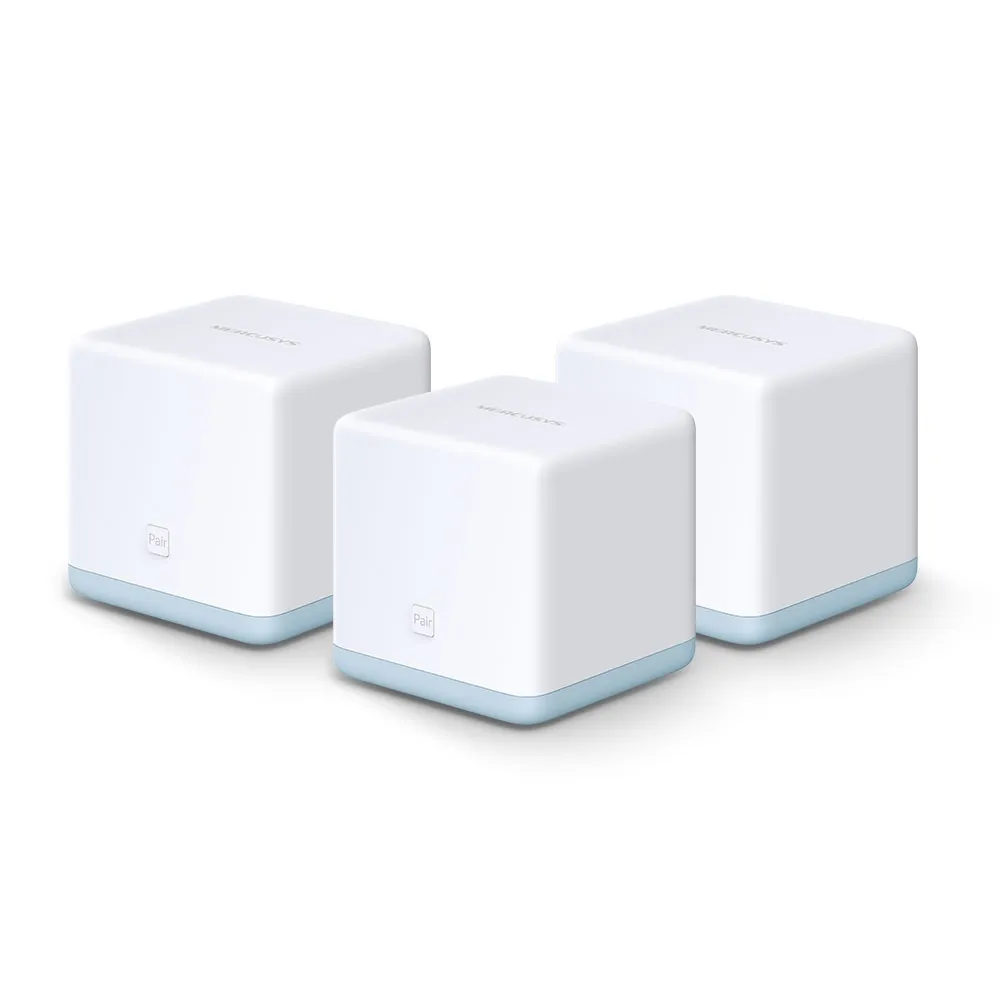
Understand Halo S12’s budget mesh appeal, 100 Mbps port limit, browser setup, S-series compatibility and realistic placement and upgrade trade-offs.
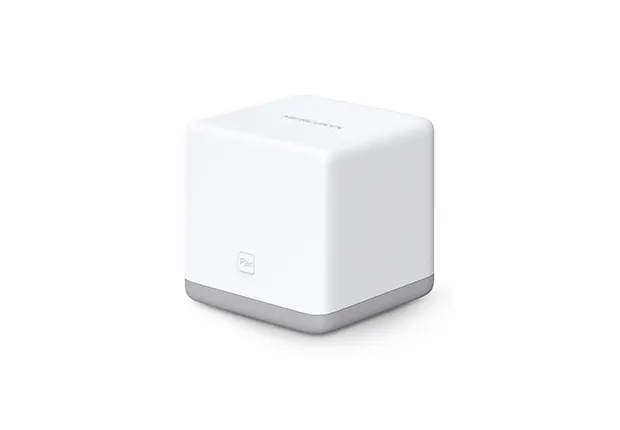
Check Halo S3 single-band Wi-Fi, 100 Mbps ports, browser setup, security and expansion limits before buying or reusing this older mesh kit.
Understand MLO’s multiple-link modes, client versus mesh paths, compatible bands and security, Windows support and practical ways to verify a benefit.
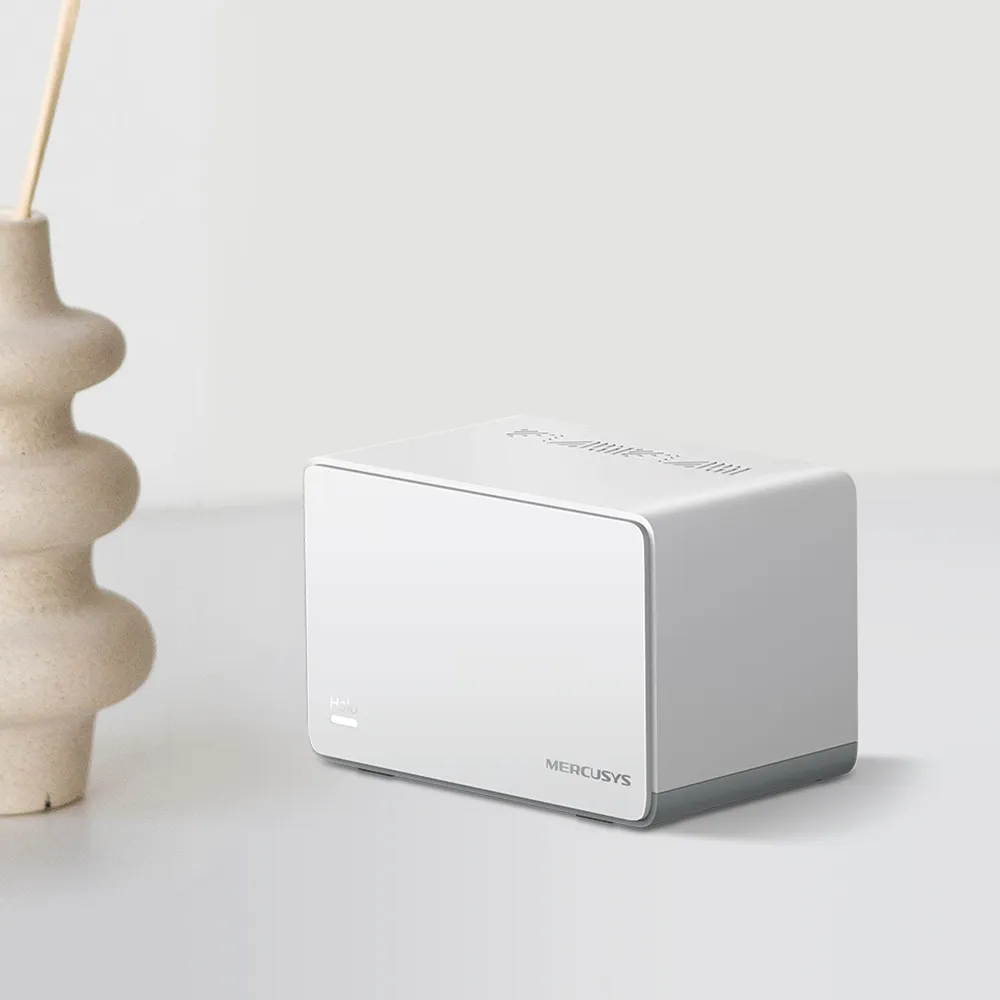
Explore H70X’s AX1800 radios, three Gigabit ports, conditional coverage, wired backhaul, WPA3 and the app features lost in access point mode.
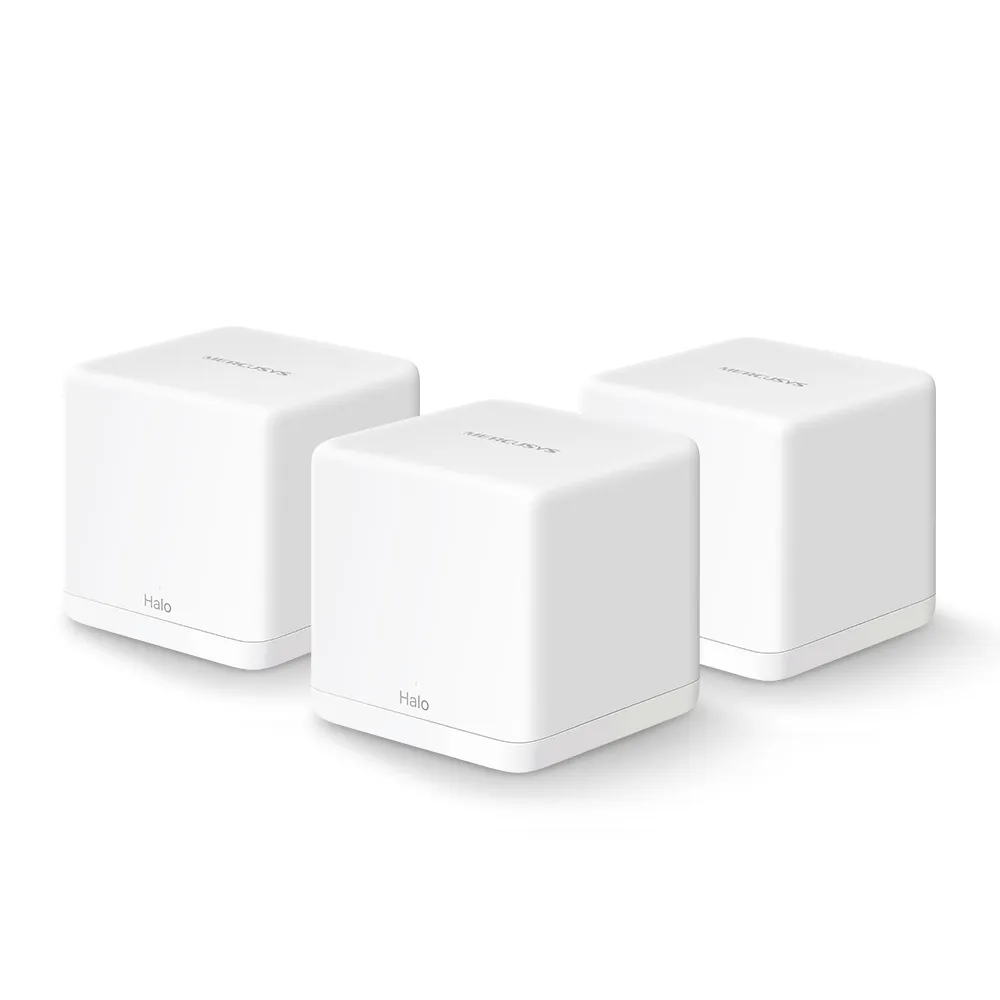
Understand the Halo H30G radios, Gigabit ports, backhaul, security limits and expansion options before choosing an affordable mesh kit.
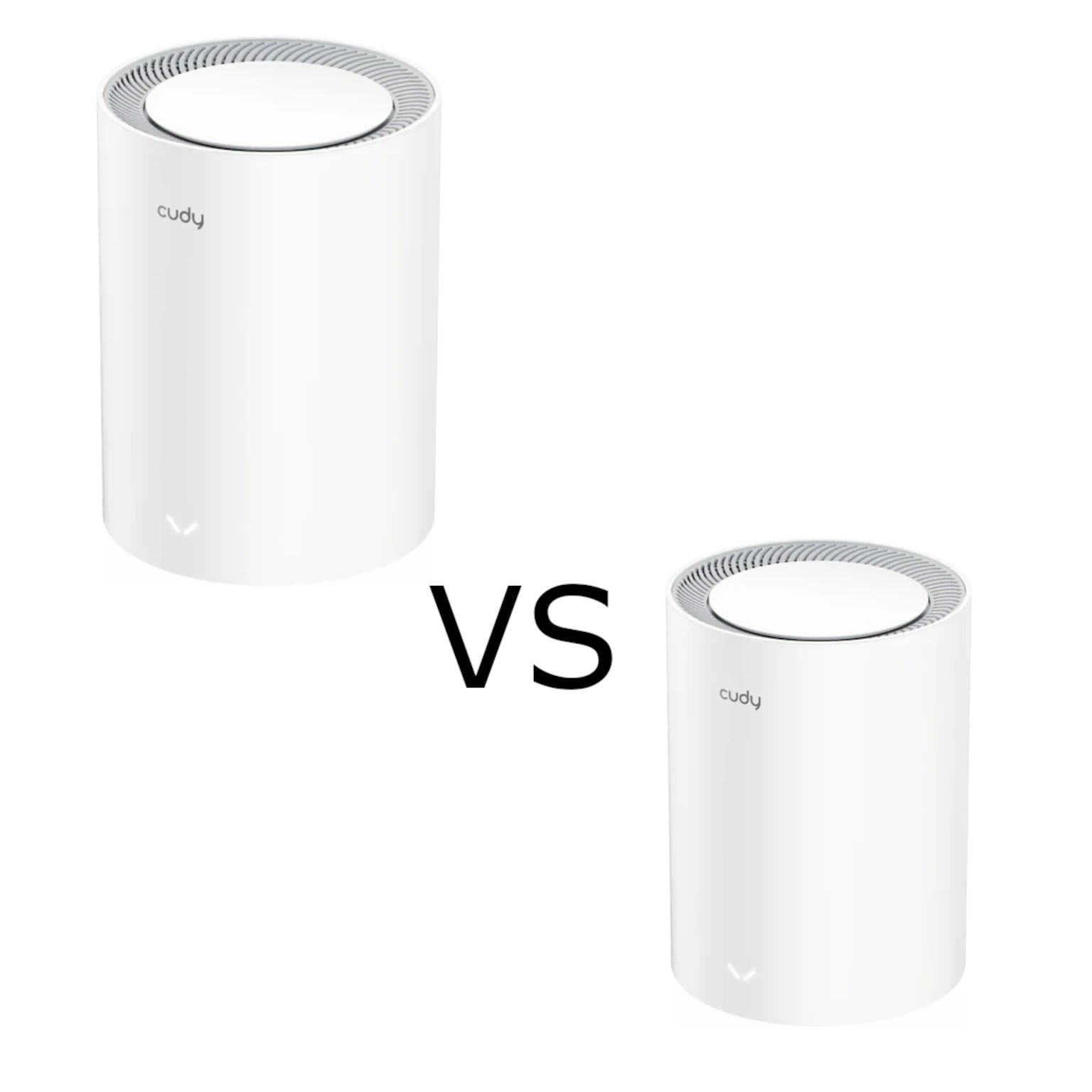
Compare Cudy M1800 and M3000 mesh kits by hardware revision, client capability, wired bottlenecks, placement, stock software and total cost.
Guest Wi-Fi explained: separate visitor passwords, router and AP isolation settings, safe sharing, and practical checks that guests cannot reach your private devices.
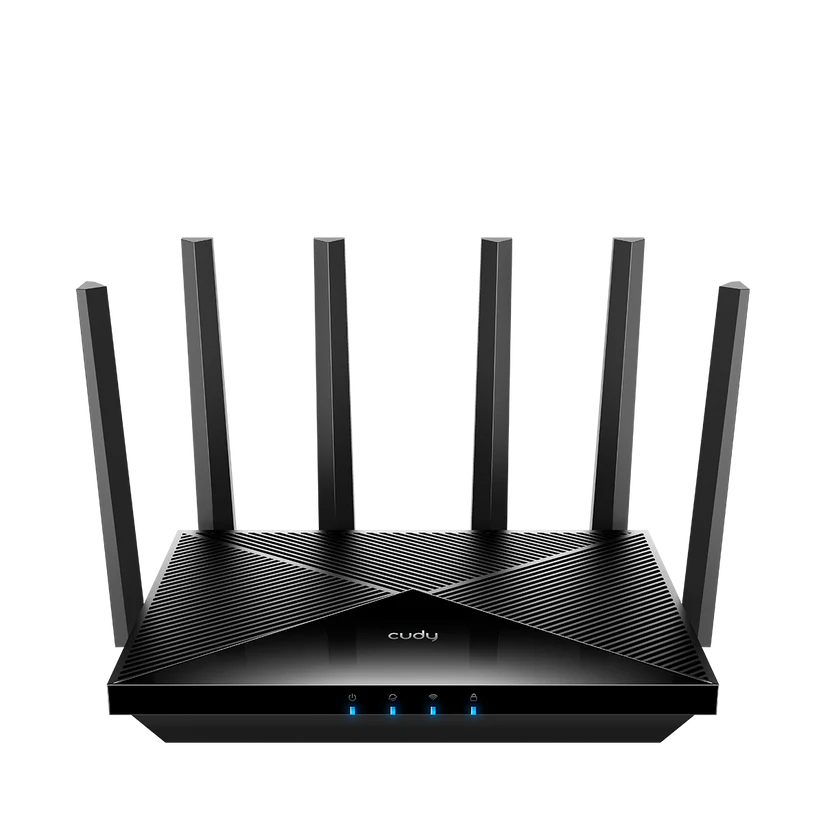
Check the Cudy WR11000 radios, four 2.5G ports, compatible mesh links, software modes and VPN needs before planning a home network upgrade.
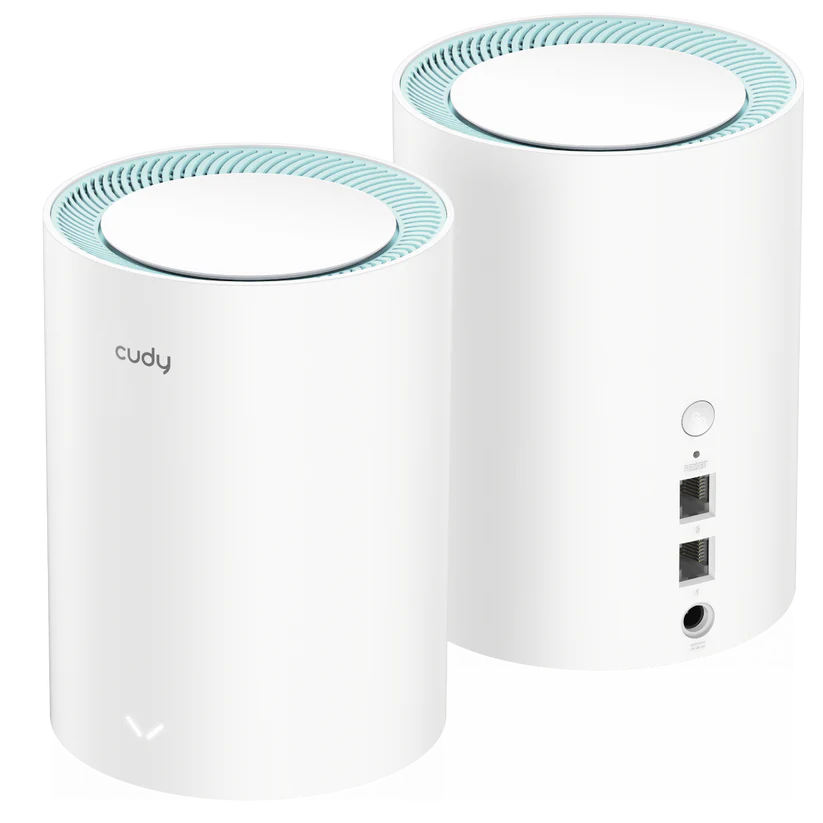
Plan a Cudy M1300 mesh around hardware revision, Gigabit ports, placement, operating mode and maintenance, with realistic coverage and performance expectations.
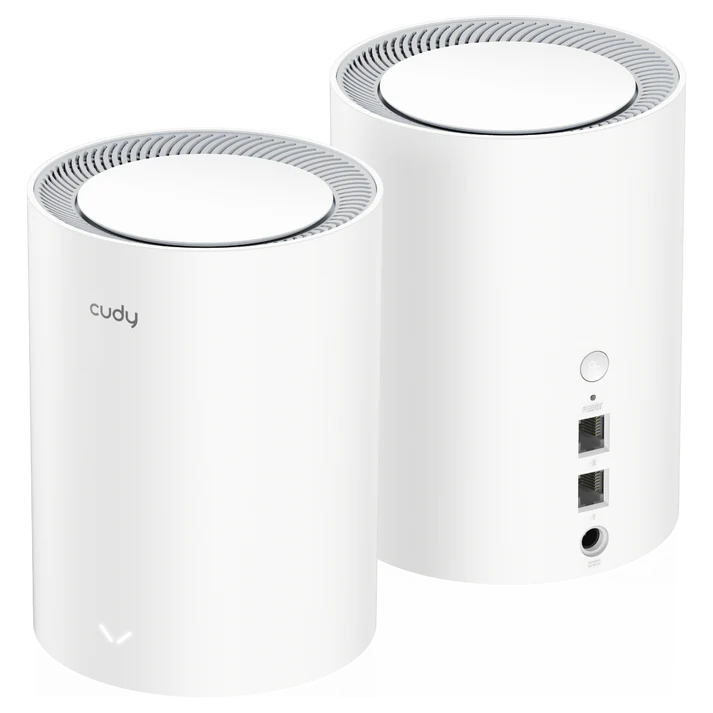
Check M1800 2.0’s AX1800 radios, Gigabit ports, current coverage guidance, local management, VPN functions and Phase-Out purchasing considerations.
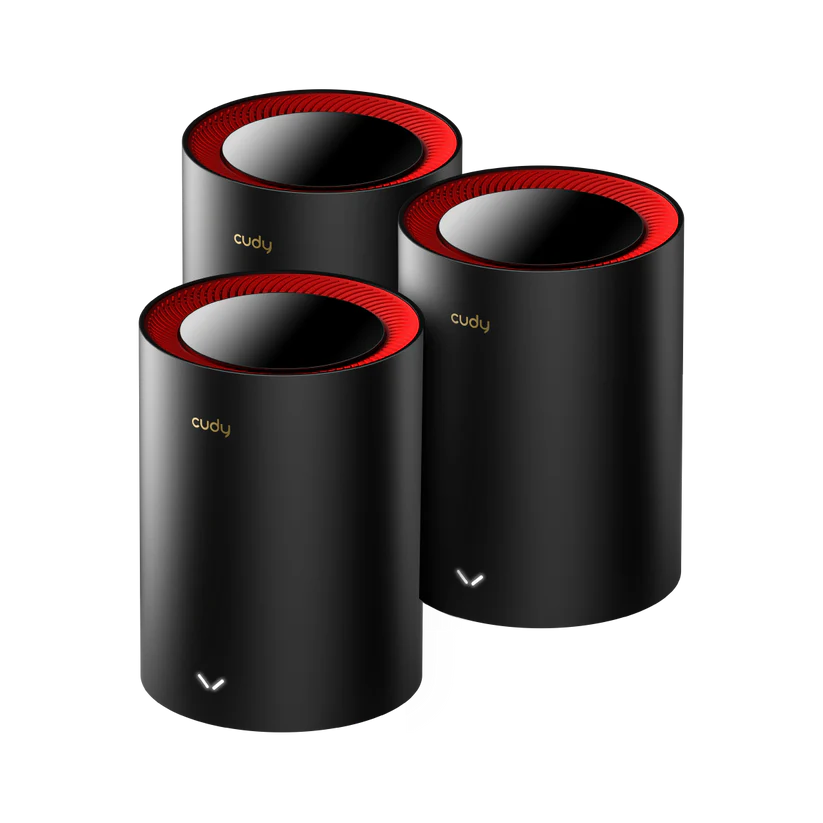
Cudy M3000 V1/V2 specifications, coverage context and the 2.5 GbE WAN/Gigabit LAN tradeoff, with practical setup, client, backhaul and maintenance advice.
Learn how MU-MIMO shares Wi-Fi capacity, how it differs from OFDMA, and which client, radio and network limits matter before upgrading.

Explore the Deco X50-DSL’s integrated modem, Wi-Fi 6 mesh and Gigabit ports, with ISP setup checks, backhaul guidance and realistic upgrade limits.

Compare the XE75 and XE75 Pro’s shared Wi-Fi 6E specifications, single-port trade-offs, backhaul choices and security settings before paying for multi-gigabit Ethernet.

How OFDMA schedules Wi-Fi traffic, what resource units do, and how to check whether it can improve a busy home network.

Compare Deco X50 and the different X60 revisions, with verified radio classes, port counts, client and backhaul limits, security services and buying advice.
Choose and test DNS resolvers, understand encrypted DNS and filtering limits, and keep local names working across routers, browsers, VPNs and IPv6.
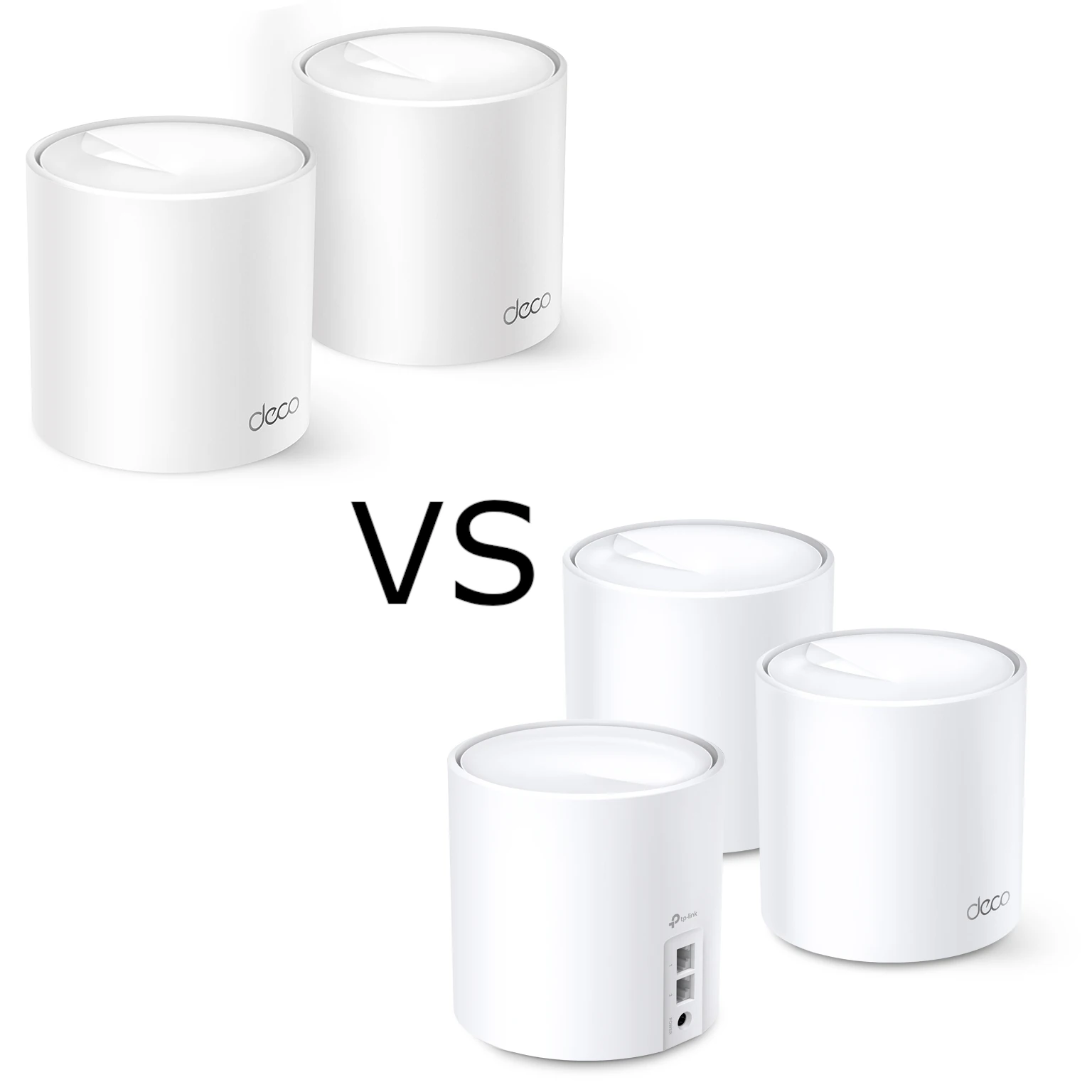
Compare Deco X10 and X20 radio standards, Gigabit ports, smart-device compatibility, backhaul and software limits while preserving our Wi-Fi 6 perspective.
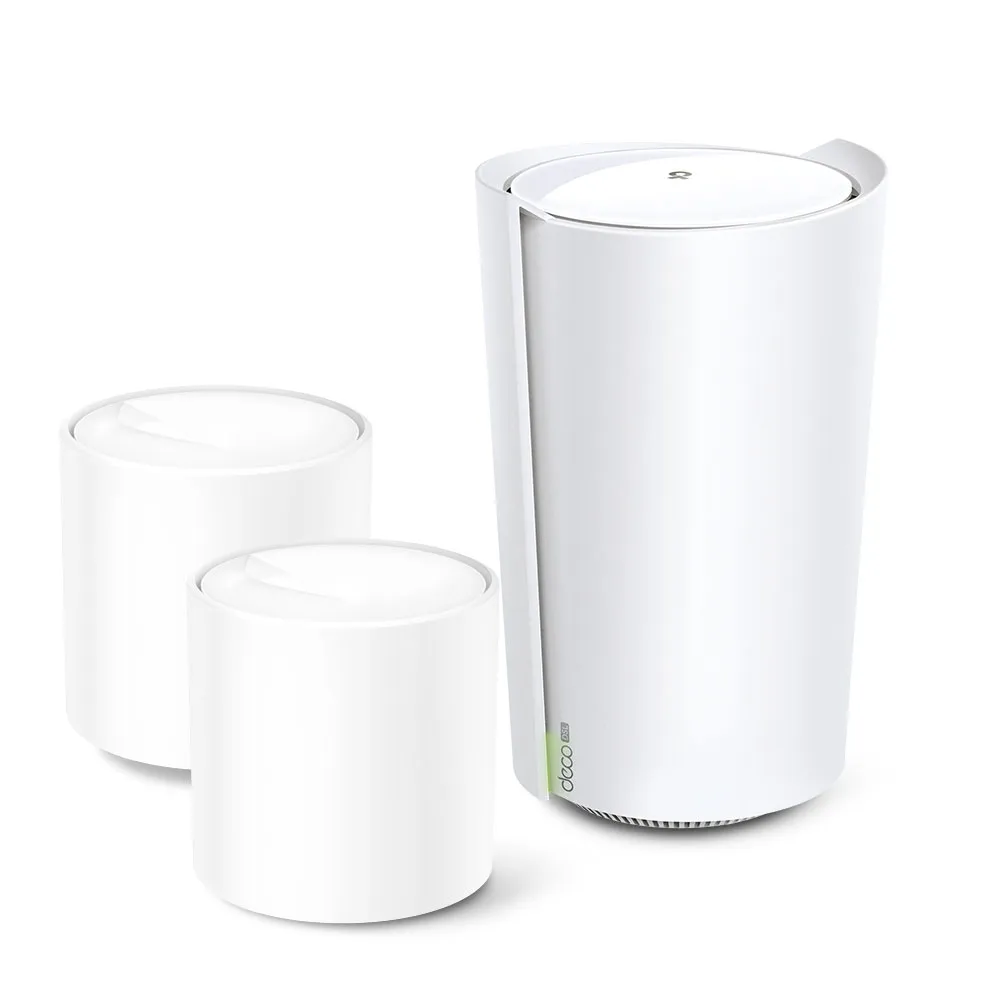
Check Deco X73-DSL modem compatibility, gateway and satellite ports, telephone service, backhaul and operating modes before planning a DSL mesh network.
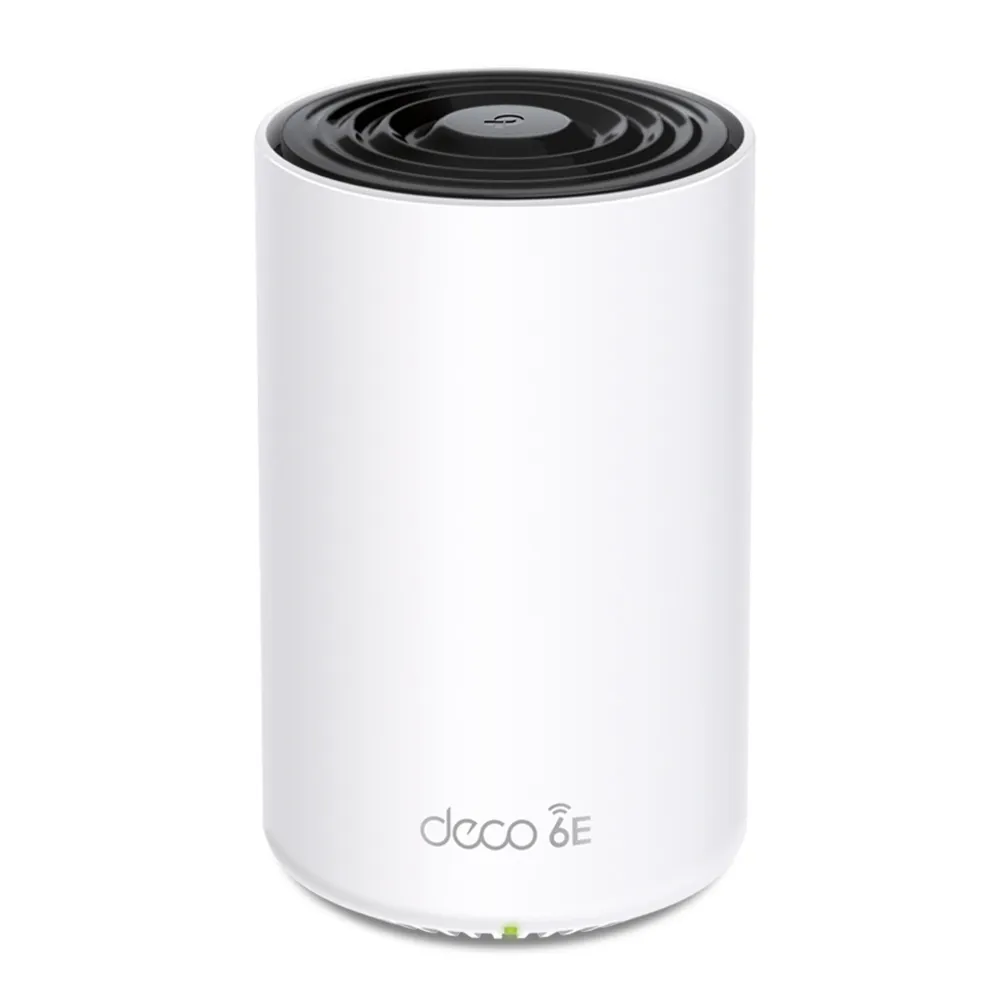
Understand Deco XE75 Pro Wi-Fi 6E, its difference from XE75, the single 2.5 GbE port tradeoff, 6 GHz settings and practical mesh setup checks.
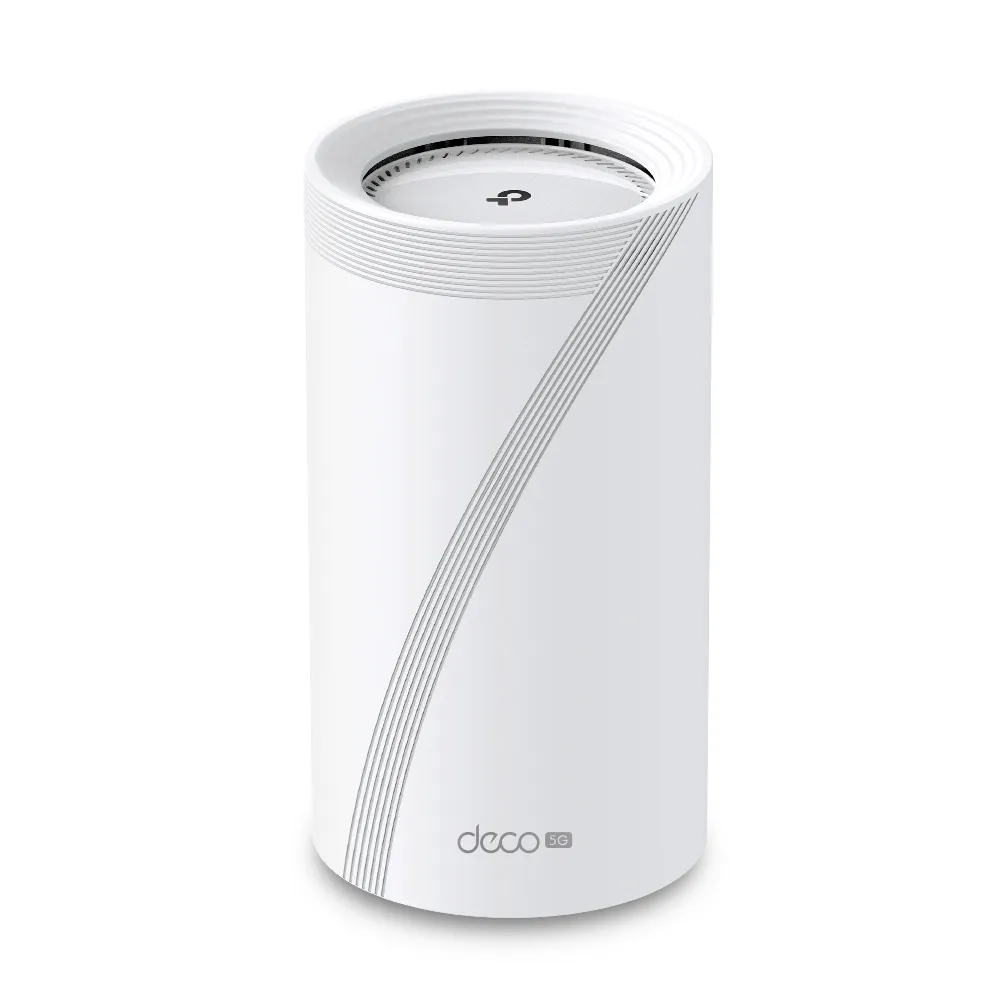
A practical guide to Deco BE65-5G cellular internet and backup, with EU V1/V2 differences, antenna checks, mesh placement, port limits and realistic buying advice.
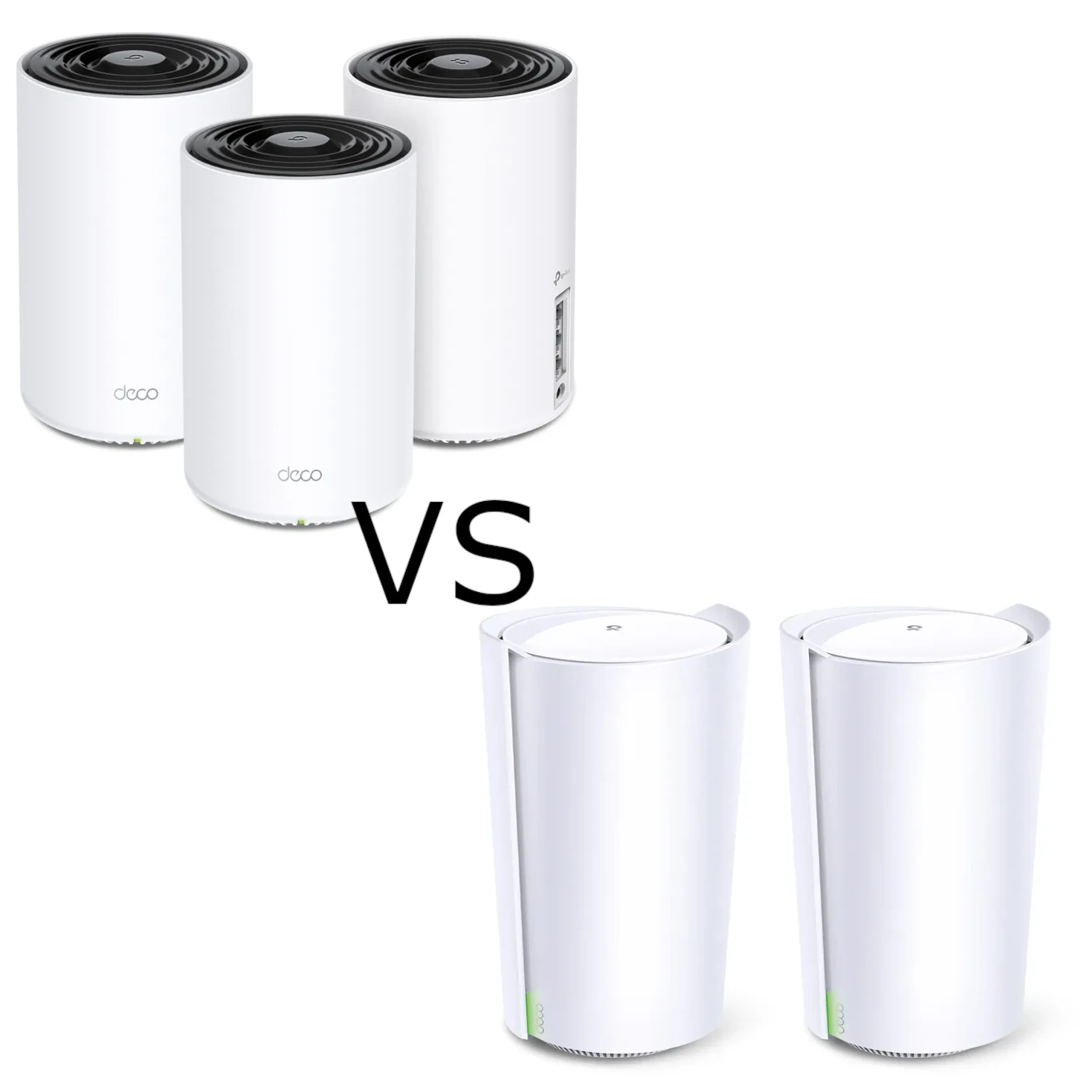
Compare the tri-band X75 and X90 through verified radios, streams, wired-port limits, useful backhaul choices and support checks.
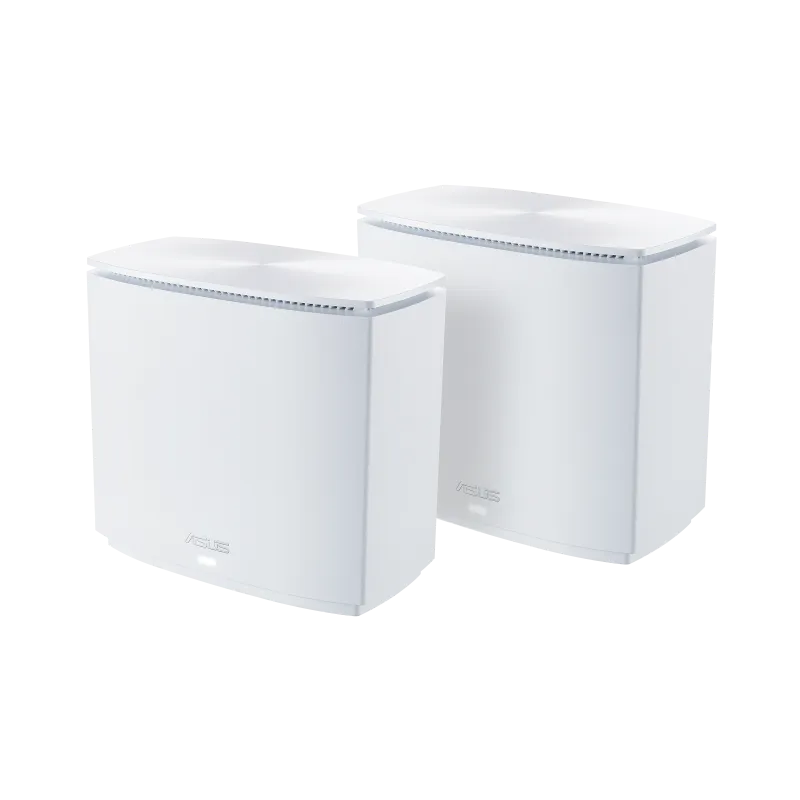
Understand the XC5’s AX3000 Wi-Fi 6, MoCA 2.5 coax backhaul, Gigabit ports and the wiring checks needed before buying.

Understand DHCPv4 address leases, DORA, configurable renewal timers, reservations and practical checks for a home network.
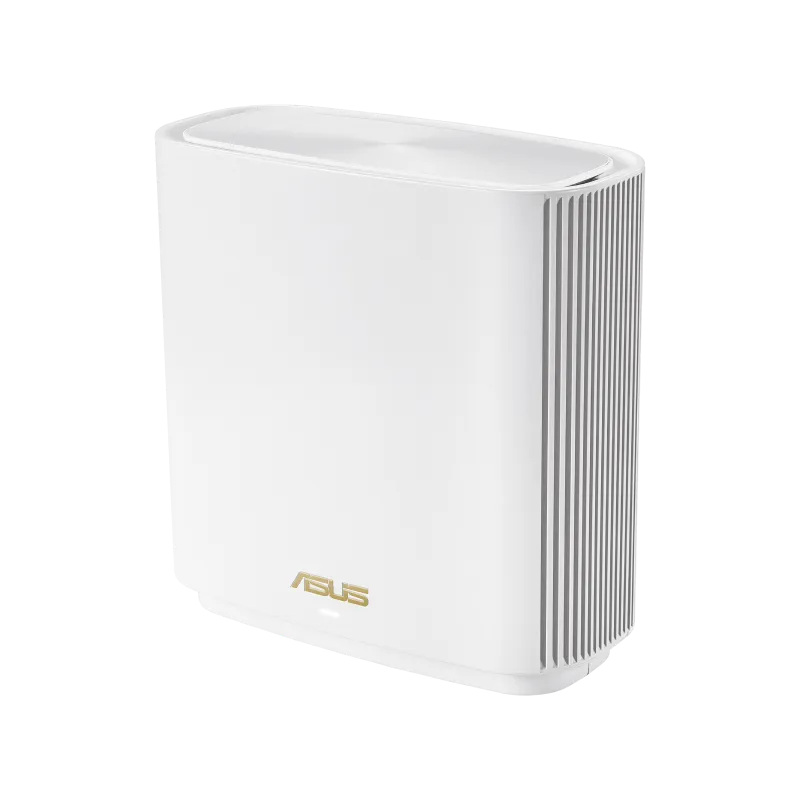
Understand the ASUS ZenWiFi ET9 radios, Gigabit LAN limits, backhaul options, client compatibility and placement before choosing a mesh pack.
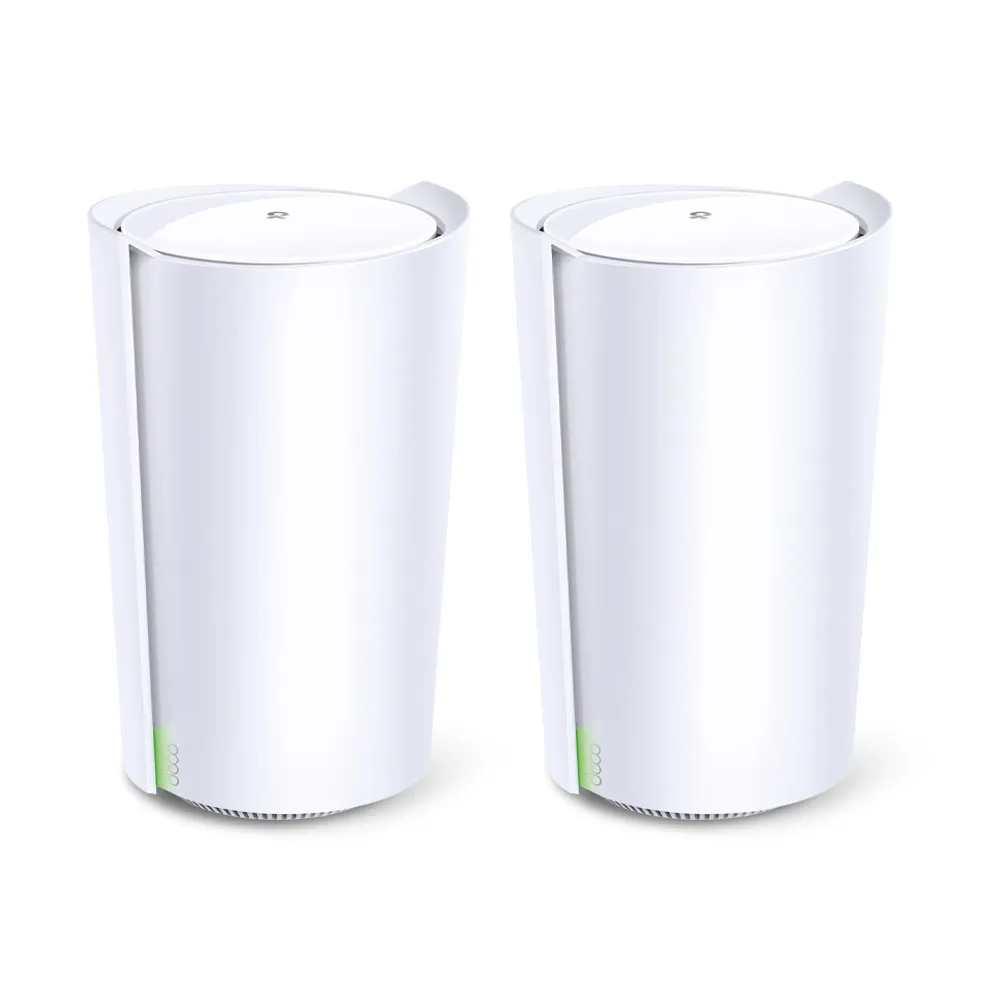
Explore X90’s AX6600 radios, smart antennas, single 2.5 Gbps port, wired backhaul and the regional lifecycle checks that matter before buying.
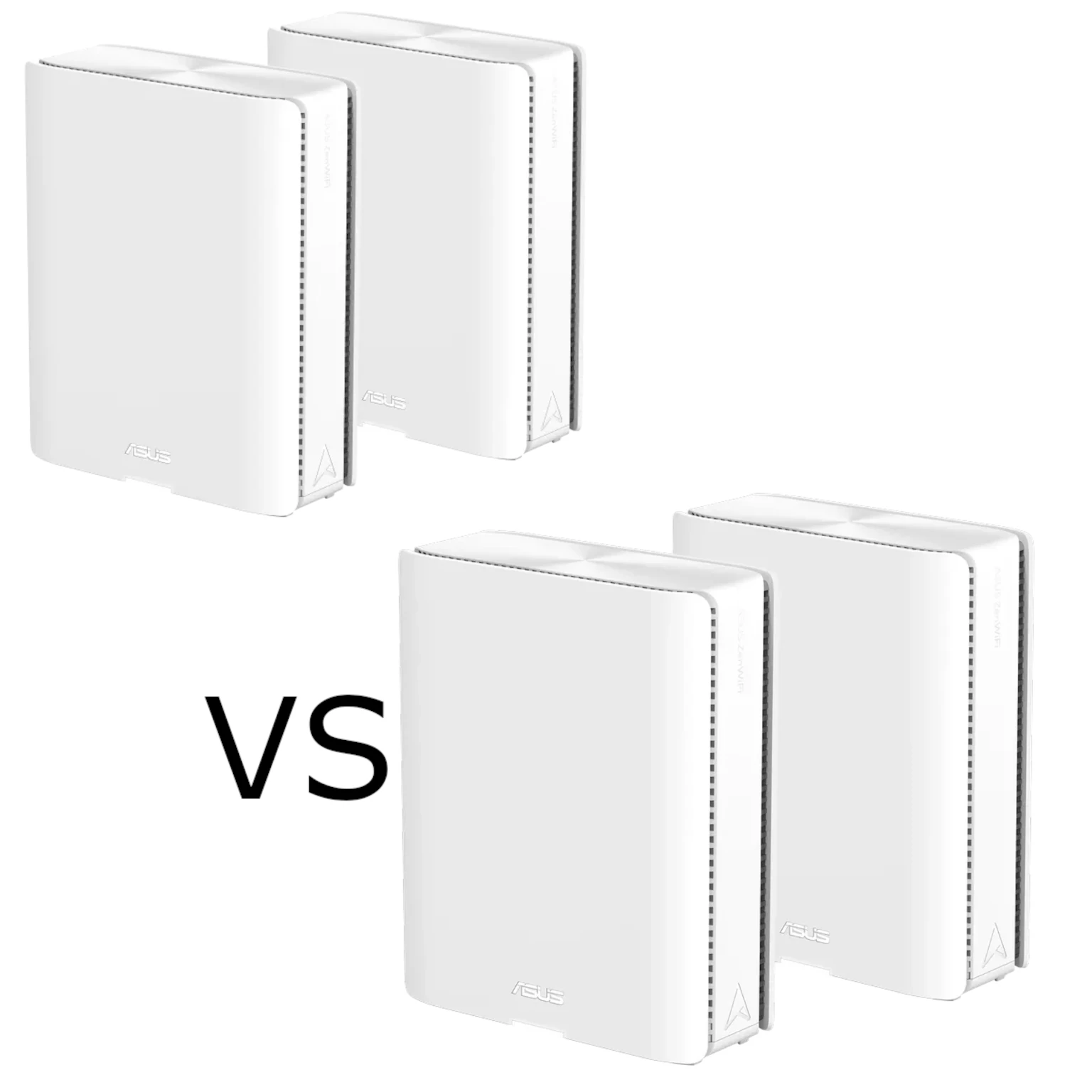
Both BQ16 models have quad-band Wi-Fi 7 and dual 10G ports. Compare their 5 GHz versus 6 GHz radio allocation, backhaul, clients and local value.
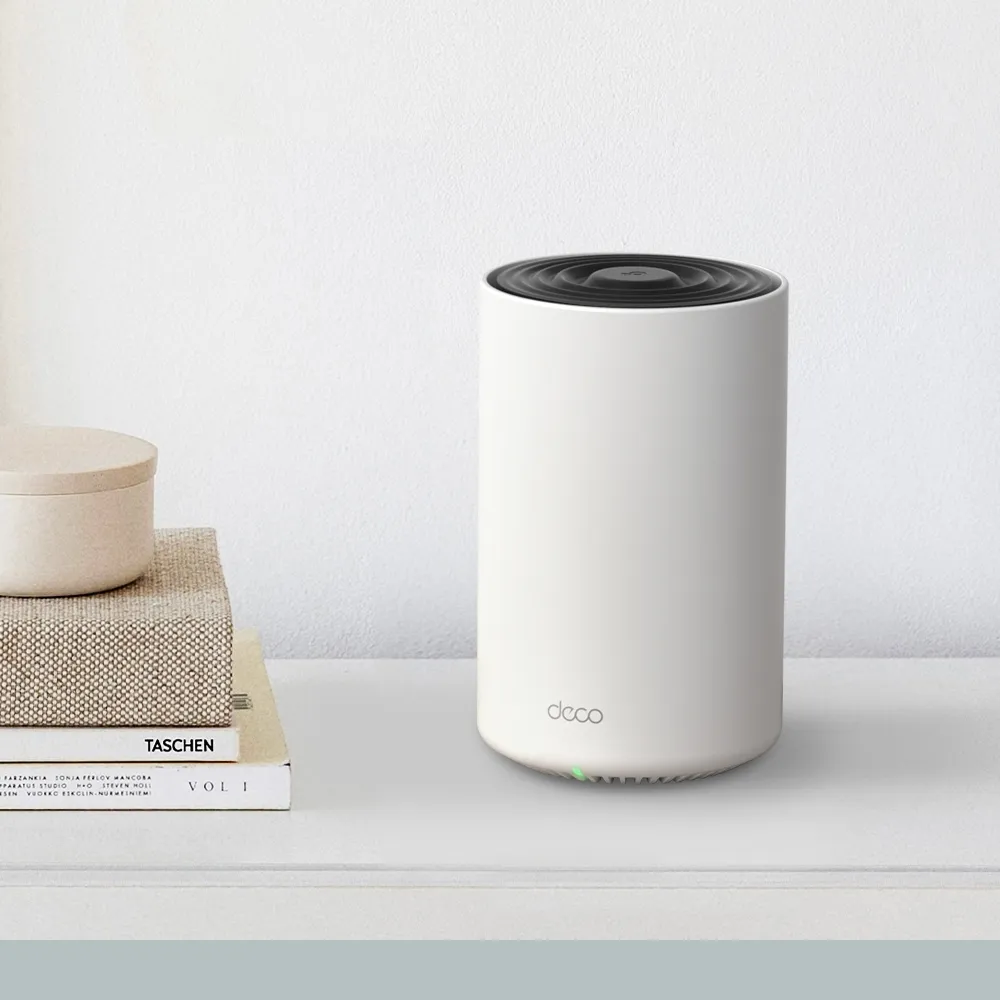
Explore Deco X75 radio and coverage claims, three Gigabit ports, backhaul, HomeShield terms and practical checks for a larger or busy household.
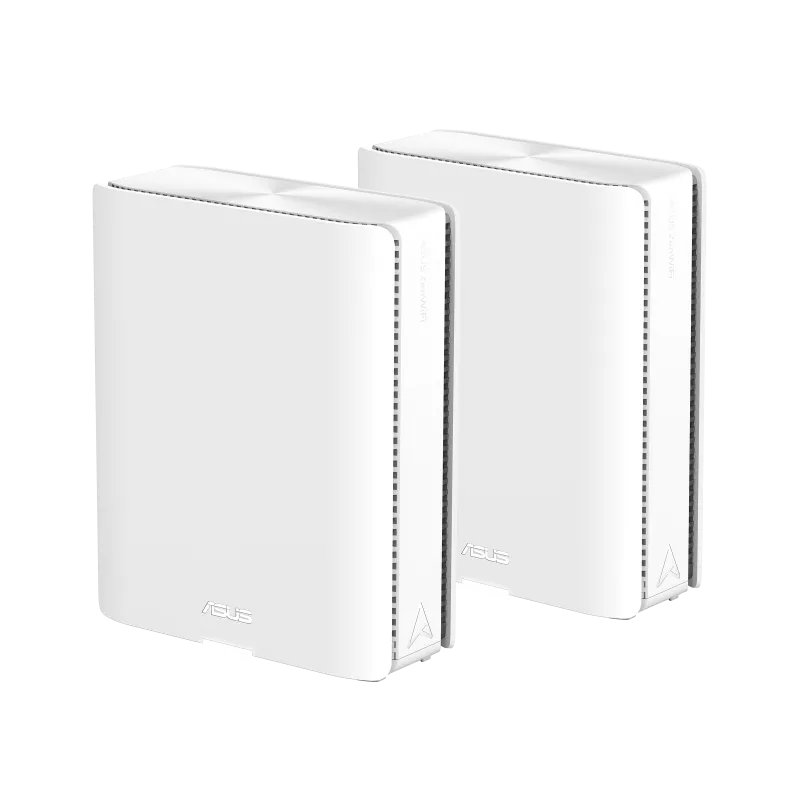
Understand the BQ16 Pro’s two 6 GHz radios, dual 10GbE ports, MLO/backhaul limits, network profiles and USB backup considerations before choosing a premium mesh pack.
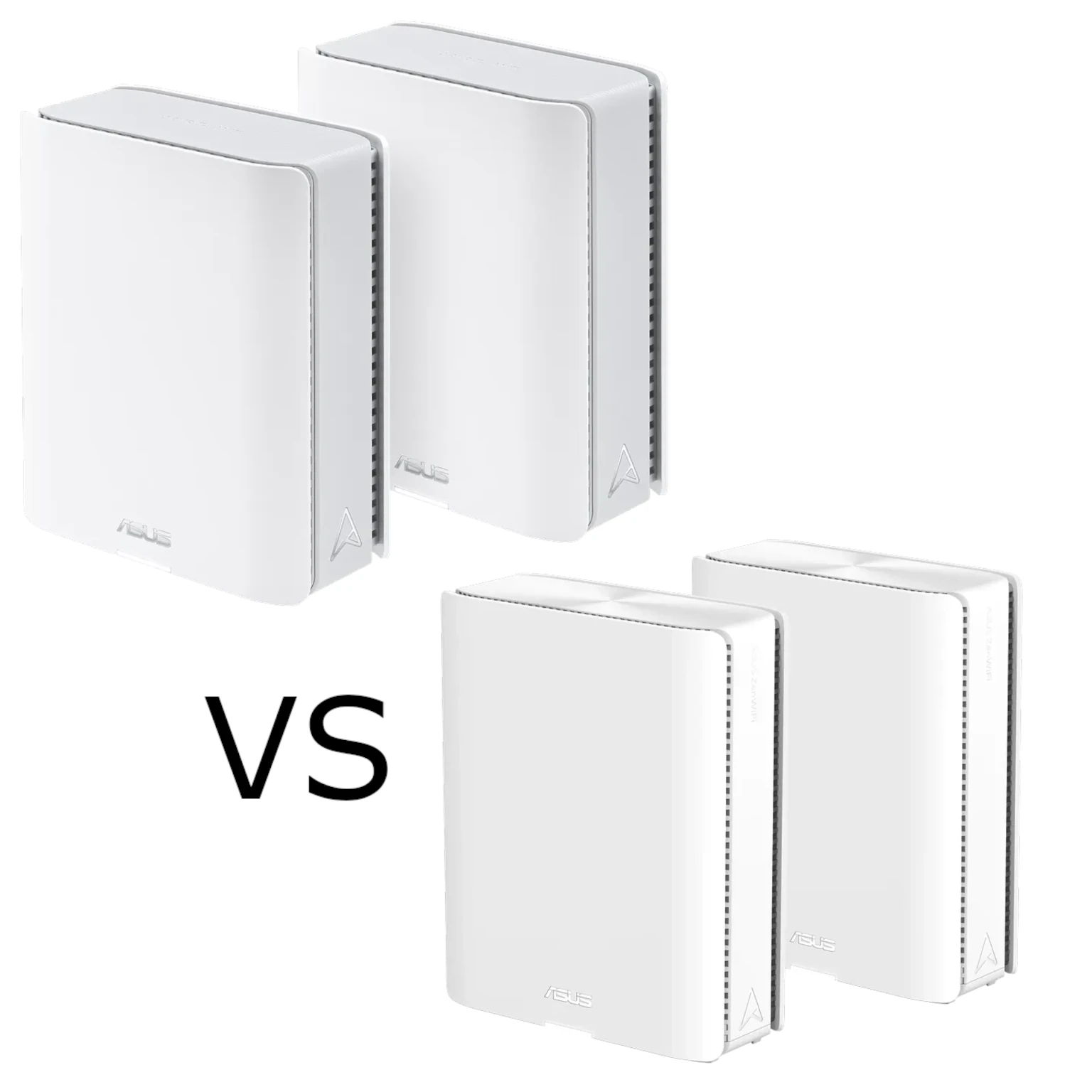
Compare ASUS ZenWiFi BT10 and BQ16 radios, port counts and backhaul limits to decide which Wi-Fi 7 mesh kit suits your home and budget.
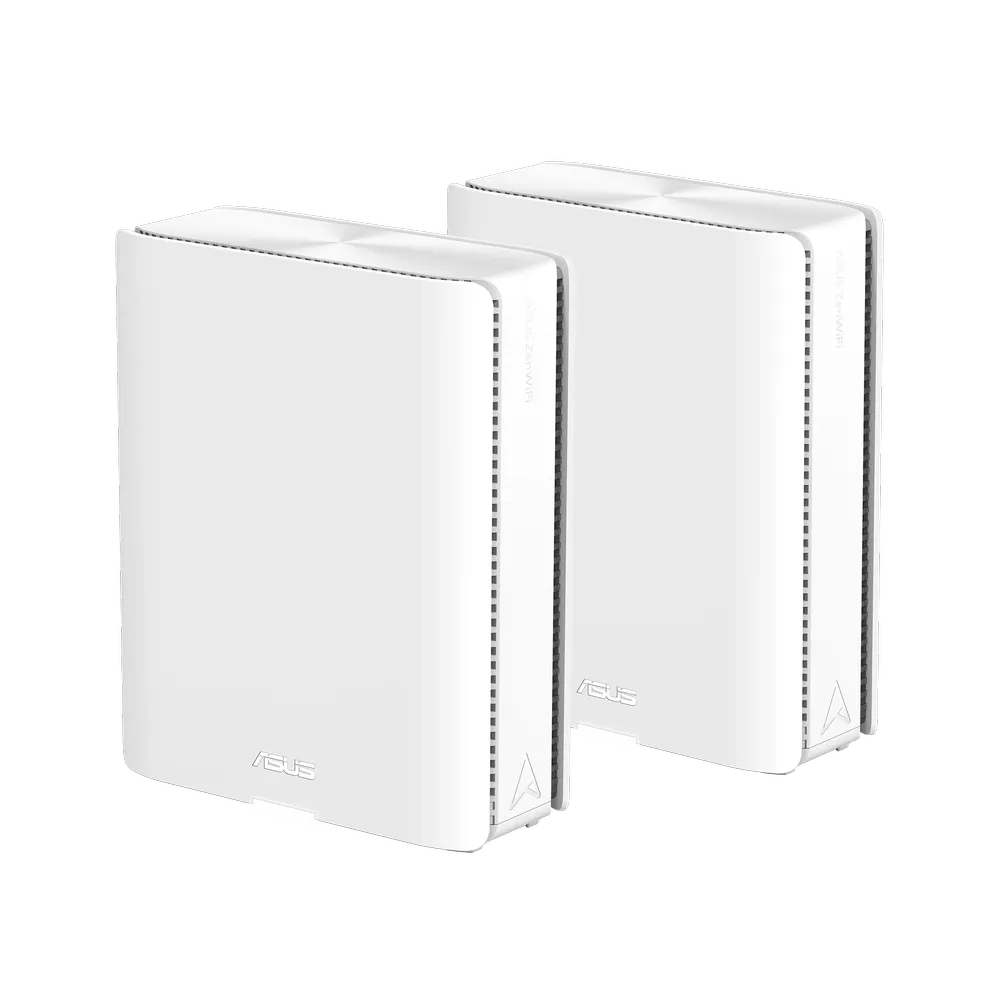
Understand the ASUS ZenWiFi BQ16's quad-band radios, dual 10G ports, backhaul choices and BQ16 Pro differences before planning a Wi-Fi 7 mesh.
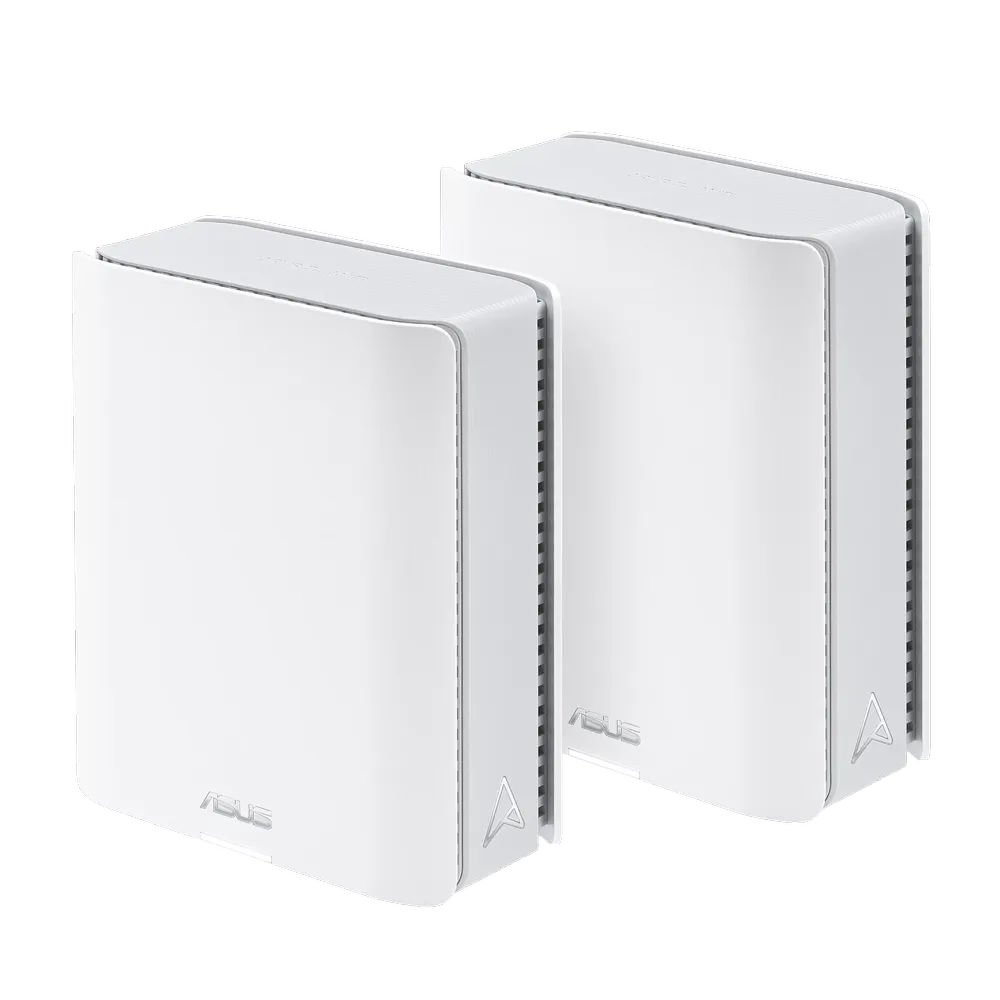
Explore the ASUS ZenWiFi BT10’s Wi-Fi 7 radios, dual 10G ports, AiMesh backhaul and smart-home network settings before choosing a premium mesh system.
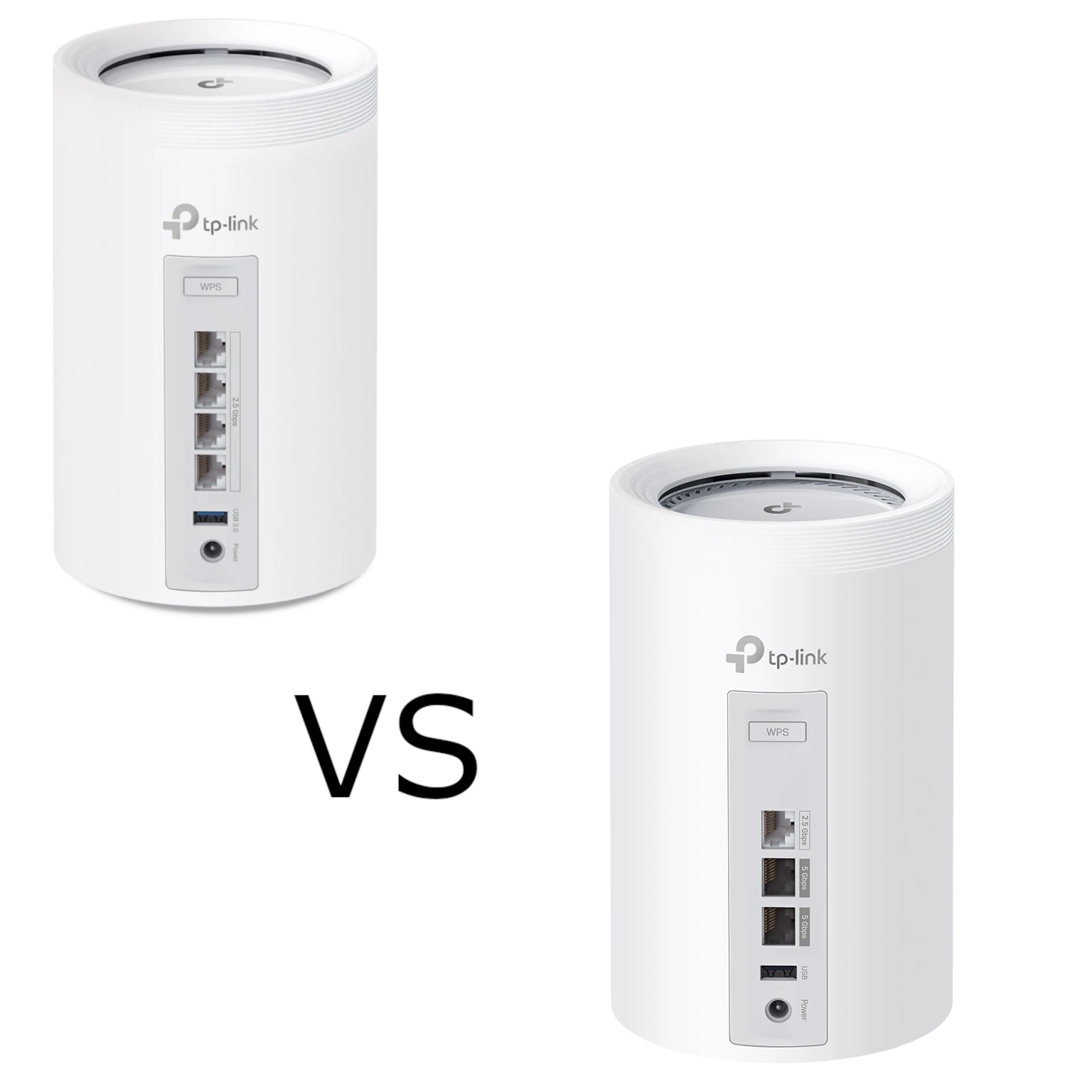
Compare BE65 and BE65 Pro by their actual regional radio profiles, four 2.5 Gbps versus three mixed-speed ports, backhaul design and household needs.

Set up Pi-hole on a supported Raspberry Pi, verify client DNS, and understand the limits of domain-based ad blocking.
Understand wireless, Ethernet and hybrid mesh backhaul, including placement, port bottlenecks, vendor wiring rules and a practical troubleshooting method.
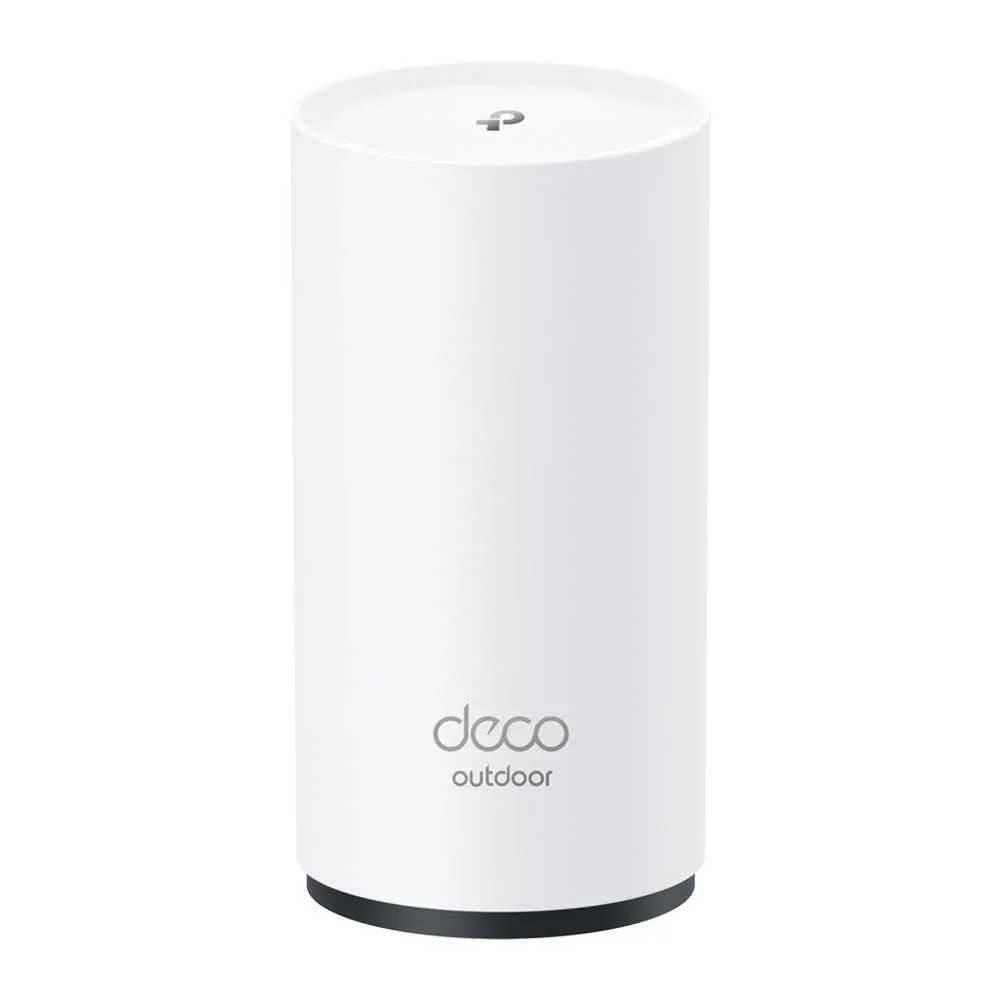
Explore the X50-Outdoor’s Wi-Fi 6 radios, gigabit ports and outdoor enclosure, with practical PoE, backhaul, mounting and compatibility considerations.
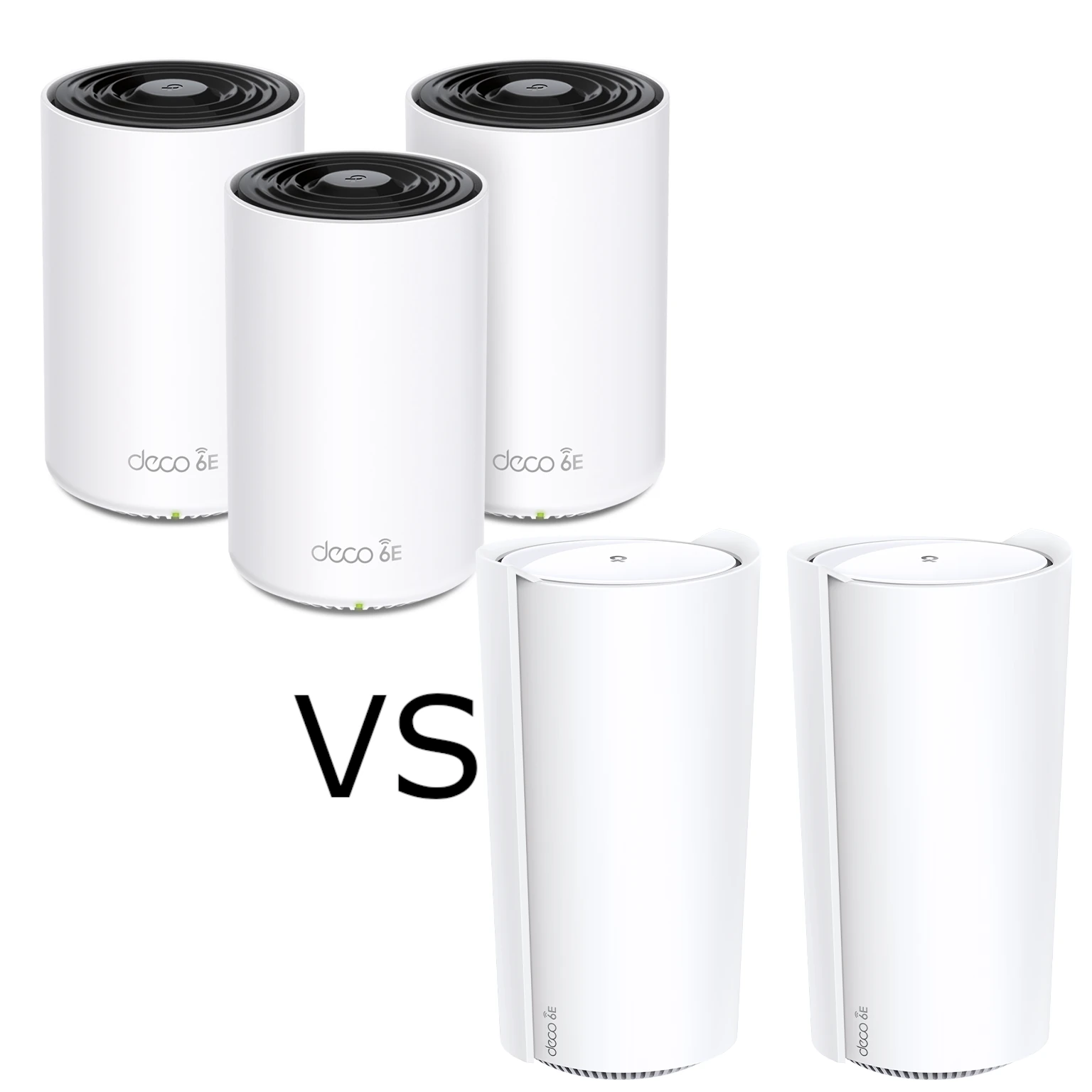
Compare XE75 and XE200 radio resources, usable Ethernet ports and pack sizes. Understand the XE200’s single 10G-port tradeoff and test the actual home network path.
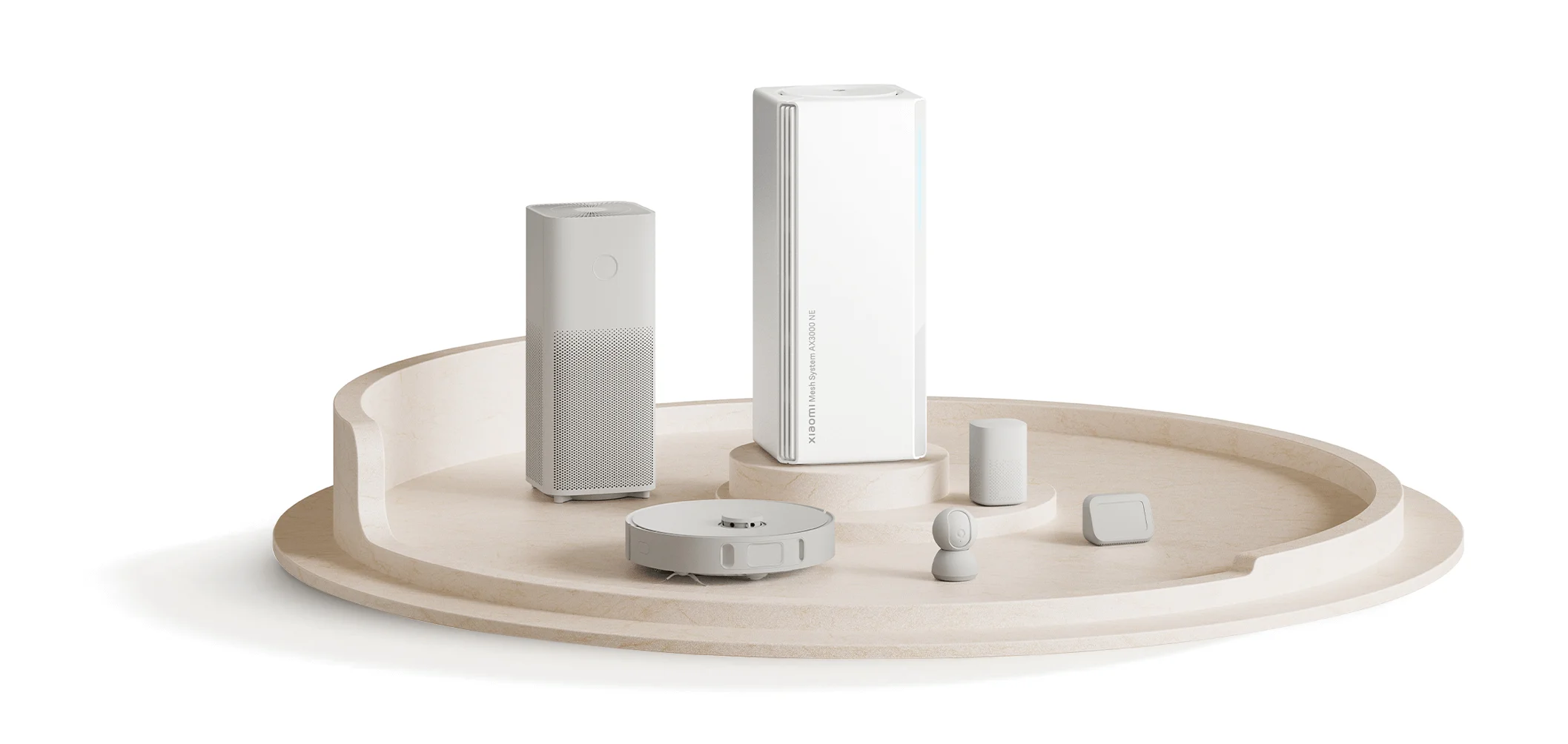
Understand the AX3000 NE’s Gigabit ports, backhaul and kit pairing, plus the limits of NFC, aggregation and Xiaomi device password syncing before upgrading.
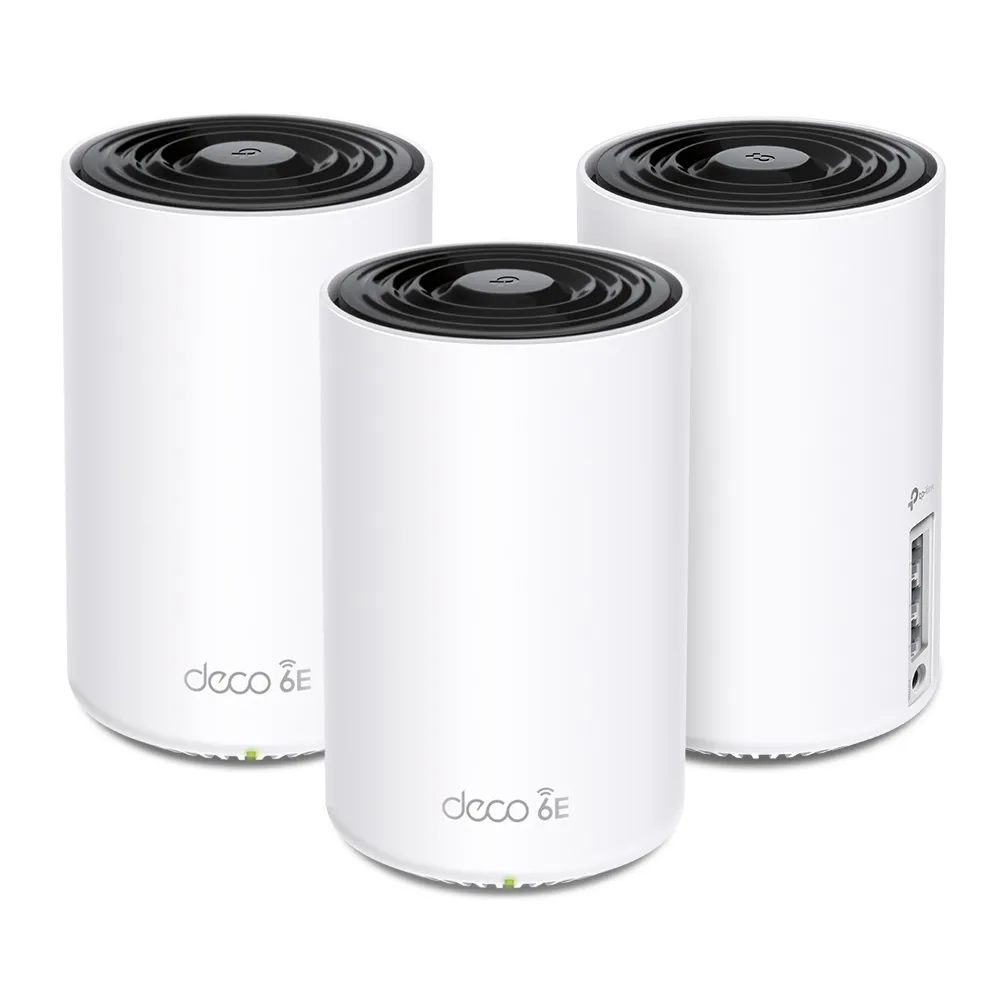
Explore the Deco XE75’s tri-band Wi-Fi 6E specifications, backhaul choices and port limits, with practical checks before buying.

Understand how MITM attacks interact with HTTPS, VPNs and DNS, recognise meaningful warning signs and use practical travel-network, pairing and account-recovery checks.
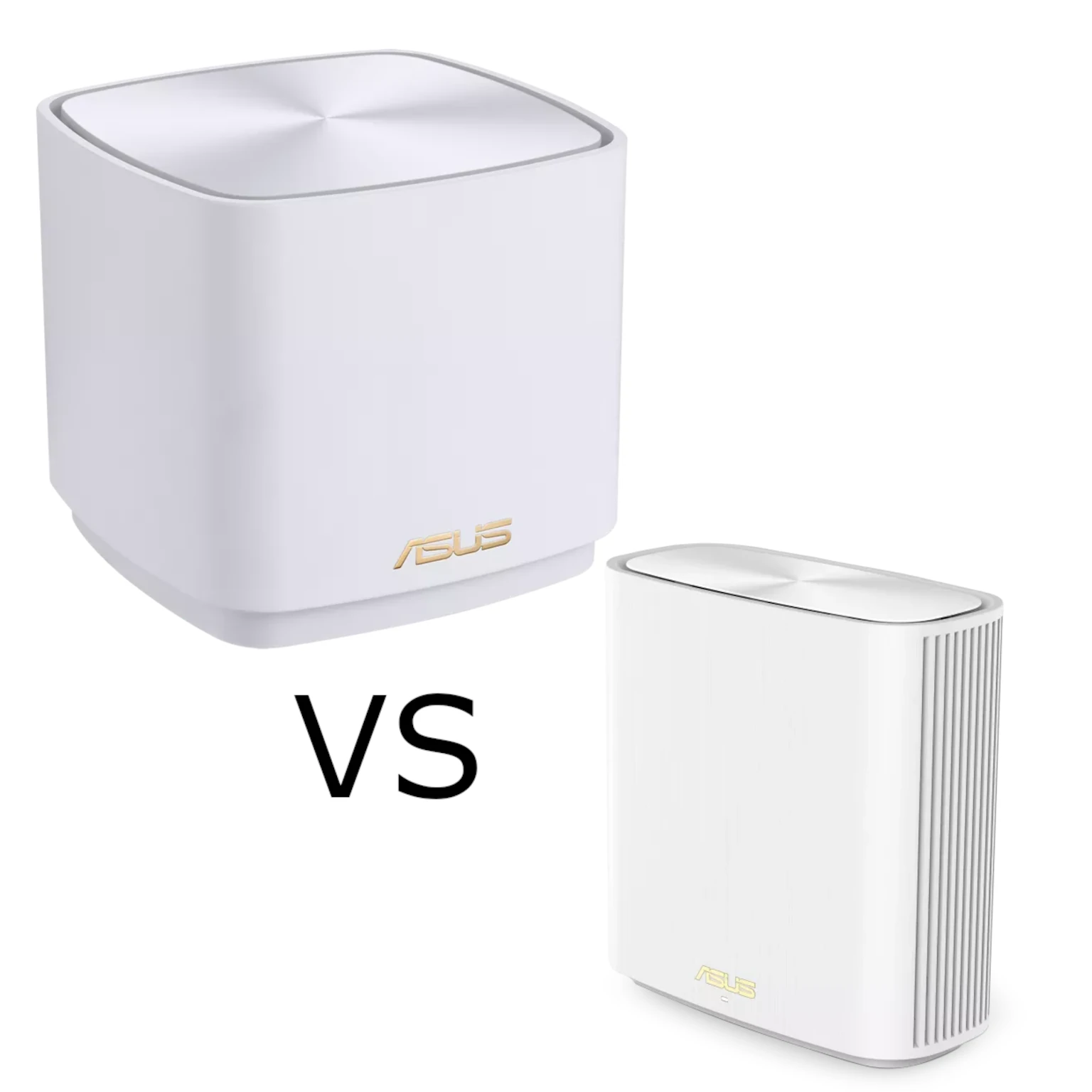
Compare ASUS ZenWiFi XD5 and XD6 radios, Ethernet ports, AiProtection, VPN support and backhaul to choose the right Wi-Fi 6 mesh for your home.
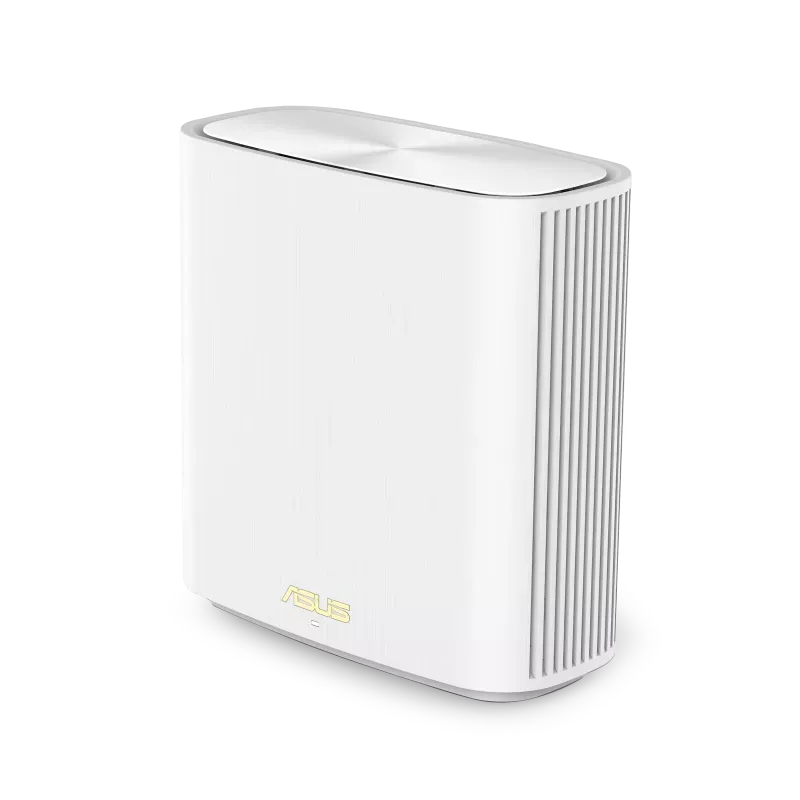
Explore the XD6’s AX5400 radios, Gigabit ports and AiMesh backhaul, with clear XD6S differences and practical coverage, firmware and client checks.
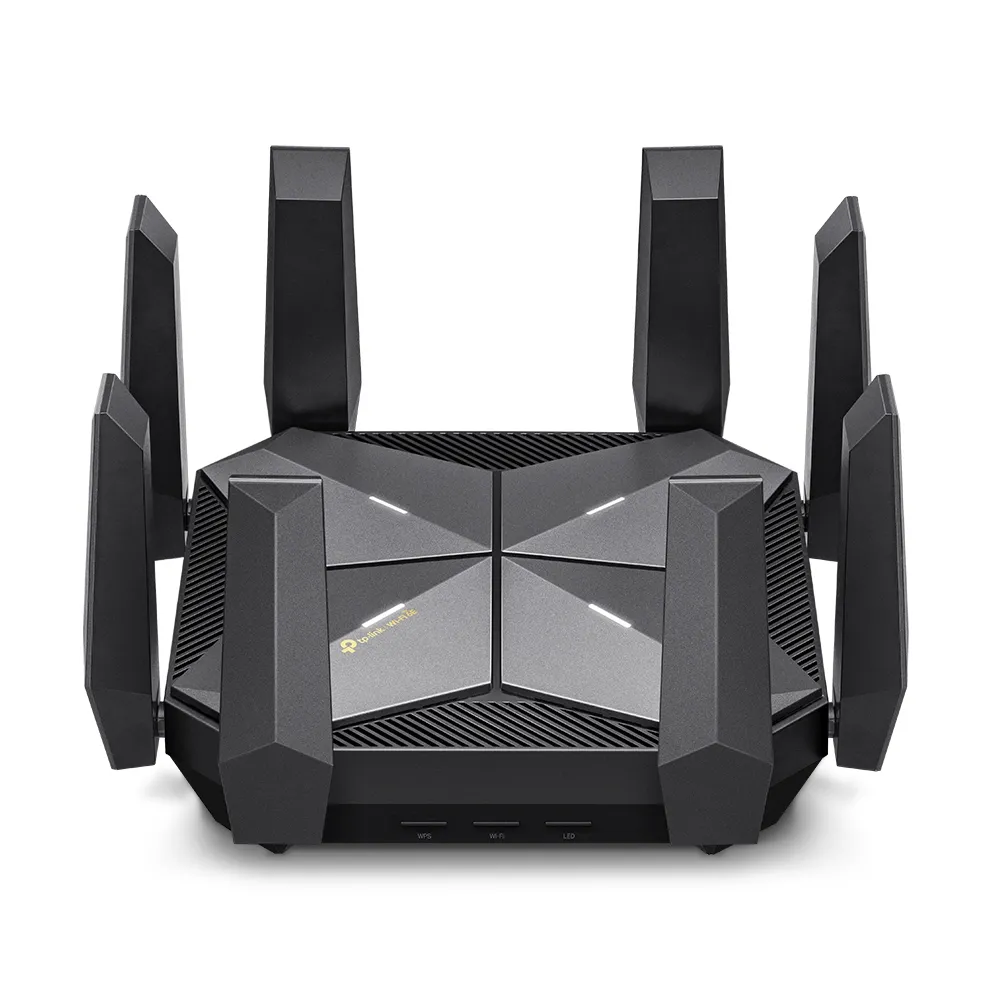
Explore the Archer AXE300’s four radios, dual 10 Gbps connections, regional 6 GHz limits and firmware compatibility to decide whether its premium hardware fits your home.
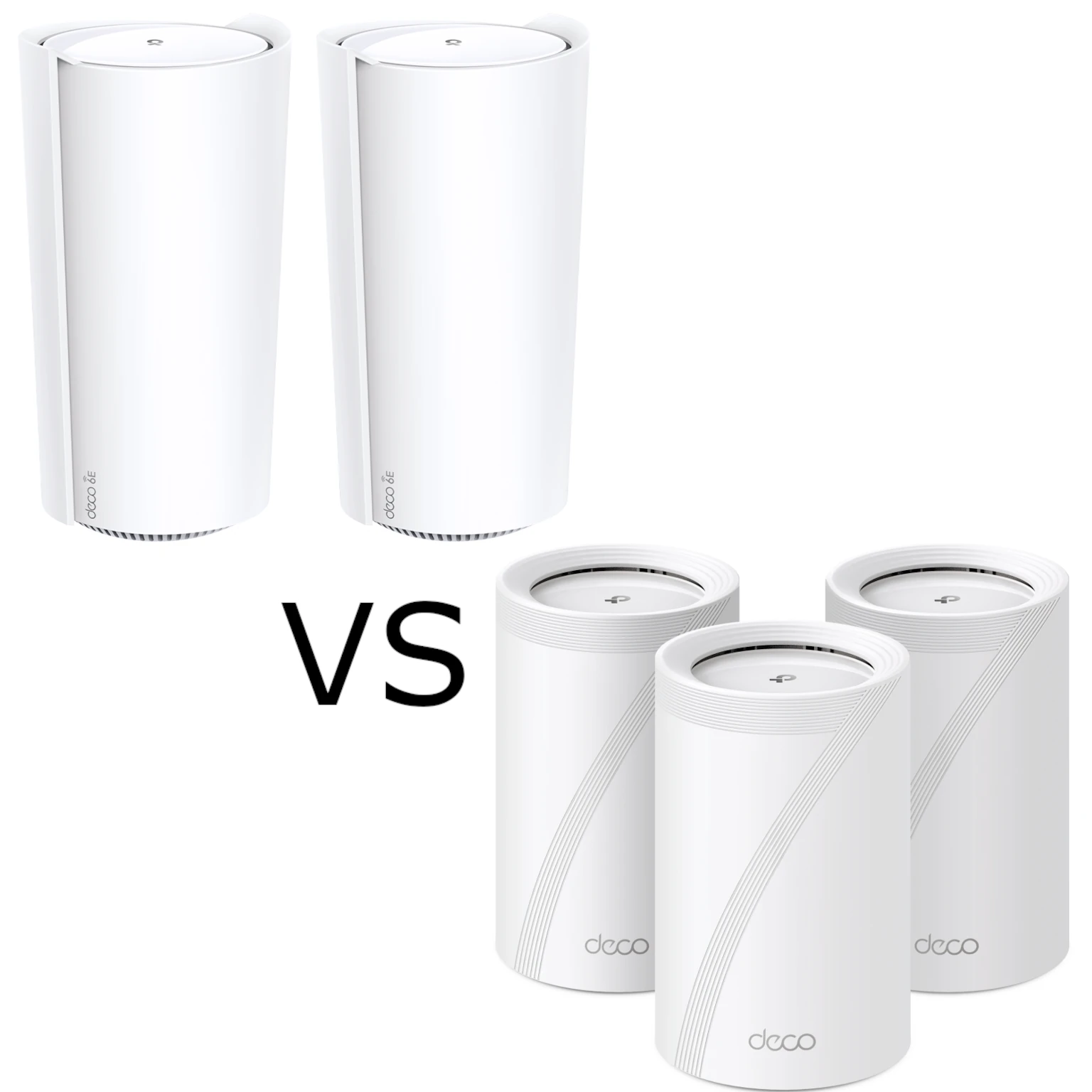
Compare Deco XE200 and BE65 radio capabilities, regional versions, Ethernet ports and mesh backhaul. Choose using your clients, topology, support and local price.
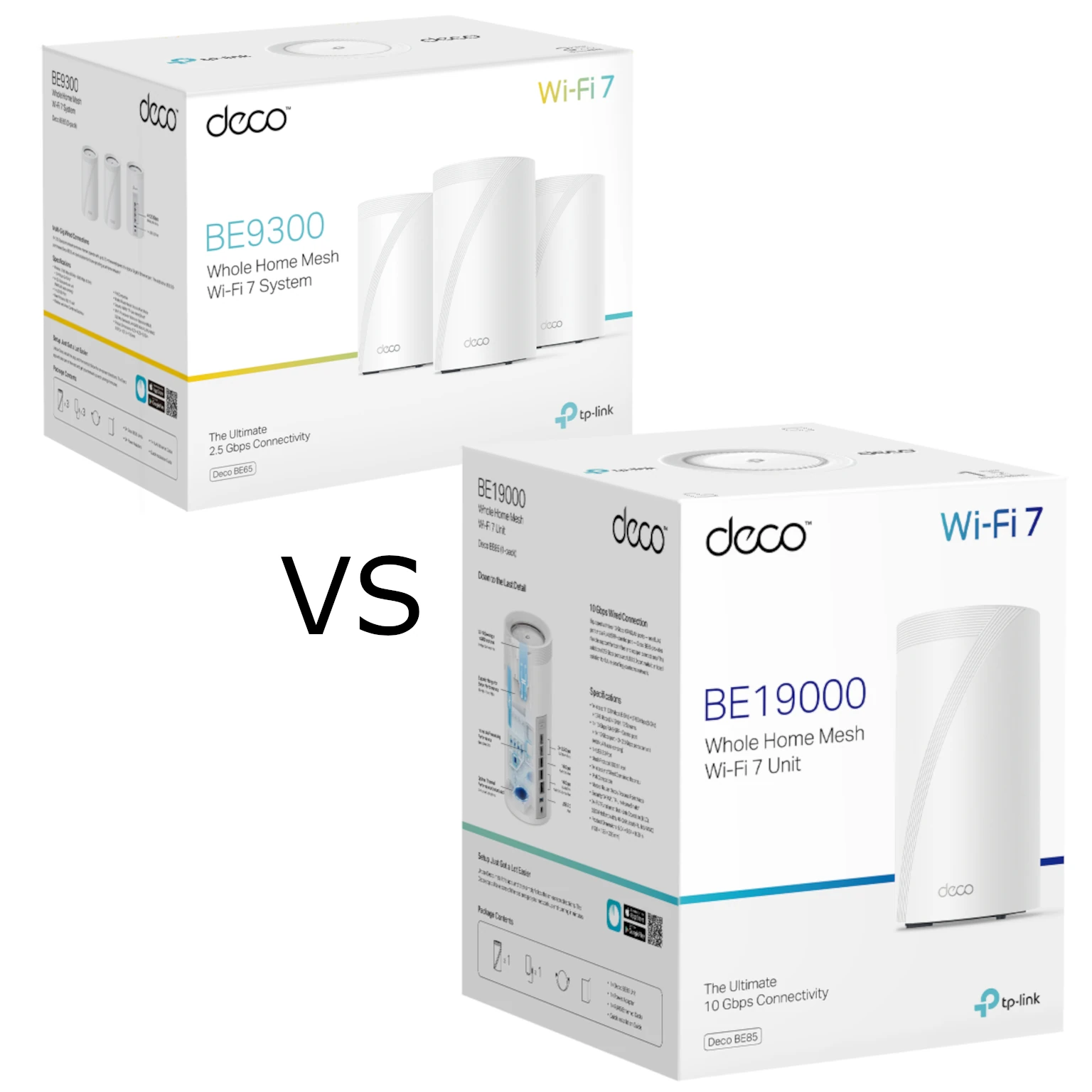
Compare Deco BE65 and BE85 radio variants, Ethernet ports and backhaul needs to decide when the more expensive Wi-Fi 7 mesh kit is worth buying.
Separate copper versus CCA material from solid versus stranded construction, then check cable specifications, PoE requirements and the complete channel.

Assess the ROG Rapture GT6’s tri-band Wi-Fi 6 radios, regional backhaul options, wired-port limits, gaming features and practical fit for a busy home.
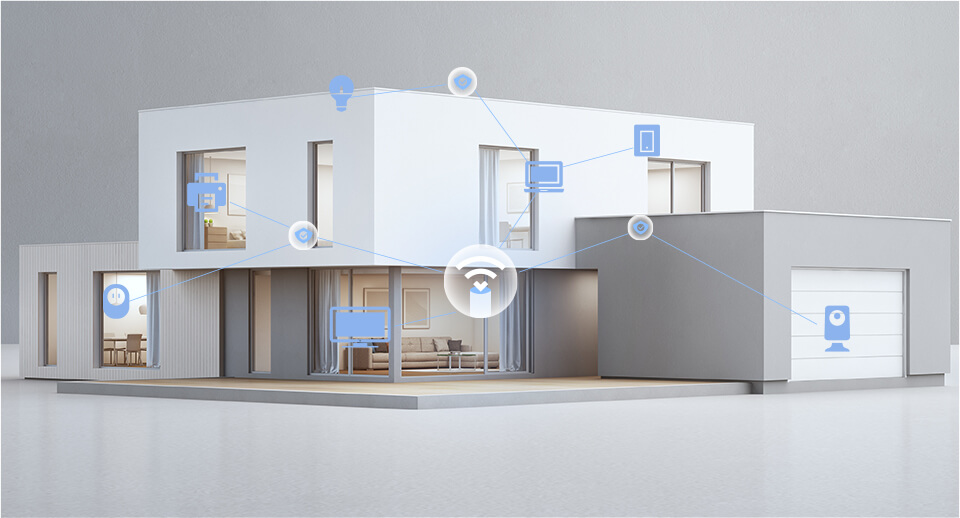
Compare TP-Link HomeShield security and parental-control plans, Router/AP limits, household profiles and report examples before choosing a supported subscription.
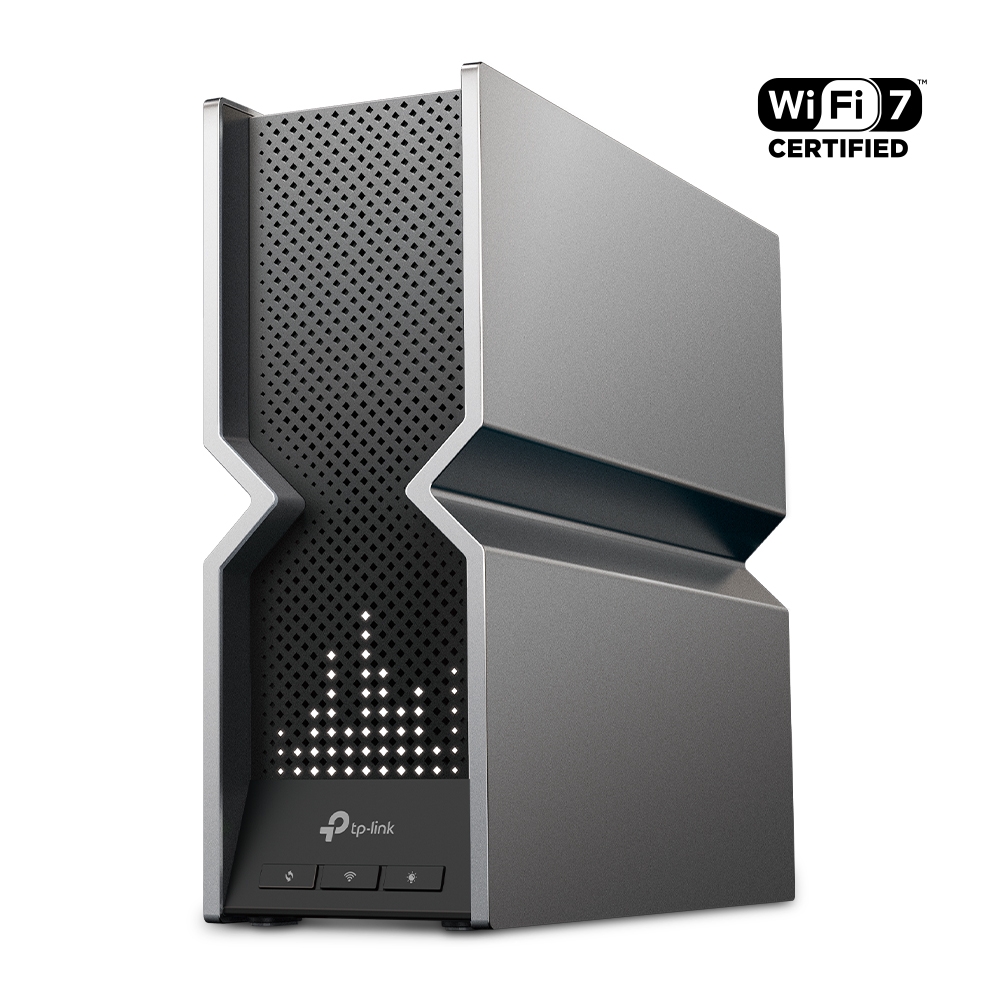
Understand the Archer BE800’s Wi-Fi 7 radios, 10G combo port, EasyMesh compatibility and practical limits before planning an upgrade.
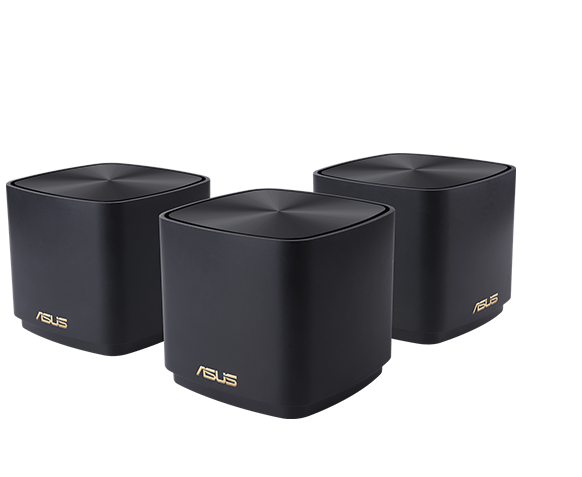
Compare ASUS ZenWiFi XD4 and XD5 radio rates, Gigabit ports, pack coverage, AiMesh compatibility and wired or wireless backhaul before choosing a mesh system.
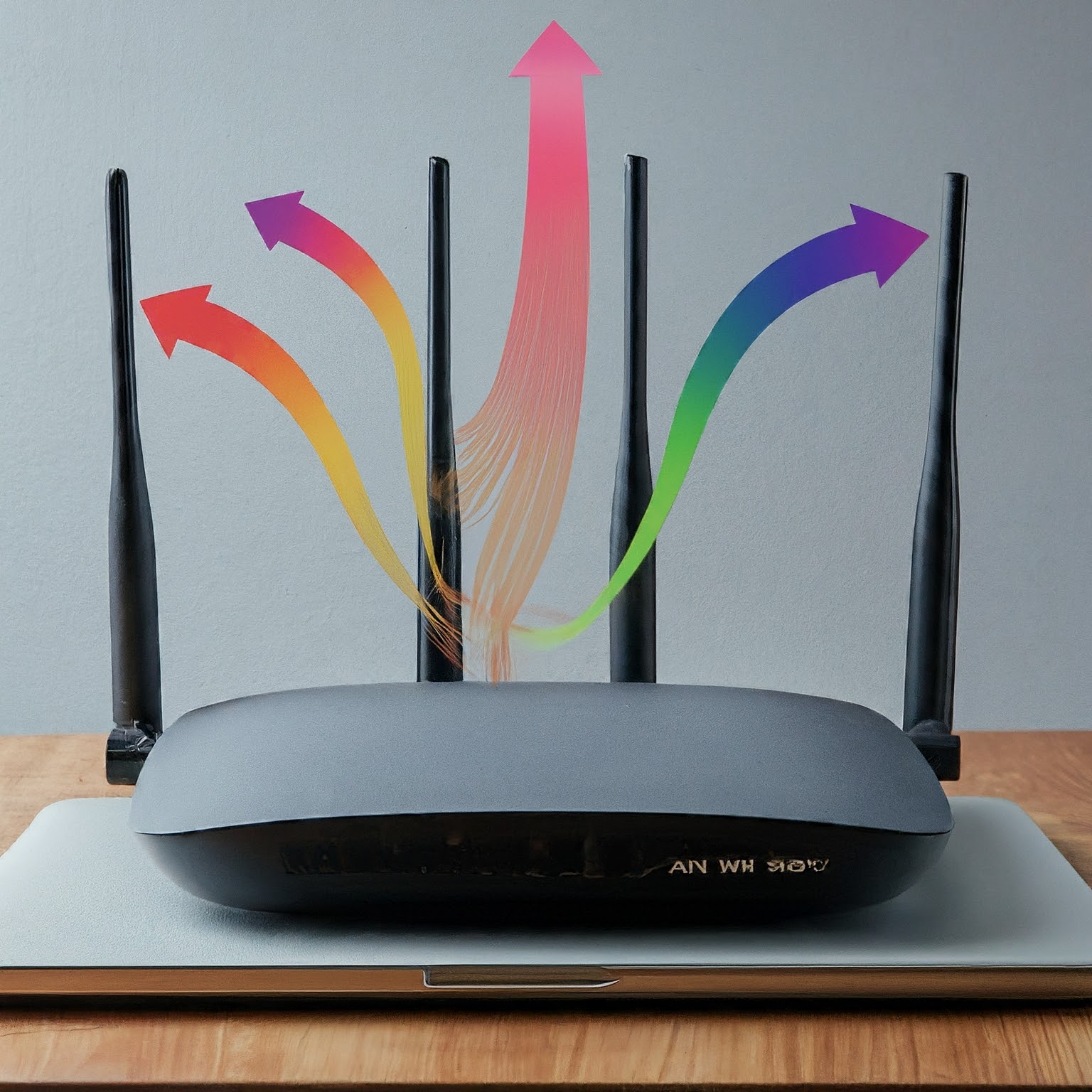
Understand MIMO spatial streams, 2x2 and 4x4 radio specifications, client limits and MU-MIMO. Learn why antennas and peak link rates alone do not predict usable Wi-Fi speed.
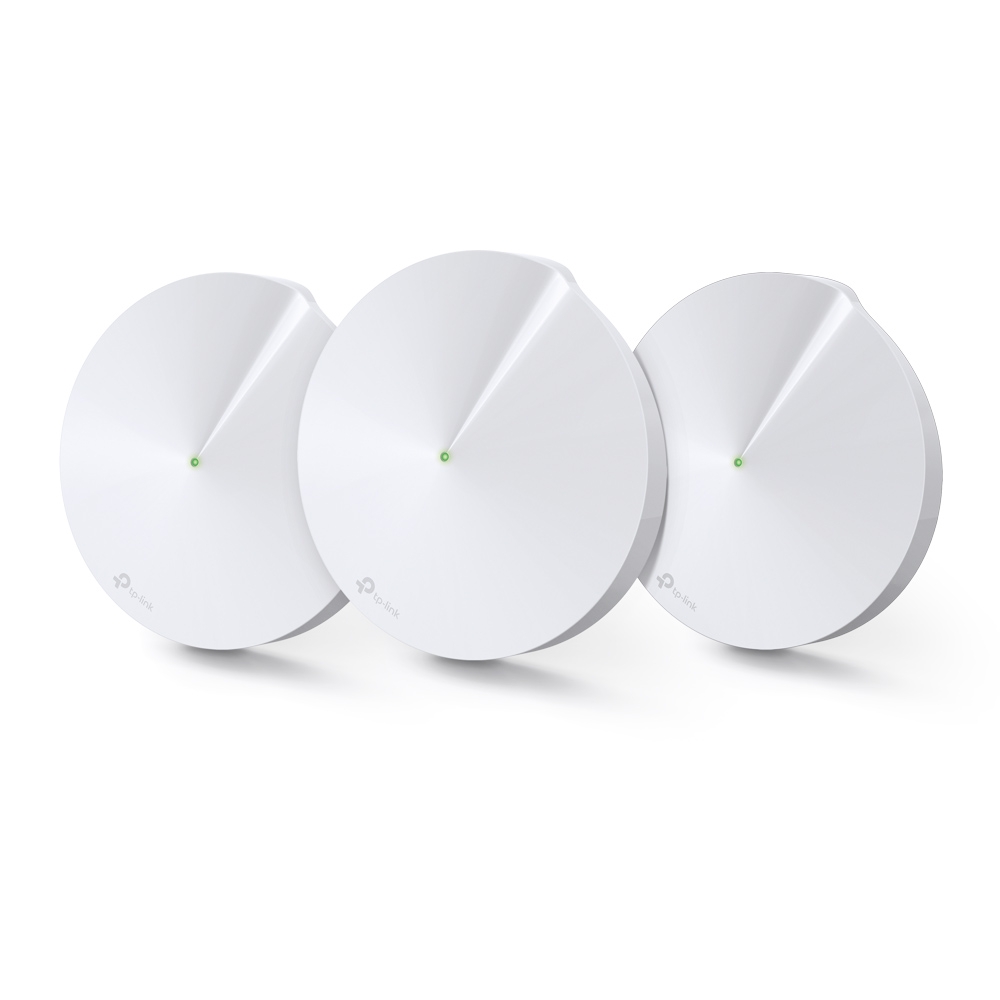
Explore the Deco M9 Plus’s tri-band Wi-Fi, Gigabit ports and smart-home hub, with practical compatibility, backhaul and support checks.
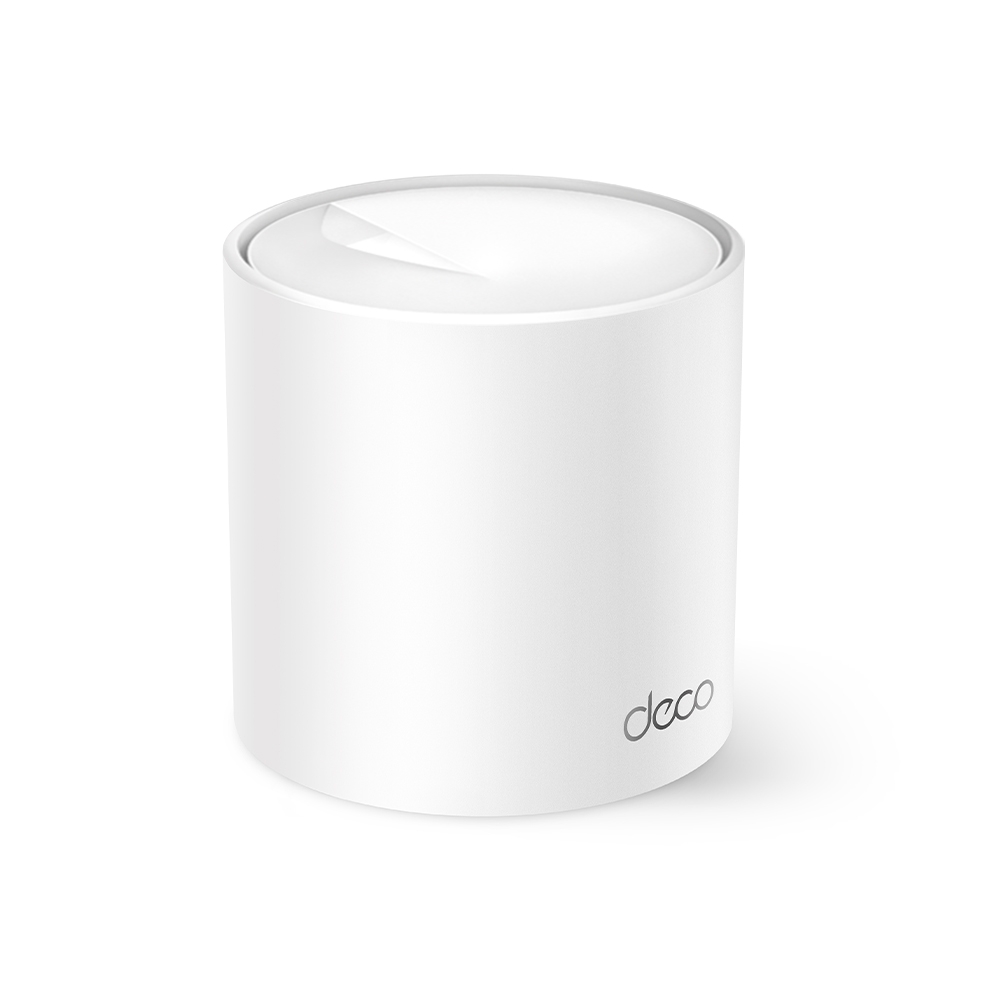
Why the Deco X10 remains an appealing budget mesh option, with verified radio rates, port limits and practical coverage/backhaul checks.
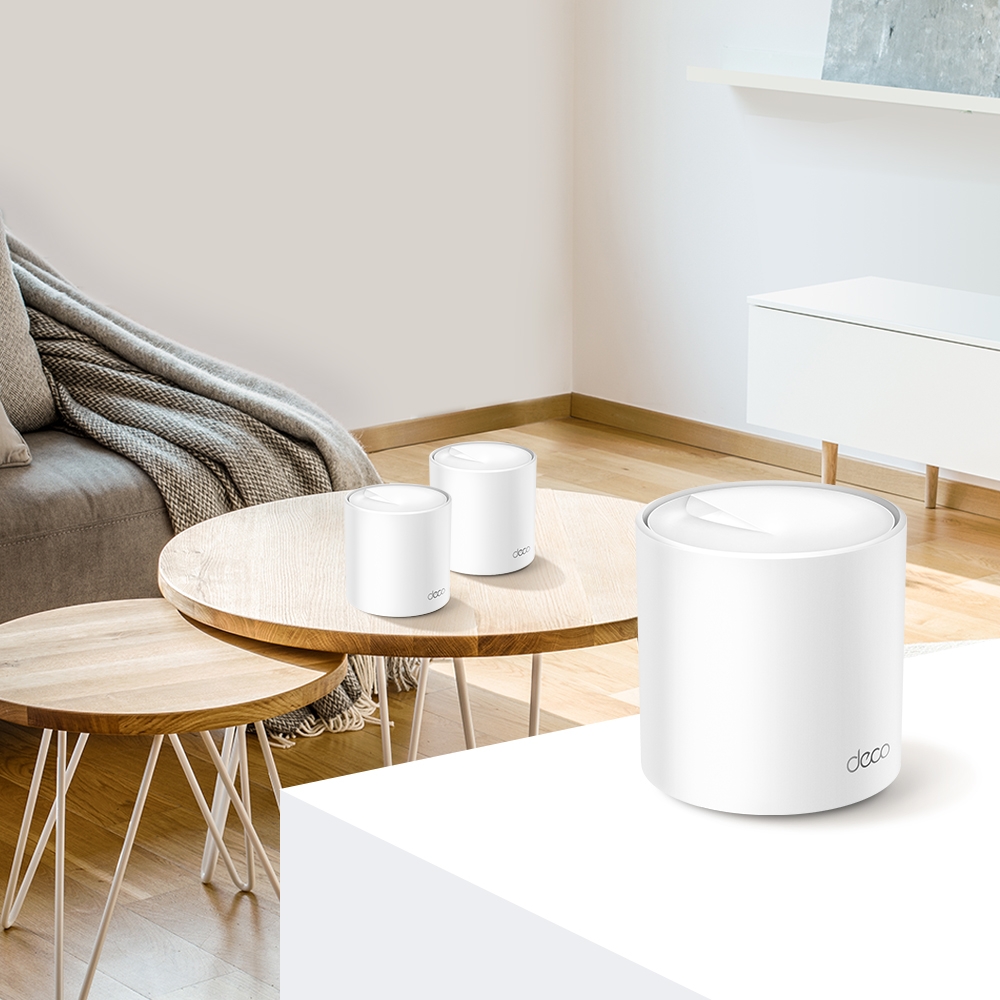
Compare Deco X55 ports with the AX5400 X60’s wireless capacity, check hardware revisions and plan backhaul around the actual home layout.
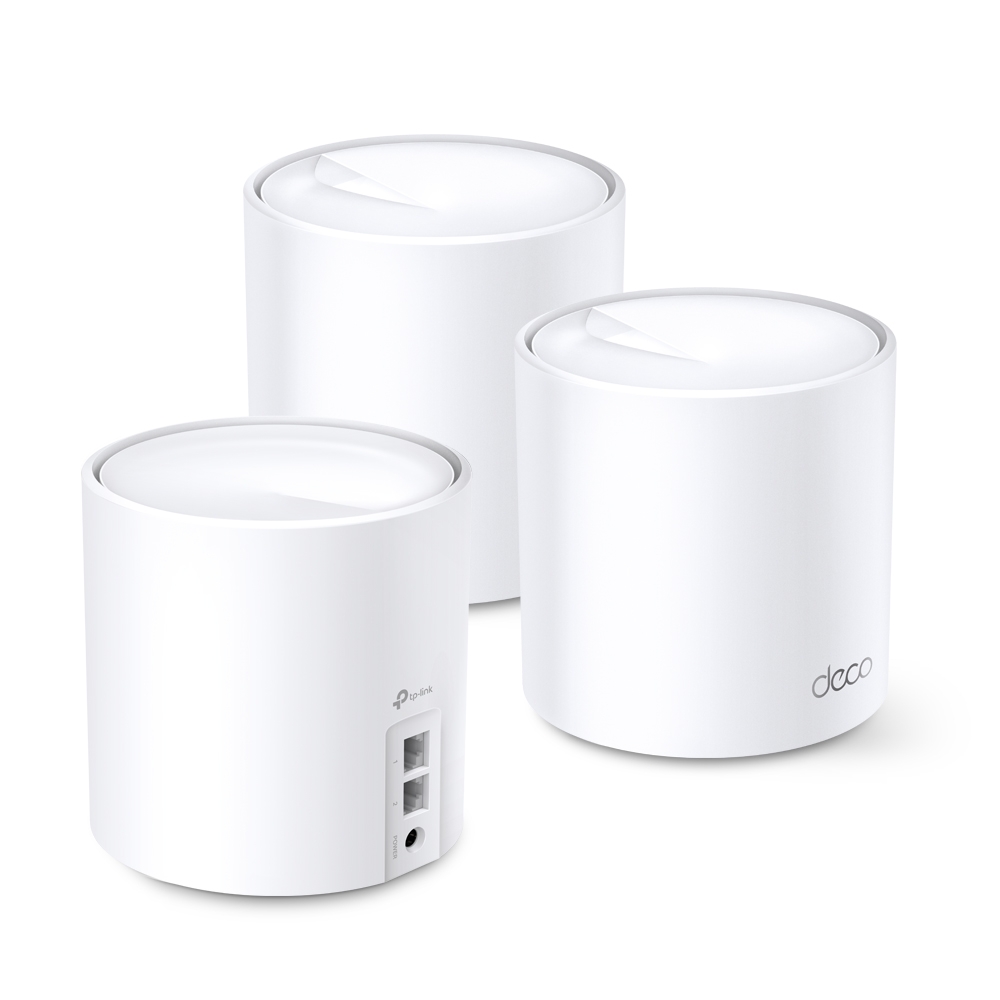
Understand the Deco X60’s regional hardware variants, Wi-Fi 6 radios, Gigabit ports and backhaul limits before choosing a mesh kit for your home.

Compare the standard X20 and X50 by verified radio rates, usable Gigabit ports, client and backhaul limits, and a fair home test before upgrading.
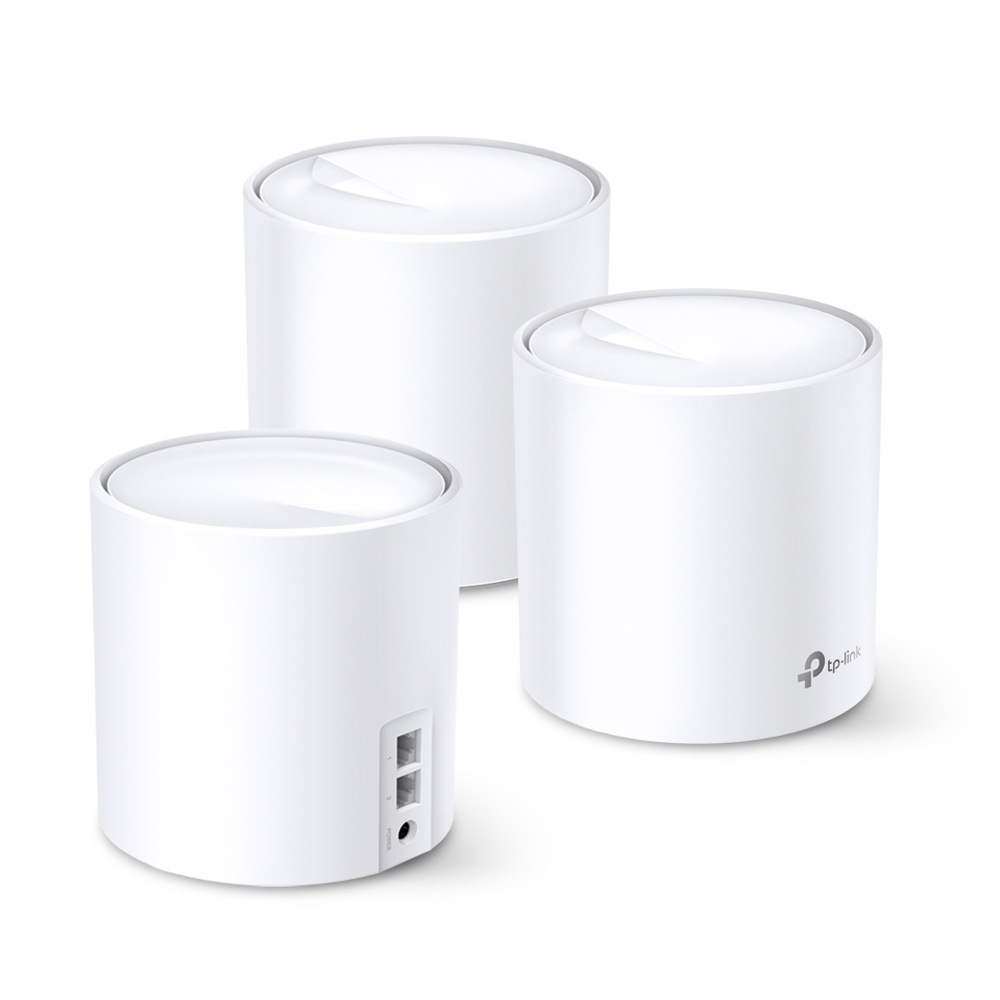
The Deco X20’s entry-level value, actual AX1800 specifications, hardware-revision differences and practical backhaul, coverage and roaming checks.
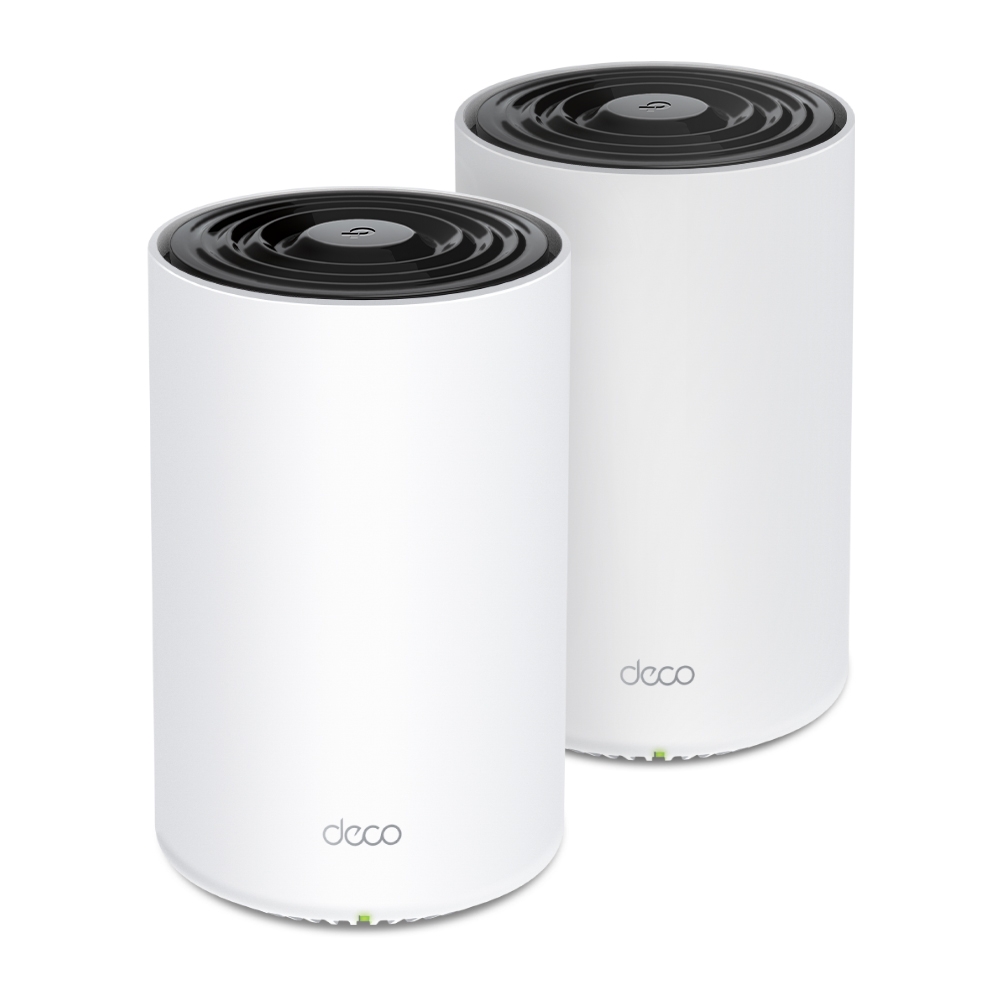
Check whether the PX50’s powerline backhaul helps your home, understand P9 and adapter compatibility, and verify outlets, app status and actual transfer limits.
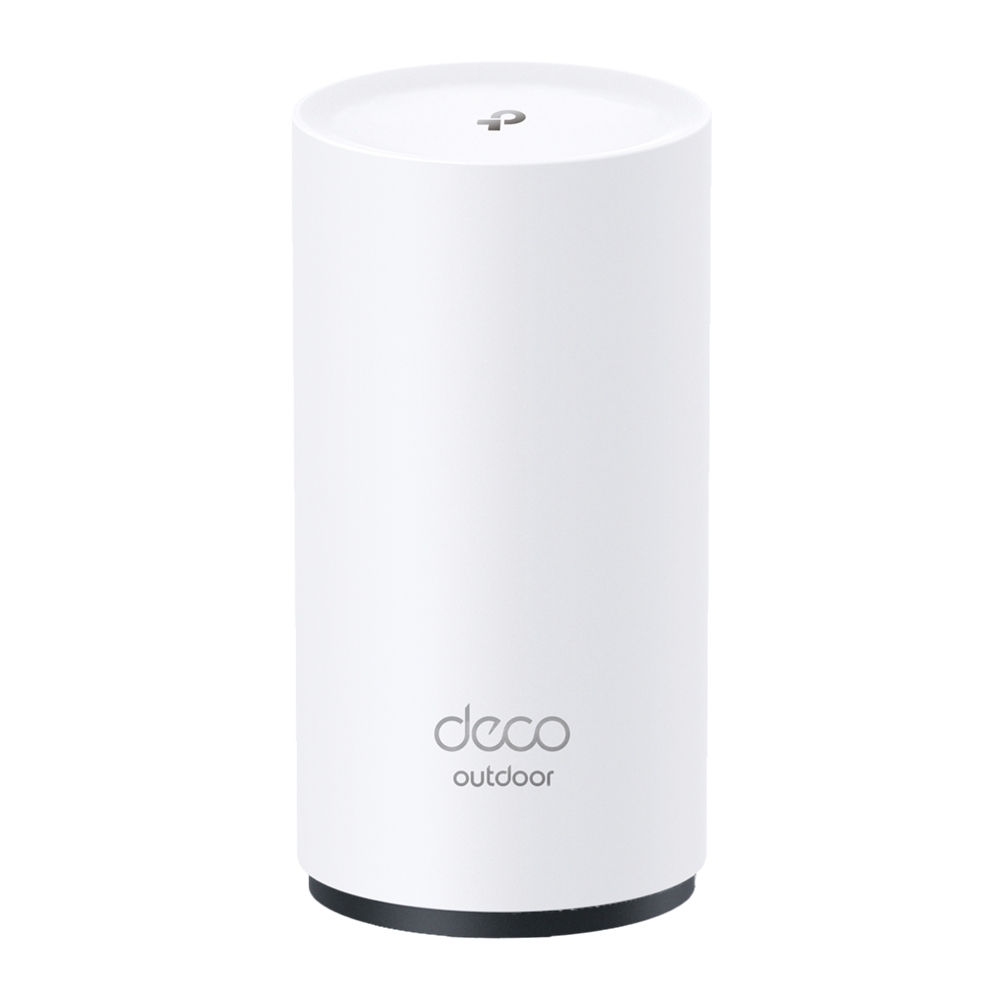
Explore the BE25-Outdoor’s regional Wi-Fi specifications, PoE/AC power and IP65 enclosure, with practical sealing, mounting and backhaul checks.
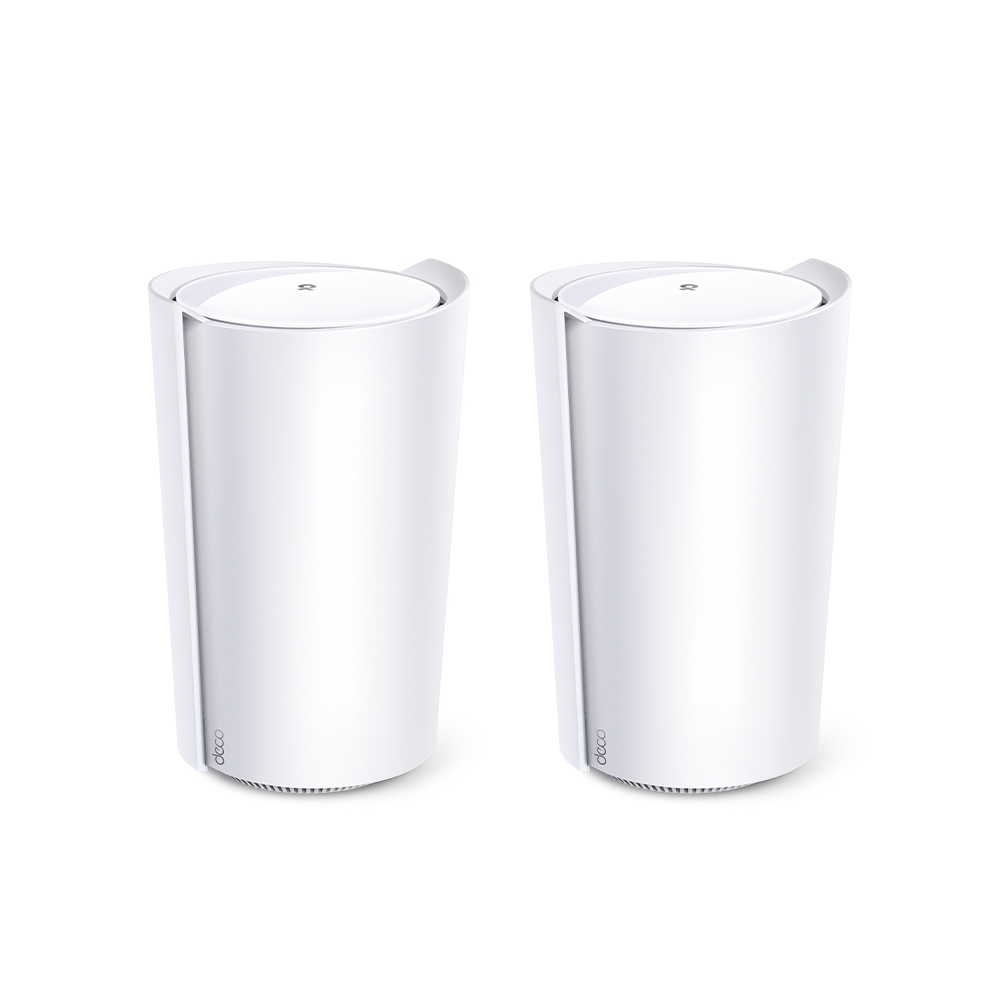
Assess the Deco X95’s AX7800 tri-band design, extra 5 GHz backhaul resources, actual dimensions, single 2.5 Gbps port and realistic home-network tradeoffs.

Understand Wi-Fi 6E’s extra 6GHz spectrum, regional limits, compatible devices, security requirements and mesh benefits before deciding to upgrade.

Learn how VoIP signaling and audio work, how codecs affect calls, and what to check before switching providers or diagnosing one-way audio.

Understand PoE standards, source-versus-device power, active and passive compatibility, and switch budgets before powering cameras, access points or phones.
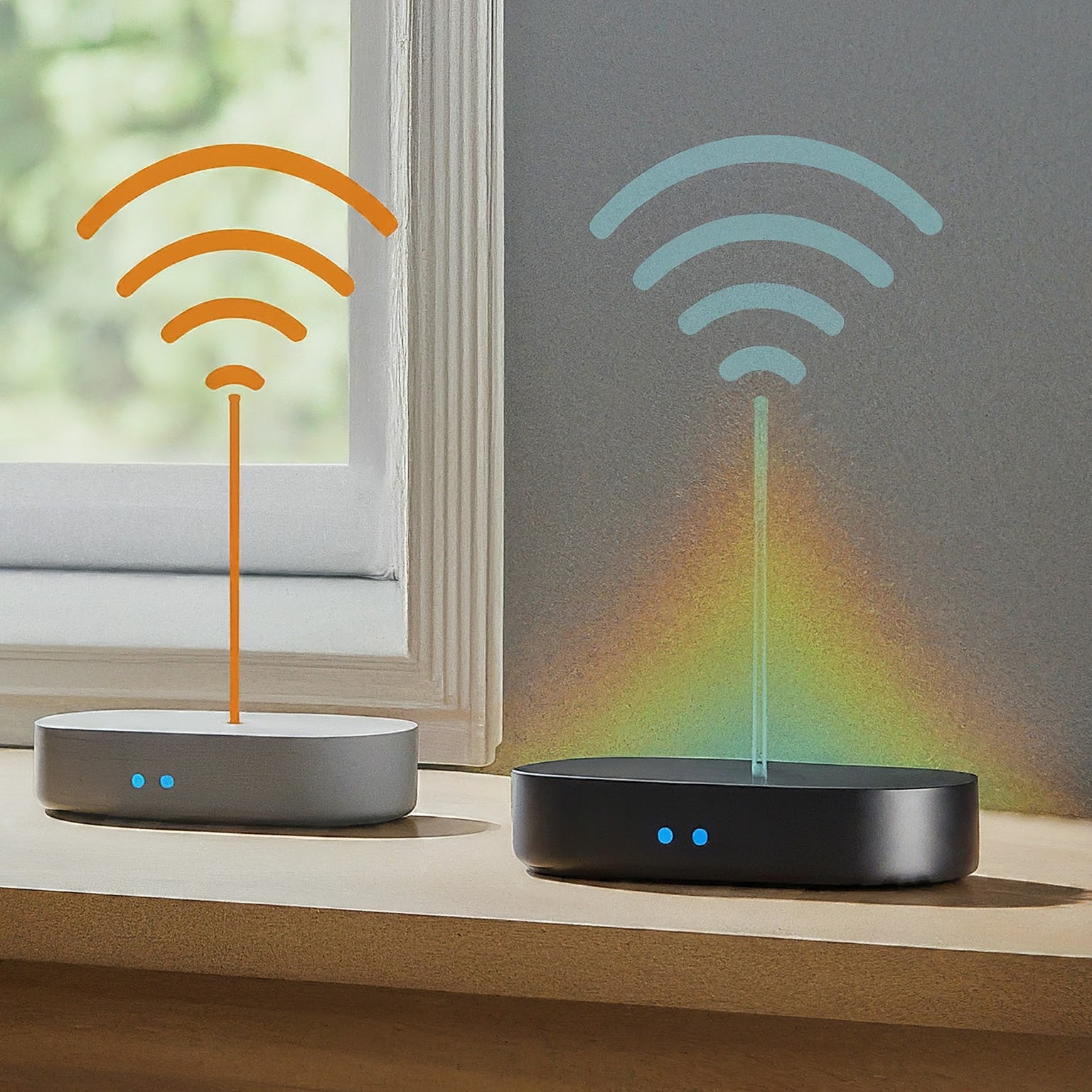
Understand repeater airtime tradeoffs, placement, real port/mode examples, wired AP reuse and how to compare coverage options without fixed performance guarantees.
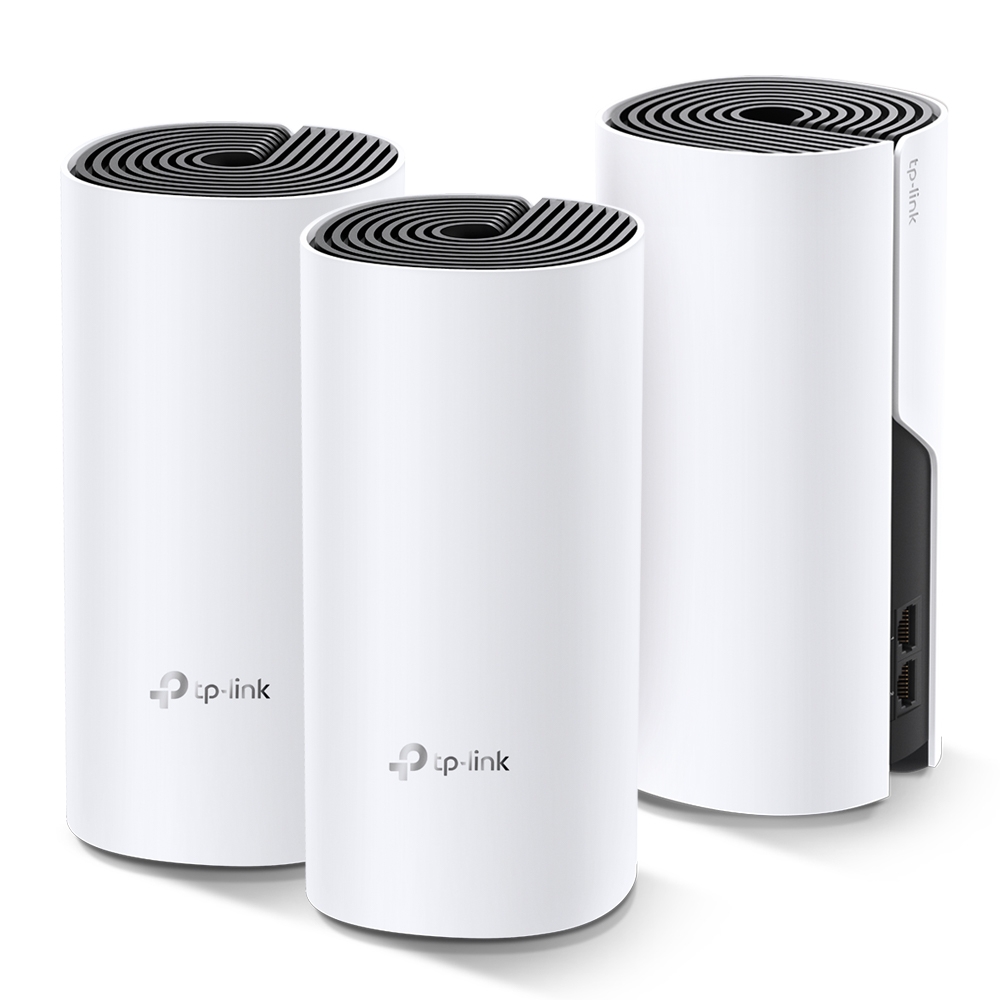
Explore the TP-Link Deco M4 as a budget mesh option, with accurate band rates, Ethernet backhaul, hardware-version checks and practical coverage tests.
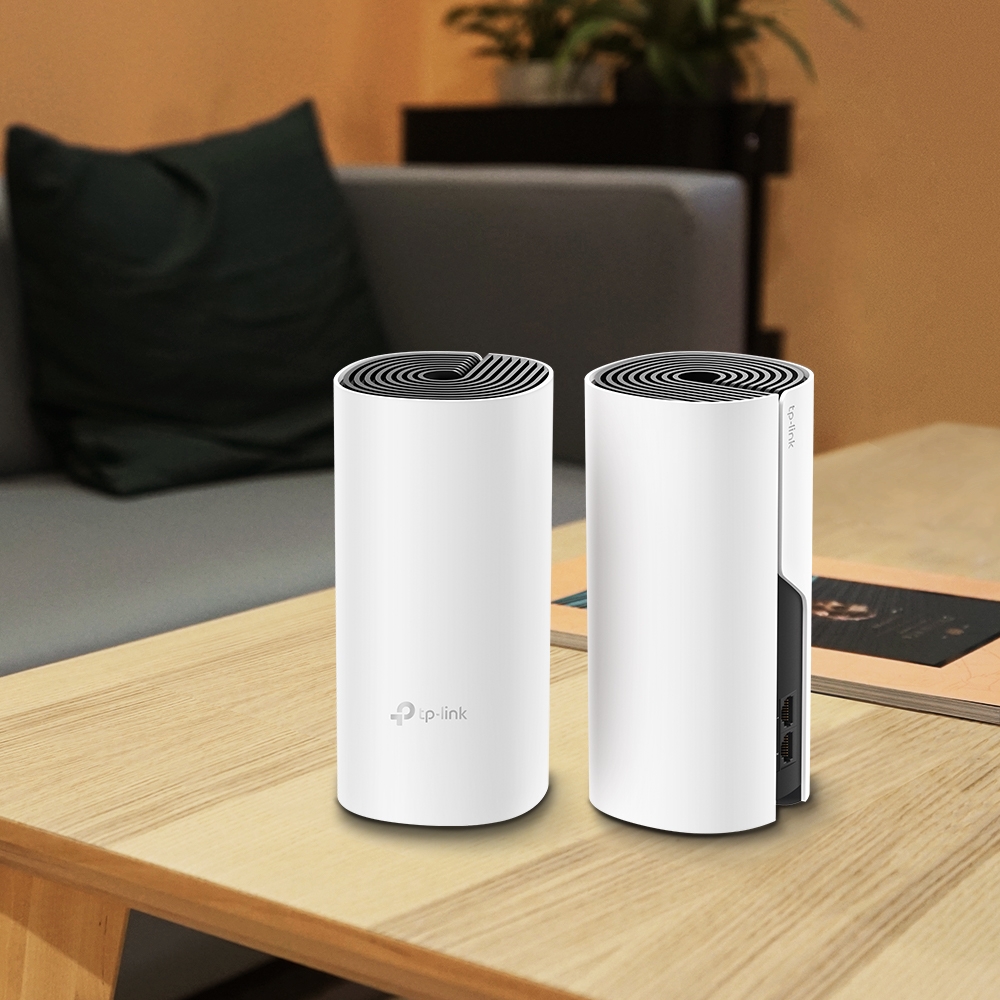
Deco E4 and M4 share an AC1200 radio class, but their Ethernet ports differ. Trace the actual bottleneck and plan a measured mixed-node upgrade.
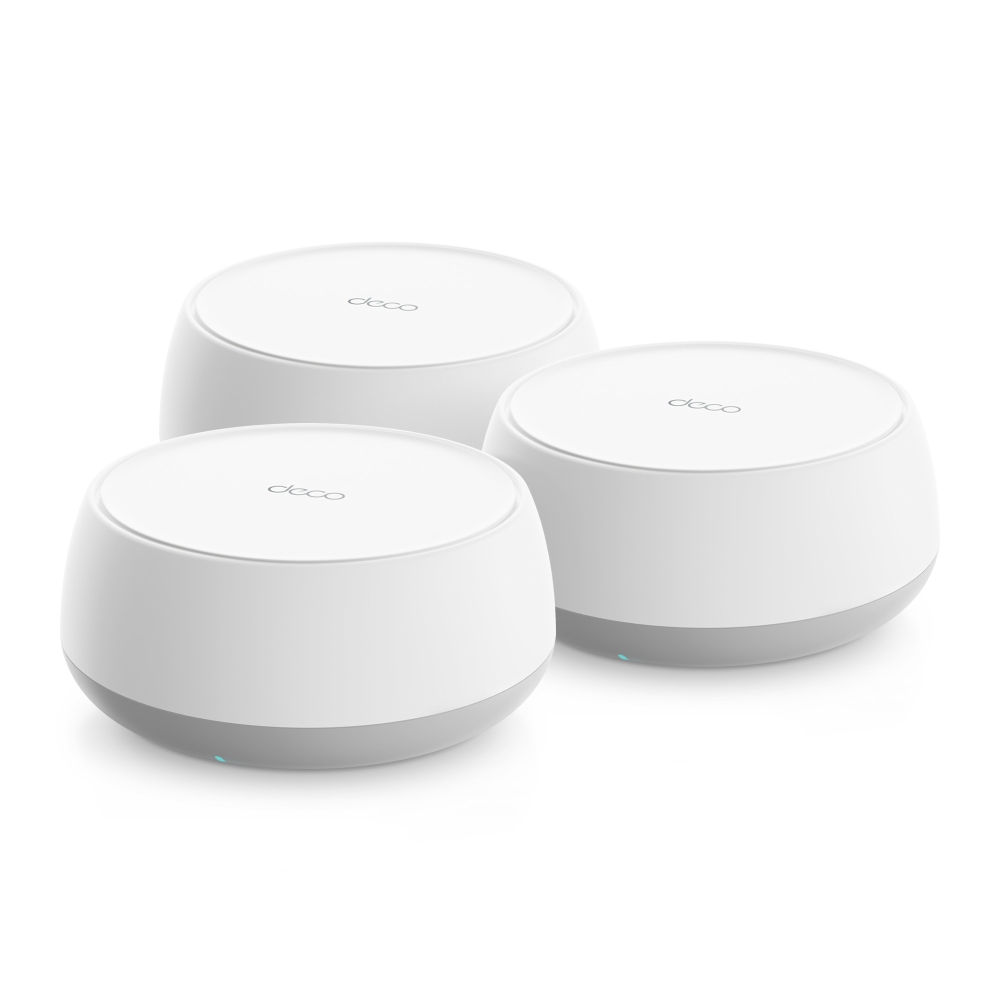
Plan a Deco BE65-PoE installation with the correct regional radio rates, two 5 Gbps ports, compatible PoE power and verified Ethernet backhaul.

Learn what a firewall can see and block, how stateful rules and network zones work, and how to check UFW, IPv6 and Docker exposure without losing access.
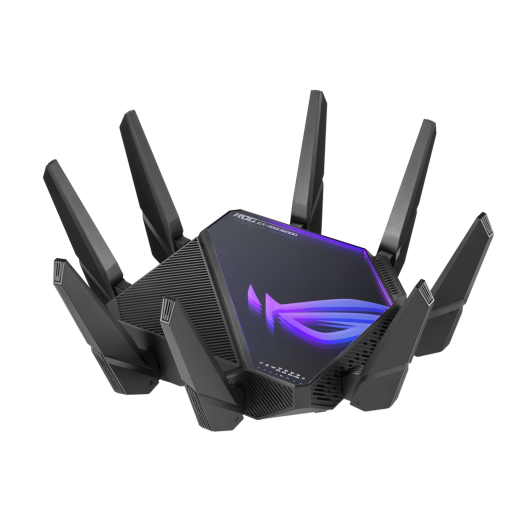
Understand the GT-AXE16000’s four radios, WAN/LAN port assignments and AiMesh options, then check the actual paths for NAS transfers, gaming and VR.
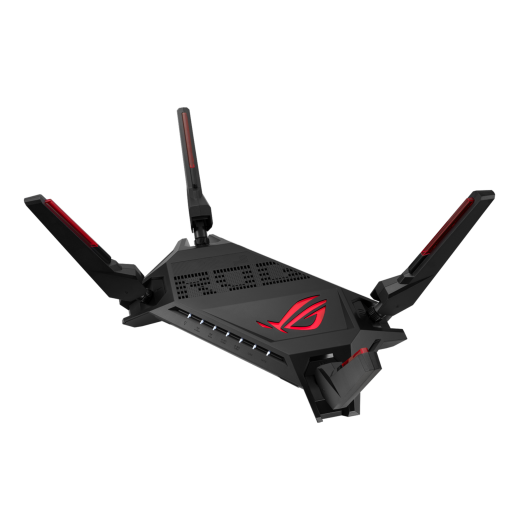
Assess the GT-AX6000’s dual 2.5GbE ports, Wi-Fi 6 radios and AiMesh options. Separate local congestion from internet latency with repeatable gaming connection checks.
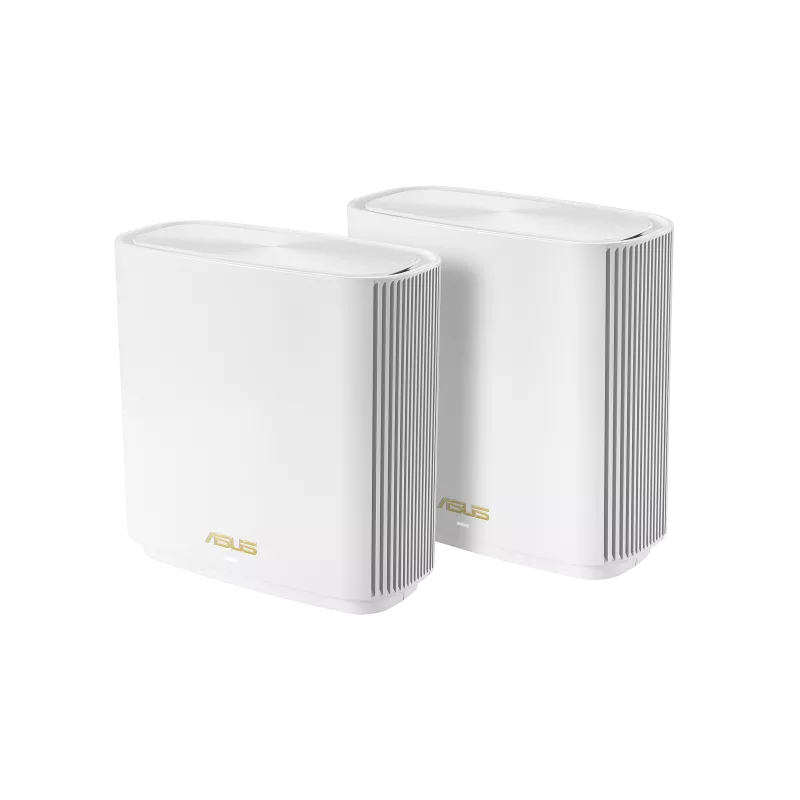
Explore the ASUS ZenWiFi XT8’s tri-band radios, AiMesh expansion, configurable backhaul and real port limits, with practical placement and compatibility checks.
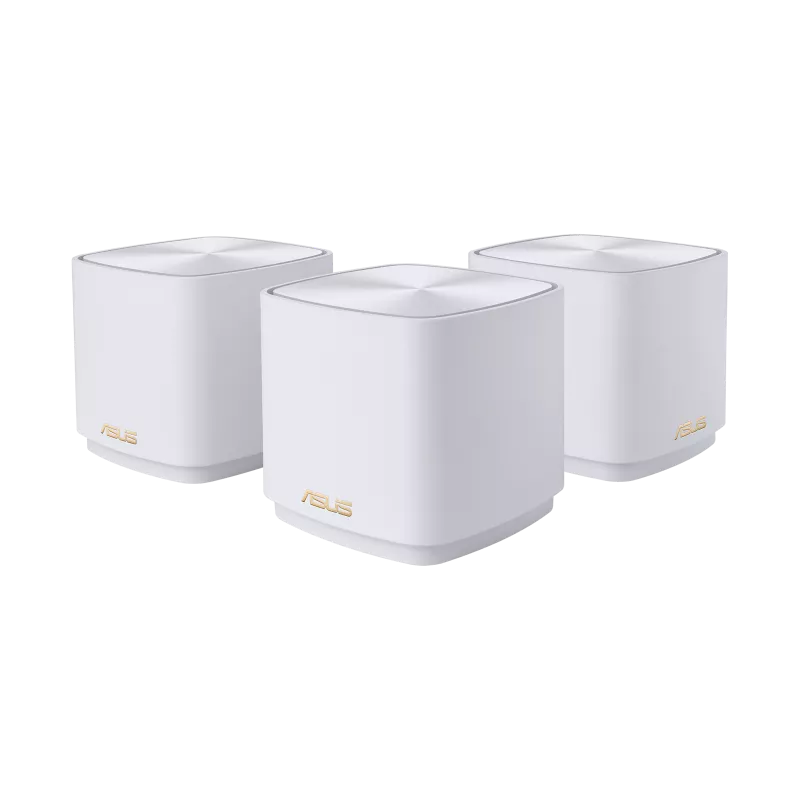
Check the XD5’s AX3000 radios, two Gigabit ports and pack coverage, with practical advice on AiMesh backhaul, firmware, security and VPN features.
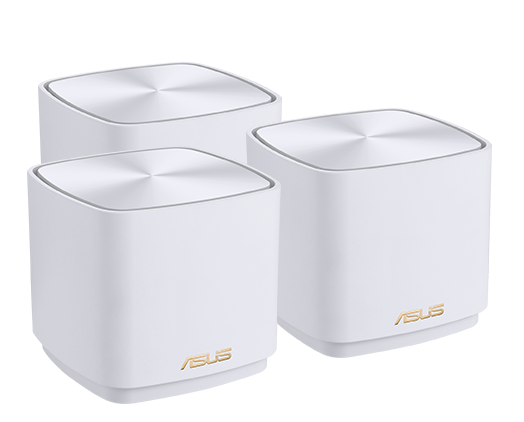
Understand the original XD4 mesh kit’s radio rates, router and node ports, shared backhaul and differences from XD4 Plus and XD5 before choosing a home layout.

Choose cloud storage by its sync, encryption and recovery features. Understand online-only files, backup limits, archive costs and a practical test before uploading valuable data.
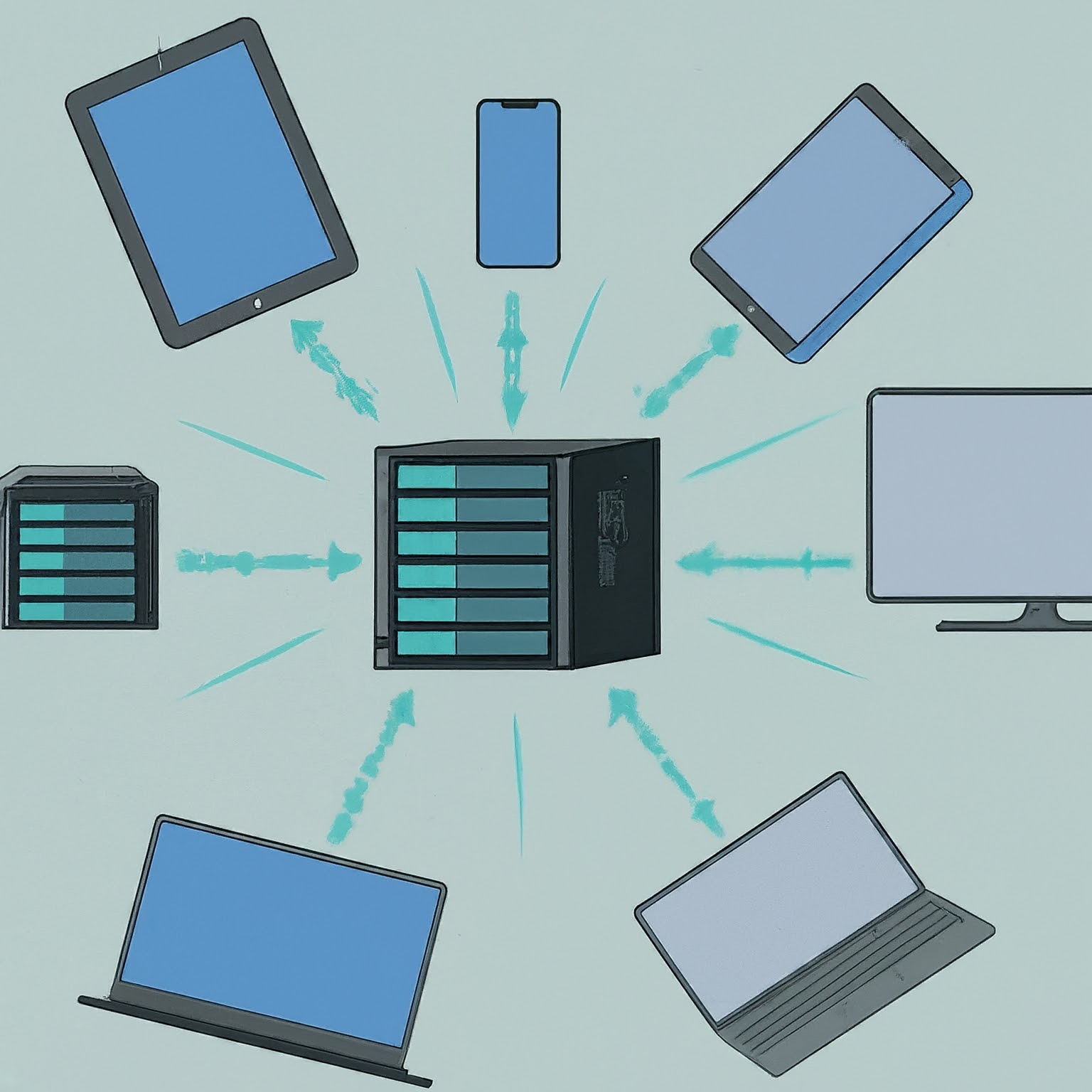
Plan a NAS around sharing, permissions, drive layouts and expansion, then protect it with independent backups and a tested restore process.
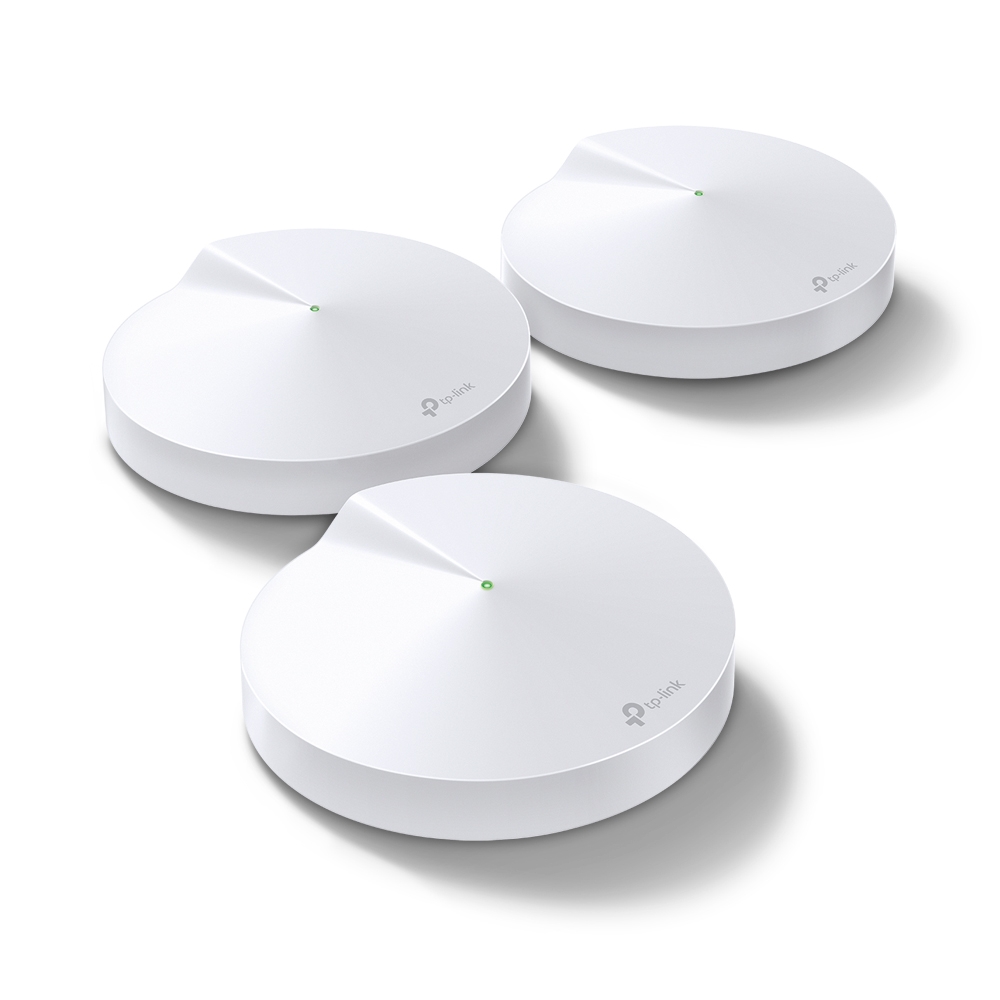
The Deco M5’s coverage strengths, hardware limits, updated HomeCare service context and practical checks for backhaul, roaming and mixed mesh units.
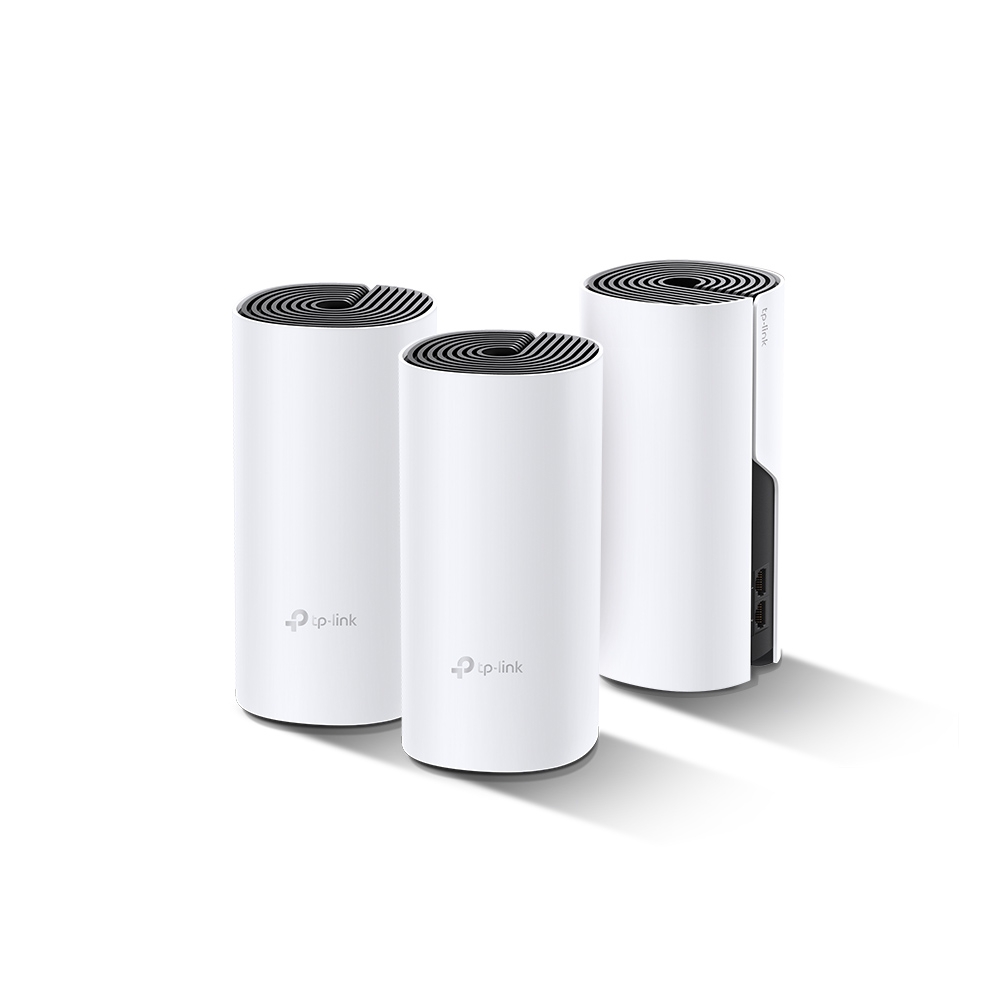
The Deco P9 combines Wi-Fi and powerline backhaul. Check its main-unit requirements, compatible Deco models, wiring conditions and performance in your rooms.
Check the original AX3000’s ports and radio limits, use its own pairing instructions, and compare coverage and backhaul without borrowing AX3000 NE features.
Diagnose a network problem by narrowing its scope, then checking the link, active IP route, DNS and actual service without treating one result as proof.
Understand routing, switching, Wi-Fi, DHCP and DNS roles, then distinguish NAT from firewall protection and diagnose the part of your home network that needs attention.

Understand SDN control and forwarding, controller/protocol differences, Proxmox zone limits and a practical lab approach for testing network policy.

Use QoS and smart queues for a measured contention problem, understand DSCP and Wi-Fi priorities, and test shaping without assuming guaranteed latency or throughput.
Learn IPv4 masks and CIDR, work through four /26 subnets, and connect address planning to VLANs, routing, firewall rules and meaningful verification.
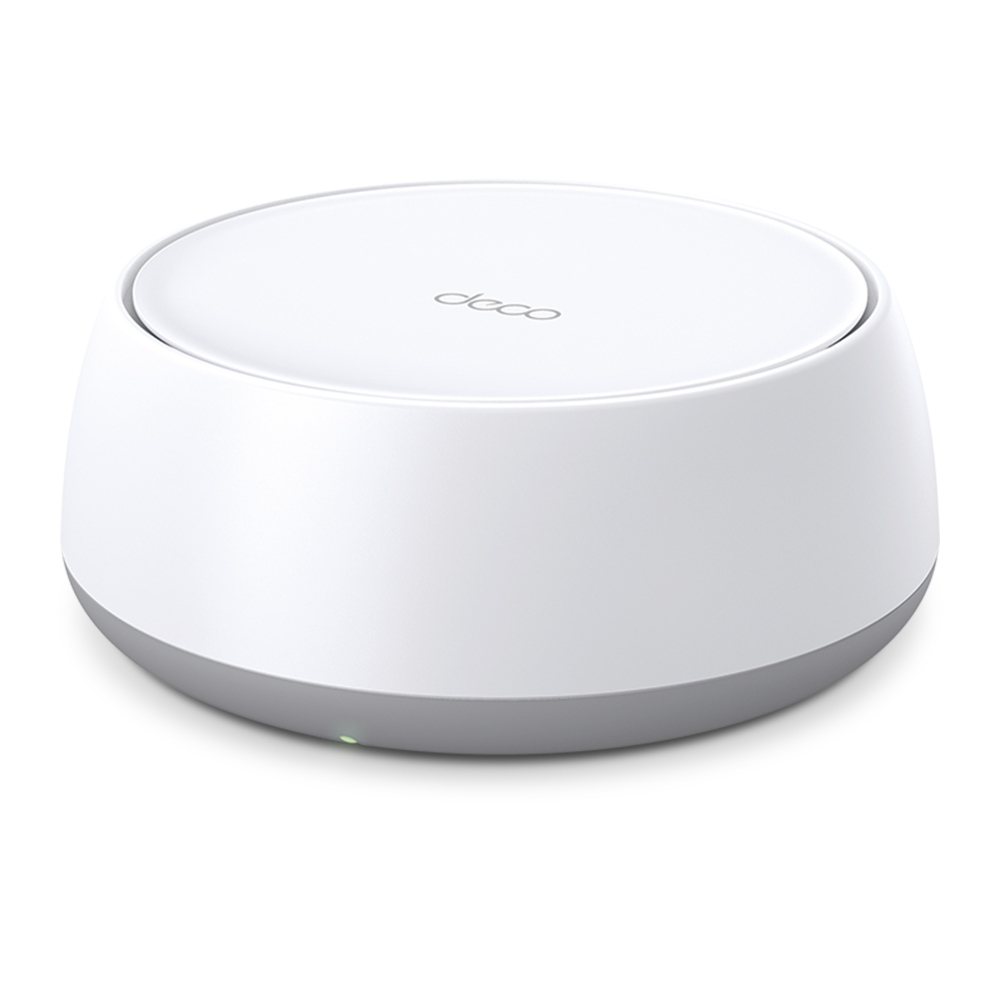
Compare BE25 regional ratings, its two 2.5G ports and dual-band Wi-Fi 7 limits, then plan placement, backhaul and client checks before upgrading.
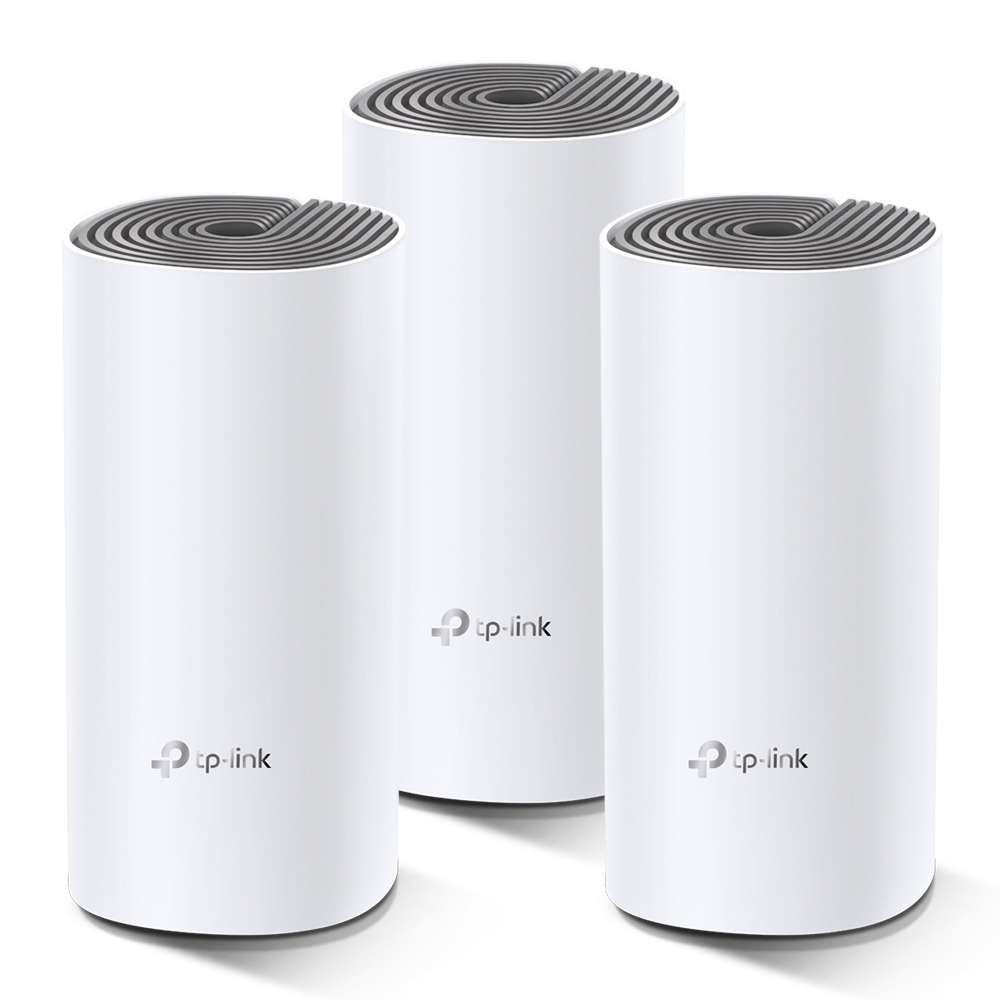
See when the E4’s Fast Ethernet ports matter, how to reuse it with a faster main Deco, and how to test coverage and backhaul before buying more units.

Compare WPA2 vs. WPA3 Wi-Fi security: how Simultaneous Authentication of Equals (SAE / Dragonfly handshake), Protected Management Frames (802.11w), and OWE protect your wireless network.
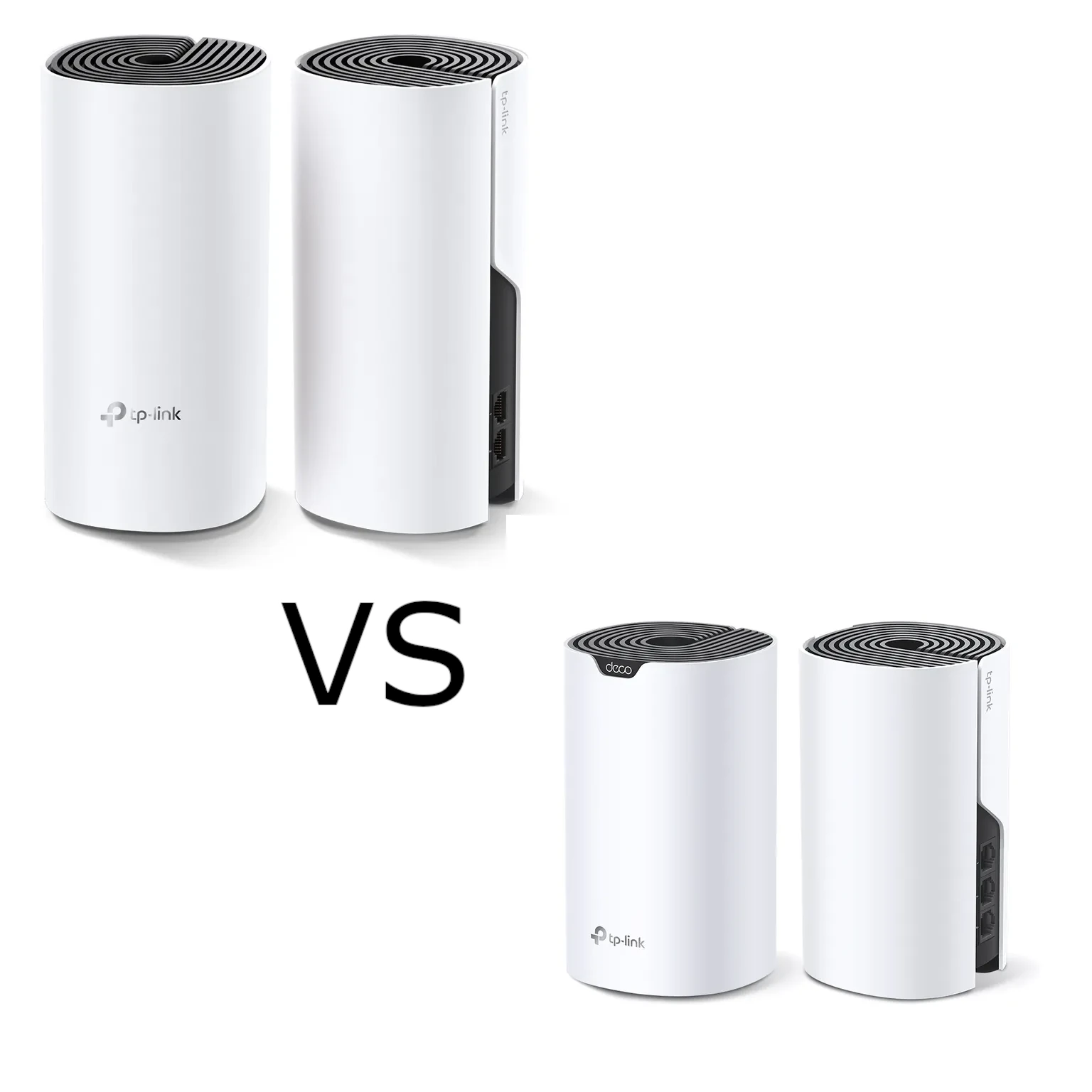
Compare Deco M4 and S7 by radio capacity, client stream limits and usable Gigabit ports. Test backhaul and equivalent pack layouts before choosing an upgrade.
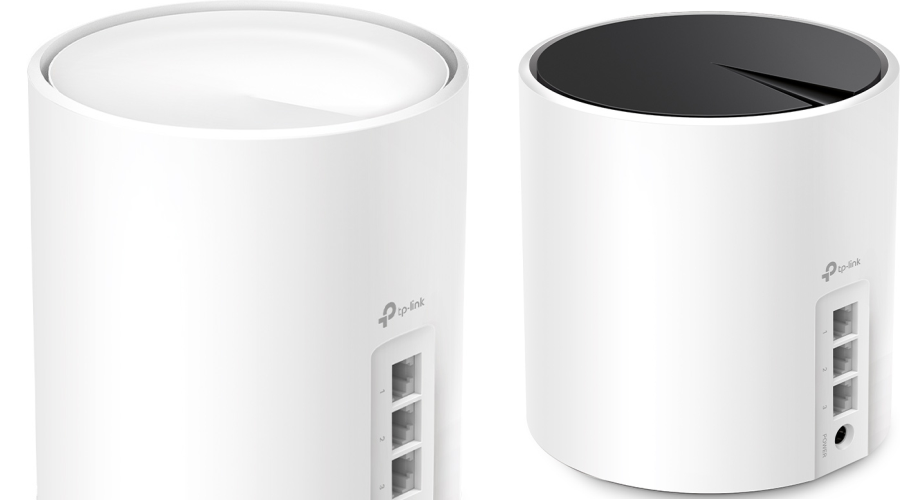
Compare the standard Deco X50 and X55 by AX3000 rates, Gigabit ports, hardware revision, pack size and actual features, including the separate X50-PoE.
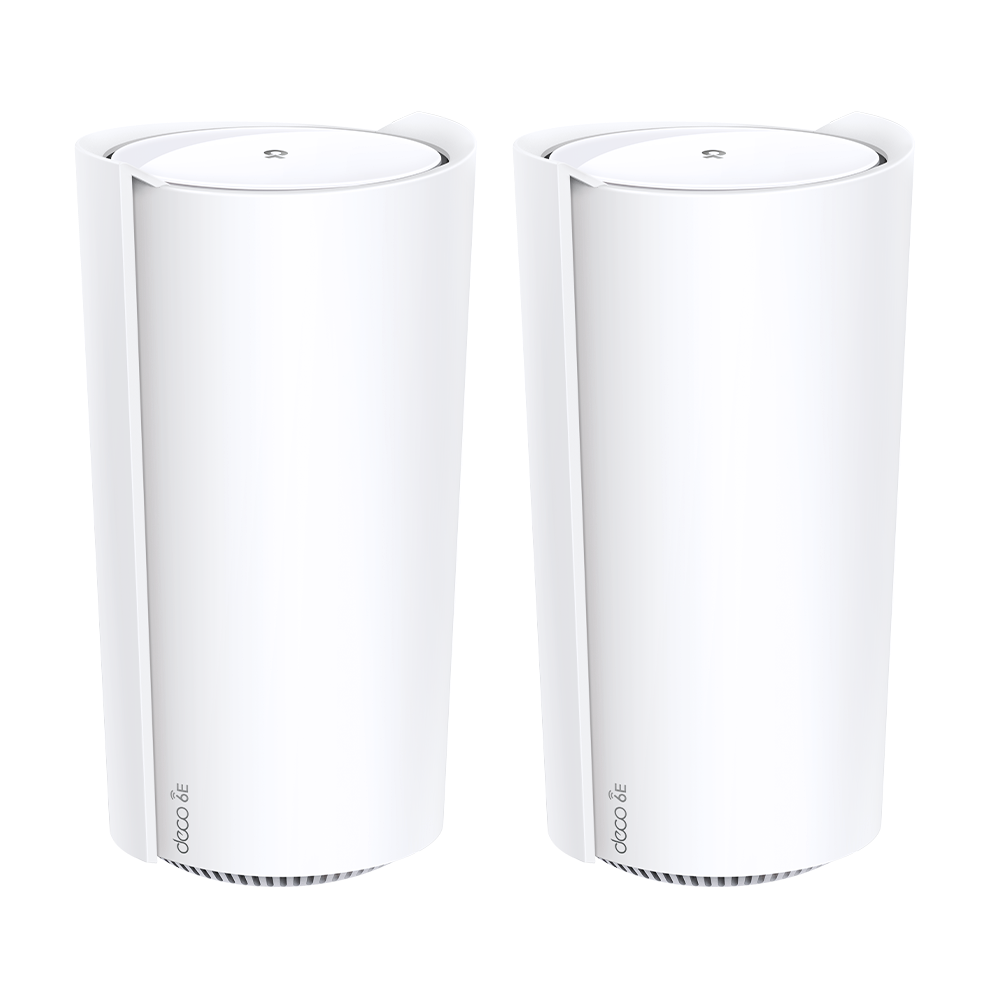
Understand the Deco XE200’s 16-stream radios, single 10GbE port, router/AP modes and support status. Use repeatable placement checks before choosing a mesh upgrade.
Decide whether a VPN fits your privacy or remote-access needs, understand its limits and verify the routes, DNS and applications you actually use.

Understand what a VPN protects, how full and split tunneling differ, which protocols suit your devices, and how to verify private access without anonymity promises.
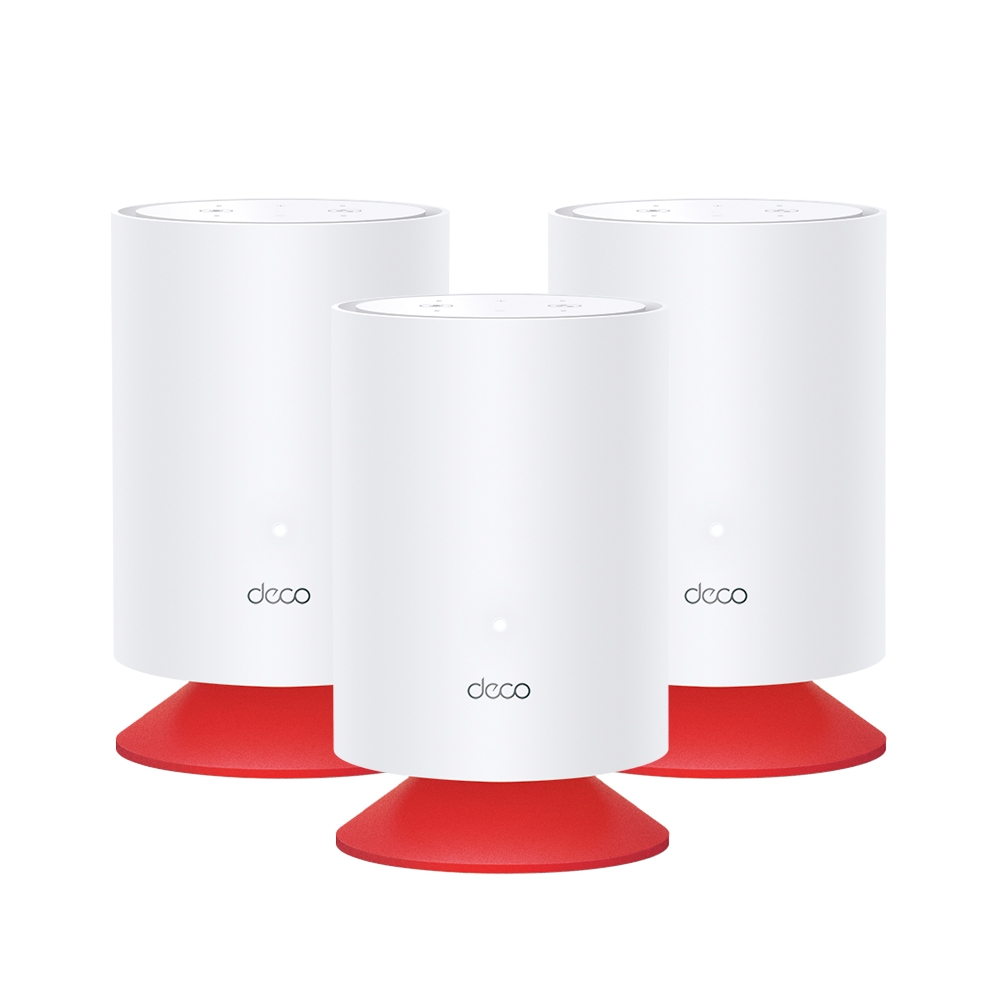
Explore Deco Voice X20’s combined Wi-Fi 6 mesh and Alexa speaker, with accurate hardware, separate account linking, privacy controls and placement checks.
Understand port forwarding, public-IP and CGNAT limits, stable LAN addresses, precise rules, external testing and service-specific security for a home network.

Learn how Dynamic DNS updates a changing address, what it cannot fix, and how to verify a provider or securely configure an optional DNS updater.

Compare Deco BE65, BE75, BE85 and BE95 radio profiles, regional differences, multi-gigabit ports and backhaul to choose a mesh that fits your home.
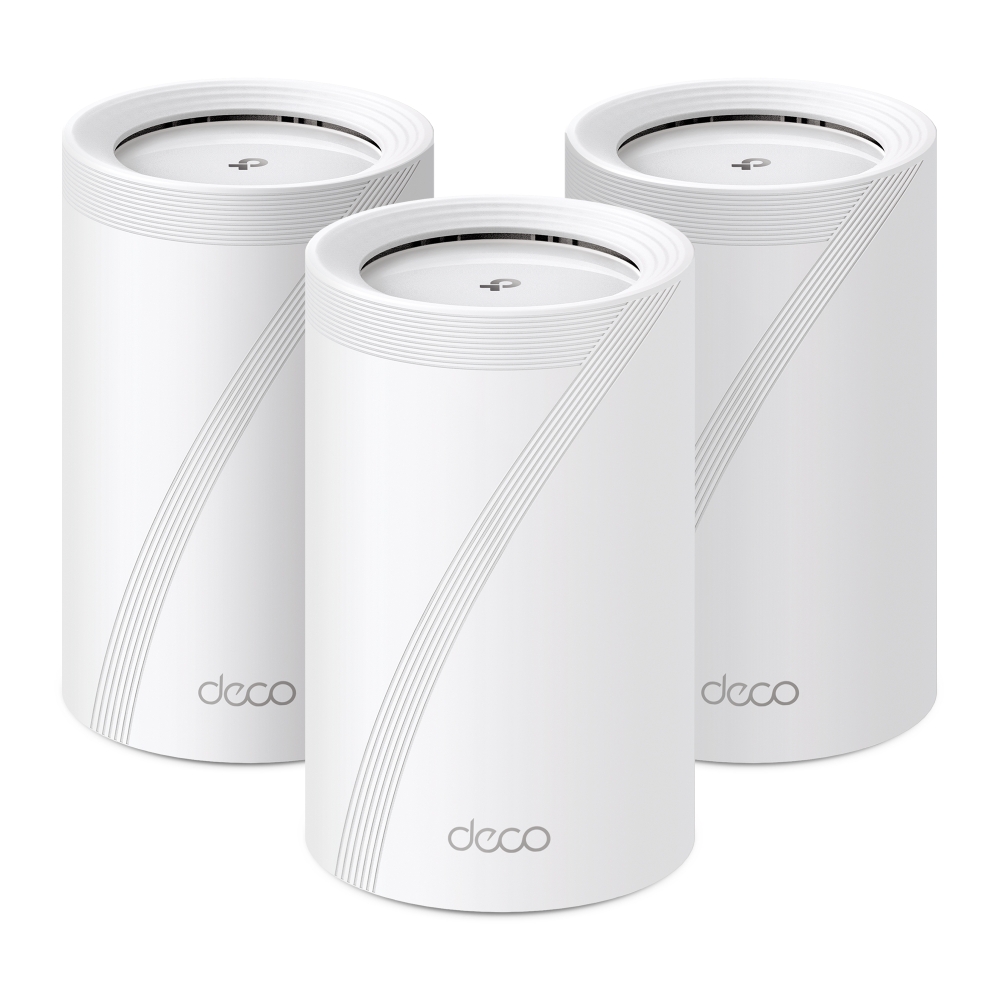
The Deco BE65 combines Wi-Fi 7 mesh and four 2.5GbE ports. Check regional specifications, setup requirements and performance in your own home.
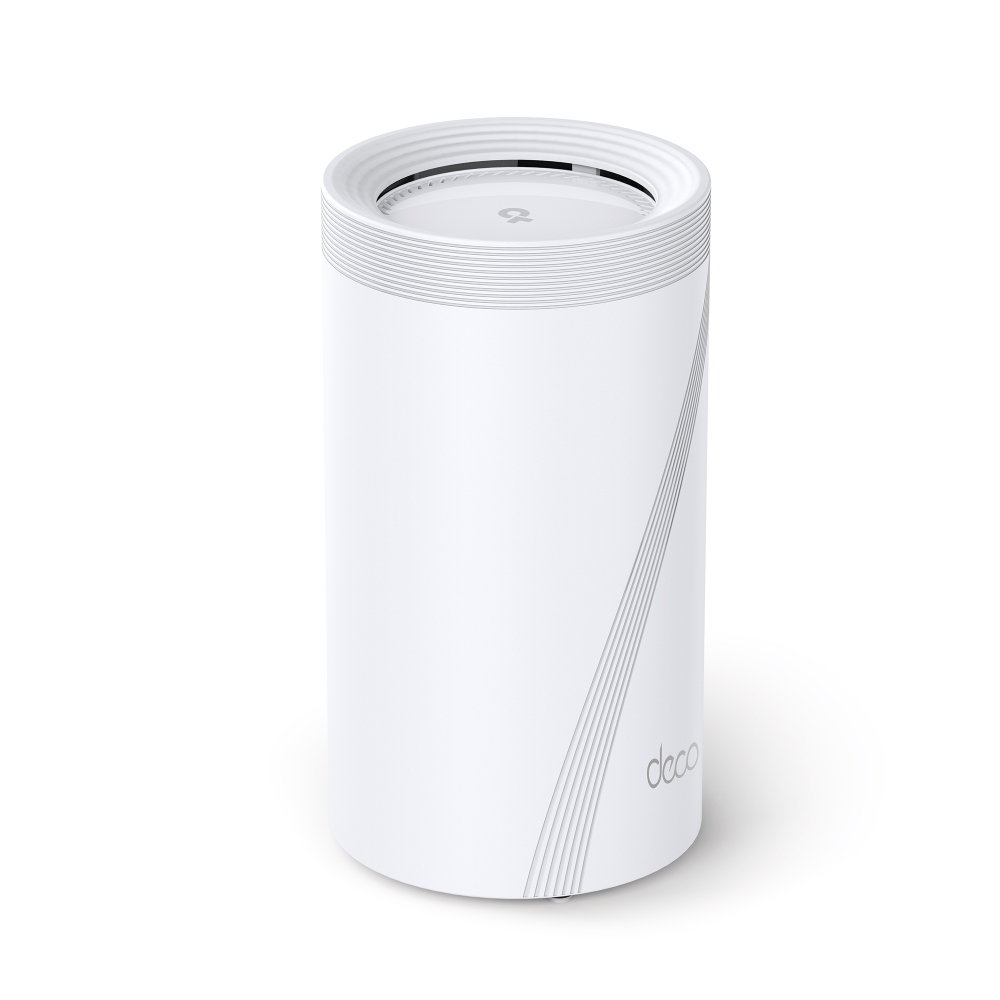
Assess the Deco BE95’s quad-band radios, multi-gigabit ports, backhaul choices and client requirements before planning a home mesh upgrade.
Assess whether Wi-Fi 6 addresses your network’s limits. Compare client support, airtime features, coverage, backhaul and the author’s experience-based recommendation for new installations.
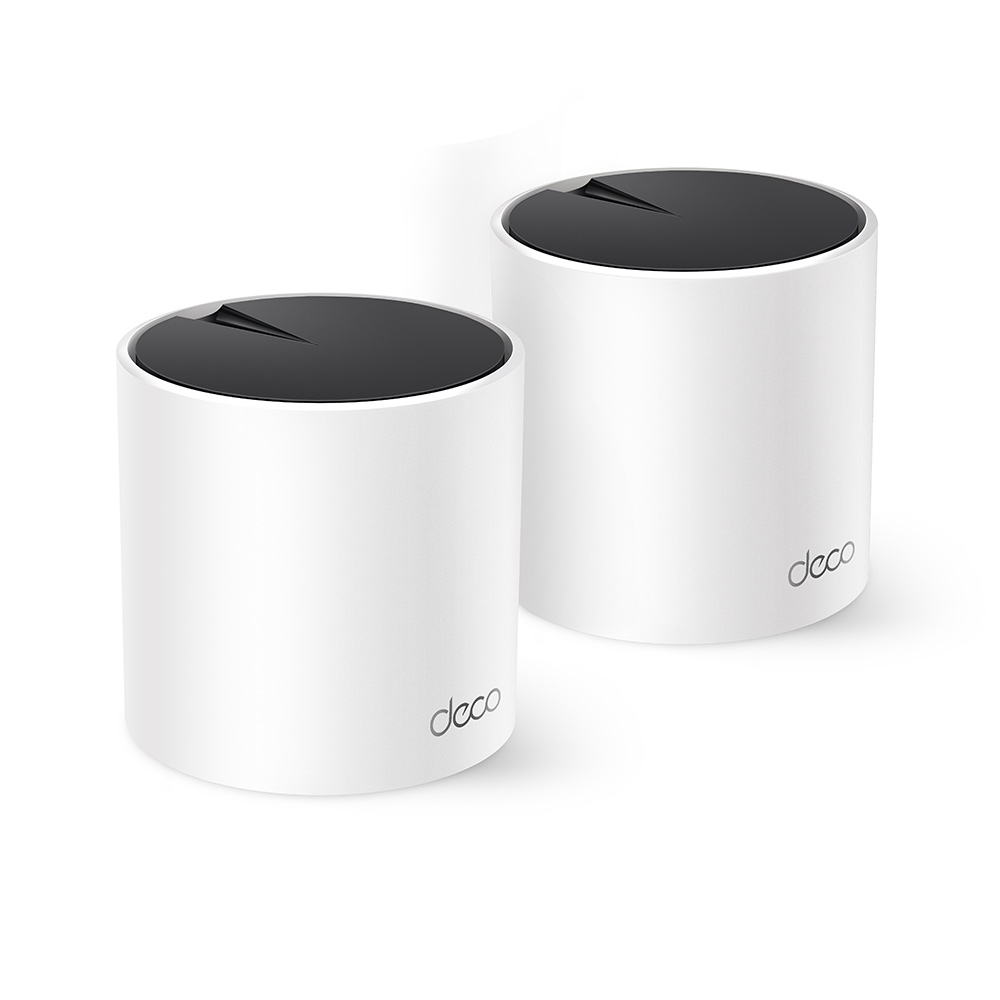
Why the Deco X55 remains a strong value candidate: AX3000 Wi-Fi 6, three Gigabit ports, revision differences, backhaul planning and realistic HomeShield expectations.
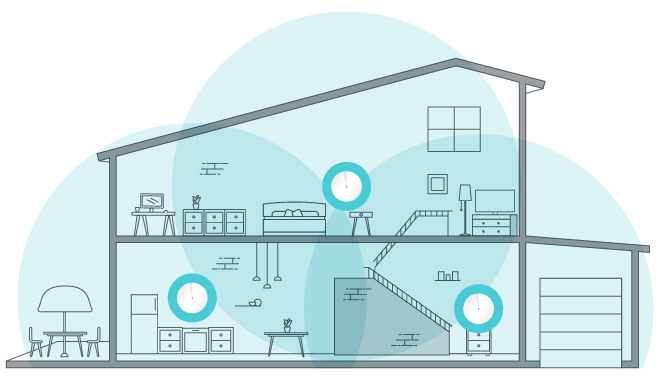
Set up Deco with the right ISP connection and operation mode, place satellites, check client compatibility and verify Ethernet backhaul without assuming universal app settings.
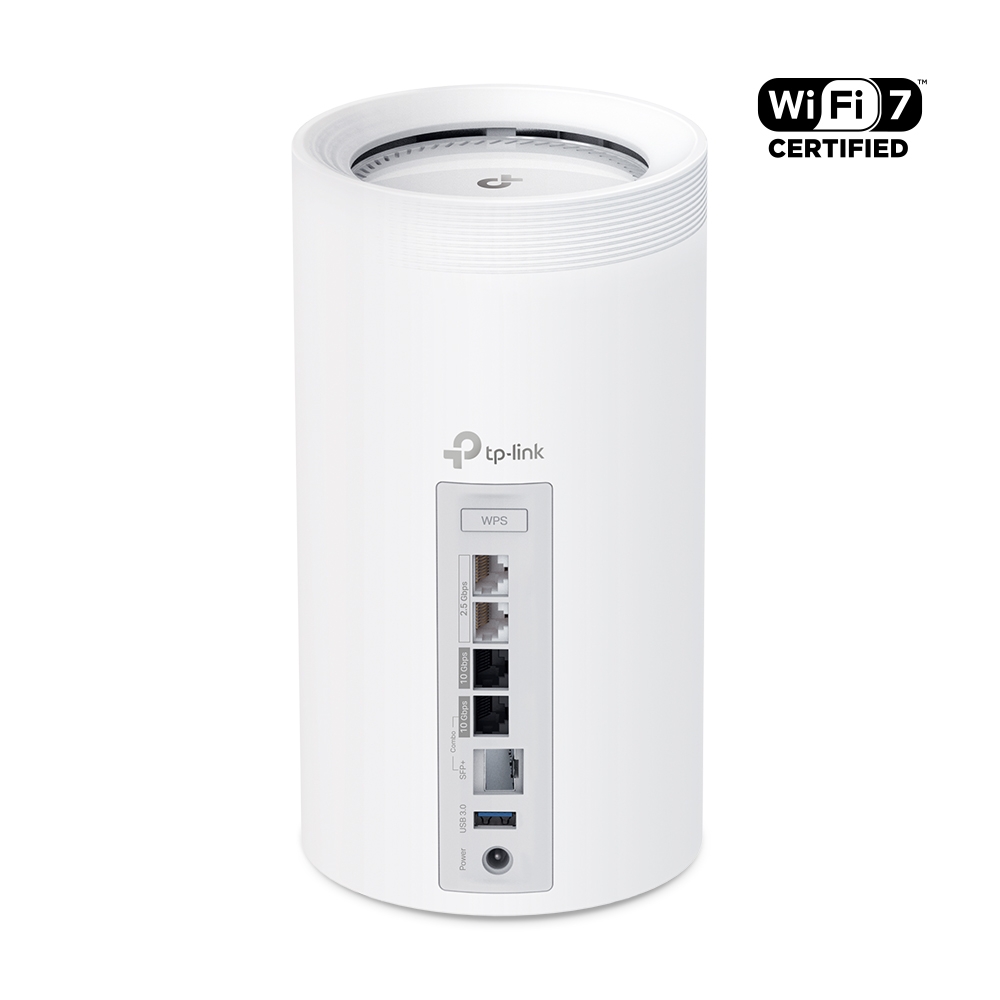
Explore Deco BE85 regional radio profiles, dual 10G interfaces, backhaul, USB sharing and security settings, with a practical comparison to the BE75.
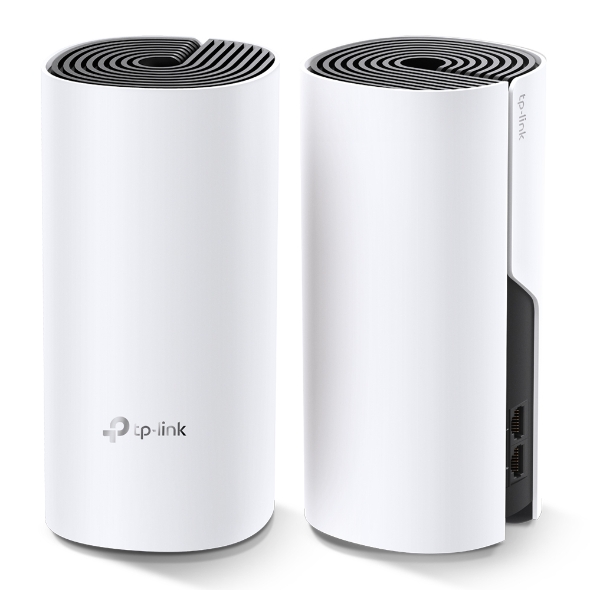
The Deco M4’s budget strengths, Gigabit ports and real coverage limits, with backhaul, placement and practical checks for a smaller home.
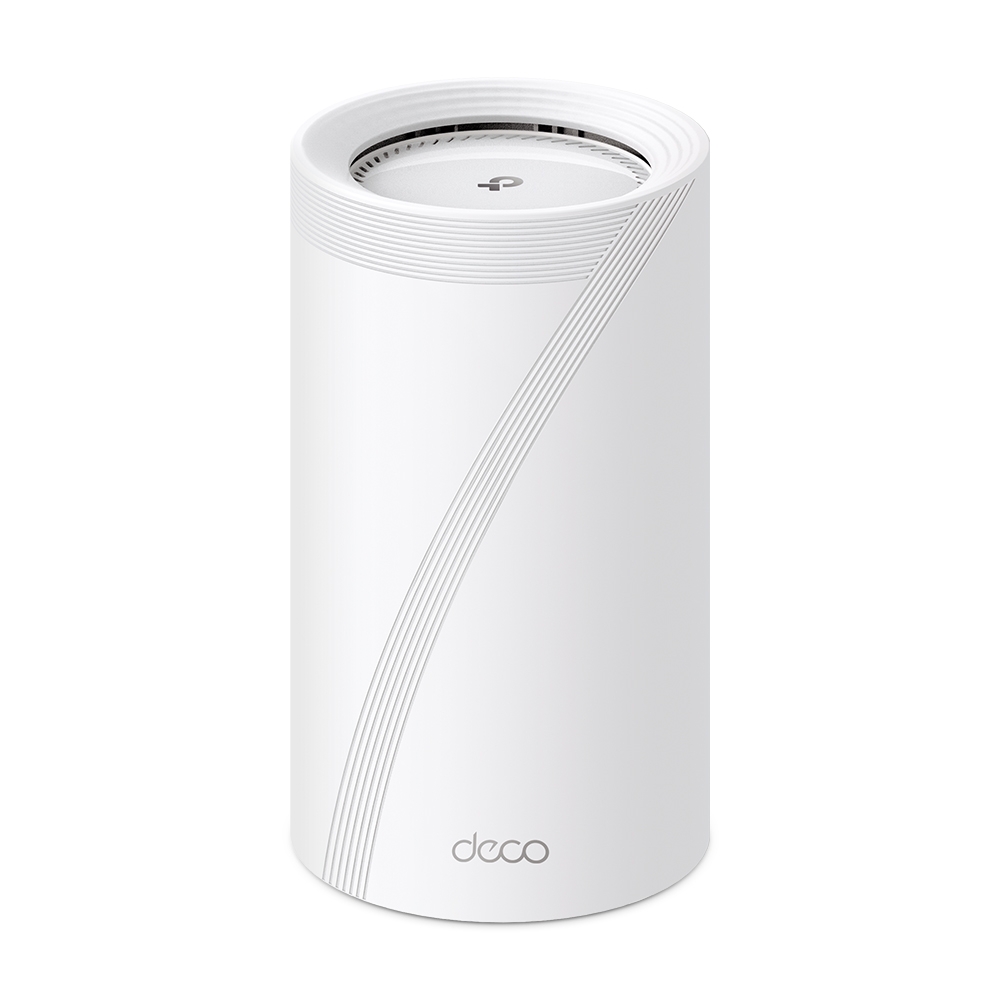
Explore Deco BE75 radio rates, manufacturer test conditions, its single 10Gbps combo connection, combined backhaul and HomeShield considerations.
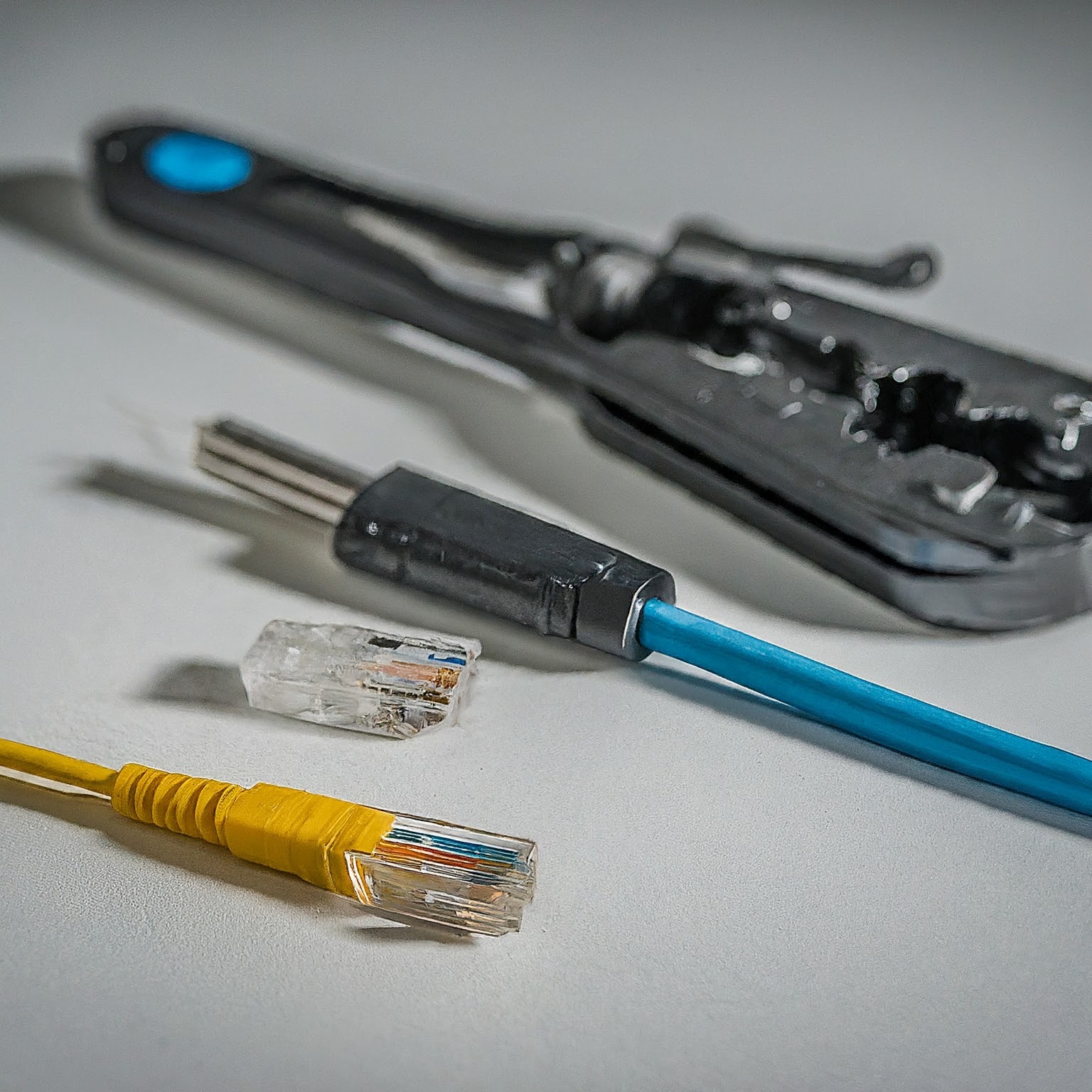
Choose Cat5e, Cat6, Cat6A, fibre or DAC for your home network, with practical guidance on channel length, T568A/B wiring, jacket ratings and cable testing.

Diagnose slow or missing internet by comparing devices, Wi-Fi and Ethernet, interpreting ping, DNS and traceroute results, and checking latency under load before contacting your ISP.

Compare fibre, cable, DSL, fixed wireless and satellite using upload speed, loaded latency, installation, availability and the total cost of a real offer.
Understand 3G, 4G, LTE and 5G, compare cellular coverage and router compatibility, and test a home or backup connection before choosing a plan.

Choose 1GbE, 2.5GbE, 5GbE or 10GbE by checking cable reach, compatible ports and the actual bottlenecks in your local network.

Compare Ethernet, Wi-Fi and mesh for your home using practical bottleneck, coverage, cost and compatibility checks, including existing-coax options.
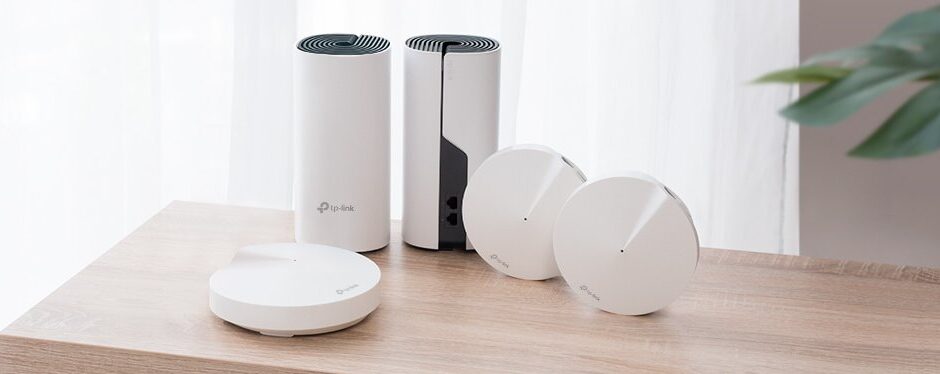
Compare Deco M4, X55 and BE75 by verified radios, ports, clients and backhaul. A household planning checklist replaces assumed coverage and invented speed benchmarks.
Plan and set up a home mesh network with practical advice on routing mode, node placement, Ethernet backhaul, model compatibility and verification.

Understand mesh Wi-Fi coverage, roaming and backhaul, then place and test nodes using practical checks for your home and devices.

Compare mesh kits, reused routers and managed access points while checking placement, backhaul, roaming and the complete cost for your home.
Extend home Wi-Fi with a clear access-point topology, model-specific spare-router setup, realistic roaming, sensible channel planning and client verification.
Compare shared and separate SSIDs on older dual-band routers, with accurate roaming, Smart Connect, IoT setup and practical band-selection tests.
Understand Wi-Fi frequency bands, channel widths and generations, then compare 2.4, 5 and 6 GHz using practical client, coverage and router-setting checks.