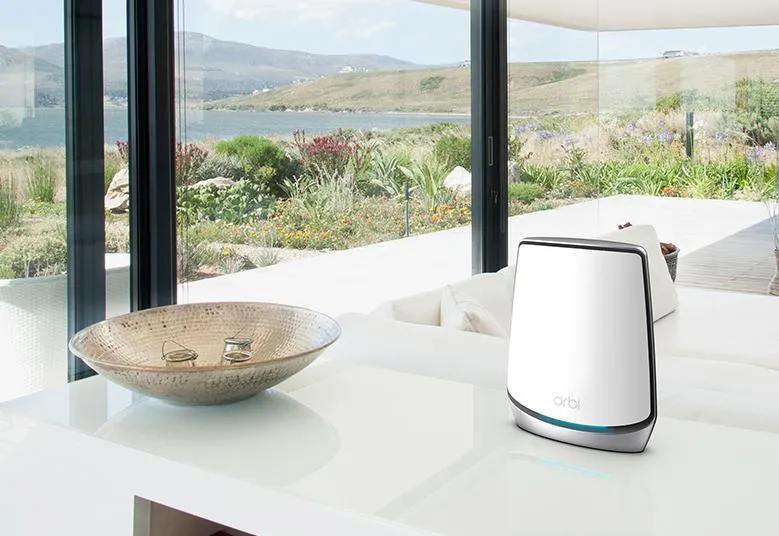
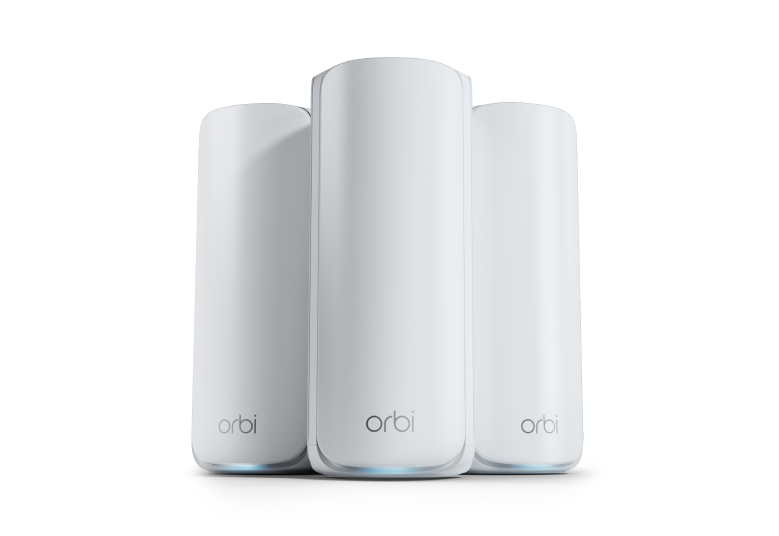
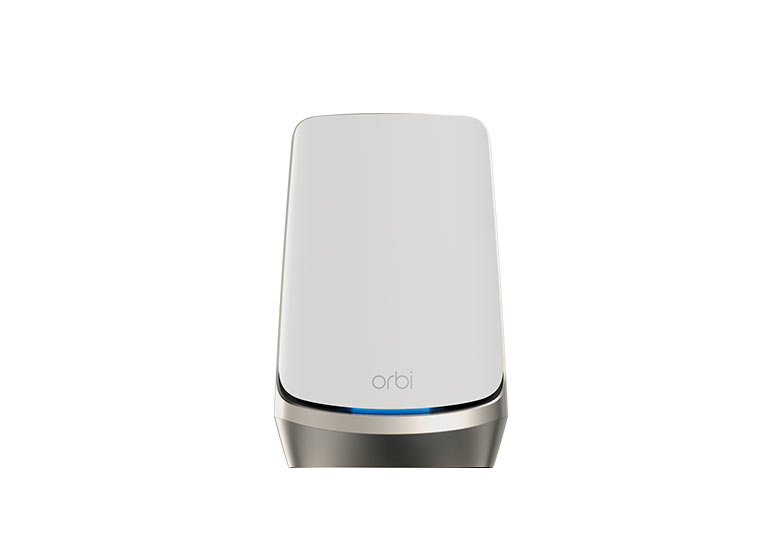
The NETGEAR Orbi 860 is a premium tri-band Wi-Fi 6 mesh system for households that need coverage across several rooms or floors. Its main attractions are a dedicated wireless backhaul radio, a 10Gbps internet port and four Gigabit LAN ports per unit. I consider it a capable option for large and connected homes, while the original price, client-compatibility and placement cautions remain central to deciding whether it is worth the investment.
Mesh uses a main router and satellites to distribute Wi-Fi access around your home. A satellite needs a good connection back to the router, called backhaul, before its nearby clients can benefit. A strong signal to your phone is only one part of that path. Thoughtful placement or a supported cable can matter more than adding another node in an already poor location.
Tri-Band AX6000 and Dedicated Backhaul
The Orbi 860 has a 2.4GHz radio, a 5GHz client radio and a separate 5GHz backhaul radio. The advertised physical rates are 1,200, 2,400 and 2,400Mbps respectively. AX6000 combines those rates, including backhaul, into a product class. It is not a 6Gbps internet download to one laptop.
The dedicated link lets inter-node traffic use separate radio resources from the ordinary client-facing 5GHz connection. That can be useful where wiring between floors is difficult. It does not remove every bottleneck, guarantee the same speed near all nodes or make neighboring interference disappear. The client, active traffic, walls and satellite position still influence results.
This is Wi-Fi 6, not Wi-Fi 6E or Wi-Fi 7, and there is no 6GHz client radio. Newer clients can connect through compatible earlier modes, but their new 6GHz or Multi-Link Operation capabilities do not upgrade the router. Features such as MU-MIMO and OFDMA depend on corresponding client support and useful traffic conditions; they do not ensure every connected device gets the maximum rate.
The 10G Port and the Gigabit LAN
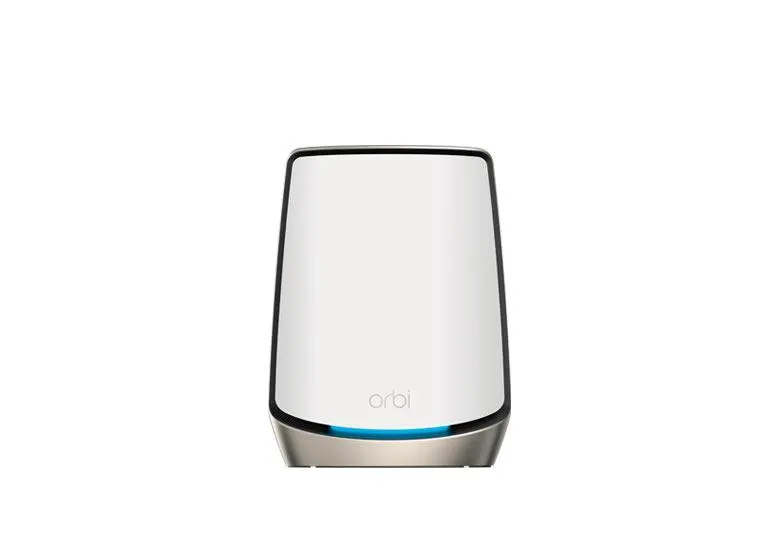
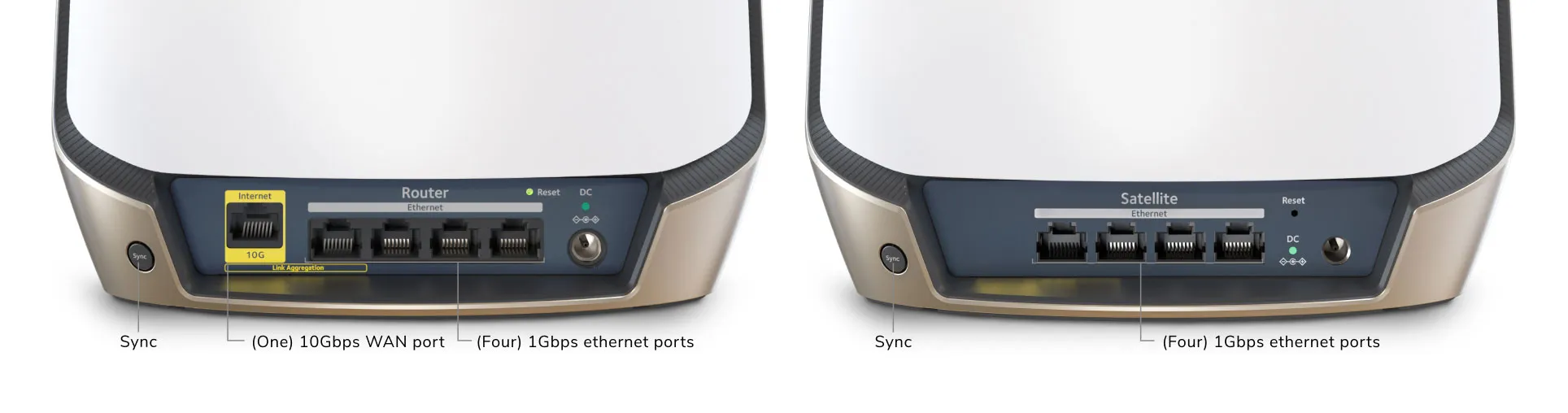
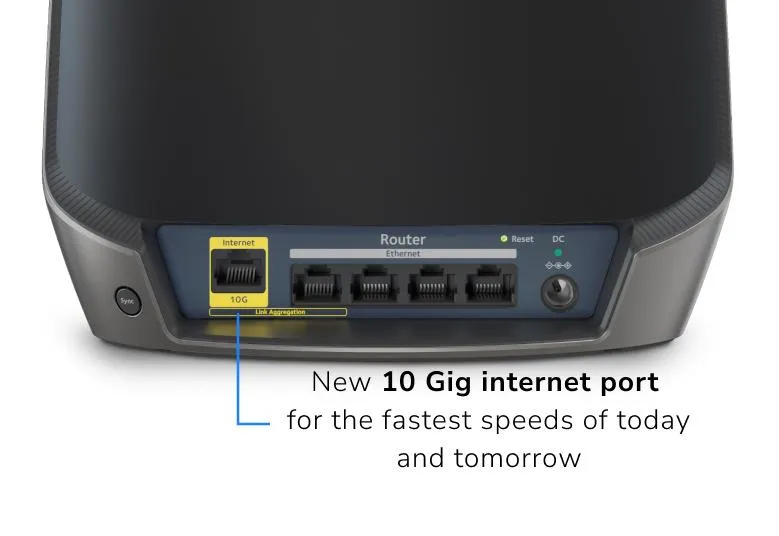
The RBR860 router has one 10Gbps WAN port plus four Gigabit LAN ports. Each RBS860 satellite has four Gigabit LAN ports. There are no 2.5G or 10G LAN ports in this configuration. A 10G internet handoff therefore does not establish a 10G wired path to an individual desktop or satellite.
For example, a NAS and computer communicating through Gigabit ports have a Gigabit link ceiling, with application transfers lower after overhead. A faster switch cannot change those endpoint ports. If fast local backups or a multi-gigabit wired workstation are priorities, compare the complete LAN design before choosing this model for its WAN headline.
A wired satellite also spends one of its four ports on its uplink, leaving three for clients. That uplink is Gigabit, so the satellite's wired backhaul is not multi-gigabit. This can still be useful for stability across difficult walls, but a favorable wireless backhaul may offer different aggregate capacity. Choose based on the actual connection you need, then check the result.
Hardware and Pack Scope
| Item | Orbi 860 / cited three-pack |
|---|---|
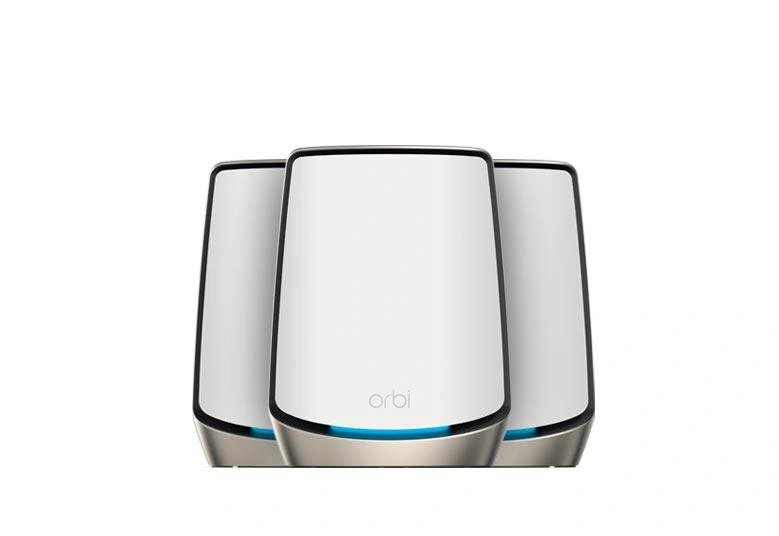
| Models | One RBR860 router and two RBS860 satellites |
| Wireless class | Tri-band Wi-Fi 6, AX6000 |
| Dedicated wireless backhaul | Separate 5GHz radio |
| Router Ethernet | One 10G WAN and four Gigabit LAN ports |
| Satellite Ethernet | Four Gigabit LAN ports each |
| Processor | 2.2GHz quad-core |
| Router memory | 1GB RAM and 512MB NAND flash |
| Antennas | Eight internal antennas per unit |
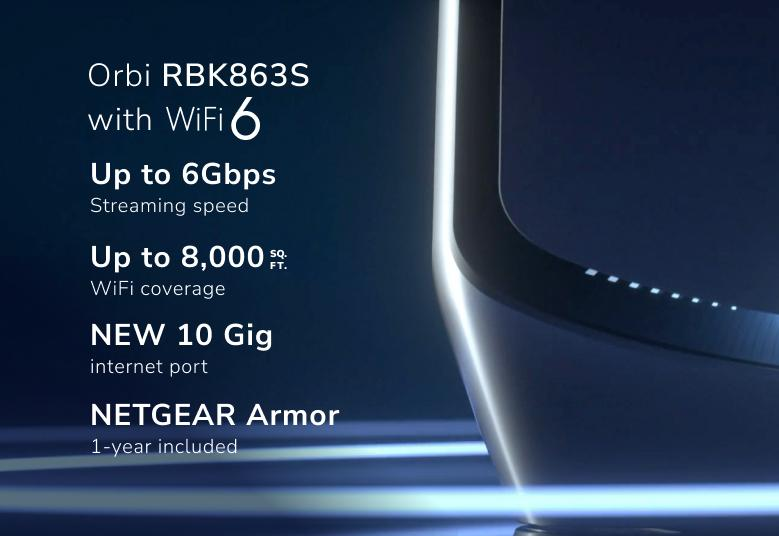
| US advertised coverage | 8,000 square feet for RBK863S three-pack |
| Advertised client capacity | Up to 100 devices, subject to conditions |
Use exact pack and regional documentation when comparing coverage. The cited RBK863 technical sheet publishes 540m², while the US RBK863S page advertises 8,000 square feet. Do not treat different publisher estimates as one universal measurement. Coverage depends on building materials, placement, traffic and the client, and pack area is not a guarantee for every room.
NETGEAR also markets an antenna-design improvement over the 850 series. Treat its “up to” improvement as a manufacturer comparison under its stated conditions, rather than a promise that your rooms become 20% larger or every transfer improves equally. If replacing an existing system, test the locations that currently cause difficulty and compare useful performance there.
Wired Backhaul Layout
NETGEAR's Ethernet-backhaul guide shows star, chain and switch connections between Orbi units. In a conventional router deployment, satellites and their switch belong downstream of the main router's LAN. Keep the intended router and satellite roles, check firmware and inspect the connection status after cabling.
Ethernet carries the inter-node traffic, reducing dependence on a radio path. It does not justify assuming the dedicated backhaul radio becomes an additional client-facing access point or that 5GHz capacity doubles. Plan around the documented client radios and Gigabit uplink instead. For a demanding room, compare the stability of a cable with wireless performance at the actual site.
If the wired connection does not behave as expected, try a known-good cable and another port, then bypass the switch for a direct test. Avoid redundant connections that create loops. Do not force a complicated topology merely to use every port; a clear layout is easier to diagnose and maintain.
Internet Handoff and WAN Aggregation
The WAN port accepts compatible Ethernet equipment; it is not itself a fiber modem or optical terminal. Ask your ISP whether you can use your own router and what authentication, VLAN or upstream-gateway requirements apply. A particular ISP name does not prove compatibility with every plan or installation.
WAN aggregation requires a compatible LACP modem and uses the internet port plus the designated adjacent Ethernet port 1. Configure both peers before adding the second cable, following the model/firmware documentation. This is aggregation to one modem, not bonding independent ISP services or adding faster LAN ports. Check the actual supported link rates: the English model manual and generic support guide use differing aggregation labels, so do not infer an 11Gbps benefit from adding a Gigabit lead. A compatible single multi-gigabit handoff is often the simpler option.
Security and IoT Settings
The documented IoT network allows different band, name, password and security choices for devices that need them. Its separate name should not be treated as proof that a compromised device cannot reach your NAS or computer. If segmentation matters, verify the configured guest/isolation behavior in your mode and consider hardware designed for the required firewall and VLAN policies.
The main network supports WPA2/WPA3 choices for compatible clients. Check the actual setting and read our WPA3 explanation; not every device or IoT network uses WPA3 automatically. Use strong passwords and update clients as well as the router.
Armor offers additional protection under its package and subscription terms, rather than complete protection against every threat. Some Orbi 860 packages and historical artwork include a year, while the current product body also describes an optional subscription. Check the actual offer and renewal cost for your purchase instead of assuming an unlimited included service.
Access Point Mode and Maintenance
If another gateway already routes your homelab or ISP network, Orbi can operate as an access point on that LAN. The model manual uses ADVANCED > Advanced > Router / AP Mode. Switching can change its management address and disconnect the browser, so track the upstream address assignment. Review which gateway features remain available before relying on them.
Record model and firmware versions, retain a configuration backup and schedule updates when a brief outage is acceptable. Check router and satellites, since an update to one component should not be assumed to cover the entire system. Place nodes where they have ventilation and useful uplinks. Measure whole-system power if annual cost matters; no universal tariff or idle draw follows from the radio rating.
Evaluate Your Home Network
Start with wired internet performance at the router, then compare the same Wi-Fi client near the router and near a satellite. Record active band, uplink and location. A local transfer can help separate LAN performance from an internet-service bottleneck. If only the satellite is slow, investigate its path before buying a faster internet plan.
Walk your usual route during a call and check the devices you actually use. Clients affect roaming, so an uninterrupted handoff is not guaranteed. Test during ordinary household activity as well as an idle period. The results help decide whether placement, cabling or a different system is the useful upgrade.
Final Recommendation
I retain the Orbi 860's appeal for larger homes needing a premium Wi-Fi 6 mesh, especially when wireless backhaul and several Gigabit client ports are useful. Its price and Gigabit LAN limits should be weighed against Wi-Fi 6E/7 alternatives and less expensive systems. Wi-Fi 7 products are available; choose newer capabilities when your clients and network can benefit.
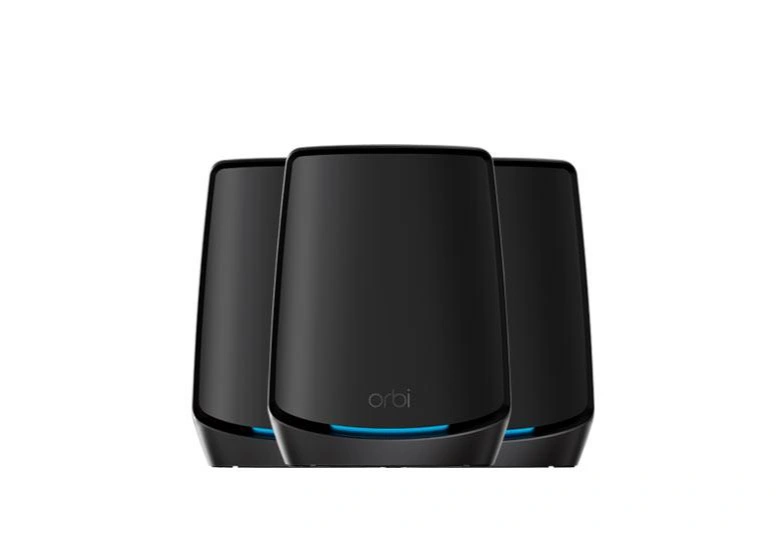
The original black edition and white two-pack references remain available. A satellite-only pack needs a compatible router and is not a complete standalone internet gateway. Confirm the exact box contents and compatible satellites before choosing a pack size.