
SoftwareHomelab
Take Control of Your Digital Library with Kavita: A Self-Hosting Enthusiast's Guide
Build a self-hosted Kavita library with accurate metadata, sensible Docker storage, reader-specific progress sync and a recoverable backup plan.
Creative Raspberry Pi projects, Pi-hole, Home Assistant, NAS builds, and single-board computing.
Build a self-hosted Kavita library with accurate metadata, sensible Docker storage, reader-specific progress sync and a recoverable backup plan.
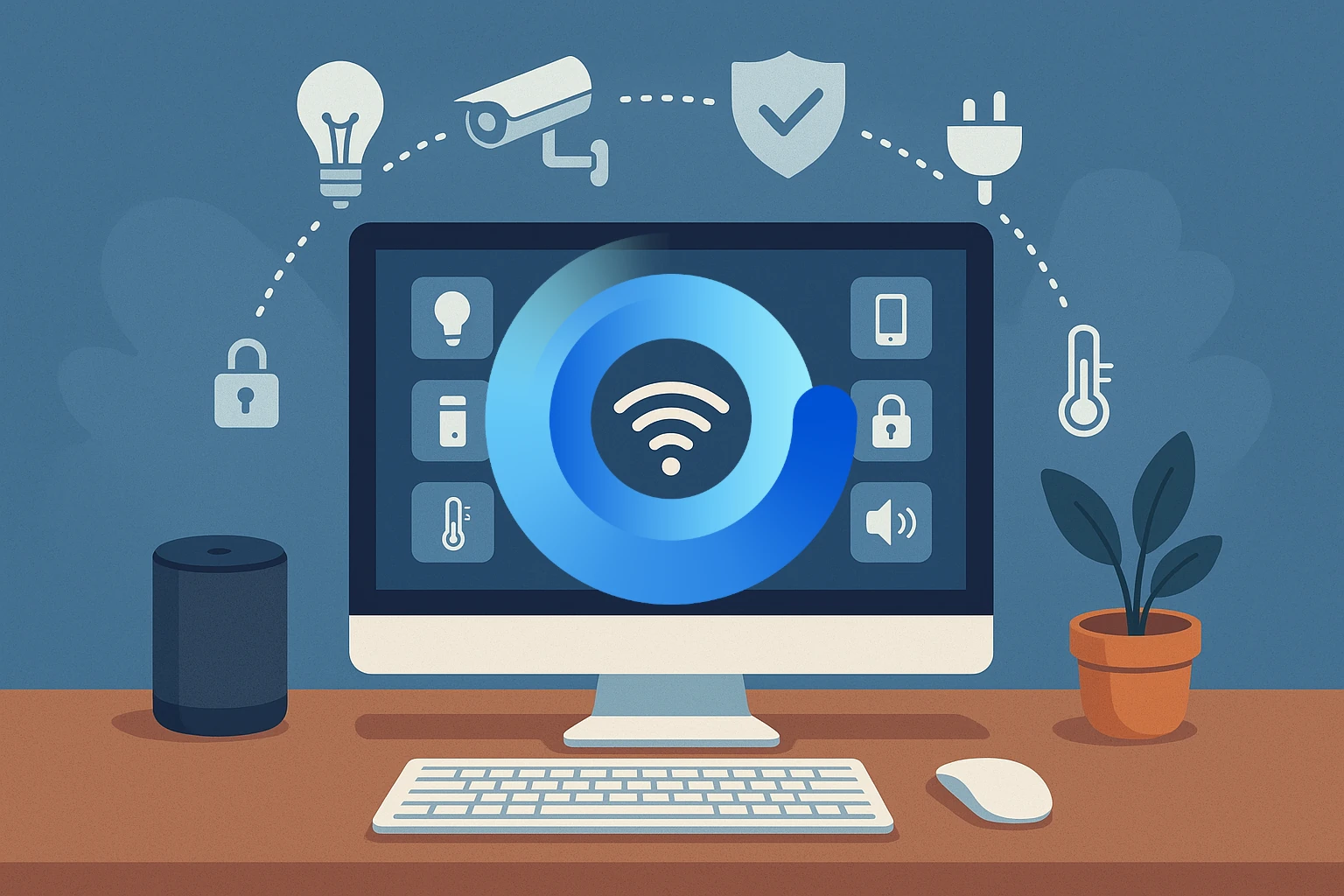
A smart home is just one of the amazing things that can be controlled and built with your own homelab. Let's take a look at a privacy-first install built for your smart home control.
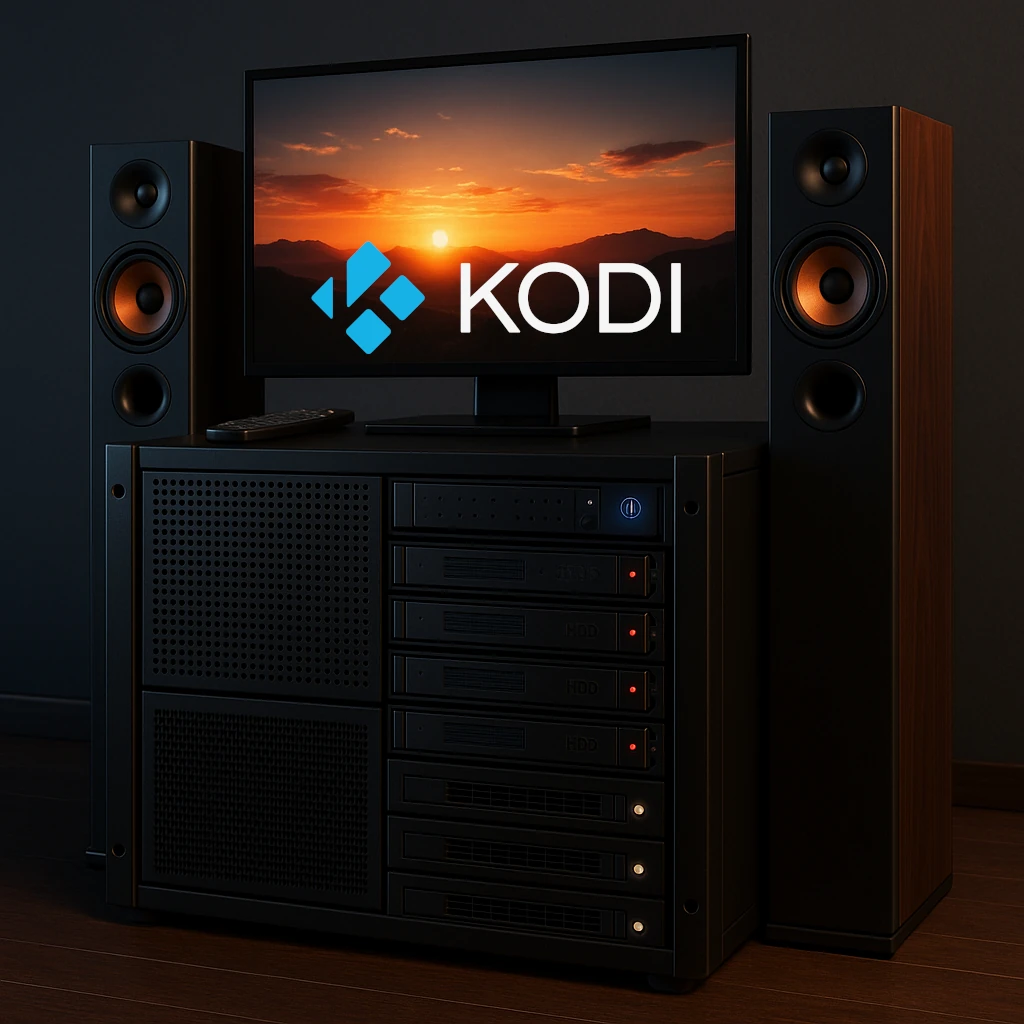
Build a Kodi home theatre with suitable playback hardware, organised media, supported server add-ons, shared-library choices and reliable maintenance.
Running Home Assistant in your homelab is a must for most self-hosters. But should you run it in your Proxmox instance or on your Raspberry Pi? Let's take a look at a detailed comparison between the two options.

We all need some music in our life - be it from purchased music albums or internet radio. Lyrion will fulfill this requirement in your homelab setup with ease.
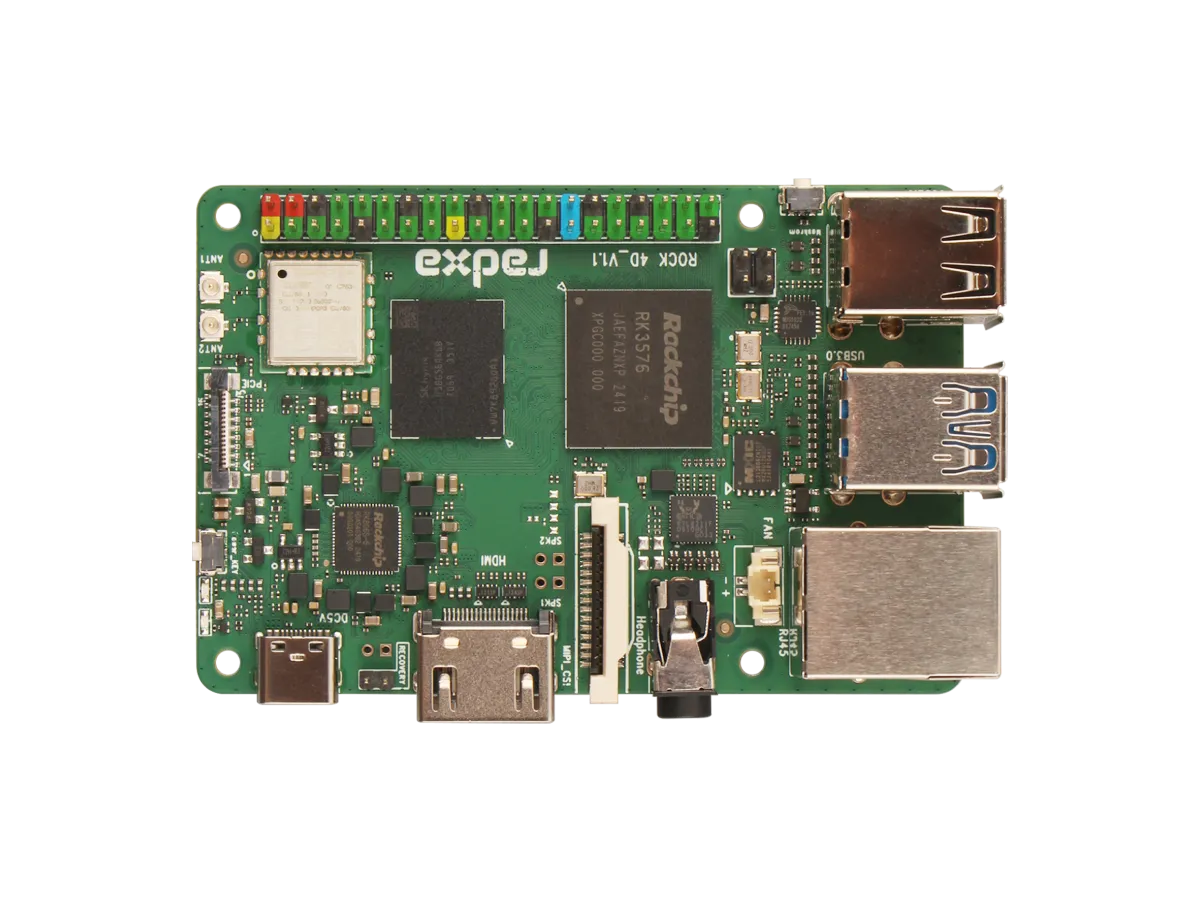
Explore ROCK 4D hardware, RKNN software requirements, storage and display limits, and practical project choices versus Raspberry Pi 5 with Hailo.

As we continue to try to move all our services to self-hosting, one of the most popular paid services is music streaming. Let's take a look at a self-hosted music streaming solution.

Learn Node-RED’s visual flows, how it complements Home Assistant and n8n, and the message, security, persistence and testing basics for dependable automation.
Review the May 2025 Raspberry Pi OS desktop changes, understand the later Trixie release, and check versions, compatibility and backups before migrating.
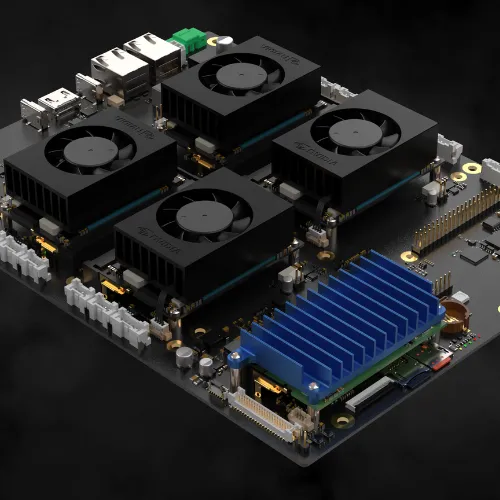
Explore the Cerebro modular cluster concept, its advertised compute-module support and the practical availability, compatibility, storage, cooling and recovery checks a build needs.
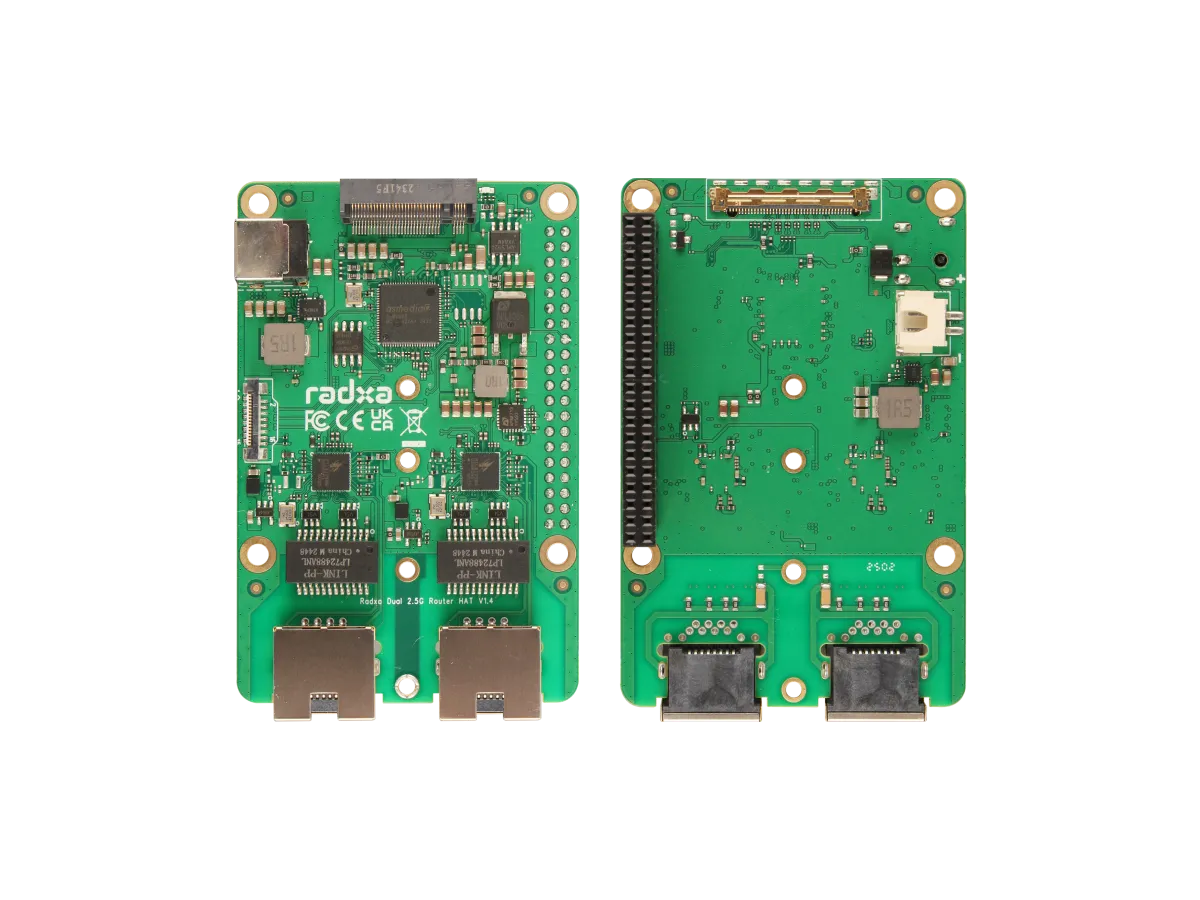
Understand the Radxa Router HAT’s dual 2.5G ports, NVMe slot, shared PCIe limits, supported boards, software choices and power requirements.
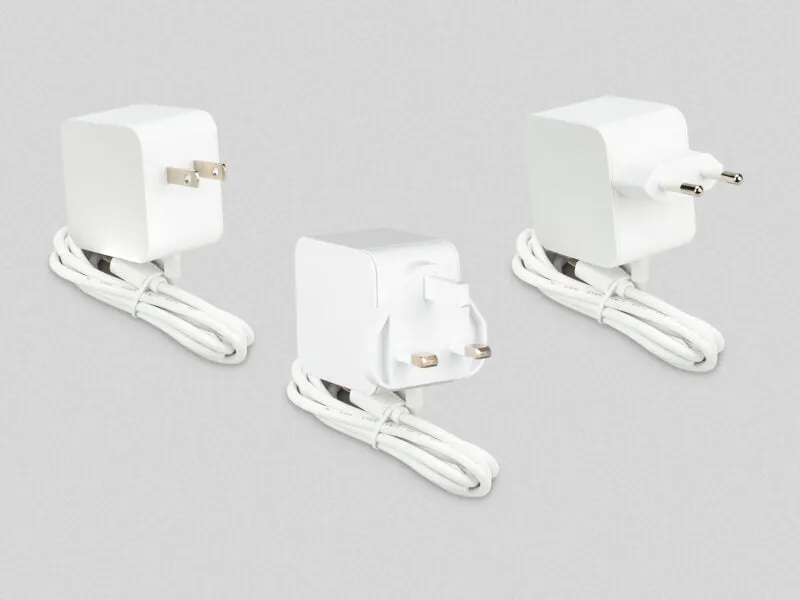
Check the Raspberry Pi 45 W supply’s USB-PD profiles, its 25.5 W Pi mode, peripheral limits, laptop compatibility and differences from the 27 W model.
Host Mumble on a Raspberry Pi with release-aware Debian configuration, private account setup, audio and ACL checks, certificate identity and recoverable database backups.
Use Pi.Alert to observe devices and availability changes, understand its discovery limits, and configure the right project version and alerts.
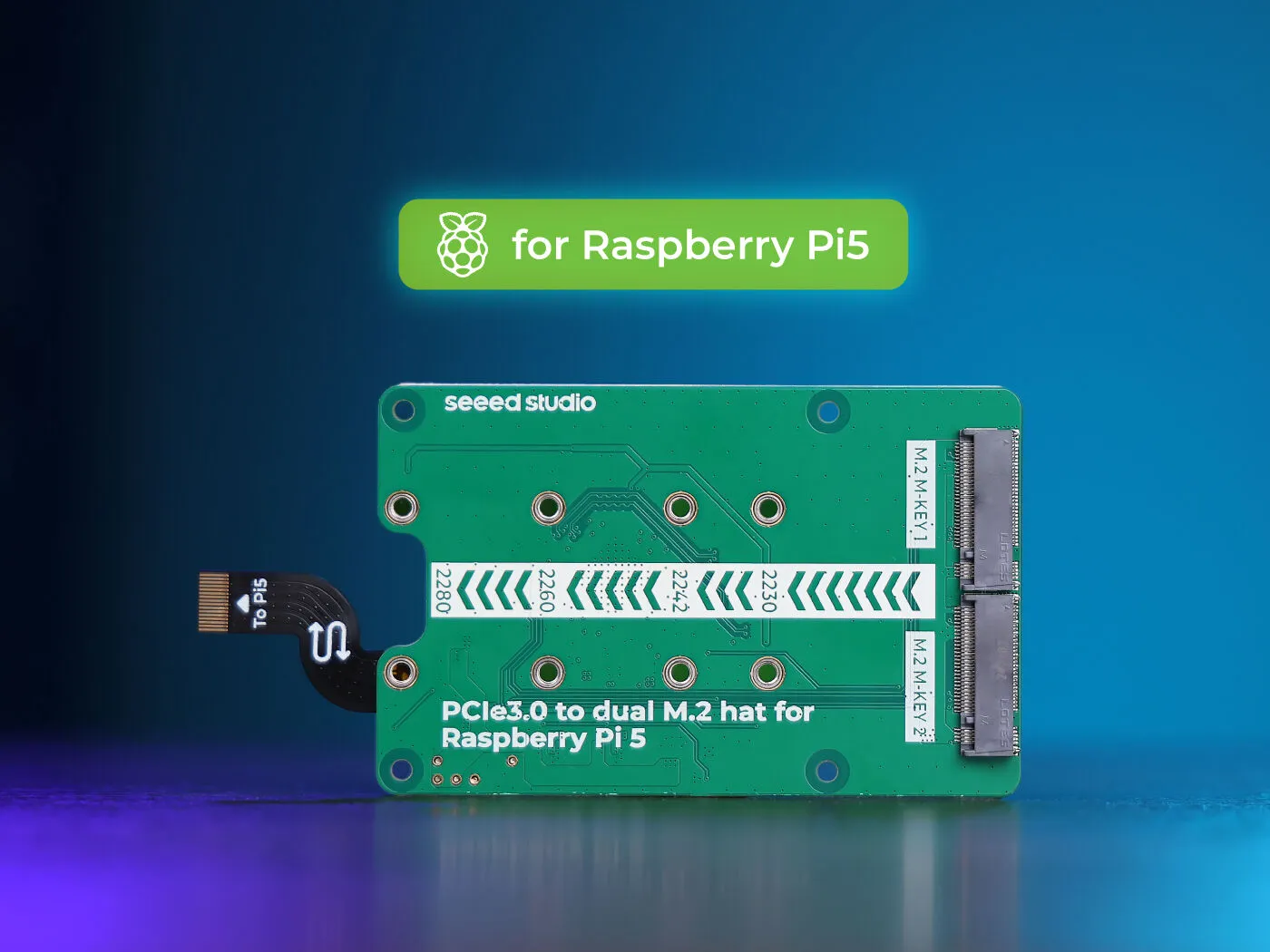
Explore Seeed’s ASM2806 dual-M.2 Pi 5 board for NVMe storage and supported AI modules, with shared bandwidth, compatibility, power and recovery considerations.
Plan a Raspberry Pi OpenWrt gateway with correct image and LAN setup, separate WAN/LAN paths, DNS and IPv6 checks, staged policy tests and recoverable upgrades.

Choose a compatible PiSugar battery module, check its power limits, install the correct manager and verify graceful shutdown and recovery for a portable Raspberry Pi project.
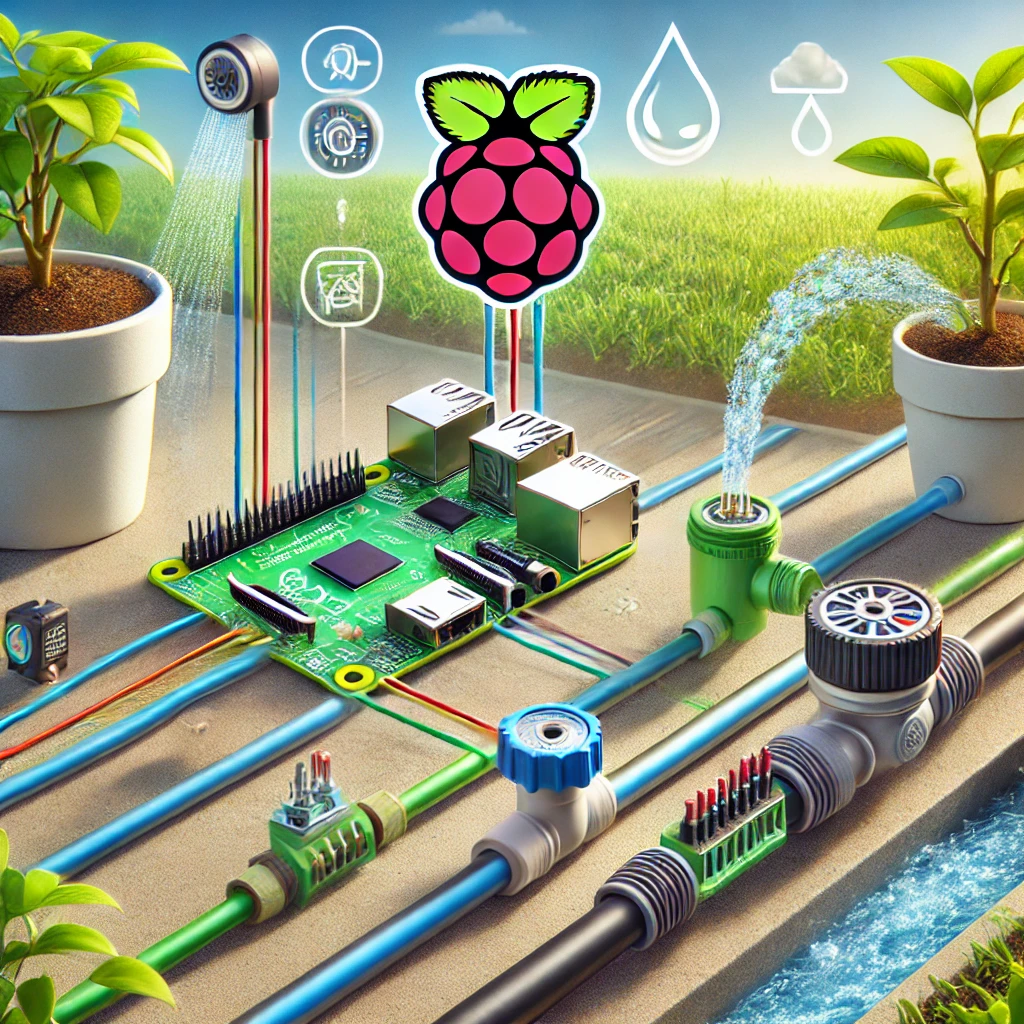
Build an attended irrigation prototype with compatible GPIO control and DC power, verify one bounded pulse, measure water flow and plan sensor and restart behaviour.
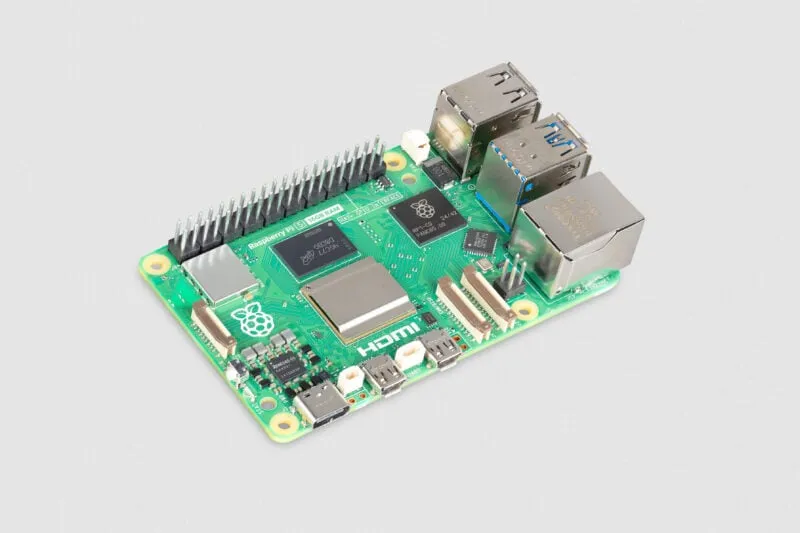
What the 16GB Raspberry Pi 5 changes: memory-heavy desktop and AI projects, accelerator limits, container planning and the complete system cost.
Explore Raspberry Pi OPNsense community builds, official support limits, compatible network interfaces and a reversible lab workflow before considering a home-router deployment.

Explore Radxa SBC choices, ROCK 5B versus 5B+ differences, storage and software support, AI limitations, smaller ZERO boards and the x86 X4.
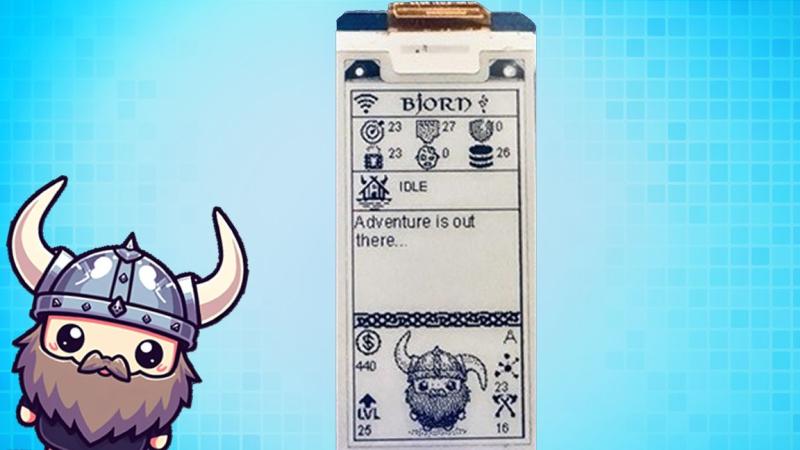
Understand Bjorn’s active lab-auditing role, documented Pi and Bookworm setup, installer changes, private management access and practical remediation and recovery checks.
Set up original DOSBox on Raspberry Pi OS, mount your games correctly and troubleshoot speed, display, sound and controls while distinguishing alternative DOSBox projects.

Explore the standard 8 GB Pi 500’s keyboard design, passive cooling, ports and setup needs, with clear differences from Pi 500+ and practical expansion limits.
Stream PC games to a television with Steam Link on Raspberry Pi, using supported OS/model combinations, the original pairing steps and practical network and playback checks.

Plan an umbrelOS Raspberry Pi installation with the current Pi 5 boot path, a distinct microSD alternative, app requirements and recoverable encrypted backups.
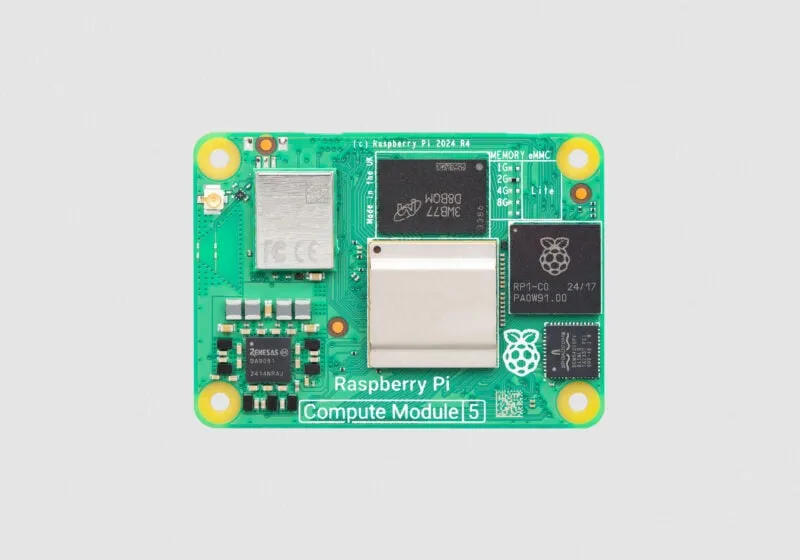
Choose a Compute Module 5 and carrier for your project, with current memory/storage options, CM4 compatibility, eMMC setup, expansion limits and case fit explained.
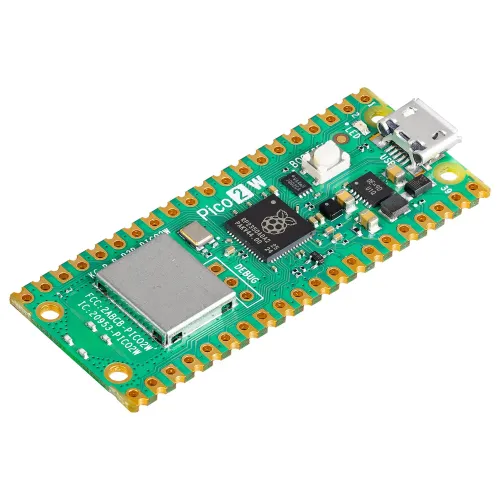
Understand Pico 2 W’s Wi-Fi 4 and Bluetooth features, current ESPHome support, firmware choices and practical power, antenna and project-planning limits.
Running Home Assistant on a Raspberry Pi is an affordable and flexible way to set up a smart home hub. Whether you’re a tech enthusiast or a beginner, this guide will walk you through the process.
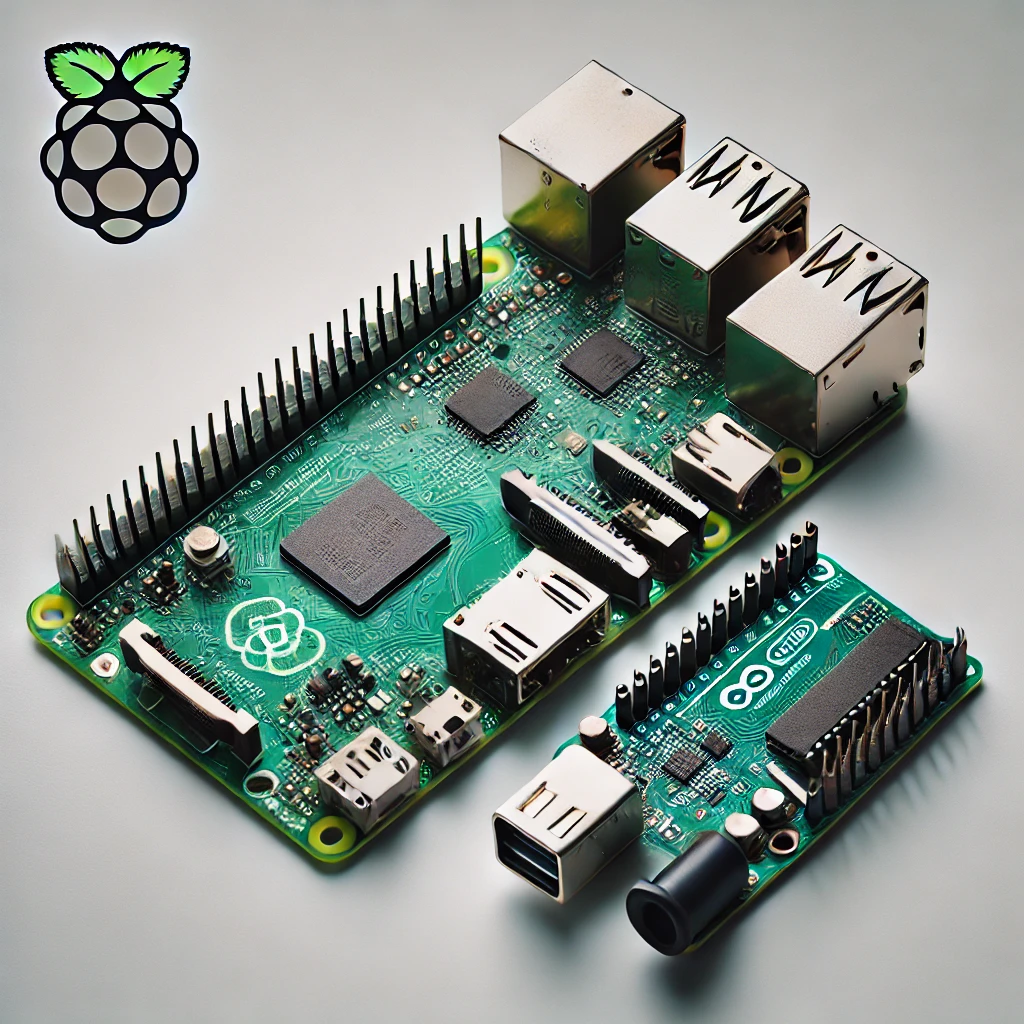
Compare Raspberry Pi computers and Arduino microcontrollers through specific board examples, sensors, timing, power and beginner-friendly project choices.
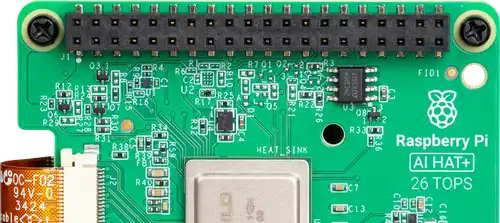
Compare the Raspberry Pi AI HAT+ 13 and 26 TOPS models, install supported Hailo software and check a camera pipeline before choosing an AI project.
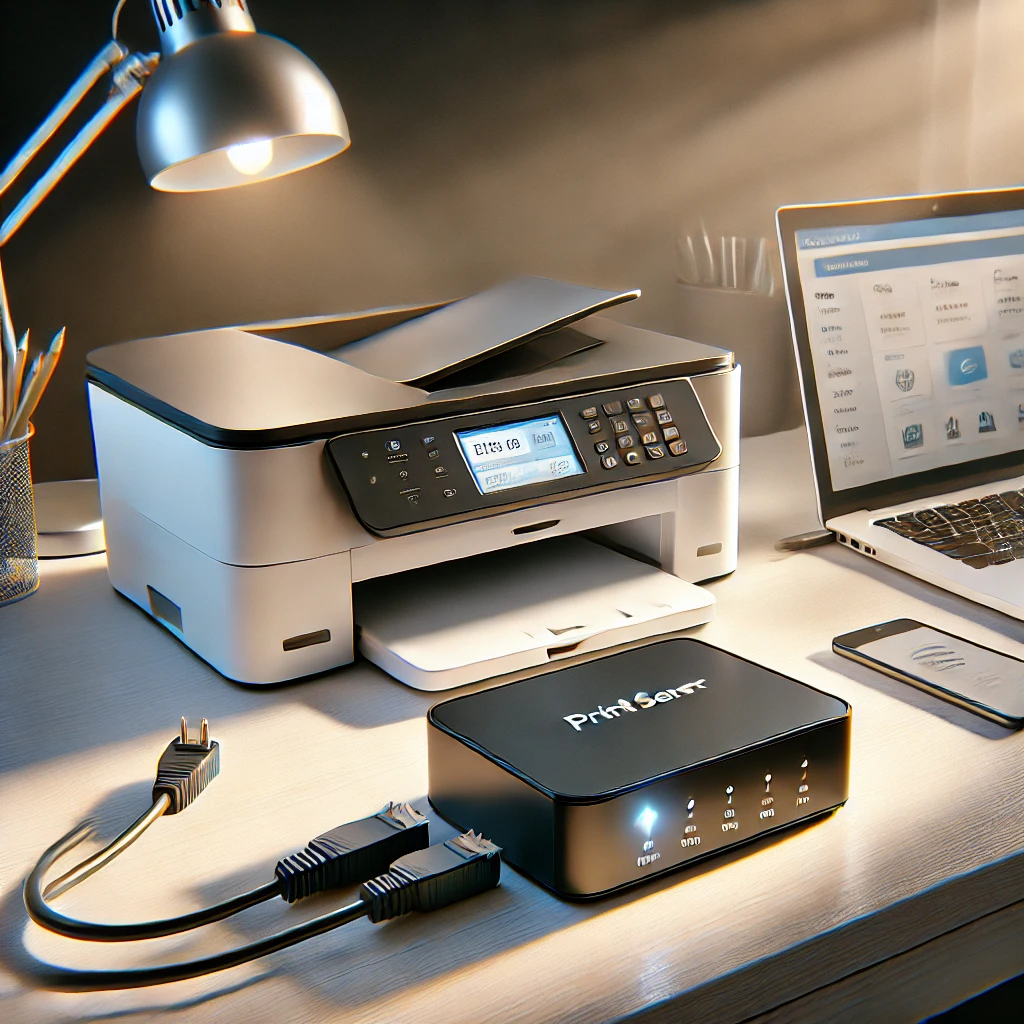
Learn when a print server helps, how printer compatibility and CUPS sharing work, and how to diagnose discovery, queues and mobile-printing problems.
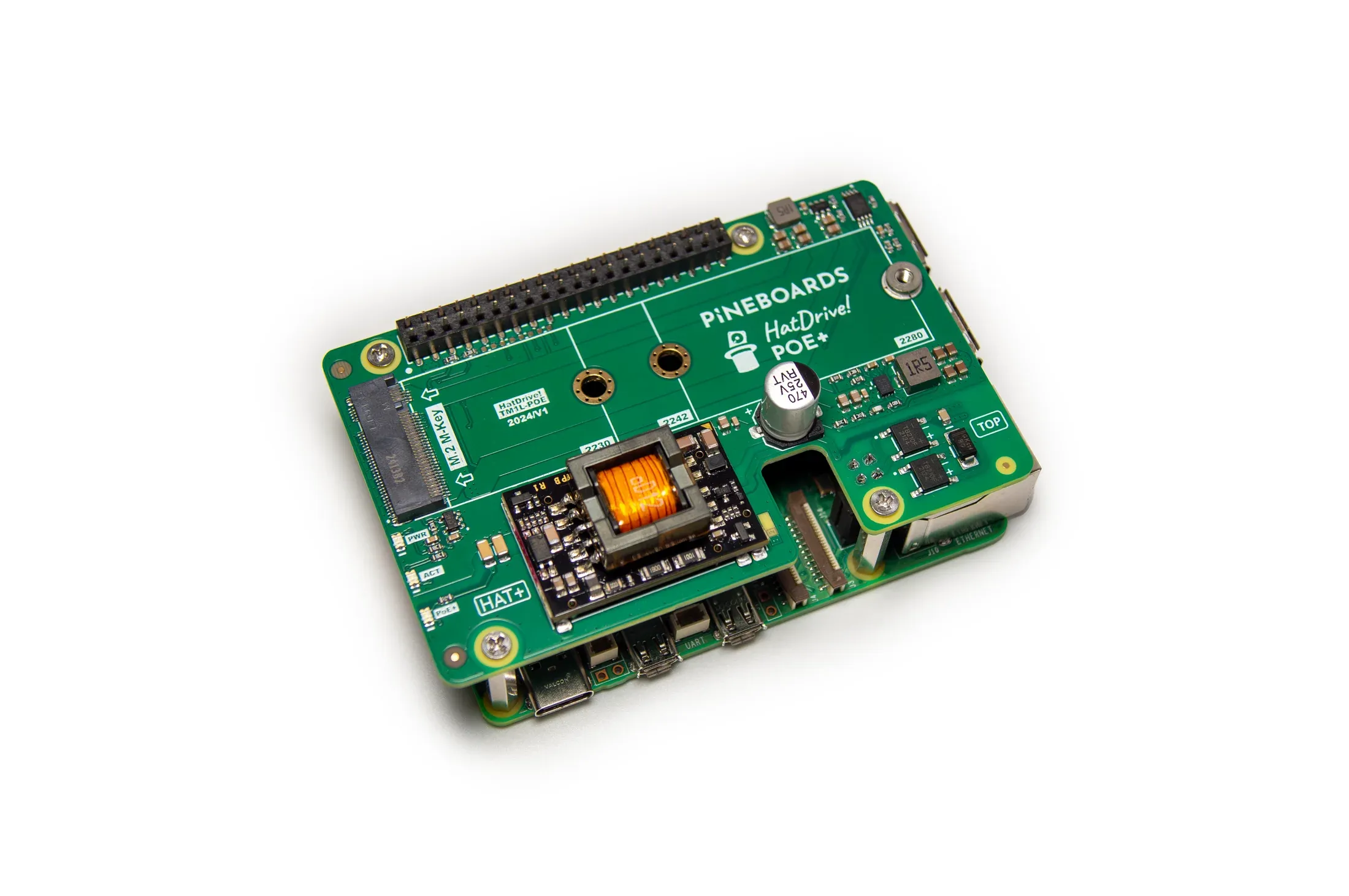
Pineboards HatDrive! PoE+ combines Ethernet power and NVMe storage for Raspberry Pi 5. Check supported drive sizes, switch budget, assembly, cooling and boot requirements.
Run Jellyfin on a Raspberry Pi with Docker, understand direct play and transcoding limits, and plan reliable media storage and backups.
Choose Pi 4 or Pi 5 RAM using real application requirements, current capacity options, useful memory checks and the limits of zram, swap and AI acceleration.
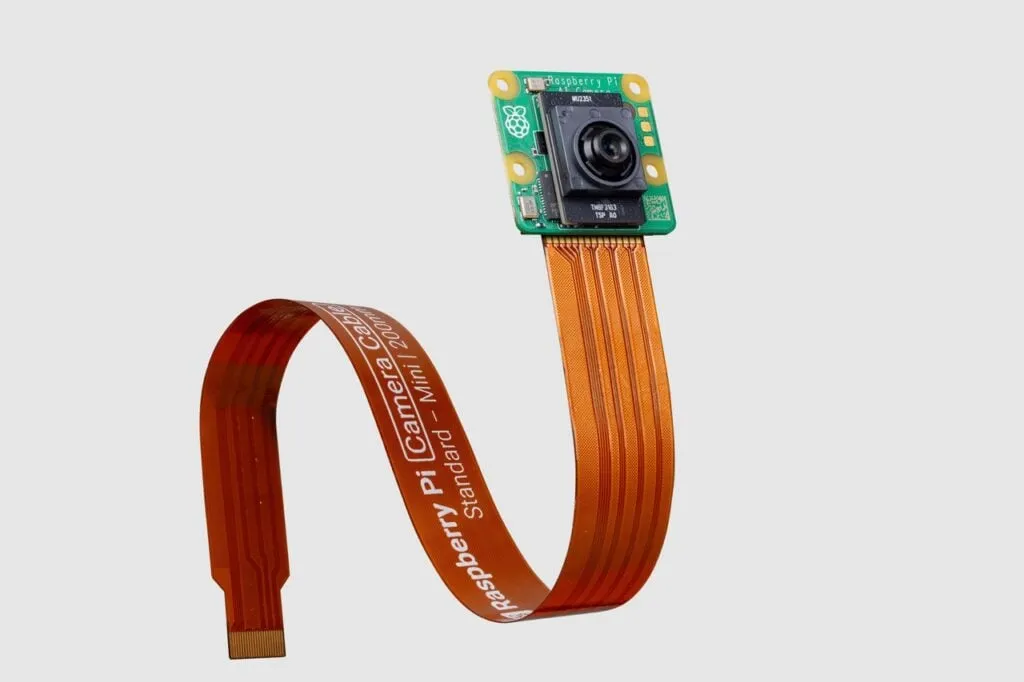
Explore the IMX500 AI Camera, its supported setup and official detection demos, then evaluate focus, false alerts, model compatibility and useful events in your own scene.

Build a Raspberry Pi DAKboard display using DAKOS or a browser, with current plan limits, private URLs, readable layouts and verified restart and sleep behaviour.
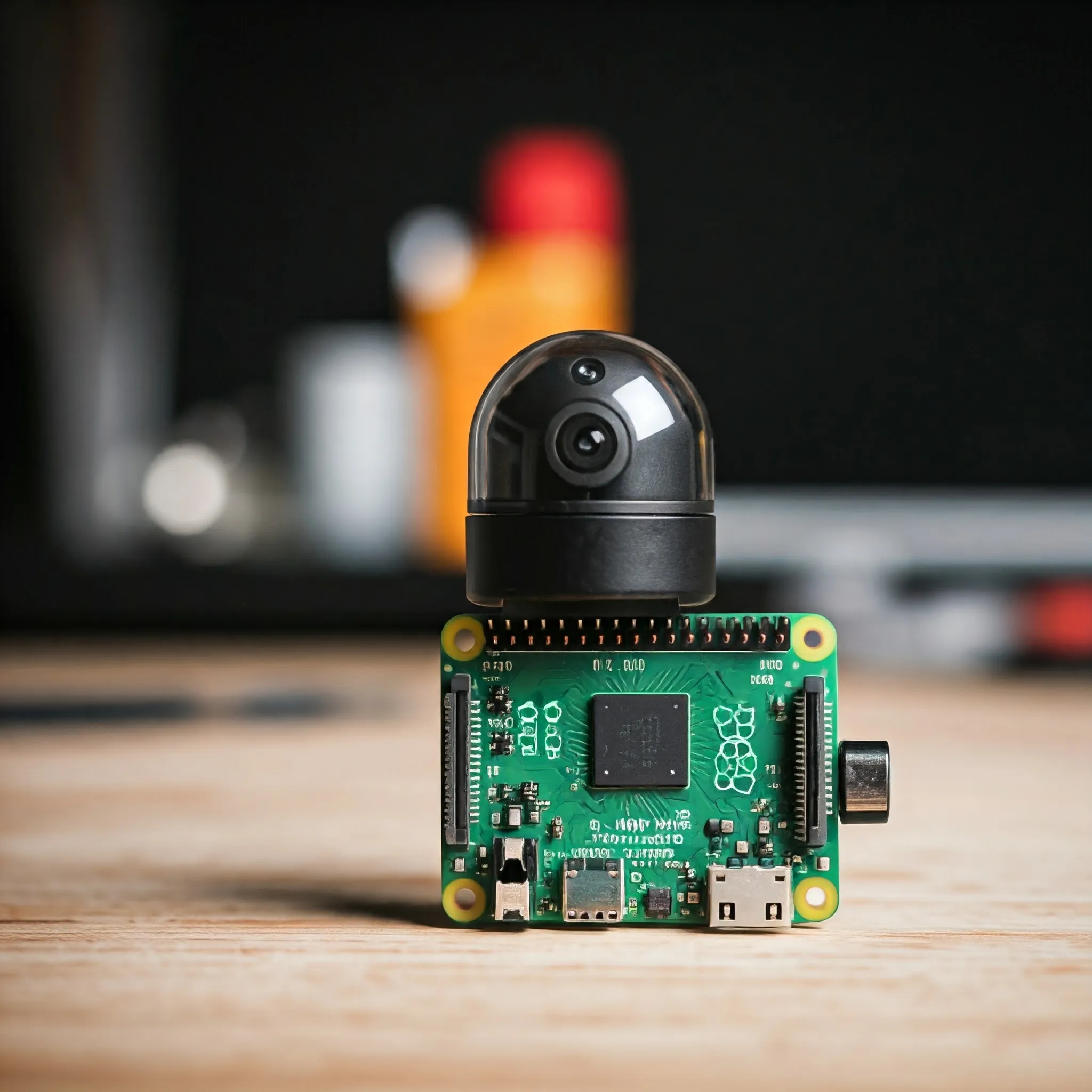
Choose a Raspberry Pi camera for stills, motion or monitoring, with clear lens, NoIR and cable guidance, modern capture commands and third-party driver caveats.

Use FreedomBox on a supported Raspberry Pi to manage private home services, with realistic setup, remote access, storage and backup expectations.
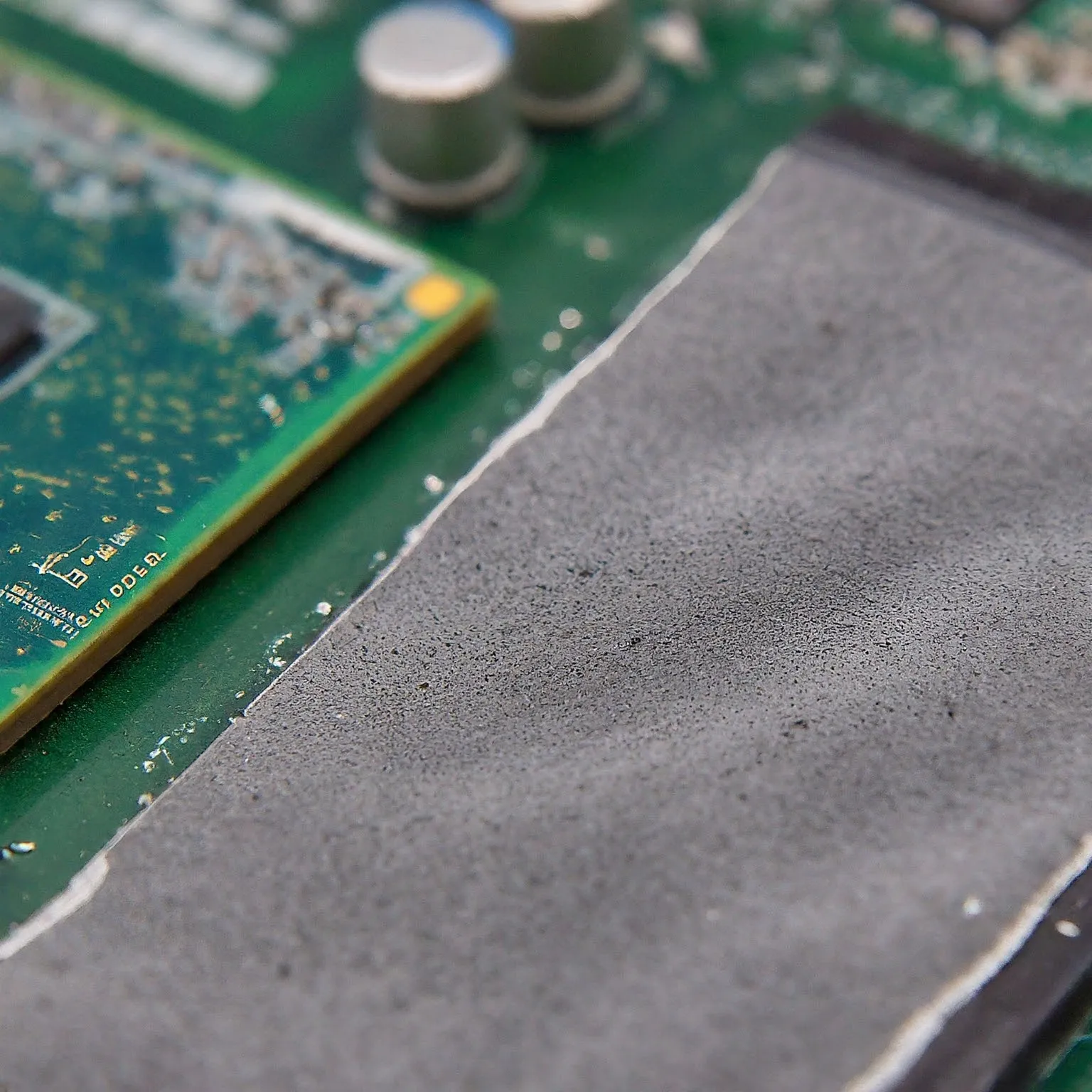
Choose thermal pads by gap, thickness, compression and electrical properties. Learn how ordinary pads differ from paste, phase-change sheets and graphene.
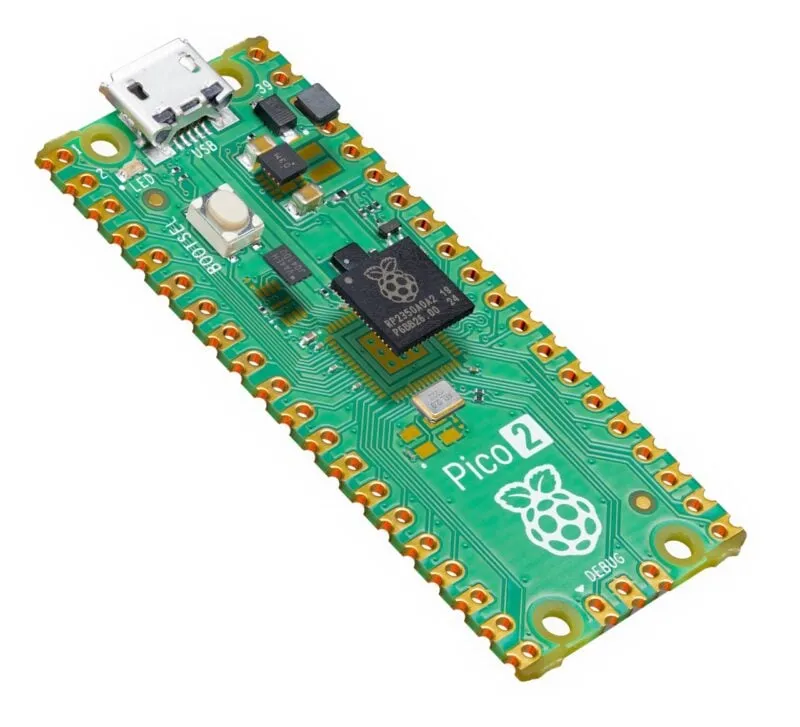
Explore Pico 2’s processor choices, extra memory, PIO and firmware support, with practical power planning and important RP2350 revision and security caveats.
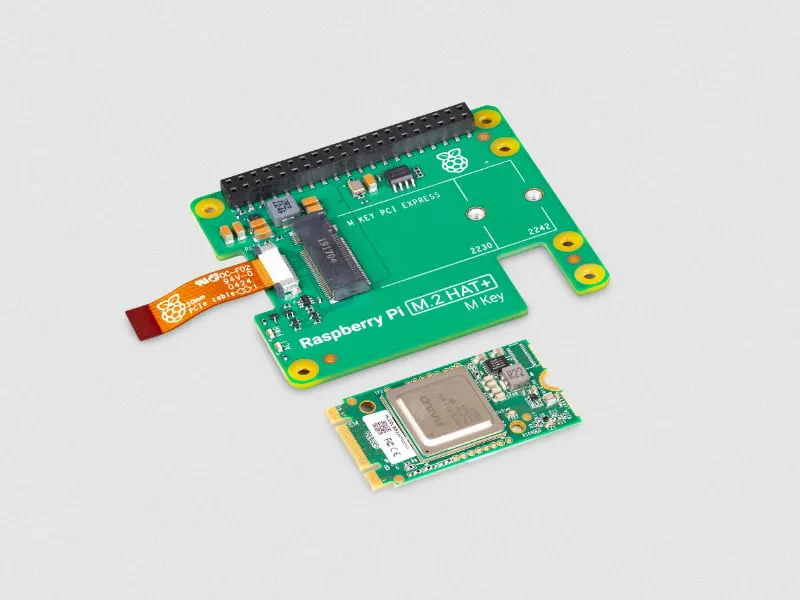
Understand the original 13 TOPS Hailo-8L AI Kit, its current availability, supported Raspberry Pi software setup and realistic computer-vision project limits.
Use a Raspberry Pi as a focused writing and planning workstation: choose suitable hardware, verify Linux apps and file compatibility, and keep a simple work routine.

Set up Pi-hole on a supported Raspberry Pi, verify client DNS, and understand the limits of domain-based ad blocking.
Build a Raspberry Pi NAS with OpenMediaVault: choose compatible hardware, install the matching OS, create SMB shares and check power, permissions and backups.

Use Raspberry Pi Connect for browser-based desktop or shell access, with accurate OS requirements, account linking, diagnostics and unattended reboot checks.
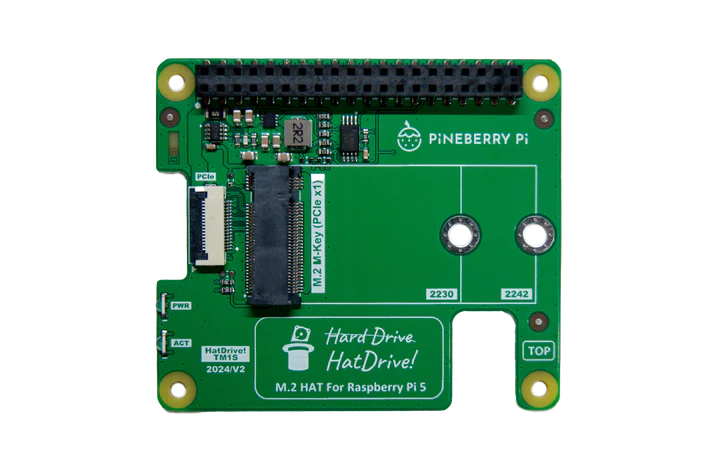
Choose a compatible NVMe adapter, check power and cooling, verify detection and boot with recovery media. Keep Gen3 optional and measure your own workload.
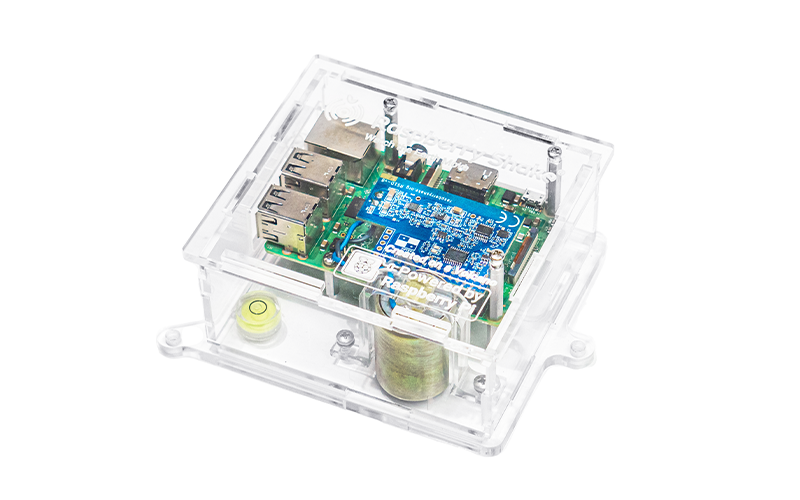
Choose a Raspberry Shake sensor, establish a quiet-site baseline and interpret observations with other stations. Includes the live map and optional local alert limits.
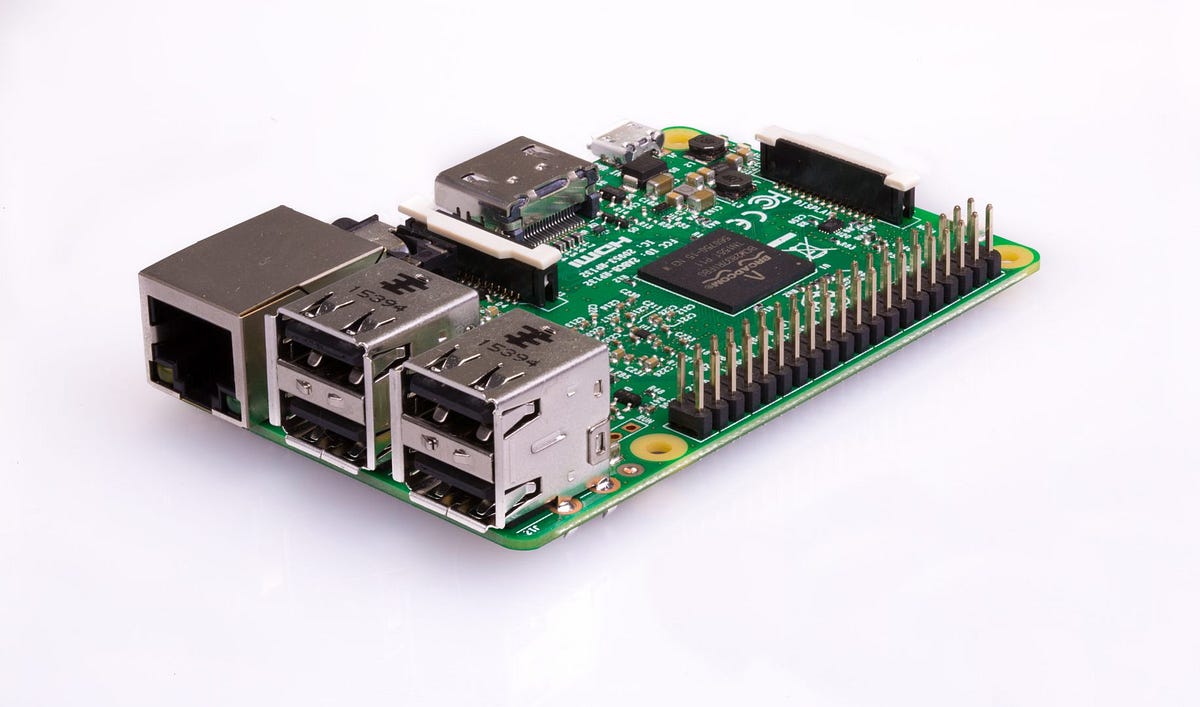
Plan a Raspberry Pi media server around player and server roles, playback limits, storage mounts, power and a recoverable backup.

Install RetroPie on a compatible Raspberry Pi image, set up controllers, transfer games and BIOS files, and understand manual installation and run-ahead limits.
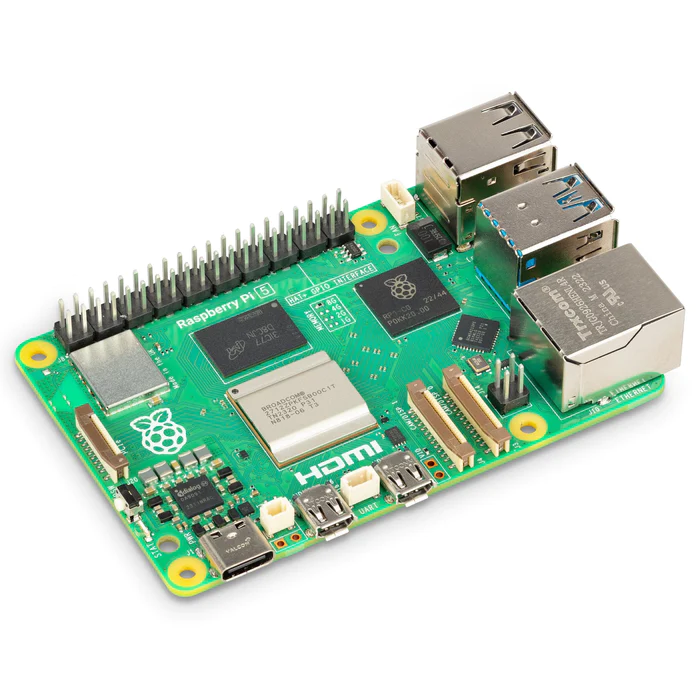
Plan a Raspberry Pi 5 project with current memory/graphics specifications, realistic I/O, correct power profiles, cooling, supported OS and a complete parts list.
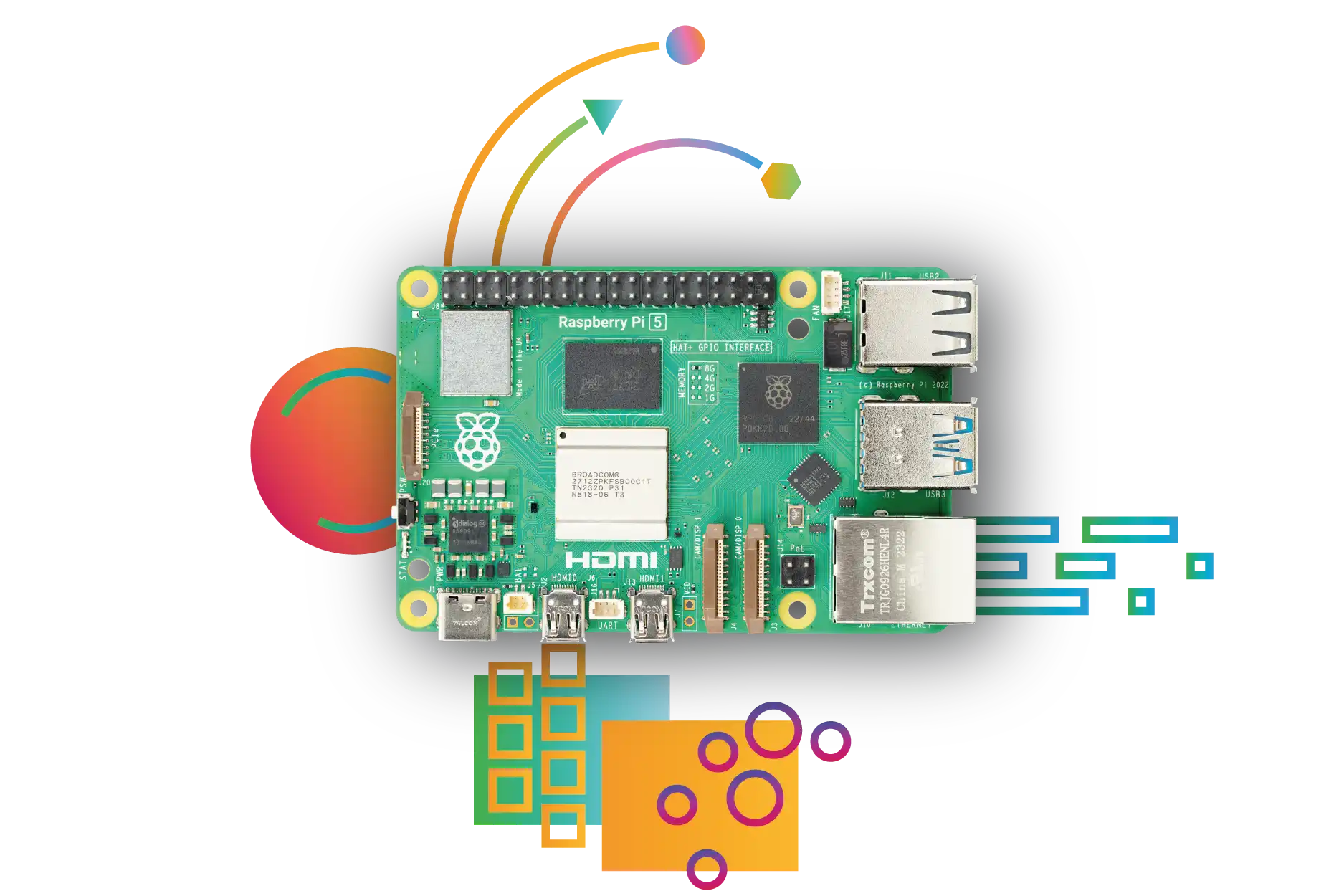
Compare Raspberry Pi 4 and Pi 5 memory, graphics, storage, power and accessory compatibility, with practical guidance on choosing the right complete build.

Understand Arduino boards, sketches and beginner projects, with exact voltage differences, practical setup, realistic battery guidance and Cloud versus local automation choices.

Choose a HiFiBerry DAC, digital interface or amplifier for your Raspberry Pi, with model-specific speaker, power, driver and software checks.
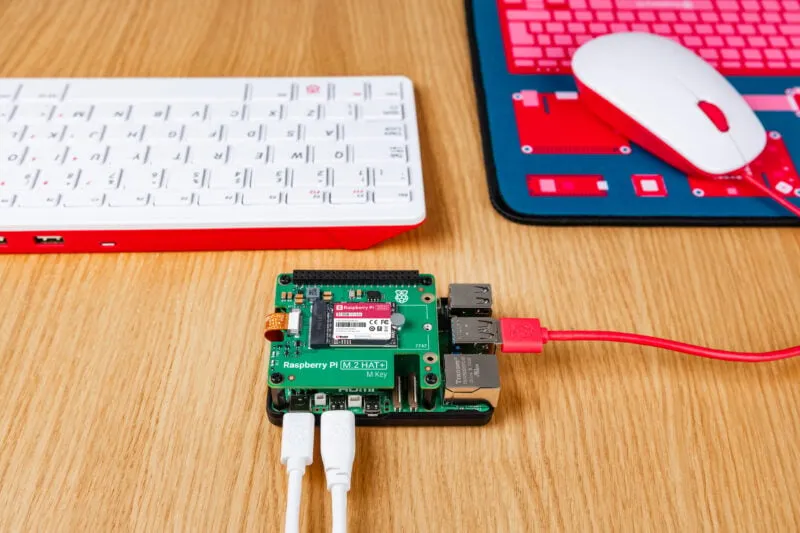
Compare official Raspberry Pi SSD capacities and HAT options, with accurate NVMe fit, boot preparation, PCIe Gen 3 limits, cooling and recovery considerations for Pi 5.
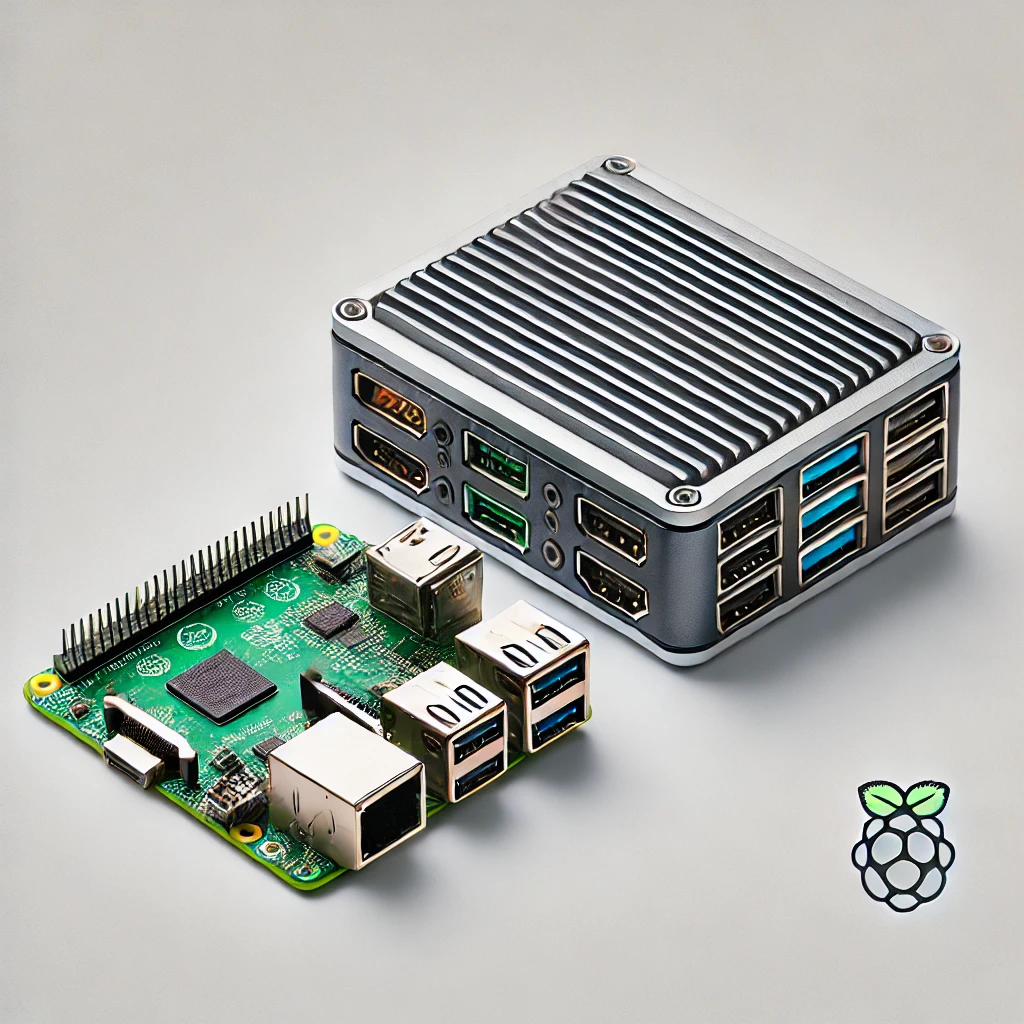
Choose an SBC or mini PC by software support, GPIO, complete cost, memory and storage limits, cooling, virtualization and media-server needs.