
HomelabNetworks
Adding a VPN Server to a TP-Link Deco Unit
Set up the OpenVPN server on a TP-Link Deco using our BE65 walkthrough, then check client imports, remote access, DDNS and upstream NAT.
In-depth showdowns and buyer guides across the entire TP-Link Deco Wi-Fi 6, 6E, and Wi-Fi 7 lineup.
Set up the OpenVPN server on a TP-Link Deco using our BE65 walkthrough, then check client imports, remote access, DDNS and upstream NAT.
Connect a homelab service to a domain with Dynamic DNS, understand port forwarding, and plan safe access when your public IP address changes.
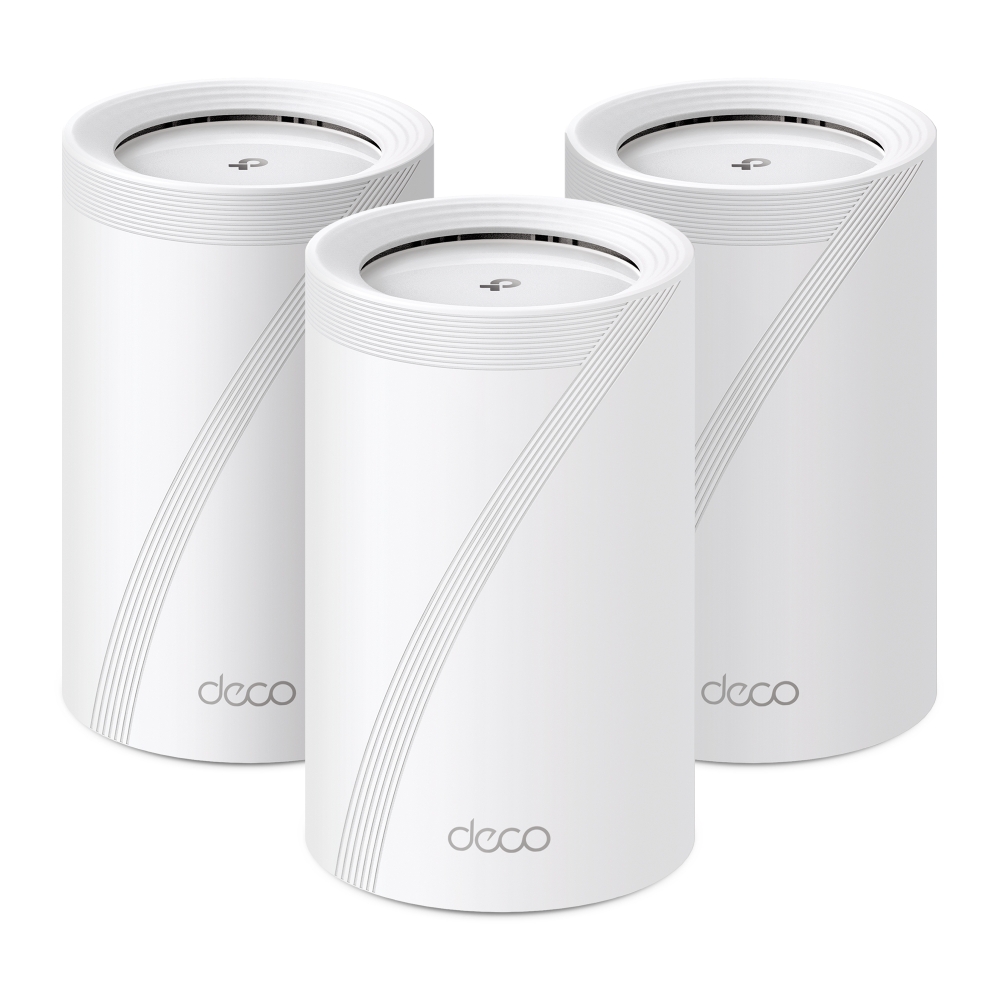
Our month with the BE9300 v1 Deco BE65: original unboxing photos, local 6 GHz speed screenshots, wired backhaul, app controls and the practical limits we found.
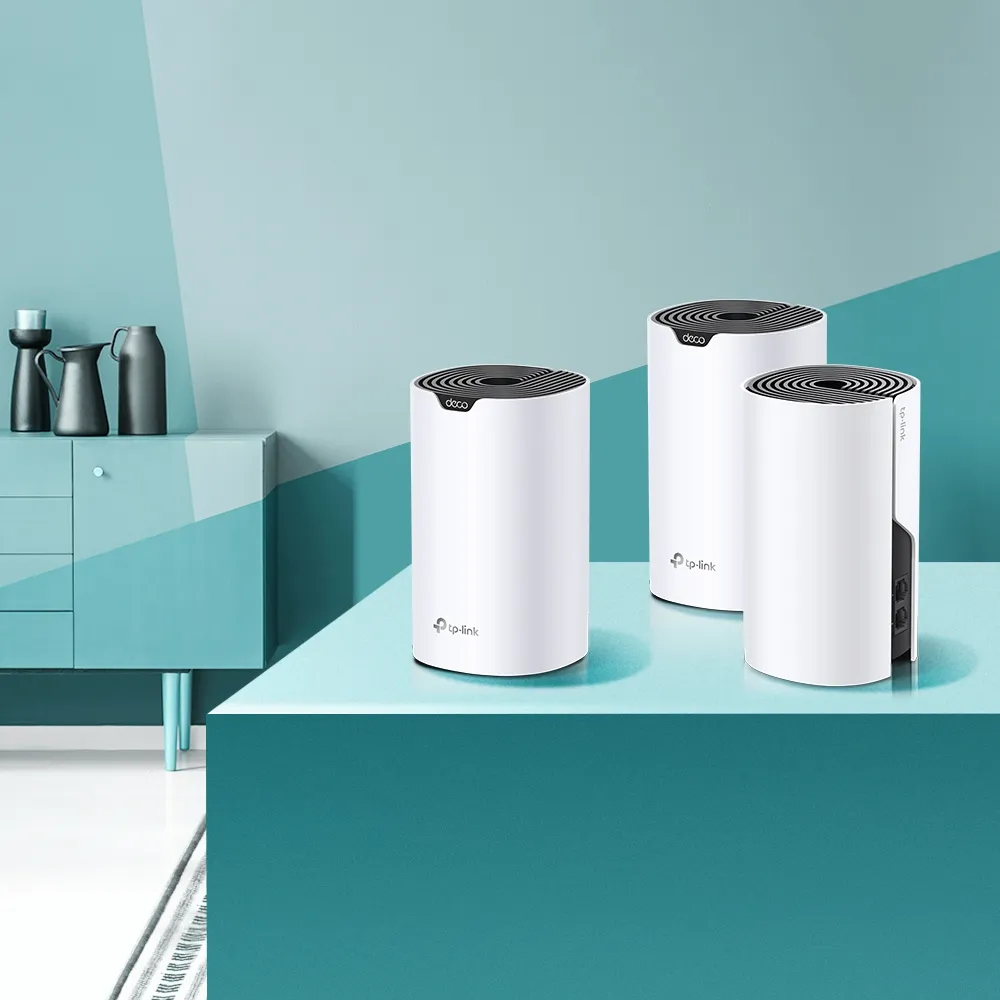
Understand the AC1200 Deco S4, its regional revisions, two Gigabit ports, original coverage claims, backhaul planning and budget buying tradeoffs.
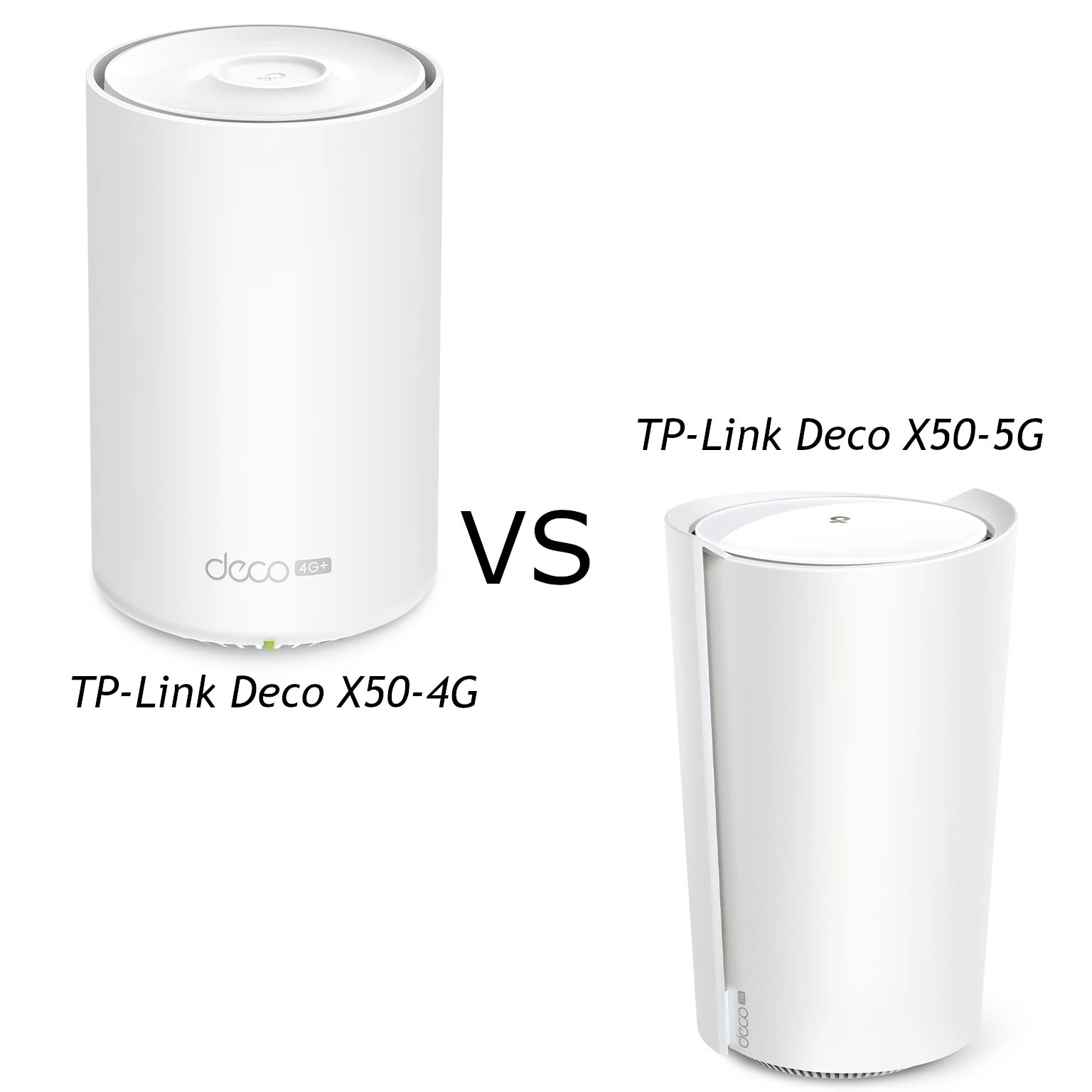
Compare Deco X50-5G hardware revisions with the X50-4G, including modem ratings, wired ports, antenna compatibility and practical cellular backup checks.
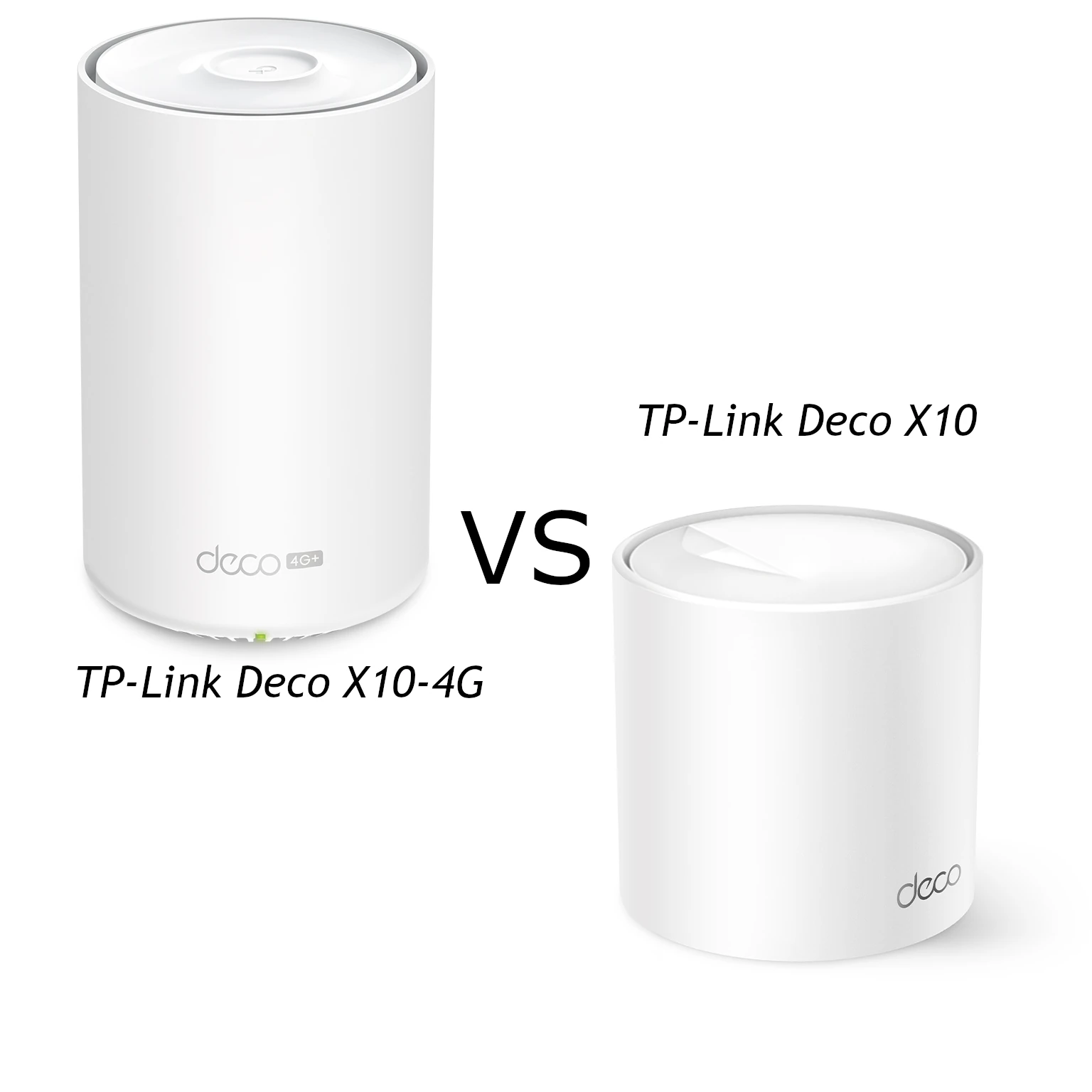
Compare Deco X10 and X10-4G Wi-Fi, Ethernet ports and cellular access, with practical advice on carriers, backup settings, placement and power requirements.
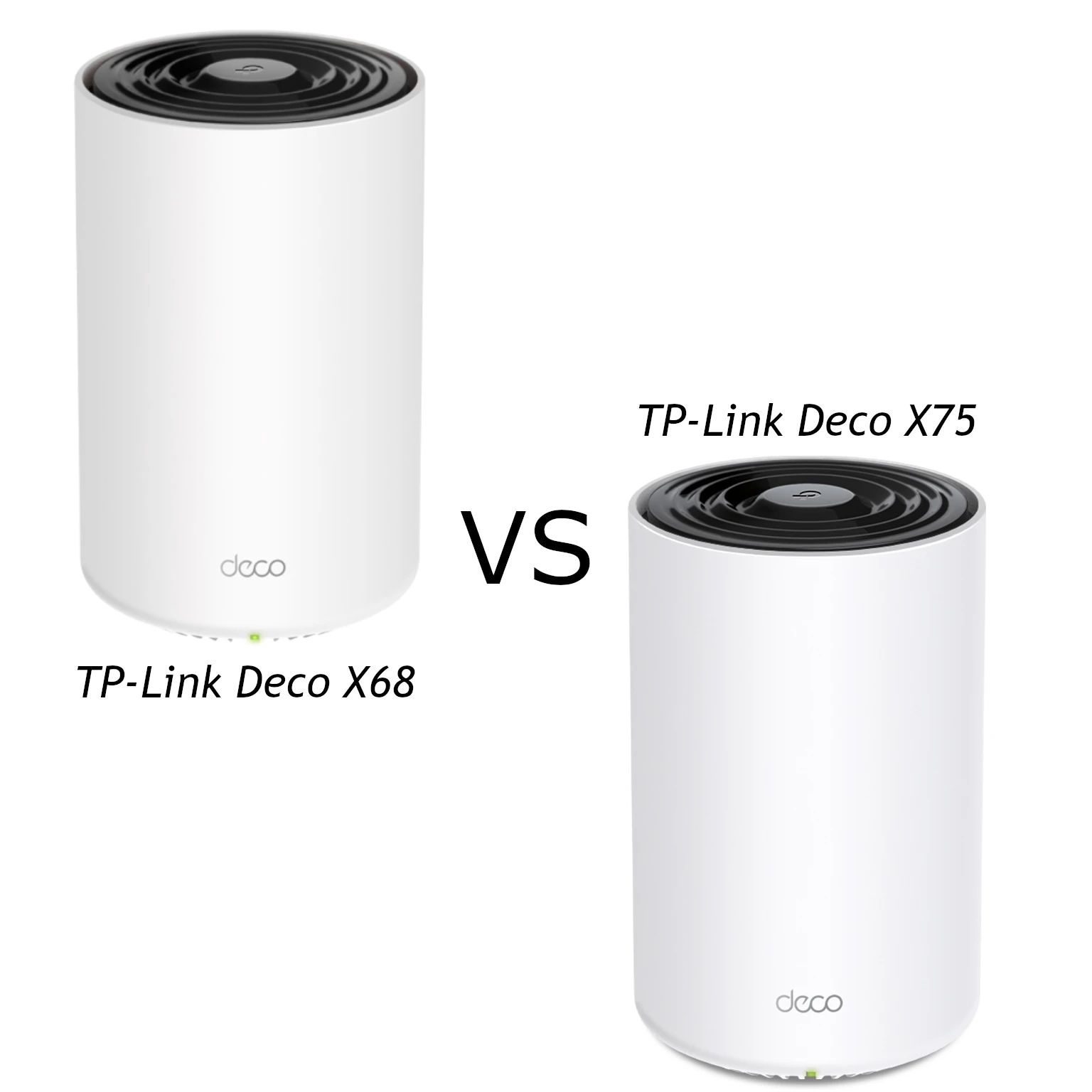
Compare the X68’s AX3600 radios and two Gigabit ports with the X75’s AX5400 HE160 radios and three ports, with practical mesh and support checks.
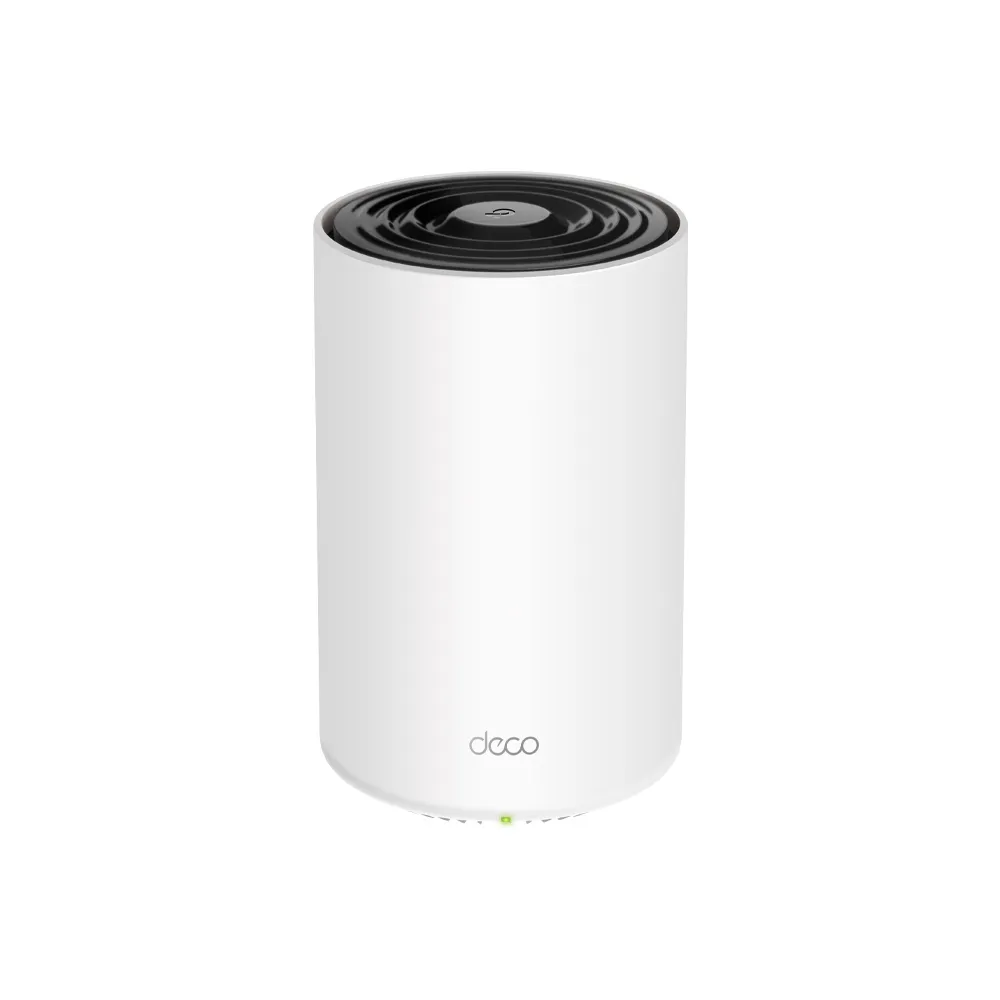
Understand the Deco X68’s three radios, Gigabit ports, changing backhaul descriptions and setup choices before choosing a mesh pack for your home.
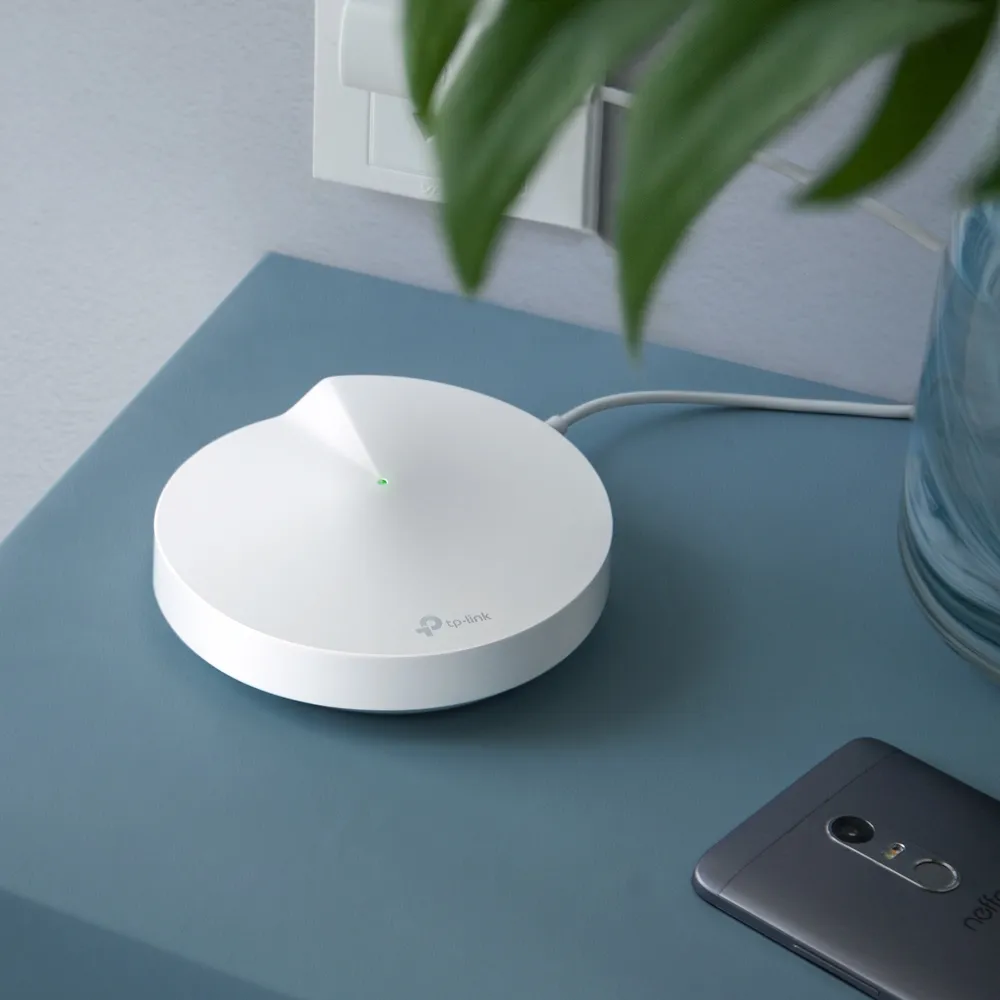
How Deco P7 combines Wi-Fi 5 with AV600 powerline, where it can help, adapter and compatibility limits, troubleshooting and current buying considerations.
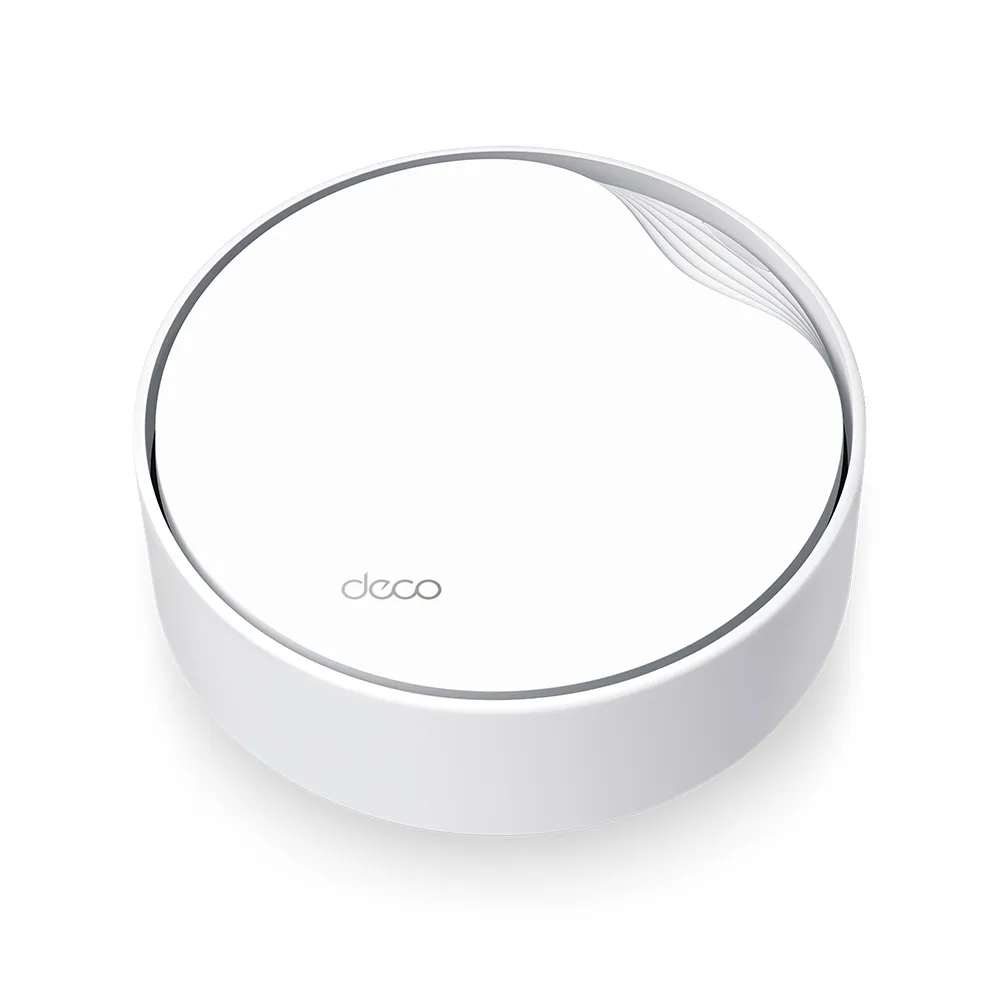
Plan a Deco X50-PoE installation with verified hardware revisions, PoE power requirements, mounting choices, wiring rules and realistic Wi-Fi 6 expectations.
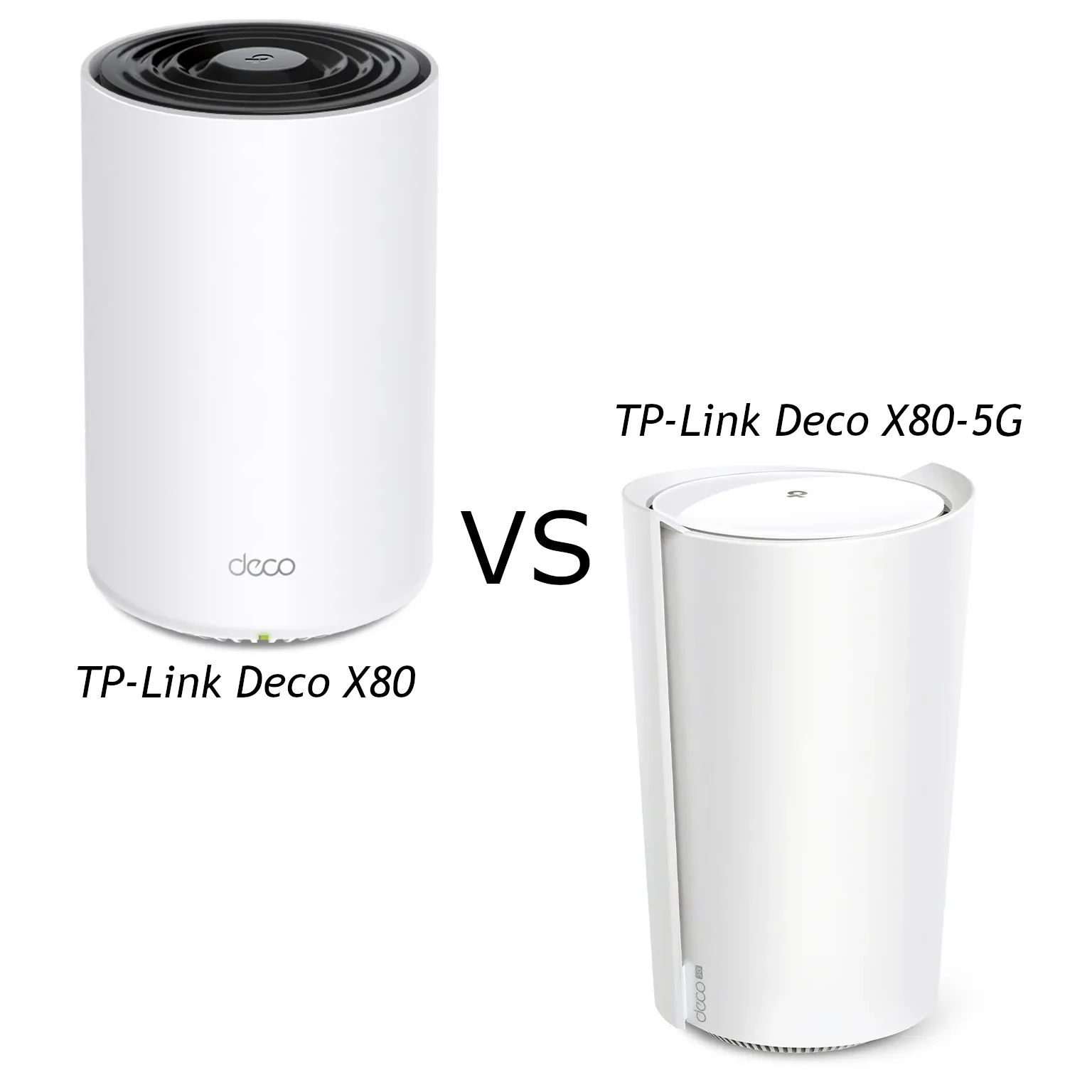
Compare Deco X80 and X80-5G radio claims, Ethernet ports, carrier requirements, supported cellular backup and total cost before choosing a mesh gateway.
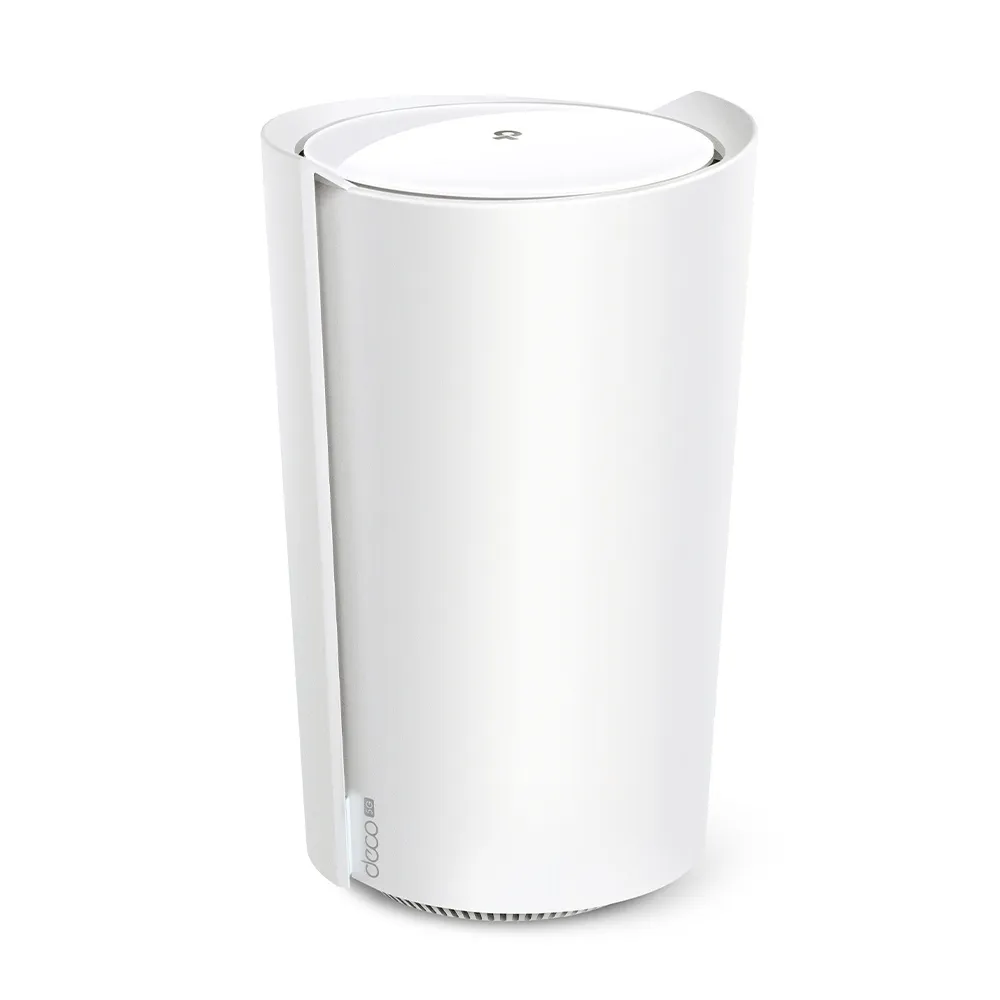
A practical look at the X80-5G’s AX6000 Wi-Fi, two Ethernet ports, SIM broadband, carrier-dependent voice, backup behaviour and external antenna checks.
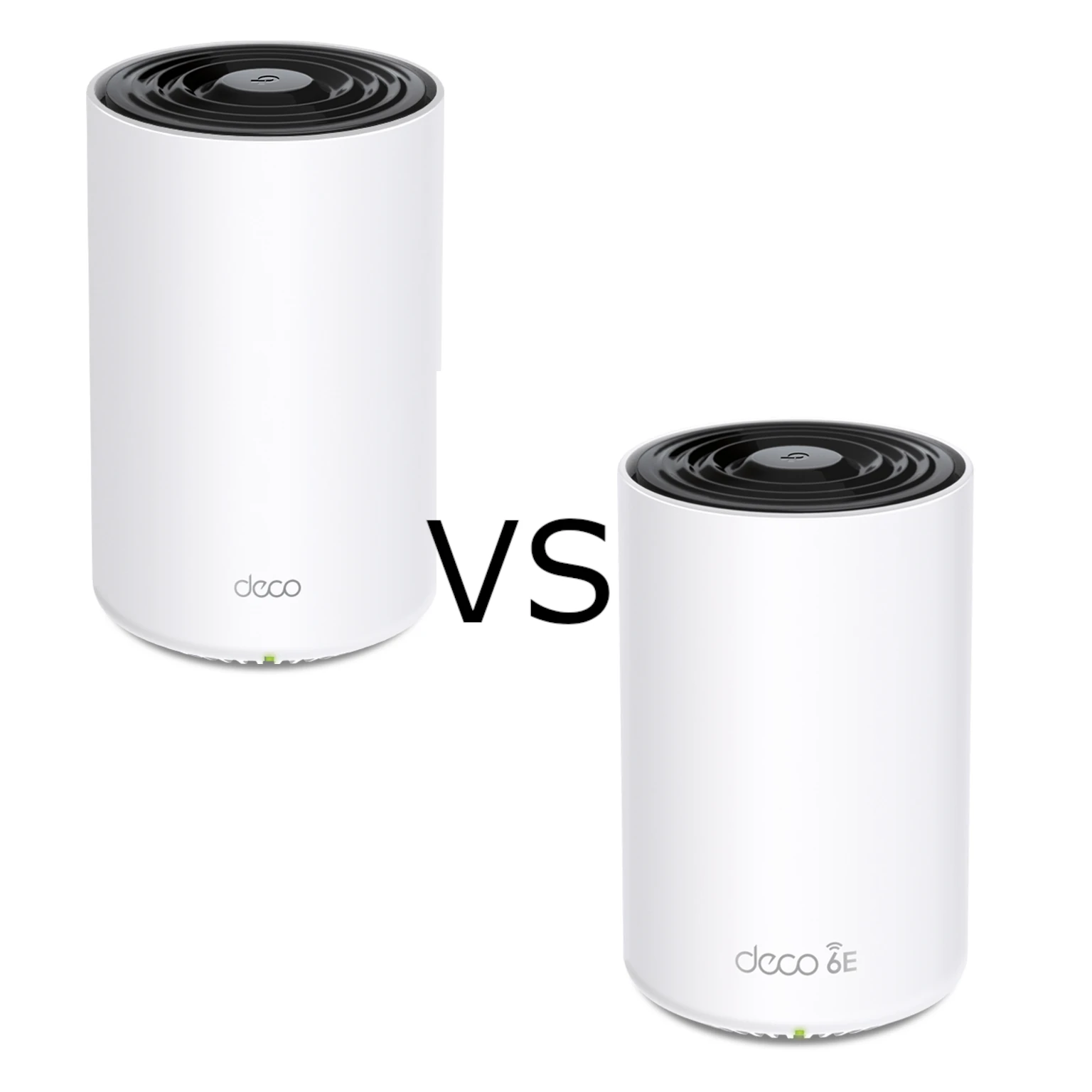
Compare X75 and XE75 radio bands, Gigabit limits, usable 6 GHz, backhaul options and the practical conditions behind the buying choice.
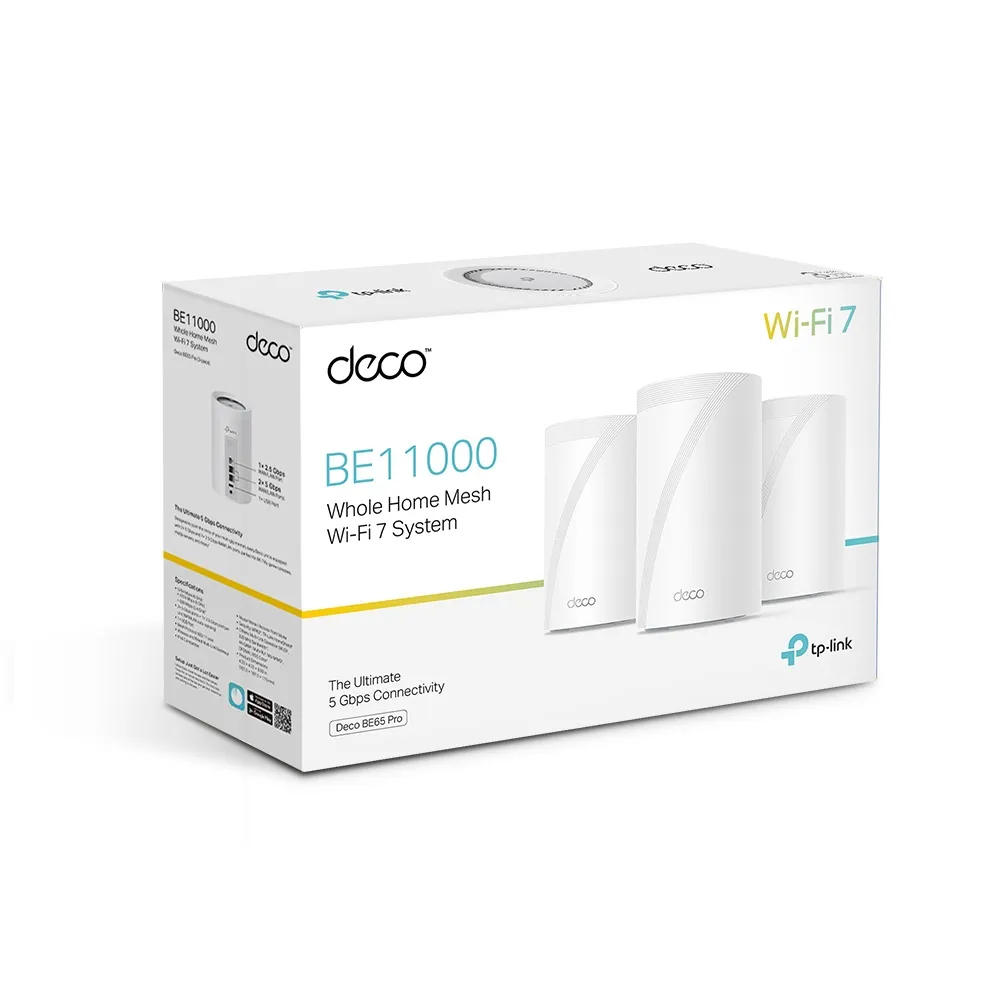
Explore BE65 Pro radio differences by region, its dual 5 Gbps and 2.5 Gbps ports, mesh placement, USB storage and the practical tradeoffs for a demanding home.
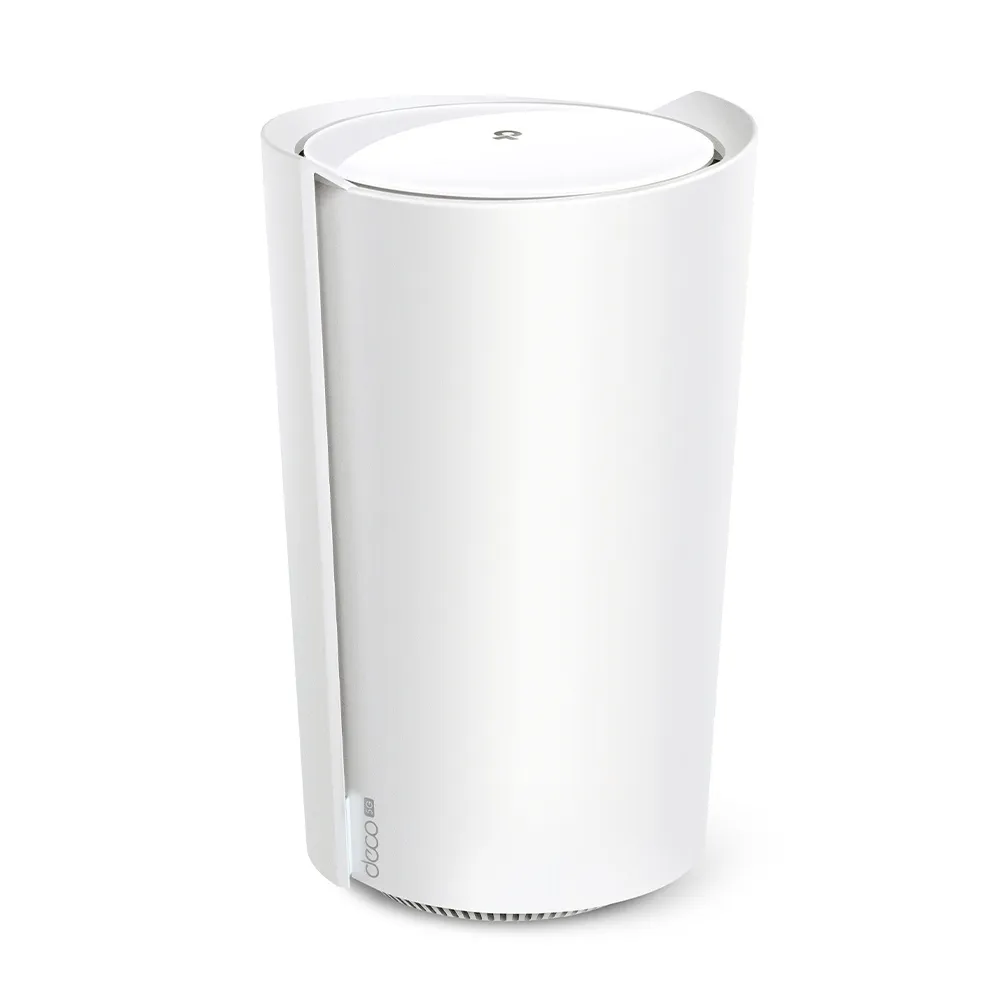
Assess the X50-5G’s Wi-Fi 6 mesh, cellular plans and reception, 2.5G port, backup settings, antenna revisions and the difference between AP and bridge modes.
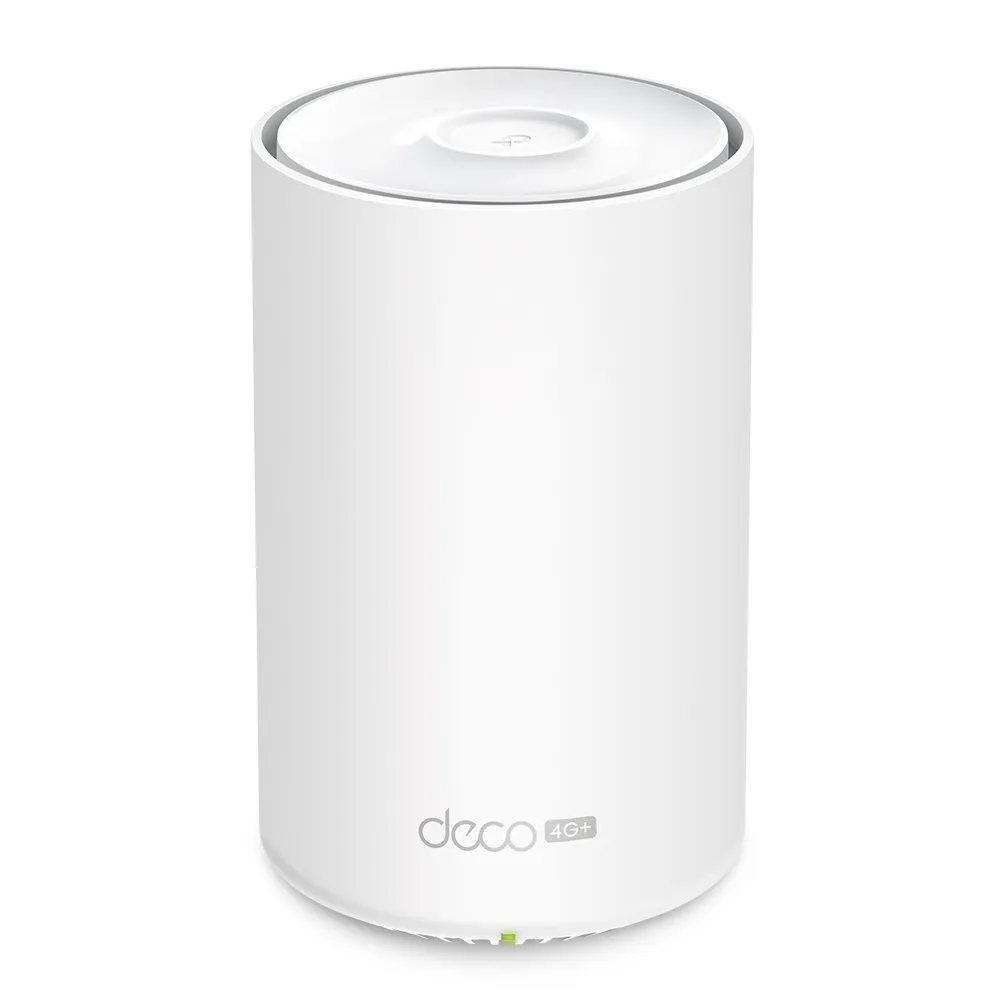
Deco X10-4G explained: LTE Cat6, AX1500 Wi-Fi, three Gigabit ports, SMB antenna adapters, backup verification and mobile data considerations.
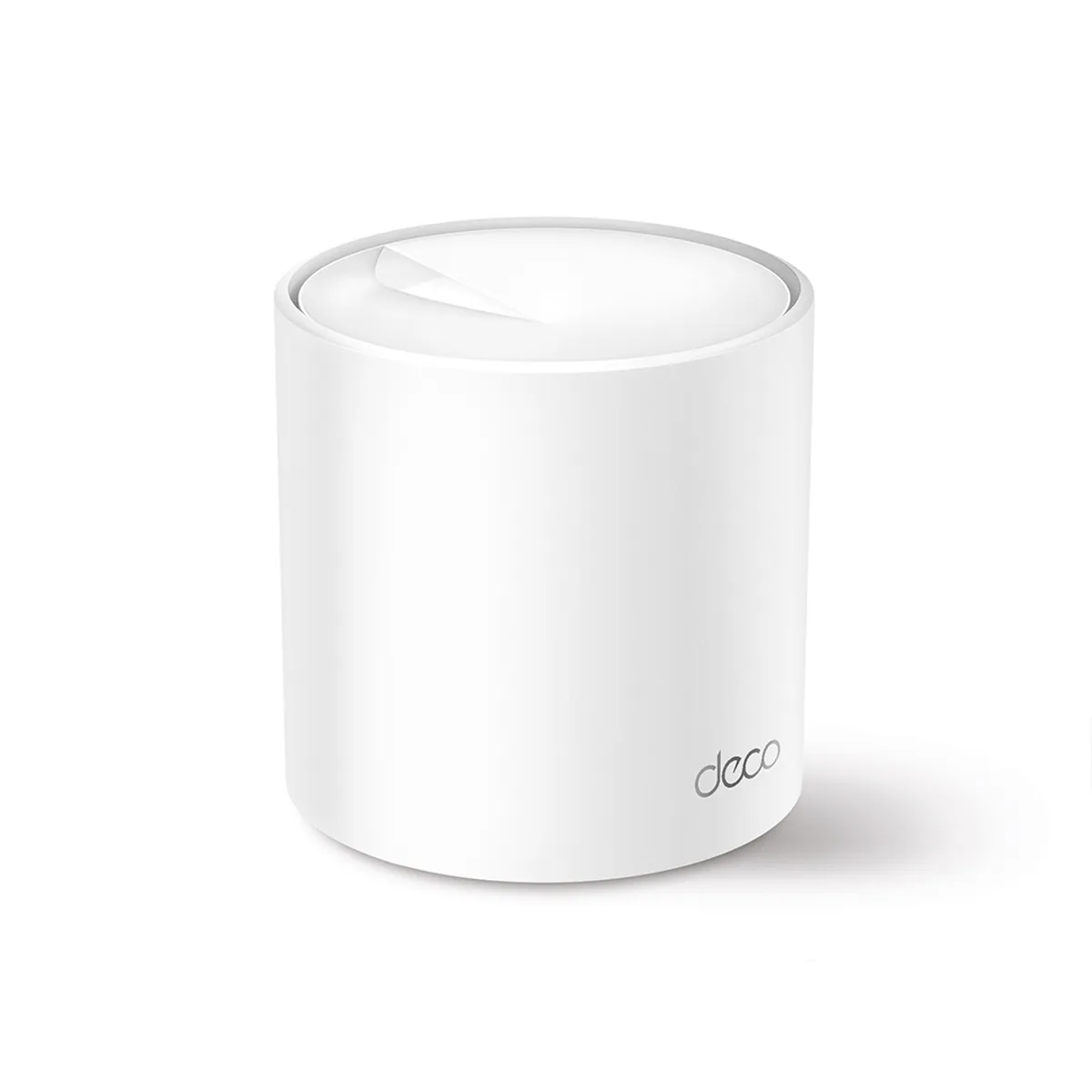
Deco X50 explained: AX3000 Wi-Fi 6, revision differences, three Gigabit ports, pack-size coverage, backhaul planning and HomeShield tradeoffs.
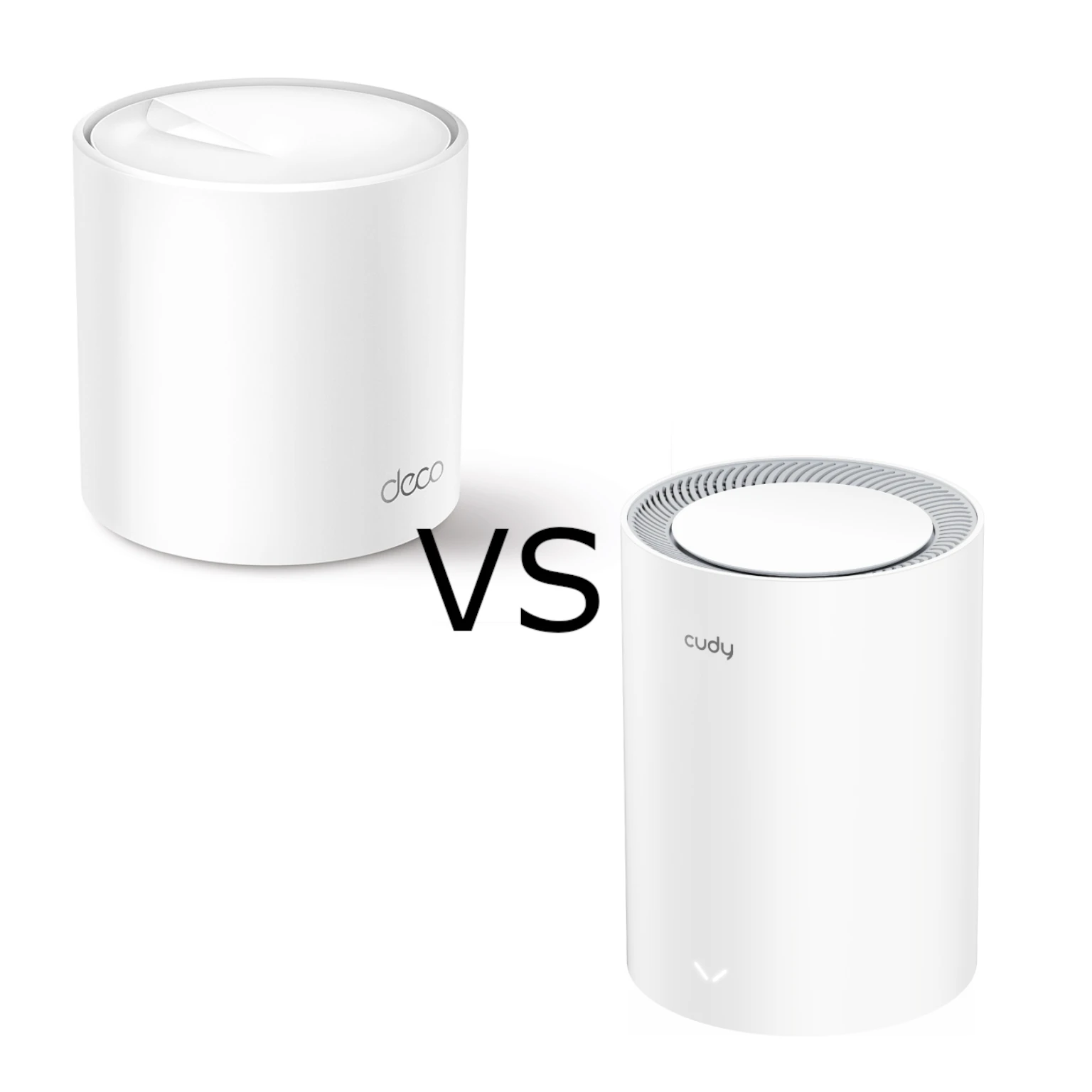
Compare ordinary Deco X50 with Cudy M3000 2.0: AX3000 radio limits, three Gigabit ports versus 2.5G WAN, backhaul, household controls and buying trade-offs.
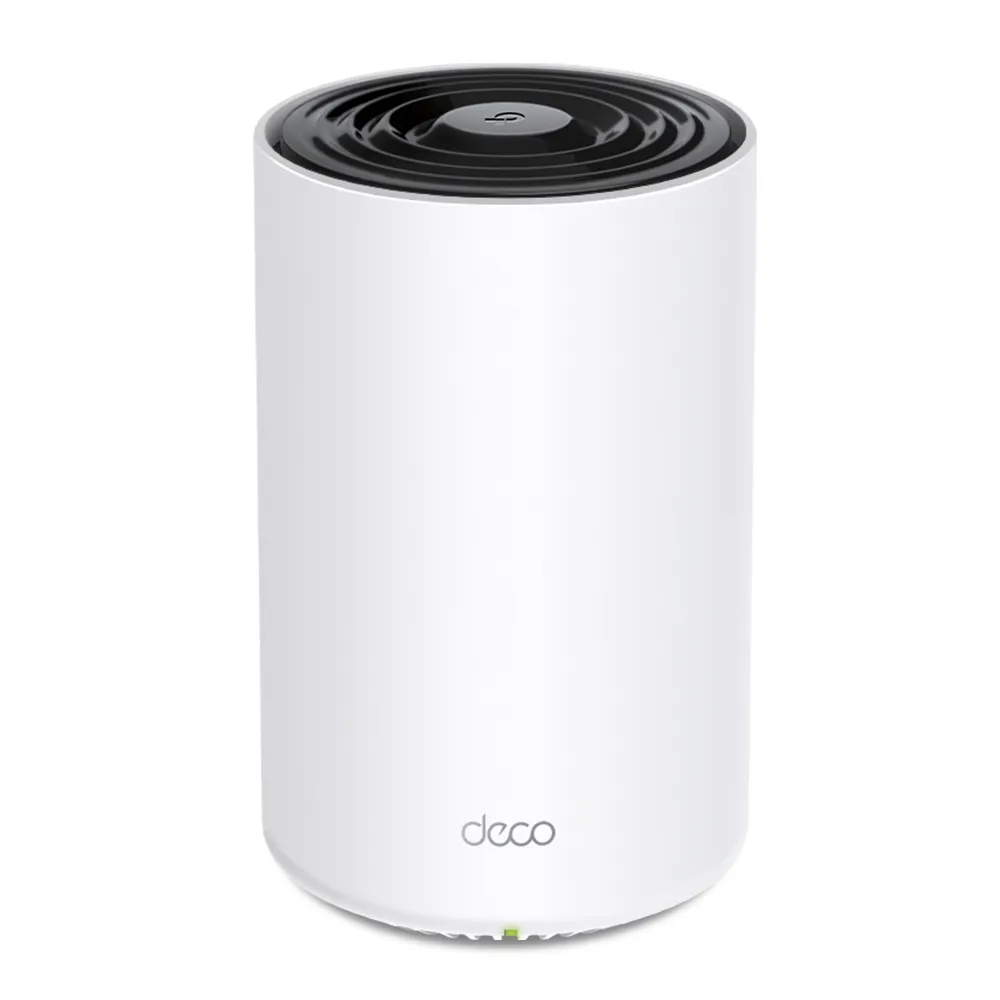
Explore the Deco X80’s eight-stream Wi-Fi 6 radios, one fast Ethernet port per unit, backhaul layouts and buying tradeoffs for a busy home.
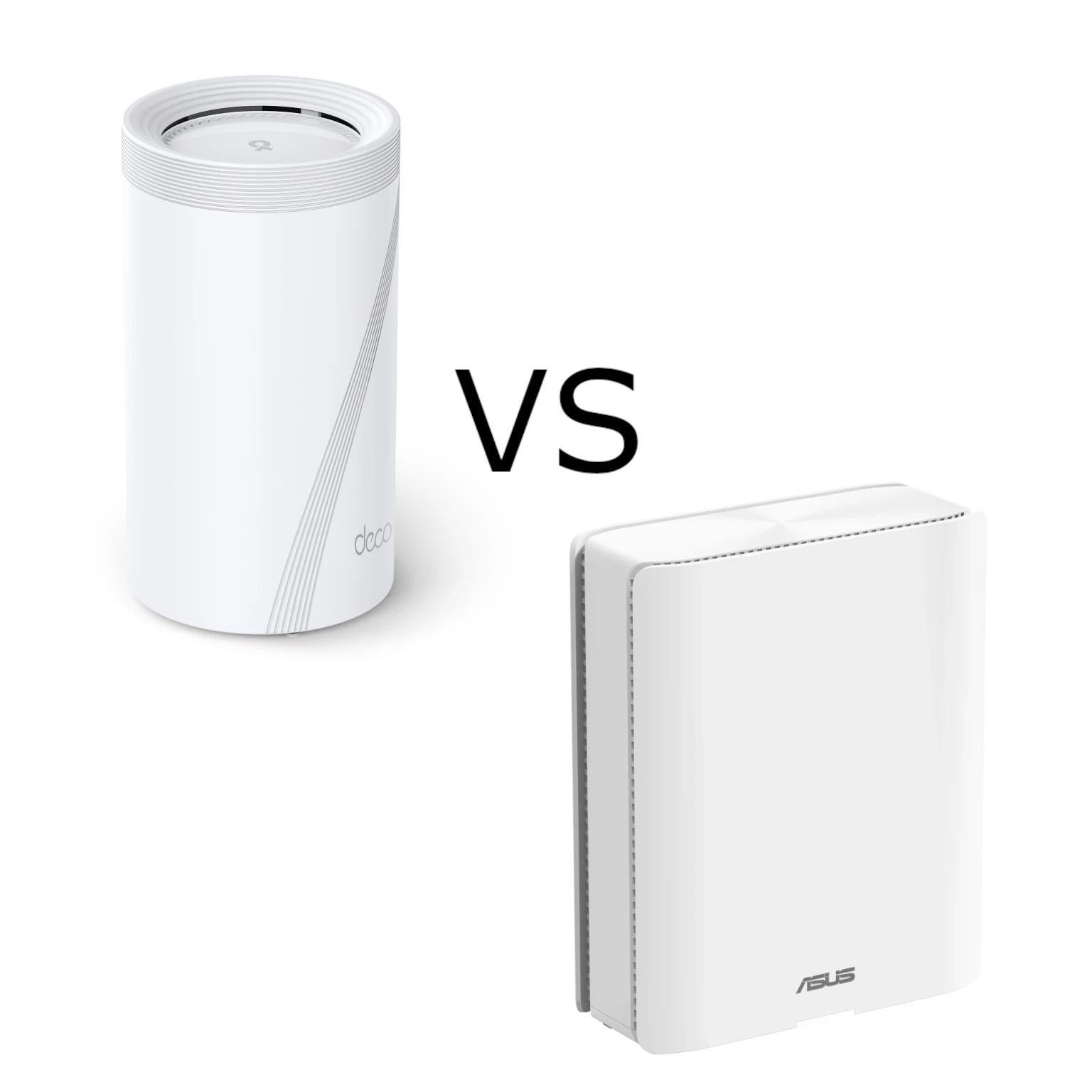
Compare Deco BE95 and ZenWiFi BQ16 Pro radio ratings, actual Ethernet ports, backhaul choices and management features, with practical advice for choosing a premium mesh system.
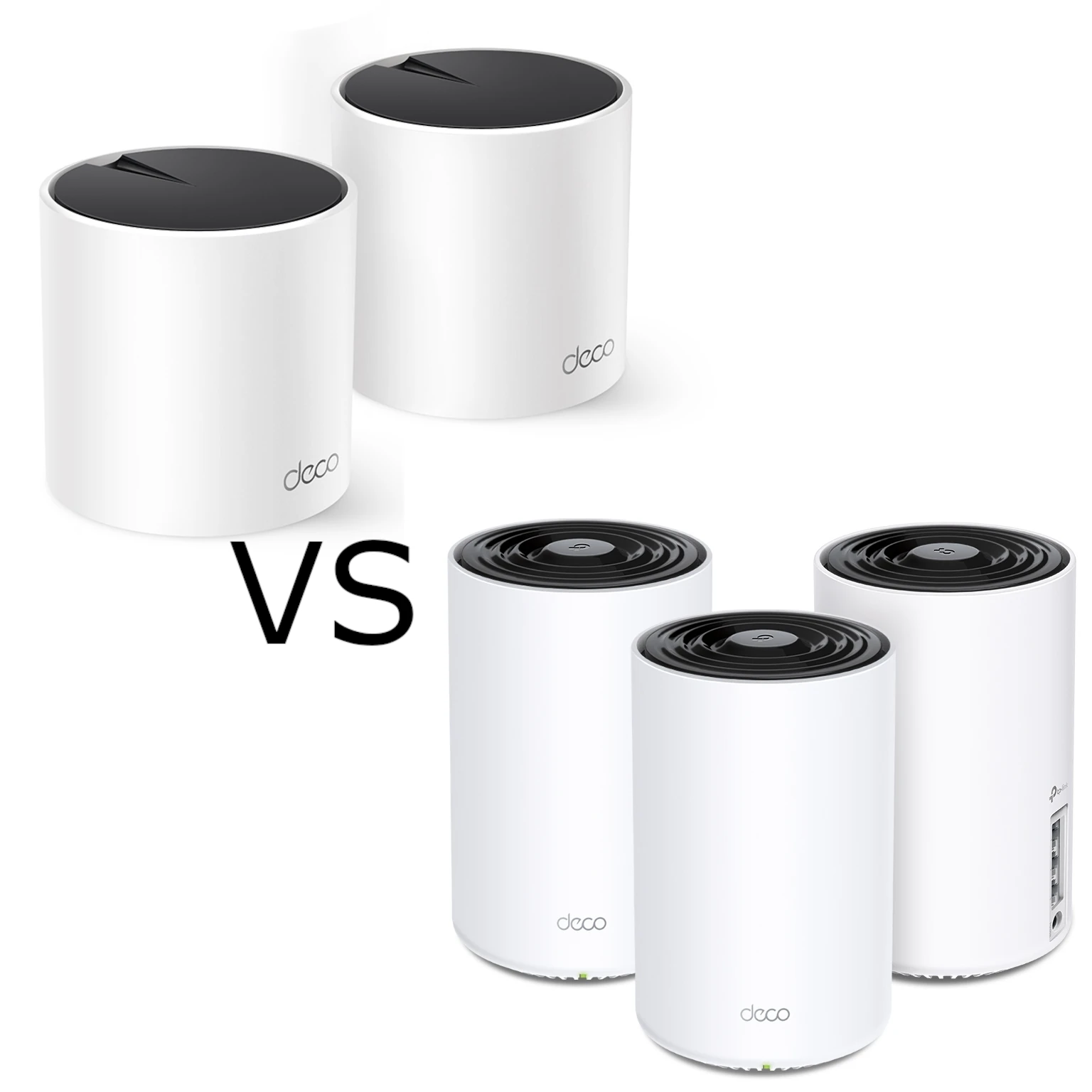
Compare the Wi-Fi 6 Deco X55 and X75 by their actual radio bands, Gigabit ports, wired or wireless backhaul, pack size and household needs.
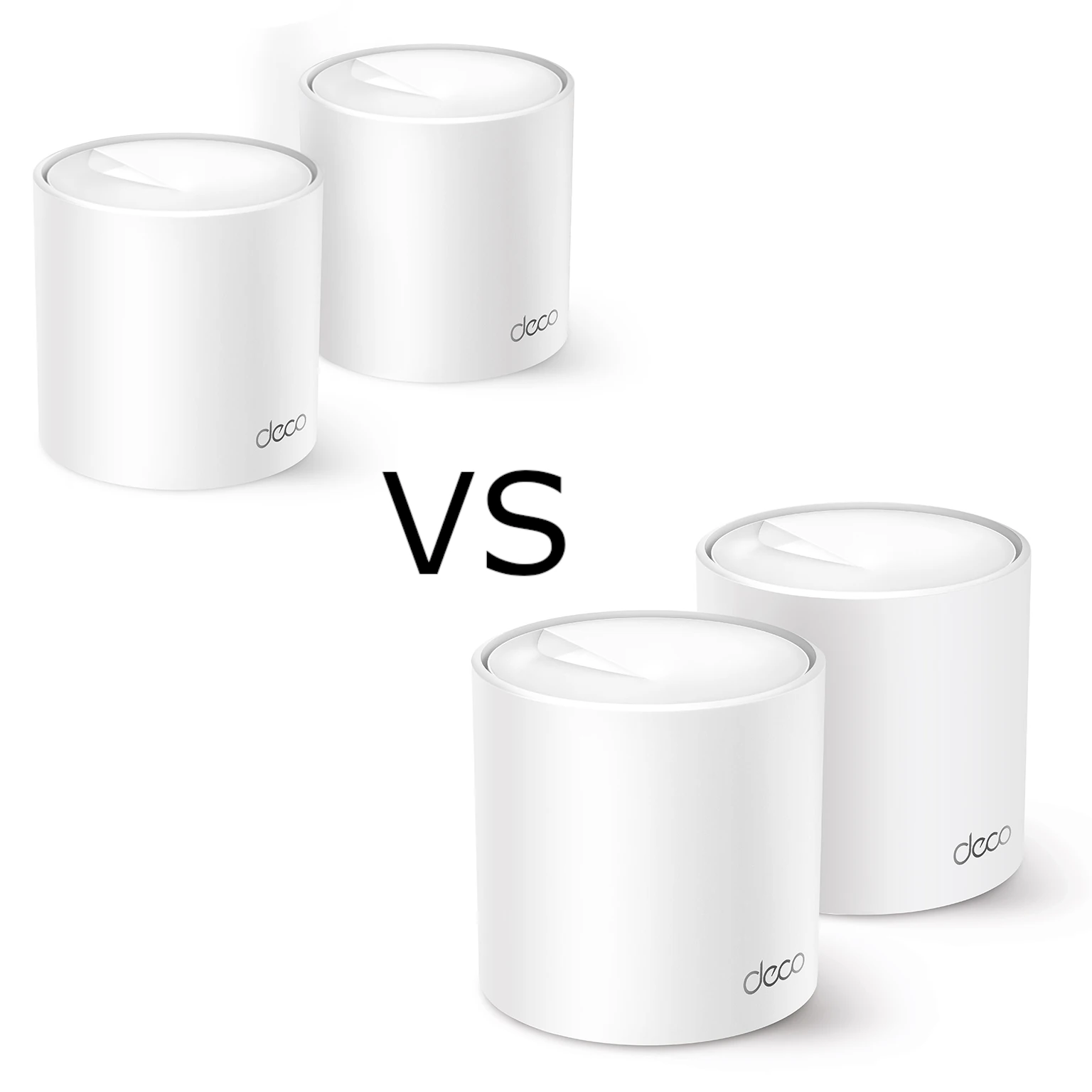
Compare Deco X10 and X50 radio standards, channel/client support, port budgets, hardware revisions and backhaul choices to decide which mesh pack suits your home.

Explore the Deco X50-DSL’s integrated modem, Wi-Fi 6 mesh and Gigabit ports, with ISP setup checks, backhaul guidance and realistic upgrade limits.

Compare the XE75 and XE75 Pro’s shared Wi-Fi 6E specifications, single-port trade-offs, backhaul choices and security settings before paying for multi-gigabit Ethernet.

Compare Deco X50 and the different X60 revisions, with verified radio classes, port counts, client and backhaul limits, security services and buying advice.
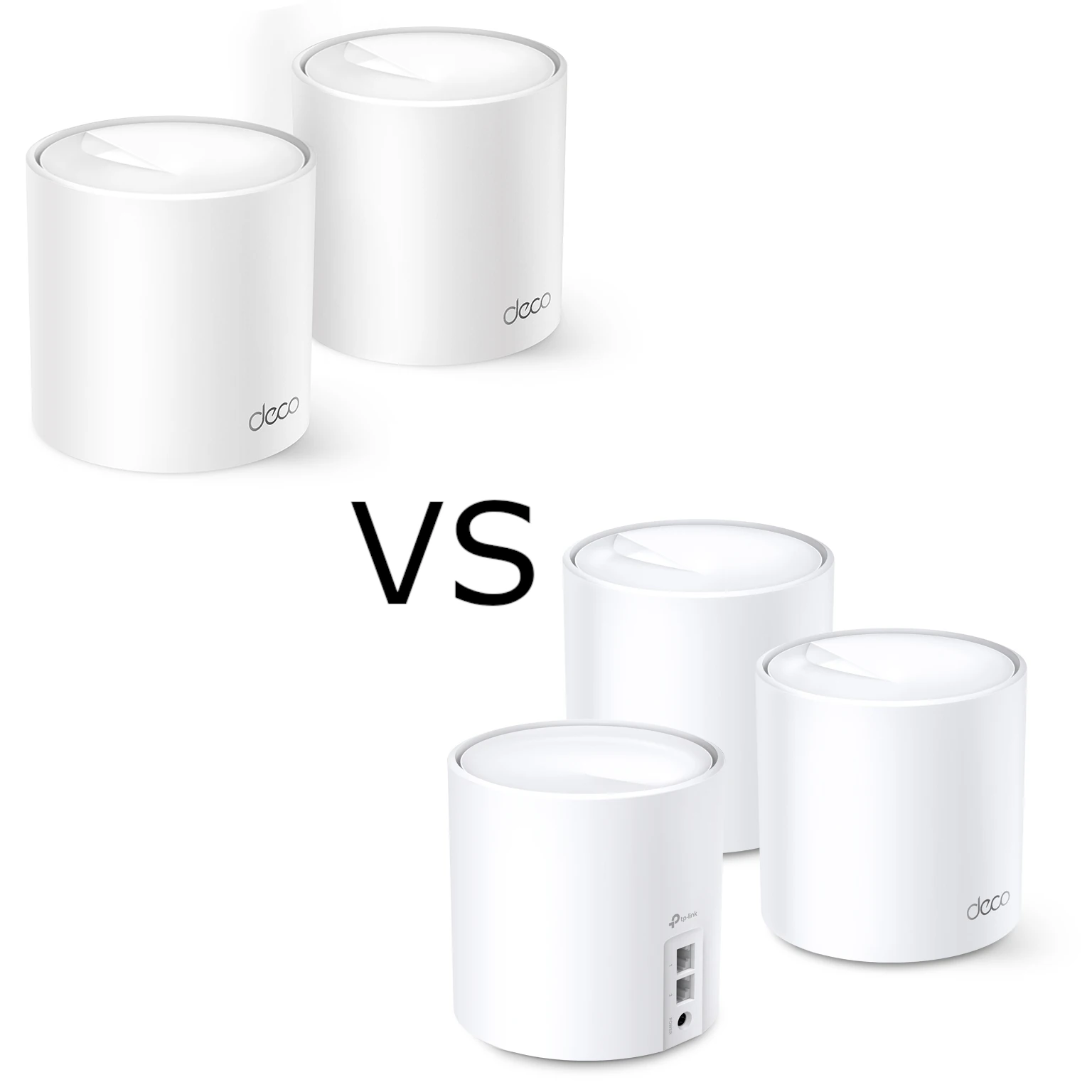
Compare Deco X10 and X20 radio standards, Gigabit ports, smart-device compatibility, backhaul and software limits while preserving our Wi-Fi 6 perspective.
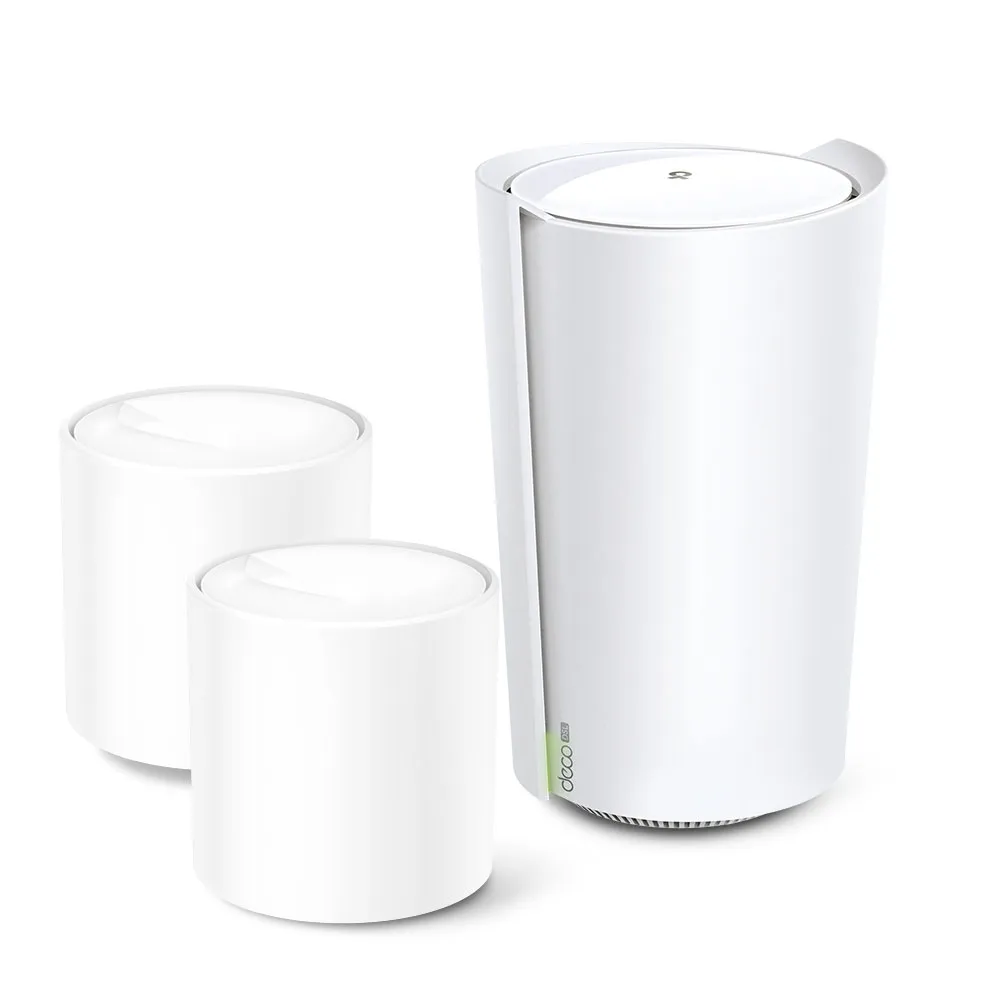
Check Deco X73-DSL modem compatibility, gateway and satellite ports, telephone service, backhaul and operating modes before planning a DSL mesh network.
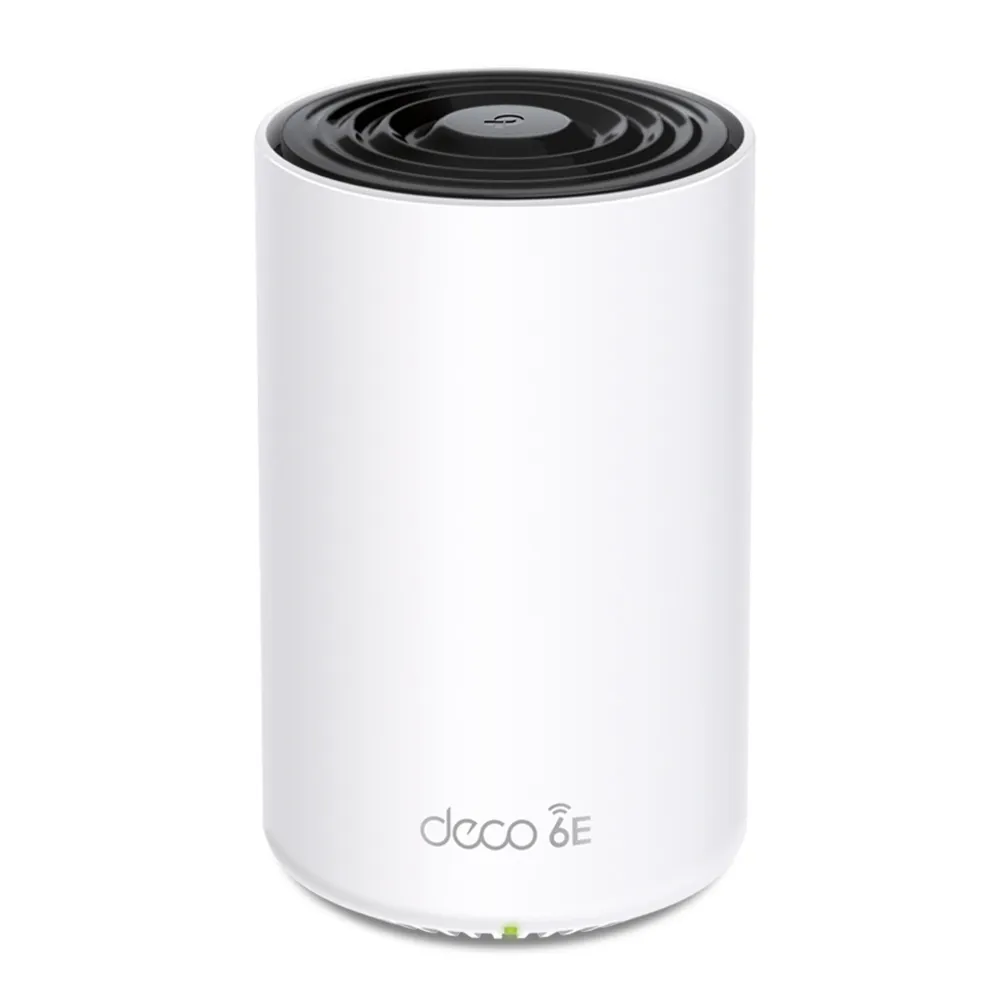
Understand Deco XE75 Pro Wi-Fi 6E, its difference from XE75, the single 2.5 GbE port tradeoff, 6 GHz settings and practical mesh setup checks.
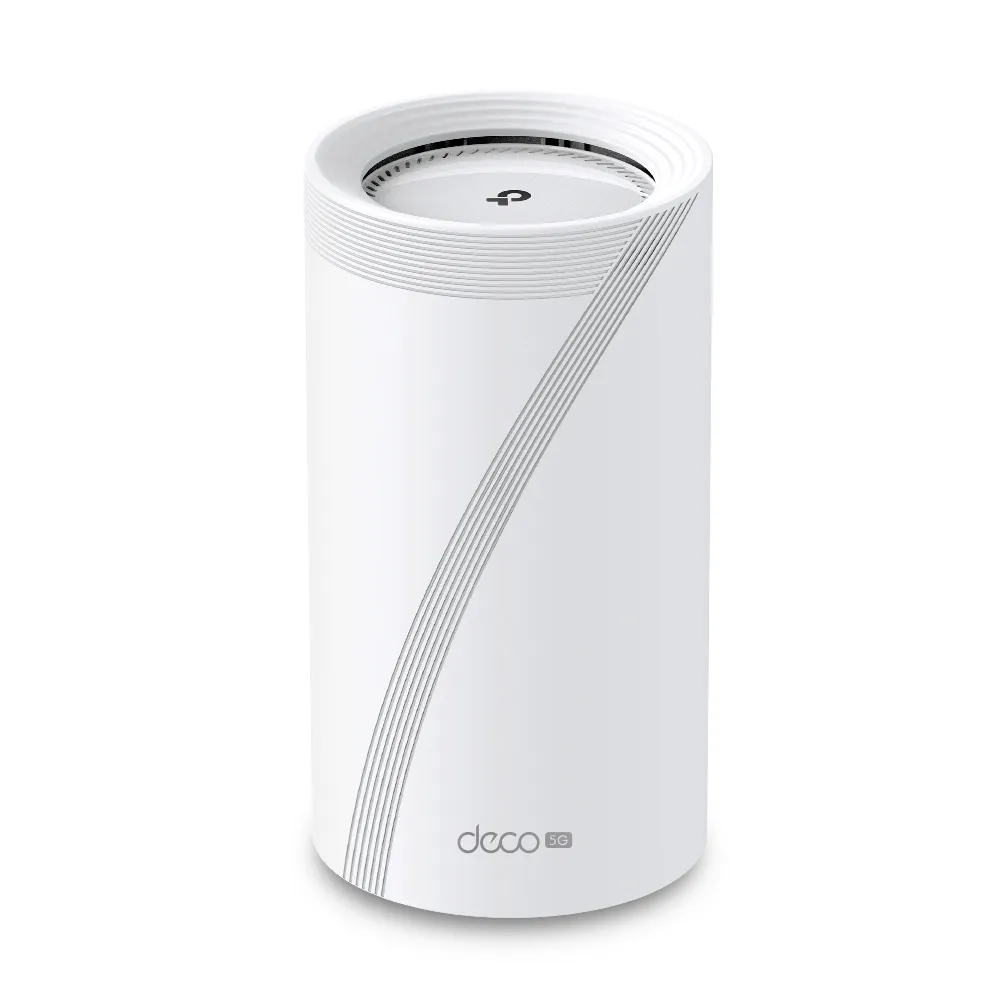
A practical guide to Deco BE65-5G cellular internet and backup, with EU V1/V2 differences, antenna checks, mesh placement, port limits and realistic buying advice.
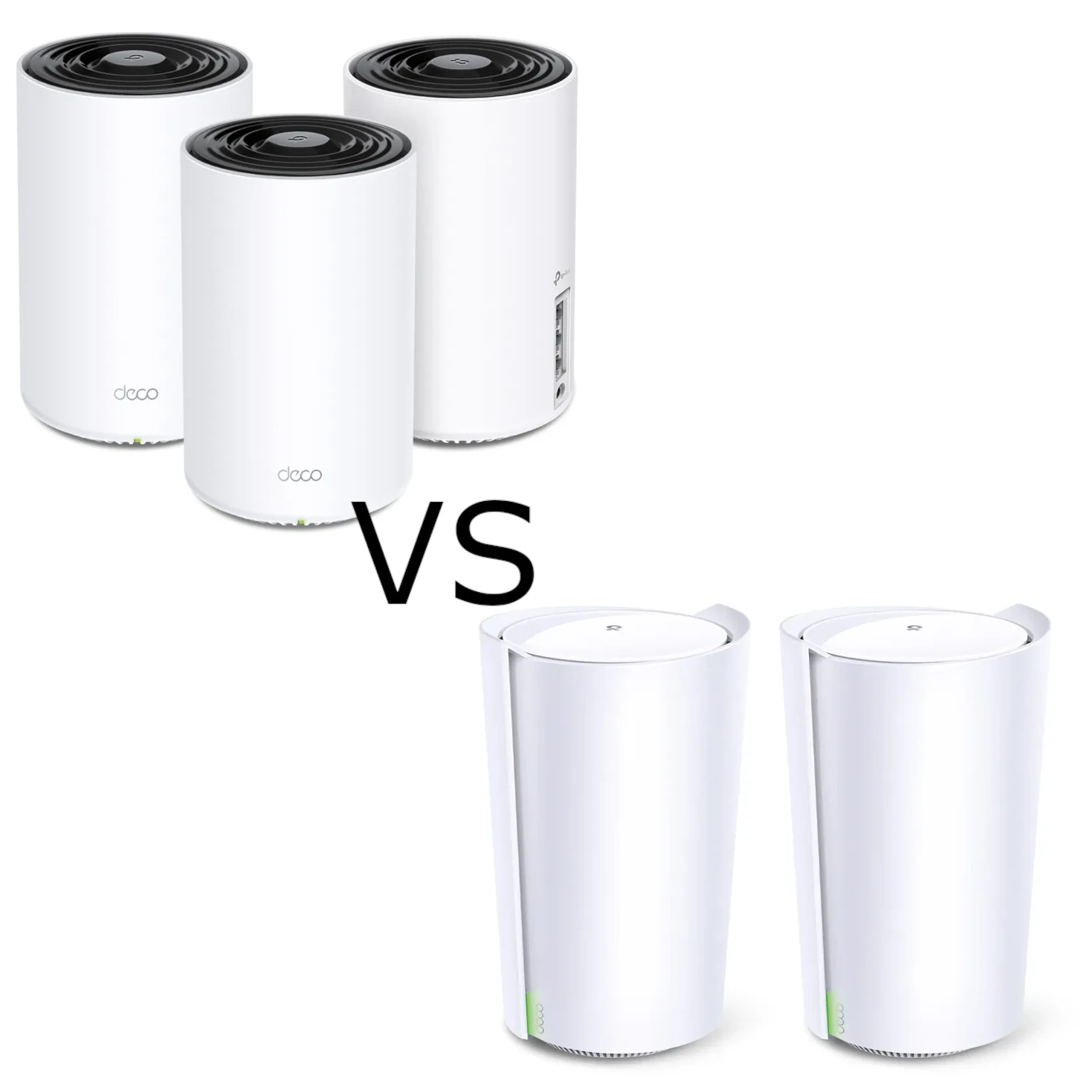
Compare the tri-band X75 and X90 through verified radios, streams, wired-port limits, useful backhaul choices and support checks.
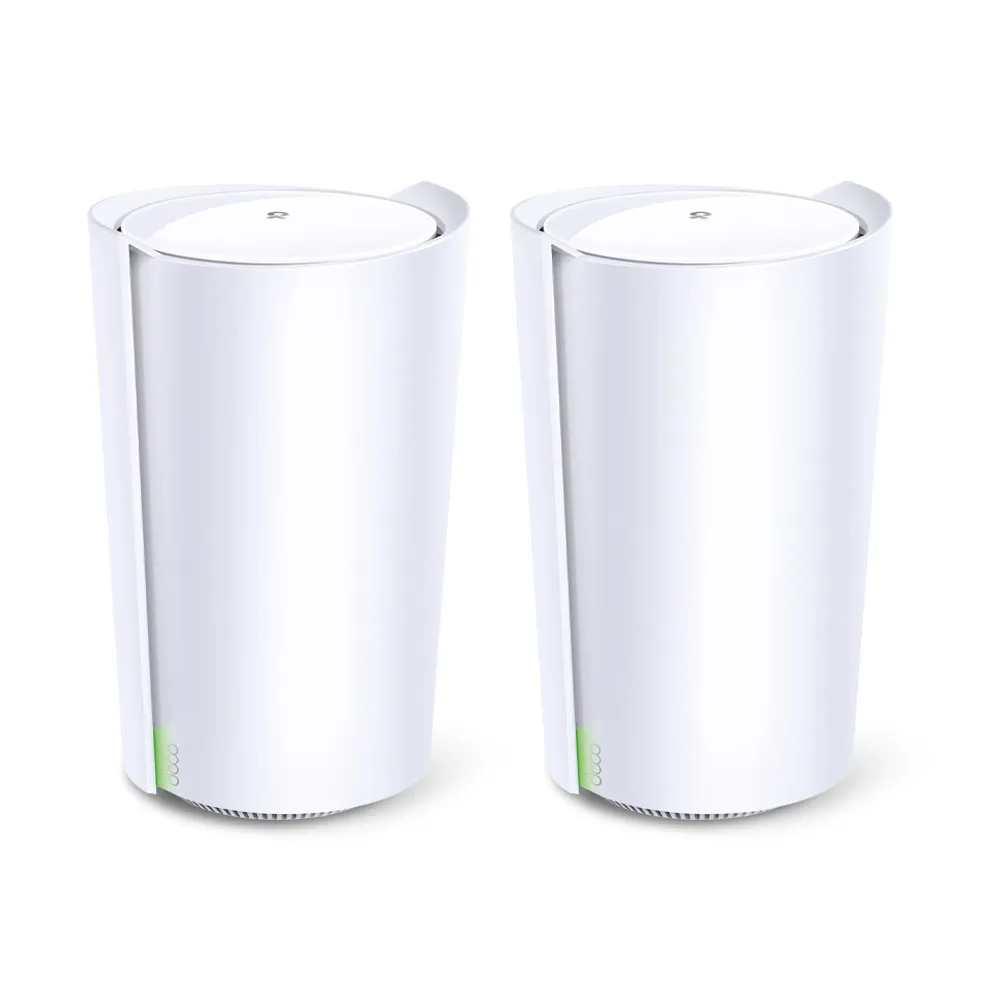
Explore X90’s AX6600 radios, smart antennas, single 2.5 Gbps port, wired backhaul and the regional lifecycle checks that matter before buying.
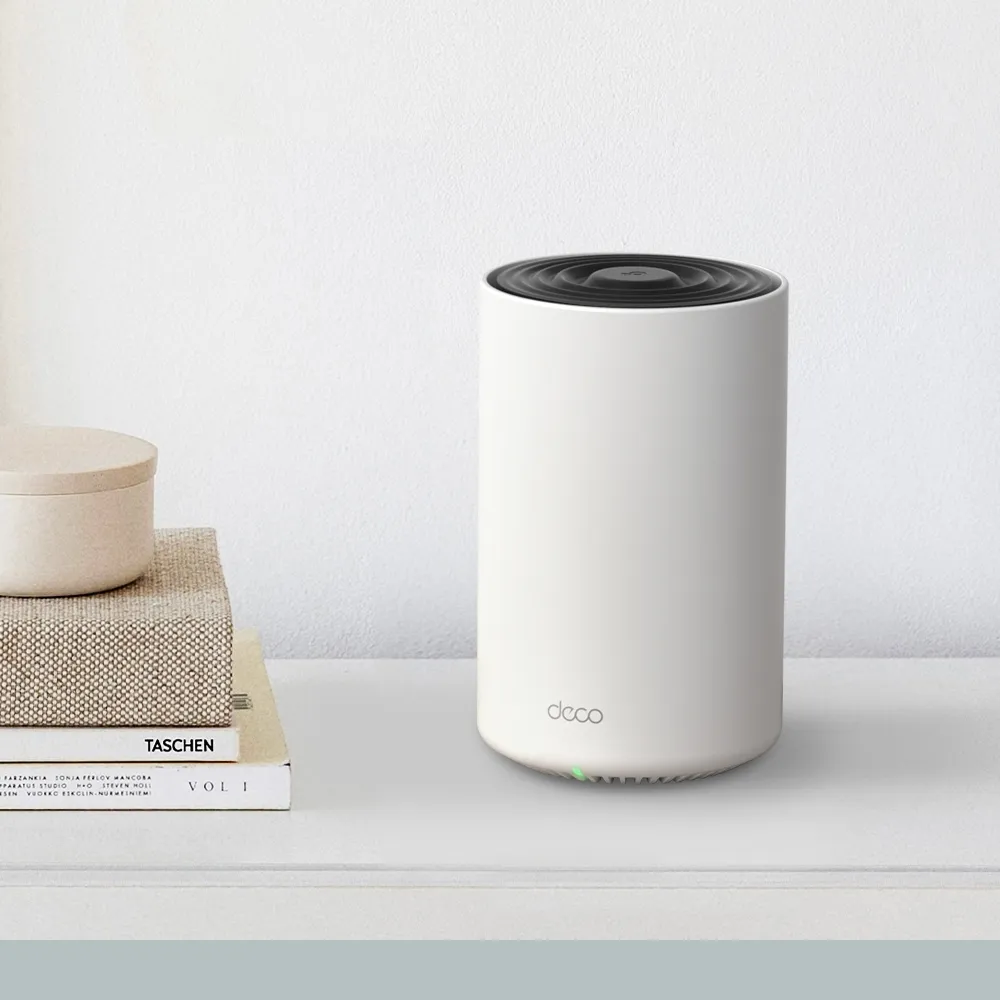
Explore Deco X75 radio and coverage claims, three Gigabit ports, backhaul, HomeShield terms and practical checks for a larger or busy household.
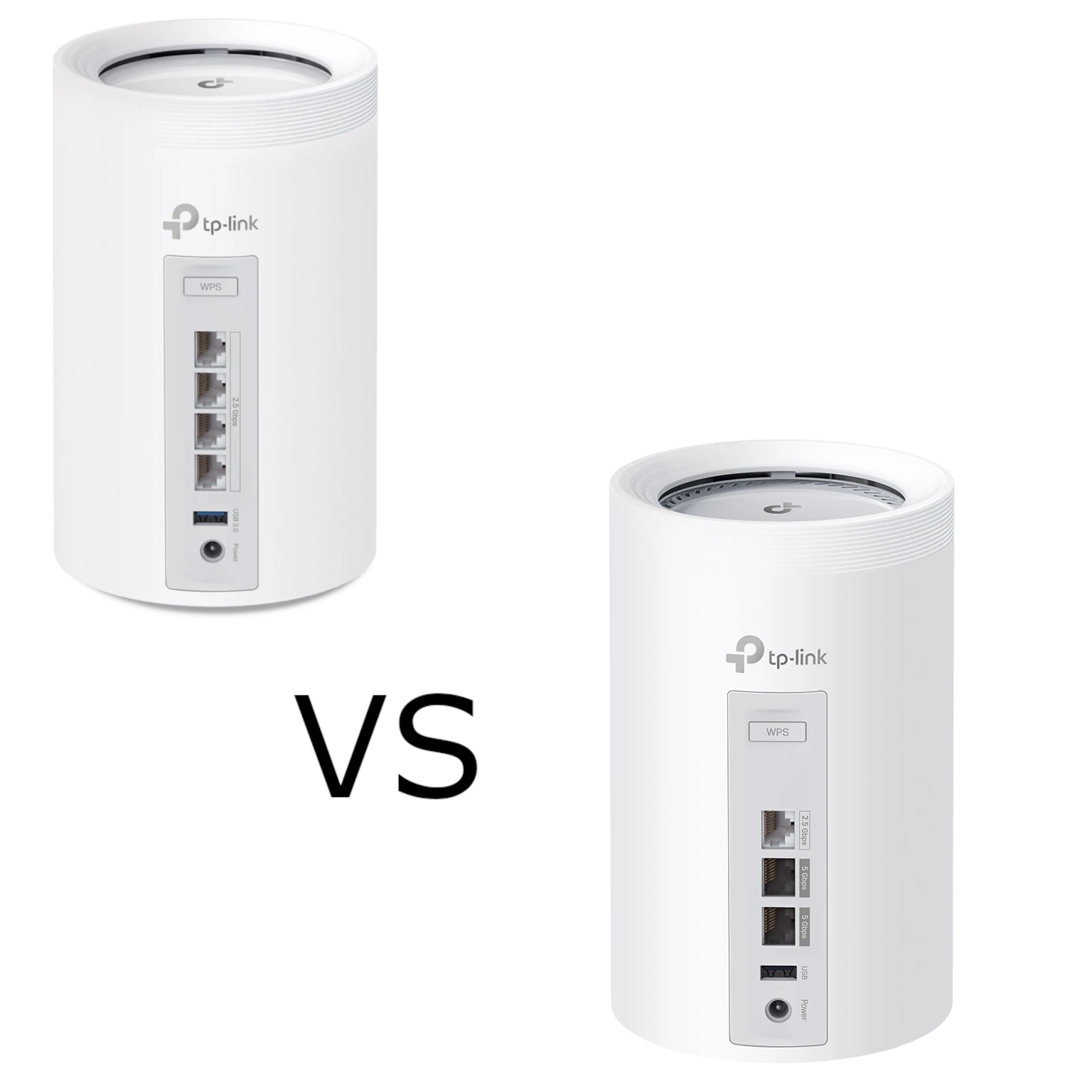
Compare BE65 and BE65 Pro by their actual regional radio profiles, four 2.5 Gbps versus three mixed-speed ports, backhaul design and household needs.
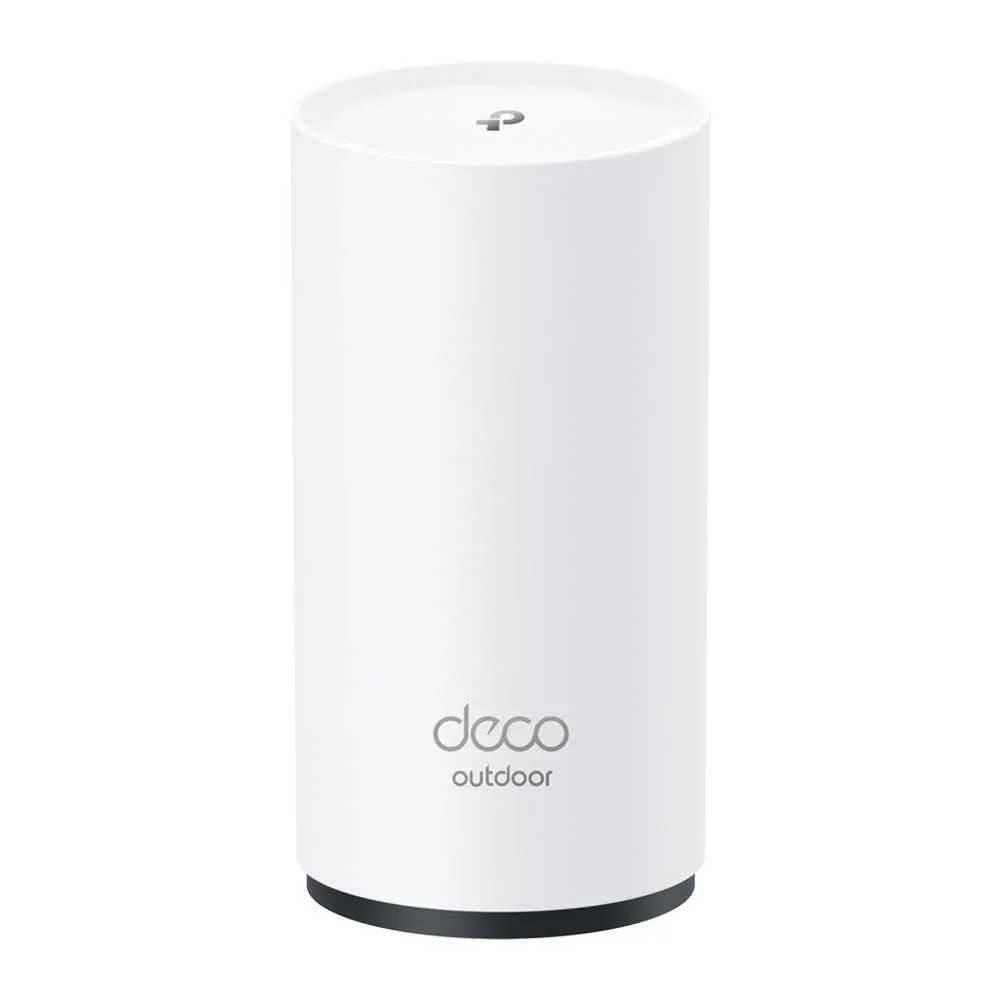
Explore the X50-Outdoor’s Wi-Fi 6 radios, gigabit ports and outdoor enclosure, with practical PoE, backhaul, mounting and compatibility considerations.
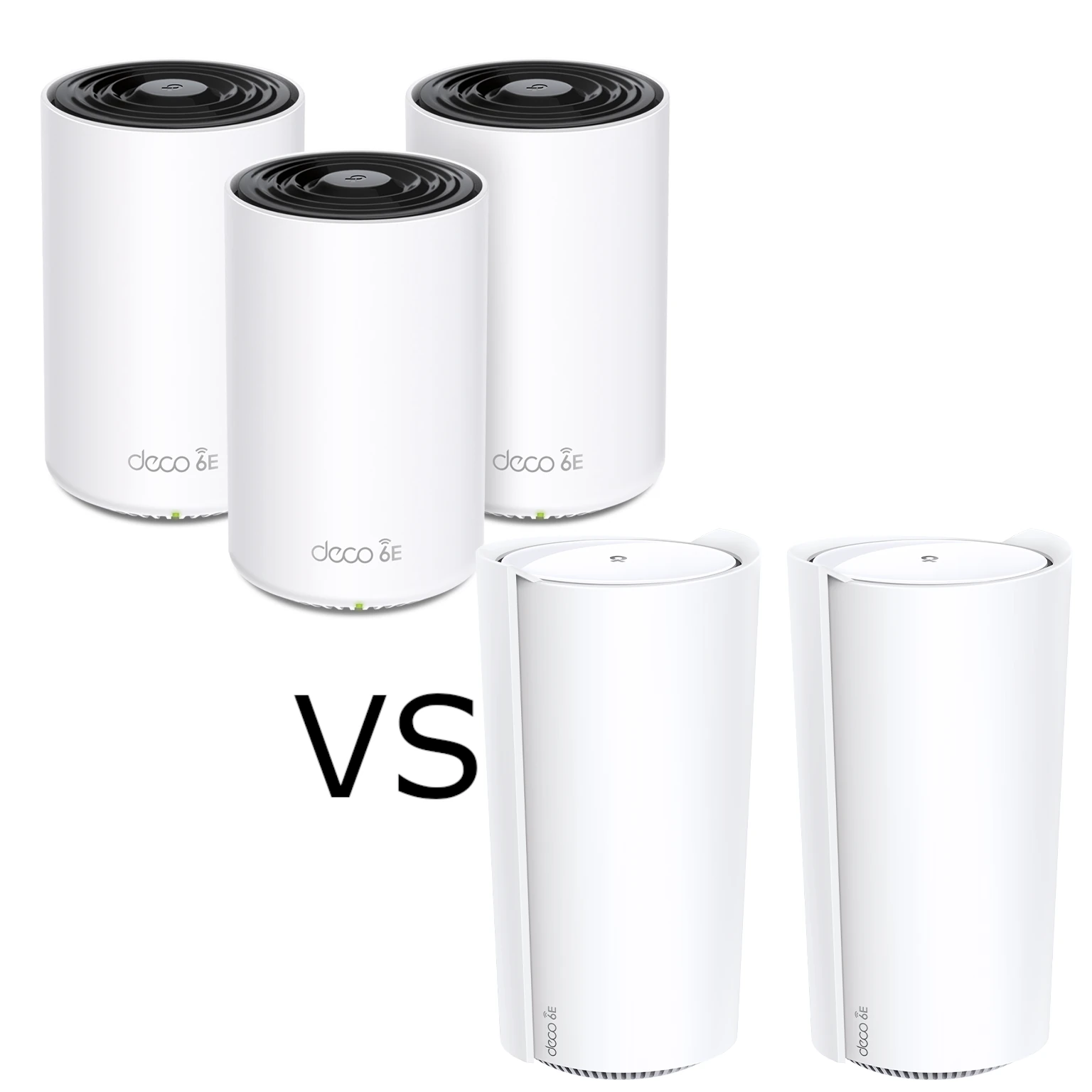
Compare XE75 and XE200 radio resources, usable Ethernet ports and pack sizes. Understand the XE200’s single 10G-port tradeoff and test the actual home network path.
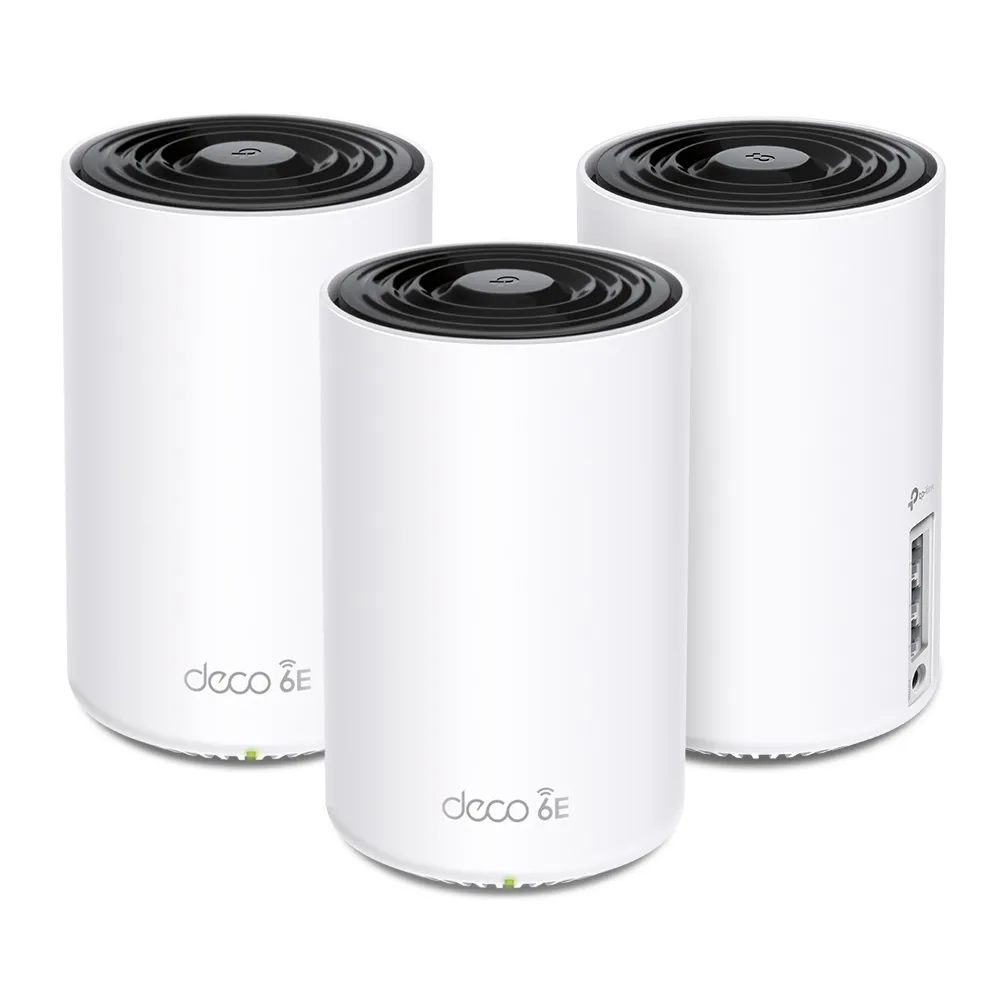
Explore the Deco XE75’s tri-band Wi-Fi 6E specifications, backhaul choices and port limits, with practical checks before buying.
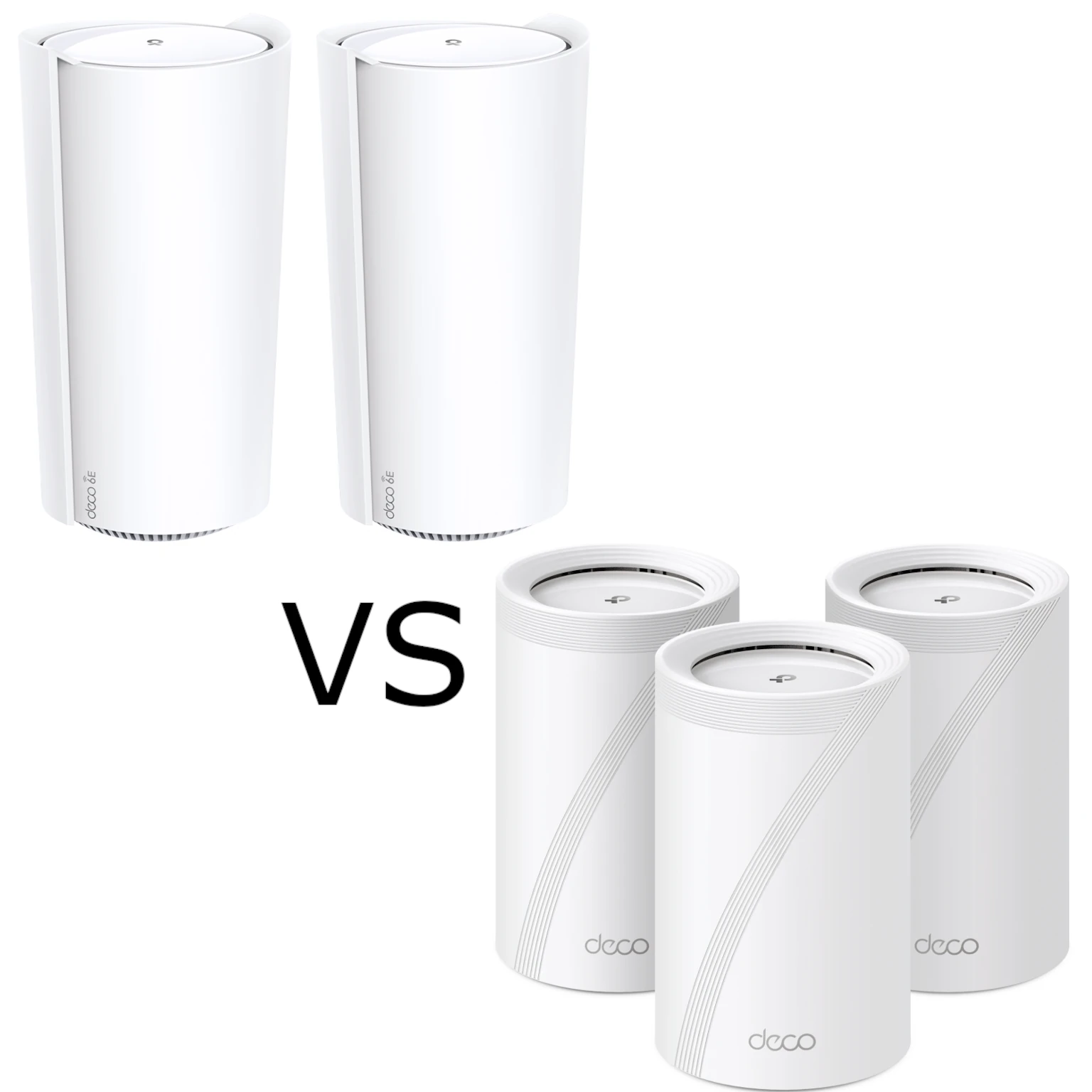
Compare Deco XE200 and BE65 radio capabilities, regional versions, Ethernet ports and mesh backhaul. Choose using your clients, topology, support and local price.
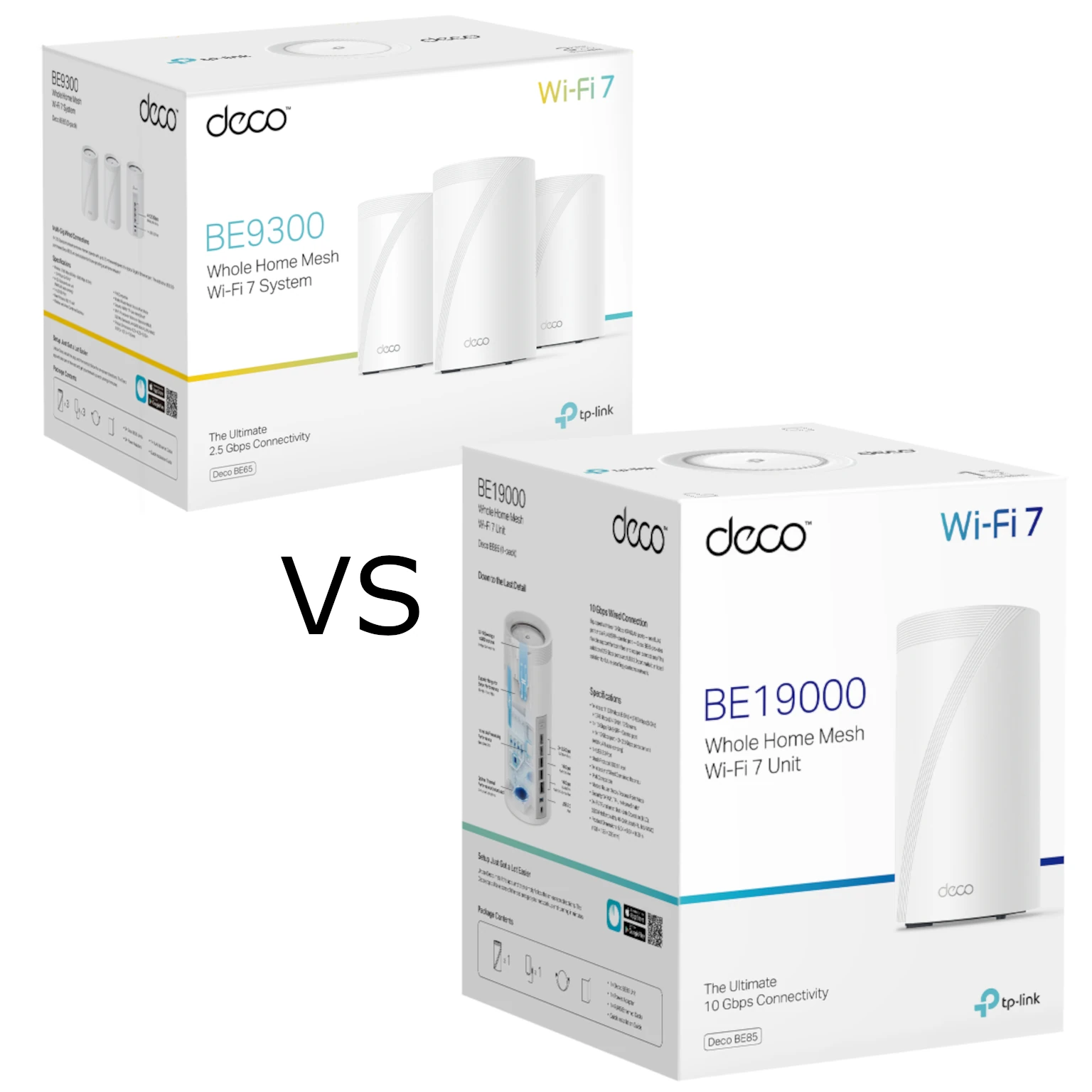
Compare Deco BE65 and BE85 radio variants, Ethernet ports and backhaul needs to decide when the more expensive Wi-Fi 7 mesh kit is worth buying.
Compare TP-Link HomeShield security and parental-control plans, Router/AP limits, household profiles and report examples before choosing a supported subscription.
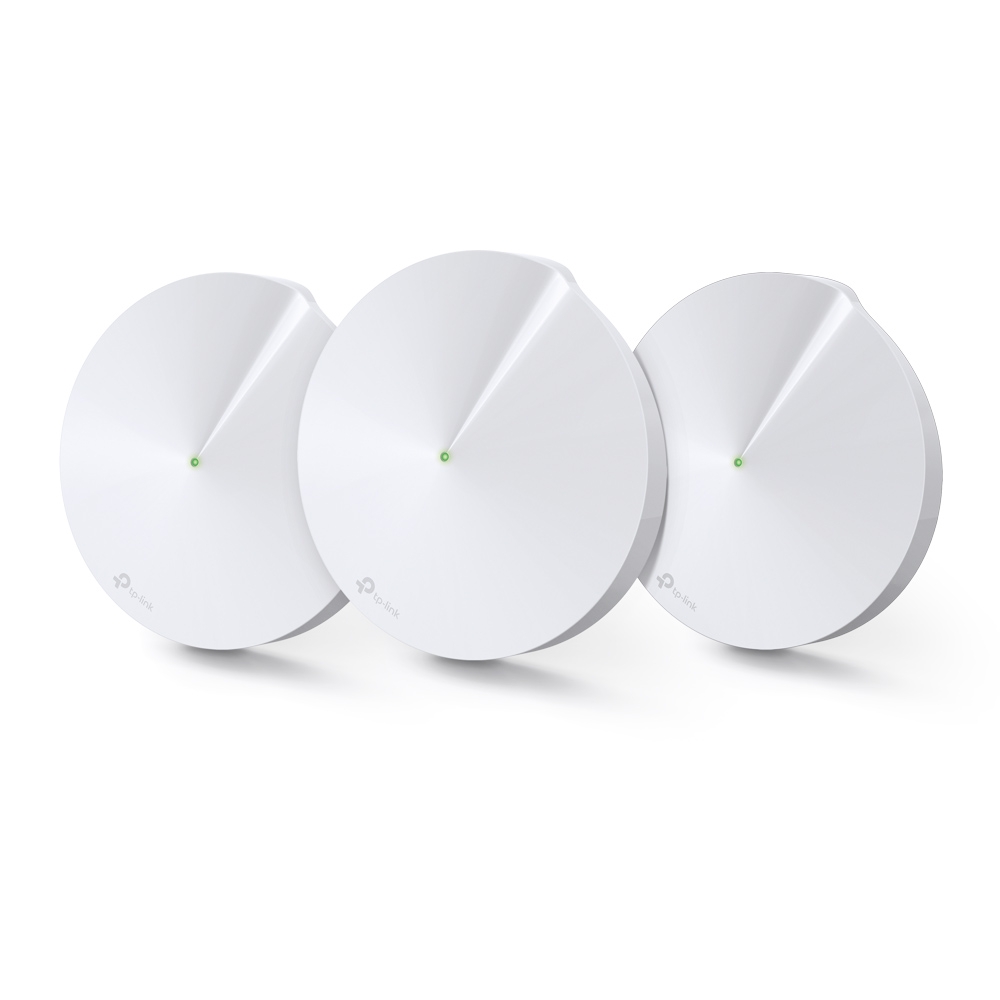
Explore the Deco M9 Plus’s tri-band Wi-Fi, Gigabit ports and smart-home hub, with practical compatibility, backhaul and support checks.
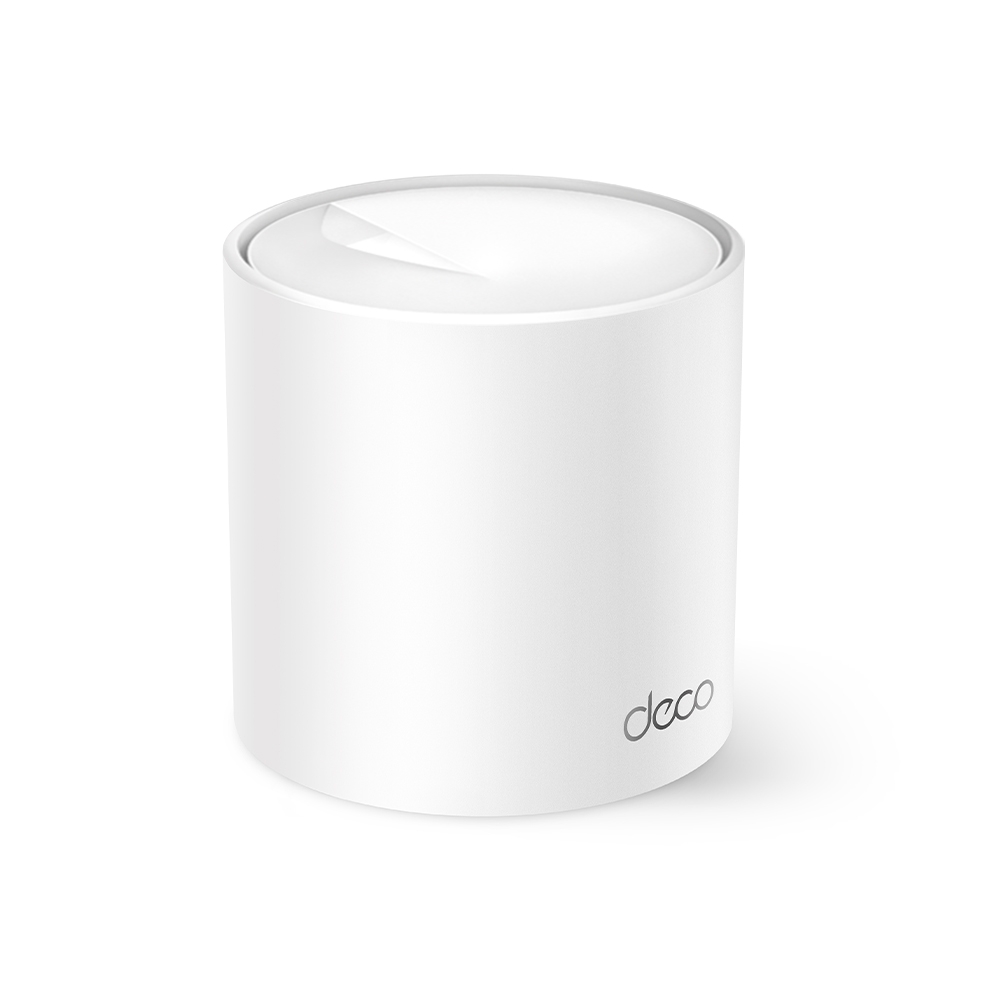
Why the Deco X10 remains an appealing budget mesh option, with verified radio rates, port limits and practical coverage/backhaul checks.
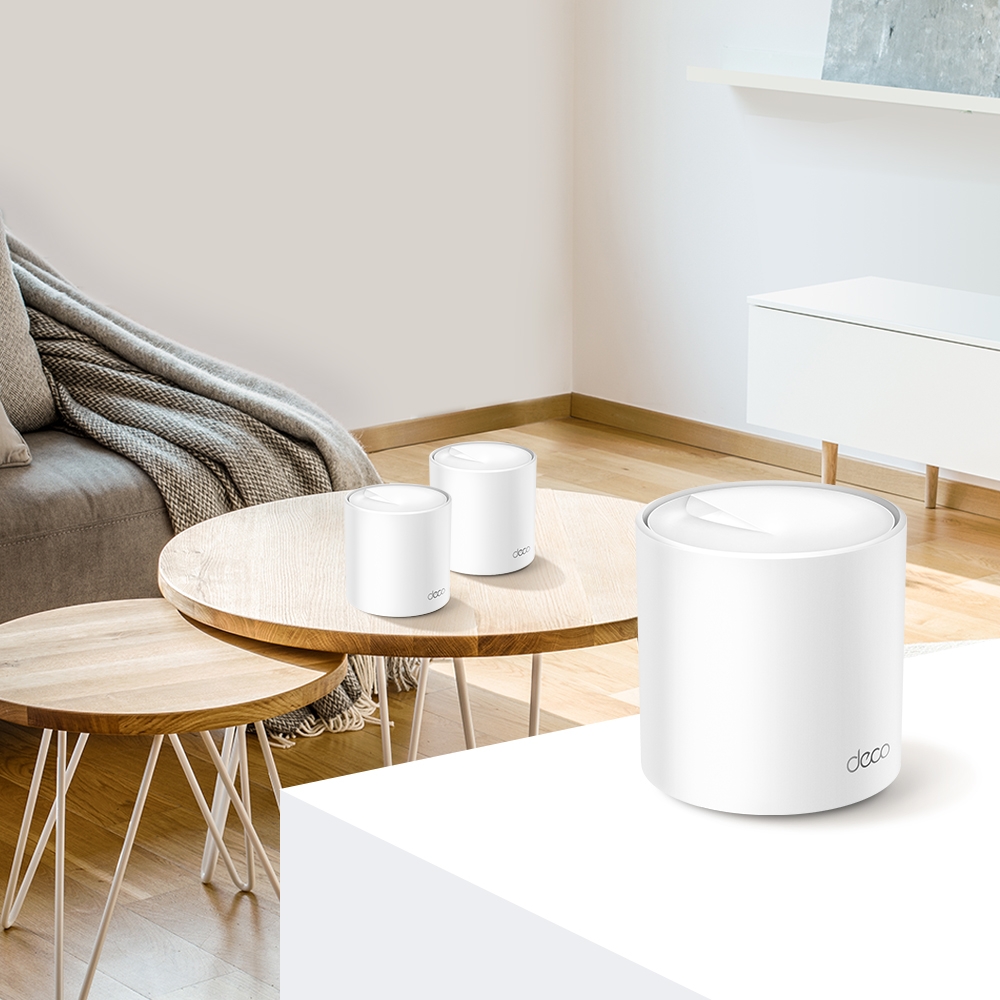
Compare Deco X55 ports with the AX5400 X60’s wireless capacity, check hardware revisions and plan backhaul around the actual home layout.
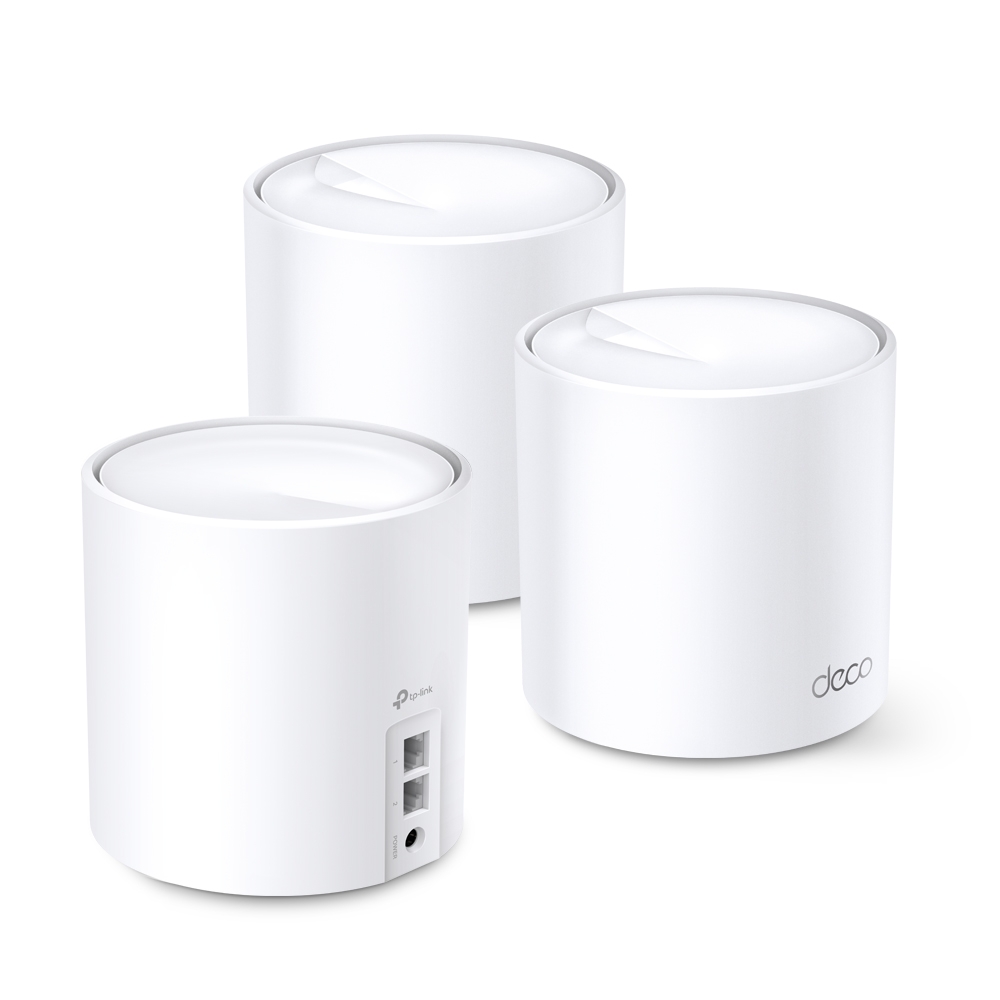
Understand the Deco X60’s regional hardware variants, Wi-Fi 6 radios, Gigabit ports and backhaul limits before choosing a mesh kit for your home.

Compare the standard X20 and X50 by verified radio rates, usable Gigabit ports, client and backhaul limits, and a fair home test before upgrading.
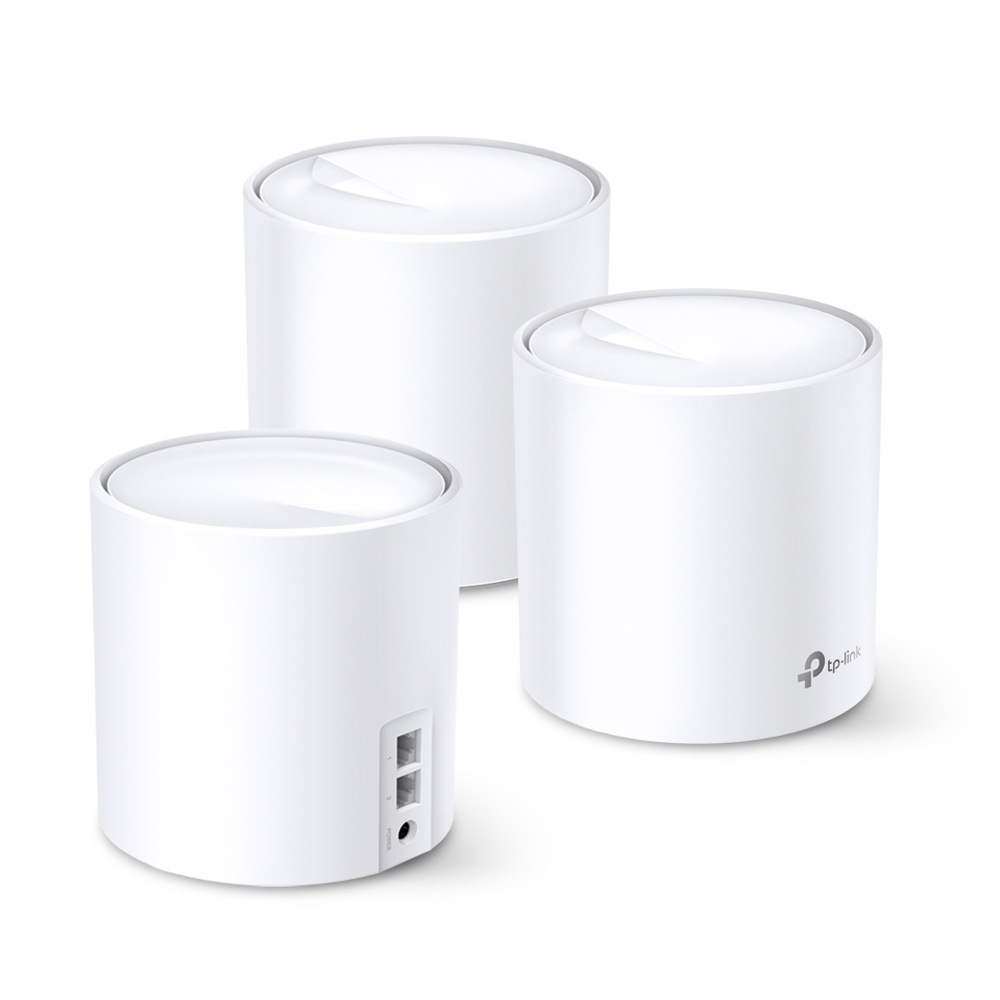
The Deco X20’s entry-level value, actual AX1800 specifications, hardware-revision differences and practical backhaul, coverage and roaming checks.
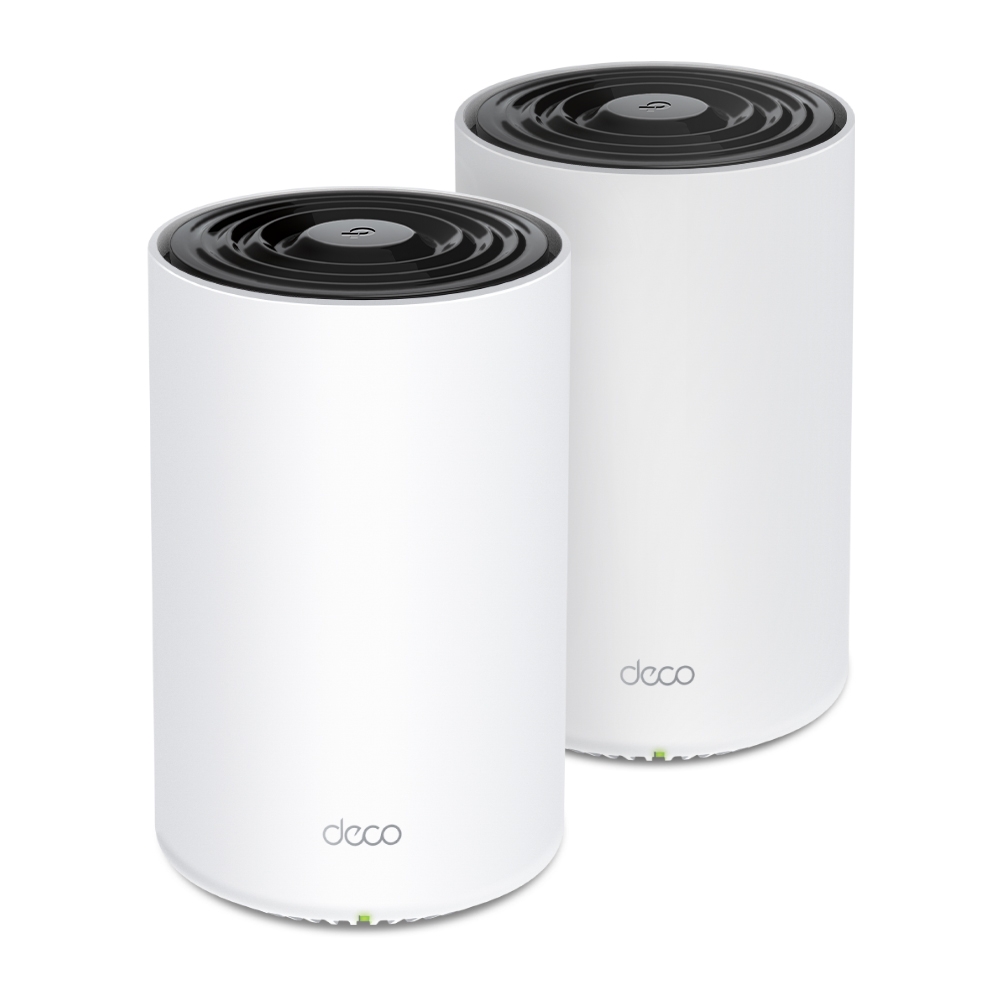
Check whether the PX50’s powerline backhaul helps your home, understand P9 and adapter compatibility, and verify outlets, app status and actual transfer limits.
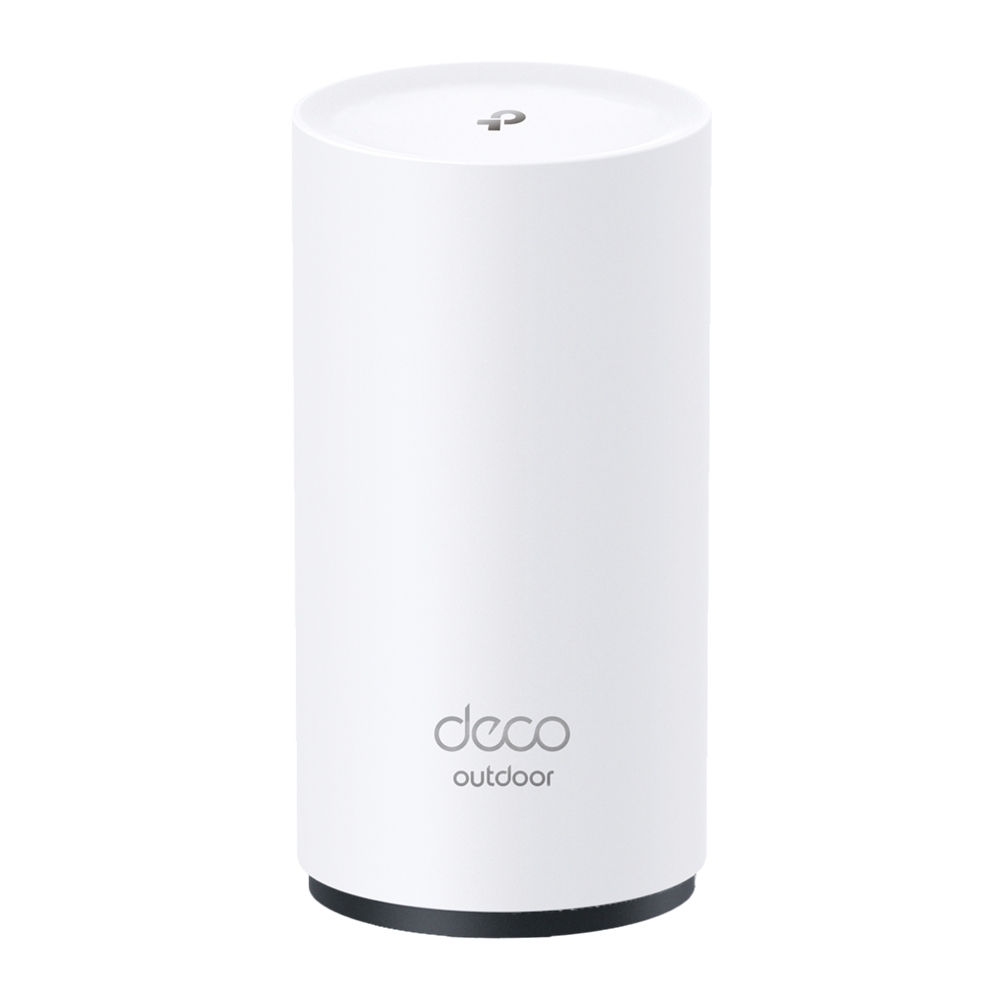
Explore the BE25-Outdoor’s regional Wi-Fi specifications, PoE/AC power and IP65 enclosure, with practical sealing, mounting and backhaul checks.
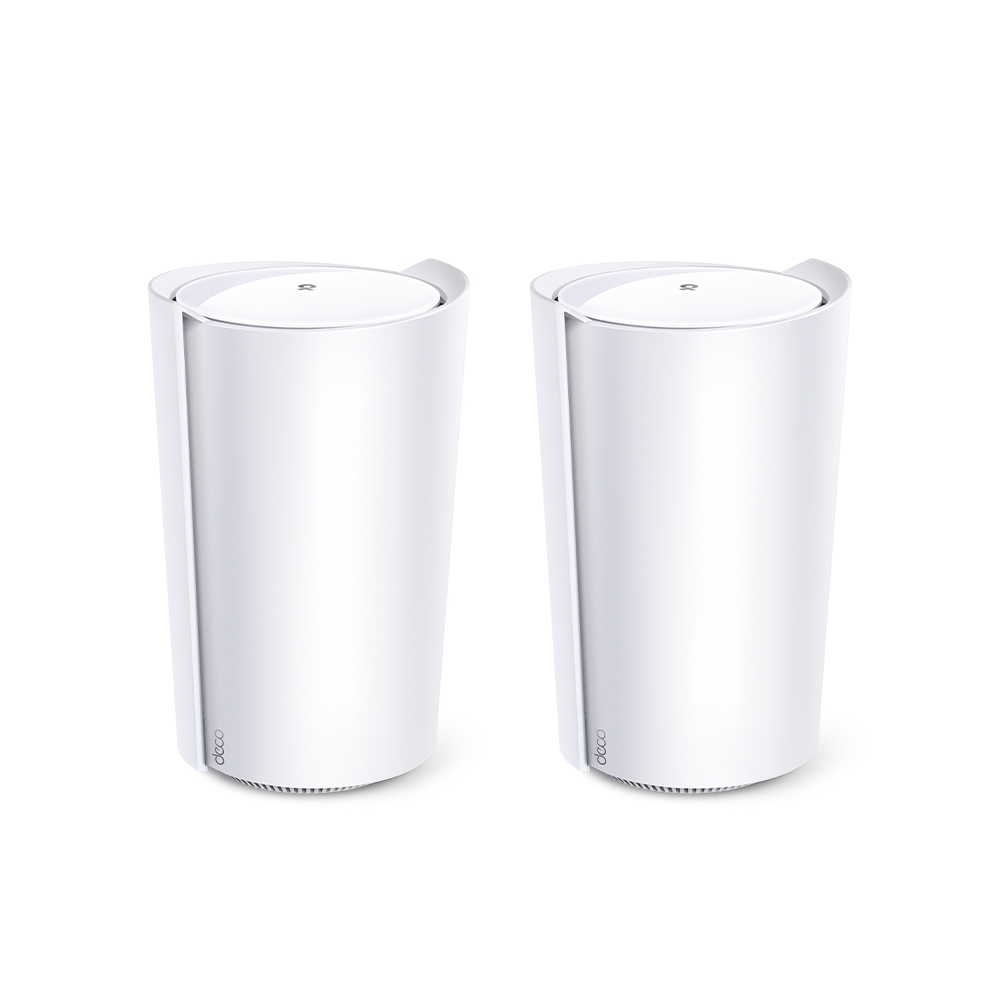
Assess the Deco X95’s AX7800 tri-band design, extra 5 GHz backhaul resources, actual dimensions, single 2.5 Gbps port and realistic home-network tradeoffs.
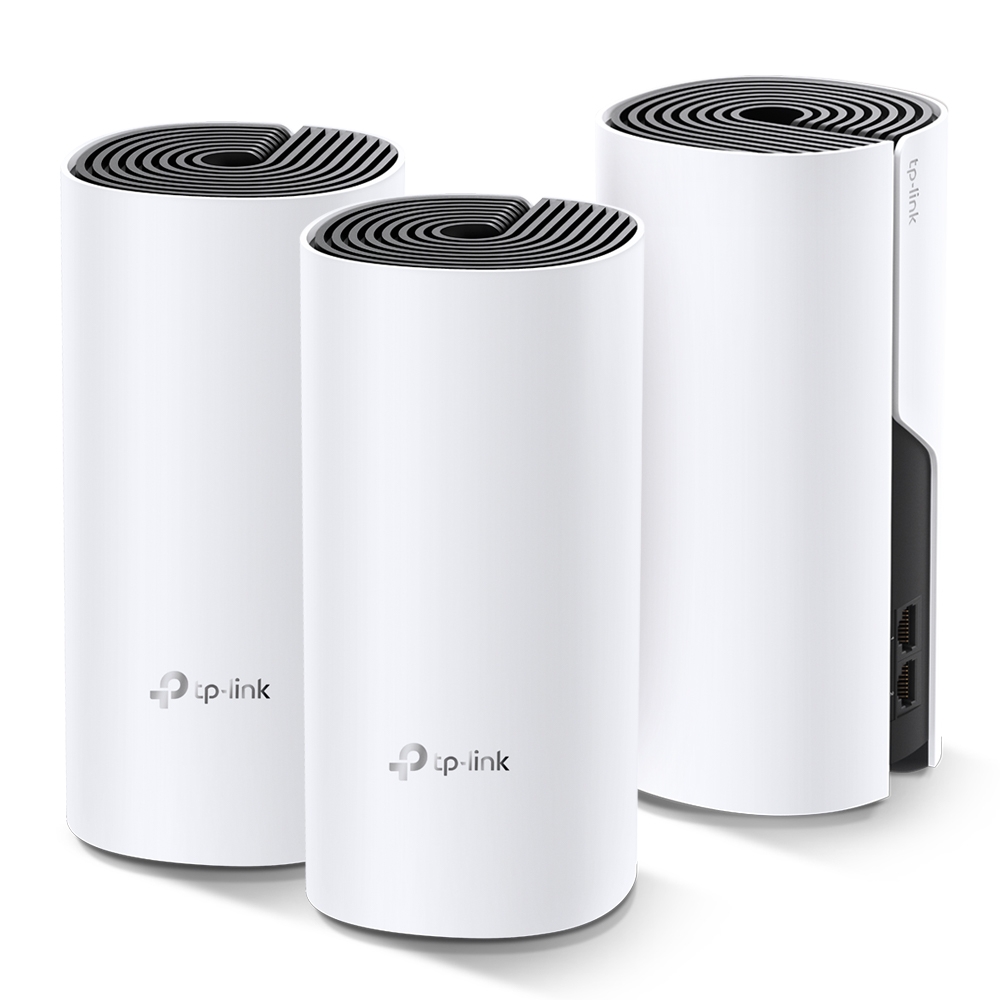
Explore the TP-Link Deco M4 as a budget mesh option, with accurate band rates, Ethernet backhaul, hardware-version checks and practical coverage tests.
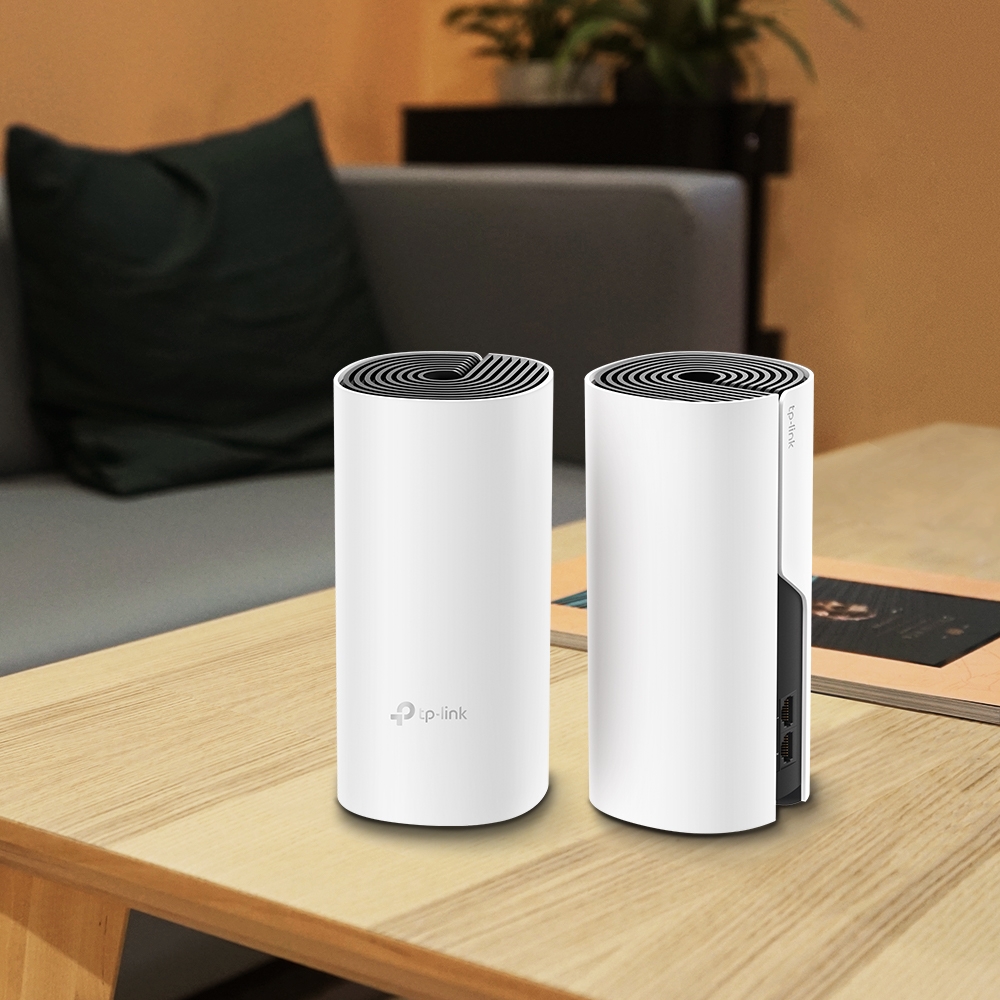
Deco E4 and M4 share an AC1200 radio class, but their Ethernet ports differ. Trace the actual bottleneck and plan a measured mixed-node upgrade.
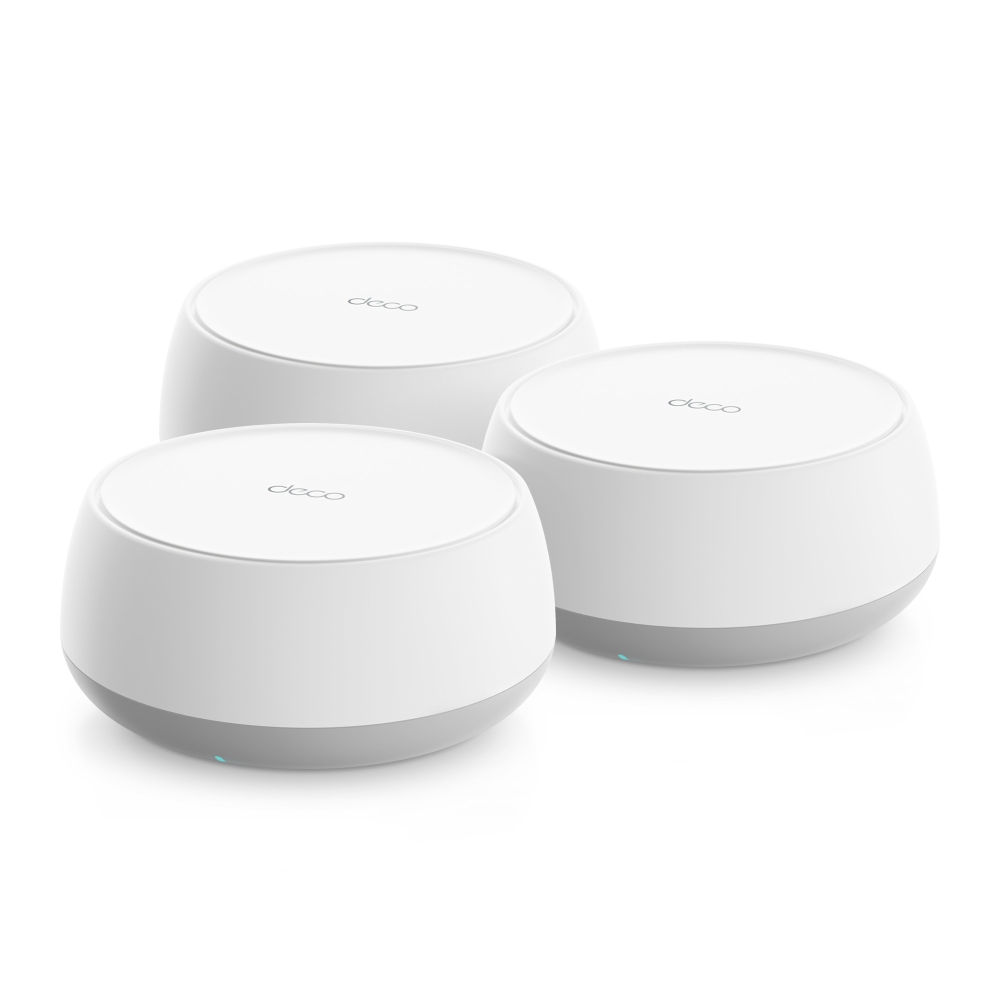
Plan a Deco BE65-PoE installation with the correct regional radio rates, two 5 Gbps ports, compatible PoE power and verified Ethernet backhaul.
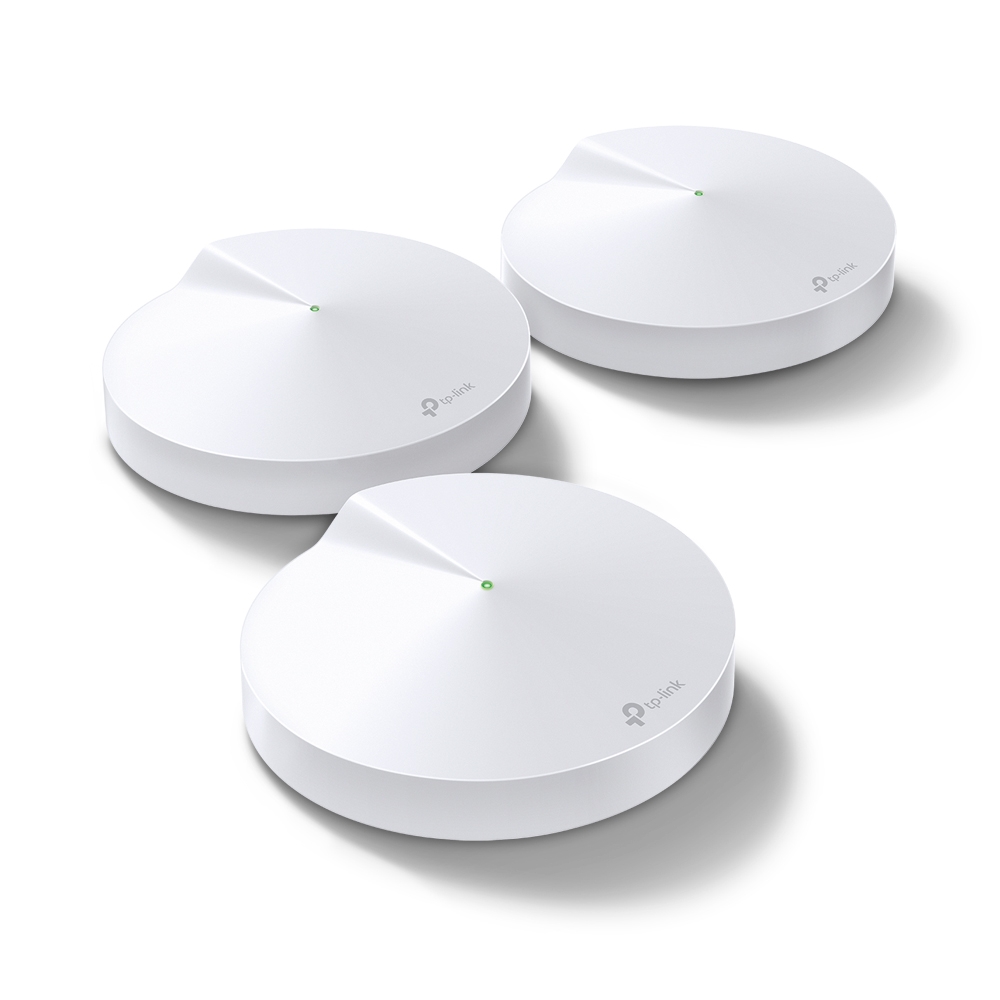
The Deco M5’s coverage strengths, hardware limits, updated HomeCare service context and practical checks for backhaul, roaming and mixed mesh units.
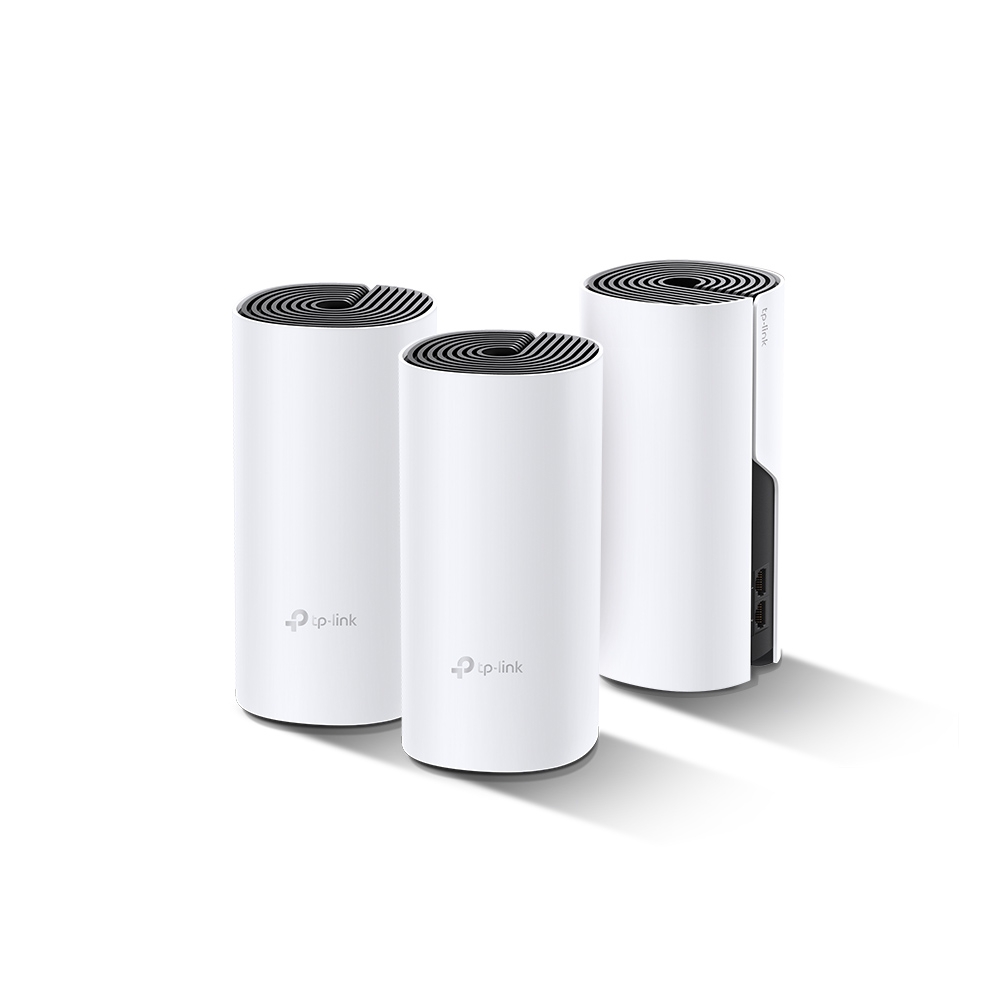
The Deco P9 combines Wi-Fi and powerline backhaul. Check its main-unit requirements, compatible Deco models, wiring conditions and performance in your rooms.
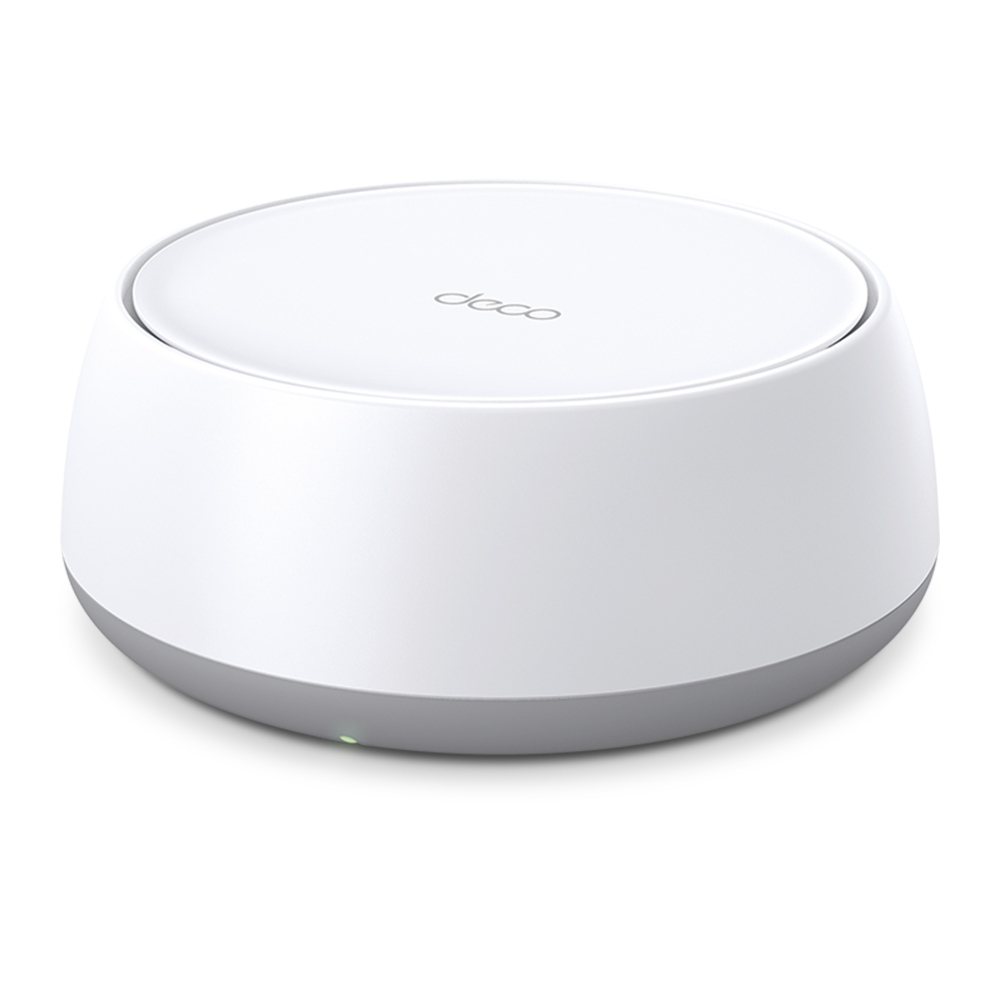
Compare BE25 regional ratings, its two 2.5G ports and dual-band Wi-Fi 7 limits, then plan placement, backhaul and client checks before upgrading.
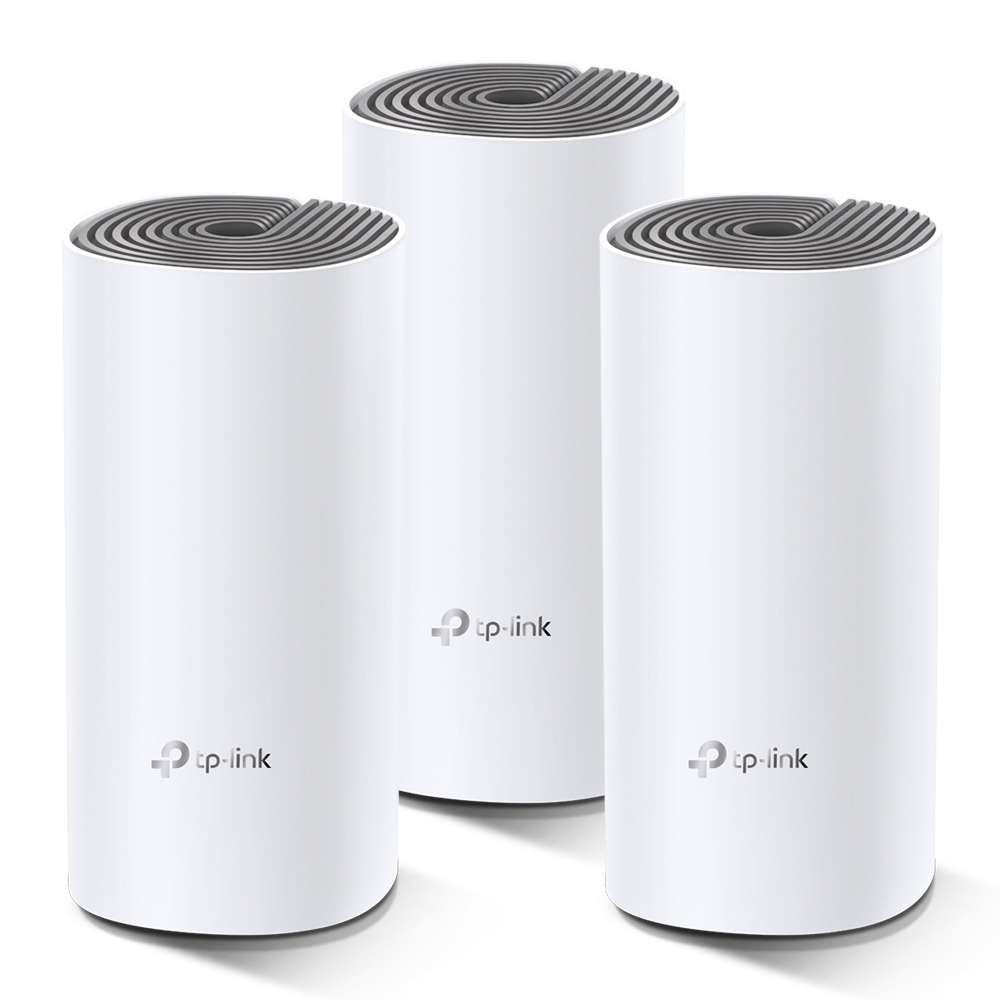
See when the E4’s Fast Ethernet ports matter, how to reuse it with a faster main Deco, and how to test coverage and backhaul before buying more units.
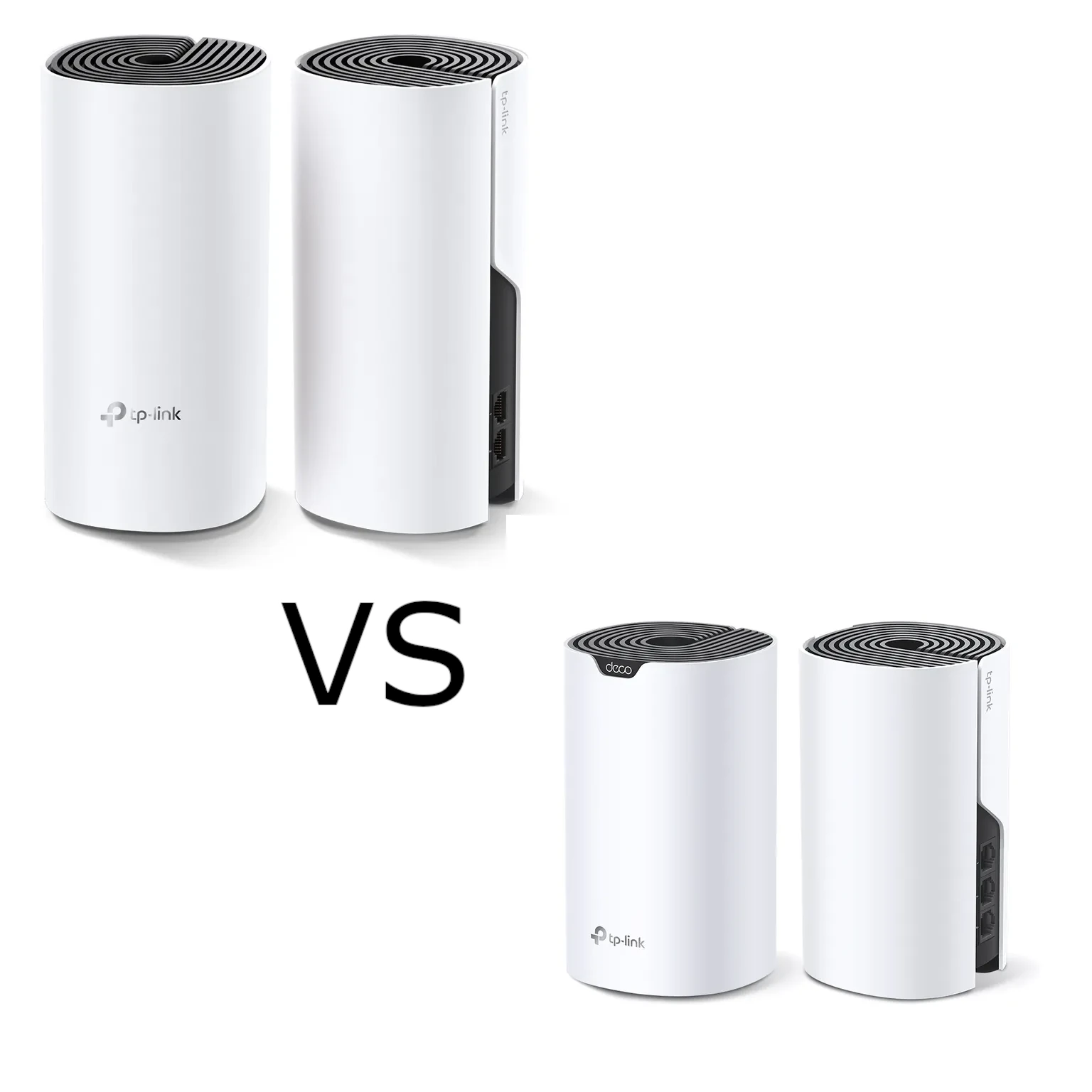
Compare Deco M4 and S7 by radio capacity, client stream limits and usable Gigabit ports. Test backhaul and equivalent pack layouts before choosing an upgrade.
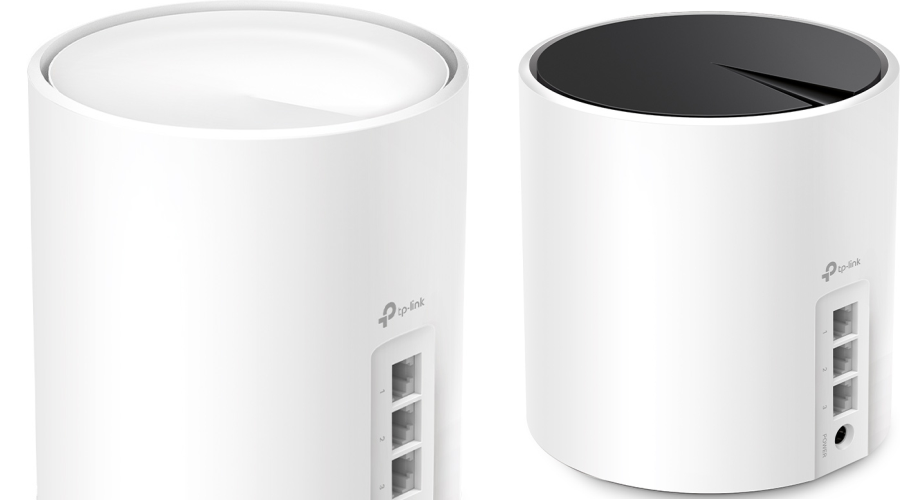
Compare the standard Deco X50 and X55 by AX3000 rates, Gigabit ports, hardware revision, pack size and actual features, including the separate X50-PoE.
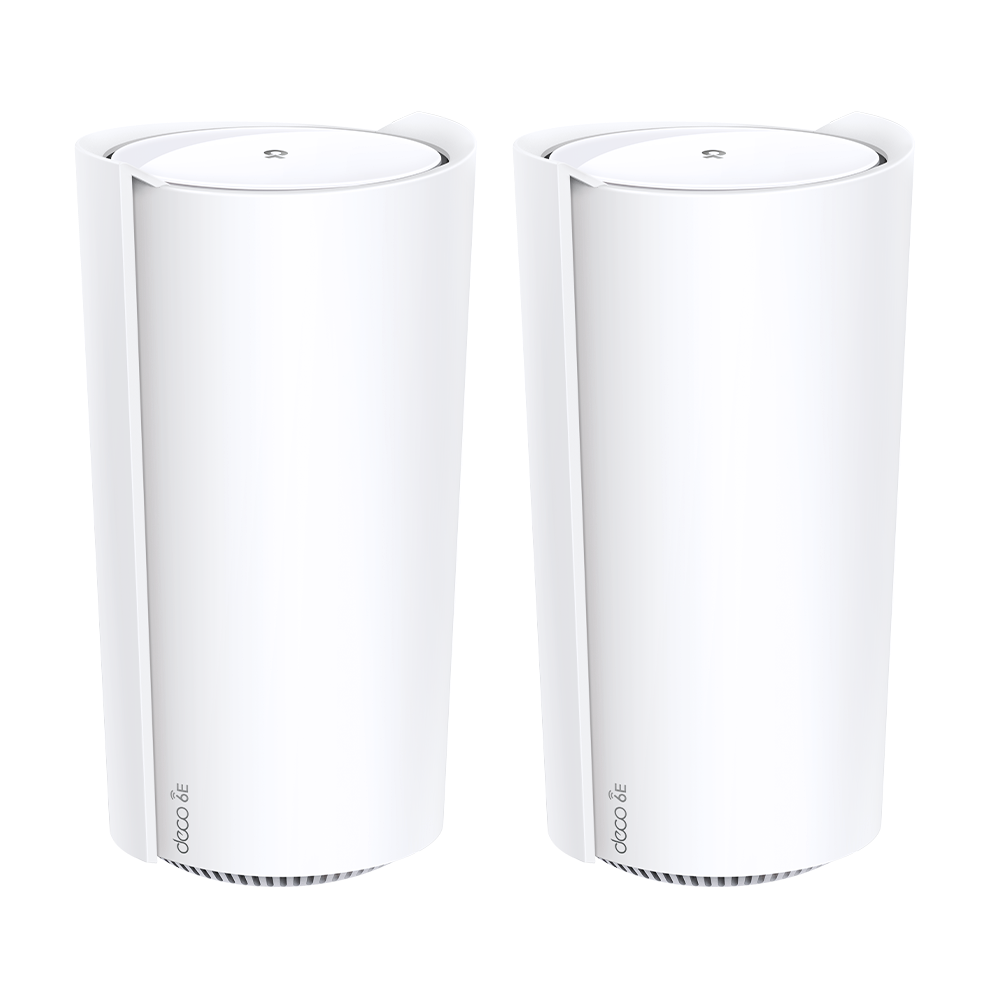
Understand the Deco XE200’s 16-stream radios, single 10GbE port, router/AP modes and support status. Use repeatable placement checks before choosing a mesh upgrade.
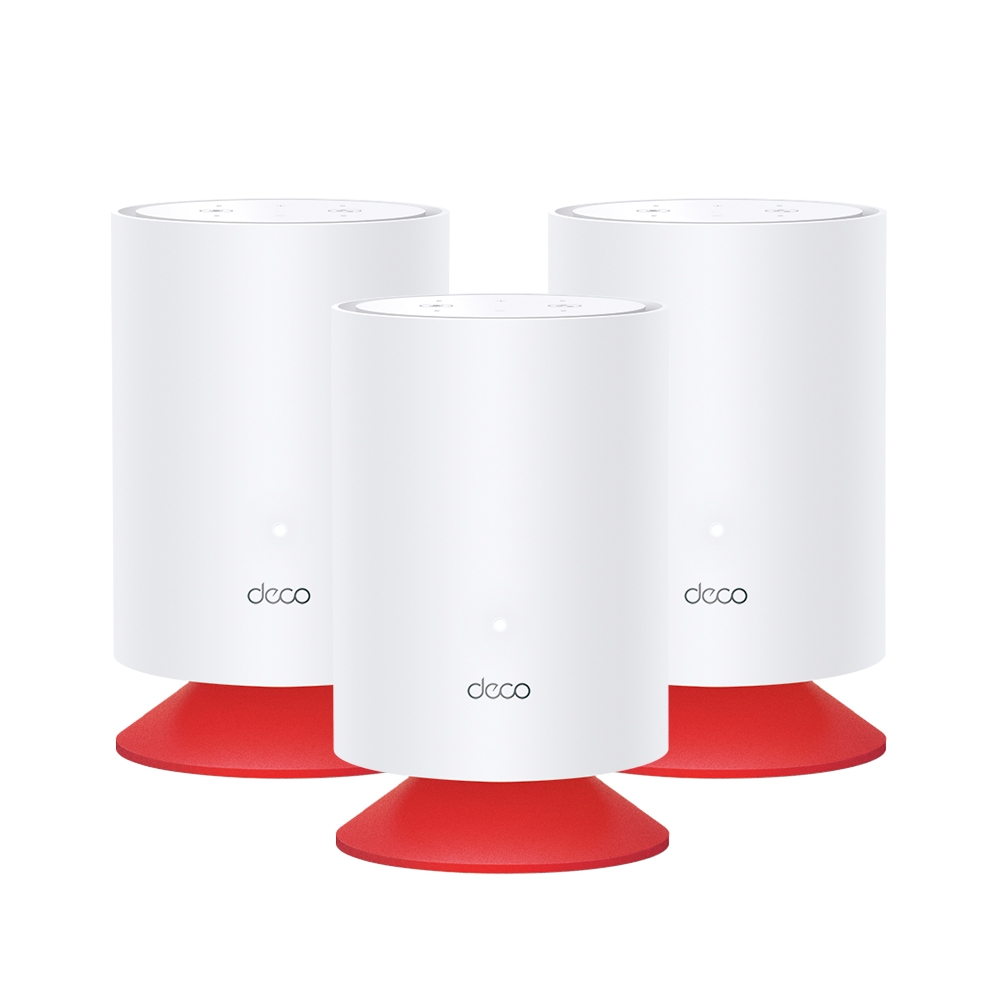
Explore Deco Voice X20’s combined Wi-Fi 6 mesh and Alexa speaker, with accurate hardware, separate account linking, privacy controls and placement checks.

Compare Deco BE65, BE75, BE85 and BE95 radio profiles, regional differences, multi-gigabit ports and backhaul to choose a mesh that fits your home.
The Deco BE65 combines Wi-Fi 7 mesh and four 2.5GbE ports. Check regional specifications, setup requirements and performance in your own home.
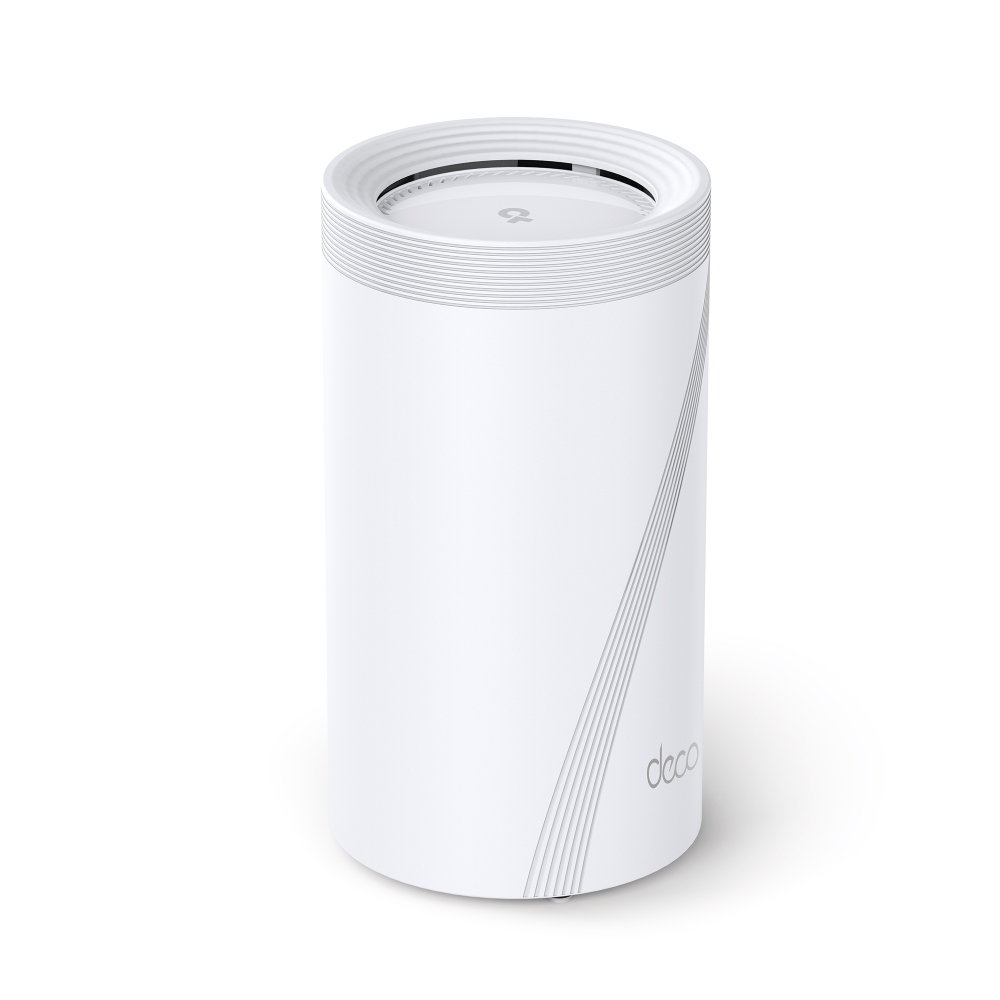
Assess the Deco BE95’s quad-band radios, multi-gigabit ports, backhaul choices and client requirements before planning a home mesh upgrade.
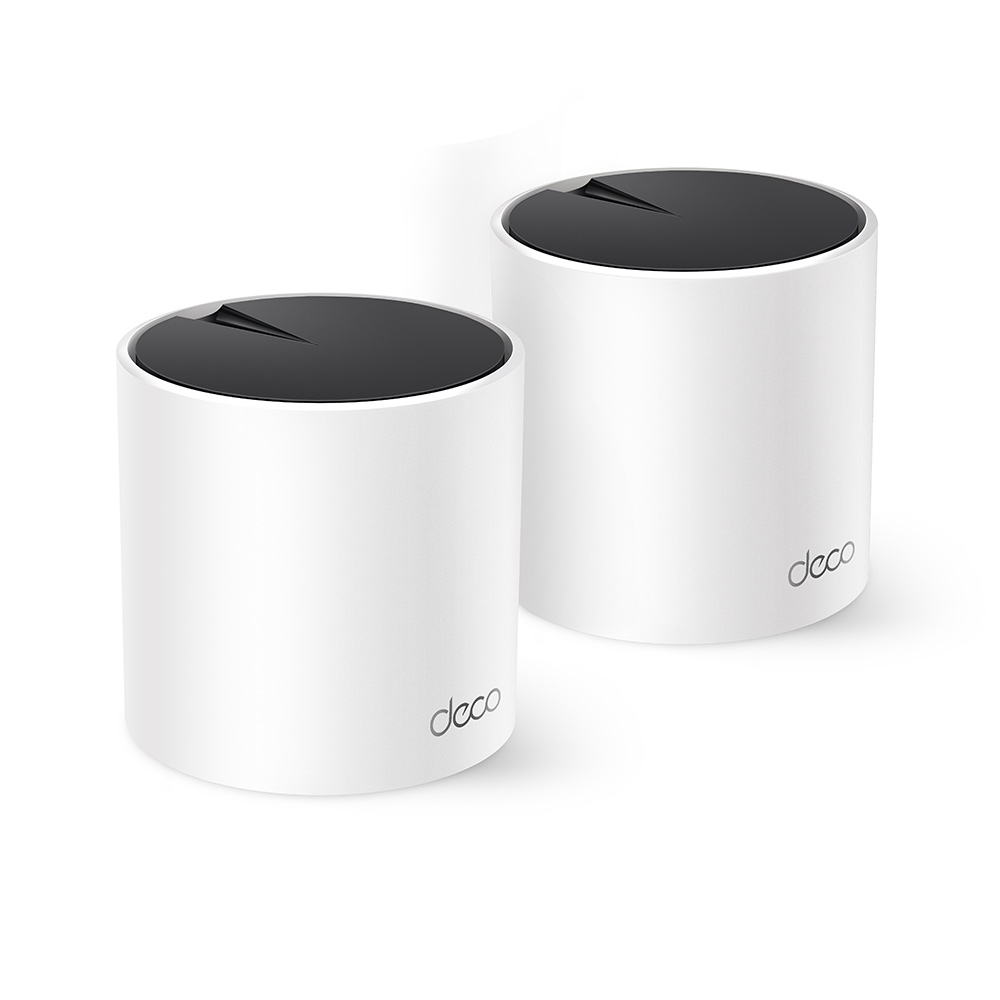
Why the Deco X55 remains a strong value candidate: AX3000 Wi-Fi 6, three Gigabit ports, revision differences, backhaul planning and realistic HomeShield expectations.
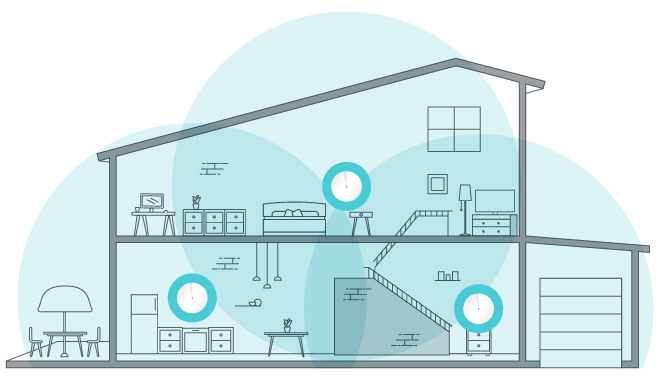
Set up Deco with the right ISP connection and operation mode, place satellites, check client compatibility and verify Ethernet backhaul without assuming universal app settings.
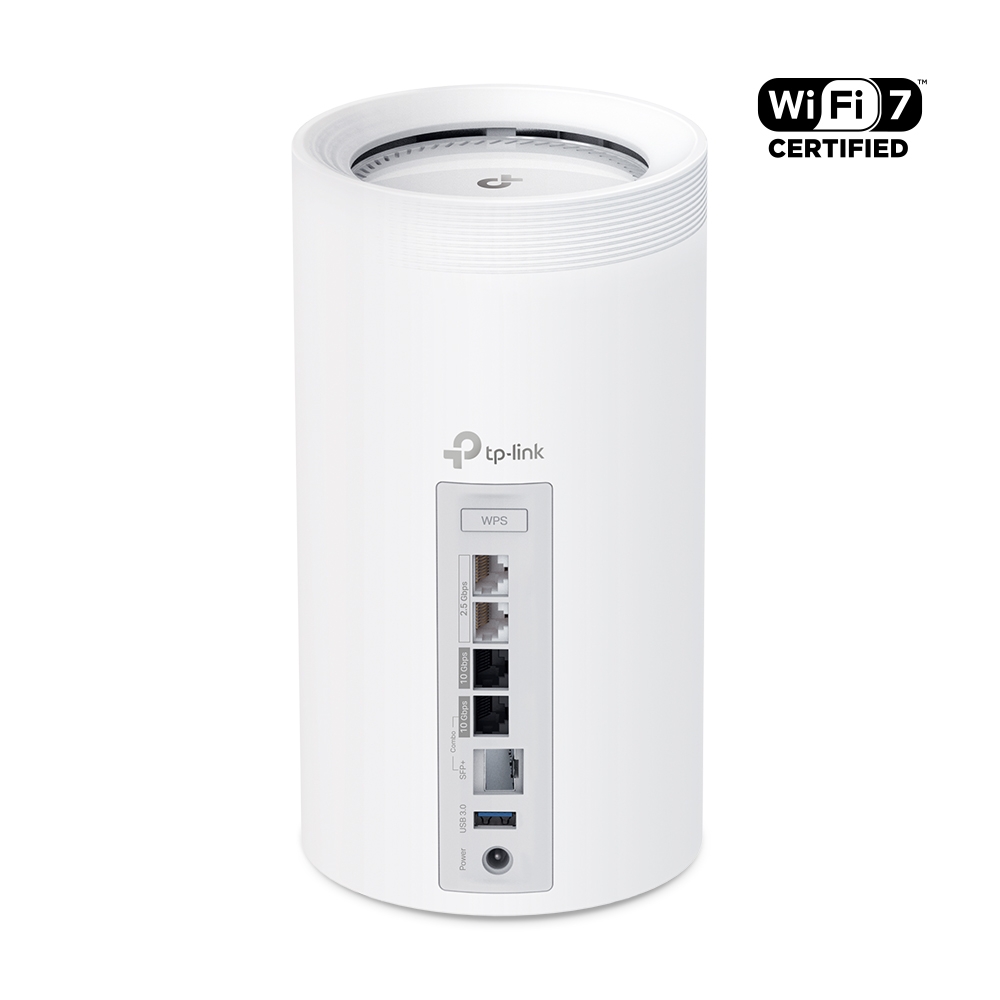
Explore Deco BE85 regional radio profiles, dual 10G interfaces, backhaul, USB sharing and security settings, with a practical comparison to the BE75.
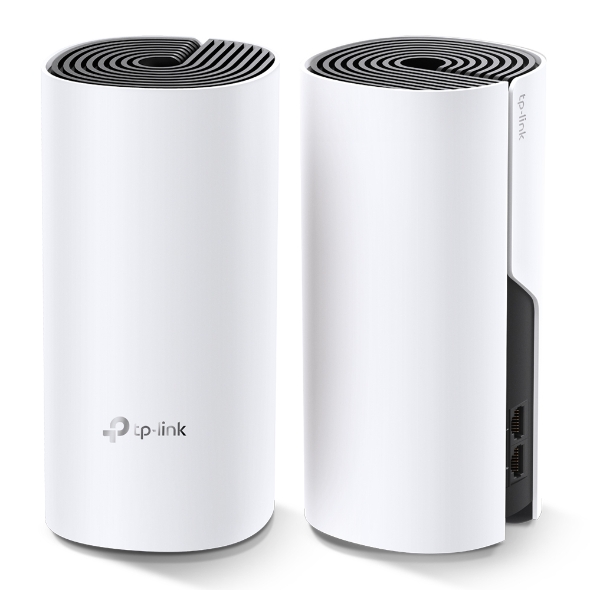
The Deco M4’s budget strengths, Gigabit ports and real coverage limits, with backhaul, placement and practical checks for a smaller home.
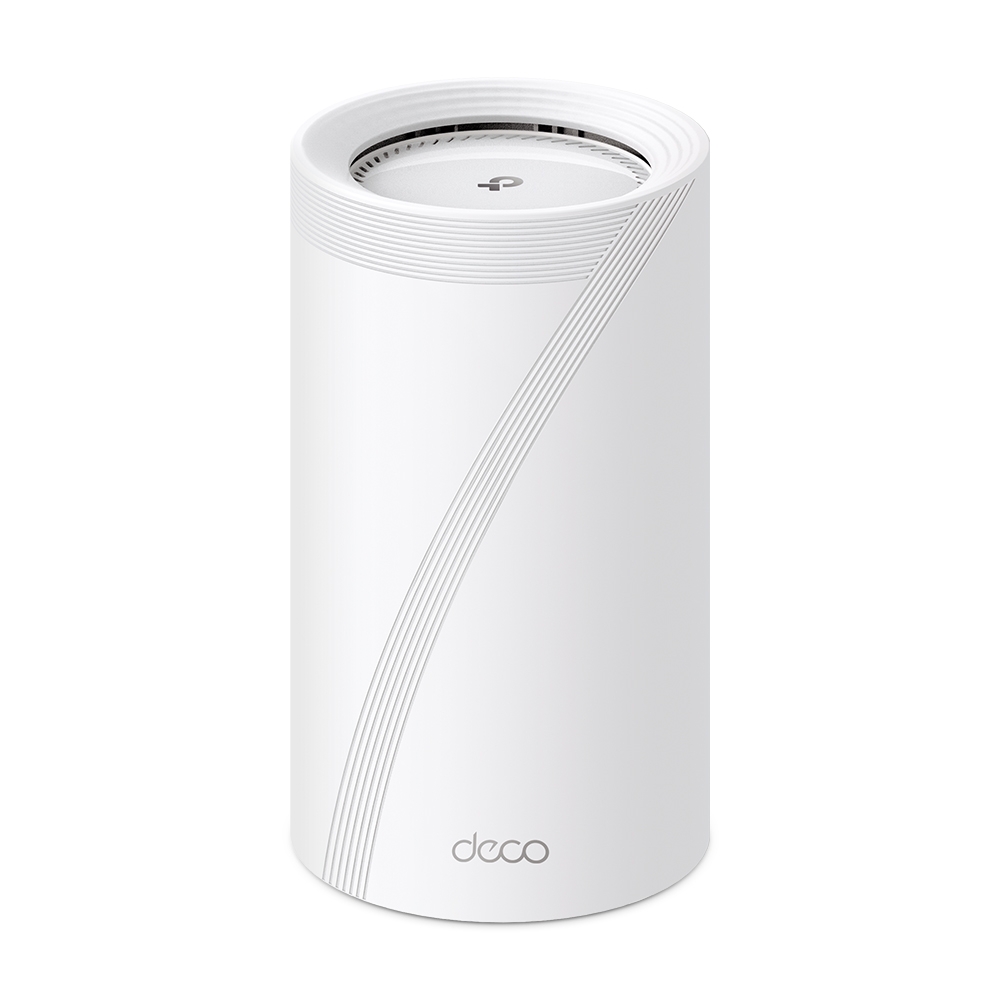
Explore Deco BE75 radio rates, manufacturer test conditions, its single 10Gbps combo connection, combined backhaul and HomeShield considerations.
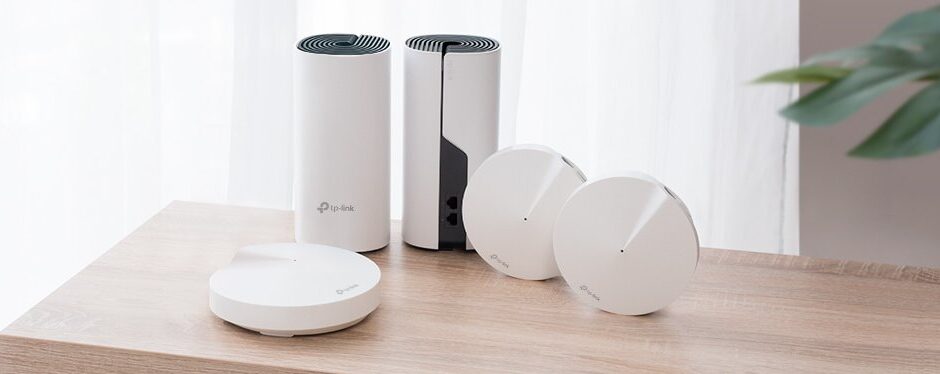
Compare Deco M4, X55 and BE75 by verified radios, ports, clients and backhaul. A household planning checklist replaces assumed coverage and invented speed benchmarks.
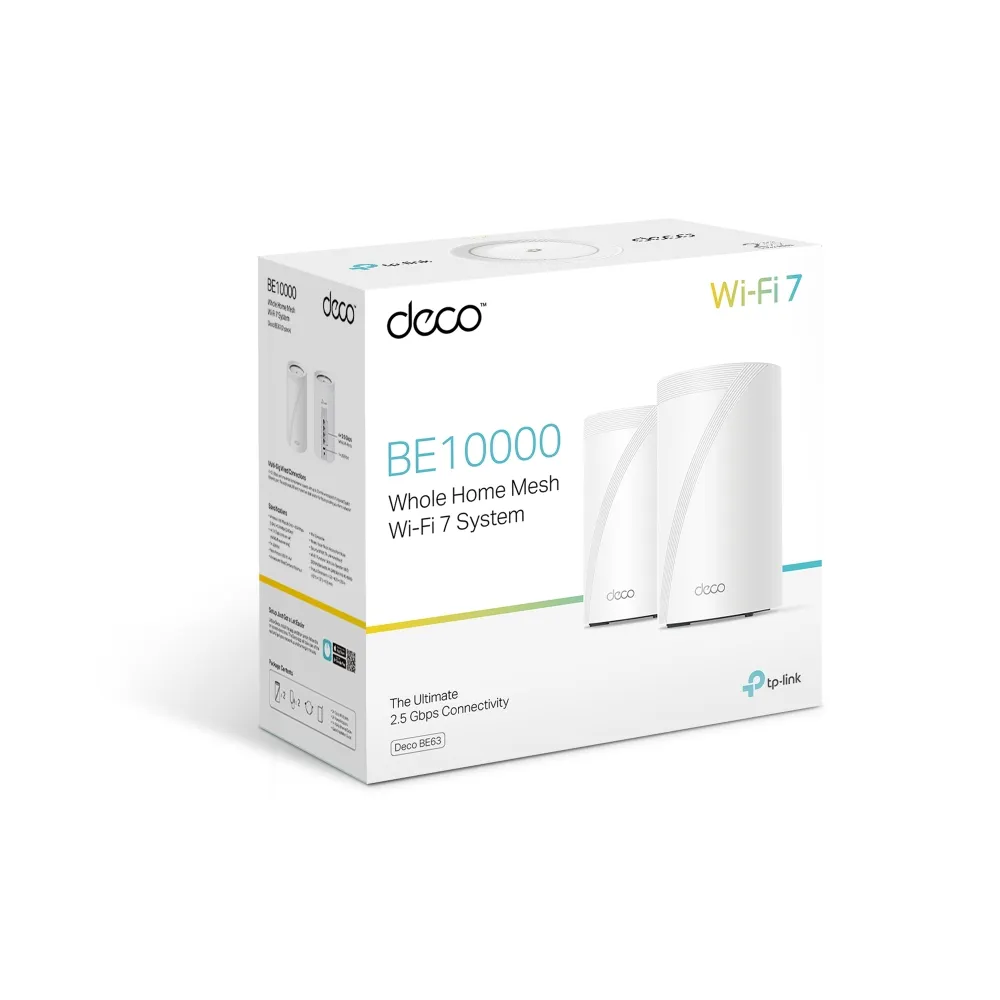
Deco BE63 explained: verified BE10000 rates, four 2.5Gbps ports, combined backhaul, USB backup caveats and its value beside regional BE65 alternatives.
Compare Deco BE65 and BE65-5G by regional radio version, wired ports, SIM broadband, enabled mobile backup, antenna placement and complete setup cost.
Check the X50-4G’s Cat6 LTE, AX3000 Wi-Fi, three Gigabit ports, SMB antenna adapters, kit contents and practical mobile-backup limitations.
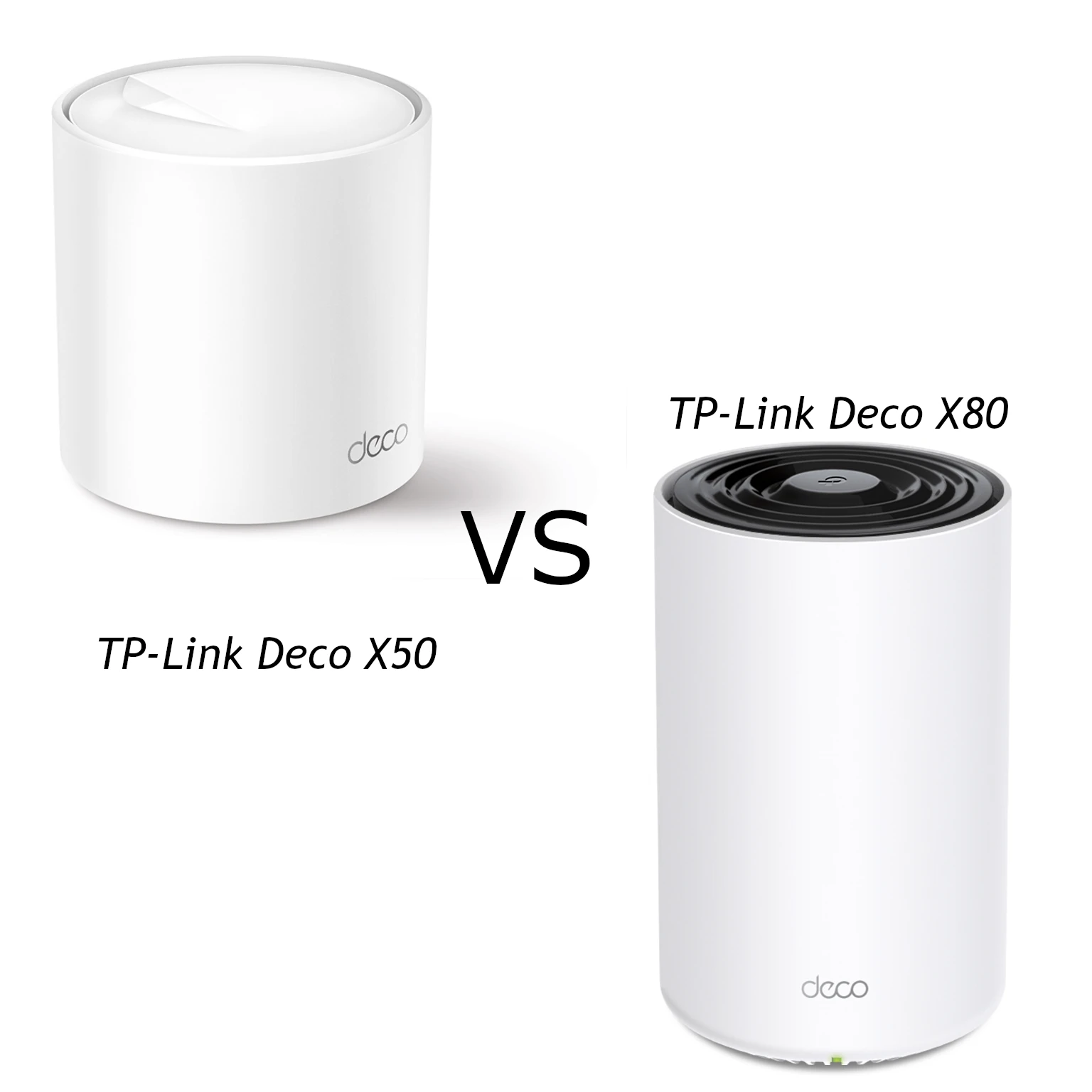
Compare the X50 and X80’s Wi-Fi 6 radios, actual Ethernet port roles, backhaul and client limits, with practical guidance for choosing the right mesh layout.
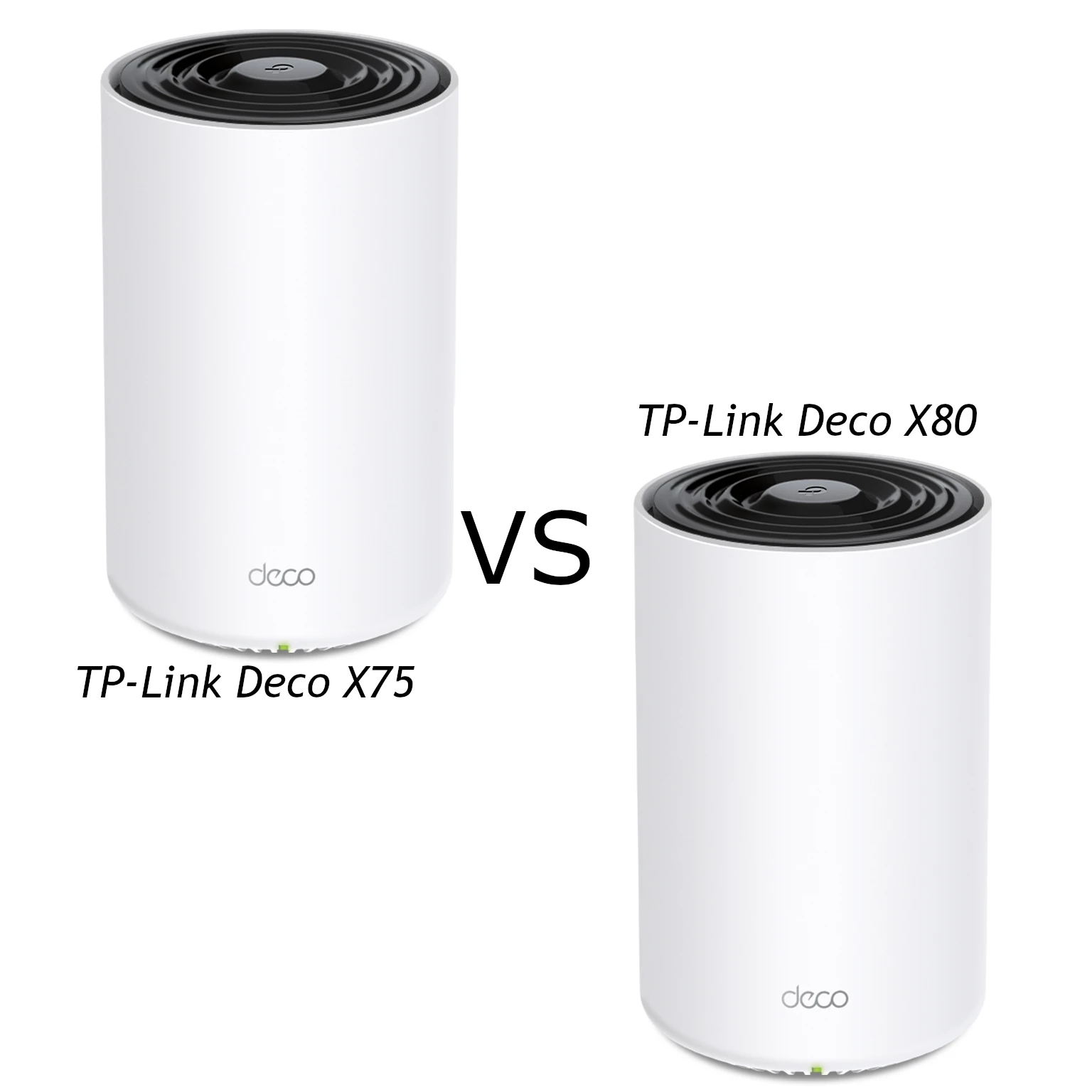
Compare Deco X75 tri-band Wi-Fi 6 with X80 dual-band AX6000: verified specifications, single-port 2.5GbE limits, coverage and practical backhaul advice.
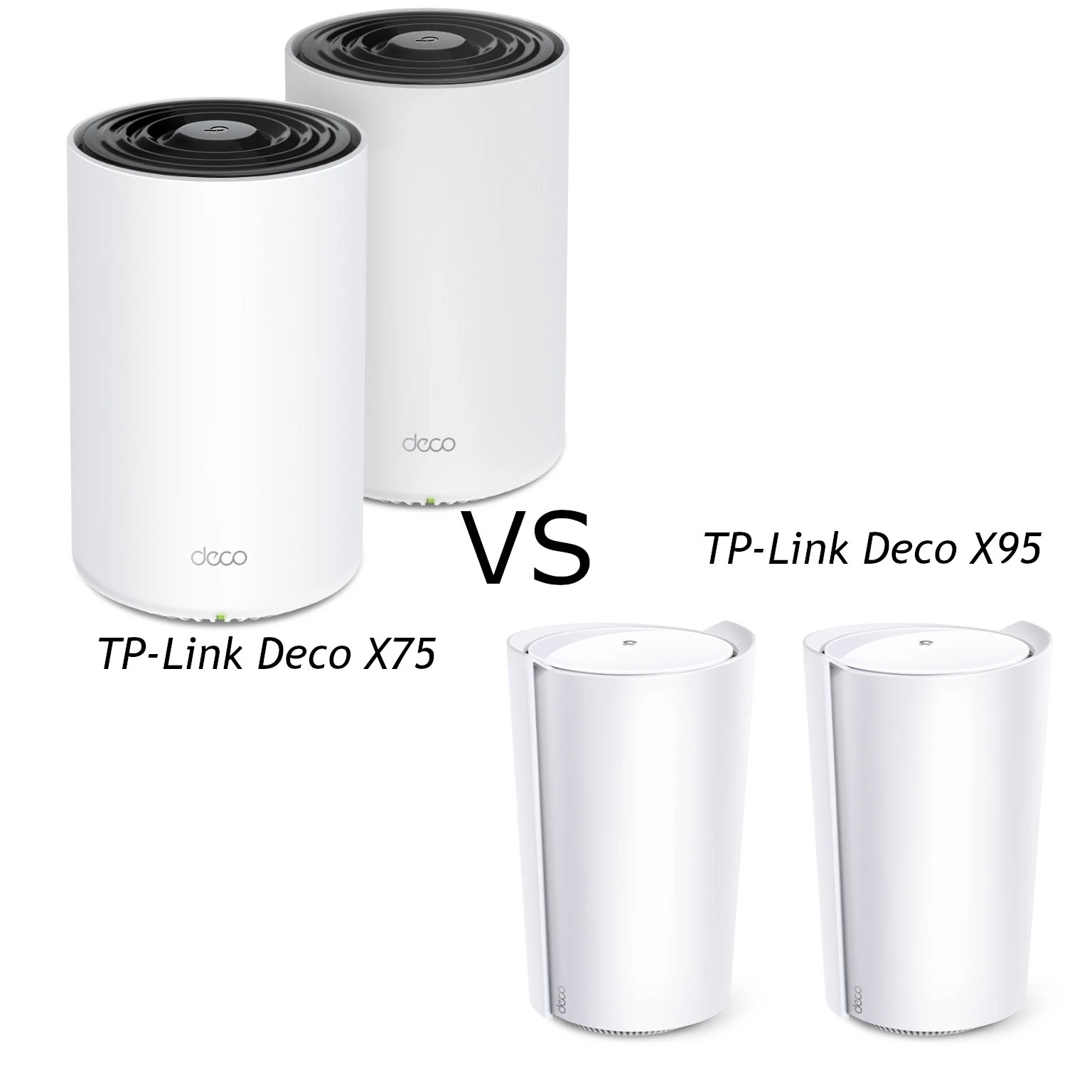
Compare X75 and X95 radio capacity, antennas, pack coverage and wired ports, including the limits of X95’s single 2.5 Gigabit connection and practical mesh placement.
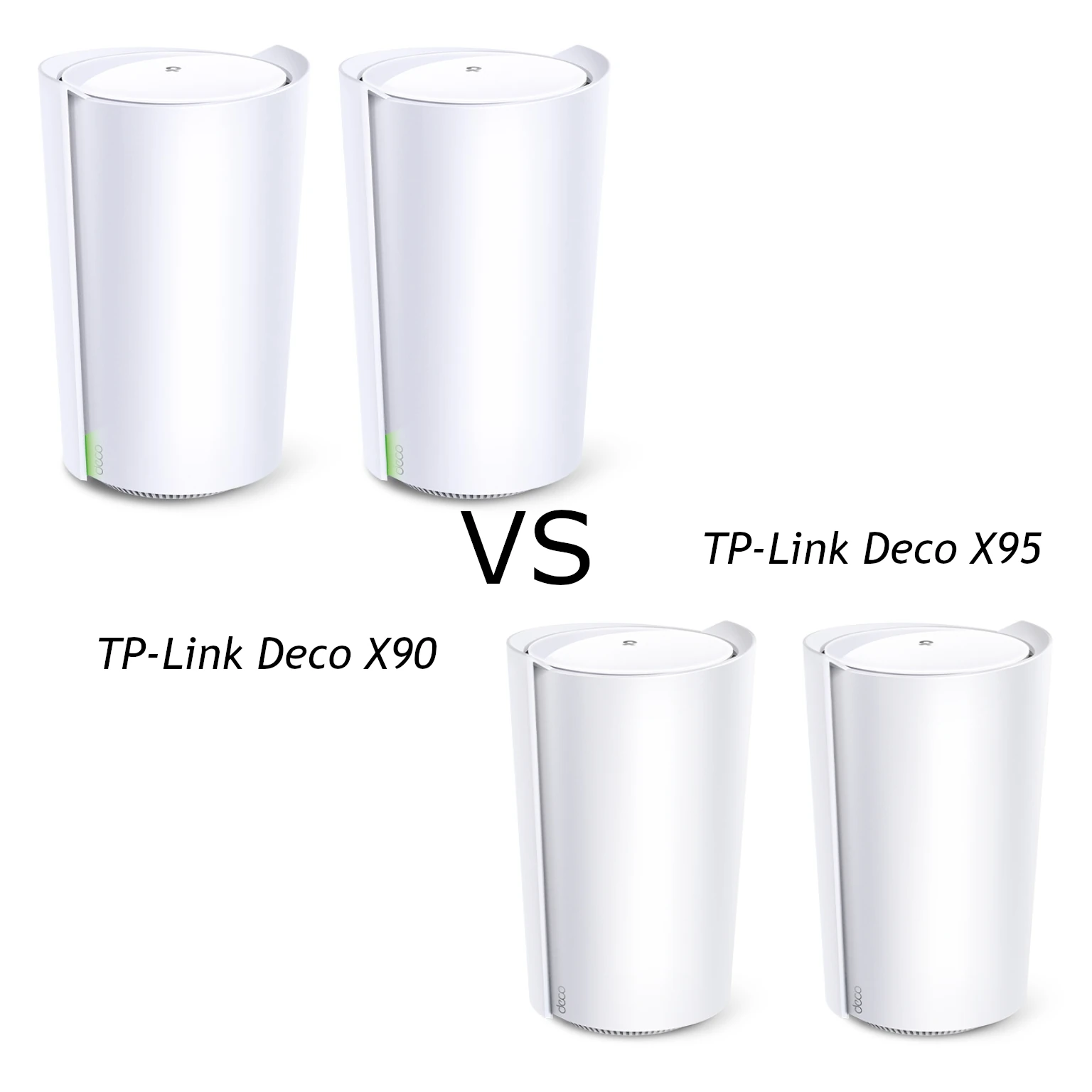
Compare the Deco X90 and X95 radio rates, Ethernet ports and mesh backhaul, with practical advice on placement, client support and choosing an older Wi-Fi 6 kit.