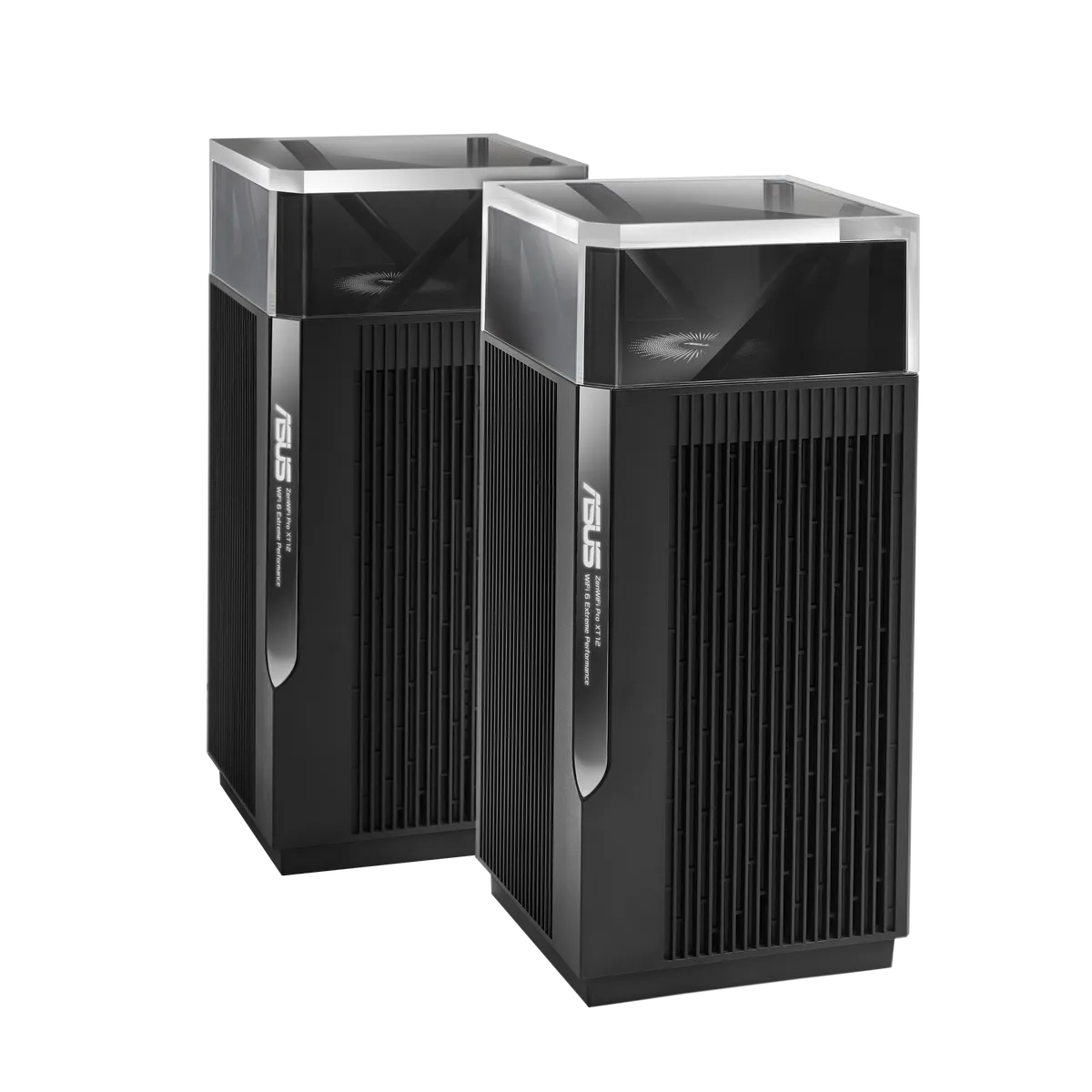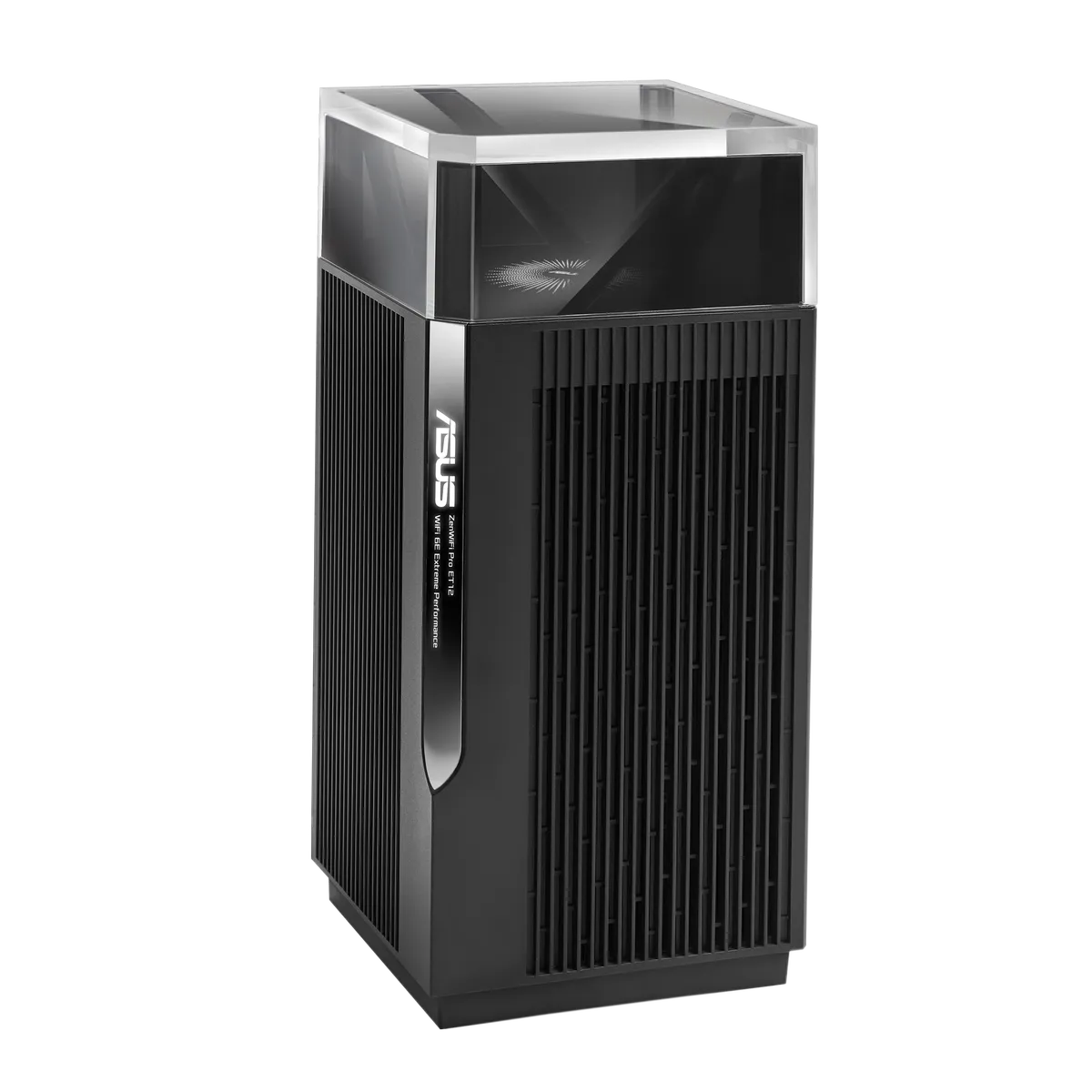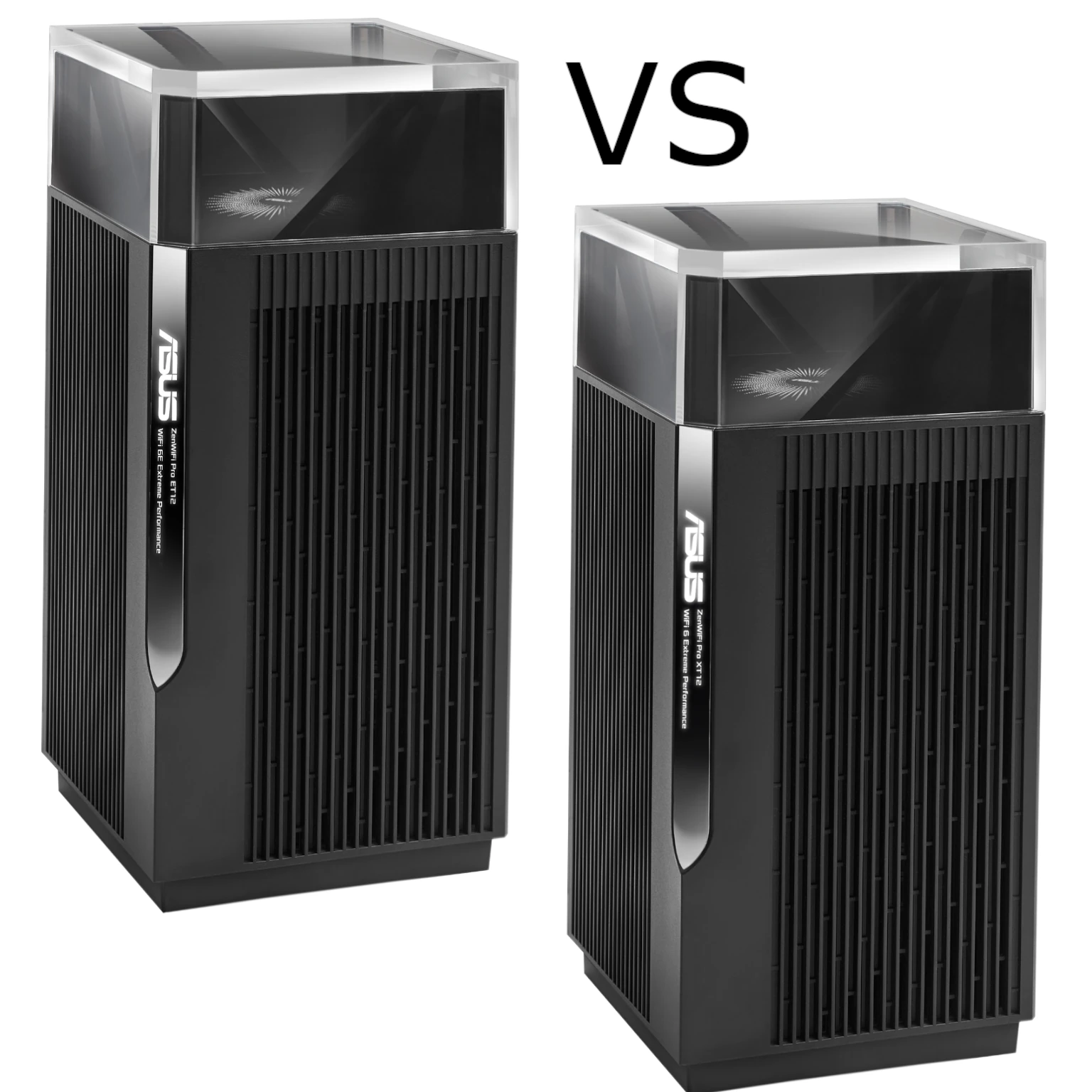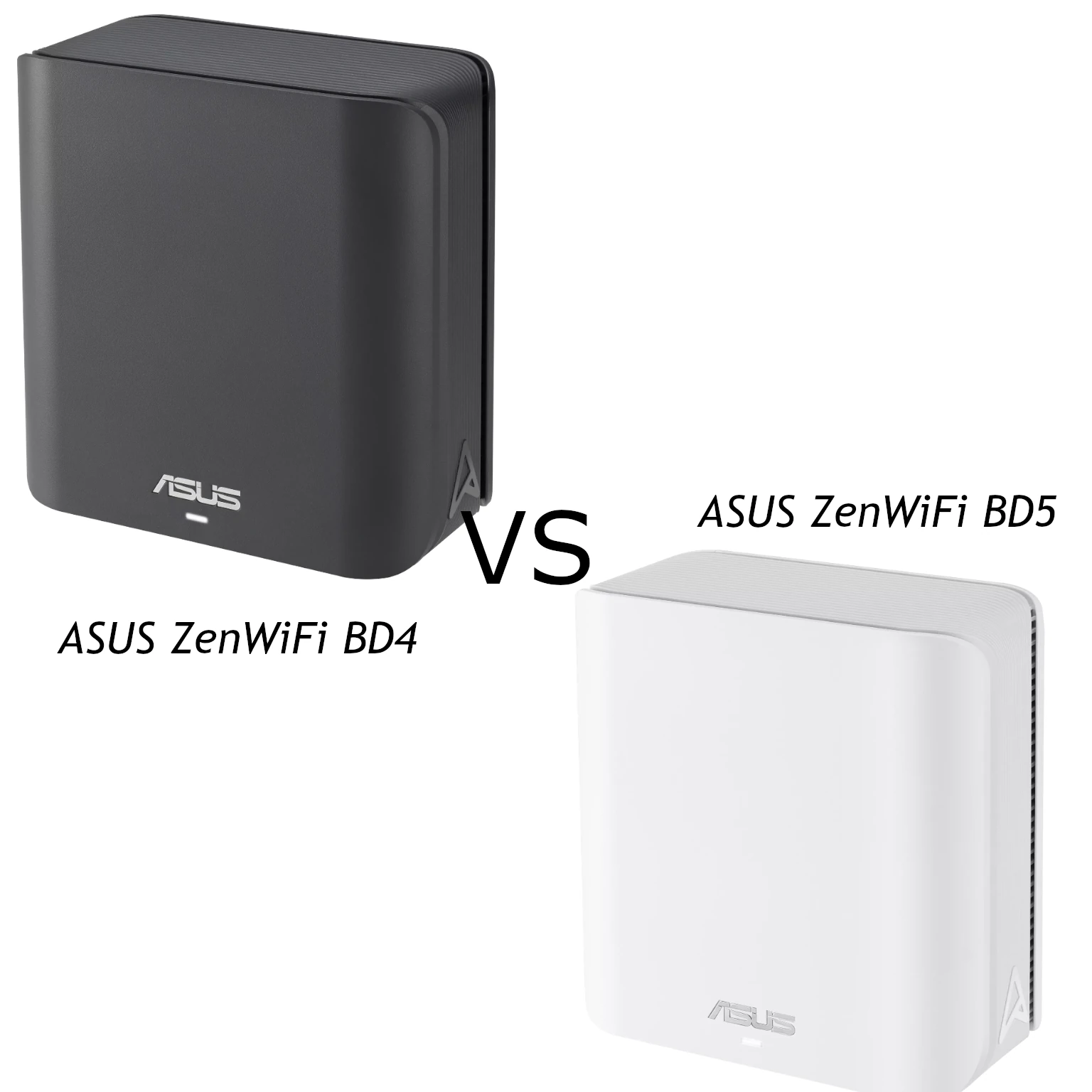
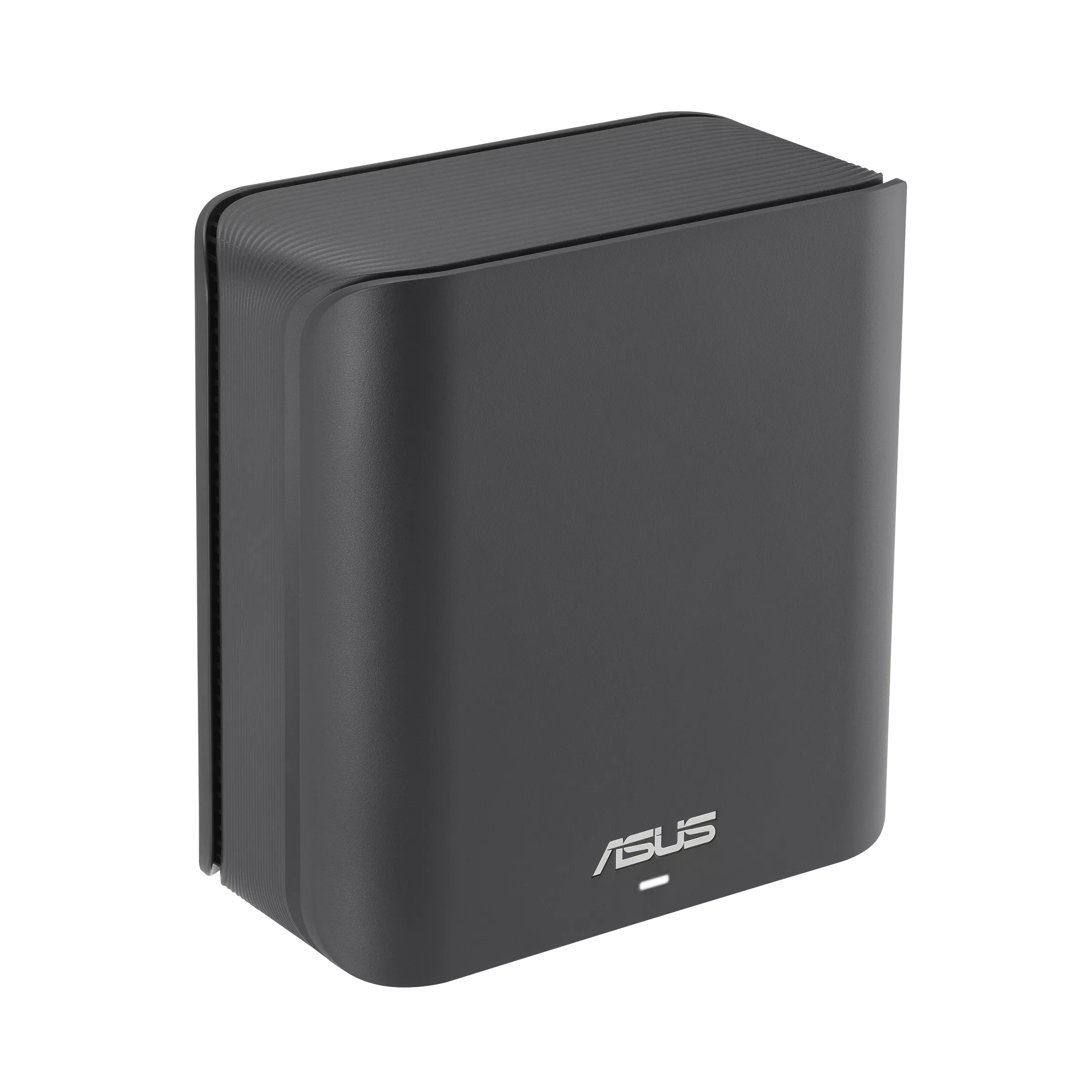
The ASUS ZenWiFi BD4 and BD5 are compact dual-band Wi-Fi 7 mesh options for a home network. My starting preference is the BD4 for budget-conscious buyers and ordinary household needs, and the BD5 as a candidate for more demanding use when its additional wireless capability is useful. The difference deserves a careful check: a higher product class does not automatically mean better performance through every wall.
Both models use 2.4 GHz and 5 GHz. Neither includes a 6 GHz radio, so they do not provide the full band arrangement of a tri-band Wi-Fi 7 system. They can still offer Wi-Fi 7 features, including MLO, but the available bands, clients and regional channel widths determine what those features can do.
The Higher BD5 Rate Is Not an Extra Spatial Stream
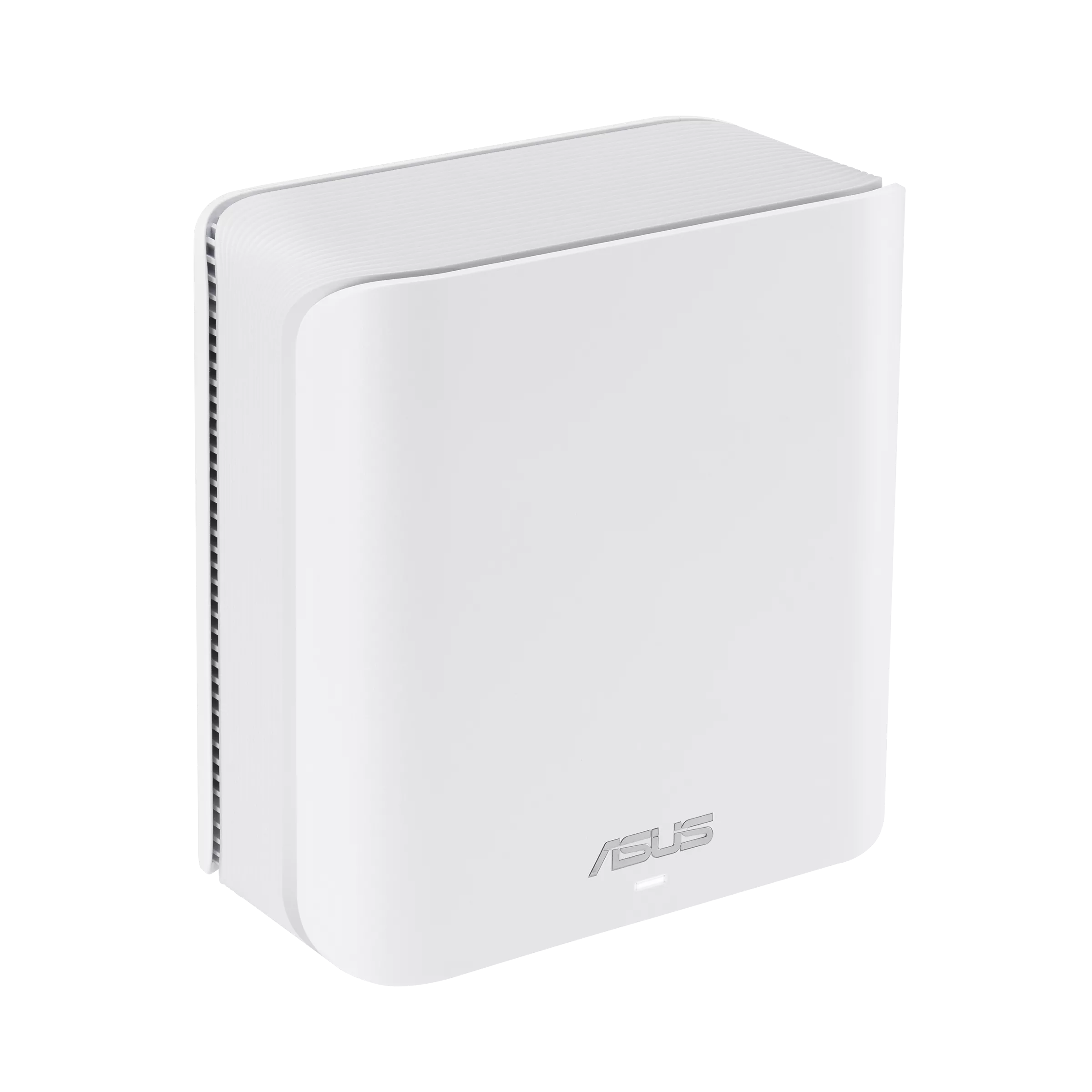
ASUS lists the BD4 at up to 2,882 Mbps on 5 GHz and 688 Mbps on 2.4 GHz, giving its BE3600 class. The BD5 technical specification lists up to 4,323 Mbps on 5 GHz and the same 688 Mbps on 2.4 GHz, giving BE5000. These are advertised physical link rates across radios, not guaranteed application throughput or a single laptop's combined download rate.
Both technical pages specify 2×2 transmit/receive on each band, four internal antennas and the same listed processor and memory. The BD5 is not a three-stream radio upgrade. Its specification adds support for 240 MHz channels, with availability explicitly dependent on the country; the BD4 lists channel widths up to 160 MHz. Check the current regional specifications rather than assuming a larger stream count explains the speed class.
Before paying extra, confirm whether that wider-channel capability is available locally and supported by your client. Older, narrower-channel or weaker-signal devices cannot simply reach the maximum on the box. The BD5 product overview also uses general 160 MHz wording, so use its detailed regional technical specification for the channel-width distinction and confirm the exact equipment offered.
Hardware Comparison
| Item | ZenWiFi BD4 | ZenWiFi BD5 |
|---|---|---|
| Bands | 2.4 GHz and 5 GHz | 2.4 GHz and 5 GHz |
| Advertised physical rates | 688 + 2,882 Mbps | 688 + 4,323 Mbps |
| Transmit/receive | 2×2 on each band | 2×2 on each band |
| Listed maximum width | 160 MHz | 240 MHz; country-dependent |
| Ethernet per unit | Two 2.5 Gbps WAN/LAN ports | Two 2.5 Gbps WAN/LAN ports |
| CPU and memory | 1.5 GHz quad-core; 512 MB RAM; 128 MB flash | 1.5 GHz quad-core; 512 MB RAM; 128 MB flash |
| Dimensions | 140 × 70 × 140 mm | 140 × 70 × 140 mm |
| Current advertised coverage | Two-pack: 4,900 sq ft; three-pack: 6,500 sq ft | Two-pack: 5,000 sq ft; three-pack: 6,800 sq ft |
Those pack estimates do not establish a universal small-home versus large-home boundary. Walls, floors, interference and the internet entry point affect useful coverage. The modest difference between their current two-pack area claims is another reason to plan node locations rather than choosing solely by the larger number.
Also check local color and pack availability. The technical pages list black and white BD4 variants and white BD5 variants, but not every listed option is sold in every market. Compare equal node counts, regional warranty and actual prices rather than assuming the BD4 is always cheaper in every promotion.
Two Fast Ports, but a Limited Port Budget
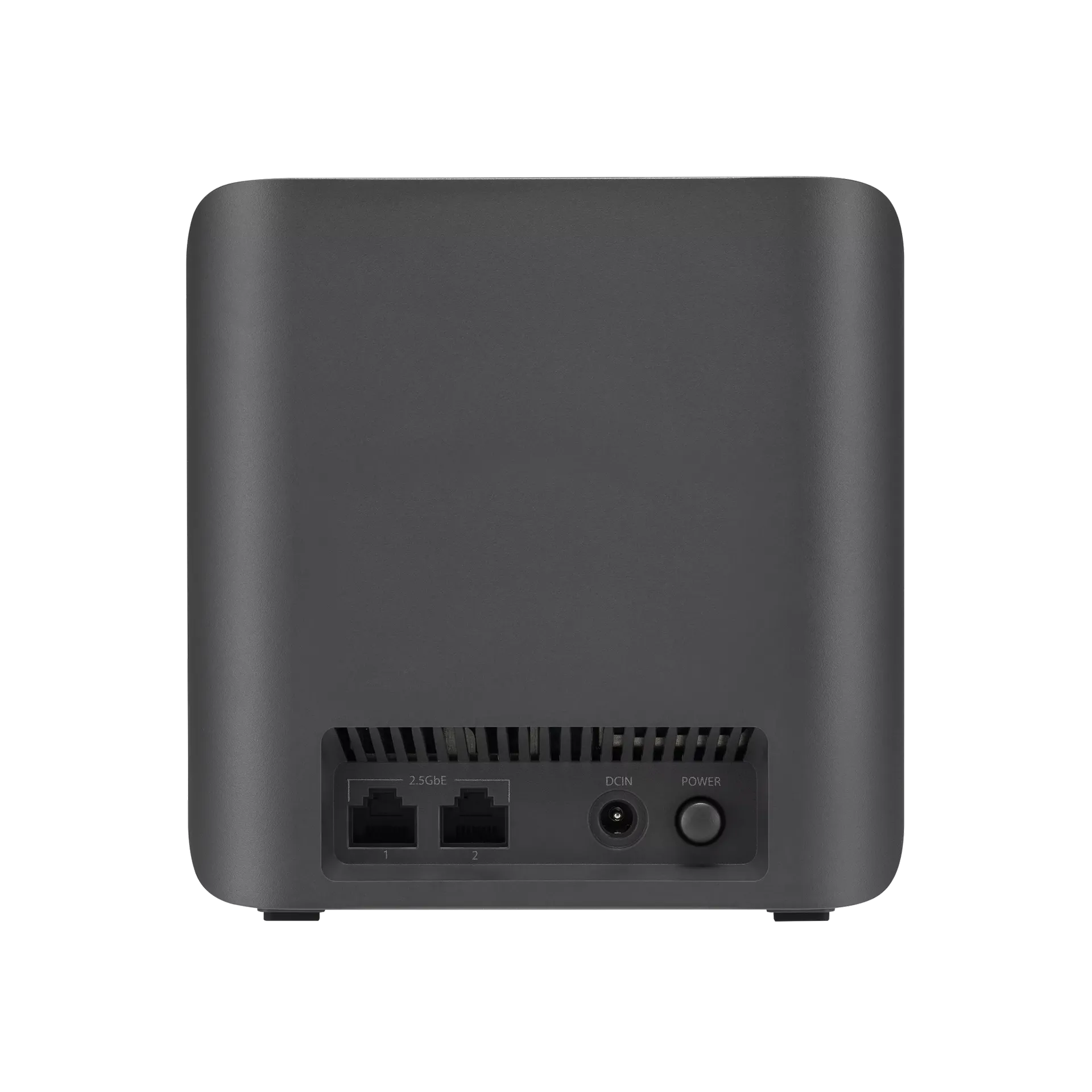
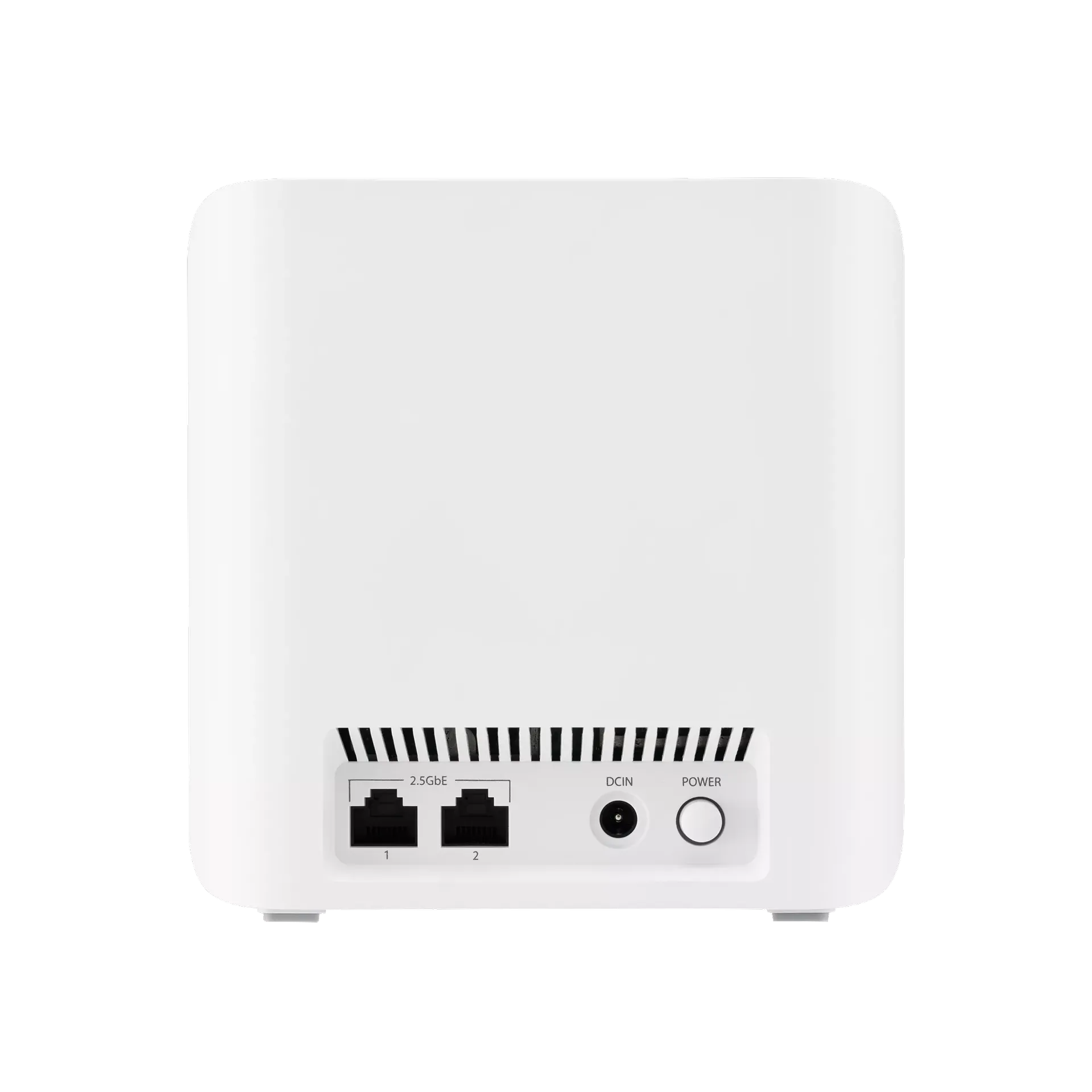
Both models have two 2.5 Gbps auto-detecting WAN/LAN ports. In router mode, one carries the internet connection, leaving one for a wired client, switch or backhaul. Unlike a unit with only one fast socket, this arrangement can provide separate fast WAN and LAN links, provided the rest of the route also supports the rate.
A wired satellite uses one socket for its uplink, leaving one for local equipment or another wired link. Include a switch if several devices need Ethernet in that room. Check every switch port, cable and endpoint; a Gigabit segment still limits that portion of a planned multi-gigabit path.
Ethernet backhaul can be useful in a building where walls make radio links difficult. It removes that specific wireless hop, but does not guarantee full wireless throughput at the far end. A client connection, workload or other network component can remain the bottleneck. Confirm the active uplink in AiMesh rather than assuming that plugging in a cable proves the complete route.
ASUS distinguishes Ethernet-first priority from Ethernet Backhaul Mode. Ethernet-first can fall back to wireless if the cable connection is unavailable. Ethernet Backhaul Mode requires all nodes to be connected by cable, otherwise a node can lose its uplink. Choose the setting deliberately when mixing cabled and wireless nodes.
MLO and AiMesh Compatibility
Multi-Link Operation can combine or switch between supported links. On these models, those links are 2.4 GHz and 5 GHz. It does not create a missing 6 GHz radio, provide a 320 MHz channel or guarantee an interruption-free connection. Clients must support the relevant MLO mode, and driver/firmware compatibility matters.
AiMesh allows expansion with compatible ASUS routers, which is useful if you already have suitable hardware. Ordinary AiMesh compatibility and MLO backhaul compatibility are separate checks. ASUS's current MLO FAQ says MLO backhaul supports the same model and only the first node when several Wi-Fi 7 nodes are present. Do not assume a mixed BD4/BD5 mesh gives every satellite an MLO backhaul.
The same FAQ warns that enabling MLO on a main Wi-Fi 7 router can affect a non-MLO Wi-Fi 6E node's 6 GHz broadcast. These BD models themselves have no 6 GHz radio, but the caveat matters if you add older equipment. Consult the latest model/firmware guidance before replacing an established mixed setup.
For wireless-only deployment, both systems share available radios between client and mesh traffic. Put satellites where they still have a useful upstream connection rather than using a fixed distance rule. The highest modulation rate is not guaranteed at a particular number of feet. Test the actual phone during a call because clients influence roaming decisions.
Security, VPN and Operating Mode
Both technical pages list AiProtection Pro, WPA3-Personal and VPN Fusion. These are useful capabilities, not proof that every threat is blocked. Read service terms, keep regional firmware current and secure the management account. Use the WPA2 versus WPA3 guide to understand why the selected mode and client compatibility matter.
The specifications distinguish VPN clients from servers: WireGuard and OpenVPN appear in both roles, while IPsec is listed as a server function. Do not treat every named server protocol as an available client tunnel. An external VPN service also has its own credentials and terms; a router feature does not supply that subscription or guarantee a particular encrypted throughput.
Choose router mode when the main unit should manage the LAN. If another gateway already handles routing, AP mode is a separate option; plan addressing and gateway policies on that upstream device. Features and menus can differ by mode and firmware. The technical footnotes also restrict WPA/WPA2-Enterprise to a single-router arrangement rather than AiMesh, so do not infer enterprise authentication across the mesh.
ASUS advertises Smart Home Master profiles for IoT, family and VPN use. Check which profiles and isolation settings your exact firmware provides before placing untrusted devices beside private services. A separate network name alone does not prove every VLAN or client-isolation behavior.
Which Pack Makes Sense?
I still see the BD4 as the natural starting point for an affordable Wi-Fi 7 upgrade. I would compare the BD5 when local channel support, compatible clients and a demanding wireless layout make its higher advertised rate useful. Both have the same two fast ports, so a faster ISP plan alone does not automatically require the BD5.
Start with a wired internet baseline and compare the same Wi-Fi client near the main node and in the rooms you use. Test local storage separately from internet downloads. Record the serving node and uplink, then assess placement or wired backhaul before buying extra units.
The original optional manufacturer demonstrations remain available: BD4 manufacturer feature video and BD5 manufacturer feature video. Treat promotional demonstrations separately from measurements in your home.
See the original official product links for ZenWiFi BD4 and ZenWiFi BD5, alongside detailed specifications for your region.