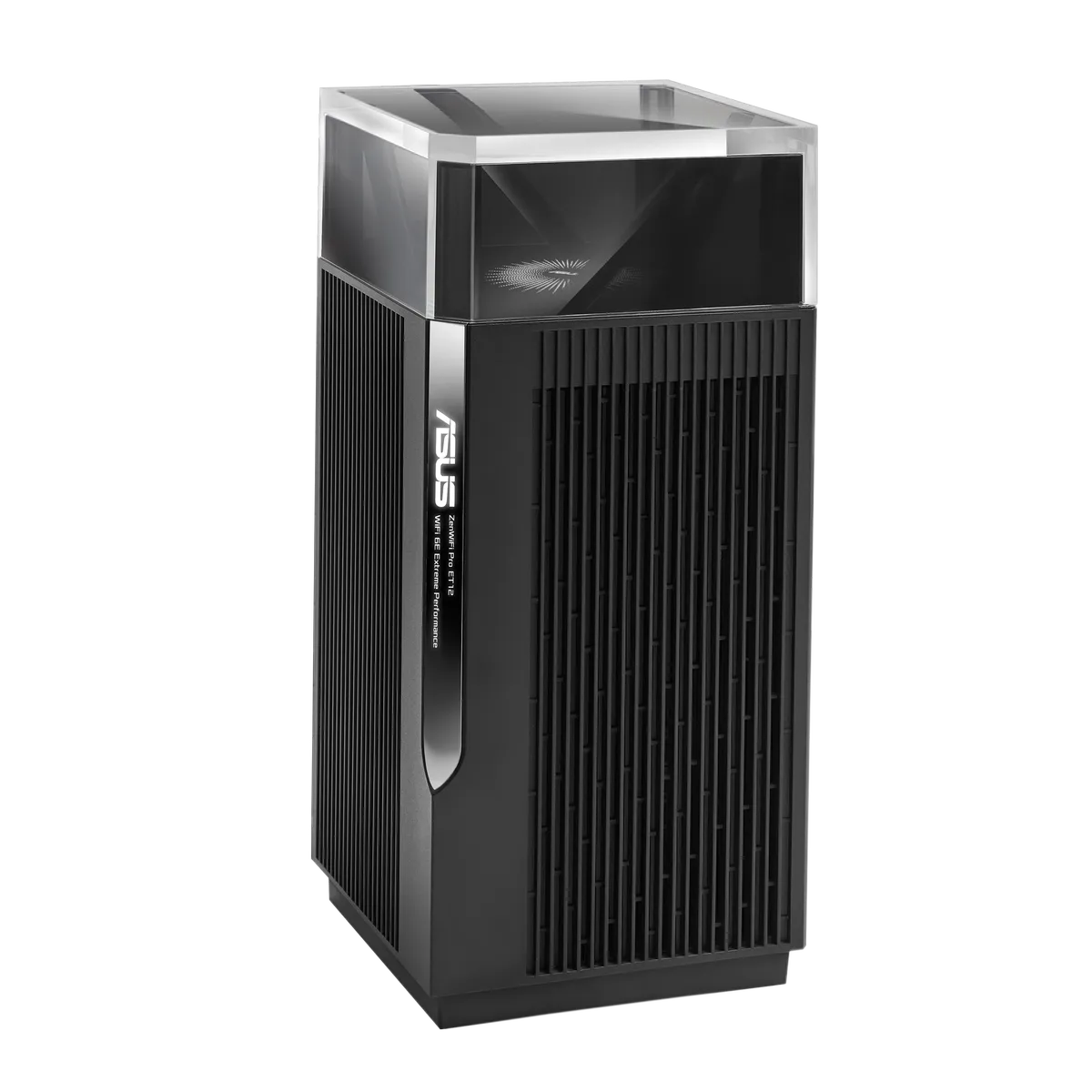
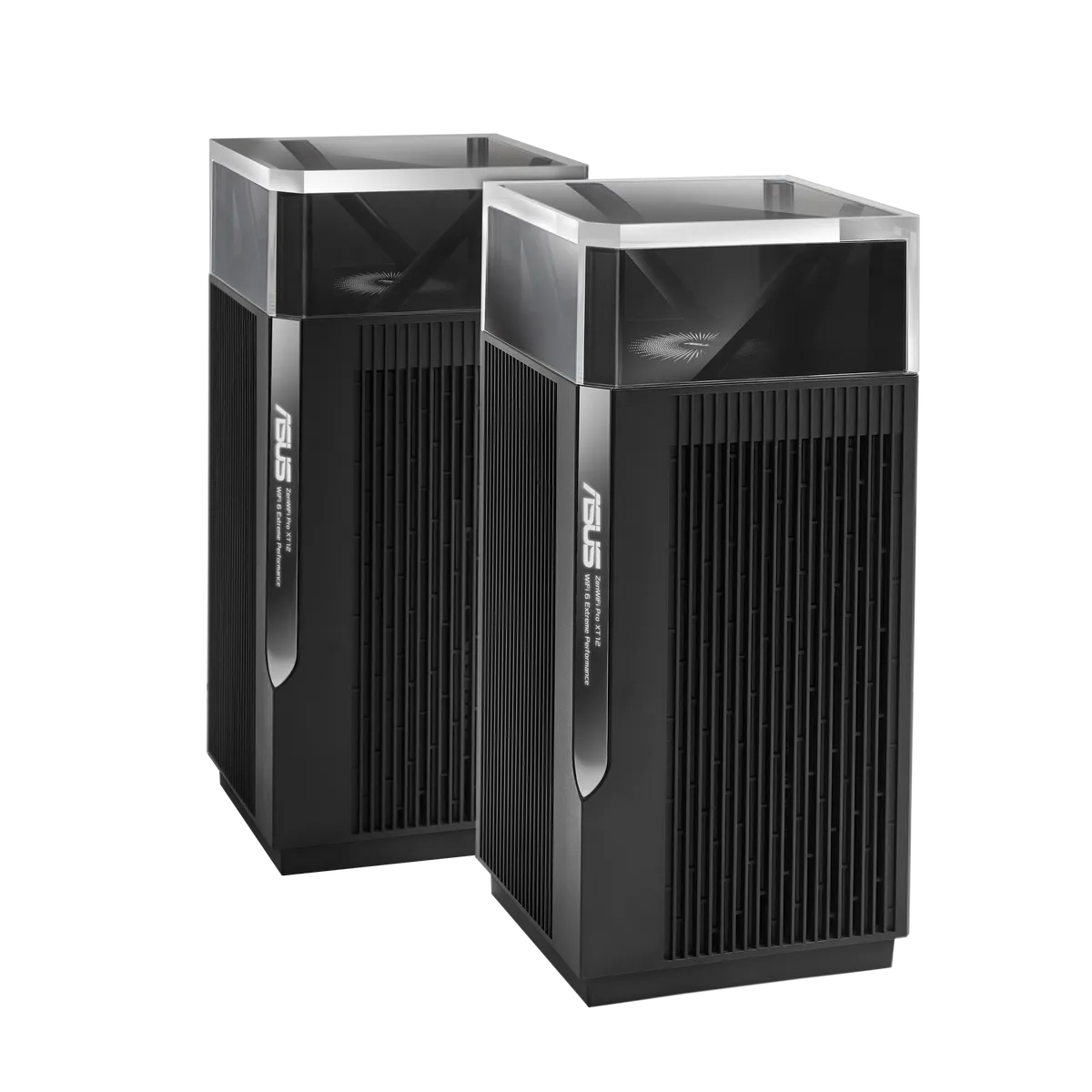
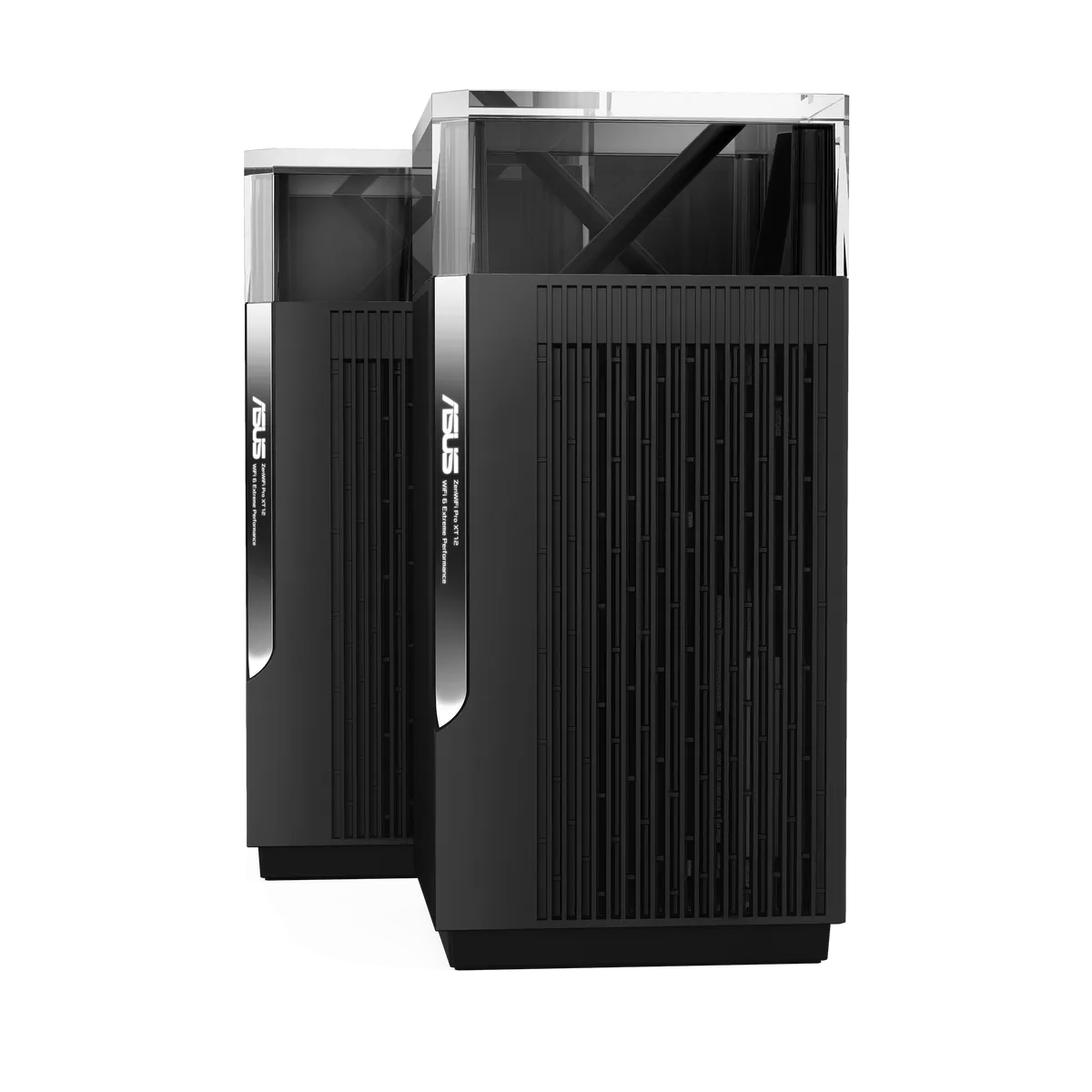
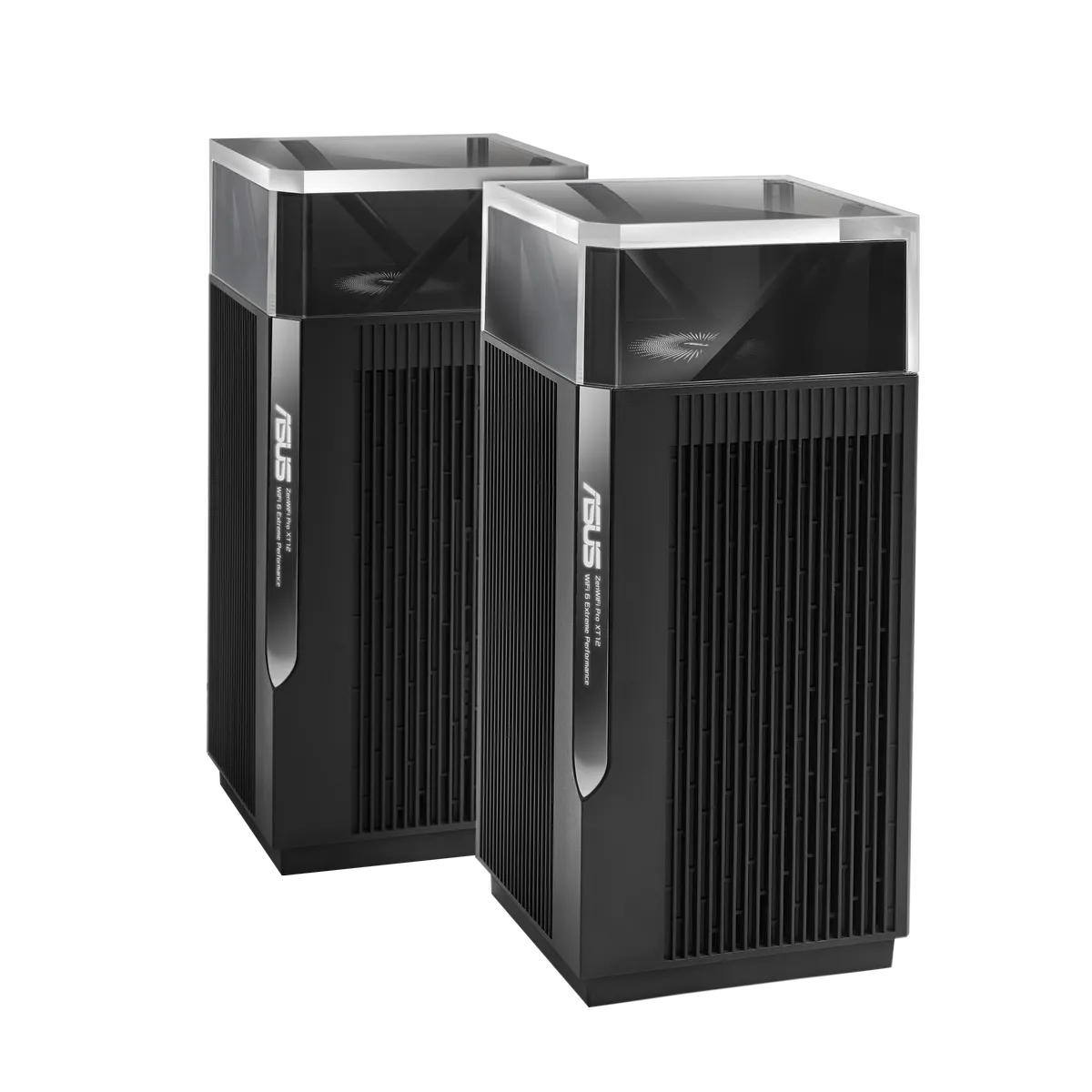
The ASUS ZenWiFi Pro XT12 is a premium Wi-Fi 6 mesh system with an unusual strength: two separate 5 GHz radios. It offers an interesting way to distribute wireless access when several rooms need coverage and a separate wireless backhaul can help. Dual 2.5 Gigabit ports also make it worth considering for suitable faster wired connections.
The XT12 remains an appealing powerful mesh choice, but its specifications are not a guarantee of unlimited wall penetration or uninterrupted performance. This is a documented overview and buying guide. It does not report measurements from a two-storey test house or an owned XT12 kit.
Understanding Tri-Band Wi-Fi 6
Tri-band here means 2.4 GHz plus two 5 GHz radios. It does not mean 6 GHz: the XT12 is Wi-Fi 6, distinct from the Wi-Fi 6E ET12. ASUS lists maximum rates of 1148 Mbps on 2.4 GHz and 4804 Mbps on each 5 GHz radio, combined into the rounded AX11000 class.
All three radios are listed as 4×4, giving twelve streams in total. An ordinary two-stream laptop still has its own limit and does not receive twelve streams or automatically combine all three radios. Higher aggregate capacity can help the network serve traffic, but it is not a single-client speed result.
Wi-Fi 6 features need compatible clients to provide their intended benefits. Older equipment can connect without gaining a new radio. Wider channels also depend on regional availability and suitable client support. Consider the devices that matter today alongside possible upgrades rather than buying solely around the headline class.
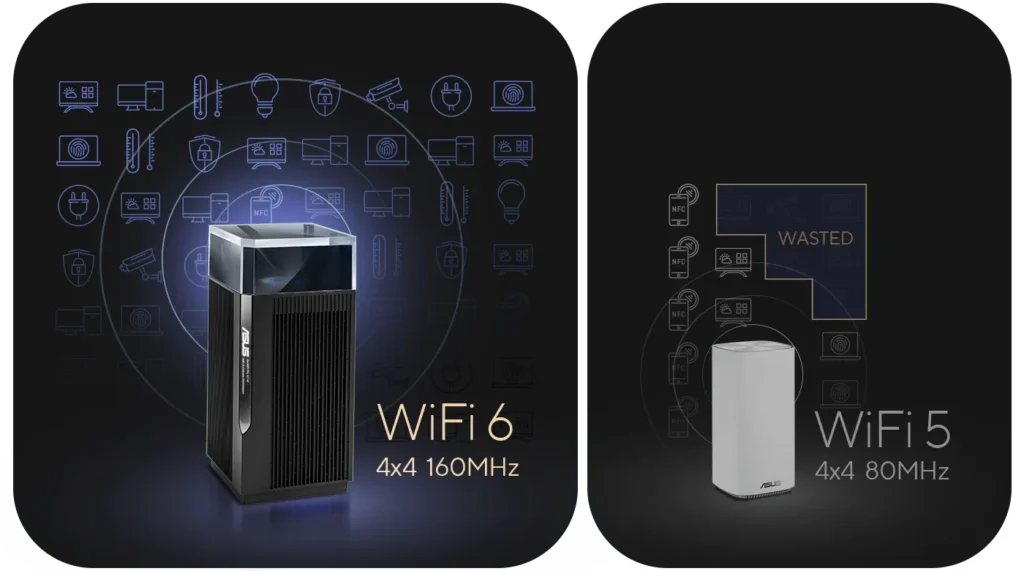
The retained illustration compares selected 4×4 Wi-Fi 6/160 MHz and Wi-Fi 5/80 MHz configurations. It explains a design example, rather than a benchmark or a statement that every Wi-Fi 5 product has only 80 MHz channels.
Wireless and Wired Backhaul Choices
ASUS documents a choice between using the second 5 GHz radio for dedicated backhaul, using Ethernet, or allowing automatic selection. That flexibility is useful. The second radio is not permanently and exclusively assigned to backhaul in every configuration, and client capacity depends on the settings and topology you choose.
Reserving a radio for node-to-node traffic can reduce contention with clients on another radio. It does not bypass walls or create a reliable connection where signal is too weak. A satellite needs a healthy upstream connection as well as useful coverage for nearby devices. Start between the main node and the area needing coverage, then test the actual room.
Ethernet backhaul is attractive when suitable cabling exists because it avoids dependence on the wireless hop. Check the operating mode and radio settings when switching to it, and confirm that every cable and switch port negotiates the intended rate. Do not assume the change automatically doubles application throughput.
Ports and Hardware
| Item | Documented XT12 specification |
|---|---|
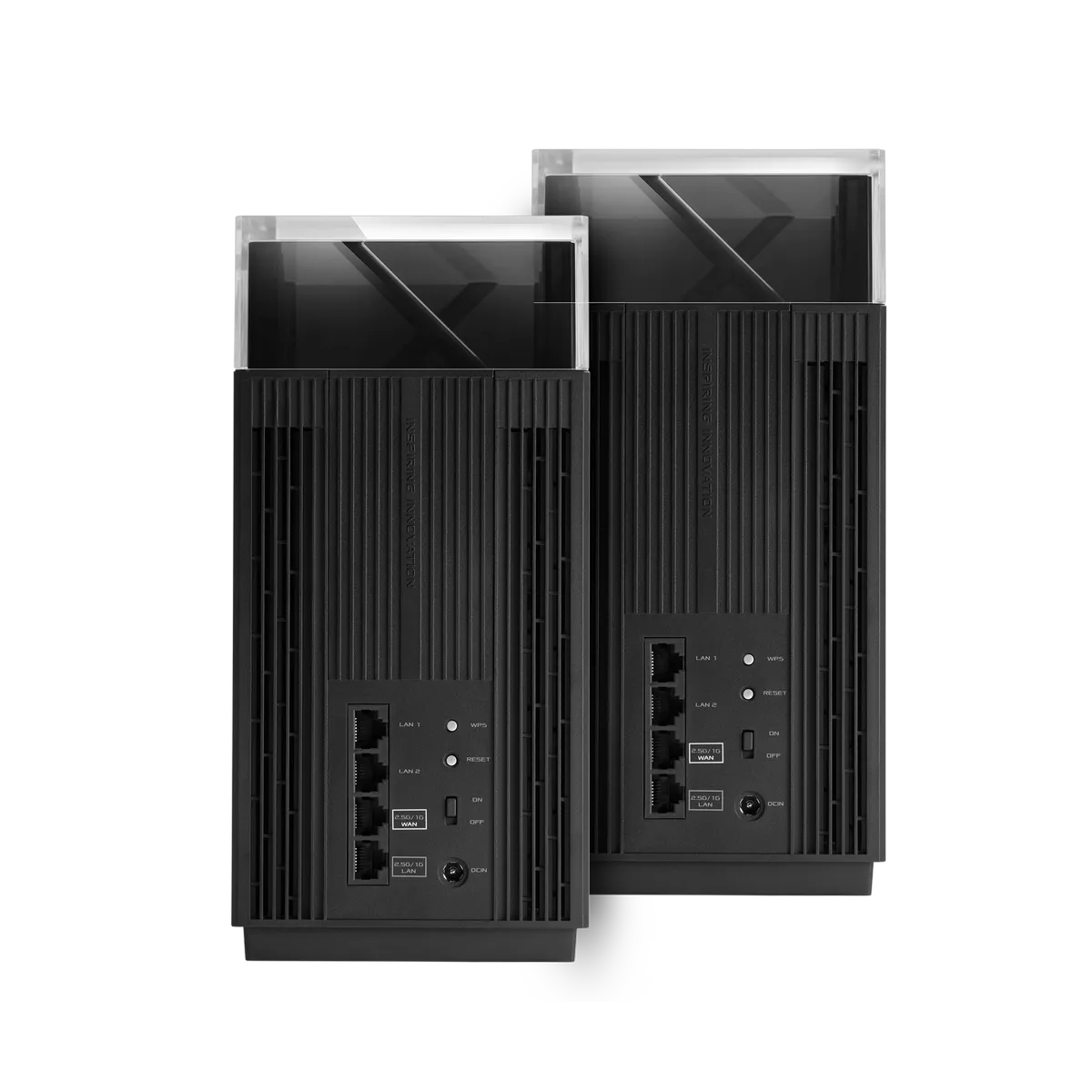
| Ports | One 2.5 Gigabit WAN, one 2.5 Gigabit LAN, two Gigabit LAN |
| CPU | 2.0 GHz quad-core, 64-bit |
| Memory | 1 GB RAM, 256 MB flash |
| Dimensions | 115 × 115 × 241 mm |
| Security | WPA3-Personal and AiProtection Pro listed |
| Management | ASUS Router app and web interface |
The named WAN and LAN roles differ from a blanket claim that both faster ports automatically sense every purpose. Check firmware options before repurposing a connection. A 2.5 Gigabit uplink plus a 2.5 Gigabit LAN connection can suit a faster Internet plan or a switch, but the remaining wired ports are Gigabit.
Count the broadband handoff, wired backhaul and local equipment. If the faster LAN port supplies backhaul, a NAS attached to a remaining Gigabit port still has that Gigabit link. Several faster wired clients may belong on a suitable switch instead. Aggregation options also require supported ports and equipment; combining links does not promise one ordinary transfer exceeds an individual member link.
Channels, DFS and Regional Limits
ASUS advertises expanded UNII-4 support for a further 160 MHz channel, with an explicit restriction to some regions and countries. It should not be treated as a universally available channel plan. Check your regional firmware and the supported clients rather than copying channel numbers from another market.
DFS allows use of certain 5 GHz channels while protecting radar services. ASUS's support guide explains that availability checks can temporarily prevent connection on the affected band, and radar detection can require a channel change. Setting 160 MHz or choosing a pair of band names does not establish that every channel avoids DFS.
If a connection drops, note the band, channel and timing and check the router's logs before assuming hardware failure. A narrower supported channel or a different placement may be preferable in a busy environment. Change one setting at a time and compare normal use afterward. Keep the regulatory settings appropriate to the location.
AiMesh Software and Security
AiMesh supports compatible ASUS routers, rather than every ASUS-branded router. Confirm models and firmware before reusing existing equipment. Older radios and ports retain their limits, and a common network name does not force every client to roam at the same point. Test the phones and laptops that actually move through the home.
The specification lists AiProtection Pro, Adaptive QoS, dual-WAN and VPN capabilities. Protocols and newer interface features can depend on firmware. Check the exact release notes if a particular VPN or network-segmentation function is a buying requirement; do not assume every feature from a newer ASUS model is available here.
QoS may help prioritise important traffic, but it does not create more Internet bandwidth. VPN encryption adds processing and depends on the remote endpoint. Security filtering is an additional layer alongside device updates, appropriate wireless encryption, strong administration credentials and backups. Review the service settings and privacy terms you enable.
Coverage, Running Cost and Recovery
ASUS advertises up to 6000 square feet for a two-pack. Treat that as a manufacturer coverage claim, not a tested guarantee for thick-walled homes. The tall units also need suitable space, access to power and ventilation. Decide where they can sit before ordering a pack whose form factor is awkward for the room.
A power adapter rating is not a measured electricity bill. Consider the number of nodes and, if running cost matters, measure representative whole-system consumption at your tariff. Keep configuration backups and a working administration route before major changes. A failed upstream link or power supply can still interrupt service despite a capable mesh.
How to Evaluate and Buy
Use the same client at the same positions, noting the connected node, band, channel width and backhaul type. Compare a local transfer with Internet speed to separate network limits from remote services. Check responsiveness during household uploads and downloads, since a peak rate alone can hide problems with calls or games.
The XT12 remains a sensible premium candidate for a busy home that can use its extra 5 GHz radio and faster wired connections. If Ethernet already reaches every access point, consider whether a simpler kit meets the same need. If 6 GHz or Wi-Fi 7 is essential, choose a product with those explicit capabilities instead.
Compare the complete cost, compatible expansion, regional support and return options. Place and test the system before assuming more expensive hardware solves the layout. Consult the original official XT12 product link and model-specific documentation before purchase.