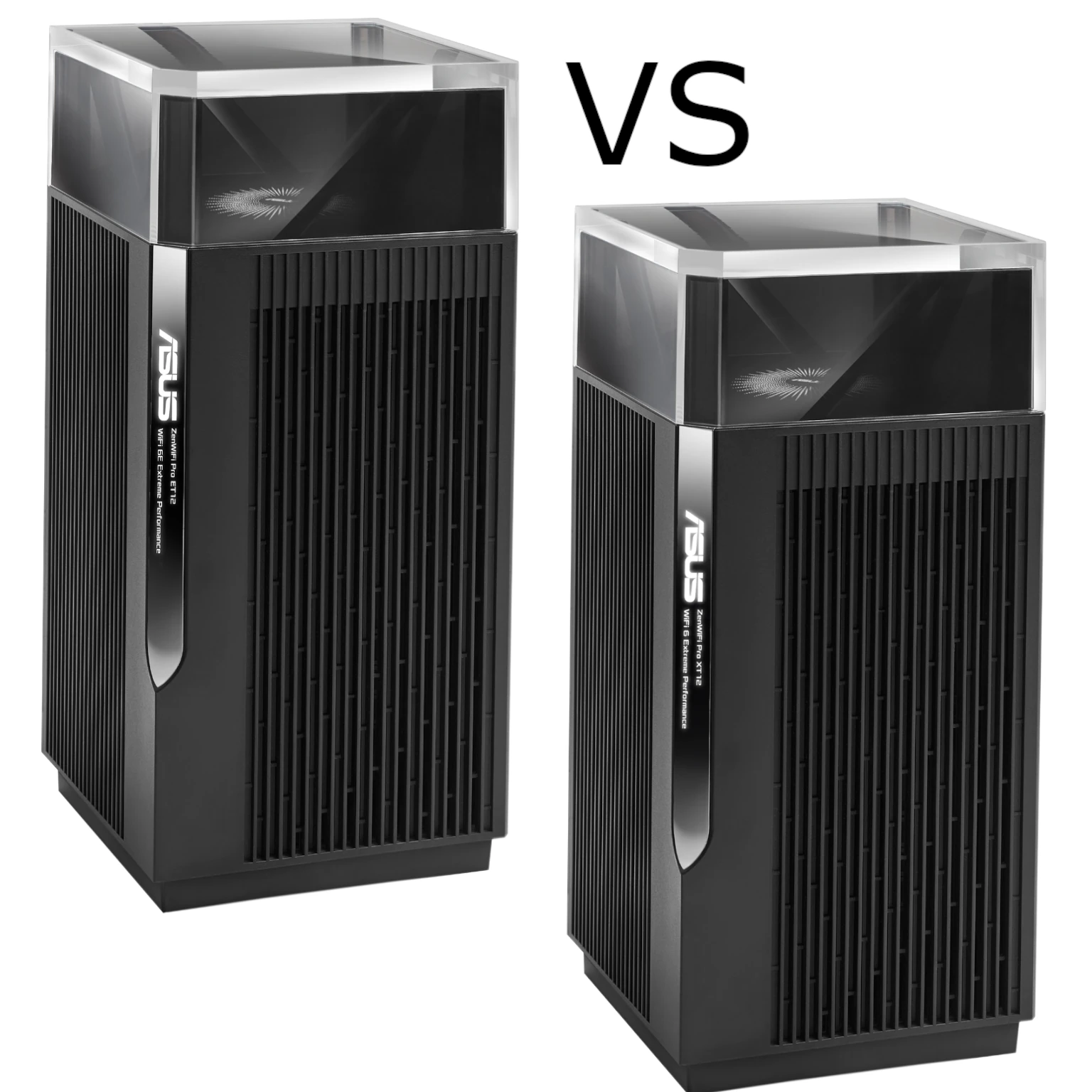
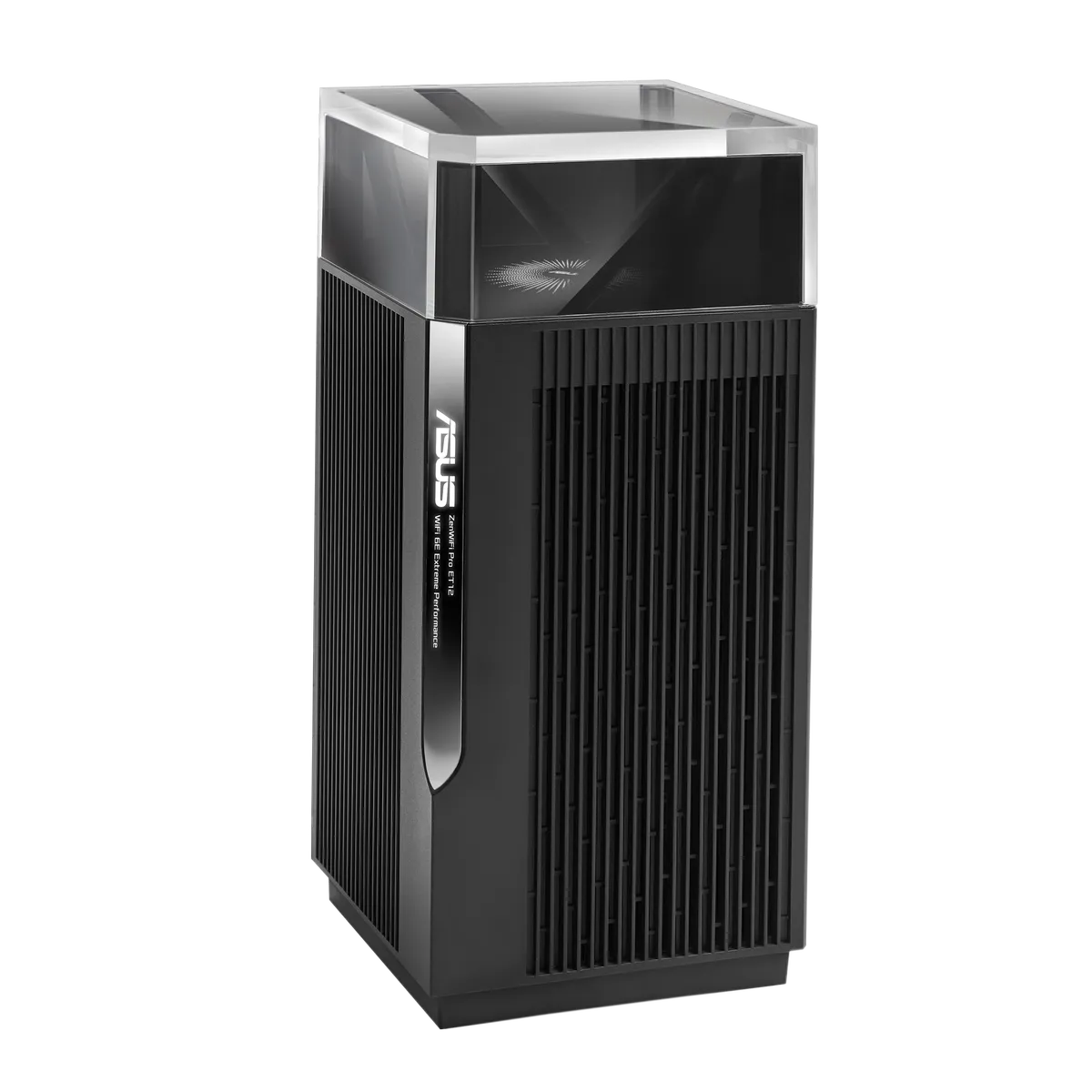
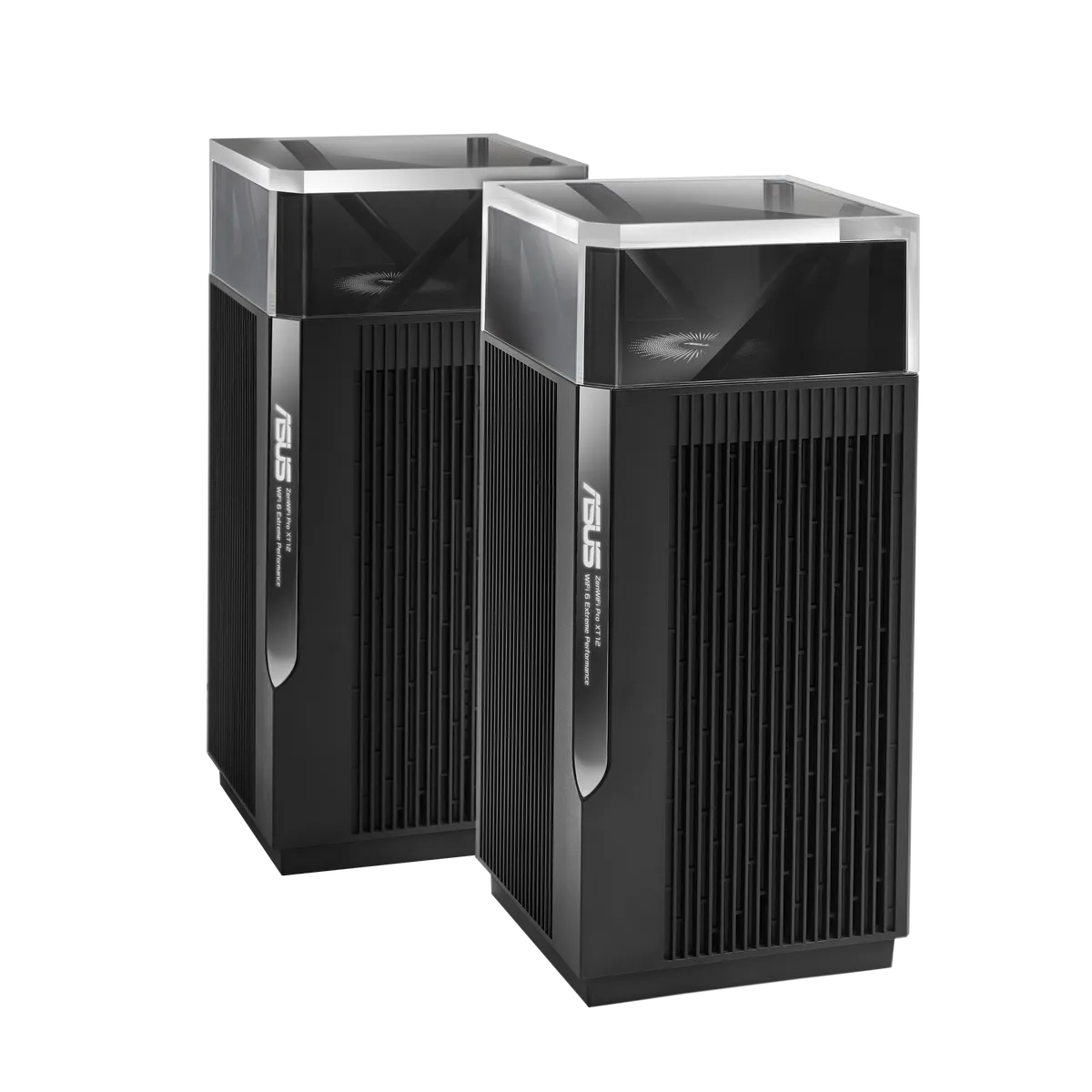
The ASUS ZenWiFi Pro ET12 and XT12 look very similar, share the same processor and Ethernet layout, and both offer three wireless bands. The buying decision starts with one distinction: the ET12 is Wi-Fi 6E with 2.4GHz, 5GHz and 6GHz, while the XT12 is Wi-Fi 6 with 2.4GHz and two separate 5GHz radios. The extra letter in Wi-Fi 6E matters more than the identical “11000” speed class.
Both remain appealing choices for a larger home. My priorities are stable coverage, sensible value and enough capacity for busy users. Whether 6GHz is useful depends on your clients, local regulations and the connection between nodes; it does not automatically make either kit faster everywhere.
What the different bands do
A mesh kit has a primary router and additional nodes. Client traffic at a satellite must travel back to the primary router over Ethernet or a wireless link called backhaul. Placing a node inside a dead zone cannot create a strong wireless backhaul from a signal that barely reaches it. Start between the main router and the weak area, then assess the link before moving farther away.
Wi-Fi 6E extends 802.11ax into 6GHz. Existing 2.4GHz and 5GHz devices continue to use the ET12's other radios, but they cannot access 6GHz merely because the router supports it. Check the laptop or phone's wireless specification, its operating-system support and the region in which it is used.
The XT12's second 5GHz radio gives it another way to divide client and backhaul traffic without introducing 6GHz. It can dedicate that radio to the mesh connection, subject to the chosen settings. That is a useful option when your devices use 5GHz and the nodes will connect wirelessly. The radio still shares airtime and spectrum conditions with its surroundings; “dedicated” is not a guarantee of unlimited capacity.
Hardware comparison
ASUS's exact model specifications show how much the two systems have in common:
| Specification | ZenWiFi Pro ET12 | ZenWiFi Pro XT12 |
|---|---|---|
| Wireless class | Wi-Fi 6E, AXE11000 | Wi-Fi 6, AX11000 |
| Maximum physical band rates | 1148 Mbps at 2.4GHz; 4804 Mbps at 5GHz; 4804 Mbps at 6GHz | 1148 Mbps at 2.4GHz; 4804 Mbps on each 5GHz radio |
| Radio configuration | 4×4 on each band; 12 streams in total | 4×4 on each band; 12 streams in total |
| Processor and memory | 2GHz quad-core, 1GB RAM, 256MB flash | 2GHz quad-core, 1GB RAM, 256MB flash |
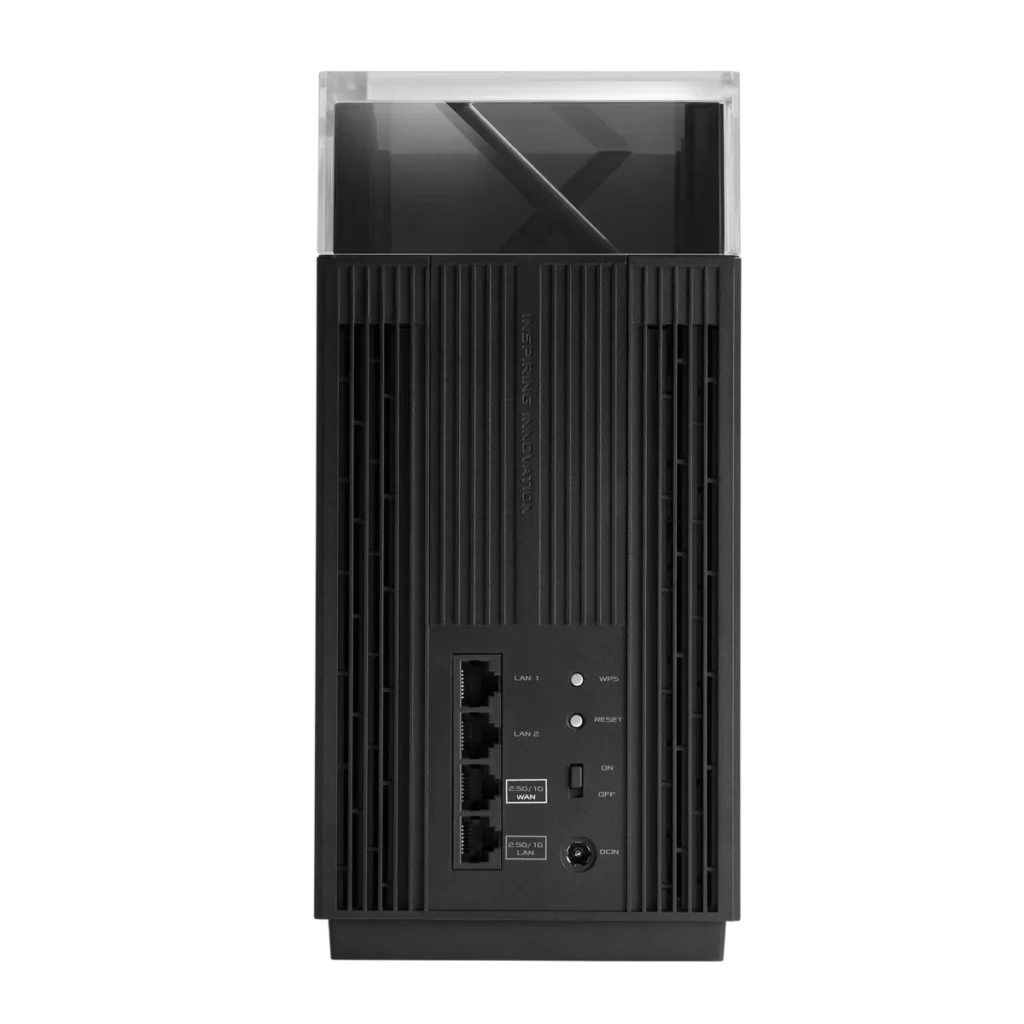
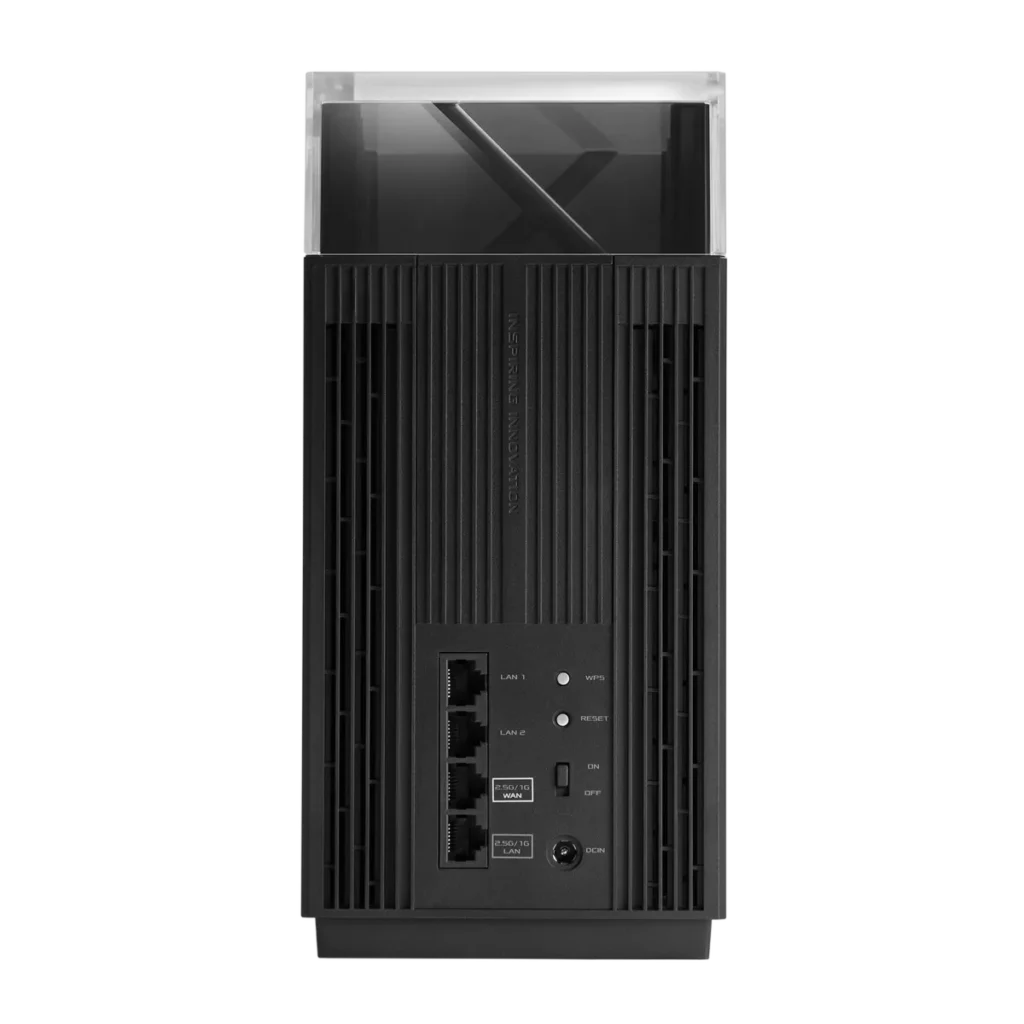
| Ethernet per unit | One 2.5Gbps WAN, one 2.5Gbps LAN, two Gigabit LAN | One 2.5Gbps WAN, one 2.5Gbps LAN, two Gigabit LAN |
| Antennas | Ten internal | Ten internal |
| Dimensions and weight | 115 × 115 × 241mm; 1500g | 115 × 115 × 241mm; 1500g |
| USB | No USB port listed | No USB port listed |
The speed class adds theoretical physical rates from different radios. It is not an 11Gbps internet connection, a single-device download result or the capacity of an Ethernet port. Protocol overhead, the client's stream count, channel width, signal quality and other traffic all affect actual transfers. Compare a particular client's connection and the entire network path, rather than treating the combined number as usable throughput.
Choosing a backhaul
Ethernet backhaul is attractive for either kit because the inter-node traffic no longer consumes a wireless backhaul link. ASUS also offers flexible backhaul selection on the ET12, including 6GHz, Ethernet and automatic selection. The ET12 is not forced to use 6GHz for every wireless mesh connection.
With wired nodes, the ET12's 6GHz radio can serve compatible clients without also carrying that node's wireless backhaul traffic. Without cables, test the actual node locations before buying on the assumption that a particular frequency will cross your walls. Construction materials, distance, placement and interference can change the result. There is no measured winner for your home in this comparison.
ASUS advertises coverage of up to 6000 square feet for a two-unit kit. Treat this as a planning estimate. A multi-storey house with dense partitions may need different placement from an open home of the same floor area. Roaming also depends on the client: one network name does not ensure that every device switches immediately or that calls never pause.
Plan the Ethernet connections
Both systems can accept a 2.5Gbps internet connection while providing a separate 2.5Gbps LAN connection. That LAN port can connect a NAS, a compatible switch or a wired satellite. Budget for it carefully: plugging a satellite directly into the primary router's only 2.5Gbps LAN port leaves the two Gigabit LAN ports for other direct connections. A suitable multi-gigabit switch can provide more ports, but does not increase the router's 2.5Gbps uplink capacity.
For a wired mesh, follow ASUS's topology guidance: connect the main router's LAN side to the satellite's WAN side. Check every intervening cable and switch, then verify the negotiated speed. A Gigabit switch in the path limits that path to Gigabit even if both nodes have faster ports. Existing good cabling may suffice; buying a more expensive cable category does not turn a slower port into a faster one.
ASUS advertises LAN aggregation for a compatible NAS using the Gigabit ports. Link aggregation requires compatible configuration at both ends and can distribute traffic across links. It should not be presented as a guaranteed 2Gbps transfer for a single file-copy connection. Neither tower is a USB storage host: plan a separate NAS or server if shared storage matters.
Software, security and maintenance
Both support ASUSWRT, AiMesh and AiProtection Pro. The published security lists include WPA3-Personal and WPA/WPA2-Enterprise; they do not establish support for WPA3-Enterprise with 192-bit security. A business requiring a particular authentication mode should confirm that exact mode, mesh behaviour and firmware before relying on either kit.
VPN and guest-network features also depend on the installed firmware and operating mode. The XT12's official firmware history explicitly added WireGuard server and client support. Read the release notes for the exact ET12 or XT12 build when a particular VPN protocol or VLAN feature is a purchase requirement, instead of assuming every ASUSWRT device has identical functions.
Both support pages contain security updates, so firmware maintenance belongs in the purchase decision. Keep the router and nodes on compatible builds, back up the configuration and read upgrade instructions first. ET12 release notes warn against downgrading devices across a security-related mesh change. Do not install an old build simply to match a screenshot without checking those restrictions.
ASUS's Ethernet backhaul guidance explains the difference between a wired-only backhaul mode and per-node priority. If extending an existing AiMesh installation, also check its guest-network synchronisation settings and model compatibility. A mixed kit does not acquire every feature of its newest node.
Which would I choose?
Both are excellent candidates, but I would start with the devices I own and how I can connect the nodes. For a mainly 5GHz household using wireless backhaul, I would put the XT12 on the shortlist and compare its local price with alternatives. For compatible 6GHz clients, particularly where Ethernet can carry the backhaul, the ET12 adds a band that the XT12 does not have.
That preserves the practical buying priorities: value and established 5GHz use versus access to 6GHz for compatible equipment. Neither choice guarantees coverage through every wall, a particular internet speed or a future-proof network. Check the exact regional kit, return conditions and firmware support before committing.
For specifications and regional availability, retain the official ZenWiFi Pro ET12 page and ZenWiFi Pro XT12 page, alongside the ET12 specifications and XT12 specifications.