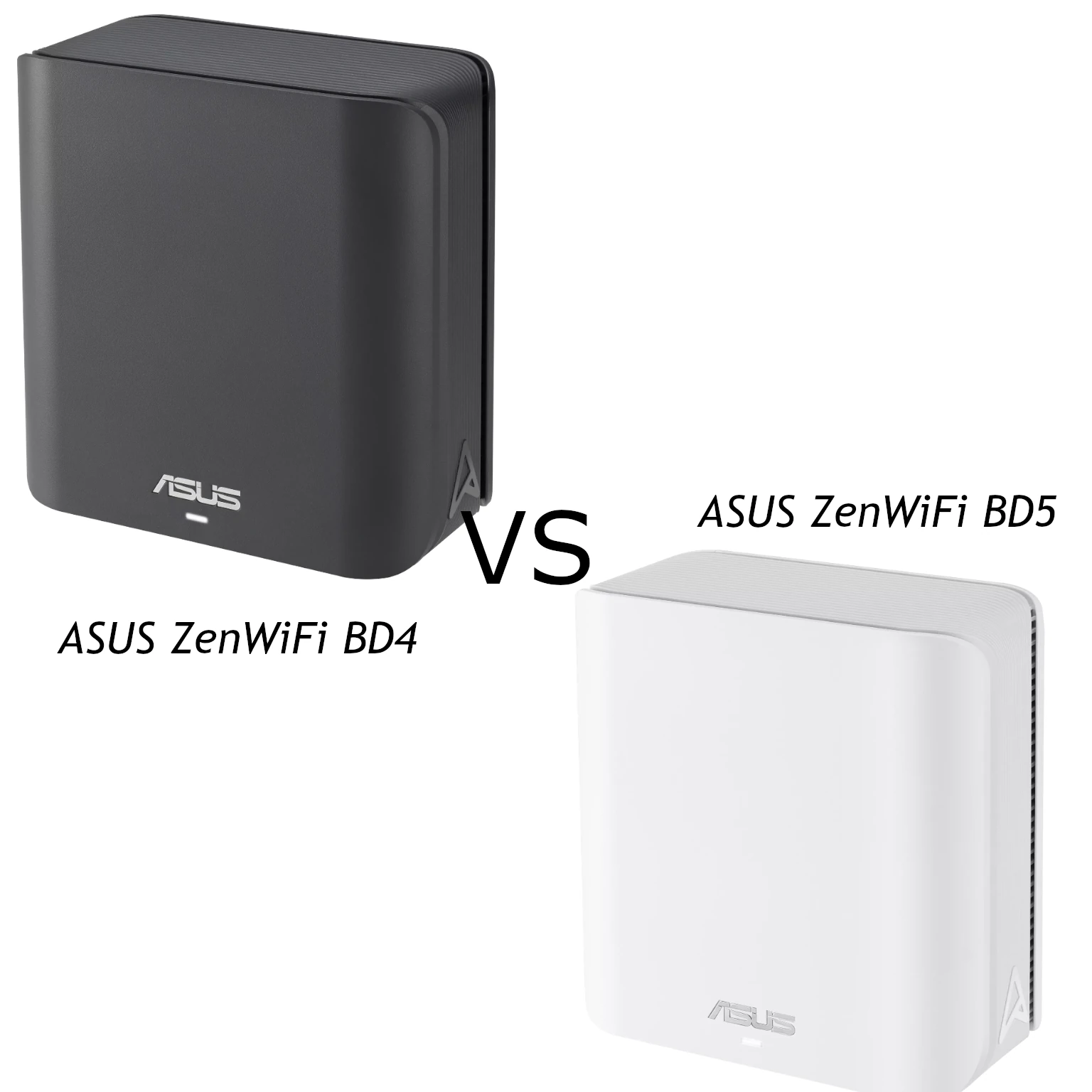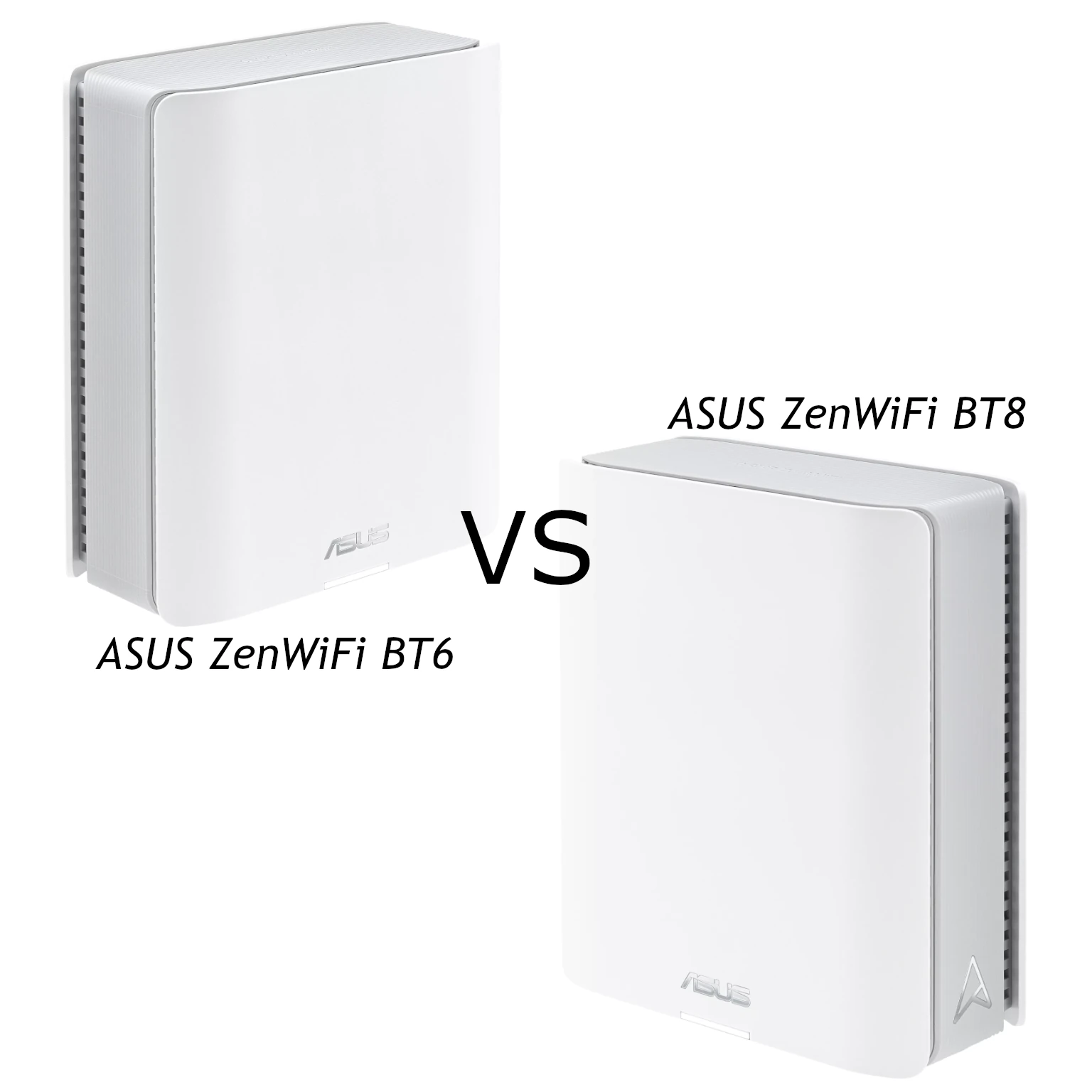
The ASUS ZenWiFi BT6 and BT8 are both tri-band Wi-Fi 7 mesh systems, with 2.4GHz, 5GHz and 6GHz radios. The choice is about the capacity and connections you need, rather than whether you can get a 6GHz band at all. Both support AiMesh expansion and management through ASUS's router software and app.
Our recommendation is still that the BT6 is attractive for everyday use and buyers watching the budget, while the BT8 is worth considering for more demanding installations. That is a buying judgment, not a measured performance comparison. Check the current local price and pack size, then decide whether the BT8's radio arrangement and extra multi-gigabit LAN port address a real requirement.
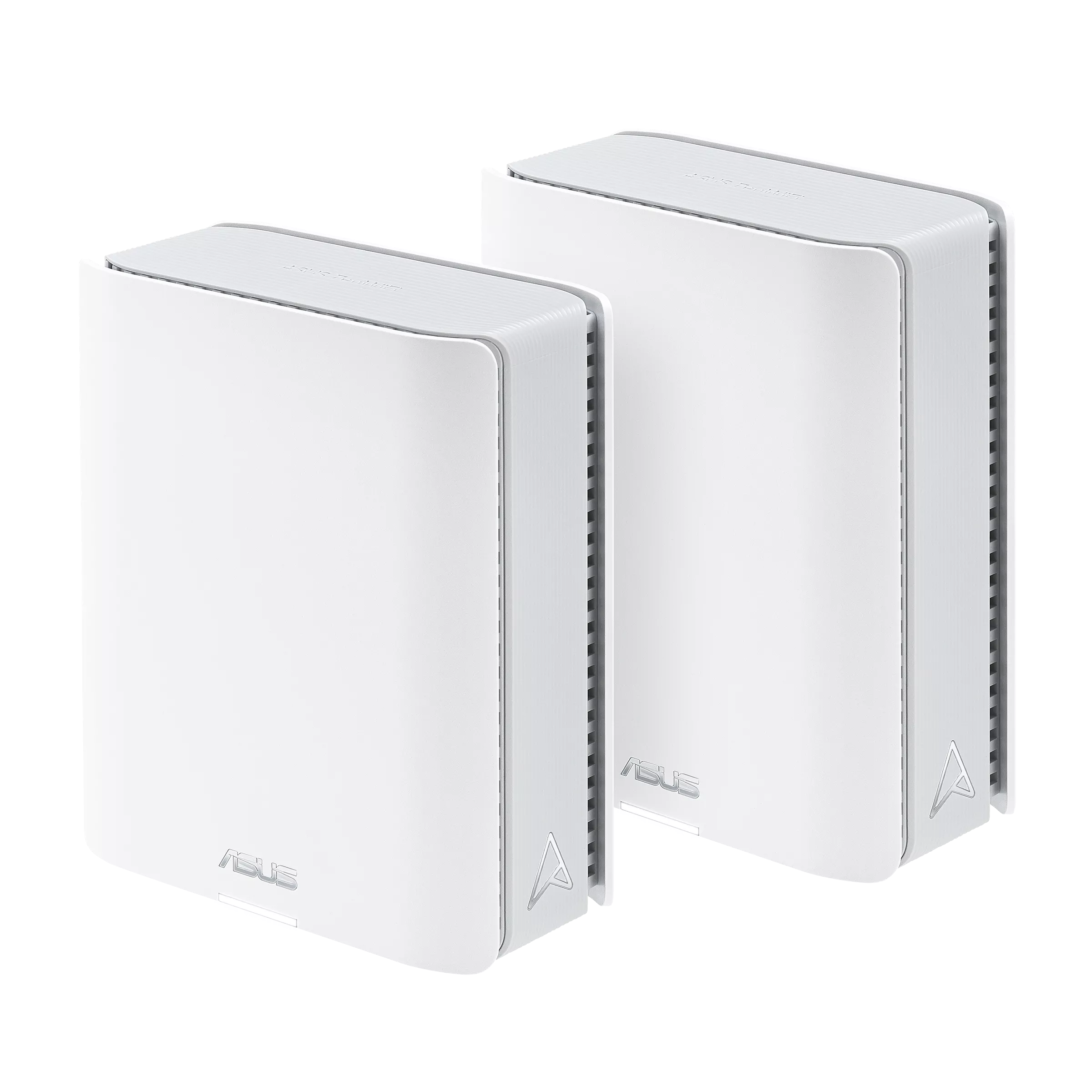
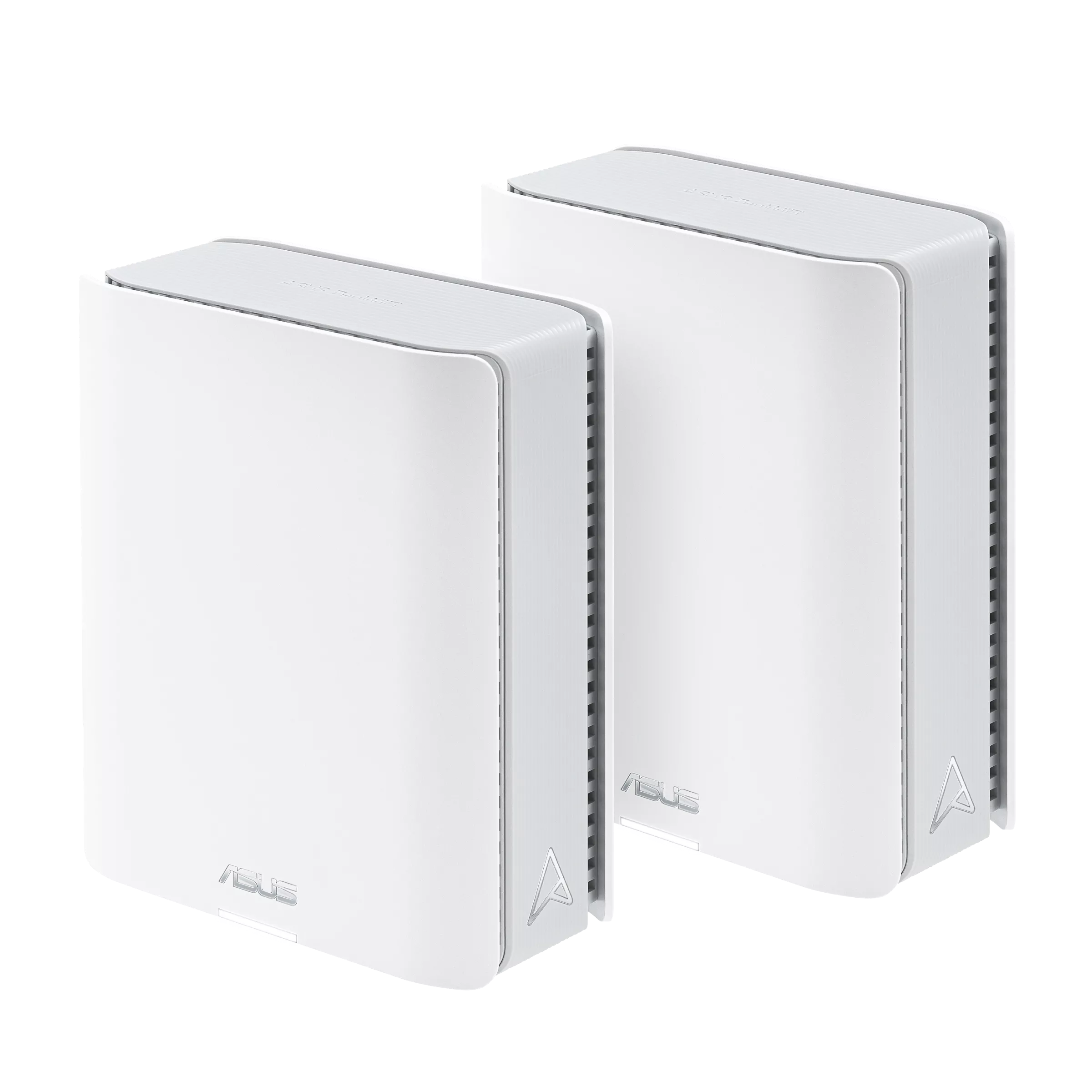
How a Mesh Network Helps
Several mesh nodes can provide Wi-Fi across a larger area using a shared network name. The link between nodes is called backhaul; it carries a satellite's traffic back towards the main router. A good connection to the satellite is only half the picture. The satellite also needs a good route upstream, especially if it is connected wirelessly.
Place a node where it still receives a useful backhaul connection, rather than at the far end of an existing dead zone. Walls, floors and furniture affect the result. Clients also play a part in roaming decisions, so moving between rooms does not guarantee that a phone immediately joins the physically nearest unit. Adding nodes can help coverage, but sensible placement matters more than assuming every advertised square foot will perform equally.
BT6 vs BT8: Verified Hardware
| Feature | ZenWiFi BT6 | ZenWiFi BT8 |
|---|---|---|
| Wireless class | Tri-band BE9400 | Tri-band BE14000 |
| 2.4GHz advertised rate | 688 Mbps | 688 Mbps |
| 5GHz advertised rate | 2882 Mbps | 4323 Mbps |
| 6GHz advertised rate | 5762 Mbps | 8643 Mbps |
| Transmit/receive arrangement | 2×2 on each band | 2×2 on 2.4GHz; 3×3 on 5GHz and 6GHz |
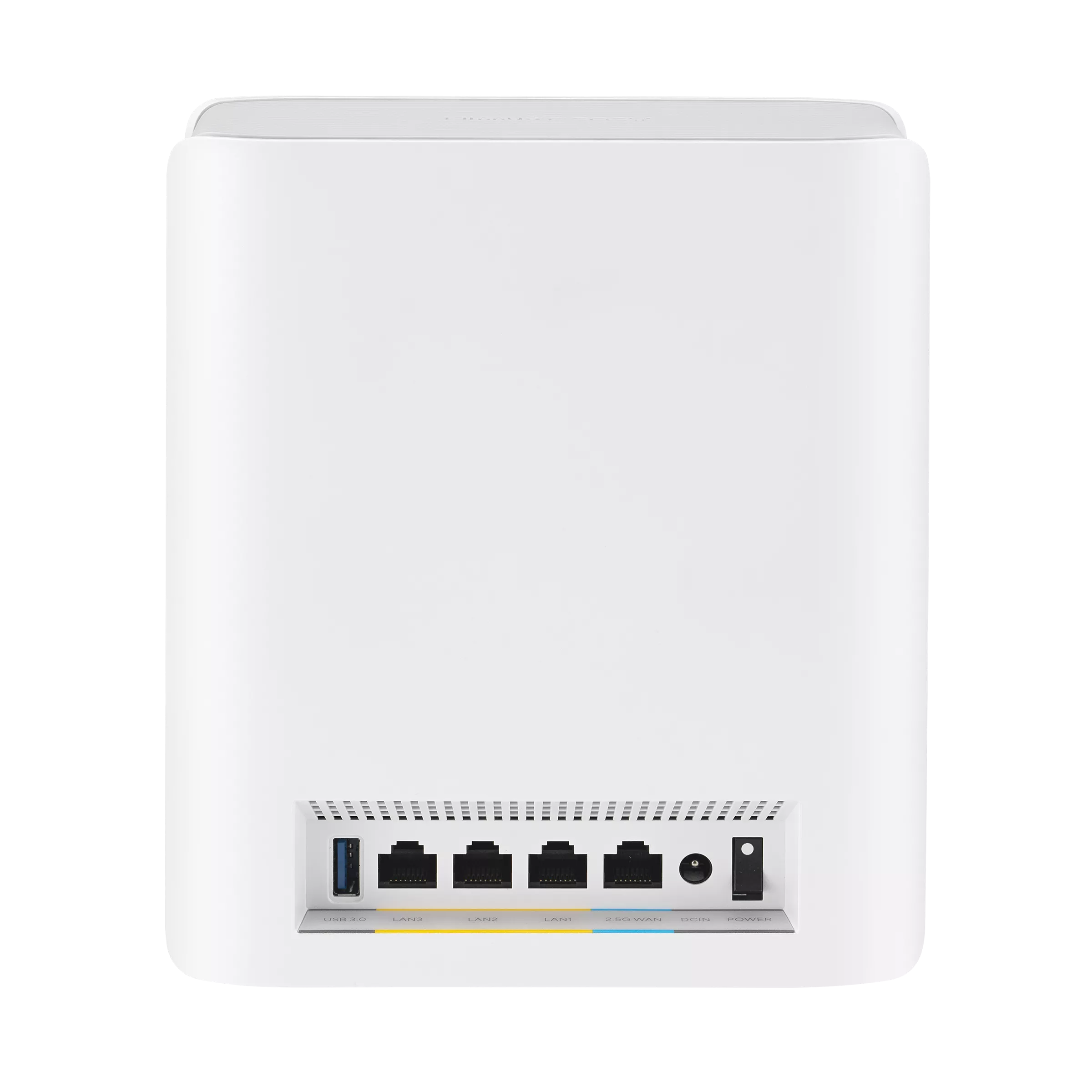
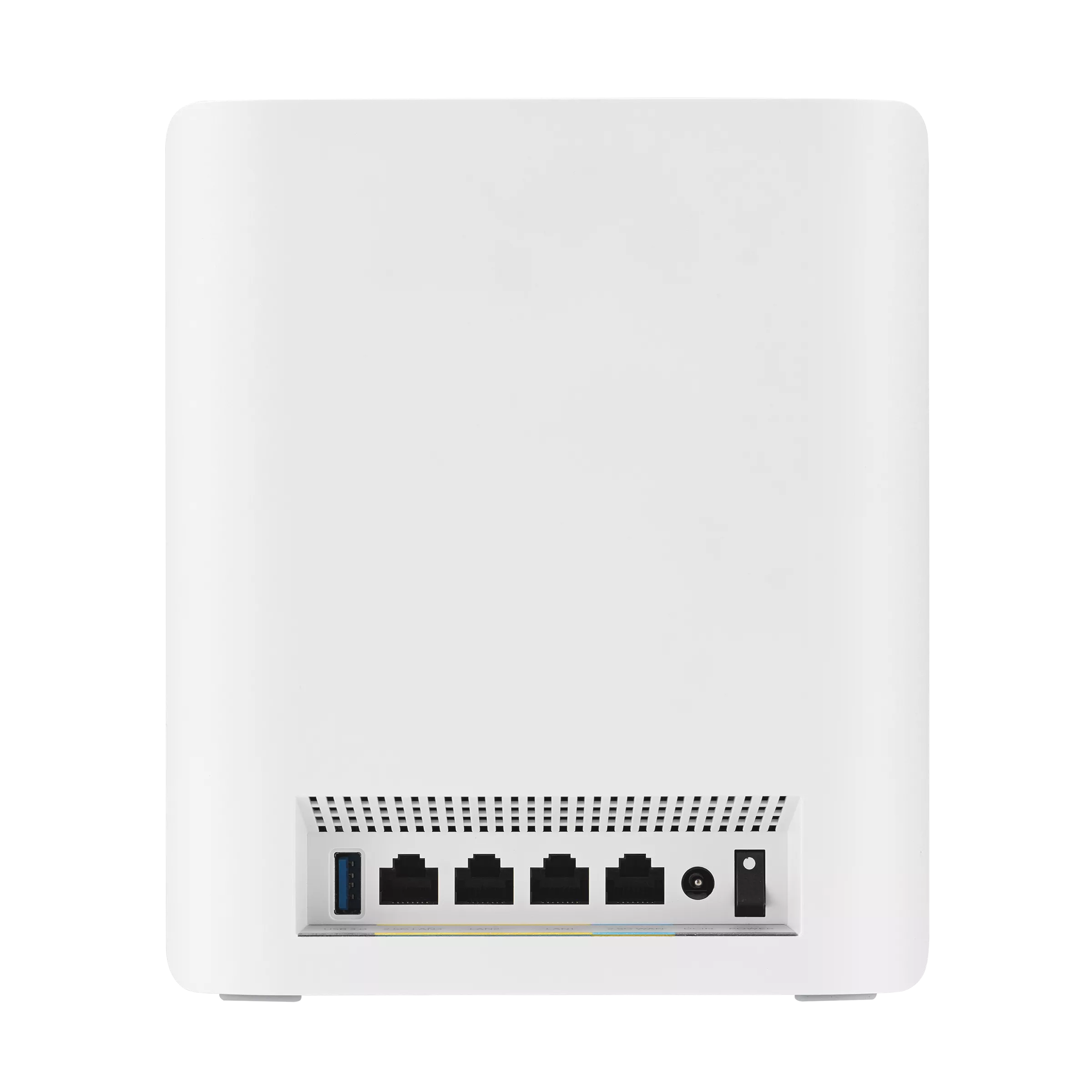
| Ethernet per unit | One 2.5G WAN and three 1G LAN ports | One 2.5G WAN, one 2.5G LAN and two 1G LAN ports |
| Other shared hardware | Seven internal antennas; USB 3.0 | Seven internal antennas; USB 3.0 |
These are ASUS's published US specifications. A wireless-class total adds together the advertised physical rates of different bands; it is not the transfer speed of one laptop or the speed of your internet connection. Confirm the regional specification and current firmware for the product being sold to you, particularly for 6GHz and channel availability.
What the Radio Difference Means
The BT8's additional stream on the 5GHz and 6GHz radios gives it a higher published radio capacity. A client must support the relevant configuration to use the full advertised single-link rate. A two-stream laptop cannot independently become a three-stream device by joining a BT8. The extra capacity can still be relevant to mesh communication and multiple-client workloads, but the benefit depends on the actual connections.
Both models offer wider-channel Wi-Fi 7 features, including up to 320MHz where permitted on 6GHz. Older clients remain usable through supported earlier standards, but they do not acquire Wi-Fi 7 features. Check the devices you use most, their driver support and which bands are available before deciding that a larger aggregate rating will be noticeable.
Multi-Link Operation can aggregate or switch between links depending on the supported mode. It should not be understood as a promise of fixed low latency or an uninterrupted call under every condition. Neither tri-band model should automatically be described as reserving its whole 6GHz radio exclusively for backhaul in every configuration.
AiMesh and Wireless Backhaul
ASUS's MLO support documentation currently states that MLO backhaul supports the same model and that only the first node can use it when multiple Wi-Fi 7 nodes are present. It also explains that enabling MLO with a non-MLO Wi-Fi 6E node can stop that node broadcasting 6GHz. Check those conditions before combining a BT6, BT8 or older AiMesh router.
Ordinary AiMesh compatibility and MLO backhaul compatibility are different checks. A mixed-model expansion may be useful, but it should not be purchased on the assumption that every node inherits the highest model's radios or all backhaul features. Review the topology and connection information in the interface after installation, then test the rooms you need to serve.
Ethernet Ports and Wired Backhaul
The port difference is particularly clear. On a BT6 used as the main router, a multi-gigabit WAN connection leaves three Gigabit LAN ports. An external 2.5Gbps switch connected to one of those Gigabit ports does not remove that router-to-switch bottleneck. Devices attached to the same switch may communicate faster locally, but traffic passing through its Gigabit uplink remains limited by that link.
The BT8 has a separate 2.5Gbps LAN port alongside the 2.5Gbps WAN. That LAN connection can serve a suitable wired satellite, a NAS or a multi-gigabit switch. A switch is useful if you need several such connections, since there is only one 2.5Gbps LAN port per unit. The other two LAN ports are Gigabit.
For wired AiMesh, connect the appropriate router LAN port to the node's uplink and check the negotiated connection. A Gigabit link, cable problem or slower switch can limit the path. ASUS distinguishes an Ethernet-only backhaul mode from per-node backhaul priority. Enable the former only when all intended node uplinks are actually wired; otherwise a node may lose its connection. These choices do not guarantee that every wireless client reaches Ethernet line rate.
Shared Security, USB and Software Features
Both specifications list AiProtection, parental controls, VPN options, WPA3 and USB applications. Those features are useful, but settings and operating mode matter. If another gateway performs routing, check which controls remain available in an access-point arrangement. Use current firmware and review the permissions for any enabled third-party service rather than treating an advertised security suite as complete protection.
WPA3 compatibility is also relevant to older smart devices. An appropriately configured separate IoT profile can help you retain compatible settings without assuming every device supports the main network's newest features. Check the profile's access and isolation controls if separation is part of the goal.
USB file sharing is convenient, but verify supported drives, power requirements and access authentication. For Mac backups, ASUS's current BT8 specification warns that new Time Machine backups on its router-attached USB storage are restricted from macOS 26. Apple also excludes AFP network backups on macOS 27 and later. Confirm the exact firmware and SMB-compatible Time Machine support before relying on either router as a new backup destination; generic SMB file access alone is not proof of that support.
Which One Should You Buy?
We would consider the BT6 first for an everyday household when its local price is appealing and Gigabit LAN is sufficient. It already has tri-band Wi-Fi 7 and 6GHz, so choosing it does not mean abandoning those features. It can also make sense where wired backhaul is available and the documented port limits fit the planned network.
The BT8 is more interesting when the extra radio capacity or separate 2.5Gbps LAN port has a purpose, such as a demanding mesh layout or a multi-gigabit local connection. It is not a 5Gbps-WAN router, and neither model guarantees enough coverage for a particular home. Compare the same node count and include switches or cabling in the cost. Read the official BT6 and BT8 pages, then choose the hardware that solves the limits you actually have.