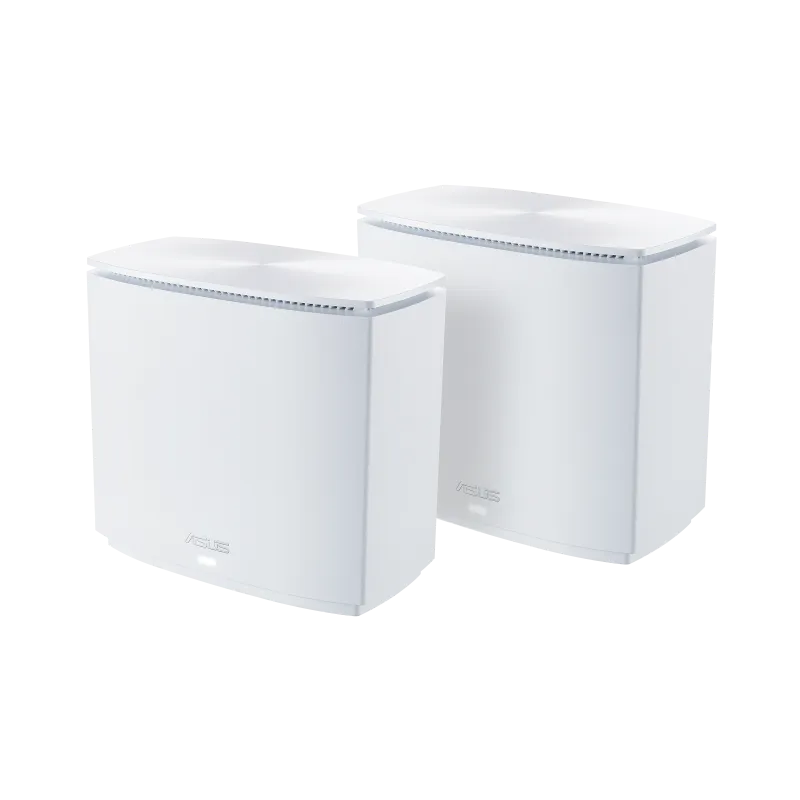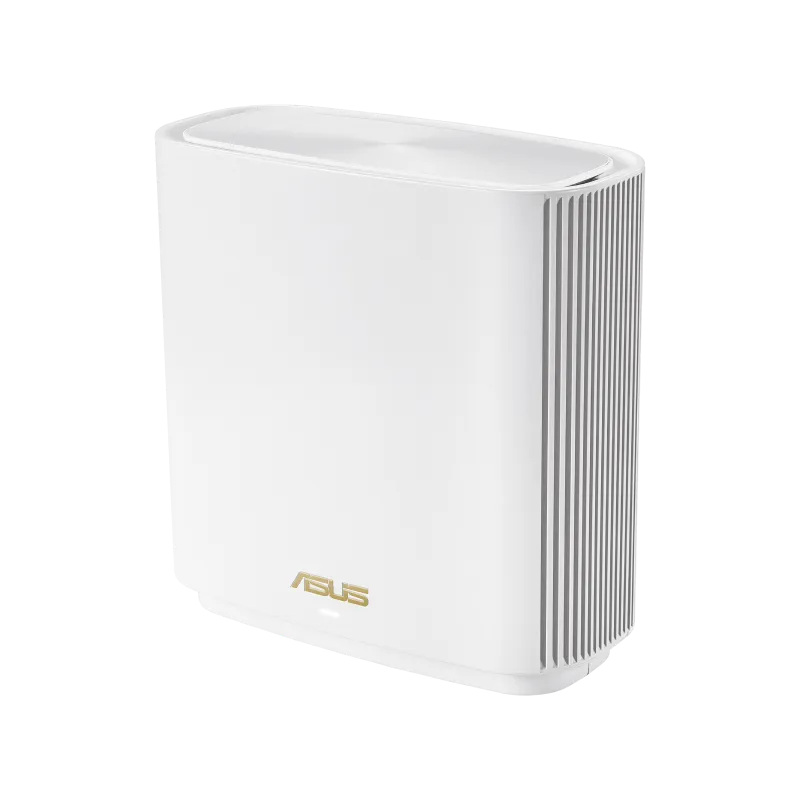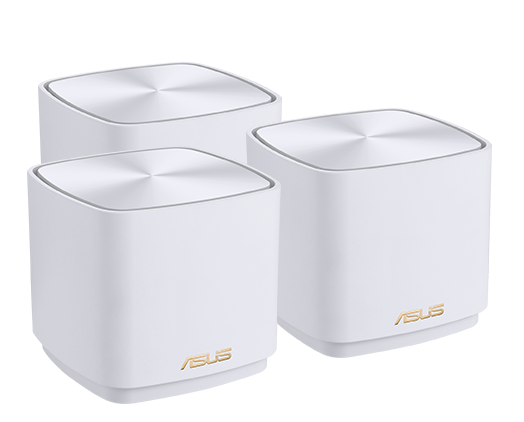
The ASUS ZenWiFi AX Mini XD4 is a compact dual-band Wi-Fi 6 mesh system. It may help distribute coverage across a home, but the result depends on placement, backhaul and the devices using it. Start by identifying the weak rooms and whether Ethernet is available between them.
What is Mesh Wifi and Why is it Better?
Traditional wifi routers tend to struggle with covering large areas, especially in homes with thick walls or multiple floors. Extenders and mesh systems both need a usable connection to the main network. Some extenders use a separate network name, while others support coordinated setups; a separate name is not the only reason a device might disconnect.
Mesh wifi systems, on the other hand, work differently. They consist of multiple units (usually two or three) that work together to create a shared Wi-Fi network using coordinated nodes. The shared network name simplifies access, but coverage is not guaranteed in every corner. A client decides when to roam, with assistance from supported network features, so seamless movement also depends on the client.
Who Needs the Asus ZenWifi AX Mini XD4?
- Large Homes: If your home struggles with traditional wifi coverage, additional XD4 nodes may improve coverage if they have a good backhaul connection; test the problem rooms after installation.
- Gamers: For gaming, compare latency and packet loss under load. MU-MIMO and the AX1800 label do not guarantee low latency; Ethernet to the gaming device is useful when feasible.
- Streamer Households: Streaming depends on the video service, internet connection, client and backhaul. Test simultaneous household use rather than judging buffering from the advertised radio rate.
Asus ZenWifi AX Mini XD4: Pros and Cons
Pros:
- Easy Setup: The ASUS Router app provides setup and management; confirm your ISP settings before replacing an existing router.
- Whole-Home Coverage: ASUS advertises up to 4,800 square feet for the three-pack. That is a vendor coverage estimate for that kit, not a guarantee through brick or concrete walls.
- Fast Speeds: AX1800 combines advertised rates across two bands; it is not a single-device internet speed.
- Parental Controls: Built-in controls include filtering and schedules. Configure and test them; they do not guarantee every unwanted site or application is blocked.
- Lifetime Free AiProtection: Enjoy peace of mind with lifetime free AiProtection, ASUS’s Trend Micro-powered AiProtection Classic features. They complement device updates and account security rather than guarantee protection from every threat.
Cons:
- Limited Wired Ports: The primary ZenWiFi XD4 router unit includes two Gigabit ports (1× WAN/LAN + 1× LAN), while the satellite nodes include a single Gigabit LAN port (used either for wired Ethernet backhaul or a single wired client device).
- May be Overkill for Small Homes: If you have a small apartment or bungalow, a traditional router might suffice.
What Makes the ZenWifi XD4 Stand Out?
While there are other mesh wifi systems on the market, the ZenWifi XD4 offers a compelling combination of features in a compact enclosure. Compare local kit prices and support status when shopping. Here's what truly sets it apart:
- Easy to Use: The app and web interface give users different ways to manage supported settings. ISP credentials and existing network equipment still affect setup.
- Lifetime Free Security: Enjoy the peace of mind of lifetime free AiProtection, as advertised for this model; review its settings and applicable service terms.
- Compact Design: The sleek and small design of the ZenWifi units allows for easy placement throughout your home without being an eyesore.
So, if you need compact Wi-Fi 6 nodes, the XD4 is worth evaluating against your port requirements, available cabling and actual room layout.
Asus ZenWifi AX Mini XD4 Specifications
| Feature | Specification |
|---|---|
| Networking Standard | IEEE 802.11a/b/g/n/ac/ax |
| Data Rate | 802.11a: Up to 54 Mbps 802.11b: Up to 11 Mbps 802.11g: Up to 54 Mbps 802.11n: Up to 300 Mbps 802.11ac: Up to 867 Mbps 802.11ax (2.4 GHz): Up to 574 Mbps 802.11ax (5 GHz): Up to 1201 Mbps |
| Antenna | 2 x 2 (Dual-band) |
| Memory | 256 MB Flash, 256 MB RAM |
| Ports | Router Unit: 1× Gigabit WAN/LAN + 1× Gigabit LAN Satellite Node: 1× Gigabit LAN |
| Security Features | WPA3 encryption, AiProtection powered by Trend Micro |
Understand the XD4 hardware and backhaul
The manufacturer’s specification lists a 90 × 90 × 80 mm enclosure, 256 MB flash and 256 MB RAM. The two-stream radios advertise up to 574 Mbps on 2.4 GHz and 1,201 Mbps on 5 GHz. Real transfers include protocol overhead and share available airtime with other activity.
The XD4 datasheet distinguishes the XD4R router’s two Gigabit ports from the XD4N node’s one. Use the router unit for the ISP connection. A node’s sole Ethernet port may be occupied by wired backhaul; allow for a suitable switch if you also need wired clients.
The dual-band layout has no separate third radio exclusively for backhaul. When a node communicates wirelessly, the path and shared airtime can constrain traffic. Ethernet backhaul can avoid that wireless hop, but Gigabit ports still limit individual wired links. Adding a faster internet plan does not remove those limits.
Check the installed firmware and model-specific interface before relying on a VPN protocol. ASUS lists OpenVPN and other supported functions for this model; do not assume every feature on newer ASUS routers is available on the XD4. Use the router’s actual LAN address rather than assuming a default address remains unchanged.
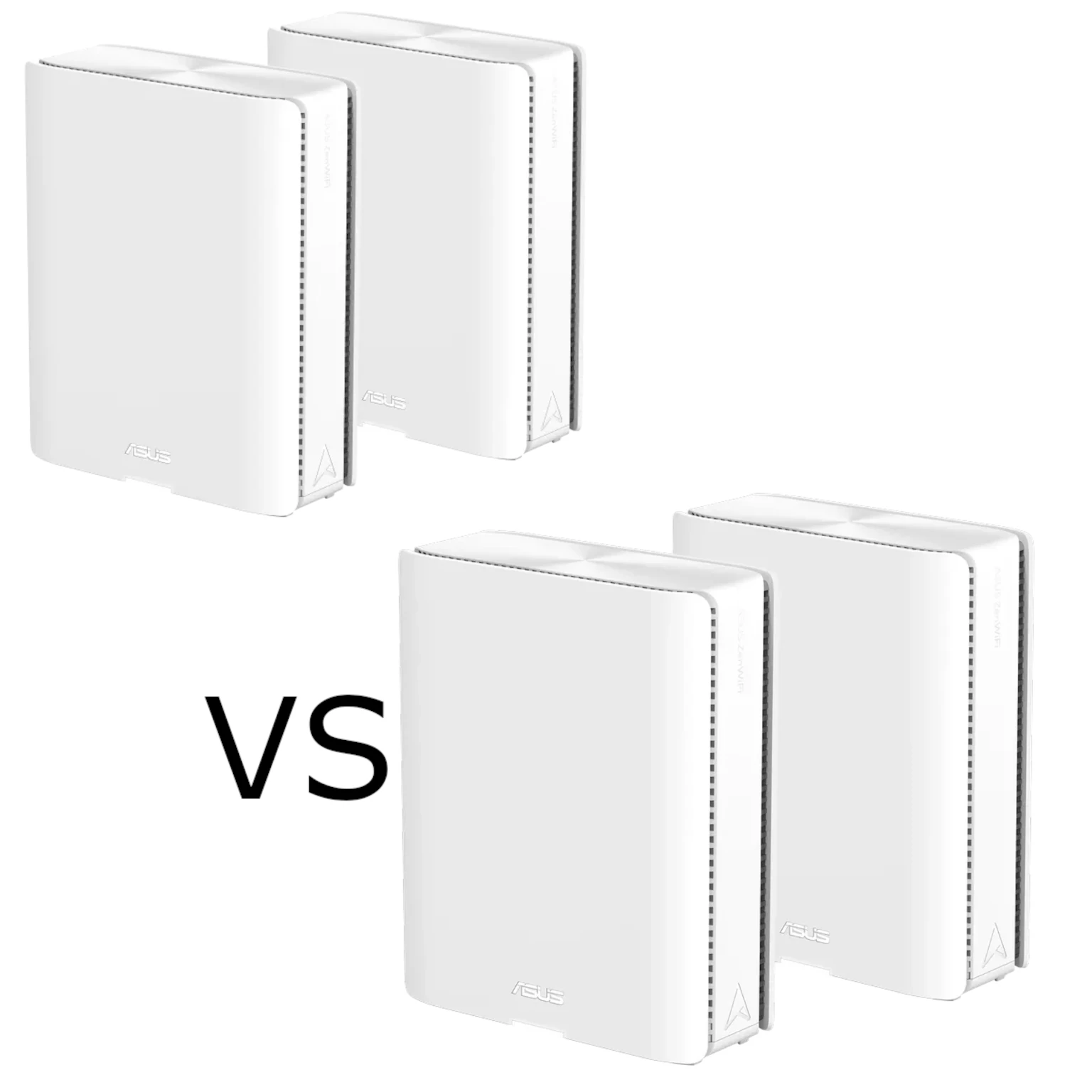
ASUS ZenWiFi XD4 vs. ZenWiFi XD4 Plus vs. ZenWiFi XD5
If you are shopping ASUS's compact cube lineup, here is how the original ZenWiFi XD4 compares against the refreshed XD4 Plus and the faster ZenWiFi XD5:
| Feature | ASUS ZenWiFi AX Mini (XD4) | ASUS ZenWiFi XD4 Plus | ASUS ZenWiFi XD5 |
|---|---|---|---|
| Wi-Fi Speed Class | AX1800 (1,201 + 574 Mbps) | AX1800 (1,201 + 574 Mbps) | AX3000 (2,402 + 574 Mbps) |
| 5 GHz Channel Width | 80 MHz | 80 MHz | 160 MHz (HE160) |
| Ethernet Ports per Unit | 2 on Router, 1 on Satellite Nodes | 2× Gigabit on ALL units | 2× Gigabit on ALL units |
| Ideal Internet Plan | 100 Mbps – 500 Mbps | 100 Mbps – 600 Mbps | 500 Mbps – 1 Gbps |
Check the kit before buying or upgrading
The XD4 Plus and XD5 specifications describe different products. Confirm the exact model and number of units on the box. The XD5’s higher advertised 5 GHz rate requires compatible clients and conditions; it does not promise a doubled file-transfer speed.
Establish a wired baseline at the main router, then test the same wireless device near each node and in the weak room. Repeat when the household is busy. Record the node used, backhaul type and symptom so a placement change can be compared fairly.
Place a wireless node where it can still reach the upstream unit reliably, rather than at the deepest point of a dead zone. Check firmware support for the regional model, keep administrator access private and save a configuration backup. A smaller home may need only one well-placed router; node count should follow the layout rather than the most optimistic coverage label.