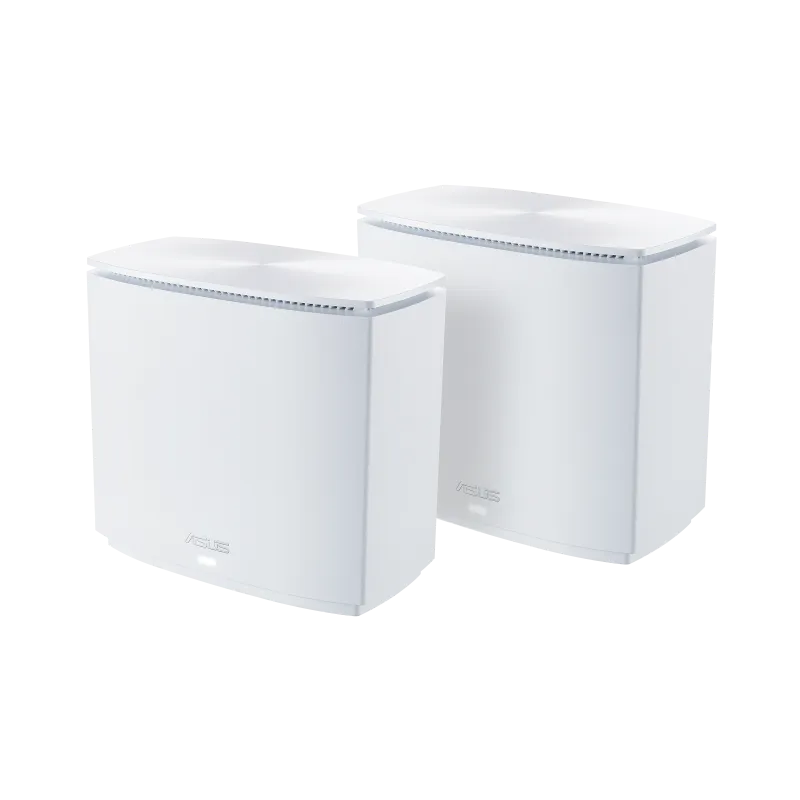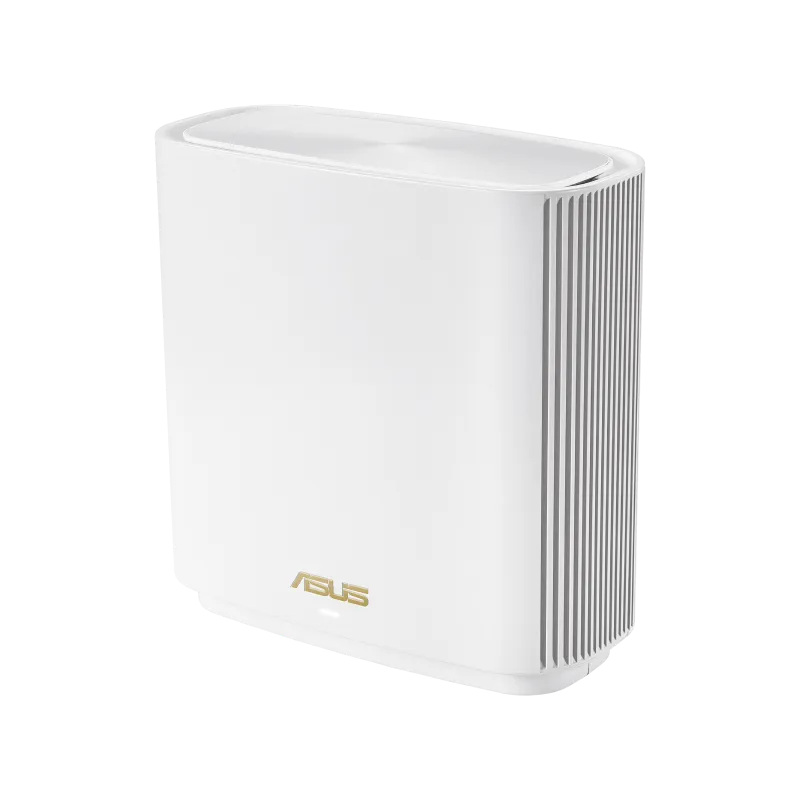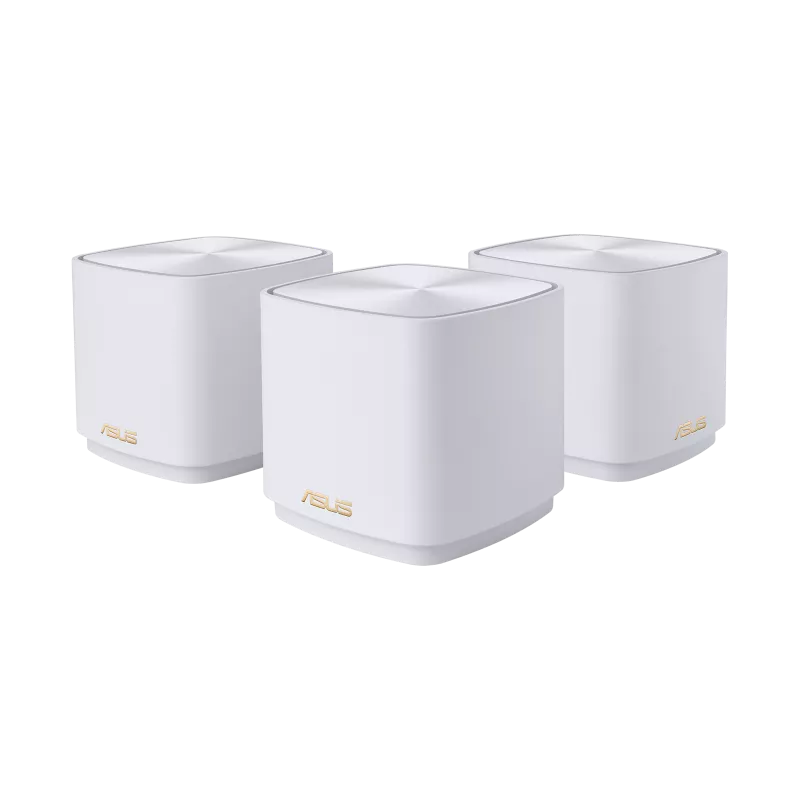
The ASUS ZenWiFi XD5 AX3000 is a compact Wi-Fi 6 mesh system for households that want to improve patchy coverage without managing several unrelated routers. The original verdict is positive: its approachable setup and flexible network naming make it a great option to consider. Getting the benefit depends on the pack, placement and upstream connections, rather than an unconditional promise to blanket every home.
What Is Mesh Wi-Fi?
Multiple nodes provide nearby Wi-Fi access while sharing a managed network. The main unit connects to your internet equipment; other nodes need a connection back to it, either directly or through another supported route. That connection is the backhaul. A satellite cannot deliver a reliable connection solely because it broadcasts a strong signal to the phone beside it.
ASUS AiMesh coordinates supported routers and nodes, and allows compatible ASUS products to be combined. Mixed hardware does not acquire identical ports, radio capabilities or features. Check the capabilities of the proposed main router and each node before treating several different ASUS units as the same system.
Why Consider Mesh Instead of a Repeater?
Central settings and coordinated nodes can make a mesh kit easier to maintain, which is the appeal described in the original article. A basic wireless repeater receives and retransmits traffic, consuming airtime and depending on its own upstream signal. It does not simply amplify every existing connection into a stronger, faster one.
However, products differ: some extenders can join supported mesh ecosystems, and ordinary access points can also share a network name. Neither a repeater label nor a mesh label establishes a universal speed ranking. The XD5 itself is dual-band, so wireless backhaul and client traffic still share radio resources.
XD5 Specifications
| Feature | Referenced manufacturer specification |
|---|---|
| Radio class | AX3000: up to 2,402 Mbps on 5 GHz plus 574 Mbps on 2.4 GHz. |
| Configuration | 2×2 on both bands, two internal dual-band antennas. |
| Wide-channel support | 160 MHz on supported 5 GHz connections. |
| Ports | One Gigabit WAN/LAN plus one Gigabit LAN per unit. |
| Processor and memory | 1.7 GHz quad-core; 128 MB flash and 512 MB RAM. |
| Dimensions and weight | 90 × 90 × 85 mm; 307 g. |
| Operating roles | Wireless router, AiMesh node and Access Point modes. |
| Management | ASUS Router app and supported web-interface settings. |
| Protection suite | AiProtection Classic, with the listed router assessment, site-blocking and infected-device functions. |
The radio rates total 2,976 Mbps, rounded into the AX3000 class. They are not one client's internet throughput. A Gigabit connection to the gateway, a client's own capabilities and the backhaul can all limit the application rate. The processor clock and RAM also do not establish a particular VPN or routing benchmark.
Choose the Right Pack
ASUS's product page advertises up to 2,400 square feet for one unit, 3,500 for two and 5,000 for three. These are conditional coverage examples, not a threshold saying every house above 2,400 square feet must buy a mesh kit. Walls, floors, interference and the internet-entry location can change the required arrangement.
One unit can serve as a router; multiple units extend the coverage. That corrects the idea that several units are needed for basic functionality. Check what the retailer supplies and what can be expanded later. The compact design supports wall mounting, but use the product's mounting instructions and keep access to power and ventilation.
Understanding the 160 MHz Advantage
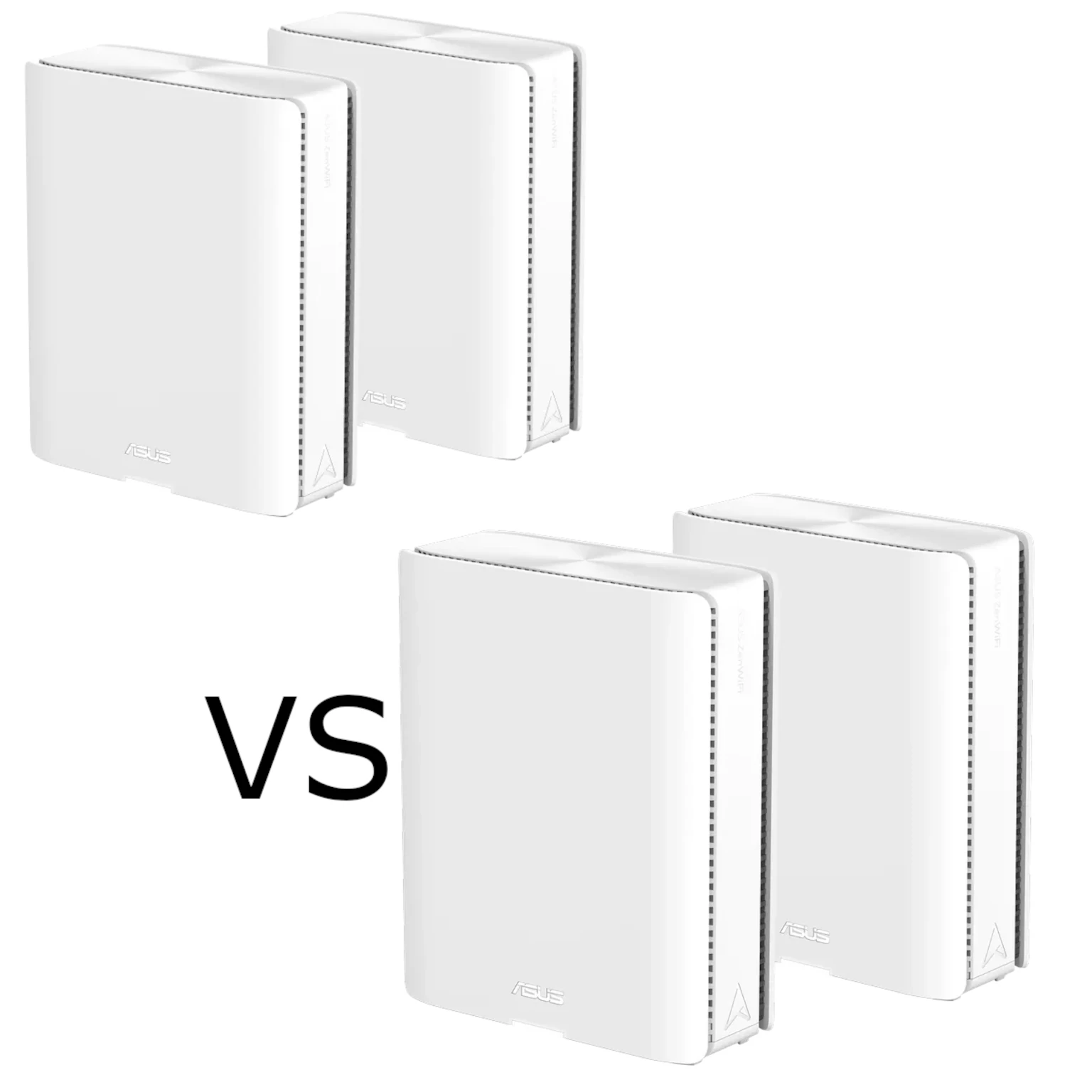
The ZenWiFi XD4 comparison is useful because the XD5 supports a wider 5 GHz channel under suitable conditions. For a compatible two-stream Wi-Fi 6 link, increasing from 80 to 160 MHz can double the maximum PHY rate. It does not establish that file transfers, every client or a satellite through walls will run twice as fast.
Some clients only support 80 MHz, and wider channels need more available spectrum. Regional restrictions and Dynamic Frequency Selection can affect the available channel and width. ASUS documents that radar detection may cause a channel change or a fall back to 80 MHz. Follow the settings permitted for your country instead of enabling a universal list of channels for every installation.
Measure normal use after changing width. If the wider setting makes reconnections or interference worse, a supported narrower setting may be more useful. A connection that works reliably in your office is more valuable than a maximum link rate shown briefly next to the router.
Placement and Backhaul
Place the first satellite where it still has a healthy connection to the main unit. Then test the problem room. Avoid a fixed thirty-to-forty-foot rule: the construction between the nodes matters more than distance alone. Keep the nodes out of closed cupboards and allow for the power adapter at each location.
Ethernet backhaul can remove the wireless relay, freeing airtime for clients. It does not reserve one hundred percent of the advertised radio rate for one device or remove the Gigabit port limit. Follow ASUS's wiring instructions and verify the active uplink in AiMesh.
ASUS's global Ethernet Backhaul Mode assumes the nodes have wired uplinks. Its documentation warns that an unwired node may lose its connection when the mode is enabled. For a mixed network, use supported per-node backhaul priority instead. Count ports at each location: using the WAN/LAN socket for a wired uplink leaves the separate LAN socket for local equipment or a switch.
Settings for Home-Lab and Household Use
The XD5 allows combined band naming through Smart Connect or separate names, depending on configuration. A separate 2.4 GHz name can help identify an older device's connection during troubleshooting, but it is not universally necessary for smart devices. Changing names can require clients to reconnect, so plan the change and keep the existing settings available.
For a home lab, the current model specification lists WireGuard and OpenVPN server/client functions and VPN Fusion. Keep that useful capability, while checking the installed firmware: ASUS documents newer-firmware requirements and model support for WireGuard. A server also needs a reachable WAN arrangement; carrier-grade NAT or an upstream router can prevent direct incoming access. A DDNS hostname does not itself solve that limitation.
VPN Fusion can direct selected traffic through a configured VPN where the firmware supports that setup. Check DNS behavior and whether traffic remains on the intended path if the tunnel stops. Do not assume a clock speed guarantees a particular encrypted throughput or that one VPN setting protects every application automatically.
Security and Maintenance
The XD5 uses AiProtection Classic, rather than assuming all ASUS models provide the same Pro suite. ASUS advertises the included service for the life of the product; check its terms and supported functions. It complements device updates, account security and backups instead of replacing them. Router functions can also change when operating in Access Point mode.
Use compatible WPA3 or supported WPA2/WPA3 transitional security with a strong password; WPA2 AES remains a fallback for equipment that cannot use stronger modes. Back up the router configuration before changes or upgrades. Afterwards, reconnect a printer or smart plug, test a moving call and try normal simultaneous household activities.
Pros, Limits and Verdict
The original strengths remain: compact units, approachable app management, flexible band naming and a useful range of supported settings. The main practical limits are two Ethernet sockets per node, Gigabit links and shared dual-band wireless backhaul. A smaller home with working coverage may not need extra units, while a challenging layout may need wiring rather than simply another node.
The XD5 remains a powerful, user-friendly option to consider for the coverage problems described in the original article. Choose the pack and backhaul for your home, confirm the actual firmware features and test the devices you rely on before deciding that the upgrade has solved the problem.