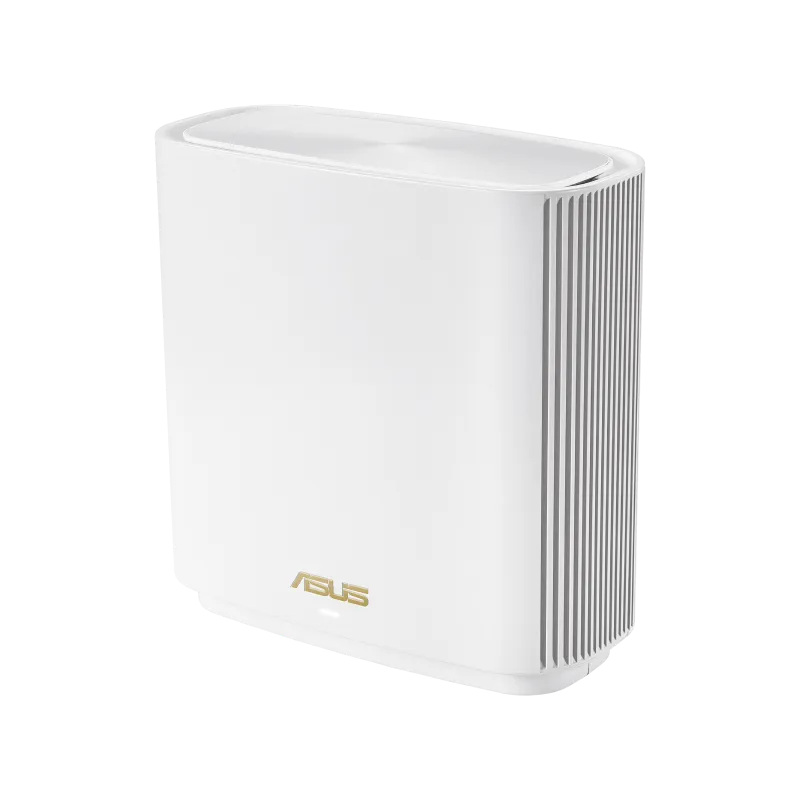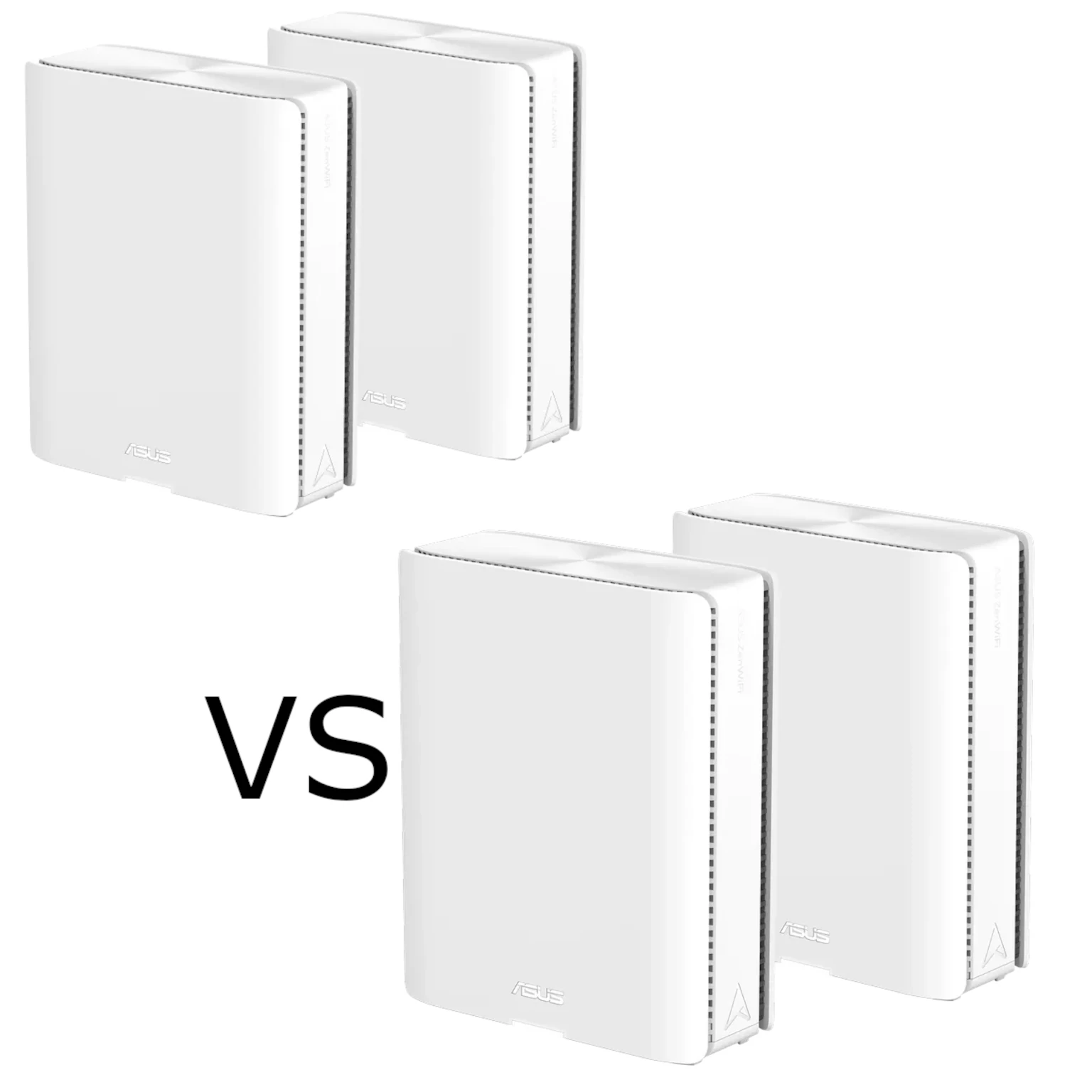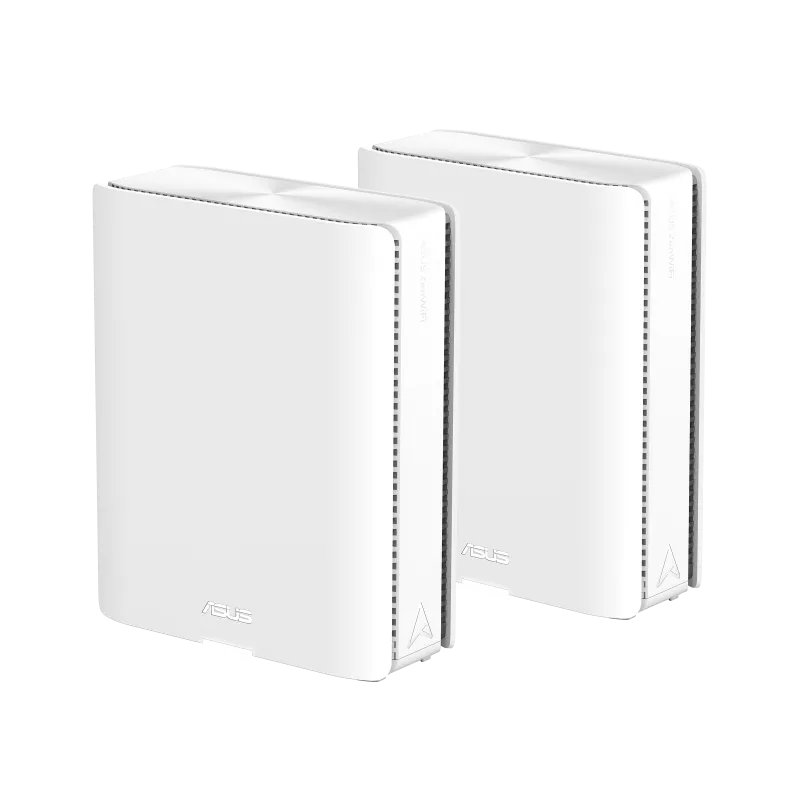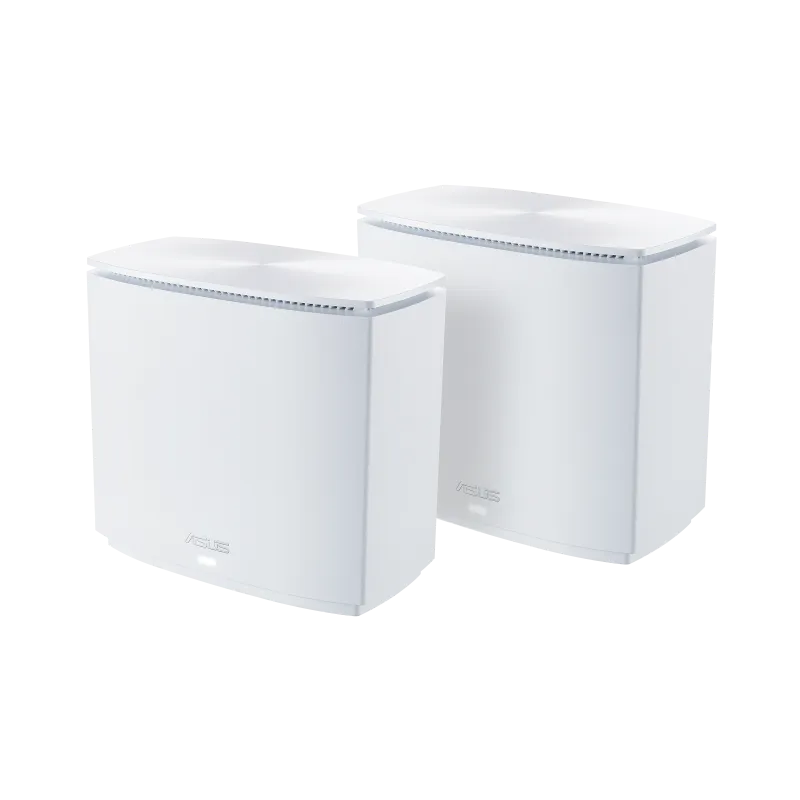
If Wi-Fi becomes unreliable across thick walls or between floors, adding another wireless node may not solve the connection between the nodes themselves. The ASUS ZenWiFi AX Hybrid XC5 offers a useful alternative: MoCA 2.5 networking over existing coaxial cable, alongside Ethernet and wireless backhaul. Its attraction is reusing suitable TV-style coax runs to place Wi-Fi where it is needed without relying on a radio signal through every wall.
Think of mesh nodes as several lighthouses covering different parts of the home. Each still needs a good route back to the main router. The XC5 can send that traffic through coax, while phones and laptops connect wirelessly nearby. I regard that flexibility as a compelling option for a home with appropriate cabling, but the actual coax network and port limits deserve attention before purchase.
XC5 Uses MoCA, Not Electrical Powerline
MoCA means Multimedia over Coax Alliance and describes networking over coaxial cable. The XC5 has a dedicated coax connector and a separate DC power input. It does not transmit network traffic through your home's mains wiring. ASUS's similarly named ZenWiFi AX Hybrid XP4 is the model documented with HomePlug AV2 powerline networking. The two technologies use different wiring and have different installation requirements.
For XC5, investigate the coax outlets, their connecting cables and any splitters between them. Advice about matching electrical phases or avoiding powerline surge strips does not address its backhaul. If the rooms have no suitable connected coax, consider Ethernet or wireless backhaul instead, or compare another system designed for the wiring you actually have.
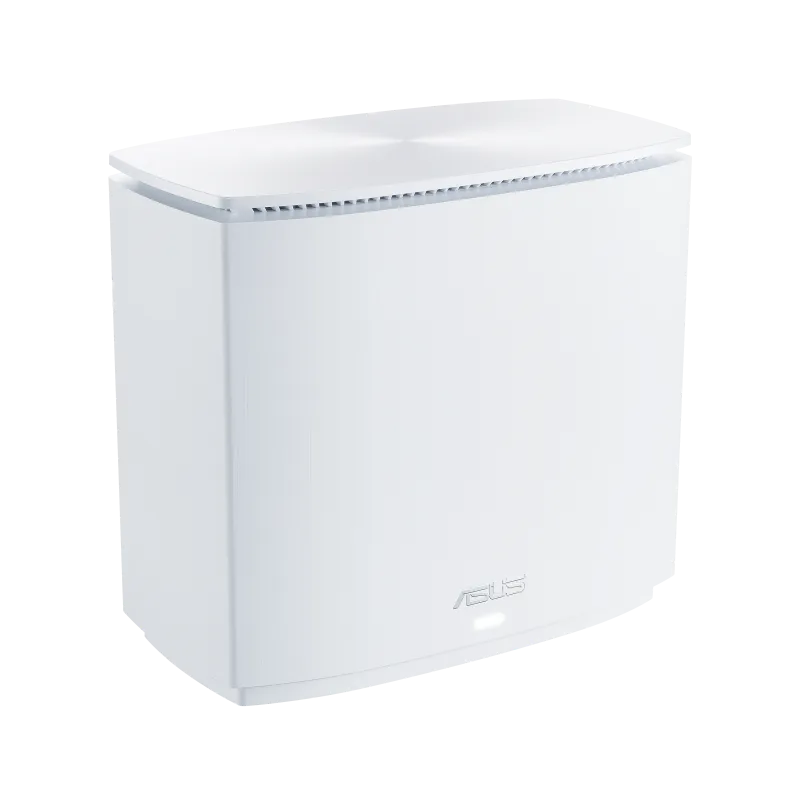
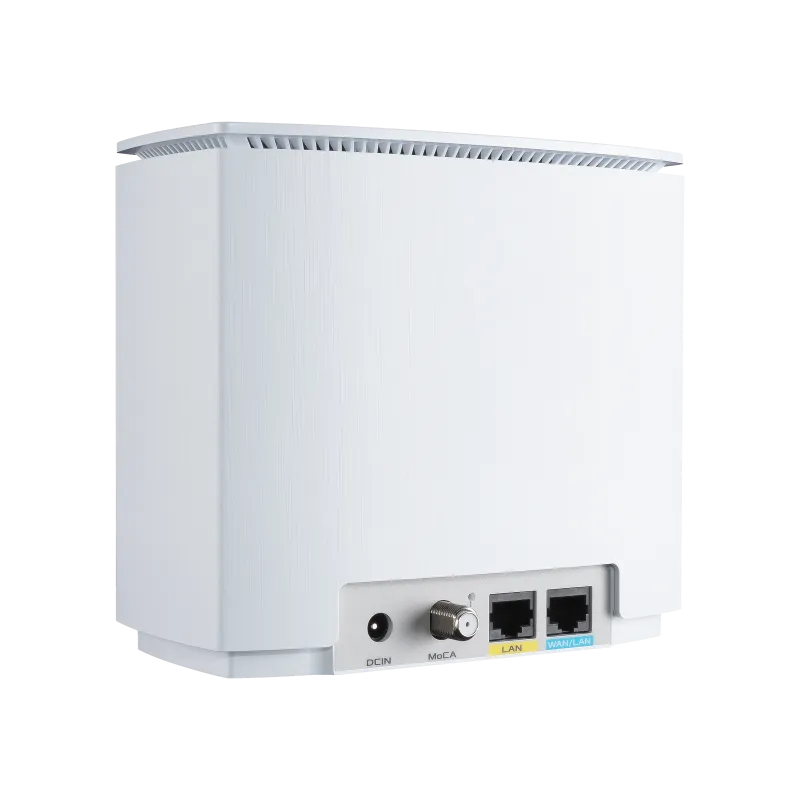
Verified XC5 Specifications
| Feature | XC5 manufacturer specification |
|---|---|
| Wireless | Dual-band Wi-Fi 6, AX3000; 2×2 on each band |
| Maximum band rates | 2,402 Mbps on 5 GHz; 574 Mbps on 2.4 GHz |
| Coax networking | MoCA 2.5, advertised up to 2,500 Mbps |
| Ethernet per unit | One Gigabit WAN/LAN port and one Gigabit LAN port |
| Processor and memory | 1.7 GHz quad-core; 512 MB RAM and 128 MB flash |
| Mesh role | AiMesh router or node |
| Security package | WPA3-Personal and AiProtection Classic |
| Management | ASUS Router app and web interface |
These are advertised specifications, not measurements from a home installation. AX3000 combines the two radios' theoretical rates. A client needs appropriate Wi-Fi capability and channel conditions to approach its band's rate, and useful throughput is lower. Wi-Fi 6 is also no longer the newest generation, although it remains relevant for many existing devices.
The MoCA rate does not turn the Ethernet sockets into 2.5 Gbps ports. An internet connection entering through the XC5's Gigabit WAN port still faces that link's limit. Likewise, a computer attached to a Gigabit LAN port has a Gigabit wired link. Evaluate the complete traffic path rather than adding the MoCA and radio rates together as a single download speed.
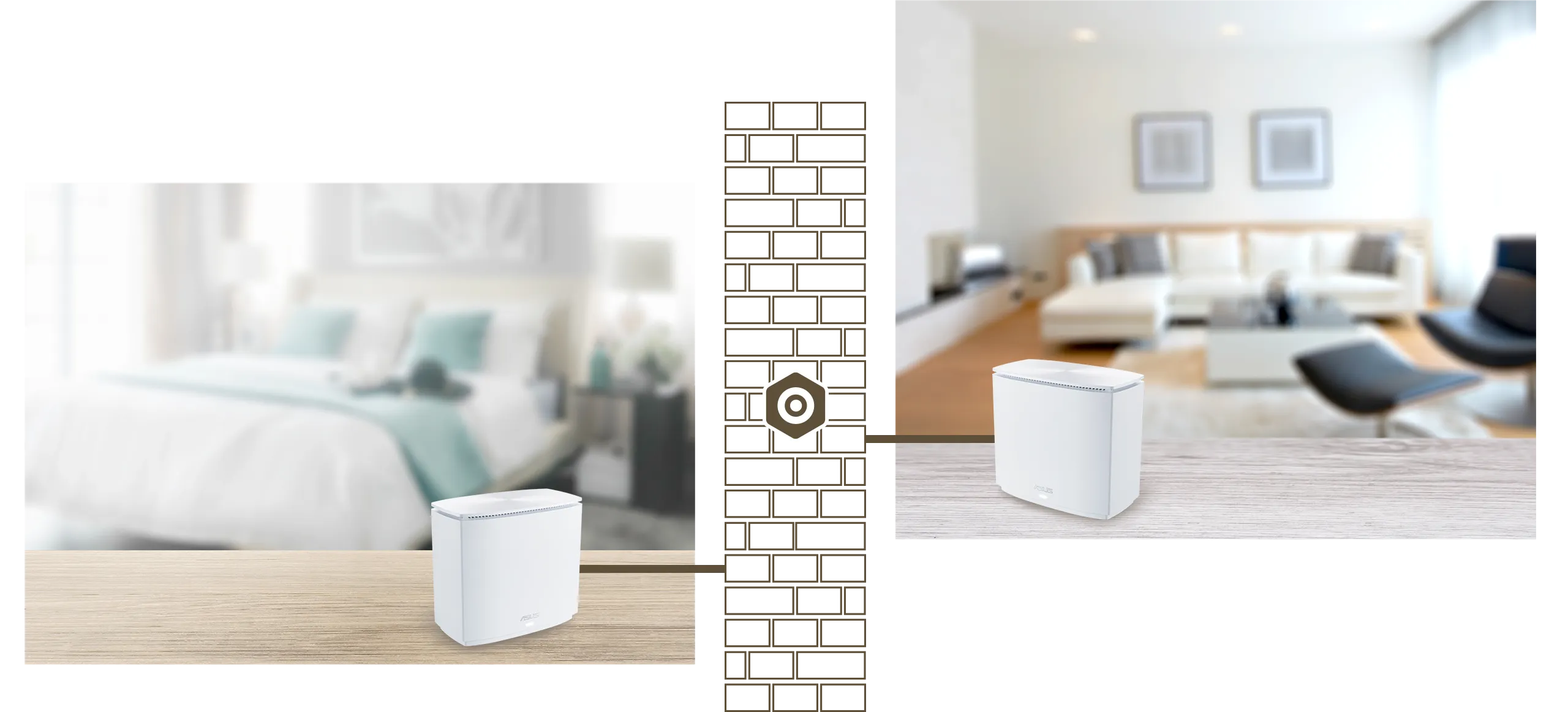
Check the Coax Network Before Buying
Two wall outlets that look identical may not be connected in a useful way. Locate the distribution point and establish which cables serve the rooms. ASUS recommends RG6 coax and says XC5's MoCA range is 1,125–1,675 MHz. Any intervening splitter must support the relevant frequencies; a splitter chosen only for older TV service may prevent a link or impair transmission.
If coax also carries your cable internet, television or another provider's service, confirm compatibility with that provider before changing the distribution. Existing amplifiers, filters and shared-building wiring can affect the path. MoCA point-of-entry filtering is used to keep signals within the intended home network, but the correct filter and placement depend on the service and topology. Do not assume an arbitrary filter will solve overlapping service frequencies.
In a shared property, identify which wiring belongs to your installation. Ask the provider or a suitable installer to confirm the layout if you cannot inspect it safely. The practical question is whether the planned XC5 locations have a compatible coax path, not whether the electrical wiring is in good condition. Include any required splitter or cable work when comparing the total cost with running Ethernet.
Setup and Connection Checks
Use the XC5 quick-start guide for your unit and follow the ASUS Router app or web setup. For adding an AiMesh node, the guide initially places the devices close together before relocation. Once the network is established, put the nodes near the suitable coax outlets and check the actual connection. A node's final location must still provide useful Wi-Fi coverage to the room's clients.
The quick-start guide's direct XC5-to-XC5 MoCA mesh arrangement calls for at least two XC5 devices. It also says XC5 can work with MoCA-compliant devices or join an existing MoCA network. That does not make every coax-connected product an AiMesh node: distinguish the underlying coax connection from ASUS mesh management. Confirm the supported arrangement if you plan to reuse a separate adapter.
The manual documents MPS pairing through the combined MPS/WPS button. Its rear MoCA link LED is solid white when the MoCA network is connected and blinks white during data transfer. This is separate from the front system-status light. Check the connection in the app as well; an online mesh node may have connected over a different available backhaul.
Diagnosing Speed and Stability
Separate internet performance from the local network. If a download is slow, compare a wired client at the main router with a client near the satellite. A local file transfer between known devices can help investigate the home path without relying entirely on a remote speed-test server. Use the same clients and repeat at representative times; this is a suggested diagnostic approach, not a result measured here.
If MoCA will not connect, check outlet continuity, cable connectors and the documented splitter range before moving the Wi-Fi node repeatedly. A short, known coax connection between compatible devices can help identify whether the building's distribution is the problem. If MoCA connects but Wi-Fi remains weak, investigate client distance, obstruction and interference separately. A wired backhaul cannot remove obstacles between a phone and its nearest access point.
Security and Maintenance
Choose wireless security that your clients support, keep router administration credentials private and install applicable firmware updates. AiProtection Classic provides the features listed for XC5; it should not be described as AiProtection Pro or as a guarantee that no threat can reach the network. Review the current firmware's parental controls and guest-network settings against your needs.
For wireless security background, use the linked guide (Learn why WPA3 is important). The earlier site address remains available here: (Learn why WPA3 is important).
Who Should Consider the XC5?
I remain positive about the XC5 for a home where thick walls weaken wireless backhaul and suitable coax already joins the required rooms. Its particular value is the combination of MoCA, Ethernet and Wi-Fi options. That can support a useful layout for streaming, gaming or everyday work, but it does not guarantee zero lag or eliminate service-provider problems.
If Ethernet is already available, compare the price and features of ordinary wired mesh systems. If you need multi-gigabit internet through the router, the XC5's Gigabit WAN is a significant limitation. Before buying, confirm local availability, exact firmware support, coax compatibility and the full installation cost. Those checks make the original appeal of flexible coverage a realistic buying decision.