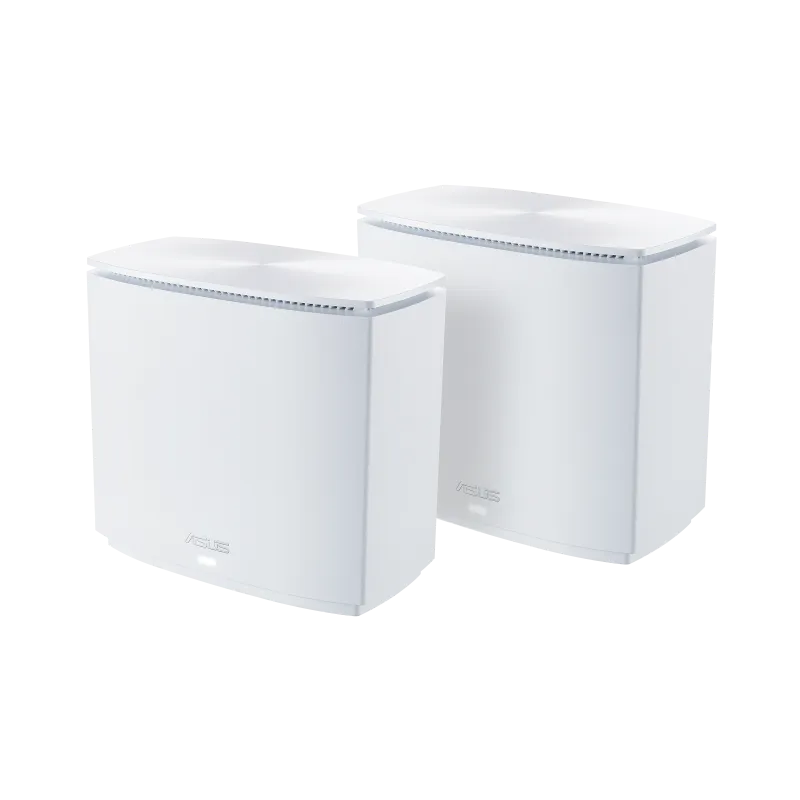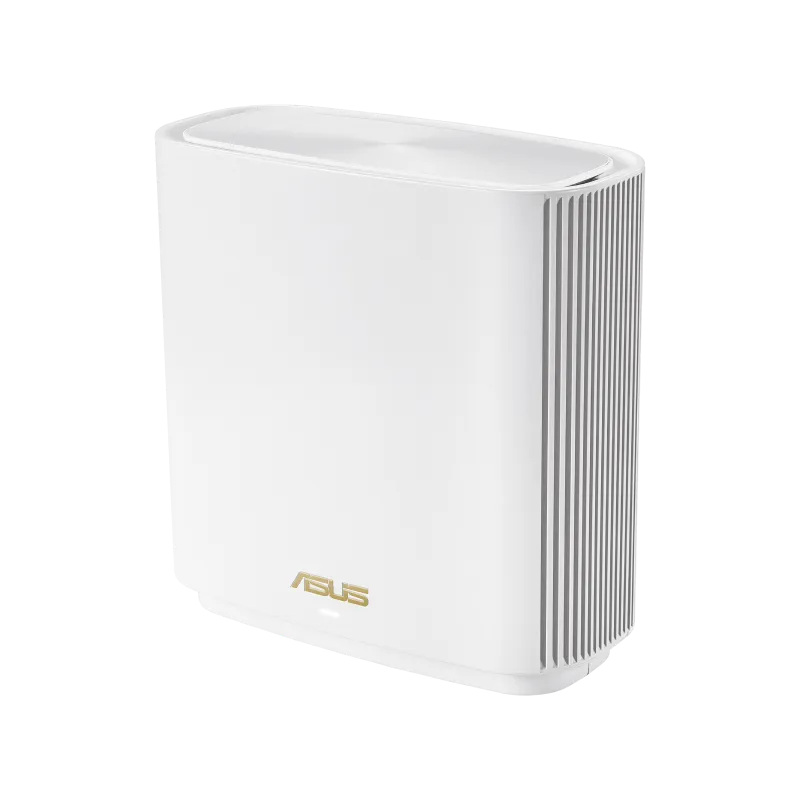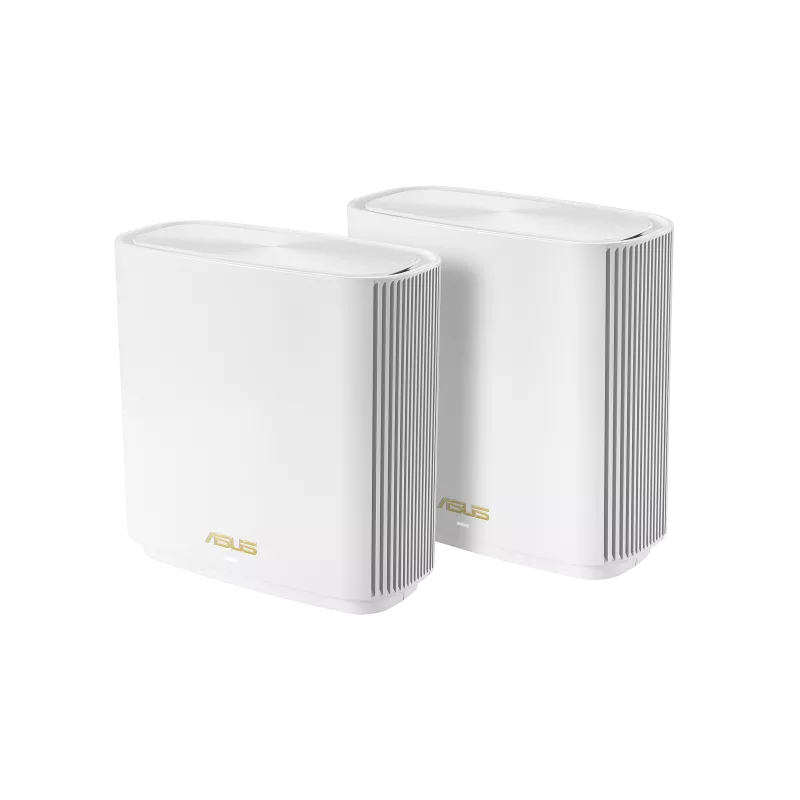
Sick of battling Wi-Fi dead zones in your home? Traditional routers often falter in covering larger spaces, leaving pockets with frustratingly weak or nonexistent signal. This is where Mesh WiFi systems come in, offering a practical way to extend coverage with several coordinated nodes.
Mesh WiFi: A Network Revolution
Imagine a coordinated Wi-Fi army instead of a lone soldier. Mesh WiFi systems consist of multiple units, called nodes, that work together to create a unified network. The nodes provide one managed network, reducing the need to select a different name as you move. Compatible clients can roam between them, although the client and radio conditions still affect handoff behaviour.
Why Mesh Wi-Fi Can Be Useful Compared with Repeaters
A repeater and a mesh node both need a useful connection back to the network. A shared wireless hop can consume airtime, while some designs provide a separate radio or Ethernet backhaul. Mesh adds coordinated management and expansion, but it does not guarantee better performance than every extender in every location.
Who Needs the ASUS ZenWiFi XT8 AX6600?
- Spacious Homes: Does your Wi-Fi signal struggle to conquer your dwelling's vast square footage? The ZenWiFi XT8 AX6600 is advertised for up to 5,500 square feet with two units on the checked ASUS page. That is a manufacturer estimate, not a promise for every floor plan.
- Power Users & Content Creators: With an AX6600 rating combining 574Mbps, 1,201Mbps and 4,804Mbps across three radios, this system is ideal for users who demand top-tier performance for online gaming, 4K streaming, and uploading large files.
- Smart Home Commanders: With the ever-growing number of internet-connected devices, the ZenWiFi XT8 AX6600 provides the capacity and stability to handle a bustling smart home environment.
Pros and Cons of the ASUS ZenWiFi XT8 AX6600
Pros:
- Effortless setup with a user-friendly app
- Extensive advertised coverage: up to 5,500 sq. ft. for a two-unit kit, subject to conditions
- Wi-Fi 6 features for compatible clients
- Robust security features powered by AiProtection
- Scalable design - add more nodes for even greater coverage
Cons:
- A single unit can act as a router; extending coverage as a mesh requires another compatible node
- May be priced higher than some mesh systems
ZenWiFi XT8 AX6600: Where it Shines
The ZenWiFi XT8 AX6600 boasts several features that elevate it from the competition:
- Tri-band Technology: Its second 5GHz radio can be reserved for backhaul, reducing competition with clients on the other radios. ASUS also allows non-dedicated or Ethernet-backhaul configurations.
- AiMesh Compatibility: Integrate the ZenWiFi XT8 AX6600 with other ASUS AiMesh-compatible routers for a truly customizable mesh network solution.
The Verdict: Conquering Wi-Fi Woes
With its exceptional coverage, top-tier speeds, and user-friendly design, the ASUS ZenWiFi XT8 AX6600 is a powerful weapon in the fight against Wi-Fi woes. While the price tag might be steeper than some mesh systems, the performance and scalability it offers make it a compelling choice for large homes and demanding users. So, if you're ready to banish buffering, conquer dead zones, and claim Wi-Fi dominance throughout your entire kingdom, the ZenWiFi XT8 AX6600 is a worthy ally.
ASUS ZenWiFi XT8 AX6600 Mesh WiFi System Specifications
| Feature | Specification |
|---|---|
| Network Standards | IEEE 802.11a/b/g/n/ac/ax |
| Published physical rates | AX6600: 574Mbps + 1,201Mbps + 4,804Mbps across separate radios; not one client’s measured transfer rate |
| Antenna | Internal x 6 |
| Transmit/Receive | 2.4 GHz 2×2 (574 Mbps), 5 GHz-1 2×2 (1,201 Mbps), 5 GHz-2 4×4 @ 160 MHz (4,804 Mbps) |
| Ports | 1× 2.5G Base-T WAN, 3× Gigabit LAN, 1× USB 3.1 Gen 1 per node |
| Security settings | Check the supported authentication modes in the current firmware and client compatibility; use a protected personal network |
| Mobile App | ASUS Router App + Full ASUSWRT Web Interface |
Understand the XT8's three radios
The XT8 is a Wi-Fi 6 tri-band system with 2.4GHz, 5GHz-1 and 5GHz-2 radios. Its 2.4GHz and first 5GHz radios are 2×2; the second 5GHz radio is 4×4 and reaches the published 4,804Mbps rate under compatible 160MHz conditions. There is no 6GHz radio in the XT8. A Wi-Fi 6E model is a different product.
AX6600 adds the three physical rates. It is not a 6.6Gbps internet connection, and a normal client does not combine all three radios. A two-stream laptop also cannot use four spatial streams simply because the router has them. Channel width, usable spectrum, client capabilities and interference influence the negotiated connection.
Reserving 5GHz-2 for backhaul gives node-to-node traffic its own radio resource. It does not make the link immune to walls or congestion, and a weak backhaul can still limit a satellite. If you open that radio to clients, those clients share its airtime. Compare the actual radio roles in ASUSWRT with the setup you intend to use.
Ethernet backhaul and port limits
ASUS documents both Ethernet Backhaul Mode for a fully wired mesh and per-node Backhaul Connection Priority for mixed arrangements. Wire every required node before enabling the all-wired mode: an unwired node can lose its uplink. For a mixed layout, a per-node preference is more appropriate than assuming all nodes have a cable.
The XT8 has one 2.5G WAN port, three Gigabit LAN ports and one USB 3.1 Gen 1 port. Plan the complete path. Connecting a satellite's 2.5G port to a main unit's Gigabit LAN port still makes that link Gigabit. A 2.5Gbps internet uplink likewise does not upgrade each Gigabit LAN connection to 2.5Gbps.
Do not assume that the three LAN ports provide a supported 2Gbps LACP connection to a NAS. ASUS's aggregation instructions require explicit model support and distinguish the AiMesh router from nodes; a general ASUS feature description is insufficient. Even on supported equipment, aggregation can serve multiple flows and does not automatically double one client's single transfer.
AiMesh can combine compatible ASUS models, but a model's own bands and port speeds remain relevant. Check the main router, the node and the connecting port rather than assigning the best component's rate to the entire network.
USB services and firmware choices
The published XT8 specification includes Samba/media services, Time Machine, Dual WAN and 3G/4G dongle support. Confirm the exact storage device, filesystem or modem against ASUS's compatibility guidance. A USB port alone does not establish compatibility with every phone or 5G modem, nor guarantee automatic failover for an unconfigured connection.
ASUS's AiMesh USB guide requires compatible firmware on both the router and node for listed node USB services. It also publishes a macOS 26 compatibility limitation for creating new Time Machine backups through this router USB arrangement. Check the current support notice before building a new backup plan around it, and test an actual restore. A shared router disk is not a replacement for a separate copy of important files.
Custom firmware is an optional advanced choice. GNUton's current Merlin-fork support list names ZenWiFi XT8 / RT-AX95Q V1. Match the physical hardware revision and project release instructions; do not use that listing as permission to flash an unlisted revision. Keep a configuration backup and understand the recovery procedure before changing firmware. Stock ASUSWRT already provides the standard AiMesh functions described here.
Placement and a useful acceptance test
- Place a wireless satellite where its upstream link remains useful, rather than in the farthest room that already has no signal. Keep both nodes away from enclosed cupboards and obvious interference sources.
- Check which backhaul and band the system is using. A client-side signal icon beside the satellite does not show the quality of the satellite's upstream connection.
- Use the same client and task at the main router and in the target room. Try a call while moving through the normal route, then a local file transfer if that is part of your workload.
- Compare a wired test where practical. If the wired internet test is also slow, investigate the subscription or upstream gateway before attributing the result to mesh Wi-Fi.
- Change one node location or backhaul setting and repeat. Keep a record of the useful improvement, rather than assuming the published AX6600 sum is a measured benchmark.
Our favourable view of the XT8's coverage, configuration options and AiMesh expansion remains. Those strengths are most useful when its actual ports, backhaul and client connections match the household's needs. Check the local kit price, node count and required features together; the higher specification alone does not promise that every room or task will improve.
See the official XT8 specification and ASUS backhaul-mode guide when planning a particular installation.