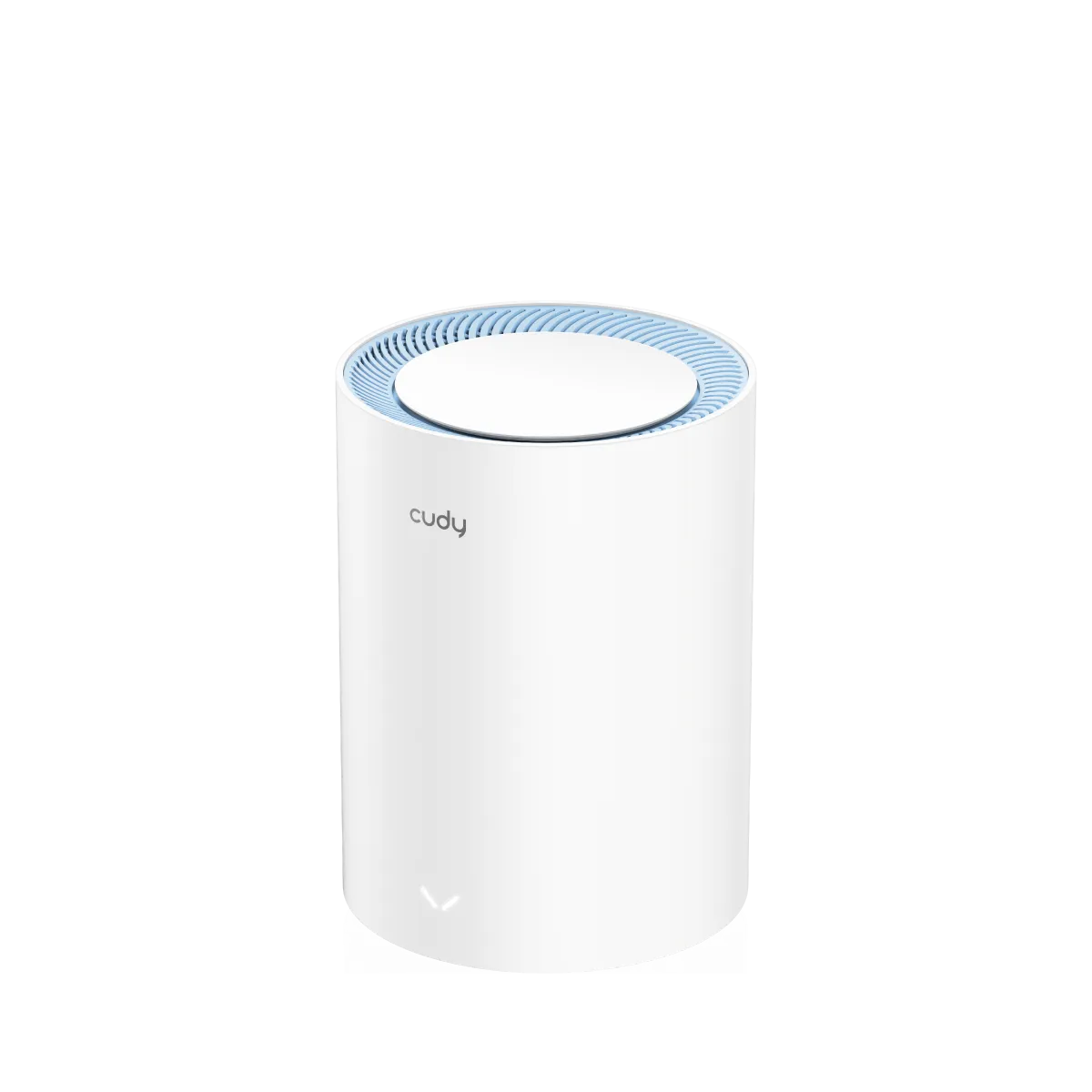
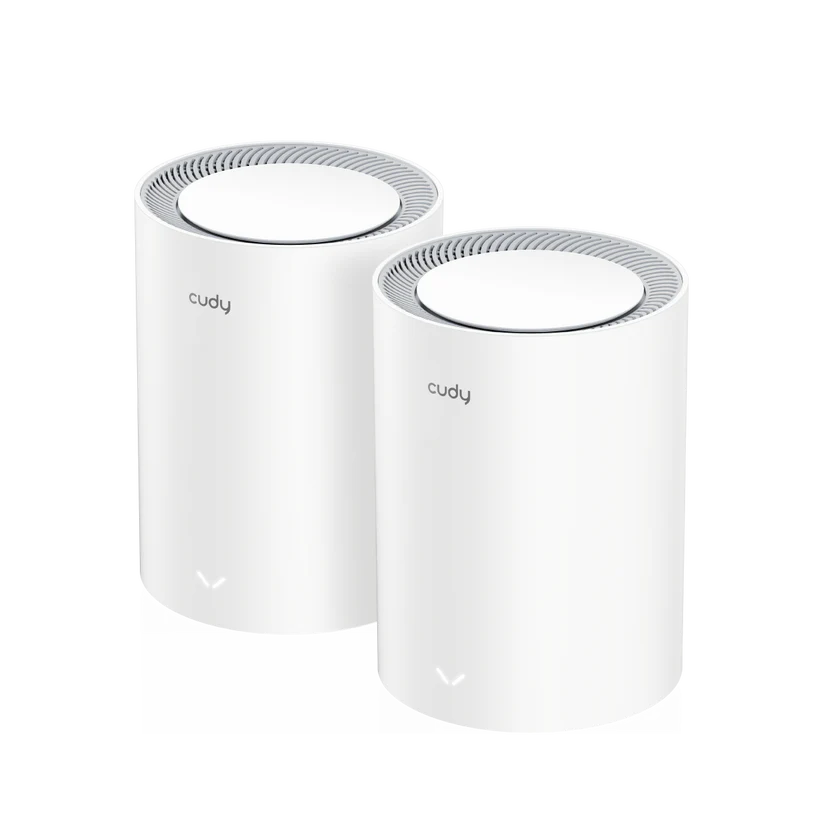
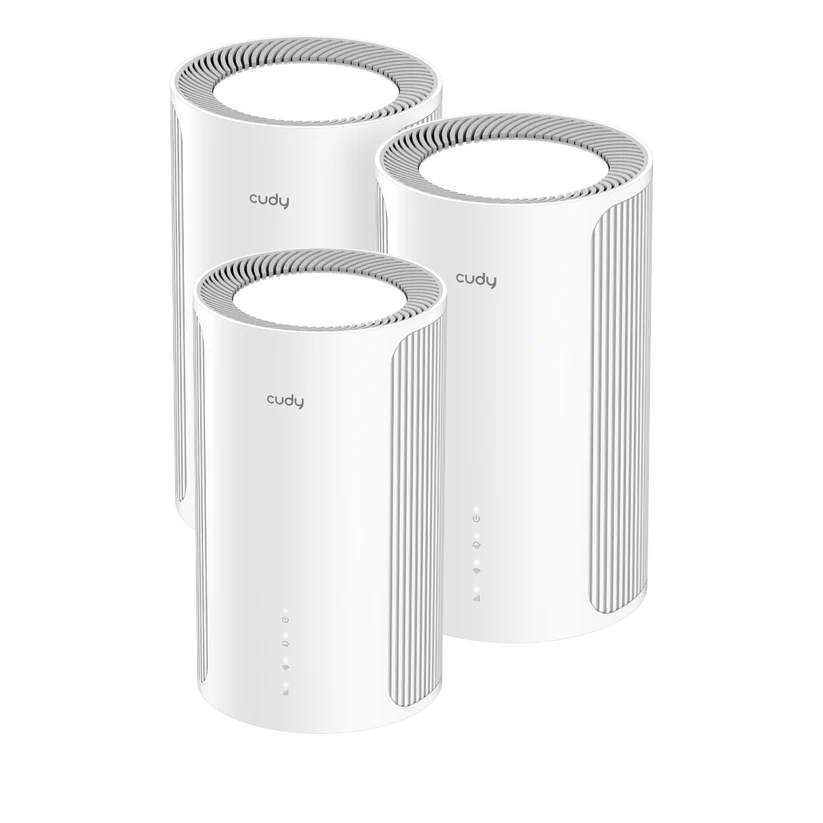
Cudy is an interesting choice for buyers looking for capable networking equipment at an accessible price. Its appeal is the breadth of practical options, from home mesh systems to cellular routers, switches and business access points. The value-focused approach makes it a brand worth comparing with larger names, while the exact model matters more than the logo on the box.
Cudy's company page says it was founded in 2018 and identifies a portfolio covering home, business and ISP networking alongside computing accessories. That provides a firmer starting point than assuming a detailed underdog history, industry-first milestone or a universal quality ranking. A sensible purchase still needs model-specific evidence and local support.

Firmware, Local Management and OpenWrt
Cudy offers its own software platform and local web-management functions on documented models, with app and cloud features also available on supported products. Decide whether local setup, remote app management or a business controller is important, then check that model's guide. Local control and optional remote control are different features; neither proves that all models have identical privacy or account requirements.
Cudy also maintains an OpenWrt-compatible product collection and publishes a firmware-conversion route for supported devices. This is not permission to install any OpenWrt image on any Cudy router. Verify the exact hardware revision, supported image and recovery method before changing firmware.
Stock Cudy firmware and community OpenWrt are not interchangeable feature sets. Do not assume stock firmware exposes unrestricted package installation, shell-level firewall configuration or every community feature. A firmware conversion can change mesh, hardware acceleration, management and recovery behaviour. Read the model's instructions and preserve the working configuration first.
Multi-Gigabit Features Need Model-Level Checks
Some Cudy models provide multi-gigabit connections at prices that make them appealing to budget-conscious buyers. That does not mean every device in a series has the same ports, channel widths or radios. Compare the exact revision and current local price rather than using a blanket sub-$100 claim.
| Published example | Capability | Practical distinction |
|---|---|---|
| M3000 2.0 | AX3000 dual-band Wi-Fi 6; one 2.5G WAN and one Gigabit LAN port | The fast WAN socket does not make every wired LAN path 2.5G. |
| M11000 1.0 | Tri-band Wi-Fi 7 with 6 GHz; four 2.5G ports, one assigned WAN | A different radio and port layout from entry-level mesh products. |
| LT18 1.0 | 4G LTE Cat18, dual nano-SIM slots and four Gigabit ports | A cellular gateway, but not a 5G modem. |
Wireless classes such as AX3000 and BE11000 add theoretical radio rates together. They are not an internet subscription speed or a guarantee for one laptop. Older clients, a slower switch or a weak inter-node connection can limit the path you actually use.
AP Mode, VLANs and Homelab Requirements
A model with access-point mode can be useful behind an existing firewall that handles routing and DHCP. Confirm whether its mesh functions remain available in that mode and how management addressing changes. A compatible Cudy mesh system is not automatically interchangeable with another manufacturer's satellites.
Be precise about VLAN requirements. A product listing IPTV/VLAN may be describing WAN service tags or bridging, rather than per-SSID tagging with independently firewalled IoT networks. If you need a separate wireless subnet for guests or lab equipment, look for explicit documentation of that function on the chosen hardware and firmware.
Similarly, a guest SSID, wireless-client isolation and a firewall rule provide different controls. Verify what can communicate with a wired NAS or Home Assistant server before relying on isolation. Keeping one management interface reachable is also useful when experimenting with network policy.
Matching the Product Type to the Job
For an apartment with modest broadband, a basic mesh kit or single router may meet the need without a premium radio. For several floors, node placement and a suitable wired or wireless backhaul deserve more attention than the headline speed class. Count spare Ethernet ports after connecting backhaul cables.
For local editing or NAS work, assess the whole wired path: computer adapter, switch, router port and storage. For cellular internet, check the modem generation, regional bands, carrier compatibility, SIM plan and antenna connectors. A Wi-Fi 7 label says nothing about whether a cellular modem supports 5G.
The M3000 2.0, M11000 1.0 and LT18 1.0 illustrate why model-specific comparisons are more useful than assigning premium features to the entire range.
VPN and DNS Features Without Privacy Guarantees
The M11000 1.0 software table lists WireGuard and OpenVPN client/server functions, DNS over TLS, and DNS-rebind protection. Check your selected model and firmware for the required role rather than assuming every router offers both VPN directions or DNS over HTTPS. Encryption can protect a particular link while leaving other metadata visible.
A VPN does not guarantee wire-speed performance or make all traffic anonymous. The protocol, endpoint, route and hardware workload affect results. An encrypted upstream DNS connection protects that DNS hop; clients using a different resolver or their own encrypted DNS may follow another path. Keep private local names and filtering requirements in mind when changing resolvers.
DNS-rebind protection addresses a particular class of DNS-related access risk. It is not a blanket defence against cross-site request forgery or every attack on a local dashboard. Strong credentials, updates and restricting management access remain necessary.
Cellular and Remote Installation Planning
Cellular equipment can suit temporary sites or a backup connection, but verify the location's service before relying on it. A supported external antenna connector is only one part of the design: frequency range, connector type, cable loss and placement must also match. More antenna gain does not promise a faster link when the tower is congested.
For battery or solar installations, use the exact voltage, polarity and supported power method. Do not assume a router accepts passive PoE or that every model consumes less than six watts. Measure your actual load and account for converters and the other equipment that must stay powered.
Remote access also depends on the carrier. A cellular connection can sit behind carrier-grade NAT, so dynamic DNS does not itself make inbound connections reachable. Check the assigned addressing and provider options; an outbound tunnel to a reachable endpoint may be needed. Failover can change the public address and interrupt existing sessions, even when new connections recover successfully.
Firmware, Support and Total Cost
Cudy's mesh firmware guide recommends backing up configuration before updates and keeping power on during the process. It also describes satellite updates for particular models. Check the main unit and all nodes, read release notes, and choose a maintenance window before upgrading.
Do not infer indefinite support from OpenWrt compatibility or assume a model marked phase-out receives the same future updates as a current product. Check the actual download history, recovery documentation, reseller warranty and local replacement options. The cost of extra switches, antennas, SIM service or missing features belongs in the buying comparison.
Final Verdict
Cudy remains a compelling brand to shortlist when affordability and practical networking capability matter. Its varied range and documented local, VPN and multi-gigabit options can offer useful value. That recommendation works best when you compare exact revisions and choose supported features for a clearly defined job.
Compare the local offer with alternatives from TP-Link, Netgear and ASUS on ports, backhaul, management, support and total cost. Buying the right Cudy model is more valuable than assuming that every affordable device provides the full capabilities of the range.