If you want a dedicated Home Assistant hub without assembling a Raspberry Pi or maintaining another server, Home Assistant Green is an appealing starting point. It arrives with Home Assistant OS installed and an enclosure, Ethernet cable and power supply. You still configure devices and automations, but the basic hardware preparation is already done.
We have also looked at Home Assistant on a Raspberry Pi and Home Assistant in Docker. Green is particularly attractive when you do not have a spare computer ready to run continuously. Its simplicity is the main reason I consider it a good beginner option.
What Is Home Assistant Green?
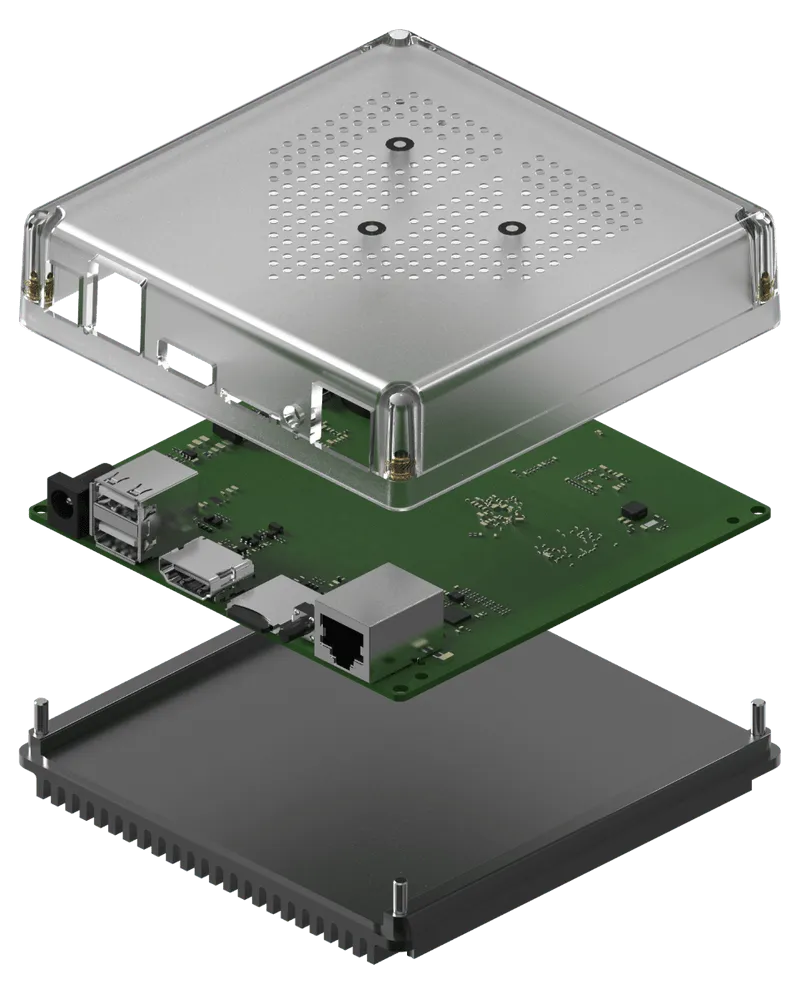
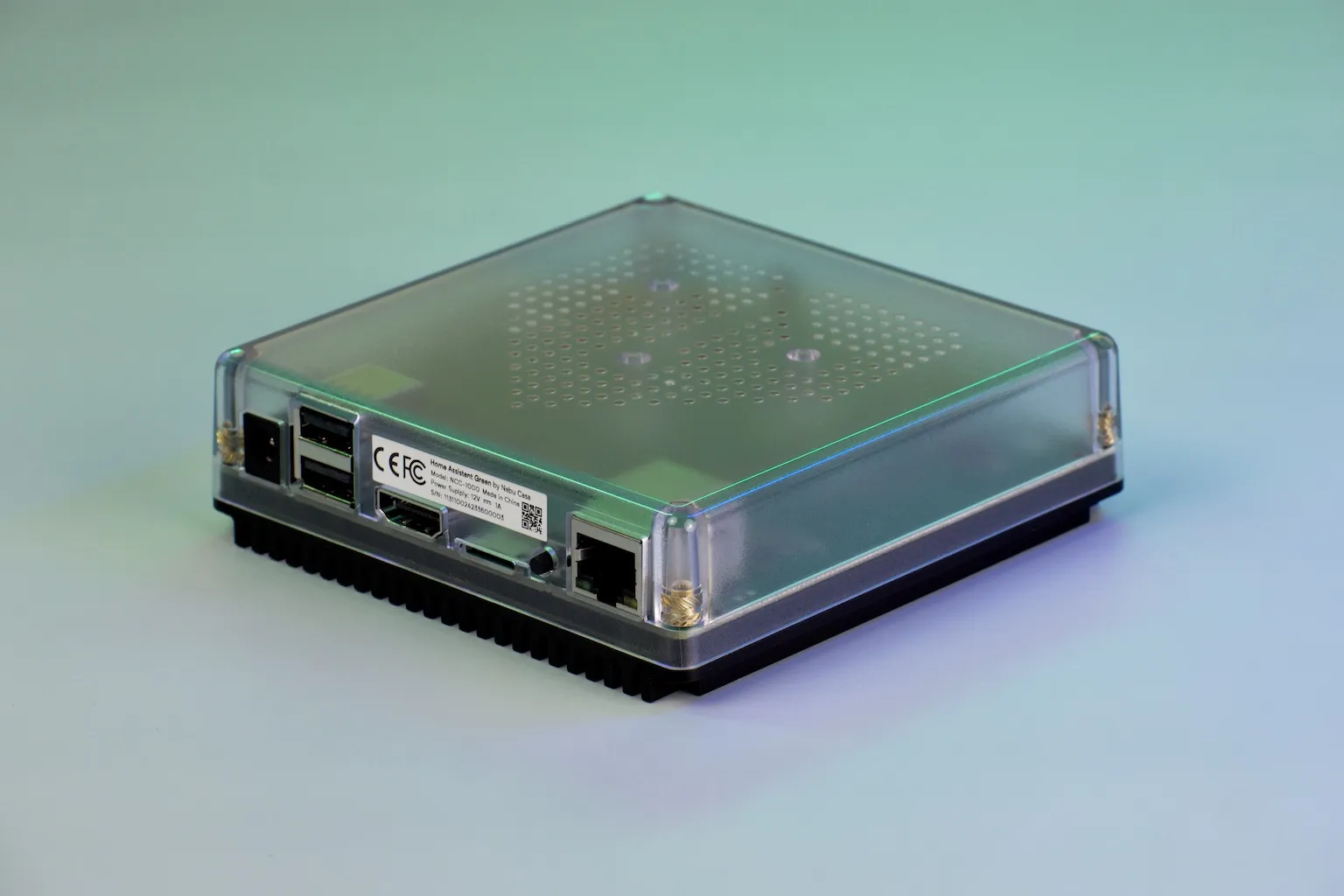
Green is a purpose-built computer designed to run Home Assistant, created by Nabu Casa. It brings supported smart-home devices into one dashboard so you can combine information and actions across different systems. Compatibility depends on the exact integration and device; the hub does not automatically support everything carrying a smart-home label.
The 2023 launch announcement introduced it at US$99 MSRP. That is historical launch pricing, rather than a current shopping quote. Check the official Green product page and local retailers, adding any radio adapters to the total.
Hardware and Interface Limits
| Component | Official specification |
|---|---|
| Processor | Rockchip RK3566, four Cortex-A55 cores at 1.8 GHz |
| Memory | 4 GB LPDDR4X |
| Storage | 32 GB onboard eMMC |
| Network | Gigabit Ethernet |
| USB | Two USB 2.0 Type-A host ports |
| HDMI | Diagnostics, not a normal dashboard display output |
| microSD | Recovery, not general expandable storage |
| Cooling | Passive aluminium heatsink base |
Onboard eMMC removes the need to buy and prepare an SD card, but is still finite flash storage. It does not guarantee unlimited write endurance. Similarly, 4 GB RAM does not establish that dozens of demanding services will run comfortably together. Add services deliberately and monitor actual resource use.
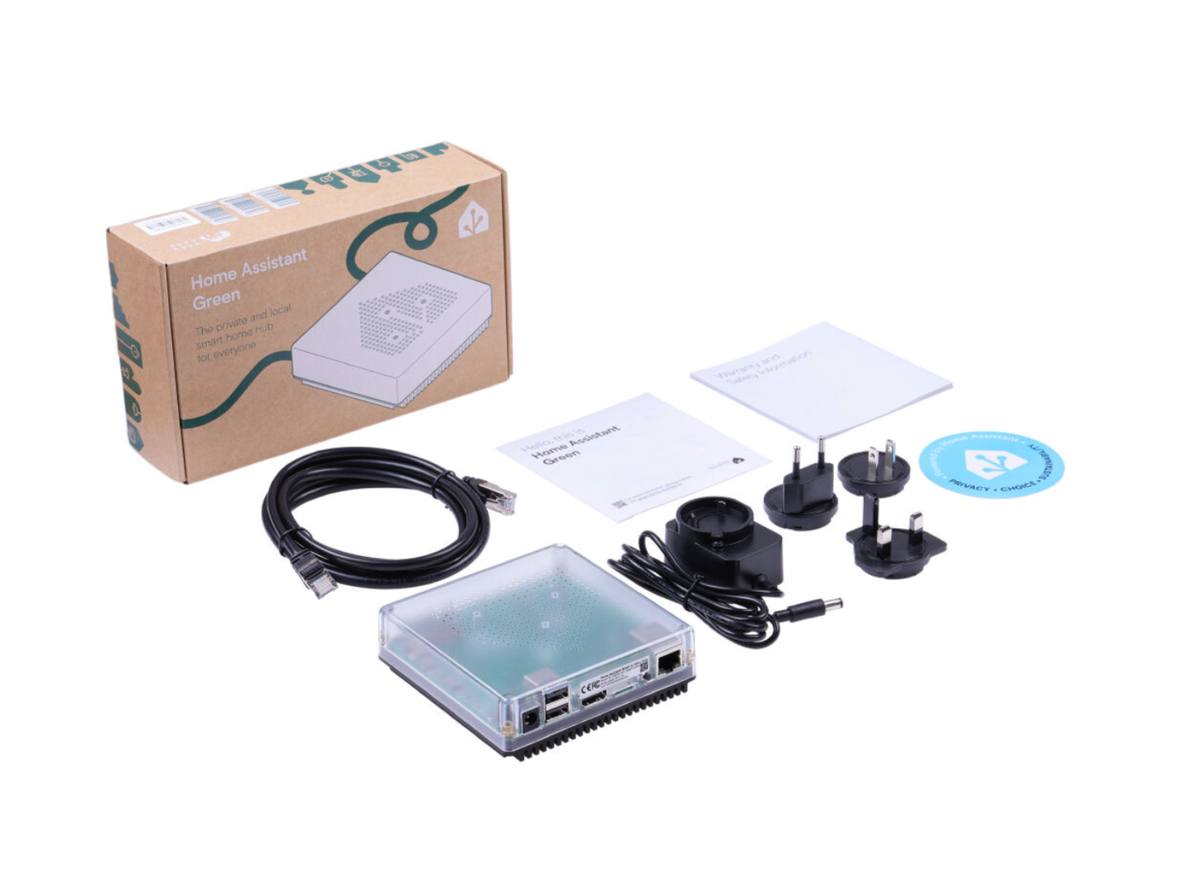
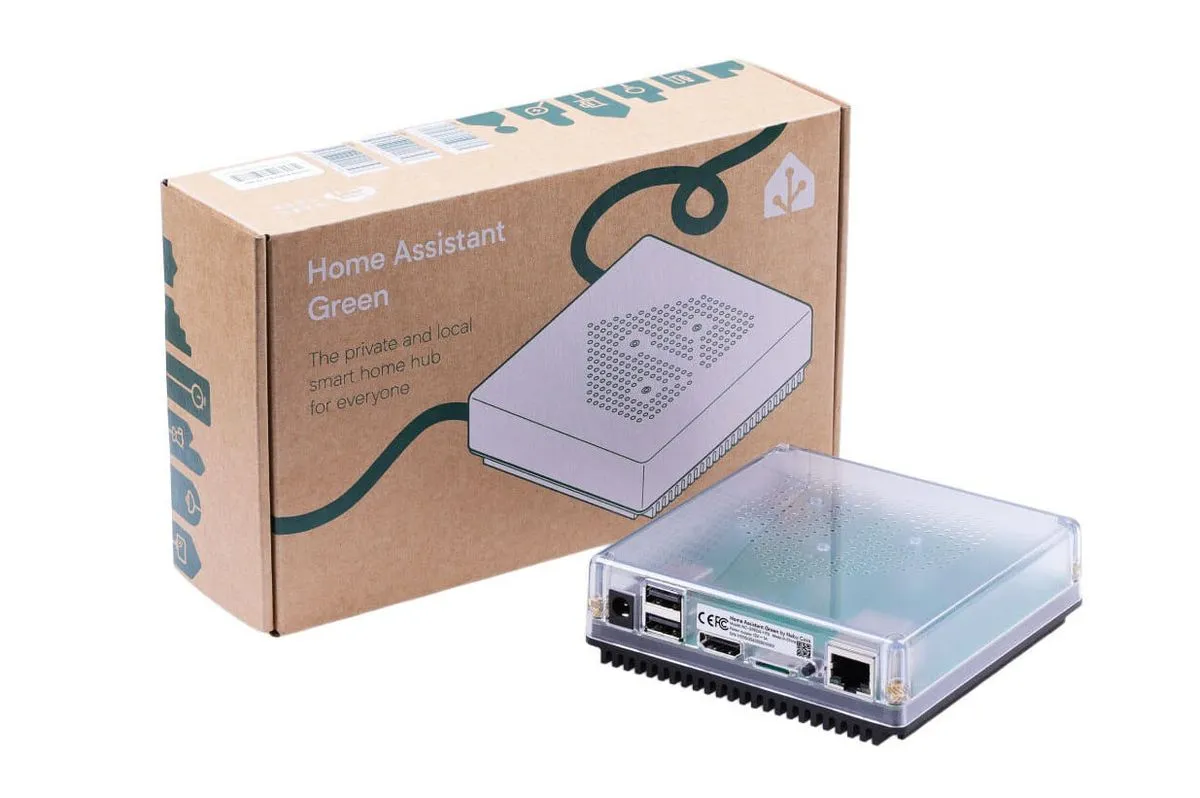
Getting Started
The current official setup guide requires Ethernet to the local network and internet access for initial setup. Connect Ethernet to your router or switch, then use the included supply. Allow a few minutes for startup; the first installation can take longer depending on the internet connection.
Use the companion app or a browser on the same network. The current guide gives http://homeassistant.local and says to add :8123 if necessary, depending on the installation. If name discovery fails, check the router's assigned address rather than assuming the hub has not booted. Follow onboarding to create your account and review discovered integrations.
Begin with one room or one useful automation. For example, use a supported occupancy sensor to control a light, keeping a sensible delay before switching it off. Confirm manual control and the behaviour when the sensor is unavailable before applying the same idea throughout the house.
Zigbee, Thread, Matter and Z-Wave
Green's network connection is wired. It does not contain built-in Wi-Fi, Bluetooth, Zigbee or Z-Wave radios. A device connected through an existing compatible bridge may still work through that bridge's integration; a separate USB adapter is not necessary for every device.
For direct Zigbee control, choose a supported coordinator. Connect ZBT-1 is the older adapter; the current Connect ZBT-2 page identifies its replacement and recommends dedicating a device to one protocol. A single adapter should not be presented as providing simultaneous Zigbee and Thread as a normal recommended setup.
The ZBT-1 Thread procedure explicitly installs Thread-only firmware, ending that adapter's Zigbee role. If you need both networks, plan separate radio roles or an existing compatible Thread border router.
Matter is an application protocol rather than a radio of its own. Matter-over-Wi-Fi or Ethernet needs the configured Matter integration and server; Matter-over-Thread also needs a Thread border router. Green can communicate through Ethernet to a suitable border router elsewhere on the network. Check commissioning requirements and IPv6 connectivity before purchasing accessories.
Z-Wave needs its own compatible controller and integration. Choose hardware for your region and devices. Protocol names alone do not guarantee every manufacturer-specific function is available.
Local Control and Cloud Dependencies
Home Assistant runs on Green locally, and devices with supported local integrations can continue working without an internet connection. Cloud-dependent integrations, remote services and cloud speech processing have different requirements. An internet outage can therefore affect some automations even though the hub and local network are still running.
Review the integration documentation before relying on an automation. A cloud-connected weather forecast and a local temperature sensor may appear together on one dashboard, yet behave differently offline. Check the full chain from trigger to action, including the device bridge and any external service.
Home Assistant Cloud is optional for the basic hub. It can simplify remote access and some voice-assistant connections, but adds a service dependency and subscription decision. Select local or cloud features deliberately instead of assuming that all connected products inherit the same privacy behaviour.
Voice and Additional Services
Green has no microphone or speaker built into the hub. Voice needs an appropriate satellite or other input device and a configured processing pipeline. The official voice guidance distinguishes focused local Speech-to-Phrase, which supports predefined home-control phrases in supported languages, from general speech processing that needs more capable hardware for responsive local operation. Green should not be sold as an unrestricted local voice-processing powerhouse.
Home Assistant OS supports managed apps, formerly called add-ons, such as an MQTT broker. A Home Assistant Container installation manages equivalent supporting services separately. Green's managed approach is convenient, while an existing server may suit someone comfortable administering containers and storage.
Storage, Backups and Recovery
The recorder documentation recommends SQLite by default. Automatic purging is enabled, with ten days of detailed history retained by default. Check database size and free space before changing retention. Exclude noisy entities only when you understand which history you want to keep; an external database also introduces administration and backup responsibilities.
Detailed history and long-term statistics differ. Eligible sensors retain hourly long-term statistics that are not automatically deleted. You do not need to move every energy sensor into an external database merely to retain longer-term totals.
Configure scheduled backups and store a copy outside Green. The backup guide covers network storage, supported cloud locations, encryption and the emergency kit. Keep the decryption key somewhere accessible if the hub fails. Backups before updates are a setting to configure, not a guarantee that every update automatically creates a complete snapshot.
A restore can take time, depending on the installation size and services. Check storage fit when migrating from another machine and verify devices afterwards. Recovering software does not necessarily replace radio migration or reconnecting external storage.
Energy Use and Verdict
The manufacturer lists approximately 1.7 W idle and 3 W under load at 12 V. These are approximate figures, not a hard ceiling with every USB accessory attached. An illustrative constant 3 W load uses about 26.3 kWh per year before accounting for supply losses; multiply measured wall consumption by your own tariff for a meaningful cost estimate.
Green's passive cooling and dedicated design make it an attractive, tidy foundation for home automation. Its strength is reducing initial hardware work and providing a supported Home Assistant OS experience. I would still favour it for beginners who value that convenience, while checking device compatibility, radio costs and expected workloads before ordering.