SecuritySoftware
Passkeys and Account Recovery: A Practical Adoption Guide
Learn how passkeys resist phishing, compare synced and device-bound credentials, and build a practical recovery plan before changing devices.
Complex computing, networking, and hardware concepts decoded into plain English.
Learn how passkeys resist phishing, compare synced and device-bound credentials, and build a practical recovery plan before changing devices.

Explore the Archer 8 Ultra BN800: Wi-Fi 8 hardware, multigigabit ports, launch features, firmware promises and practical reasons to upgrade—or wait.

Explore Omarchy 4.0.4: its DHH origins, Arch and Hyprland workflow, installation choices, useful shortcuts, customisation, updates and recovery limits.

A clear guide to qubits, measurements, quantum hardware and algorithms, with practical learning options and an accurate explanation of post-quantum security.
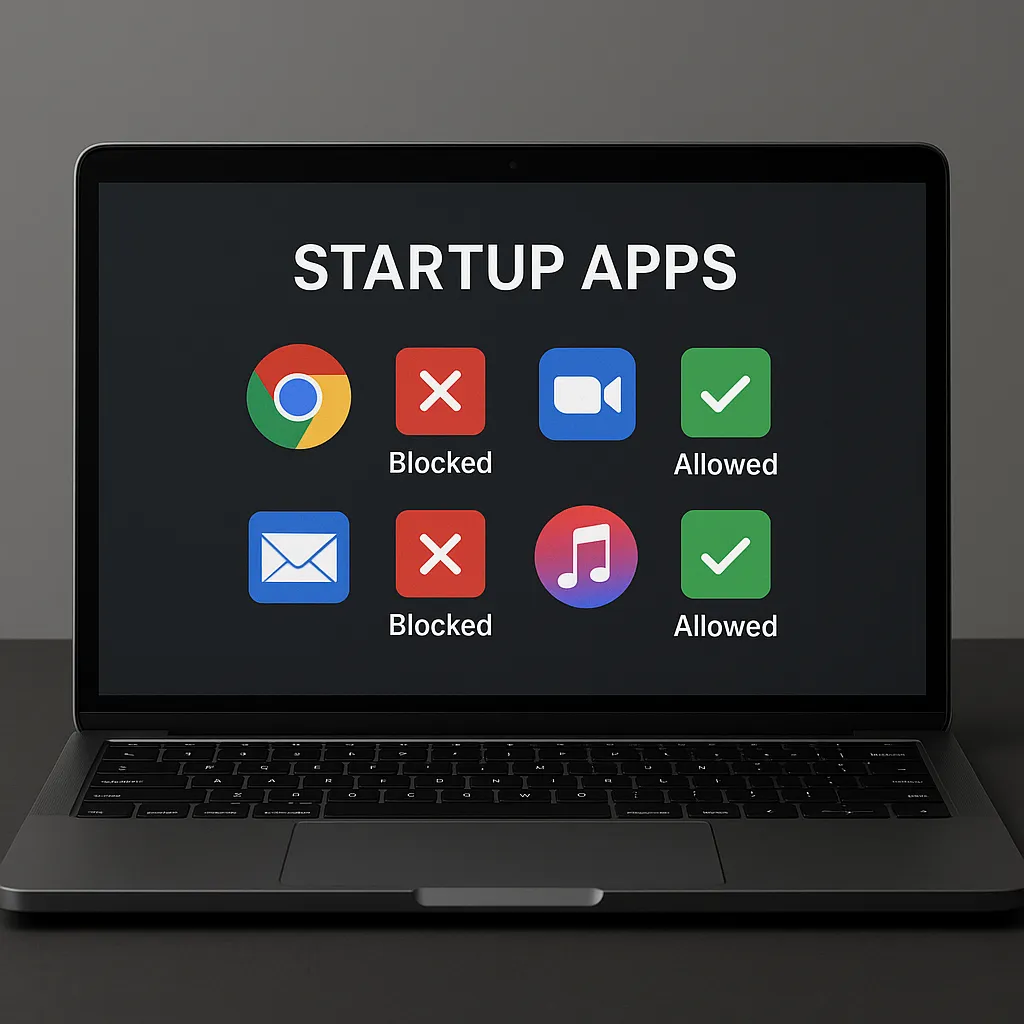
Understand Secure Boot startup trust checks, firmware keys, certificate maintenance and recovery planning before changing settings.

Understand CPU undervolting, supported AMD and Intel controls, stability testing and fair energy measurements without relying on universal settings or promised gains.
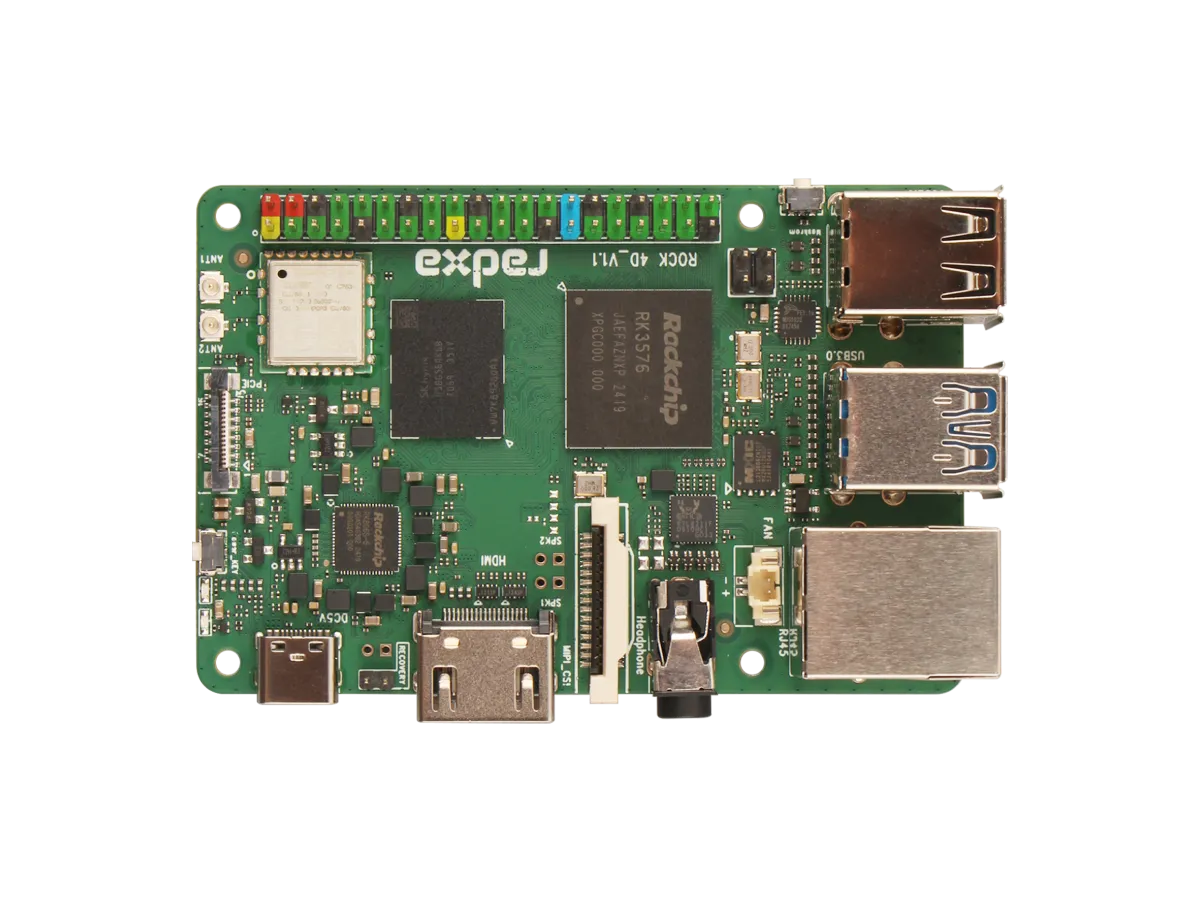
Explore ROCK 4D hardware, RKNN software requirements, storage and display limits, and practical project choices versus Raspberry Pi 5 with Hailo.

What the May 2025 report of 184 million exposed login records establishes, how to recover accounts safely, and what self-hosting changes about custody, access and backups.

Understand what DoH, DoT and DoQ protect, which resolver receives your queries, and how to preserve local DNS and verify the encrypted connection.
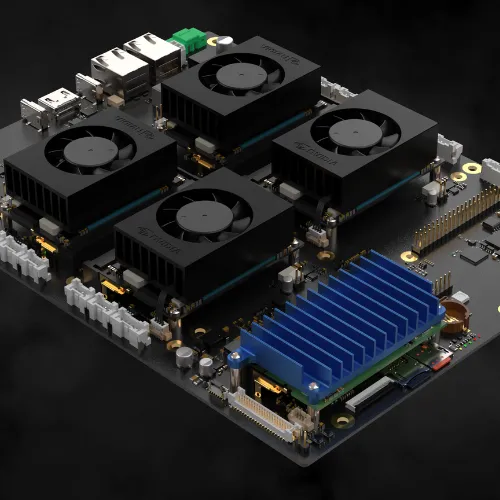
Explore the Cerebro modular cluster concept, its advertised compute-module support and the practical availability, compatibility, storage, cooling and recovery checks a build needs.
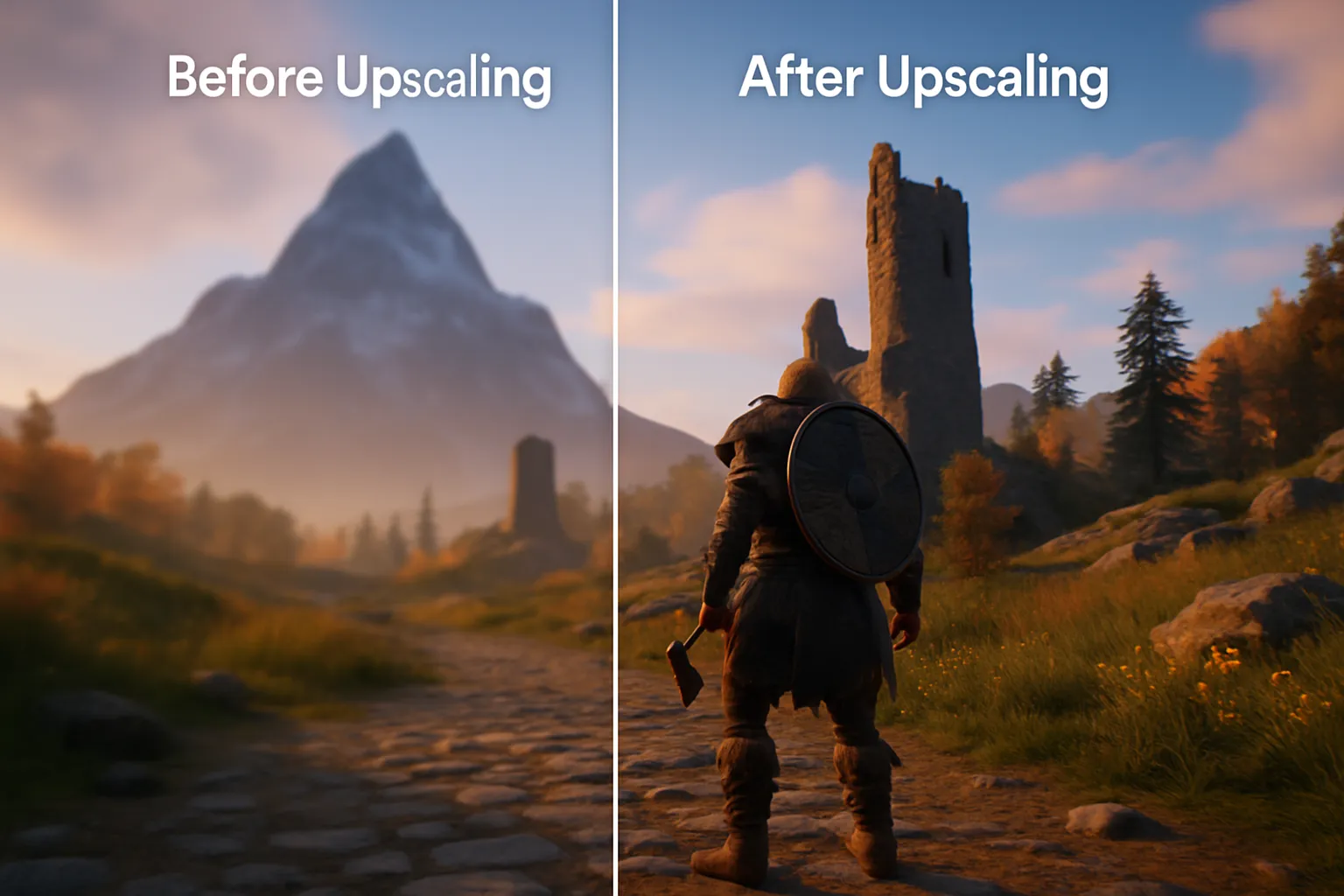
Learn how DLSS, FSR and XeSS reconstruct games, check feature-specific GPU compatibility and compare quality, frame generation and latency.
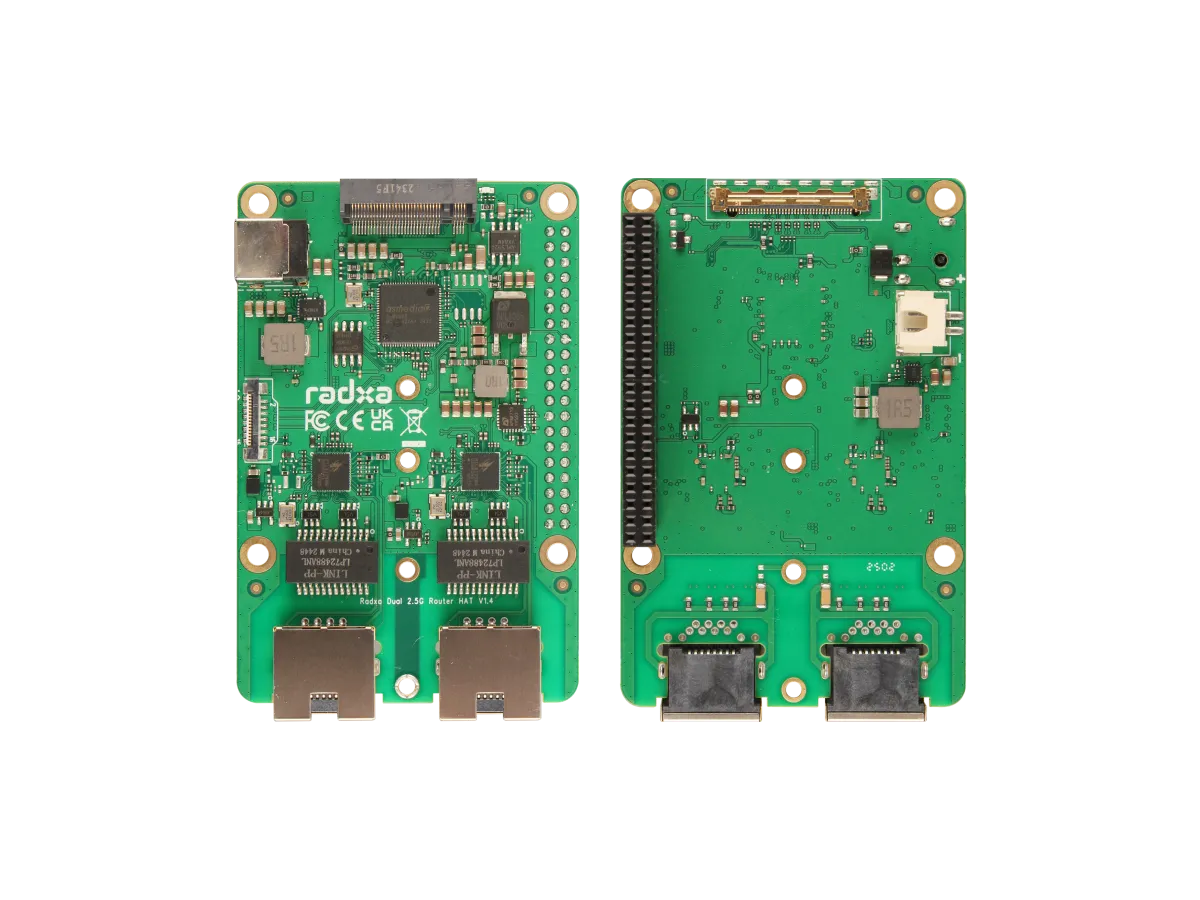
Understand the Radxa Router HAT’s dual 2.5G ports, NVMe slot, shared PCIe limits, supported boards, software choices and power requirements.
Choose and register a domain for your homelab, compare renewal costs and DNS tools, secure the account, and understand private service names and DNS-01 certificates.
Compare Proxmox VE and XCP-ng for a homelab: VM/container architecture, XO Lite and Xen Orchestra, storage support, backups and a practical evaluation plan.

Firsthand homelab lessons on starting small, power and budgets, documentation, backups and household dependencies, with practical checks for new self-hosters.
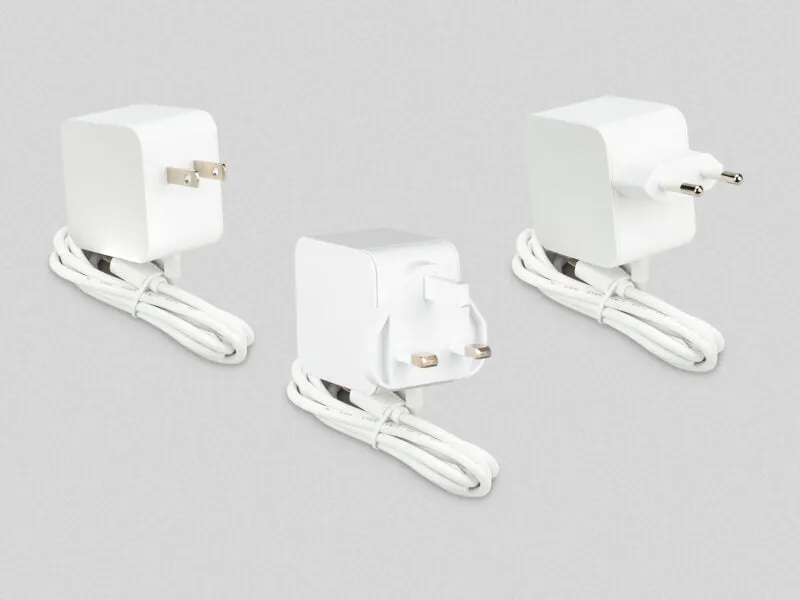
Check the Raspberry Pi 45 W supply’s USB-PD profiles, its 25.5 W Pi mode, peripheral limits, laptop compatibility and differences from the 27 W model.

Compare hardware RAID, Linux MD and OpenZFS: capacity, cache safety, integrity checks, controller recovery and why redundancy still needs separate backups.
Compare Proxmox LXC containers and KVM VMs, including kernel isolation, device access, migration limits and backups before choosing a guest type.

What Home Assistant’s Matter certification covers, how controllers and Thread border routers differ, and how to verify a supported device on your network.
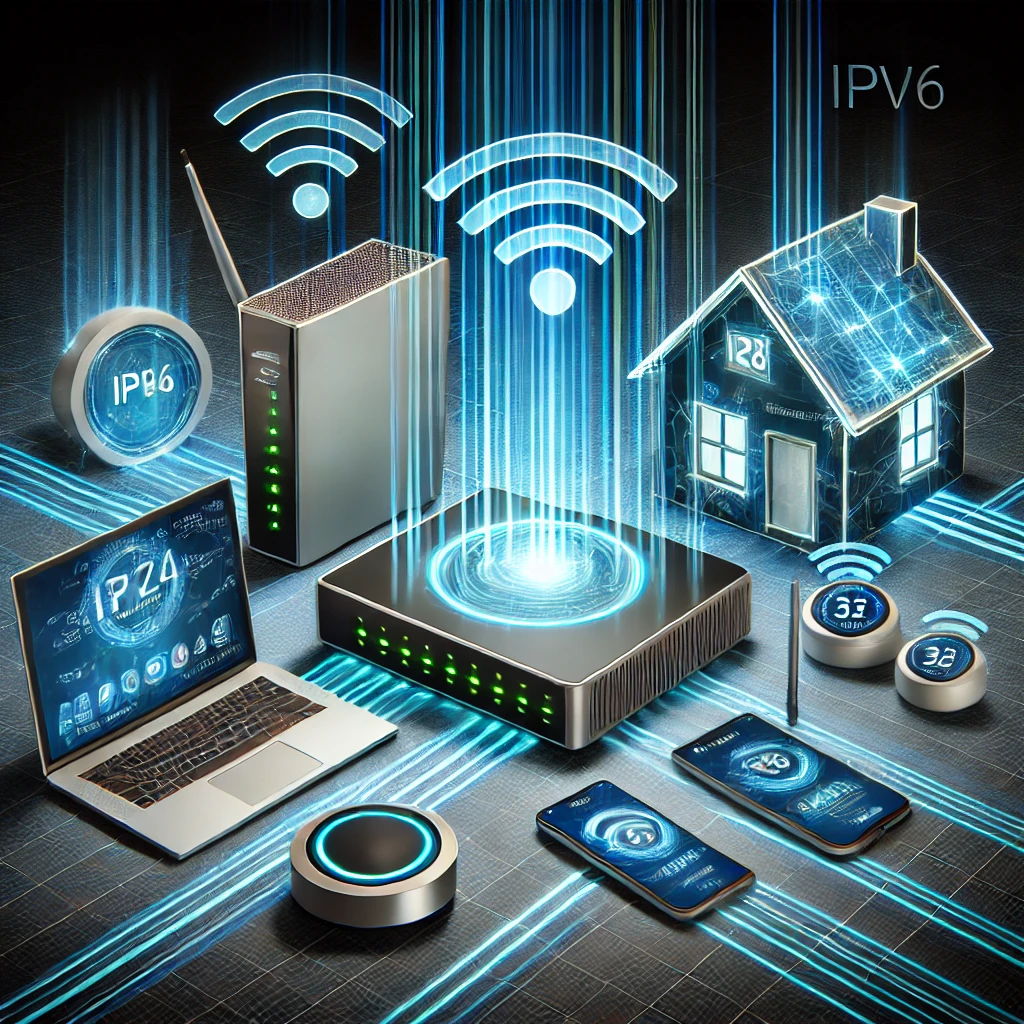
Diagnose local DNS on a dual-stack home network: resolver advertisements, private names, IPv6 records and practical configuration trade-offs.

Troubleshoot .local and mDNS conflicts, choose an internal DNS namespace, and understand the separate scope of Windows LLMNR policy and registry steps.
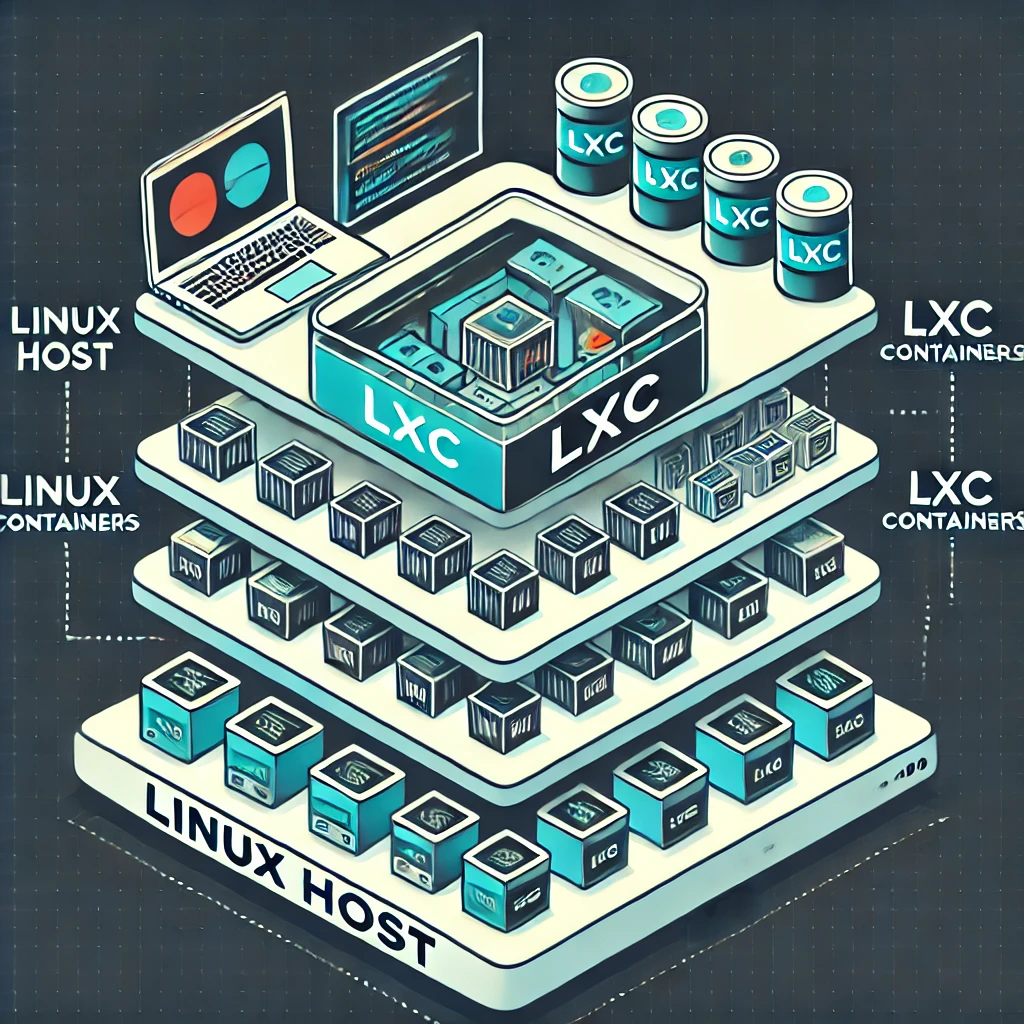
Understand LXC’s shared kernel, Docker versus system-container workflows, unprivileged mappings, Proxmox mount backups and current OCI preview boundaries.

Wi-Fi 7 explained: 320 MHz channels, 4096-QAM, MLO modes and puncturing, with the client, software and network limits that determine a useful upgrade.

Interpret SSD health and endurance readings, check TRIM and maintenance correctly, and plan monitoring, backups and replacement without treating a health score as a guarantee.

Understand channel widths, overlap, DFS and regional 6 GHz availability, then use repeatable client tests to improve Wi-Fi and mesh performance.

Understand Qualcomm laptop chips, Windows on Arm compatibility, optional cellular connectivity, battery trade-offs and development requirements before buying.

Understand ChatGPT reasoning, private internal work, visible explanations and effort settings, with practical prompts and independent checks for the final answer.

Compare redundant PSUs, UPS backup and separate feeds for home computers and network nodes, with capacity, compatibility, runtime and shutdown checks.
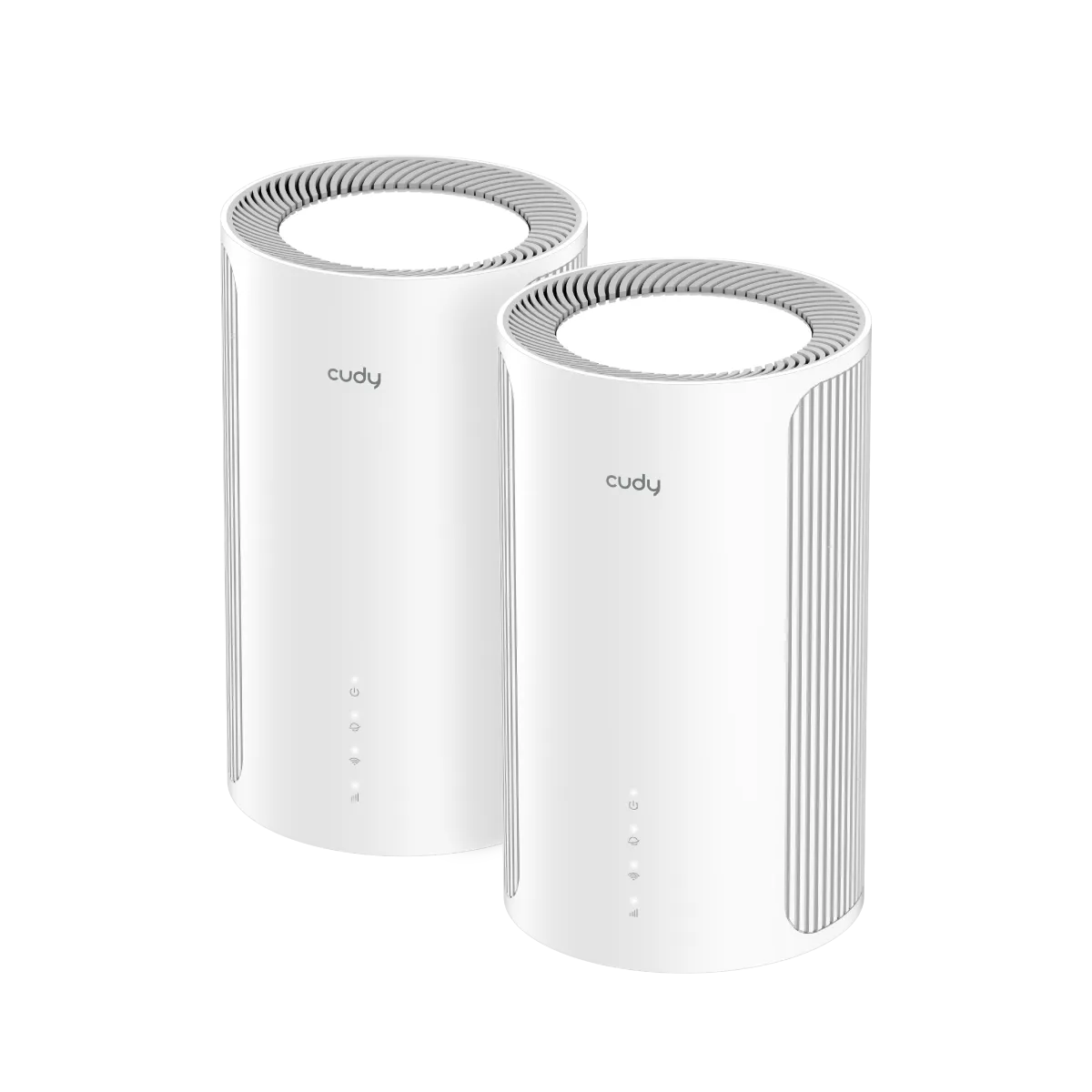
A value-focused look at Cudy M6500 1.0, including its dual-band Wi-Fi 7 limits, single 2.5 GbE port, placement, client compatibility and useful buying checks.

Manage Docker with Portainer’s web interface, including current CE installation, first-run setup, agents, Compose stacks and the backups your applications still need.

Understand Tuya’s platform role and check the exact device’s cloud, Zigbee, local Wi-Fi or Matter support before planning home automation.

Understand Wi-Fi 6E client support, regional 6 GHz spectrum, security and mesh backhaul before choosing between Wi-Fi 6E and Wi-Fi 7.
Use Nagios Core for practical home-network checks, with clearer alert behaviour, a private container example and configuration verification.

Compare internet-facing research honeypots with internal detection canaries, and learn how to plan isolation, test alerts and investigate unexpected activity.

Understand Cat8's 25/40GBASE-T channel limits, shielded construction, connector variants and certification before deciding whether your home network needs it.

Compare gateway appliances and host firewalls by traffic path, rule capabilities, cost and recovery needs, with practical Windows and container exposure checks.
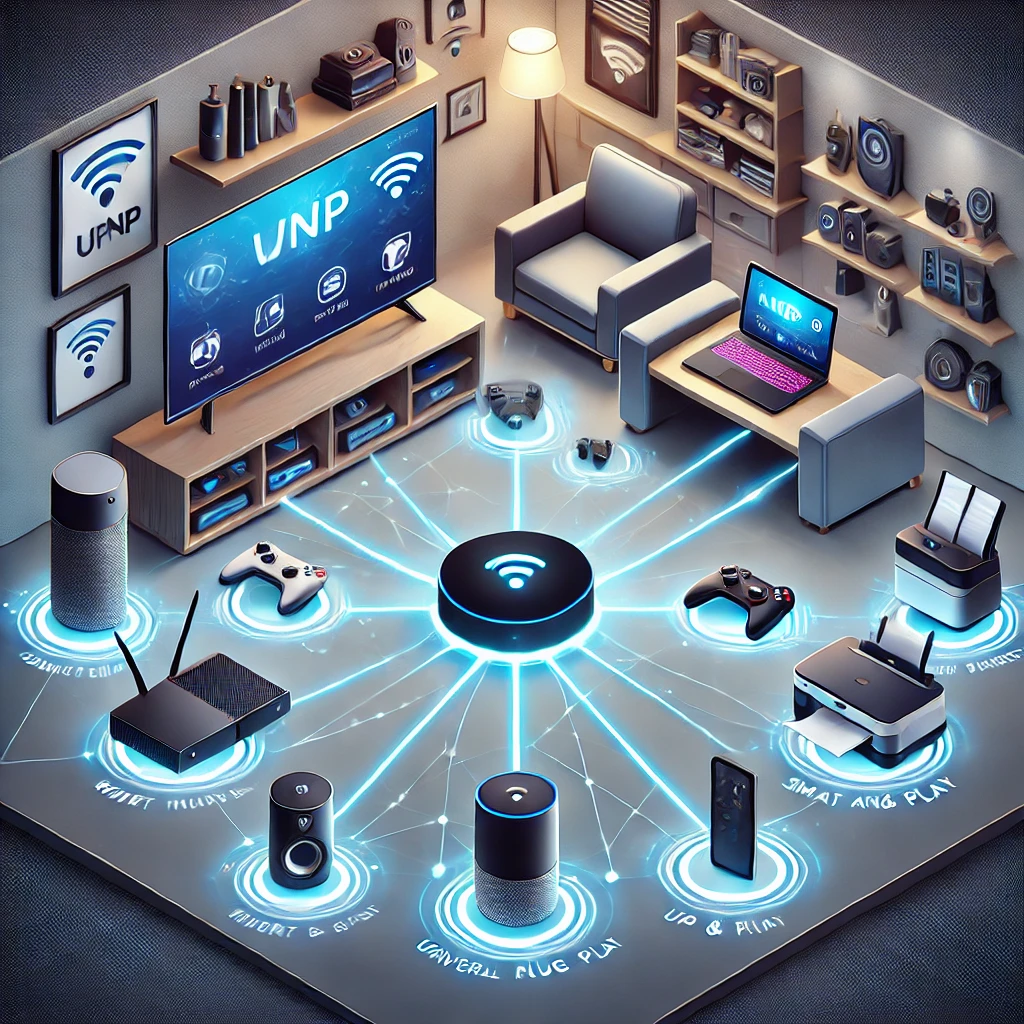
Understand UPnP discovery versus router port mapping, security tradeoffs, scoped firewall controls and practical checks for your home network.
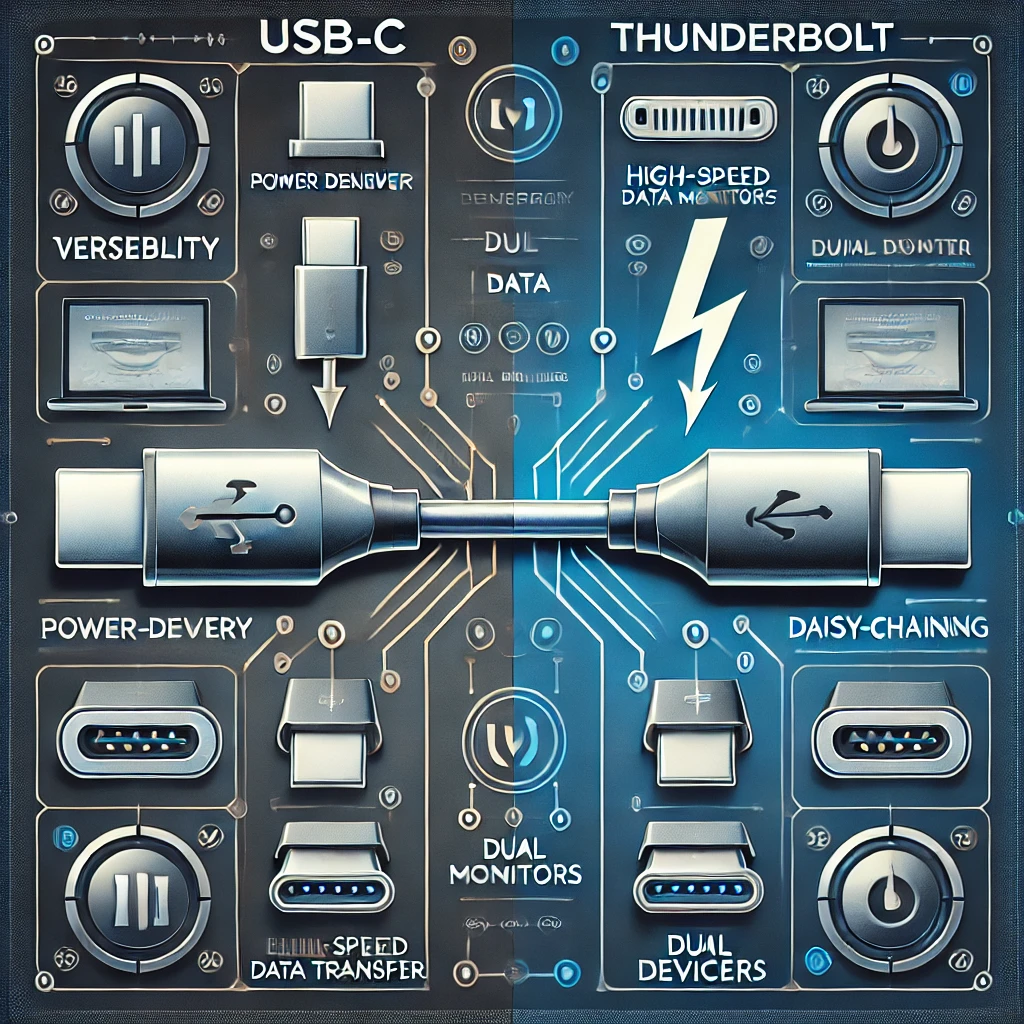
Understand which USB-C and Thunderbolt connections work together, with clear data-rate, charging, display, dock and cable compatibility checks.

Choose a compatible PiSugar battery module, check its power limits, install the correct manager and verify graceful shutdown and recovery for a portable Raspberry Pi project.

Explore the developing 802.11bn standard, its conditional reliability targets, access-point coordination and practical checks before a Wi-Fi 8 upgrade.
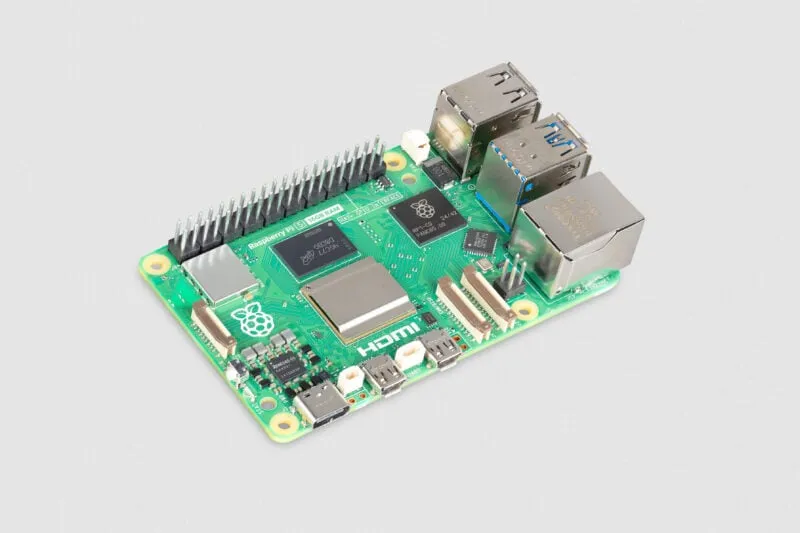
What the 16GB Raspberry Pi 5 changes: memory-heavy desktop and AI projects, accelerator limits, container planning and the complete system cost.

Separate SQL injection, XSS and password attacks, with correct query binding, rendering defenses, MFA limits and controlled checks for applications and home services.

Compare NFS and SMB for home clients, verify identity and permissions, test Linux mounts and handle NAS outages before making shares persistent.
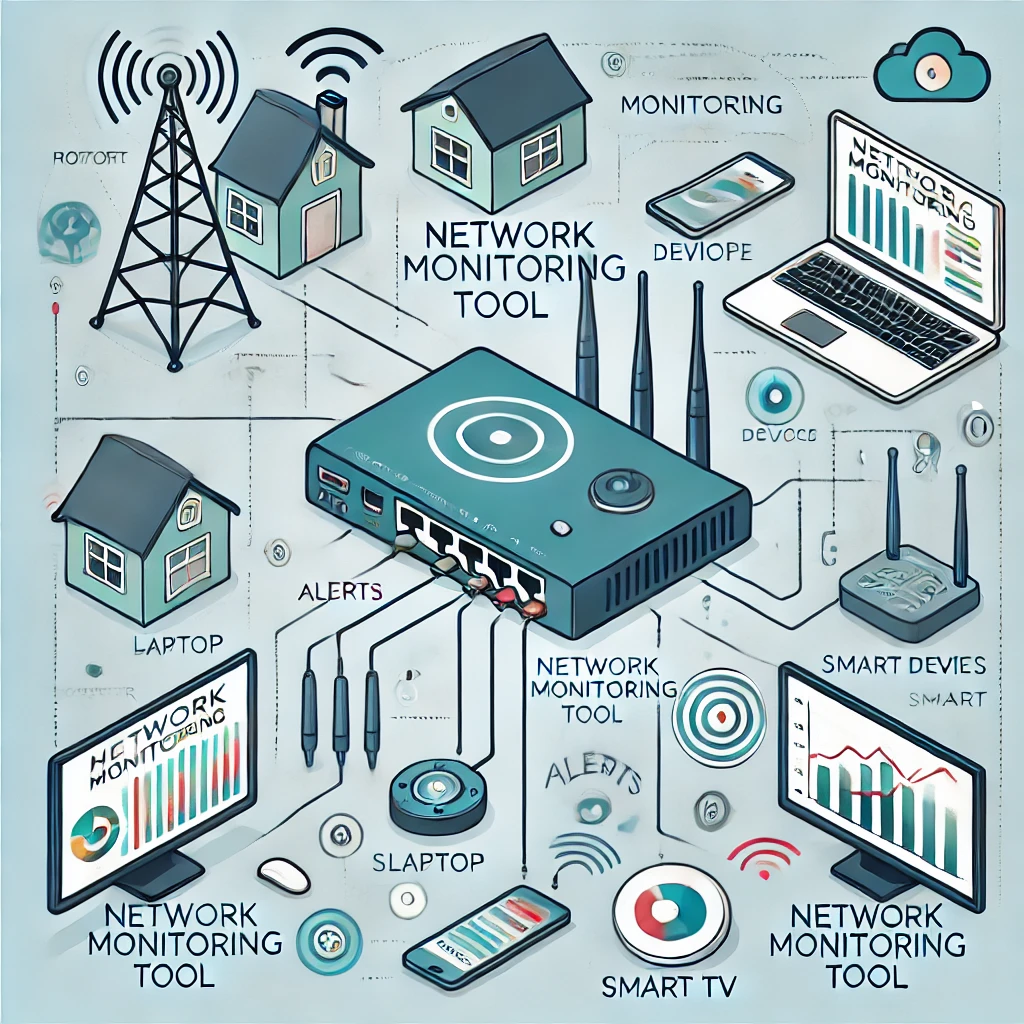
The original recommendation on home network monitoring, plus practical ways to choose a targeted availability check and interpret device discovery, traffic and privacy limits.
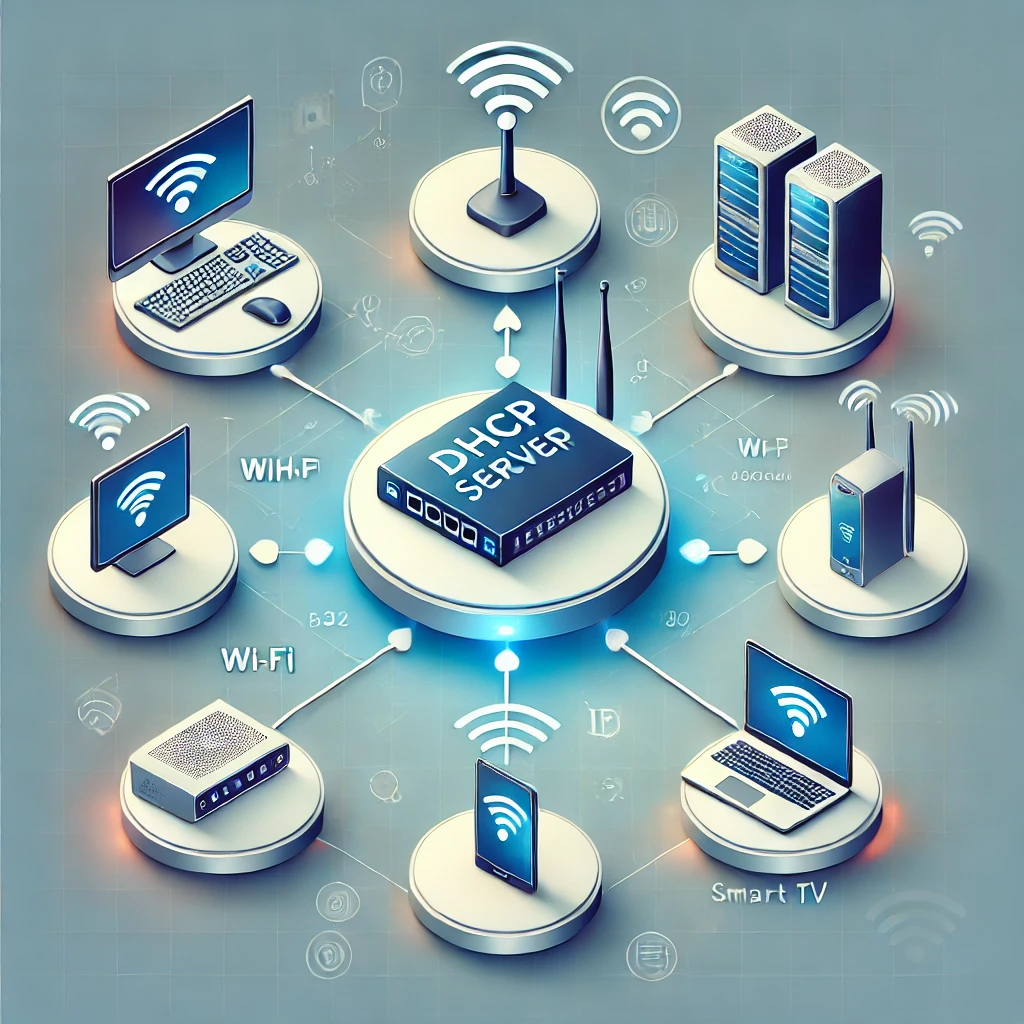
Plan a home DHCP server with maintained software, a clear address pool, lease-aware cutover, client verification and a practical rollback procedure.

Compare multiple monitors with one ultrawide by usable resolution, desk fit, connections, window management, sharing, colour and practical comfort checks.
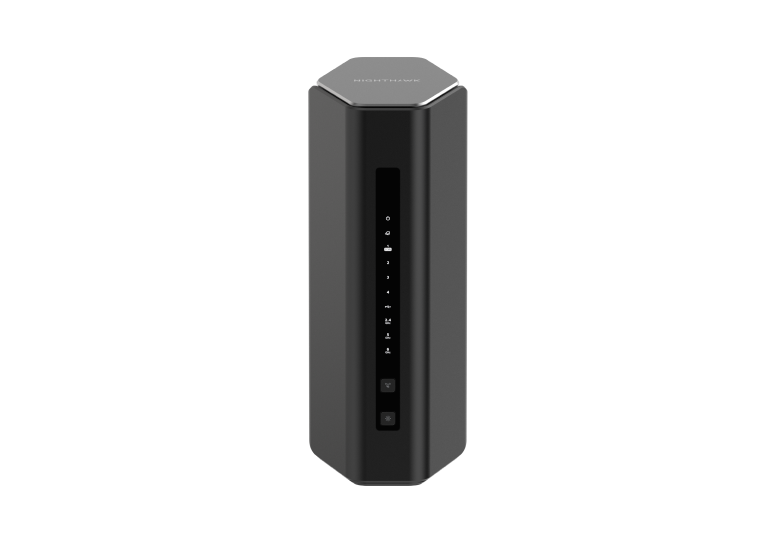
The Nighthawk RS500 offers tri-band Wi-Fi 7, but its 2.5 GbE port layout deserves a close look. Compare client support, gaming latency, coverage and the RS300 trade-off.
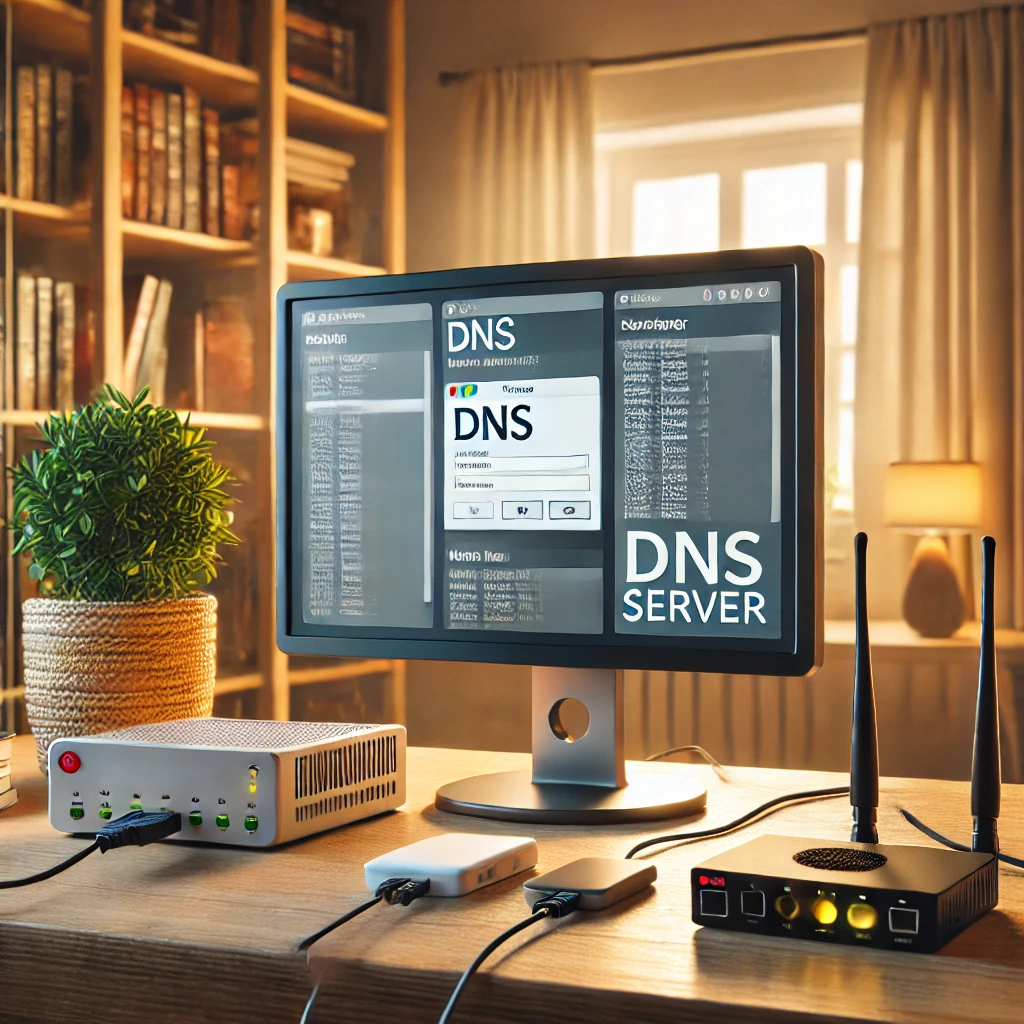
Plan dependable home DNS with local names, filtering, forwarding or recursion, consistent redundant resolvers and verified IPv4/IPv6 client settings.
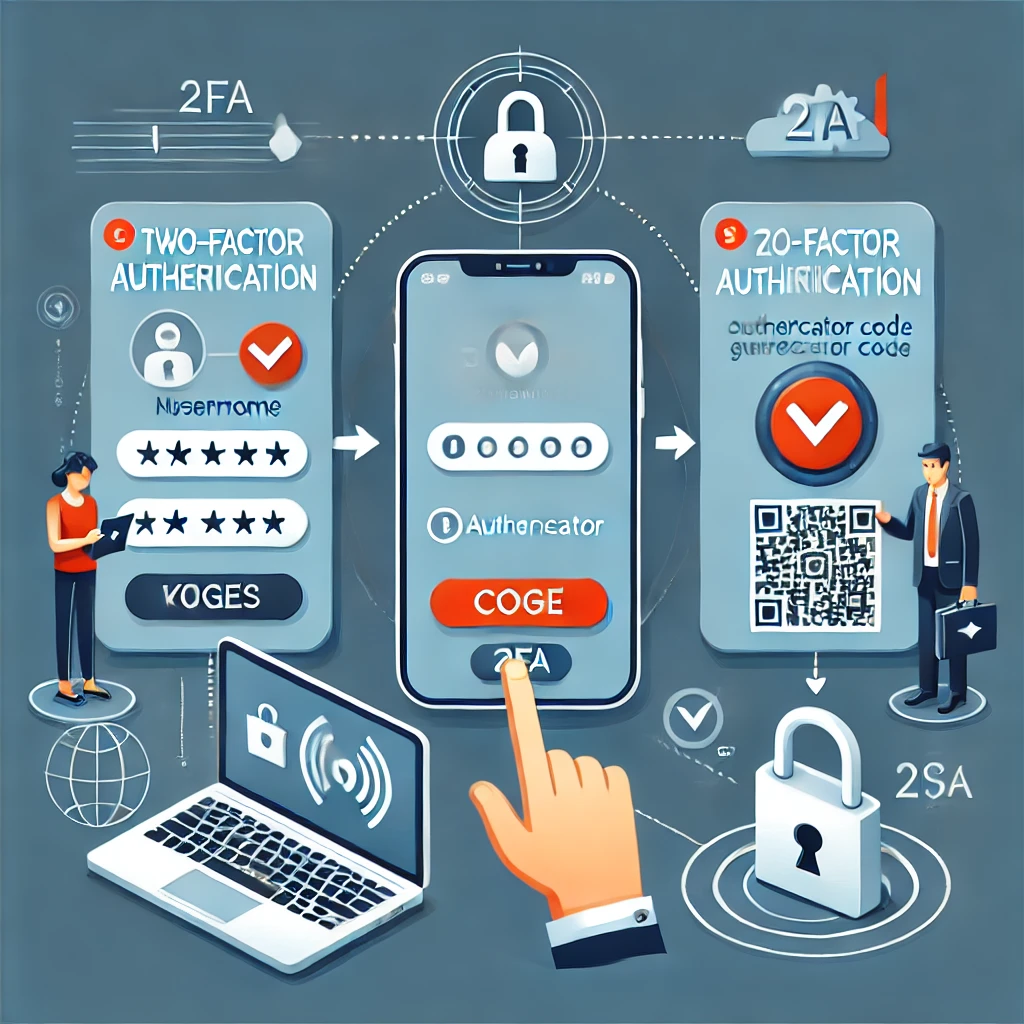
Choose a supported 2FA method, understand TOTP and passkey limits, and test recovery before changing phones. Includes QR-secret protection and sign-in troubleshooting.

Improve home-router, Wi-Fi, account and IoT security with eight practical steps, correct encrypted-DNS setup and recoverable IPv4/IPv6 isolation checks.
Set up original DOSBox on Raspberry Pi OS, mount your games correctly and troubleshoot speed, display, sound and controls while distinguishing alternative DOSBox projects.

Learn how AMD stacks cache, how the 5800X3D, 7000 X3D and newer cache-under-cores designs differ, and which workloads may benefit.

Explore the standard 8 GB Pi 500’s keyboard design, passive cooling, ports and setup needs, with clear differences from Pi 500+ and practical expansion limits.

Ever wondered why devices like NAS systems, mini PCs, or even some motherboards come with multiple Ethernet ports? Link Aggregation, often called port bonding or teaming, is a powerful network feature designed to improve speed, redundancy, and overall reliability in certain devices and setups.
Stream PC games to a television with Steam Link on Raspberry Pi, using supported OS/model combinations, the original pairing steps and practical network and playback checks.
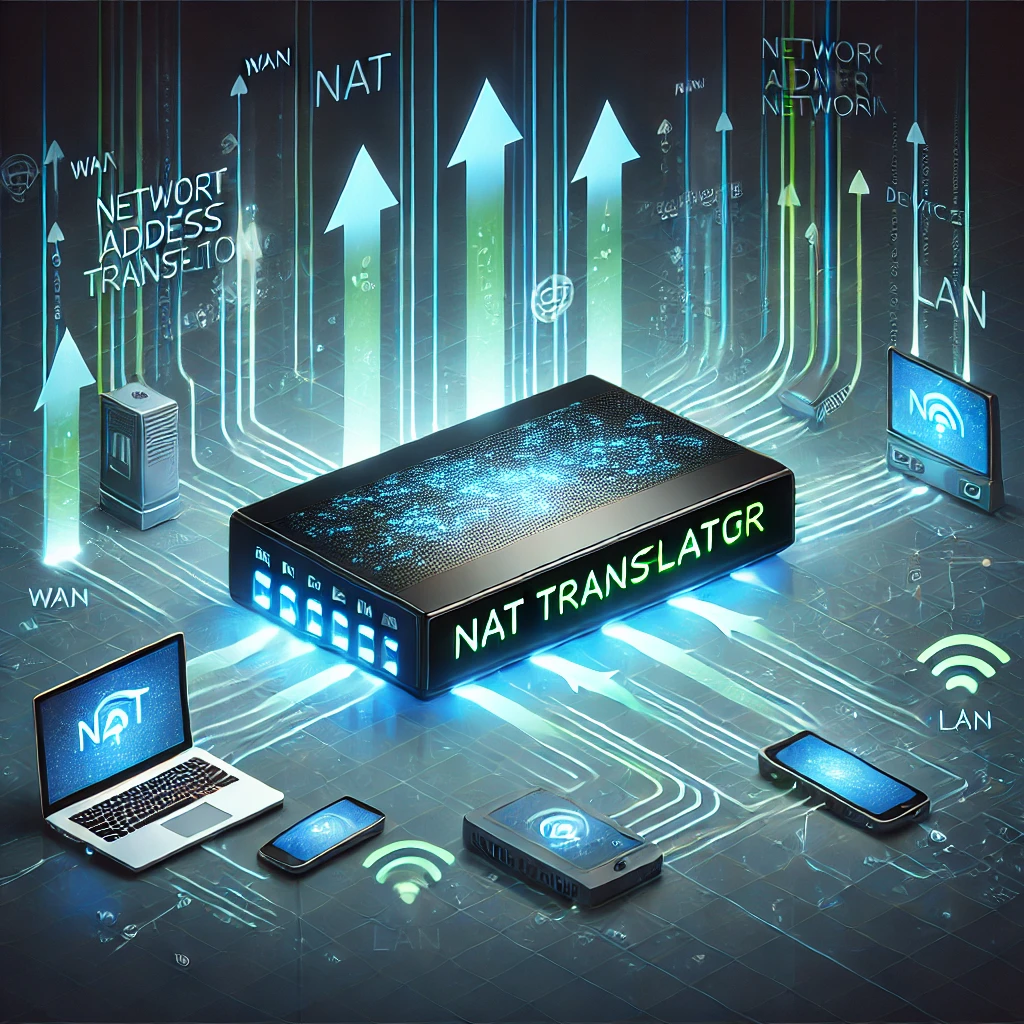
Understand NAT address and port mappings, distinguish firewall protection from translation, and troubleshoot double NAT, CGNAT and homelab access.

Understand SAN versus NAS and local storage, when network block storage is useful, and why multi-host access needs careful coordination and recovery planning.

Connect home Prometheus to Grafana Cloud with outbound remote write, validate credentials and metrics, and plan retention, privacy, cost and outage alerts.

Install Grafana, connect the correct Prometheus endpoint, build a verified CPU panel and diagnose empty dashboards while preserving both services’ data.

Set up Prometheus on Windows, Linux or Docker, verify exporter targets, and plan alert delivery, persistent storage and recovery.

Install Windows exporter or Linux node_exporter, preserve host visibility, protect endpoints and verify that Prometheus scrapes the intended machine.

SmartOS is an open-source, illumos-based hypervisor operating system built with OpenZFS, DTrace, Crossbow virtual networking, OS/LX Zones, and KVM/Bhyve hardware virtualization. Learn how SmartOS works and how it compares to Proxmox VE.
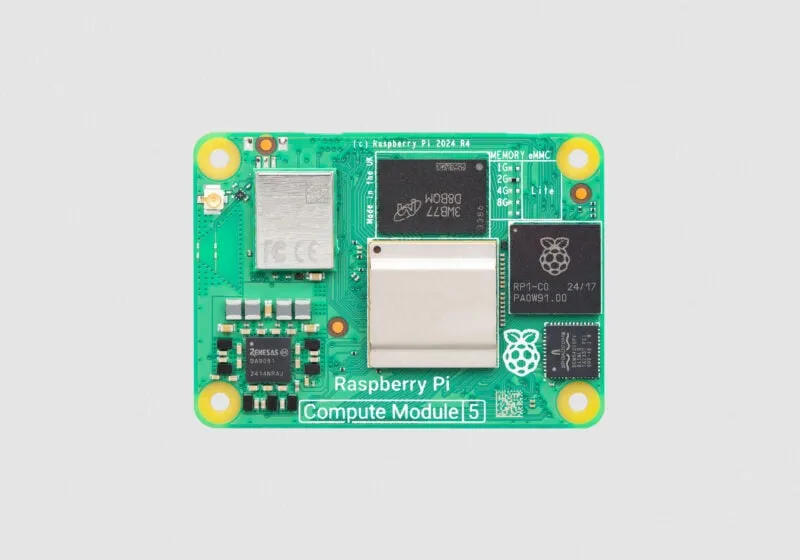
Choose a Compute Module 5 and carrier for your project, with current memory/storage options, CM4 compatibility, eMMC setup, expansion limits and case fit explained.
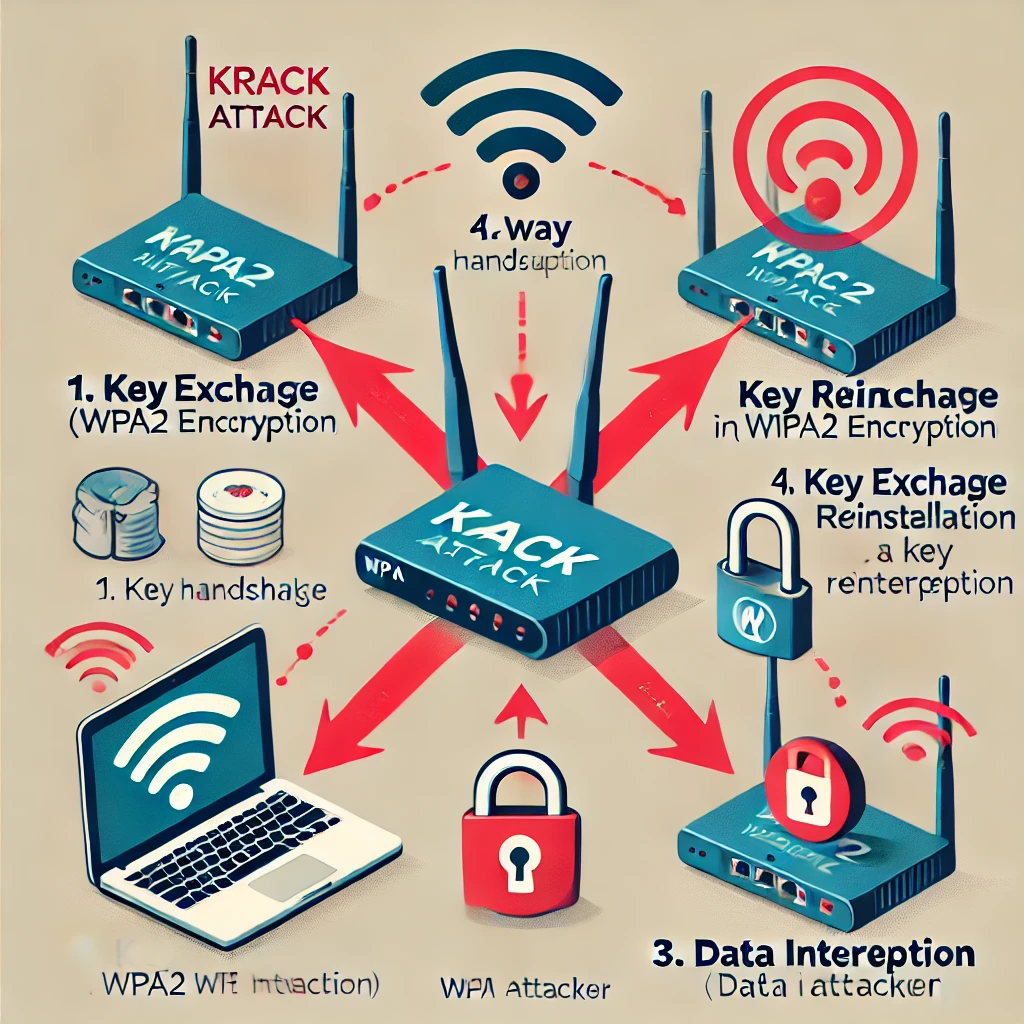
Understand KRACK’s key-reinstallation flaw, why both clients and access points need updates, and why WPA3 does not replace careful implementation and maintenance.

A plain-language guide to Bluetooth versus Wi-Fi, Classic and Low Energy, audio compatibility, version features, sensor use and pairing privacy.
Today we start a series on Home Assistant to help one and all get their home set up and controlled remotely, easily and affordably.

Docker is an open-source platform that allows you to automate the deployment of applications inside lightweight, isolated environments known as containers. Think of a container as a package that bundles everything an application needs to run, including code, libraries, and settings.
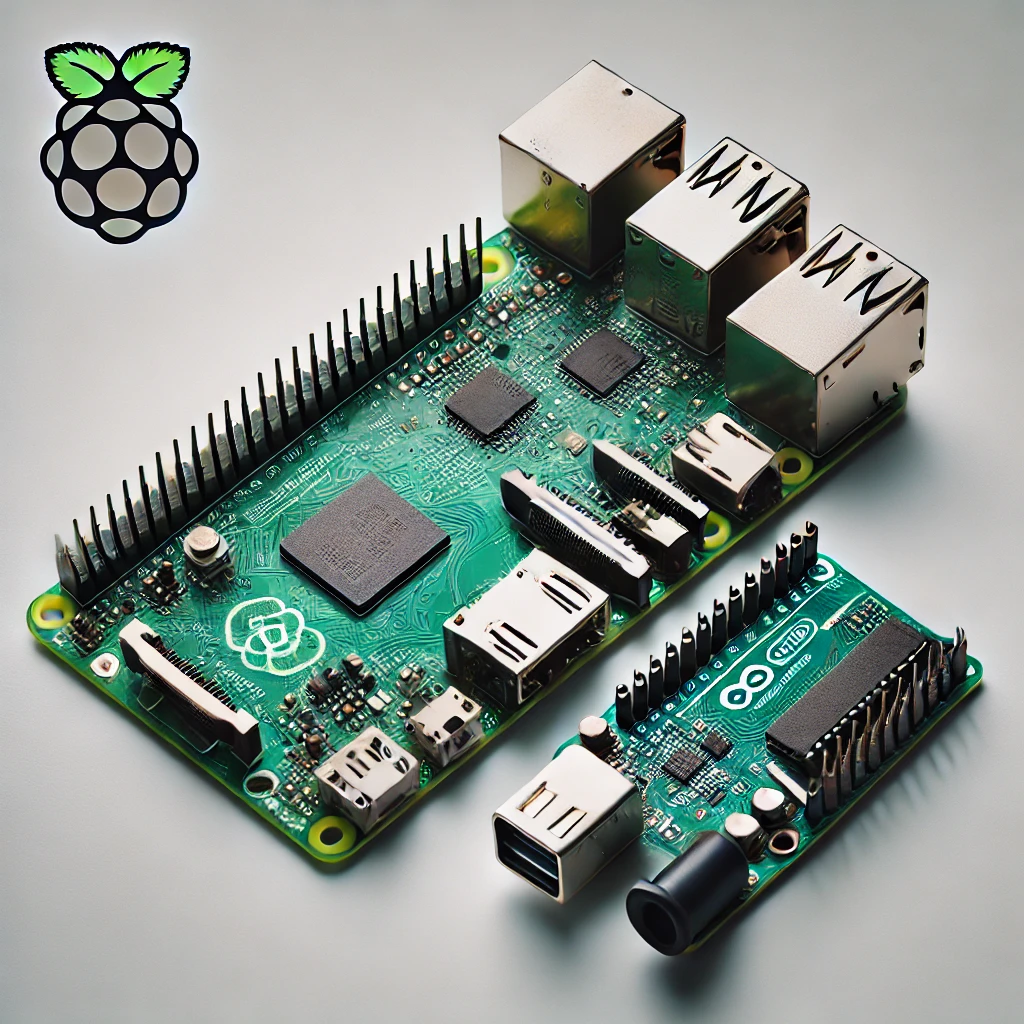
Compare Raspberry Pi computers and Arduino microcontrollers through specific board examples, sensors, timing, power and beginner-friendly project choices.
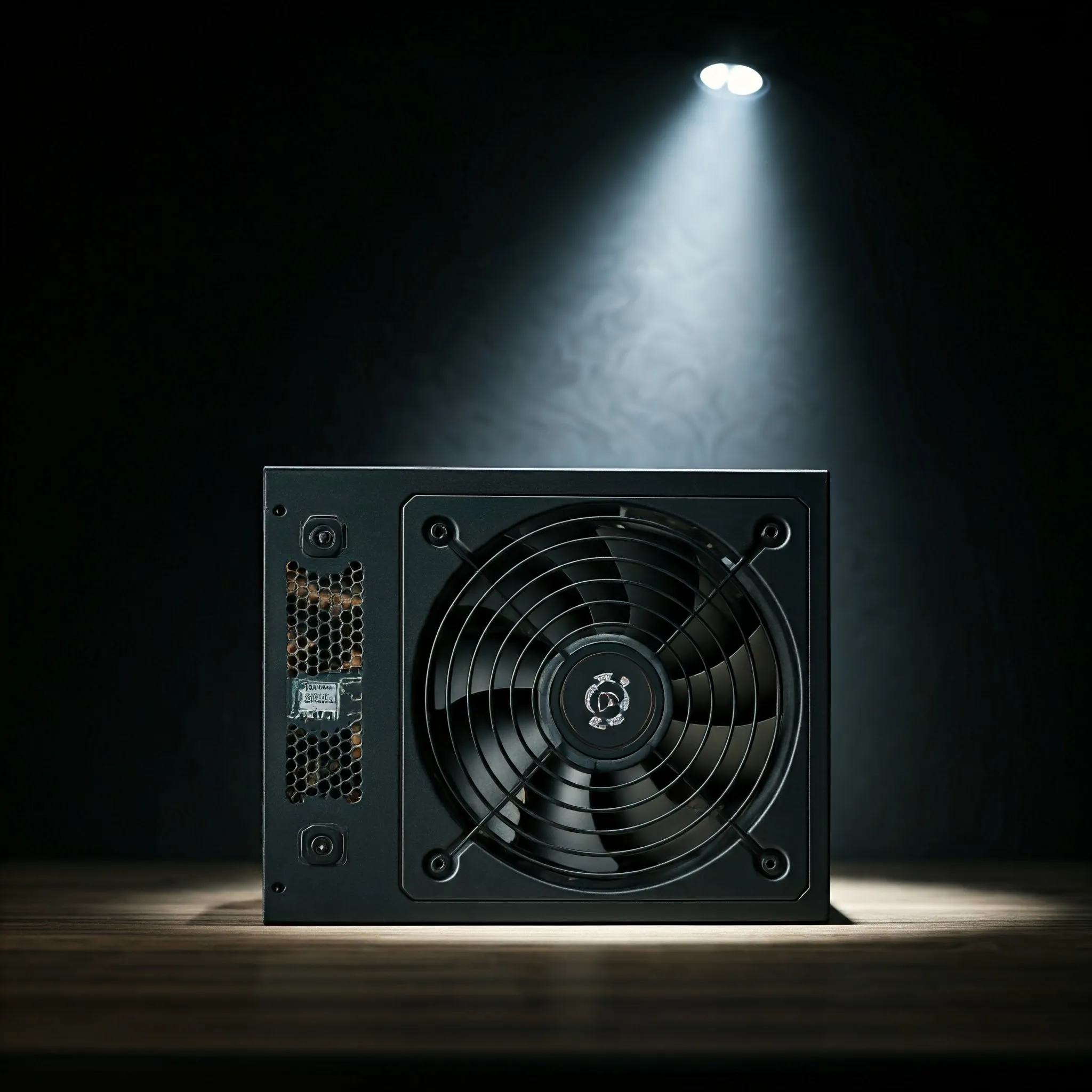
Choose a PC power supply by output capacity, rail limits, physical fit, compatible cables, efficiency evidence and practical support, with verified historical examples.
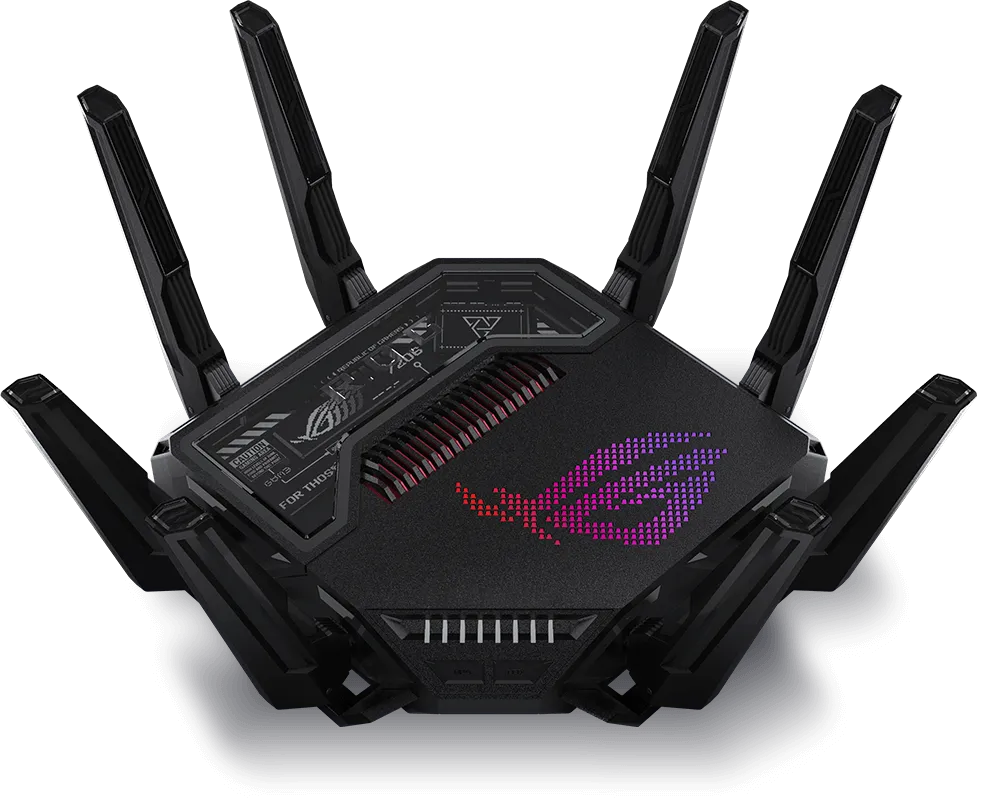
Explore the ASUS GT-BE25000’s four Wi-Fi radios, seven Ethernet ports, AiMesh, gaming and VPN controls, with practical checks for your home network.

Learn how GPUs handle graphics, AI and video workloads, with practical advice on integrated versus discrete graphics, memory, software support and system compatibility.

Understand DAS versus NAS, choose a compatible storage connection, plan RAID and usable capacity, and protect files with practical recovery and backup checks.
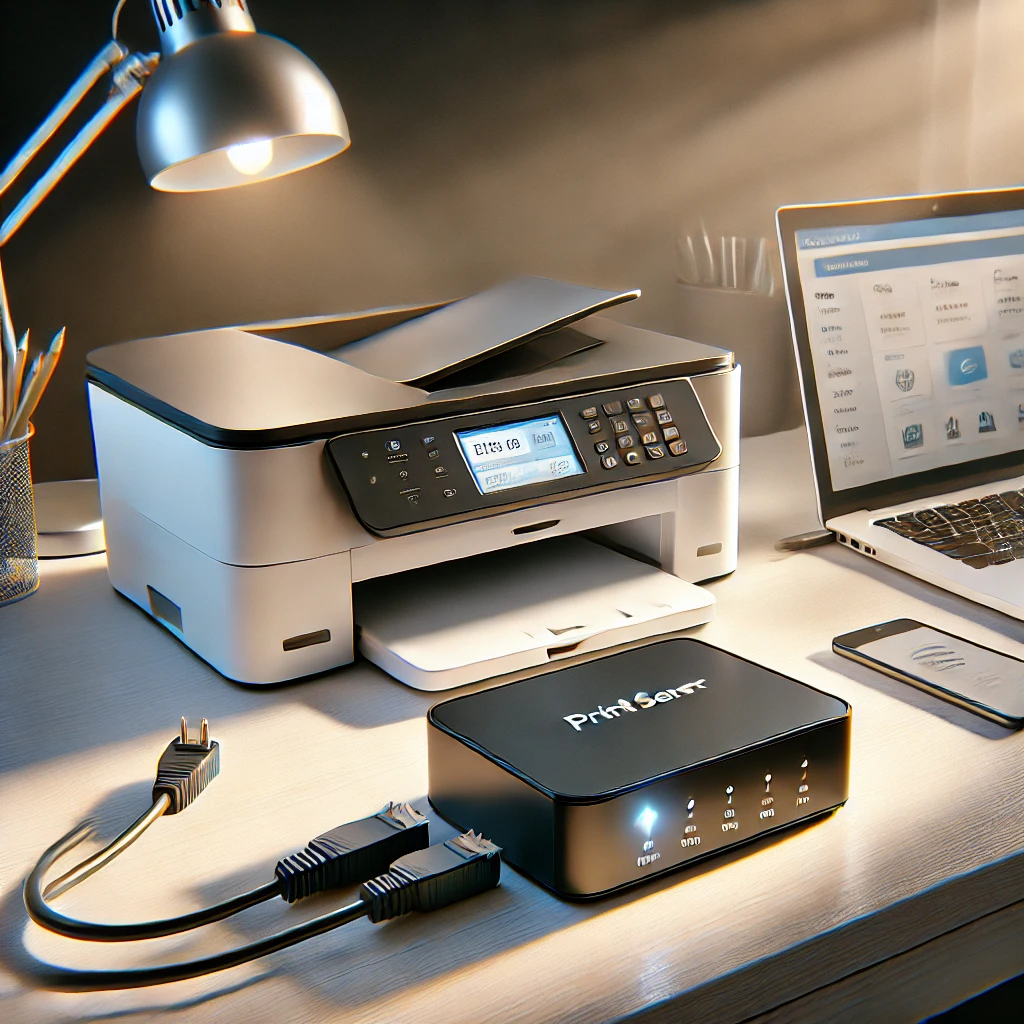
Learn when a print server helps, how printer compatibility and CUPS sharing work, and how to diagnose discovery, queues and mobile-printing problems.
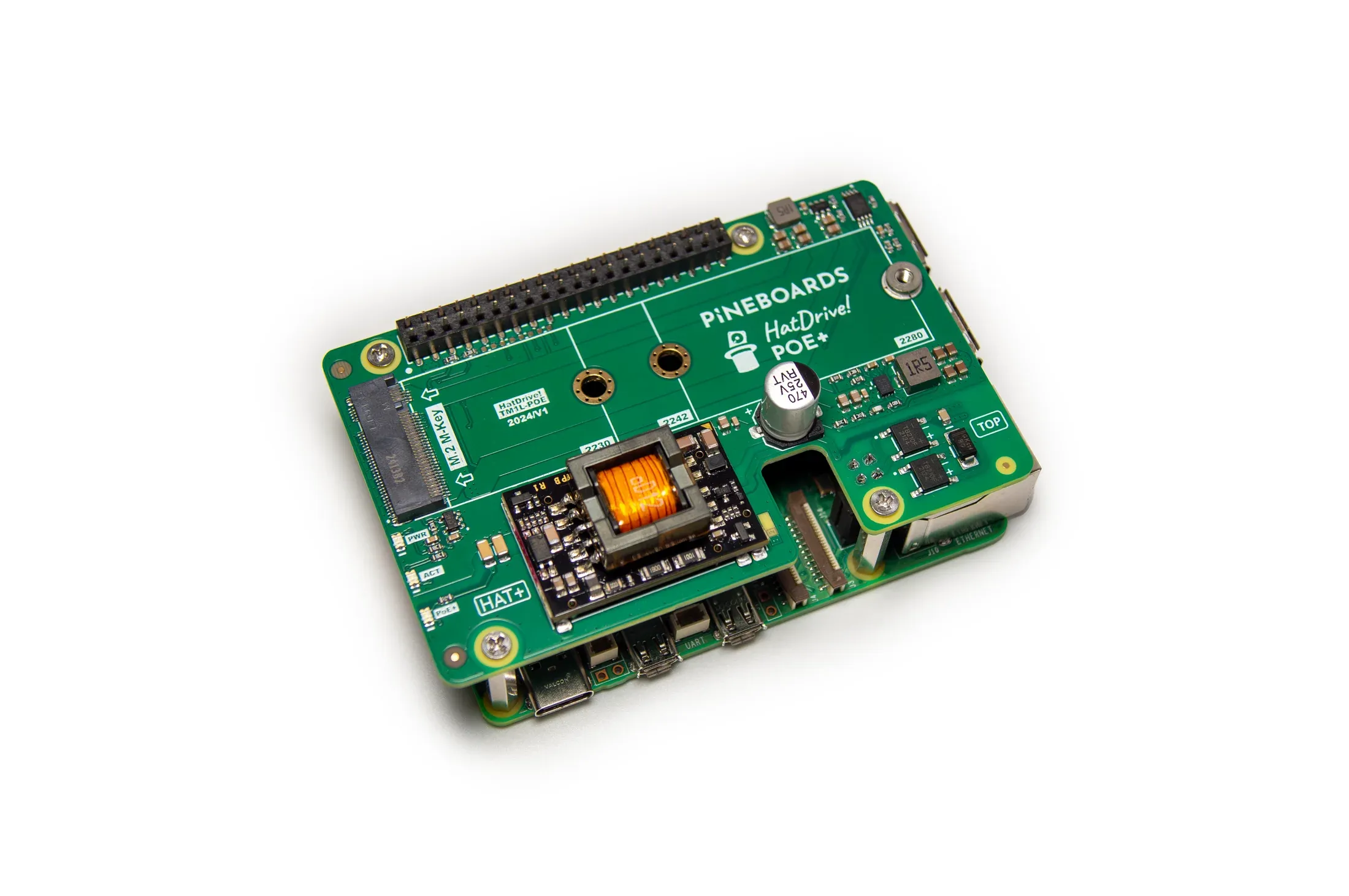
Pineboards HatDrive! PoE+ combines Ethernet power and NVMe storage for Raspberry Pi 5. Check supported drive sizes, switch budget, assembly, cooling and boot requirements.
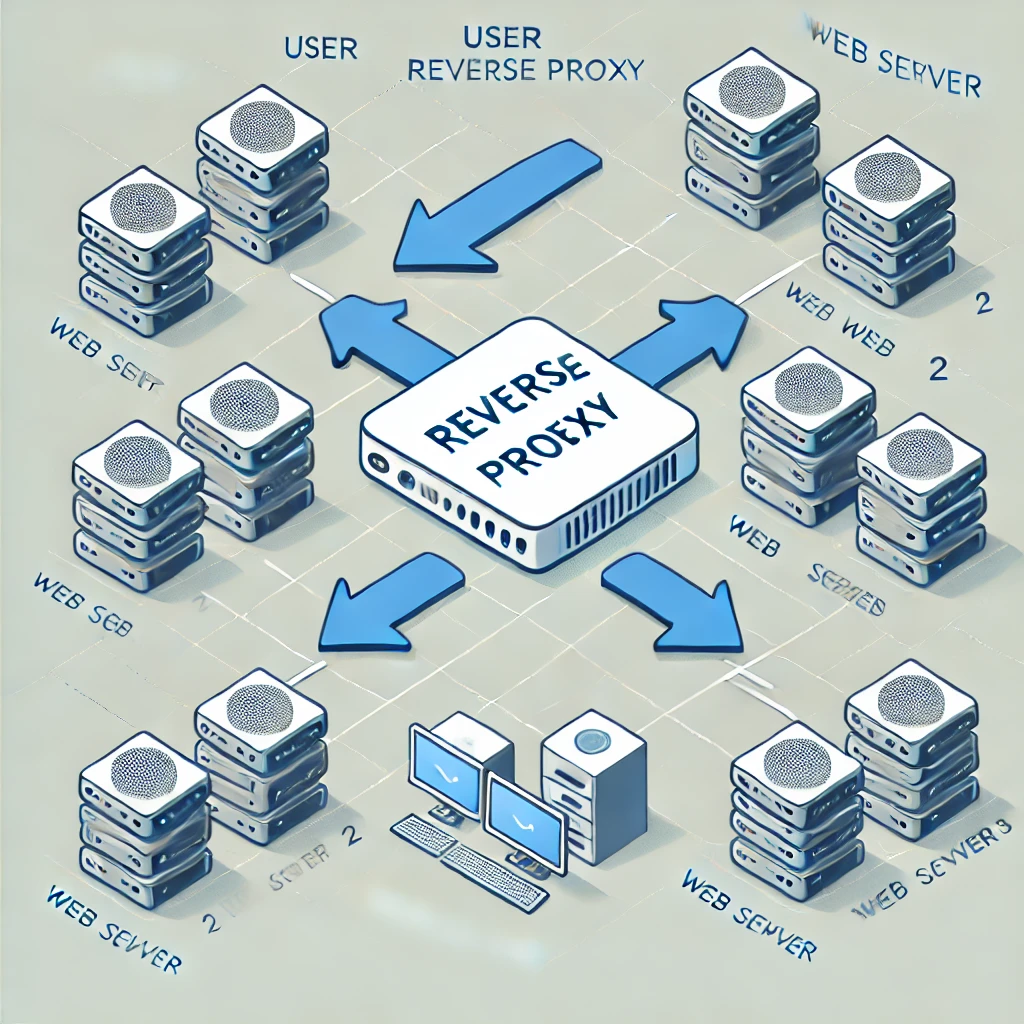
A reverse proxy is a server that sits between your website's servers and the internet. It acts as an intermediary, receiving incoming requests and forwarding them to the appropriate server.
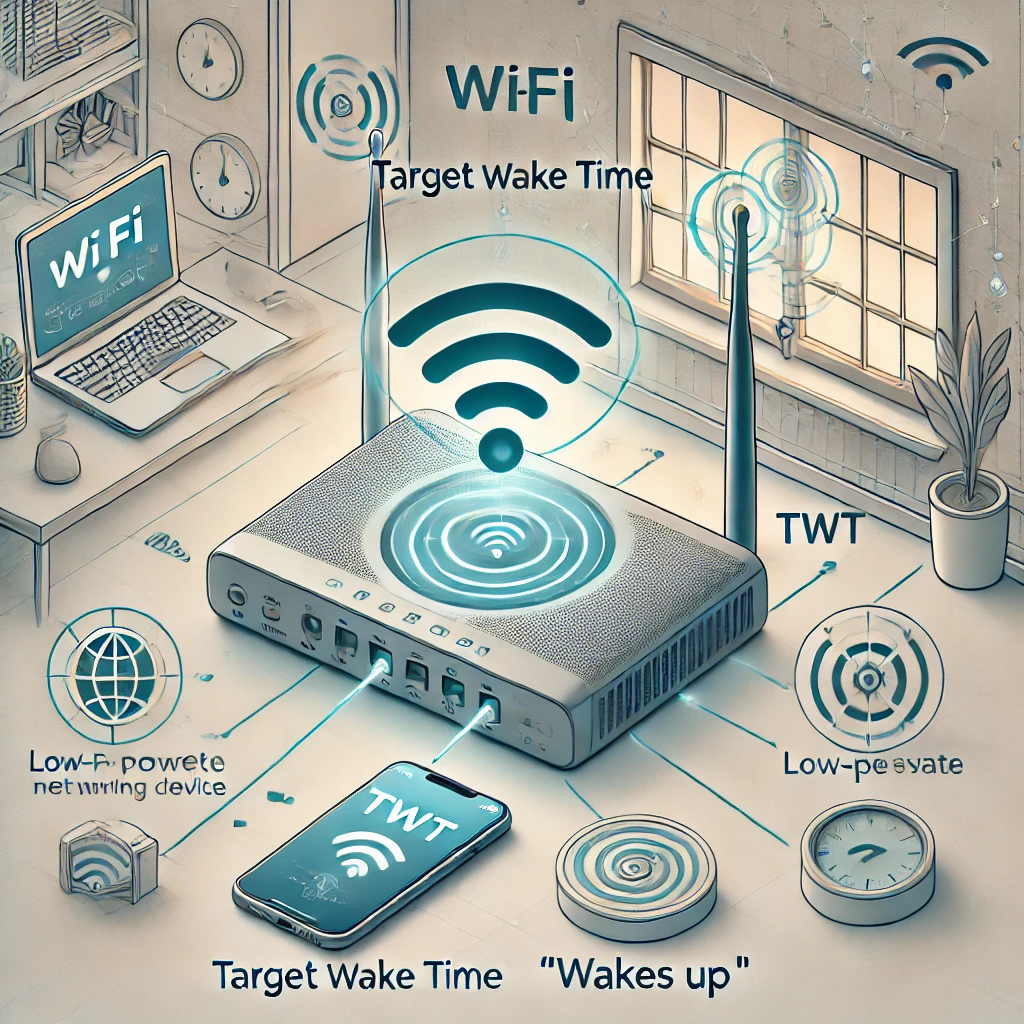
How Target Wake Time coordinates sleep and traffic, which devices can use it, and why battery savings depend on the implementation.
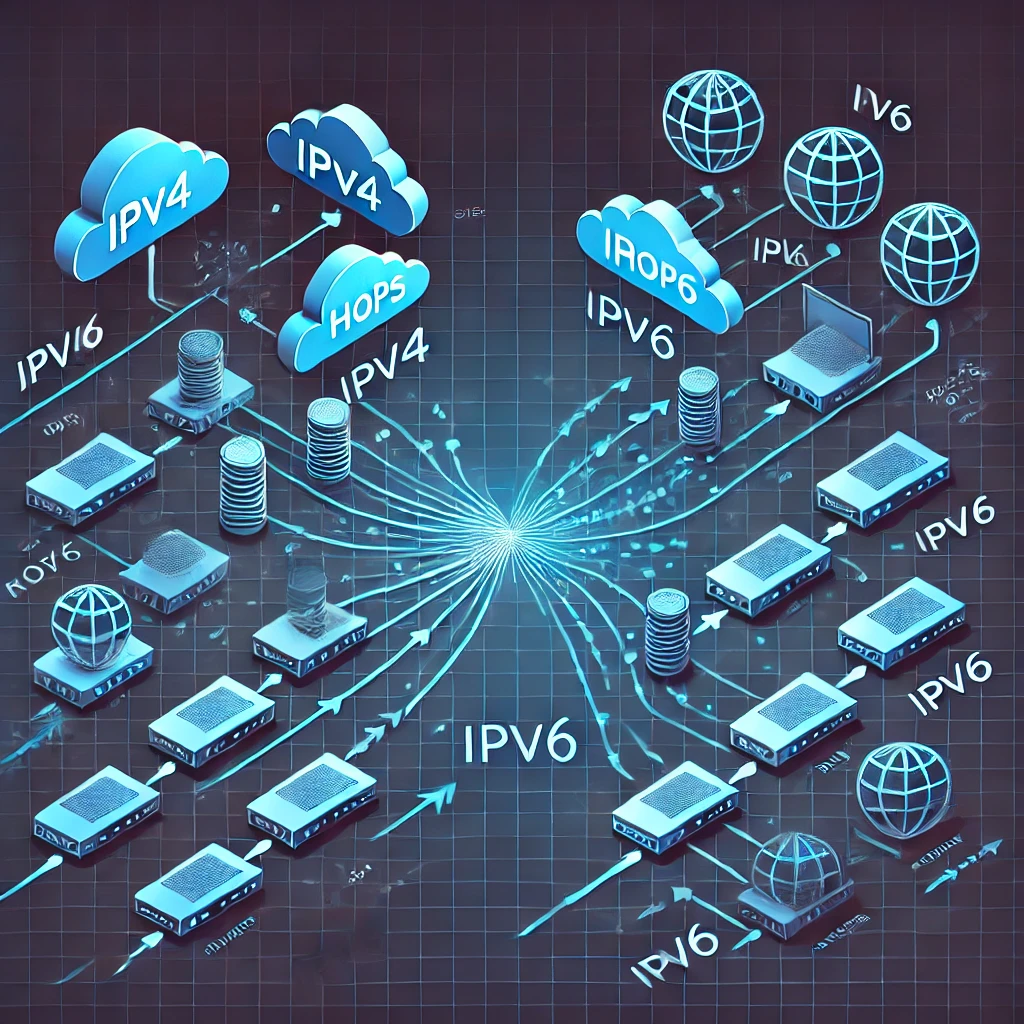
Compare IPv4 and IPv6 addressing, scopes, DHCP and SLAAC, temporary addresses, dual-stack routing and the firewall checks each protocol needs.

Proxmox is a powerful yet user-friendly open-source platform that allows users to create and manage virtual environments. It’s mainly used for setting up and running virtual machines (VMs) and containers on a single physical server or multiple servers.

Understand the original OpenAI Swarm handoff pattern, its educational limits, and how the maintained Agents SDK differs.

Understand open-source rights, permissive and copyleft licences, hardware and content boundaries, and how to choose a maintainable project for your homelab.

Understand switch forwarding, managed features, PoE budgets, port speeds and SFP uplinks when planning a wired home or office network.
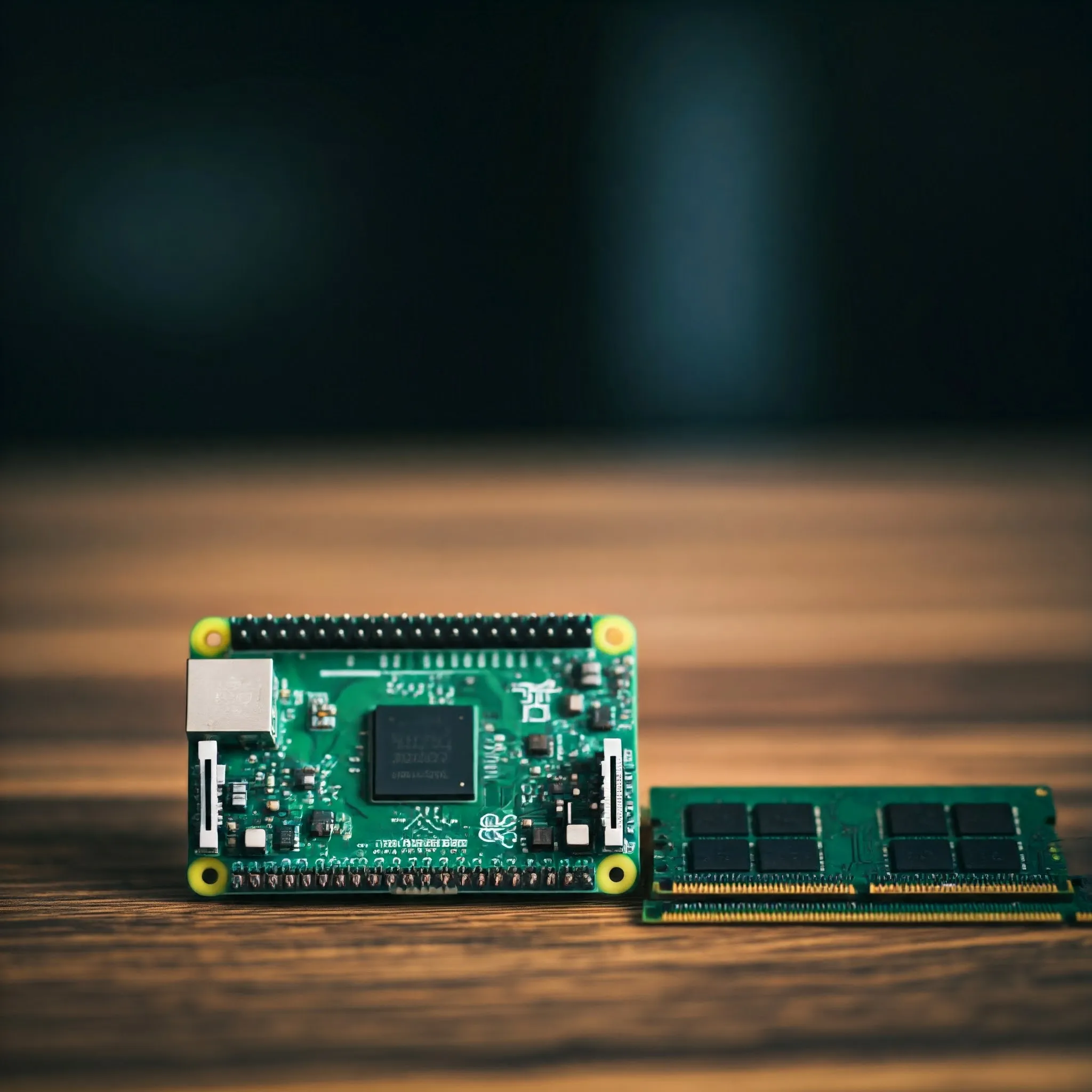
Choose Pi 4 or Pi 5 RAM using real application requirements, current capacity options, useful memory checks and the limits of zram, swap and AI acceleration.
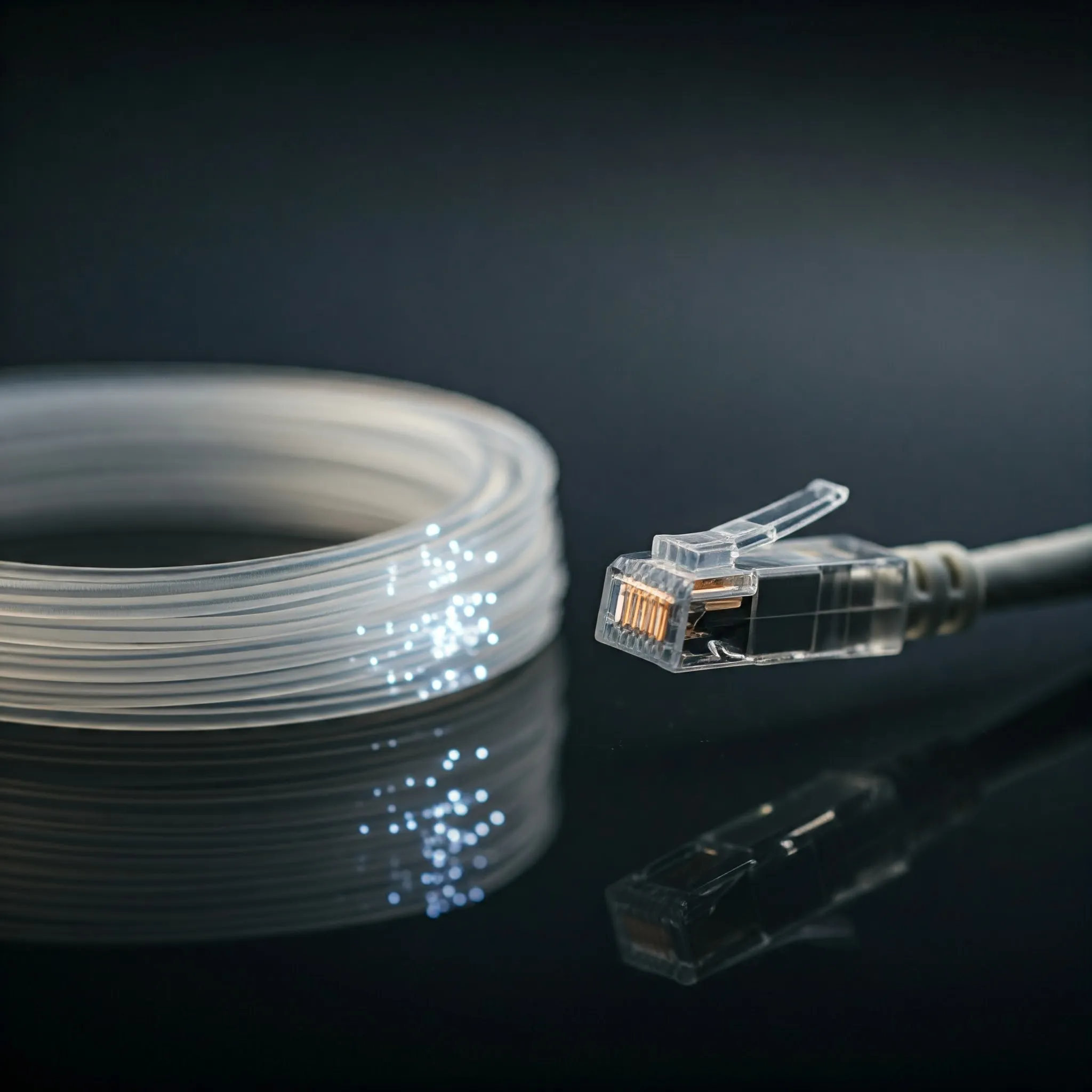
Compare fibre and copper, understand OM and OS grades, match UPC/APC connectors and optics, and verify a reliable link at the required speed and distance.
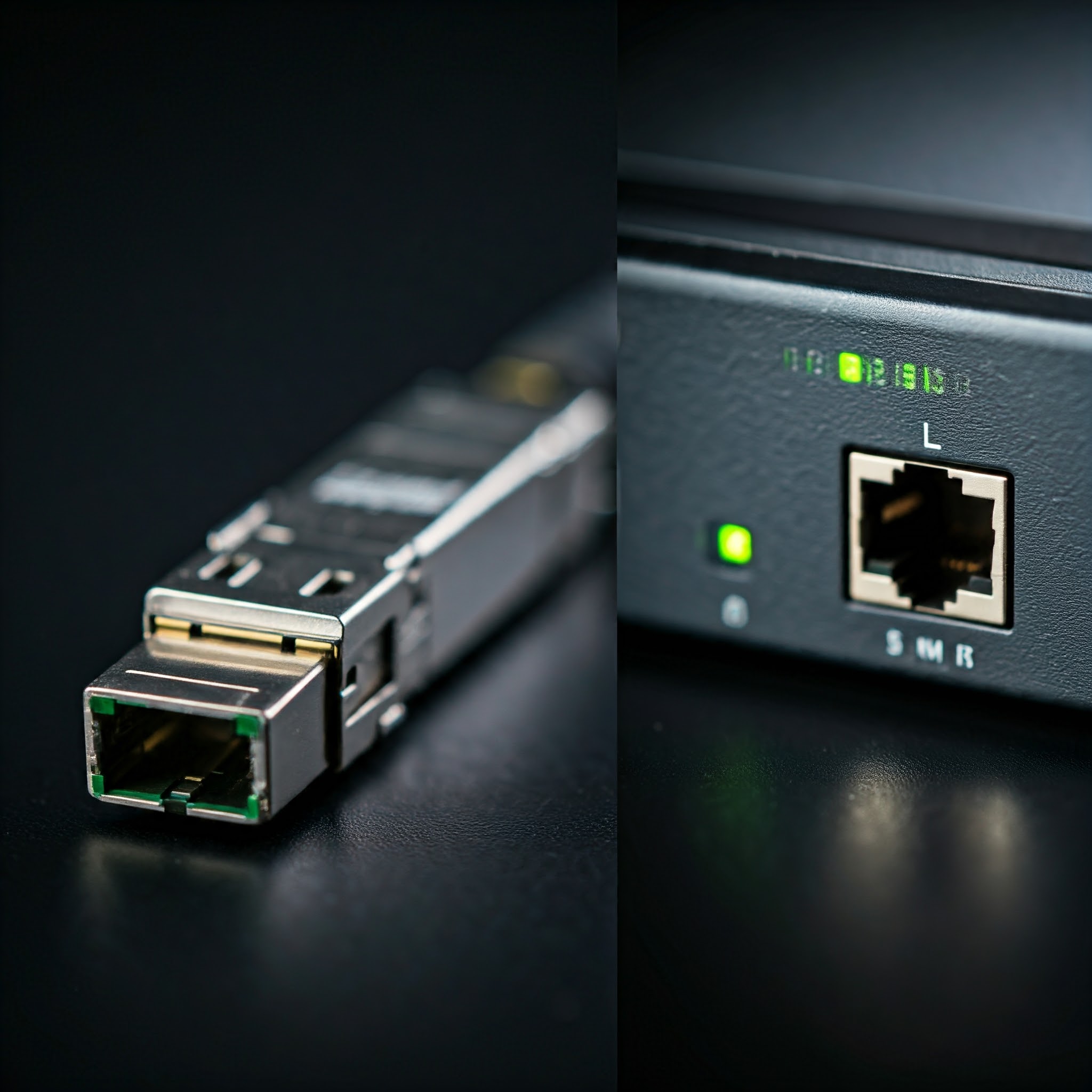
Understand SFP, SFP+, QSFP and SFP-DD, then choose compatible optics or DAC cables by host support, distance, fiber type, power and cooling.
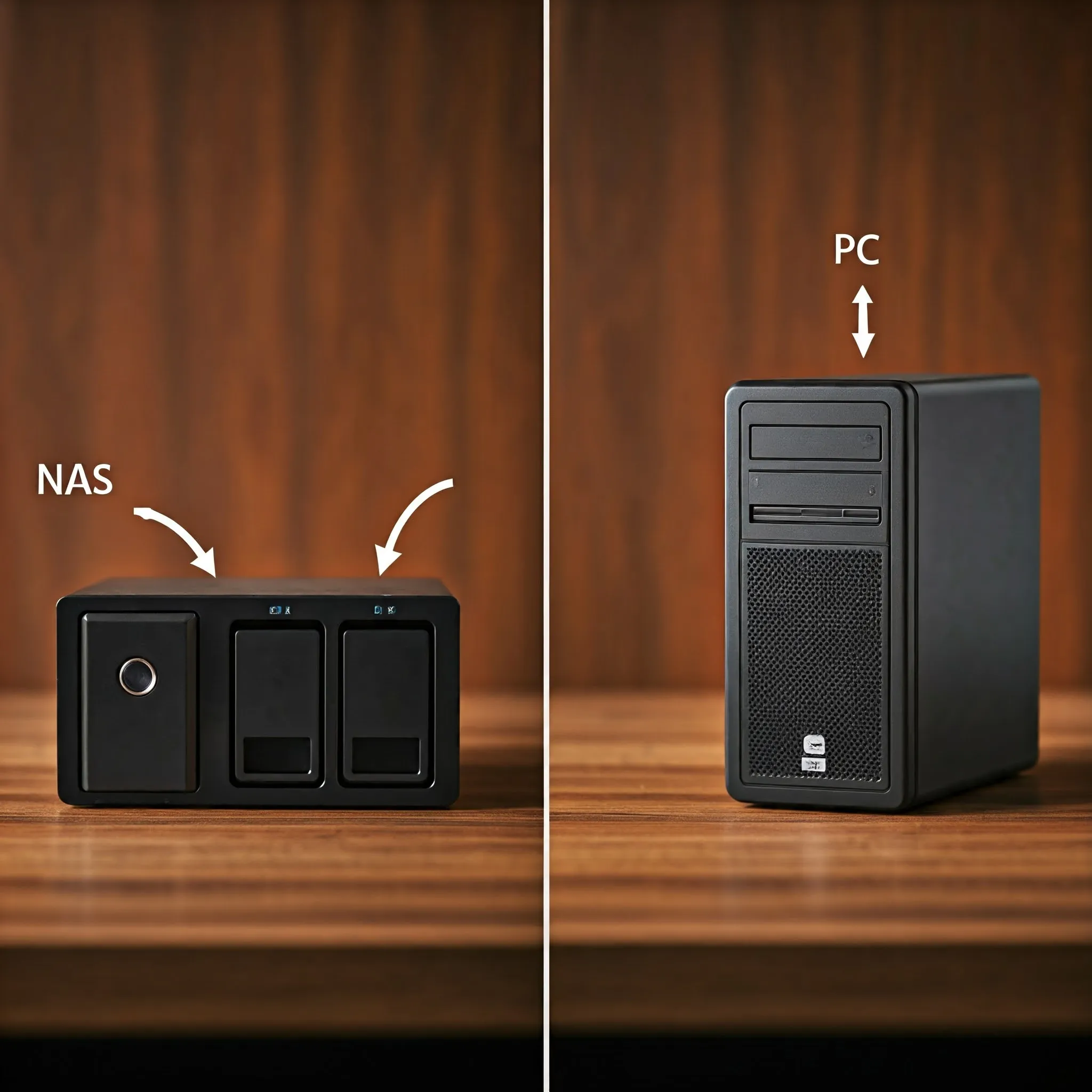
Compare a NAS appliance with a DIY storage PC by workload, hardware, measured costs, backups and the ability to recover your data.

Ever wanted to share folders seamlessly between Linux servers, Windows 11 PCs, and macOS machines across your home network? Learn how Samba (SMB3) works, how to configure /etc/samba/smb.conf securely, and how to avoid common permission pitfalls.
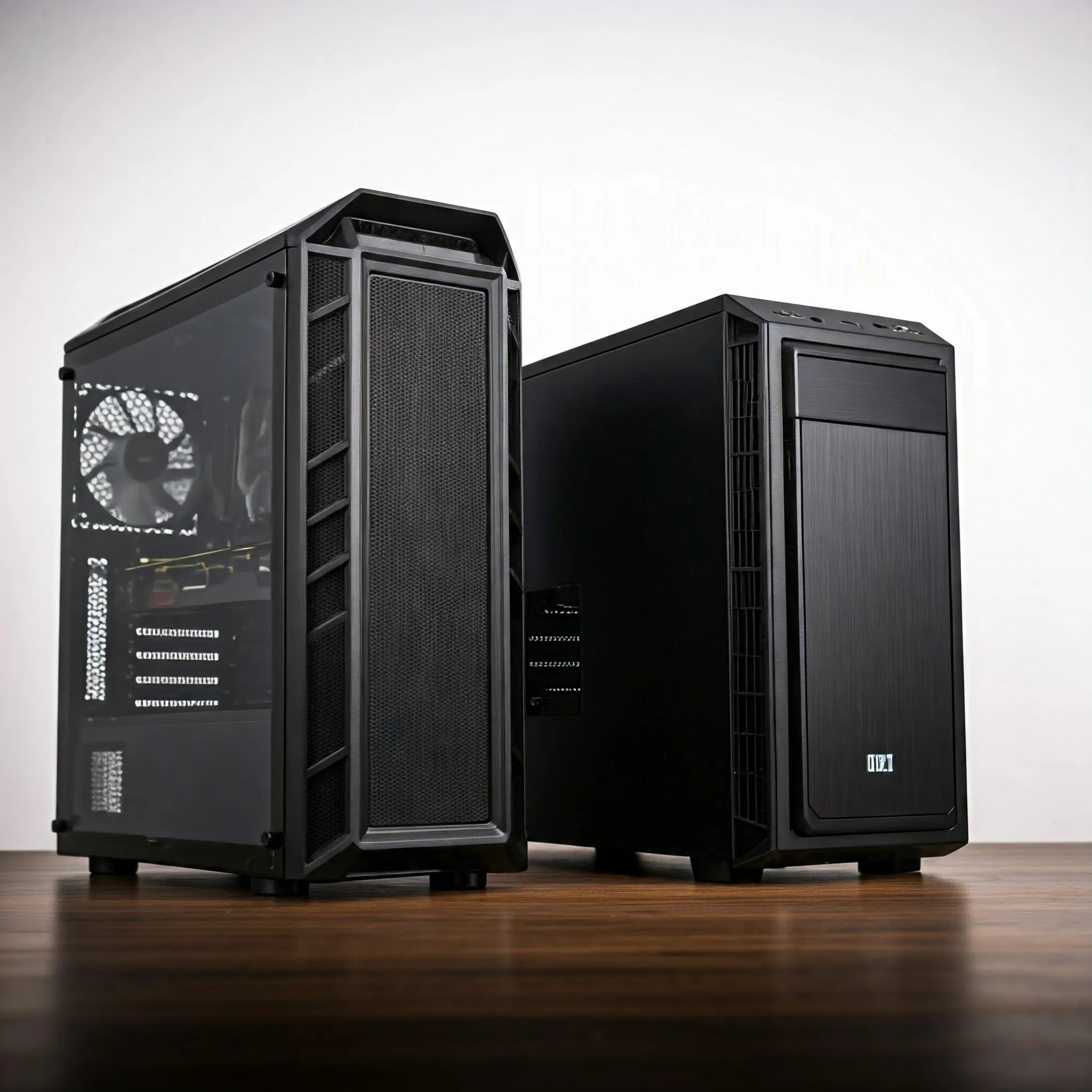
Choose a PC case by motherboard format, mounting, expansion, simultaneous component clearances, PSU fit and practical cooling, with original size illustrations.

Learn the difference between images and running containers, build a local example, and plan persistent data, resource limits, updates and isolation.

Compare hard-drive workloads and check exact models, CMR/SMR recording, recovery behaviour, workload ratings and warranty before buying.
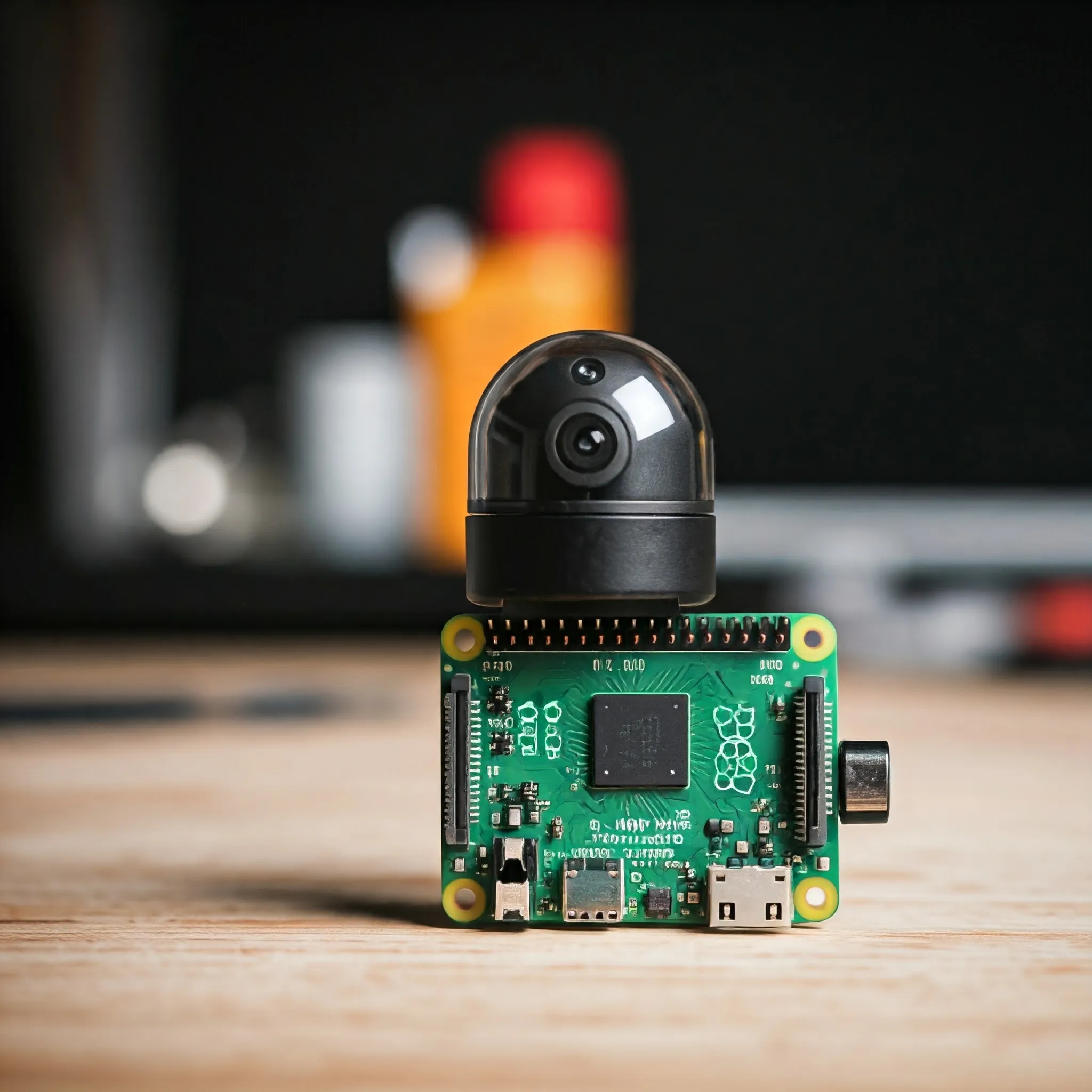
Choose a Raspberry Pi camera for stills, motion or monitoring, with clear lens, NoIR and cable guidance, modern capture commands and third-party driver caveats.

Learn to write clear AI prompts with context, examples and output requirements, then check sources, assumptions and results using a simple evaluation workflow.
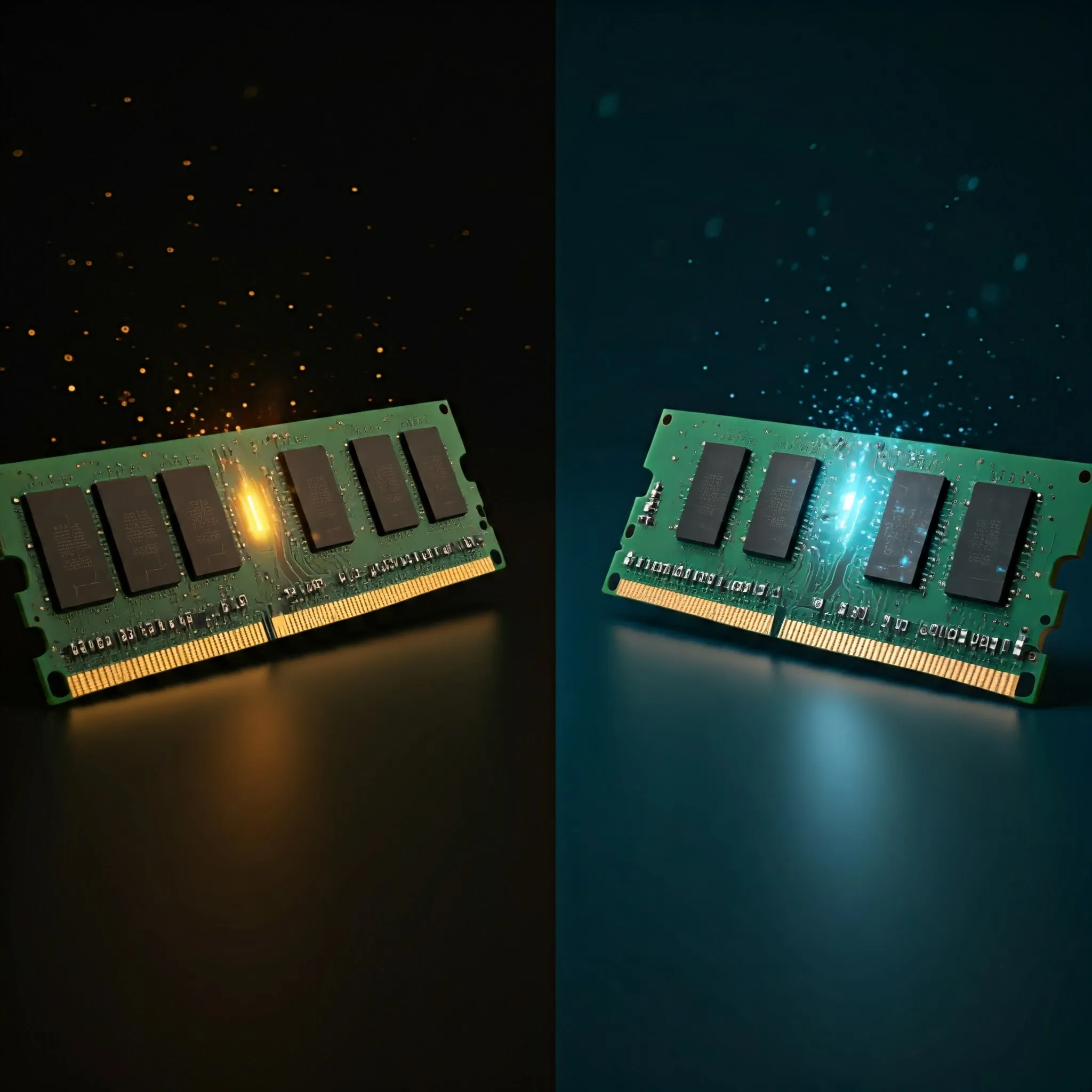
Understand RAM clock frequency, MT/s, CAS delay and bandwidth, then check capacity, compatibility and memory profiles before choosing a stable upgrade.

Understand modern TLS, HTTPS connection checks, certificate validation and wildcard coverage, plus renewal and configuration basics for your own site.

Choose computer headphones by driver design, tuning, sensitivity, enclosure, connections and comfort, with practical microphone, amplifier and listening checks.

Compare the original ROG Ally and 2024 Ally X, including Z1 variants, memory, battery capacity, SSD formats, ports and practical gaming needs.

Understand beamforming, channel feedback and antenna patterns, compare explicit and implicit methods, and check what can improve your Wi-Fi connection.

The rapid advancement of artificial intelligence has raised profound ethical questions. Let's look at some considerations on ethics of AI.

Understand how AI chatbots generate answers, how RAG and tools help, and how to check sources and configure a local chatbot responsibly.

A beginner’s guide to AI, machine learning and generated content, with practical examples, common limitations, job questions and cloud-versus-local tradeoffs.
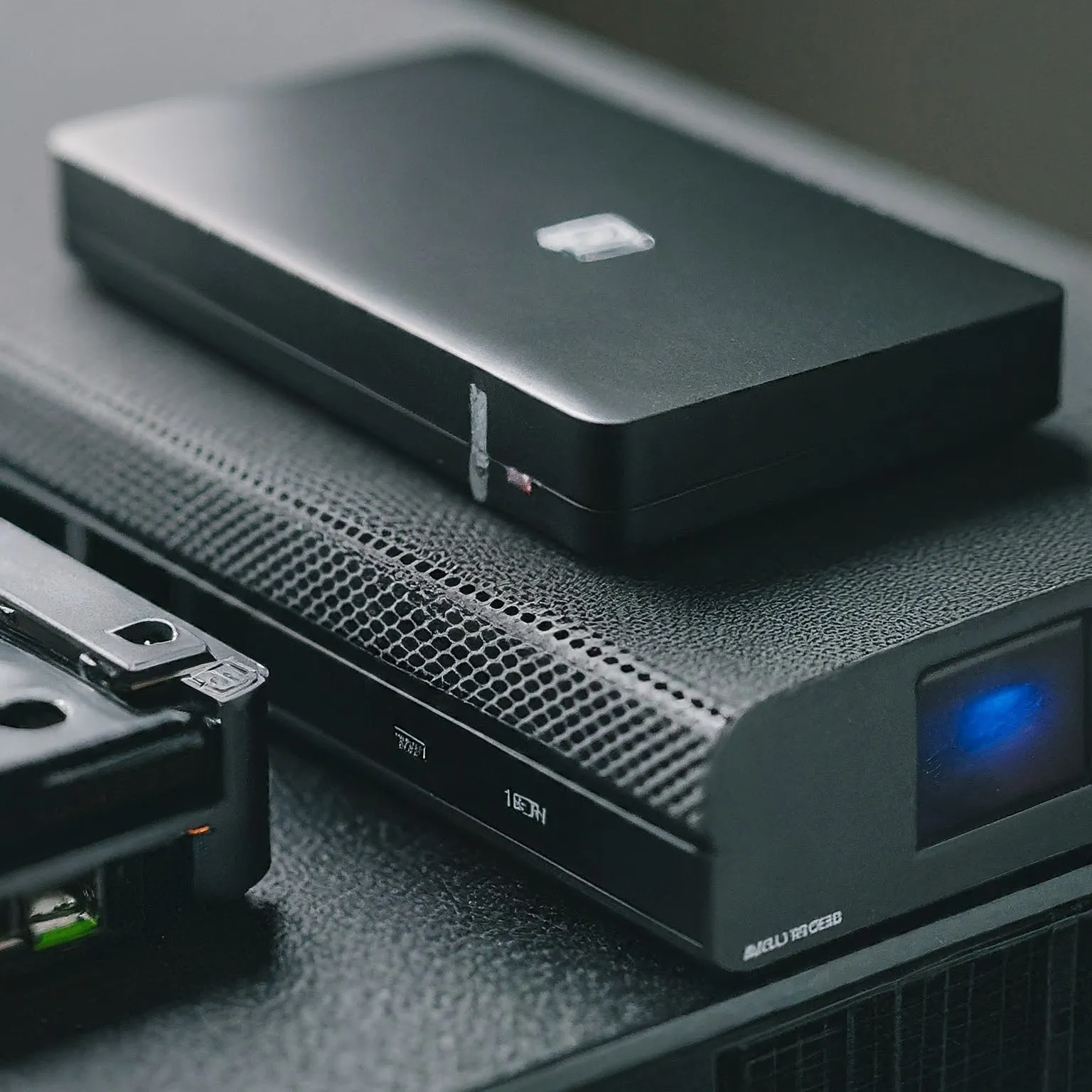
Choose NAS drives by workload, usable capacity, network limits and endurance, and understand the different risks of SSD pools, caches, SLOG and special devices.

Compare everyday apps, hardware, games, costs and support, with practical ways to try Linux while choosing the system that suits your workflow.
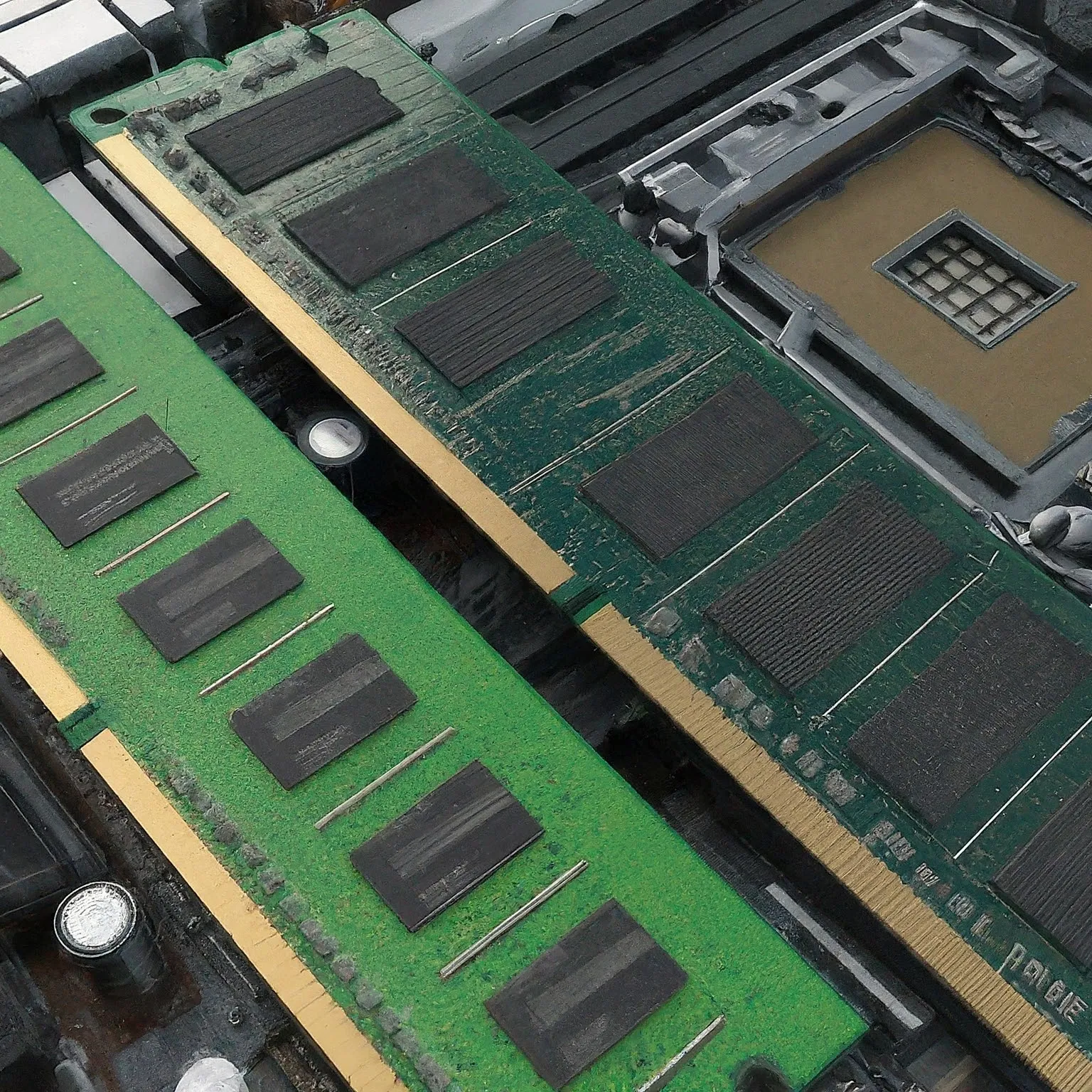
Compare DDR3, DDR4 and DDR5 RAM by compatibility, capacity, MT/s, CAS delay, module type and ECC, with practical profile and stability checks.
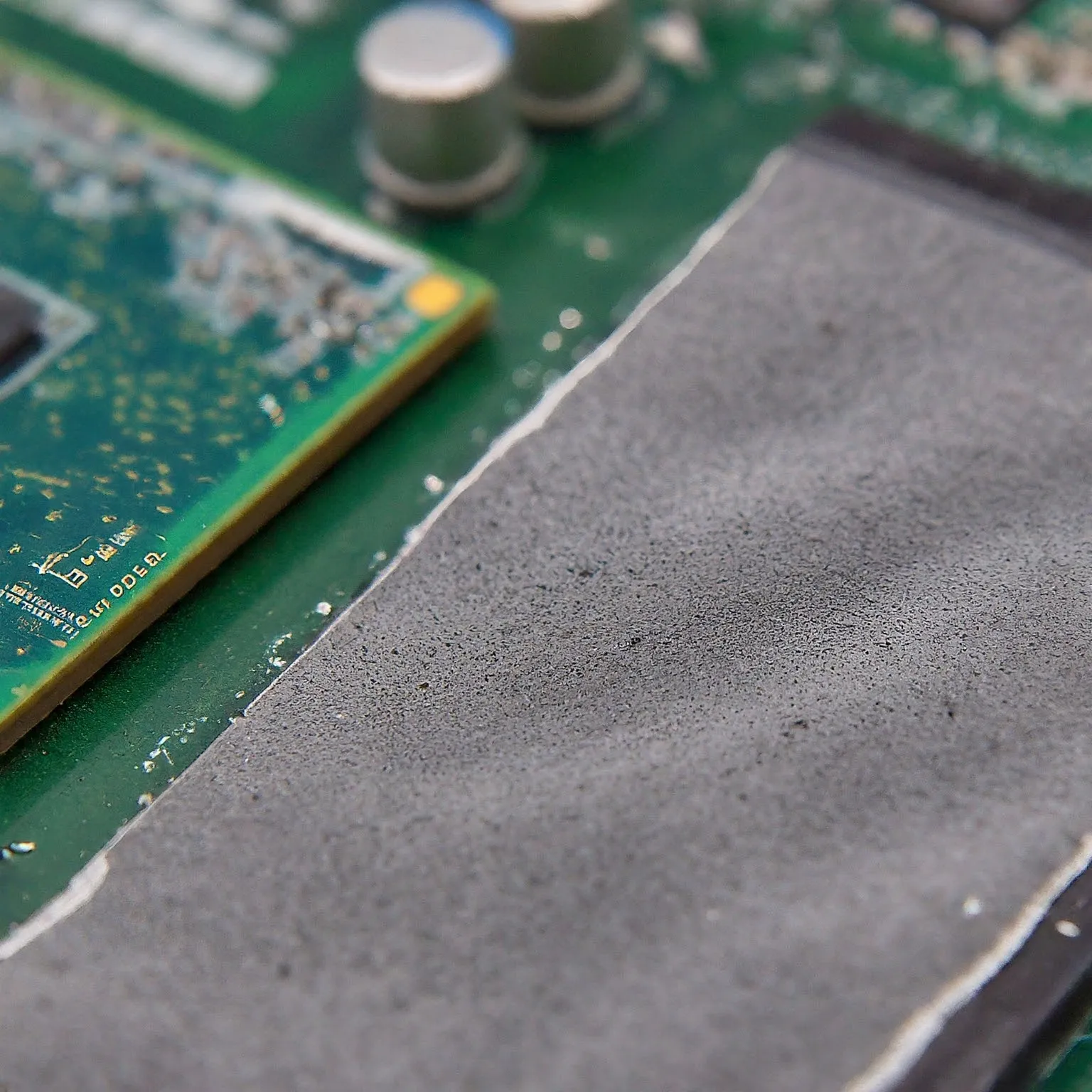
Choose thermal pads by gap, thickness, compression and electrical properties. Learn how ordinary pads differ from paste, phase-change sheets and graphene.

Understand TrueNAS and home NAS storage: CORE versus Community Edition, disks and datasets, ZFS redundancy, sharing permissions and recoverable backups.

Understand firmware, drivers and boot security, then plan exact-model updates, encryption-key recovery and supported repair without relying on unsafe flashing shortcuts.
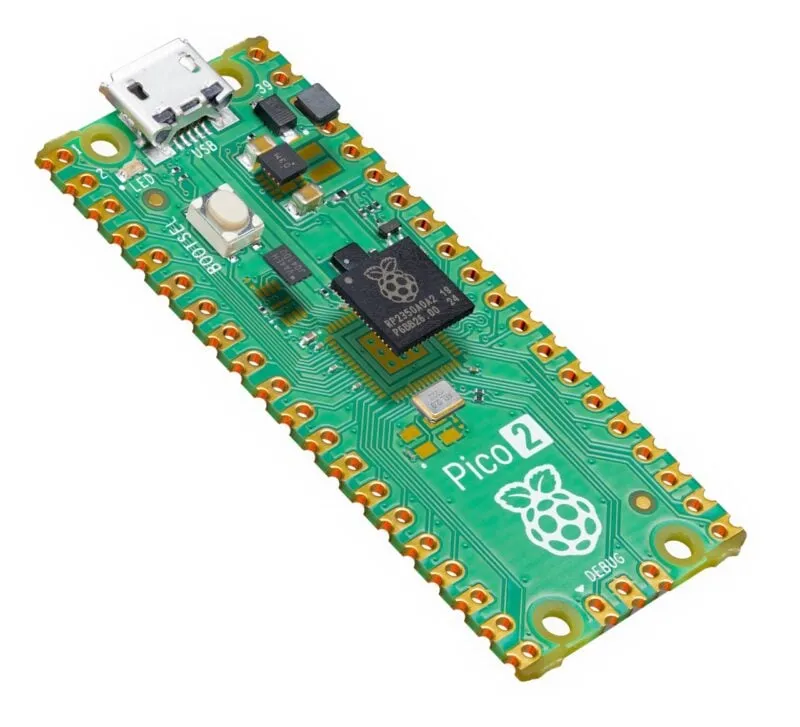
Explore Pico 2’s processor choices, extra memory, PIO and firmware support, with practical power planning and important RP2350 revision and security caveats.
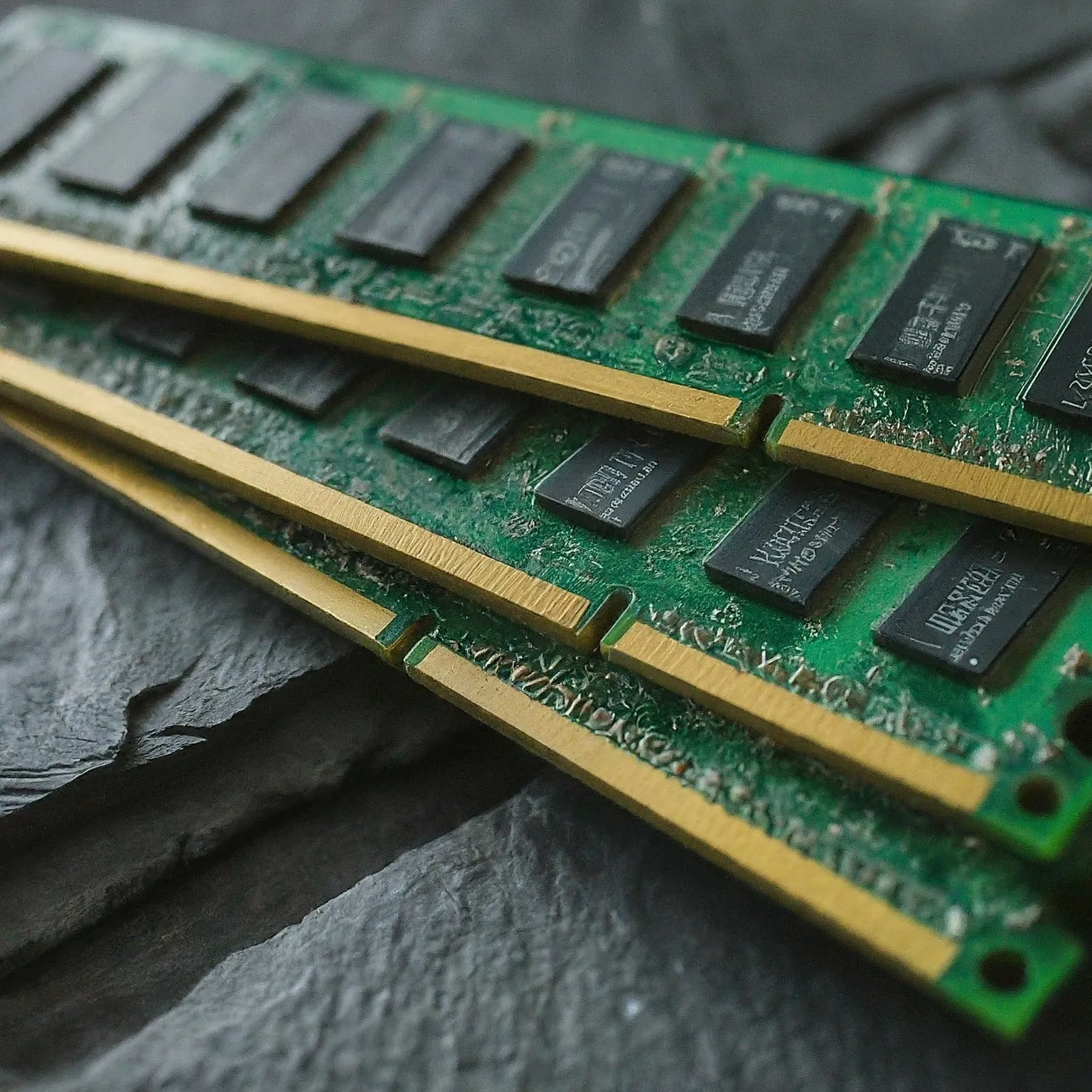
A practical RAM guide covering capacity, DDR4/DDR5 compatibility, MT/s and latency, ECC, memory profiles and how to assess a useful upgrade.
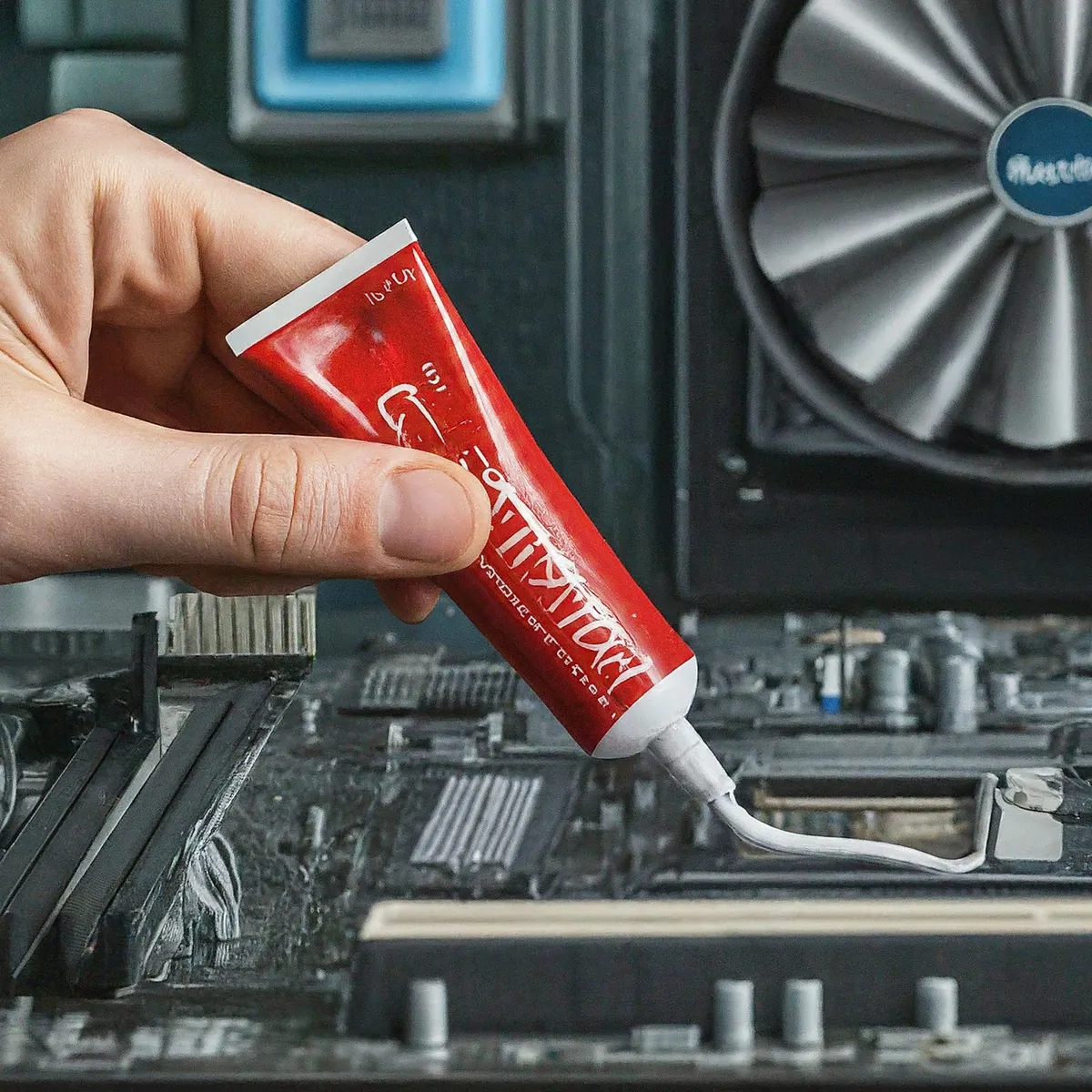
Choose thermal paste by interface and compatibility, with verified examples, electrical risks, pad differences, application guidance and realistic maintenance.
Compare Wi-Fi 5 and Wi-Fi 6 by client link rates, OFDMA, MU-MIMO, BSS coloring, power saving, bands and the bottlenecks that matter at home.
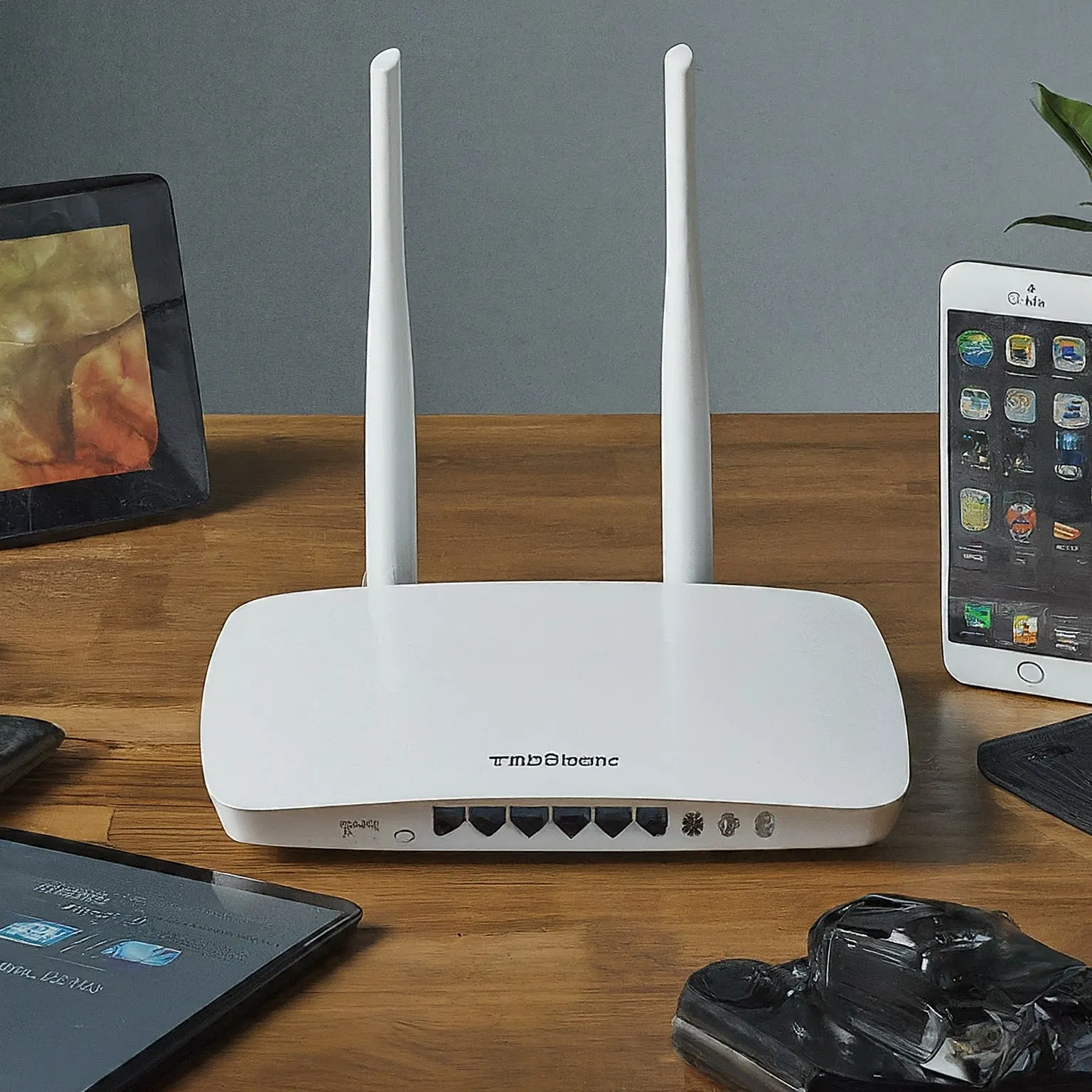
Diagnose Wi-Fi noise, busy channels and weak coverage with practical tests for microwaves, Bluetooth, USB 3 devices, physical obstacles and mesh placement.
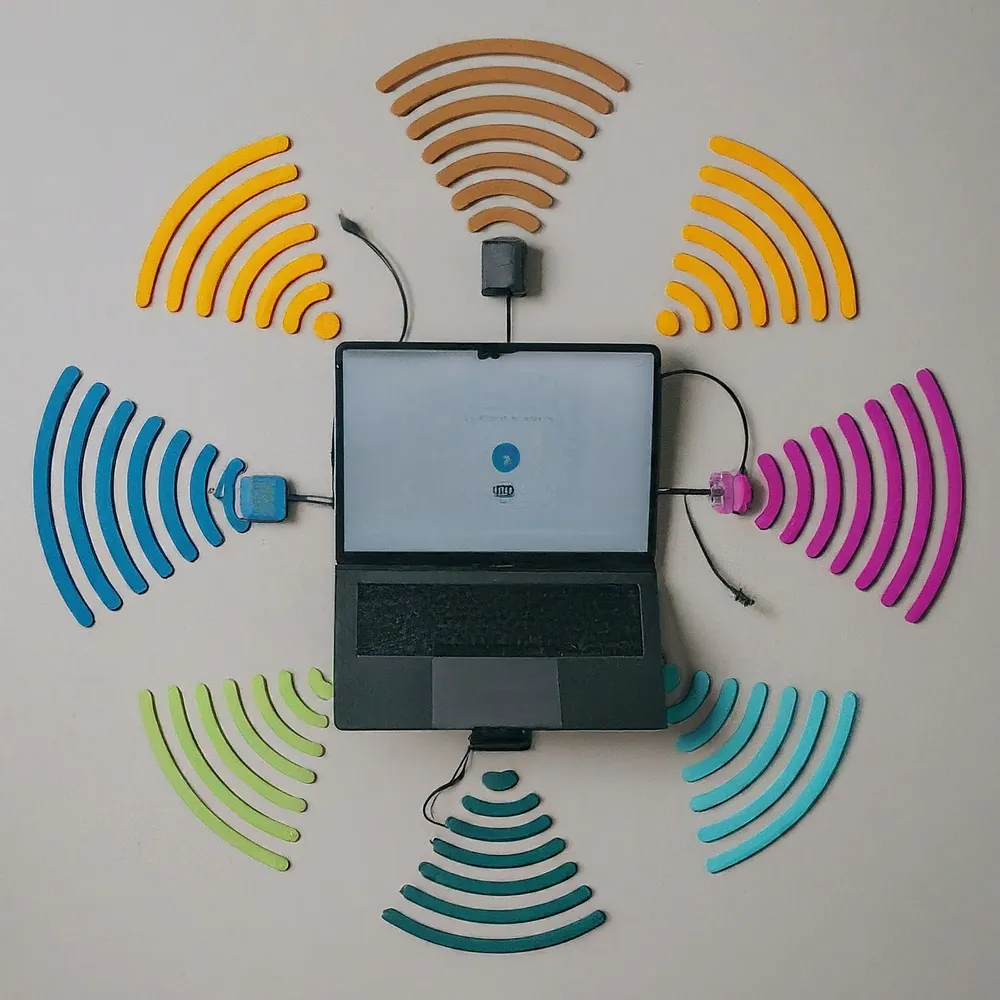
Understand MLO’s multiple-link modes, client versus mesh paths, compatible bands and security, Windows support and practical ways to verify a benefit.
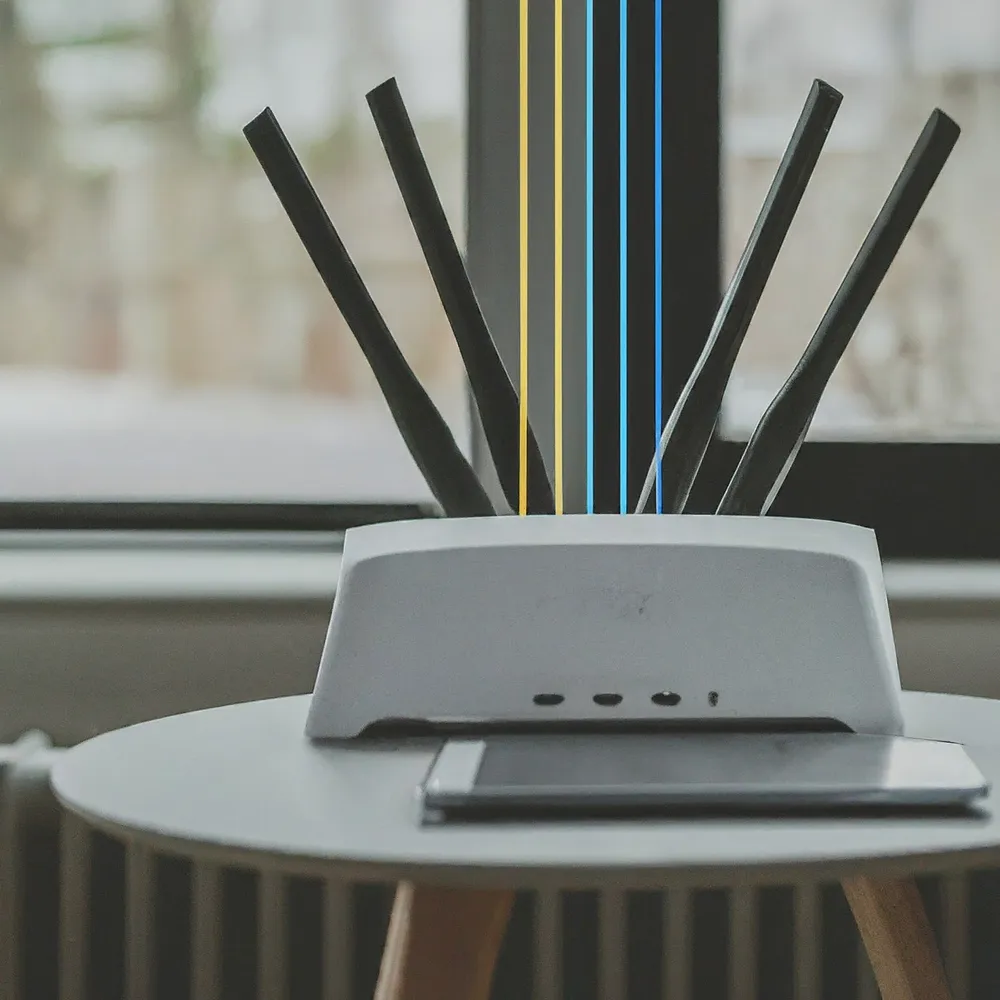
Learn how MU-MIMO shares Wi-Fi capacity, how it differs from OFDMA, and which client, radio and network limits matter before upgrading.

How OFDMA schedules Wi-Fi traffic, what resource units do, and how to check whether it can improve a busy home network.

Compare Steam Deck LCD and OLED, check game compatibility, and plan battery, storage, offline play and docking around your own Steam library.
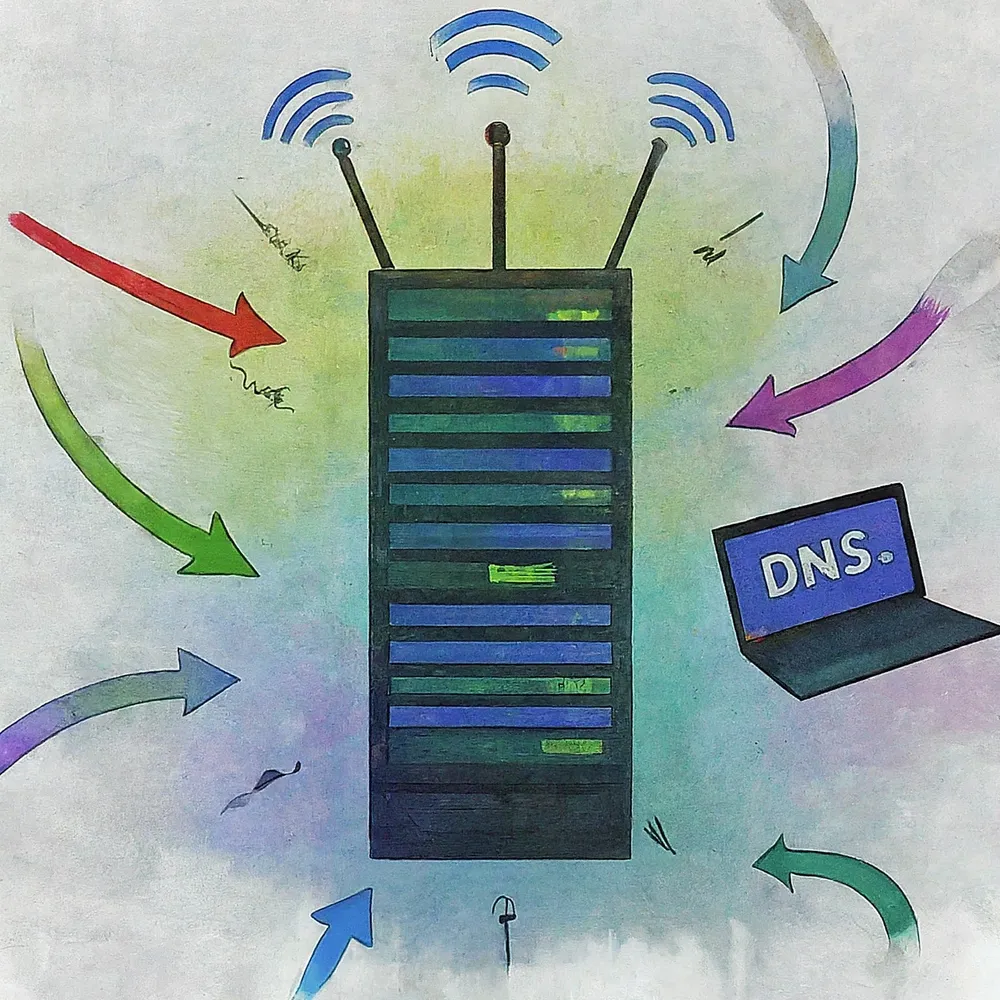
Choose and test DNS resolvers, understand encrypted DNS and filtering limits, and keep local names working across routers, browsers, VPNs and IPv6.

Compare TKL and full-size keyboards by numpad use, mouse space, layout, portability and desk comfort, with practical checks before buying.

Understand DHCPv4 address leases, DORA, configurable renewal timers, reservations and practical checks for a home network.

Understand accidental and malicious data breaches, verify a notice and prioritise account recovery, with clear limits for hashes, MFA, breach searches, aliases and VPNs.
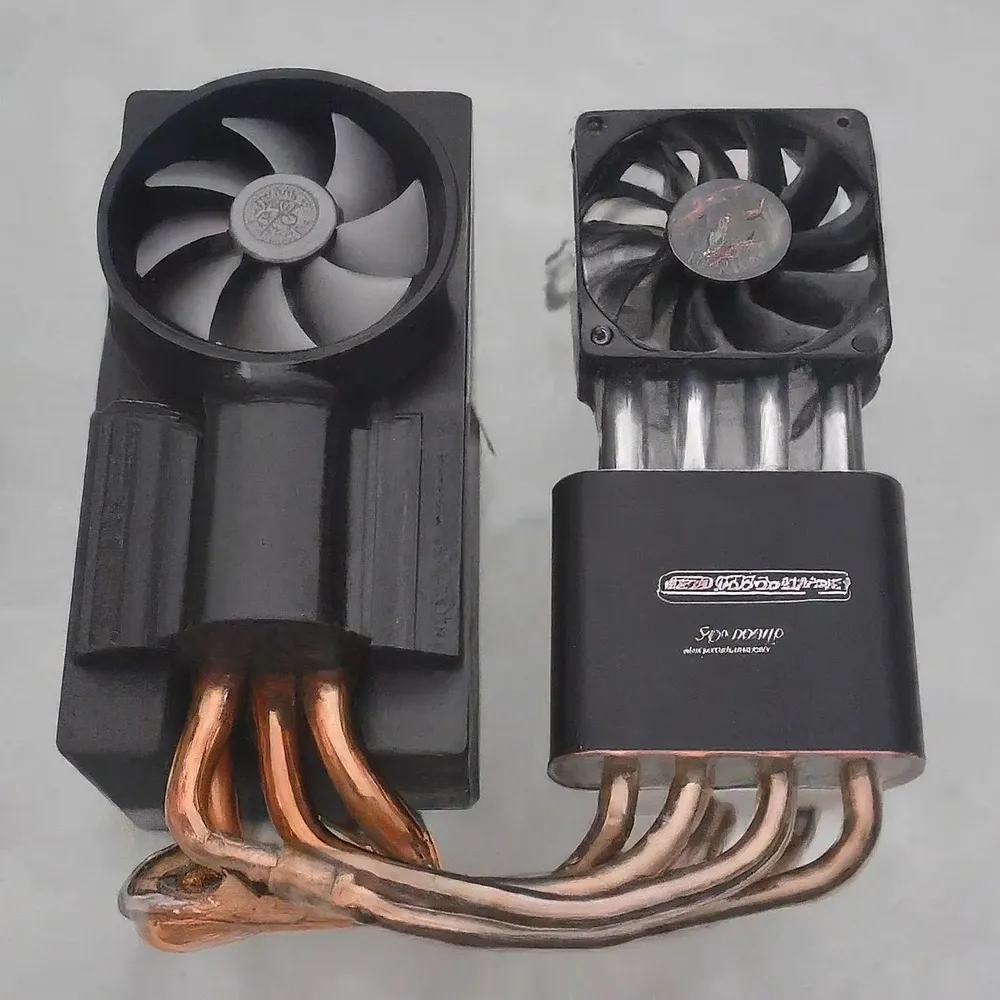
Compare CPU air coolers, AIOs and custom loops by compatibility, performance, noise and maintenance. Understand TDP-rating limits and pump-specific radiator orientation.

Understand wireless, Ethernet and hybrid mesh backhaul, including placement, port bottlenecks, vendor wiring rules and a practical troubleshooting method.

Understand how MITM attacks interact with HTTPS, VPNs and DNS, recognise meaningful warning signs and use practical travel-network, pairing and account-recovery checks.
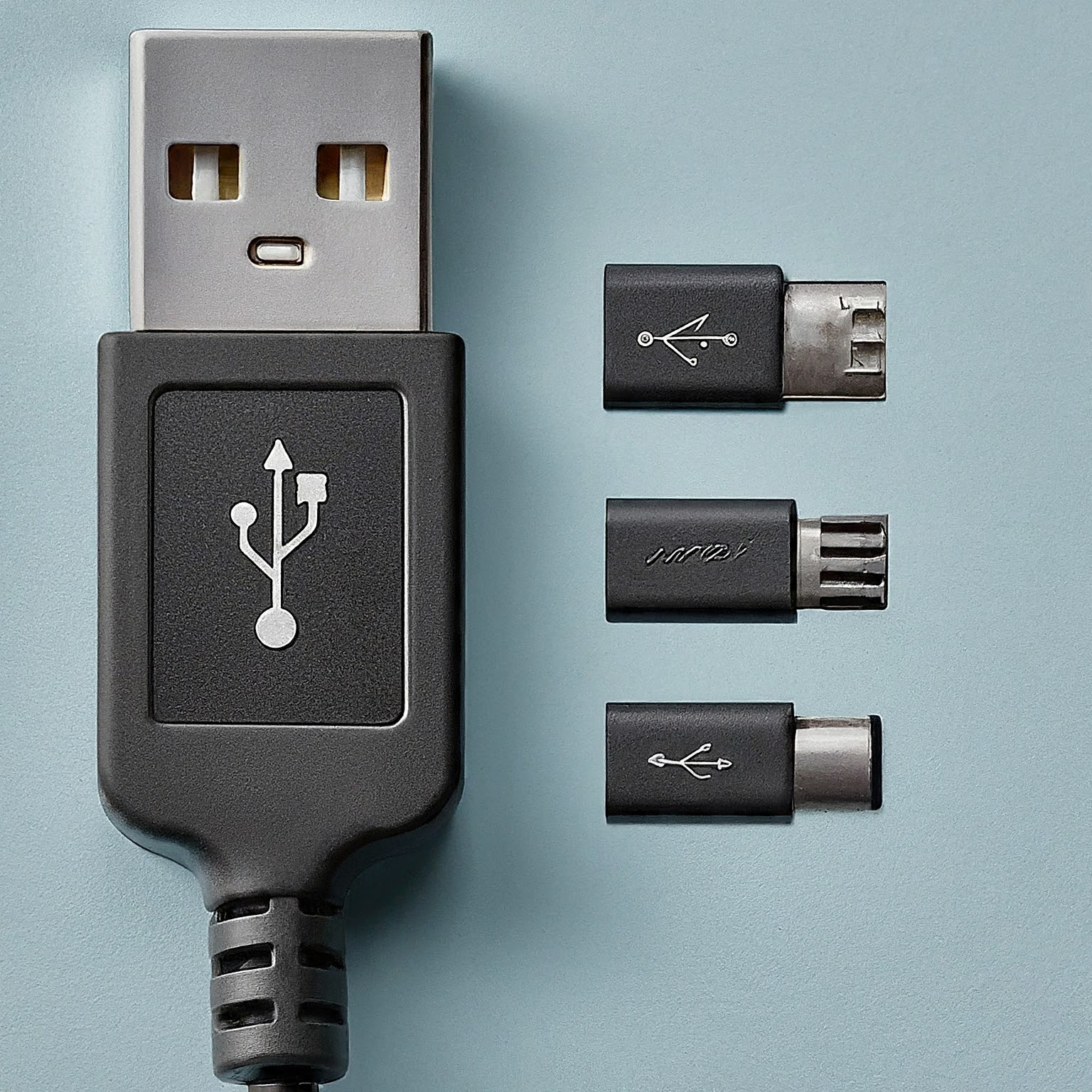
Decode USB version names, real transfer limits, USB-C connectors, charging power and display support before choosing a cable, drive or dock.
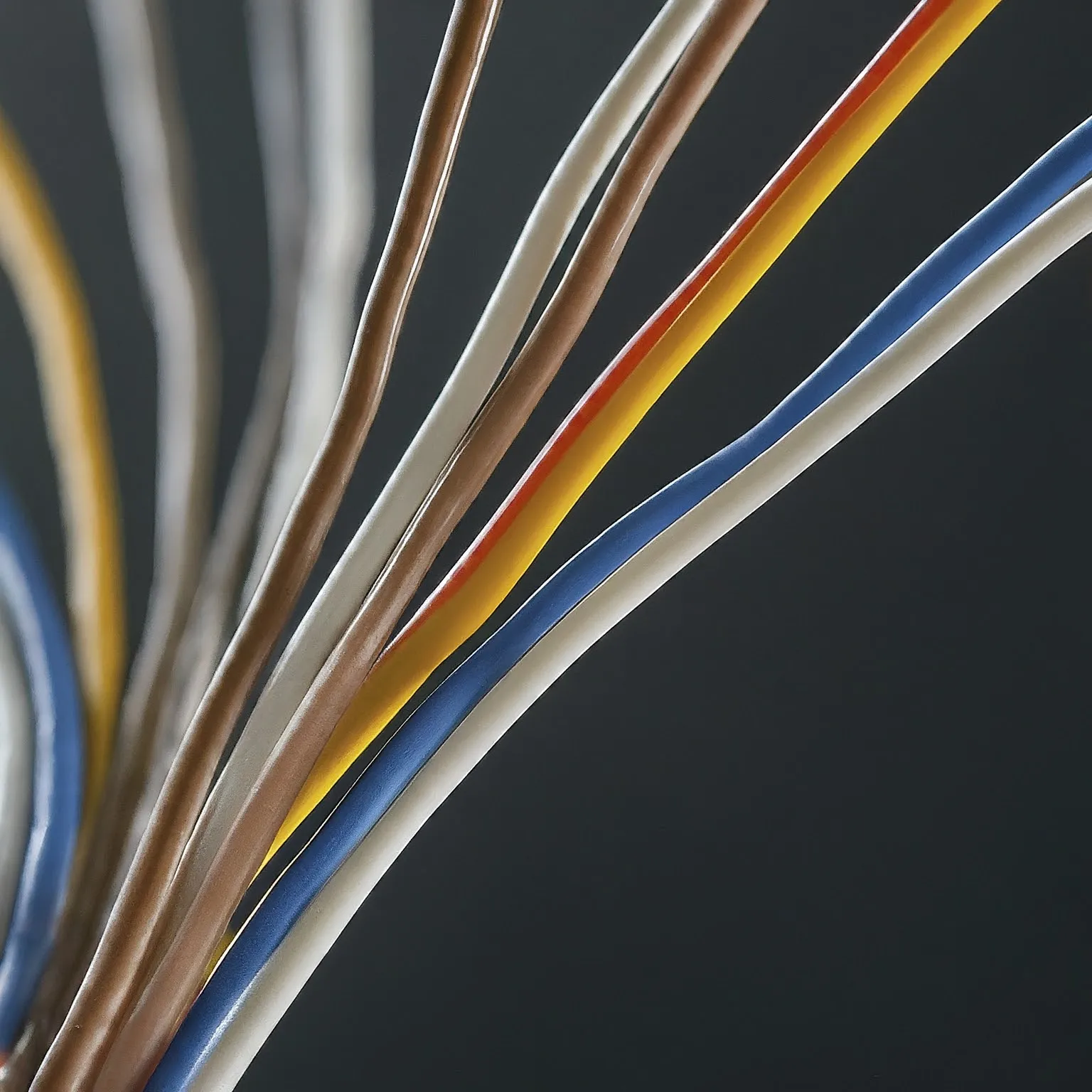
Separate copper versus CCA material from solid versus stranded construction, then check cable specifications, PoE requirements and the complete channel.

Ten practical security habits covering unique passwords, verified messages, updates, HTTPS, phishing-resistant authentication and backups you can actually restore.
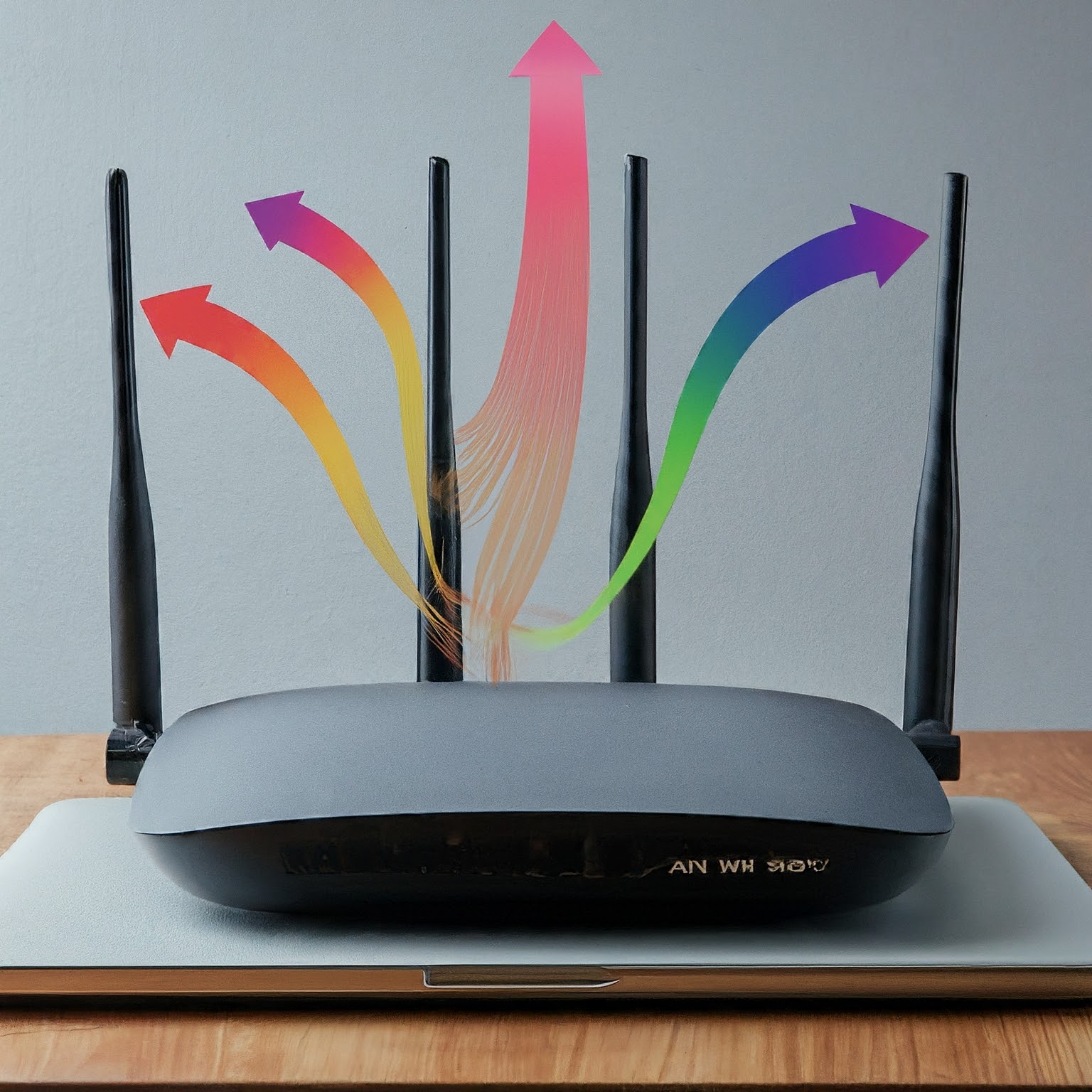
Understand MIMO spatial streams, 2x2 and 4x4 radio specifications, client limits and MU-MIMO. Learn why antennas and peak link rates alone do not predict usable Wi-Fi speed.
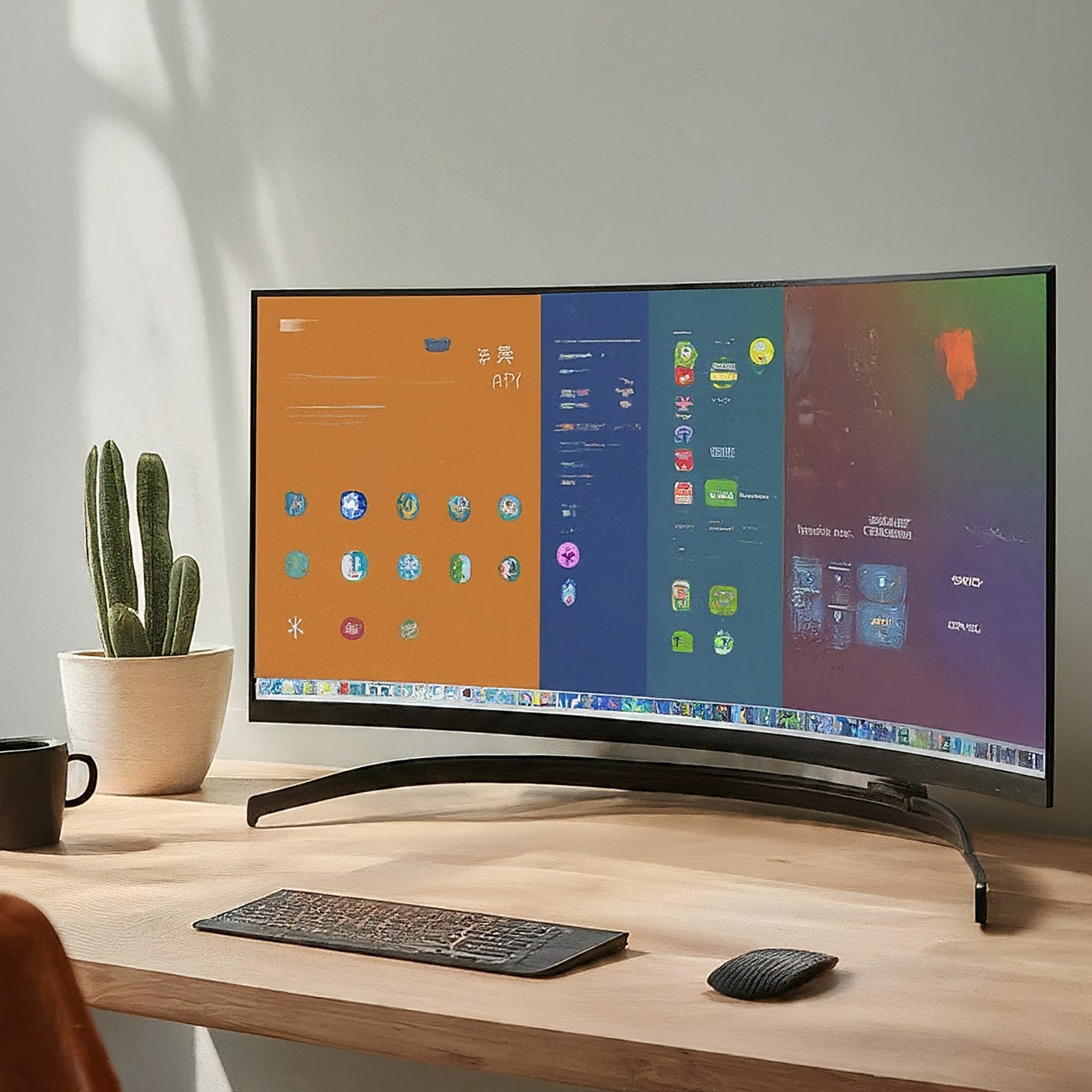
Compare widescreen and ultrawide monitors using resolution, scaling, games, sharing, connectivity and desk fit, with clear pixel-count and mounting checks.

Understand OLED self-emission, WOLED and QD-OLED tradeoffs, text and brightness behavior, burn-in care and model-specific warranty checks.
Learn how IPS monitors work and compare color accuracy, gamut, contrast, glow and motion performance when choosing a display.

Understand VA contrast, dark motion trails, viewing-angle changes and HDR limits, then check the specific monitor’s settings and behaviour before buying.

Compare VA, IPS and OLED using contrast, motion, HDR, text clarity and care requirements. Understand model differences and the author’s original panel preferences.
Understand antivirus detection and its limits, choose protections for each platform, respond to alerts and verify support, scan scope, cloud privacy and recoverable backups.

Understand Wi-Fi 6E’s extra 6GHz spectrum, regional limits, compatible devices, security requirements and mesh benefits before deciding to upgrade.

Learn how VoIP signaling and audio work, how codecs affect calls, and what to check before switching providers or diagnosing one-way audio.

Understand PoE standards, source-versus-device power, active and passive compatibility, and switch budgets before powering cameras, access points or phones.

Understand repeater airtime tradeoffs, placement, real port/mode examples, wired AP reuse and how to compare coverage options without fixed performance guarantees.

Learn what a firewall can see and block, how stateful rules and network zones work, and how to check UFW, IPv6 and Docker exposure without losing access.

Choose cloud storage by its sync, encryption and recovery features. Understand online-only files, backup limits, archive costs and a practical test before uploading valuable data.
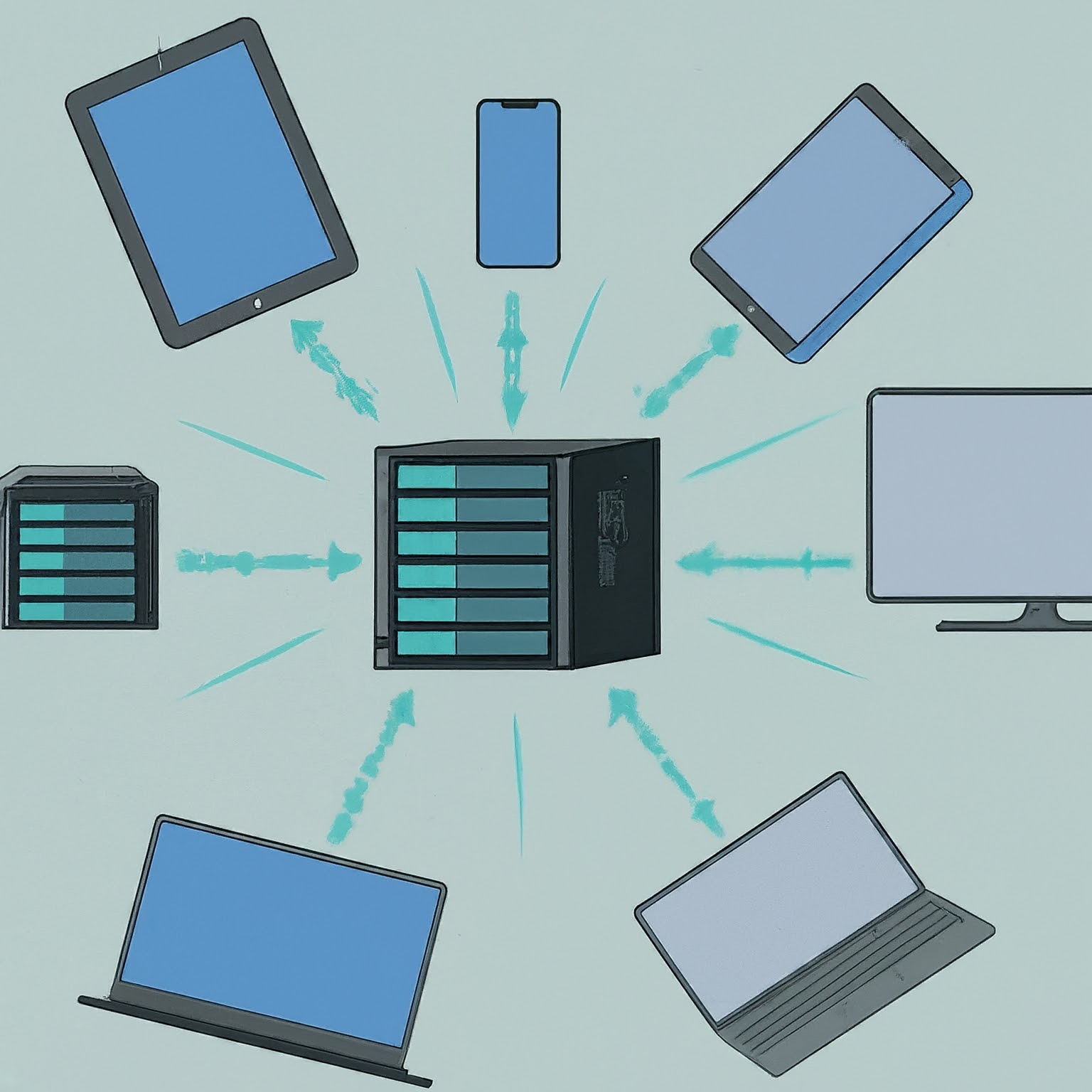
Plan a NAS around sharing, permissions, drive layouts and expansion, then protect it with independent backups and a tested restore process.
Understand RAID levels, usable capacity, failure tolerance and rebuild planning, with clear distinctions between redundancy, ZFS checksums and backups.
Diagnose a network problem by narrowing its scope, then checking the link, active IP route, DNS and actual service without treating one result as proof.
Understand routing, switching, Wi-Fi, DHCP and DNS roles, then distinguish NAT from firewall protection and diagnose the part of your home network that needs attention.

Understand SDN control and forwarding, controller/protocol differences, Proxmox zone limits and a practical lab approach for testing network policy.

Use QoS and smart queues for a measured contention problem, understand DSCP and Wi-Fi priorities, and test shaping without assuming guaranteed latency or throughput.
Learn IPv4 masks and CIDR, work through four /26 subnets, and connect address planning to VLANs, routing, firewall rules and meaningful verification.

Compare WPA2 vs. WPA3 Wi-Fi security: how Simultaneous Authentication of Equals (SAE / Dragonfly handshake), Protected Management Frames (802.11w), and OWE protect your wireless network.
Choose HDD, SATA SSD or NVMe by compatibility, workload and capacity. Understand benchmark limits, recording technology, endurance and recoverable storage.

Decide whether a VPN fits your privacy or remote-access needs, understand its limits and verify the routes, DNS and applications you actually use.

Understand what a VPN protects, how full and split tunneling differ, which protocols suit your devices, and how to verify private access without anonymity promises.
Understand port forwarding, public-IP and CGNAT limits, stable LAN addresses, precise rules, external testing and service-specific security for a home network.
Learn how Dynamic DNS updates a changing address, what it cannot fix, and how to verify a provider or securely configure an optional DNS updater.
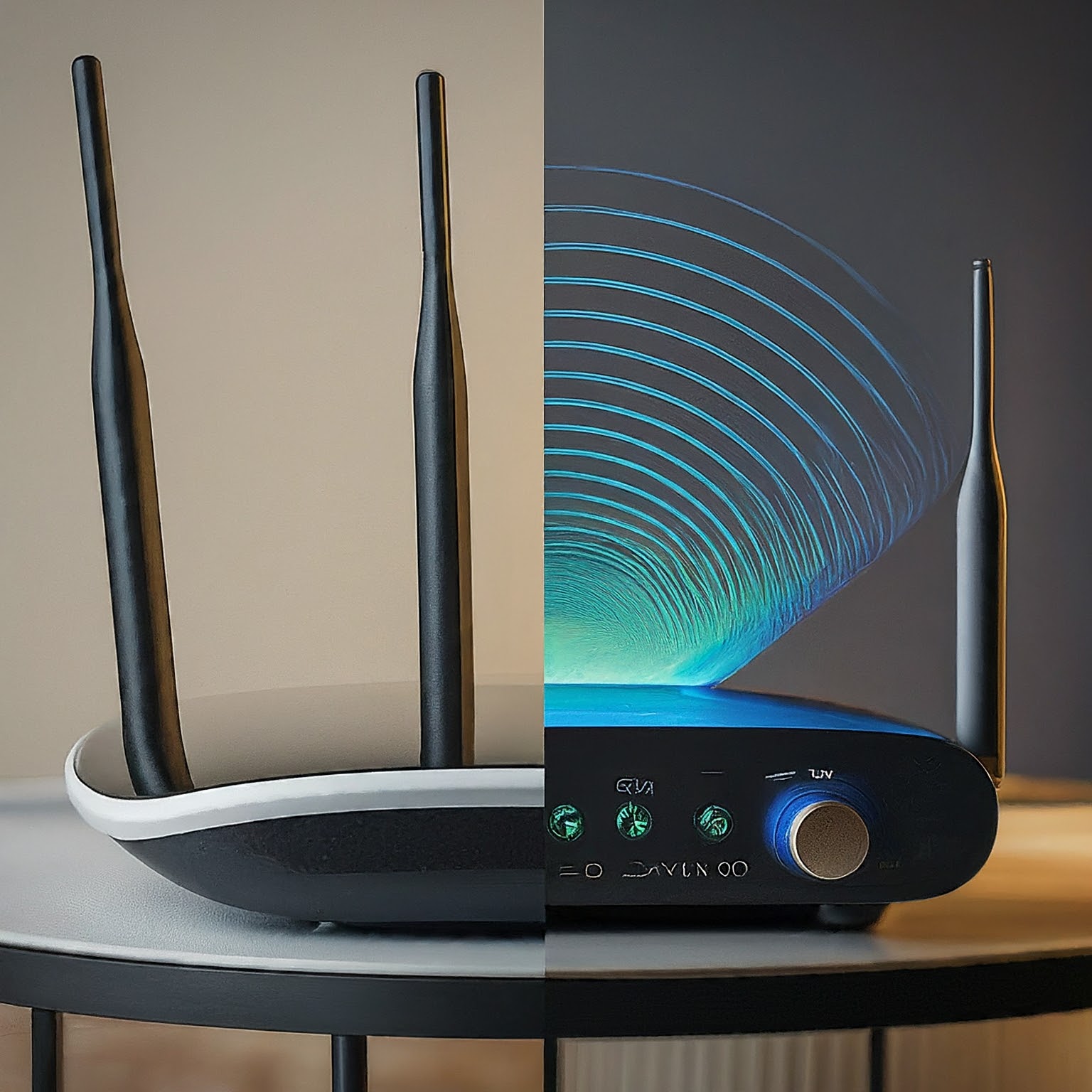
Assess whether Wi-Fi 6 addresses your network’s limits. Compare client support, airtime features, coverage, backhaul and the author’s experience-based recommendation for new installations.

Choose a desktop, laptop or mini PC by workload, mobility, exact specifications, upgrade options and the complete workspace cost.

Choose wired or wireless headphones around fit, devices, microphone use and delay, with accurate Bluetooth-codec and hybrid wired-mode checks.

Compare wired USB, wireless receivers and Bluetooth keyboards and mice, with practical checks for comfort, responsiveness, batteries and compatibility.
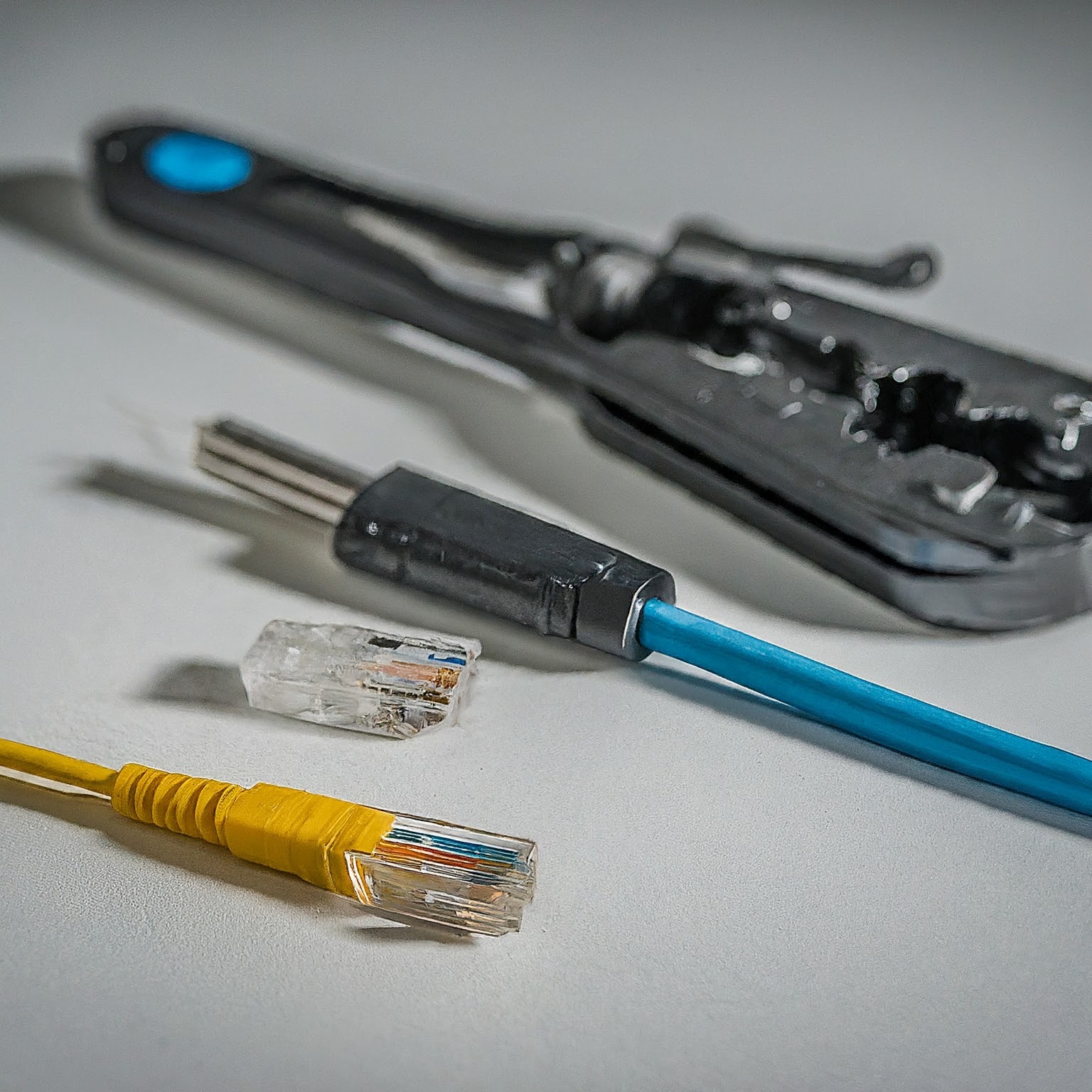
Choose Cat5e, Cat6, Cat6A, fibre or DAC for your home network, with practical guidance on channel length, T568A/B wiring, jacket ratings and cable testing.

Diagnose slow or missing internet by comparing devices, Wi-Fi and Ethernet, interpreting ping, DNS and traceroute results, and checking latency under load before contacting your ISP.

Compare fibre, cable, DSL, fixed wireless and satellite using upload speed, loaded latency, installation, availability and the total cost of a real offer.
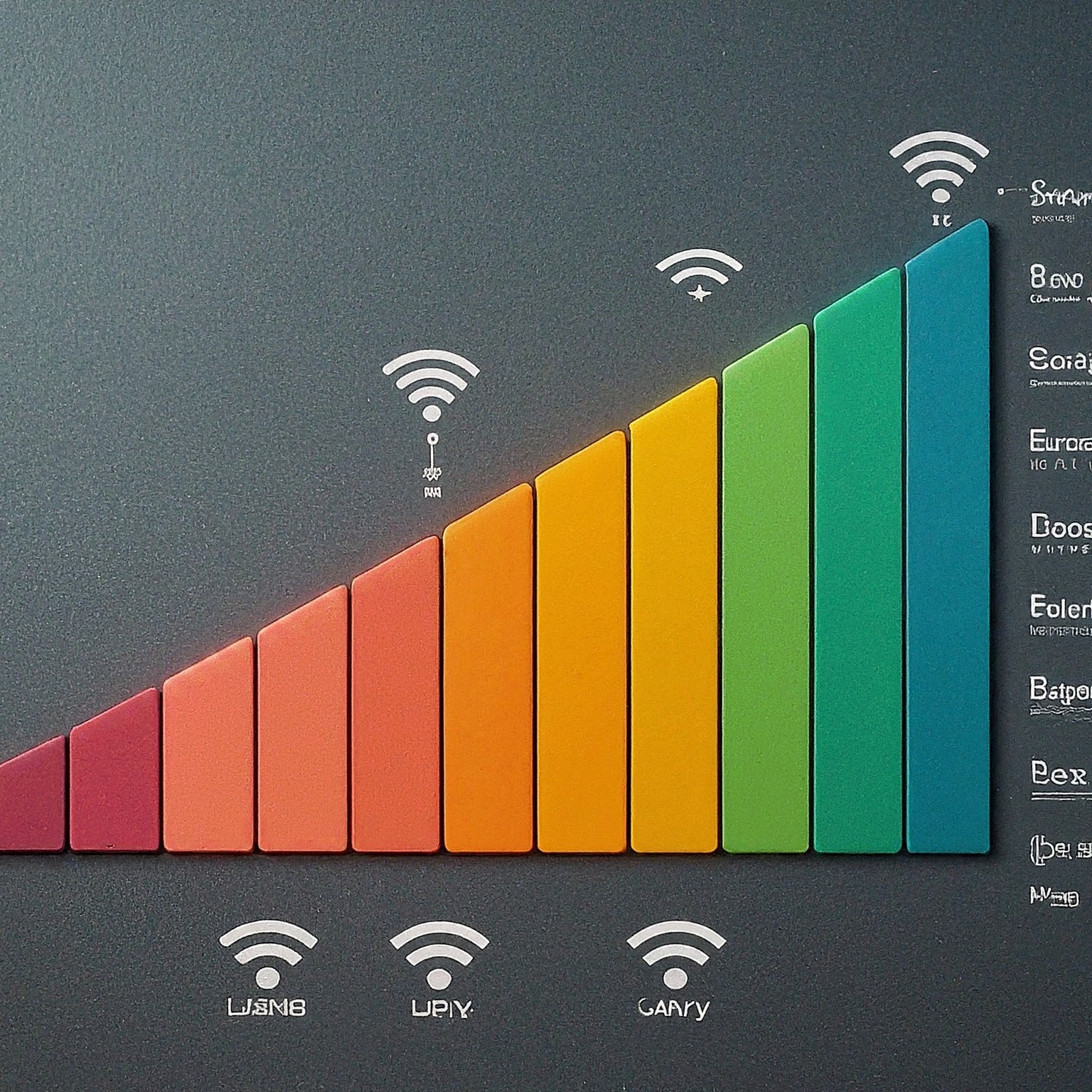
Understand 3G, 4G, LTE and 5G, compare cellular coverage and router compatibility, and test a home or backup connection before choosing a plan.

Choose 1GbE, 2.5GbE, 5GbE or 10GbE by checking cable reach, compatible ports and the actual bottlenecks in your local network.

Compare Ethernet, Wi-Fi and mesh for your home using practical bottleneck, coverage, cost and compatibility checks, including existing-coax options.

Understand mesh Wi-Fi coverage, roaming and backhaul, then place and test nodes using practical checks for your home and devices.
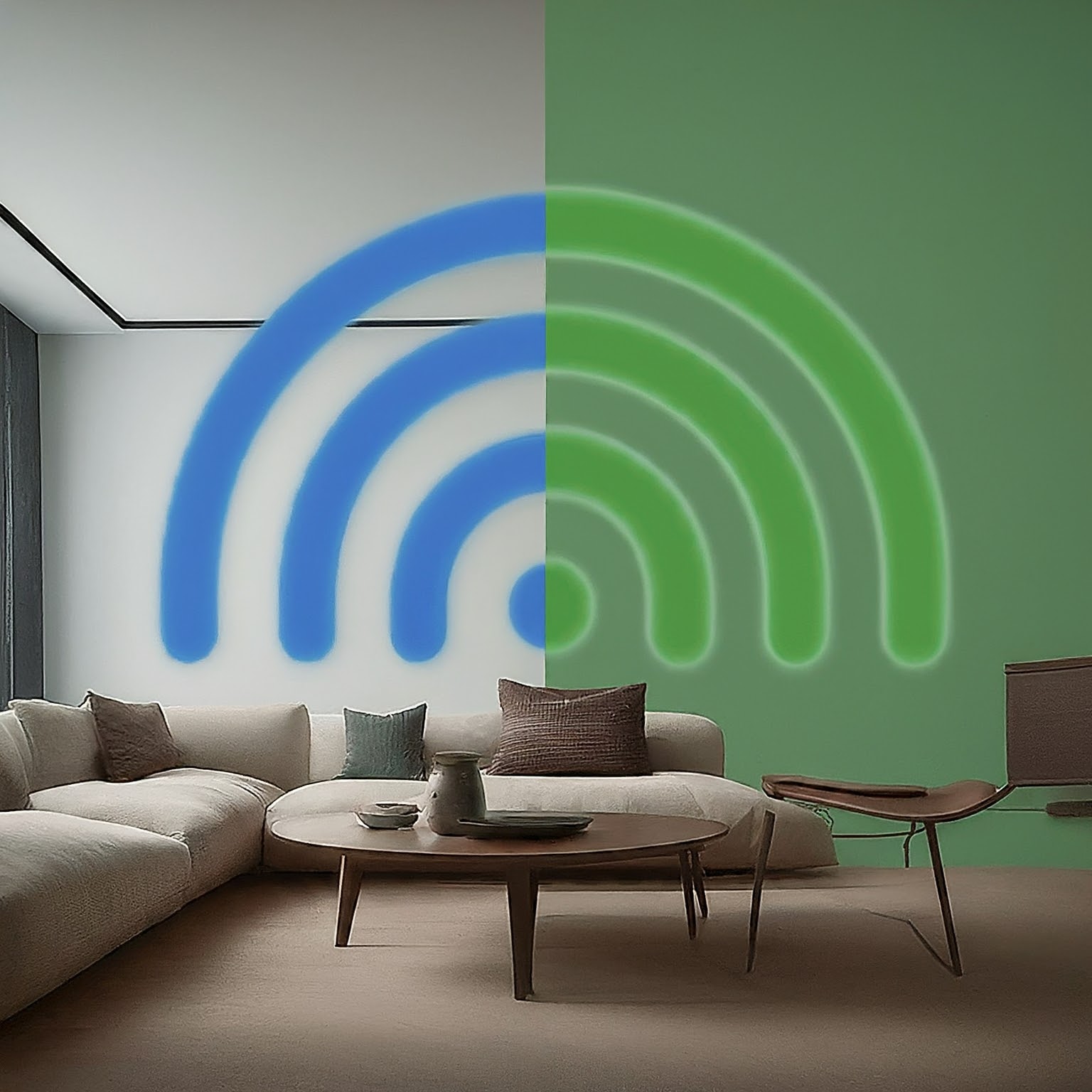
Compare shared and separate SSIDs on older dual-band routers, with accurate roaming, Smart Connect, IoT setup and practical band-selection tests.
Understand Wi-Fi frequency bands, channel widths and generations, then compare 2.4, 5 and 6 GHz using practical client, coverage and router-setting checks.
Compare AMD x86 CPUs with Arm-based designs through software compatibility, actual power needs, memory and upgrades, virtualization and buying priorities.
Compare AMD and Intel by workload, exact processor features, motherboard compatibility, media acceleration and total platform cost.

Understand Arduino boards, sketches and beginner projects, with exact voltage differences, practical setup, realistic battery guidance and Cloud versus local automation choices.
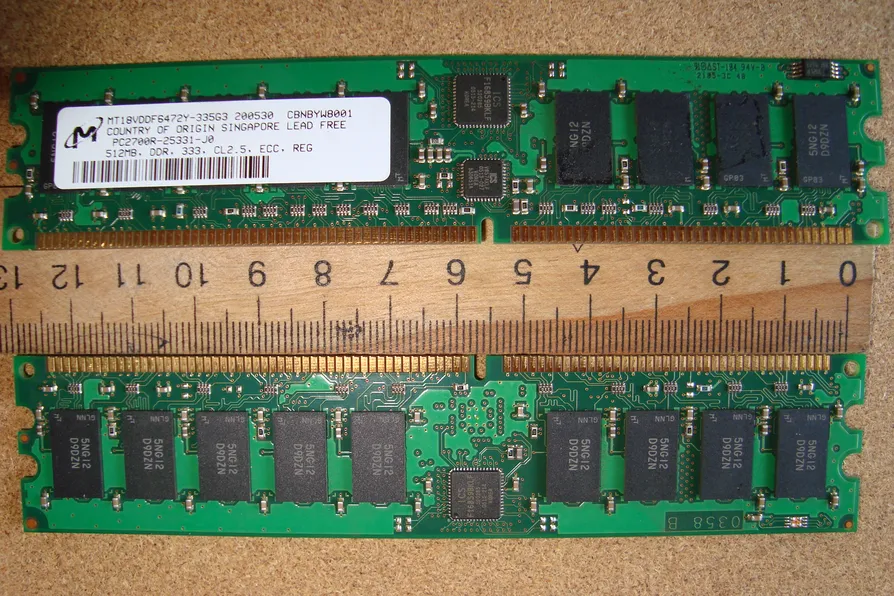
Understand what ECC memory can correct, how it differs from DDR5 on-die ECC, and how to verify platform support and monitor a NAS or homelab.

Choose a HiFiBerry DAC, digital interface or amplifier for your Raspberry Pi, with model-specific speaker, power, driver and software checks.
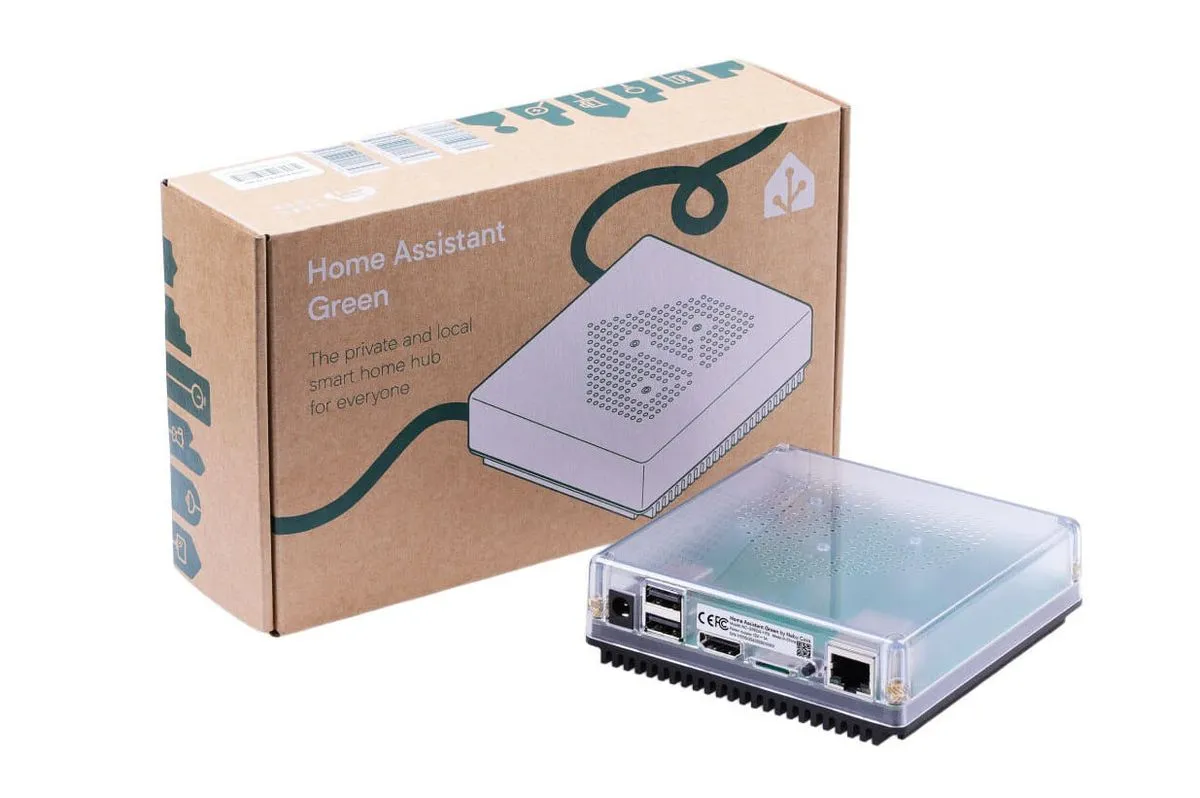
Home Assistant Green offers a simple dedicated hub. Check its hardware limits, radio options, local and cloud integrations, voice processing and backup needs.

What CPU core and thread counts mean, where SMT can help, how Arrow Lake desktop differs, and how to assess workload, scheduling and security tradeoffs.
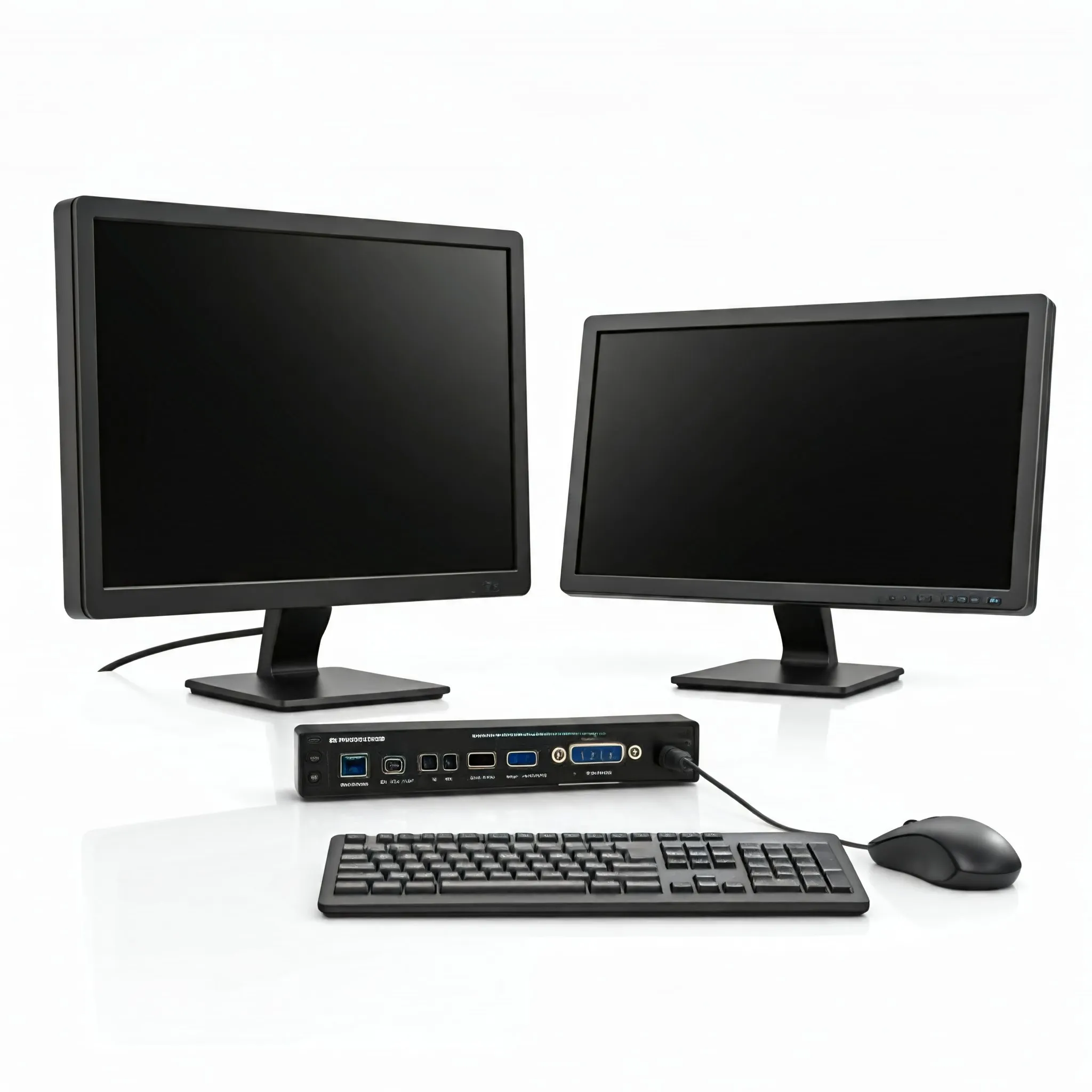
How to choose a KVM for shared displays and peripherals, with practical checks for video modes, USB compatibility, software sharing and remote server access.
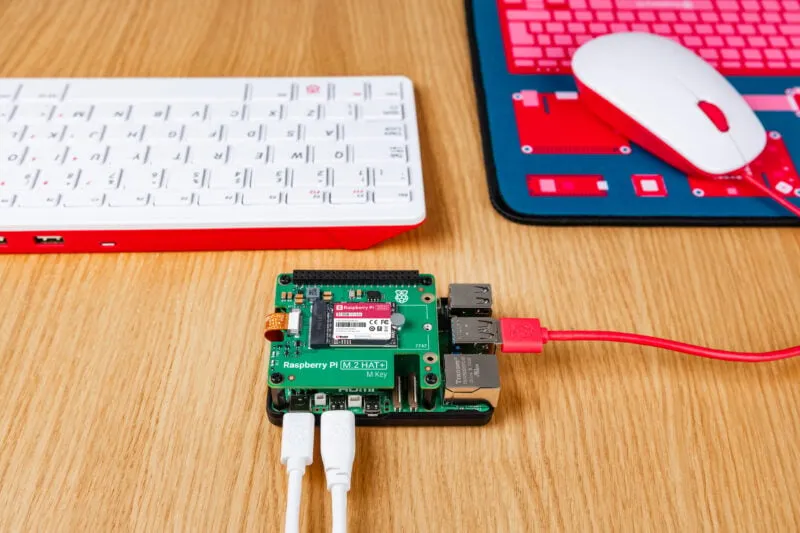
Compare official Raspberry Pi SSD capacities and HAT options, with accurate NVMe fit, boot preparation, PCIe Gen 3 limits, cooling and recovery considerations for Pi 5.
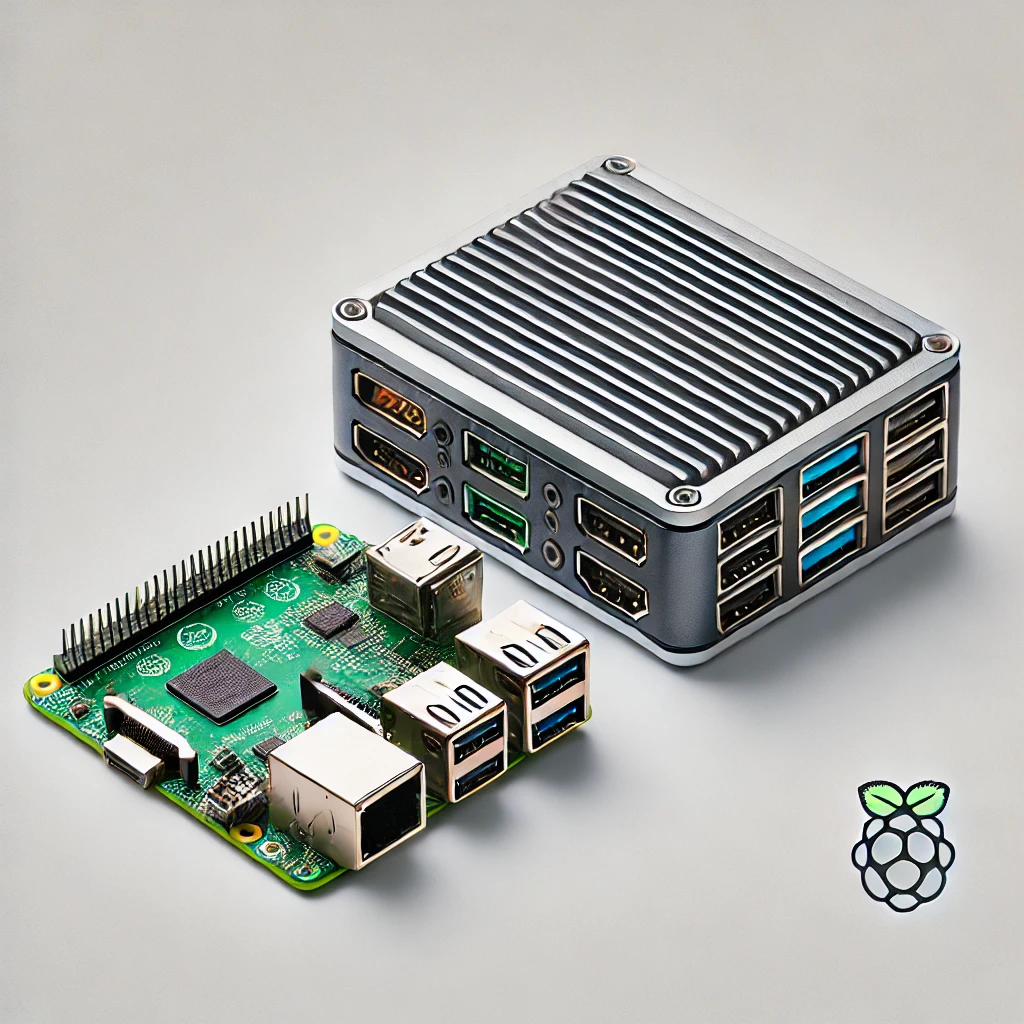
Choose an SBC or mini PC by software support, GPIO, complete cost, memory and storage limits, cooling, virtualization and media-server needs.