After looking at AMD versus Intel, it is worth understanding what the core and thread counts on a processor specification mean. Hyper-Threading can help a CPU do more work with the hardware it already has, but twice as many advertised threads does not mean twice the performance.
Intel calls its implementation Hyper-Threading; the broader technique is simultaneous multithreading, or SMT. AMD also uses SMT in supported processors. This is different from a program merely creating several software threads: the software provides work, while the processor and operating system determine how it runs.
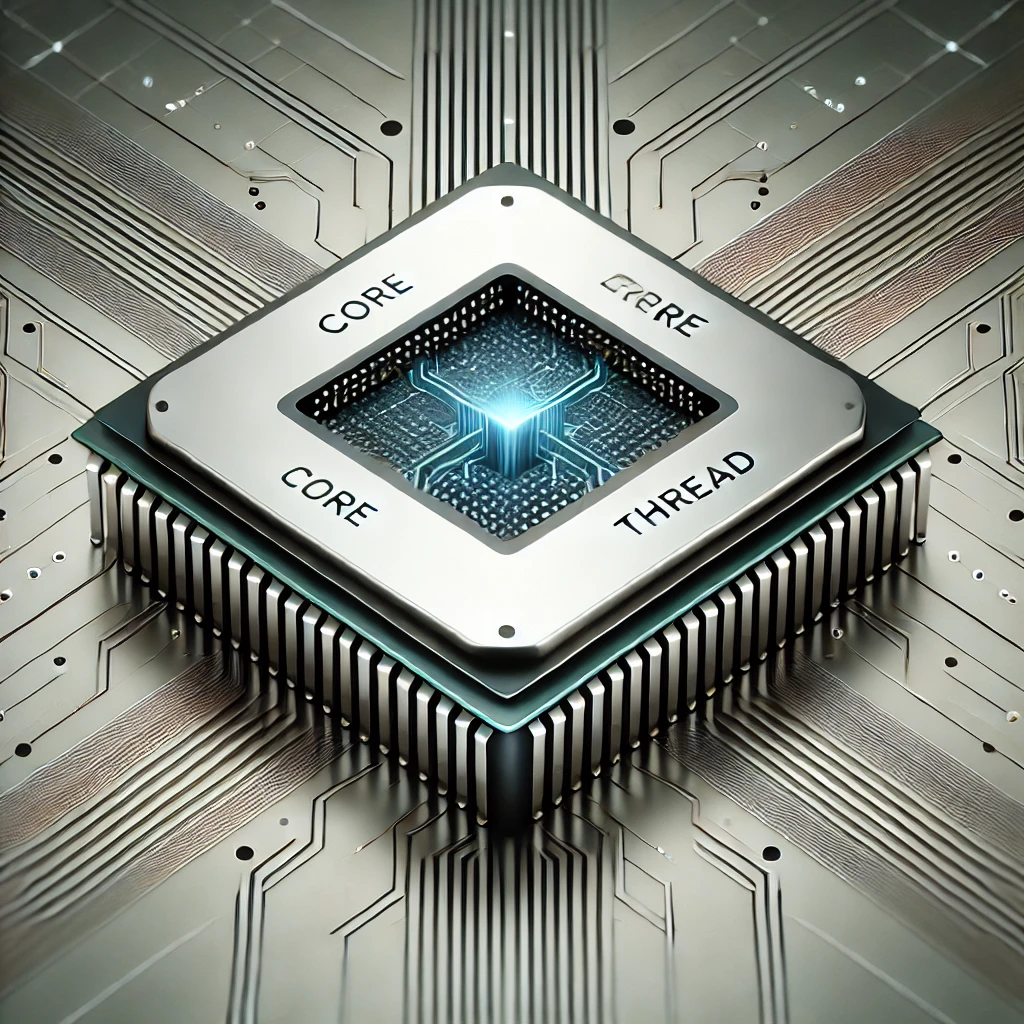
Cores, instructions and software threads
A CPU executes instructions for applications and the operating system. The familiar fetch, decode and execute explanation is a useful starting point, although modern cores have pipelines, multiple execution resources and other mechanisms that make the process more complex than one instruction per cycle.
A physical core is hardware. A software thread is a sequence of work that the operating system can schedule. Even a CPU without SMT can alternate between many runnable software threads. Adding physical cores permits more work to run concurrently; adding SMT provides additional execution contexts within existing cores.
For Intel's commonly used two-thread implementation, one physical core exposes two logical processors. A program can run on either logical processor, but the siblings still belong to one physical core. Logical processor, software thread and virtual-machine vCPU therefore describe different things. Confusing them can lead to unrealistic expectations when buying a PC or assigning resources to a server.
How Hyper-Threading uses shared resources
Intel explains that Hyper-Threading exposes two execution contexts per physical core. Each context maintains the state needed to execute its instruction stream while using shared execution resources. If one stream cannot use all the available resources, another may put some of that capacity to work.
That is an opportunity to improve throughput, rather than two complete cores appearing inside one. The siblings can also compete for resources. The exact sharing and partitioning rules depend on the microarchitecture; a simple illustration should not be treated as a precise circuit diagram for every Intel or AMD CPU.
A useful analogy is two jobs sharing one workshop. A second job can use equipment left idle by the first, but it cannot create a second copy of every machine. If both need the same tool at the same time, they must share it. SMT's benefit similarly depends on the work and the resources it needs.
Does eight threads equal eight cores?
A four-core, eight-thread processor still has four physical cores. It does not become equivalent to a particular eight-core processor. Conversely, an eight-core CPU from an older design is not automatically faster than a newer four-core CPU. Architecture, clock behavior, memory, cooling and software all matter.
There is no reliable universal percentage to add for SMT. Parallel rendering, software compilation, encoding or several background jobs may benefit, but a fixed 25–35% uplift should not be promised across applications. A workload limited by one serial thread, the GPU, storage or memory bandwidth may see little benefit from more CPU threads.
For gaming, compare the games and settings you actually use. Average frame rate alone can miss inconsistent frame delivery, and a GPU-limited test can hide differences between processors. Disabling SMT does not physically double a core's L1 or L2 cache. It changes which sibling work can contend for shared resources, with effects that need to be measured.
Read the exact processor specification
| Example or term | What it establishes | What it does not establish |
|---|---|---|
| AMD Ryzen 9 9950X | AMD lists 16 physical cores, SMT enabled capability and 32 threads. | Twice the speed of a 16-thread processor or a fixed SMT uplift. |
| Intel Core Ultra 200S desktop family | The Arrow Lake desktop design discussed here omits Hyper-Threading; P-cores and E-cores contribute one thread each. | The same behavior for every Intel processor with a similar family name. |
| Intel Core Ultra 7 265U mobile processor | Intel lists 12 cores, 14 threads and Hyper-Threading support. | That all Series 2 models have identical core/thread arrangements. |
| Virtual-machine vCPU | A scheduling resource presented to the guest. | An exclusively reserved physical host core. |
These are specification examples, not a benchmark comparison. Intel's 265U has two Performance-cores, eight Efficient-cores and two Low Power Efficient-cores. The extra threads show why you should inspect the exact SKU rather than assume all cores in a hybrid processor behave alike.
Arrow Lake desktop: a specific design change
The 2024 desktop launch relevant to this discussion was branded Core Ultra 200S, rather than simply “15th-generation Core.” Its lack of Hyper-Threading is a product design choice, not evidence that SMT has disappeared from computing.
Intel's desktop product brief emphasizes its new P-core/E-core design and performance per watt, with Thread Director helping the operating-system scheduler distribute work. That does not prove that removing SMT alone cures thermal throttling, reduces every system's idle power or guarantees improved security. Those outcomes involve the complete processor and platform.
AMD's documented 9950X provides a contemporary example of SMT remaining in use, and Intel's mobile 265U is another reminder to avoid blanket family claims. For a purchase, judge the complete system on workload performance, power, price and expansion needs instead of treating the presence or absence of SMT as a verdict.
Security requires processor-specific guidance
Some vulnerabilities can involve resources shared by sibling threads. The Linux kernel's MDS documentation identifies affected Intel processors and explicitly distinguishes unaffected implementations. MDS should not be described as a vulnerability in every AMD and Intel SMT processor.
For affected hardware, mitigation can involve updated microcode and operating-system protections, and some cases require disabling SMT for full protection against that particular cross-thread attack. The kernel's vulnerability status reports are more useful than assuming that the setting alone makes a machine secure.
Disabling SMT is not absolute immunity from Spectre, Meltdown or every other side channel. Linux core scheduling can keep defined trust groups from sharing a core, but its documentation identifies limitations and overhead. A host running untrusted tenants has a different threat model from a single user's trusted workloads. Follow the platform's current mitigation guidance and keep firmware, host and guests maintained.
Homelab scheduling and a useful inspection command
Before pinning virtual machines, inspect the host topology. On Linux, the util-linux lscpu command reports cores, logical CPUs, sockets and other topology information. A read-only example is:
lscpu
lscpu --extended=CPU,CORE,SOCKET,ONLINE
Rows sharing a core and socket help identify siblings on ordinary SMT systems. Do not assume CPU numbers zero and one are a sibling pair: numbering is platform-specific. Output inside a VM describes the exposed virtual configuration and can differ from physical host topology. Use the host's information when planning host allocations.
Pinning can help a carefully measured workload, but there is no universal rule to assign every sibling pair together. Giving both siblings to one VM avoids unrelated guests occupying that same core, yet its own vCPUs still share resources. Allocating one thread per physical core can serve a different purpose. Other host work, interrupts, memory placement and available scheduling capacity still matter.
Start with ordinary scheduling unless there is a concrete problem. Preserve host capacity and compare throughput and latency before making restrictions permanent. More configured vCPUs are not automatically better, especially when several guests compete for the same busy machine.
Should you choose a CPU with SMT?
The practical recommendation remains to match the CPU to your needs. Everyday browsing and documents rarely justify a purchase solely for SMT. Creative workloads and heavy multitasking can benefit from parallel capacity, while software dominated by a serial task needs strong performance in that task.
If considering disabling SMT for a game or real-time audio application, record the existing setting and test the same workload both ways. Keep software versions, cooling, power limits and background jobs comparable; examine frame times or audio dropouts alongside overall throughput. An apparent improvement in one run is not a guarantee for every application.
Compare total purchase cost and energy for completed work, rather than inferring efficiency from thread count or an idle-power claim. A faster job may finish sooner; a continuously loaded server has a different usage pattern. Hyper-Threading and SMT are useful techniques with tradeoffs. The right choice is the processor and configuration that suit your software, budget and operating requirements.