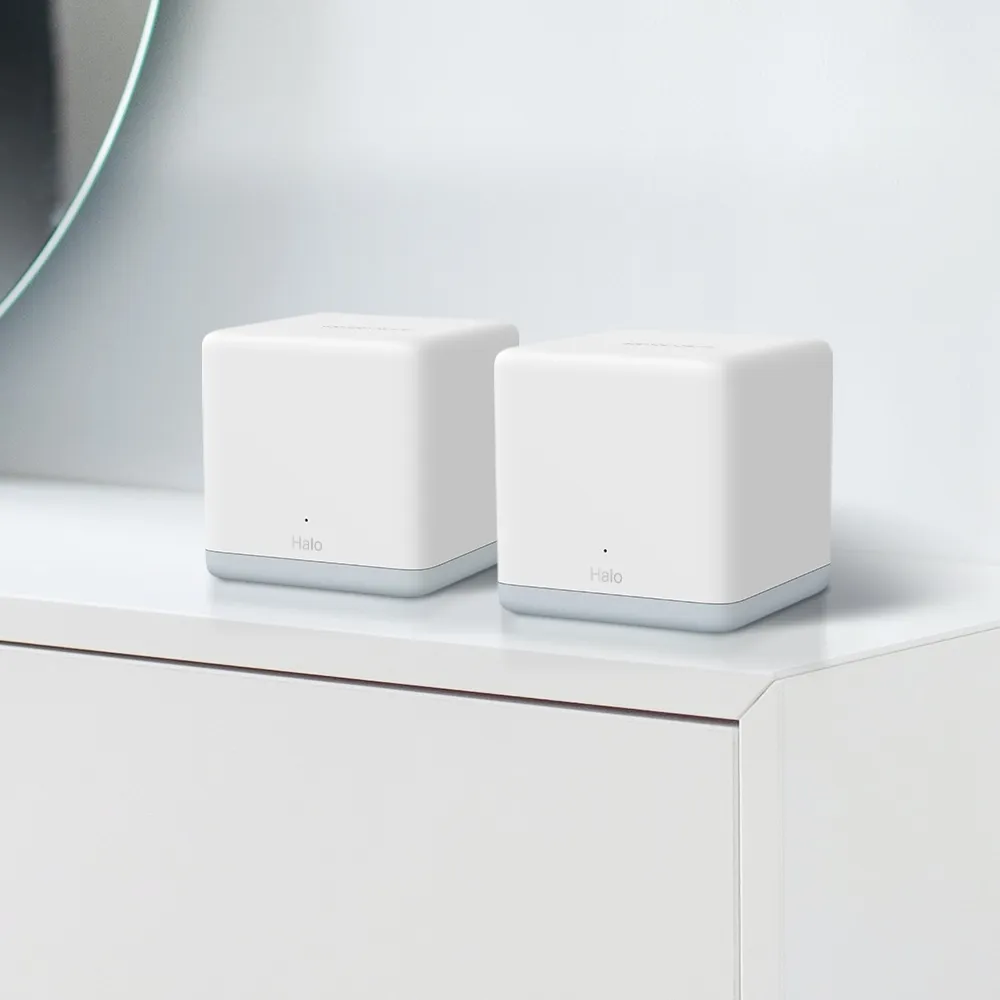
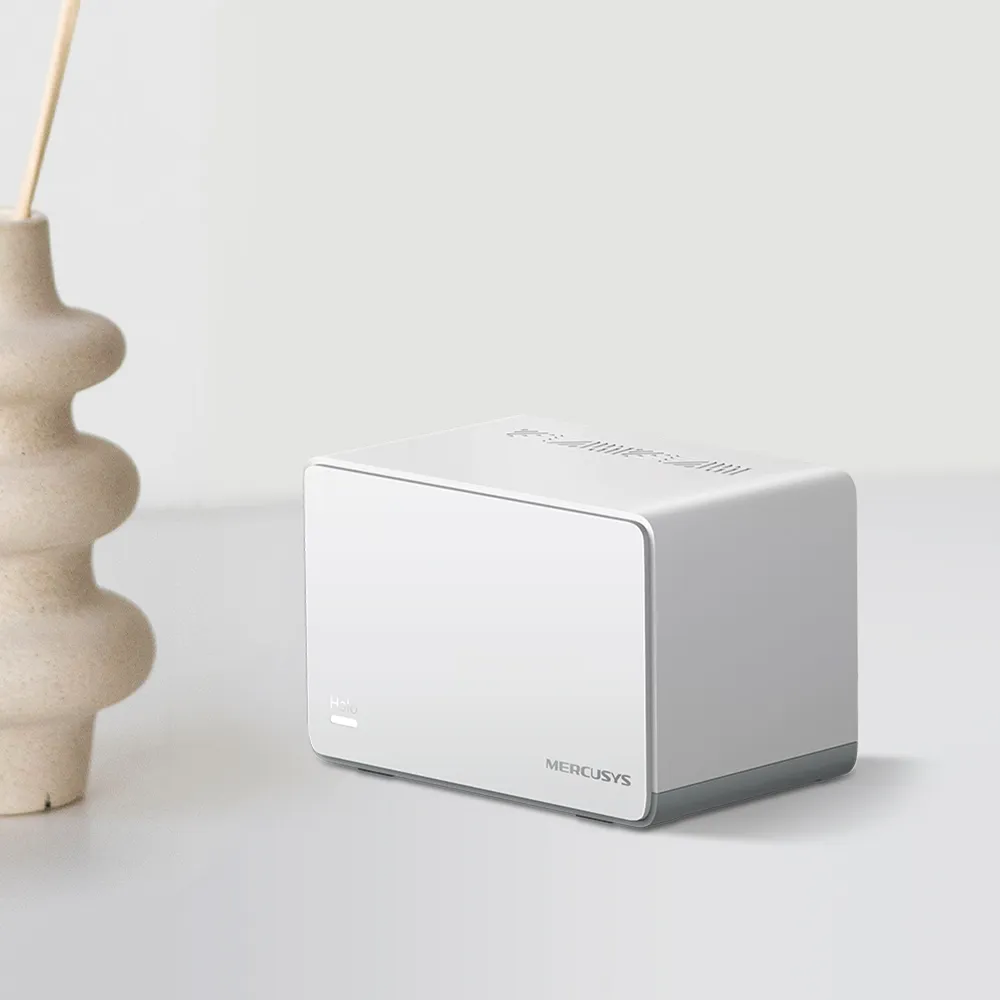
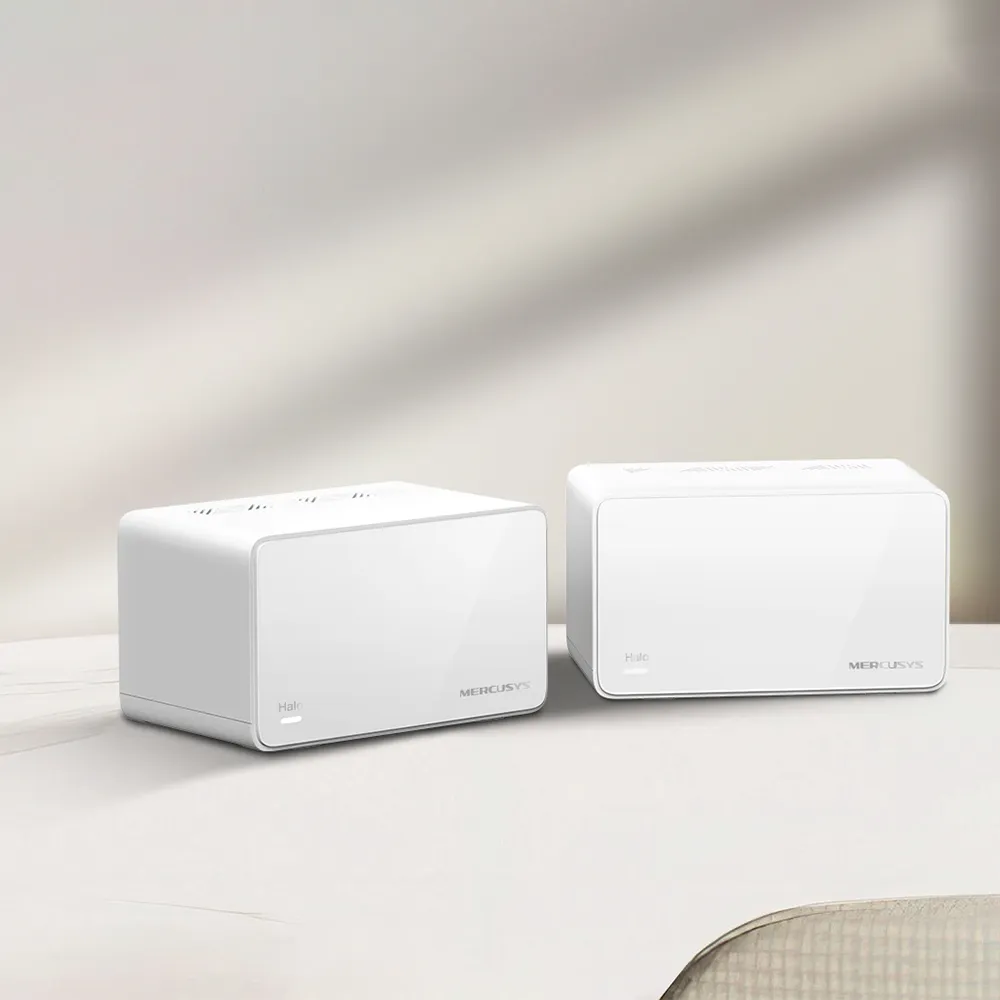
The Mercusys Halo H80X is a Wi-Fi 6 mesh option for households that want broader coverage without paying for a premium system. I consider its three Gigabit ports per unit, AX3000 radio class and app-guided management an appealing combination for everyday home use. It can also be worth comparing for a home office or light office use, provided you check the controls and support you need.
Think of several small radio towers or lighthouses covering different parts of a building instead of one central transmitter trying to reach everywhere. Mesh nodes can improve coverage, but they still need useful links between them. A satellite deep inside a dead zone may have a strong nearby client signal and a poor route upstream, so placement and backhaul are part of the buying decision.
AX3000 and 160 MHz in Context
The H80X advertises physical rates of 2,402 Mbps on 5 GHz and 574 Mbps on 2.4 GHz. AX3000 combines those figures into a product class; it is not the download speed of one device. Application overhead, distance, interference, the client's capabilities and any mesh hop affect useful throughput.
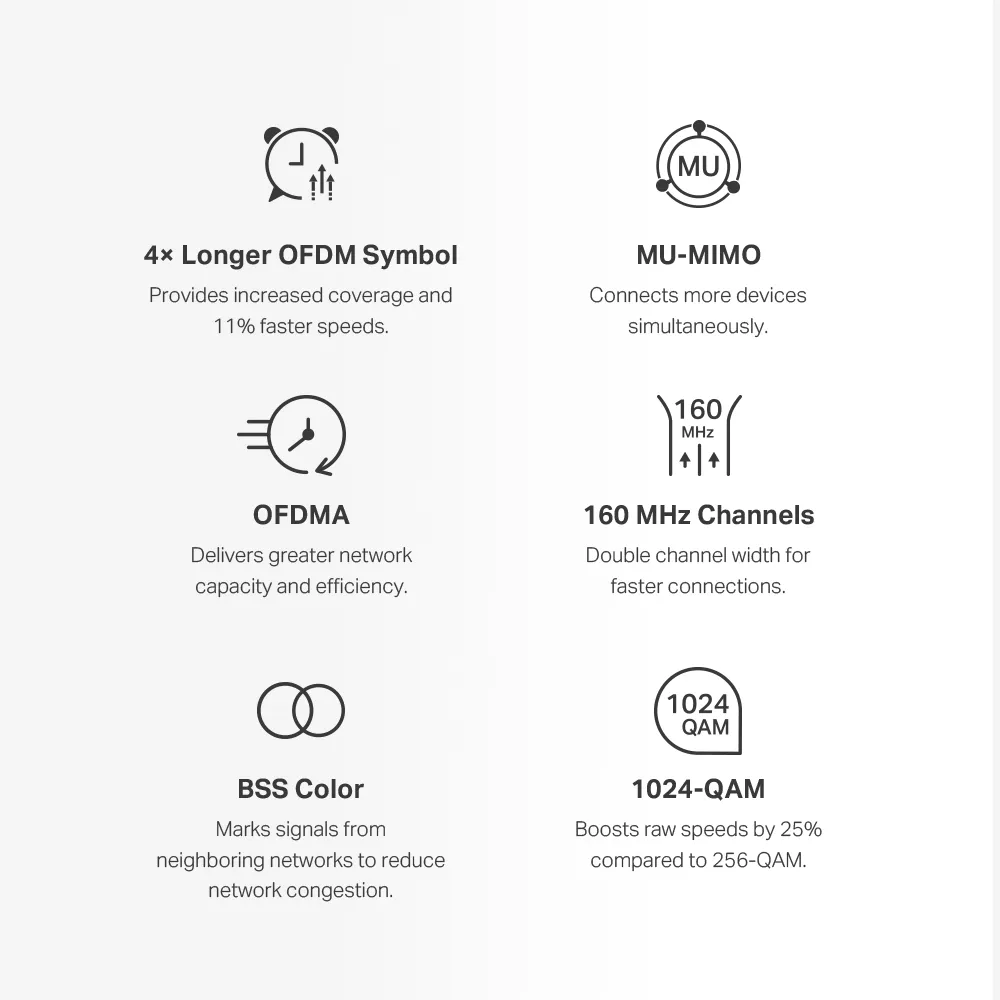
Both bands list Wi-Fi 6 support, unlike AX1500 products that use an older standard on 2.4 GHz. Compatible clients can use features such as OFDMA and MU-MIMO to share radio resources. That does not make every older plug or camera a Wi-Fi 6 client or guarantee that all devices can be active without congestion.
The advertised high 5 GHz rate uses 160 MHz support. Check the client's capabilities and regional firmware before expecting that width. A wider channel can be less useful than a stable narrower connection under poor radio conditions. This remains a dual-band product with no 6 GHz radio or Wi-Fi 7 MLO.
Coverage and Specifications
| Item | Halo H80X V1 documentation |
|---|---|
| Wireless | Wi-Fi 6; 2.4 GHz and 5 GHz |
| Advertised rates | 574 Mbps + 2,402 Mbps; AX3000 |
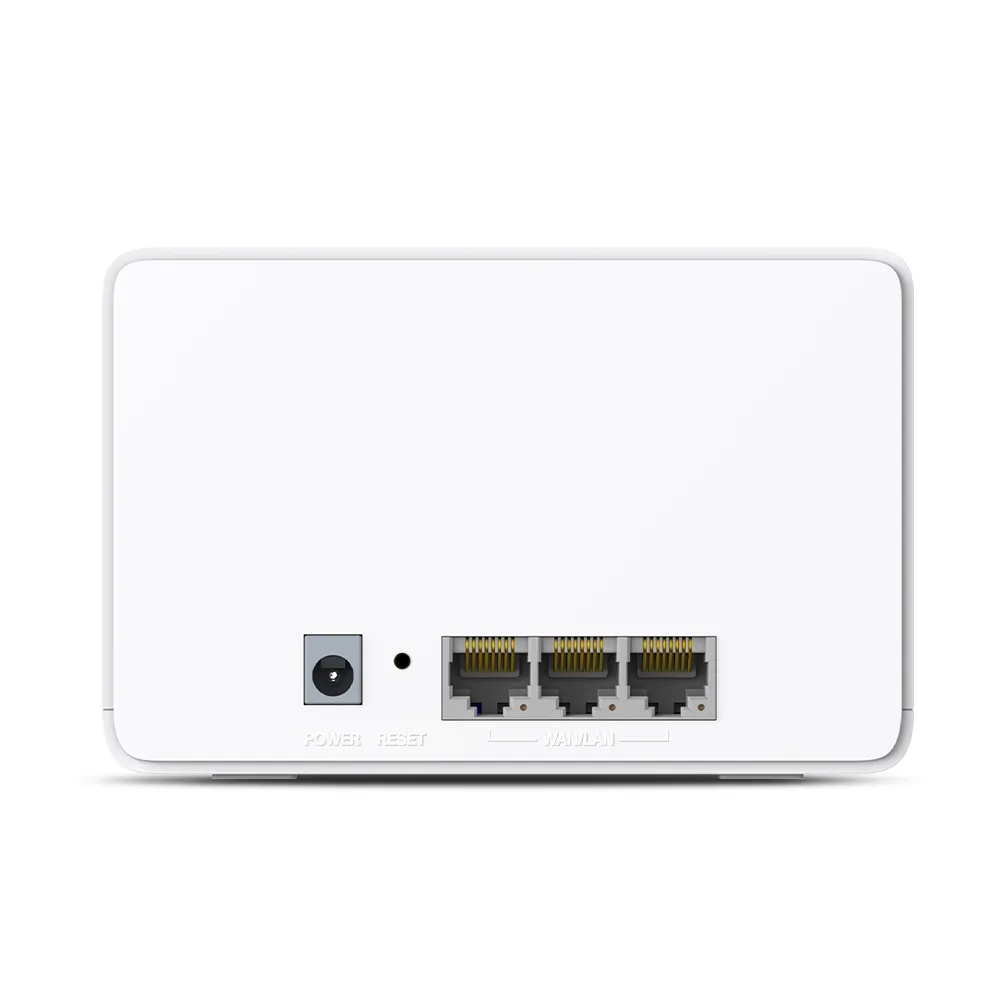
| Ethernet per unit | Three Gigabit WAN/LAN auto-sensing ports |
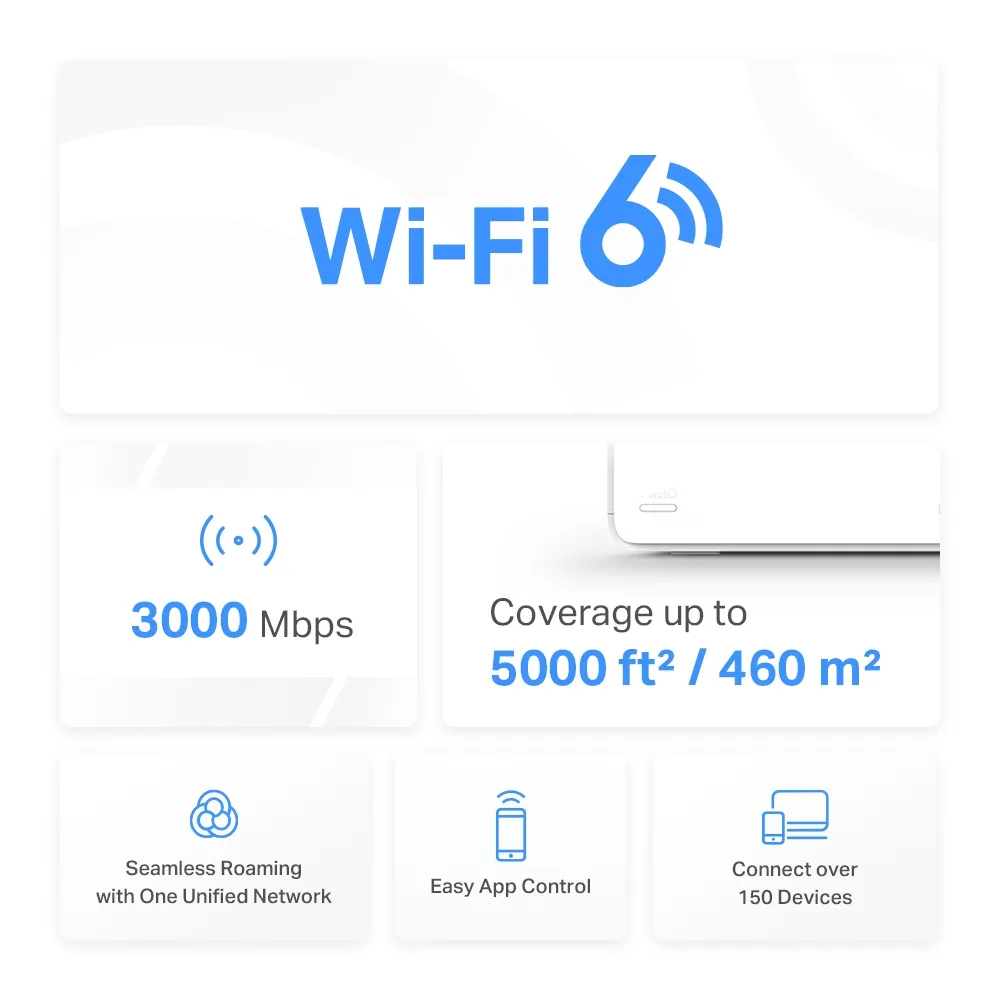
| Two-pack coverage estimate | Up to 5,000 sq ft / 460 m² |
| Three-pack coverage estimate | Up to 7,000 sq ft / 650 m² |
| Advertised client count | Over 150; conditions apply |
| Modes | Router or access point |
| Roaming assistance | 802.11k/v/r; compatible-client requirements apply |
| Security | WPA-PSK/WPA2-PSK/WPA3 support |
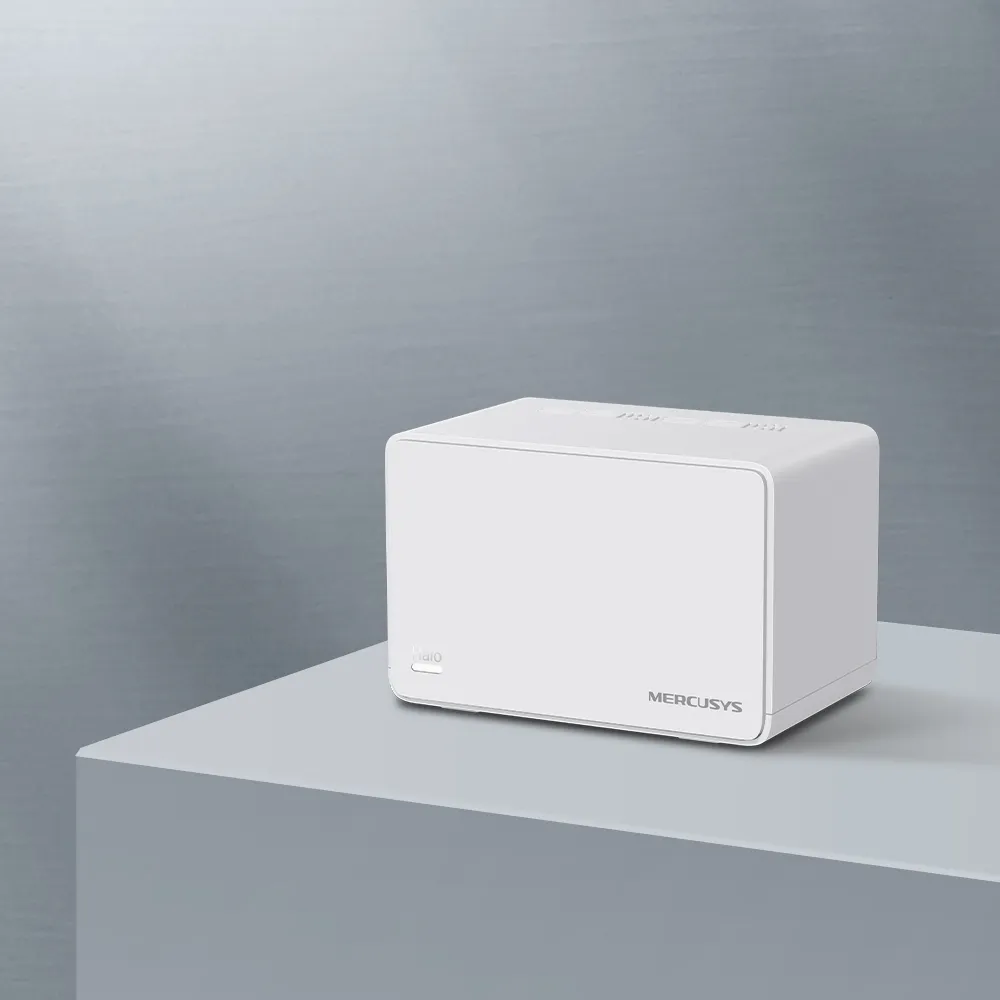
Coverage estimates are not guarantees for a particular house. Thick walls, floors, metal and the position of the main unit affect useful reach. Compare equal pack sizes when pricing alternatives. A good satellite location between the internet entry point and the problem room may be more valuable than an extra node placed without a plan.
Connected-device count is also different from simultaneous high-traffic capacity. A collection of mostly idle sensors does not load the network like several active cameras or large backups. Write down the overlapping activities that matter to your household, then evaluate the network during those activities rather than treating the maximum count as a performance promise.
Gigabit Ports and the Path to Your Devices
Three Ethernet sockets give useful flexibility. In router mode, the main unit uses one for its internet connection, leaving two for local devices or backhaul. A wired satellite spends a socket on its uplink. If a room needs more connections, budget for a suitable switch and count the connections after the uplinks are included.
Gigabit ports limit each wired link. The AX3000 class does not establish a multi-gigabit wired route to a NAS or a fast ISP gateway. For storage transfers, check both endpoint interfaces, the client's Wi-Fi link and every intervening segment. A fast SSD cannot bypass a slower network port.
A satellite's Ethernet client can still depend on wireless backhaul if the satellite itself is not cabled upstream. Connecting a computer by cable to a distant node removes only the computer's radio link. Check the full route before assuming that all traffic has become wired.
Choose and Verify Backhaul
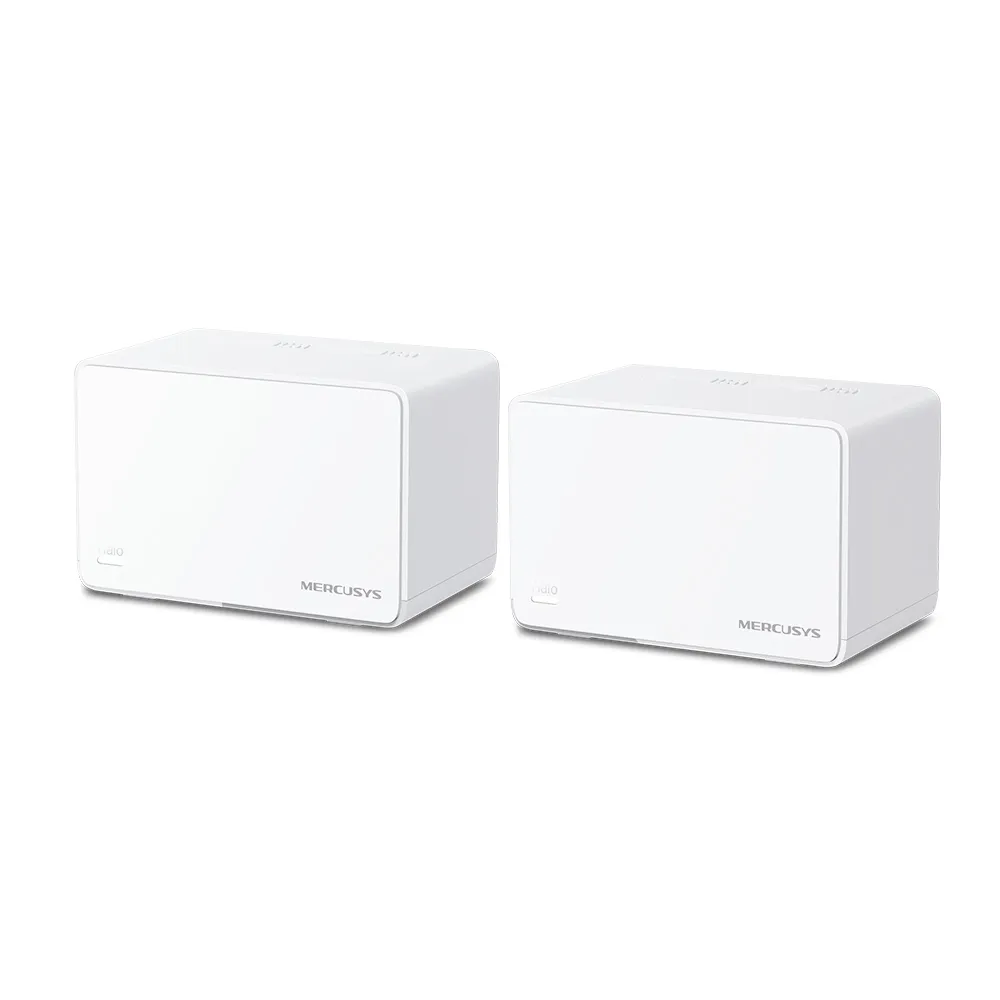
Wireless backhaul shares the available radio resources with client traffic. Its performance depends on placement and conditions; there is no universal satellite speed or fixed loss percentage. Avoid putting units in enclosed cabinets, and compare useful open locations while checking the app's topology.
Ethernet backhaul removes a wireless hop. Mercusys advises adding the units to one network through the app before wiring them. In router mode, satellites should be downstream of the main Halo's LAN port, directly or through its LAN switch. In AP mode, the existing router's LAN can connect the units. A modem-side switch that bypasses the main Halo is the wrong router-mode arrangement.
You can mix wired and wireless satellites. Confirm the active link in the network map after changes. If a wired link does not take effect or becomes unstable, try another cable and port and temporarily bypass the switch. IPTV-assigned ports and IEEE 1905.1 forwarding or loop-detection behavior can affect backhaul; diagnose that path before changing protections across the entire network.
Read Status Lights Correctly
The documented H80X V1 guide uses solid white when the unit is registered and operating normally. Solid yellow means startup, and pulsing yellow means reset. Solid red indicates an issue, while pulsing red means disconnection from the main Halo. Consult the matching guide for your revision rather than treating yellow as a weak-signal meter.
A normal status light does not measure available throughput or prove that a satellite is in the best position. Use the app's node information and compare the same client in different rooms. Check internet performance over Ethernet at the main unit first, then distinguish a local coverage problem from an upstream service problem.
For NAS or local streaming performance, evaluate a local transfer separately from an internet speed test. Record the serving node, backhaul and room. If only one client is slow, investigate its adapter and connection before replacing the whole mesh. Roaming also depends on the client, so test the phone during an actual call rather than expecting a guaranteed handoff time.
Operating Mode and Management
Use router mode when Halo should manage your local network. If another router already handles that job, AP mode can avoid another layer of NAT. In AP mode, keep DHCP enabled on the upstream router and use that gateway for reservations and port forwarding. Some Halo app functions, including parental controls, are unavailable in this mode.
The mobile app remains the documented main setup and management route. Mercusys also describes a web page for internet status and firmware updates, accessible from a connected device through the Halo's address. That does not prove identical configuration capabilities in the browser and app for every version.
Do not assume ISP VLAN tagging gives arbitrary VLAN rules for every wireless name. A guest network also needs its actual isolation settings checked. Confirm the behavior you need before allowing untrusted devices beside private services, or before selecting a consumer mesh for a business that requires detailed segmentation.
Maintenance and My Buying View
WPA3 support is useful, but the configured security mode and client compatibility matter. Read why WPA3 matters, use a strong management password and keep matching regional firmware current. Updates can interrupt service, so plan them for a suitable time and preserve important settings.
Hardware revisions have separate firmware tracks. Read the label and release notes before updating; the Canadian V2.20 support page, for example, has its own release and non-downgrade warning. This does not establish the same features or update policy for V1 in another region. Avoid buying on an unsupported promise of indefinite regular patches.
I still consider the H80X a worthwhile value candidate for home coverage, straightforward management and ordinary streaming or office work. Compare the local price, pack size, warranty and required controls. A newer standard or premium model may be worthwhile for a specific bottleneck, but good placement and wiring can make a less expensive setup sufficient.
The original official H80X product link remains available. You can also open the original Mercusys manufacturer feature video as an optional demonstration, separate from evaluating performance in your home.