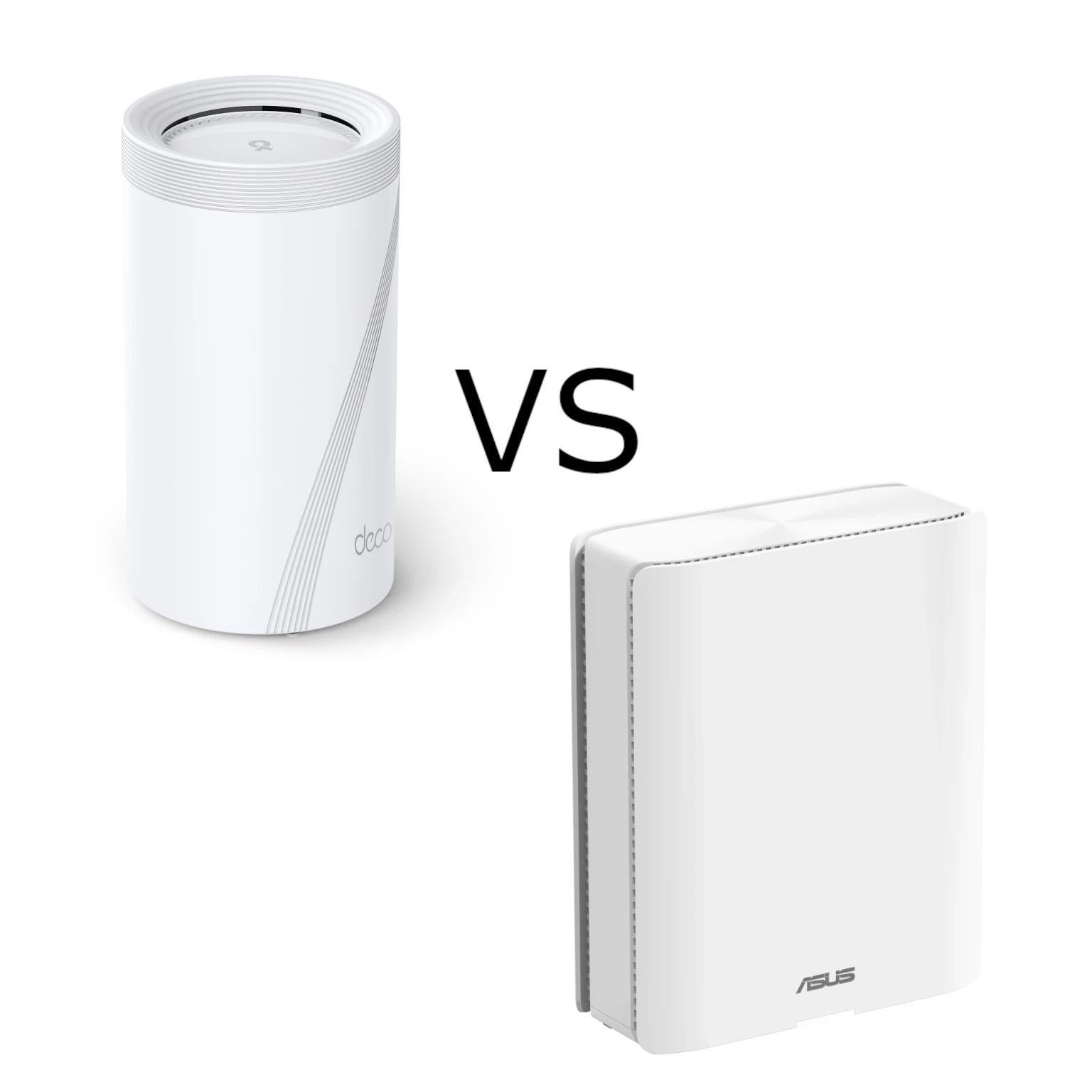
TP-Link and ASUS have been duking it out with their Deco and ZenWiFi products for years. The Deco BE95 and ZenWiFi BQ16 Pro take that competition into premium quad-band Wi-Fi 7 territory. Both are appealing choices for a busy household, but the best fit depends on your cabling, devices and preferred management tools. The Deco's higher advertised wireless class is attractive; ASUS's detailed controls and AiMesh expansion are equally compelling reasons to look closely.
How quad-band mesh helps
A mesh network uses several nodes to reach rooms that one router struggles to cover. Think of each node as another Wi-Fi bubble, with a connection back to the main router. Walls, furniture and distance still matter. Place a wireless satellite where it can receive a useful signal from the rest of the mesh, rather than in the centre of an existing dead zone and hope for the best.
Both systems have a 2.4 GHz radio, a 5 GHz radio and two separate 6 GHz radios. That is four radios across three frequency ranges. Extra radio capacity gives the mesh more options for connecting nodes and serving devices; it does not eliminate contention or guarantee uninterrupted video calls. Older clients can still join compatible bands, but they cannot acquire all the new capabilities merely by connecting to a Wi-Fi 7 router.
Wireless ratings and client limits
The figures below are maximum advertised physical link rates, summed into a product class, rather than download speeds for a single laptop. The Deco figures use the US 1.0 datasheet; ASUS figures use its BQ16 Pro specification. Regional spectrum rules, firmware and client support affect the settings you can actually use.
| Per-unit specification | Deco BE95 | ZenWiFi BQ16 Pro |
|---|---|---|
| Wireless class | BE33000 | BE30000 |
| First / second 6 GHz radio | 11,520 / 11,520 Mbps | 11,529 / 11,529 Mbps |
| 5 GHz radio | 8,640 Mbps | 5,764 Mbps |
| 2.4 GHz radio | 1,148 Mbps | 1,376 Mbps |
| Spatial streams | 16 total | 16 total |
| 10 Gbps interfaces | One RJ45; one RJ45/SFP+ combo | One WAN/LAN; one LAN |
| Other Ethernet ports | Two 2.5 Gbps | One Gigabit WAN/LAN; two Gigabit LAN |
| USB | One USB 3.0 | One USB 3.0 |
Wide 320 MHz channels are a 6 GHz feature, subject to regional availability. TP-Link also qualifies its 5 GHz bandwidth options by region; do not treat the US rate as a universal setting. A phone with fewer spatial streams cannot achieve the full four-stream radio rating. Check the client's supported channel width and bands before paying for a feature that it cannot use.
Multi-Link Operation can combine or switch between links on compatible equipment. It needs support on both ends and the right firmware and configuration. Read more about MLO before assuming that every Wi-Fi 7 client uses all four radios at once. The same caution applies to latency: a faster wireless connection cannot remove delays in the ISP network or game server.
Ports and a practical wiring plan
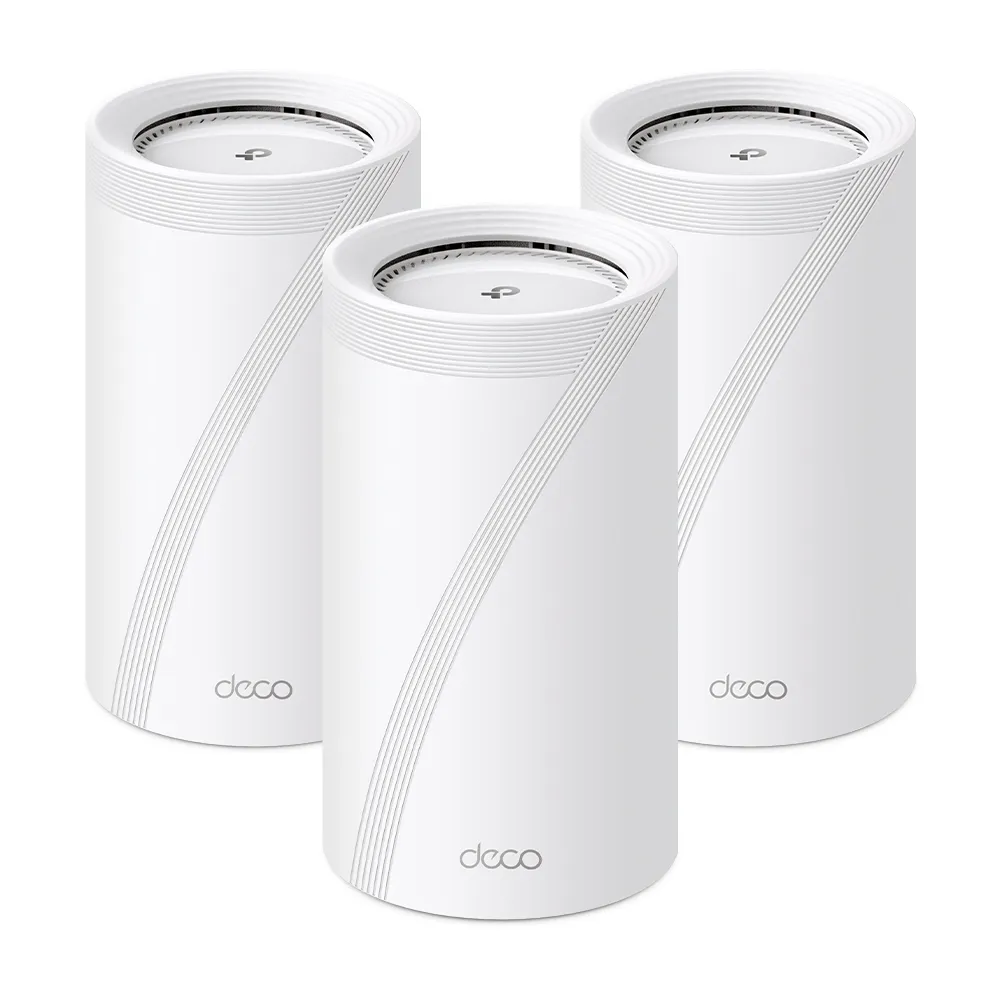
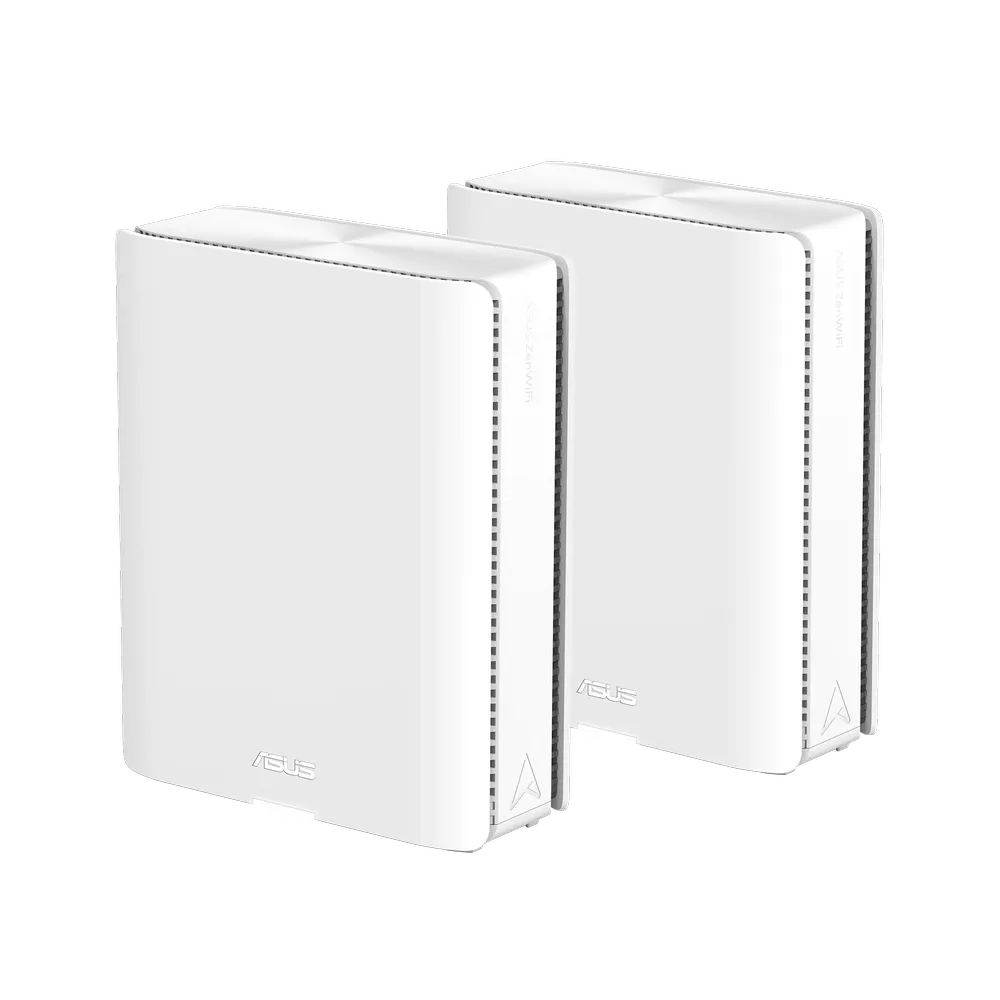
The Deco is the more convenient option when you need additional 2.5 Gbps sockets directly on each node. The ASUS has three Gigabit sockets alongside its two 10 Gbps ports. That difference matters if several workstations or storage devices need more than Gigabit access. Count the ports remaining after the internet connection and node uplink, then include a compatible switch in the budget if needed.
The Deco combo interface offers RJ45 or SFP+ connectivity; those two connectors are alternatives for one interface, rather than a fifth independent network port. SFP+ can be useful for a fibre link to another node or switch, but the transceiver, fibre and far end must match. A normal Ethernet optical transceiver cannot automatically replace an ISP's PON equipment. TP-Link's reference guide specifically advises consulting the ISP about a compatible ONU stick before bypassing its gateway.
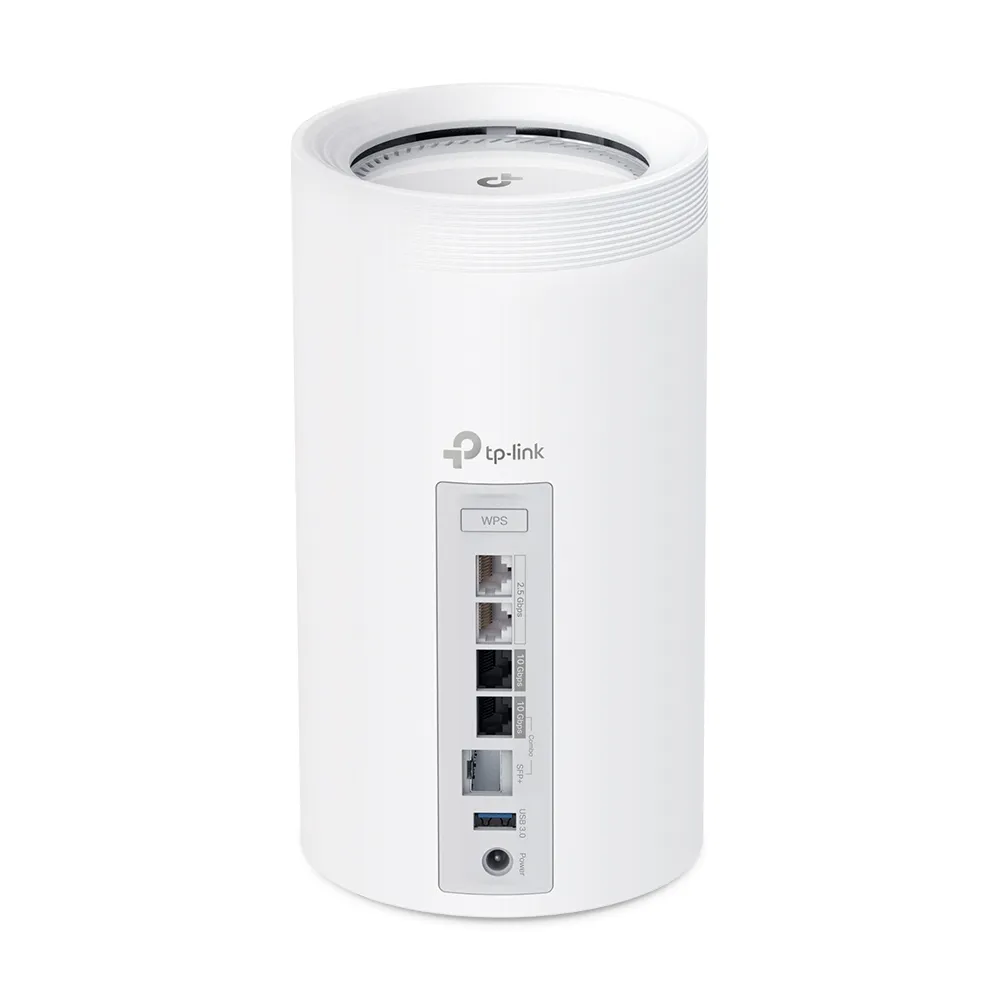
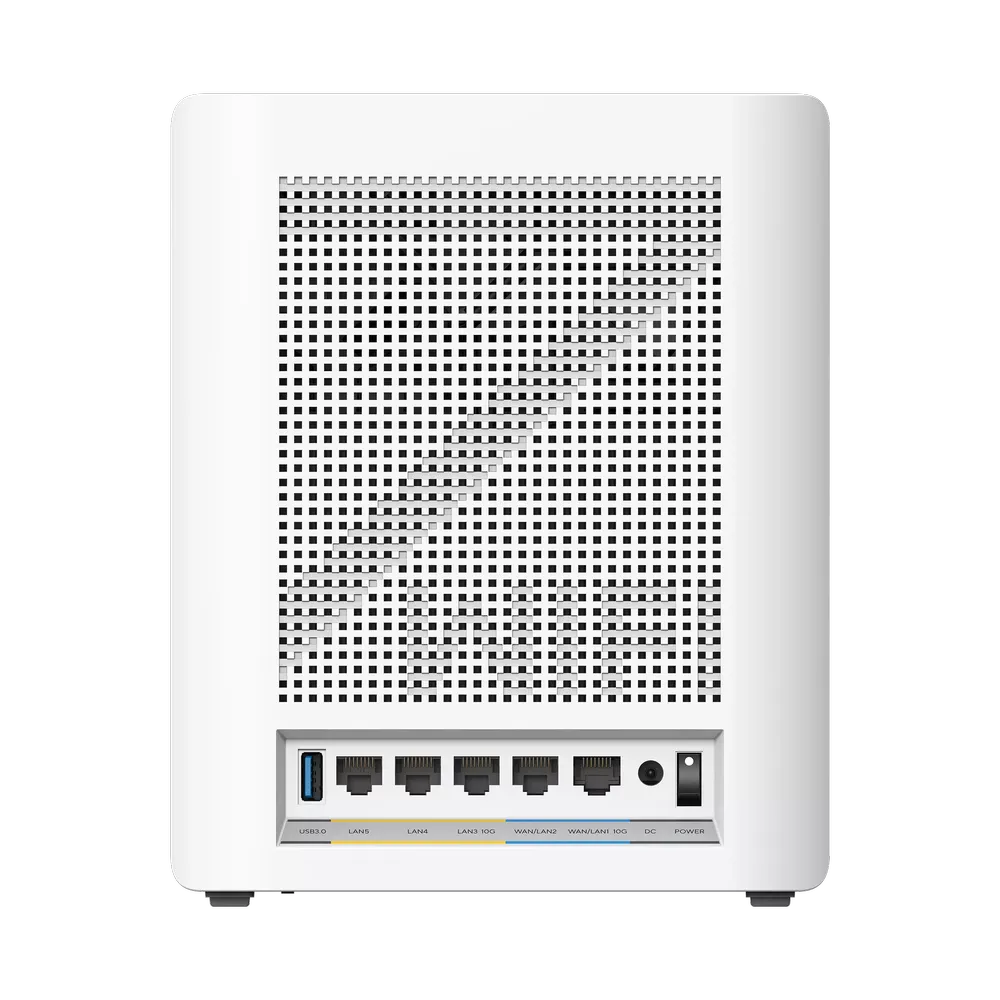
For example, if a 10 Gbps internet connection occupies one fast port and a 10 Gbps satellite uplink occupies the other, a local NAS may need a switch to share that fast path. A 10 Gbps socket does not ensure 10 Gbps file transfers: the NAS disks, computer adapter and complete cable path also need to keep up. Test local copies separately from an internet speed test so you can identify the actual bottleneck.
Backhaul, placement and operating mode
ASUS describes a dedicated 6 GHz backhaul and MLO-based AiMesh options. TP-Link advertises wireless and wired combined backhaul on BE95. These are product capabilities, not a promise of a fixed satellite speed through several floors. A good cable route is often a stronger buying advantage than a larger number on the wireless box. Inspect the actual link type in the management interface rather than inferring it from the model name.
Follow the relevant vendor's wiring instructions. In Deco router mode, satellites belong behind the main Deco's LAN side, directly or through a switch. Access point mode permits a different topology because the upstream router handles routing. TP-Link's general backhaul FAQ and BE95 product material describe different backhaul behaviours; check the BE95 firmware-specific guidance before relying on simultaneous wired and wireless aggregation.
Access point mode can also change the features available in the app. TP-Link lists parental controls and some routing functions among the features unavailable in that mode. If another router already controls the network, decide which device should perform those jobs before comparing security packages. Check coverage in the rooms that matter during the return period; pack size and building layout make a fairer comparison than a manufacturer's maximum coverage headline.
Apps, security and control
Deco's app-led approach suits a household that wants straightforward setup and everyday management. The BE95 uses HomeShield, with a free basic plan and paid options. Its current specification also lists static routing and device isolation, so it is worth checking the precise feature you need instead of assuming that every advanced setting is absent.
ASUS remains an appealing choice for users who like detailed network controls. Its specification lists Adaptive QoS, Dual WAN, VPN Fusion and several VPN protocols. AiProtection Pro and the advertised parental controls are subscription-free, but third-party services have their own terms. QoS prioritizes competing traffic; it cannot create bandwidth or guarantee a particular game's response time.
Smart Home Master offers IoT, children's and VPN network presets. ASUS's support article specifies a minimum firmware version for this feature. Confirm the isolation and device-discovery behaviour you need, particularly for phones controlling smart-home devices on another network. Do not assume that consumer presets provide an unrestricted managed-switch VLAN design. Learn why WPA3 matters, and keep client compatibility, strong passwords and firmware maintenance in the decision alongside the security branding.
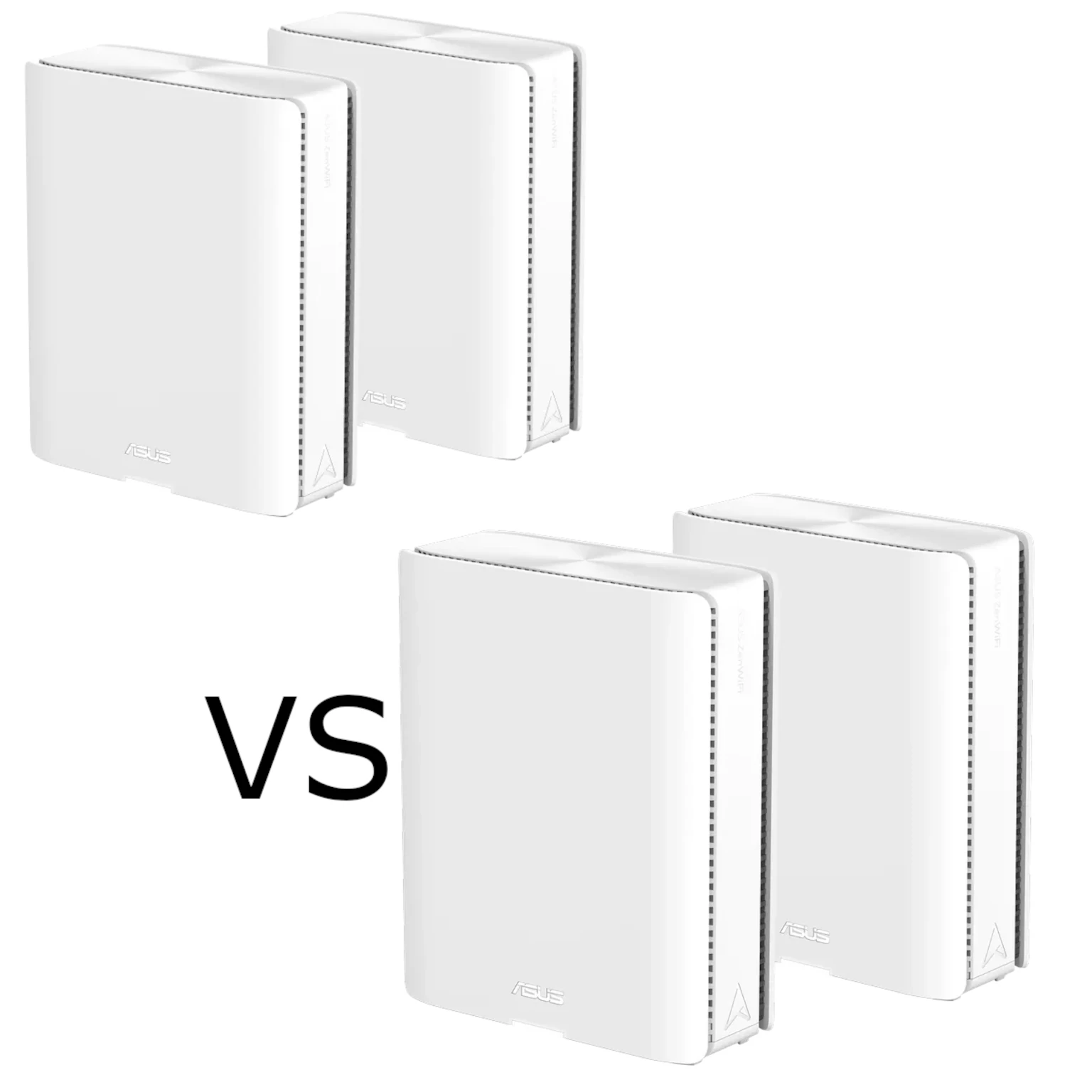
Which system would I choose?
The Deco BE95 remains a strong candidate when maximum advertised wireless capacity, convenient app management and the SFP+ option suit your home. The BQ16 Pro is attractive when detailed control, Adaptive QoS, AiProtection Pro and future expansion with compatible ASUS AiMesh equipment are priorities. Neither ecosystem is interchangeable with every other brand, and an older added node does not gain the new unit's radios or port speeds.
I would start with a room-by-room coverage plan and a list of wired devices, then compare local pricing for the same number of nodes. Include switches, transceivers and any security subscription you actually want. Both systems have plenty to offer; the better purchase is the one whose ports, supported settings and placement solve your household's needs.
Check the Deco BE95 US datasheet, ASUS BQ16 Pro specifications and Smart Home Master requirements against the exact regional hardware and firmware you intend to buy.