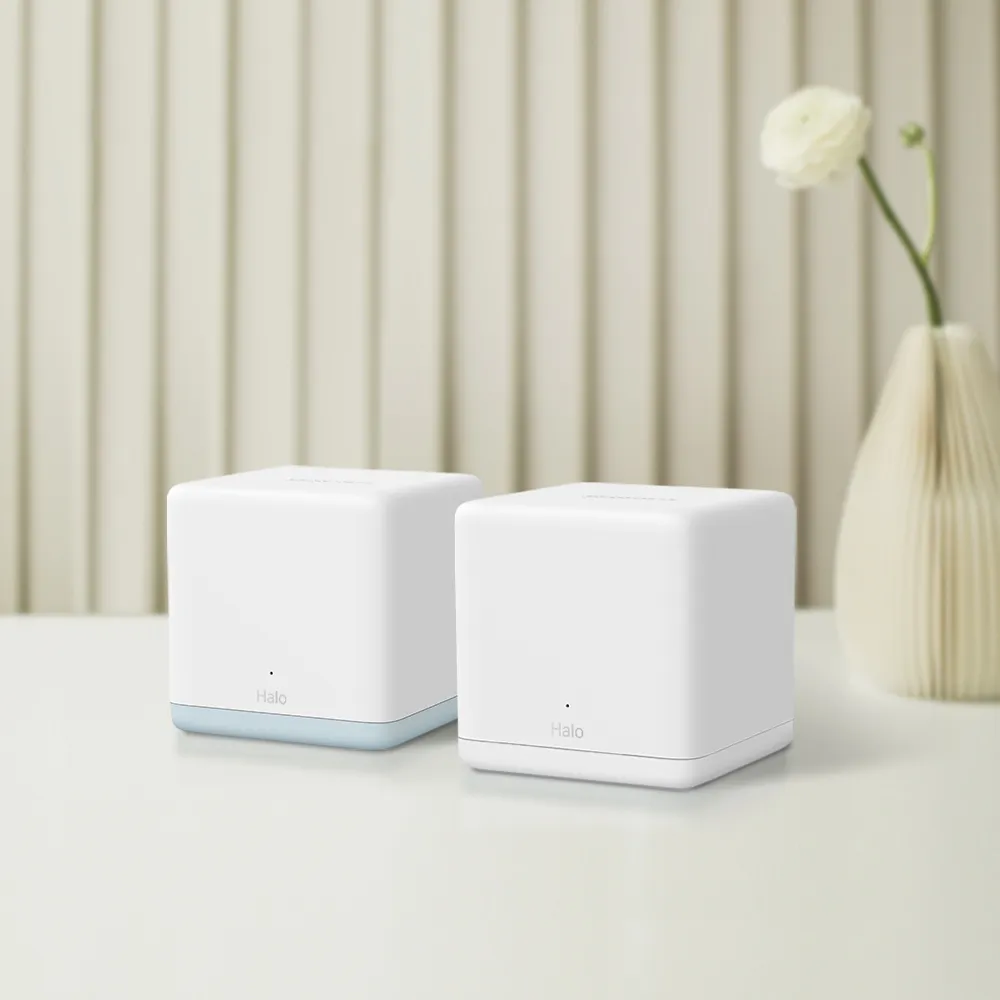
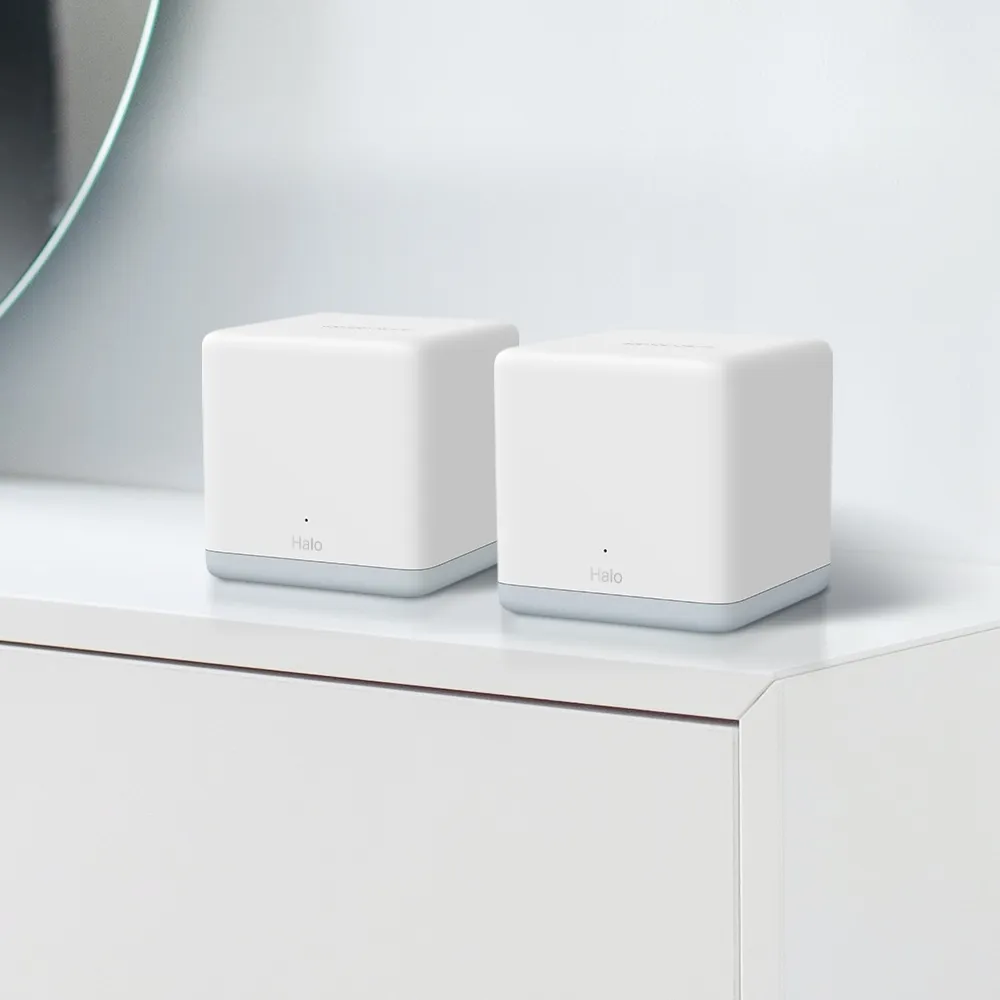
The Mercusys Halo H80X and H90X offer two different Wi-Fi 6 tiers in the same mesh family. The H80X is an appealing budget choice for ordinary household use. The H90X is worth considering when higher radio capacity or a 2.5 Gigabit connection can help a demanding network. The right choice depends on your devices and layout as well as the price of the pack.
This comparison uses documented specifications and buying advice. It does not report measured results from an owned kit. Published speed classes, coverage figures and port rates describe different parts of a connection, and none alone tells you how a video call will behave in the far bedroom.
Wireless Architecture: AX3000 versus AX6000
The H80X lists maximum radio rates of 2402 Mbps at 5 GHz and 574 Mbps at 2.4 GHz. The H90X lists 4804 and 1148 Mbps respectively. These add up to the rounded AX3000 and AX6000 classes. They are radio link rates rather than guaranteed application throughput, and a single ordinary client does not combine the two bands into one AX6000 download.
The H90X has more radio capacity to work with, but a client with fewer supported spatial streams retains its own maximum. Extra radio resources can be useful for serving clients and communicating between nodes; they do not automatically double one laptop's speed. Nor do more streams change the modulation into a higher-density scheme or prove stronger penetration through a concrete wall.
Both official datasheets list Wi-Fi 6 features and 160 MHz capability, with client and regional restrictions. OFDMA and MU-MIMO need suitable clients to provide their intended benefits. Older smart-home devices do not acquire new radios when the mesh is replaced, so assess the equipment that actually makes up your network.
Gigabit and 2.5 Gigabit Ports
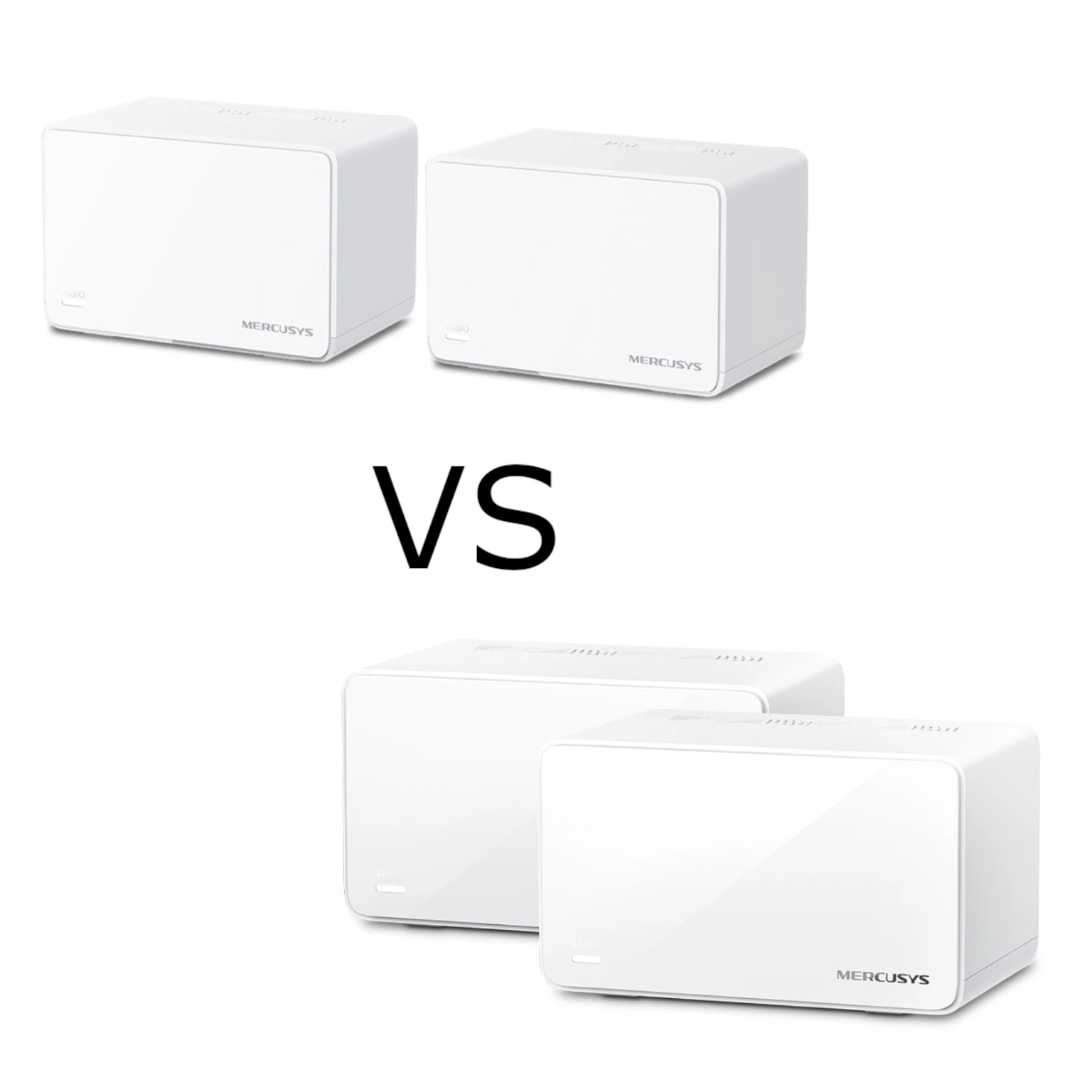
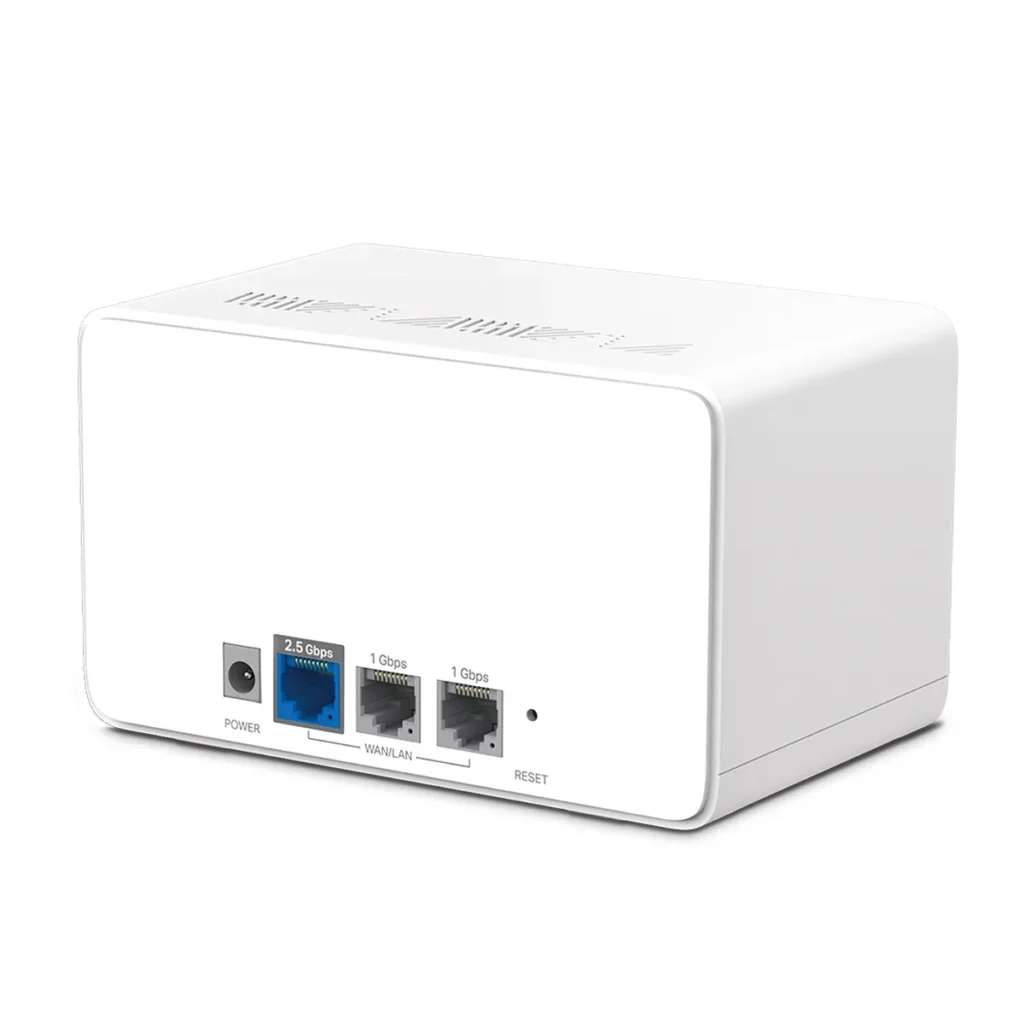
Each H80X has three Gigabit ports. Each H90X has one 2.5 Gigabit port and two Gigabit ports. The ports support WAN/LAN auto-sensing, but the H90X datasheet says its 2.5 Gigabit and Gigabit ports cannot both be WAN connections at the same time. Faster hardware does not imply dual-WAN load balancing.
The single faster port creates a practical trade-off. If it connects to a faster Internet uplink, the remaining wired connections are Gigabit. If it connects to a NAS, check how clients reach that NAS. A multi-gigabit switch may be the appropriate place for several fast wired devices. Do not assume one faster port provides a complete faster wired network.
Count the uplink, backhaul and local devices before choosing a pack. A main node using one port for Internet and another for wired backhaul leaves one local connection. A desktop, printer and television may therefore still need a small switch. The total cost should include that switch when it is required.
Documented Model Differences
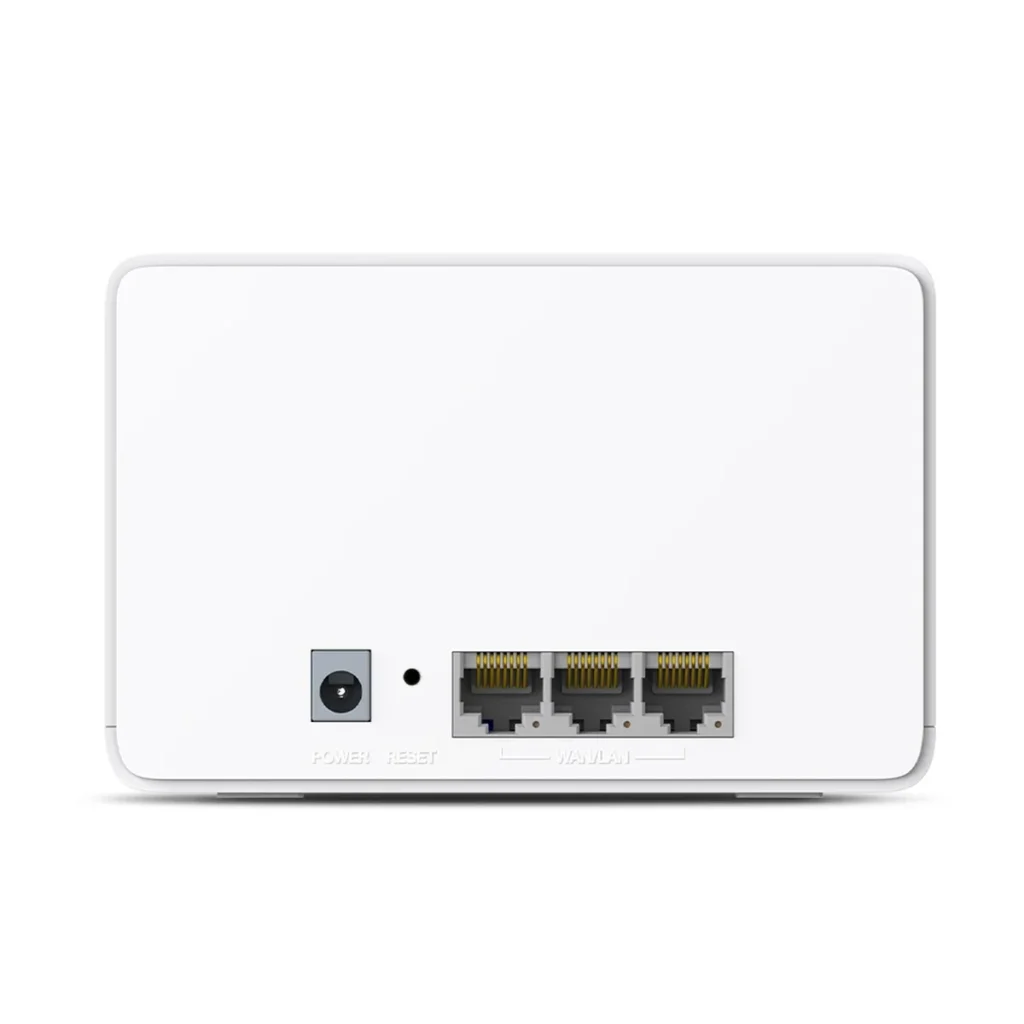
| Item | H80X V1 | H90X V1 |
|---|---|---|
| Wireless class | Dual-band AX3000 | Dual-band AX6000 |
| 5 GHz maximum link rate | 2402 Mbps | 4804 Mbps |
| 2.4 GHz maximum link rate | 574 Mbps | 1148 Mbps |
| Ethernet | Three Gigabit ports | One 2.5 Gigabit plus two Gigabit ports |
| Dimensions | 128 × 81 × 83.7 mm | 150 × 94 × 86.7 mm |
| Modes and security | Router/AP; WPA/WPA2/WPA3 | Router/AP; WPA/WPA2/WPA3 |
Match the seller's hardware revision and region to the specification. The H90X V1 UK product page currently marks it End of Life. Check local support and current firmware before buying old stock. That status does not establish that an existing unit stops working, but it is relevant to a new long-term purchase.
Coverage and Pack Size
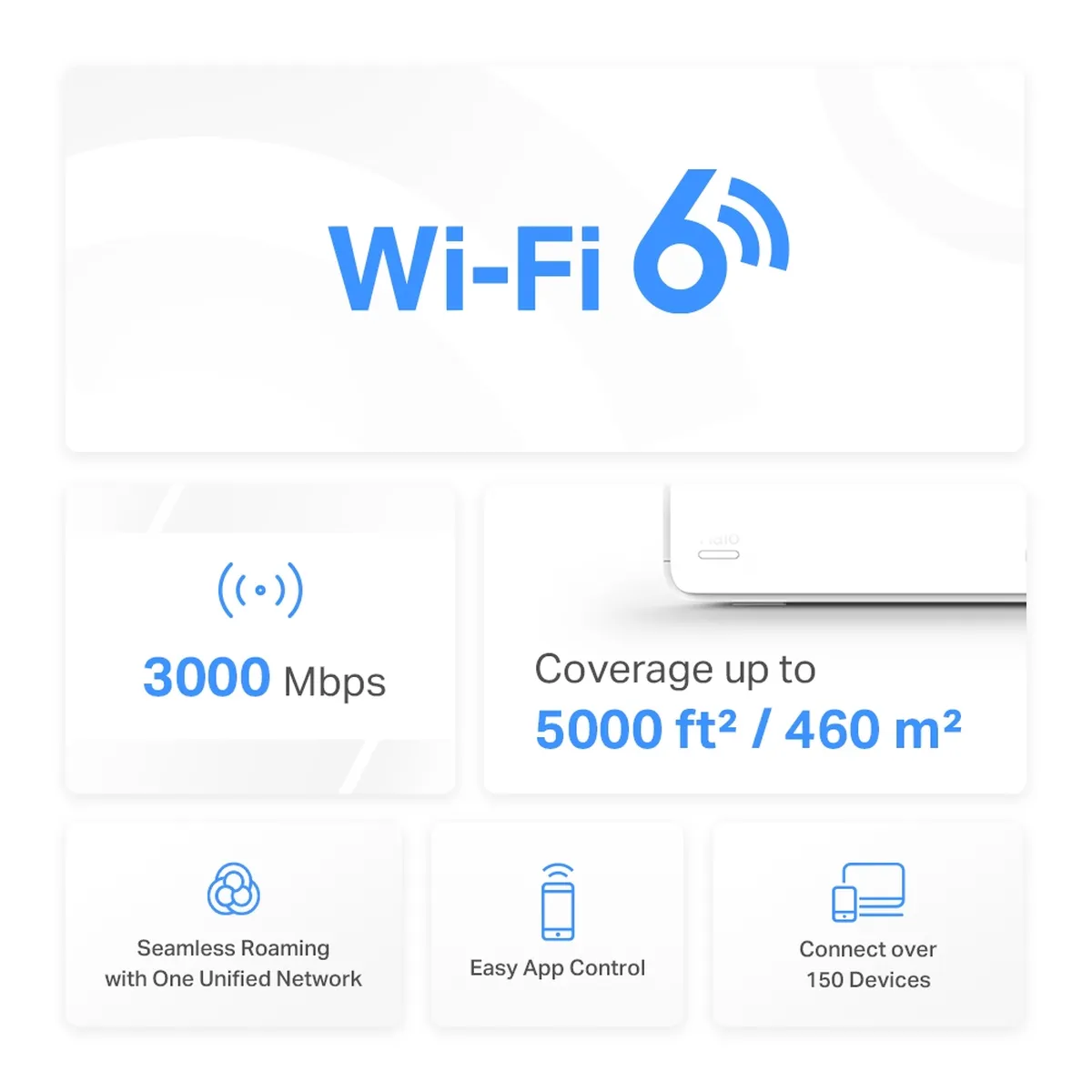
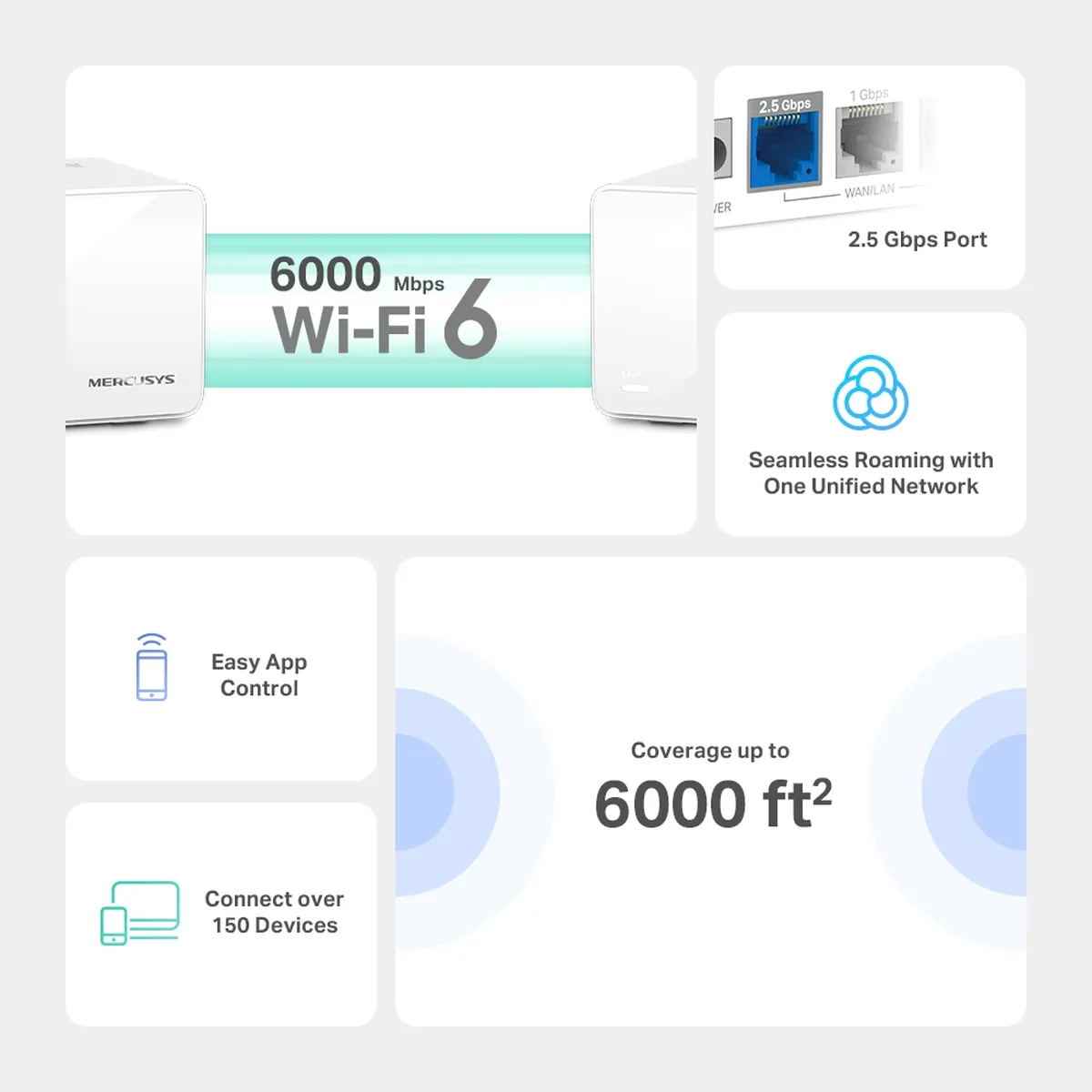
The inspected promotional graphics advertise 5000 square feet for H80X and 6000 for H90X. Pack size matters: the current V1 three-pack datasheets advertise up to 7000 and 8500 square feet respectively. Do not compare a two-unit figure with a three-unit figure or treat either as measured coverage in your home.
Both manufacturers' documents qualify coverage and connected-device claims by layout, obstacles, traffic and client capabilities. Their over-150-device advertising does not promise that every device transfers at maximum rate together. A house with reinforced floors can need a different arrangement from an open-plan space with the same floor area.
Wireless and Wired Backhaul
Neither is a tri-band system with a separate third backhaul radio. With wireless backhaul, client and node-to-node traffic compete for wireless airtime. The H90X's higher radio rating can offer headroom, but the real result depends on both links and on where the nodes are positioned. There is no fixed satellite speed for two walls.
If suitable cabling is available, Ethernet backhaul can remove dependence on the wireless hop. A satellite's connection to its upstream node still uses one port. If that satellite's only 2.5 Gigabit port supplies backhaul, its local wired devices use the Gigabit ports. Plan this before expecting a fast wired NAS transfer through it.
For wireless placement, begin where the satellite receives a healthy connection from the main node and also reaches the target room. Avoid starting inside the dead zone. Move one node at a time and repeat the same task, since changing several locations together makes the outcome difficult to interpret.
App Management and Security
The MERCUSYS app provides setup, parental controls, QoS and guest-network management. Router and access-point modes have different responsibilities; decide whether Halo or an existing router should manage the network. Check the controls you need in the intended mode before relying on a particular household restriction.
WPA3 is documented, with compatible-client requirements. Our WPA2 versus WPA3 guide explains the background. Keep administration credentials unique, update the right hardware revision and test older devices after changing wireless security. A guest-network name alone is not a substitute for confirming access restrictions.
Mercusys states that Halo H and S series cannot form one mesh together. This matters if you already own older S-series nodes. Check supported expansion before treating any Halo-branded device as interchangeable. A common app or brand does not guarantee a shared mesh protocol.
Testing and Running Costs
Compare a wired connection near the main unit with the wireless result at your normal desk. Use the same client, note the connected node and distinguish local transfers from Internet speed. Repeat during ordinary household activity to see whether uploads or downloads interfere with calls. Record where each node was plugged in and how backhaul was connected.
A port's link rate is not a guaranteed file-copy rate. Storage performance, protocol overhead and client radios can all limit the transfer. There are no author measurements here establishing exact megabytes per second, electricity consumption or case temperatures. If operating cost matters, measure the assembled kit over representative use and calculate the cost using your own tariff.
Buying Perspective
The H80X remains a sensible choice when price matters and Gigabit connections suit the household. The H90X remains the more interesting option for higher-demand networks that can use its extra radio capacity and faster port. Its support status, local price and actual port arrangement should still be part of the decision.
For a fast connection at one work desk, cabling or a suitable switch can sometimes offer more value than a larger wireless class. Compare equivalent packs, warranty, firmware availability and return conditions. Consult the original H80X product link and original H90X product link for further model information.