Netgear is a well-known networking brand with products for homes, businesses and service providers. Its long history and broad range make it a useful candidate when looking for routers, mesh systems, access points or switches. The strongest buying decision still comes from matching a specific product to your network, rather than assuming the whole range has the same capabilities.
The company's published history begins in 1996 and charts its development from foundational Ethernet equipment to Wi-Fi, switching and network-management software. That heritage helps explain the variety of product names a buyer encounters today, including familiar older hardware that is no longer a current purchasing recommendation.
History and Legacy Product Names
NETGEAR's history page includes the EN308 Ethernet hub, later wireless routers, the Nighthawk R7000, Orbi RBK50, Insight management and ProAV products. These examples show changes in the portfolio without requiring a claim that every later feature was an industry first or that old metal switches are indestructible.
Two historical names need particular care. Arlo was part of NETGEAR's business history, but NETGEAR completed its Arlo spin-off in December 2018 and reported that it no longer held Arlo shares after that distribution. Arlo should not be presented as a current NETGEAR camera product line.
ReadyNAS also belongs to the legacy picture. NETGEAR's current support notice marks ReadyNAS systems and software end-of-life and ReadyCLOUD discontinued. Existing owners should keep independent backups and assess support and security requirements; a used ReadyNAS is a different decision from buying a currently supported NAS platform.

Understanding the Main Product Types
| Product type | Typical role | What to check |
|---|---|---|
| Nighthawk routers | A household internet gateway with local Wi-Fi | Exact radio generation, WAN/LAN ports and supported software; not every model is a gaming router. |
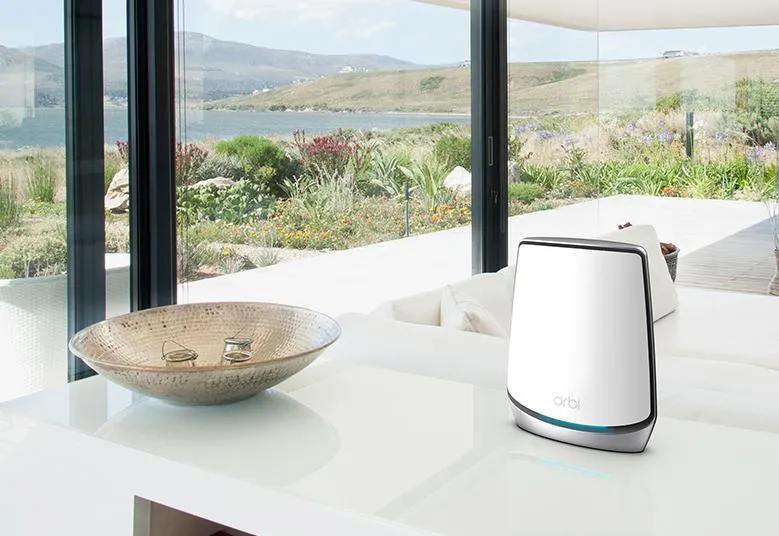
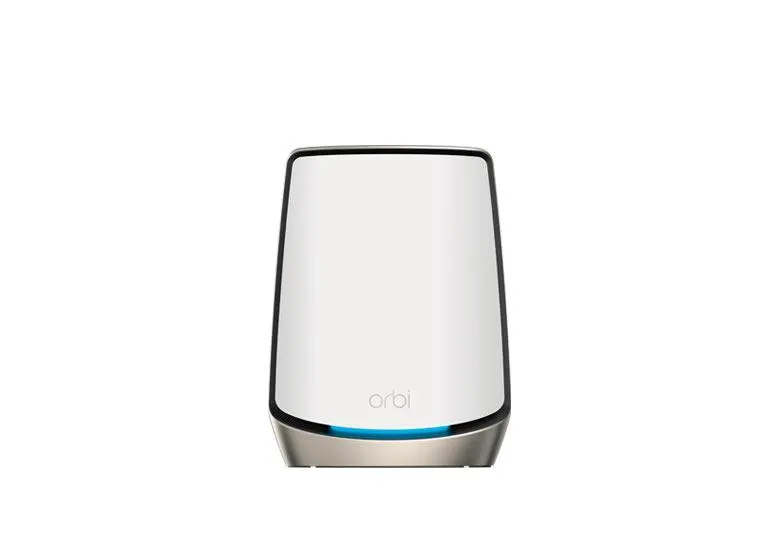
| Orbi systems | Main router and compatible satellites for mesh coverage | Package contents, backhaul architecture and satellite compatibility. |
| Switches | Additional wired connections and, on supported models, management functions | Port speeds, VLAN/LAG support, PoE budget, cooling and warranty. |
| Business access points and management | Wi-Fi deployment with model-specific administration options | Power requirements, controller/cloud support, subscriptions and VLAN features. |
| Modems and mobile gateways | A supported cable or cellular service connection | ISP approval, regional standards or bands, service plan and interface speed. |
Nighthawk models can have internal or external antennas and differing feature sets. A premium model name does not prove the presence of a specialised gaming dashboard. Likewise, ProSAFE is a familiar name in the switch history, but buying a NETGEAR switch still requires checking the exact series and revision.
Mesh Backhaul and Armor
Backhaul is the connection between mesh units. Some Orbi designs reserve a radio for that link, while others share radio resources. For example, the current Orbi 770 specification describes shared 5 GHz and 6 GHz backhaul with MLO capability. It is inaccurate to assign an exclusively reserved 4x4 backhaul radio to every tri-band Orbi.
A dedicated radio can reduce contention, but does not make a wireless path equal to a cable or guarantee a particular satellite speed. Distance, obstacles, channel conditions and the client still matter. Ethernet backhaul can be useful when the chosen system and wiring support it, though the slowest port or switch in that route can remain a limit.
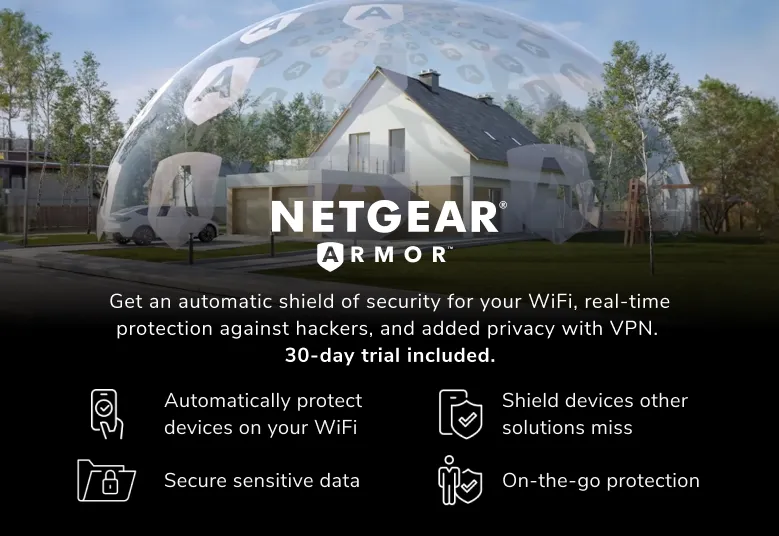
Armor powered by Bitdefender is offered on supported products with subscription or trial terms that can vary by package. It adds security services rather than replacing basic router functions. Check current local terms and the exact model before assuming permanent inclusion or identical features across the range.
Using NETGEAR Equipment in a Homelab
A switch is often a more straightforward addition than replacing the main gateway. Count current and planned wired clients, the uplink, access points and storage links. Match port speeds to those paths: a Gigabit computer cannot gain 10G merely by connecting to a fast switch.
For Orbi or a supported Nighthawk behind a separate firewall, AP mode can avoid a second router layer. The upstream gateway then handles routing and DHCP, while some router-dependent features become unavailable. Check the exact manual and management-address changes before switching modes.
If the lab needs several separately firewalled networks, verify VLAN tagging and management isolation on every relevant switch and access point. A separate guest or IoT Wi-Fi name is not proof that a consumer mesh product provides the required per-SSID VLAN design.
Unmanaged Versus Managed Switches
Unmanaged switches suit simple port expansion. They are not interchangeable with models that expose VLAN, link-aggregation or mirroring controls. The XS508M, for example, is an unmanaged multi-gigabit model: its published table lists seven copper ports plus one copper/SFP+ combo connection. A combo connection is not two independent extra ports.
NETGEAR's GS108E selector identifies that product as a web-managed Plus Gigabit switch with VLAN and QoS features. That does not imply every switch with a similar name has the same management depth, dedicated management VLAN support or routing functions. Small changes in the model suffix can matter.
When considering aggregation, check both the designated ports and the peer device's supported mode. Configure it before connecting parallel cables, and do not assume an aggregate link doubles one ordinary file transfer. For optical connections, select supported transceivers and cables rather than treating every SFP+ module as universally compatible.
Security Services and Network Policy
A router's firewall, guest access controls and a threat-protection subscription solve different problems. A security service cannot guarantee prevention of every phishing incident, vulnerable IoT device or volumetric attack on an ISP connection. Keep devices patched, use strong credentials and restrict management access.
For a homelab, decide where policy is enforced and which services need remote access. A dedicated firewall can offer different routing or segmentation controls from a consumer router, but it also needs correct configuration. Do not expose NAS or hypervisor administration simply because port forwarding is available.
Check whether paid features work in your chosen router or AP mode. Include renewals and management costs in the purchase comparison instead of judging only the hardware's initial price.
Power, Noise and Support
NETGEAR documents energy-efficient features on particular switches, including the XS508M, but those are not a promise that every router radio or port scales identically. Check actual model specifications and measure a permanently running installation if annual energy use matters.
Cooling also varies. The XS508M specification lists an active fan despite broad quiet-operation marketing, so do not assume a metal desktop switch is fanless. Power supply, PoE load, room temperature and placement all affect a practical installation. Ensure the equipment and any power backup can support the intended workload.
Warranty length and support are model-specific and subject to eligibility and local terms. Read them for the exact product and reseller, and check firmware/security support before buying older stock. A hardware warranty is not an indefinite promise of software updates.
Final Brand Verdict
Netgear remains a strong brand to consider for households and homelabs seeking a broad selection of wired and wireless equipment. Its appeal includes familiar management tools, a wide range of mesh and router options, and switches at several capability levels. That favorable view is most useful when backed by the exact product's supported features.
Compare alternatives from TP-Link, D-Link, Linksys and ASUS on complete-path performance, backhaul, management, support and total cost. Start at the official NETGEAR website, then read the regional product page and manual for the model that meets your requirements.