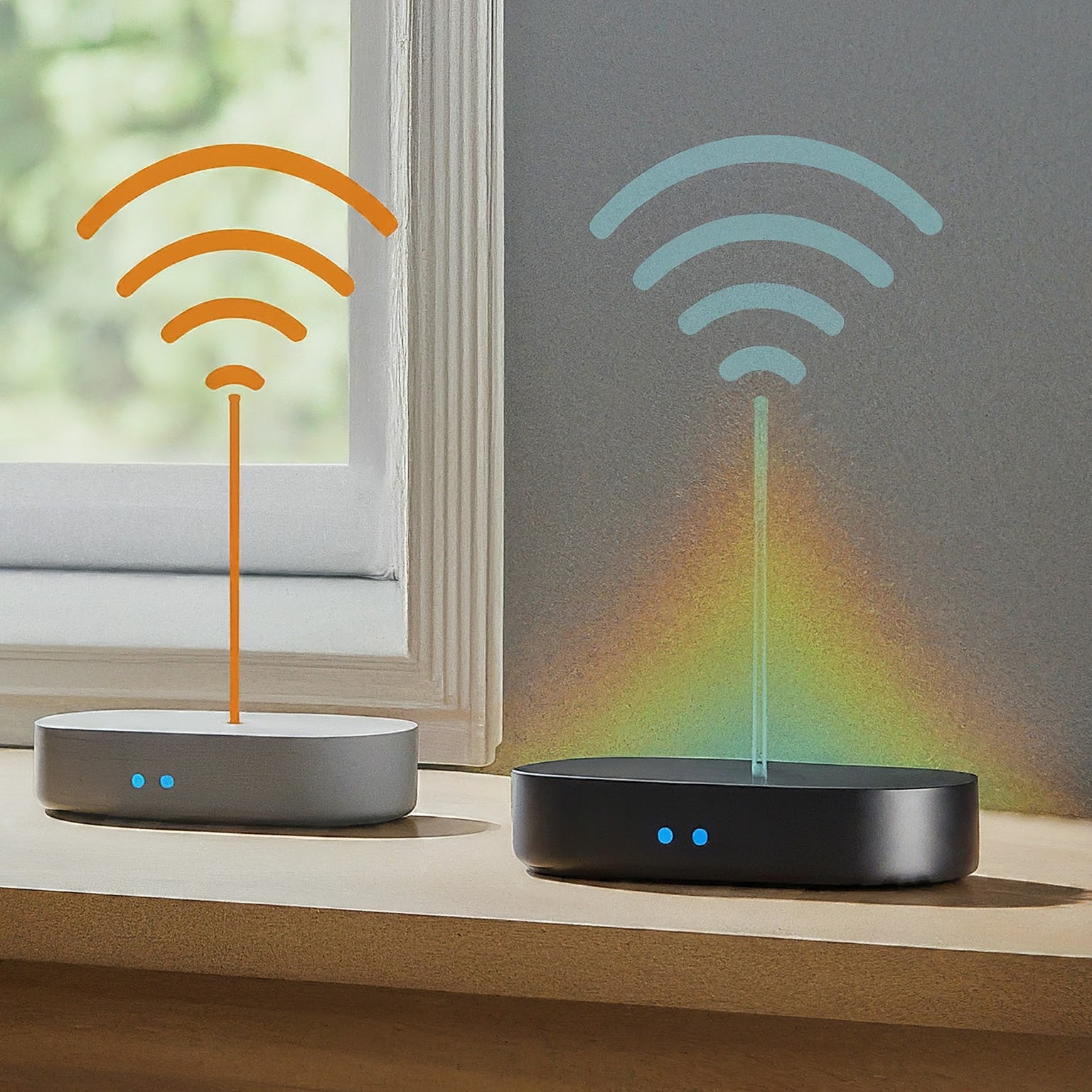
The Linksys AC2600 Dual-Band Velop can be an appealing, straightforward mesh option when the price is right and you do not need the newest Wi-Fi features. We like its modular coverage approach for households trying to fill weak spots, while recognizing that newer equipment can be a better fit for demanding clients or future upgrades. Before comparing offers, understand the model and the kit's marketing name.
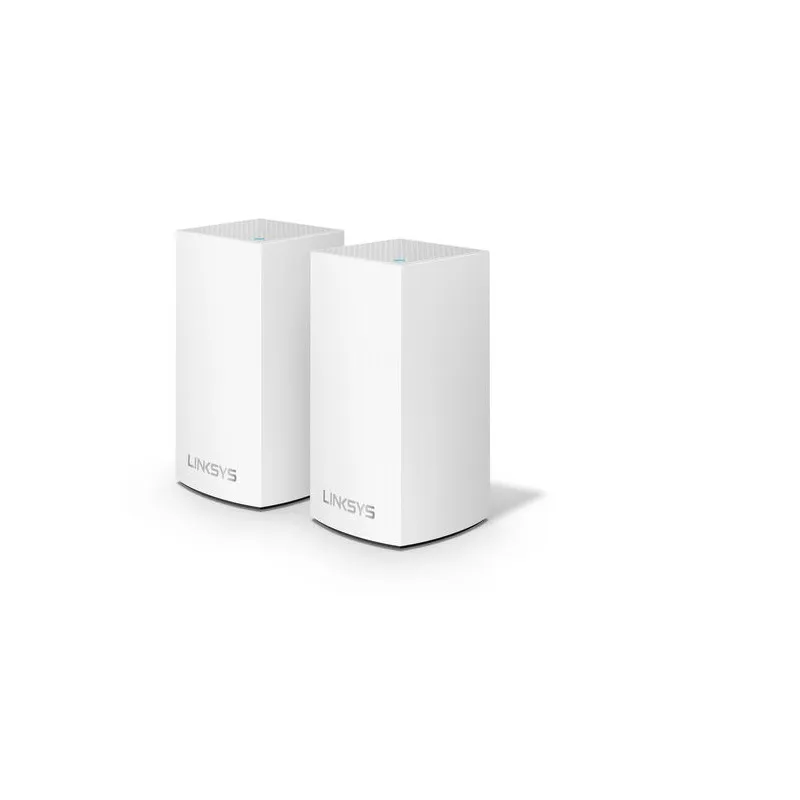
This is the WHW0102 two-pack of AC1300-class WHW01 nodes. The AC2600 pack label does not mean each node is a 4×4 AC2600 router. This is specification and buying guidance, not a hands-on throughput, latency or electricity test.
What the Velop Kit Contains
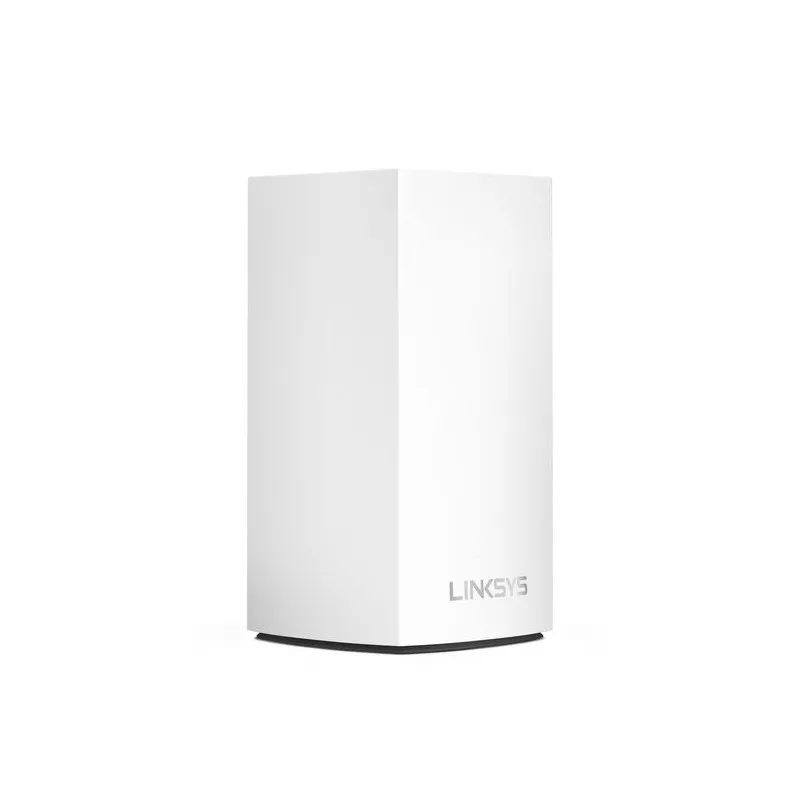
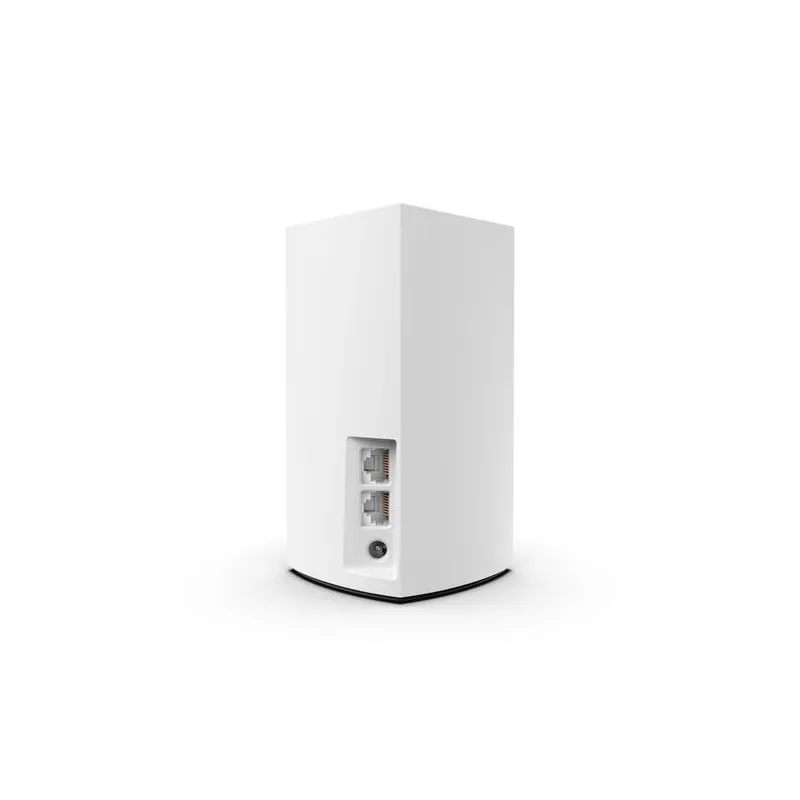
Linksys's WHW0101/WHW0102 guide identifies AC1300 dual-band Wi-Fi 5, 2×2 spatial streams and two auto-sensing Gigabit Ethernet sockets per node. WHW0101 is the one-pack and WHW0102 the two-pack. Check that code on the label, rather than choosing solely by an AC number in a shop listing.
| Item | WHW01 / WHW0102 kit |
|---|---|
| Wireless standard | Wi-Fi 5, dual-band 2.4/5 GHz |
| Per-node class | AC1300, 2×2 streams |
| Two-pack model | WHW0102, often sold as AC2600 |
| Ethernet per node | Two 10/100/1000 Mbps sockets |
| Documented security | WPA2-Personal |
The manufacturer's WHW01 manual documents WPA2-Personal and the physical interfaces. It also cautions that actual coverage and throughput depend on traffic, construction, distance and client equipment. There is no need to add an unverified RAM, flash or processor figure to judge the basic network fit.
Mesh Coverage and Wi-Fi 5
Imagine Wi-Fi as a blanket that does not quite cover the far bedrooms. Several coordinated nodes can fill gaps better than placing one router at an inconvenient corner of the house. A mesh does not make thick walls transparent: each wireless satellite needs a usable link to another node, and your client needs a good connection to the satellite.
Wi-Fi 5 is capable of ordinary browsing, calls and streaming when the signal and available capacity fit the workload. It does not offer the 6 GHz band or the newer scheduling features associated with later generations. A newer router may improve efficiency for compatible devices, but a generation number alone does not guarantee greater physical range or eliminate congestion.
Linksys gives a coverage reference of up to 1,500 square feet per WHW01 node. Treat that as a vendor planning figure, not a promise that any two-pack covers every large house. Floor slabs, brick, cabinets, neighbouring networks and the route between nodes matter. Compare your particular dead spots and placement options before buying a larger pack.
Ethernet Backhaul and Port Planning
Wired backhaul is supported. On a main node with one socket connected to the modem or gateway, only one socket remains. If you use that for the satellite connection, add a switch when you also need wired desktops or storage. A chain or switch design should be checked carefully so the network does not accidentally create a loop.
A wired path can avoid an unreliable inter-node radio hop and reduce the airtime that hop would consume. It still does not guarantee a particular wireless speed. The client's radio, interference, application endpoint and internet service remain in the path. On wireless backhaul, a satellite and its connected devices share limited radio resources, so compare the satellite experience with the main node separately.

Management Changes in 2026
There is an important support change for anyone buying or resetting this older kit. Linksys's Smart WiFi notice includes WHW01 among products affected by the service retirement beginning 26 March 2026. With the relevant newer firmware, remote Smart WiFi services and new cloud-account creation are no longer supported, and app-based setup or adding child nodes is no longer the supported route.
Use the current local web-interface instructions and the router's local password. The notice gives local web and supported button/CA Router Setup methods for setup and expansion. It says existing app users can attempt a local login, with a desktop browser as the alternative. Firmware updates continue according to the notice. The mesh does not stop routing simply because cloud management is retired.
This is worth checking before a factory reset or second-hand purchase. Older manuals and some product FAQs still describe cloud/app workflows. Save the current settings, confirm the local login works and use the newer service guidance for your installed firmware rather than assuming an old app screenshot is current.
Router Versus Bridge Mode
If the Velop is your router, the parent node handles functions such as DHCP and NAT. If you keep an upstream router for those jobs, bridge mode lets the Velop extend that existing network. Turning off an upstream Wi-Fi radio alone does not remove double NAT; decide which device should route and use the appropriate mode.
The WHW01 FAQ lists features unavailable in bridge mode, including parental controls, prioritization and port forwarding. Consider those differences before designing a network around a feature you saw advertised. A change of mode can also alter addresses and disconnect devices temporarily, so keep an accessible administration path.
Roaming, Prioritization and Guest Access
A shared Wi-Fi name makes movement convenient, but it is not one giant radio or a guaranteed 80-millisecond handover. Devices decide when to move between access points, and a client may stay on a weaker node longer than you expect. Try a work call along the route between rooms and note which node the device uses.
Self-healing can help when another usable path exists. It cannot make a powered-off access point transmit or restore internet access when the only gateway is down. In a two-node kit, losing the satellite can leave its area dependent on the main node's original range.
In router mode, the documented prioritization tool can select up to three devices, and guest access provides a separate visitor network. Prioritization reallocates available capacity; it does not increase the broadband rate. Review guest credentials and access using a device you own, and understand the difference between visitor Wi-Fi security and the administrator password. Our WPA2/WPA3 explanation is useful when comparing this older security specification with alternatives.
Expansion and Support Checks
Linksys publishes a list of Intelligent Mesh-compatible models. Use the actual model number when adding a node; the broader Velop brand does not prove every newer product can join this family. A faster extra node also does not upgrade the radios or wired interfaces of the existing WHW01 units.
For used equipment, check that the adapters match the units, all sockets work and the seller can transfer the hardware without leaving you dependent on an old account. Verify the available firmware and local setup method before assuming a low initial price is a good total value. Leave the vents clear and use the documented power supply; guessed idle wattages or annual costs are not a substitute for a meter and your local tariff.
A Practical Evaluation
Start with a wired check of the internet connection. Then use the same client and test endpoint near the main node, near the satellite and in the room that originally struggled. Record whether backhaul is wired or wireless. A slow internet result can come from the ISP or remote service, while a local transfer can expose a different bottleneck.
Finally, try your normal simultaneous household activity and a walk between nodes. If the satellite is poor, move it closer before adding equipment. Check the node light and administration status when diagnosing a failure. A working main-node connection and a failed satellite connection suggest a different problem from all devices losing internet at once.
Final Verdict and Buyer Guidance
We consider this Velop a useful budget choice when its coverage and management workflow fit a household that does not need the latest features. That positive view depends on the actual local price and support situation, rather than a claim that it always outperforms newer systems. The two-pack rating and 2026 management changes should be understood before purchase.
If you want newer client efficiency, a different security feature set or more demanding local transfers, compare a newer mesh system too. If modest needs and a good offer make the WHW0102 attractive, plan placement and backhaul carefully and verify the current local administration workflow. Those checks are more valuable than assuming a marketing class predicts your home's speed.