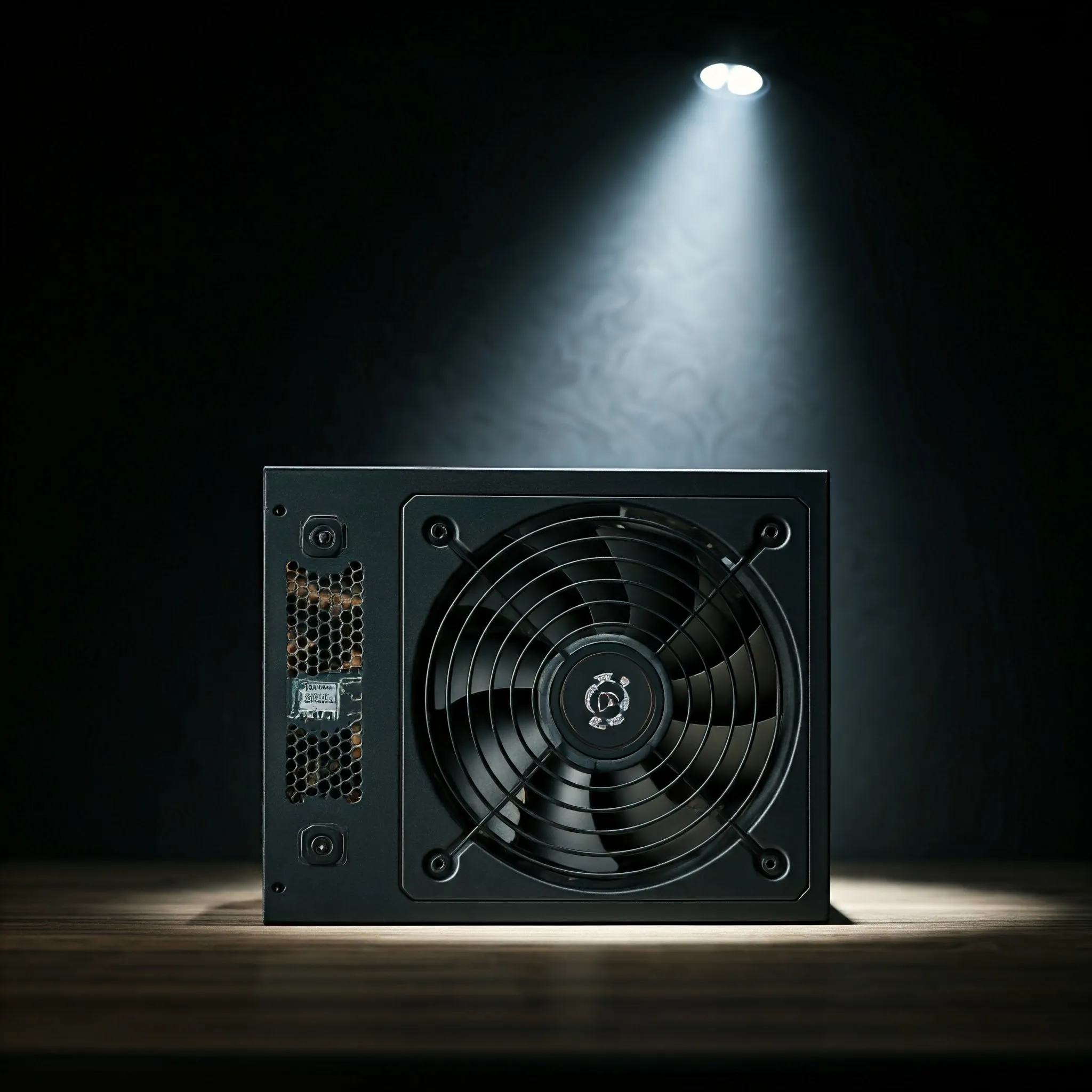
The power supply unit, or PSU, is the foundation that lets the rest of a desktop computer work. It converts electricity from the wall into the lower-voltage direct current used by the motherboard, graphics card and storage. Choosing it means checking capacity, connections, physical fit and electrical performance together. A large wattage number alone is not a complete buying decision.
I regard a suitable, good-quality PSU as a worthwhile investment in a dependable build. That does not mean every expensive unit is appropriate or that a certification guarantees years without a fault. Start with the components you will power, then compare documented models and the support available locally.
What the PSU Actually Supplies
A desktop PSU performs conversion, filtering and regulation to provide usable DC outputs. Common ATX supplies expose +12 V, +5 V and +3.3 V rails, plus a standby supply. A rail is a specified electrical output, not a separate removable battery. The motherboard and graphics card use further regulators to supply their chips; the CPU cores do not operate directly at 12 V.
The +12 V output carries much of a modern system's demand, including CPU/GPU power conversion and drive motors. Other outputs serve supported motherboard and peripheral circuits. Consult the actual power table because the total rating and each rail's limit are related. You cannot independently use the maximum printed beside every output and assume their sum is available.
Intel's multi-rail ATX guide describes +5VSB as active while AC power is present, supplying functions such as soft power control and wake events while the main outputs are disabled. A shut-down PC is therefore not the same as a disconnected supply. Follow the manufacturer's installation instructions, disconnect AC before changing connections, and leave the PSU enclosure closed: it contains high-voltage circuitry and no user-serviceable parts.
Physical Size and Cable Layout
ATX and SFX describe physical supply formats, separately from the motherboard's size. A Mini-ITX build does not automatically require an SFX PSU; the case decides which format fits. Check the PSU compartment, mounting arrangement and space left for cable plugs and drive cages.
Common ATX supplies have a 150 mm width and 86 mm height, with depth varying by model. SFX is typically 125 × 63.5 × 100 mm, while SFX-L extends the depth to 130 mm. Compare the actual drawing rather than treating the word ATX as proof that every long supply fits. Side-mounted modular connectors also need suitable access space.
- Non-modular: cables are permanently attached. This can suit a budget build if unused leads can be secured clear of fans.
- Semi-modular: some cables are fixed and others removable; the exact fixed set varies.
- Fully modular: detachable leads simplify routing and access, but require verified cable compatibility.
Modular cables are not universally interchangeable, including between supplies from one brand. Component-side connectors can look standard while PSU-side wiring differs. Use the supplied leads or replacements explicitly approved for the exact model. When replacing a PSU, verify each cable rather than leaving the old set installed for convenience.
Match Connectors to the Components
The motherboard's main connector is commonly 24-pin ATX. CPU power typically uses EPS/ATX12V connectors, often a 4+4 arrangement. Graphics cards may require PCIe 6+2-pin leads or a supported 12V-2x6 arrangement. CPU and GPU eight-pin connections are different functions: do not substitute a lead merely because the pin count looks similar.
SATA power connects compatible SSDs, hard drives and other peripherals; SATA data is a separate cable. Older four-pin peripheral connectors remain on some equipment. Count the motherboard sockets, GPU requirements, drives, fans and controllers before choosing a supply. Check the GPU manufacturer's instructions for independent cable runs or adapters rather than assuming every plug on one daisy-chain lead provides an independent full-capacity path.
A 12V-2x6 connection can support different permitted power levels, up to 600 W in the applicable configuration. Its sense signals communicate the available level to the graphics card; the connector does not force every card to consume 600 W. Follow seating, routing and bend-clearance instructions for the particular cable. The revised connection is not a guarantee that poor installation or damaged contacts cannot overheat.
Wattage, Startup and Short Power Peaks
A 750 W PSU rating describes output capacity under its specified conditions, not constant consumption at the wall. The system takes the power its workload requires, within the supply's limits. Check continuous output, the +12 V capacity and temperature conditions rather than comparing an advertised peak with another unit's continuous rating.
Build a component list using CPU and graphics-card requirements plus storage, fans and peripherals. Processor TDP alone is not a measurement of the whole machine's maximum draw. A manufacturer's GPU recommendation is a useful starting point, with its assumed system configuration in mind. Allow practical headroom for the intended load and realistic upgrades.
Short excursions and sustained power are different requirements. Intel's reviewed ATX guide defines a 200% excursion for 100 microseconds in its greater-than-450-W, 12V-2x6-equipped category, with separate limits and test duty cycles for other cases. That is a controlled test condition, not permission to run a PSU at twice its rating continuously or assurance that any arbitrary load spike is harmless.
For a multi-drive NAS, look up the exact drives' startup current and consider simultaneous spin-up alongside the rest of the machine. Do not apply one 25–30 W figure to every hard drive. Staggered spin-up also needs support across the controller and drives. Review the complete system instead of assuming a large single +12 V rail solves every startup problem.
Efficiency Ratings and Electricity Cost
Efficiency is the ratio of useful DC output to AC input. As an arithmetic illustration, supplying 400 W at 90% efficiency needs about 444 W at the wall; the difference becomes losses. This is not a measurement of a named PSU. Efficiency changes with load and input conditions, so it is not one fixed percentage at all times.
The 80 PLUS 230 V EU non-redundant table gives these minimum efficiency points. They should not be mixed with 115 V or redundant-server certification tables.
| Tier | 20% load | 50% load | 100% load |
|---|---|---|---|
| Bronze | 85% | 88% | 85% |
| Gold | 90% | 92% | 89% |
| Platinum | 92% | 94% | 90% |
| Titanium | 94% | 96% | 91% |
Titanium also includes a 90% point at 10% load in this category. A lightly loaded always-on server needs attention to that part of the curve; sizing exclusively to place a hypothetical peak at 50% does not establish the best idle efficiency or lowest noise. Read the exact model's test report.
Cybenetics ETA evaluates efficiency over many load combinations, while LAMBDA rates acoustic noise. Its separate SAFE program addresses safety and correct operation; an ETA or LAMBDA badge alone does not establish SAFE certification. These labels answer different questions. Compare voltage regulation, ripple, protection behavior and noise evidence alongside efficiency.
For running cost, measure representative complete-system consumption and use your local tariff. An illustrative continuous 10 W difference amounts to 87.6 kWh over 365 days, before multiplying by a price per kWh. Balance a potential saving against the purchase premium and workload; no tier is automatically the cheapest overall choice.
Protection Features and Everyday Operation
Overcurrent protection limits excessive current, overvoltage protection responds to excessive output voltage, short-circuit protection handles a short, and temperature or total-power protection addresses other limits. Check which protections the model implements and how it behaves under testing. Protection trip points are not the same thing as normal voltage-regulation tolerances.
Single-rail and multi-rail designs distribute current protection differently. Neither name establishes a universal quality winner or makes a cable's capacity unlimited. Follow the documented socket allocation and load limits. An unexpected shutdown can involve power, cooling, software or another component, so it is not by itself proof that the PSU is faulty.
Keep vents unobstructed and use the case's documented PSU orientation. A supply with a supported low-load fan-stop mode may operate normally with its fan stationary. Judge that against the manual and workload rather than treating every stopped fan as a failure. A PSU also does not provide an independent backup energy source; outage protection is a separate UPS and shutdown-planning decision.
Historical Examples in Context
These older examples illustrate different capacities and efficiency classes: Corsair CV450 is 450 W/Bronze, EVGA 600 W1 is 600 W/standard 80 PLUS, Seasonic FOCUS GX-750 is 750 W/Gold, and the CP-9020151 Corsair AX850 is 850 W/Titanium. The reviewed older FOCUS GX page specifies fully modular cabling, rather than semi-modular. Similar names can cover later revisions, so check the exact product.
These remain historical examples of budget and higher-capacity choices, not claims of current local stock or suitability for every new graphics card. Compare the actual unit's connectors, standard revision, condition, warranty and verified performance. Brand reputation is useful background; the model must still meet your build's needs.
My recommendation remains to invest in an appropriate, well-documented supply. Confirm the component load, case fit, compatible cable set and support before purchasing. That practical checklist offers a stronger foundation for reliability than choosing the largest wattage or most impressive badge alone.