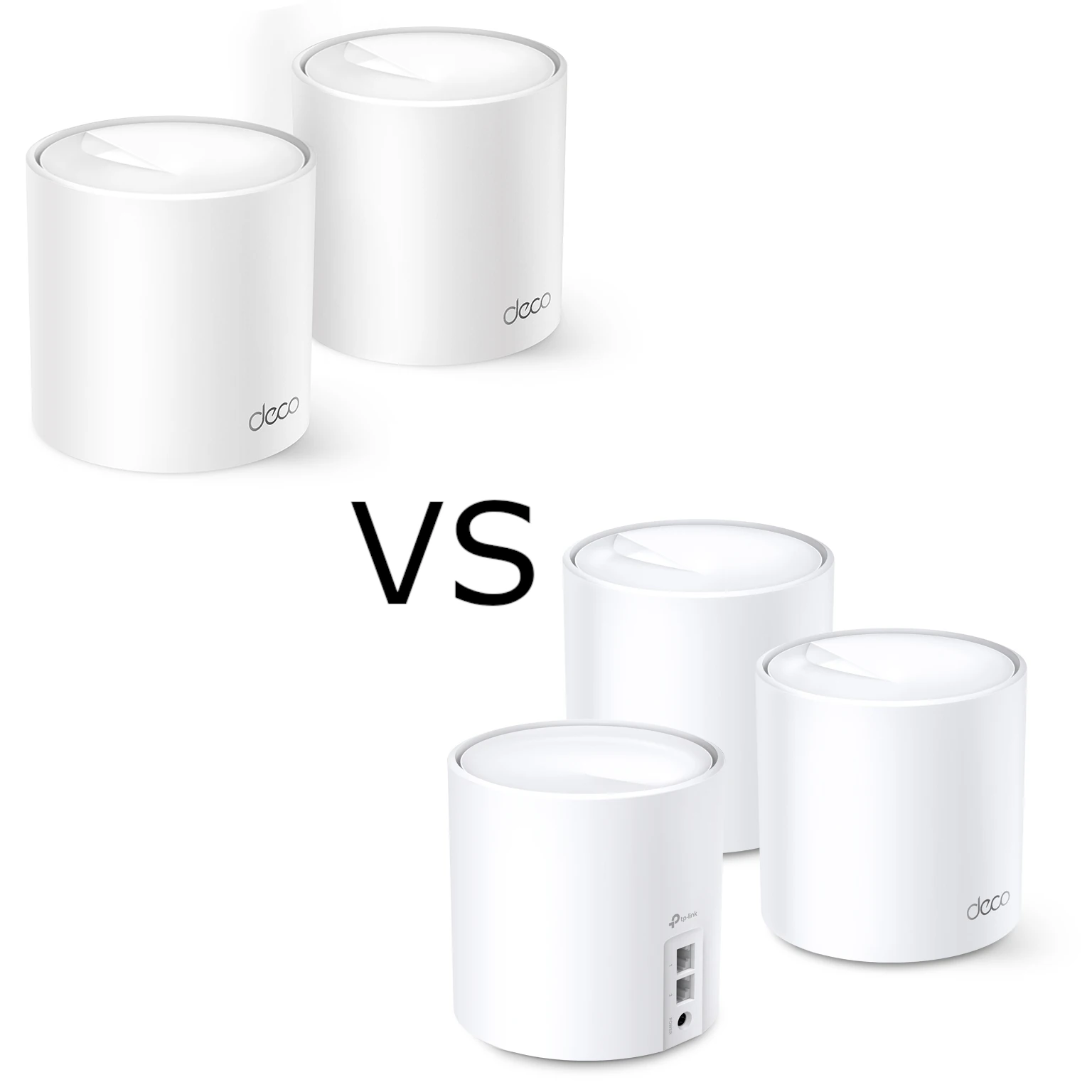
The Deco XE75 and XE75 Pro are easy to confuse: both are white, upright Wi-Fi 6E mesh units with the same advertised AXE5400 wireless rates. The useful buying question is whether the Pro's faster Ethernet port solves a bottleneck in your particular network. Paying more for that port does not, by itself, give you a larger coverage area or faster Wi-Fi radios.
What Does Mesh Networking Solve?
A mesh system places several access points around your home under one network name. The connection between those units is called backhaul. It carries a satellite's traffic back towards the main unit and your internet connection, either wirelessly or over Ethernet. A good signal from your phone to a nearby satellite is only part of the path: the satellite also needs a usable route back.
This makes mesh useful for the weak rooms that one router struggles to reach. It does not guarantee that every corner will work, and a device does not necessarily select the physically closest node. Client support and roaming behaviour matter. TP-Link lists 802.11k/v/r assistance, with compatibility qualifications; uninterrupted calls and a particular handoff time are outcomes to check with your own devices.
What Wi-Fi 6E Adds
Wi-Fi 6E extends Wi-Fi 6 into the 6 GHz band. Both models also retain 2.4 GHz and 5 GHz for older clients. A laptop or phone needs compatible hardware, software and regional support to connect directly at 6 GHz. An older Wi-Fi 5 device cannot gain a new radio band through a router upgrade, although it can benefit indirectly when compatible Deco units use 6 GHz for their backhaul.
The extra spectrum can provide useful channel choices, especially where older bands are busy. It is not immune to other 6 GHz networks, walls or weak signal. Regional spectrum rules differ, so avoid assuming that every country offers the same channels. Wi-Fi 6E is also no longer the newest Wi-Fi generation: compare newer options on their actual features and price rather than the generation name alone.
Compare the Published Specifications
The following figures come from TP-Link's product pages and EU/US version 2 datasheets. They describe advertised capabilities, rather than results from a hands-on comparison.
| Feature | Deco XE75 | Deco XE75 Pro |
|---|---|---|
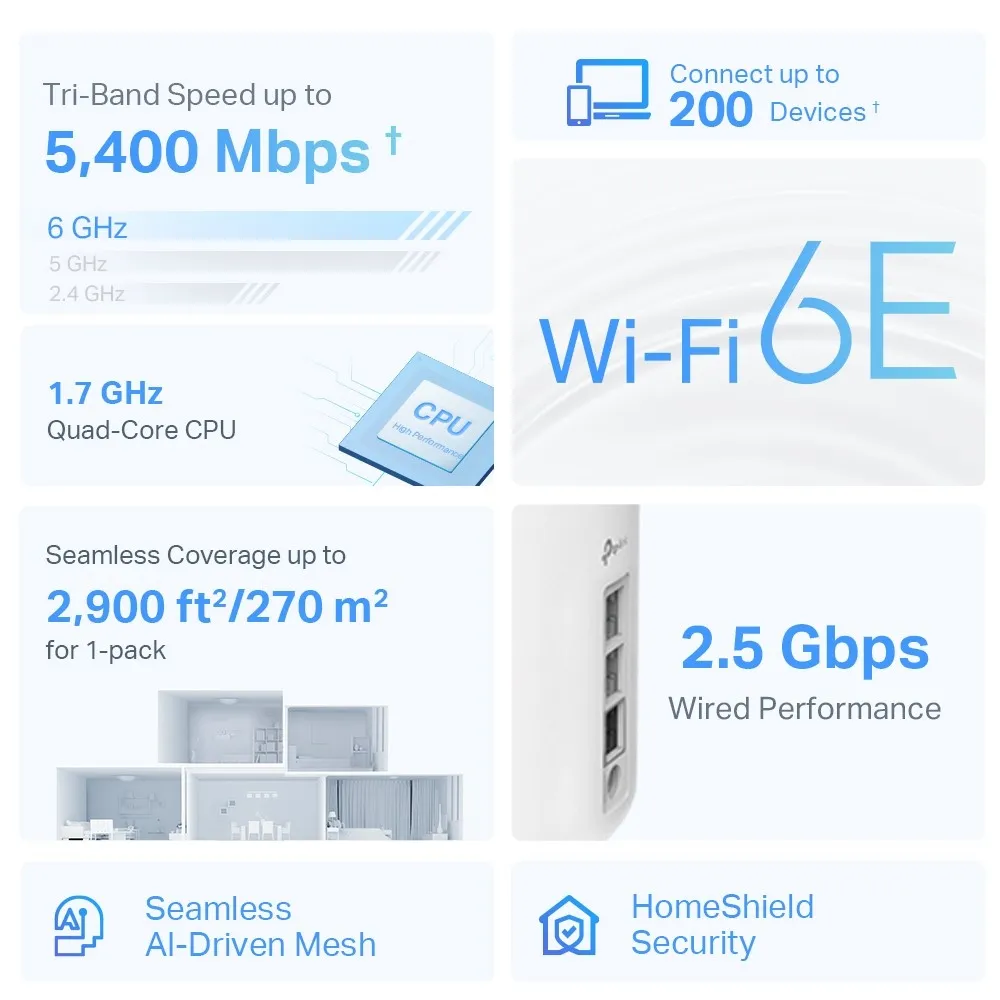
| Wireless class | Tri-band AXE5400 Wi-Fi 6E | Tri-band AXE5400 Wi-Fi 6E |
| Maximum band rates | 2,402 Mbps at 6 GHz; 2,402 Mbps at 5 GHz; 574 Mbps at 2.4 GHz | The same published band rates |
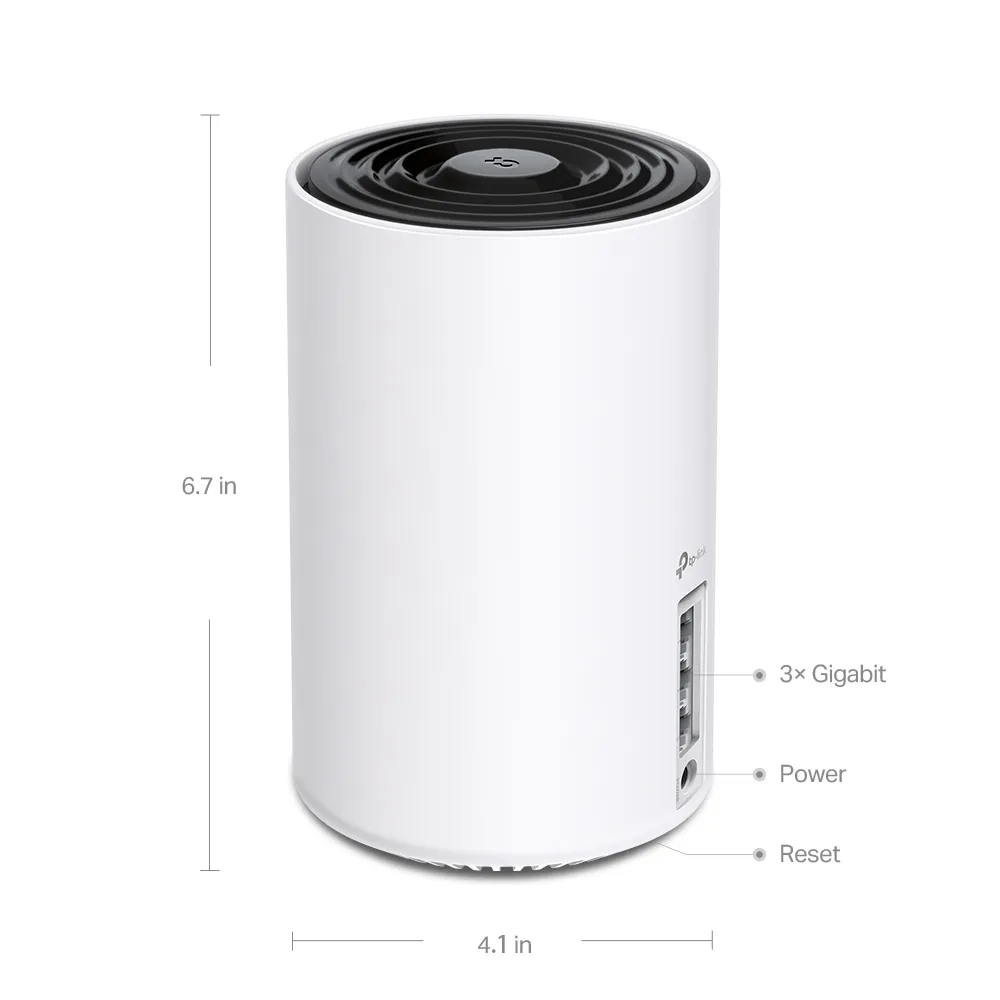
| Ethernet per unit | Three Gigabit ports | One 2.5 Gbps port and two Gigabit ports |
| Published three-pack coverage | Up to 7,200 ft² / 670 m² | Up to 7,200 ft² / 670 m² |
| Operating modes | Router or access point | Router or access point |
| Management | Deco app | Deco app |
AXE5400 is an aggregate wireless class across three bands, not a 5.4 Gbps download rate for one device. The coverage figures are manufacturer estimates subject to layout, materials, interference and placement. For an equal three-pack, the current advertised area is the same: the Pro label should not be used as evidence that it reaches farther.
Where the Pro's 2.5 Gbps Port Helps
Both models use WAN/LAN auto-sensing, but only one port can be the internet-facing WAN at a time. On the Pro, the faster socket can serve that role or be used on the local network. Draw the connection path before buying, because there is only one such socket on each unit.
- Faster broadband: If a compatible modem or ONT feeds the Pro's 2.5 Gbps port, the two remaining Ethernet ports are still Gigabit. One computer connected to either remaining port cannot receive more than that port's link rate. Several clients may benefit collectively, subject to the rest of the system.
- Local storage: With the WAN on a Gigabit socket, the 2.5 Gbps socket is available for a compatible NAS or switch. A faster NAS connection only helps a transfer if the client connection, disks and intervening links also support the workload.
- Faster wired backhaul: Two Pro units can use their 2.5 Gbps sockets for an appropriately connected faster Ethernet path. Both sockets must be available, and every intervening switch port and cable link must negotiate the required rate. A Gigabit link anywhere on that path remains a limit.
For example, using the main Pro's 2.5 Gbps socket for broadband leaves no second 2.5 Gbps socket there for a direct faster backhaul connection. On a satellite, using its faster socket for backhaul leaves two Gigabit sockets for directly attached devices. A suitably connected multi-gigabit switch can provide additional local ports, but attaching that switch through a Gigabit socket does not upgrade the uplink.
Plan Placement and Backhaul Together
Put a wireless satellite where it still has a good upstream connection, rather than at the far end of a dead zone. Try positions on the approach to the weak room and check the result with the devices you actually use. Both models support Ethernet backhaul, which is useful when walls make the wireless path unreliable.
TP-Link's Ethernet guide recommends setting up the units through the app first. In router mode, satellite wiring belongs on the main Deco's LAN side; a switch serving satellites should be downstream of it. In access point mode, the existing router can remain responsible for the network. Verify the connection type in the app after wiring instead of assuming a plugged-in cable has established backhaul.
A sensible comparison records the same room, client and workload on both setups. Check busy-hour browsing, a video call, and any local file transfer separately. Internet tests include the ISP connection; local transfers include storage and client limitations. These different tasks should not be collapsed into a single promised speed or latency.
Security and Operating Mode Need a Check
Both advertise WPA3 support and HomeShield, whose basic and paid features differ. Use the security modes supported by your clients and keep the correct regional hardware revision on supported firmware. Encryption and filtering reduce particular risks; they cannot guarantee that every device or application is secure.
An IoT network name is not automatically an isolated network. TP-Link's documentation distinguishes separate IoT credentials from the Device Isolation list. Supported firmware and compatible main and satellite units are required. Isolated devices can still reach the internet and other isolated devices, while access to non-isolated local devices is restricted. Check smart-home control, casting and local storage after changing those policies.
Access point mode is useful when retaining an existing router, but TP-Link's current mode comparison lists router functions such as QoS, parental controls, HomeShield and Device Isolation as unavailable there. Decide which device should provide those functions before choosing the mode. A feature appearing in a product advertisement does not mean it is available under every configuration.
Which Kit Fits Your Needs?
I regard the XE75 as the value-oriented choice when Gigabit Ethernet meets the requirements. It retains the Wi-Fi 6E bands and published wireless rates that make these systems attractive for everyday browsing, streaming and home networking. A larger or awkwardly shaped home still requires a placement plan, rather than automatically requiring the Pro.
The XE75 Pro is more interesting for a faster broadband service or a local network where its 2.5 Gbps socket can be used effectively. Compare the actual price difference for the same number of nodes, including any switch or adapter needed to complete that faster path. Check the seller's hardware revision and local support page, especially for older discounted stock.
Final Verdict
Both remain appealing Wi-Fi 6E mesh options in the right setup. My recommendation is to choose the XE75 for value when Gigabit connectivity is sufficient, and pay for the Pro when you can identify a specific use for its faster port. That preserves the practical distinction without promising larger coverage, particular transfer speeds or a fixed number of future-proof years. Spend according to the connection you need today and a realistic upgrade plan.