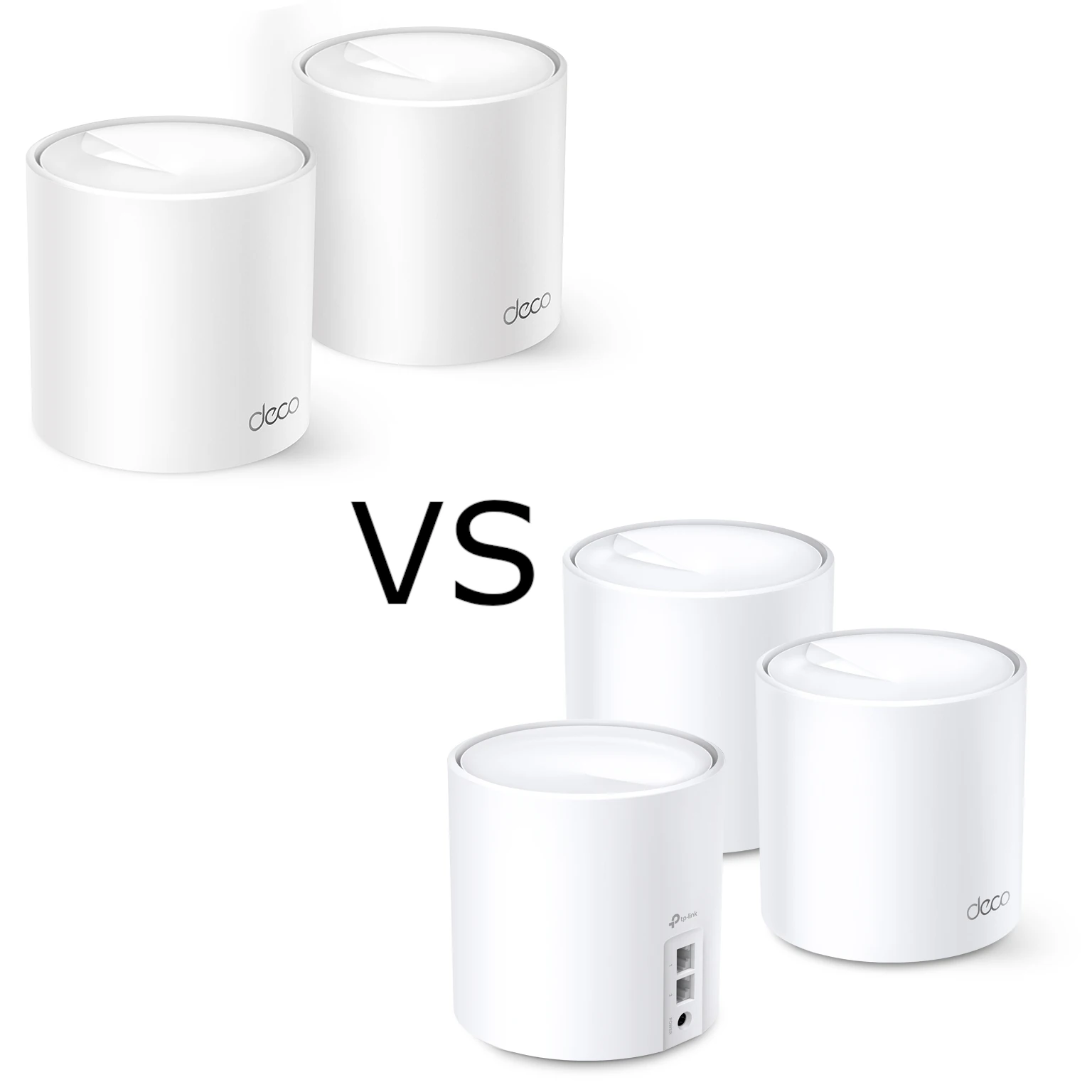
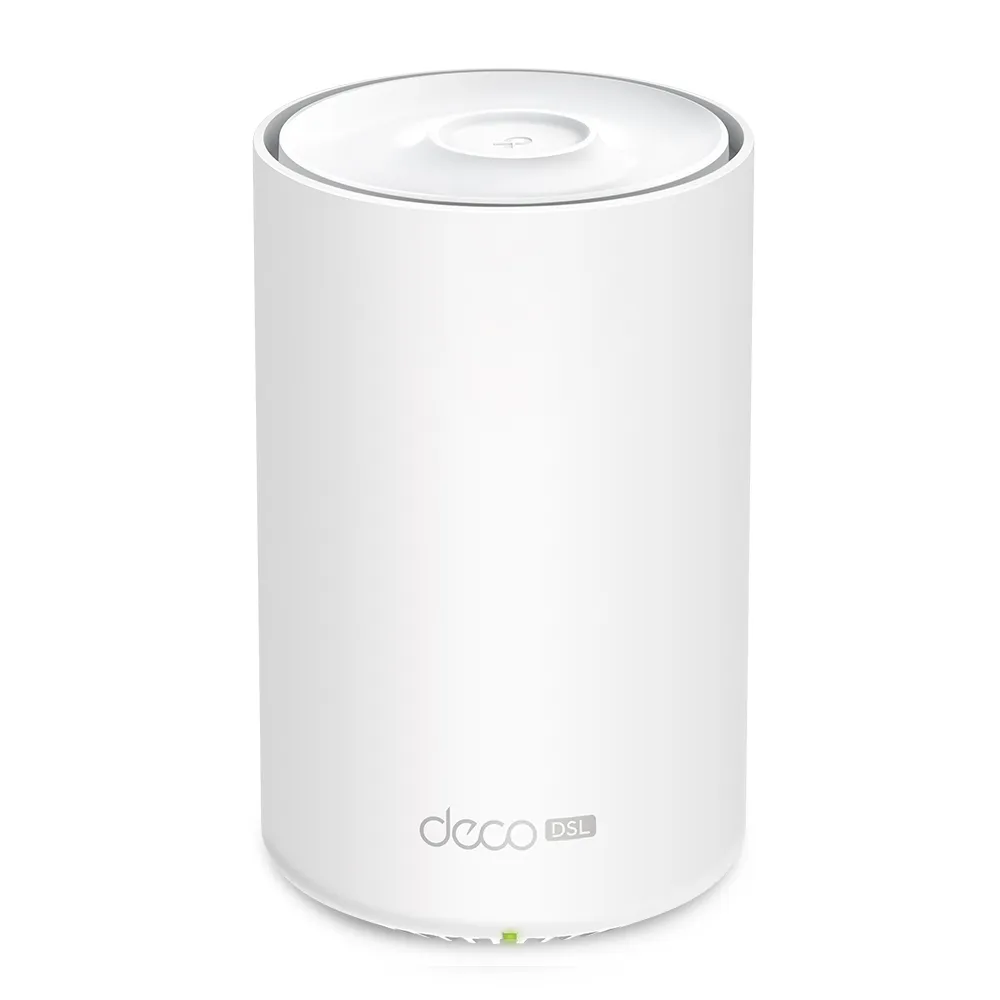
A good Wi-Fi network matters even when your internet still arrives over a telephone line. The TP-Link Deco X50-DSL combines an ADSL/VDSL modem, a router and a dual-band Wi-Fi 6 mesh unit. It can replace a compatible old DSL gateway and extend coverage through additional Deco units, without requiring a separate modem beside the main node.
That makes it an appealing upgrade for DSL households with weak Wi-Fi or several rooms to connect. The important distinction is between improving the network inside your home and improving the broadband line outside it. A stronger wireless signal can solve a bedroom coverage problem; it cannot turn a slow copper service into a fibre connection.
What mesh and Wi-Fi 6 contribute
Deco units share a network name and coordinate connections across the home. You do not normally need to select a different network manually when moving between rooms, although the client device participates in roaming decisions. Mesh does not guarantee uninterrupted handovers or a strong signal through every wall. A satellite still needs a usable connection back to the main unit.
Wi-Fi 6 supports features such as OFDMA and MU-MIMO to use wireless resources more efficiently with compatible devices. Target Wake Time can help supported clients manage their wake periods. These are capabilities, rather than promises that every older phone will become faster or every sensor will use less battery. Wi-Fi 6 remains useful, but Wi-Fi 6E and Wi-Fi 7 products also exist; this is a 2.4 GHz and 5 GHz system, without a 6 GHz radio.
AX3000 describes the combined advertised radio rates, not an internet speed or a rate available to one device. A laptop uses its supported band, channel width and antenna arrangement. Nearby interference, distance and shared backhaul further affect the result.
X50-DSL hardware and DSL support
The following specifications describe the EU V1 X50-DSL documented by TP-Link. Match the label and local support page before buying another regional or hardware revision.
| Feature | Documented specification |
|---|---|
| Wireless | Wi-Fi 6; 2.4 GHz and 5 GHz |
| Advertised radio rates | 574 Mbps on 2.4 GHz; 2,402 Mbps on 5 GHz |
| Antennas | Two internal antennas |
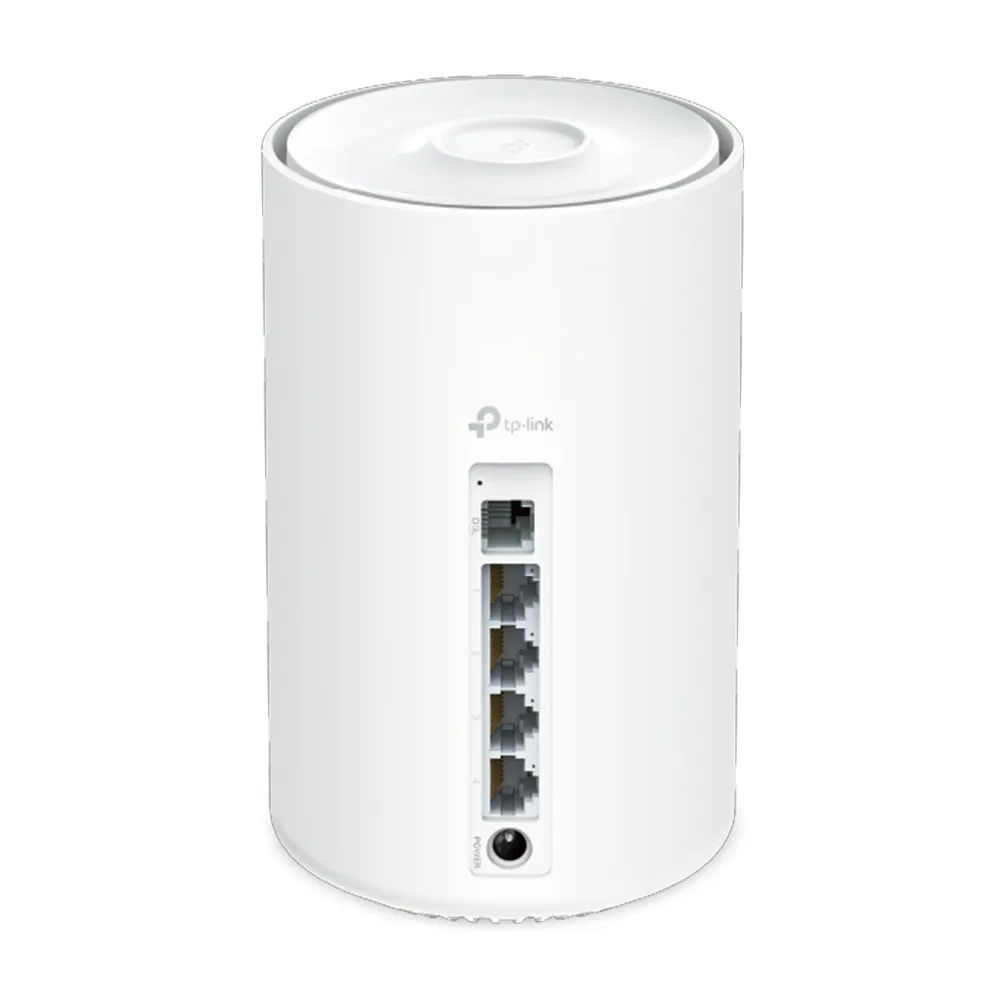
| Wired connections | Four Gigabit Ethernet ports and one RJ11 DSL port on the DSL unit |
| Copper broadband | ADSL, ADSL2, ADSL2+ and VDSL2, including profile 35b |
| Operating modes | DSL modem router, Ethernet Wi-Fi router and access point |
| Management and security | Deco app, WPA3 support and HomeShield features; some HomeShield services require a subscription |
The modem also lists vectoring and G.INP support. Whether these benefit a particular connection depends on the provider's equipment and configuration. TP-Link advertises VDSL rates up to 350 Mbps under suitable conditions; the service available at your address can be much slower. Support for a DSL standard is not a guarantee of a specific sync rate, lower latency or fewer line errors than your existing modem.
For wireless security, choose a supported mode that also accommodates your clients. Learn why WPA3 is important provides background on WPA2 and WPA3. Test older printers and smart-home equipment before committing the whole household to a security setting they cannot use.
Check the provider requirements before replacing a modem
Ask the ISP which modem standards, authentication details and VLAN settings the service requires. The Deco setup guide includes provider selection and connection settings, but an app cannot recover an unknown PPPoE password from the old router. Record the current connection details and keep the existing gateway available while you test the replacement.
Do not assume settings from a different country or another customer's line apply to yours. The provider may have particular requirements for internet access, television or telephone service. Where an ISP supplies managed voice service through its own gateway, confirm that replacing that gateway will preserve the phone service. The X50-DSL specification does not list the two analogue FXS telephone ports found on the X73-DSL.
A useful pre-purchase comparison is a wired speed test through the current gateway and a test from the room where coverage is poor. If the wired result is already limited by the line or plan, better Wi-Fi may still help local transfers and coverage, but it is unlikely to raise the external broadband ceiling. If the line drops repeatedly even over Ethernet, investigate that problem with the ISP rather than buying extra mesh nodes to mask it.
Choose the right setup and operating mode
For a direct DSL connection, follow the X50-DSL guide's modem-router setup and connect the telephone line as required for your installation. The manual illustrates using a DSL splitter. Enter the provider's connection information and internet VLAN details where required, then verify internet access before adding satellites or changing additional settings.
For an Ethernet hand-off from a separate modem or fibre terminal, use the documented Wi-Fi router setup. This offers a way to reuse the Deco if you later move away from copper broadband. Confirm the new ISP's hand-off requirements; the four Ethernet sockets remain Gigabit ports, so the unit is not a multi-gigabit gateway for a faster future plan.
Access point mode is useful when another gateway must remain responsible for routing. In that arrangement, the upstream router manages functions such as address allocation, and Deco's available gateway features differ. Decide which device will manage the network before connecting equipment, rather than creating two routed networks unintentionally.
IPTV support is not proof of modem bridge mode
The product table lists IPTV functions including IGMP and Bridge, alongside VLAN support. That IPTV entry should not be read as confirmation that the modem can pass the public WAN address directly to a separate firewall. The documented operating-mode list names DSL modem router, router and access point; it does not establish a pure DSL modem bridge mode.
If a pfSense, OPNsense or other dedicated gateway requires a bridged DSL modem, ask TP-Link and the ISP about the exact hardware revision and firmware before purchasing. Access point mode and an IPTV bridge serve different purposes. Avoid designing a network around an undocumented WAN pass-through assumption.
Use ISP-provided television settings only where needed. A port assigned to an IPTV service may not be available for ordinary LAN traffic or mesh backhaul. Label the connections so a later cable change does not accidentally move a satellite onto a reserved television port.
Expand coverage without creating a weak link
Start with the main unit and add nodes according to the layout and actual weak spots. Place a wireless satellite where it can still communicate well with the main Deco, rather than at the far end of an existing dead zone. Thick masonry, floors and utility cupboards matter more than a single advertised floor-area figure.
Check the exact bundle contents. The four Ethernet ports and DSL socket describe the X50-DSL gateway; a package containing other Deco models can have different satellite ports. A three-pack is not automatically the best choice for every home above a particular size. Paying for an unnecessary node can add expense without improving the troublesome room.
Ethernet backhaul is a practical option where cables are available. TP-Link advises pairing the units first, then connecting them. In router mode, satellites belong downstream of the main Deco's LAN, directly or through a suitable switch. Check the app's network map to confirm a wired connection is actually active. Budget sockets for computers, a NAS and satellites; an extra switch may be needed.
A Gigabit cable path can reduce dependence on wireless backhaul, but it still has a Gigabit link limit and shared traffic. For a homelab, keep NAS transfers separate from internet speed expectations: a fast local file copy does not indicate a faster DSL connection, and an AX3000 label does not remove a wired bottleneck.
Who should consider it?
The X50-DSL remains an excellent option to consider when you want an integrated, compatible DSL gateway and a manageable Wi-Fi 6 mesh. Its appeal is strongest when the old gateway's coverage is the problem and you value fewer separate boxes. Compare the whole kit price, node count and supported features with keeping the ISP modem and adding a separate mesh system.
The X73-DSL offers a higher advertised 5 GHz radio rate and analogue telephone ports, but those differences only justify a premium if your devices or phone service can use them. Compare local prices and exact kit contents instead of assuming one model is always cheaper, quieter or more efficient.
TP-Link's current UK V1 page labels the X50-DSL End of Life. That label is a reason to check the local firmware history, warranty, availability and support position before buying remaining stock; it does not by itself establish a particular date when updates stop. Choose it for its documented fit today, rather than an unlimited promise of future-proofing.