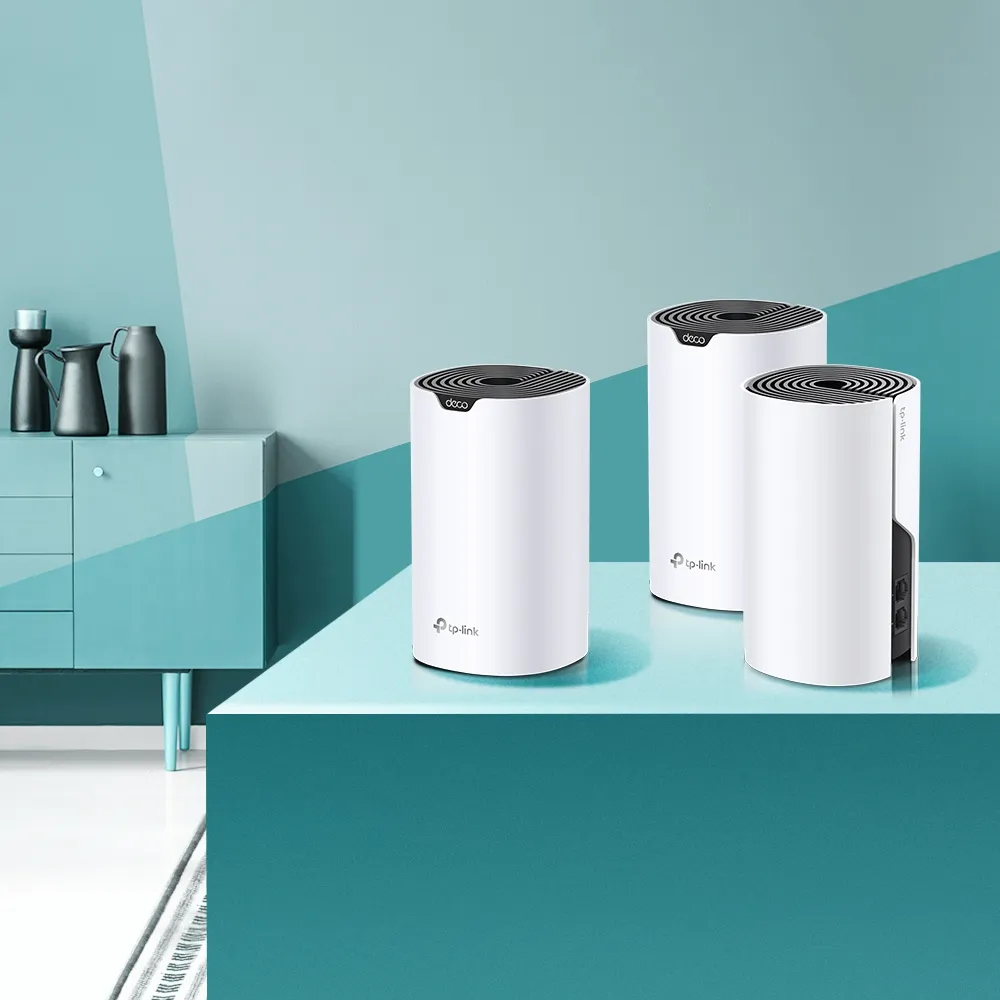
Not every home needs the newest wireless standard. If the real problem is poor coverage rather than a demand for multi-gigabit speeds, an affordable Wi-Fi 5 mesh network can still be useful. The TP-Link Deco S4 is one such option, combining app management with multiple nodes and Gigabit Ethernet.
Our view is that the S4 can provide good value for ordinary household use when its price and capabilities fit the job. This article focuses on the AC1200, two-port version shown in the original images. Check the hardware revision and sales region carefully: TP-Link also sells an AC1900 S4 with different radios and three Ethernet ports. The name alone is not enough to identify the specification.
What a mesh adds to your home
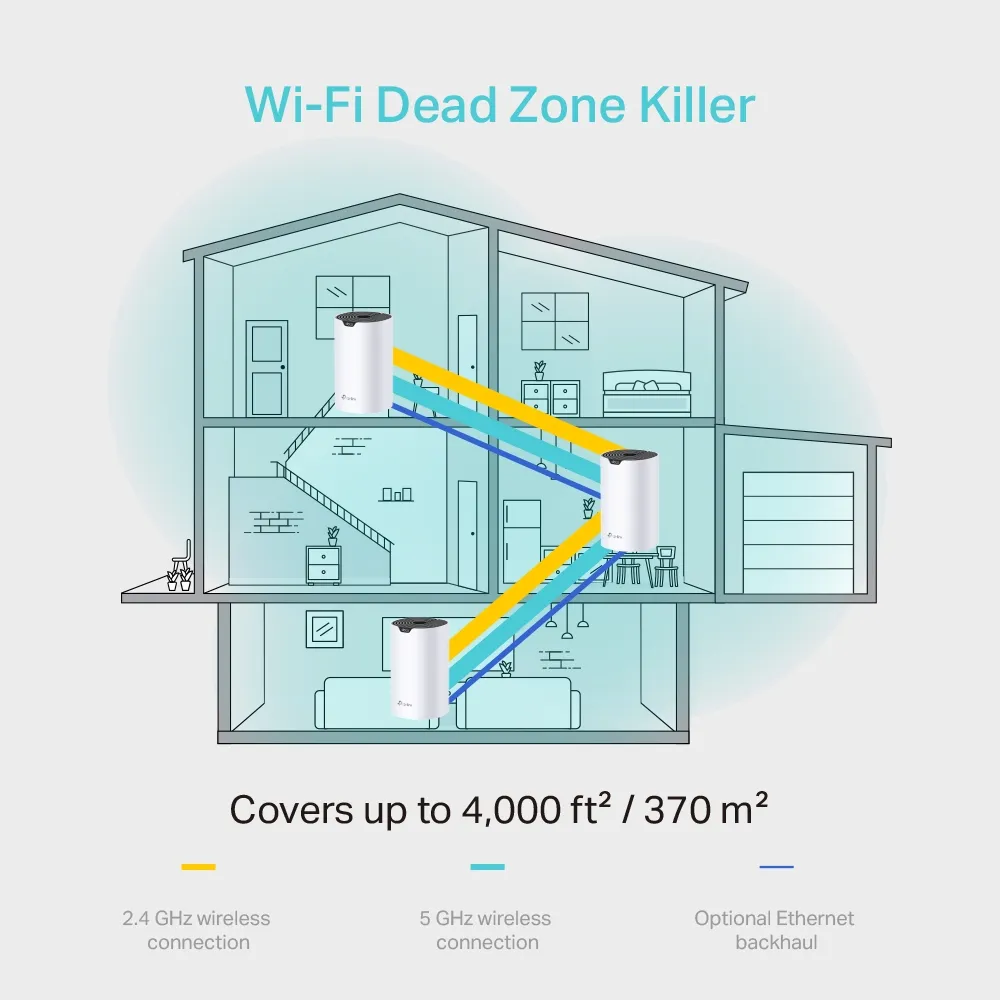
Deco nodes form a shared wireless network with one name and password. That makes it easier to move between rooms without selecting a separate extender network. The nodes can communicate wirelessly or through Ethernet, and the system helps clients roam between them. However, the client also influences roaming, so a shared name does not guarantee that every phone immediately chooses the strongest node.
The manufacturer qualifies roaming by client compatibility and conditions. Avoid treating it as a promise that transitions always happen within a fixed number of milliseconds or that no call can drop. Similarly, adaptive path selection can use an available alternative connection; it cannot restore the internet when the main gateway or broadband service fails.
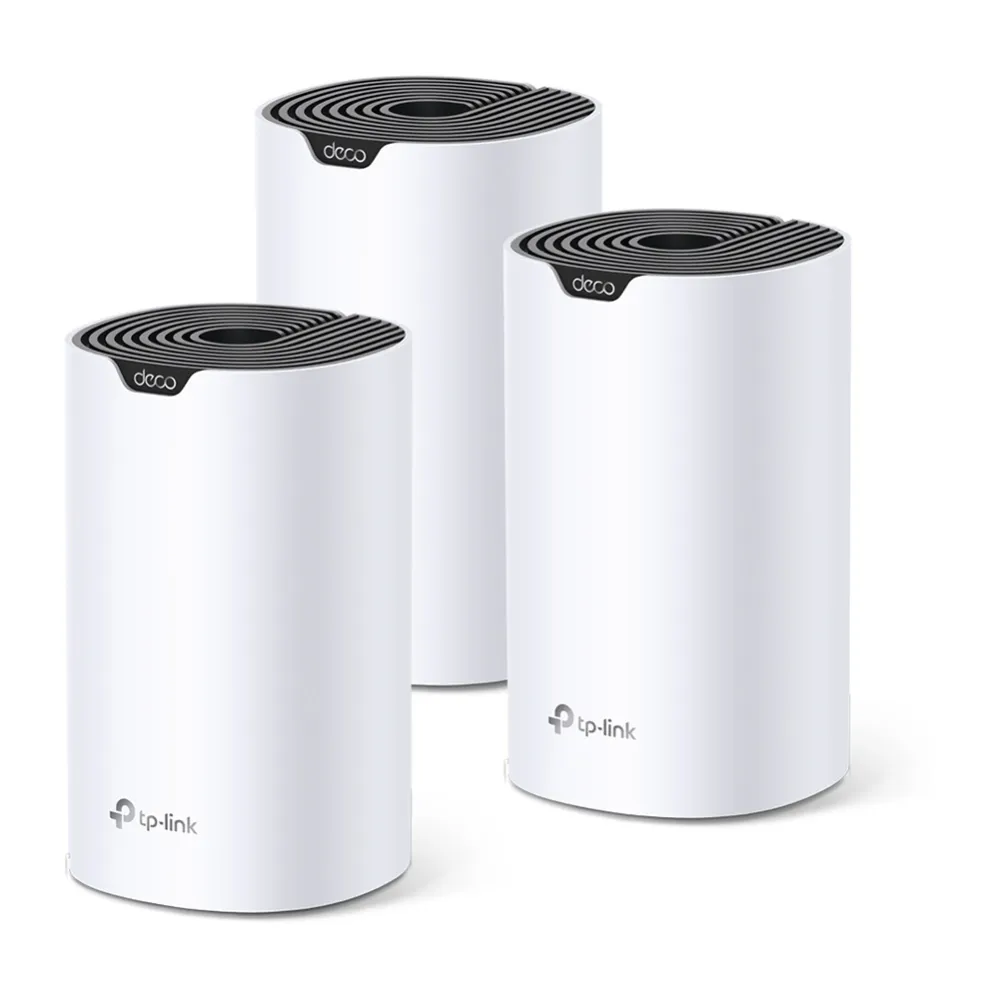
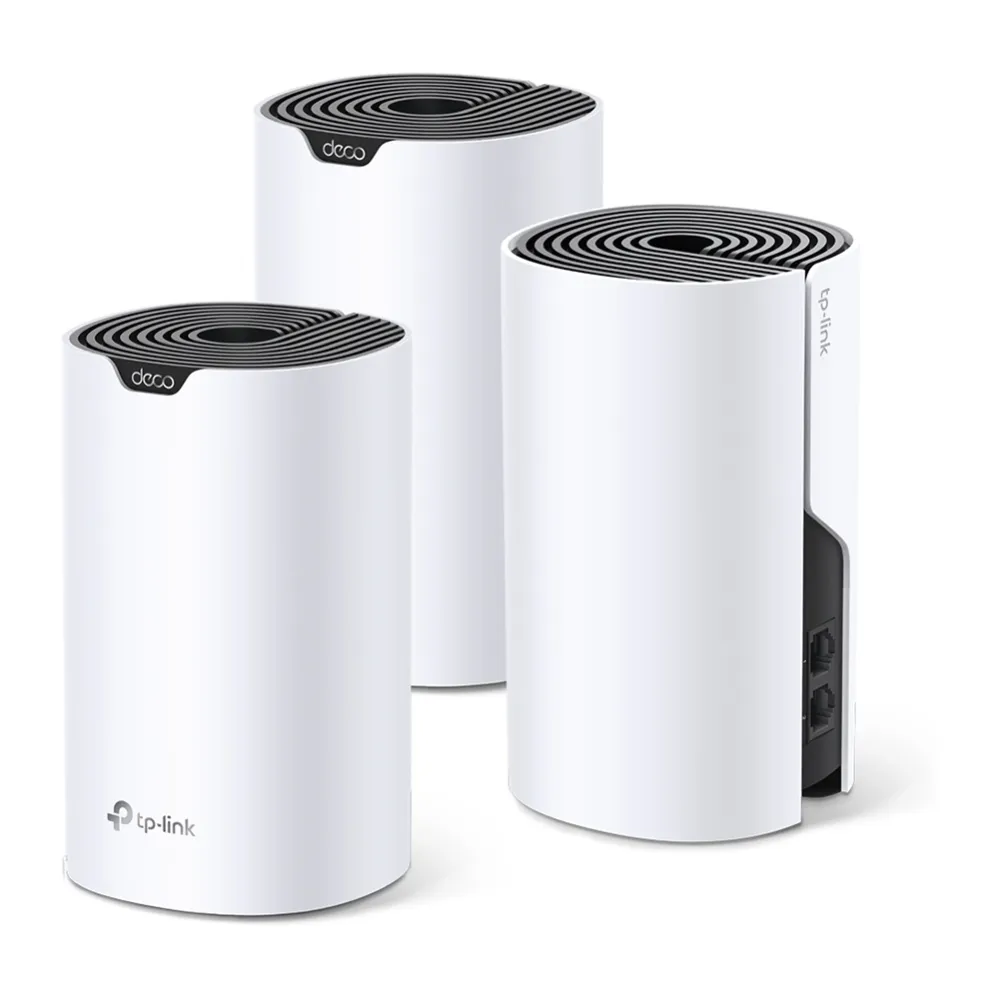
S4 specifications and revision differences
| Feature | AC1200 S4 covered here | Example US AC1900 S4 |
|---|---|---|
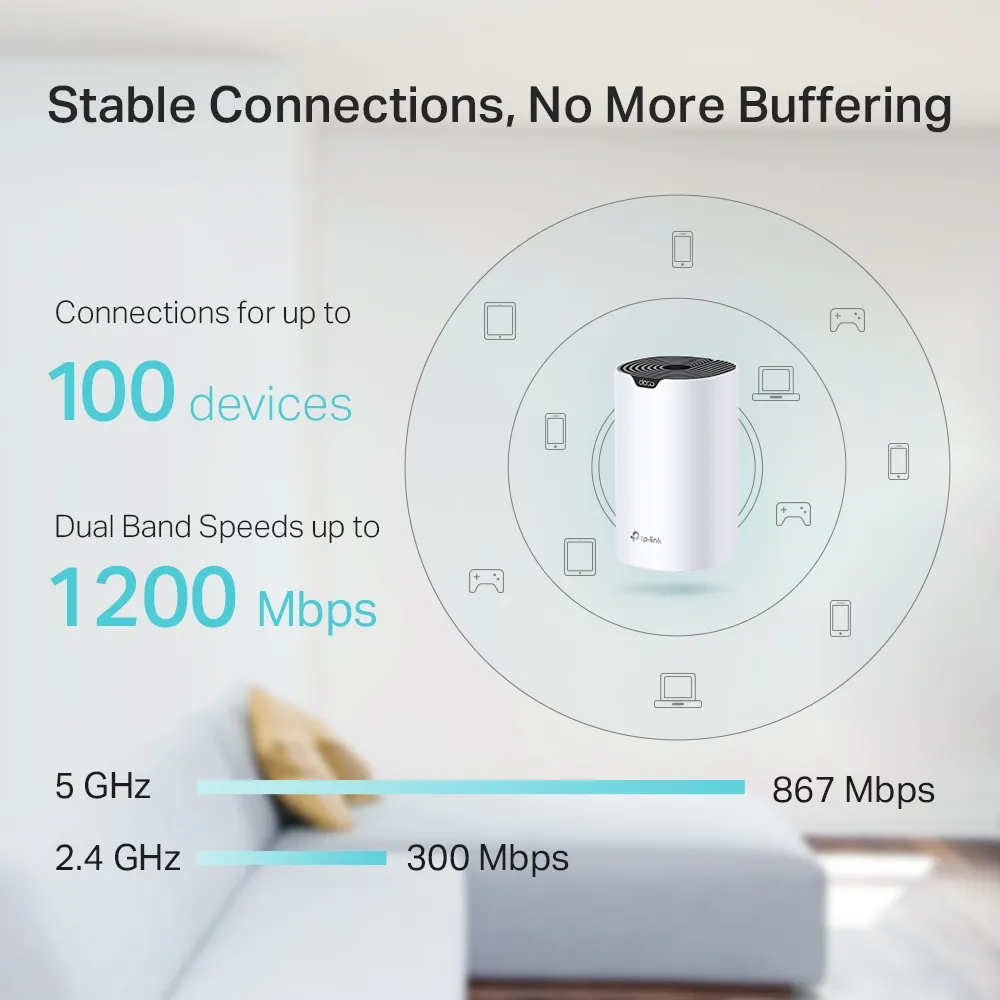
| 5 GHz maximum physical rate | 867 Mbps | 1,300 Mbps |
| 2.4 GHz maximum physical rate | 300 Mbps | 600 Mbps |
| Ports per node | Two Gigabit WAN/LAN sockets | Three Gigabit WAN/LAN sockets |
| Internal antennas | Two | Three |
| Operating modes | Router and access point | Router and access point |
| Wireless generation | Wi-Fi 5 | Wi-Fi 5 |
The AC1200 figures match TP-Link’s UK version 1 listing and the original two-port photographs. The AC1900 example is documented in the US 3.6/3.26 datasheet. Do not infer that a numerically higher revision in another region has the same changes. Use the label on your hardware and its matching support page for firmware and manuals.
Coverage claims also vary by revision and market. The original illustration and UK version 1 page specify up to 4,000 square feet for three nodes; another AC1200 datasheet advertises 5,500. These are vendor estimates for particular listings, not measured coverage guarantees. Do not combine them into a single universal footprint for every S4 kit.
AC1200 is not a 1,200 Mbps client speed
The AC1200 label adds the nominal rates of both bands and rounds the total. A client uses the appropriate band; it does not combine 300 and 867 Mbps into one ordinary connection. The figures are physical link rates, while useful throughput is lower after wireless overhead and depends on interference, signal, client capabilities and competing traffic.
Wi-Fi 5 applies to the S4’s 5 GHz 802.11ac radio; its 2.4 GHz radio uses older compatible standards. The 2.4 GHz band remains useful for many smart-home devices, but a device’s signal and workload matter more than a general promise of coverage through every wall. Both bands share a finite radio environment with neighboring networks.
Supported MU-MIMO and beamforming can help compatible connections. They do not ensure an identical download speed in every room. The up-to-100-device claim should also be read as a capacity illustration: many idle accessories differ from many simultaneous high-rate streams.
Gigabit ports and Ethernet backhaul
Two Gigabit ports distinguish the AC1200 S4 from a mesh unit with 100 Mbps Fast Ethernet. This removes that particular wired bottleneck for internet services above 100 Mbps. It does not guarantee delivery of a whole Gigabit plan to every wireless client, and it provides no multi-gigabit socket.
Plan the two sockets per node. On the main router, the internet connection consumes one, leaving one for a wired client, switch or satellite. On a satellite, Ethernet backhaul uses one socket, leaving one for a local device. If the satellite connects wirelessly, a device plugged into its Ethernet port still crosses the wireless upstream path.
TP-Link’s Ethernet backhaul instructions say to configure the mesh first, then attach the cables; the wired path activates automatically. In router mode, satellite nodes must connect behind the main Deco’s LAN port, directly or through a switch. In access-point mode the existing router handles routing and different wiring arrangements are possible. Confirm the active connection type in the app.
A wired backhaul removes the wireless hop between the cabled nodes, but cannot turn the 867 Mbps physical client rate into a guaranteed file-transfer speed. If backhaul does not activate, check the cable and ports and try a direct connection to exclude the switch. An IPTV-assigned port cannot also serve that wired backhaul link.
Placement and nearby Deco alternatives
Place a wireless satellite where it still receives a good upstream connection, rather than at the far edge of an existing dead zone. Walls and floors matter more than a universal distance rule. Start with the main node in a suitable open location, then use the app and repeatable checks in the rooms you care about to refine placement.
For comparison, TP-Link’s E4/M4 specification table lists Fast Ethernet for E4 and Gigabit for M4. The E4’s 100 Mbps port can limit internet access when used as the main unit, or a wired device attached to it. That does not establish that M4 and S4 have identical chipsets or guaranteed identical performance. Compare exact revision, sockets, pack size and price, then choose according to the path your traffic will use.
Management, security and access-point mode
The S4 offers guest networking, profile-based time and URL controls, device priority and firmware updates through the Deco app. The cited AC1200 listing documents WPA/WPA2 wireless encryption. If WPA3 is important to your purchase, check the exact revision and firmware rather than assuming that a newer-looking S4 provides it. Our WPA2 versus WPA3 guide explains the distinction.
Do not assume a HomeCare subscription unlocks advanced security on this model: the cited S4 documentation lists its actual supported features, rather than such an upgrade path. Compare those features with your household requirements. Filtering and priority controls are useful functions, but are not a substitute for updated client devices or sensible account security.
In access-point mode, the existing router controls addressing and routing. Deco address reservation, parental controls and QoS are unavailable in that mode, so make reservations on the upstream router if you need consistent addresses. Decide which device will perform those jobs before switching modes.
Our view on buying or keeping an S4
The S4 remains a reasonable budget option for everyday browsing, calls and streaming when placement and backhaul are suitable. A Wi-Fi 6 alternative can offer newer features such as OFDMA and Target Wake Time with supported clients. Compare actual specifications and local prices rather than assuming the newest standard alone fixes a weak inter-node connection.
For an existing S4 that meets your needs, optimize placement and use wired backhaul where practical before replacing it. For a new purchase with demanding speeds or many active devices, compare newer systems as well. Our budget-positive recommendation depends on value and fit; it does not require calling the S4 unbeatable or promising flawless coverage in every building.
See the official Deco S4 page, then select the region and revision matching the product offered.