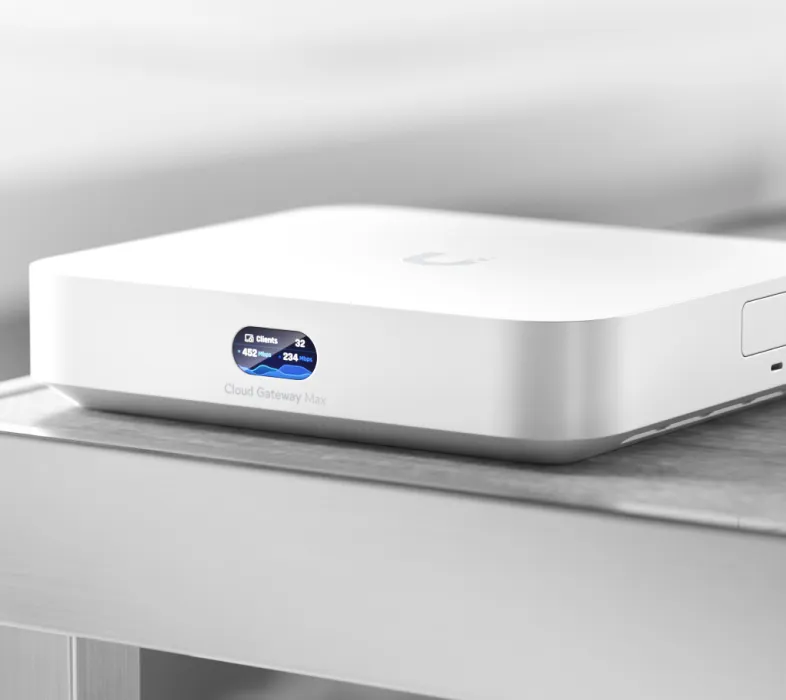
Ubiquiti's UniFi Cloud Gateways combine Internet routing, firewall functions and a local UniFi Network application. They can make a larger home or small-business network easier to manage when you want coordinated switches, access points and traffic policies. The appeal is having those functions together, rather than assuming every gateway includes Wi-Fi, camera recording or the same security performance.
Ubiquiti remains worth considering for scalable networking with a broad equipment range. Match the gateway to the functions you need and include the cost of the supporting equipment. This is a buying and architecture guide, not a claim that these models were tested in a personal deployment.
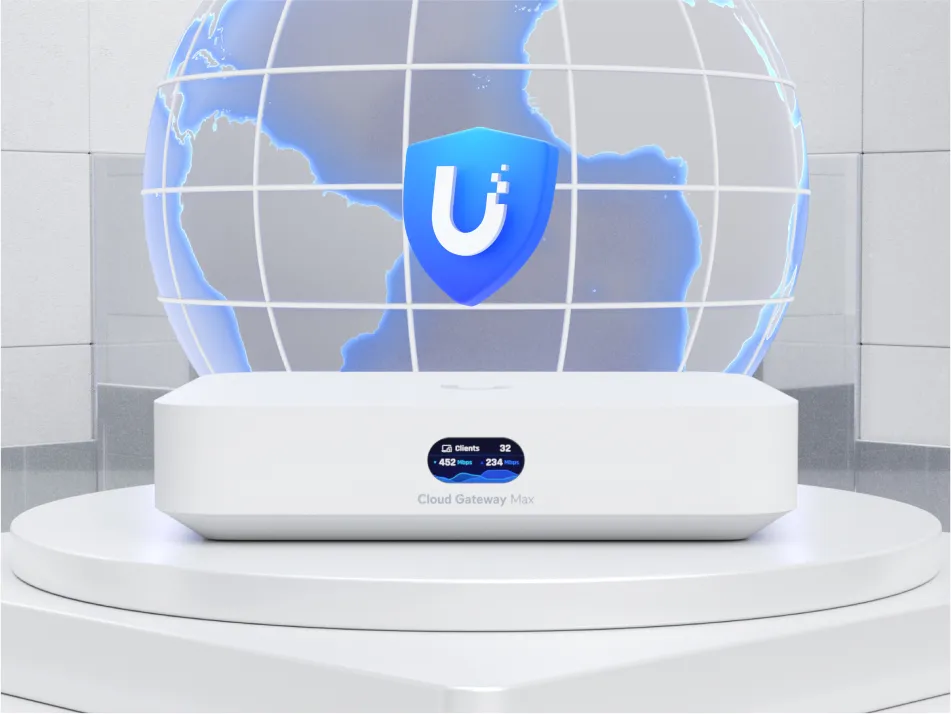
An optional Ubiquiti introduction video is available separately.
What “Cloud Gateway” means
The gateway connects your local network to the ISP and applies routing and firewall policies. Its UniFi Network application manages compatible access points and switches. According to Ubiquiti's introduction, a Cloud Gateway includes that application, so it does not require a separate Network host or CloudKey for the same role.
The word cloud refers partly to optional remote management and coordination. It does not mean ordinary routing takes place in a remote data centre. Ubiquiti's Trust Center describes local operation and optional Site Manager access. Local control can continue if its cloud services are unavailable, while updates, notifications or particular remote functions still depend on connectivity. Plan for local administrative access rather than relying exclusively on a remote dashboard.
A CloudKey hosts applications but is not itself your Internet gateway. The older USG is another distinction: its original quick-start guide shows an external controller/CloudKey arrangement. A controller installed on a Raspberry Pi is a self-hosted application, not a Raspberry Pi version of the CloudKey appliance.
Ultra, Max and the original Express
The table uses current manufacturer specifications, which can differ from launch-era documentation. Verify current firmware and application support when buying a particular unit; port rates and inspection ratings are not measurements of every workload.
| Model | Interfaces | Application and capacity distinction |
|---|---|---|
| Cloud Gateway Ultra | One 2.5 GbE port and four Gigabit ports; default WAN is 2.5 GbE | Network only; advertised IDS/IPS throughput 1 Gbps |
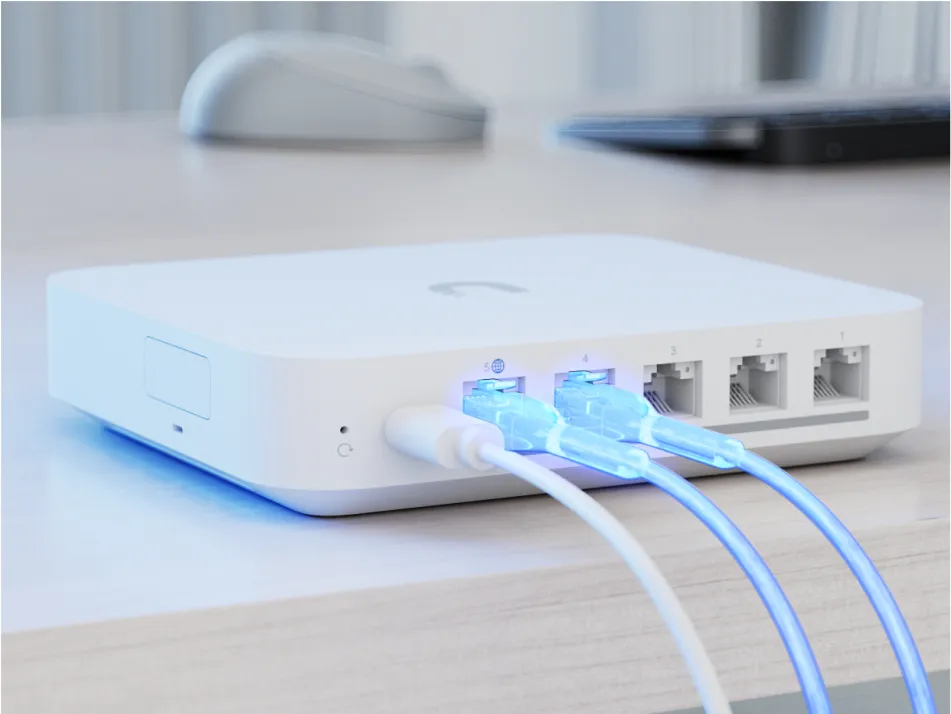
| Cloud Gateway Max | Five 2.5 GbE ports; one is WAN by default | Network, Protect, Access, Talk and Connect; advertised IDS/IPS throughput 2.3 Gbps; selectable NVMe storage up to 2 TB |
| UniFi Express (UX) | Two Gigabit ports; one default WAN; integrated Wi-Fi 6 | Network; listed management capacity of four UniFi devices and a smaller deployment scope |
The Ultra and Max need separate access points for wireless coverage. Express includes Wi-Fi, but the original UX is a different product from Express 7. Do not transfer another model's intrusion-prevention, device capacity or application promises to it. For cameras, the Ultra's Network-only scope is a decisive difference from the Max.
The Dream Machine, Dream Router and rack-mounted Dream Machine Pro are also relevant UniFi choices. They offer different combinations of radios, interfaces and applications; compare their exact specifications rather than assuming a larger enclosure guarantees every feature. When replacing a USG installation, check the controller and backup path instead of treating it as the same integrated architecture.
Capacity, ports and the traffic path
On an Ultra, a wired client connected through a Gigabit LAN socket remains limited by that link even though the default WAN socket is faster. The Max offers more fast interfaces, but switching traffic within one subnet is different from routing between VLANs or inspecting Internet traffic. A 2.5 GbE socket does not guarantee line-rate throughput with every enabled service.
List your current and expected access points, switches, cameras and active clients. Then consider VPN, inspection, recording and QoS work together. Ubiquiti's capacity calculator is a useful planning aid, with estimates rather than a guarantee. Leave room for expansion and test the actual ISP protocol and enabled services.
Multi-WAN improves resilience, with limits
The official WAN guide distinguishes standby failover from load balancing new outbound connections. Load balancing distributes sessions; it does not merge two ISP plans into one faster individual download. Port remapping consumes sockets you might otherwise use for LAN equipment.
Confirm the model's allowed WAN count, physical cabling, health checks and backup-provider data limits. A failover can change your external address, so test calls, remote access and long transfers instead of promising invisible recovery. A second Internet service also cannot overcome a local power outage unless its modem, gateway and necessary network equipment remain powered.
Segmentation and security need deliberate rules
VLANs can separate guest, IoT and management traffic, but creating subnet names is only the start. Define which devices may initiate connections to private storage, which must reach the Internet, and which need discovery or access from a trusted phone. Check switch port profiles and access-point network assignments so the separation reaches the intended devices.
Keep one tested administrative path available while changing policies. Confirm both allowed and denied connections from real clients. A camera on an IoT network should not silently retain access to a private server just because both appear in the same dashboard.
Intrusion prevention is another layer, not a guarantee against every threat or a substitute for updates and sensible access rules. CyberSecure is an optional premium service with model, firmware and regional requirements. Avoid treating paid signature enhancements as an included lifetime feature or assuming every gateway has identical inspection capability.
Remote access and site connections
Teleport uses WireGuard and WiFiman mobile/desktop clients with invitations; the documentation notes that gateway WAN IPv6 can be needed in some circumstances. It simplifies setup, but still needs supported software and a working remote path. Protect invitations and revoke access when it is no longer required.
For linking locations, UniFi SD-WAN guidance specifies topology, gateway, ownership, version and public-address requirements. Mesh and hub-and-spoke have different restrictions, including overlapping subnets and failover behaviour. Choose the documented design rather than assuming every compact model provides a self-healing tunnel in every network.
VPN client routing through another provider is different from offering remote entry to your own LAN. In both cases, test the actual policy and recovery behaviour. The Internet upload rate, remote connection and gateway workload can limit transfers; there is no universal 450 Mbps result for all these models.
Protect storage, maintenance and total cost
On the Max, confirm the storage option and any required tray before planning Protect recording. Choose compatible cameras and check their detection capabilities separately; buying the gateway does not give every camera licence-plate recognition. Local recording provides control, but access permissions, retained footage and independent exports of important events still deserve attention.
Follow the correct power and ventilation instructions. Current specifications list maximum consumption of 6.2 W for Ultra and 16.1 W for Max; these are ratings, not typical household measurements. They do not establish a universal 3.8–7.5 W range or the internal heat-spreader construction of either unit.
Use the backup guidance to retain an offline configuration as well as any chosen cloud backup. Include access points, PoE power, switches, storage, backup connectivity and optional subscriptions in the full price. A simpler household may need fewer features; a growing site benefits from checking capacity and recovery before purchase.
UniFi Cloud Gateways remain an appealing foundation when centralized control and expansion matter. Choose the model that fits your network and maintenance skills, rather than the one with the broadest marketing description, and verify its limits with the services you plan to run.