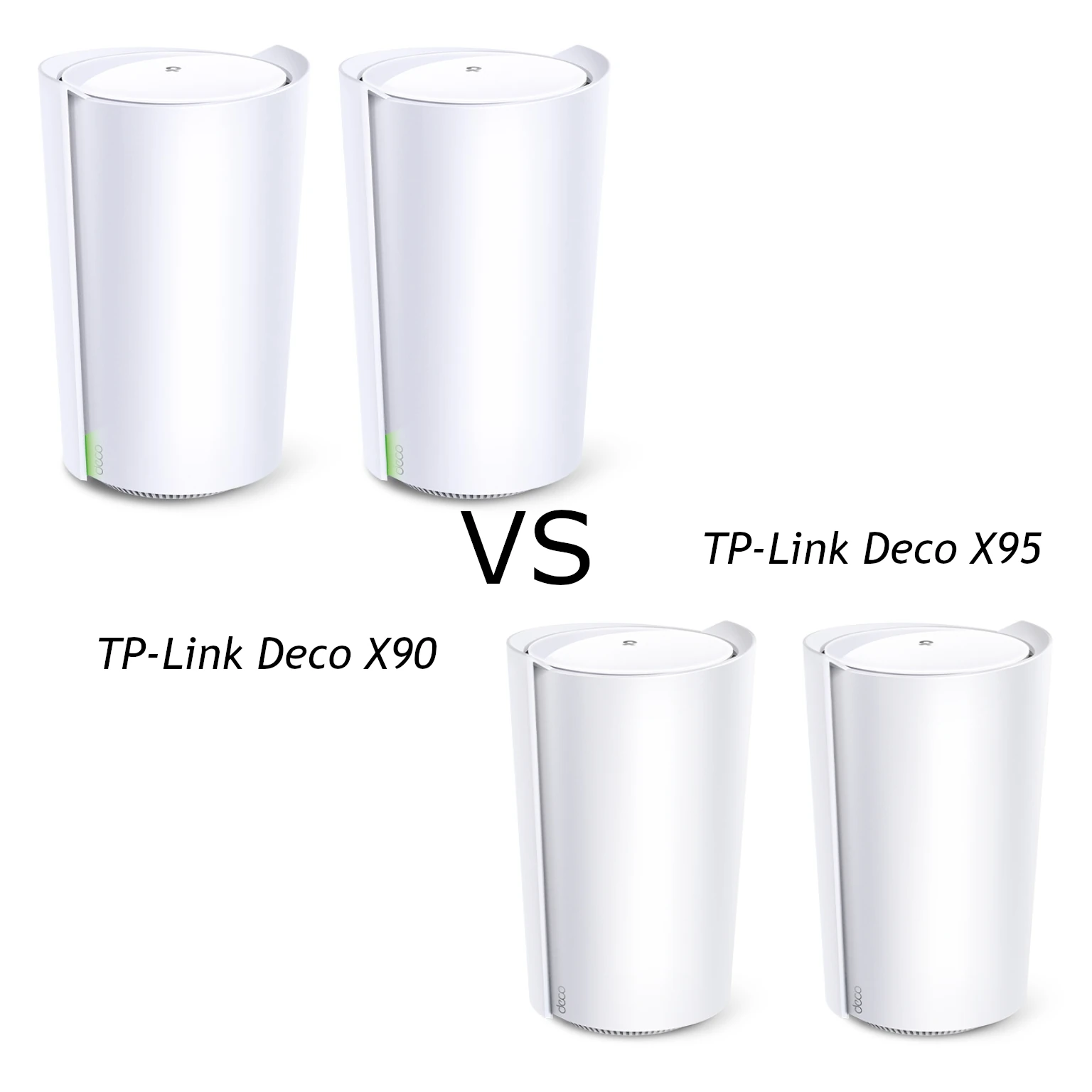
The TP-Link Deco X90 and X95 are tri-band Wi-Fi 6 mesh systems with a useful shared starting point: two 5 GHz radios, one 2.4 GHz radio and a 2.5 GbE connection on each unit. The X95 increases one radio's maximum rate and adds an Ethernet port. Those changes can be useful, but they do not automatically make every connected device twice as fast.
I still consider Wi-Fi 6 a practical option when the price is right and the household does not need the newer standards. The X90 suits buyers who find a good deal and can work within its port layout; the X95 is worth considering for a busier network where the extra connection and radio capacity have a clear purpose. This is a specification-based buying comparison, rather than a hands-on performance test.
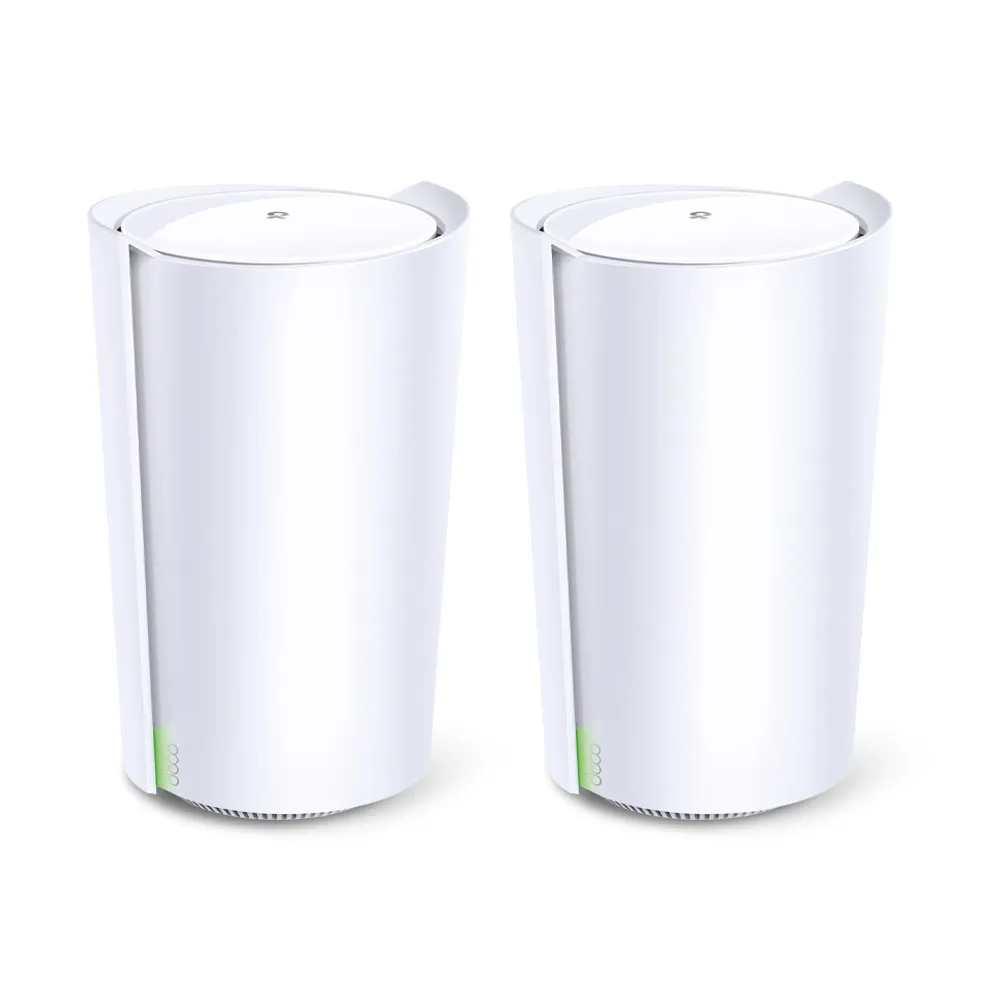
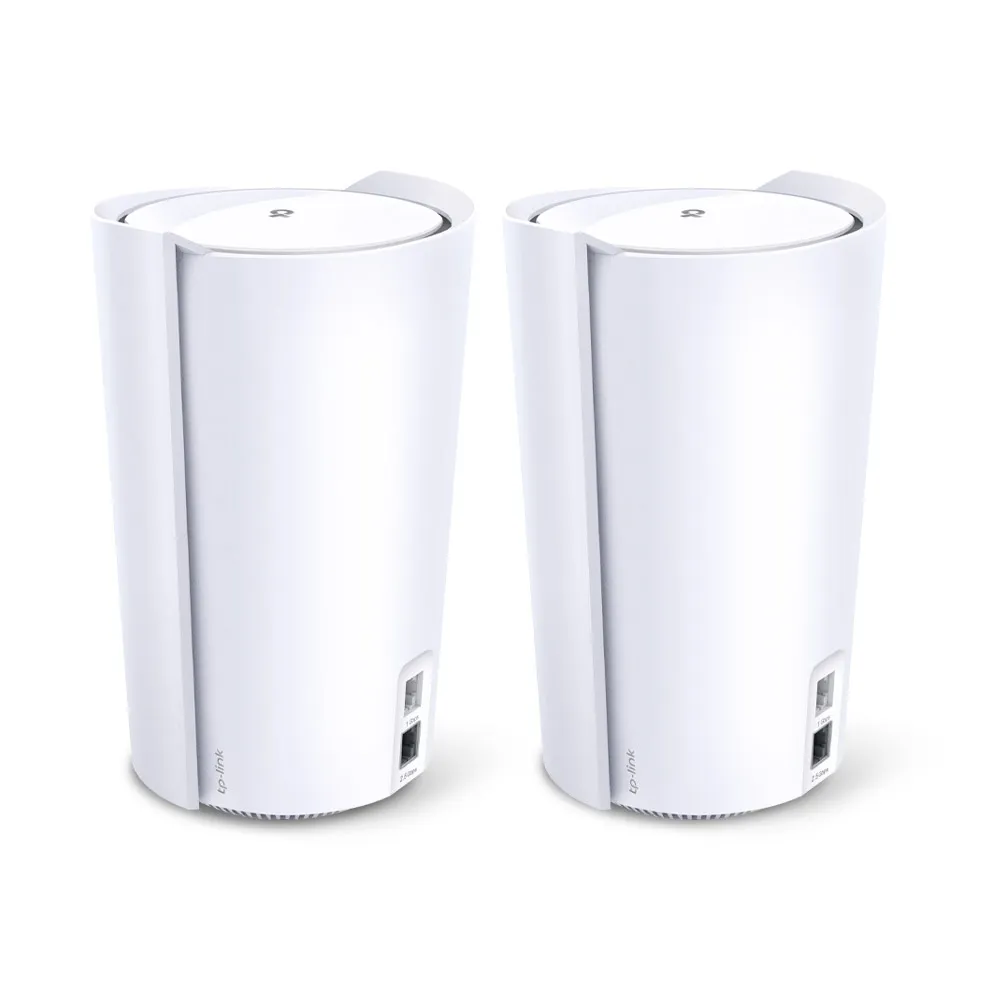
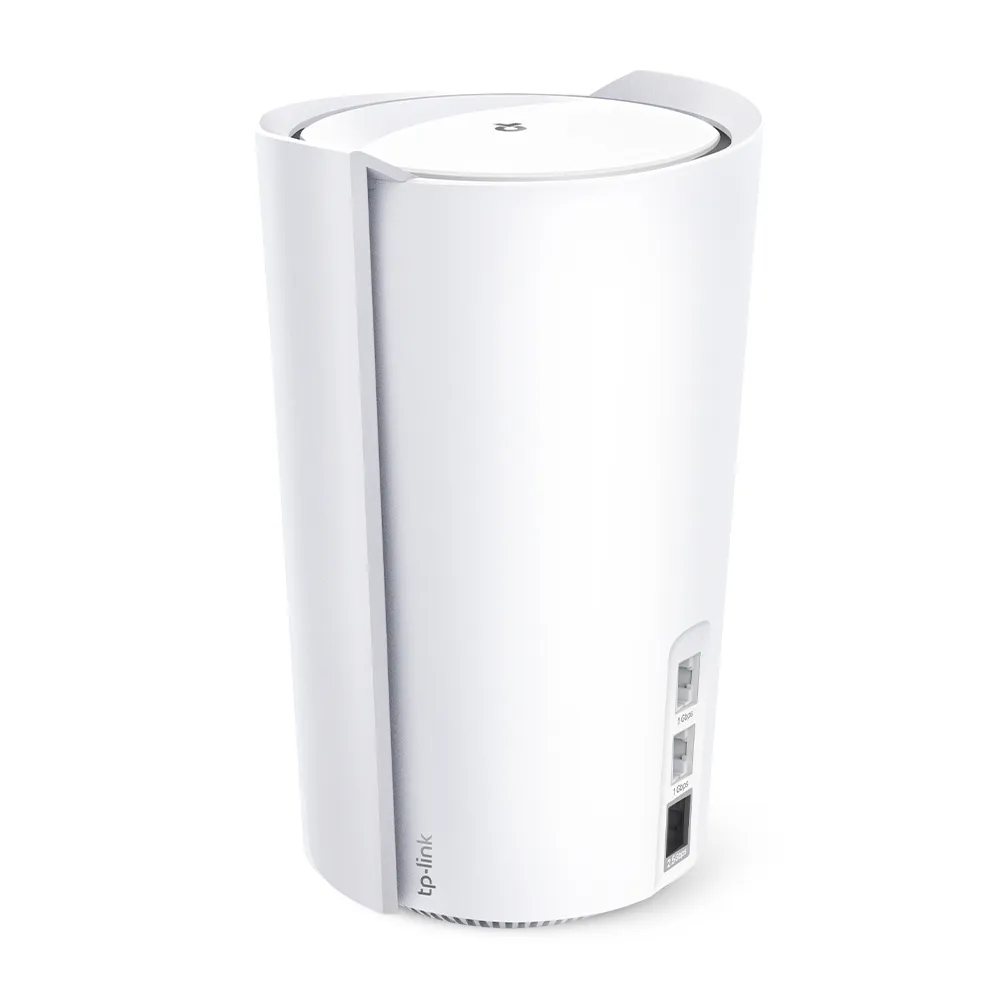
Radio rates: what actually changes?
The X90 V1 datasheet and X95 specification table provide the following physical signal rates. The band numbering below follows those tables; marketing diagrams may label the two 5 GHz bands differently.
| Radio or connection | Deco X90 | Deco X95 |
|---|---|---|
| Aggregate wireless class | AX6600 | AX7800 |
| 5 GHz (1) | 4804 Mbps, HE160 | 4804 Mbps, HE160 |
| 5 GHz (2) | 1201 Mbps | 2402 Mbps, HE160 |
| 2.4 GHz | 574 Mbps | 574 Mbps |
| Ethernet per unit | One 2.5 GbE and one Gigabit port | One 2.5 GbE and two Gigabit ports |
The X95's change is to the lower-rate 5 GHz radio. Both systems already have a 4804 Mbps radio, and both are advertised with eight total streams. It would therefore be misleading to treat the X90 as an entirely 80 MHz system or say the X95 doubles every laptop's maximum connection rate. The band a device joins, its own capabilities and the traffic sharing that band all affect the outcome.
AX6600 and AX7800 are combined ratings across separate radios. A speed test from one phone does not receive the sum of those numbers. The useful question is whether your network has enough compatible clients and simultaneous traffic to benefit from the additional capacity, rather than whether the bigger total looks impressive.
Mesh coverage depends on the link between nodes
If you need background reading, our mesh networking articles, networking category and mesh Wi-Fi explanation cover the foundations. The main Deco connects to the internet, while satellites provide additional places for devices to connect.
That satellite still needs a good path back to the main unit. TP-Link's X90 support response states that all three bands can be used for wireless mesh backhaul. Do not reduce the design to one permanently reserved radio based only on its headline rate. The available links and mixed-model combination matter, and wireless backhaul still consumes radio resources.
Place a wireless satellite where it can receive a useful upstream signal, rather than inside the dead zone itself. A strong phone-to-satellite connection is of limited help if the satellite's upstream path is weak. Try a position closer to the main Deco before buying more units, and compare performance at the room where you actually work or stream.
Both models list four high-gain internal antennas and two smart antennas. TP-Link describes the smart antennas as helping locate other Deco units and strengthen backhaul. It also markets AI-Driven Mesh on both models. Those claims do not establish a measured second-generation advantage, stronger transmission through every wall or a guarantee that a call cannot pause during roaming.
Count the ports before choosing a kit
The extra X95 port is the clearest everyday difference. When the main X90 uses its 2.5 GbE port for the modem, one Gigabit port remains. The equivalent X95 arrangement leaves two Gigabit ports. If one then provides wired backhaul, the main X95 has one port left for a device; the main X90 has none. A satellite with one backhaul connection has one spare port on the X90 or two on the X95.
WAN/LAN auto-sensing lets a port take the required role, but does not create a second independent internet connection. A 2.5 GbE internet uplink also does not make the remaining Gigabit ports faster. Sketch your modem, satellites, television, desktop and switch connections before comparing prices, so the cost of extra switches is included.
TP-Link's Ethernet backhaul guide recommends adding the Decos to one network first, then connecting cables. In Router mode, satellites belong behind the main Deco's LAN connection, directly or through its switch. In Access Point mode, they can connect through the existing router's LAN. Check the app's network map to confirm whether a satellite is actually using Ethernet.
If the main unit's only 2.5 GbE port is used for internet, a Gigabit LAN connection towards the satellites limits that wired path. For fast local storage transfers, consider where the workstation and NAS attach: placing both on the same suitable switch can keep their traffic local instead of sending it across an unnecessary router or satellite link.
Wi-Fi 6, 6E or 7?
Neither the X90 nor X95 has a 6 GHz radio. Wi-Fi 6E adds access to that band, while capable Wi-Fi 7 equipment can offer further features such as wider channels and Multi-Link Operation. These Decos cannot gain those radio capabilities through a name change or ordinary firmware update.
Check your devices before paying for a newer kit. If the important laptops and phones already work well on 5 GHz, better node placement or wired backhaul may address the problem more directly. If you are buying new 6 GHz clients or planning several fast wired devices, compare a newer system's complete port and radio configuration rather than its generation label alone.
Security, roaming and a fair comparison
Both specification pages list WPA3-Personal, HomeShield, device-based QoS and Router/Access Point modes. Our WPA2 versus WPA3 guide explains the wireless security choices. HomeShield has free and paid features, so check the current plan terms and the controls available in your selected operating mode.
Features such as OFDMA, MU-MIMO and beamforming depend on client support and conditions. The X90 datasheet specifically notes that roaming requires compatible 802.11k/v/r clients and can vary with the device. Test a moving call as well as a stationary download if smooth room-to-room use is your priority.
For a fair practical comparison, use the same client, location, test destination and backhaul arrangement. Record the selected band and run tests on both the main unit and a satellite. Local transfers help separate Wi-Fi performance from the ISP speed limit. These are checks to perform on your own installation, rather than claimed results from this guide.
Which would I choose?
The X90 remains a reasonable value choice when its price is lower and its two ports per unit fit the plan. The X95 is more appealing when the extra Ethernet connection removes a practical constraint and the additional 5 GHz capacity serves a busy household. A larger house alone does not prove that the X95 will solve coverage problems the X90 cannot.
TP-Link's US listings describe both two-packs for 4–6+ bedroom houses, with coverage disclaimers; the X95 listing is also marked End of Life. Check local availability, hardware revision, warranty and firmware support before buying older stock. Compare the same pack sizes through the original Deco X90 and Deco X95 product links, alongside the current regional documentation.