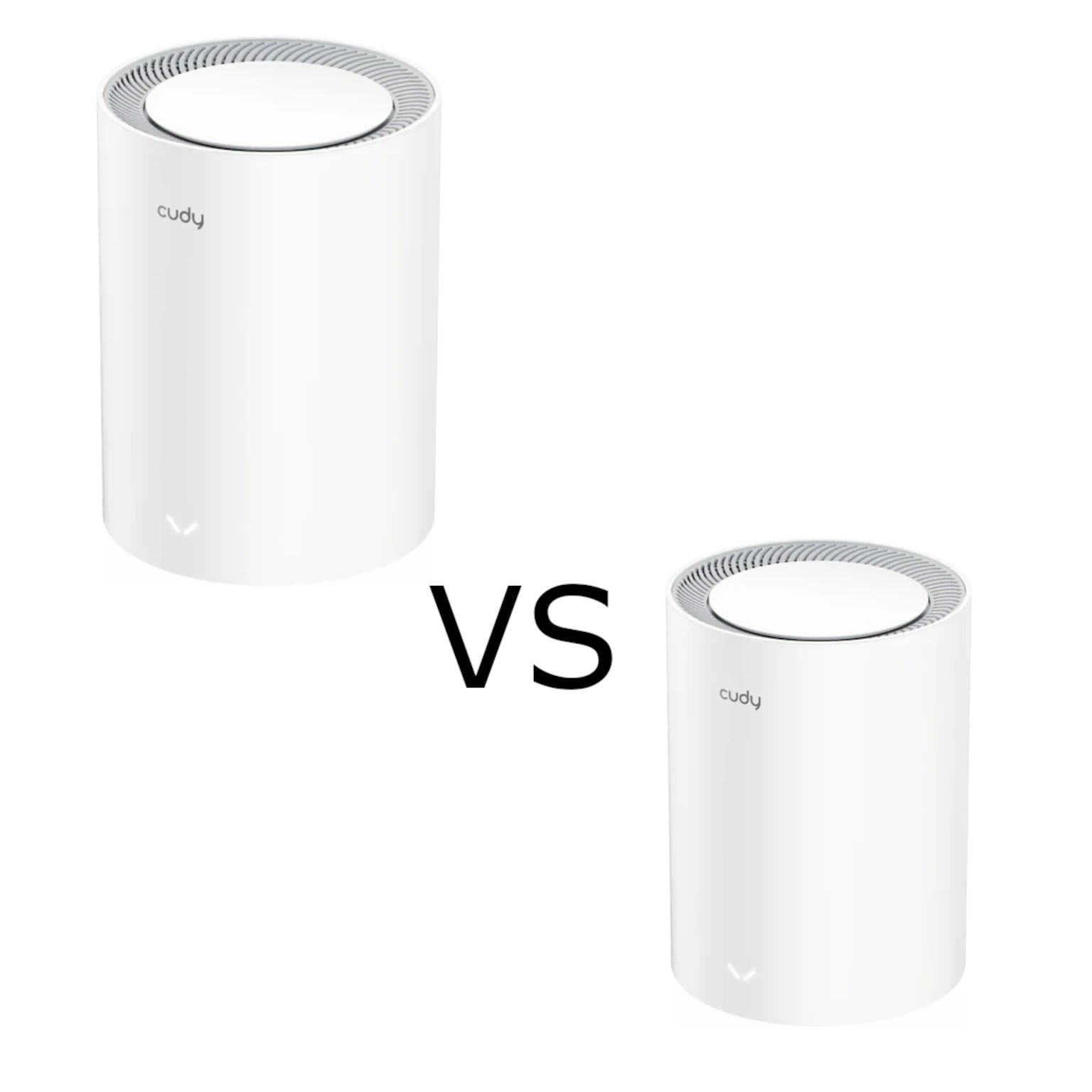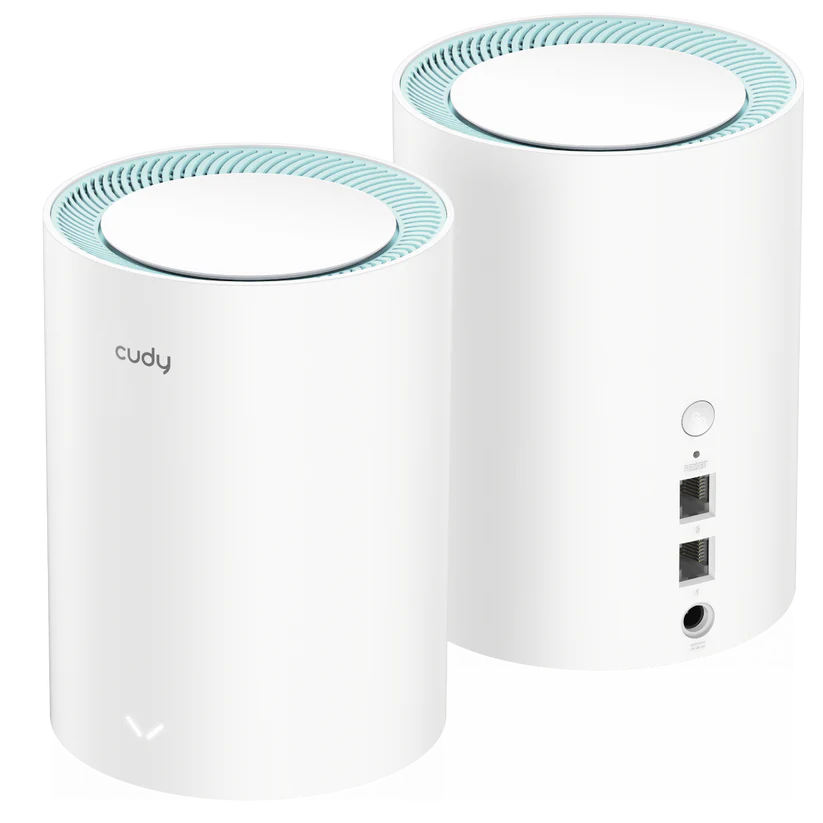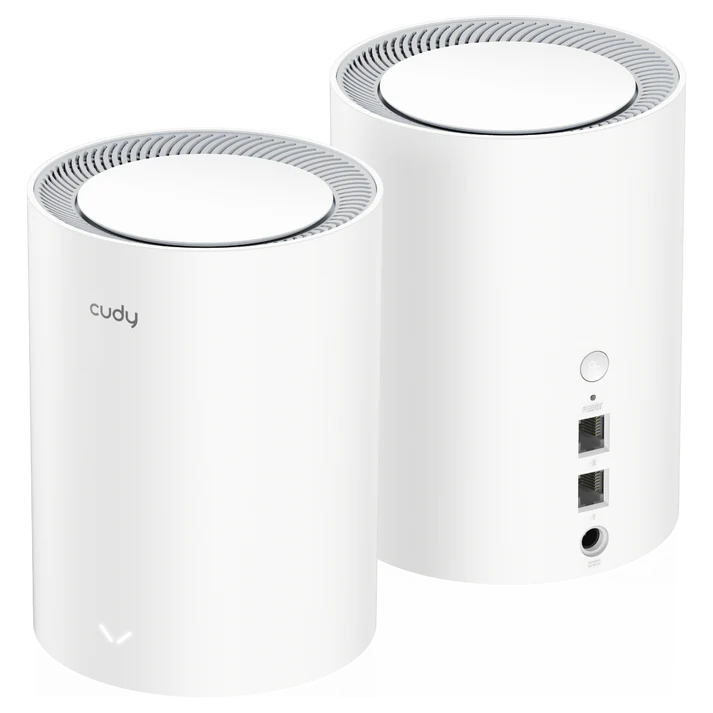
The Cudy M1800 offers a practical entry into Wi-Fi 6 mesh networking: several compact units can provide coverage around the home instead of relying on one distant router. I remain positive about its appeal for a budget-conscious household wanting coverage for streaming, everyday work and connected devices. The important qualification is that the kit must suit your layout, wired connections and supported firmware.
This guide focuses on M1800 2.0, the exact version linked by the manufacturer listing. Check the hardware label before following a download or setup guide. Cudy currently marks this version Phase-Out, so a discounted kit deserves a support check rather than an assumption that it is the newest model or has a guaranteed remaining update period.
Mesh and Wi-Fi 6 in Plain Language
Mesh nodes work together to provide Wi-Fi in different rooms. Your phone connects to a nearby node, while that satellite sends traffic towards the main unit. The connection between units is the backhaul. A strong client signal is useful only if the satellite also has a good upstream connection.
The M1800 is dual-band Wi-Fi 6, using 2.4 GHz and 5 GHz. Wi-Fi 6 features can help compatible devices use shared radio resources efficiently, but do not guarantee that every older device becomes faster or every video call is uninterrupted. Roaming is also affected by client behaviour. Wi-Fi 6 is no longer the newest generation, although it remains useful for many existing phones and laptops.
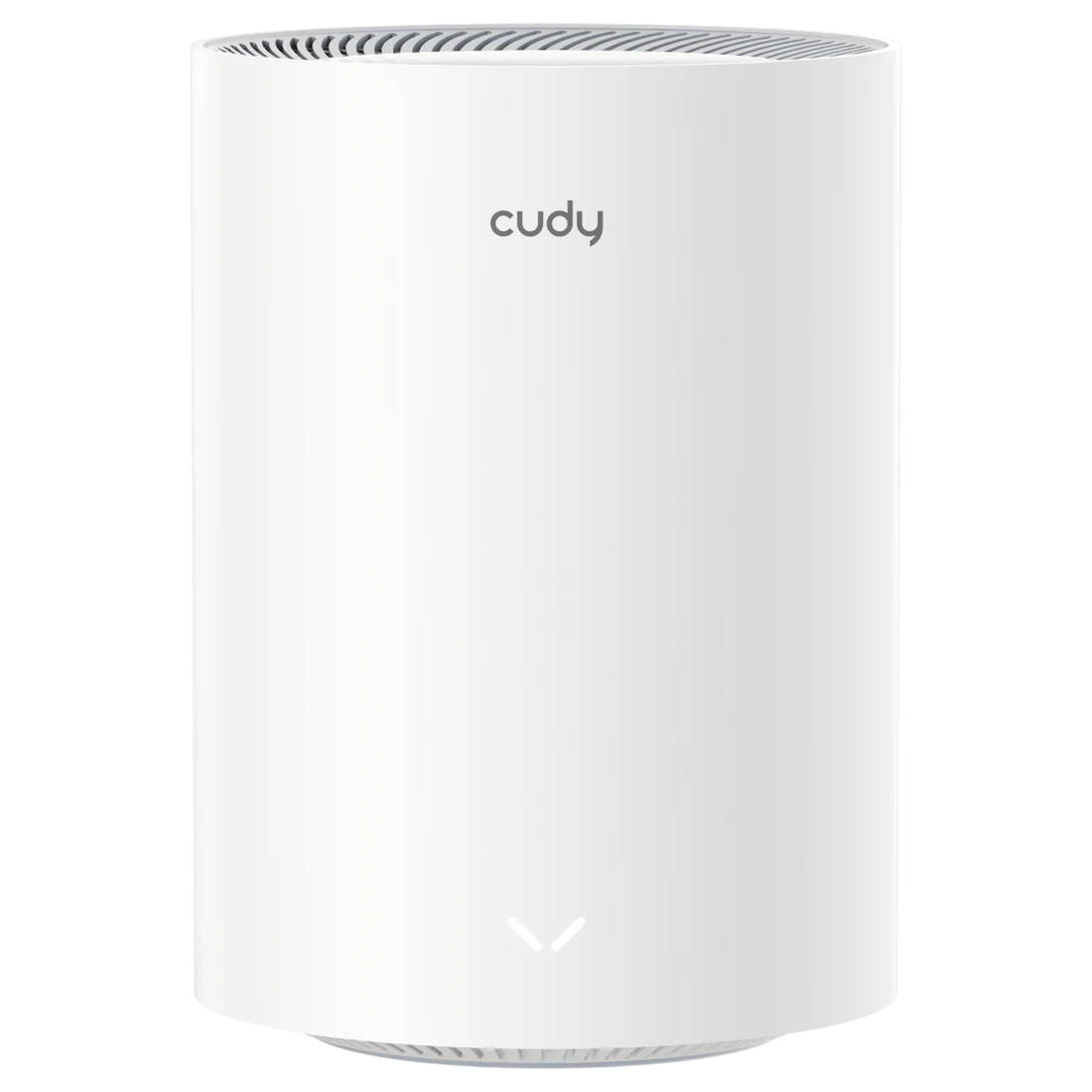
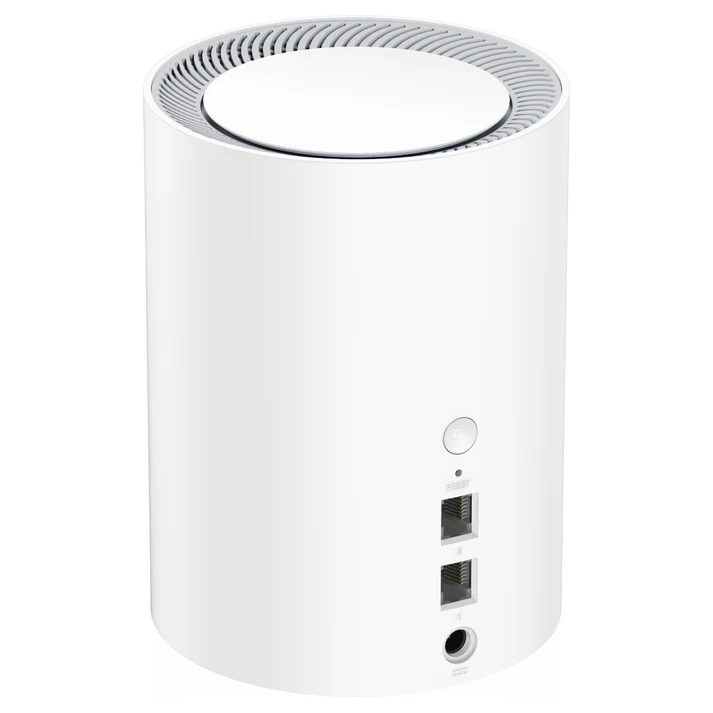
M1800 2.0 Specifications
| Feature | Manufacturer specification |
|---|---|
| Wireless class | AX1800, dual-band Wi-Fi 6 |
| Band rates | 1,201 Mbps on 5 GHz; 574 Mbps on 2.4 GHz |
| Radios | Two streams per band; four internal antennas |
| Maximum listed channel width | 80 MHz |
| Processor | 880 MHz dual-core MIPS1004Kc |
| Memory | 256 MB DDR3 RAM; 16 MB NOR flash |
| Ethernet | Two Gigabit ports per unit |
| Recommended client upper limit | 100, rather than a promise of 100 simultaneous maximum-rate sessions |
| Mesh links | Wired, wireless and multi-band backhaul listed |
AX1800 adds the theoretical physical rates of the two radios. It is not a 1.8 Gbps internet download for a single client. The Gigabit Ethernet link, internet plan, client capabilities and actual wireless conditions all influence usable throughput. CPU and memory figures describe the hardware; they do not establish a particular VPN speed or maximum number of heavy workloads.
Coverage and Placement: Use the Current Reference Carefully
Cudy's current M1800 2.0 page gives indoor reference coverage of 170 m² for a two-pack and 230 m² for a three-pack in its stated wireless-backhaul arrangement. These are planning references with layout and obstacle conditions, not guaranteed floor areas. They should not be replaced with the separate open-space maximum range or treated as measurements inside your home.
Place a satellite where its upstream connection remains usable, then check the rooms it serves. Installing it at the most distant dead spot can leave it with the same reception problem as the client. Concrete floors, cupboard placement and neighbouring networks can matter more than the area printed on a box. A third node helps only if it creates a useful path rather than another weak wireless hop.
For a home office, assess the working position during normal busy hours. For streaming or gaming, check the actual device and application as well as a speed test. These are suggested evaluation steps, not results from an owned M1800 installation. A good return policy can be more valuable than a coverage guarantee no manufacturer can make for every building.
Port Budget and Backhaul
Port 1 is WAN by default on the main unit; Cudy says both sockets are LAN in mesh satellite mode. A main unit connected to the internet therefore has one remaining socket for wired devices or backhaul. A wired satellite also uses a socket for its upstream cable, leaving one for a client. Include a switch if you need more connections.
Ethernet backhaul avoids the wireless hop between the units it connects. It does not upgrade the Gigabit sockets or remove interference between the satellite and a wireless client. Check the cable and switch link rates rather than assuming that plugging in a cable gives every device the same performance as the main router.
Cudy's mesh status documentation identifies the main backhaul as Wired, 2.4G WiFi or 5G WiFi. It also describes backup wireless paths that prioritise coverage over speed. Use the actual status display to check the path before blaming the client's radio. A node that has changed to a weaker route can still appear connected while transfers slow down.
Setup and Management
Cudy's mesh quick-start documentation provides both browser and app setup. Its example uses another model, so match the instructions to your M1800 and current firmware. Connect to the unit's labelled network, create an administrator password and select the internet connection type supplied by your ISP. The documented local addresses include cudy.net and 192.168.10.1; an address can change after network configuration.
The app guide recommends an account for supported remote cloud management, while the product also lists local app and web control. Choose deliberately between local administration and remote access, and keep the credentials distinct. The generic guide explains several ways to add a mesh unit, including same-kit pairing, WPS or an Ethernet connection. Complete onboarding near the main unit before relocating the satellite.
Keep a record of your WAN requirements, wireless names and important settings before changing modes or updating firmware. Use the download for the exact model and revision, and read its release notes. Firmware availability and a Phase-Out label are different pieces of information; confirm the manufacturer's support position if a remaining maintenance period is central to the purchase.
Security and VPN Features
The current listing includes WPA3, guest networks, parental profiles and VPN client/server functions, including WireGuard and OpenVPN. Use a wireless security mode your clients support; do not assume an enterprise authentication capability from a generic WPA label. For wireless security background, see WPA2 vs WPA3 comparison.
VPN availability is useful for a deliberate remote-access or routing requirement, but it is not evidence of 100–140 Mbps encrypted throughput. Check the exact firmware's settings and assess performance with your intended server and route. Cudy's VPN guide describes client policies and an optional kill switch. Verify which devices use the tunnel and what happens when it disconnects rather than assuming every household connection is automatically protected.
A VPN server and client serve different roles: the server lets remote devices access a configured network, while the client connects the router to another endpoint. The documented server setup has upstream reachability requirements. Confirm your ISP's address and access arrangement before relying on remote connections, and limit access to the resources you actually intend to share.
Likewise, a guest SSID and an IPTV VLAN option do not by themselves prove the complete isolation policy you need. Review the available settings in the chosen mode and test whether a guest device can reach local computers. An IoT design should be based on supported separation, not on the assumption that a second network name guarantees it.
Buying Verdict
I still consider the M1800 an appealing affordable Wi-Fi 6 option when it fits the home's coverage needs and the current price is sensible. Its two Gigabit ports and documented management options are useful, but buyers needing multi-gigabit links, a larger port budget or a long assured support period should compare those requirements explicitly.
Compare equal pack sizes, local warranty, installation needs and supported features. For an existing owner, improving placement or adding suitable Ethernet can be a more useful first step than buying another node solely because of a bigger radio-class number. For a new buyer, confirm M1800 2.0's current Phase-Out and support position before treating a discount as value.
Visit the official Cudy M1800 Website