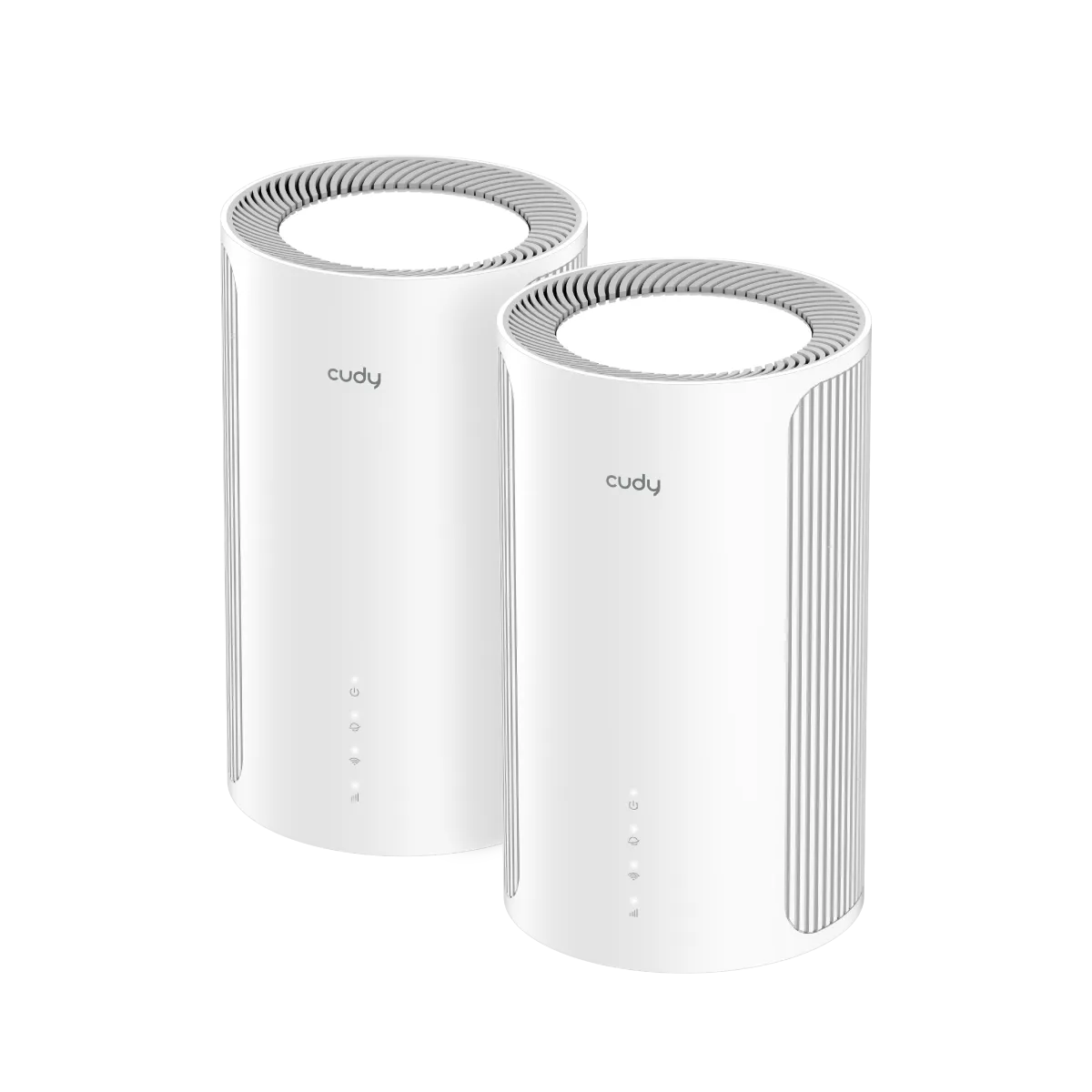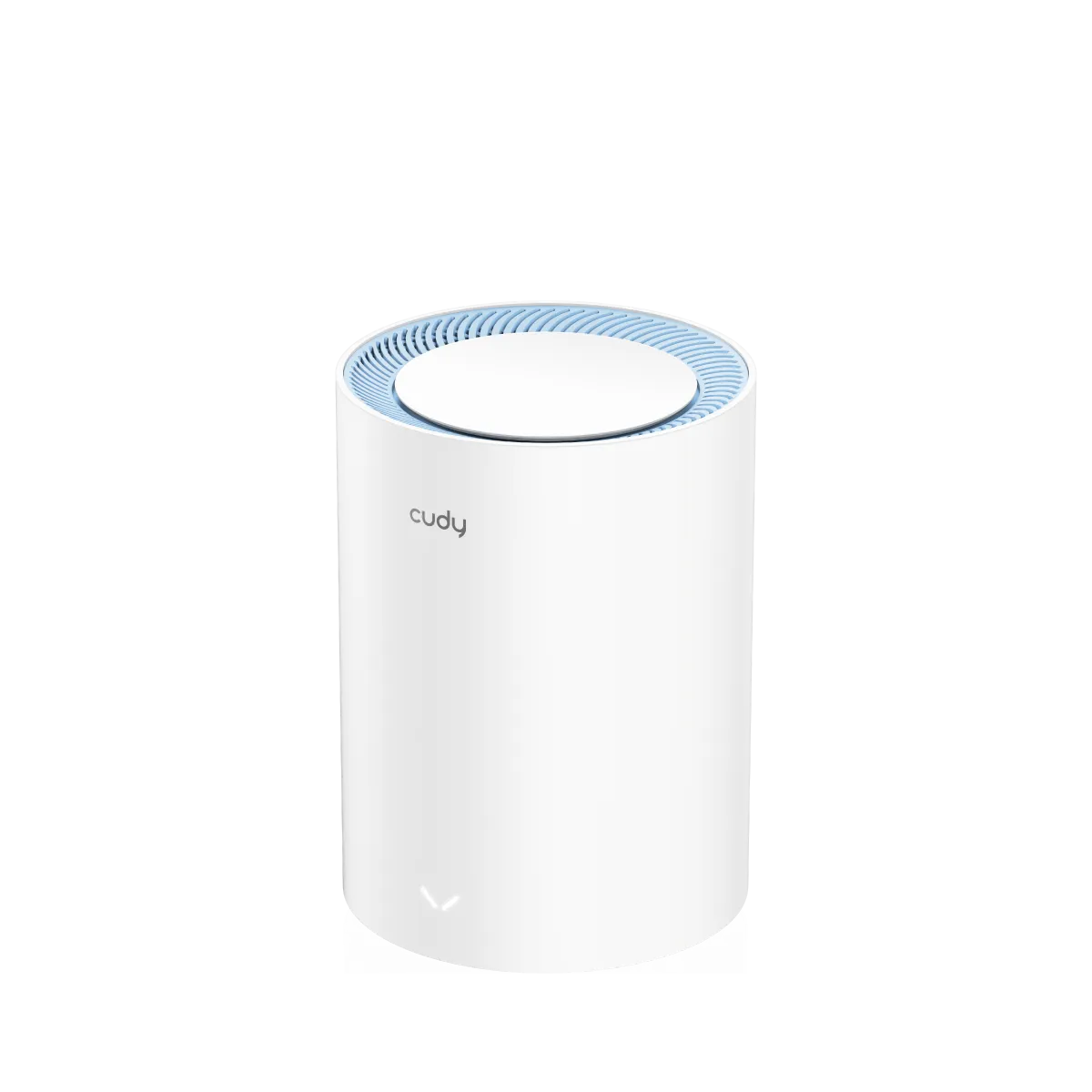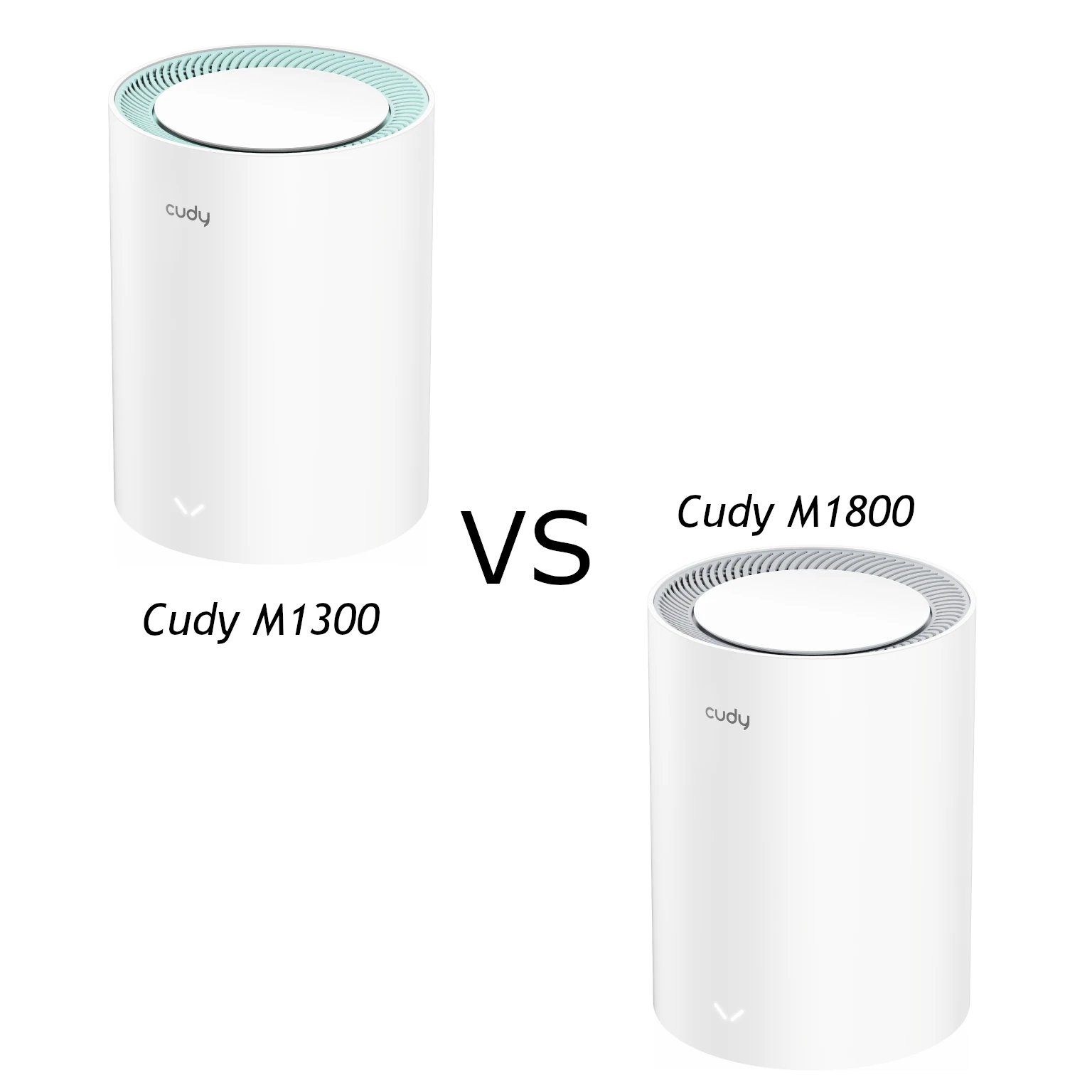
The Cudy M1300 and M1800 target affordable mesh networking, but they are not both Wi-Fi 5 systems. In the exact 2.0 hardware versions compared here, the M1300 is an AC1200 Wi-Fi 5 model and the M1800 is an AX1800 Wi-Fi 6 model. That distinction explains more than the product names alone.
I see the M1300 as a cost-conscious option for basic needs and the M1800 as the better pick between these two when the extra cost is acceptable. Compare local kit prices and support before deciding. The preference is a buying judgement based on capabilities, rather than a measured coverage or speed result.
Exact V2 specifications
Cudy's model pages list these differences. A model name without its hardware version is not enough when buying used equipment or matching firmware.
| Feature | M1300 2.0 | M1800 2.0 |
|---|---|---|
| Standard and class | Wi-Fi 5, AC1200 | Wi-Fi 6, AX1800 |
| 5GHz physical rate | 867Mbps | 1201Mbps |
| 2.4GHz physical rate | 300Mbps | 574Mbps |
| Radio streams | Two on each band | Two on each band |
| Channel widths listed | Auto/20/40/80MHz | Auto/20/40/80MHz |
| Efficiency features | MU-MIMO on 5GHz | OFDMA, MU-MIMO and BSS Color listed |
| Ethernet per unit | Two Gigabit ports | Two Gigabit ports |
| RAM | 128MB DDR3 | 256MB DDR3 |
| Recommended client upper limit | 50 | 100 |
| Internal Wi-Fi antennas | Four | Four |
M1300 is a model name, not an exact promise of 1300Mbps usable throughput. Its published band rates add to 1167Mbps and are marketed as AC1200. Similarly, AX1800 combines different radio rates; a single laptop does not add both bands to obtain an 1800Mbps download.
Both listed versions have two-stream radios, so “basic” versus “advanced” MU-MIMO is not a precise hardware comparison. The M1800's Wi-Fi 6 capability includes OFDMA and BSS Color. Benefits depend on client support, traffic and the environment; neither the standard nor extra RAM guarantees a particular improvement for every household.
Which differences matter to your devices?
A Wi-Fi 6 client can use compatible features on the M1800, while an older Wi-Fi 5 device remains limited by its own radio. A system with mostly older phones and simple sensors may see less benefit than a busy household with newer laptops. Check the clients you use most rather than counting only how many devices are stored in the router's list.
The client figures are recommendations from Cudy, not a guarantee of fifty or one hundred simultaneous high-bandwidth activities. A sleeping smart plug and a laptop uploading a backup impose different loads. Plan for the busiest combination, such as video calls, cameras and downloads, then assess that workload after installation.
For more detail about shared resources, see the linked article: Read more about MU-MIMO. A better radio cannot increase an internet plan's speed or compensate for a weak path between mesh units. There is no fixed “below 500Mbps always works” threshold, and no basis for saying home users can never notice differences between Wi-Fi generations.
Mesh backhaul and placement
Both model pages list Cudy Mesh with wired and wireless backhaul. These are dual-band systems, so wireless client and inter-node traffic must share the available radio resources. That does not impose an exact universal half-speed result; traffic patterns, links and placement affect how much capacity remains for clients.
Place a satellite where it can communicate reliably with the main node, rather than at the far edge of an existing dead zone. Floors, walls and nearby networks can change the best position. Cudy's coverage and open-space range figures are reference conditions, not a promise for every building.
The current V2 pages give different indoor references: 160m² for an M1300 two-pack and 170m² for an M1800 two-pack, with larger figures for three-packs. That does not establish a precise ten-square-metre advantage in your home or identical real-world range. Use the estimates to plan possible locations, then test the rooms that matter.
Wired backhaul avoids a wireless inter-node link. It can be particularly useful across difficult floors, but does not eliminate client-side signal loss, all latency or every dropout. The client still communicates with its nearby radio unless it is wired too.
Two Gigabit ports: plan the topology
Cudy lists port 1 as WAN by default, with all ports serving as LAN in mesh satellite mode. On the main router, connecting the upstream service leaves one port for a direct client or downstream network. On a wired satellite, the backhaul cable consumes one port and leaves one for an endpoint.
A suitable switch can add connections for a desktop, printer or NAS. Count the uplink and the shared traffic, and remember that these models' ports remain Gigabit. Buying a 2.5Gbps switch does not create a 2.5Gbps router uplink. Existing suitable cabling is useful; a Cat6 label alone does not guarantee a negotiated speed.
Follow the Cudy topology for the selected mode. If another router already manages your network, consider AP mode and verify how the mesh and gateway controls work there. Do not assume that connecting all units to the upstream router's LAN is equivalent to putting them downstream of a Cudy main router in router mode.
Management, security and support
Both current V2 pages list app and web management, parental controls, guest networks and WPA/WPA2/WPA3 options. For the security choice, see the linked article: Learn why WPA3 is important. Check the installed firmware and exact mode before assuming that a particular guest, VPN or filtering feature is available everywhere in a mixed mesh.
App control and firmware support can change across versions. For a used kit, confirm that the account and local management can be set up by the new owner, and install only firmware for the correct model and hardware revision. Read release notes rather than assuming two devices with similar names accept the same download.
Cudy labels the M1800 2.0 page “Phase-Out”. That is a reason to check local availability, warranty and maintenance expectations before treating a discounted kit as a long-term purchase. It does not establish a specific date when every installed unit loses functionality, and this comparison does not invent one.
Buying choice
Choose the M1300 if basic coverage at an attractive price meets your needs, and favour the M1800 when its Wi-Fi 6 features and higher recommended capacity are useful for the extra cost. If the price gap to a newer supported model is small, compare that option too.
My preference for the M1800 does not mean it will outperform the M1300 through every wall or that either kit must suit a large house. A return option, workable node positions and current support can be more valuable than a speed-class headline. Browse the Cudy Lineup and the exact official Cudy M1300 and Cudy M1800 pages when comparing a quote.