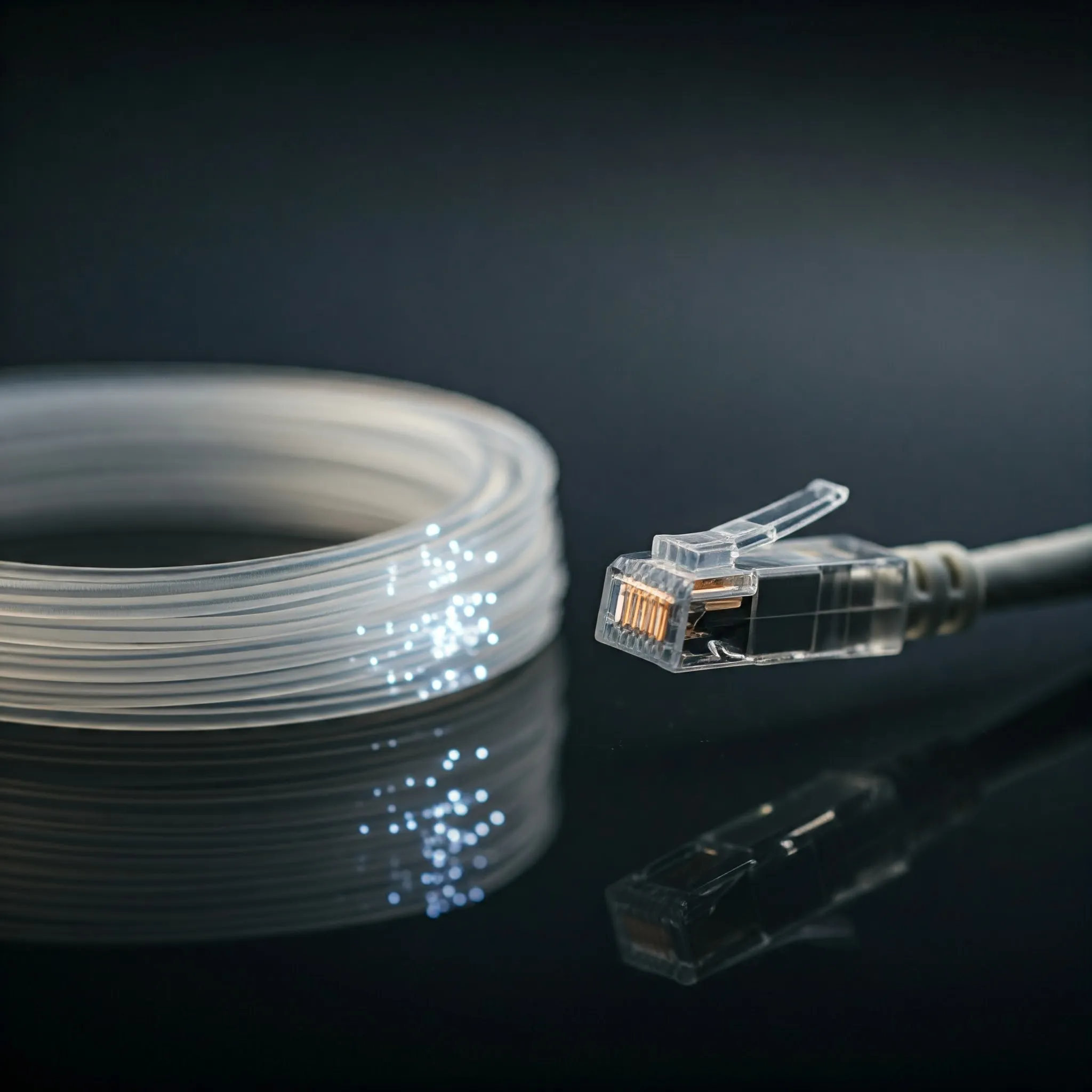
Any computer user that has a network at home has had to use at least a few Ethernet cables before. Normally, those cables are Cat5e cables, or in some cases Cat6 cables. Today we look at Category 8 twisted-pair Ethernet cabling, commonly called Cat8. We will look at its uses, drawbacks and most importantly, if you need them at home. If you wanted to have a more in-depth look at different cable types for your home network, check out our Choosing the right cable article.
What is Cat8 Cable?
Cat8 is a shielded balanced twisted-pair cabling category designed to support 25GBASE-T and 40GBASE-T over short channels. It is characterized up to 2,000 MHz. The frequency rating describes cabling performance, while Gbps describes a network data rate; the two numbers are not interchangeable.
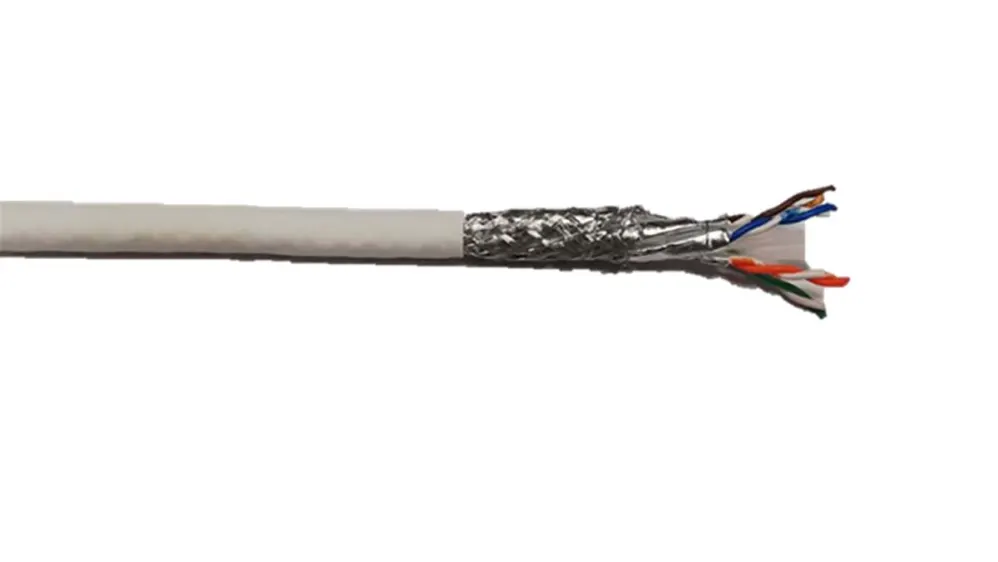
Cat8 does not generate a 40 Gbps connection by itself. Both endpoints need a compatible Ethernet interface, and the complete cable-and-connector channel must meet the relevant requirements. Cat6 may be shielded or unshielded, while Cat8 has no unshielded variant. A common S/FTP construction uses foil around each twisted pair plus an overall screen, not a separate shield around every individual conductor. Internal separators and cable dimensions depend on the product design.
What Makes Cat8 Different?
- Speed and Bandwidth:
- Cat8 supports speeds of up to 40 Gbps.
- Operates at a bandwidth of 2,000 MHz.
- Cat6 is characterized to 250 MHz and Cat6A to 500 MHz. Supported Ethernet rates depend on the application and installed channel rather than the frequency number alone.
- Shielding:
- Cat8 cables are fully shielded to minimize crosstalk and electromagnetic interference (EMI).
- Properly terminated shielding helps control interference and crosstalk, but cannot guarantee a working link regardless of installation or environment.
- Maximum Distance:
- For 25GBASE-T and 40GBASE-T, the specified maximum channel is 30 metres, including cords and connections; the permanent link is up to 24 metres.
- The 30-metre restriction concerns those Cat8 high-speed applications. Lower-rate applications can use different channel limits; it is not a claim that every Cat8 cable stops working beyond 30 metres.
- Durability:
- Check the product's bend radius, connector construction and environmental rating. Category alone does not establish outdoor, industrial or repeated-flex suitability.
How Does Cat8 Work?
Twisted pairs and appropriate shielding help maintain the electrical characteristics needed at high frequencies. The shield must be terminated correctly through the specified connectors. A compliant channel includes compatible cable, jacks and cords; fitting an ordinary lower-category connector to bulk Cat8 does not establish Cat8 performance.
The familiar modular connector commonly called RJ45 applies to the TIA Category 8 and ISO Category 8.1/Class I approach. The separate ISO Category 8.2/Class II approach can use other interfaces. Check the actual channel design before assuming every product labeled Cat8 plugs directly into an ordinary router.
Cat8 vs. Cat6 vs. Cat5e
| Category | Characterized frequency | Useful application example | Important channel consideration |
|---|---|---|---|
| Cat5e | 100 MHz | 1000BASE-T at up to 100 metres | A basic gigabit example, not a claim that no other Ethernet application can use Cat5e |
| Cat6 | 250 MHz | Gigabit; 10GBASE-T on suitably qualified shorter channels | The often-quoted 55-metre 10G figure depends on channel conditions and crosstalk |
| Cat6A | 500 MHz | 10GBASE-T at up to 100 metres | Designed for the full-length 10G twisted-pair channel |
| Cat8 | 2,000 MHz | 25GBASE-T or 40GBASE-T at up to 30 metres | Shielded channel; 24-metre maximum permanent link for these applications |
Uses for Cat8
Cat8 cables are designed for professional environments where high-speed data transfer is critical. Typical uses include:
- Data Centers: Connecting servers, storage systems, and networking equipment.
- High-Performance Networks: Relevant where the selected equipment specifically uses 25GBASE-T or 40GBASE-T, rather than another 25G/40G optical or direct-attach interface.
- Industrial Applications: Environmental requirements also include temperature, moisture, flexing and jacket suitability. Shielding alone does not make every Cat8 product an industrial cable.
Why Cat8 is Unnecessary for Home Use
For most home users, Cat8 cables are overkill. Here’s why:
- Internet Speeds:
- Choose for your actual router, switch, client ports and local workloads. Cat8 cannot raise the speed of a gigabit port or an ISP plan, and a fast local NAS transfer is separate from an internet download.
- Cost:
- Cat8 cables and connectors are expensive compared to Cat6 or Cat5e.
- Compatibility:
- Many home routers and devices don’t support the speeds Cat8 is capable of.
- Distance Limitations:
- The 30-metre limit at 25/40GBASE-T may not fit a building-wide high-speed channel plan; it is not a universal length limit for all lower-rate uses.
For many households, an appropriate Cat5e or Cat6 channel already meets the required rates. For a planned full-length 10G twisted-pair installation, assess Cat6A. The useful choice is the one that meets the complete channel requirement with suitable installation and verification.
Drawbacks of Using Cat8 Cable
While Cat8 cables are technologically impressive, they have some downsides:
- Cost:
- They are significantly more expensive than Cat6 or Cat5e cables.
- Short Range:
- The maximum 30-metre channel for 25/40GBASE-T can limit those applications.
- Overkill for Most Applications:
- The capabilities of Cat8 far exceed the requirements of most users and networks.
- Stiffness and Bulk:
- The shielding and robust design make Cat8 cables less flexible and harder to install.
Summary
Cat8 cables represent the cutting edge of Ethernet technology, offering speeds of up to 40 Gbps and bandwidth up to 2,000 MHz. Their advanced shielding and robust design make them ideal for high-performance environments like data centers and industrial applications. For most ordinary home networks, Cat8 remains unnecessary; a specific compatible 25/40GBASE-T requirement would be a different case. Most home networks can operate efficiently with Cat6 or even Cat5e cables, which are more affordable and easier to work with. While Cat8 is a powerful tool for specific needs, its high cost, short range, and limited practical applications make it a niche product for most users.
Cat8.1, Cat8.2 and Connector Compatibility
TIA Category 8 uses the familiar eight-position modular interface. ISO distinguishes Category 8.1 components for Class I channels and Category 8.2 components for Class II channels. These international variants should not be described as two subcategories created by every standards body.
Class I maintains compatibility with established RJ45-style cabling interfaces. Class II uses a different connector approach, so check the specified equipment and patch cords. A hybrid cord may connect particular interfaces, but it does not turn every existing lower-category channel into a certified Class II channel. Avoid assuming a consumer market share or universal connector type from the category name.
Verify the Product and the Installed Channel
A seller's 40Gbps label, cable thickness or flat/round shape does not prove standards compliance. Request the manufacturer's exact part number, conductor specification and applicable independent verification. Bulk installation cable and flexible patch cords have different construction needs; there is no universal 22–24AWG solid-conductor rule for every legitimate patch cord.
Use appropriately verified copper conductors and suitable connectors. Copper-clad aluminum is not equivalent to compliant category copper cabling, and PoE adds DC-resistance and heating considerations. Oxygen-free-copper marketing is not itself a required proof of Ethernet performance. Check the jacket rating required for the actual installation and location rather than assuming a US riser/plenum label answers every country's building requirements.
Fluke's shield-integrity guidance explains that a simple continuity result can be misleading if the test current returns through a separate grounding path. Proper Cat8 certification checks the intended shield path and the required high-frequency performance. A basic wire-map tester or a gigabit connection cannot certify a 2 GHz Cat8 channel.
Start with the Port and the Link You Need
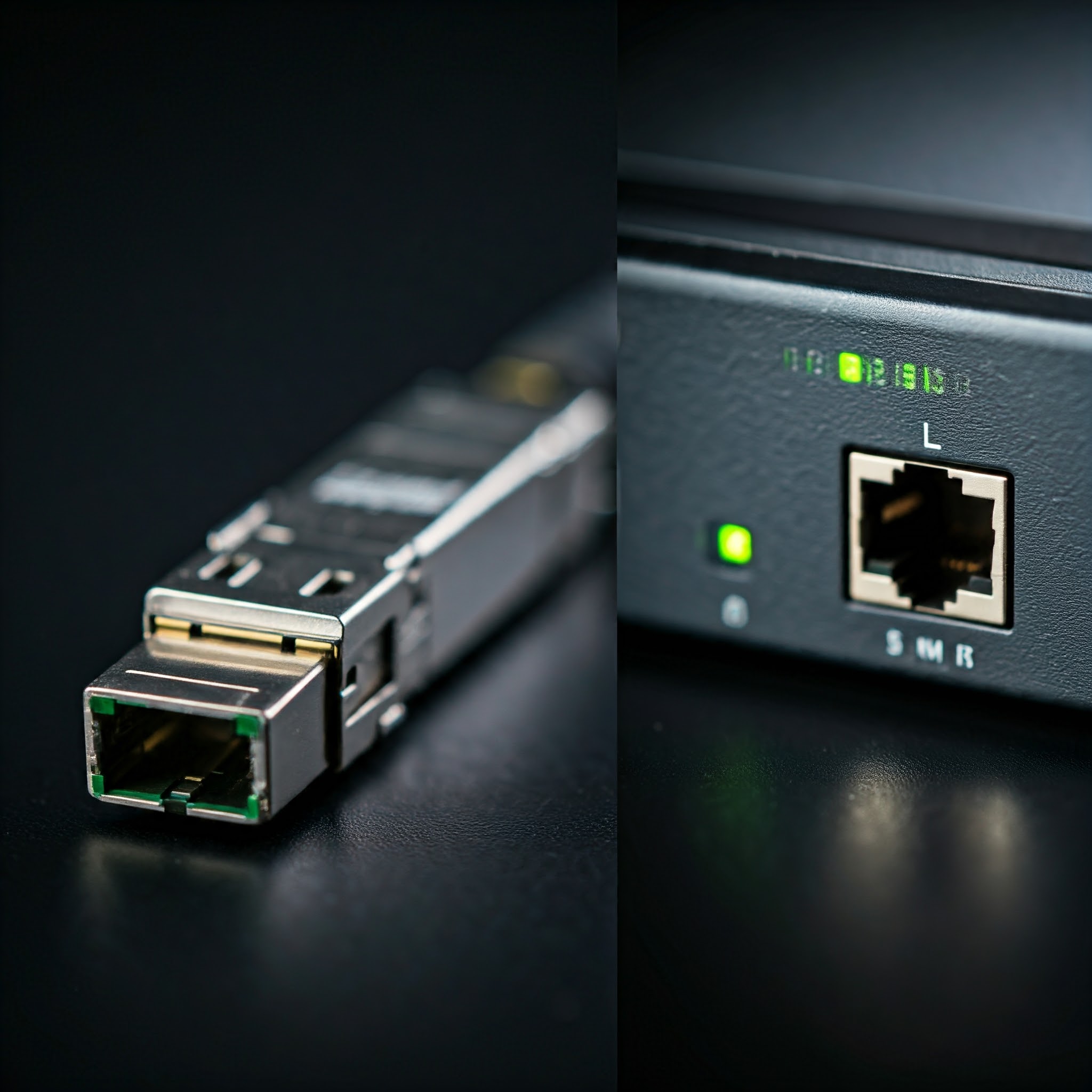
Identify both endpoint interfaces before purchasing cables. A port designed for an optical module or a direct-attach cable is not a 25GBASE-T RJ45 port. Use media, module types, supported lengths and vendor compatibility appropriate to those endpoints. Do not group 10G, 25G and 100G interfaces together as if one SFP+ cable supports every rate.
For an existing home cable, first check negotiated link speed and error counters. If performance is poor, separate the cable path from storage, CPU and application limits before rewiring. For a new permanent channel, document its length, connecting hardware, route and test results. That evidence is more useful than assuming the highest category printed on a low-cost patch cord automatically improves the network.