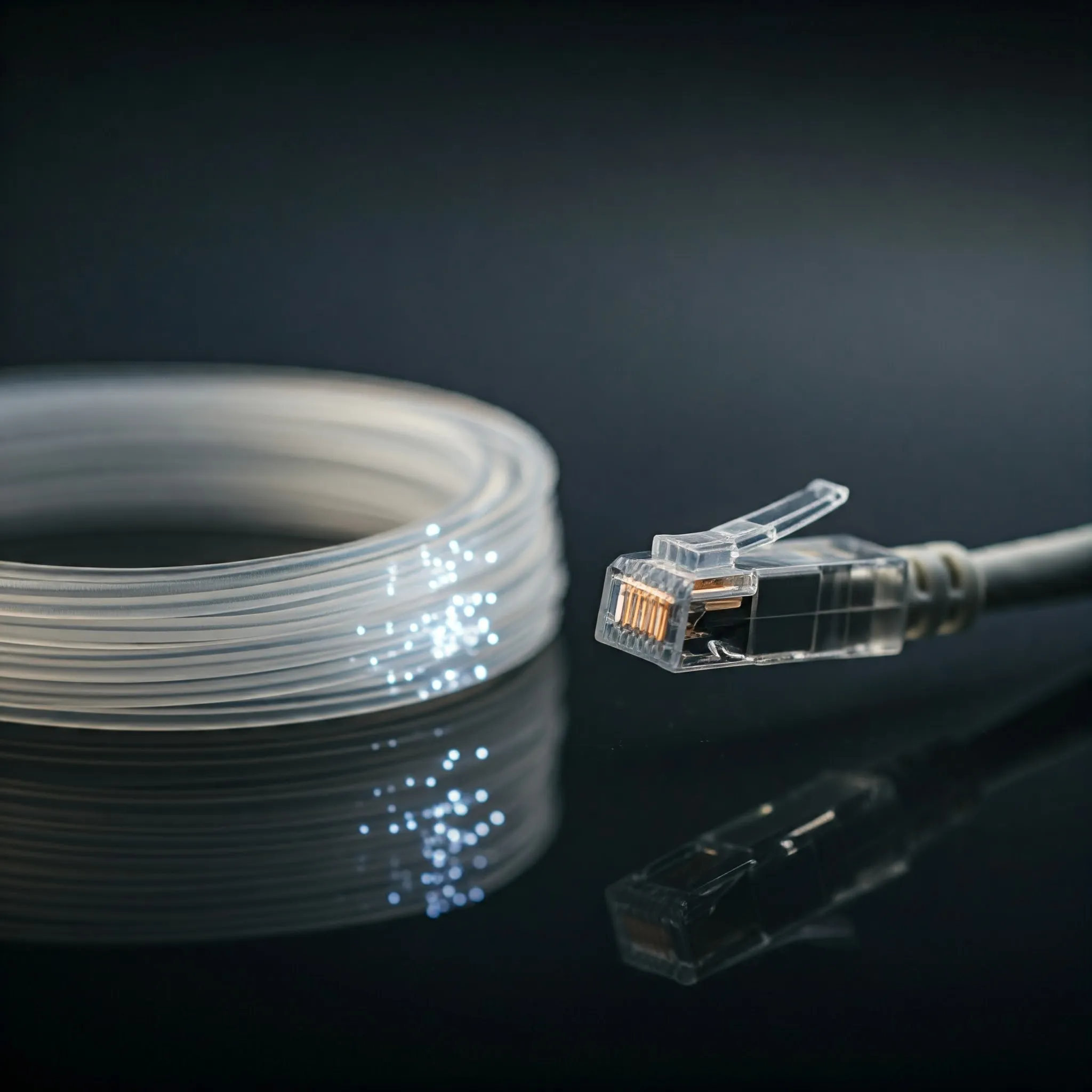
Building a home network? Choosing the right cable can feel like deciphering an alien language. This guide explains the common options, what they can support and what installation actually involves. We recommend good Cat5e or Cat6 for many homes. The useful next step is matching the whole link to your planned speed, route and equipment.
A cable does not set the network speed by itself. Both ports, their negotiated rate, the connectors and the complete cabling channel matter. Replacing a working Cat5e patch cord with Cat6A will not turn a gigabit switch into a 10-gigabit switch or increase the speed of your internet package.
Cable Contenders
Cat5e: Keep Useful Existing Cabling
Cat5e supports gigabit Ethernet over a compliant channel up to 100 metres. It is affordable and practical for many computers, access points and TVs. It is also relevant to multi-gigabit upgrades: 2.5GBASE-T was developed to use suitable existing Cat5e cabling. Check the installed channel and connected devices rather than treating Cat5e as an absolute 1 Gbps ceiling.
For a simple device-to-switch connection, a factory-made patch cord avoids buying termination tools. Existing cable that negotiates the intended rate and performs reliably may be worth keeping. Permanent runs need appropriate cable, connectors and installation workmanship; a category printed on the jacket alone does not certify the finished link.
Cat6: A Practical New-Run Choice
Cat6 supports gigabit links over a compliant 100-metre channel and can support 10GBASE-T on shorter channels. Up to approximately 55 metres is a commonly stated 10-gigabit reach, with the installation and alien crosstalk environment affecting suitability. It is not a guarantee that any random 55-metre Cat6 run will pass 10-gigabit testing.
Cat6 is our sensible general-purpose choice for many new home runs. Before buying a spool, check its conductor material, diameter and the connector manufacturer's compatibility list. A plug designed for a different conductor size or construction can produce an unreliable termination even when both products say Cat6.
Cat6A: Plan for Longer 10-Gigabit Links
Cat6A is the clearer choice when a compliant 10GBASE-T channel up to 100 metres is the design goal. It can be bulkier and require more space in bends, jacks and containment, although cable designs vary. The channel normally includes a permanent link plus patch cords, so do not budget 100 metres of fixed cable and then add extra cords without accounting for them.
For hard-to-replace routes, compare the installed cost with Cat6 rather than only the cable's price per metre. A conduit with spare room and accessible termination points can make future changes easier. Choose the category the actual application needs; the highest number on the shelf is not automatically the best value.
Fibre: Distance and Electrical Separation
Fibre carries signals as light and is immune to electromagnetic interference along the optical path. Its supported speed and distance depend on the fibre type, optics and equipment, rather than a universal 100 Gbps limit. For example, Cisco specifies 10GBASE-SR reaches of up to 300 metres on OM3 and 400 metres on OM4 under the relevant conditions.
Pre-terminated fibre can avoid on-site splicing. Match multimode or single-mode fibre, connector type, polarity, optics and supported port speed at both ends. Handle connectors carefully and keep them clean; a link can fail because of contamination or excessive bending even when the part numbers are compatible.
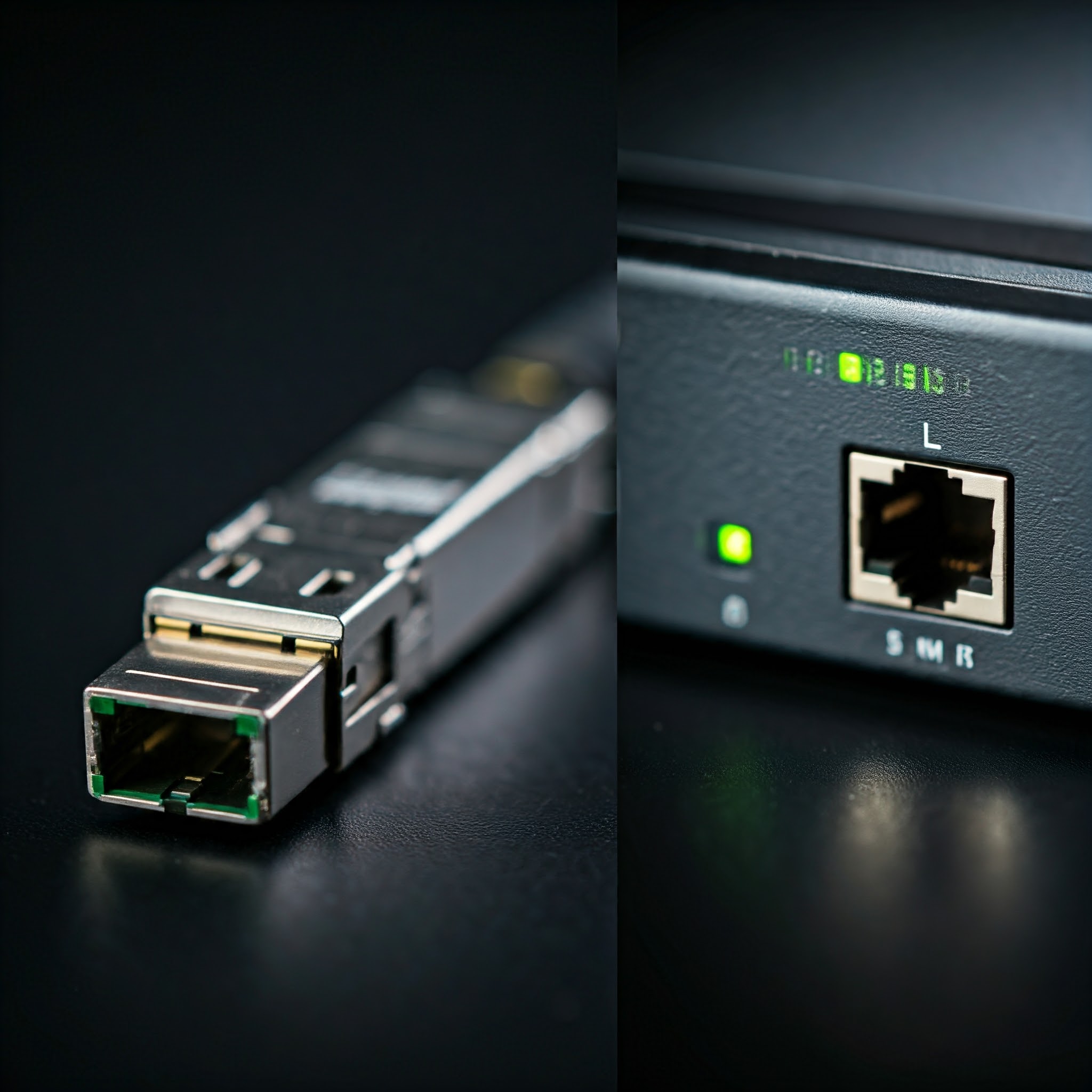
For short connections in a rack, a compatible SFP+ direct-attach copper cable is another option. A DAC combines its cable and ends, but length and switch/NIC compatibility still need checking. Avoid assuming every SFP-shaped port accepts every cable or that an optical link has zero heat: transceivers and the equipment still consume power.
T568A and T568B Wiring
Both wiring schemes keep the same four twisted pairs; they exchange the green and orange pair positions. Either can be used for a straight-through link when applied consistently at both ends. Match an existing documented installation where appropriate. T568B is a common choice, but T568A is not an inferior scheme reserved solely for government sites.
| Pin | T568B | T568A |
|---|---|---|
| 1 | White/orange | White/green |
| 2 | Orange | Green |
| 3 | White/green | White/orange |
| 4 | Blue | Blue |
| 5 | White/blue | White/blue |
| 6 | Green | Orange |
| 7 | White/brown | White/brown |
| 8 | Brown | Brown |
Follow the actual jack's label and instructions: its physical punch-down order need not look like numerical pin order. Keep pairs twisted close to their termination and support the cable jacket as instructed. For plugs, check the manufacturer's pin-orientation diagram rather than guessing from a photograph. Auto-MDI/MDIX can handle supported crossover arrangements; it cannot repair opens, shorts or split pairs.
Solid, Stranded and Shielded Cable
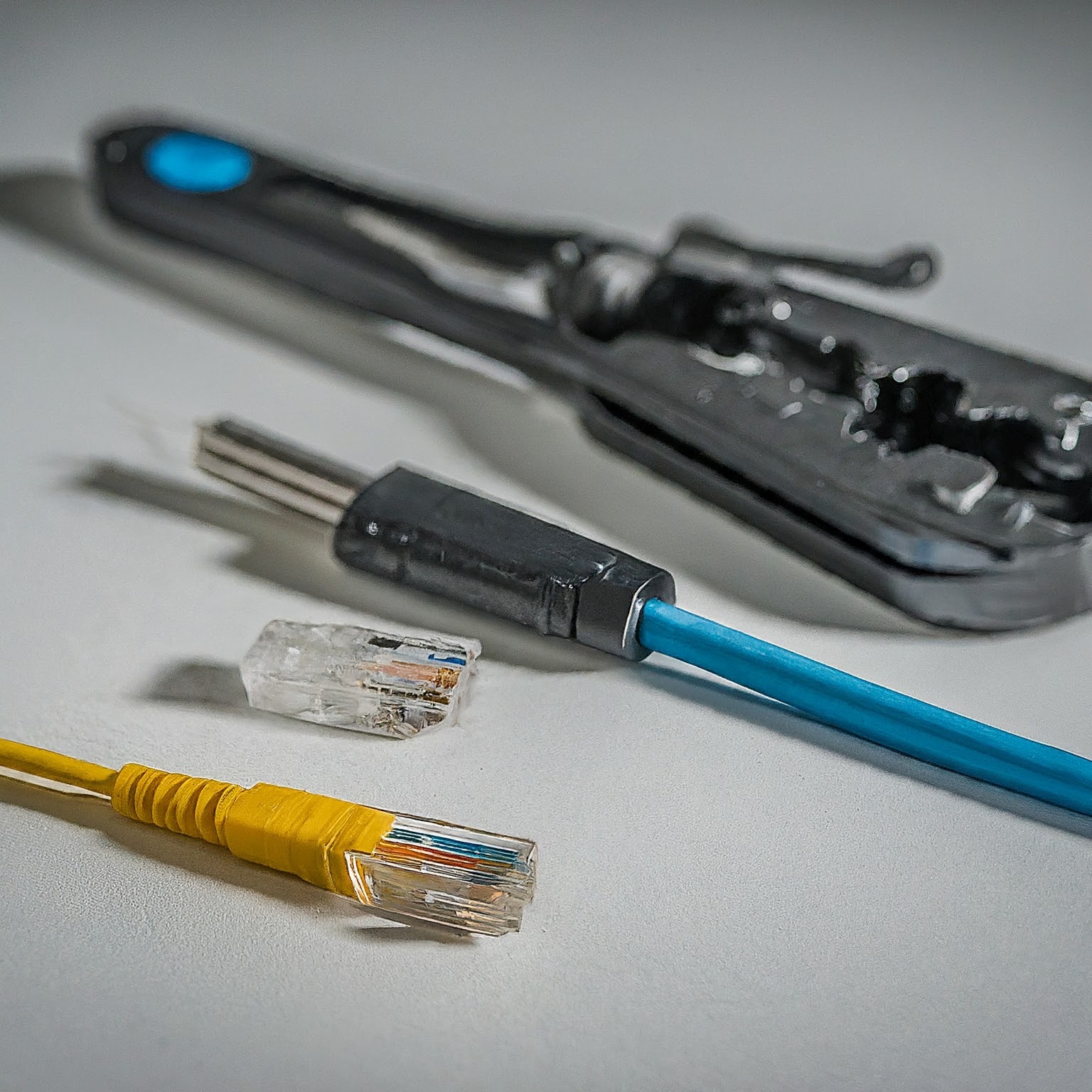
Solid copper cable is commonly used for permanent runs, while flexible stranded patch cords suit connections that move. Use the termination type approved for that construction. Some field-termination systems differ from traditional punch-down jacks; their instructions determine the required tools and preparation, not a universal crimper-and-punch-down shopping list.
Unshielded twisted pair is a practical option for many domestic routes. Shielded systems can be appropriate in demanding environments, but their benefit depends on correctly designed terminations and bonding. A shielded cable still needs an appropriate installation route and separation from mains wiring.
For outdoor routes, inspect the product's UV, moisture and temperature suitability. Building-to-building connections deserve attention to electrical protection and bonding; an all-dielectric fibre route can avoid a conductive data path. Check the complete cable construction, since some fibre cables contain metallic armour. Use a qualified installer for routes whose electrical or building requirements you cannot confidently assess.
Jacket Ratings and the Installation Route
CMR and CMP are North American communications-cable classifications for riser and plenum applications. LSZH describes low-smoke, zero-halogen characteristics; it is not interchangeable with CMP. A plenum-rated cable is not necessarily halogen-free, and a halogen-free cable is not automatically approved for every air-handling space.
Choose a product approved for the actual route and local requirements. An ordinary patch cord is not automatically suitable for a concealed permanent installation simply because it carries Ethernet. Account for bend radius, pulling tension, cable support and space at the termination. Follow product instructions and have fire stopping or regulated building work handled appropriately.
Testing the Finished Link
A basic continuity tester can find many opens, shorts and pin-order mistakes. A split pair is different: each pin can connect correctly end to end while wires from different twisted pairs are used. Fluke's documentation explains that this produces excessive crosstalk. A tester must specifically support split-pair detection to identify it; eight sequential lights alone do not prove a good high-speed channel.
Wire-map verification, bandwidth qualification and standards certification answer different questions. Start by confirming correct wiring, then check the negotiated link speed and transfer a substantial file between capable local devices. For a new permanent installation or unexplained errors, a suitable qualifier or certifier gives stronger evidence than an internet speed test.
Label both ends and record the route, category, termination scheme and test results. If a link fails, change one item at a time, starting with a known-good patch cord and compatible port. Avoid buying more expensive cable before establishing whether the bottleneck is wiring, port speed, storage or Wi-Fi.
Choosing Your Cable
Base the decision on internet and local-network needs, future plans, budget and DIY confidence. Cat5e or Cat6 will serve many homes well; Cat6A suits planned longer 10-gigabit channels, while fibre or DAC may fit particular routes better. Buy from a reputable supplier and judge the complete installed link, rather than a promised percentage speed increase.
For more information on network hardware, please refer to our post on Ethernet Technologies.