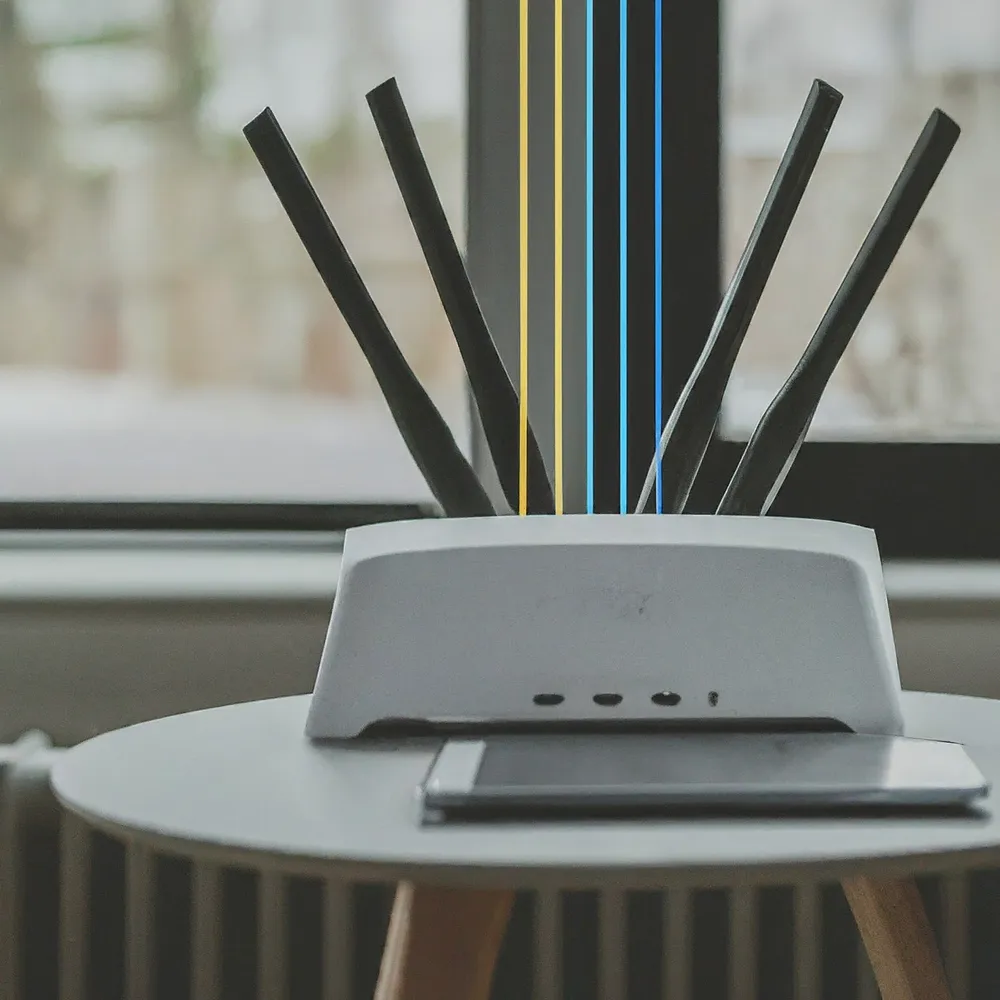
Let's be honest: a fast, reliable Wi-Fi connection makes streaming, video calls and gaming much more enjoyable. MU-MIMO is one of the technologies worth understanding when a busy household or office shares a wireless network. It can improve how an access point serves compatible devices, but its presence on a box does not guarantee faster internet or perfect coverage.
What Is MU-MIMO?
MU-MIMO stands for Multi-User, Multiple Input, Multiple Output. It lets an access point use spatially separated streams to communicate with a group of compatible devices during the same transmission opportunity. The main benefit is using radio capacity more efficiently when several devices are active.
Single-user MIMO also uses multiple streams, but directs that transmission to one client. A laptop can therefore benefit from MIMO without receiving a separate “lane” for every device in the house. MU-MIMO extends the idea to multiple users; it does not replace every other way Wi-Fi schedules traffic.
Where Does MU-MIMO Fit In?
MU-MIMO appeared in Wi-Fi 5's 802.11ac Wave 2 generation for downlink traffic on 5GHz. Wi-Fi 6 extended multi-user capabilities to both downlink and uplink. Wi-Fi 6E uses Wi-Fi 6 technology in the additional 6GHz band, while Wi-Fi 7 combines multi-user transmission with further features such as Multi-Link Operation.
A generation label describes a family of capabilities. Check the particular router or access point, firmware and client adapter for the features actually implemented. An older Wi-Fi 5 product does not necessarily support Wave 2 MU-MIMO, and a Wi-Fi 7 badge does not tell you how many streams a particular radio provides.
How SU-MIMO Works
With a single-user transmission, the access point serves one client during that transmission, then can serve another. These turns happen quickly enough for many connected devices to appear active together. Having several antennas does not automatically mean the access point is sending independent messages to several users simultaneously.
When many devices demand airtime, each waits for opportunities to communicate. However, an idle thermostat and a laptop downloading a large file do not create equal demand simply because both appear in the connected-device list. Look at active traffic, rather than the number of saved devices alone.
How MU-MIMO Improves on SU-MIMO
The highway-lanes analogy is useful: several messages can travel at once instead of all taking turns in one transmission. The qualification is that those lanes are not permanently reserved for individual devices. The access point chooses suitable groups and adapts its transmissions to the available clients and radio conditions.
The effect is primarily on aggregate capacity: the total useful traffic served across devices. A household may benefit even if one laptop's peak download rate does not increase. Equally, MU-MIMO cannot make a single-stream client receive four streams or increase the speed purchased from an internet provider.
How MU-MIMO Works in Detail
The access point needs information about the radio paths to clients. Channel sounding and feedback help it select transmission settings and groups. Beamforming uses coordinated signals across an antenna array to shape transmissions; this is more complex than assigning one physical antenna to each device.
The devices need sufficiently distinguishable radio channels for effective spatial separation. Reflections, interference, client movement and signal quality influence the result. Devices do not need to stand at a prescribed angle, but closely correlated paths can make a multi-user grouping less useful. Sounding and scheduling also have overhead.
Read stream specifications per radio. A 4x4:4 description indicates four transmit chains, four receive chains and up to four spatial streams for that radio. It does not promise four devices at maximum speed at all times. A product may advertise a larger total by adding stream counts across separate bands.
Benefits of MU-MIMO
- More efficient sharing: Suitable active clients can be served together instead of using separate single-user transmissions.
- Better busy-network capacity: Aggregate throughput can improve when the access point's scheduler finds useful groups.
- Less contention for some traffic: Efficient scheduling can reduce waiting, though latency also depends on interference, queues, backhaul and the internet path.
- Useful upgrade feature: MU-MIMO is worth considering alongside coverage, device compatibility, software support and Ethernet capabilities.
These are potential benefits, not a guaranteed speed multiplier. A quiet network with one active client provides little opportunity for multi-user grouping. Likewise, many low-traffic smart-home devices may not create the workloads that make MU-MIMO most useful.
Comparing Networks With and Without MU-MIMO
Consider two compatible laptops transferring files to a wired server while another device streams video. The interesting comparison is whether the network handles the simultaneous workload well, not just whether one laptop wins a peak-speed test. This is a suggested test scenario, not a claim that these devices were benchmarked for this article.
Use the same devices, locations, band and application settings. Record individual transfer results as well as the total, and repeat the test. Check that the wired server, switch and access-point uplink are fast enough to avoid becoming the bottleneck. If the router offers a documented MU-MIMO toggle, change only that setting for the comparison and restore the preferred configuration afterwards.
Will Older Devices Benefit?
Older devices can normally continue connecting through the Wi-Fi modes supported by both ends. A client that lacks the required MU-MIMO capability cannot become a member of that supported multi-user transmission just because the router has it.
There can be an indirect benefit if other clients use airtime more efficiently, but do not assume every old phone receives a speed boost. Weak signals, legacy radio modes and heavy traffic can still consume airtime. Check adapter specifications and drivers rather than relying on the device's age alone.
MU-MIMO vs OFDMA
Both help serve multiple users, but divide resources differently. MU-MIMO separates traffic spatially; OFDMA assigns smaller frequency resource units within a channel. They can complement each other rather than being competing settings that require choosing a winner.
| Feature | MU-MIMO | OFDMA |
|---|---|---|
| Resource sharing | Spatial streams for suitable user groups | Frequency resource units within a channel |
| Potential benefit | Greater aggregate capacity with compatible active clients | More efficient scheduling of traffic across multiple compatible clients |
| What limits the result | Radio paths, stream support, sounding and scheduling | Resource allocation, client support, signal and scheduling |
| Does it fix weak coverage? | No guarantee | No guarantee |
Descriptions that associate MU-MIMO with larger transfers and OFDMA with smaller packets are useful starting points, not hard rules about which applications are allowed. The scheduler decides how to serve actual traffic. Likewise, theoretical user counts depend on stream and resource allocation; they are not the router's maximum connected-device count.
Reading Newer Router Specifications
Do not infer a 16x16 radio from a Wi-Fi 7 product's total stream count. For example, Cisco's 9178 datasheet describes separate radios with four streams each, including a split 5GHz configuration. Combined product totals and a single radio's simultaneous spatial streams are different figures.
Wi-Fi 7 features such as multi-link operation and wider supported channels add other possibilities, but still require appropriate hardware and configuration. A newer access point in the same poor location may retain the original coverage problem. Its capacity improvements and its ability to reach a difficult room should be assessed separately.
Before Buying or Changing Settings
- Check per-band stream counts and the supported uplink/downlink features.
- Check the clients that carry your heaviest workloads.
- Investigate weak coverage, congested channels and mesh backhaul before attributing every slowdown to MU-MIMO.
- Review current firmware notes and the manufacturer's recommended defaults.
- Compare the complete upgrade cost and test the workload you want to improve.
Conclusion
MU-MIMO is worth considering for a busy household or office, especially when several compatible devices are active together. Keep it in perspective: it improves an access point's options for sharing radio capacity, while placement, client support, backhaul and internet service still determine the experience. Understanding those limits makes the feature more useful when choosing or configuring your next network.
For more detail, see Cisco's MU-MIMO explanation and the HPE Aruba RF design guide.