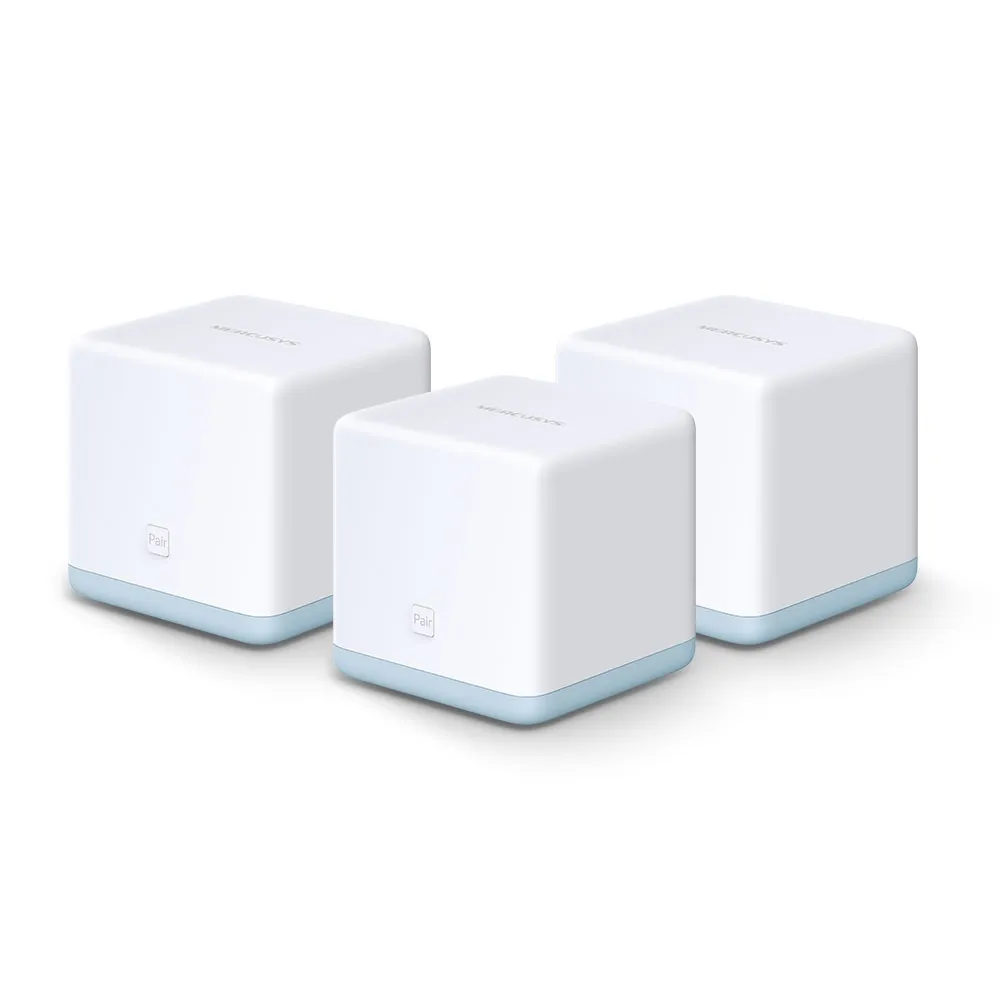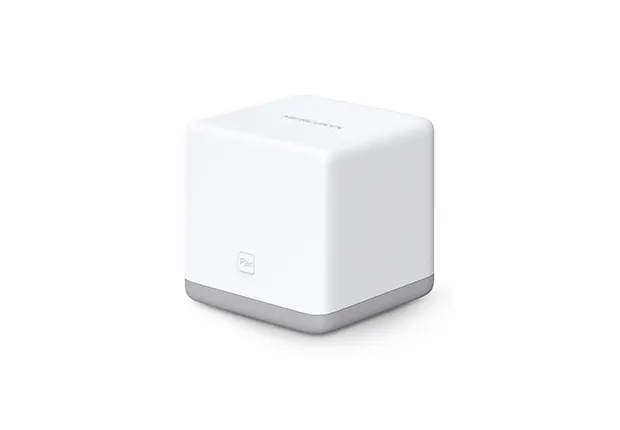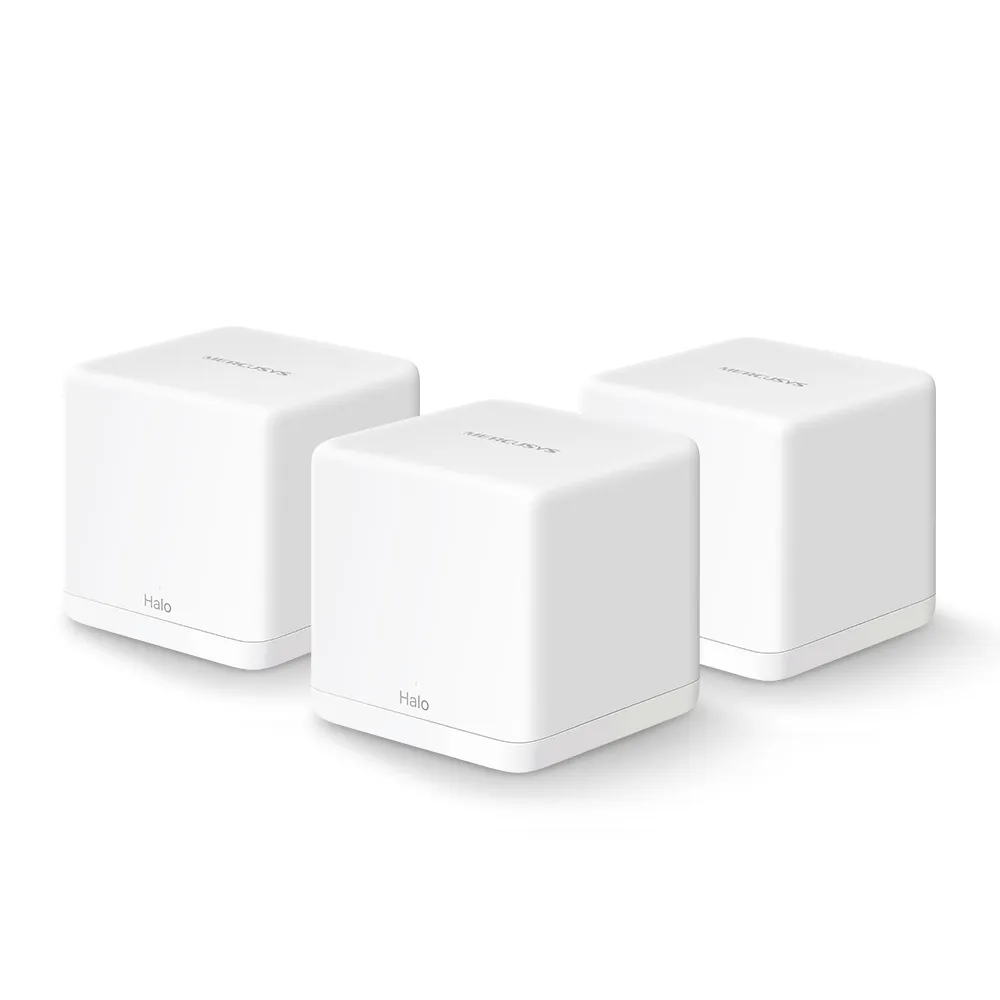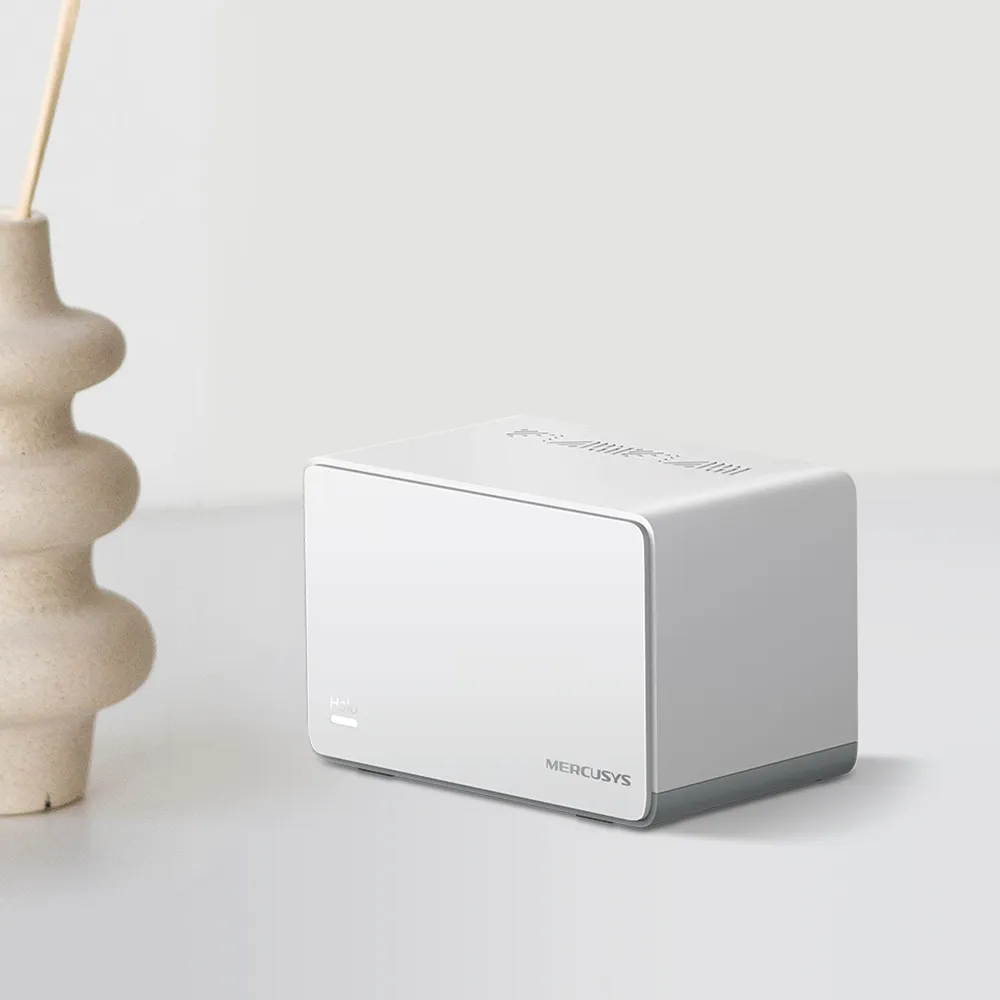
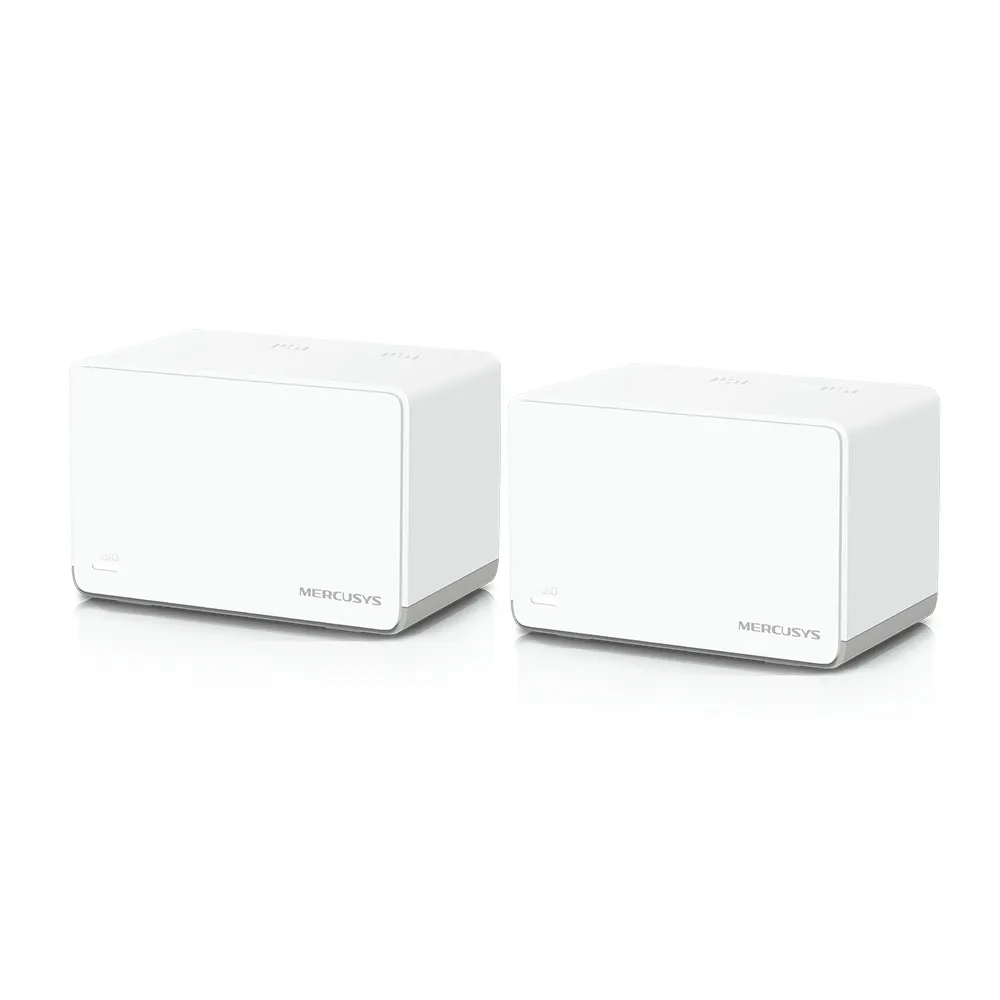
The Mercusys Halo H70X is an approachable dual-band Wi-Fi 6 mesh system with three Gigabit Ethernet ports per unit. Its appeal is practical: place several units around the home, manage them through the Mercusys app and improve coverage without buying a premium mesh kit. I still regard its combination of affordability and straightforward management as a compelling option, provided the selected kit suits your layout and required features.
Mesh and Wi-Fi 6 Explained
Imagine several sprinklers covering different parts of a garden. Mesh nodes likewise provide wireless coverage in different rooms, but they also need a connection between them. That node-to-node backhaul is what carries a satellite's traffic towards the main Halo. A strong connection between a laptop and its nearest satellite does not compensate for a weak upstream link.
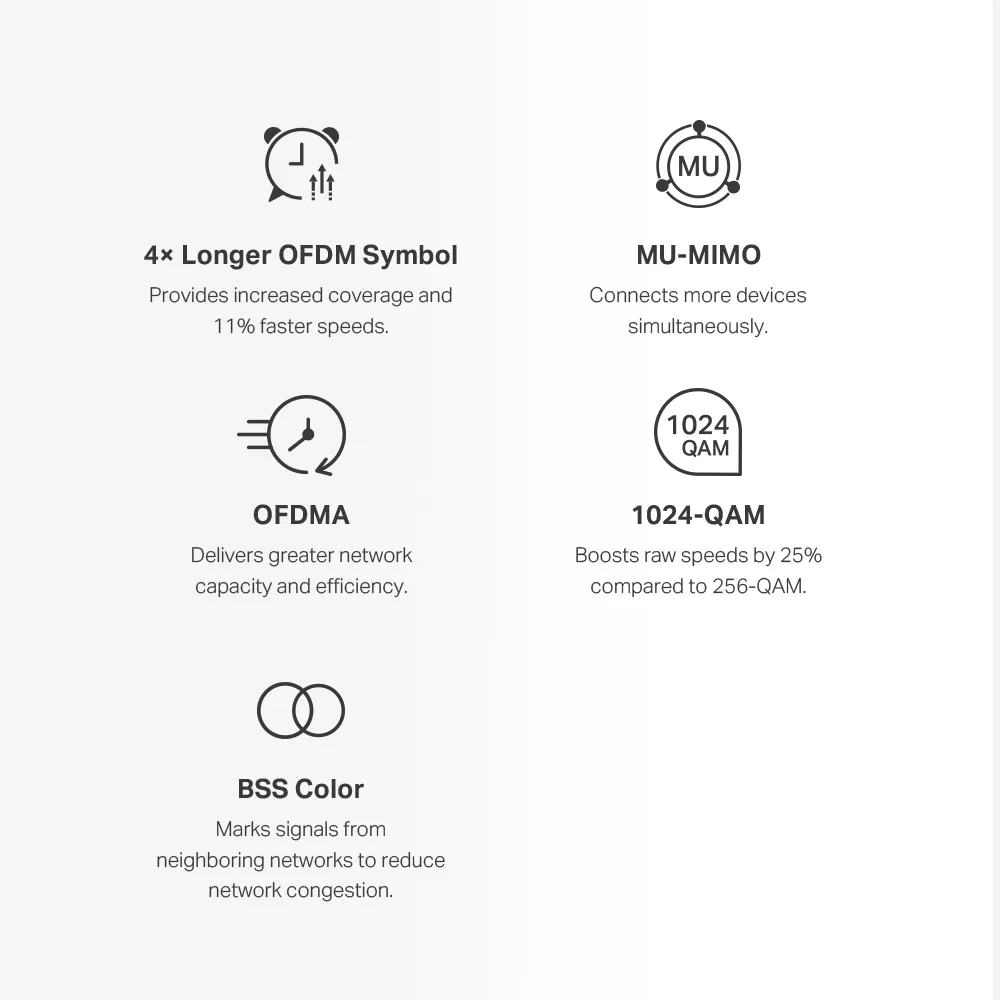
The H70X uses Wi-Fi 6 on 2.4 GHz and 5 GHz. It is neither a 6 GHz Wi-Fi 6E model nor the newest Wi-Fi generation. Features such as OFDMA and MU-MIMO help compatible clients share radio resources; they do not guarantee that every old device becomes faster or that all simultaneous workloads avoid contention.
Verified H70X Specifications
| Feature | Manufacturer specification |
|---|---|
| Wireless class | Dual-band AX1800 Wi-Fi 6 |
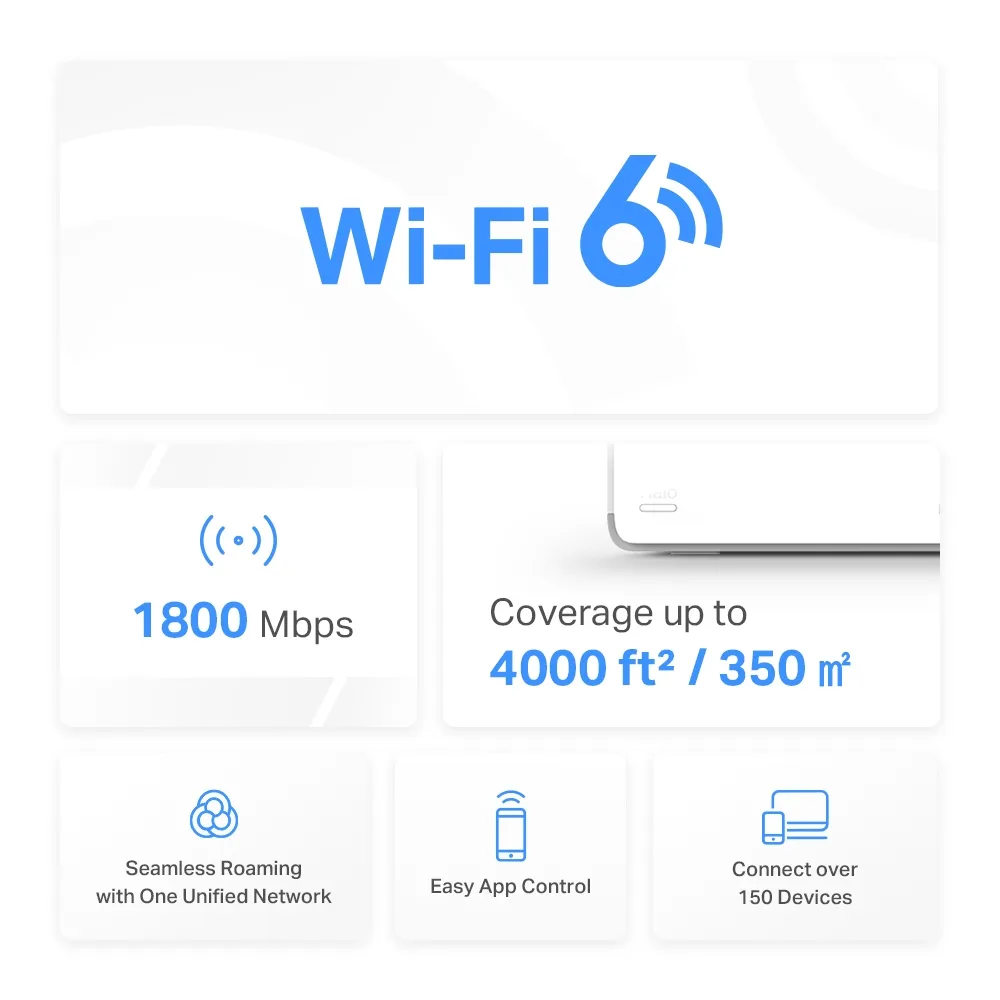
| Band rates | 1,201 Mbps on 5 GHz; 574 Mbps on 2.4 GHz |
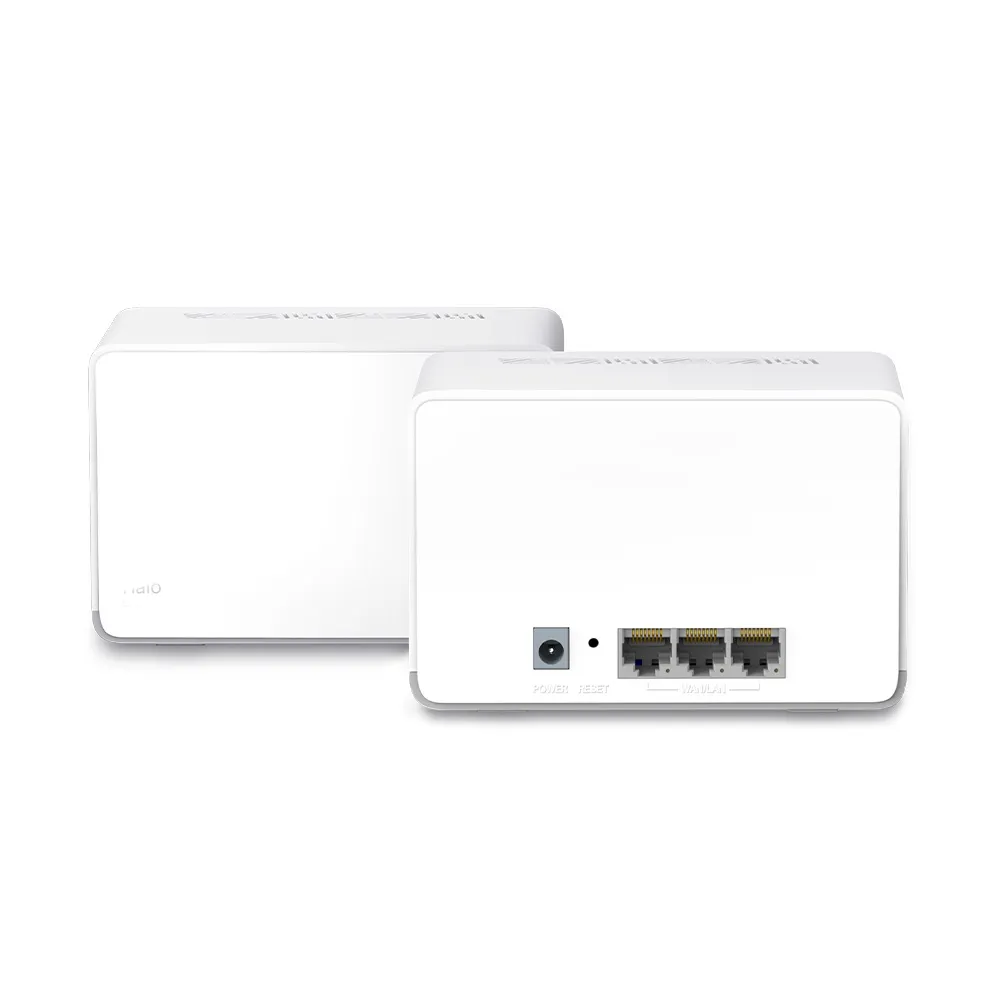
| Ethernet per unit | Three Gigabit ports with WAN/LAN auto-sensing |
| Modes | Router or access point |
| Wireless security | WPA/WPA2/WPA3 listed; compatible clients and firmware required |
| Roaming protocols | 802.11k/v/r, with client-support caveats |
| Dimensions | 128 × 81 × 83.7 mm |
| Coverage claim | Two-pack: up to 4,000 square feet / 350 m²; three-pack: up to 6,000 square feet / 550 m² |
The current H70X product page and separate EU pack datasheets support these figures. Match your regional model and hardware revision before using a firmware download. The wireless rates describe physical links and are added to form AX1800. They do not provide a 1.8 Gbps internet download to one phone, especially through a Gigabit upstream port.
Coverage and connection counts are manufacturer estimates with environmental and workload conditions. The headline “over 150 devices” should not be interpreted as a promise that all those clients can stream, download or game at their maximum speeds together. The type of traffic and location of those clients matter as much as their number.
Three Ports in Practice
Three ports are a useful reason to consider the H70X, but count the sockets actually left after networking it. On the main Halo, one may connect to the modem or upstream service, leaving two for wired devices or backhaul. A satellite with wireless backhaul can leave all three available for local clients; a satellite using one socket for Ethernet backhaul leaves two.
That means a wired-backhaul office node may still need a switch if you want a desktop, NAS and console connected at once. The switch provides additional sockets, but traffic using its shared uplink is still constrained by that link. Also, a NAS and desktop connected near a satellite follow a different path from a computer downloading from the internet. Think through the intended connections before deciding the kit eliminates the need for extra equipment.
Every listed Ethernet port is Gigabit. A faster internet plan or multi-gigabit switch cannot change that physical link rate. For a household needing ordinary wired connections this can be sufficient; for faster local transfers or multi-gigabit broadband, compare the port requirements explicitly rather than relying only on the radio class.
Placement and Wired Backhaul
Place wireless satellites where they still have a reliable upstream connection, then assess the rooms they serve. Do not put one directly in the most isolated dead spot without checking how it communicates with the main unit. Walls, floor construction, interference and client radios affect the result; there is no universal distance or guaranteed number of floors the kit will cover.
Ethernet backhaul can avoid a weak wireless hop when suitable cabling exists. Mercusys instructs users to set up the Halos together wirelessly in the app first, then connect the cables. In router mode, satellites must connect to the main Halo's LAN side, directly or through a suitable switch. In access point mode, the documented wiring options also include the existing main router.
Confirm the backhaul type in the app's network map. If Ethernet does not take effect, check the cable, port and any IPTV port assignment, then try a direct connection without the switch. Mercusys notes that not every switch handles its backhaul traffic correctly. A cable being attached is therefore not proof of a working wired path.
Choose Router or Access Point Mode Before Relying on Controls
Router mode makes the main Halo the gateway for the household. The app offers functions such as parental profiles, website controls and device prioritisation according to the supported firmware. Prioritisation is a way to allocate shared capacity, not a way to create extra bandwidth from the ISP.
Access point mode is useful when an existing router already performs gateway duties. Mercusys documents that parental controls, QoS, DHCP reservations, port forwarding, DDNS and IPTV/VLAN gateway settings disappear from the Halo app in this mode. The upstream router must provide the controls you need. Do not buy the kit for a Halo parental-control feature and then expect it to remain available in AP mode.
Likewise, guest access and a separate wireless name should not be assumed to provide every segmentation policy required by a smart home. Review the actual settings in your mode and test whether a guest device can reach a local computer. An upstream firewall cannot automatically assign different wireless clients to separate networks unless the access-point arrangement supports that separation.
Security, Roaming and Expansion
WPA3 is listed for H70X in the product specifications and EU datasheet, with a compatible-client requirement. Choose an appropriate supported security setting and keep firmware maintained. A protocol label does not justify guaranteeing protection from every attack or assuming every older device connects in that mode. For wireless security background, see WPA2 vs WPA3WPA2 vs WPA3 comparisoncomparison.
The mesh can assist supported clients with roaming, but it cannot guarantee zero dropped voice calls. Test the actual phones and important applications while moving between the rooms used daily. If a client remains attached to a distant node, investigate its capabilities and the connection settings rather than treating the mesh marketing claim as an observed result.
The manufacturer says Halo H and Halo S series cannot work together. H70X can join other compatible H-series units, but mixing models does not give an older unit new ports or radios. Check the exact combination and firmware before buying an extra node. A sensible expansion solves a measured coverage problem rather than simply increasing the unit count.
Buying Verdict
I still see the H70X as a good value-focused choice for a household wanting straightforward Wi-Fi 6 coverage and several Gigabit sockets. Its appeal is strongest when the available kit price, app features and backhaul arrangement match the home. It is not a promise that every basement, busy household or gaming session will be trouble-free.
Compare equal pack sizes, local warranty and model-specific support before purchase. For an existing owner, check firmware, the actual satellite path and client placement before replacing working equipment. A local transfer alongside an internet test can help separate a home-network bottleneck from a service problem. These are diagnostic suggestions, not benchmarks measured for this article.