Imagine a home network as a game of catch. With one router, someone in the middle has to reach every room. Mesh adds more places from which to pass the ball, which can help when walls and distance make that first connection difficult. The extra players still need to reach one another: mesh improves the available paths, rather than making obstacles disappear.
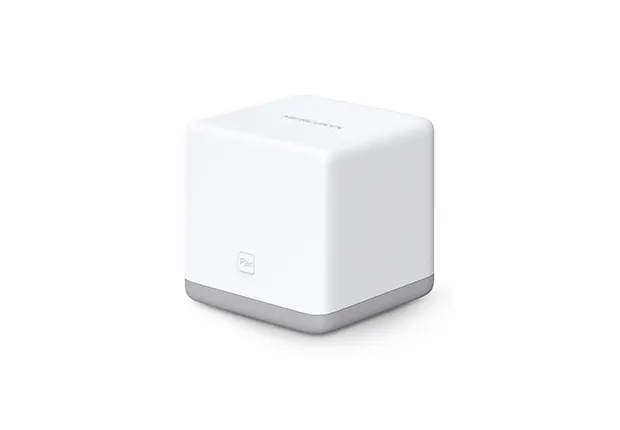
The Mercusys Halo S12 is a budget Wi-Fi 5 mesh system for households whose priority is coverage and basic connectivity. It can be a solid, affordable choice when its limits fit the workload. Before buying, understand its 100 Mbps Ethernet ports, older setup method and separate S-series mesh compatibility.
What Wi-Fi 5 means on this model
The S12 uses 2.4 GHz and 5 GHz radios, with advertised rates of 300 Mbps and 867 Mbps respectively. AC1200 is a rounded combined radio class. It is not a 1,200 Mbps internet connection, and a single client does not add the rates of both bands together.
Wi-Fi 5, or 802.11ac, applies to the 5 GHz radio; the 2.4 GHz connection uses earlier compatible wireless standards. Mercusys lists 5 GHz MU-MIMO and beamforming. Their usefulness depends on compatible clients and conditions. Multiple devices still share airtime, so there is no guarantee that connecting more users leaves everyone at the same speed.
Wi-Fi 6 systems add newer efficiency capabilities, while Wi-Fi 6E and suitable Wi-Fi 7 products can offer further options. A newer standard can help a busy household, but the exact wired ports and radio layout remain important. Buying a newer wireless badge does not by itself fix a slow broadband line or poor satellite placement.
Halo S12 specifications to check
| Feature | Halo S12 V1 |
|---|---|
| Wireless class | AC1200; dual-band 2.4 GHz and 5 GHz |
| Advertised radio rates | 300 Mbps and 867 Mbps |
| Ethernet | Two 10/100 Mbps WAN/LAN auto-sensing ports per unit; no Gigabit socket |
| Documented wireless security | WPA2-PSK with AES; no listed WPA3 support |
| Setup and management | Web management through mwlogin.net in the S12 guide |
| Expansion | Compatible S-series units; Halo H and S series cannot form one mesh together |
Use the label and your regional support page to match the hardware revision. The current S12 product page identifies compatibility with S3 and S12 and explicitly excludes H-series mixing. An older datasheet's broad “all Halo” language should therefore not guide a purchase of a newer H-series add-on.
For security background, Learn why WPA3 is important. A Wi-Fi generation and an encryption mode are different things: choose by the security options actually supported by the model and your clients. Keep wireless security enabled and use a strong password rather than relying on the mesh name.
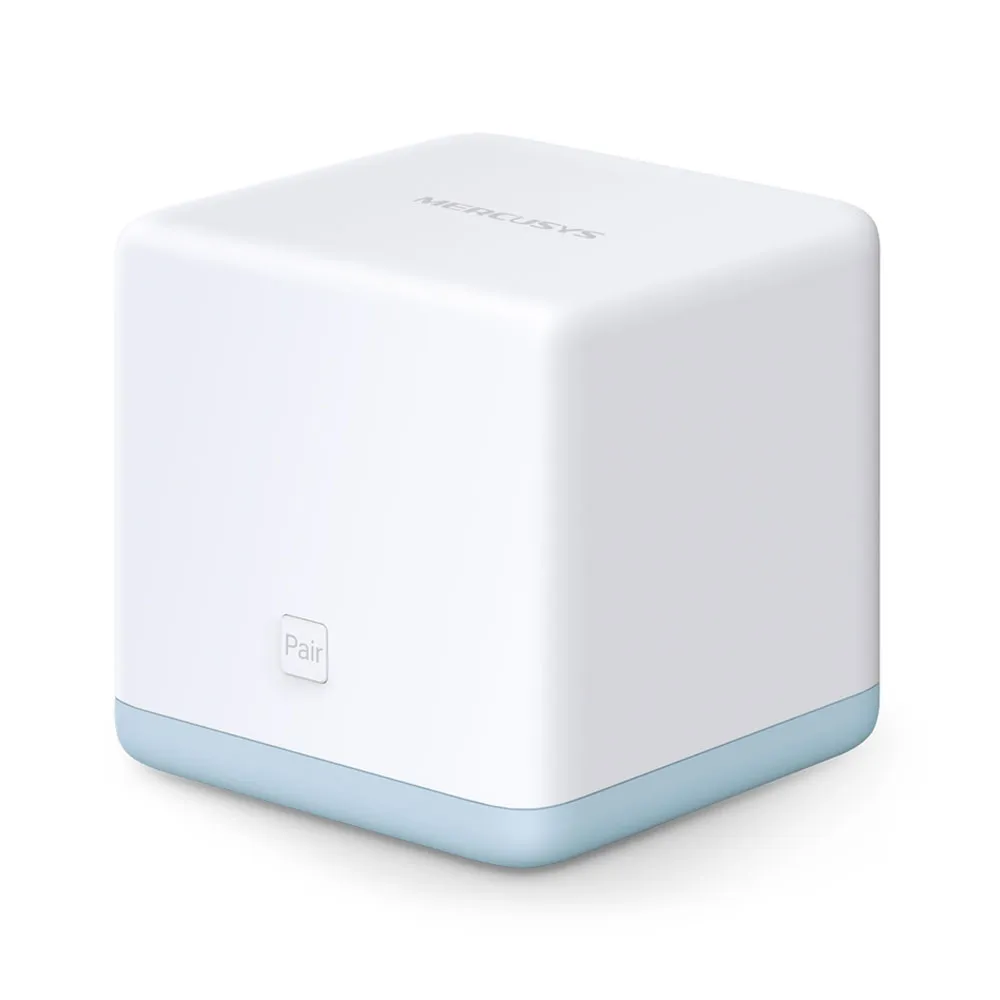
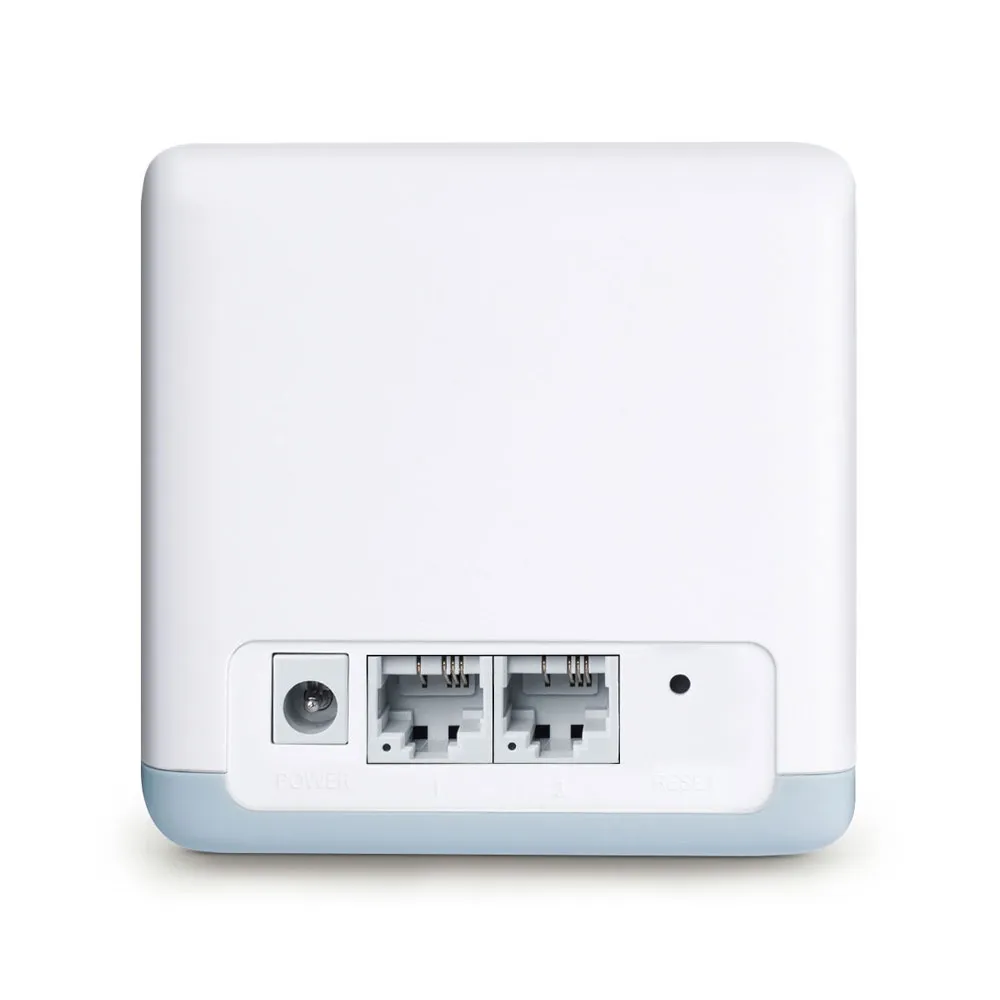
Why the 100 Mbps ports matter more than AC1200
The main S12 receives internet traffic over a 100 Mbps Ethernet link. Useful throughput will be below that link rate after protocol overhead and other constraints. This is a hardware ceiling on that path, even if a nearby laptop reports a much higher Wi-Fi connection rate. A 200 Mbps or faster plan cannot be delivered in full through that socket.
A household on a slower plan may find this trade-off acceptable, particularly if the main problem is unreliable coverage. However, do not promise the full speed of a 100 Mbps service either. Compare the actual wired result through the existing gateway with the S12's capabilities before deciding what a low price saves.
The same limit applies when a wired NAS or desktop crosses an S12 Ethernet port. Local traffic between wireless clients can take a different path, but that does not establish a fixed file-transfer benchmark: client isolation, node choice, signal and shared airtime can change the result. If a fast NAS or a future broadband upgrade matters, compare a kit with verified Gigabit or faster ports.
Follow the S12's browser setup
The S12 user guide documents a web-based workflow. Connect to the main unit's labelled wireless network, open the local management address and create an administration password. Supply the ISP's required connection information and set a secure wireless password before normal use. The original generic app-control claim is not a reason to assume the newer Halo app screens apply to this unit; check exact model and firmware support if app management is essential.
The manufacturer provides an S-series web setup guide with the same basic process. Keep the ISP gateway's current configuration and credentials available while changing equipment. The S12 is a router, rather than a DSL modem, so the upstream service still needs a suitable modem or Ethernet hand-off.
When another router remains upstream, understand where routing and address allocation happen. Two routed networks can complicate local discovery and inbound services. Do not disable DHCP or follow an H-series access point recipe without confirming a supported S12 configuration. The exact S12 manual is more useful than a generic Halo feature assumption.
Placement and expansion within the S series
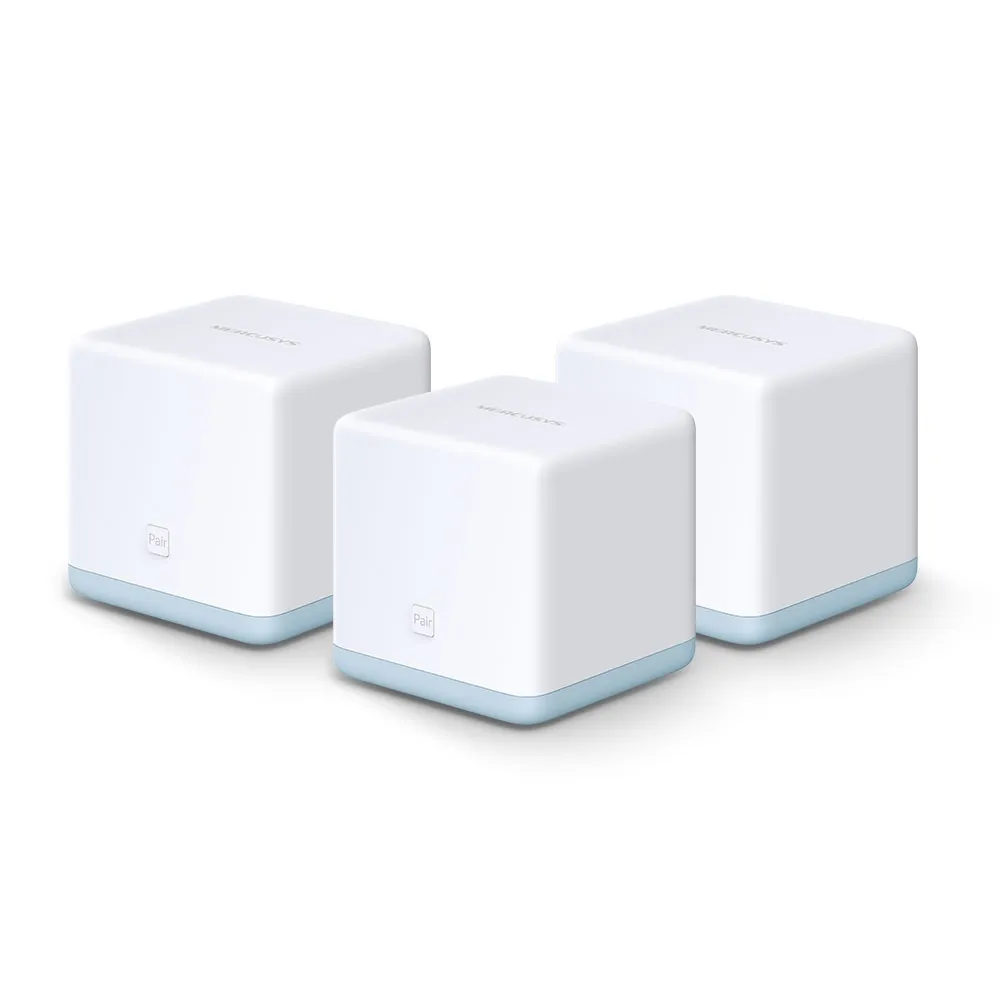
Mercusys advertises up to 2,800 ft² for the two-pack and 3,500 ft² for the three-pack, under its stated conditions. Those figures describe different bundles and are not guaranteed floor areas for every house. Walls, floor construction and the route back to the main unit can be more significant than the total size.
Pair compatible nodes using the web instructions, then move them to useful locations. A satellite placed beyond a thick wall at the edge of the current signal may simply repeat a poor connection. Start nearer the main unit and test the troublesome room before moving it further away.
The S12 manual distinguishes node roles and LED states. A satellite's solid orange light means it is paired but receiving a weak signal; solid green indicates a strong signal. Orange pulsing can instead indicate startup, reset or a firmware update. Check the role and pattern rather than treating every orange light as a placement problem.
If wired backhaul or access point mode is a required buying feature, confirm it specifically for the S12 revision and firmware. The general newer-Halo Ethernet FAQ uses an app workflow and is not enough to establish S12 support. Regardless of supported topology, an S12 Ethernet connection remains 100 Mbps; a cable cannot create a Gigabit port.
Use the household controls deliberately
The S12 includes guest networking and parental controls. Check the selected guest access options: its manual distinguishes access to the local network from isolation between guest clients. Visitors who need internet access should not automatically need access to your NAS, and a printer requirement may call for a different setting. Test the intended access rather than assuming the guest network always blocks every local connection.
Device scheduling and parental restrictions can be useful for basic household rules. They do not replace discussing safe use or controlling a child's mobile-data connection. Likewise, per-device rate limits share a finite broadband connection; they cannot increase the underlying line capacity.
For cameras and other smart-home equipment, add devices gradually and test sustained use in their actual locations. A few low-traffic sensors and several cameras continuously uploading video are different workloads. Choose by traffic demand and coverage, rather than the number of devices alone.
Diagnose coverage separately from internet faults
If a connection fails, first check whether the main unit has working internet access. Then compare a client near it with the same client near a satellite. A problem everywhere suggests an upstream or main-unit issue; a problem isolated to a remote room points toward that radio path. Check the satellite's status before resetting the whole system.
For a slow connection, record the connected band, node and workload. Test at a comparable time and pause large transfers temporarily to identify congestion. Do not infer a fixed download speed from an 867 Mbps link display, or assume a 5 GHz connection is immune to neighbouring wireless interference.
Before updating firmware, use the exact model's support instructions and back up settings. Avoid interrupting power. A factory reset removes the configuration and requires setup again, so it should follow simpler checks and preparation rather than being the first response to every weak signal.
Is it still a worthwhile budget choice?
The Halo S12 remains an excellent budget option to consider for basic to moderate needs when the local price is low, the 100 Mbps limit is acceptable and the available S-series kit covers the intended rooms. Streaming, browsing and light gaming can fit such a network, but performance depends on the whole path and competing traffic.
For a new purchase, compare the actual price gap to a Gigabit mesh kit, firmware history and warranty. The current manufacturer page labels S12 End of Life, and the worldwide EU V1 download page lists a 2020 update. That does not establish the support position in every region, but it makes checking local availability and ongoing maintenance worthwhile before buying old stock.
If you need faster broadband, a wired homelab, newer security options or future H-series expansion, invest in a system with those documented features. Preserve the budget advantage only when it meets today's requirements without forcing another replacement soon.