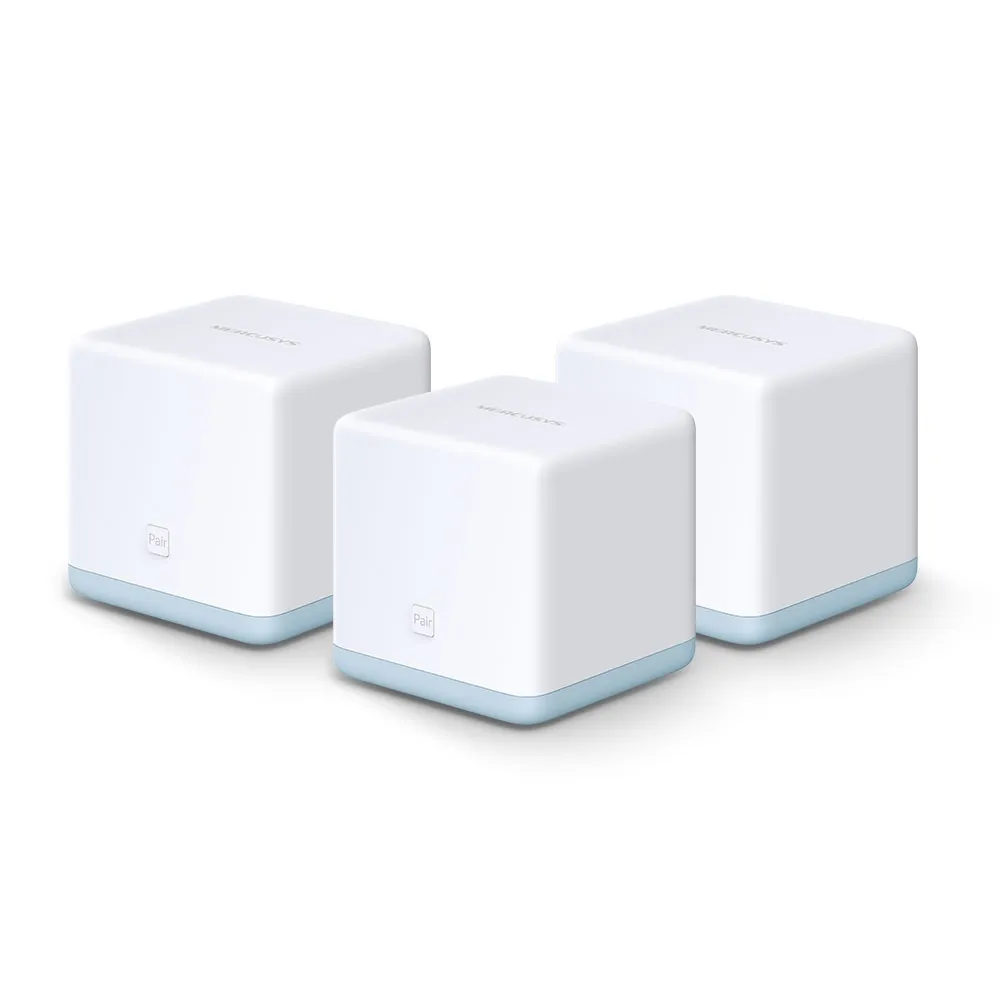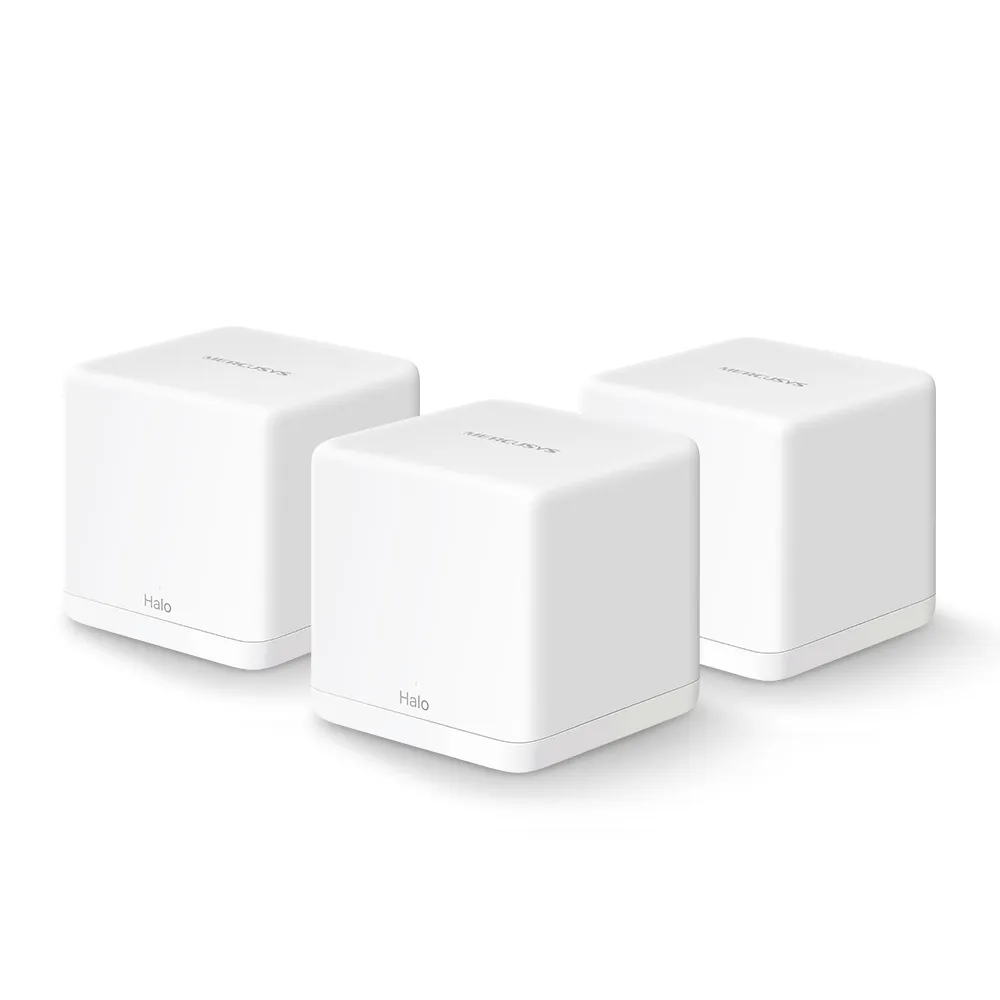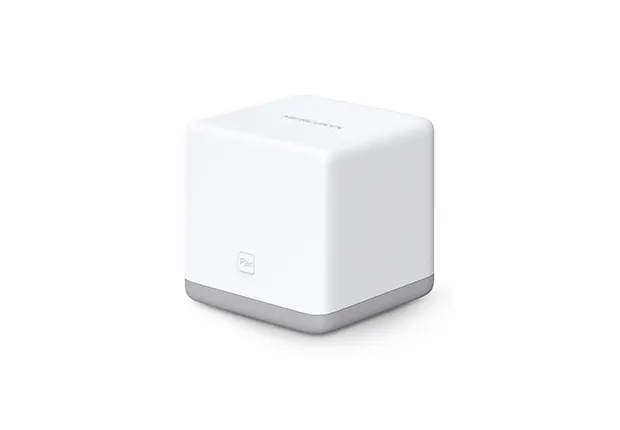
The Mercusys Halo S3 is an older, single-band mesh system aimed at basic coverage on a limited budget. Its 2.4 GHz radio and 100 Mbps Ethernet interfaces set clear limits. It can still be worth considering for light use, but compare the actual price and support with a newer dual-band kit before buying or expanding one.
Mesh Wi-Fi and Your Home's Messengers
Imagine your home as a kingdom and the wireless signal as a royal messenger. A single messenger stationed in the castle may struggle to reach distant rooms. Mesh adds messengers in different places under one network name. That can bring access closer to your devices without making you select a new network name in each room.
The messengers also need to communicate with the rest of the network. A satellite inside a room with no useful signal may provide a nearby connection to the phone while still struggling to reach the main unit. Place it between the main unit and the problem room, then check that location before adding more nodes.
Mesh does not guarantee uninterrupted roaming or coverage in every corner. Devices influence when they change access points, and the building affects the link. Test the rooms and walking routes you use, especially during calls, rather than judging only by the number of signal bars beside a node.
Halo S3 V1 Specifications
The official S3 V1 two-pack page gives the following specifications and marketing figures. Its current global listing also marks this product End of Life; check support and availability in your region.
| Feature | Halo S3 V1 |
|---|---|
| Wireless standard | 802.11b/g/n, single-band 2.4 GHz |
| Advertised link rate | Up to 300 Mbps |
| Ethernet per unit | Two 10/100 Mbps WAN/LAN auto-sensing ports |
| Advertised two-pack coverage | Up to 2,200 ft² / 200 m² |
| Advertised device capacity | Over 40 devices; actual traffic matters |
| Wireless security listed | WPA2-PSK with AES; no WPA3 listed |
| Mesh protocols | 802.11k/v |
| Setup | Browser-based interface and Pair button |
| Dimensions | 88 x 88 x 88 mm |
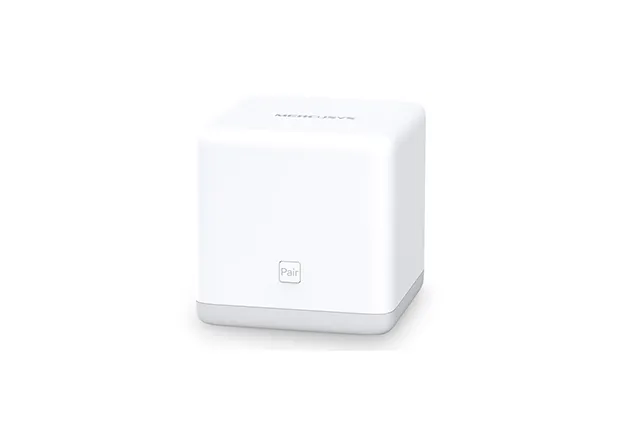
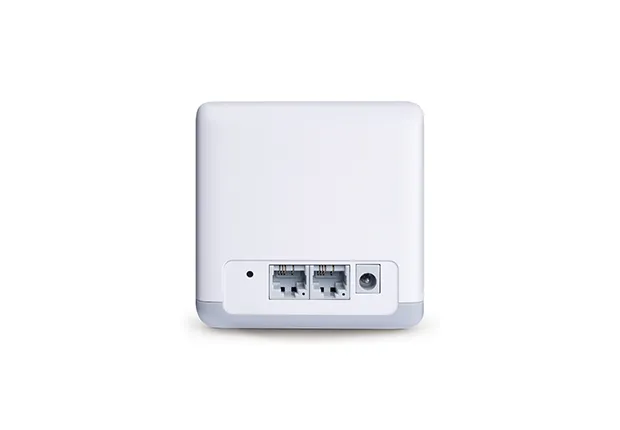
The 300 Mbps figure describes a wireless physical link rate, not a promised internet download. Coverage and connected-device counts likewise do not describe every household. Forty mostly idle sensors create a different load from several cameras and active downloads, so a device count is not an assessment of your particular application mix.
What Single-band Means in Practice
The S3 has no 5 GHz radio. All its Wi-Fi devices use the 2.4 GHz access network, and wireless relaying shares those radio resources. Neighbouring networks and other activity in that band can make a busy layout less responsive even when the internet plan is modest.
It is misleading to call 2.4 GHz a wider highway and 5 GHz a narrower one. Channel availability, width, regulations, clients and interference affect capacity. Frequency can influence a signal's behaviour through a building, but it does not establish a guaranteed range or speed advantage in every room.
A dual-band alternative can provide a separate 5 GHz option for suitable devices. It will not convert an older 2.4 GHz-only plug into a newer radio device, but it may give phones and laptops another band to use. Also check the Ethernet interfaces: an impressive aggregate wireless label on a different kit does not overcome a slow wired handoff.
The 100 Mbps Ethernet Ceiling
The S3's physical ports negotiate at no more than 100 Mbps. Internet traffic arriving through that WAN link cannot use a 200 or 500 Mbps service at its full rate, regardless of the nearby wireless signal. Useful application throughput is lower than the link rate because of overhead and other limits; a universal measured value should not be assumed.
A slower internet plan does not make every limitation irrelevant. Several clients can still share a busy radio, and local file transfers, cameras or backups may demand more than the internet connection. Think separately about internet use and traffic between devices inside your home.
For a basic browsing connection, the available capacity may meet your needs. For faster broadband, heavy transfers or a growing household, compare a kit with Gigabit ports and an appropriate radio arrangement. That is a practical upgrade reason rather than a rule that the word “fibre” alone makes a router unsuitable.
Browser Setup and an Existing Router
S3 setup is documented through a webpage rather than the newer Halo app workflow. The V1 user guide says to join the main unit's labelled Wi-Fi network and open http://mwlogin.net. Create the administrator password, enter the connection information supplied by your provider and set a secure wireless password.
Before changing an existing network, check the internet handoff, required credentials and which device will manage routing. A DSL line still needs suitable modem hardware; S3's Ethernet ports do not turn it into a DSL modem. Similarly, an ordinary Ethernet handoff may come from a router that already performs gateway functions.
Do not assume instructions for an app-managed H-series system apply to S3. Confirm the exact model's supported topology and firmware before relying on AP mode, Ethernet backhaul or an isolated-network plan. A second network name, an extra router or a claimed VLAN by itself does not establish the isolation your devices need.
Security and Maintenance Checks
The lack of listed WPA3 is a limitation to consider when comparing equipment, wherever you live. Use WPA2-AES where supported, a long unique wireless passphrase and a strong administrator password within the device's supported rules. Do not leave the initial wireless network open after configuration.
The manual documents remote browser management as disabled by default. Leave it disabled unless you have a deliberate requirement and an appropriate access plan. Check firmware for the exact hardware revision, keep a record of settings and confirm recovery instructions before depending on a used kit.
The guest-network controls distinguish allowing access to the local network from isolating guests from one another. Review those settings if you use guest access; the name of a network is not proof of the desired restriction. For wireless security background, see WPA2 vs WPA3 comparison.
Expansion and Appropriate Locations
Mercusys specifically lists S3 and S12 compatibility, while stating that Halo H-series and S-series cannot work together. Check this before buying an H-series unit to extend an S3 network. A newer compatible-looking product name does not guarantee the same mesh technology.
For an outbuilding, first check the inter-node link, power and environment. The S3 has no documented weather-resistant rating here and specifies non-condensing operating conditions. Keep it in a suitable indoor location; a greenhouse, exposed shed or outdoor mounting point is not automatically safe merely because the equipment is inexpensive.
An Affordable Option with Clear Limits
My view remains that S3 can be a practical budget entry point for basic household access. The sensible conditions are modest traffic, a workable node layout and acceptable support for the exact kit. Compare current local prices, because a small saving may be poor value if it requires replacing the whole system when needs grow.
For regular gaming, several streams, faster broadband or busy local transfers, I would weigh the benefits of dual-band Wi-Fi and Gigabit Ethernet. Evaluate the connection in the problem room as well as near the main unit. That makes the purchase about a useful improvement, rather than expecting an older mesh kit to eliminate every dead zone or deliver every device's maximum speed.