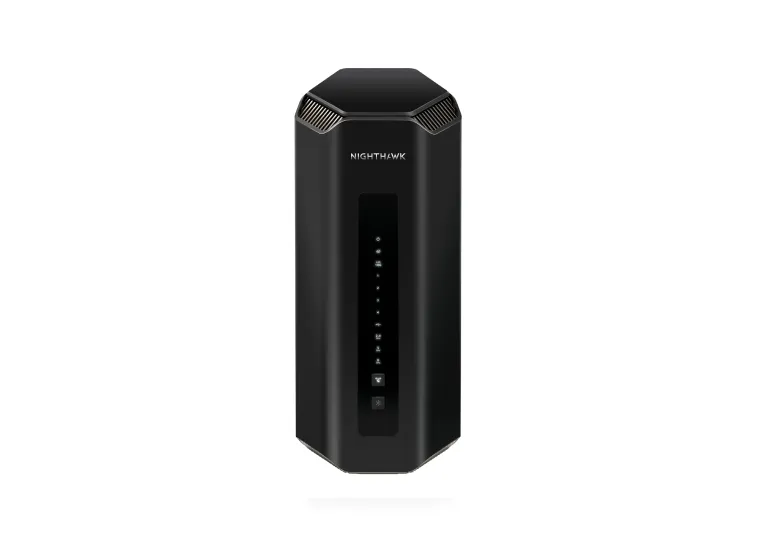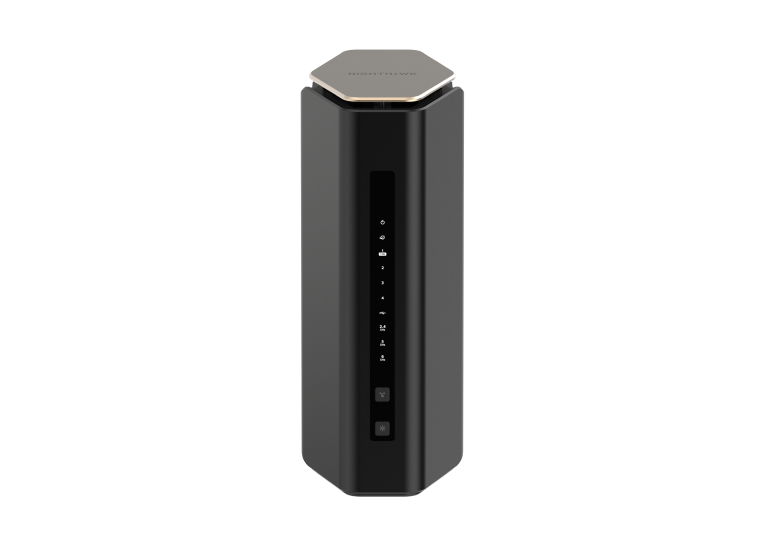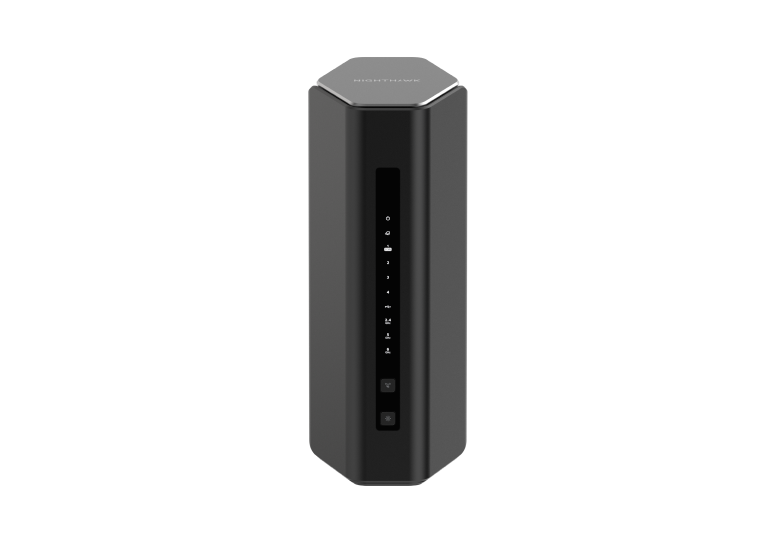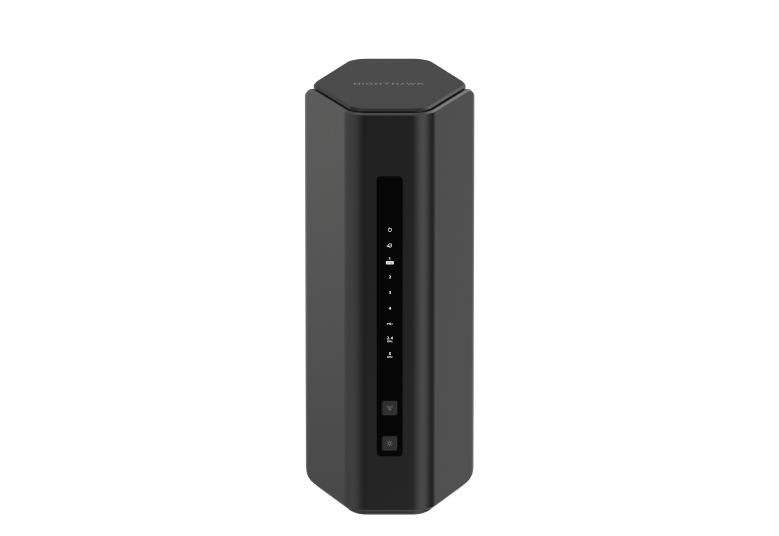
Networking is a big interest of ours, as you can see in our mesh-network articles and wider networking coverage. The NETGEAR Nighthawk RS200 is an appealing way to consider Wi-Fi 7 without jumping straight to a premium tri-band system. It is a standalone dual-band router, with useful multi-gigabit wired connections.
Our view is that it is worth considering for households whose devices, internet plan and layout match its capabilities. Wi-Fi 7 does not mean every feature associated with the standard is available on every router. In particular, this model has no 6GHz band, and a purchase should not depend on an undocumented MLO feature or a promise of years of guaranteed future compatibility.
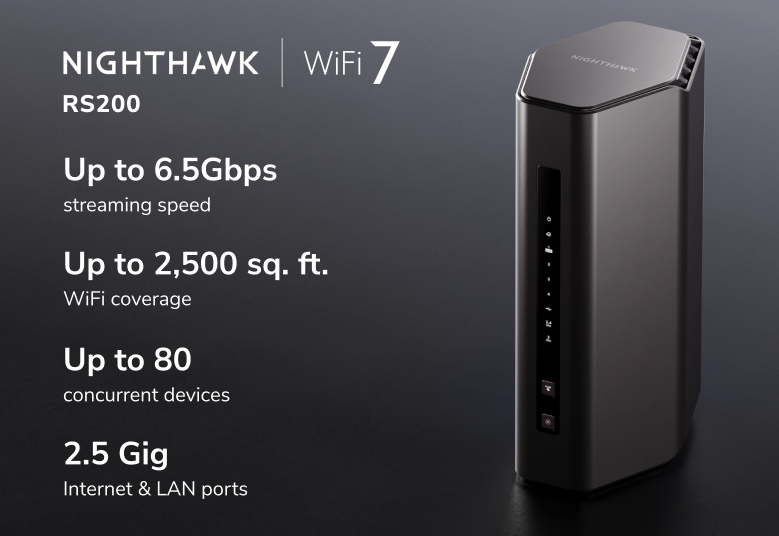
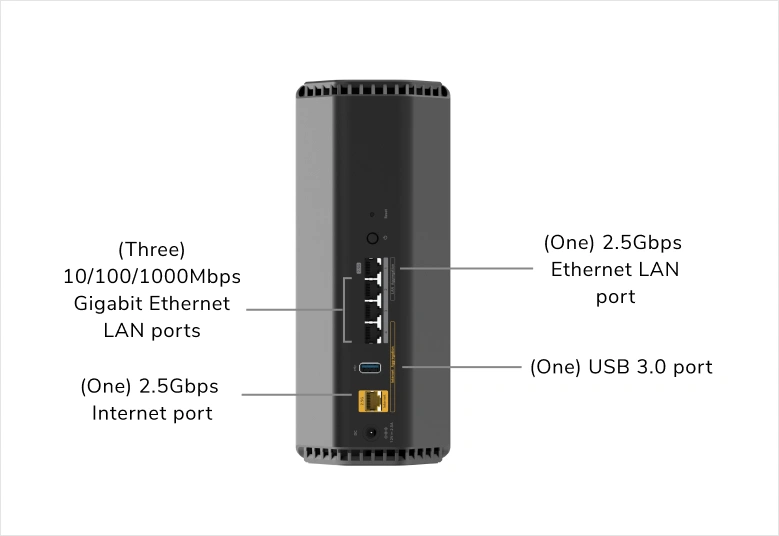
RS200 Verified Specifications
| Feature | RS200 |
|---|---|
| Wireless class | Dual-band BE6500 Wi-Fi 7 |
| 2.4GHz radio | 2×2, approximately 0.7Gbps advertised rate; up to 40MHz |
| 5GHz radio | 4×4, approximately 5.8Gbps advertised rate; up to 160MHz |
| 6GHz / 320MHz | No 6GHz radio; no 320MHz 6GHz channel |
| Internet port | One 2.5Gbps Ethernet WAN |
| LAN ports | One 2.5Gbps Ethernet plus three Gigabit Ethernet |
| Other hardware | Quad-core 2.0GHz processor, four internal antennas and USB 3.0 |
| Manufacturer coverage claim | Up to 2500 square feet; actual coverage is installation-dependent |
The official product page and RS200 datasheet establish the hardware above. The datasheet and the pictured graphic advertise up to 80 connected devices. That is a vendor capacity claim rather than a guarantee of equal speed for every active device, and current marketing wording can differ. Plan around the traffic those devices generate, not a device-count label alone.
What Dual-Band Wi-Fi 7 Means
Wi-Fi 7 adds mechanisms that can improve capacity and efficiency with compatible hardware, but the RS200 continues to use the familiar 2.4GHz and 5GHz spectrum. It is therefore different from a tri-band router that also offers 6GHz. If your main goal is adding that extra spectrum for suitable clients, choose a model that actually includes it.
BE6500 combines the advertised physical rates of the two radios. A single laptop does not receive that sum as its normal transfer speed. It also needs compatible spatial-stream, channel-width and modulation support to approach a radio's advertised rate. Many client devices have fewer streams than the RS200's 4×4 5GHz radio, so their individual limits matter.
4K-QAM carries more bits in a modulation symbol than 1024-QAM under suitable conditions. It does not guarantee a fixed improvement to every download, longer battery life or interference-proof reception. NETGEAR's datasheet specifically limits its 1.2× Wi-Fi 6 comparison to the maximum 2.4GHz band rate. Wider channels are likewise an option to evaluate in the local environment, rather than automatically the best setting in a crowded apartment.
MLO and Feature Confirmation
Multi-Link Operation is an important Wi-Fi 7 concept: compatible devices can make use of multiple links according to the supported operating mode. However, the RS200 datasheet and the official linked user manual do not document client MLO support. Do not assume that the Wi-Fi 7 badge or two available bands confirms it.
If client MLO is central to your buying decision, ask NETGEAR to confirm support for the exact hardware and current firmware before purchasing. A generic explanation of what MLO can do is different from a documented feature on a particular product. The same approach applies to preamble puncturing: it should not be presented as an RS200 guarantee that radar events or neighboring networks will never reduce speed.
Using the WAN and LAN Ports
The separate 2.5Gbps LAN connection is a practical advantage. With the internet connection on the 2.5Gbps WAN, you can still connect a suitable desktop, NAS or switch to the 2.5Gbps LAN port. The other three LAN ports are Gigabit. This can be useful even when the internet subscription is below a gigabit, because local transfers do not have to travel through the ISP.
A multi-gigabit internet plan needs a compatible modem or ONT handoff, cable and receiving equipment. Port ratings are interface limits, rather than promises of full plan speed through every enabled router feature. Check negotiated link speeds throughout the connection. If several wired devices need multi-gigabit access, include a suitable switch in the installation cost.
The RS200 is a standalone router, so extending coverage deserves a separate plan. An extender or another access point can be useful, but a Nighthawk router is not automatically a satellite in an Orbi mesh system. Compare a router-plus-access-point layout with a mesh kit if the property requires several access points; consider how those points will connect back to the network.
Placement and Realistic Coverage
Begin with a central, open position where possible, following the placement guidance in the manual. Avoid enclosing the router behind dense furniture or placing it at one extreme of a large property just because that is where the internet cable enters. A cable run may allow a better position than trying to overcome poor placement with a headline speed rating.
Check the rooms you use most with your own clients. First verify the internet connection over Ethernet, then compare Wi-Fi near the router and in the required rooms. This helps distinguish an ISP problem from a local coverage problem. A busy 5GHz channel, a distant client and a slow internet line are different limits, and each may call for a different remedy.
Armor, Parental Controls and Network Access
NETGEAR Armor is an optional subscription service powered by Bitdefender. It adds security functions, and some protection beyond the router uses applications on supported endpoints. Check the current plan and any trial terms rather than assuming every advertised security function is permanently included or that no device software is ever needed.
Smart Parental Controls is a separate service. NETGEAR lists the RS200 as supported, subject to regional availability; Premium scheduling and time-limit features involve a subscription after the trial. Review the functions and ongoing cost you want before choosing the router on that basis. Parental controls and malware protection solve different problems.
The manual documents guest Wi-Fi with an option controlling access to the local network. Configure suitable encryption before enabling a guest network and leave local access disabled when isolation is intended. The newer datasheet also lists an IoT network, but a separate name alone does not prove a separate subnet or complete isolation. Check the actual firmware's access settings, particularly if smart devices need to communicate with a local controller.
USB Sharing and Routine Maintenance
USB 3.0 supports shared storage through ReadySHARE. Check supported drives and formats, configure access permissions and keep another copy of important files. The RS200 manual does not describe the port as a USB-modem connection or a computer connection. File sharing should not be mistaken for universal backup-software compatibility or a replacement for a dedicated storage system.
Keep firmware current for the exact model and save a configuration backup after a stable setup. NETGEAR's June 2026 RS200 release notes include security fixes and improvements to QoS and connection stability. Automatic updates are supported, but periodically verify the installed version. For administration, the manual also documents an HTTPS requirement for the local web interface.
Is the RS200 a Good Fit?
We see the RS200 as an interesting affordable entry into Wi-Fi 7 when dual-band coverage and its two multi-gigabit Ethernet connections fit the job. The strongest reasons to choose it are documented hardware and a sensible local price. If you need 6GHz, confirmed client MLO or coordinated coverage across several floors, compare those requirements explicitly with another router or a mesh system before committing.