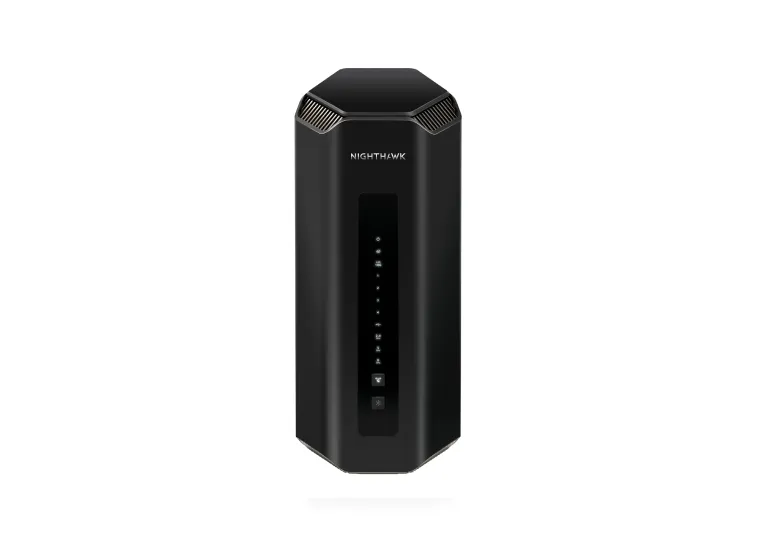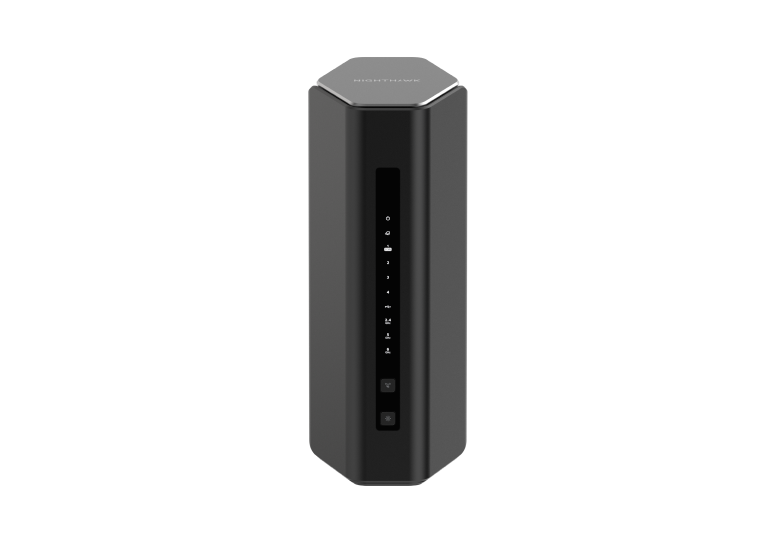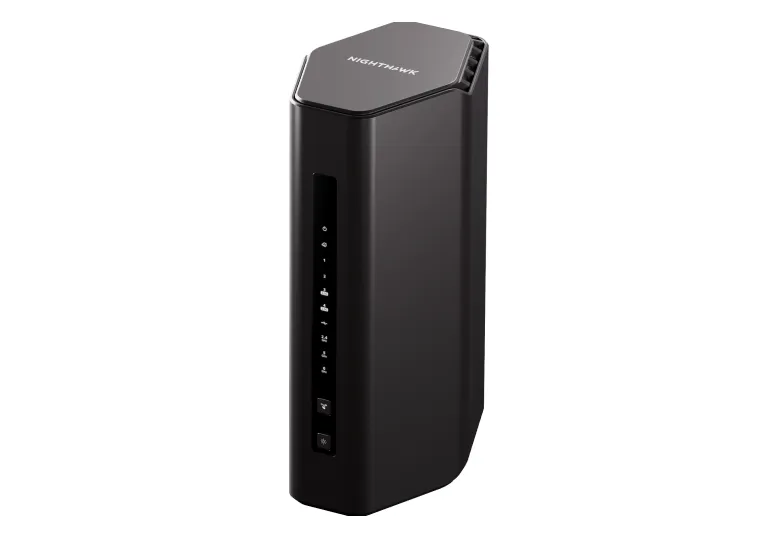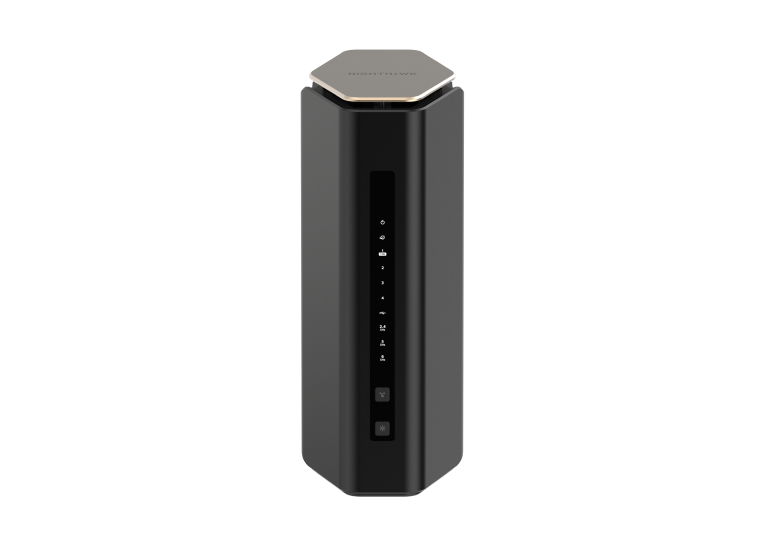
Continuing our look at the Netgear Nighthawk range, the RS600 is a premium Wi-Fi 7 router worth considering when you want tri-band wireless capability and a fast wired connection for a workstation or switch. Its appeal is the combination of a 10 Gbps internet port and a 10 Gbps LAN port, without necessarily moving to the more expensive RS700S. Whether it is the best-priced premium choice depends on local offers and the features you actually need.
This is a standalone router, rather than an Orbi mesh kit. Before choosing it for a large home, consider whether one well-positioned access point can cover the rooms you use. A higher wireless speed class does not replace a good physical network layout.
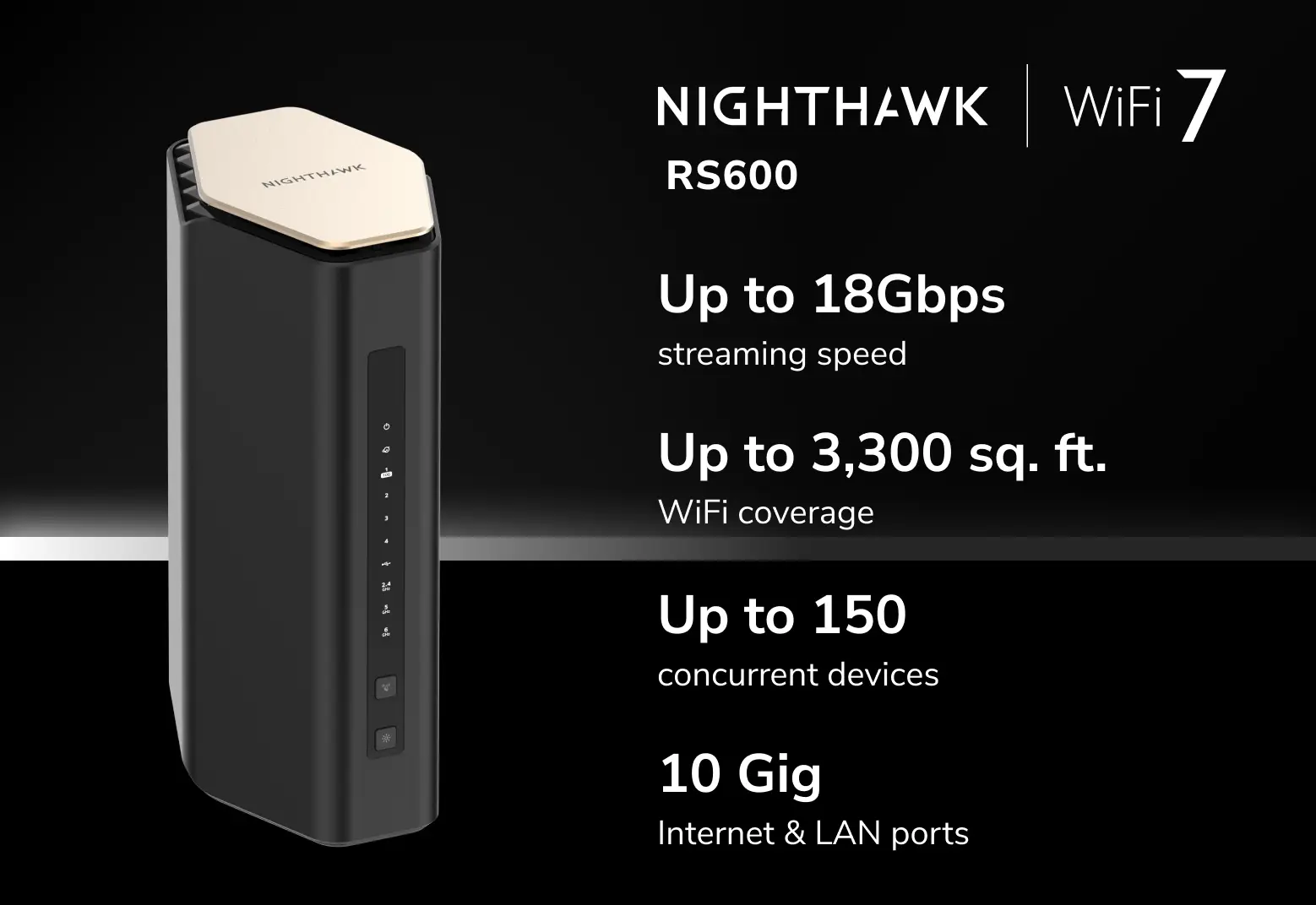
Understanding the Tri-Band BE18000 Rating
The RS600 operates on 2.4 GHz, 5 GHz and 6 GHz. NETGEAR advertises an aggregate wireless signal rate of up to 18 Gbps. This combines separate radios' theoretical rates; it is not a measured internet download, and one ordinary client does not receive all of it.
The official specification sheet describes 2x2 on 2.4 GHz and 4x4 on both 5 GHz and 6 GHz. That totals ten spatial streams, rather than twelve. A laptop's own antenna configuration limits its connection even when the router has more streams. Wider channels and higher-order modulation also depend on signal quality and compatible clients.
Wi-Fi 7 supports channel widths up to 320 MHz where permitted and supported. The RS600's 6 GHz radio is relevant to Wi-Fi 6E and Wi-Fi 7 devices; older Wi-Fi clients continue on compatible lower bands. Local spectrum rules determine what the regional model can enable. The new band can reduce competition from older equipment, but it is not immune to interference and should not be assumed to penetrate several walls better than lower-frequency Wi-Fi.
Verified Hardware Specifications
The following uses NETGEAR's RS600 technical sheet and US product specifications. Check your regional SKU and firmware before buying or configuring optional features.
| Item | RS600 specification |
|---|---|
| Wireless standard and bands | Wi-Fi 7; 2.4 GHz, 5 GHz and 6 GHz |
| Advertised wireless class | BE18000; aggregate signal rate, not measured throughput |
| Radio configuration | 2.4 GHz 2x2; 5 GHz 4x4; 6 GHz 4x4 |
| Processor | Quad-core 2.0 GHz |
| Antennas | Eight internal antennas |
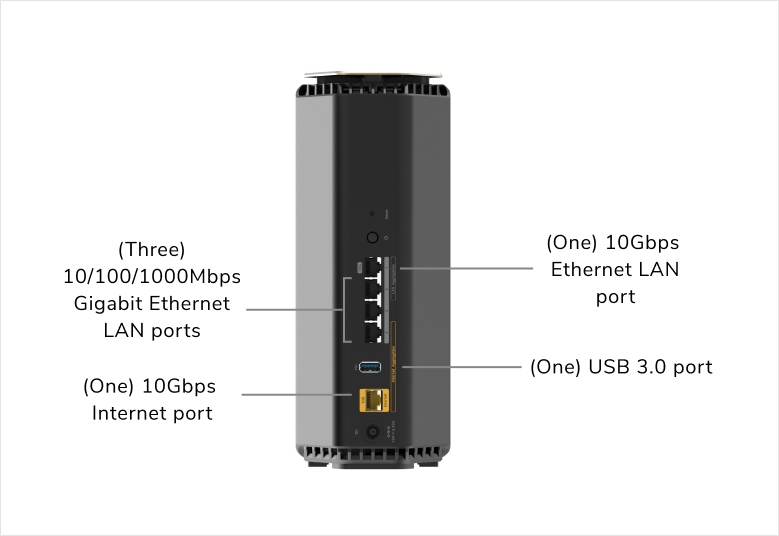
| Ethernet | One 10G WAN, one 10G LAN and three Gigabit LAN ports |
| USB | One USB 3.0 port for supported storage functions |
| Published coverage and capacity | Up to 3,300 sq ft and 150 devices; environmental and workload limits apply |
The current July 2025 manual identifies RS600 and BE17000 on its cover, while the US page and technical sheet advertise BE18000. The hardware model, local package and support documentation are more useful identifiers than assuming every market uses an identical speed-class label. Do not infer a different port layout from the class alone.
10G Connections and the Gigabit LAN Ports
The rear graphic makes the distinction clear: the RS600 has two 10G connections for different purposes and three 1 Gbps LAN ports. It does not have four 2.5 Gbps LAN ports. The fast WAN port connects to a suitable modem or ONT; it is not an extra LAN socket in the normal router layout.
If you want several multi-gigabit computers or NAS devices, connect a compatible multi-gigabit switch to the 10G LAN port. Devices on the three Gigabit ports remain limited by their own links. A local transfer also depends on the computer's adapter, switch ports, cable path and storage, so a 10G connector does not promise a particular sustained file-transfer speed.
For internet access, the ISP plan and modem or ONT must provide the service you expect. This router has no DSL or cellular modem. A 10G internet port will not make a slower service faster, though a fast LAN can still help with local work.
MLO, Client Compatibility and Useful Testing
Multi-Link Operation allows compatible Wi-Fi 7 equipment to use more than one link, with behaviour depending on the client and implementation. It may improve throughput or resilience; it cannot guarantee uninterrupted communication, sub-millisecond latency or immunity to wall attenuation. Check the client adapter's firmware, drivers and operating-system support as well as the router.
OFDMA, MU-MIMO and beamforming help explain capacity and radio efficiency. Their benefits depend on the traffic and participating devices. More router streams do not mean every device transmits continuously at its maximum link rate.
For a useful comparison at home, test the same client in the same room before and after a placement or setting change. Record which band it uses and whether other transfers are active. Compare an internet test with a local transfer to separate broadband limits from local-network limits. During a large upload, check whether your call or game remains responsive rather than judging the network solely by its headline download speed.
Placement and Routine Maintenance
The vertical enclosure needs space around its vents and should be positioned in a suitable indoor location. Use the supplied power adapter, keep the router away from enclosed cupboards or other heat sources, and follow the manual's placement advice. A shelf near the useful centre of the coverage area can be more valuable than hiding the unit beside a modem in a distant room.
Use supported firmware and preserve a configuration backup before a significant update. Investigate repeated disconnects with logs, link status and a repeatable test. If power consumption matters for a permanently running network, measure your own unit at the wall; an adapter's rated output is not an idle-power measurement.
Aggregation and Homelab Planning
The RS600 manual documents LAN aggregation using designated LAN ports 1 and 2 with a compatible peer. It requires configuration on both ends before connecting the two cables and warns against creating a loop with an unmanaged switch. Follow the exact installed-firmware instructions; do not assume arbitrary ports can be grouped or that aggregation makes one file-transfer connection run at the sum of both links.
Its separate WAN-aggregation option has modem and port requirements of its own. In many installations, a single suitable multi-gigabit WAN connection is simpler. Count the remaining ports and check peer-device compatibility before deciding aggregation is useful.
For a homelab needing VLANs, storage isolation or detailed inter-subnet rules, select the gateway and access points according to their documented segmentation features. A consumer router's separate Wi-Fi name or ISP VLAN-bridge setting does not automatically provide a managed enterprise network.
Security and Use Behind Another Gateway
The RS600 manual documents a guest-network option controlling whether visitors can access the main network. Use a strong password and verify the required behaviour after configuration. Do not assume a newly advertised IoT SSID is a hardware-enforced firewall boundary: availability and behaviour need checking on the actual firmware.
NETGEAR Armor is an optional subscription, with trial and local renewal terms to check separately. It supplements firmware maintenance and secure device configuration rather than guaranteeing that every compromise is prevented. Remote access also needs careful setup; avoid exposing hypervisor or NAS administration merely because the router offers port forwarding.
When a separate gateway already handles routing and DHCP, the manual documents access-point mode. It disables some router functions, and the management address may be assigned by the existing router. Confirm feature availability in that mode before depending on router services or subscriptions.
Final Verdict: Netgear Nighthawk RS600
The RS600 remains worth considering for a demanding household or creative workspace that can use its tri-band Wi-Fi 7 capability and 10G WAN/LAN connections. It is particularly interesting when a single fast switch uplink meets your wired needs and compatible clients are part of your upgrade plan.
Compare its exact local price with the RS700S and with a mesh or separate-access-point arrangement. For modest broadband, mostly older clients or several rooms behind thick walls, extra radio capability may offer less value than better placement and cabling. Visit the official RS600 page and regional support documents before choosing.