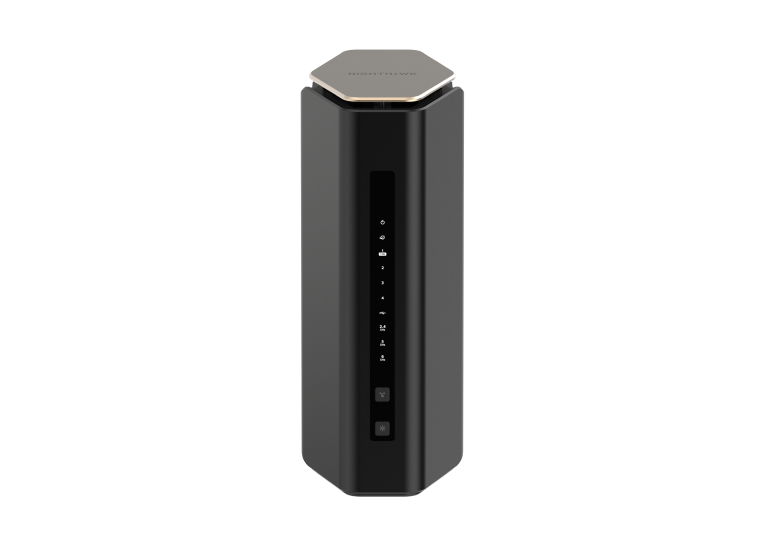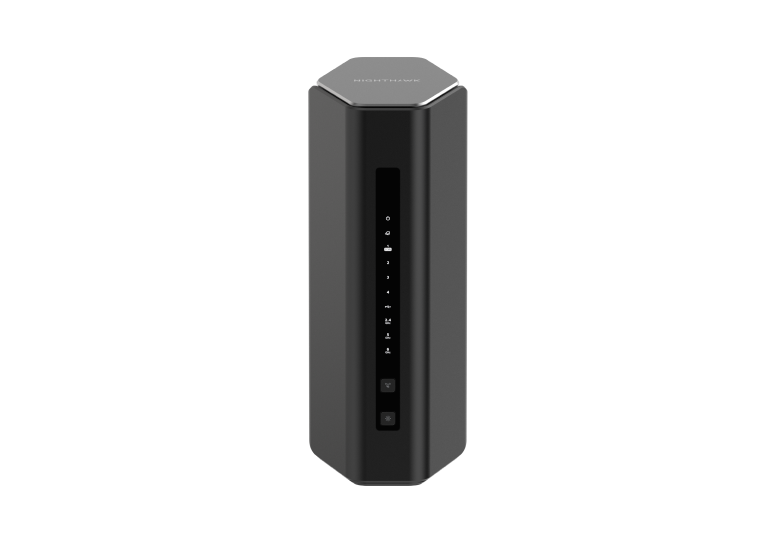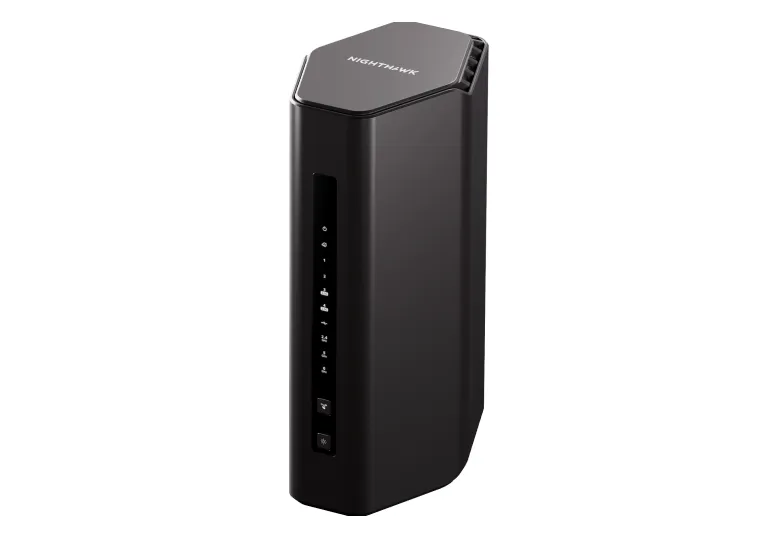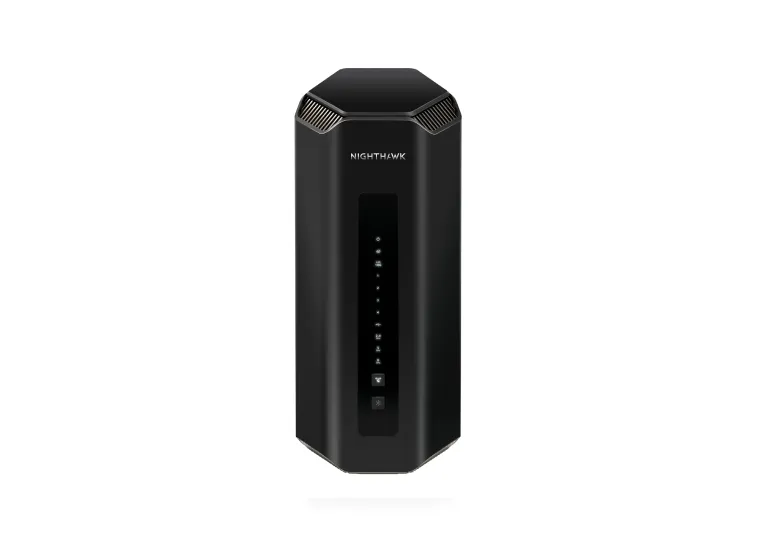
The Netgear Nighthawk RS700S is a premium Wi-Fi 7 router aimed at households that want tri-band wireless capability and fast wired connections in one unit. It remains an attractive option for enthusiasts who can use its 10 Gbps WAN and LAN ports and compatible Wi-Fi clients. The purchase decision still needs to account for price, placement and the devices you own.
Its BE19000 headline describes an aggregate wireless signal-rate class, rather than a measured speed to one computer or the internet. Understanding that distinction helps avoid paying for capabilities that your current network cannot use.
Tri-Band Wi-Fi 7 Architecture
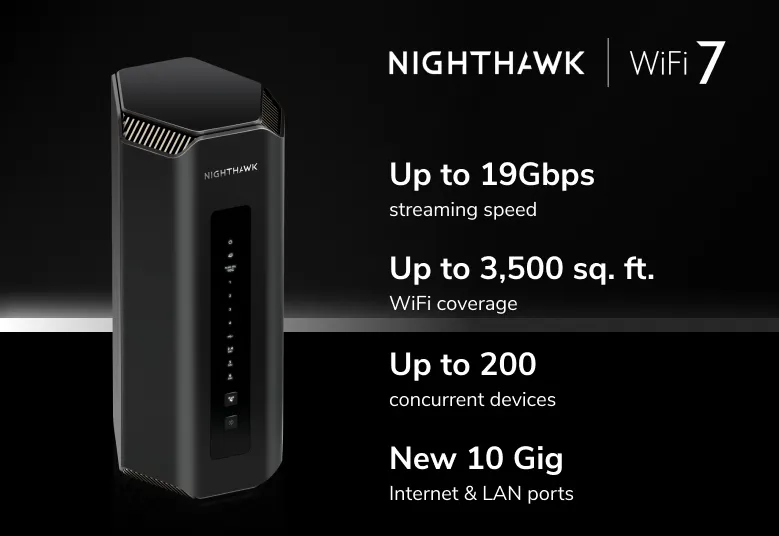
The RS700S provides 2.4 GHz, 5 GHz and 6 GHz radios, with 4x4 operation on each according to NETGEAR's specification sheet. Those twelve streams are spread across three radios; they are not twelve streams for a typical laptop. A client with fewer streams, narrower channel support or an older standard has its own limits.
Wi-Fi 7 introduces wider channels up to 320 MHz where supported and permitted, higher-order modulation and Multi-Link Operation. MLO can use several links to improve performance or resilience, but both client and router software must support the applicable mode. It cannot guarantee uninterrupted calls or eliminate congestion on an ISP connection.
Wi-Fi 6E and suitable Wi-Fi 7 clients can use 6 GHz; older devices use compatible lower bands. The new band can reduce competition from older equipment, but it is not interference-free and does not guarantee strong reception through solid walls. Region, channel availability, signal strength and client support determine what is usable.
OFDMA, MU-MIMO and beamforming address different aspects of radio efficiency. They help explain why a capable router can serve a busy household, while not proving that every connected device receives its maximum rate at once.
Verified Specifications and Their Limits
This summary uses NETGEAR's US RS700S page and current technical sheet. Check the exact local package and support documents because wireless options and included services can vary.
| Item | Published specification |
|---|---|
| Wireless class | BE19000 tri-band Wi-Fi 7; up to 19 Gbps aggregate signal rate |
| Radio configuration | 4x4 on 2.4 GHz, 5 GHz and 6 GHz |
| Processor | Quad-core 2.6 GHz |
| Antennas | Eight internal antennas |
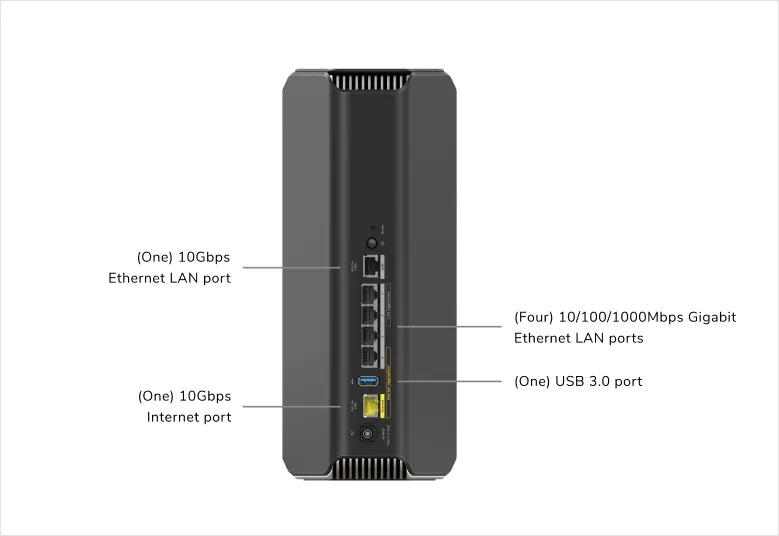
| WAN port | One 10 Gbps internet connection |
| LAN ports | One 10 Gbps and four Gigabit Ethernet ports |
| USB | One USB 3.0 port for supported storage sharing |
| Coverage and client claims | Up to 3,500 sq ft and 200 devices, subject to conditions |
The coverage and client figures are manufacturer estimates, not a guarantee of simultaneous high-bandwidth traffic or reception in every room. The rear-port illustration is useful when planning cable connections: the four lower-speed LAN sockets are Gigabit, not 2.5G.
10G Ports, Internet Service and Aggregation
The WAN port connects to an appropriate modem or ONT, while the 10G LAN port can connect a workstation, NAS or compatible switch. Those are different roles. A fast connector alone does not establish sustained routing, VPN or storage throughput; the complete path and active features matter.
For several fast local devices, a suitable switch on the 10G LAN port may be useful. Computers attached to a Gigabit port remain limited by that connection. An internet transfer also depends on the ISP plan and upstream equipment, while local storage transfers can benefit without a multi-gigabit internet subscription.
The RS700S does not combine its 10G WAN and 10G LAN into a 20 Gbps internet connection or bond two independent ISP lines into one. NETGEAR documents WAN aggregation using the internet port and designated Gigabit LAN port 4 in a 1 Gbps + 1 Gbps arrangement with a modem that supports the required aggregation. The current product page also describes up to 2 Gbps LAN aggregation using two Gigabit ports.
Link aggregation requires compatible configuration at both ends. Follow the manual's designated-port instructions and enable the supported mode before connecting parallel cables; incorrectly connecting multiple links can create a network loop. The aggregate capacity also does not automatically become the speed of one ordinary transfer. When a modem already has a suitable single multi-gigabit port, that may be the simpler connection.
Design, Placement and Coverage
The RS700S's vertical enclosure contains eight internal antennas. That gives it a different appearance from routers with external antenna arms, but a tidy enclosure does not guarantee uniform coverage. Keep it upright in an appropriate indoor location, with space around vents, and avoid hiding it in a cupboard or distant corner.
Check the rooms where reliable service matters, especially through several walls or floors. The RS700S is a standalone Nighthawk router rather than an Orbi router/satellite kit, so do not assume you can extend it by adding an arbitrary Orbi satellite. If your home needs several access points, compare a planned mesh or wired-access-point arrangement before choosing purely by speed class.
Security and Subscription Scope
NETGEAR's current product materials describe Armor powered by Bitdefender as an optional subscription and mention a trial. Earlier bundles may have included different terms. Check the exact retailer package, local trial conditions and renewal cost before assuming a year or permanent service is included.
Security features can help manage risks, but cannot guarantee detection of every malware infection or protect an already saturated ISP link from all denial-of-service traffic. Keep firmware and client devices updated, use strong administrative credentials, and check WPA2/WPA3 compatibility when selecting wireless security.
A guest network can provide separate visitor access. Confirm the local-access setting and test the behaviour you need, especially after a firmware or operating-mode change. A separate IoT name or access-control list is not automatically a documented firewall boundary for a storage server.
Processing Capability and VPN Planning
The published quad-core 2.6 GHz processor is part of the RS700S's premium hardware positioning. Clock speed alone does not establish a VPN result or a guarantee of unchanged latency during every workload. Encryption protocol, firmware implementation, remote endpoint and service rate all affect a tunnel.
The manual linked from the RS700S page documents OpenVPN remote access. Verify the installed firmware's actual supported protocols before buying for a different VPN requirement. A supported secure remote-access method can be preferable to exposing NAS or hypervisor administration directly through a forwarded port, but still requires correct configuration and account security.
Checking Performance and Managing the Network
Test the same client at the same locations before and after a setting or placement change. Record the wireless band, client model and background traffic. A local transfer through a sufficiently fast wired server checks a different path from an internet speed test, and both can help identify the actual bottleneck.
During a large upload or download, also test the application you care about, such as a call or game. A headline throughput result does not establish responsiveness under load. Retain the results with their conditions so a later firmware update can be compared fairly.
For routine management, preserve configuration backups and use the supported web interface or Nighthawk app. If a separate gateway already handles routing, the manual documents AP mode, which disables some router-dependent features. Confirm those changes before relying on subscriptions, VPN or guest functions behind another firewall.
Final Verdict: Netgear Nighthawk RS700S
The RS700S remains an excellent candidate for enthusiasts looking to upgrade to capable tri-band Wi-Fi 7 with a fast wired uplink. Its value is strongest when compatible clients and the 10G LAN connection fit your existing or planned network, rather than when the purchase is driven solely by the BE19000 label.
Compare its local price with the RS600, mesh systems and separate access points. A modest internet plan or mostly older devices may not justify the premium; a workstation or fast local network can make the wired capability more useful. Visit the official RS700S page and its linked manual to check the exact package and configuration.