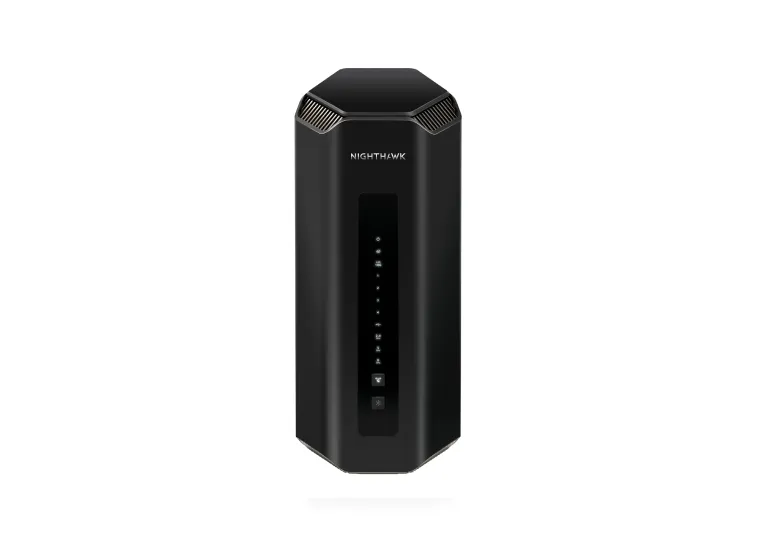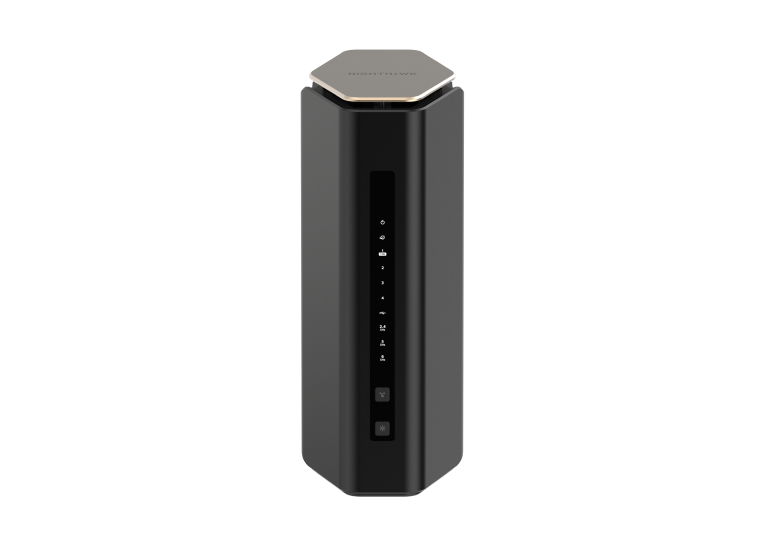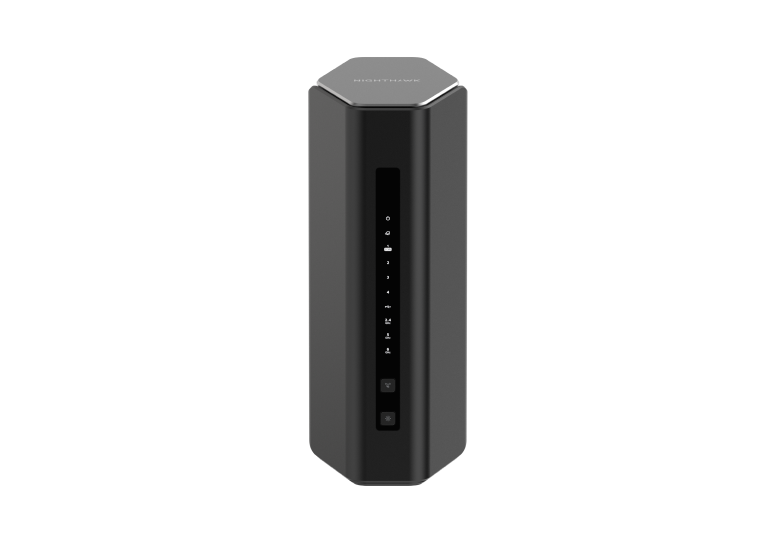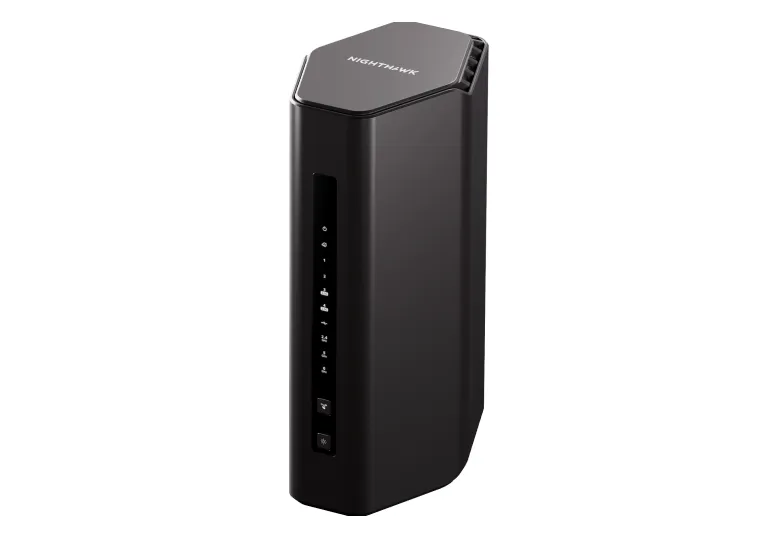
The NETGEAR Nighthawk RS300 is a tri-band Wi-Fi 7 router worth considering for households moving toward compatible wireless devices and faster wired networking. Its combination of 6 GHz Wi-Fi and multiple 2.5 GbE connections makes it more interesting than a router whose only fast Ethernet socket is the Internet port. The useful upgrade depends on the equipment you connect and the problems your current network actually has.
This is a specification and buying guide, rather than a household benchmark. A premium router cannot make an Internet plan faster than the service you receive, or guarantee coverage through every wall. Check the exact regional model and current firmware before spending money on a particular feature.
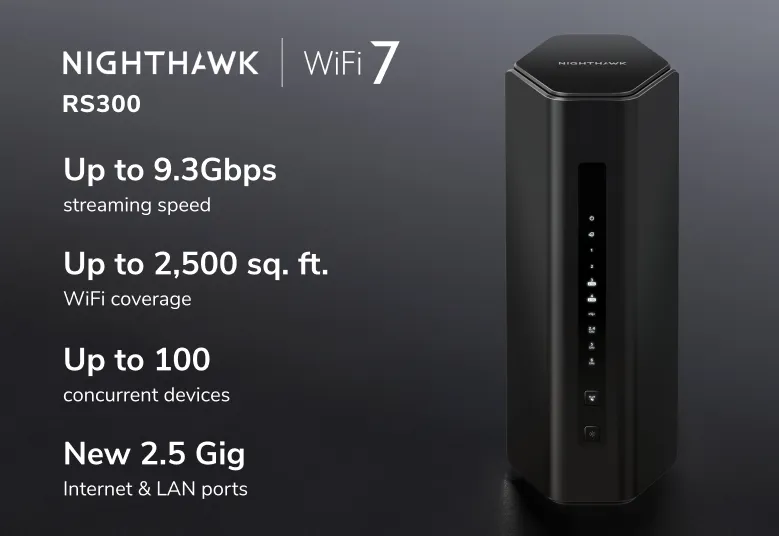
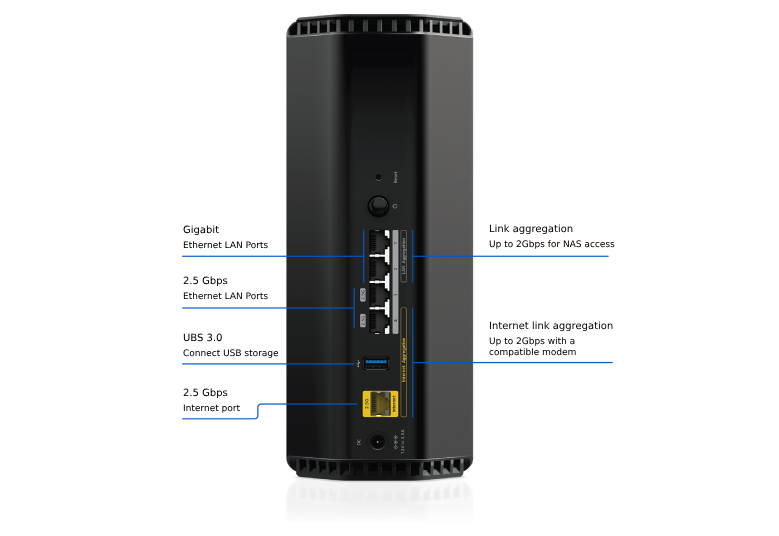
The RS300 hardware at a glance
NETGEAR's technical sheet lists the following hardware. Radio ratings are combined theoretical signal rates, not the speed of one download.
| Item | Published RS300 specification |
|---|---|
| Wireless | Tri-band Wi-Fi 7, BE9300; 2×2 on each of 2.4, 5 and 6 GHz |
| Channel widths | Up to 320 MHz at 6 GHz; up to 160 MHz at 5 GHz |
| Internet port | One 2.5 GbE WAN port |
| Wired client ports | Two 2.5 GbE LAN ports and two Gigabit LAN ports |
| USB | One USB 3.0 port |
| Processor and antennas | Quad-core 2.0 GHz processor; four internal antennas |
| Dimensions | 249 × 150 × 101.6 mm |
The port layout deserves particular attention: there are three 2.5 GbE sockets in total, with two available for LAN equipment when the Internet port connects to your modem. The inspected rear graphic shows that layout. Advertised coverage also varies by region: the retained graphic and US technical sheet say up to 2,500 sq. ft., whereas the UK product page says up to 2,000 sq. ft. Treat both as planning claims, not a room-by-room promise.
What the three bands offer
The RS300 user manual gives rounded maximum radio rates of 0.7 Gbps at 2.4 GHz, 2.9 Gbps at 5 GHz and 5.8 Gbps at 6 GHz. A device's antenna streams, channel width, signal and software determine what it can negotiate. Older clients can continue using supported bands, but do not gain Wi-Fi 7 capabilities through a router upgrade alone.
2.4 GHz is useful for compatible smart-home devices and other clients; it is not reserved exclusively for sensors. 5 GHz serves many existing phones, laptops and streaming devices. The additional 6 GHz radio can provide another place for compatible Wi-Fi 6E/7 clients to connect, but it is not interference-free. Walls, distance, neighbouring newer networks and the country's spectrum rules still matter.
A laptop supporting only 160 MHz does not gain a 320 MHz connection from this router. Before choosing the RS300 primarily for wireless transfers, check your adapter's specifications, driver and operating-system support. Positioning a workstation closer to the router can matter more than an impressive total radio rating.
Wi-Fi 7 and MLO: check the implementation
Wi-Fi 7 introduces technologies intended to improve throughput and reliability. HPE's technical explanation describes Multi-Link Operation as combining or alternating links, with simultaneous multi-radio transmission depending on the device type. It does not guarantee a fixed latency, zero queues or uninterrupted applications.
That standard-level explanation should not be mistaken for a verified RS300 menu or supported MLO setting. The model manual and technical sheet linked here do not document an MLO configuration procedure. If MLO is central to your purchase, confirm the supported router firmware and client combination with NETGEAR before relying on it. Smart Connect, which uses one network name across bands, is not proof that a client aggregates them.
TechDecode has useful background explainers: read more about MLO, OFDMA, MU-MIMO and beamforming. Their availability and benefits still depend on the actual equipment.
Plan the wired path to storage
Two fast LAN sockets let you connect a compatible workstation and NAS directly, or attach a suitable switch to add more fast connections. A computer using a Gigabit socket remains limited by that hop. The WAN rating does not establish local NAS throughput, and a 2.5 GbE connection does not guarantee a particular file-copy rate: disks, CPU, protocol and client networking also affect it.
Decide which devices need fast local transfers before assigning ports. A camera, printer or streaming box may be well served by a Gigabit socket, leaving the faster sockets for storage or a workstation. If a switch is needed, include its ports, cables and cost in the comparison with another router.
USB sharing is useful for accessible files, but a drive attached to a router should not be your only backup. Check access permissions and file retrieval from a second device, and retain an independent copy of important material. Do not assume that USB 3.0 establishes NAS-class performance or compatibility with every backup application.
Management, security and placement
Separate the router administrator password from the Wi-Fi password and check firmware updates for the correct model. Review the terms for optional Armor protection, account-based app functions and remote access. Included offers can vary; recurring protection costs belong in the purchase decision.
Main, guest and IoT network labels also deserve a permissions check. A separate name alone does not demonstrate the isolation you want for cameras or untrusted devices. Test whether a guest can reach a private server rather than inferring access rules from the label.
Place the upright router in an open, central position and leave its visible vents unobstructed. The exterior photo does not establish internal heatsink construction, temperature or freedom from throttling. If another router already handles your ISP connection, consider the documented access-point mode; some routing functions are disabled in that mode, so check the features you need before changing it.
Check whether the upgrade pays off
Use the same computer for a wired baseline, a wireless test near the router and a test in the room where problems occur. Compare a local file transfer with an Internet test, then try a video call while another device uploads. Record the band, negotiated link and firmware so that a bottleneck has a traceable explanation.
The RS300 deserves a place on the shortlist for a household that can use its radios and two fast LAN connections. Balance that positive view against price, actual clients and placement. If your main problem is distant coverage or a slow broadband service, investigate that constraint before treating a newer Wi-Fi generation as the complete solution. The official RS300 product link is retained for further details.