The NETGEAR Orbi 760 remains worth considering for a home mesh network, especially if a sale brings its price into reach. It uses Wi-Fi 6 rather than the Wi-Fi 7 offered by the Orbi 770, but many existing household devices can still be well served by Wi-Fi 6. The practical question is whether this kit solves your coverage problem at a sensible total cost.
This guide explains the hardware and buying trade-offs without claiming a personal benchmark. A dedicated backhaul is a useful design choice, but walls, placement, client capabilities and the broadband connection still affect results. Consider those limits alongside the favourable view of the 760 as a capable option for a busy home.
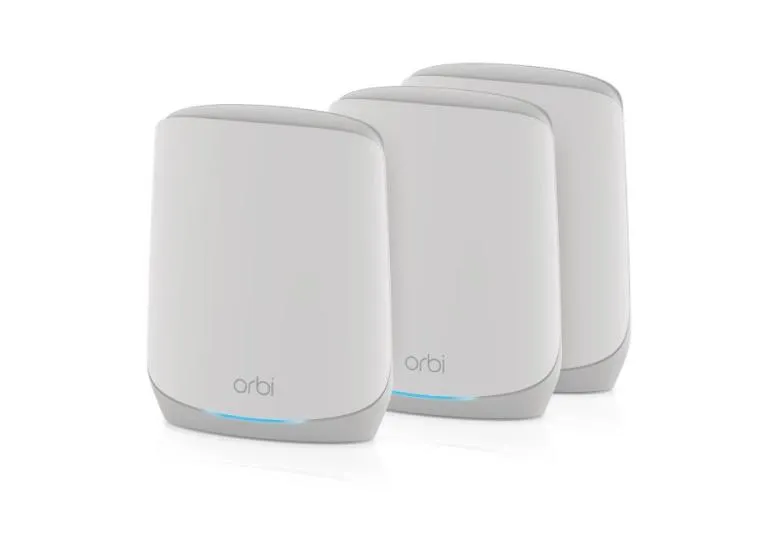
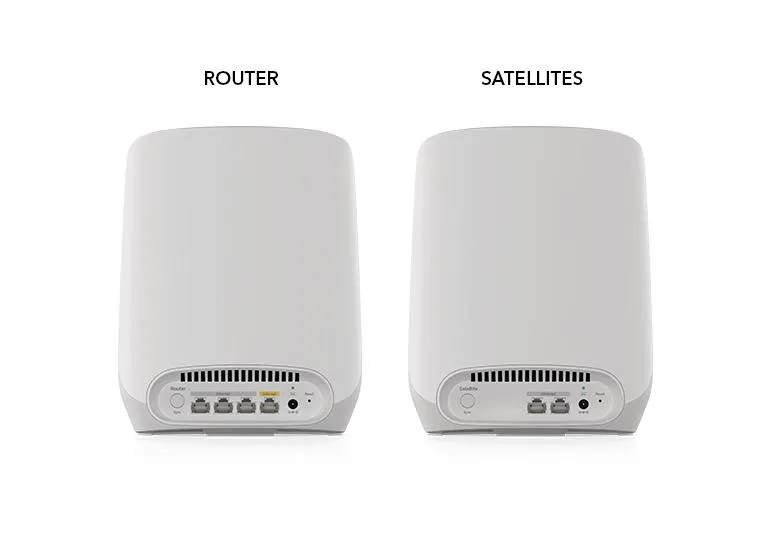
Know which units and pack you are buying
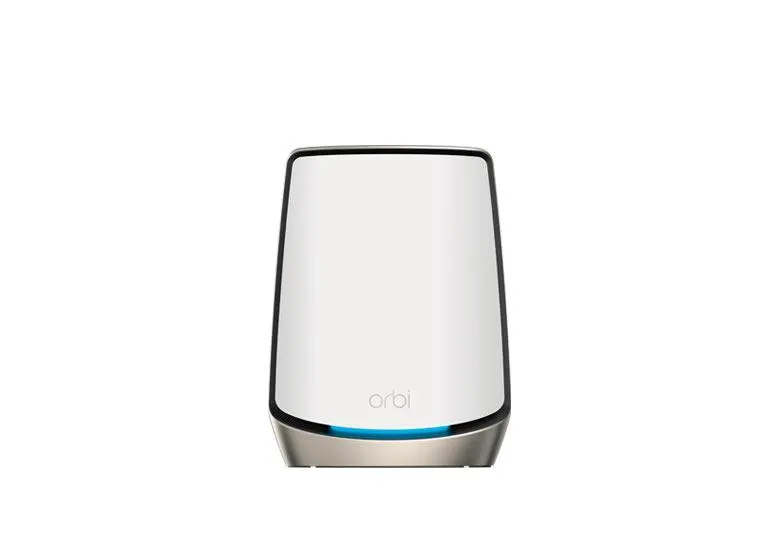
RBK763 identifies a kit with one RBR760 router and two RBS760 satellites. The router connects to your modem or ISP gateway, while satellites extend the network. A kit label is different from the individual unit's model number, which matters when checking firmware or a replacement satellite.
The 2024 manufacturer datasheet lists these specifications. Coverage and device counts are advertised planning figures, not evidence that every device receives the headline speed.
| Item | Orbi 760 specification |
|---|---|
| Wireless | Tri-band Wi-Fi 6, AX5400: rounded 600 + 2,400 + 2,400 Mbps |
| Backhaul | Dedicated wireless radio for communication between nodes |
| RBR760 ports | One Gigabit WAN and three Gigabit LAN ports |
| RBS760 ports | Two Gigabit LAN ports per satellite |
| Processor | Dual-core 1 GHz, router and satellites |
| Router memory | 1 GB RAM and 4 GB eMMC flash |
| Antennas | Six internal antennas per unit |
| Dimensions | 211 × 168 × 64 mm per unit |
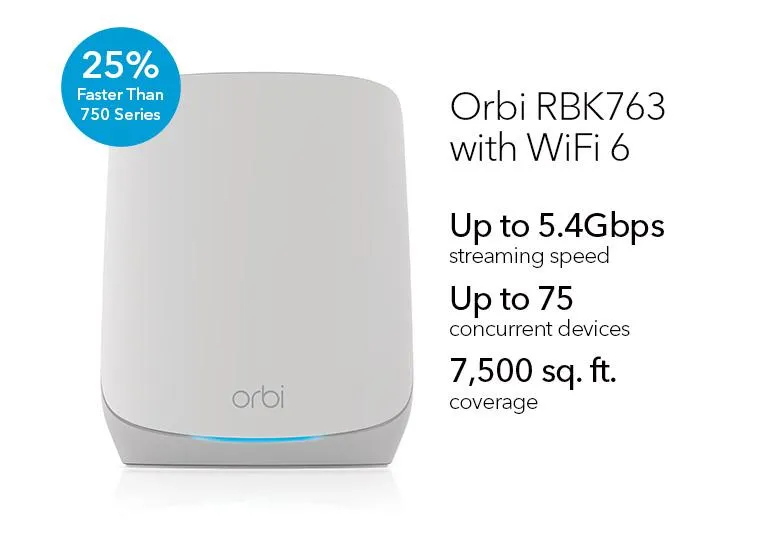
The Canadian product page distinguishes up-to-5,000-sq.-ft. two-pack and 7,500-sq.-ft. three-pack coverage. Match the offer to the pack you are actually buying. Construction and placement can make your usable coverage quite different from the advertised area.
What tri-band backhaul changes
The system has 2.4 GHz and 5 GHz client networking plus a separate 5 GHz backhaul radio. Client traffic reaching a satellite still needs to travel back toward the router. Keeping that inter-node traffic on a separate radio can reduce contention with the client-facing radio compared with sharing one channel for both jobs.
It does not eliminate contention from neighbouring networks, make a weak satellite link strong, or guarantee the same transfer speed on every floor. Likewise, dual-band systems do not universally lose exactly half their speed. Compare actual links and placement rather than applying a fixed percentage to every mesh design.
The AX5400 figure adds radio ratings, including backhaul; it is not the bandwidth available to one phone. The router's Gigabit Internet port is another limit for an individual wired Internet path. No 6 GHz radio is included, so a Wi-Fi 6E or Wi-Fi 7 client cannot use that extra band with this kit.
Place satellites for the connection they need
The model manual recommends placing a satellite within range of the router and using its connection indicator. Blue indicates a good connection and amber a fair one during normal synchronization; magenta calls for troubleshooting. Keep the front connection light distinct from the rear power light.
Start nearer the router, then move the satellite toward the rooms that need coverage while retaining a usable backhaul. A node placed directly inside the dead zone may also have a poor connection to the rest of the system. Leave space around the unit and keep it out of enclosed cupboards or behind large metal objects.
If cabling is available, follow NETGEAR's Ethernet-backhaul guidance and confirm matching firmware and topology. A cable reduces dependence on the radio path but uses a port. The guide does not establish that a wired connection reassigns the dedicated radio to clients.
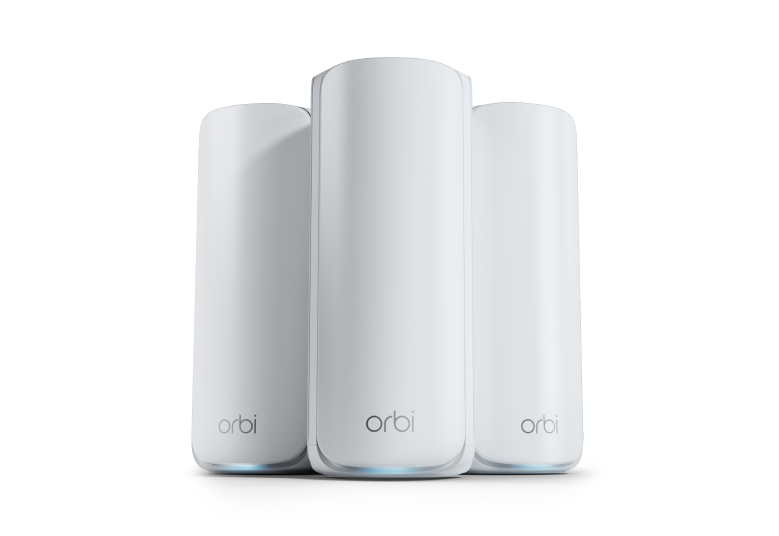
For a three-unit star arrangement, two router LAN sockets connect the satellites, leaving one router LAN socket for another device or switch. A satellite using one port for backhaul has one left for a wired client. Include a suitable switch if those remaining sockets are insufficient. Ethernet here is Gigabit; access-point mode does not turn those ports into multi-gigabit connections.
Security, subscriptions and operating modes
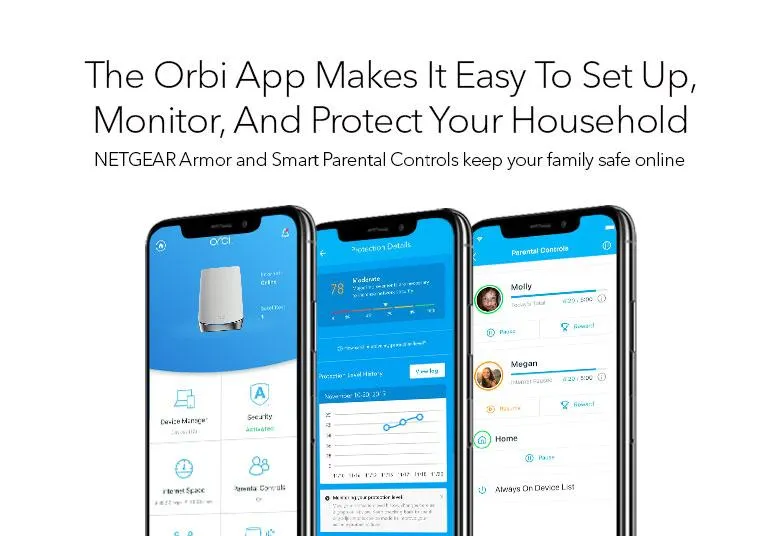
NETGEAR lists guest networking, Armor and Smart Parental Controls, but paid features deserve a separate check. The datasheet describes an initial Armor trial followed by a subscription and fees for a parental-control premium plan. Confirm the offer in your region rather than assuming every pictured app feature is included permanently.
The manual documents WPA3-Personal and WPA2 options. Choose a security mode supported by your devices, set an appropriate password and test older equipment after a change. The WPA2-versus-WPA3 explainer provides further background. Review guest access permissions rather than equating a separate network name with every isolation policy you want.
If an existing gateway already supplies routing, documented access-point mode can place Orbi on that local network. Check the functions available in the chosen mode before expecting the same routing or protection controls. ISP VLAN support also differs from carrying arbitrary tagged networks to wireless clients; a homelab design needs exact feature verification.
Check performance and maintenance realistically
Evaluate the main unit and each satellite with the same device and task. A local file transfer helps separate the Wi-Fi path from your Internet service. Then test a call or game while another device uploads, recording the satellite, connection type and location. Moving between nodes is a separate test: client roaming does not guarantee a fixed sub-50 ms handoff or an uninterrupted application.
Check model-specific support and security updates before buying an older or used kit. For example, NETGEAR's December 2025 release notes document later security fixes; that is firmware history, not a result measured at the article's original publication. Retain a configuration backup before changes and check that both router and satellites reconnect afterward.
The exterior photos do not prove internal heatsink construction, temperatures, 0 dB noise or freedom from CPU saturation. If power consumption or bedroom noise matters, assess the actual installed kit with your workload. Use measurements from the actual installation.
Is the Orbi 760 a sensible purchase?
For a household with compatible clients and a coverage problem, the 760 can still be a solid investment at the right price. Its dedicated backhaul and wired satellite ports are useful, while Gigabit Ethernet and the absence of 6 GHz set clear limits. A discounted Wi-Fi 6 kit may suit your needs better than paying for features your current devices cannot use.
Compare the complete pack, subscriptions, support, expansion options and placement requirements. The official product page provides further details. Choose according to the rooms and tasks that work reliably, rather than an aggregate radio number or a promise of perfect coverage.