It feels like not too long ago where users would see a NAS (Network Attached Storage) solution as a complete waste and unnecessary for home use (even if your home lab is all awe-inspiring). However, nowadays it almost feels like it is a necessity to have at least some sort of network storage solution. Especially looking at solutions like FreedomBox and NextCloud, which is now much more common at home, storage becomes quite important. Let's look at an alternative solution, setting up a Storage Area Network (SAN) and what it entails.
What Is a SAN?
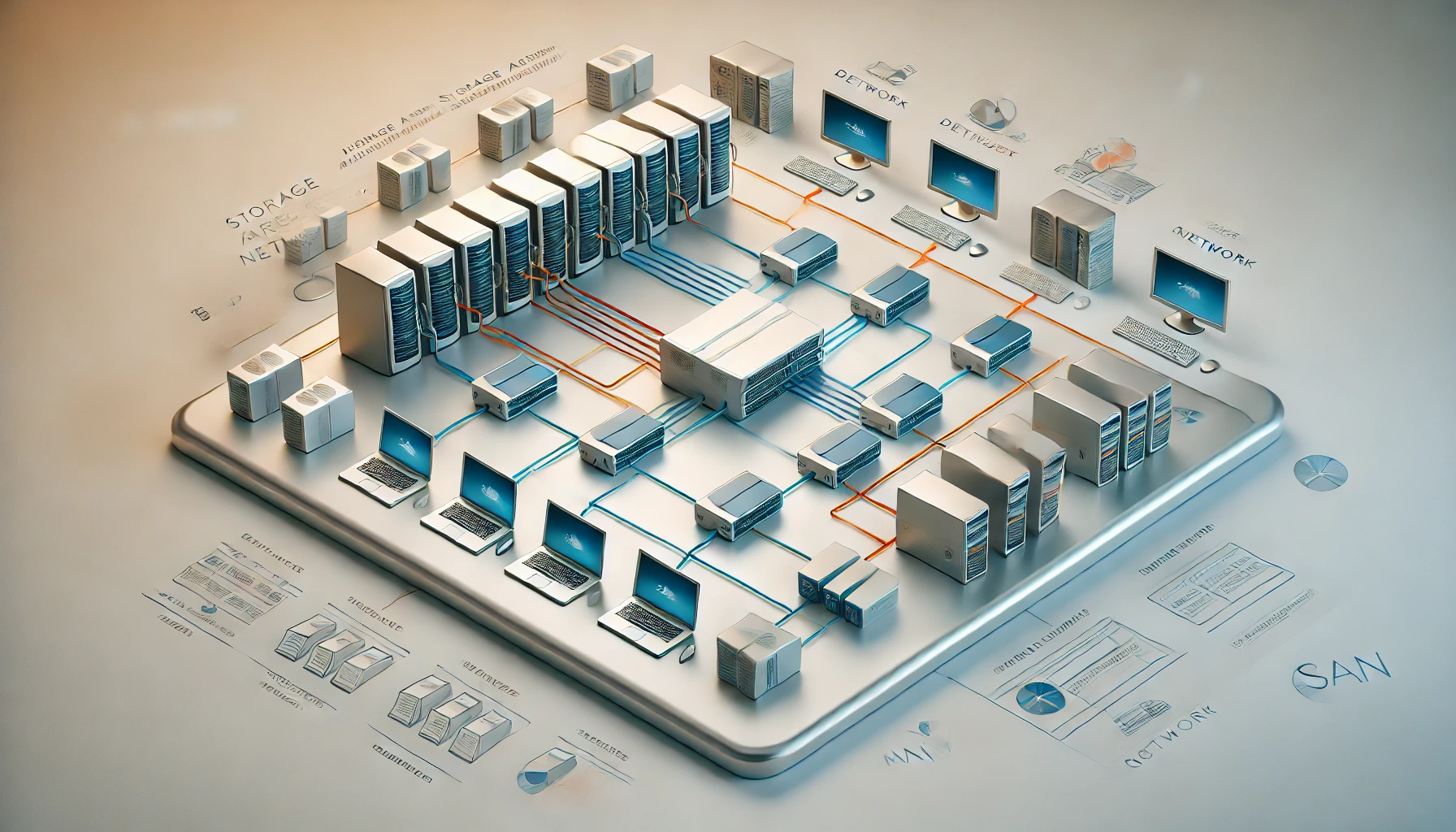
A Storage Area Network connects servers to storage that they can access as block devices. To the server, the allocated storage can look much like an attached disk rather than a shared folder. The network and storage service sit between the host and the physical drives.
Think of it as a storage highway connecting hosts and storage. The highway can use Fibre Channel or Ethernet-based technologies, among others. It is designed to support storage access, but calling something a SAN does not guarantee a particular speed, redundancy level or price.
The important distinction is how the client sees and manages data. With a block device, the host or a cluster-aware storage layer decides how files and virtual disks are organised. That gives flexibility, but also creates responsibilities that a file-sharing service normally handles for you.
SAN, NAS and Directly Attached Storage
| Approach | What the client receives | Who manages the files | Typical use |
|---|---|---|---|
| DAS: directly attached storage | A local storage device through SATA, SAS, USB or another local interface | The attached computer | A single server's disks or an external backup drive |
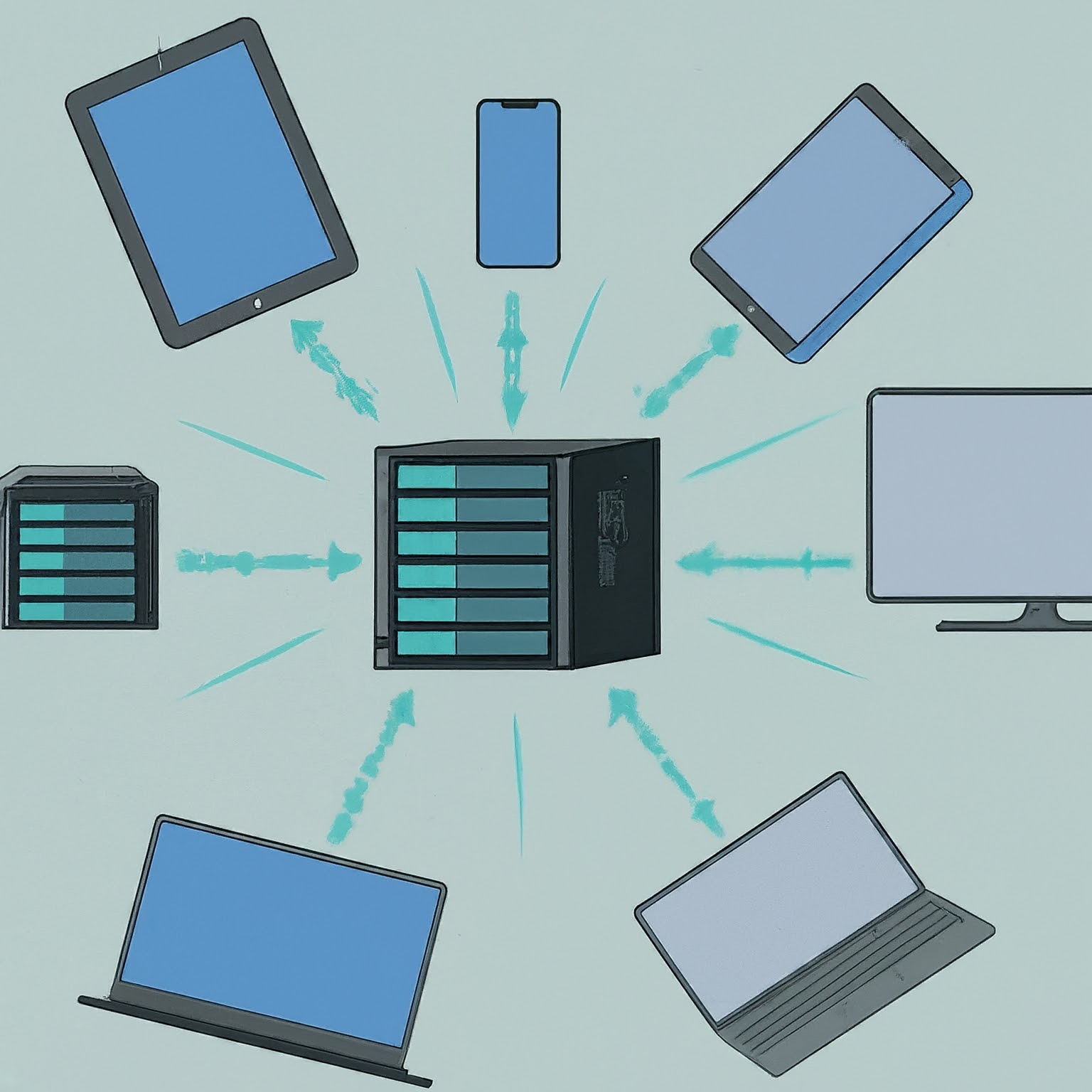
| NAS: network-attached storage | Files and folders through services such as SMB or NFS | The file server manages the filesystem and sharing | Family documents, media libraries and shared folders |
| SAN: storage area network | Network-accessible block storage through a suitable protocol | The host or a coordinated cluster storage layer | Server disks, virtualisation and workloads needing block storage |
A NAS is not automatically slower because it provides files, and a SAN is not automatically faster because it provides blocks. Drives, caching, network links, the number of users and the workload all matter. A well-designed file server can outperform a poorly configured block-storage system.
The appliance and the access method are also separate ideas. One storage server can provide SMB shares and an iSCSI target at the same time. A general-purpose server can supply a SAN service; you do not have to buy a dedicated Fibre Channel array to learn about network block storage.
A Few Useful Terms
- Initiator: The client that requests block-storage access, such as a server running an iSCSI initiator.
- Target: The storage-side service that answers those requests.
- LUN: A logical unit presented through the storage protocol. It identifies allocated storage, rather than necessarily one physical drive.
- Fabric or storage network: The connections carrying storage traffic. Depending on the design, these can be separate equipment or logically separated paths on Ethernet.
- Multipathing: Coordinating multiple supported paths between a host and storage. It can help availability, but requires correct configuration at both ends.
iSCSI carries SCSI commands over TCP/IP, which makes Ethernet a practical learning route. Fibre Channel is common in enterprise SANs; modern storage networking can also carry NVMe traffic. Those names describe protocols and transport choices, not interchangeable performance guarantees.
Is a SAN Viable for Home Use?
My view remains that a NAS or ordinary shared-storage server is usually the more practical choice for a home. It solves the common requirement of letting several people access files without asking each client to manage a raw disk. A SAN becomes interesting when you have a specific block-storage or virtualisation goal.
It is still cool technology to explore, and there is an argument that more home labs will use it as their needs grow. That is a possibility rather than a prediction that every household needs one. A separate IoT SSID on a router does not itself provide SAN storage, and a storage VLAN does not create a target or coordinate filesystem access.
An Ethernet-based lab may reuse hardware you already own, but it is not free in the broader sense. Budget storage, suitable network interfaces, switch capacity, power, backup space and the time needed to understand failures. Enterprise redundancy, spare parts and support can make a production design substantially more expensive.
Benefits and Tradeoffs
A SAN can centralise storage allocation, let servers use shared capacity and support multiple access paths where the design permits it. It can also simplify some virtual-machine movements because the destination host can reach the same disk data. These are reasons to consider it for demanding environments.
They are not automatic high availability. A single storage server with one power supply and one uplink can be a common point of failure for every host using it. Adding disk redundancy protects against some disk failures but does not solve an operating-system fault, damaged switch or accidental deletion.
Maintenance is another cost. You need to monitor latency, link errors, free capacity and access permissions, not simply whether the share is reachable. A disconnected block device can interrupt an application that expected a local disk. Recovery behaviour should be understood before important data depends on it.
Shared Block Storage Needs Coordination
A crucial safety rule is that presenting one block device to several computers does not make an ordinary filesystem safe for simultaneous writers. Mounting the same NTFS, ext4 or other non-clustered filesystem read/write on independent hosts can corrupt it because each host has its own view of the metadata and cache.
Use one writer for an ordinary filesystem, separate allocated devices, or a documented cluster-aware arrangement. If several people simply need to access the same documents, SMB or NFS is usually the suitable abstraction: the file server coordinates those requests. This distinction matters more than whether the storage service is branded NAS or SAN.
Restrict which initiators can reach each target and which logical units they can access. Network separation and authentication can help, but do not assume that creating a VLAN encrypts traffic or makes an exposed storage endpoint safe. Keep management access separate from ordinary clients and follow the target's supported access controls.
A Sensible Homelab Learning Path
Start with a disposable test device allocated by a storage platform that documents iSCSI support. Use one test initiator and confirm discovery, authentication and reconnection behaviour before considering a multi-host arrangement. Formatting the presented device erases it, so identify it clearly and keep it separate from personal data.
Measure the workload you intend to use. A large sequential transfer, many small random operations and several busy virtual machines place different demands on the same disks and network. A 10 Gbps link does not mean the storage can sustain 10 Gbps for every access pattern, and a faster switch does not correct inadequate disks or an overloaded target.
Proxmox supports several shared-storage backends, including NFS and iSCSI. Shared disks can avoid copying VM disk images during migration, but successful live migration still requires compatible hosts, a supported storage arrangement and migratable resources. It is not a promise that any three-node setup migrates every VM in seconds without interruption.
For a Proxmox cluster, use the documented storage plugin and shared-LUN/LVM or other supported arrangement instead of independently mounting a normal filesystem on every node. Ceph RBD is another distributed block-storage design; CephFS is a file service. “Ceph” should not be listed as if it were simply an ordinary clustered filesystem placed on an iSCSI disk.
Plan Recovery Before Real Use
Keep an independent backup and verify a restore. Storage snapshots, replication and redundant disks can be useful, but none by itself covers every deletion, compromise or failure of the storage system. Ensure a backup can be recovered without first needing the SAN that has failed.
Document the target, allocated units, permitted initiators and recovery order. Consider what happens if the target reboots, a cable is lost or the network is unavailable. Where multiple paths are required, configure and test them according to the host and target guidance; two plugged-in cables do not automatically provide safe failover.
Choosing the Right Storage
A SAN is a useful way to provide block storage over a network, especially for server and virtualisation workloads. Its value comes from matching the architecture to the job, not from a universal speed advantage over NAS.
For most non-technical home users, shared folders on a NAS or server remain simpler. If a SAN appeals to your homelab interests, learn with disposable storage first and choose a supported design with a clear backup and recovery plan. That keeps the interesting technology useful rather than adding complexity without a purpose.