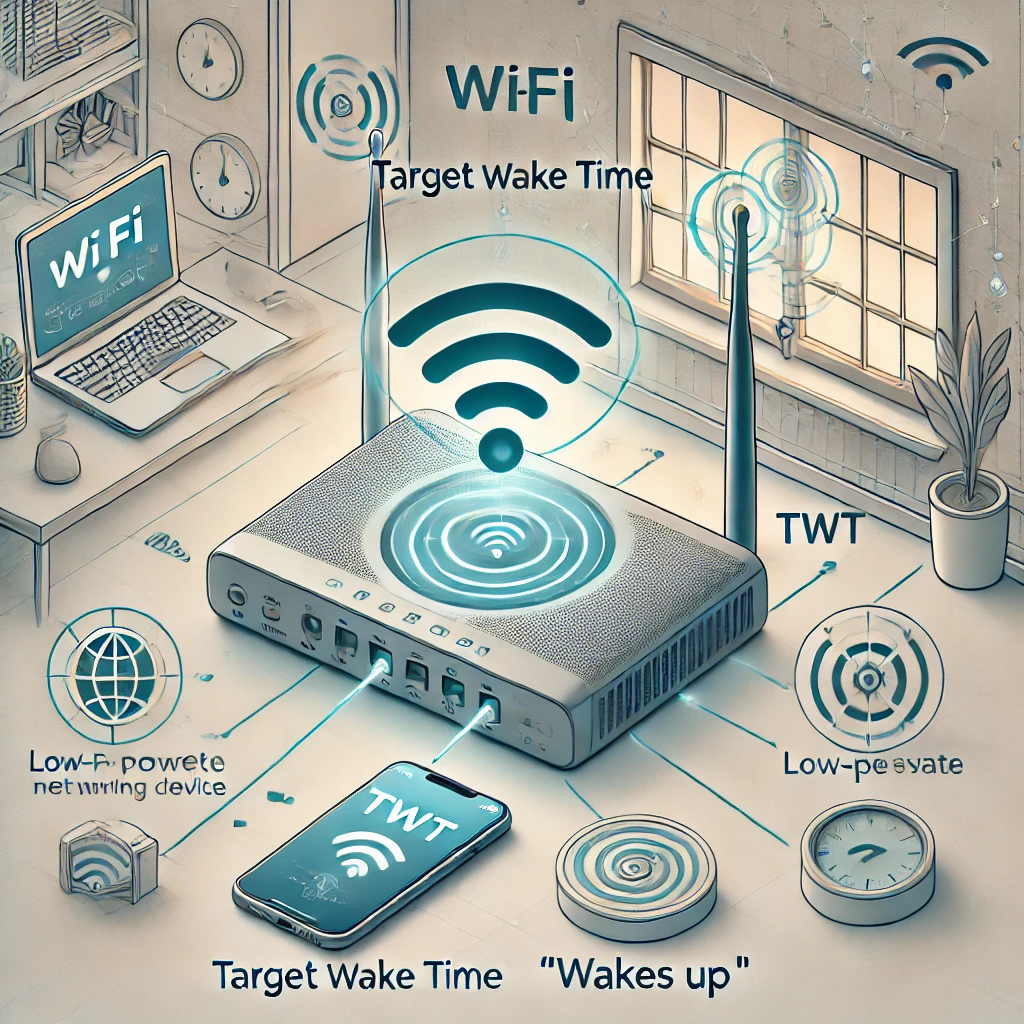
Wi-Fi technology continues to evolve, bringing new features to improve network efficiency, performance, and battery life of connected devices. One of these advancements is Target Wake Time (TWT), a feature designed to make Wi-Fi communication more efficient, especially for battery-powered devices. But what exactly is TWT, and why was it created? This article will explain TWT in simple terms, explore its benefits, discuss the Wi-Fi version that introduced it, and provide some real-world examples of devices that support it.
The Problem That Led to Target Wake Time's Development
Wi-Fi had power-saving mechanisms before TWT, including sleeping between selected beacon-related checks. Those mechanisms already reduced radio activity; the issue was how to coordinate sleep and traffic more efficiently for compatible devices. This approach worked well for mains-powered devices like desktops or smart TVs but was inefficient for battery-powered devices such as smartphones, tablets, and IoT gadgets (like smart sensors or fitness trackers). The frequent data-checking consumed significant battery life, forcing users to charge devices more often. This was a growing concern, especially with the proliferation of IoT devices designed to work continuously without requiring frequent recharging.
Background on Target Wake Time (TWT)
Target Wake Time (TWT) is a feature introduced to address the issue of excessive power consumption in Wi-Fi-connected devices. It allows devices to "sleep" or remain in a low-power state when they don't need to communicate, only waking up at scheduled intervals to exchange data. This scheduling is controlled by the Wi-Fi access point (router), which negotiates with the connected devices to determine when they should wake up for data transmission. The concept behind TWT is simple: by reducing the frequency of communication, power consumption is minimized, extending the battery life of connected devices.
How Target Wake Time Works in Detail
TWT works by allowing devices and the access point to agree on specific times for data transmission. A compatible device and access point can agree on a wake time schedule, dictating how often the device will wake up to send or receive data. The intervals between wake times can range from milliseconds to several seconds or even minutes, depending on the device's needs.
For example, a smart thermostat that only needs to update temperature readings every 10 minutes can stay in a low-power state for most of the time, only waking up when the scheduled time arrives. This way, the thermostat's battery is preserved, and the network operates more efficiently since it reduces unnecessary data traffic.
Target Wake Time and Wi-Fi 6
TWT became a prominent feature of Wi-Fi 6 (also known as 802.11ax), whose certification program began in 2019. TWT also has earlier roots in 802.11ah, known as Wi-Fi HaLow. Wi-Fi 6 was developed to handle the increasing number of connected devices in homes and businesses. Along with TWT, Wi-Fi 6 brought other improvements designed to make Wi-Fi networks faster, more reliable, and more energy-efficient.
Other Features Accompanying TWT in Wi-Fi 6
Wi-Fi 6 includes several new features beyond TWT to enhance network performance:
- OFDMA (Orthogonal Frequency Division Multiple Access): This allows multiple devices to share the same Wi-Fi channel more effectively, reducing latency and improving data transmission.
- MU-MIMO (Multi-User, Multiple Input, Multiple Output): Enhances the ability to handle multiple simultaneous connections, allowing for smoother streaming and data transfer.
- BSS Coloring: Labels overlapping basic service sets so compatible equipment can make better spatial-reuse decisions. It does not remove the neighboring transmissions or make interference disappear.
Drawbacks and Considerations of TWT
While TWT offers significant benefits, there are some drawbacks and considerations:
- Compatibility Issues: For TWT to work, both the Wi-Fi router and the connected devices need to support the feature. Older devices that only support Wi-Fi 5 or earlier versions may not be able to take advantage of TWT.
- Increased Complexity: Configuring TWT can add complexity to network setup, especially in environments with many different types of devices. Consumer products commonly manage negotiation in firmware rather than asking you to design every device’s timetable. Available settings and defaults depend on the access point and client implementation.
- Reduced Real-Time Communication: While TWT helps save power by scheduling data transmissions, it may not be suitable for applications requiring real-time communication, such as gaming or video conferencing. In such cases, frequent wake times might still be necessary, reducing the energy-saving benefits.
Examples of Networking Devices That Support TWT
Check an exact model, firmware and client implementation rather than treating a Wi-Fi 6 label as proof of an active TWT agreement. A feature listed on a router does not establish that every connected phone uses it.
A documented example is Espressif’s ESP32-C6, a 2.4 GHz Wi-Fi 6 chip with TWT support. A product built around it still needs firmware that uses the feature and a compatible access point. The chip’s other radios do not use Wi-Fi TWT simply because they are on the same device.
Smart-home product families can use Wi-Fi, Thread, Zigbee, Bluetooth or wired links. A Hue lighting system or a thermostat’s name alone is therefore insufficient evidence of Wi-Fi TWT support. Confirm how the actual device connects and which power-saving features its vendor documents.
Legacy power saving and scheduled service periods
Legacy power saving and TWT both let a radio spend time in a lower-power state. The difference is coordination: TWT describes negotiated or announced service periods when traffic can be exchanged. A beacon interval is configurable, so one fixed 102.4 ms interval does not describe every network. Nor does every sleeping device necessarily wake for every beacon.
Scheduling can reduce contention and listening work, particularly for traffic that is predictable. It does not mean zero collisions or zero interference. A neighboring network can transmit in the same spectrum, and actual implementations may have different schedules, capabilities and firmware behavior. Whole-device battery life also includes the screen, processor, sensors and application work. A fixed radio power-saving percentage cannot be translated directly into a phone’s total battery-life gain.
Individual, broadcast and restricted TWT
- Individual TWT: A client and access point agree on a service period for that client. The schedule includes a wake time, duration and repeat interval.
- Broadcast TWT: The access point announces a schedule that participating clients can join. Support and configuration differ by implementation; this is not proof that every client is automatically synchronized with every OFDMA exchange.
- Restricted TWT in Wi-Fi 7: Additional access coordination and reservations support latency-sensitive traffic. Cisco describes the goal as more predictable latency and reduced worst-case delay on a crowded channel. This is not a guarantee of sub-2 ms jitter for every game, client or internet path.
Evaluate TWT for a real device
Start with a supported device whose traffic is periodic, such as a purpose-built Wi-Fi sensor. Verify the vendor’s firmware guidance and whether the router exposes a TWT setting. Record the current setting before changing it. Keep firmware, signal conditions, reporting frequency and other power-saving settings comparable when evaluating a difference.
For a sensor, check both battery behavior and whether readings arrive at the required time. For a phone, screen brightness, background applications and cellular coverage can overwhelm any change in Wi-Fi radio use. An uncontrolled comparison between two different days cannot isolate TWT. If your equipment exposes agreement or service-period diagnostics, use those to establish that the feature is actually operating.
Sleeping longer can delay receipt of data until the next suitable exchange. Choose a schedule consistent with the application: a periodic temperature reading and an urgent alarm have different needs. A theoretical thermostat example that reports every ten minutes illustrates the trade-off; it is not a statement that a particular Nest model supports that schedule or feature.
TWT complements OFDMA and MU-MIMO rather than replacing them. OFDMA divides frequency resources, MU-MIMO uses spatial streams, and TWT coordinates when compatible clients need to be awake. Good coverage and a reliable backhaul remain necessary. If a device disconnects after a change, use the manufacturer’s documented troubleshooting and compare the previous setting before assuming that every modern Wi-Fi feature should always be enabled.
Conclusion
Target Wake Time (TWT) represents a significant step forward in Wi-Fi technology, offering a way to reduce power consumption for battery-powered devices. By scheduling when a device needs to wake up to communicate, TWT helps extend battery life and improve overall network efficiency. Widely associated with Wi-Fi 6, it brings benefits not just for smartphones and laptops, but also for the growing number of IoT devices in today's connected homes. While TWT has some limitations, such as compatibility issues and potential reductions in real-time communication, the advantages in terms of power savings make it a valuable feature in modern networking solutions.
As Wi-Fi technology continues to advance, features like TWT will play a crucial role in making our connected world more efficient and sustainable. When looking for new networking equipment, considering devices with TWT support can help ensure you're ready for the future of efficient, connected living.