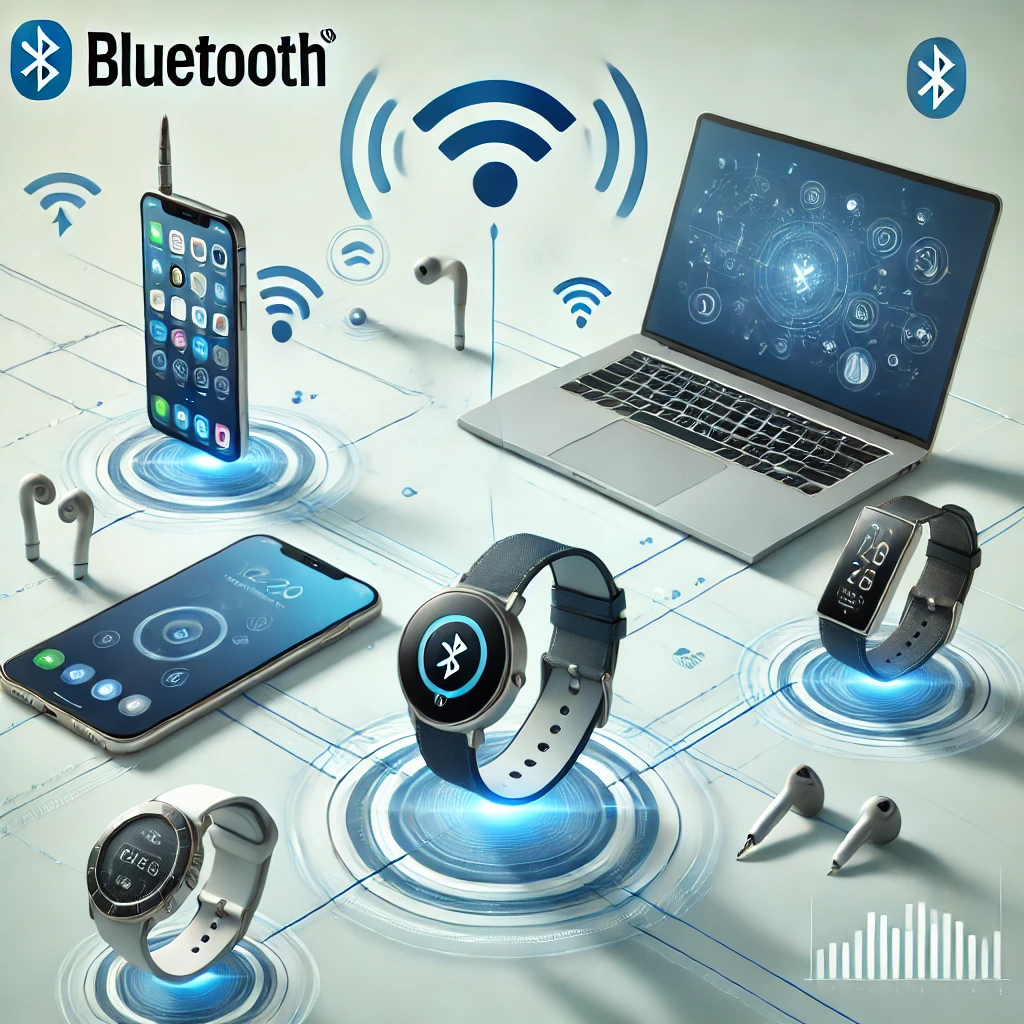
Bluetooth connects nearby devices without a cable. It is used for headphones, keyboards, fitness trackers, sensors and many other everyday products. Wi-Fi is another wireless technology, but the two serve different needs. Understanding that difference, and checking the features your devices actually support, is more useful than buying by a Bluetooth version number alone.
This guide explains the basic radio, the difference between Bluetooth Classic and Low Energy, and what newer features mean in practical use. Bluetooth can carry audio and small sensor messages, but one device's ability to do a particular job does not mean that every other Bluetooth product can do it too.
Bluetooth compared with Wi-Fi
Bluetooth uses the 2.4GHz radio band. Wi-Fi can also use 2.4GHz, while suitable Wi-Fi equipment additionally uses 5GHz or 6GHz. Sharing a band does not make the protocols interchangeable. A Bluetooth headset cannot join a Wi-Fi network just because both use radio signals.
| Question | Bluetooth | Wi-Fi |
|---|---|---|
| Typical jobs | Personal accessories, audio, controls and sensors | Local networking, internet access and larger transfers |
| How devices communicate | Direct connections, broadcasts or compatible mesh applications | Usually through an access point; direct modes also exist |
| Power priorities | Low-power accessories, particularly with Low Energy | Higher data capacity for networked devices |
| Range and speed | Depend on radio, features, antenna and environment | Depend on the standard, bands, equipment and environment |
Neither technology itself creates an internet service. A Bluetooth device may communicate through a phone or gateway, while a Wi-Fi network can still connect local devices when the internet is down. Avoid comparing a fixed “2Mbps Bluetooth” figure with a fixed “600Mbps Wi-Fi” figure as if every product has those limits.
The Bluetooth SIG lists Classic radio rates up to 3Mbps and a Low Energy 2M radio rate of 2Mbps. These are radio rates, not file-transfer promises. Application overhead, the chosen mode and the devices' capabilities reduce usable throughput. High-rate and long-range modes also involve different trade-offs.
How the radio manages a shared band
Bluetooth divides its usable spectrum into channels and uses frequency hopping for connected communication. Classic has 79 channels, while Low Energy has 40. Moving among channels and avoiding unsuitable ones can help with interference, but it does not guarantee that every lost packet is immediately recovered without delay.
Walls, distance, people, antenna design and other 2.4GHz equipment affect reception. There is no universal ten-metre limit, and no promise that a newer version reaches 200 metres inside a home. A product designed for longer-range sensor data can behave very differently from compact earbuds.
If audio cuts out, try reducing distance and obstacles, checking batteries, updating device software and testing away from busy radio equipment. Change one condition at a time. A strong Wi-Fi signal does not establish that the Bluetooth link is good, even when both radios are inside the same phone.
Classic and Low Energy
Bluetooth Classic, also called BR/EDR, is widely used for conventional wireless audio and other point-to-point data. It is not defined by requiring a particular battery chemistry, and its power use depends on the product and workload.
Bluetooth Low Energy, or LE, was introduced in Bluetooth 4.0. It supports low-power data communication, broadcasts and suitable mesh applications. A temperature sensor may briefly send a reading and then spend much of its time inactive, rather than holding a continuous audio stream.
That can make long battery life practical, but there is no fixed 99.9% sleep time or guaranteed two-to-three-year lifetime for every LE device. Reporting frequency, connections, transmit power, processing and battery size all matter. LE also supports modern audio; it should not be treated as a sensor-only technology.
What the version changes introduced
Some familiar milestones help explain the labels, but features can be optional and require support at both ends:
| Core version | Useful feature context | What to check |
|---|---|---|
| 4.0 | Introduced Bluetooth Low Energy | Whether the product and app support the needed LE service |
| 5.0 | LE 2M, LE Coded and extended advertising | High-rate and longer-range modes are different capabilities |
| 5.1 | Direction finding | Suitable hardware and location-system implementation |
| 5.2 | LE isochronous channels, a foundation for LE Audio | Actual LE Audio support, profiles and operating-system support |
| 5.3 | Connection subrating and channel classification improvements | Implemented features, rather than a guaranteed gaming-latency improvement |
| 5.4 | Periodic Advertising with Responses and Encrypted Advertising Data | Relevant product support, such as large-scale sensor or shelf-label systems |
The specification has continued beyond 5.4: the SIG published Core 6.3 in May 2026, including further ranging and radio/interface improvements. That does not mean an older keyboard suddenly becomes unusable. The SIG itself encourages describing specific supported capabilities instead of treating a core version as a complete feature list.
Look for explicit claims such as LE Audio, Auracast or the required sensor integration. A recent version number on the box cannot establish that a phone, earbuds and operating system support the same optional function.
Audio, codecs and Auracast
An audio codec encodes and decodes the sound carried by the link. Both devices must support a compatible audio system and codec. Sound quality also depends on the speakers, fit, source and implementation; it does not depend entirely on the codec name.
LE Audio uses the LC3 codec, which can provide good quality at low data rates. It compresses audio; it should not be described as uncompressed high-resolution streaming. Latency and battery savings depend on the complete implementation, so a table promising the same milliseconds for every SBC, AAC, aptX or LC3 product would be misleading.
Auracast is a broadcast-audio capability that can let many compatible listeners receive a source, such as an accessible venue announcement or TV audio. The source and receivers need appropriate support. Merely having Bluetooth 5.2 or later does not prove compatibility, and LE Audio products are not required to support Classic Audio as well.
Sensors, mesh and home automation
Bluetooth Mesh is a separate system for compatible control and automation devices. It is not a mesh network automatically created by placing ordinary headphones and speakers around a home. Mesh supports managed flooding and newer directed-forwarding options; it should not be reduced to every message always passing through every node.
For Home Assistant, an ESPHome Bluetooth proxy can extend reception from supported LE devices through a network connection. It is not a general relay for Classic headphone audio. Active device connections have limits, while passively broadcast sensor messages behave differently. There is also no zero-latency guarantee.
BTHome provides an open format for sensor readings and button events. It supports encryption, but encryption is optional; not every BTHome broadcast is encrypted by default. Confirm the exact sensor, integration and keys before assuming that any Bluetooth device works locally without its manufacturer's app.
Pairing and privacy
Pairing can establish information used to protect a connection. Where devices offer a displayed code, check that it matches the intended device. “Just Works” pairing is convenient for products without a display or keyboard, but it does not provide the same authenticated protection against an intervening attacker.
Do not assume every Bluetooth transmission is encrypted just because two products have been paired. Advertising, connection security and application encryption have different roles. Address privacy features can reduce tracking opportunities, but they are not a guarantee of anonymity or a universal fixed address-change schedule.
Keep device software current and remove unwanted pairings when retiring equipment. For a purchase, check the exact task first: keyboard input, calls, music, broadcast audio or sensor data. Then verify the supported features on both devices and the software connecting them. That makes Bluetooth's useful capabilities easier to recognise without expecting a version number to solve every compatibility problem.