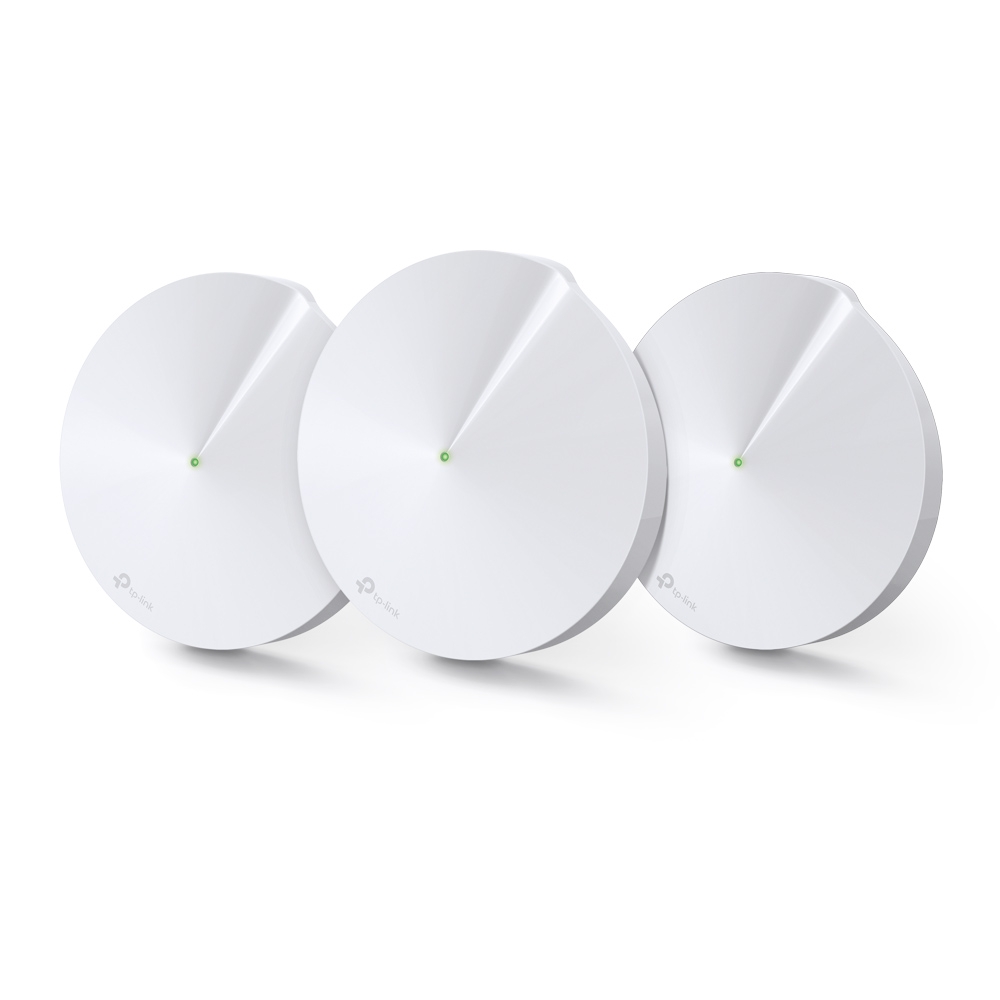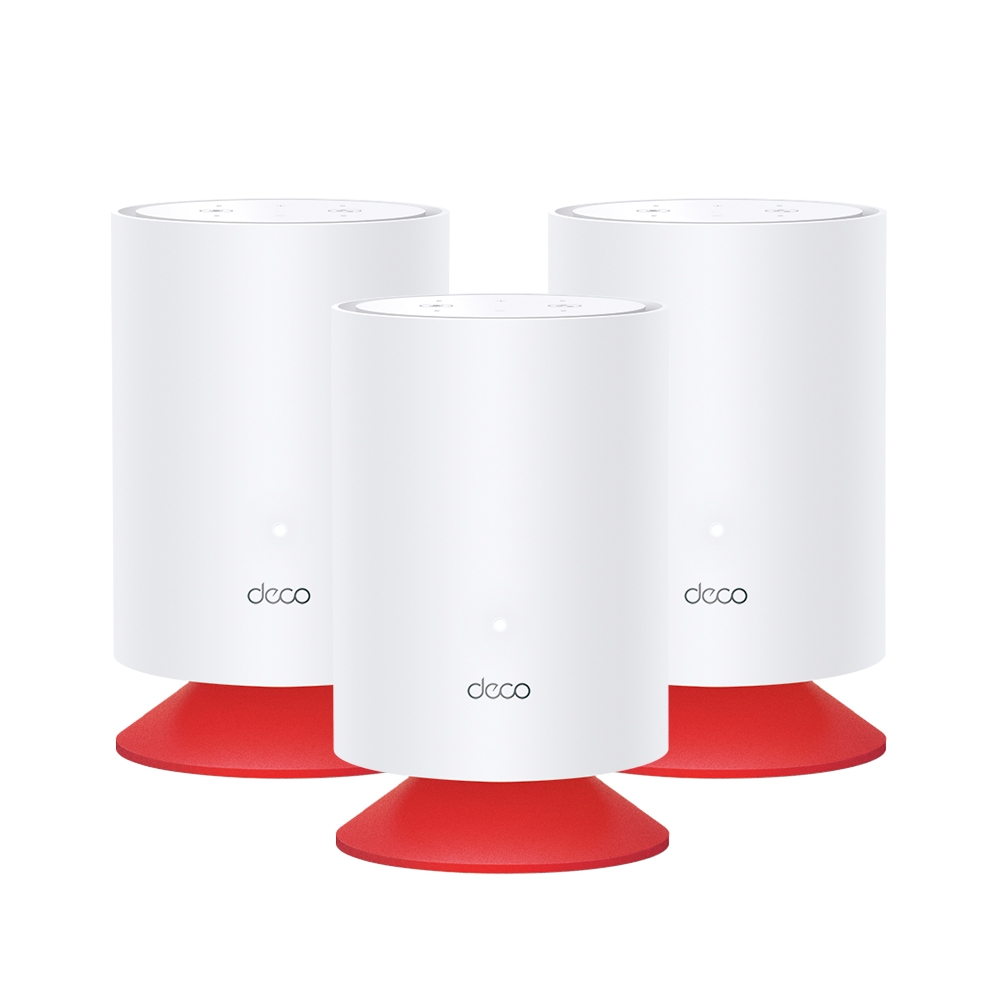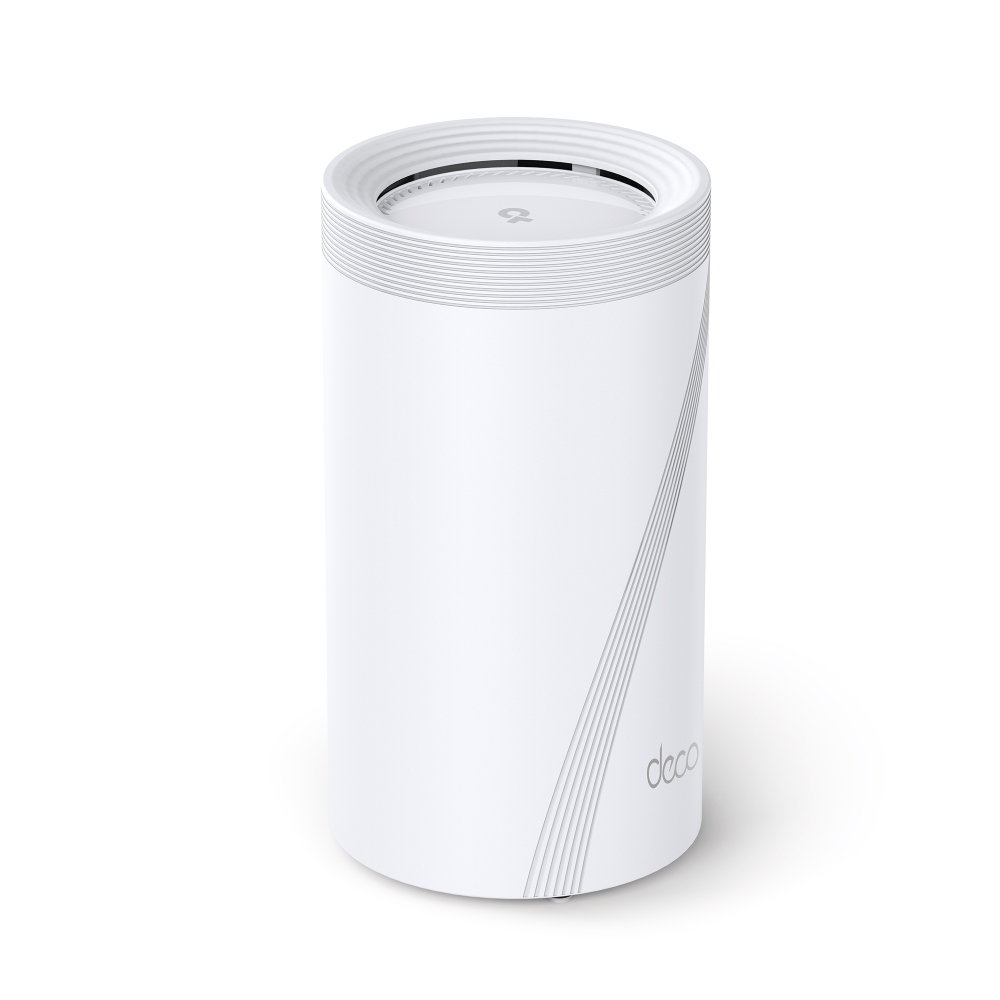
The Deco BE95 is an ambitious Wi-Fi 7 mesh option for a home that needs several access points and can use multi-gigabit networking. I find its combination of radios and wired ports appealing, but the right upgrade depends on your clients, backhaul and building. Its advertised 33 Gbps class is a sum of radio rates, rather than a promise that one phone or internet connection runs at that speed.
What Is the Deco BE95?
Each unit has four radios: 2.4 GHz, 5 GHz and two separate 6 GHz radios. That is the BE95’s quad-band arrangement. It is offered in different pack sizes, so check how many units the particular purchase includes rather than assuming every package contains three.
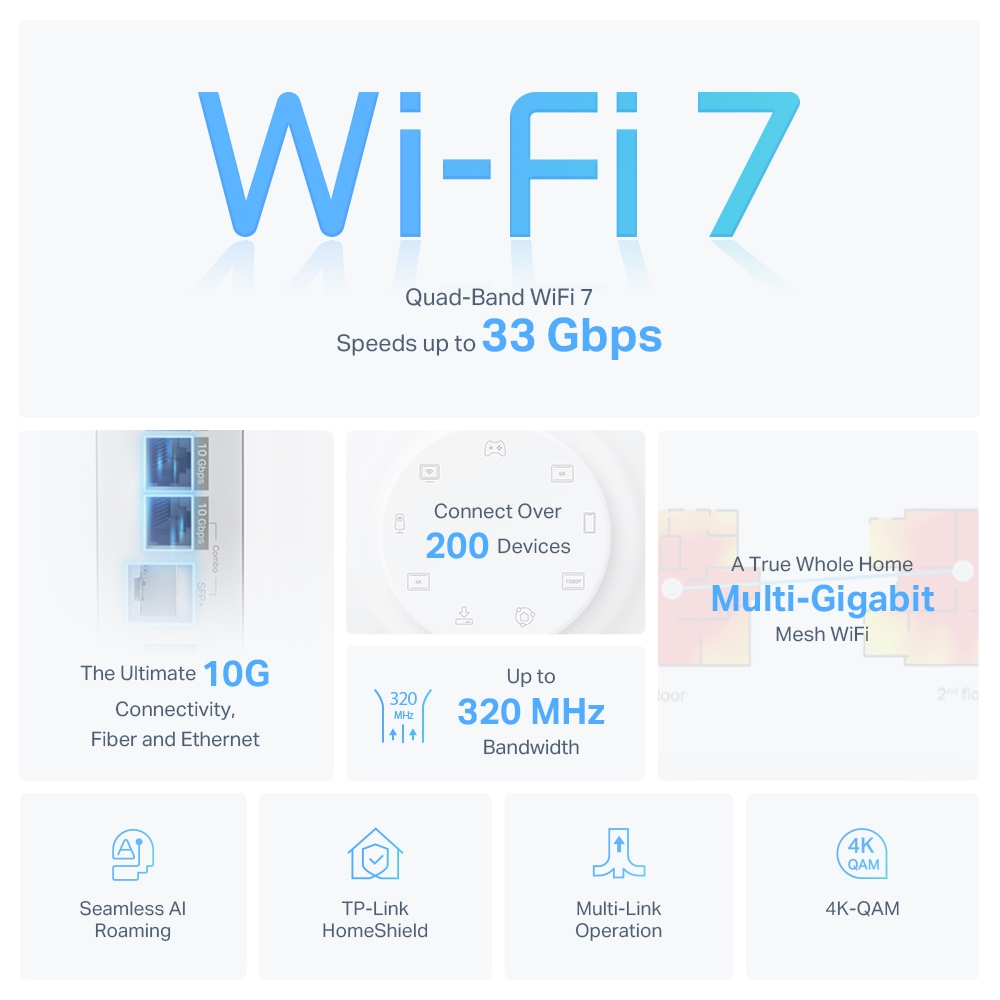
TP-Link advertises sixteen streams across the four radios and support for more than 200 connected devices under its test conditions. A typical client cannot use all sixteen streams at once. Device count, simultaneous traffic and useful application throughput are different measurements; a network full of idle sensors is not the same load as hundreds of active video streams.
Wi-Fi 6E clients can also use 6 GHz when their hardware, operating system and local requirements allow it. Older clients remain on 2.4 GHz or 5 GHz. The additional band avoids contention with older devices restricted to those bands, but other 6 GHz networks can still compete and walls still weaken signals.
Radio Rates and Compatible Clients
| Radio | Published maximum physical rate, approximately | Interpretation |
|---|---|---|
| 6 GHz-1 | 11.5 Gbps | Requires suitable channel width, streams, modulation and client capability. |
| 6 GHz-2 | 11.5 Gbps | A second 6 GHz radio adds capacity; its configured role depends on the system. |
| 5 GHz | 8.6 Gbps in the listed US specification | Regional channel availability and supported client modes affect the link. |
| 2.4 GHz | 1,148 Mbps | The product specification lists 802.11ax operation here; ordinary smart devices often use lower rates. |
These rounded figures summarize TP-Link’s published US specifications. Check the regional model you can buy. Wide channels and permitted spectrum vary between markets, and the common three-channel 320 MHz claim is not a universal list of channels available everywhere.
Features such as 320 MHz channels, 4K-QAM and Multi-Link Operation need support at both ends and suitable conditions. MLO can provide multiple links, but the available modes differ between clients. The router cannot turn an older Wi-Fi 5 laptop into a Wi-Fi 7 client. MU-MIMO and OFDMA help share airtime; they do not eliminate every bottleneck or guarantee a fixed latency.
Wireless and Wired Backhaul
Backhaul carries traffic between mesh units. This matters because a phone can have a strong link to a nearby satellite while that satellite has a weak upstream connection. Placing a node where the original signal is already unusable can therefore leave the actual problem unresolved.
The BE95 supports combined wired and wireless backhaul. Compatible links and configured modes can give the system additional paths; that does not mean every installation automatically combines a cable with every radio or delivers the sum of their advertised rates. Confirm the actual link types and supported firmware in the Deco app.
The extra 6 GHz radio can be attractive when nodes communicate wirelessly. Keep the inter-node signal useful, especially across floors or thick walls, and check which bands the deployed system uses. A separate backhaul radio does not establish zero airtime cost: both client and backhaul transmissions still need radio time, and interference or a weaker hop can limit the path.
If you can run Ethernet, follow the Deco wiring guidance. Configure the units first. Router-mode satellites should be downstream of the main Deco’s LAN connection; Access Point mode uses the existing router’s LAN arrangement. Verify the negotiated cable speed and avoid a network loop. A Gigabit cable path remains a bottleneck for transfers that need more than Gigabit throughput.
Ports and USB Storage
Each BE95 has one 10 Gbps RJ45 port, one 10 Gbps SFP+/RJ45 combo port and two 2.5 Gbps ports, with WAN/LAN auto-sensing. The two connectors in the combo pair represent one logical port: only one can transfer data at a time. They do not provide an extra simultaneous third 10G connection.
TP-Link’s Wi-Fi 7 FAQ recommends a compatible optical transceiver and fibre for SFP+ and currently does not recommend copper DAC cables. Check the module and peer rather than assuming that any cable with the right connector works. An Ethernet optical module also does not automatically replace a provider-managed broadband ONT.
The USB 3.0 port is documented for FTP, media-server and Samba storage sharing. It should not be described as generic printer support. USB storage speed, filesystem compatibility and sharing permissions need their own checks. A router storage share is convenient, but it does not replace an independent backup of important files.
Management, Security and Mixed Deco Models
The Deco app is the primary management interface. Check the exact controls available through any web page on your firmware, rather than assuming a complete desktop administration interface. Optional voice-assistant features also require their supported account and device arrangement.
HomeShield offers security and parental-control features with plan, firmware and operating-mode requirements. Review the included functions and any subscription needed for the ones you want. VPN capabilities are another router feature; subscribing to a security plan does not imply unlimited encrypted traffic or immunity to online threats.
Use a suitable administrator password, supported firmware and compatible client security settings. Keep the job of an IoT or guest network clear: test access to your local devices and confirm the relevant isolation rules. A Wi-Fi generation number does not make every connected smart device secure.
TP-Link designs Deco models to work together, but a mixed system cannot give every node hardware features it lacks. A Wi-Fi 6 satellite has no Wi-Fi 7 MLO radio, and a node without 6 GHz cannot create that type of backhaul. Firmware-dependent functions such as connection preference may also need compatible support across the network. Confirm the limitation before reusing an older unit.
Comparing the BE95 With the BE85
The Deco BE85 is worth comparing because the listed models share the same basic multi-gigabit port layout, while the BE95 adds a second 6 GHz radio. Their radio configurations and antenna counts differ, so they should not be called identical devices with only one extra backhaul feature.
With good wired backhaul, consider whether your client traffic benefits enough from the BE95’s additional radio to justify the local price difference. With wireless backhaul, assess whether the intended node positions maintain a useful link across the building. A high-frequency link is not automatically the best solution for several obstructed floors.
Compare the exact regional hardware and firmware, pack size, required subscriptions and accessories. Avoid judging only by the aggregate speed class. A less expensive arrangement can be a better fit if the internet plan and clients cannot use the extra capacity, while a demanding local-transfer workload may value the wired ports.
Checking an Upgrade Plan
Start with a wired baseline at the current router and the same wireless client near the router and in the problem room. That comparison helps distinguish internet-service trouble from local coverage. For a proposed satellite, record the client band, node, backhaul type and link speed.
Test representative traffic, including the time of day when the household is busy. A local NAS transfer separates some home-network limits from an external speed-test server, while an internet test also includes the ISP and server path. Check both upload and download if video calls or backups are the concern.
Once installed, confirm that clients roam as expected and that important devices work with the chosen security and network settings. Keep the same test device and task when comparing placements, and change one variable at a time. Manufacturer coverage and laboratory figures are useful context, but your actual layout decides the result.
Conclusion
I consider the BE95 a compelling high-end mesh choice when its quad-band capacity and multi-gigabit ports match the home’s needs. Its flexibility is the attraction: wired backhaul, capable wireless links and a managed network of several units. Check client compatibility, node placement and the complete data path before upgrading, so the purchase addresses a real bottleneck.