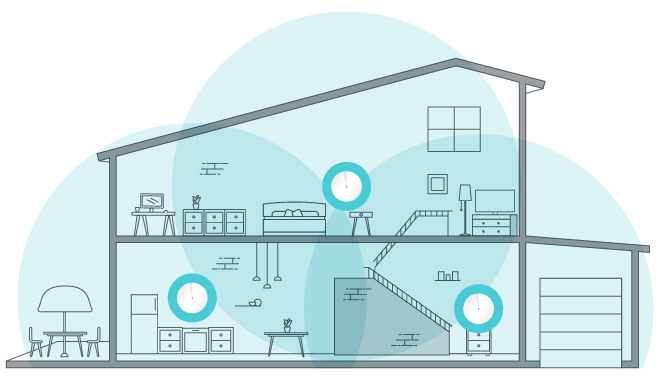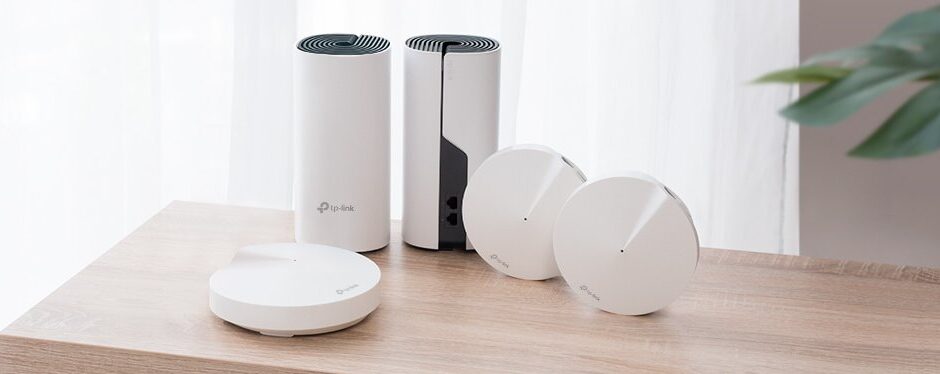
Let’s dive deeper into the details of TP-Link’s Deco mesh WiFi systems. These systems combine several access points under common management. We compare three hardware tiers, then consider the client and backhaul limits that determine whether an upgrade helps.
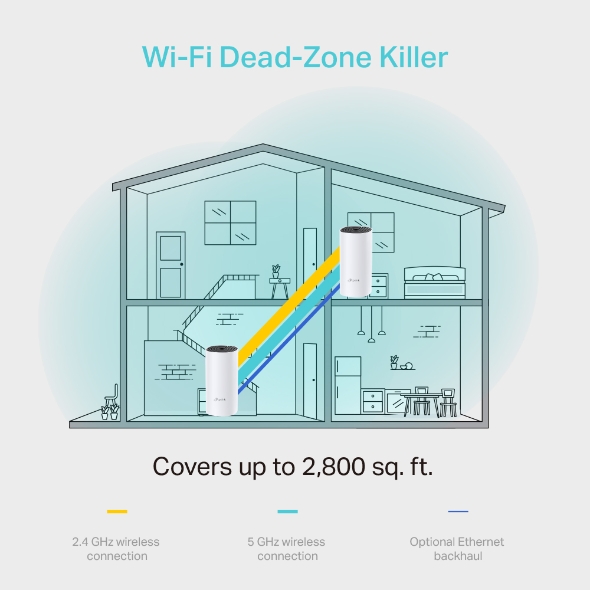
1. TP-Link Deco M4 (Budget Wi-Fi 5 Entry Point)
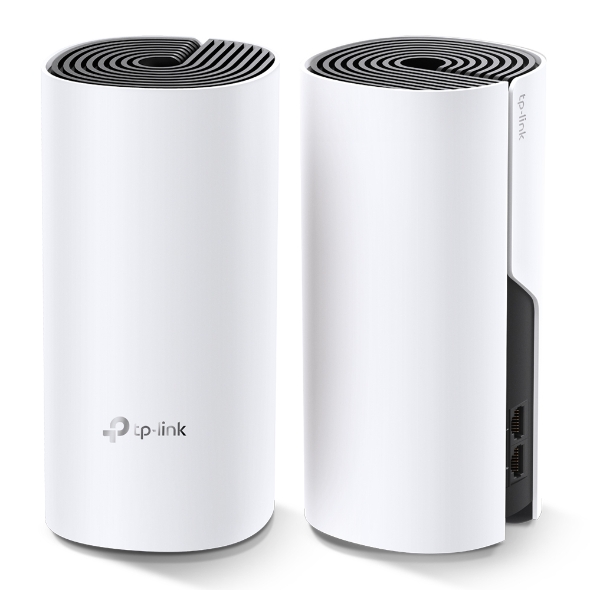
- Wi-Fi Standard: Wi-Fi 5 (802.11ac)
- Speed: Dual-band speeds up to AC1200
- Coverage: Suitable for 3-5 bedroom houses
- Ports: Two Gigabit ports per unit
- Smart Features: Works with Alexa and Google Assistant
- Ideal For: Budget-conscious users who need reliable coverage without breaking the bank
The M4 is a Wi-Fi 5 option with Gigabit wired connections. Its AC1200 label combines advertised rates from two bands; it does not promise a 1,200 Mbps download on one device. Consider it where the actual client workload and measured coverage fit its capabilities.
2. Deco X55 (Value)
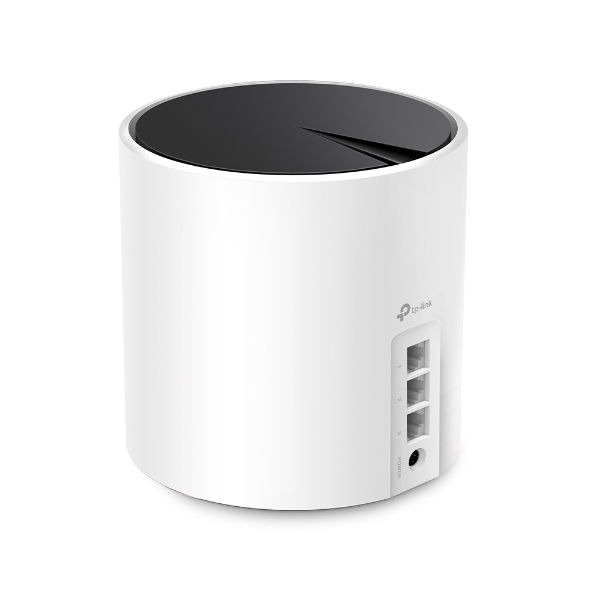
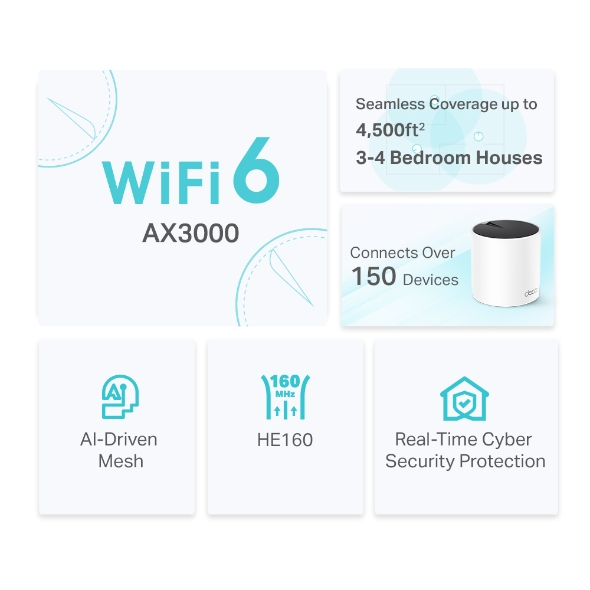
- Wi-Fi Standard: Wi-Fi 6 (802.11ax)
- Speed: Dual-band speeds up to AX3000
- Coverage: Suitable for 3-4 bedroom houses
- Ports: Three Gigabit ports per unit
- Smart Features: AI-driven mesh technology adapts to the network environment
- Ideal For: Users with compatible Wi-Fi 6 clients and a use for the additional wired port
X55 adds Wi-Fi 6 features, including OFDMA for compatible clients. Its built-in Ethernet ports remain Gigabit. A higher wireless link rate can be useful, but internet service, client capabilities and shared backhaul still limit an actual transfer.
3. Deco BE75 (Premium)
For the full list of features, please refer to our in-depth post on the TP Link Deco BE75.
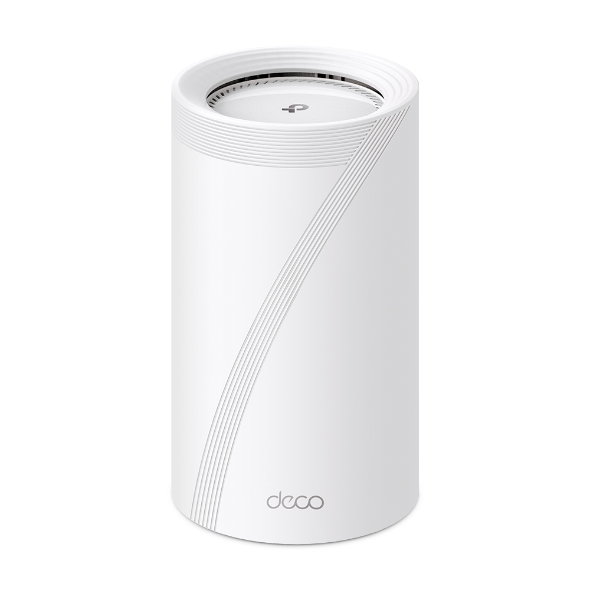
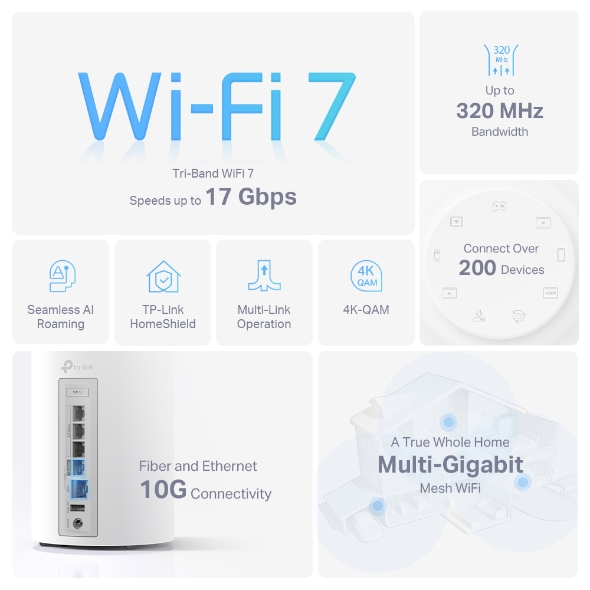
- Wi-Fi Standard: Wi-Fi 7 (802.11be)
- Speed: Tri-band speeds up to BE17000
- Coverage: Suitable for larger homes with more devices
- Ports: One 10 Gbps RJ45/SFP+ WAN/LAN combo port and three 2.5 Gbps WAN/LAN ports per unit
- Smart Features: HomeShield security features
- Ideal For: Power users, gamers, and households with heavy network demands
BE75 adds a 6 GHz radio and multi-gigabit wired connectivity. MLO and wider-channel benefits require compatible clients, supported firmware and regional availability. HomeShield includes basic and paid advanced features; it is not a guarantee against every security threat.
Full Technical Specifications: Deco M4 vs. Deco X55 vs. Deco BE75
To understand why these three TP-Link Deco systems sit in completely different performance tiers, compare the specifications below. The satellite-speed row retains claims from the original comparison: no reproducible test method or independent source has been established for those ranges. They are not TP-Link specifications, measured results or guaranteed throughput. Treat them as unverified claims, not buying targets. The remaining advertised radio specifications are separate from usable throughput. The M4, X55 and BE75 vendor pages are the references; match your exact regional revision.
| Specification | TP-Link Deco M4 (AC1200) | TP-Link Deco X55 (AX3000) | TP-Link Deco BE75 (BE17000) |
|---|---|---|---|
| Wi-Fi Generation | Wi-Fi 5 (IEEE 802.11ac) | Wi-Fi 6 (IEEE 802.11ax) | Wi-Fi 7 (IEEE 802.11be) |
| Radio Bands | Dual-Band (2.4 GHz + 5 GHz) | Dual-Band (2.4 GHz + 5 GHz) | Tri-Band (2.4 GHz + 5 GHz + 6 GHz) |
| 2.4 GHz PHY Rate | 300 Mbps (2x2 MIMO) | 574 Mbps (2x2 OFDMA) | 688 Mbps (2x2 4K-QAM) |
| 5 GHz PHY Rate | 867 Mbps (80 MHz, 2x2) | 2,402 Mbps (160 MHz HE160, 2x2) | 4,320 Mbps (240 MHz, 2x2) |
| 6 GHz PHY Rate | None | None | 11,520 Mbps (320 MHz, 4x4) |
| Wired Ethernet Ports (Per Node) | 2× 1 Gbps RJ45 (Auto-WAN/LAN) | 3× 1 Gbps RJ45 (Auto-WAN/LAN) | 1× 10 Gbps RJ45/SFP+ Combo + 3× 2.5 Gbps RJ45 |
| Multi-Link Operation (MLO) | No | No | Yes (Simultaneous 5 GHz + 6 GHz backhaul & client MLO) |
| Originally claimed satellite speeds (unverified) | 150 – 280 Mbps | 450 – 750 Mbps | 1,800 – 4,500+ Mbps |
| Recommended ISP Tier | Up to 250 Mbps | 300 Mbps – 1 Gbps | 1 Gbps – 10 Gbps Fiber + Multi-Gig NAS |
Why the Deco X55's 160 MHz Channel and 3 Ethernet Ports Matter
While the budget Deco M4 is limited to 80 MHz channel width on 5 GHz and only two Ethernet ports per unit, the Deco X55 doubles the 5 GHz channel width to 160 MHz (HE160). That single upgrade boosts the 5 GHz link rate from 867 Mbps to 2,402 Mbps, but the advertised radio-rate change is not a measured bedroom speed. Compatible clients and local channel rules also determine whether 160 MHz can be used. Adding a third Gigabit Ethernet port on every X55 unit also means you can wire both a desktop PC and a network switch or Apple TV to a satellite node without needing an extra switch.
Can You Mix and Match Different Deco Models on the Same Network?
The mixed-model guide confirms that Deco models can share a mesh network. Compatibility does not give an old node the radios or ports of a newer one. Use the app's model-priority guidance when choosing the main unit, especially when specialised backhaul features are involved.
The main unit affects the features shown in the app. A slower satellite still constrains the path through that satellite, and additional wireless hops consume airtime. An older node can remain useful for a low-demand area, but it is not guaranteed to have no effect on other traffic. Check the actual node association and backhaul after adding it.
Real-World Buying Guide: Which Deco Kit Should You Choose?
Choose from the connections you need to improve rather than fixed ISP-speed bands. A household with mostly older clients and satisfactory Gigabit paths may gain little from Wi-Fi 7. A home moving large files to local storage may benefit from multi-gigabit ports even when its internet plan is modest.
For X55, ask whether supported Wi-Fi 6 clients, an extra wired port or a better planned mesh arrangement addresses the problem. For BE75, identify which clients can use 6 GHz or MLO and which wired devices can use its faster ports. The 10GbE RJ45/SFP+ pair is a combo connection, not two independent simultaneous 10GbE ports.
Work Through One Household Plan
Imagine a household with video calls upstairs, a wired desktop downstairs and a NAS used for backups. List those three paths separately. Internet calls depend on ISP upload and latency as well as Wi-Fi; the desktop may benefit most from Ethernet; NAS transfers can be limited by storage or a switch even with a fast access point.
- Record the modem/ONT link, main-unit ports, switches and each satellite's backhaul. Note any Gigabit link in a desired multi-gigabit path.
- List the clients' Wi-Fi generations, bands and Ethernet interfaces. Do not count a feature that none of them supports.
- Measure one problem location using the same device and task before buying. Check whether relocating a node or adding cabling solves it.
- Compare equivalent pack sizes and include any switch, cables and service subscriptions. Bedroom labels from different pack sizes are not controlled coverage tests.
- After an upgrade, repeat the baseline and check the existing calls, printers and IoT devices. Keep recovery details until the new configuration is usable.
Mode, Support and Coverage Checks
If another router should keep routing, use Access Point mode and review the routing features that are unavailable there. If Deco is the router, confirm the upstream gateway and ISP requirements before changing NAT or bridge settings. Merely using the same SSID on an unrelated router does not make it part of the Deco mesh.
Place wireless satellites where they receive a workable upstream signal, then test the rooms beyond them. Client roaming decisions and walls still matter; neither an extra node nor a premium model guarantees uninterrupted calls in every room. A local-server transfer and an internet test can help separate mesh performance from the ISP connection.
Finally, check firmware availability and support for the exact revision before purchasing remaining stock. Use a strong account password, review guest access from a guest device and retain the original setup until the new network has been checked. This comparison provides a decision process, rather than validated satellite benchmarks or a claim that one model is the best value at every current price. The retained claimed-speed ranges above are unverified and should not determine a purchase.