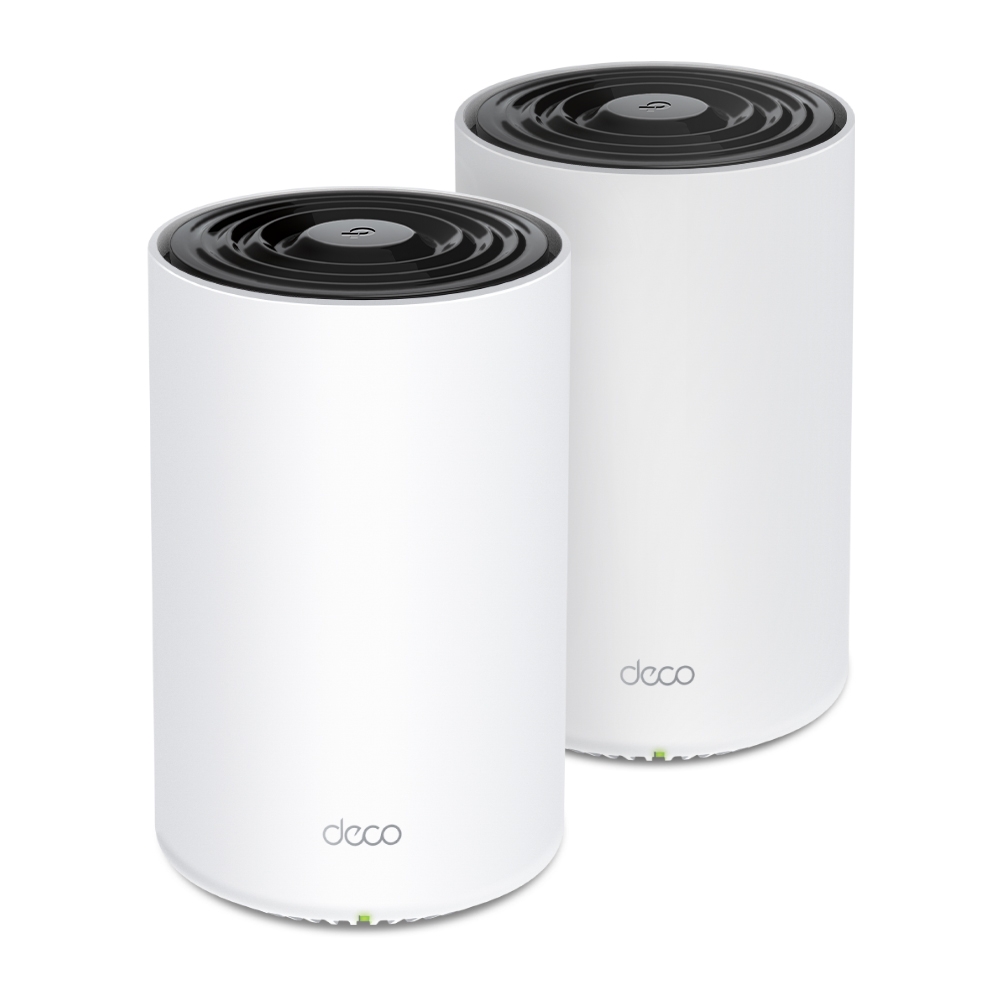
The TP-Link Deco PX50 combines dual-band Wi-Fi 6 with G.hn powerline backhaul. It can use existing electrical wiring to help connect compatible Deco units where walls make a wireless hop difficult. Powerline is an alternative path to test, not equivalent to installing a dedicated Ethernet cable.
What is Mesh WiFi and Why is it Great?
Imagine your home as a network of interconnected points, each radiating a WiFi signal. That's the basic idea behind a mesh WiFi system. Unlike traditional routers with a single access point, mesh systems consist of multiple units (called nodes) strategically placed around your house. These nodes work together to create a unified WiFi network, which can extend useful coverage when placement and the links between nodes are suitable.
Here's what makes mesh WiFi so great:
- Whole-Home Coverage: Additional nodes may improve weak rooms, but walls, interference and backhaul still limit coverage. A pack’s area estimate is not a guarantee for every house.
- Seamless Roaming: As you move around your house, the shared network name simplifies access, but the client decides when to roam with assistance from supported features. It may remain connected to a more distant node.
- Easy Setup and Management: Mesh systems are generally known for their user-friendly setup process and intuitive management apps.
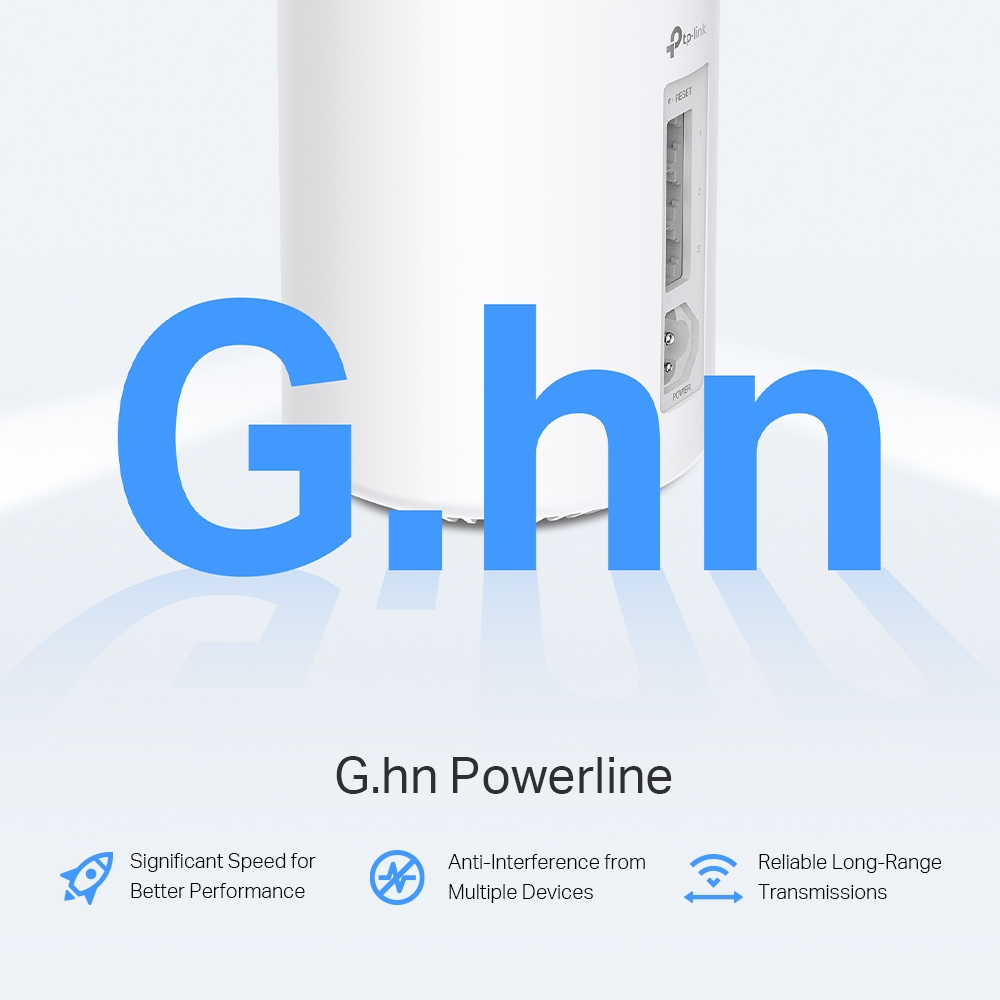
The TP-Link Deco PX50: Powerline Mesh WiFi for the Win
The TP-Link Deco PX50 takes mesh WiFi a step further by incorporating powerline technology. Here's what this powerhouse offers:
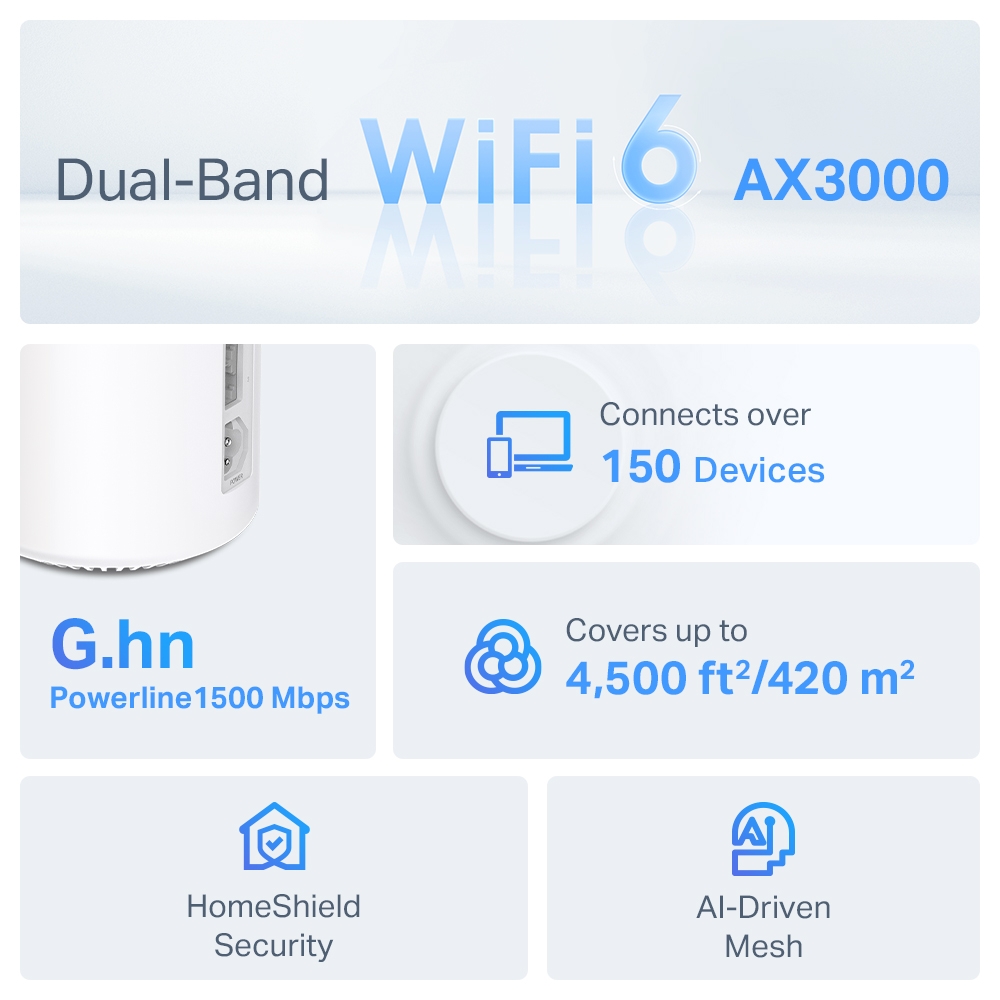
- Dual-band Wi-Fi 6: The AX3000 label combines advertised rates of 2,402 Mbps on 5 GHz and 574 Mbps on 2.4 GHz. It is not a single-client or internet throughput measurement.
- G.hn Powerline Integration: This innovative feature uses your home's electrical wiring to create a backhaul connection between Deco PX50 units. This is particularly beneficial for homes with thick walls or metal structures that can weaken traditional wireless connections.
- Extensive Coverage: TP-Link advertises up to 3,300, 4,500 and 6,500 square feet for its one-, two- and three-unit packs respectively. Attribute the estimate to the matching pack and test your rooms.
- Easy Management: Manage your network through the user-friendly Deco app, allowing you to see connected devices, set parental controls, and prioritize bandwidth.
TP-Link Deco PX50 Specs at a Glance:
| Feature | Specification |
|---|---|
| Wi-Fi Standard | Wi-Fi 6 (AX3000) |
| Vendor Coverage Estimate (1-pack) | Up to 3,300 sq. ft. (310 sq. m.); actual coverage varies |
| Ports (Per Unit) | 3 Gigabit Ethernet Ports |
| Backhaul Technology | Wi-Fi & G.hn Powerline |
Pros and Cons of the TP-Link Deco PX50
Pros:
- An additional backhaul path where suitable electrical wiring helps
- Easy setup and management
- Wi-Fi 6 radios with compatible-client requirements
- User-friendly app with parental controls
Cons:
- Compare the complete kit price and the cost of alternatives
- Powerline performance can be affected by electrical wiring quality
Where does the Deco PX50 Shine?
The PX50 may be useful where a wall weakens wireless backhaul and installing Ethernet is difficult. Check the powerline link at the actual outlets. A stable result in one house does not establish gaming or streaming performance in another.
What Makes the Deco PX50 Unique?
The combination of Wi-Fi 6, powerline technology, and user-friendly features makes the Deco PX50 a standout choice for those seeking a mesh option with both wireless and electrical-wiring paths. Check firmware support for the regional hardware revision before purchasing.
For more information visit TP-Link's official site: TP-Link Deco PX50
PX50, P9 and mixed powerline compatibility
The Deco P9 uses HomePlug AV-family powerline technology, while the PX50 uses G.hn. They can participate in a compatible Deco mesh arrangement, but their powerline chipsets do not form a shared PLC link. Combining product names does not combine these electrical-wiring standards.
TP-Link’s current PLC backhaul FAQ also says Deco units do not form a unified powerline backhaul with standalone adapters, even if those adapters use the same powerline protocol. Do not buy a generic G.hn adapter assuming it becomes another PX50 mesh node.
For a straightforward powerline setup, use a PX50 as the main Deco and another compatible PX50 on the same suitable electrical network. Verify the current instructions for the exact arrangement before mixing models. A non-powerline main Deco can change which backhaul features are available.
| Property | PX50 | P9 |
|---|---|---|
| Advertised Wi-Fi class | AX3000: 2,402 + 574 Mbps | AC1200: 867 + 300 Mbps |
| Powerline class | G.hn G1500 | HomePlug AV1000 |
| Ethernet ports | Three Gigabit ports | Two Gigabit ports |
| Shared PLC connection between these models | Not supported | |
The advertised 1,500 Mbps powerline rate is a physical link-rate class, not a guaranteed transfer speed. It also does not bypass a Gigabit Ethernet port. Do not add Wi-Fi and PLC marketing rates together to predict the speed of one file copy.
Choose outlets and test interference
Follow the manufacturer’s advice to plug units directly into suitable wall sockets. Power strips, extension cords and filters can weaken the signal. The size of that effect varies; an exact percentage cannot be promised for every installation.
Electrical topology, interference, breakers and different circuits can affect the result. Start with nearby suitable sockets to establish that the units can form a PLC connection, then move a satellite to the intended room. Keep the equipment on its normal electrical supply and follow the product’s installation instructions.
If a link becomes unreliable when an appliance runs, note the time and compare another suitable socket or location. Do not assume every charger or appliance creates the same interference. There is no need to modify a distribution board or install an unverified phase-coupling device as a routine troubleshooting step.
Verify the actual backhaul
In the Deco app, open the network map and select the satellite to inspect its upstream connection and PLC status. The exact presentation can vary with app and firmware versions. Confirm the reported path rather than relying on a particular lightning-bolt icon or assuming the power cord proves a working powerline link.
According to the current FAQ, Wi-Fi and PLC backhaul can work together when there is no Ethernet cable between units. When Ethernet backhaul is established, Ethernet takes over for that connection. The system does not simply add Ethernet, both wireless bands and powerline into one guaranteed four-path transfer.
Compare performance without confusing the limits
Establish a wired baseline at the main unit, then compare the same client at the satellite. A local transfer to a wired server can help evaluate the home path separately from ISP speed, but the server’s storage, client interface and Gigabit links also constrain that transfer.
Repeat the comparison during normal household activity and when the problem appliance is operating. Record the outlet, satellite, client band and reported backhaul. Change one variable at a time. If Ethernet is practical and gives a stable result, compare its installation cost with replacing the entire mesh kit.
The US PX50 listing currently marks that product End of Life. That regional listing should prompt a local support and firmware check, not an assumption that every existing unit stops working. Match support information to the hardware revision you own.
Choose the PX50 for a useful, verified powerline path rather than a promise that electrical wiring always defeats walls or produces the advertised rate. Its value depends on the outlets and workloads in your own home.


