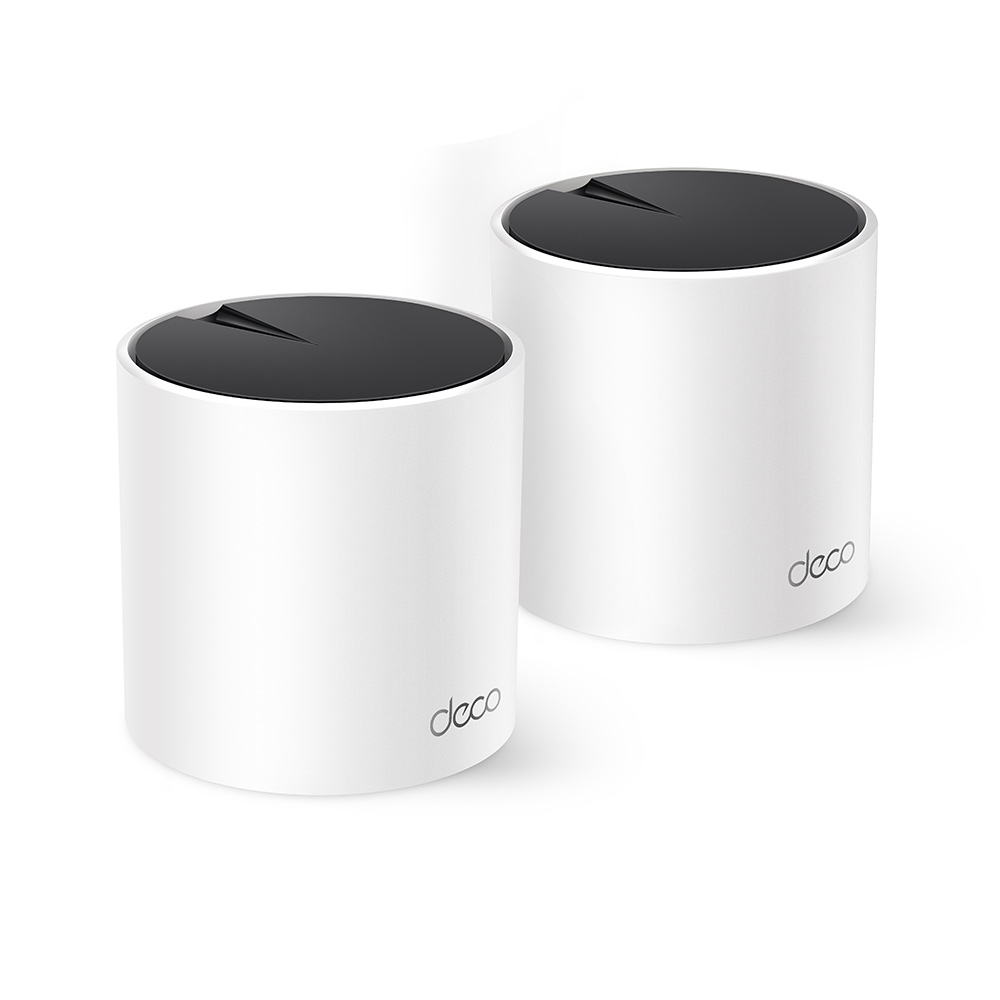
If you want broader Wi-Fi coverage with straightforward management, the TP-Link Deco X55 remains a great choice to consider. Its Wi-Fi 6 radios, three Ethernet ports per unit and app-based setup are the main reasons for our favourable assessment. Whether it is the best value for your home depends on local pricing, the hardware revision and the coverage problem you need to solve.
This is a features and buying guide. The advertised radio rates and coverage areas below are manufacturer specifications, rather than results from a hands-on speed test. Wi-Fi 6 is the generation used by the X55; it is no longer the newest Wi-Fi generation.
Features of the Deco X55
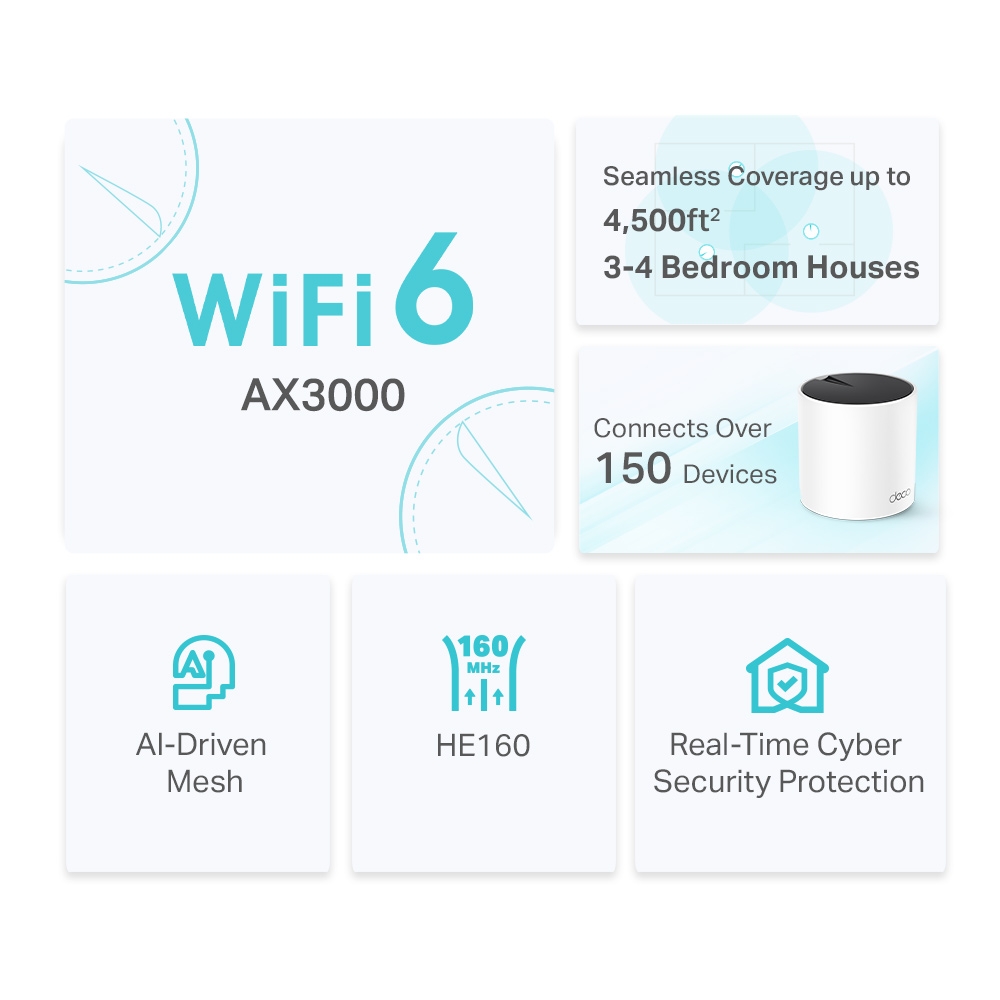
The X55 is a dual-band AX3000 mesh system using 2.4 GHz and 5 GHz. TP-Link advertises up to 4,500 square feet for a two-pack and 6,500 for a three-pack. Walls, floor construction, neighbouring networks, client radios and node placement affect the result. These figures are useful for understanding the intended product category, but they are not a promise of fast service throughout any house of that size.
- Wi-Fi 6: features include OFDMA, MU-MIMO and support for 160 MHz channels on 5 GHz. Their benefits depend on the capabilities of connected devices and the radio environment.
- AI-Driven Mesh: TP-Link uses this name for its adaptive mesh behaviour. Treat it as the manufacturer's feature description, rather than an independently measured guarantee that the system chooses the fastest path in every situation.
- One managed network: the Deco app handles setup, connected-device information and supported network settings. Compatible Deco models can be combined, although feature availability in a mixed system depends on the models and firmware.
- HomeShield: the service includes basic features and subscription options. Check the current plan and the features available on your exact hardware before relying on a particular protection or parental-control function.
Mesh can make moving between rooms more convenient, but the client still participates in the roaming decision. A phone is not guaranteed to switch to the nearest node immediately, and older clients may behave differently. Check the devices you actually use for calls or gaming instead of relying solely on the word seamless.
Verified Specifications and Revision Differences
The radio rating adds 2,402 Mbps on 5 GHz to 574 Mbps on 2.4 GHz, for 2,976 Mbps in total. AX3000 is the rounded product class. It does not mean a single ordinary client gets a 3 Gbps download, and the Ethernet ports are Gigabit rather than multi-gigabit.
| Specification | Published detail | Practical meaning |
|---|---|---|
| Wi-Fi bands | 2.4 GHz and 5 GHz; Wi-Fi 6 | No 6 GHz radio |
| Maximum signal rates | 574 Mbps + 2,402 Mbps, with HE160 on 5 GHz | Physical rates, not measured application throughput |
| Ethernet | Three Gigabit WAN/LAN auto-sensing ports per unit | Count ports used by internet access and wired backhaul |
| Operating modes | Router and Access Point | Gateway features depend on mode |
| Dimensions | 110 × 110 × 114 mm in the cited datasheets | Check shelf space and power access |
| Internal antennas | US V1: two; EU V3: three | Four streams does not mean four physical antennas |
| Power adapter output | US V1: 12 V, 1.5 A; EU V3: 12 V, 1.2 A | Use the supplied adapter for the actual unit |
| Security support | WPA2 and WPA3 are among the published options | Choose an appropriate supported mode for your clients |
The US V1 datasheet and EU V3 datasheet illustrate why the revision matters. Check the label and regional support page before downloading firmware. Processor, memory and Bluetooth claims are omitted here because the cited official specifications do not establish those values. The Deco app's current operating-system requirements should be checked in the relevant app store rather than assumed from an old minimum version.
Where 160 MHz Channels Help
HE160 gives a compatible client a higher potential link rate than an otherwise comparable 80 MHz connection. Both ends need suitable capabilities, and the negotiated rate also depends on signal quality and the selected channel. A device described simply as Wi-Fi 6 is not necessarily a 160 MHz client.
Wider channels occupy more spectrum, so they are not automatically better in every crowded environment. Regional restrictions and radar-related channel rules can affect availability. A displayed 2,402 Mbps link rate also includes wireless overhead; it is not a reliable prediction of a speed-test result or a guarantee of saturating a 1 Gbps internet plan.
The X55 has no separate third radio reserved for backhaul. Wireless client traffic and inter-node traffic can share available radio resources. Moving a satellite closer to a strong upstream connection or using Ethernet can be more useful than expecting the advertised channel width to solve a weak path through several walls.
Making the Three Ports Count
Three ports are a useful advantage when you want to connect nearby wired devices. On the main router node, the internet uplink occupies one, leaving two for LAN connections. A wireless satellite can use its three ports for clients; a satellite with an Ethernet uplink has two remaining. A daisy-chained unit using both an upstream and downstream cable has fewer spare ports again.
For Ethernet backhaul, TP-Link instructs users to add the units to the mesh wirelessly first, then connect the cables. In Router mode, satellite wiring belongs downstream of the main Deco's LAN connection, directly or through a switch. Access Point mode uses the existing router as the gateway and permits different wiring arrangements. Follow the documented topology rather than connecting multiple uplinks that create a loop.
An Ethernet connection to a wireless satellite still depends on that satellite's wireless uplink. It makes the final client connection wired, but does not make the entire route wired. Gigabit port capacity is also shared across traffic using that path.
Pros, Limits and Buying Checks
| Reason to consider it | Check before buying |
|---|---|
| Useful combination of Wi-Fi 6 and three ports | Gigabit ports limit a multi-gigabit wired path |
| Convenient app-managed mesh | Roaming and performance vary with clients and placement |
| Optional wired backhaul | Budget for cabling and any extra switch ports |
| HomeShield management features | Some services cost extra; gateway features disappear in AP mode |
If you keep your existing router, review TP-Link's Router versus Access Point feature comparison. Do not buy a subscription expecting Deco gateway QoS or parental controls to operate identically in AP mode. Check the exact model and software because the comparison itself notes feature differences between models.
During setup, start with the smallest sensible number of units. Place wireless satellites where they can still hear a useful upstream signal, then test the rooms that matter. Compare a wired client at the main node with the same wireless client near each satellite, and record latency, stability and transfer performance. Those checks reveal whether the problem is the mesh path, the client or the internet connection.
Conclusion
The Deco X55 remains a strong value candidate for a household seeking an easy Wi-Fi 6 upgrade and convenient wired connections. That favourable verdict works best when paired with realistic expectations: verify the local revision, subscription features, port limits and placement options. Pay for the capabilities your home can use rather than treating AX3000 or a coverage figure as a guaranteed result.
See TP-Link's X55 specifications and Apple's explanation of client roaming for supporting detail.


